
Creative Career Growth Visualization
por Angela Boyle @angelabcomics
- 54
- 1
- 0
Introduction
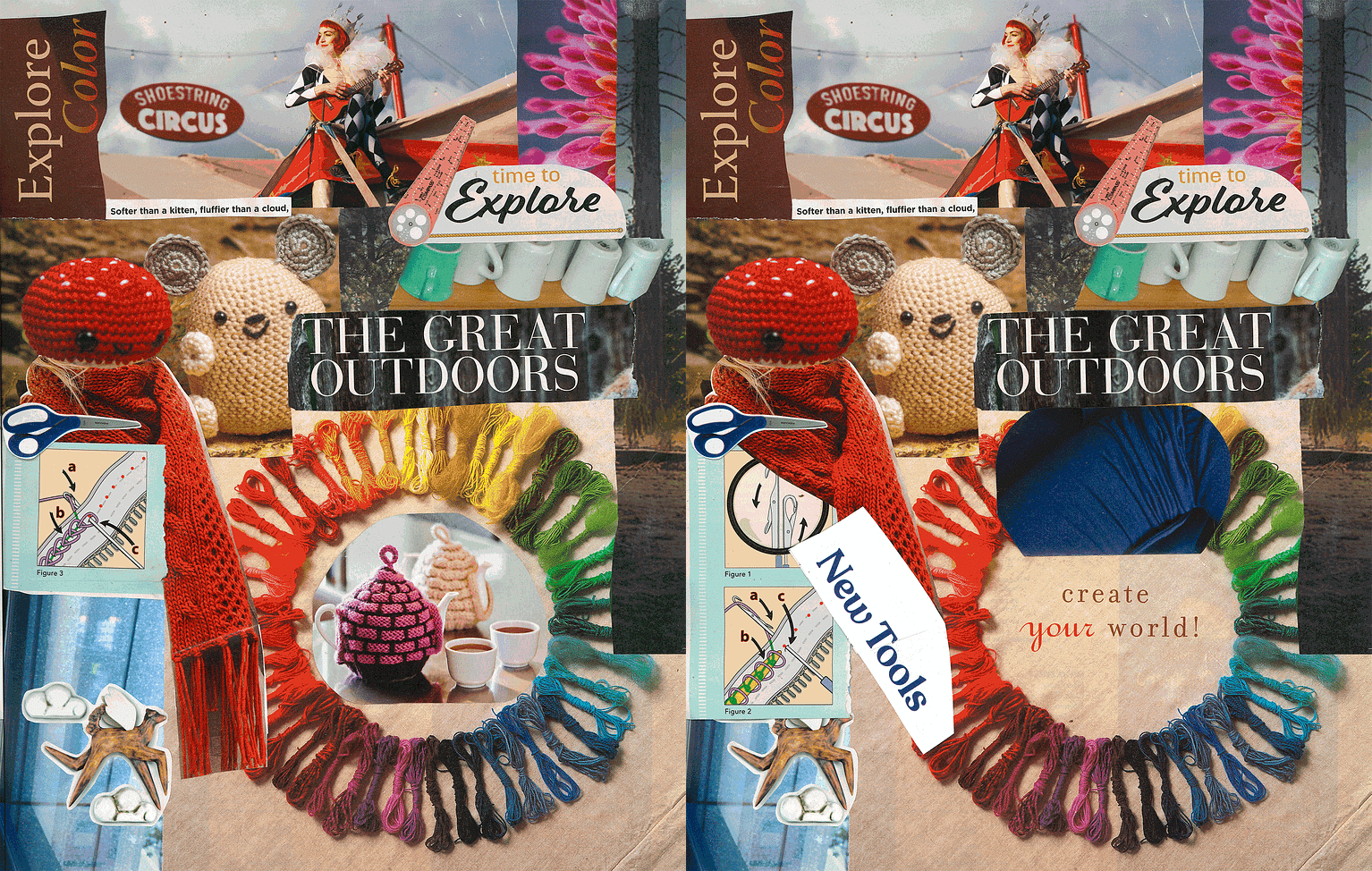
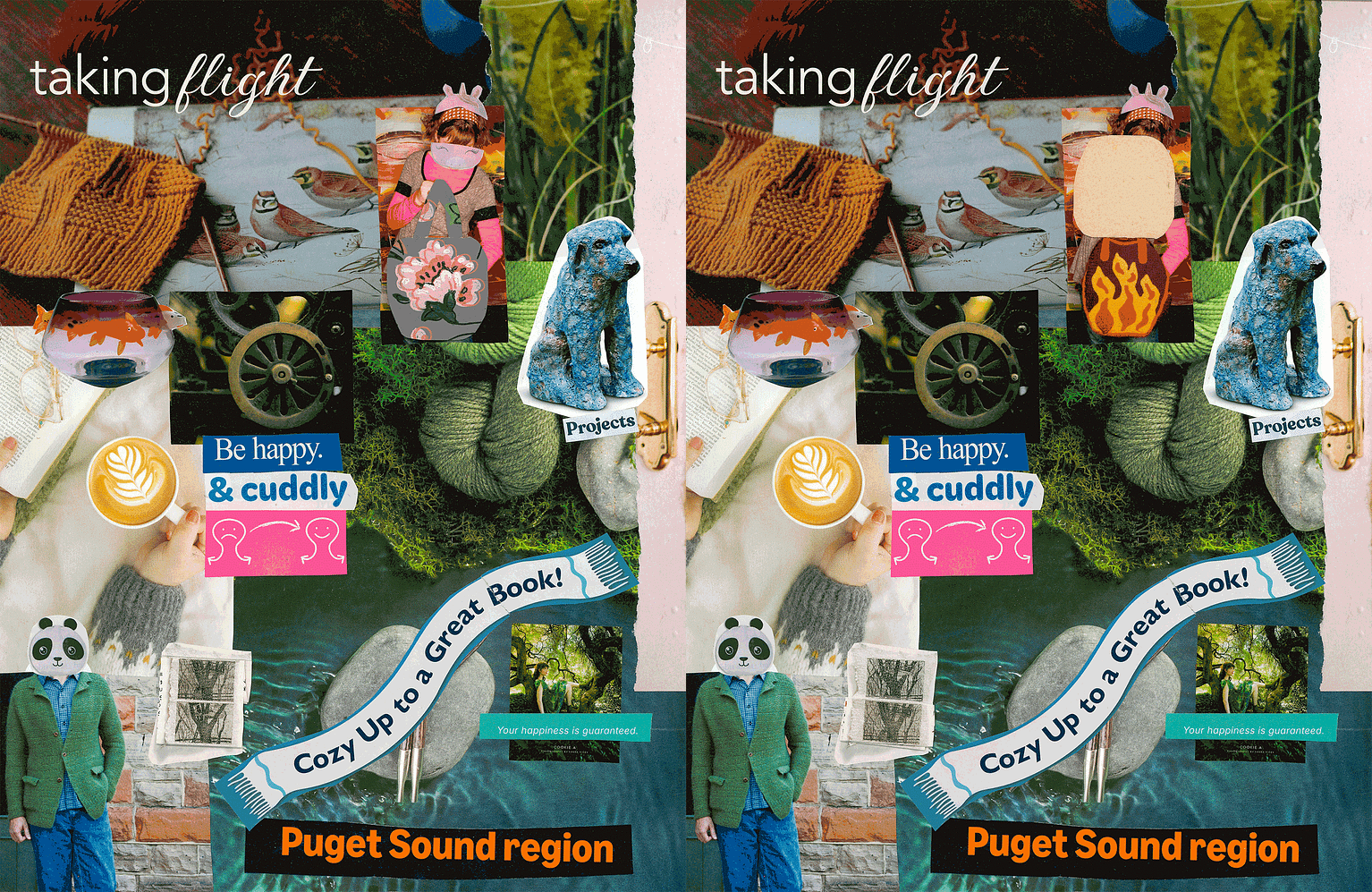
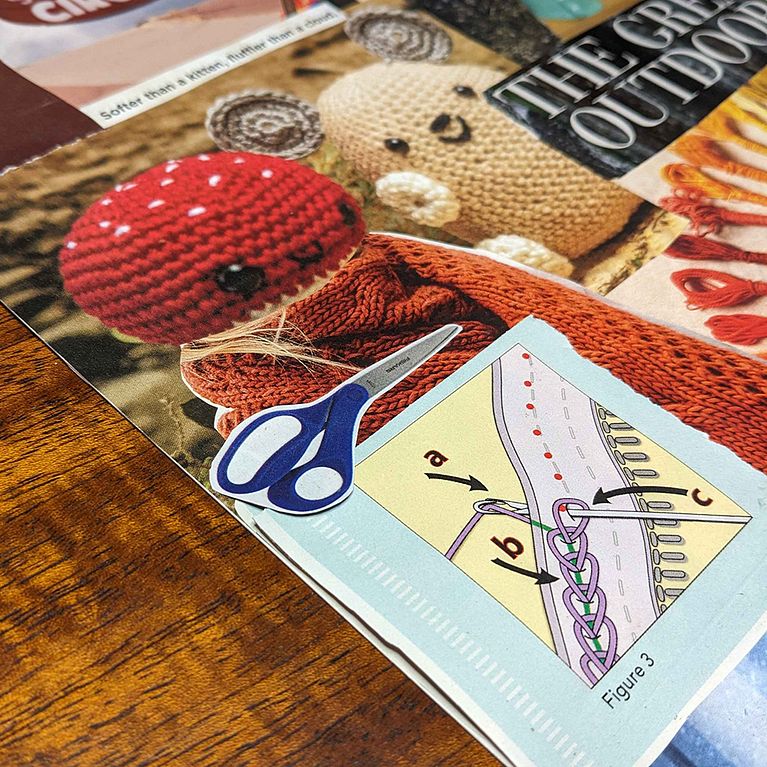
This final project for Creative Career Growth from Magic Jungle was surprisingly eye opening for me. I had been playing with collage recently anyway, so I had lots of preclipped images to choose from. The images I chose reflect my silliness, and my love of nature and crafts. I had pulled images from my alum magazine (University of Washington), a Knit Picks catalog, some catalog that was mistakenly delivered to my house, and a huge pile of my old Interweave Knits magazines. I searched through my clippings for words that embodied what I want to be doing: explore, outdoors, create, world, book, happy, projects. And some words are more about the ideas they embody reflecting my own ideals: "Puget Sound region" (where I am based), "taking flight" (as in trying new things, looking at things from new perspectives), and "shoestring circus" (reflecting the madness of the one-person show for creating a whole magazine). In particular, I like the silliness and the sentiment behind: " Softer than a kitten, fluffier than a cloud."
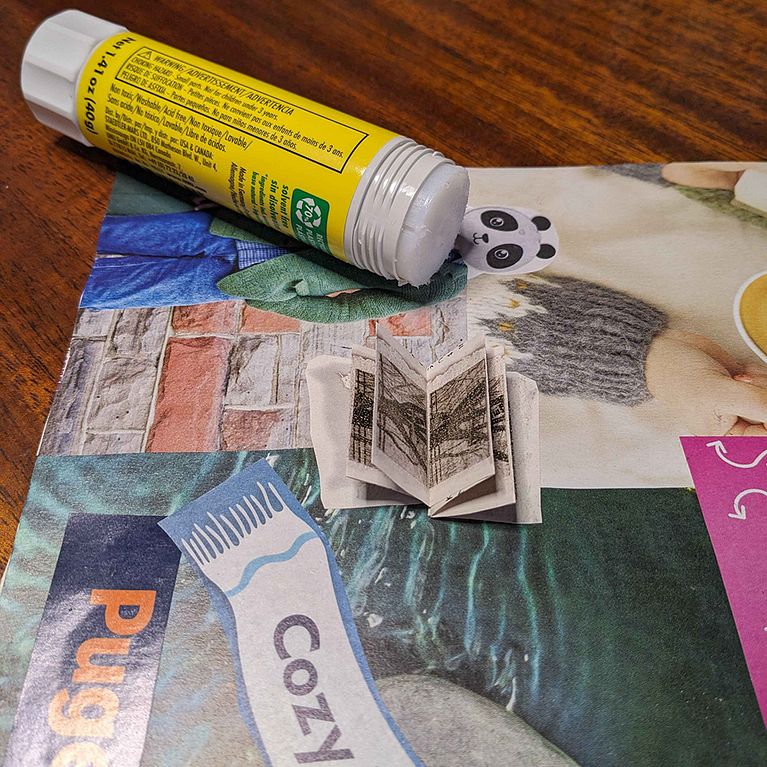
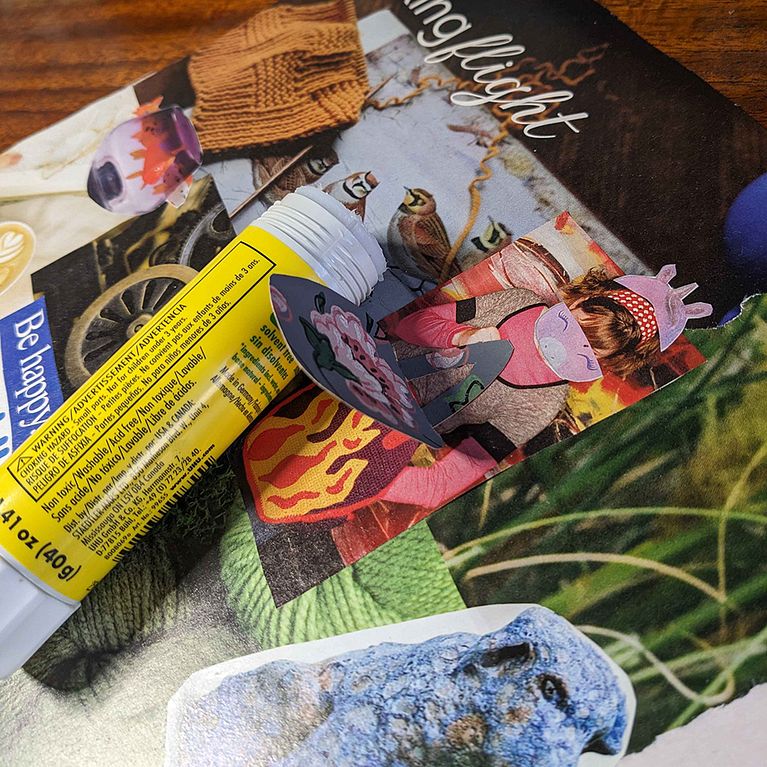
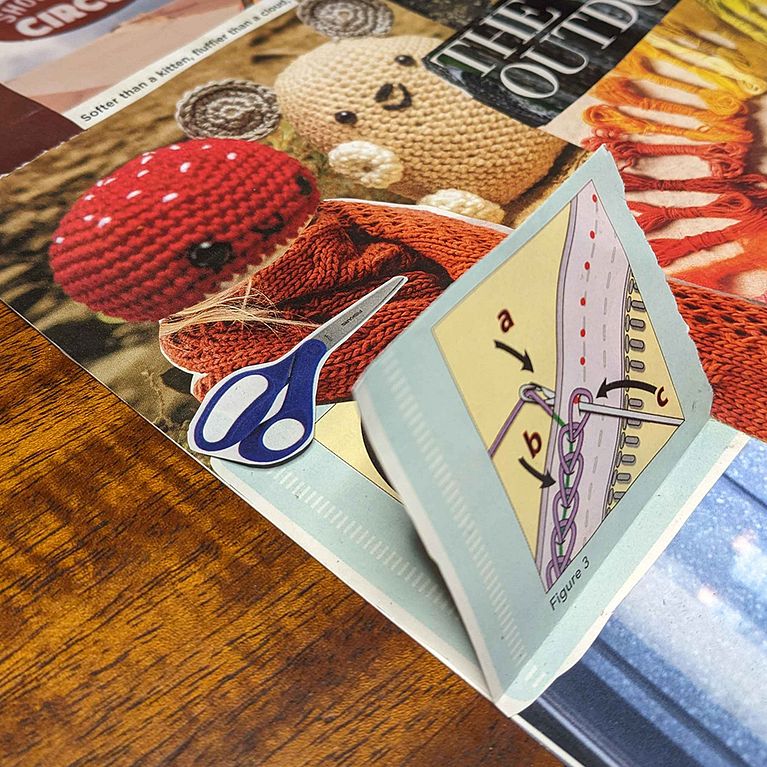
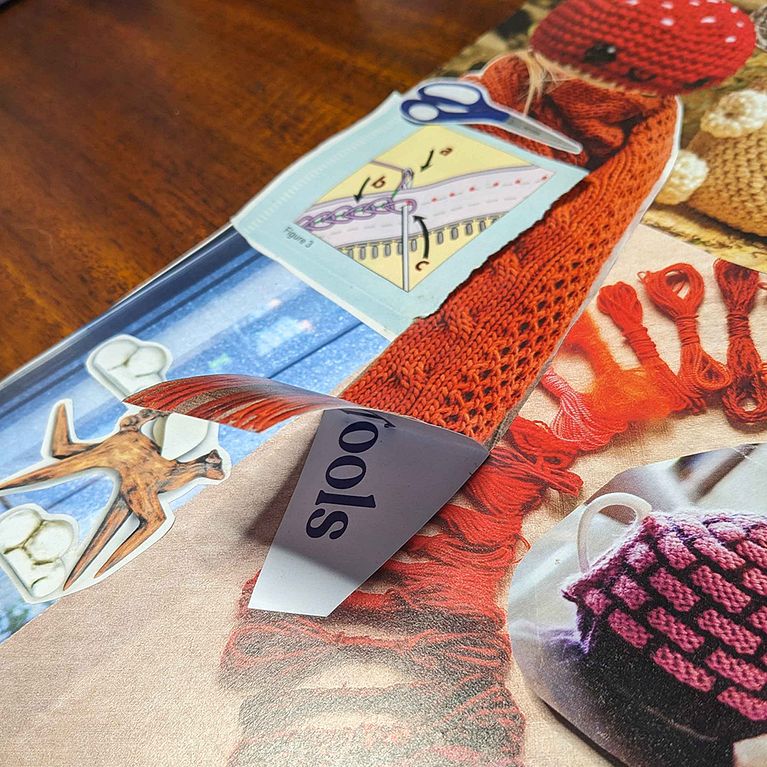
And because I am very into multi-layer surprises, I decided to include interactive bits, too. These animated gifs show the changes. In the first image, you can life the scarf to reveal "new tools." Lift the tea pots and cups to reveal "create your world." And since I have a background as a technical writer and like to bring that humorously to my work, there is a three-figure flap of instructions on . . . I think how to attach a zipper? The second image has a fancy purse made from an old old old wallpaper sample as a flap that opens to reveal the original purse, hand knit and flaming. And a little booklet appears that has three or four spreads made from a multi section image.
Supplies
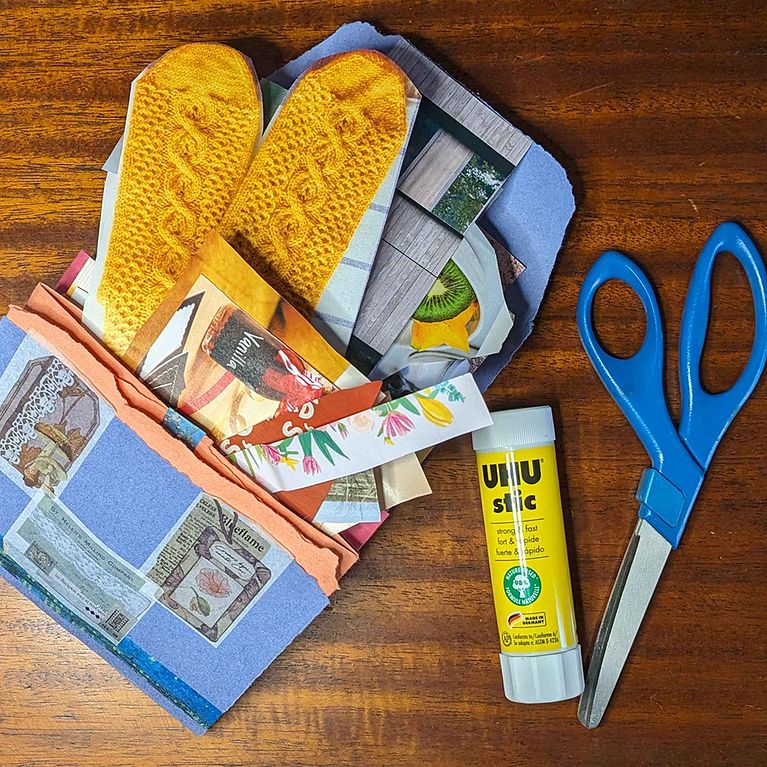
My substrate is an 11x14 sheet of hot-press watercolor paper. I glued the pieces on using an Uhu stick, and cut them with Fiskars easy-action micro-tip shears.
Step 1: The Clippening
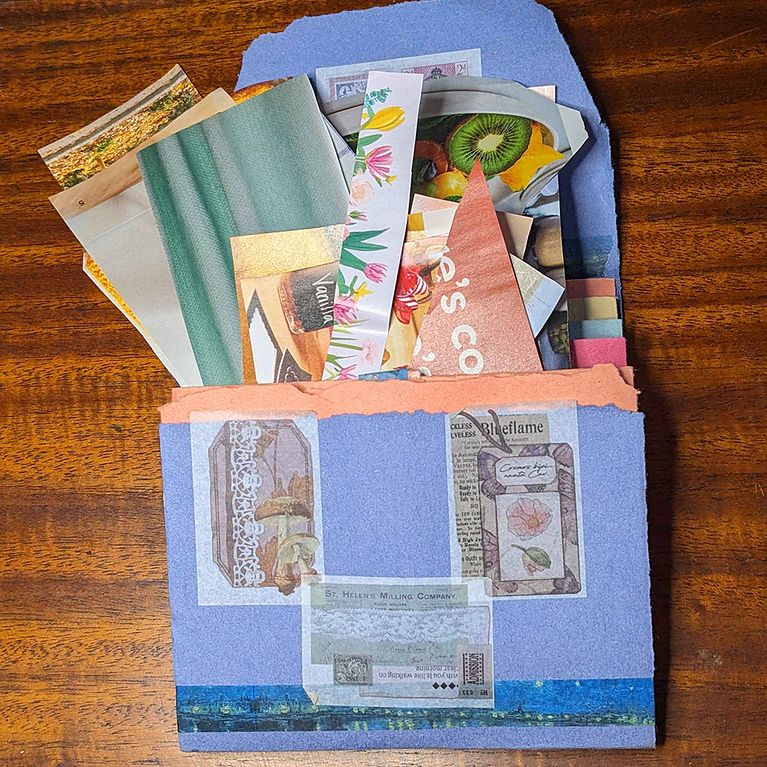
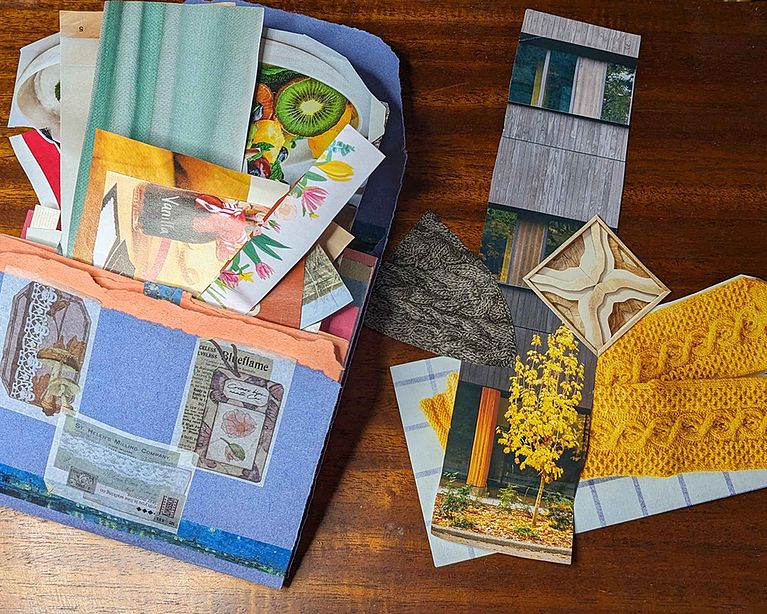
Before taking this course, I had already clipped many (many many) interesting images and words from many different sources as listed above. I had them loosely organized under image, word, frame, etc. I still don't have a great organization system for them. But it is enough I can have a reasonable amount to sort through when looking for a type of clipping.
Step 2: Searching and Sorting
I dumbed each collection of clippings into a tin and slowly went through each, putting the pieces that sang to me in a pile and returning the rest to their original home. This was very fun and, as with any good brain storm, included no editing. Just accepting.
Step 3: Aligning, Layering, Making the Hard Decisions
I started big and worked my way down. There were a few smaller pieces I knew I had to include but for layout purposes, I figured out how large pieces would cover most of the background, then which smaller pieces fit with those larger pieces. And more important, which clippings I had selected would cover up parts of the larger images I had selected that did not fit my goal.
Step 4: The Terrifying Glue Stick
Once I had one side laid out, I took a picture. Then I placed a piece of cardboard on top and flipped it all over. Between the reverse being maintained and the picture I took, I cobbled back together the image. And I tore only one piece! Can you find it in the animated images?
And then, I did it all over again with the other side of the paper.


0 comentarios
Entra o únete Gratis para comentar