Nicolae: The Geometry of Heritage
Nicolae: The Geometry of Heritage
by Nicolae Andrei @nicolae_andrei
- 330
- 26
- 2
Introduction
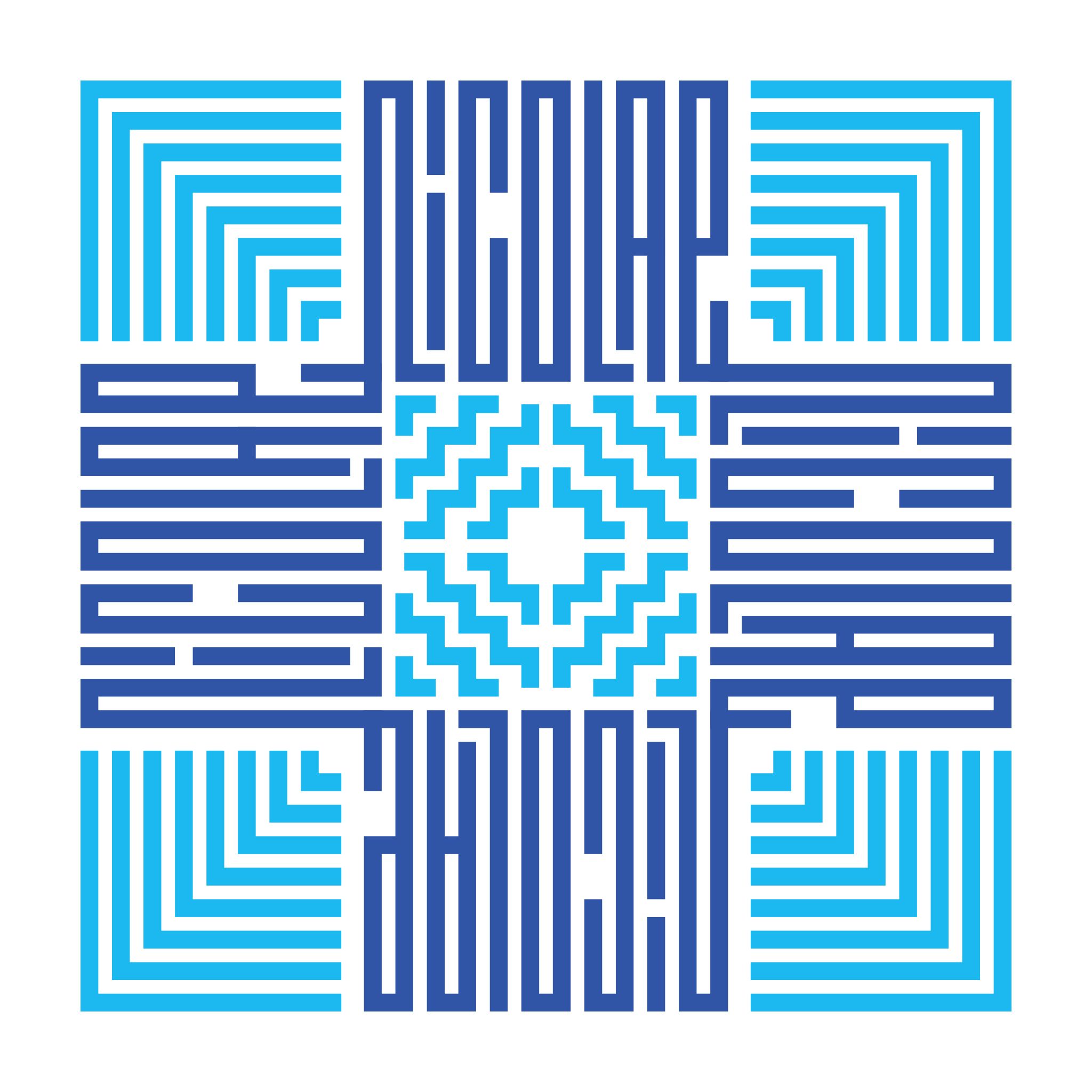
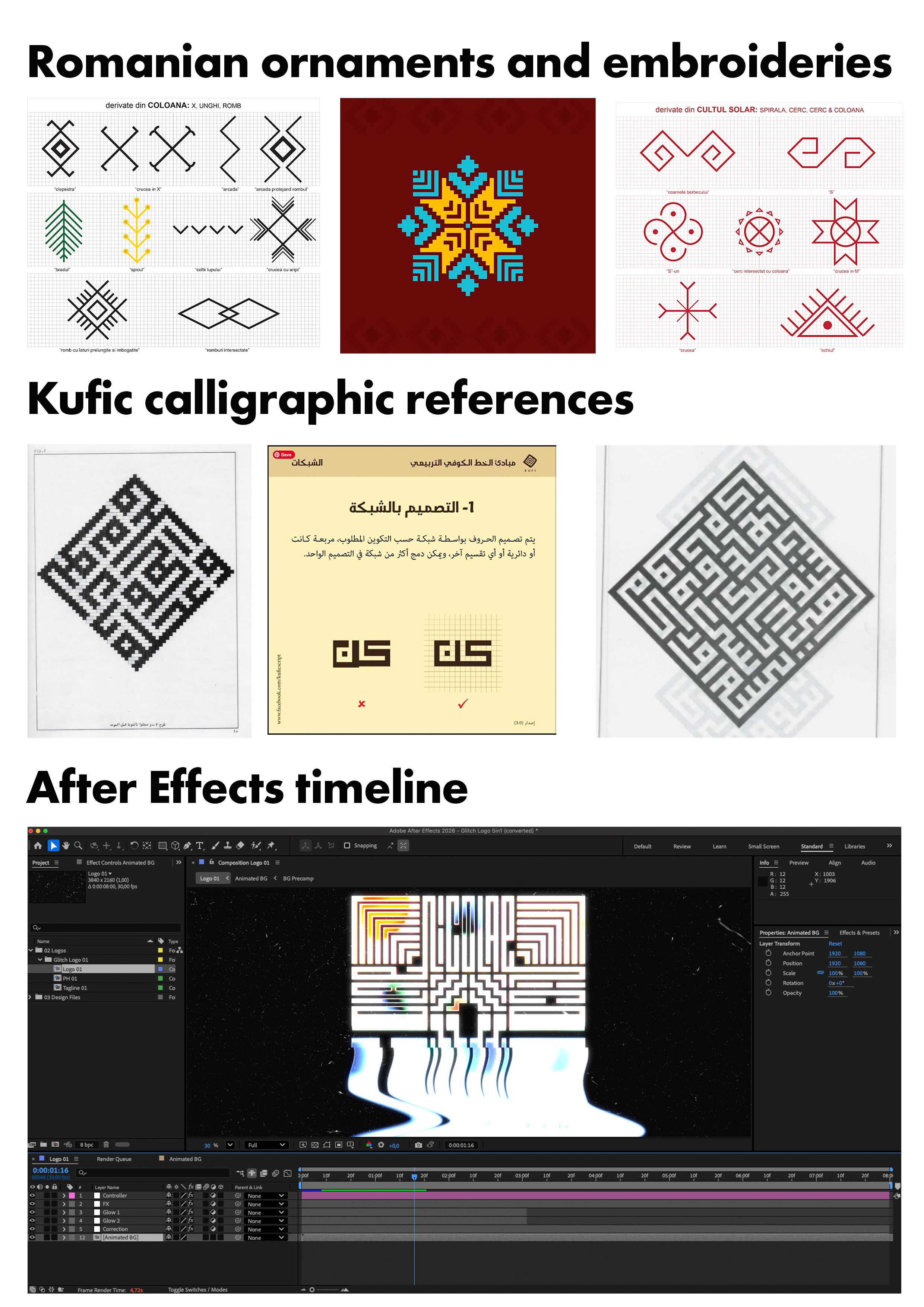
"Nicolae: The Geometry of Heritage" I created this lettering piece to transform my name, Nicolae, into a symmetrical emblem. My goal was to synthesize two distinct cultural identities: the geometric precision of square Kufic calligraphy (discovered during my travels in Istanbul) and the traditional ornaments found in Romanian culture and embroidery. This work is my personal vision of how these tho worlds merge.

Supplies
For this project, I used a hybrid workflow:
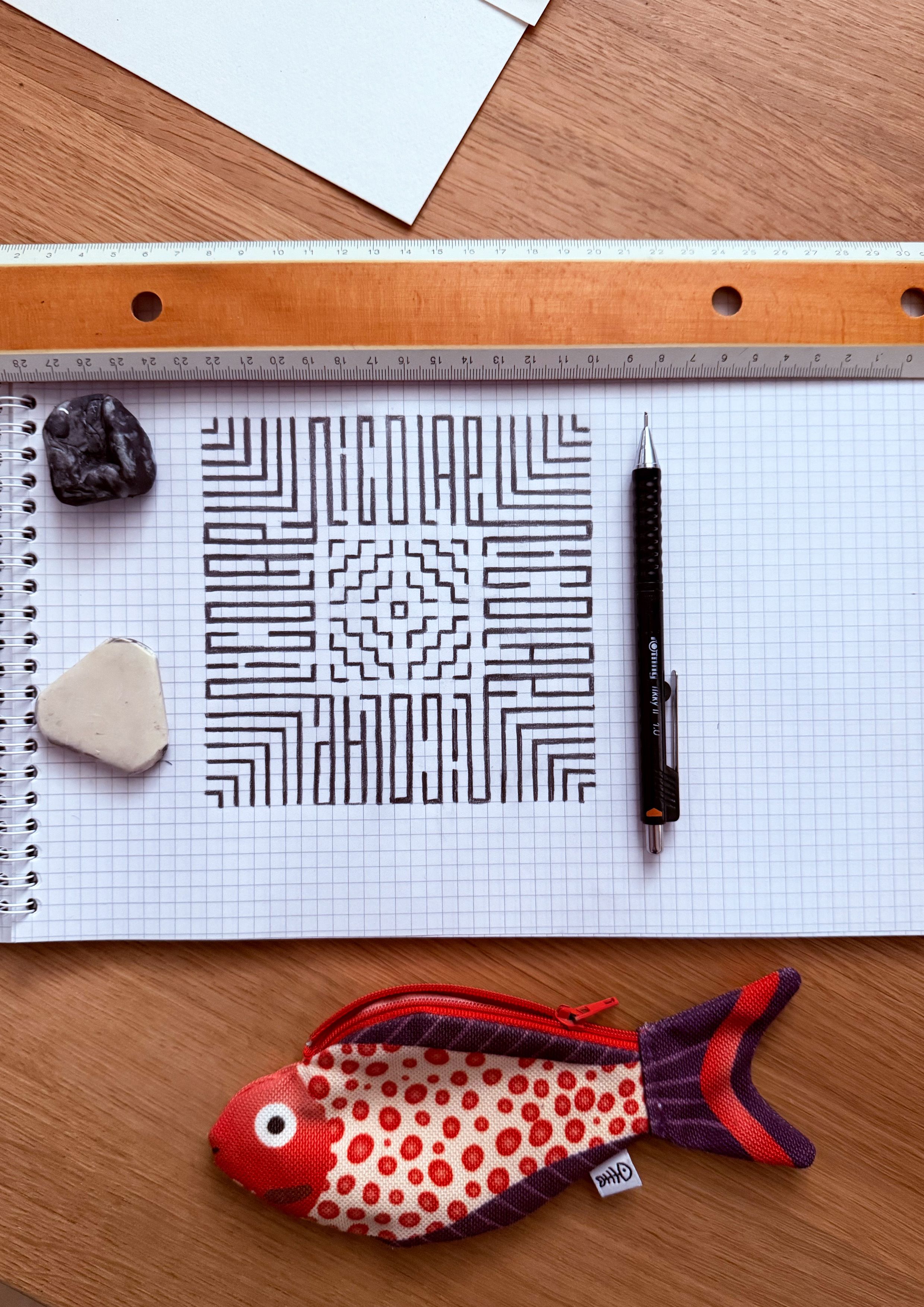
- Analog: Rotring Tikky II 1.0 mm, eraser, kneaded eraser, and a ruler for structural exploration on grid paper.
- Digital: Adobe Illustrator 2026 for precise vector drafting and grid construction.
- Motion: Adobe After Effects 2026 to animate the final project.
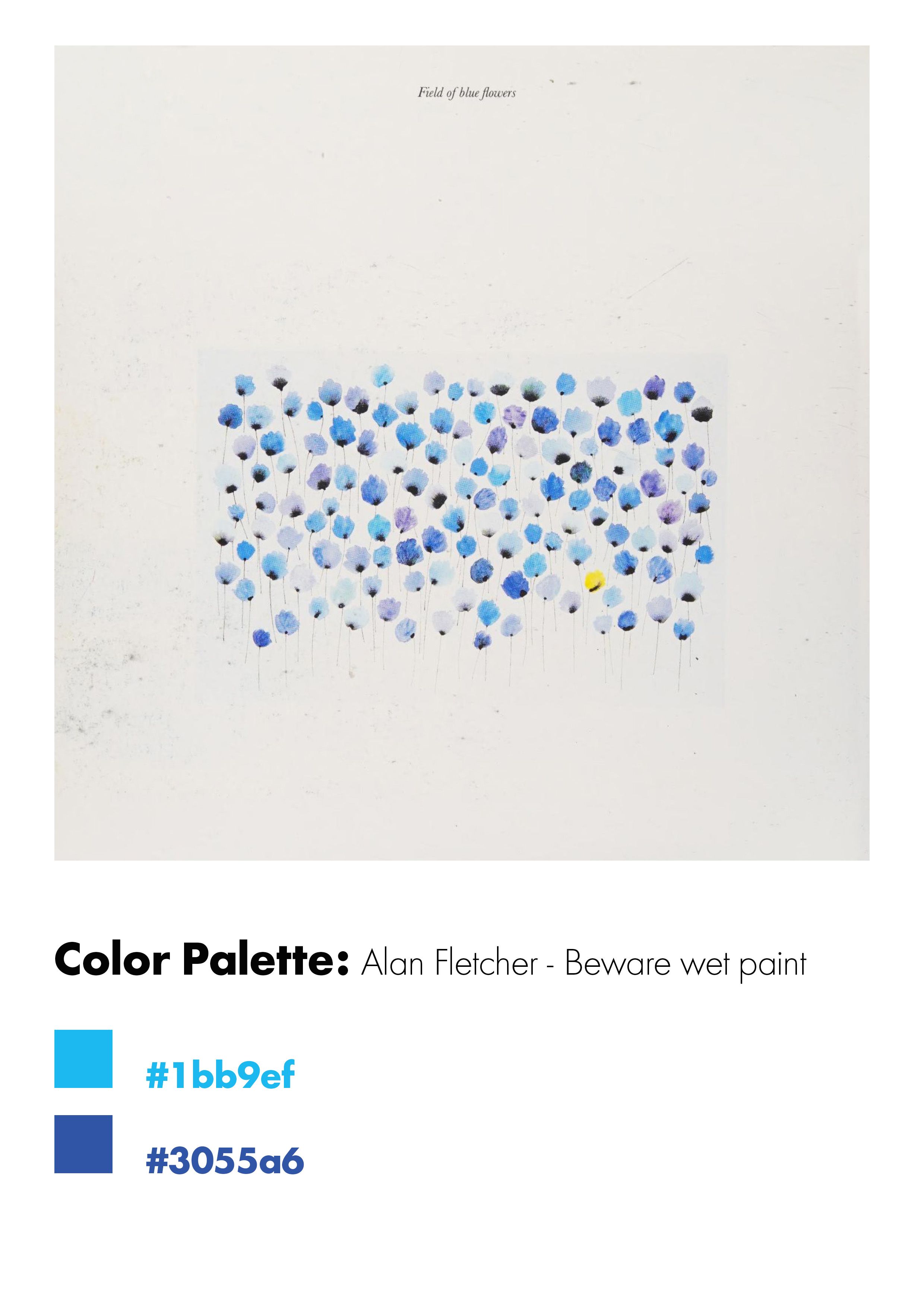
- Color Inspiration : Alan Fletcher's "Field of blue flowers" for the color palette.
Step 1: Conceptualization & Analog Sketches
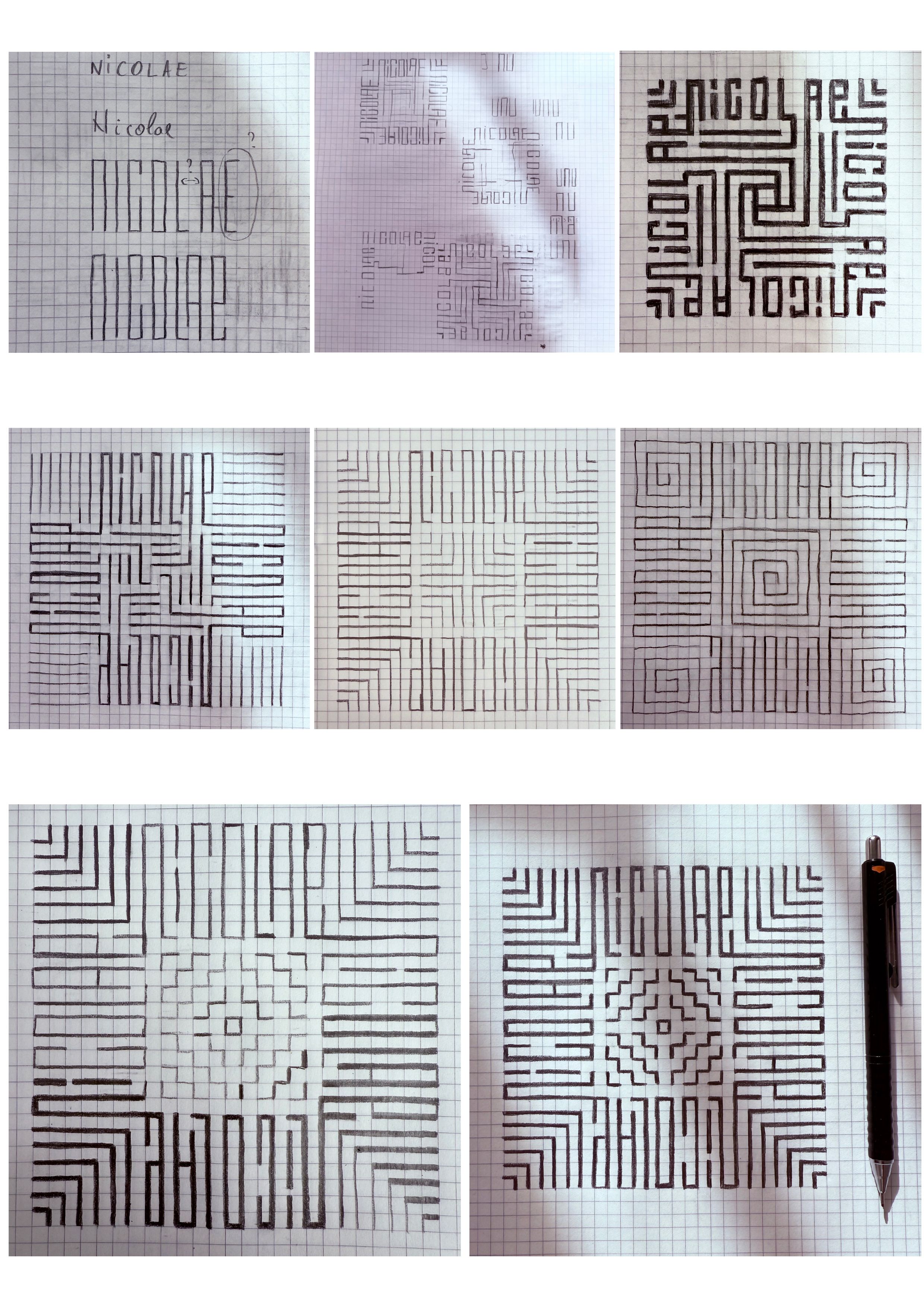
Phase 1: Finding the Rhythm on Paper.
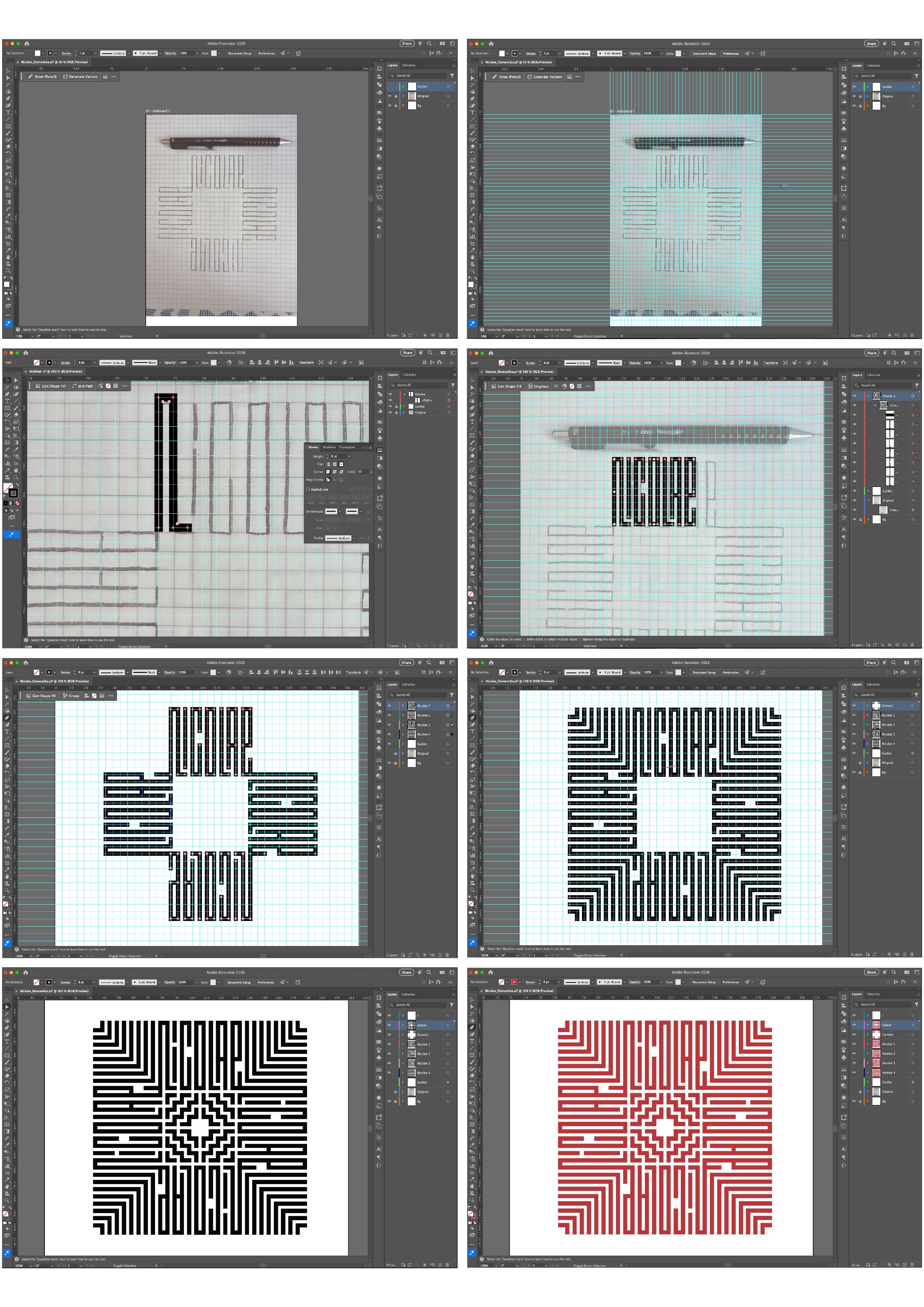
I began by analyzing the letters of my name to find a common geometric denominator. I experimented with the 90-degree angle of Kufic script, ensuring the stroke weight felt consistent with Romanian folk motifs. The sketches show the evolution from rough letters to a balanced, mirrored composition.
Step 2: Digital Drafting & Grid Construction
Phase 2: Vectorizing the project in Illustrator
In Illustrator, I used a custom grid to translate the sketch into perfect Bézier curves. I organized the artboard into layers:
- Background
- Original (where I placed the original image)
- Guides (for aligning the grids)
- Nicolae 1-4 (where I drew the name with the pen tool)
- Corners (the corners elements)
- Center (the central elements)
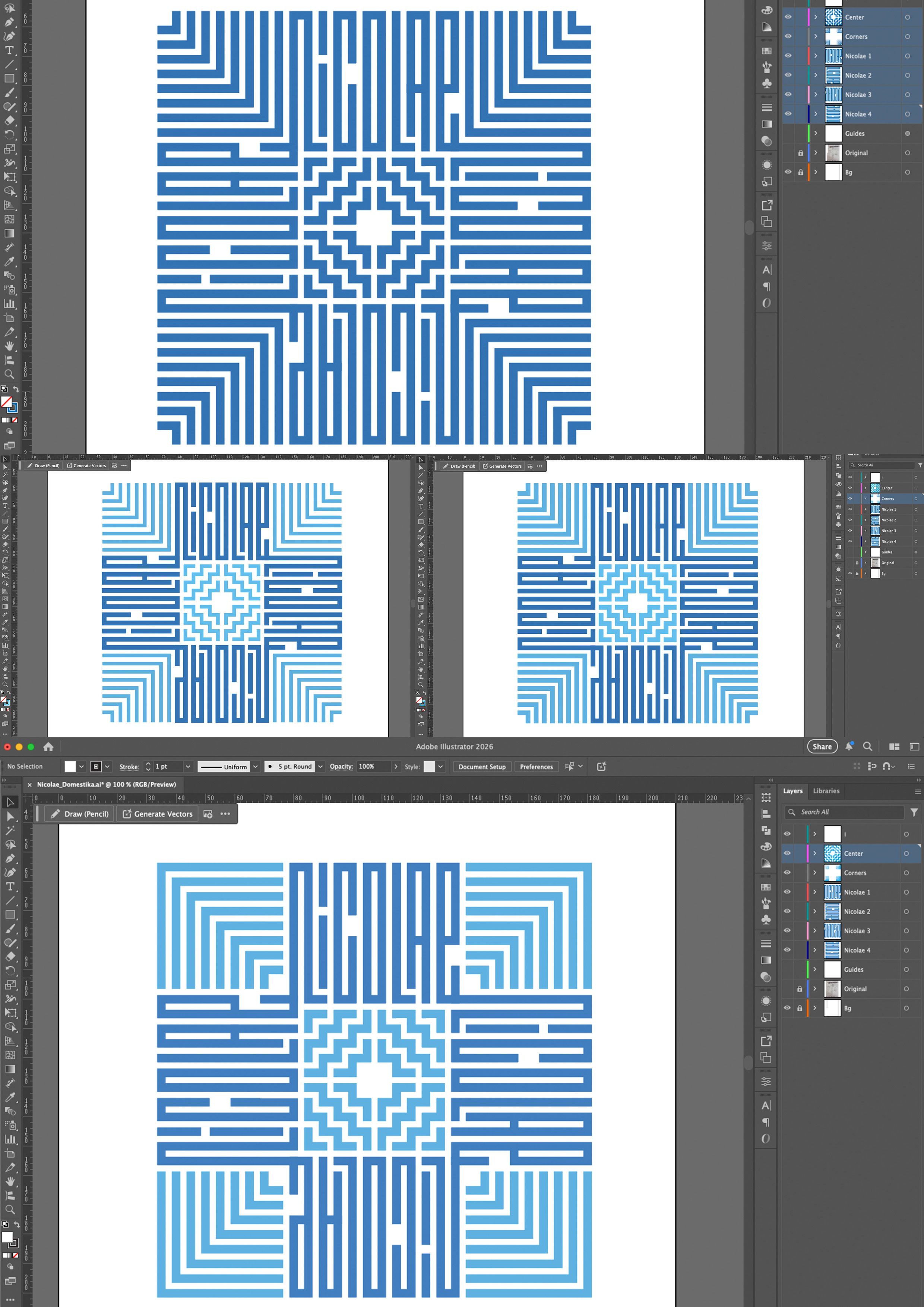
- Colors (for testing color variations).
I tried several orientations and thicknesses for the center and corner ornaments. After trying different colors, I chose the final version. This phase focused on achieving perfect spacing and kerning.
Step 3: Color, Motion & Final Refinement
Phase 3 :Bringing the letters to life
The final stage involved testing color palettes for maximum impact and moving to After Effects for the motion reveal. I ensured that the symmetry was preserved throughout the animation.
Step 4: Pro-Tip for Type Enthusiasts
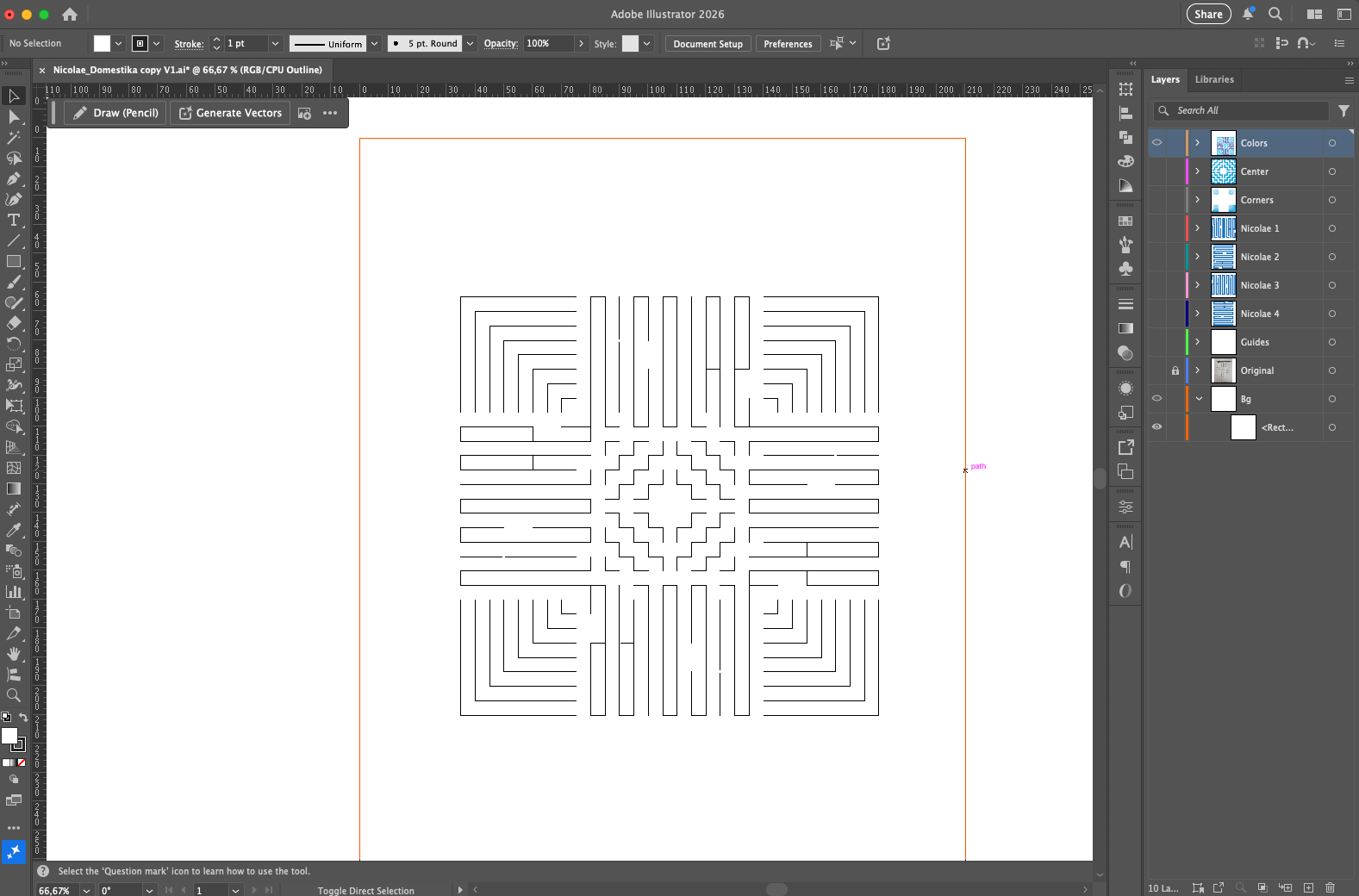
My Trick: When designing symmetrical lettering, always check your work in black and white first. Use the 'Reflect' tool in Illustrator to ensure mathematical perfection, but perform an 'optical check' by rotating your screen to see if the visual weight feels balanced from every angle.


2 comments
That’s so beautiful
@aa_tkdsb
Thanks!
Log in or join for Free to comment