Design, Development, and Launch of a Website
A course by Javier Usobiaga FerrerWeb designer
A course by Javier Usobiaga Ferrer, Web designer

Learn the complete process behind creating and publishing a website using HTML, CSS, and JavaScript
In web design, a good interface is able to mirror and satisfy how the human brain reacts. This means that there’s a hidden designer in every one of us—perhaps in need of awakening—that is capable of seeing something that works, and know that there’s a certain harmony to it, without being able to describe it. If you want to learn the web design principles and activate your inner designer, you’ve come to the right place.
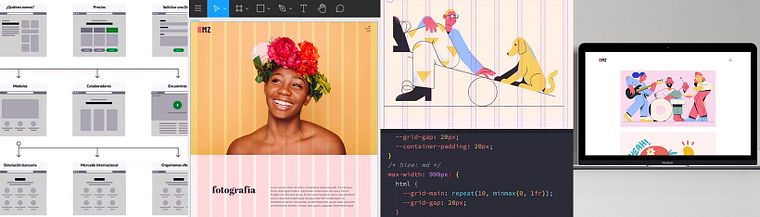
In this course, you’ll discover the two aspects involved in creating a website: the basic techniques to plan and organize the information in wireframes, as well as the creation of a visual grammar using typography, color palettes, spacing, composition, and illustration. Then, you’ll delve into the construction of your page using HTML, CSS, and JavaScript, until it’s ready to be launched online.
Your guide throughout this process will be Javier Usobiaga, web designer and founder of the Swwweet design studio, and teacher of many courses on Domestika, namely: SVG Vectorial Graphics: Illustrate and Animate with Code, Web Layout with CSS Grid, Flexbox and other Modern Techniques, Introduction to JavaScript Programming, and Introduction to Responsive Web Development with HTML and CSS, which will also be useful as an add-on to your newfound skills from this course.
What will you learn in this online course?
27 lessons & 33 downloads
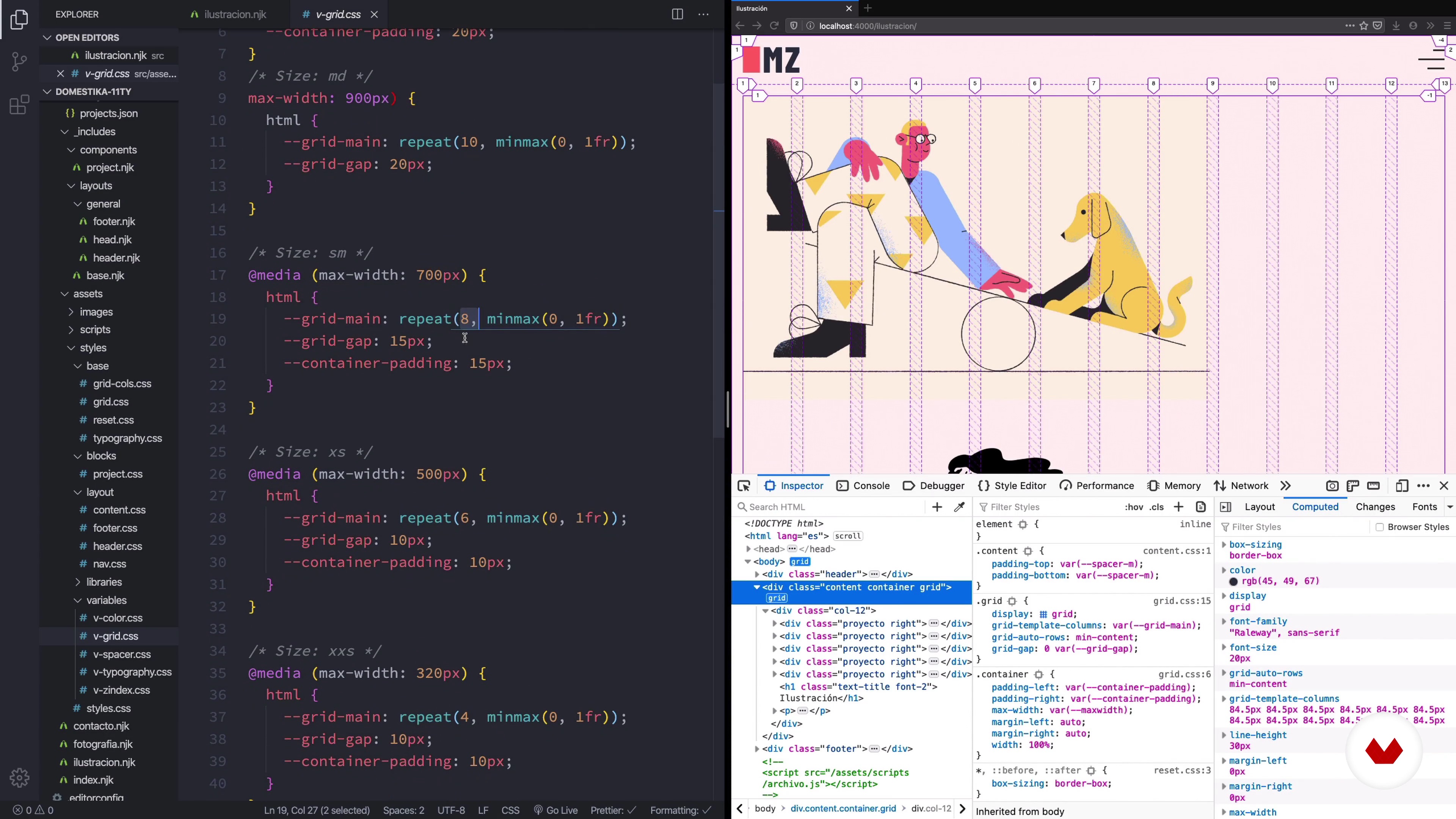
What will we do in the course?
1 minute, 12 seconds

Design objectives, framework and references
6 minutes, 50 seconds
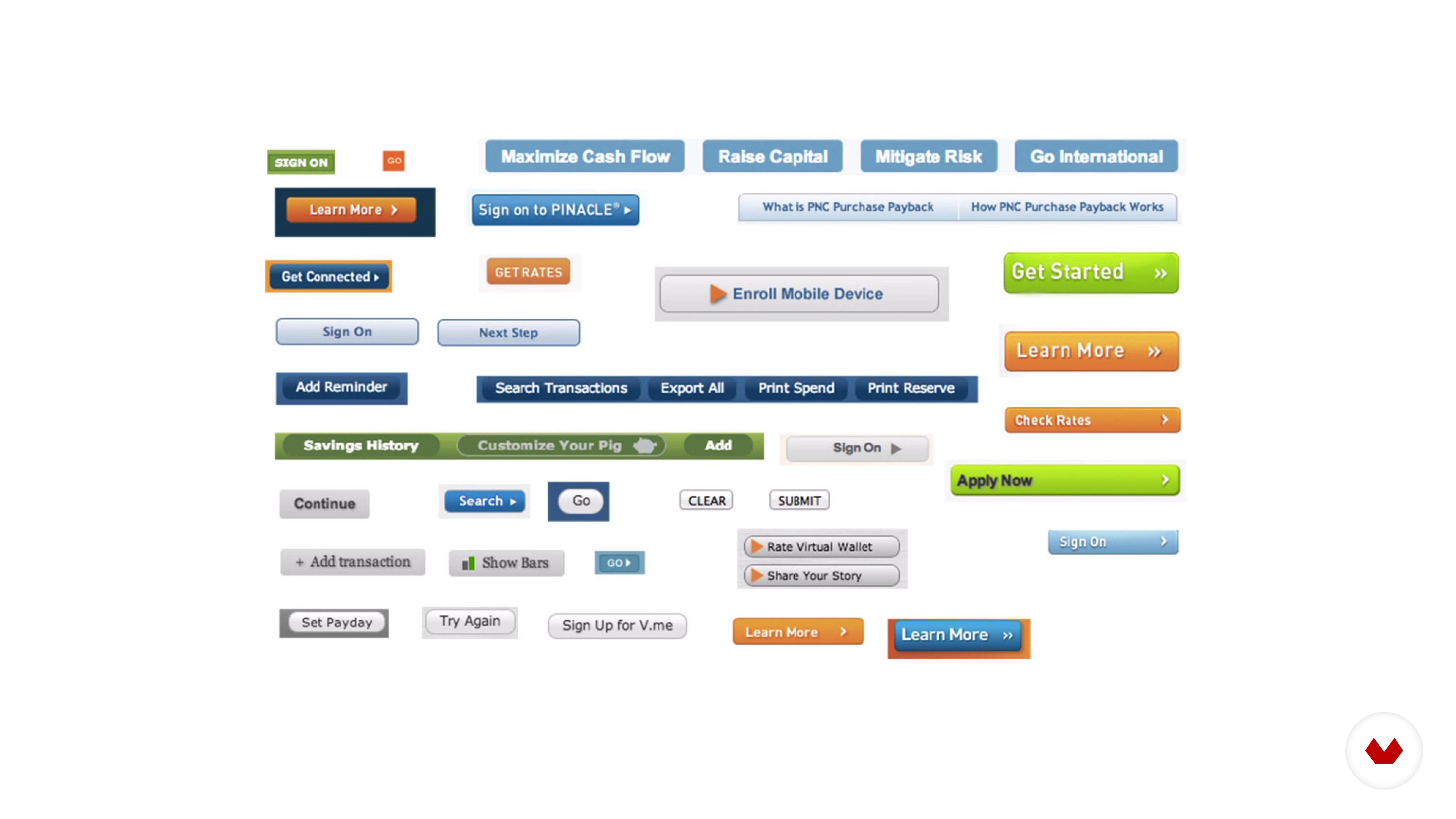
Content inventory
6 minutes, 17 seconds
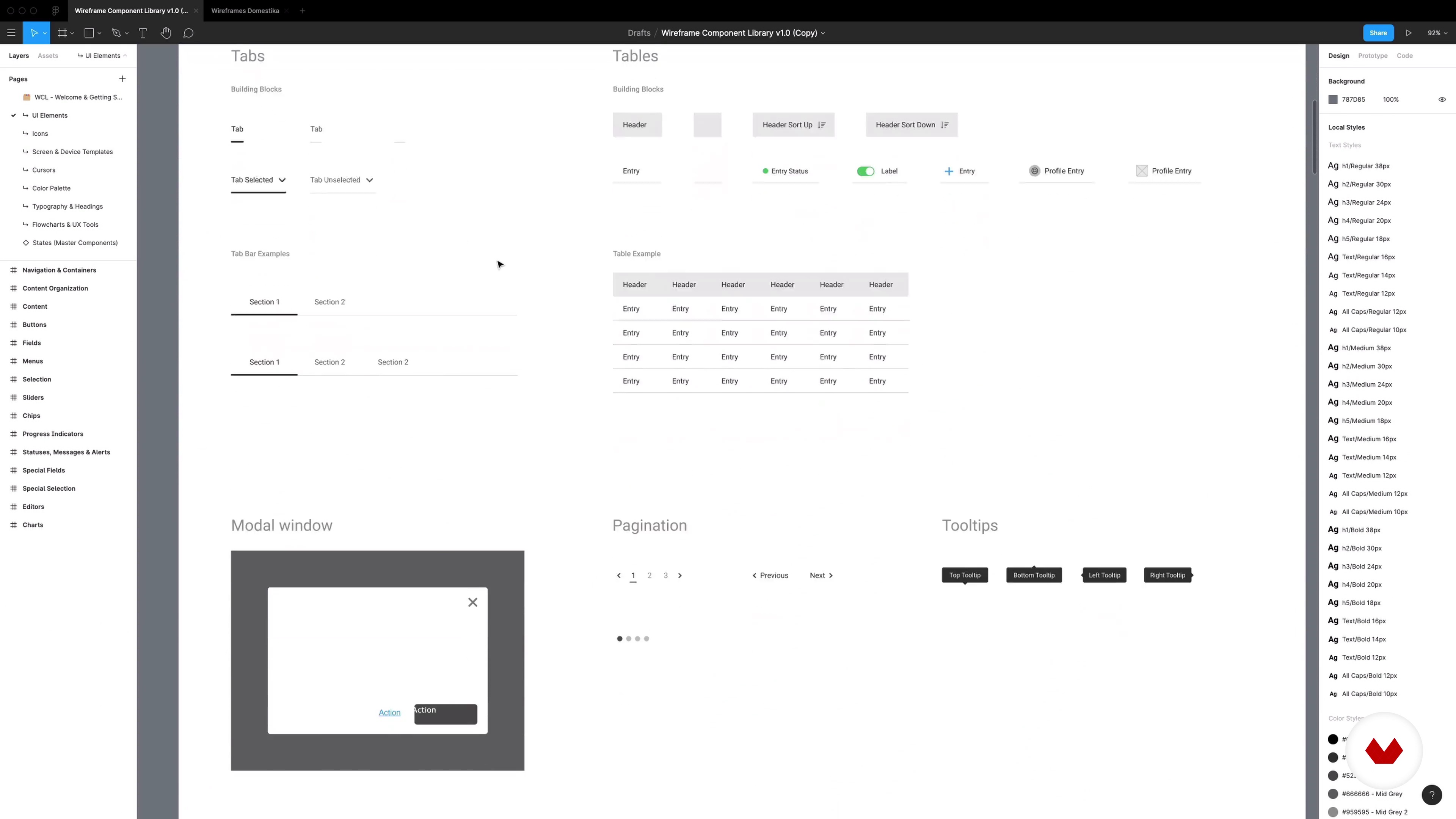
Information architecture
9 minutes, 56 seconds

Principles and tools
4 minutes, 9 seconds
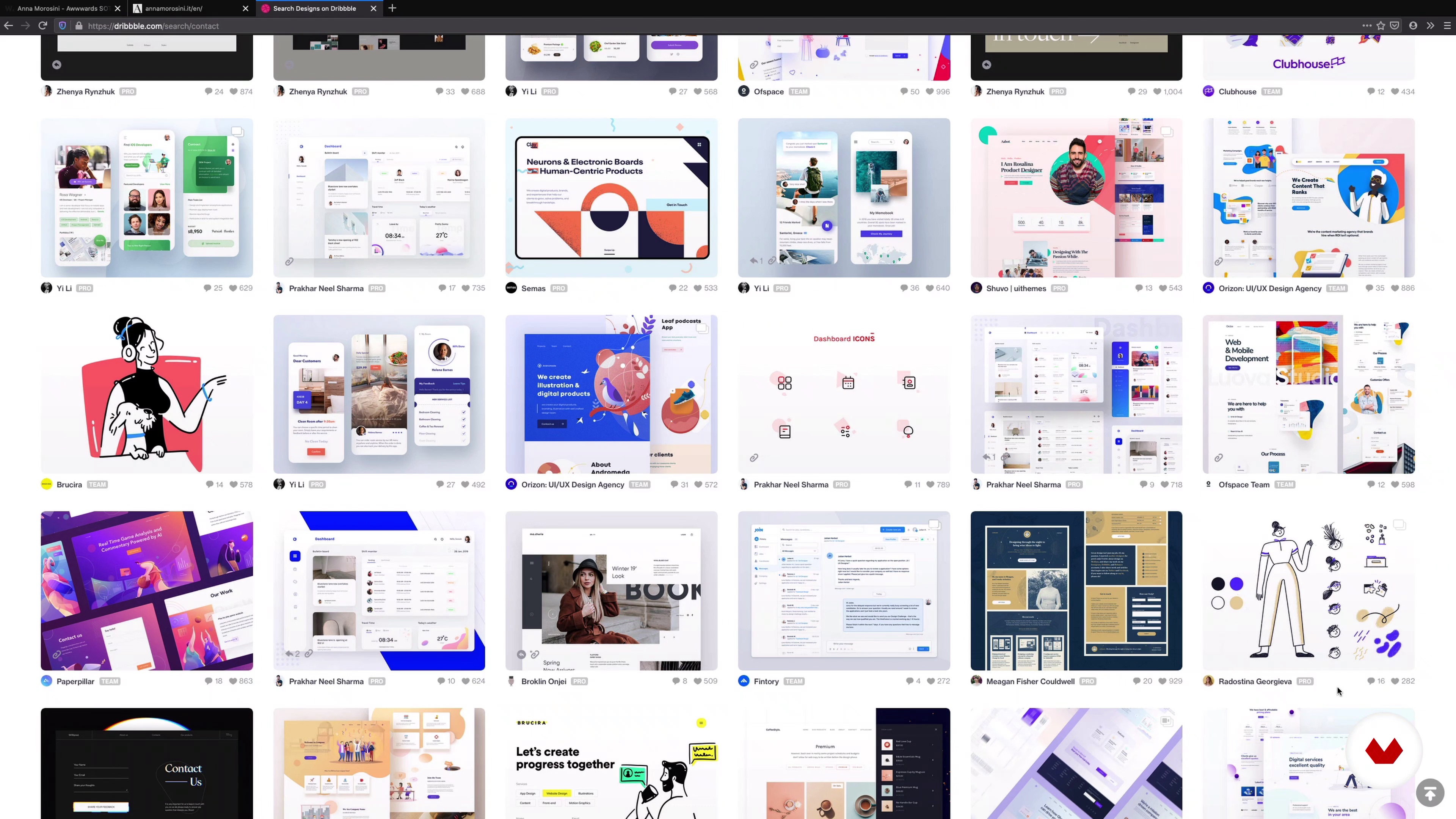
Visual investigation
6 minutes, 32 seconds
What's included in this course?
Start the course by getting to know Javier and some designers and developers he follows that write articles and experiment with web technology. Get an overview of what is covered in the course and then delve straight into your website creation.
Learn the principles of visual design, understanding each element involved, and focusing on typography, color, grids, and illustration.
Discover how to use a static HTML generator and its template system, as well as the organization of files and creation of master pages.
In the following unit, start transferring your design system to front-end code: typography, color, grid, and other components.
Next, add interactive elements to your project using different libraries and JavaScript functions.
See how version control works for coding, and finally, use a publishing service to share your website with the world.
Recommended software & tools for this course
What is this course's project?
Create, develop, and launch a website containing your work portfolio.
Projects by course students
Who is this online course for?
For all those interested in learning the principles of web design and publish their own website.
Requirements and materials
Basic knowledge of how HTML and CSS work is recommended. If you haven’t got any experience in working with these, Javier teaches a course that you may want to do before taking this one: Introduction to Responsive Web Development with HTML and CSS.
You’ll need a computer and a coding editor (Javier suggests some that are free at the beginning of this course), a visual design program such as Sketch, Figma, or Adobe XD may be useful, but it’s not required to take this course.

Reviews
- 2 months ago
I really enjoyed this course. I already had a website I needed to build and I was able to apply this to improve it so much. It’s comprehensive and well structured.
- 4 months ago
Muy buen curso y muy buena explicación del profesor, como siempre. Perfecto para iniciarse en la creación de webs
- 6 months ago
Excelente curso para tener las bases de animación con css
- 6 months ago
Me gustó
- 7 months ago
Excelente curso, viene muy ordenado y armado. Es un muy buen profesor

He also enjoys a lot in his facet as professor of Web Design in renowned workshops and schools like Elisava, IDEP.
Usobiaga understands the web as a whole, not only how beautiful it can be on the computer screen, but its usability in different devices and circumstances.
In his words "I think that as important as the aesthetic is how fast it charges or how well it responds, and I think that in our industry we often forget about that."
Content
- U1
Introduction
- Presentation
- Influences
- What will we do in the course?
- U2
Ideation of a website
- Design objectives, framework and references
- Content inventory
- Information architecture
- U3
Visual design
- Principles and tools
- Visual investigation
- Typesetting
- Color palette in an interface
- Reticle and vertical rhythm
- Illustration and iconography
- U4
Template system
- Preparing the environment and code editors
- File structure and operation
- Master pages and creating new pages
- Conditional and partial
- U5
Frontend development
- Organization of the code
- Typesetting and color
- Reticle system
- Interface components
- Completing the interface
- U6
Web interaction
- Interactive and drop-down menus
- Implementing a gallery
- Completing the interaction
- U7
Publication of a website
- Code version management
- Publishing services
- Additional resources
- FP
Final project
- Design, Development, and Launch of a Website
What to expect from a Domestika course
Learn at your own pace
Enjoy learning from home without a set schedule and with an easy-to-follow method. You set your own pace.
Learn from the best professionals
Learn valuable methods and techniques explained by top experts in the creative sector.
Meet expert teachers
Each expert teaches what they do best, with clear guidelines, true passion, and professional insight in every lesson.
Certificates
PLUSIf you're a Plus member, get a custom certificate signed by your teacher for every course. Share it on your portfolio, social media, or wherever you like.
Get front-row seats
Videos of the highest quality, so you don't miss a single detail. With unlimited access, you can watch them as many times as you need to perfect your technique.
Share knowledge and ideas
Ask questions, request feedback, or offer solutions. Share your learning experience with other students in the community who are as passionate about creativity as you are.
Connect with a global creative community
The community is home to millions of people from around the world who are curious and passionate about exploring and expressing their creativity.
Watch professionally produced courses
Domestika curates its teacher roster and produces every course in-house to ensure a high-quality online learning experience.
FAQs
The course is designed for people with basic HTML and CSS knowledge, but you don’t need to be an expert. It’s perfect for those wanting to deepen their skills in modern web design and front-end development techniques.
Basic knowledge of HTML and CSS is recommended. Advanced experience isn’t required, but it helps to understand basic webpage structure and code editing.
You’ll learn to build responsive layouts, CSS animations, accessible SVG graphics, information architecture, wireframing, prototyping, website publishing, and how to apply agile methodologies in digital projects.
You’ll need a code editor (like VS Code), Node.js, a terminal, an up-to-date web browser, and access to tools like Figma, Keynote, PowerPoint, or Notion for prototyping and organization.
You’ll learn how to use CSS variables to manage colors, fonts, and spacing, making it easier to keep a consistent look and quickly update your web projects globally.
Yes, you’ll practice using CSS Grid and other techniques to create adaptable web structures that look great on any device, enhancing the user experience.
Yes, you’ll be able to develop your own project, applying all the design, development, and publishing concepts to build a portfolio or client website.