Design a Digital Font from A to Z
A course by Juanjo LópezGraphic Designer and Typography Expert
A course by Juanjo López, Graphic Designer and Typography Expert

Learn to design a font from scratch with Glyphs, Illustrator, and OpenType functions
Juanjo López, better known as Juanjez, specializes in typography design and is here to teach you the process of creating a digital font, from the drawing phase to uploading it to your fonts folder then using it in a design program.
What will you learn in this online course?
34 lessons & 27 downloads
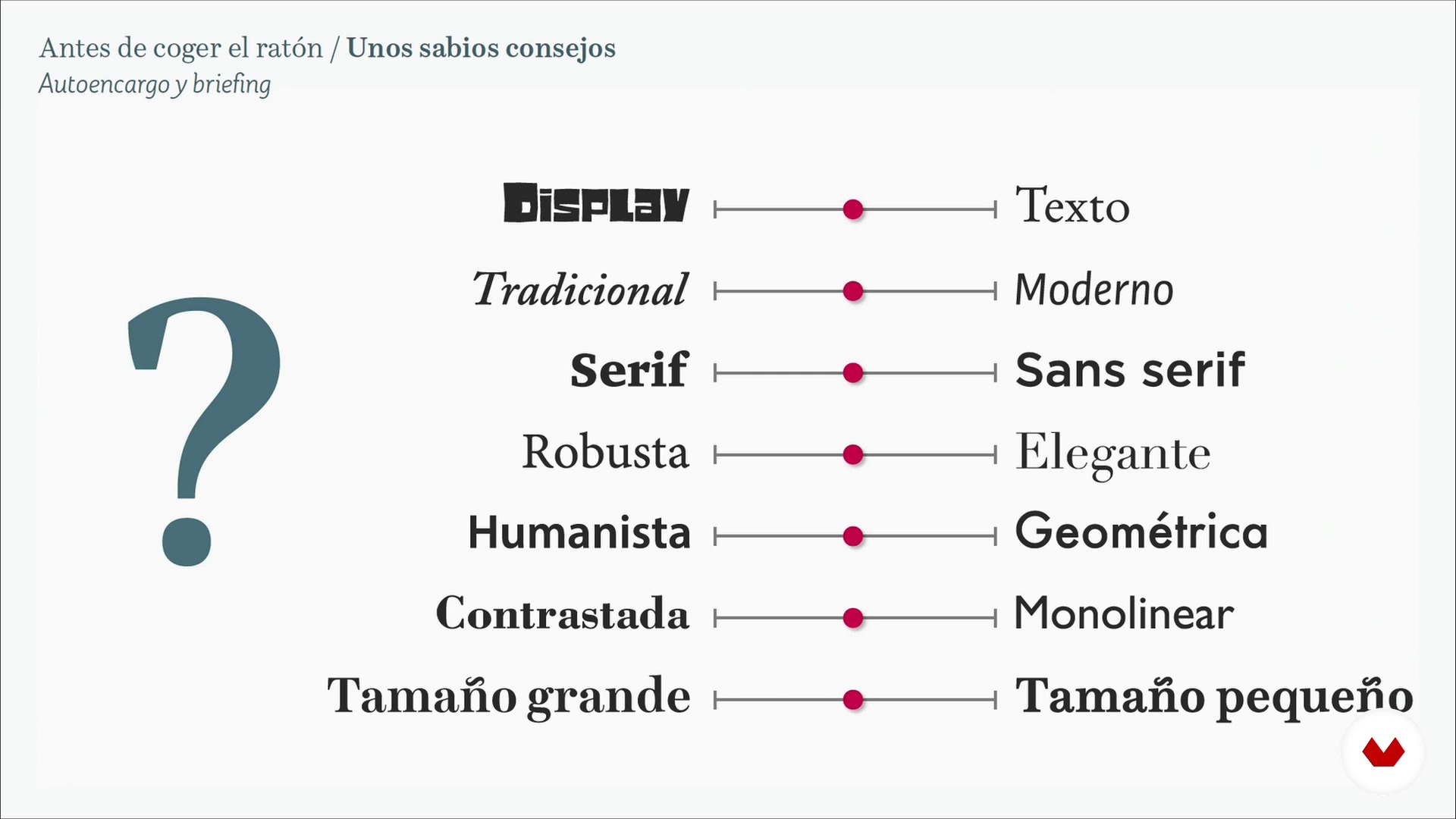
Some wise advice 1
19 minutes, 50 seconds
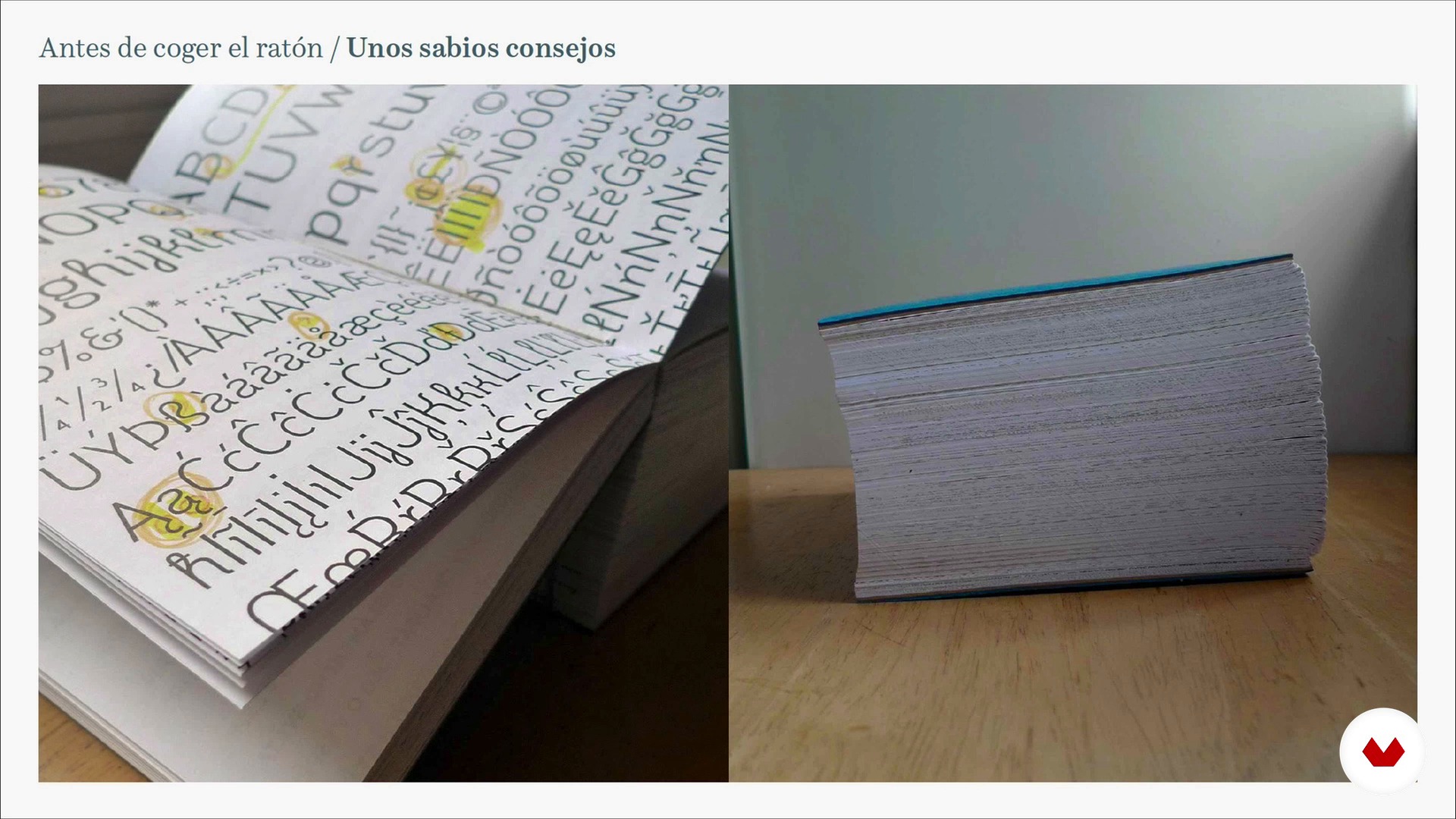
Some wise advice 2
6 minutes, 34 seconds
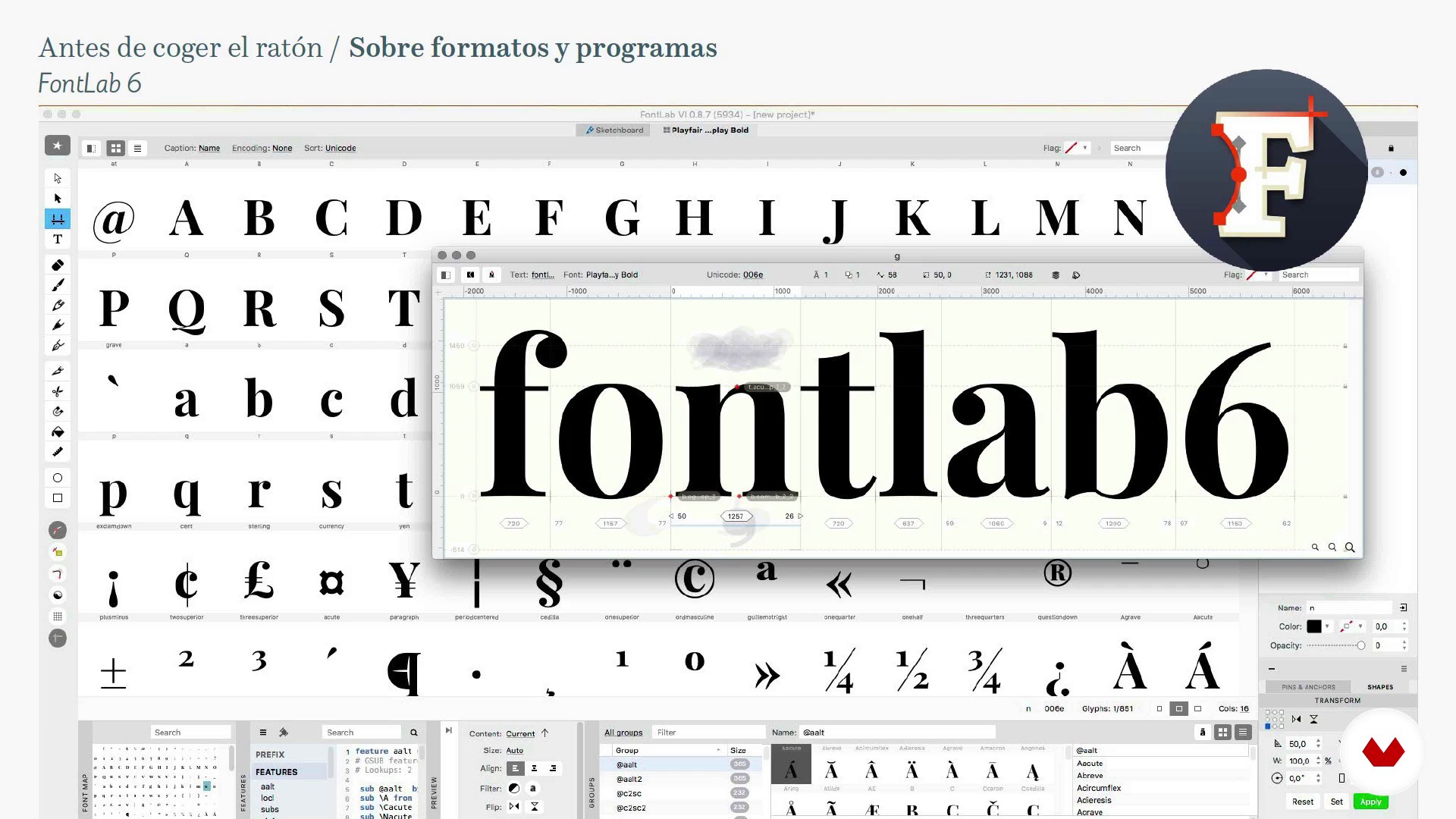
About formats and programs
13 minutes, 29 seconds
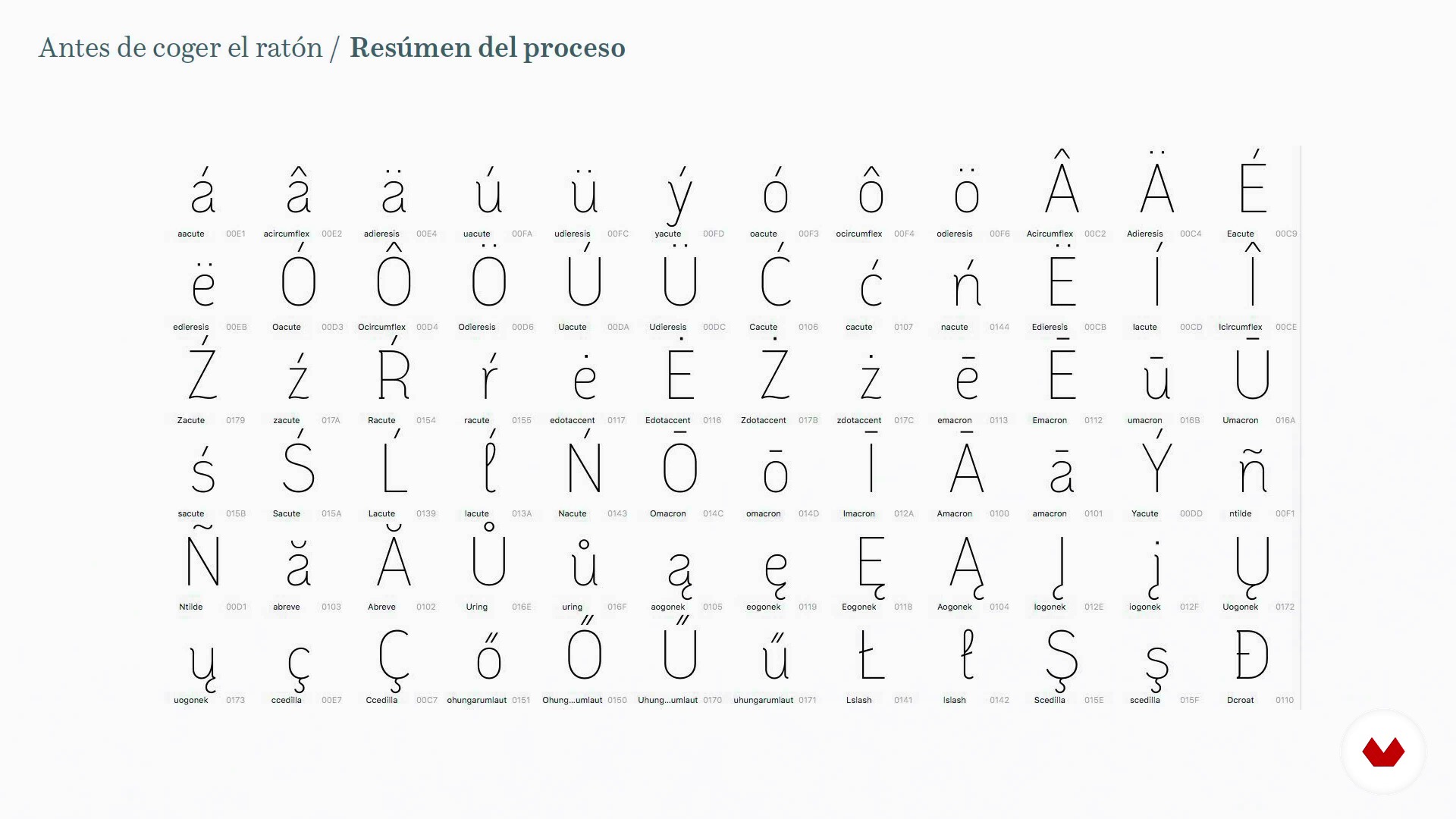
Summary of the process
12 minutes, 32 seconds
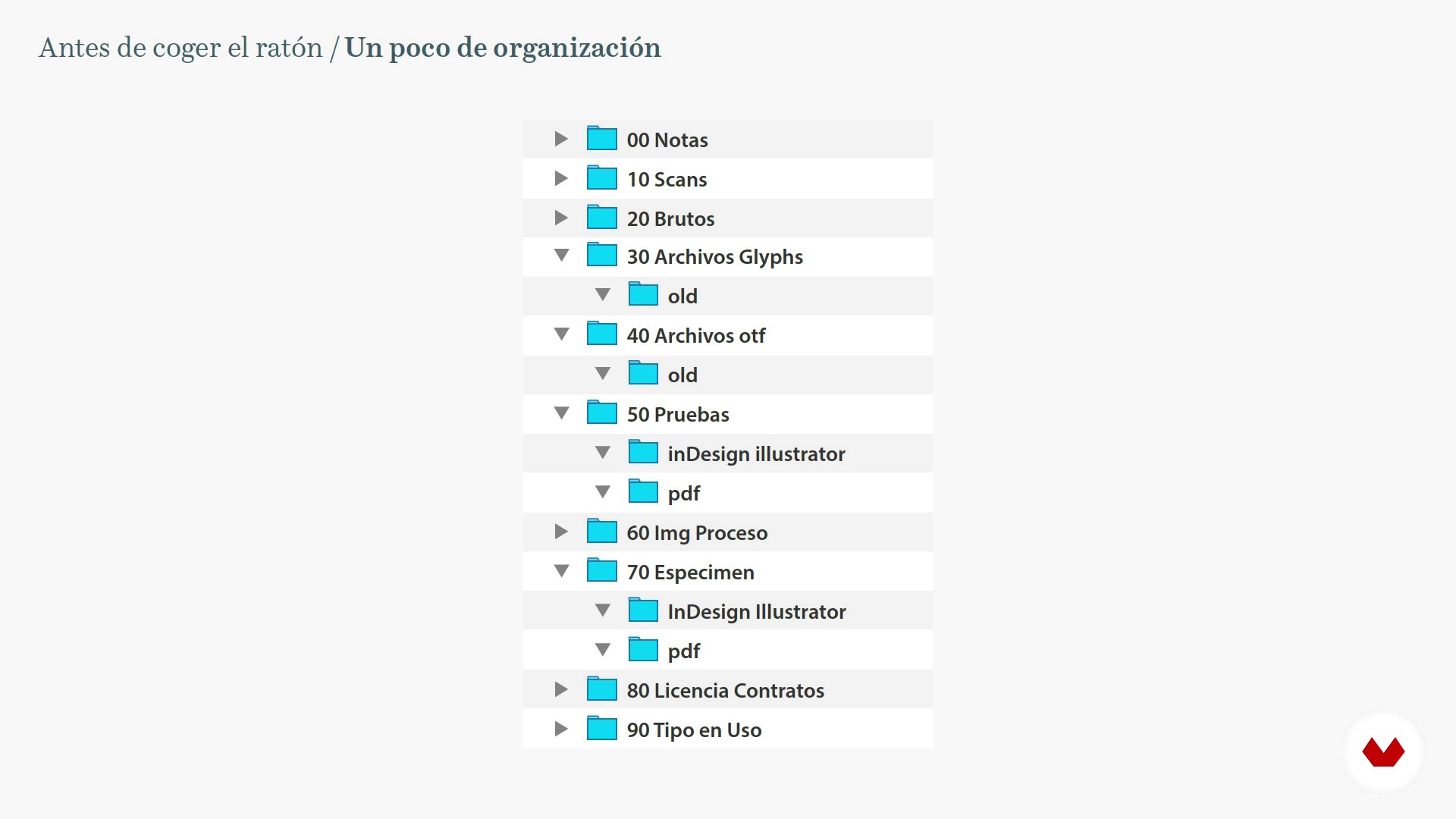
A little bit of organization
6 minutes, 50 seconds
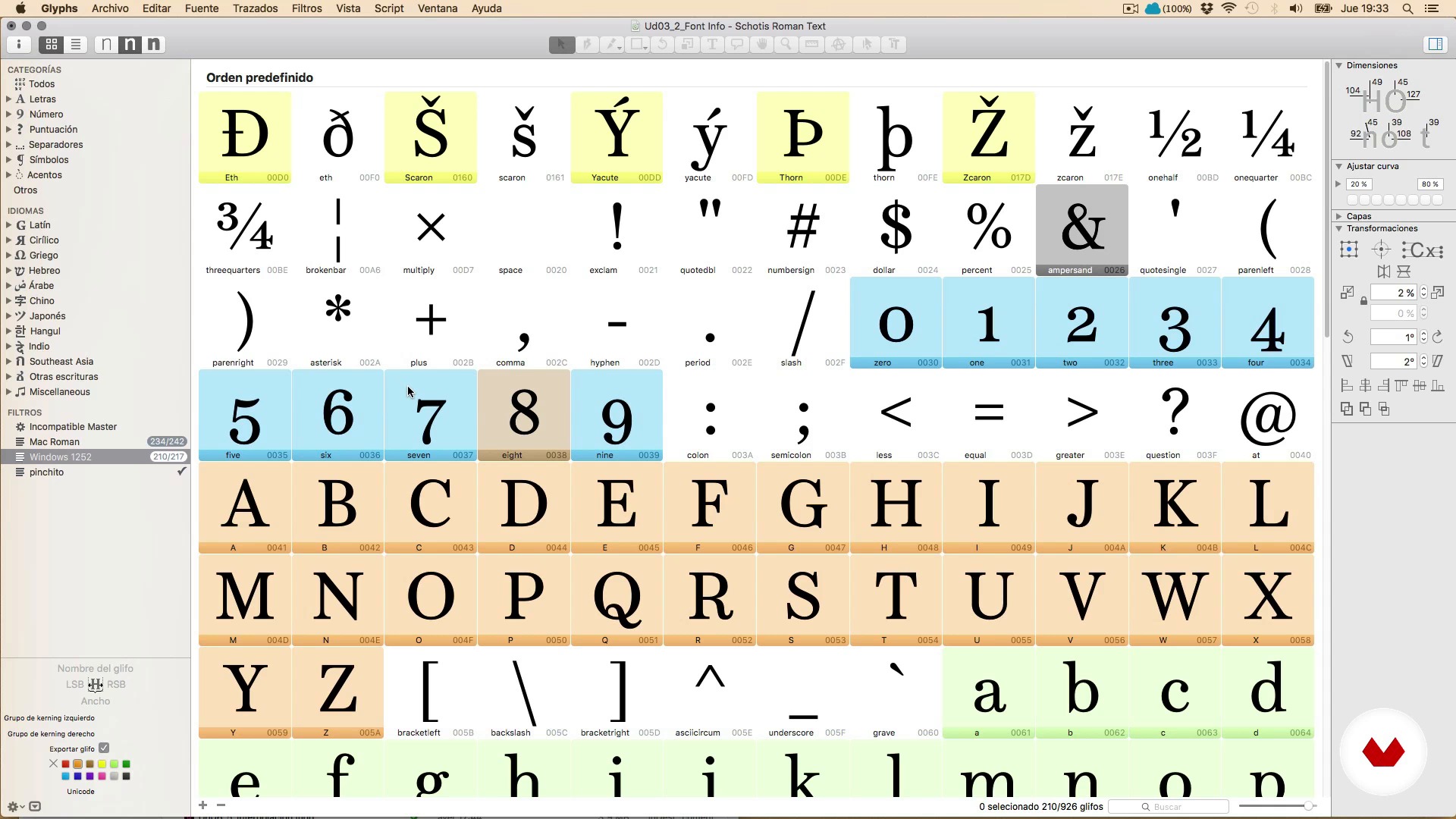
Hi, I'm Glyphs
20 minutes, 32 seconds
What's included in this course?
Begin by learning more about Juanjez's work, motivations, and general love of typography, as well as some of his favorite books and websites.
Before starting to design, Juanjez gives you some sage advice on what it means to embark on a long-term job such as type design and talks about key aspects such as self-commissions, motivation, and patience to reach the final goal.
Next, learn the materials, the file formats with which you work and the main functions of the Glyphs program, the type design and font production software for Mac.
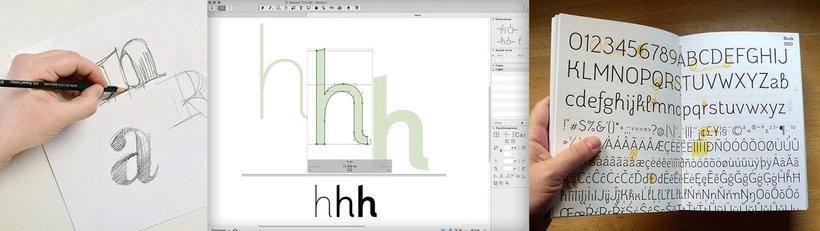
Once you learn the process, start drawing. Explore some general concepts about drawing letters and handling Bézier curves, the differences between Illustrator and font creation programs, drawing letters directly with Glyphs, tricks to save time and create a complete set of characters.
Then, in order to have a harmonious system of shapes and spaces that you can call typography, learn spacing and kerning.
See how to apply OpenType features such as ligatures, small caps, etc. to your font. Take a look at Python and use programming scripts to automate tasks. Improve the view of your font on the screen with hinting and discover the interpolation technique to facilitate the task of creating font families.
Recommended software & tools for this course
What is this course's project?
Design a complete digital typeface, that is, a character set valid at least for Western and Central European languages, correctly spaced and including some typographical refinement such as ligatures and other OpenType features.
The final exercise consists of creating a specimen, a poster with your typography.
Projects by course students
![Aline Text - A modern Slab Serif Typeface for text | Graduation Project [Update]](https://imgproxy.domestika.org/unsafe/s:210:210/dpr:2/rs:fill/plain/src://project-covers/000/370/446/370446-original.png?1526510362)


Who is this online course for?
Anyone who loves drawing and letters but has never tried to make their own, or they have tried and got stuck at some point.
Requirements and materials
No special prior knowledge of typography is required, just a large dose of perseverance, having a clear end goal, and not being in a hurry.
Regarding the materials, you need a pencil, paper, and a typography design program, although in the course we use Glyphs.
Reviews
- 4 months ago
Muy buen curso y muy completo
- dean_chrisPLUS2 years ago
Excellent learning! Big thanks to Juanjo López for this course! Highly recommended!!!
- 2 years ago
ótimo curso
- 2 years ago
muy buen curso de como crear tipografias.
- 2 years ago
I found the course very useful. A lot of information is shared.

He is a freelance designer and passionate about graphic design and typography, always trying to keep learning whether it's vectors, lettering, calligraphy, or composing with lead or cast iron levers. His digital typefaces, under the name Huy! Fonts, are distributed by YouWorkForThem and MyFonts, among others. He is part of the Familia Plómez, a pre-digital typographic collective from Madrid, and Unostiposduros.com, the biggest typography website in the Spanish-speaking world. In addition to being a designer, he loves teaching and has taught a wide variety of courses and workshops on typography, lettering, and letterpress.
Content
- U1
Come through here
- Welcome and presentation
- Shipping library and life saving resources
- U2
Before touching the mouse
- Some wise advice 1
- Some wise advice 2
- About formats and programs
- Summary of the process
- A little bit of organization
- U3
Knowing the program
- Hi, I'm Glyphs
- The Font Info window
- The character set
- U4
Draw letters
- Basic concepts and very useful tips
- The Bézier curves
- Illustrator and Glyphs, that strange couple
- The vertical metric
- The drawing tools of Glyphs 1
- The drawing tools of Glyphs 2
- Your friends the components
- To the mess, drawing and testing letters 1
- To the mess, drawing and testing letters 2
- To the mess, drawing and trying letters 3
- U5
Spacing and Kerning
- General concepts
- The Spaced 1
- The Spacing 2
- Horror, the kerning!
- U6
Production: Come on, let's go!
- Completing the character set. The anchors 1
- Completing the character set. The anchors 2
- OpenType Functions 1
- OpenType 2 functions
- OpenType 3 functions
- A look at Python and scripts
- Hinting for clumsy
- Let's start a happy family Interpolation 1
- Let's start a happy family Interpolation 2
- Let's start a happy family Interpolation 3
- FP
Final project
- Design of a digital Typography from A to Z
What to expect from a Domestika course
Learn at your own pace
Enjoy learning from home without a set schedule and with an easy-to-follow method. You set your own pace.
Learn from the best professionals
Learn valuable methods and techniques explained by top experts in the creative sector.
Meet expert teachers
Each expert teaches what they do best, with clear guidelines, true passion, and professional insight in every lesson.
Certificates
PLUSIf you're a Plus member, get a custom certificate signed by your teacher for every course. Share it on your portfolio, social media, or wherever you like.
Get front-row seats
Videos of the highest quality, so you don't miss a single detail. With unlimited access, you can watch them as many times as you need to perfect your technique.
Share knowledge and ideas
Ask questions, request feedback, or offer solutions. Share your learning experience with other students in the community who are as passionate about creativity as you are.
Connect with a global creative community
The community is home to millions of people from around the world who are curious and passionate about exploring and expressing their creativity.
Watch professionally produced courses
Domestika curates its teacher roster and produces every course in-house to ensure a high-quality online learning experience.
FAQs
You’ll learn how to design, develop, and finalize digital typefaces, covering calligraphy, lettering, sign painting, spacing, kerning, OpenType features, and font marketing.
The course is designed for intermediate learners—perfect if you have basic graphic design or typography knowledge and want to dive deeper into digital font development.
You’ll need basic design skills, a computer, and software like Glyphs, FontLab, RoboFont, or Illustrator. Sketching materials and access to digital resources will also be helpful.
Calligraphy is artistic handwriting, lettering is drawing letters as unique graphic compositions, and typography is designing and using complete digital character systems.
Yes, the course teaches how to hand-draw letters, digitize them, vectorize, and refine their shapes and outlines using specialized software.
Yes, you’ll learn to design type families, interpolate weights, create variants, and ensure visual and functional consistency across styles and sizes.
Yes, you’ll work with specialized programs like Glyphs, FontLab, and RoboFont to create, organize, and export professional digital fonts.