Podcast Creation for Beginners
A course by David Mulé RebecchiJournalist and Podcast Producer
A course by David Mulé Rebecchi, Journalist and Podcast Producer

Learn everything you need to bring your first podcast to life
Have you ever thought about creating your own podcast? Learn everything you need to do just that with David Mulé, a radio and podcast professional with more than 15 years of experience working on projects for brands and media companies like Cadena SER, Podium Podcast, or Carmila (a subsidiary of Carrefour).
In this course, David teaches you how to create your first podcast from scratch. Get introduced to podcasting, see what you need to create one, learn the basics of audio editing, and discover how to share it across all of the main podcast platforms.
What will you learn in this online course?
17 lessons & 23 downloads
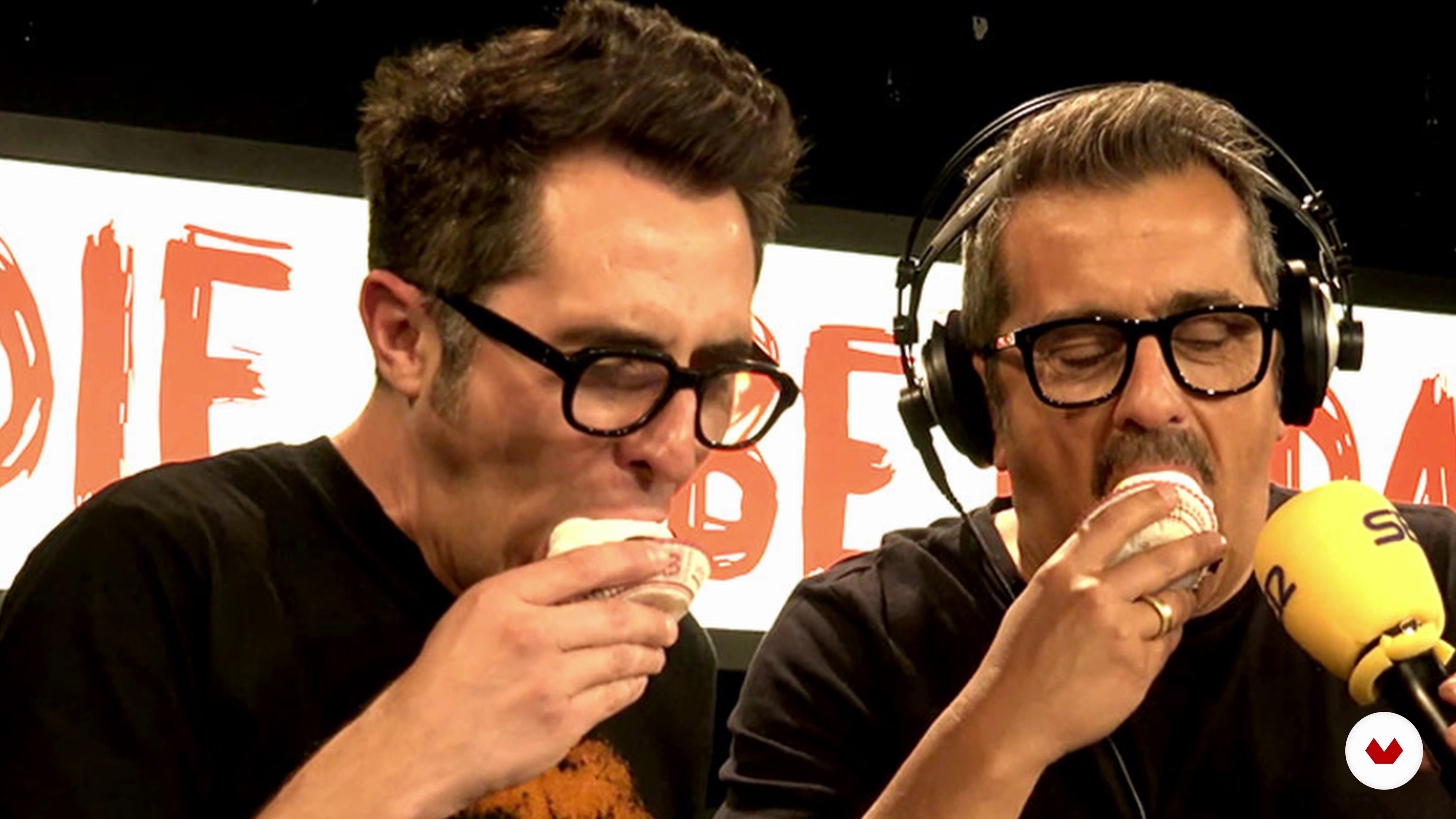
The Podcast and The Radio, Are They The Same?
3 minutes, 35 seconds
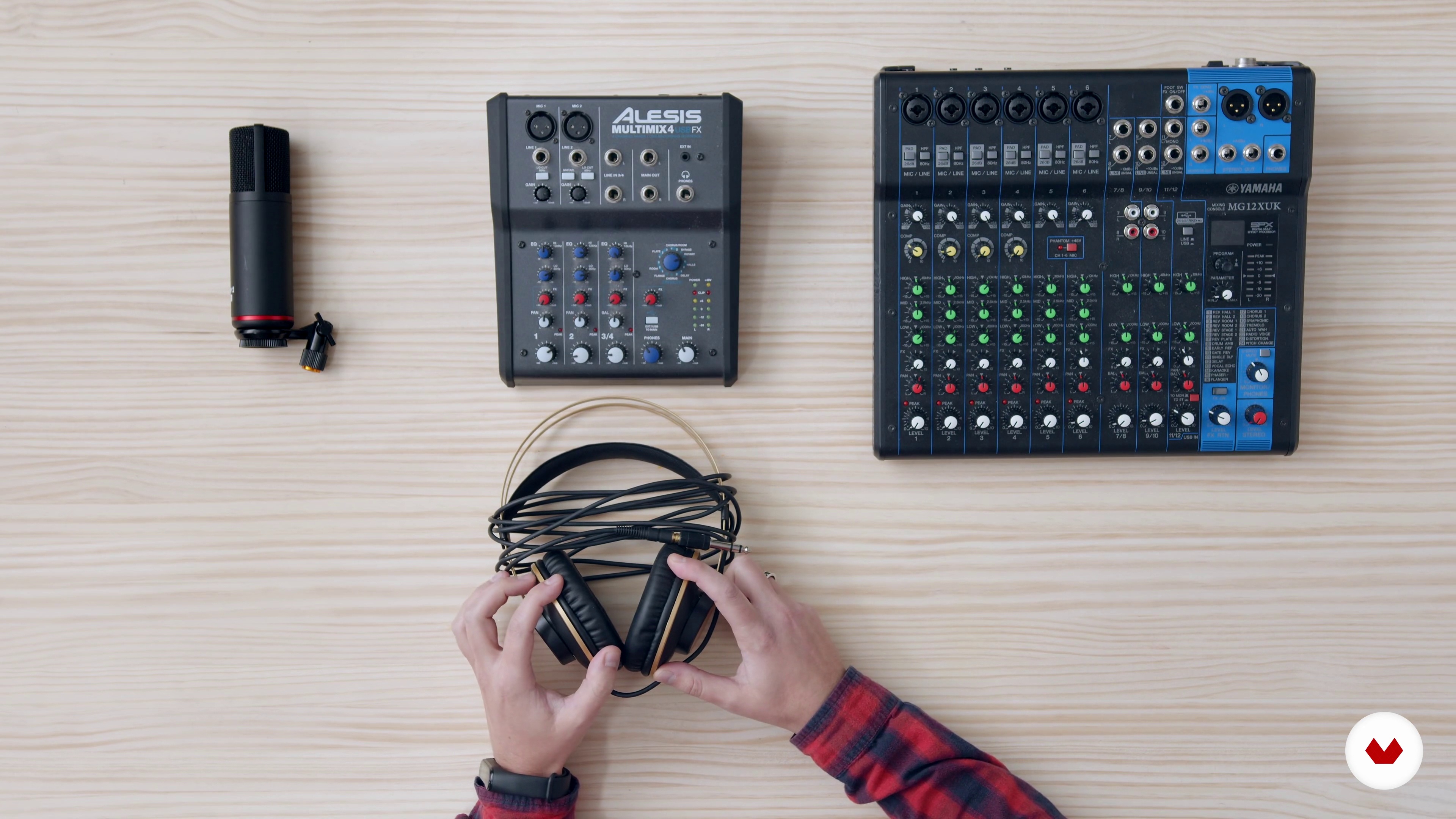
The Functions of Podcasting and What I Need to Start One
7 minutes, 26 seconds
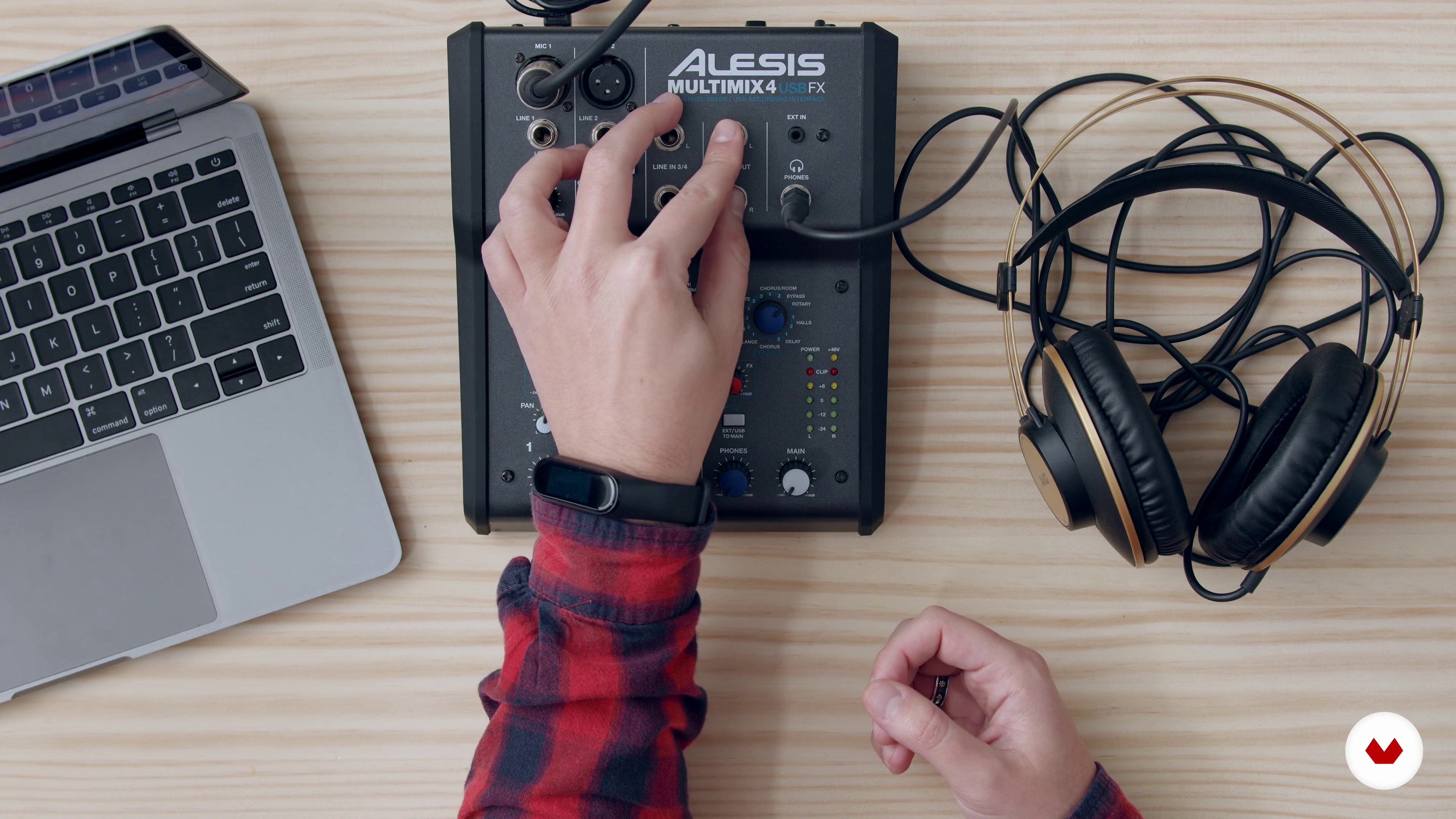
Setting the Gear
12 minutes, 2 seconds
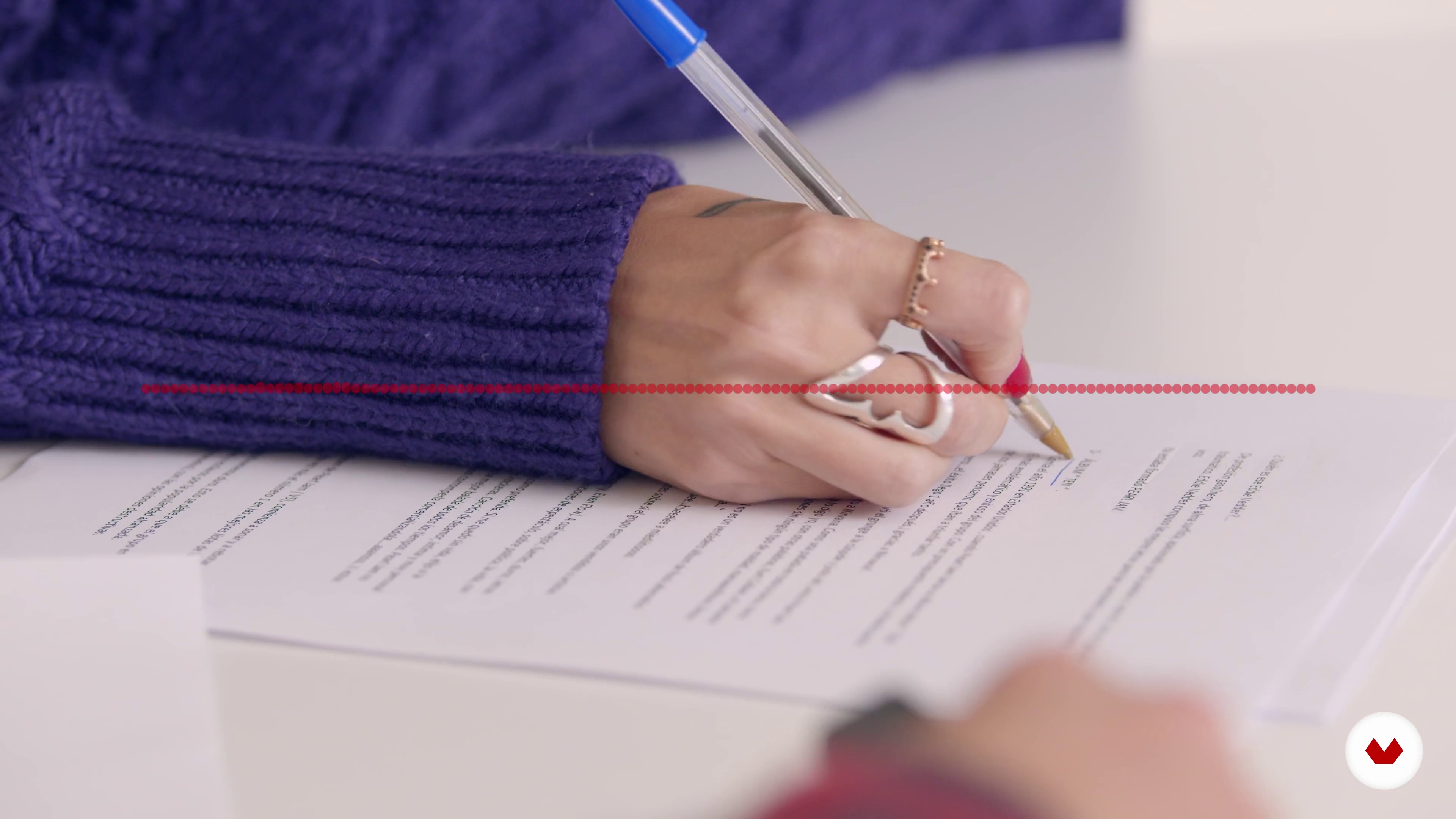
Choice of Theme
4 minutes, 57 seconds
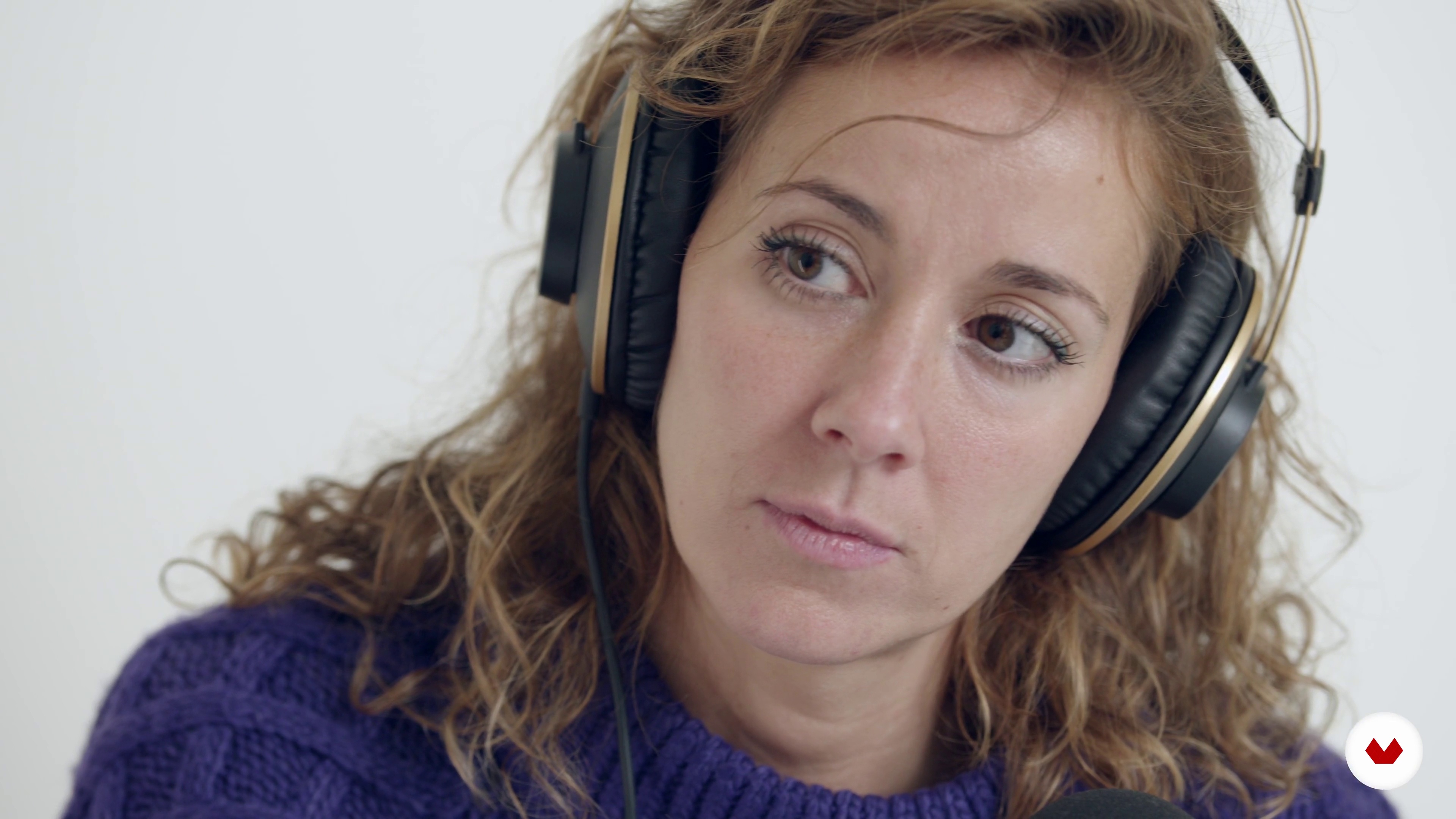
Format Creation
5 minutes, 24 seconds
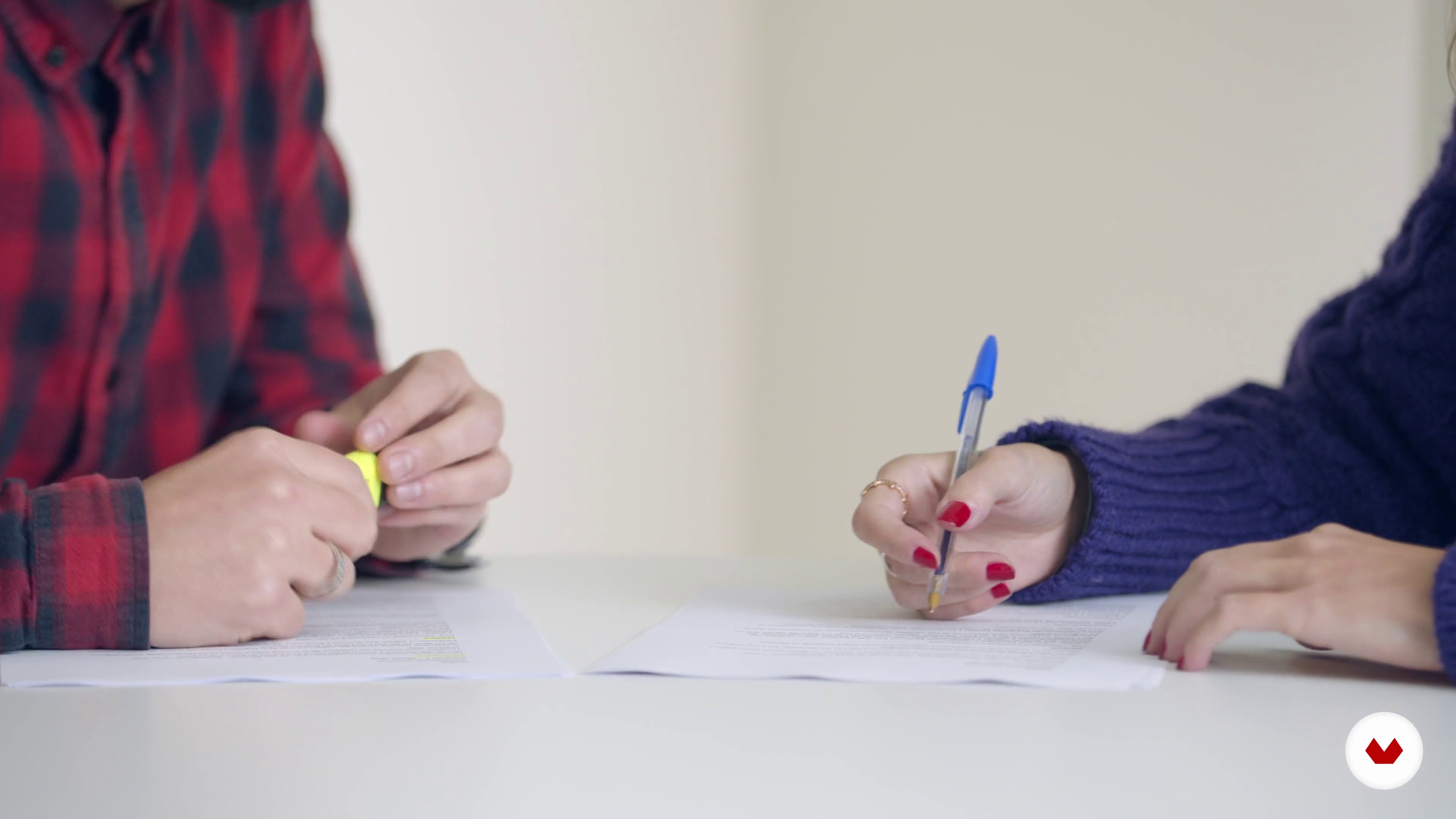
How to Write a Script
1 minute, 48 seconds
What's included in this course?
Start this course by seeing David Mulé’s journey as a journalist and podcaster. He tells you a bit about his influences and gives you an overview about what is taught in the course.
Get introduced to podcasting, learn how podcast work, how they have evolved, and what it takes to create your own.
Start making some key decisions about your podcast, including your theme, target audience, and its format (duration, structure, etc). Continue by creating the script and remember to leave room for improvising.
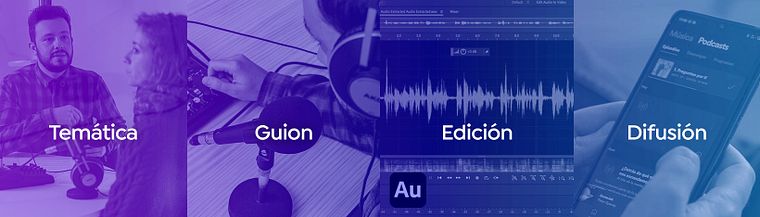
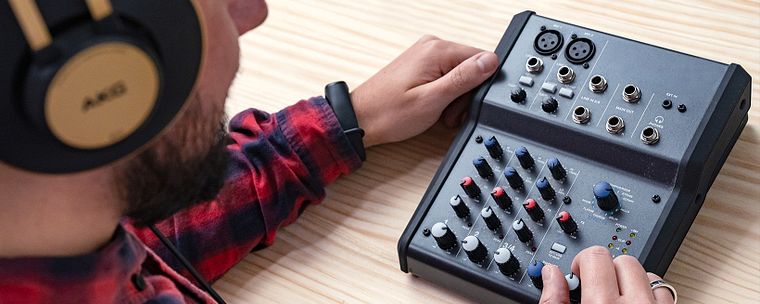
Discover how to correctly prepare the recording equipment (you can use a microphone, but a mixer is recommended), learn about voice overs, and see some tricks for soundproofing your studio. Next, see how to make a basic edit of your podcast using Adobe Audition.
Once you have created your podcast, it’s time to share it with the world! Get to know the main hosting and podcasting platforms, as well as the best social networks for sharing. Finally, David gives you some tips for reaching new audiences, methods for monetization, and more.
Recommended software & tools for this course
What is this course's project?
Create, edit, and broadcast your own podcast, selecting a name, theme, target audience, and objective.
Projects by course students


Who is this online course for?
To anyone with a passion for communication who wants to speak to the world— from serious fans of TV series looking to share their opinion to business owners looking to promote their company.
Requirements and materials
To develop the techniques explained in this course, you need a computer with an integrated microphone or a USB microphone. If you would like to create a more professional podcast, a mixer, a dynamic or condenser microphone, and headphones are recommended.
You will also need audio editing software like Adobe Audition, although a free tool like Audicity will also work.
Reviews
- 2 months ago
Ayuda mucho para quienes recién están iniciando. Por su puesto, de eso se trata, de empezar desde cero.
- 4 months ago
Contenido muy viejo
- 4 months ago
El curso esta muy bien explicado y redactado y con buenas fuentes de recursos para seguir investigando, el tutor habla muy claro y se puede entender el objetivo del curso muy bien, lo recomiendo para comenzar desde cero.
- 4 months ago
muito bom
- 5 months ago
10/10 para mi no se nada del tema y aprendi lo basico que ocupo para comenzar...

He is also president of the Madrid podcasting association MadPod and worked on Podcast Days, produced in collaboration with a team of professionals, businesses, and entities including Spotify and Fundación Telefónica.
Content
- U1
Introduction
- Presentation
- Influences
- What Will We Do in This Course?
- U2
What Is a Podcast and What Is It for?
- The Birth of Podcasting and Its Evolution to This Day
- The Podcast and The Radio, Are They The Same?
- The Functions of Podcasting and What I Need to Start One
- U3
The Creation of The Podcast
- Choice of Theme
- Format Creation
- How to Write a Script
- Improvisation vs. Preparation
- U4
The Speech and Recording of The Podcast
- Setting the Gear
- Silence... Action!
- Editing and Finalizing The Podcast
- U5
Going Out Into the World: Broadcasting Your Podcast
- Hosting and Podcasting Platforms
- Social Networks
- Sound Library
- Final Advice
- FP
Final project
- Podcast Creation for Beginners
What to expect from a Domestika course
Learn at your own pace
Enjoy learning from home without a set schedule and with an easy-to-follow method. You set your own pace.
Learn from the best professionals
Learn valuable methods and techniques explained by top experts in the creative sector.
Meet expert teachers
Each expert teaches what they do best, with clear guidelines, true passion, and professional insight in every lesson.
Certificates
PLUSIf you're a Plus member, get a custom certificate signed by your teacher for every course. Share it on your portfolio, social media, or wherever you like.
Get front-row seats
Videos of the highest quality, so you don't miss a single detail. With unlimited access, you can watch them as many times as you need to perfect your technique.
Share knowledge and ideas
Ask questions, request feedback, or offer solutions. Share your learning experience with other students in the community who are as passionate about creativity as you are.
Connect with a global creative community
The community is home to millions of people from around the world who are curious and passionate about exploring and expressing their creativity.
Watch professionally produced courses
Domestika curates its teacher roster and produces every course in-house to ensure a high-quality online learning experience.
FAQs
You’ll learn how to create, record, edit, and distribute a podcast from scratch, covering recording techniques, professional editing, topic selection, scripting, and strategies for promotion and monetization.
This course is designed for people with intermediate knowledge of audio or communication, but it’s also accessible to beginners who want to start from the ground up with a solid foundation.
You’ll need at least a microphone, headphones, a computer, editing software, and internet access. A soundproofed space is recommended to enhance audio quality.
Improving audio quality involves choosing good microphones, using soundproofing techniques, adjusting mixer levels, and applying digital editing to reduce noise and balance sound.
Podcasting lets you consume content on demand, offers more flexibility in topics, and isn’t tied to a fixed schedule like traditional radio.
You can record podcasts remotely using online recording platforms, video call apps, and by ensuring a strong connection and good sound quality on both ends.
The most popular programs are Audacity, Adobe Audition, and Reaper, as they allow multitrack editing, mixing voices and music, and exporting in formats compatible with podcast platforms.