Creating 3D Compositions in Cinema 4D
A course by Francisco Cortés Industrial Designer and Illustrator
A course by Francisco Cortés , Industrial Designer and Illustrator

Learn how to conceptualize your ideas and create your own 3D scene with Cinema 4D and Octane Render
If you are drawn to 3D modeling, geometry, and the combination of different colors and materials, this course by Francisco Cortés is for you. The industrial designer and illustrator's work is focused on creating still images in which space and its elements create a clear, clean, and even poetic atmosphere. He has developed industrial design projects for brands including Coca-Cola, Facebook, and Levi's, and 3D illustration projects for Escher Relatividad, Bestiario, and la Casa del Poeta.
In this course, Francisco teaches you his processes for conceptualizing and creating 3D illustrations. Learn how to model, texture, and render your compositions in an agile and professional way using geometric shapes and figures.
What will you learn in this online course?
18 lessons & 27 downloads
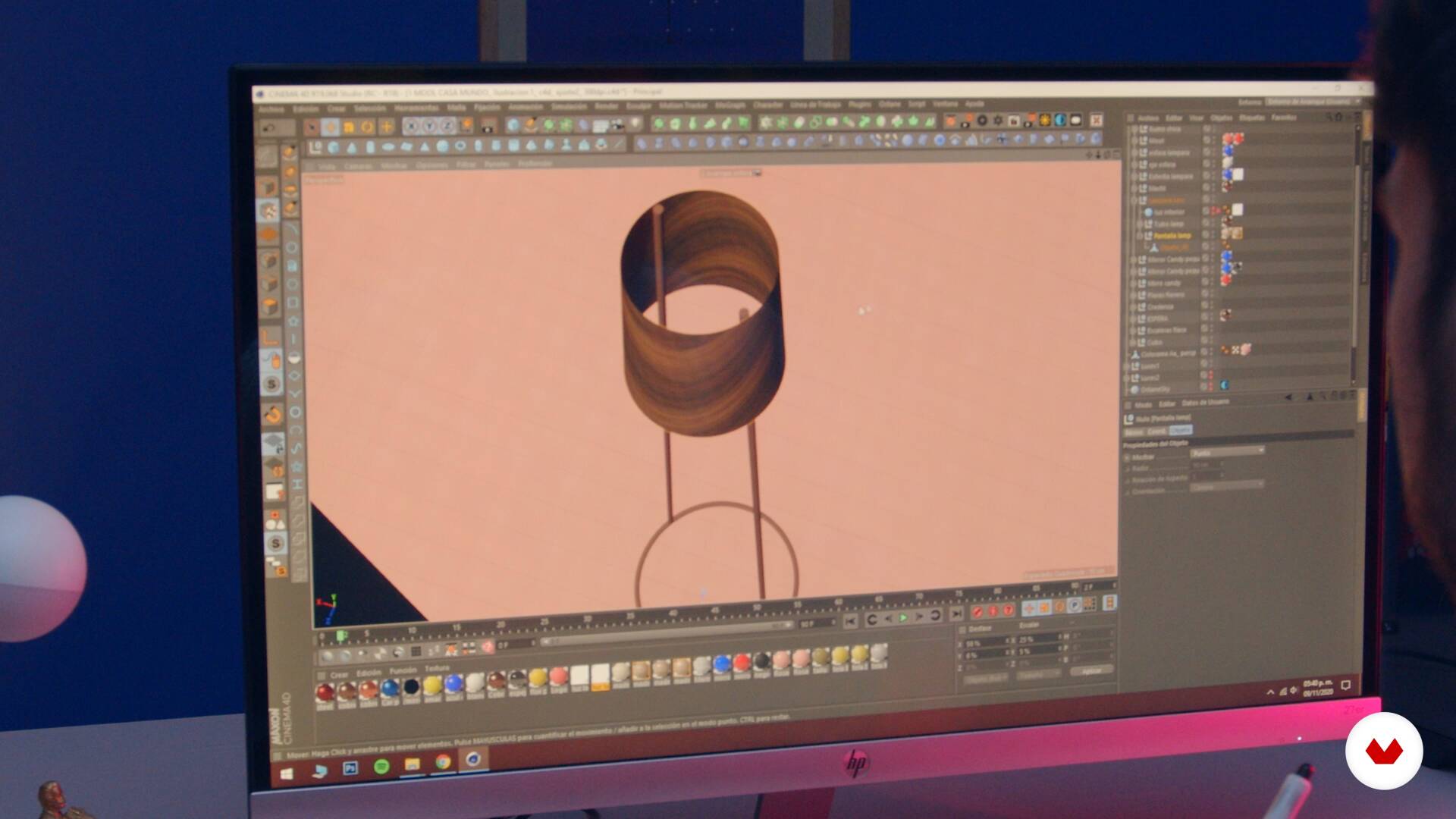
What will we do in the course?
1 minute, 43 seconds
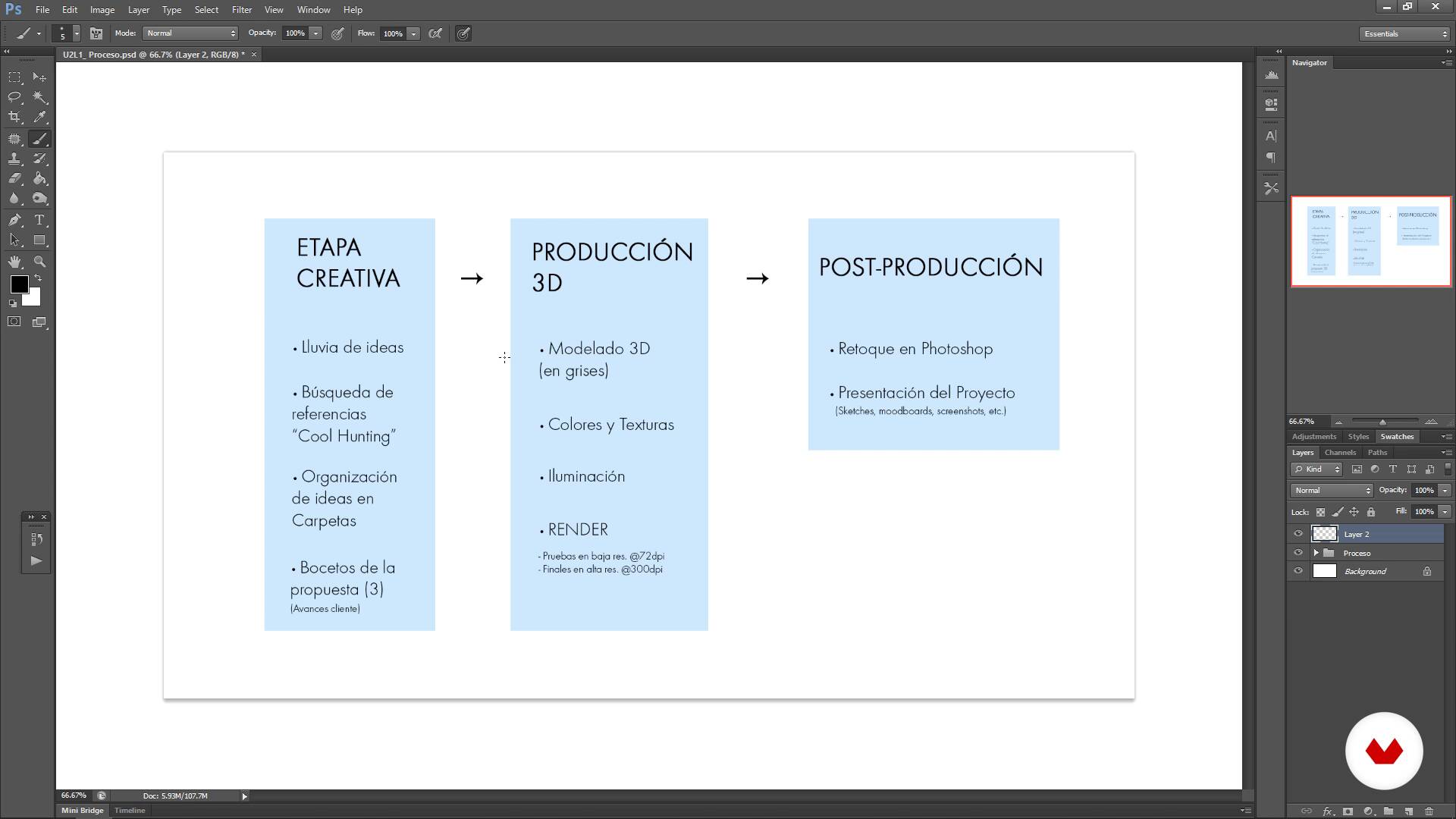
3D Project Process
10 minutes, 16 seconds
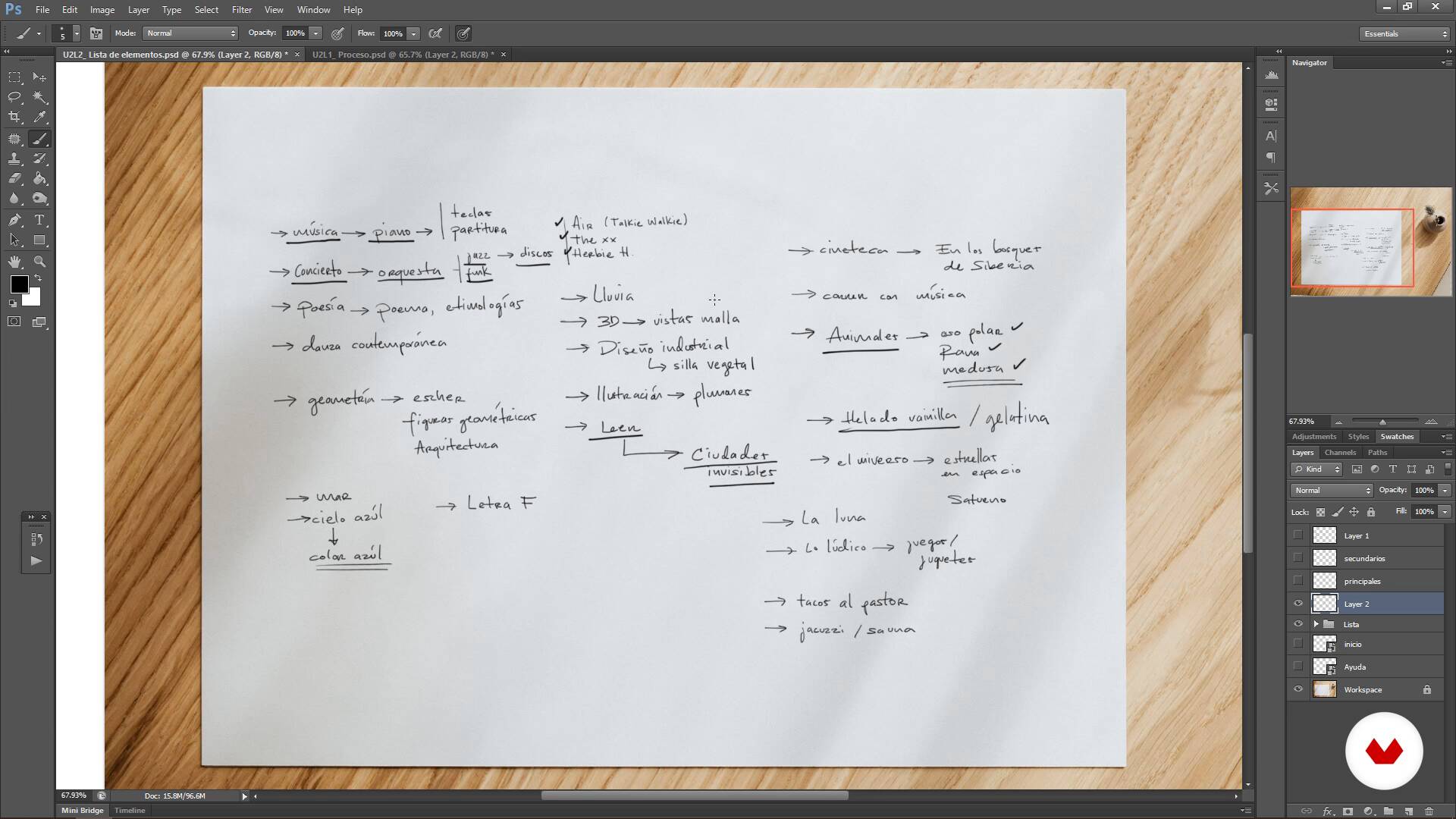
Brainstorming
6 minutes, 56 seconds
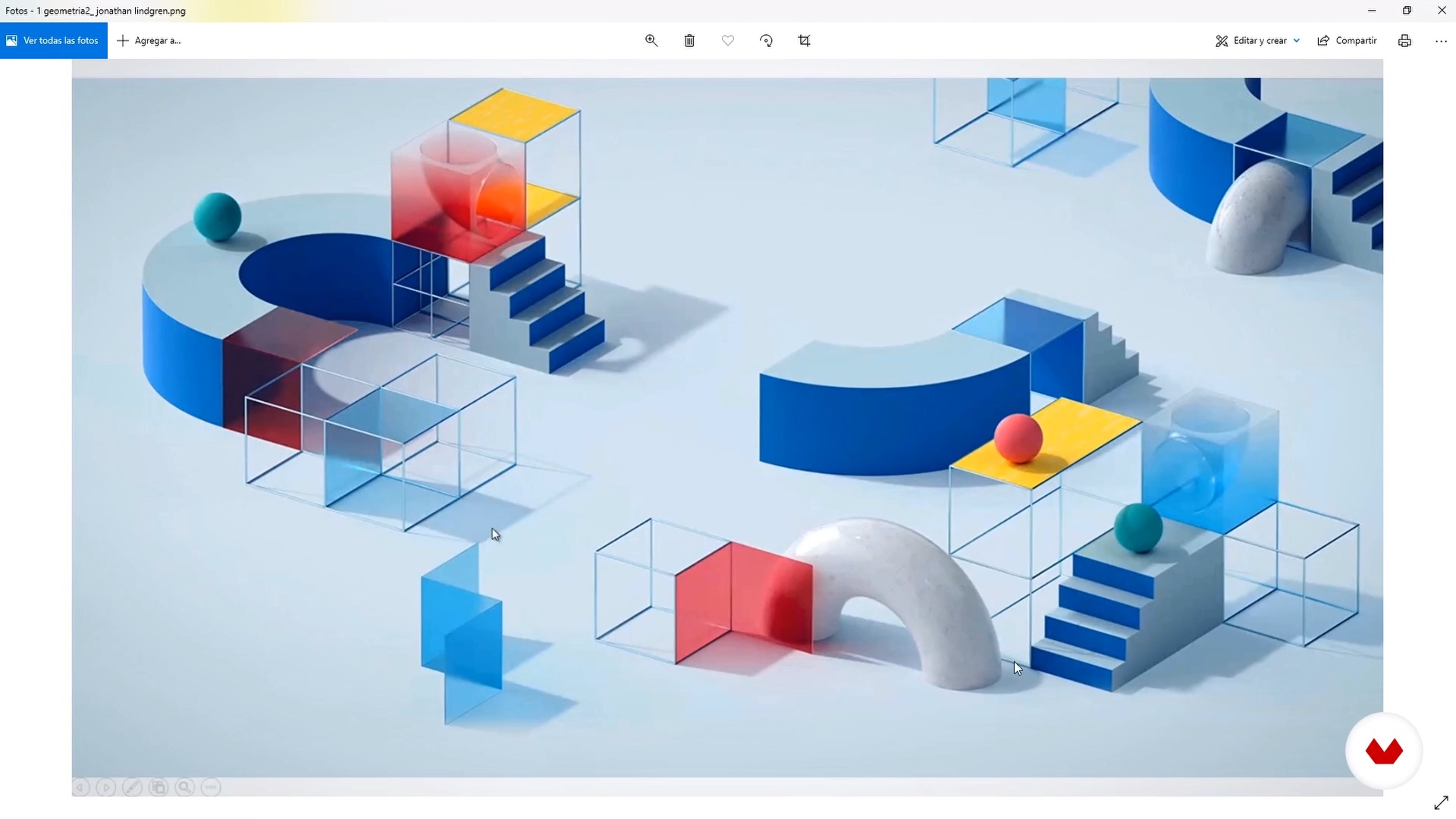
Cool hunting
8 minutes, 16 seconds
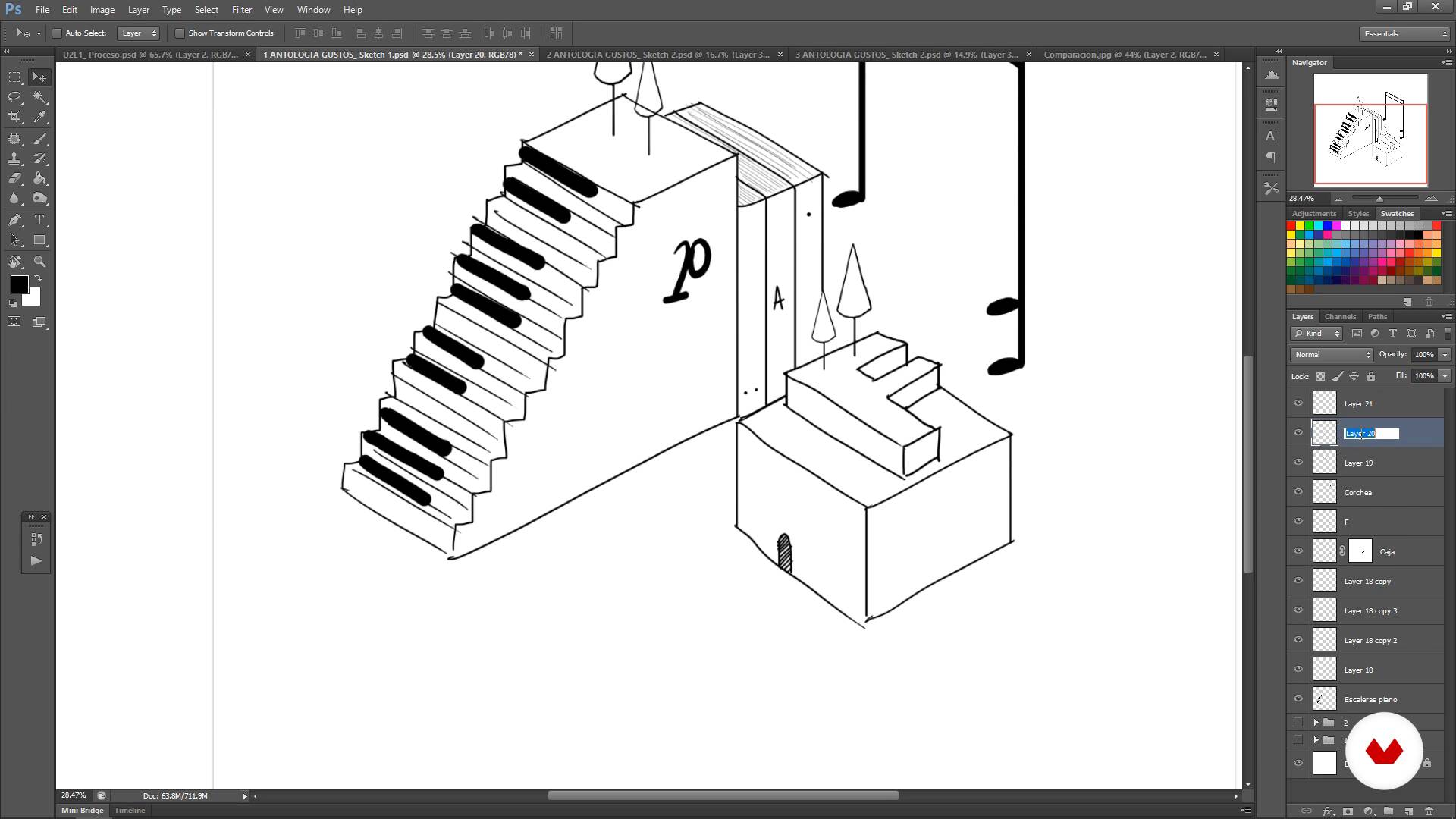
Sketches
20 minutes, 13 seconds
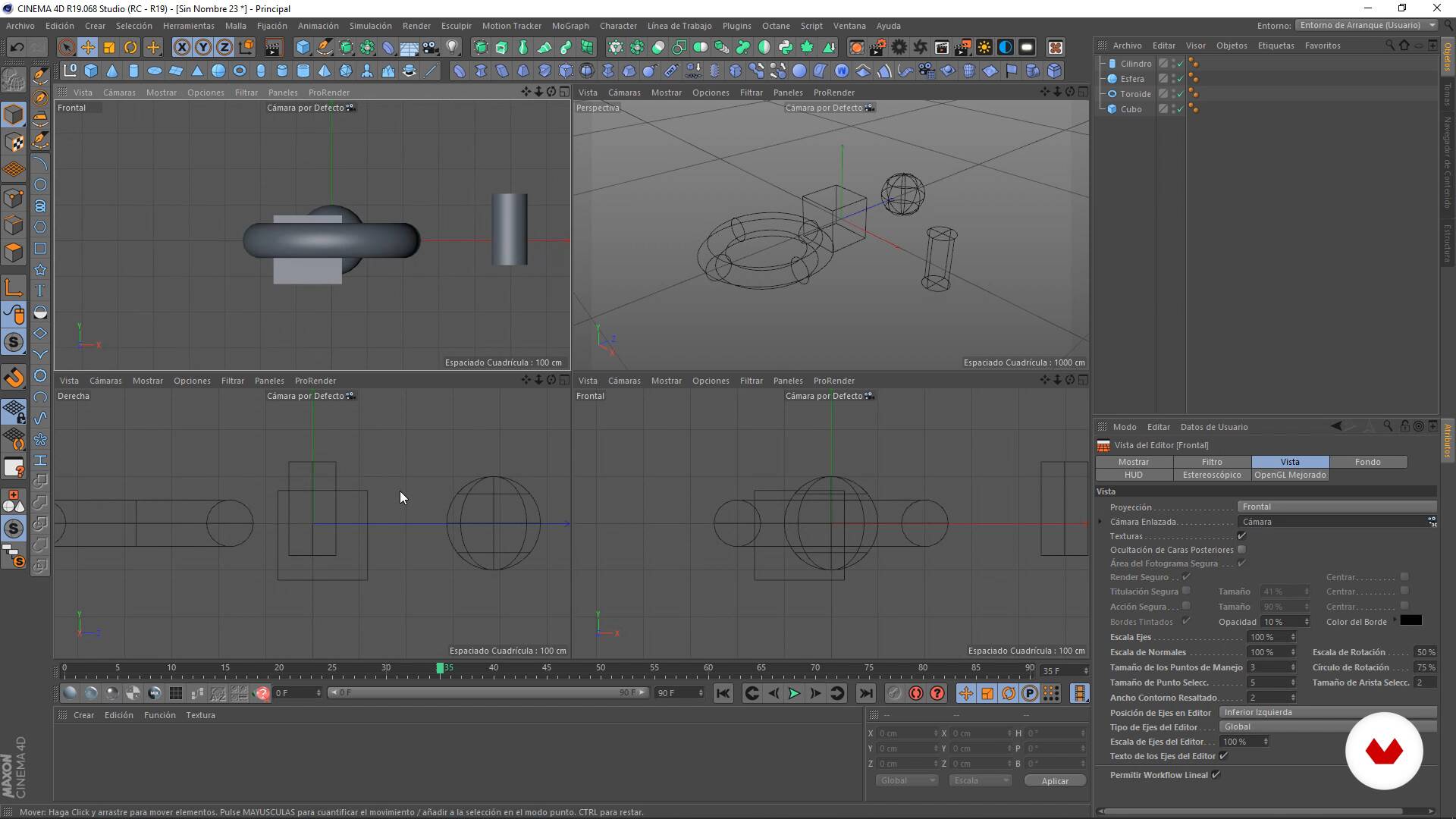
The 3D environment
9 minutes, 40 seconds
What's included in this course?
Start the course by getting to know Francisco, his career as an industrial designer, his incursion into illustration, and how he began combining both in his 3D illustrations. Then, he shares with you his main influences.
Learn how to find inspiration and conceptualize ideas for your final project. Create a sketch and bring it into Cinema 4D, where you will learn the main tools and how to customize your work environment.
Discover how to move your scene within the software and learn how to give volume and shape to objects. Create your composition by modeling the centerpiece in 3D and working on the details.
Using OctaneRender (or the render engine of your choice), discover how to create materials and textures that will help you inject life and color into your scene. See different lighting schemes and how to set up Octane's parameters. From there, move on to rendering your final 3D illustration.
Add a few finishing touches to your project to achieve an eye-catching and professional result, post-producing your images in Adobe Photoshop. Finally, see how to present your project, either in your portfolio or on social media.
Recommended software & tools for this course
What is this course's project?
Create a 3D scene in which you will showcase the objects, shapes, phrases, colors, and even animals that you like the most and which represent your style.
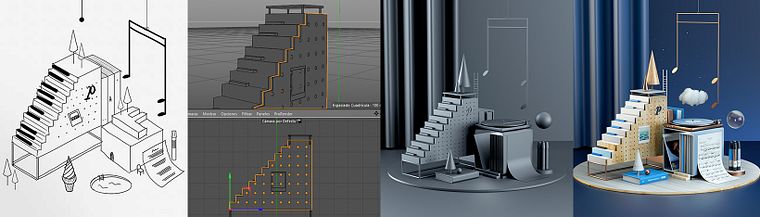
Projects by course students


Who is this online course for?
Designers, illustrators, creatives, or anyone who is interested in 3D modeling, geometry, abstract spaces, and the combination of colors and materials.
Requirements and materials
You will need a computer with a 3D modeling program and a render engine installed (the teacher uses Cinema 4D and OctaneRender).
To take this course, it is highly recommended to have access to Adobe Photoshop and Illustrator, as well as basic knowledge of the software.
Reviews
- 1 year ago
Excelente curso!
- 3 years ago
Great class!!
- 3 years ago
Very good!
- 3 years ago
Me ha encantado este curso, lo recomiendo
- 3 years ago
this is one the the simplest but informative courses great job.

He has developed industrial design projects for brands like Coca-Cola, Heineken, Facebook, Levi's, Zacapa Room, as well as 3D illustrations for personal projects like 36 Days of Type, Escher Relatividad, Bestiario, la Casa del Poeta, and collaborations with brands and magazines such as Entrepreneur, Tec Review, and Mool.
Content
- U1
Introduction
- Presentation
- Influences
- What will we do in the course?
- U2
Conceptualization and 3D environment
- 3D Project Process
- Brainstorming
- Cool hunting
- Sketches
- The 3D environment
- U3
From sketch to 3D
- Playing with the shapes
- 3D Modeling
- Detailing the modeling
- Basic materials with Octane Render
- U4
Let's render!
- Applying colors and textures
- Lighting schemes
- The render camera
- Final render
- U5
A striking result!
- Retouch in Photoshop
- Project presentation
- FP
Final project
- Creating 3D Compositions in Cinema 4D
What to expect from a Domestika course
Learn at your own pace
Enjoy learning from home without a set schedule and with an easy-to-follow method. You set your own pace.
Learn from the best professionals
Learn valuable methods and techniques explained by top experts in the creative sector.
Meet expert teachers
Each expert teaches what they do best, with clear guidelines, true passion, and professional insight in every lesson.
Certificates
PLUSIf you're a Plus member, get a custom certificate signed by your teacher for every course. Share it on your portfolio, social media, or wherever you like.
Get front-row seats
Videos of the highest quality, so you don't miss a single detail. With unlimited access, you can watch them as many times as you need to perfect your technique.
Share knowledge and ideas
Ask questions, request feedback, or offer solutions. Share your learning experience with other students in the community who are as passionate about creativity as you are.
Connect with a global creative community
The community is home to millions of people from around the world who are curious and passionate about exploring and expressing their creativity.
Watch professionally produced courses
Domestika curates its teacher roster and produces every course in-house to ensure a high-quality online learning experience.
FAQs
You’ll learn how to conceptualize, model, and light 3D scenes, create custom materials, render realistic images, and professionally present projects using Cinema 4D and Octane Render, blending both digital and traditional techniques.
This is an intermediate-level course. It’s recommended that you have basic 3D modeling knowledge or some experience with similar software before starting.
You’ll need a computer capable of running Cinema 4D and Octane Render, plus access to Photoshop for post-production. A graphics tablet is recommended for digital illustration.
You’ll learn to set up realistic lighting schemes, create custom materials and textures, and use effects like depth of field and Bloom to enhance your Octane Render images.
Yes, the course guides you through creating product renders, geometric compositions, and conceptual scenes by combining modeling, materials, and advanced lighting.
You’ll be able to conceptualize ideas, model objects, light scenes, render high-quality 3D images, and showcase your projects professionally in portfolios and on social media.
Yes, you’ll learn how to create mood boards, organize references, and develop digital sketches as a foundation for your 3D compositions.