Introduction to Illustrated Infographics
A course by Jing ZhangIllustrator
A course by Jing Zhang, Illustrator

Learn to communicate information with style by creating eye-catching graphics, from the initial sketch in Illustrator to its modeling in Cinema 4D
Illustrated infographics are meant to be a visual experience for its viewers. Jing Zhang is a London-based illustrator who specializes in translating complex data into eye-catching visuals. What makes her work unique is that she gravitates between 2D illustration and 3D modeling. With clients like the European Parliament, UNICEF, Apple, Google, and more, she’s here to share her renowned expertise.
In this course, she teaches you how to create an infographic that is both informative and visually striking. Learn how to use the digital tools of Illustrator and Cinema 4D to illustrate, render, and showcase information with style.
What will you learn in this online course?
15 lessons & 14 downloads
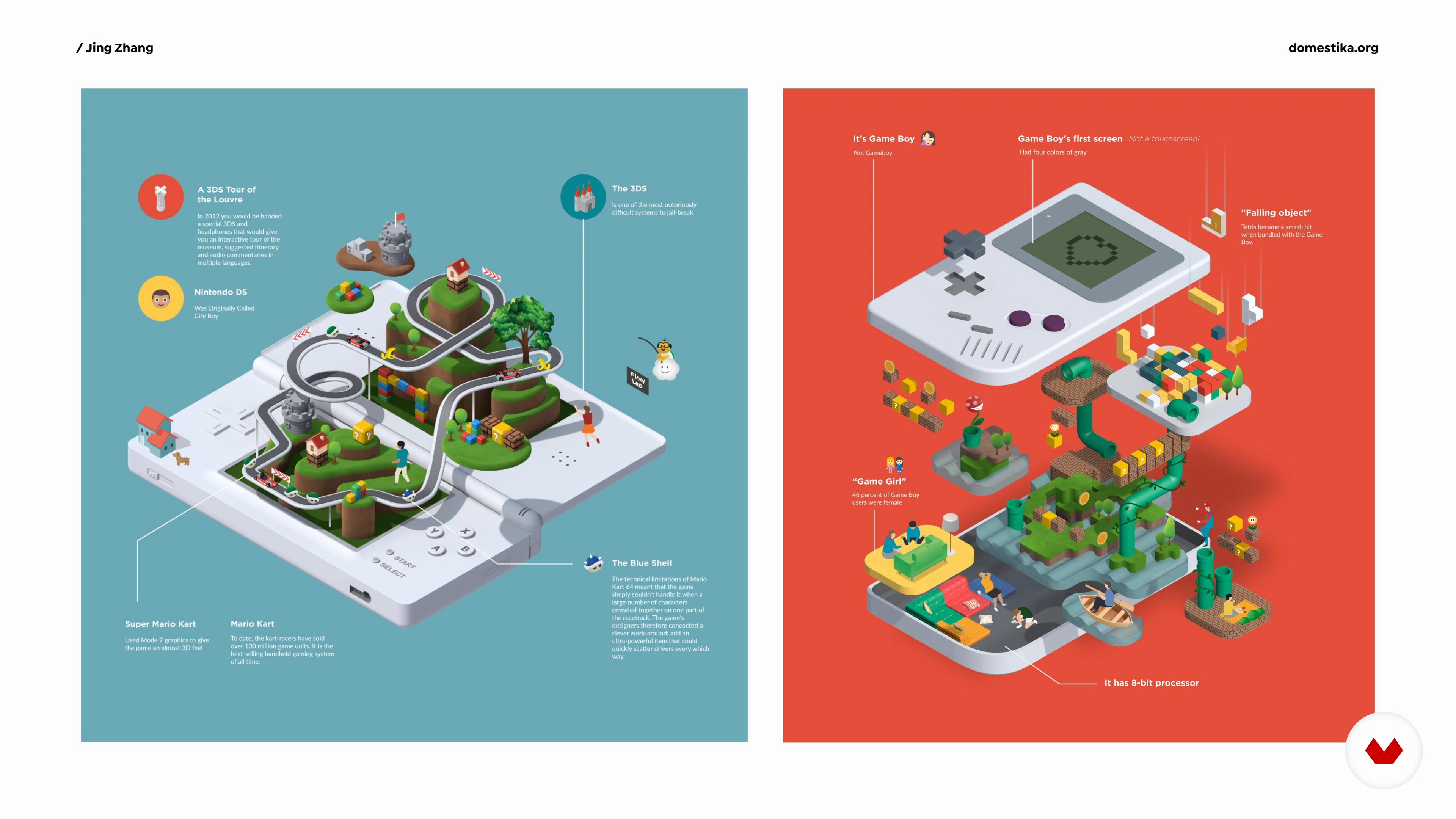
What Is an Illustrated Infographic?
8 minutes, 13 seconds

Softwares and Interfaces
7 minutes, 12 seconds

Concept, Visual Idea and Mood Board
6 minutes, 46 seconds
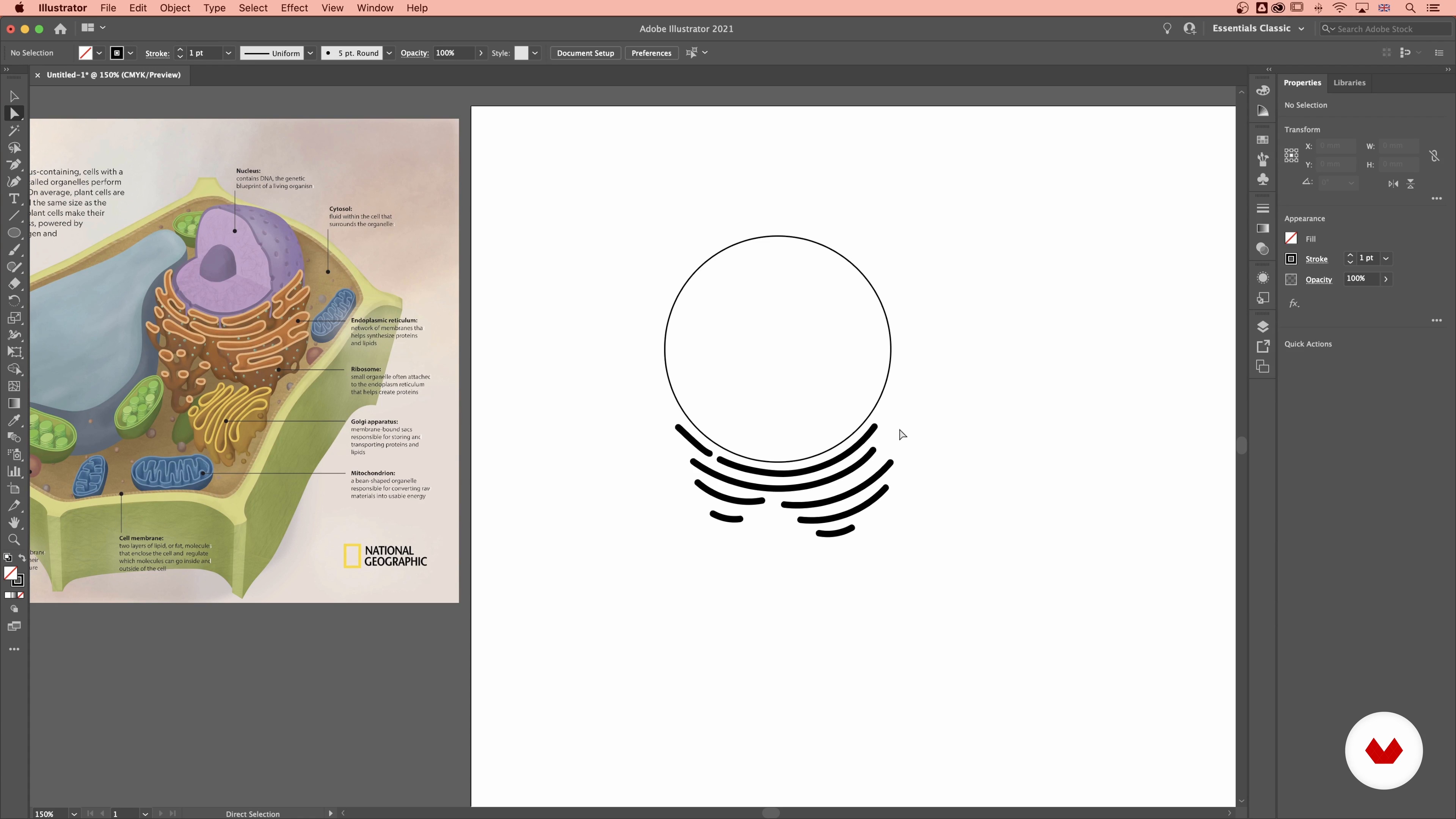
Creating the Shape in Illustrator
16 minutes, 7 seconds
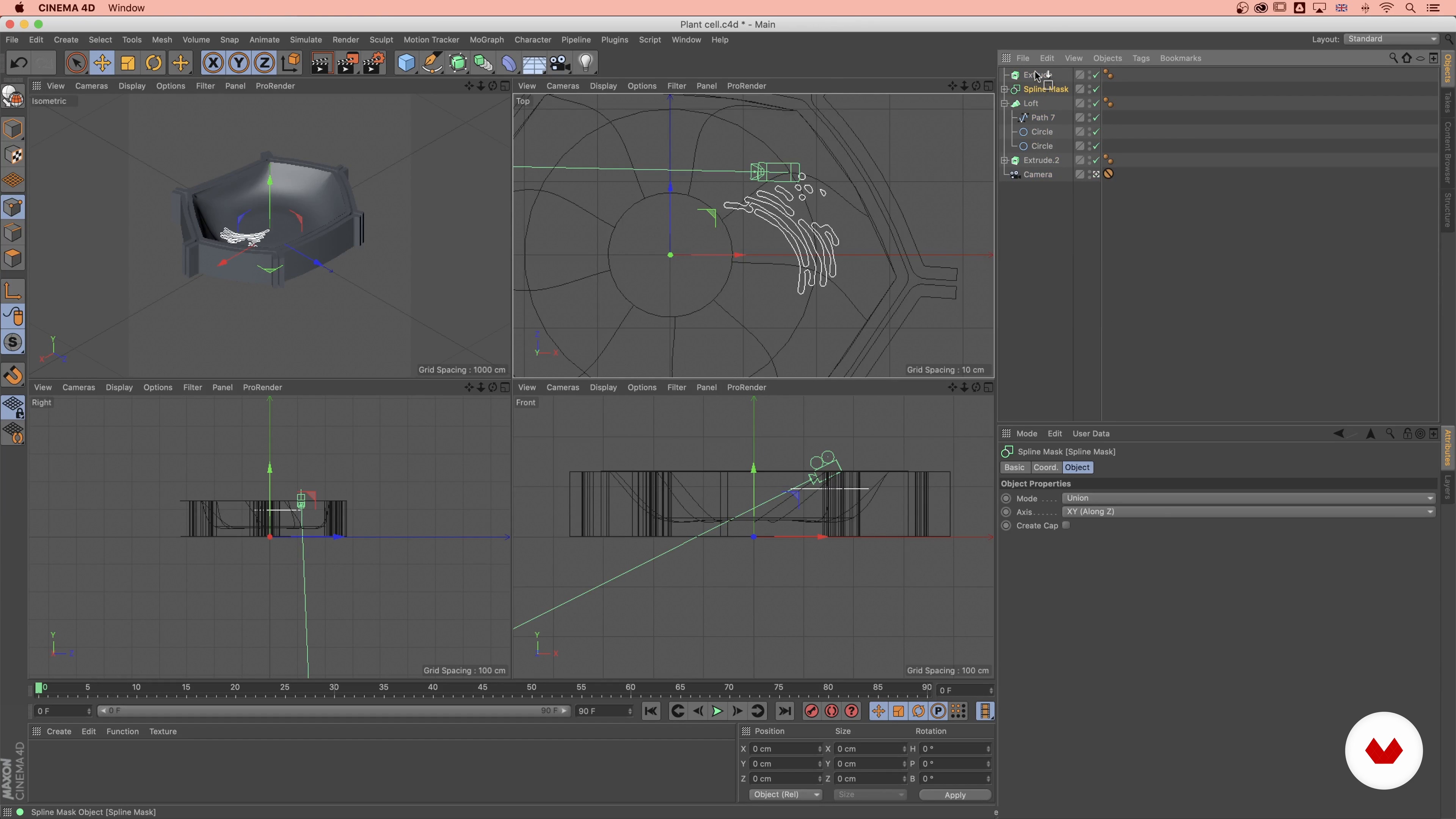
Turning a 2D Shape into a 3D Object
12 minutes, 9 seconds
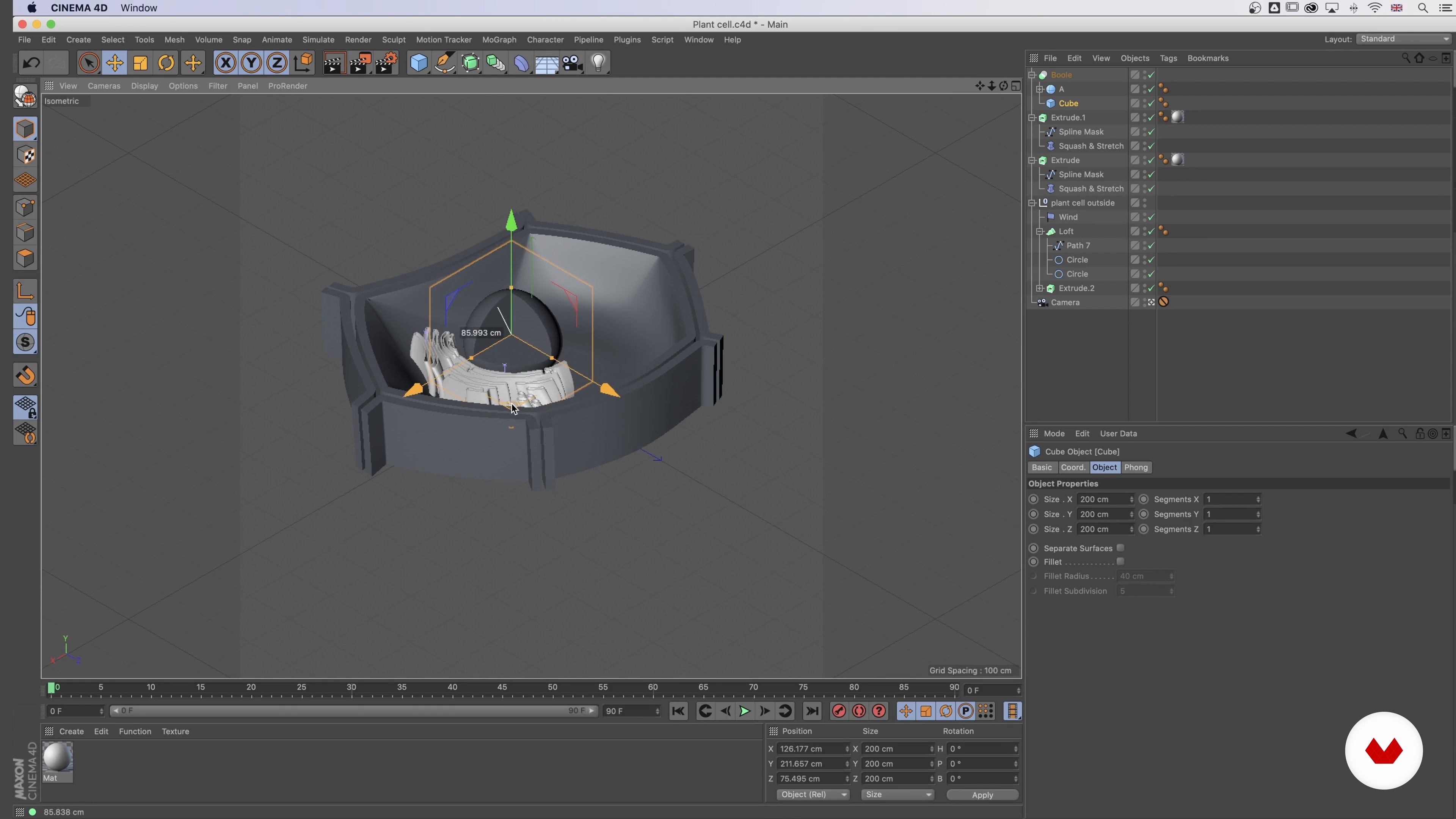
Creating Geometric Shapes
9 minutes, 43 seconds
What's included in this course?
Start by getting to know Jing, an illustrator with over a decade of experience, and your teacher for this course. She shares her creative background, and how she came to specialize in illustration and infographics. Hear about her influences and her sources of inspirations which range from Studio Ghibli’s animated films, Polly Pocket to biology illustrations.
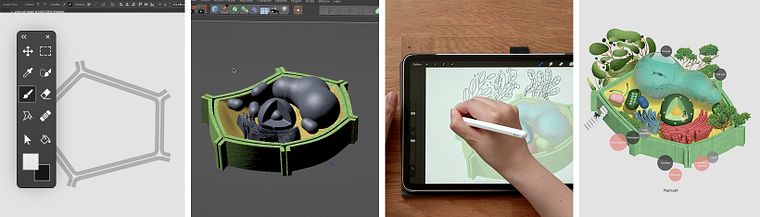
Get an overview of what illustrated infographics are. Explore the interfaces of Cinema 4D and Adobe Illustrator and get familiar with the digital tools needed for the course. Delve into the preparation phase by creating a mood board based on your subject of choice with visual references. Learn how to transform your theme into an entire concept.
Move on to the production phase by creating the base shapes in Illustrator, starting with a 2D design and transforming it into 3D. See how to merge your model with Cinema 4D, and then start adding geometric details. Learn how to refine your composition by adding light, color, and texture before rendering it. With your render ready, Jing shows you how to sketch the final details onto your model.
With the artistic aspect of your composition complete, Jing then shows you how to add data to your infographic. See how to add information in a way that is clean, concise, and visually attractive. Wrap up the course by hearing Jing’s tips on presenting and promoting your work on your social media or on your portfolio.
Recommended software & tools for this course
What is this course's project?
Create a visually-striking infographic on a subject that you are curious about by researching it and bringing it to life on Adobe Illustrator and Cinema 4D.
Projects by course students


Who is this online course for?
Anyone with an interest in creating infographics or wants to expand their skill set in 2D illustration or 3D modeling.
Requirements and materials
Basic knowledge of Adobe Illustrator is required.
To take this course, you need access to a computer with Cinema 4D and Illustrator.

Reviews
- 1 year ago
Hello , What other software can we get besides Cinema 4D and illustrator if we want to do this on an Ipad pro ?
- 2 years ago
Buen curso, con mucho material y bien estructurado.
- 2 years ago
muy buenoooo
- 3 years ago
Excelente curso, se aprende mucho, sobre todo para mi , que soy una principiante con el programa Cinema 4D, muchas gracias !
- 3 years ago
perfecto

She’s collaborated with a wide range of clients ranging from government agencies, organizations, to a variety of businesses. Her client list includes the European Parliament, UNICEF, General Electric, IBM, Apple, Samsung, Adobe, Google, Dubai Expo and many others. She has also been a part of the jury of the D&AD Awards, which is one of the most prestigious awards in design.
Content
- U1
Introduction
- About Me
- Influences
- U2
Illustrated Infographic: Concept and Visual Idea
- What Is an Illustrated Infographic?
- Softwares and Interfaces
- Concept, Visual Idea and Mood Board
- U3
Creating an Illustration Mixing 2D and 3D Tools
- Creating the Shape in Illustrator
- Turning a 2D Shape into a 3D Object
- Creating Geometric Shapes
- Texturing and Lighting
- Final Sketch
- Final Illustration 1
- Final Illustration 2
- Final Illustration 3
- U4
Finalising and Presenting Your Illustrated Infographic
- Designing the Infographic Layout
- How to Promote and Present Your Work
- FP
Final project
- Introduction to illustrated infographics
What to expect from a Domestika course
Learn at your own pace
Enjoy learning from home without a set schedule and with an easy-to-follow method. You set your own pace.
Learn from the best professionals
Learn valuable methods and techniques explained by top experts in the creative sector.
Meet expert teachers
Each expert teaches what they do best, with clear guidelines, true passion, and professional insight in every lesson.
Certificates
PLUSIf you're a Plus member, get a custom certificate signed by your teacher for every course. Share it on your portfolio, social media, or wherever you like.
Get front-row seats
Videos of the highest quality, so you don't miss a single detail. With unlimited access, you can watch them as many times as you need to perfect your technique.
Share knowledge and ideas
Ask questions, request feedback, or offer solutions. Share your learning experience with other students in the community who are as passionate about creativity as you are.
Connect with a global creative community
The community is home to millions of people from around the world who are curious and passionate about exploring and expressing their creativity.
Watch professionally produced courses
Domestika curates its teacher roster and produces every course in-house to ensure a high-quality online learning experience.
FAQs
This course is designed for intermediate illustrators with some experience in digital illustration. You don't need to be advanced, but basic familiarity with Adobe Illustrator and general design concepts is recommended.
You’ll need Adobe Illustrator and Cinema 4D to complete the projects and exercises in this course, as both programs are used for creating and integrating 2D and 3D illustration workflows.
You'll learn to translate complex information into visual formats, combine 2D and 3D techniques, develop unique artistic styles, and create engaging infographics using Adobe Illustrator and Cinema 4D.
While some design experience is helpful, beginners to Cinema 4D can join. The course covers core toolsets and workflows to get you started with 3D modeling for illustration.
The course provides step-by-step guidance on integrating vector illustration from Adobe Illustrator with 3D modeling and rendering in Cinema 4D to create dynamic, multi-dimensional infographics.
You’ll create editorial biology infographics, architectural illustrations, cross-section diagrams, isometric 3D infographics, and miniature world art, focusing on both scientific accuracy and creative storytelling.
Yes, the course covers analyzing project briefs, collaborating with clients, and developing visual concepts that effectively communicate complex ideas through illustration.