Editorial Illustration: Create a Visual Narrative
A course by Laura WächterIllustrator
A course by Laura Wächter, Illustrator

Transform texts into meaningful images with Procreate and Photoshop
How do you tackle a blank page? Illustrator Laura Wächter's approach uses text as a building block to create thought-provoking images. Laura specializes in the publishing sector and has gradually developed her own style that combines the gentle touch of pastel colors with contrasting black and white details that reflect the irony of everyday life.
In this course, learn how to create editorial illustrations with Procreate and Photoshop. Using a text as your source, create a visual narrative with carefully selected colors, thoughtful composition, and expressive details. By the end of this course, you'll have the power to transform texts into meaningful images through illustration.
What will you learn in this online course?
15 lessons & 22 downloads
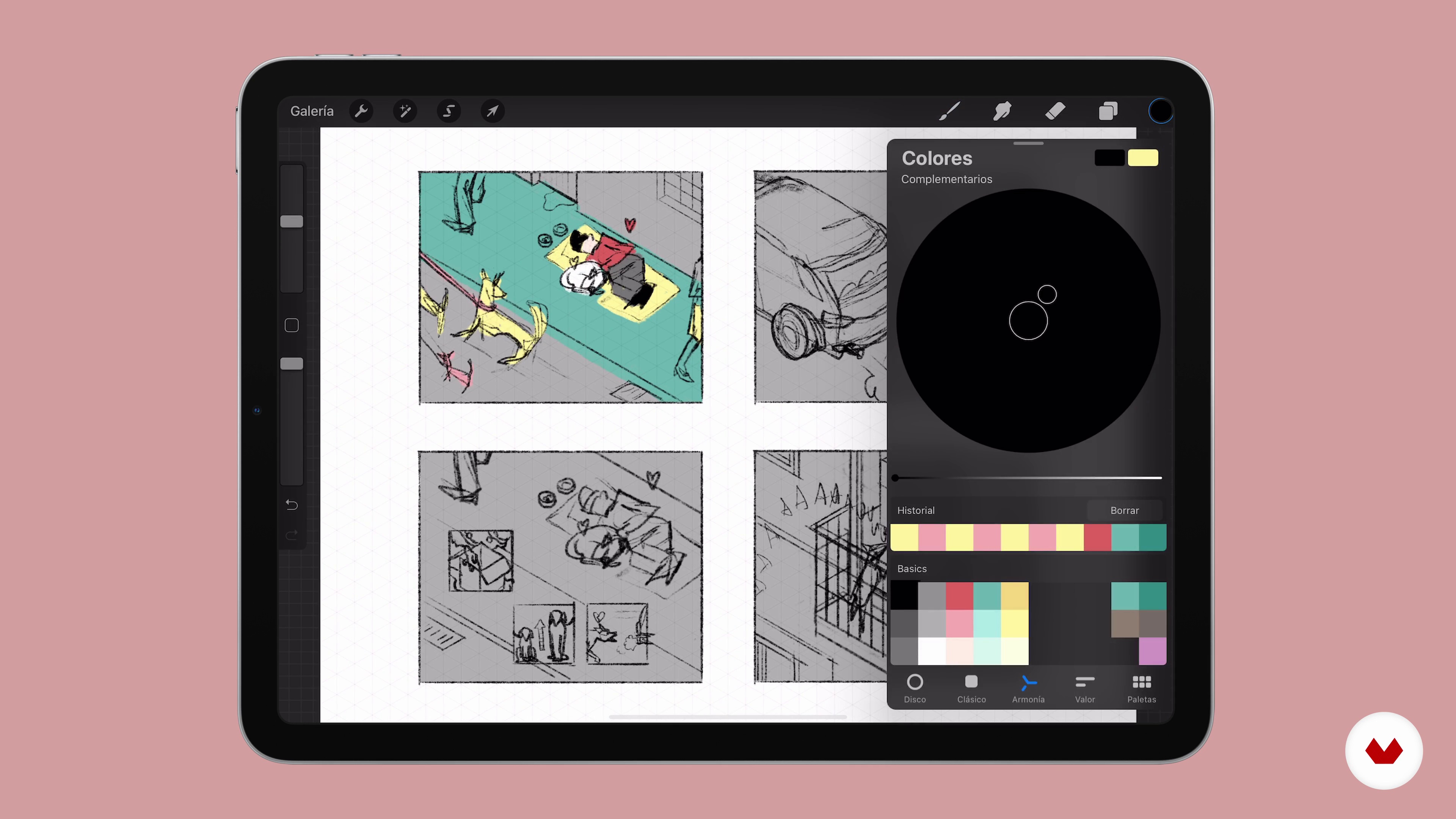
What Will We Do in This Course?
1 minute, 7 seconds
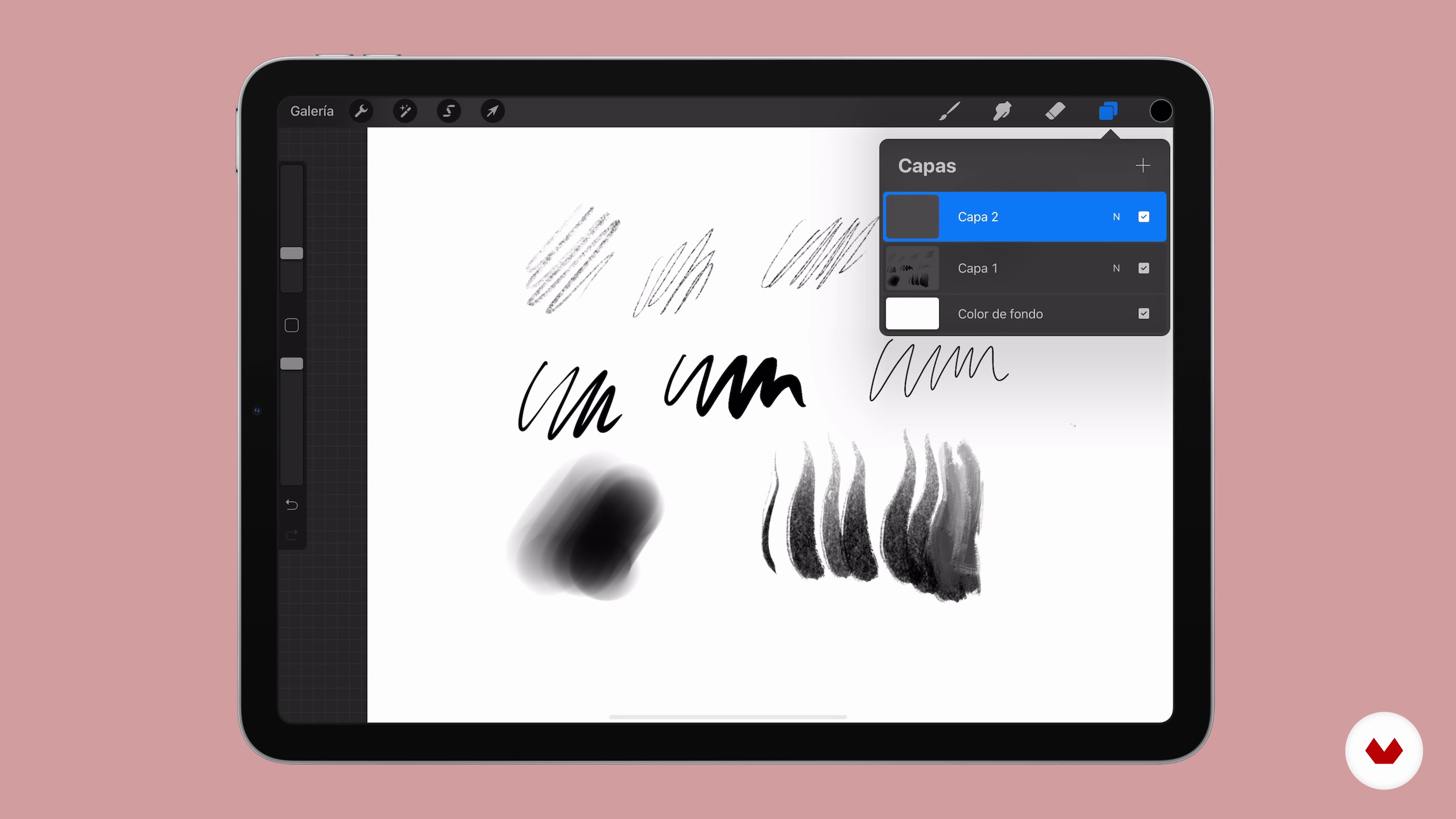
Knowing the Basics of Procreate
12 minutes, 18 seconds
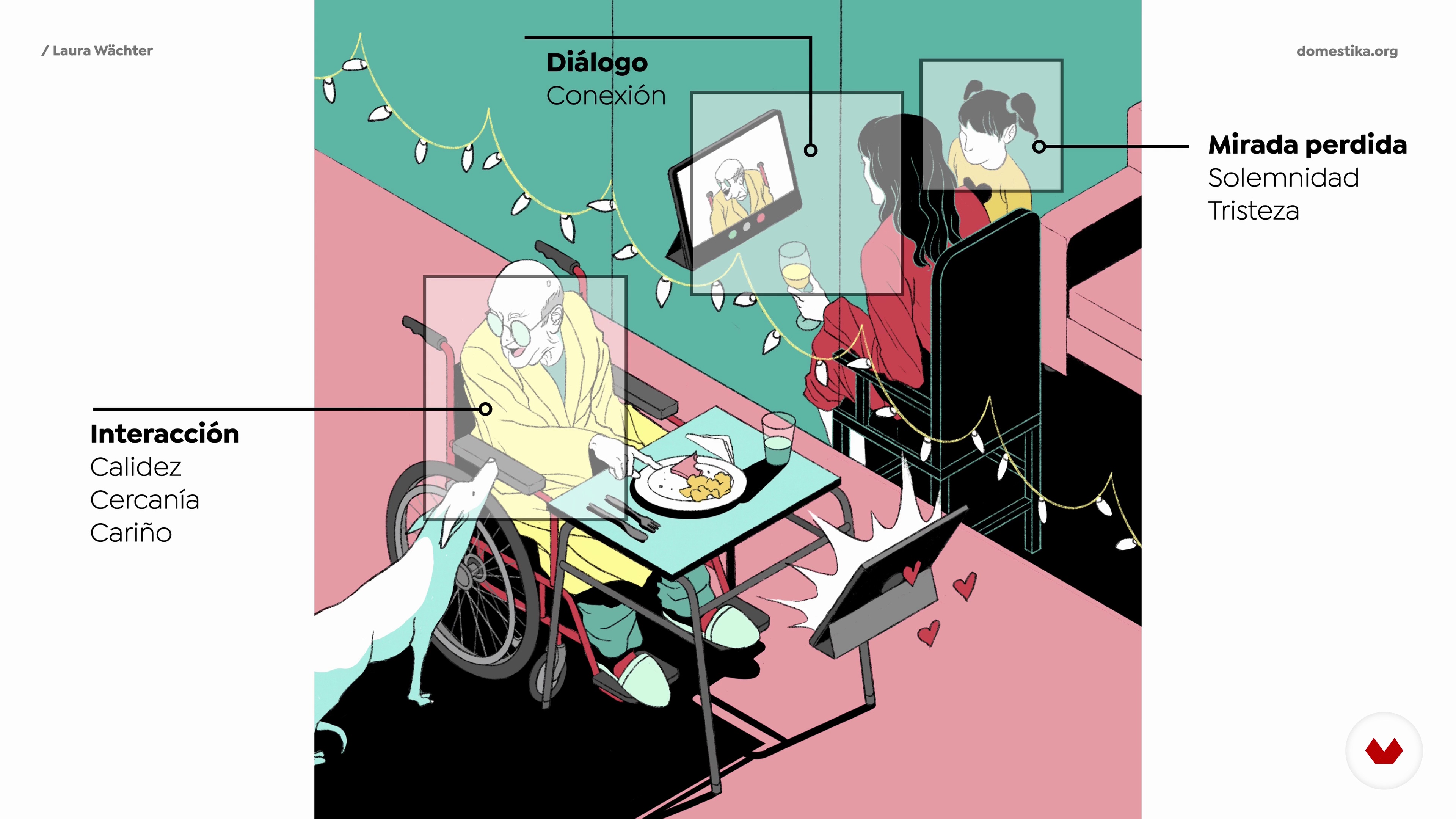
How the Pictures Speak
9 minutes, 57 seconds
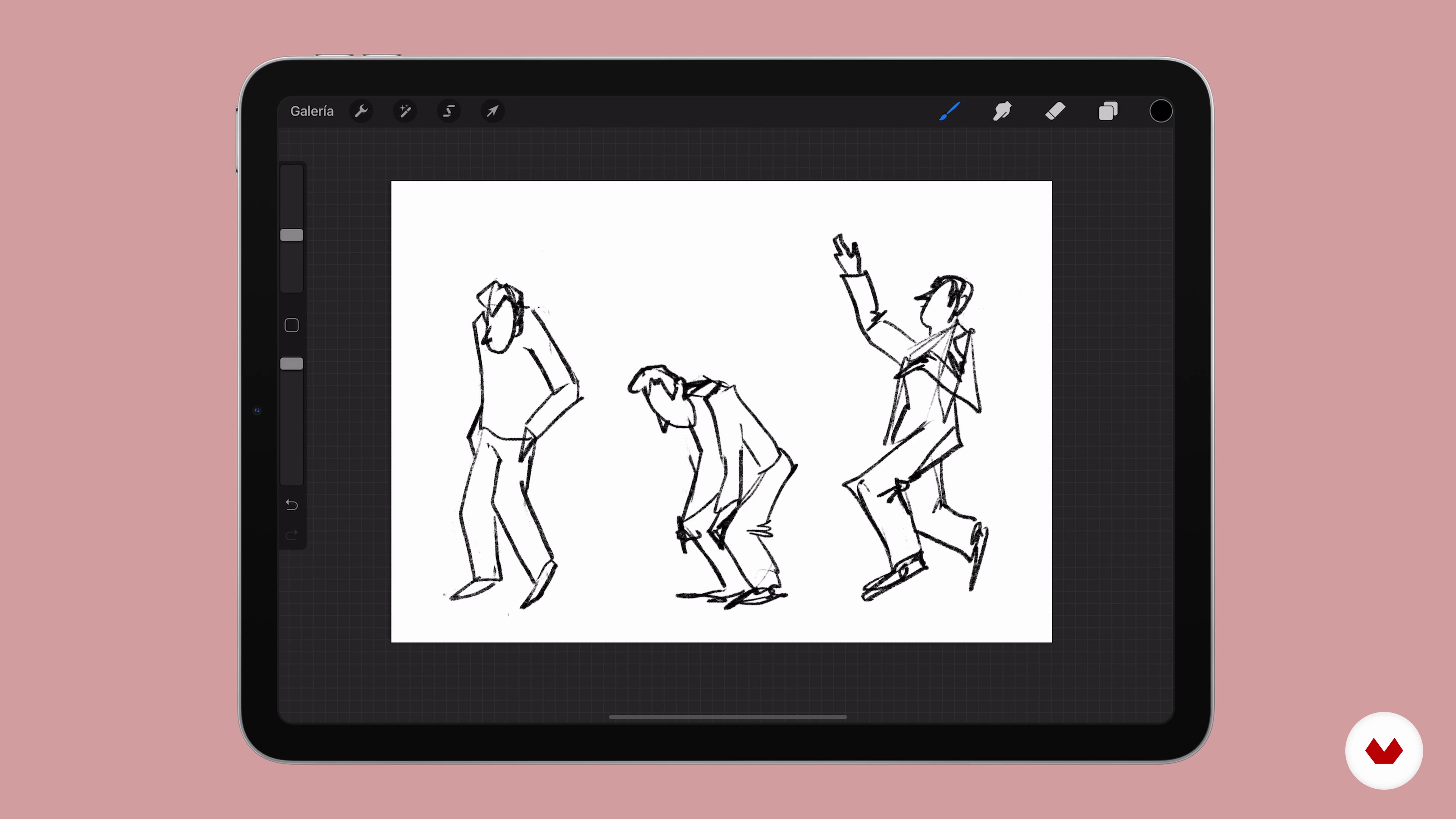
The Character: Gestures and Body Expression
5 minutes, 5 seconds
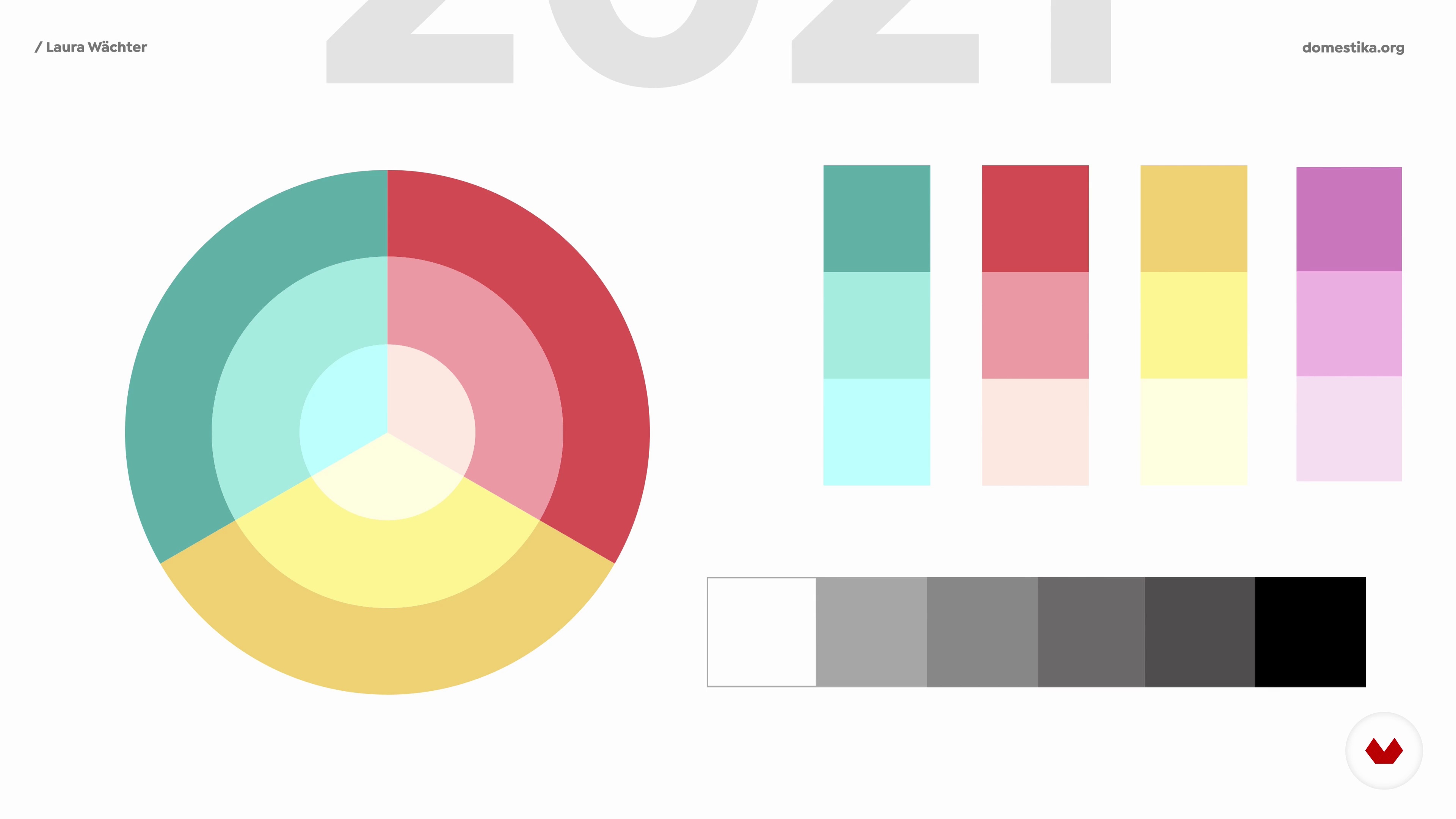
Color and Composition
12 minutes, 16 seconds
Before I Start to Draw
5 minutes, 8 seconds
What's included in this course?
Start the course by getting to know Laura Wächter on both a personal and a professional level. She tells you about the illustrated books that inspired her as a child and shows you some of the artists that have influenced her work in recent years.
Before you start drawing, explore key concepts on how to approach your editorial illustration. Learn how to use the different tools and features available in Procreate and then dive into the technical aspects of visual narration. Discover the importance of color, composition, a character's body language, and all the other important factors you should keep in mind before you get to work. Finally, learn how to read, understand, and analyze a text.
Now it's time to start working on your project. Sketch an outline for your idea and search for reference images to help you decide on what details you want to include. Once you have well-defined shapes, Laura teaches you how to add color and explains what elements require special attention. She also shows you how to put the finishing touches on your work by sharing her own process.
Lastly, export your project from Procreate into Photoshop to conserve all the layers and features and prepare the files for printing. Laura wraps up the course by giving you some tips on how to share your illustrations on social media and how to curate your Instagram feed to make it coherent and engaging.
Recommended software & tools for this course
What is this course's project?
Create a visual narrative based on a text with carefully selected colors, thoughtful composition, and expressive details.
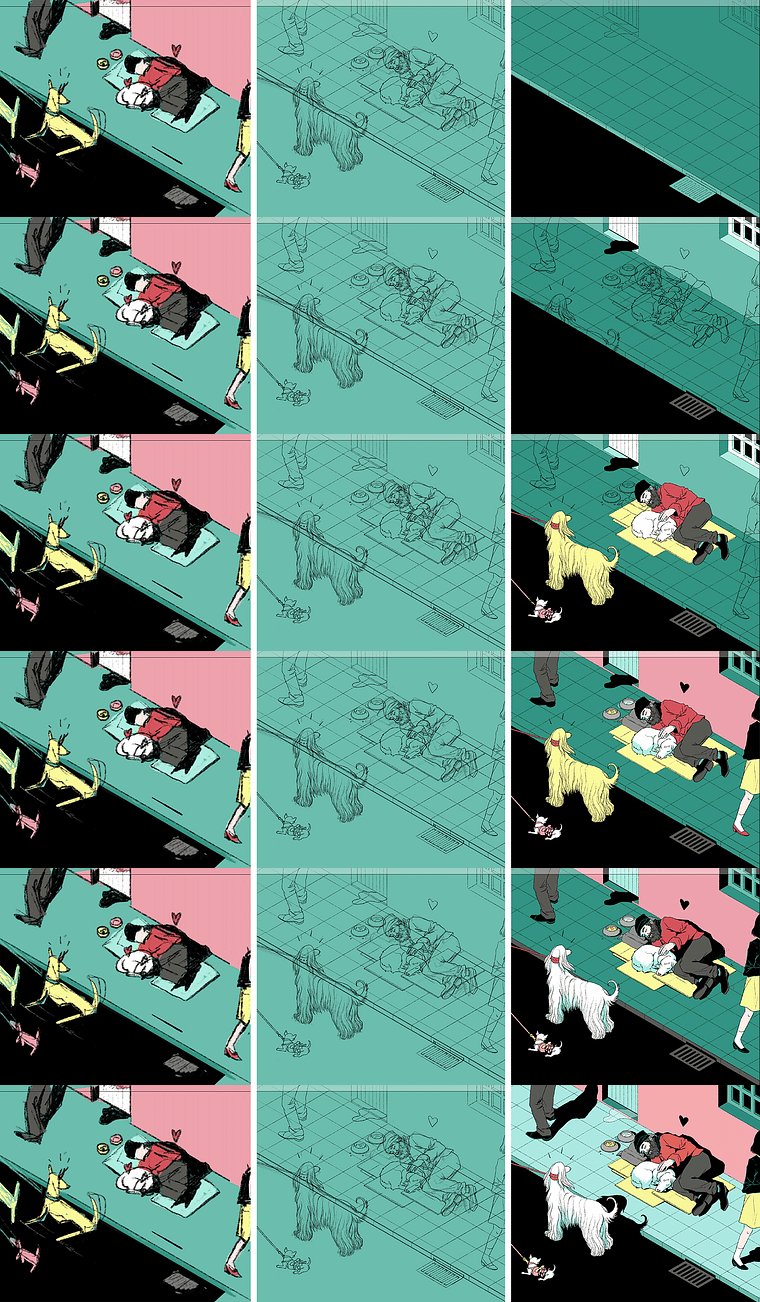
Projects by course students


Who is this online course for?
Illustrators and anyone interested in learning how to transform texts into images.
Requirements and materials
All you need for this course is an iPad with Procreate and a computer with Photoshop.
Reviews
- 2 months ago
Very good course with lots of useful materials and ideas to put into practice. I found the concepts applied to composition particularly useful.
- 5 months ago
This course was very helpful to me, and I will watch it repeatedly.
- 9 months ago
qué bueno todo lo que comparte en este curso y me encanta como trabaja color!
- 11 months ago
Bravissima artista, spiegazioni moto chiare. Seguirei sicuramente qualche altro corso di questa artista
- 2 years ago
Great course, I loved it!

Her work is regularly featured in El País Semanal, Salto Diario, and Fundación Telefónica, among others. Throughout her career, she has also been recognized for her work on numerous occasions, including the INJUVE award in 2009, a nomination for the sixth Ibero-American Illustration Contest in 2015, and an award in the Book Cover Category at the 2020 World Illustration Awards.
Content
- U1
Introduction
- Presentation
- Influences
- What Will We Do in This Course?
- U2
The Basics: Important Concepts
- Knowing the Basics of Procreate
- How the Pictures Speak
- The Character: Gestures and Body Expression
- Color and Composition
- Before I Start to Draw
- Address the Text
- U3
The Illustration: From the Sketch to the Final Image
- The sketch
- Define the Line
- Polish the Color
- Add the Final Details
- U4
Final Arts and Social Networks
- Go to Photoshop and Prepare the Files
- Prepare the Project for Social Networks
- FP
Final project
- Editorial Illustration: Create a Visual Narrative
What to expect from a Domestika course
Learn at your own pace
Enjoy learning from home without a set schedule and with an easy-to-follow method. You set your own pace.
Learn from the best professionals
Learn valuable methods and techniques explained by top experts in the creative sector.
Meet expert teachers
Each expert teaches what they do best, with clear guidelines, true passion, and professional insight in every lesson.
Certificates
PLUSIf you're a Plus member, get a custom certificate signed by your teacher for every course. Share it on your portfolio, social media, or wherever you like.
Get front-row seats
Videos of the highest quality, so you don't miss a single detail. With unlimited access, you can watch them as many times as you need to perfect your technique.
Share knowledge and ideas
Ask questions, request feedback, or offer solutions. Share your learning experience with other students in the community who are as passionate about creativity as you are.
Connect with a global creative community
The community is home to millions of people from around the world who are curious and passionate about exploring and expressing their creativity.
Watch professionally produced courses
Domestika curates its teacher roster and produces every course in-house to ensure a high-quality online learning experience.
FAQs
Yes, this course is designed for those with basic illustration skills who want to deepen their understanding of visual storytelling, composition, and advanced digital tools like Procreate.
It’s recommended to have basic experience with digital illustration and some familiarity with programs like Procreate or Photoshop. You don’t need to be an expert, but you should know the basics of drawing and digital editing.
You’ll learn how to analyze texts to create images, develop visual narratives, set up files for print and social media, apply composition, color, and symbolism techniques, and master professional Procreate tools.
Yes, having an iPad and Apple Pencil is recommended to fully benefit from the Procreate exercises, though many techniques can be adapted for graphics tablets compatible with other software like Photoshop.
Yes, the course provides step-by-step exercises on creating canvases, choosing brushes, organizing layers, using guides, and exporting files in Procreate.
Yes, you’ll learn how to set color profiles, work with CMYK and RGB modes, adjust dimensions, apply bleed, and export files optimized for both print and digital platforms like Instagram.
The course covers storytelling tools, vignette techniques, visual metaphors, symbolic use of the body, gestures, reading order, and how to convey emotions and messages through composition and color.