Concept Art for Video Games
A course by Nacho YagüeConcept Artist
A course by Nacho Yagüe, Concept Artist

Learn to create scenes with a professional finish for AAA video games
Nacho Yagüe is an art director and concept artist who has worked with Ubisoft to create video games such as Assassins Creed Unity, Watch Dogs 2, and Splinter Cell: Blacklist. Explore the workflow of a professional concept artist and learn—through his drawings—how Nacho actively participates in every phase of production, solving artistic and design problems for AAA video games.
In this course, Nacho teaches you how to prepare a piece of concept art while taking all the peculiarities of video-game creation into account, including level design, textures, and animation. In addition, learn to use brushes that simulate traditional painting and apply different tools and techniques to optimize your work.
What will you learn in this online course?
24 lessons & 14 downloads
What is a concept artist?
6 minutes, 0 seconds
The briefing
17 minutes, 25 seconds
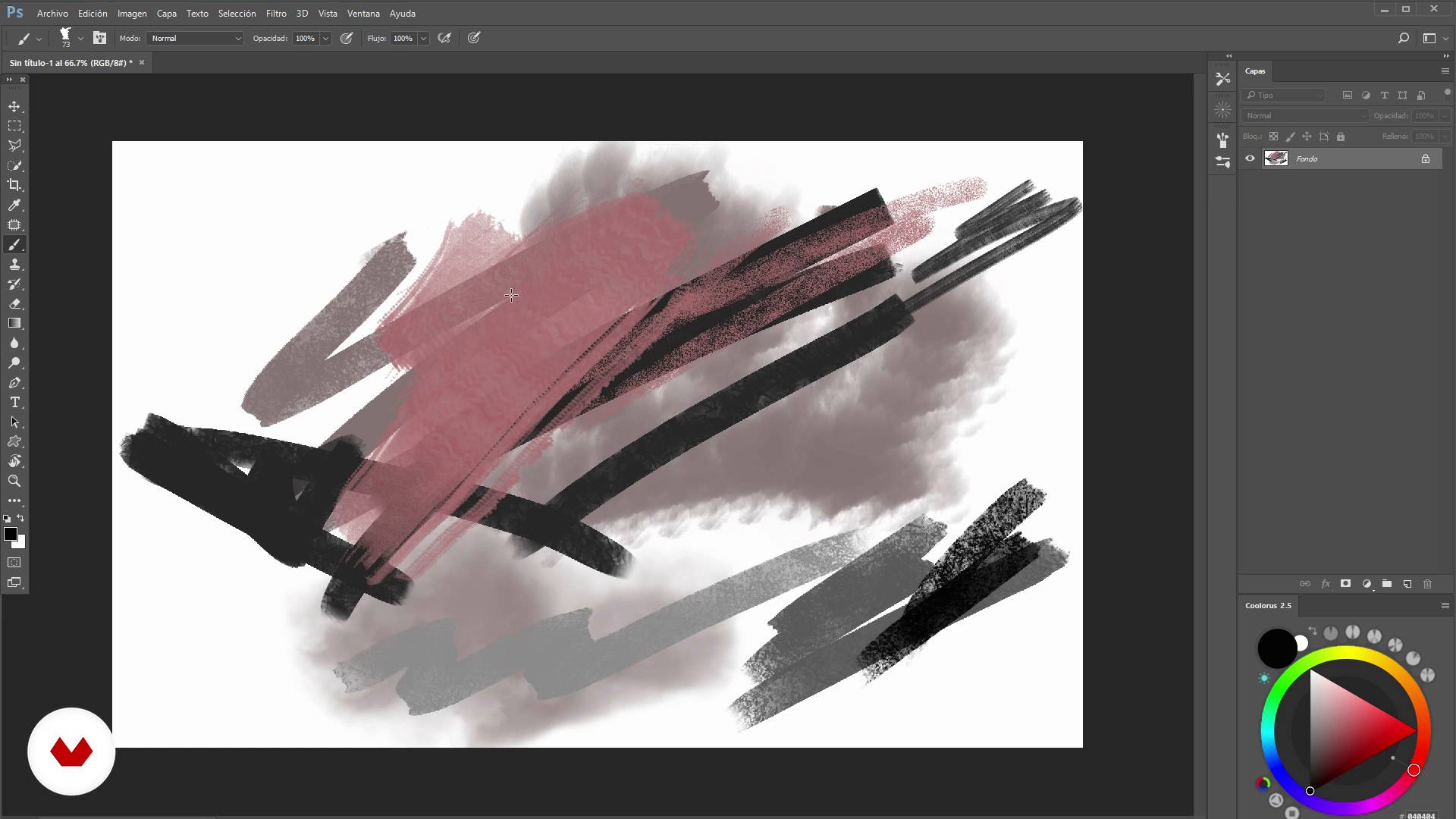
The tools
5 minutes, 42 seconds
Custom shapes
16 minutes, 14 seconds
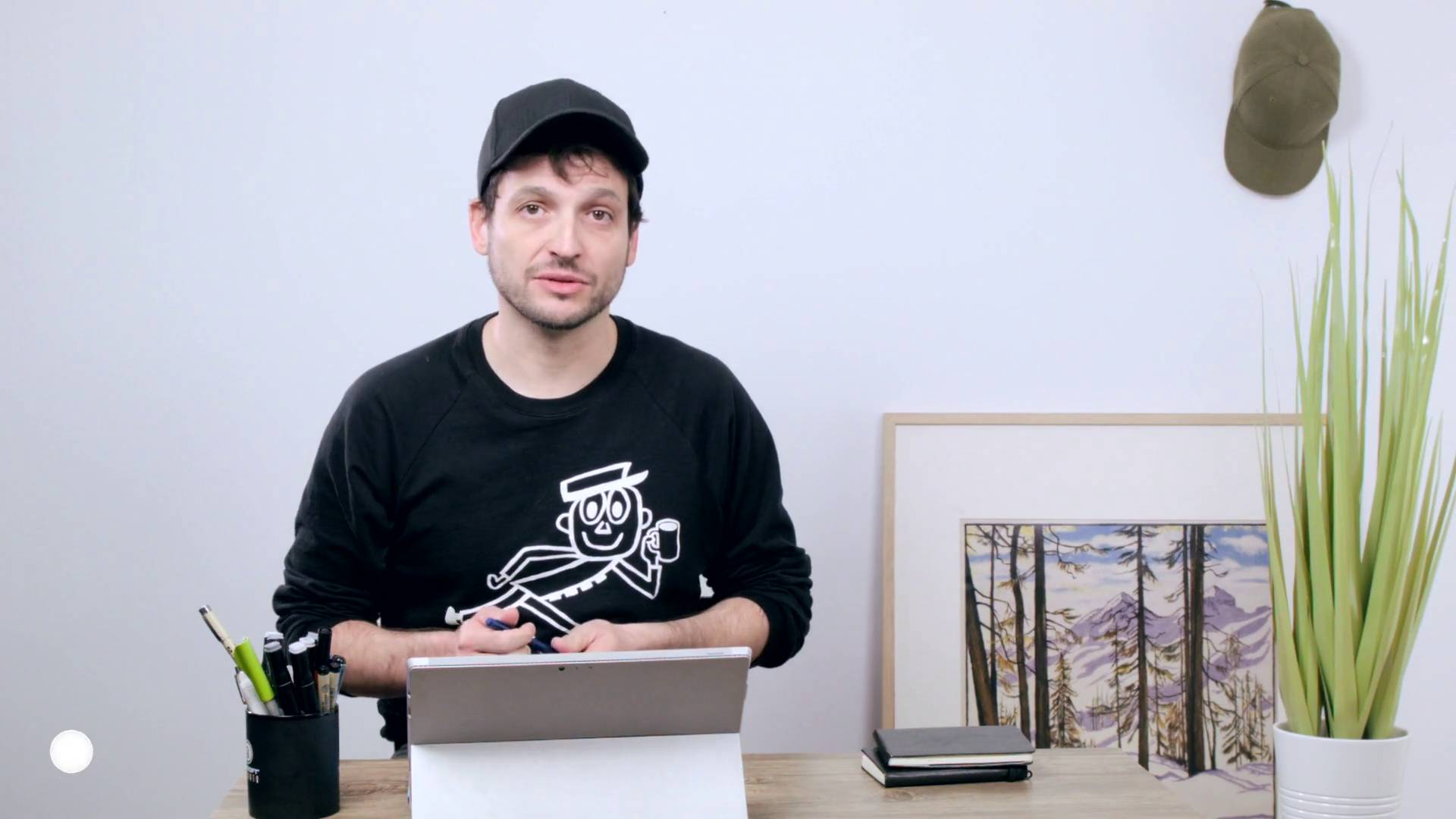
Hands on the job I
13 minutes, 17 seconds
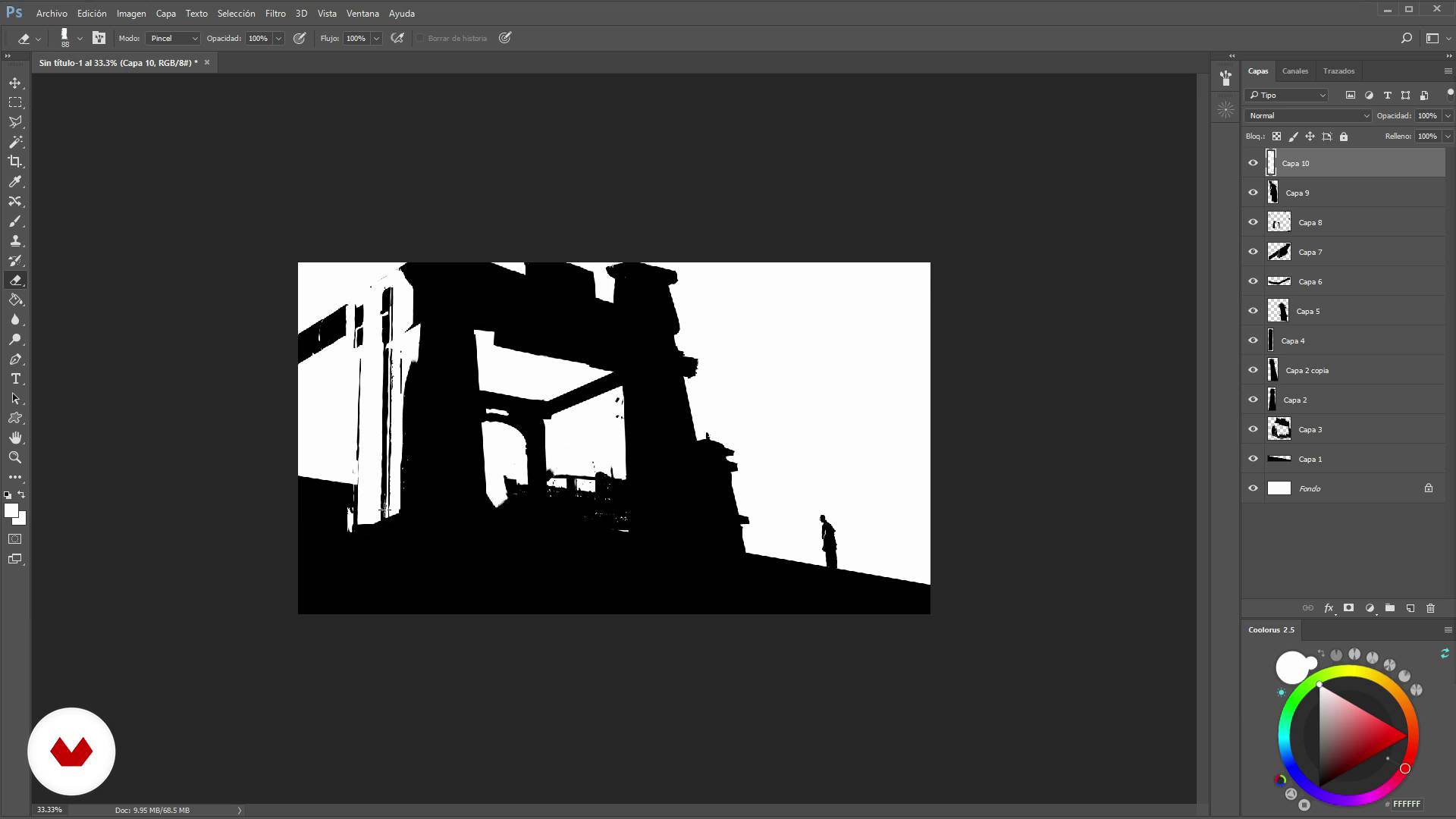
Hands on the job II
13 minutes, 27 seconds
What's included in this course?
Start by familiarizing yourself with Nacho's work and his influences. Discover the role of a concept artist in the world of video games and the production phases these professionals are involved in.
Kick off your project by studying the brief and following Nacho's steps to select the main concepts needed to shape your designs. Get a first-hand look at the tools that he regularly uses to create his scenes.
Now you know what you need for your project, it’s time to make your own custom shapes—an extremely versatile technique to help you create compositions quickly and efficiently. Then, develop your compositions adding color and texture before hearing some parting tips from Nacho on the most attractive way to present them to an art director or client.
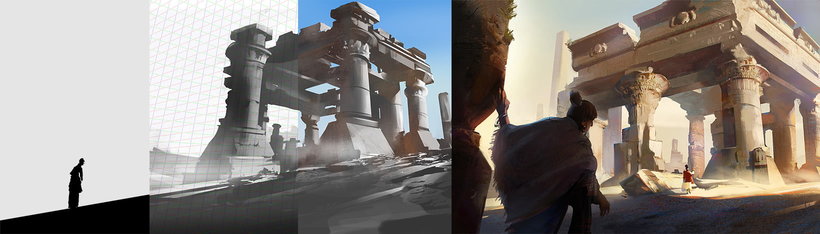
Recommended software & tools for this course
What is this course's project?
Use a real brief to make a concept art scene with a professional finish for an AAA video game.
Projects by course students


Who is this online course for?
Illustrators, designers, and anyone interested in concept art, especially applied to AAA video games.
Requirements and materials
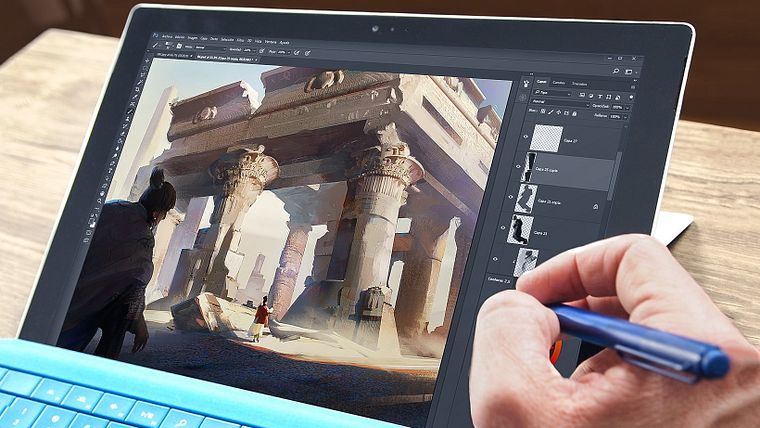
Basic knowledge of Adobe Photoshop and drawing is required. As for materials, you need a computer with Photoshop installed; working with a graphics tablet is also recommended.
Reviews
- 18 days ago
Excelente curso!
- 2 months ago
Hi, I enjoyed this course and learned a lot. Recommending for sure.
- 2 months ago
Me faltan kilómetros de aprendizaje pero el curso de Nacho Yagüe me ha acortado la distancia y no tengo miedo a recorrerlos, porque he entendido lo que se pretende,cómo y qué hacer cuando tienes una idea en la cabeza. Imprescindible
- 11 months ago
Molto interessante.
- 1 year ago
Muy interesante aprender su técnica y ver al artista en acción.
He also worked as a senior concept artist at Ubisoft Toronto through 2017, creating the artwork for renowned video games such as Splinter Cell: Blacklist, Assassin's Creed Unity, and Watch Dogs 2. He later returned to Barcelona to join Gameloft as the studio's art director.
Content
- U1
Introduction
- Presentation
- Influences
- U2
What is a concept artist specialized in videogames
- What is a concept artist?
- Phases in the production of a video game
- U3
Basic creation of thumbnails / composition
- The briefing
- The tools
- Custom shapes
- Hands on the job I
- Hands on the job II
- Hands on the job III
- Hands on the job IV
- Hands on the job V
- Hands on work VI
- Hands on the job VII
- U4
Development of the thumbnail
- Color and texture I
- Color and texture II
- Color and texture III
- Color and texture IV
- Color and texture V
- Color and texture VI
- Color and texture VII
- Color and texture VIII
- Presentation to the client
- Farewell and advice
- FP
Final project
- Concept art for videogames
What to expect from a Domestika course
Learn at your own pace
Enjoy learning from home without a set schedule and with an easy-to-follow method. You set your own pace.
Learn from the best professionals
Learn valuable methods and techniques explained by top experts in the creative sector.
Meet expert teachers
Each expert teaches what they do best, with clear guidelines, true passion, and professional insight in every lesson.
Certificates
PLUSIf you're a Plus member, get a custom certificate signed by your teacher for every course. Share it on your portfolio, social media, or wherever you like.
Get front-row seats
Videos of the highest quality, so you don't miss a single detail. With unlimited access, you can watch them as many times as you need to perfect your technique.
Share knowledge and ideas
Ask questions, request feedback, or offer solutions. Share your learning experience with other students in the community who are as passionate about creativity as you are.
Connect with a global creative community
The community is home to millions of people from around the world who are curious and passionate about exploring and expressing their creativity.
Watch professionally produced courses
Domestika curates its teacher roster and produces every course in-house to ensure a high-quality online learning experience.
FAQs
You’ll learn how to create professional concept art, build compelling portfolios, apply composition techniques, master lighting and color control, and use essential digital tools for AAA environments—boosting your efficiency and adaptability in international teams.
This course is designed for those with intermediate digital art or illustration skills aiming to specialize in AAA video game concept art. It’s not intended for complete beginners.
You’ll need a computer with Photoshop installed, a graphics tablet, internet access, and basic knowledge of digital illustration tools. Prior experience in digital drawing is recommended.
You’ll learn how to select, organize, and showcase your best work, focusing on what AAA studios look for and professionally highlighting your technical and creative skills.
The course covers custom brushes, selection tools, lasso, Perspective Tools, Colorus, layer masks, custom shapes, photobashing, and other essential plugins for concept artists.
You’ll be taught shape synthesis, quick sketching, traditional and digital composition, light and shadow control, color palette use, and thumbnail creation for preproduction.
Yes, you’ll complete exercises and projects that simulate real AAA concept art workflows—from briefing to delivering assets for 3D teams and final art.