Product Design: From 3D Prototyping to 2D Sketching
A course by Reid SchlegelIndustrial Designer
A course by Reid Schlegel, Industrial Designer

Bring your ideas to life with a 5D approach to product design that combines a 3D prototype and 2D sketches to enhance color, material, and finish
If you’ve got a design concept you want to share, you need to know how to get it ready for presenting to the real world. Industrial designer Reid Schlegel works with 2D and 3D to create clear visualizations and models that explain and sell his ideas. Reid is a process drawing and digital presentation professor, and director of industrial design at HUGE. He believes his mission is to improve the human experience through design.
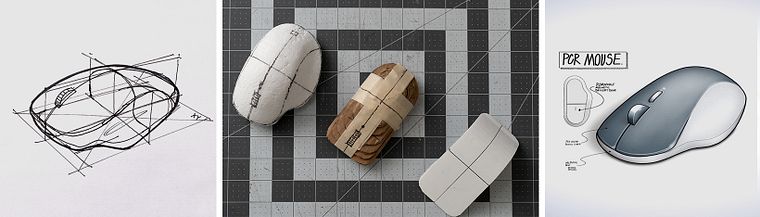
In this course, Reid teaches you his 5D ideation process; creating a 3D prototype paired with a digital render, ready to present to clients. See how to use different materials to build a model, and how to draw a realistic concept drawing that successfully and efficiently illustrates your complex ideas.
What will you learn in this online course?
17 lessons & 8 downloads
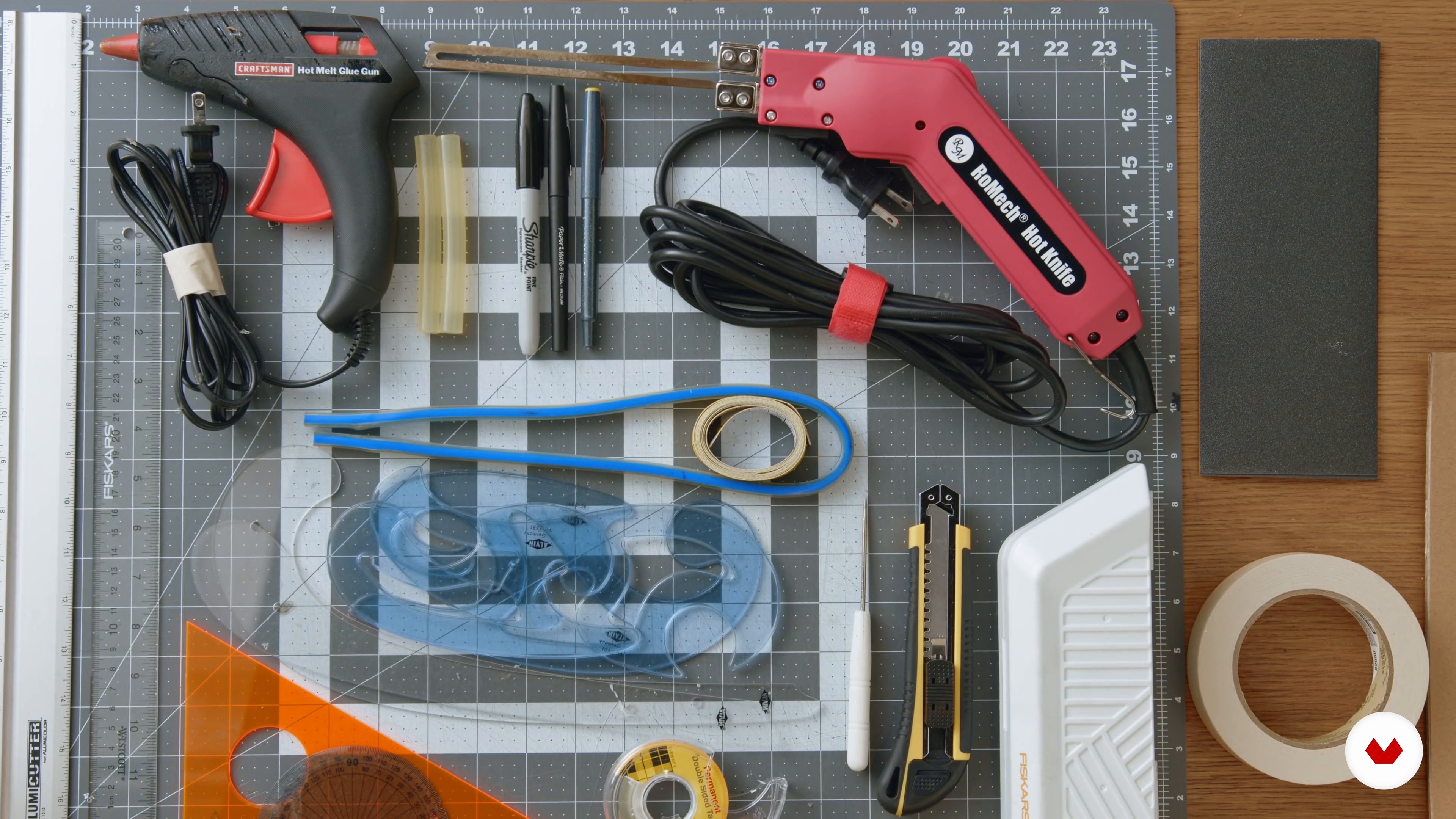
Materials and Tool Collection
18 minutes, 8 seconds

Digital Tools
7 minutes, 2 seconds
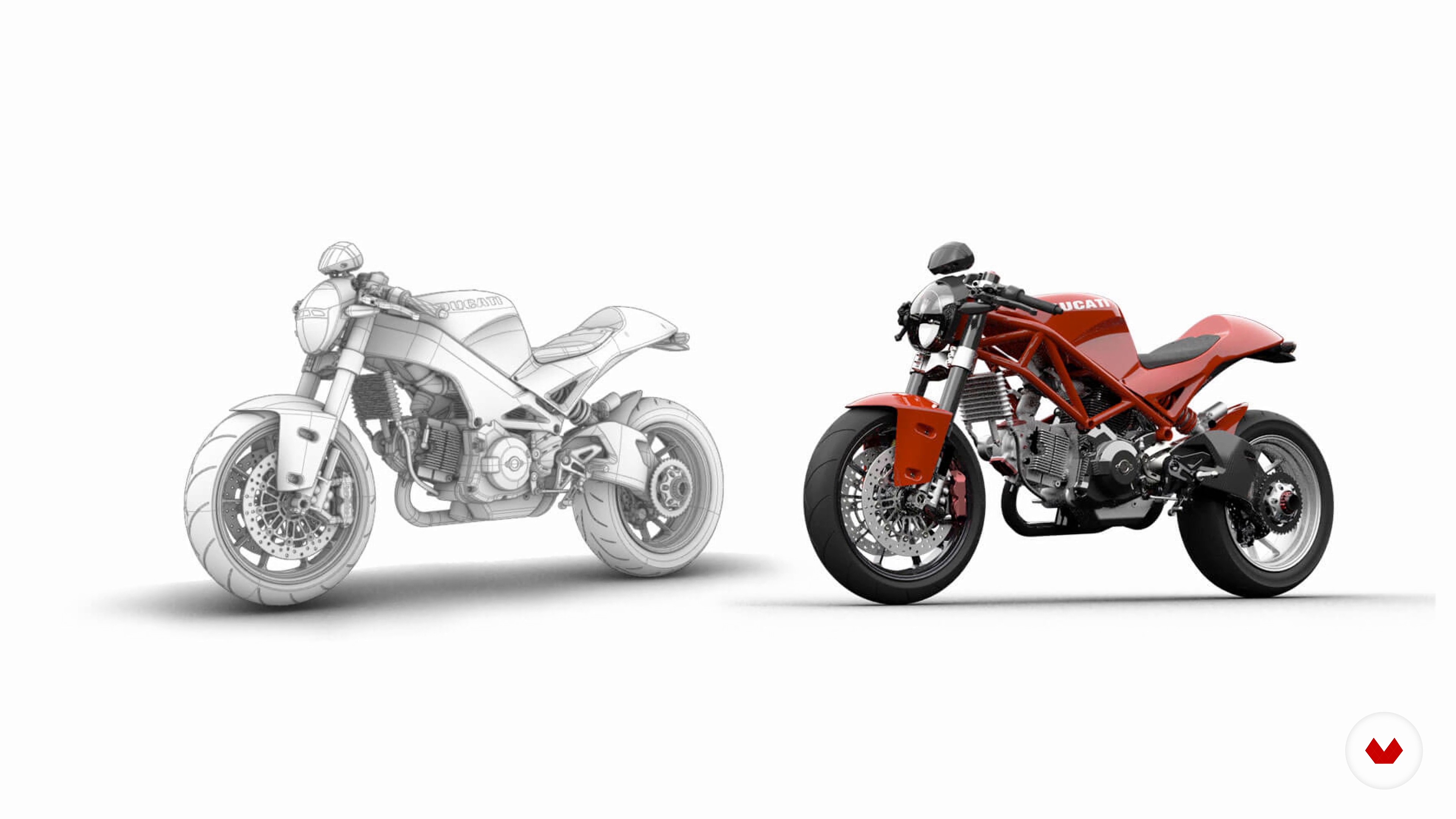
Design Process
13 minutes, 28 seconds
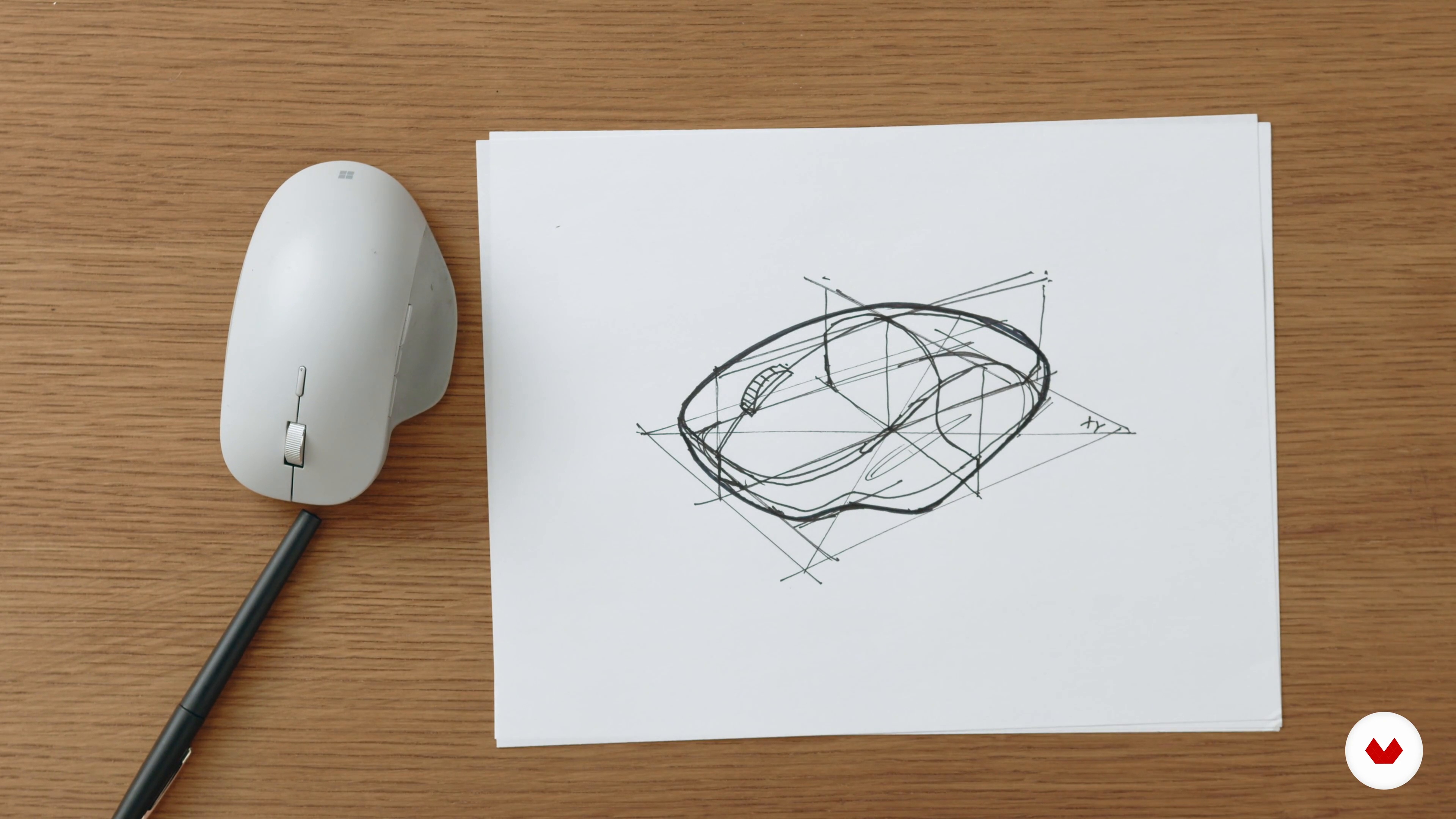
Thinking with Planes
11 minutes, 49 seconds
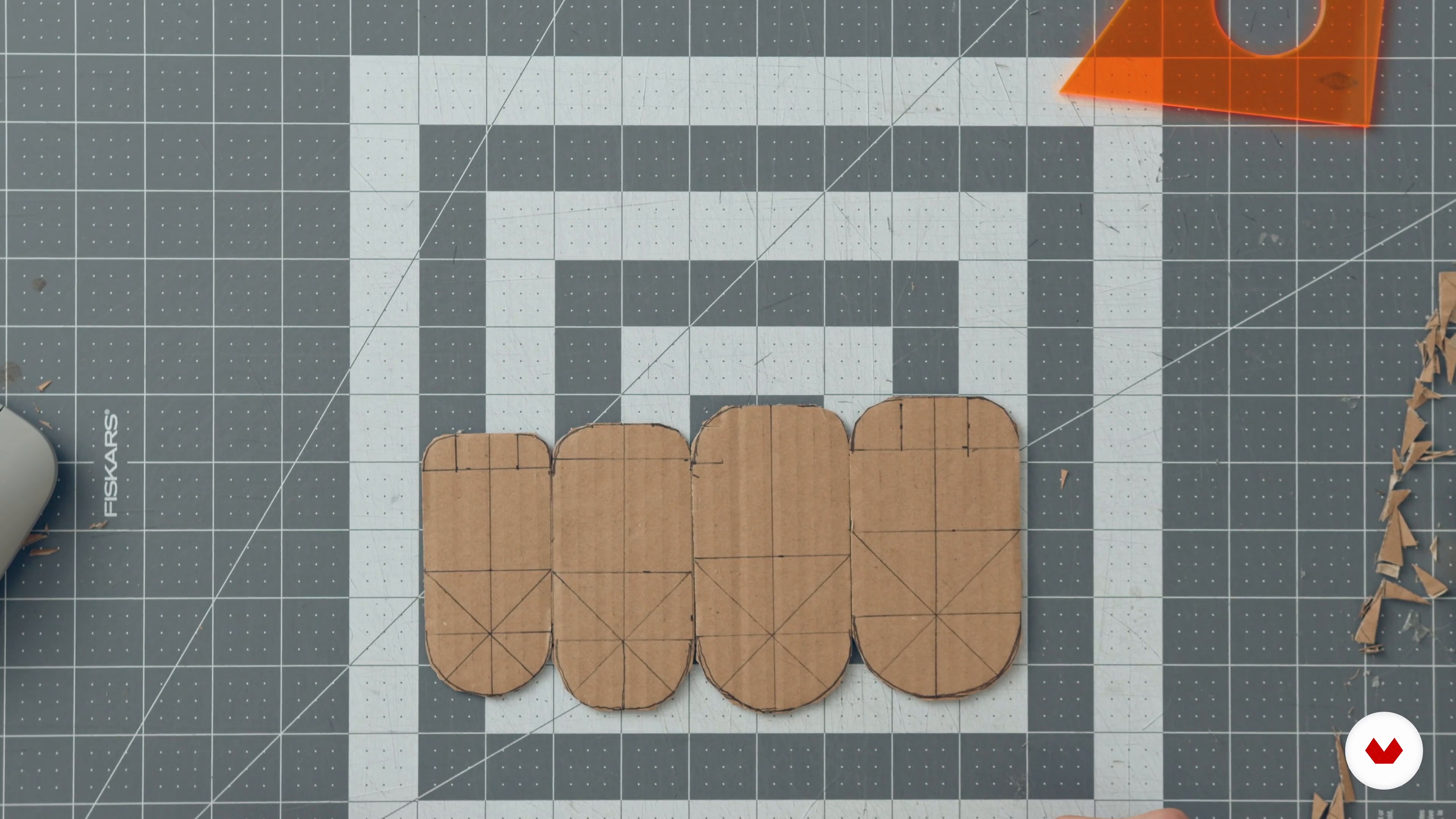
Prototyping with Cardboard and Foamcore 1
21 minutes, 13 seconds
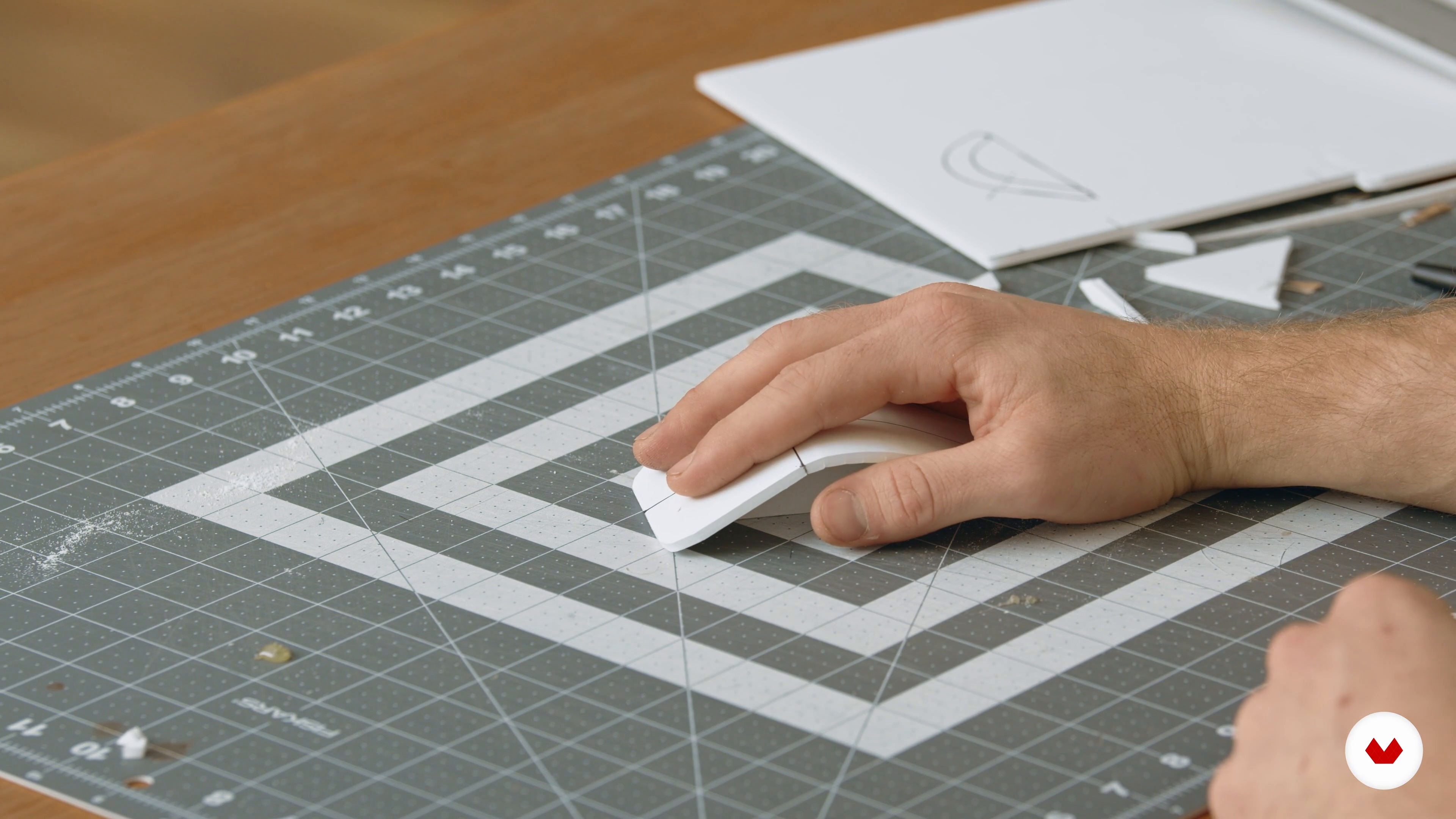
Prototyping with Cardboard and Foamcore 2
14 minutes, 48 seconds
What's included in this course?
Meet industrial designer Reid Schlegel as he discusses the driving forces behind his work and the inspiring designers, artists, and creatives that have helped shape him in his career.
Explore your materials as Reid walks you through the purposes of each and his must-haves, along with the digital tools he uses to create realistic drawings. Then discover Reid’s tried and tested design process, from research to rendering.
Time to build your 3D prototype. Reid guides you through each step, starting with breaking down the design of objects into simple faces. Form the initial structure of your design with cardboard, glue, and tape. Then learn about using different types of foam before seeing how to sculpt them. Reid also explains methods for combining found objects with existing prototypes.
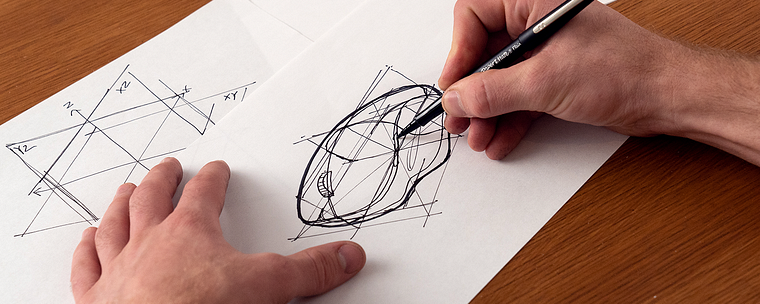
Using imported photos of your prototype, Reid goes through page composition of your digital sketch and what a final concept sketch needs to look like. He then teaches you how to apply linework to your photo underlay as a foundation for color, material, and finish. End the course by adding realism to your design, making improvements, and adding finer details.
Recommended software & tools for this course
What is this course's project?
Create a physical prototype and digital render of a computer mouse design.
Who is this online course for?
This course is for those interested in industrial design, or architecture and engineering fields, especially students and recent graduates.
Requirements and materials
Some experience in related fields would be beneficial.
To take this course you will need X-ACTO knives, box cutters, tape, a ruler, french curves, construction materials (such as foam core and cardboard), a tablet, a stylus, and access to graphics software such as Sketchbook.
Reviews
- 8 months ago
Lovely and informative
- 9 months ago
Amazing Course! If you are an industrial designer I highly recommend it.
- 1 year ago
Nice training
- 1 year ago
Súper
- 1 year ago
excelente curso, muito bem explicado, com aplicações praticas. Recomendo!

For Reid it’s important to teach the power of design — a passion he fulfills as a professor of process drawing and digital presentation at The New School at Parsons. He has worked for leading creative and design consultancy firms Frog Design, and Smart Design, and is currently a director of industrial design at HUGE. Reid also showcases his work and shares design content with over 130K Instagram followers.
Content
- U1
Introduction
- About Me
- Influences
- U2
Design Tool Kit
- Materials and Tool Collection
- Digital Tools
- Design Process
- U3
Time to Prototype
- Thinking with Planes
- Prototyping with Cardboard and Foamcore 1
- Prototyping with Cardboard and Foamcore 2
- Prototyping with White Foam 1
- Prototyping with White Foam 2
- Frankenstein Prototypes 1
- Frankenstein Prototypes 2
- U4
Digital Sketch Rendering
- Photograph Underlays
- Sketch Foundations
- Adding Reality 1
- Adding Reality 2
- CMF Exploration
- FP
Final project
- Product Design: From 3D Prototyping to 2D Sketching
What to expect from a Domestika course
Learn at your own pace
Enjoy learning from home without a set schedule and with an easy-to-follow method. You set your own pace.
Learn from the best professionals
Learn valuable methods and techniques explained by top experts in the creative sector.
Meet expert teachers
Each expert teaches what they do best, with clear guidelines, true passion, and professional insight in every lesson.
Certificates
PLUSIf you're a Plus member, get a custom certificate signed by your teacher for every course. Share it on your portfolio, social media, or wherever you like.
Get front-row seats
Videos of the highest quality, so you don't miss a single detail. With unlimited access, you can watch them as many times as you need to perfect your technique.
Share knowledge and ideas
Ask questions, request feedback, or offer solutions. Share your learning experience with other students in the community who are as passionate about creativity as you are.
Connect with a global creative community
The community is home to millions of people from around the world who are curious and passionate about exploring and expressing their creativity.
Watch professionally produced courses
Domestika curates its teacher roster and produces every course in-house to ensure a high-quality online learning experience.
FAQs
Yes, this course is designed for beginners and covers foundational concepts, hands-on prototyping, and digital sketching techniques, making it accessible for those new to product and industrial design.
You'll need basic materials like cardboard, foam core, sandpaper, and adhesives, plus tools such as retractable knives, hot glue guns, French curves, and an iPad or drawing tablet for digital sketching.
You’ll learn ideation, sketching, prototyping, digital rendering, applying design principles like Dieter Rams', creating timeless aesthetics, and taking ideas from concept to manufacturing with practical and digital tools.
Yes, the course covers hands-on model making with materials like cardboard and foam core, as well as digital sketching, rendering workflows, and using design software on tablets.
No prior experience is required. The course introduces CAD modeling basics and step-by-step digital sketching using beginner-friendly tools like SketchBook Pro and iPads.
You’ll learn how to create, analyze, and refine prototypes through repeated cycles, using feedback and testing to improve both physical and digital models before finalizing designs.
Yes, the course guides you through developing concepts, prototyping, refining designs, and understanding the basics of bringing products to manufacturing, including an introduction to the patent process.