Mixing Music with Pro Tools
A course by Luca PetriccaSound Technician and Music Producer
A course by Luca Petricca, Sound Technician and Music Producer

Learn to mix songs that bring out the full potential of instruments and vocals through professional processes
Mixing is a process that adds color to a song and has the power to elicit emotions from those listening to it. Pro Tools is the go-to program for Luca Petricca, sound technician, music producer, and cofounder of Estudios Reno, who uses it to enhance music beyond what the original artist could have ever imagined.
In this course, learn how to mix songs and bring out the full potential of instruments and vocals using Pro Tools. See how all the musical components interact and blend together in harmony to give the song its signature sound. By the end, you'll know how to use music to move listeners, both physically and emotionally.
What will you learn in this online course?
37 lessons & 20 downloads
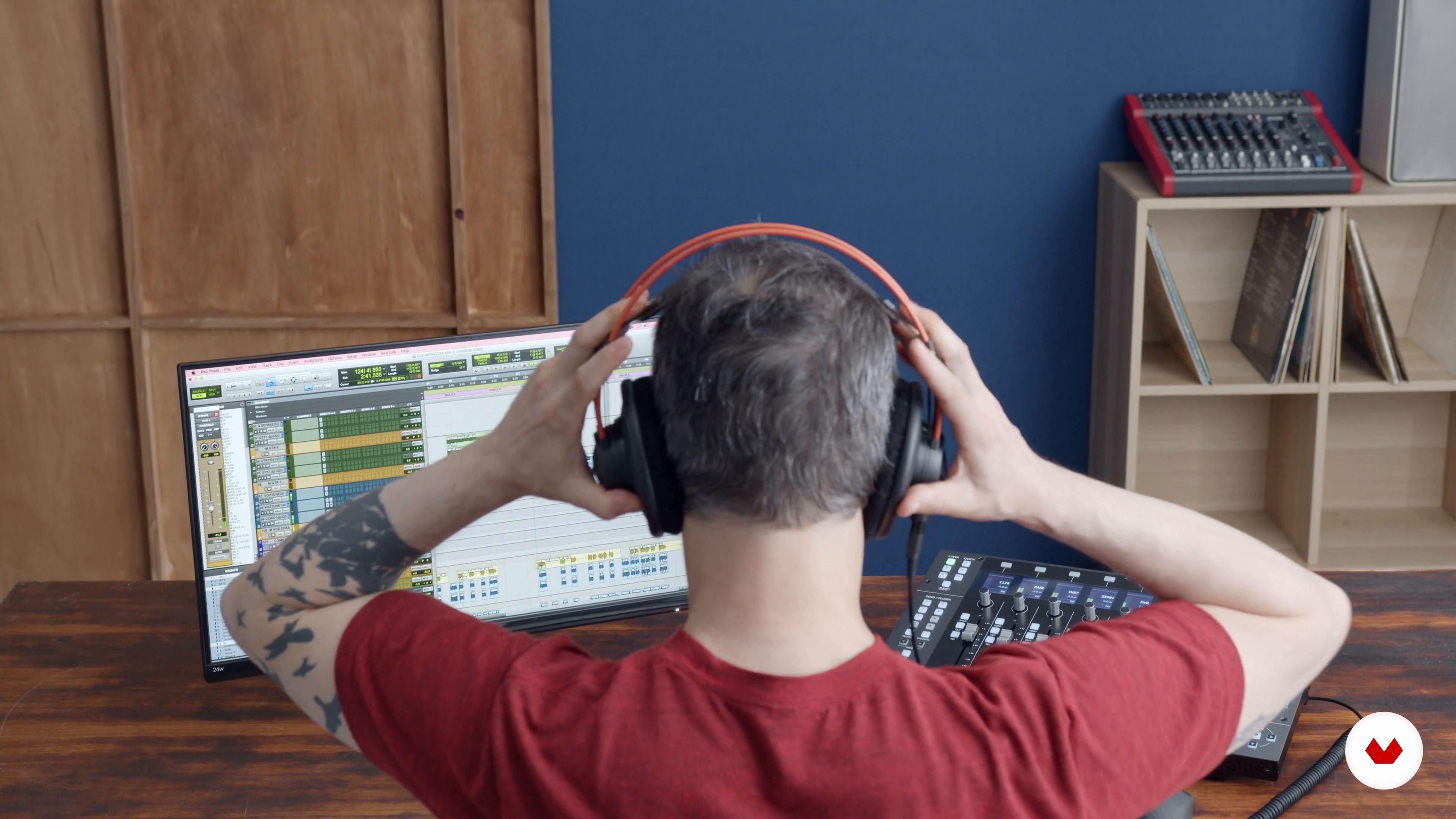
Who's who in the mix of a song
3 minutes, 50 seconds
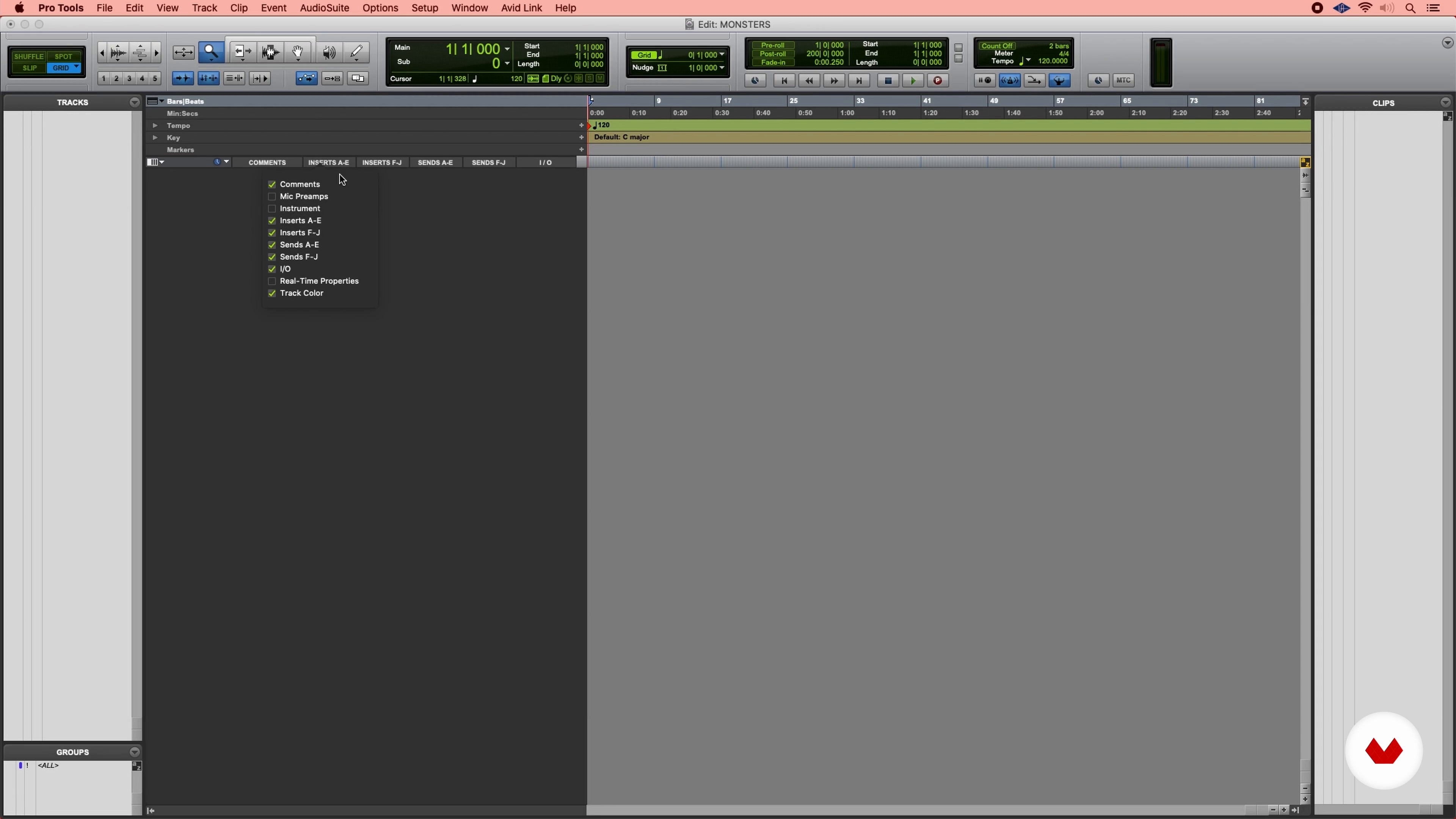
Zoom to Pro Tools 1
14 minutes, 37 seconds
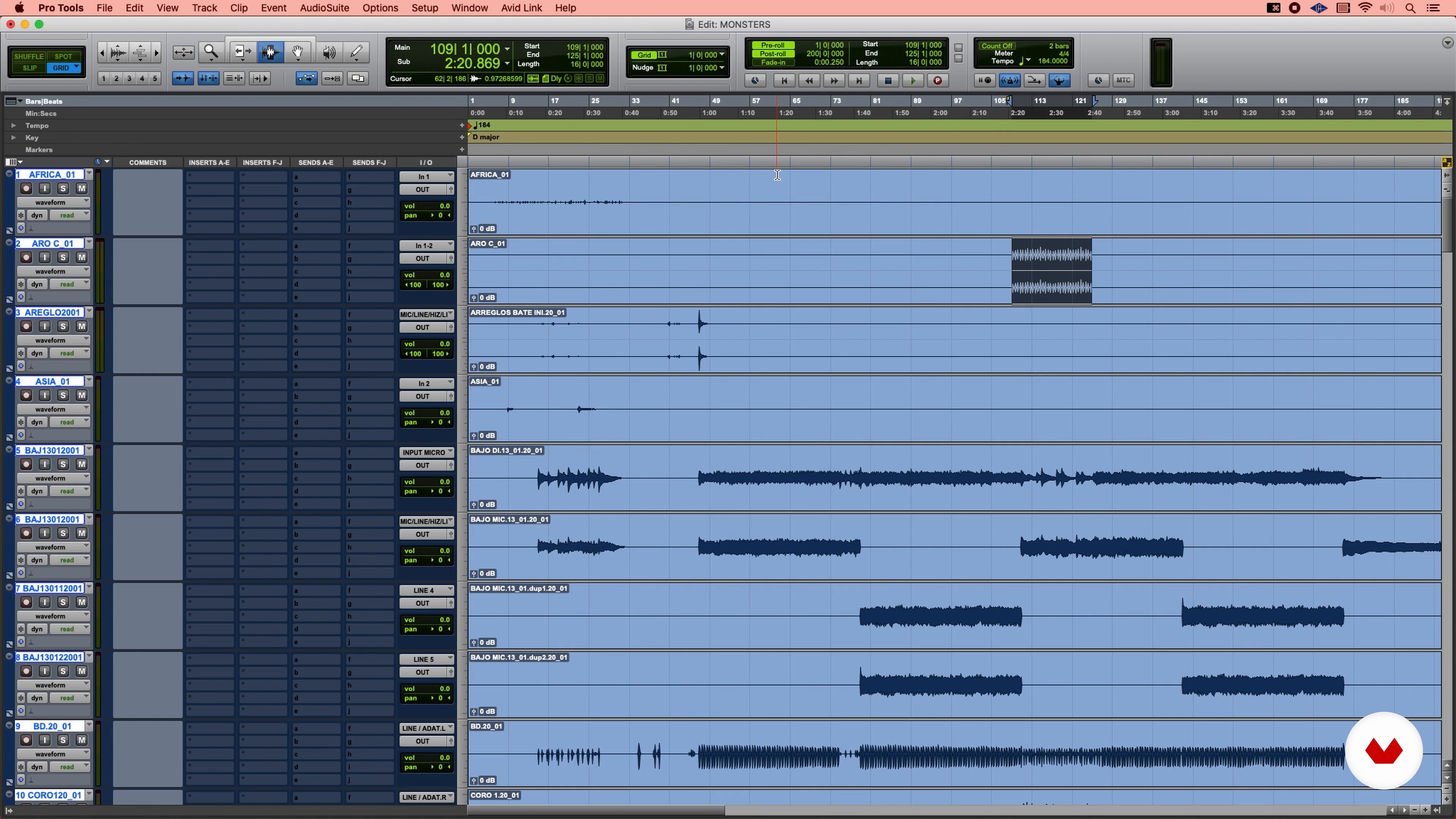
Zoom to Pro Tools 2
11 minutes, 50 seconds
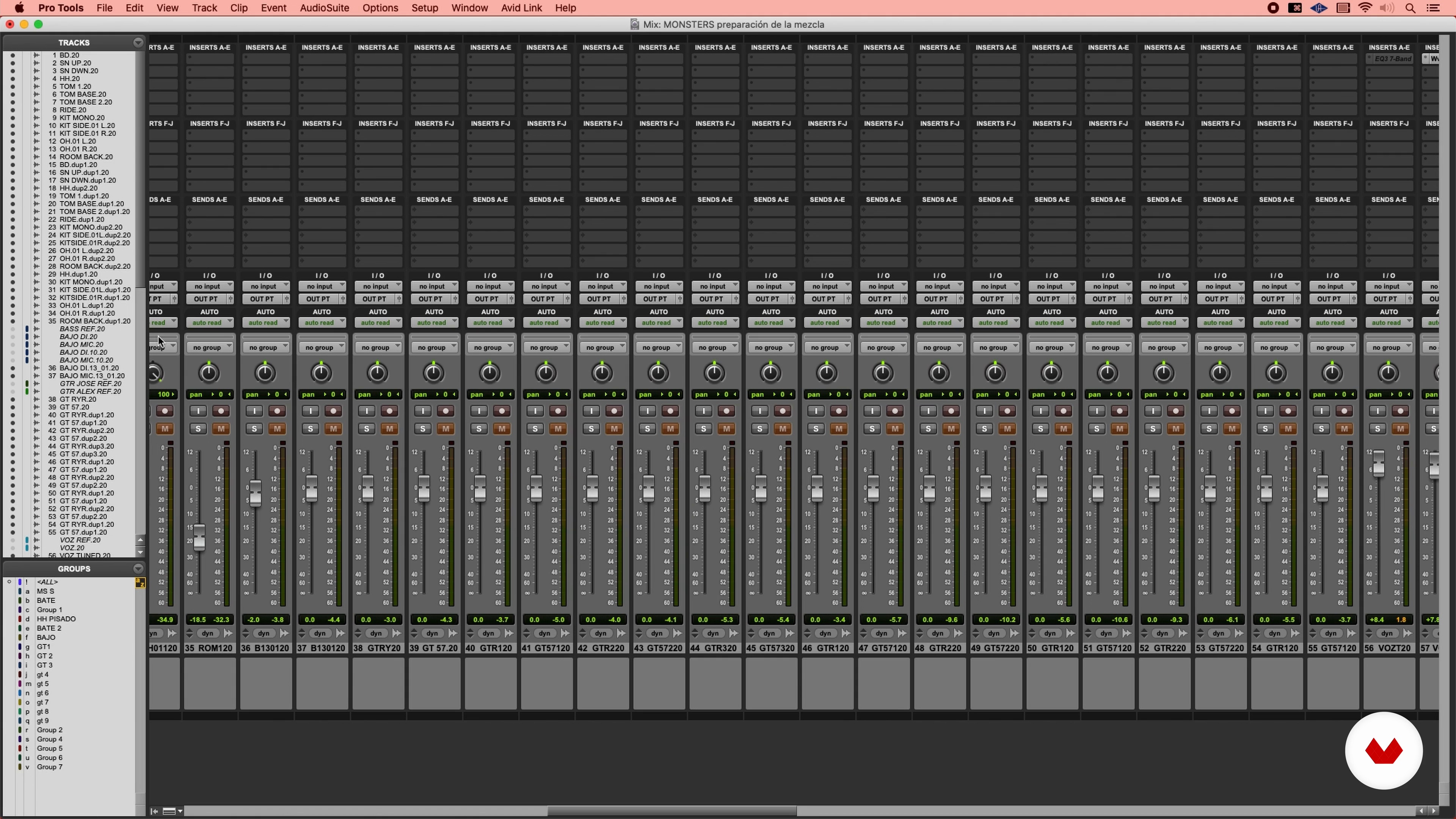
Preparing Mix 1
17 minutes, 31 seconds
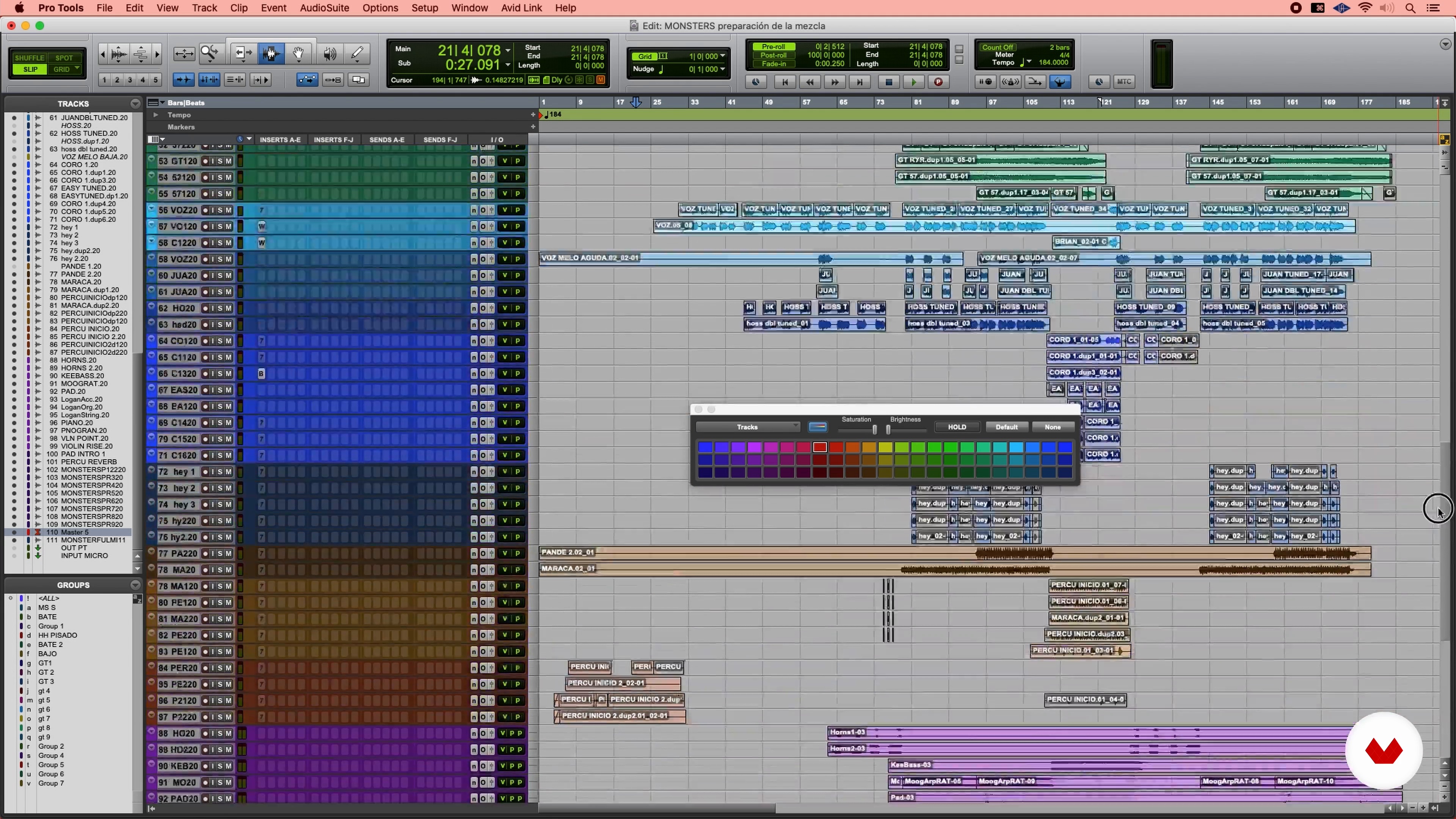
Preparing Mix 2
20 minutes, 53 seconds
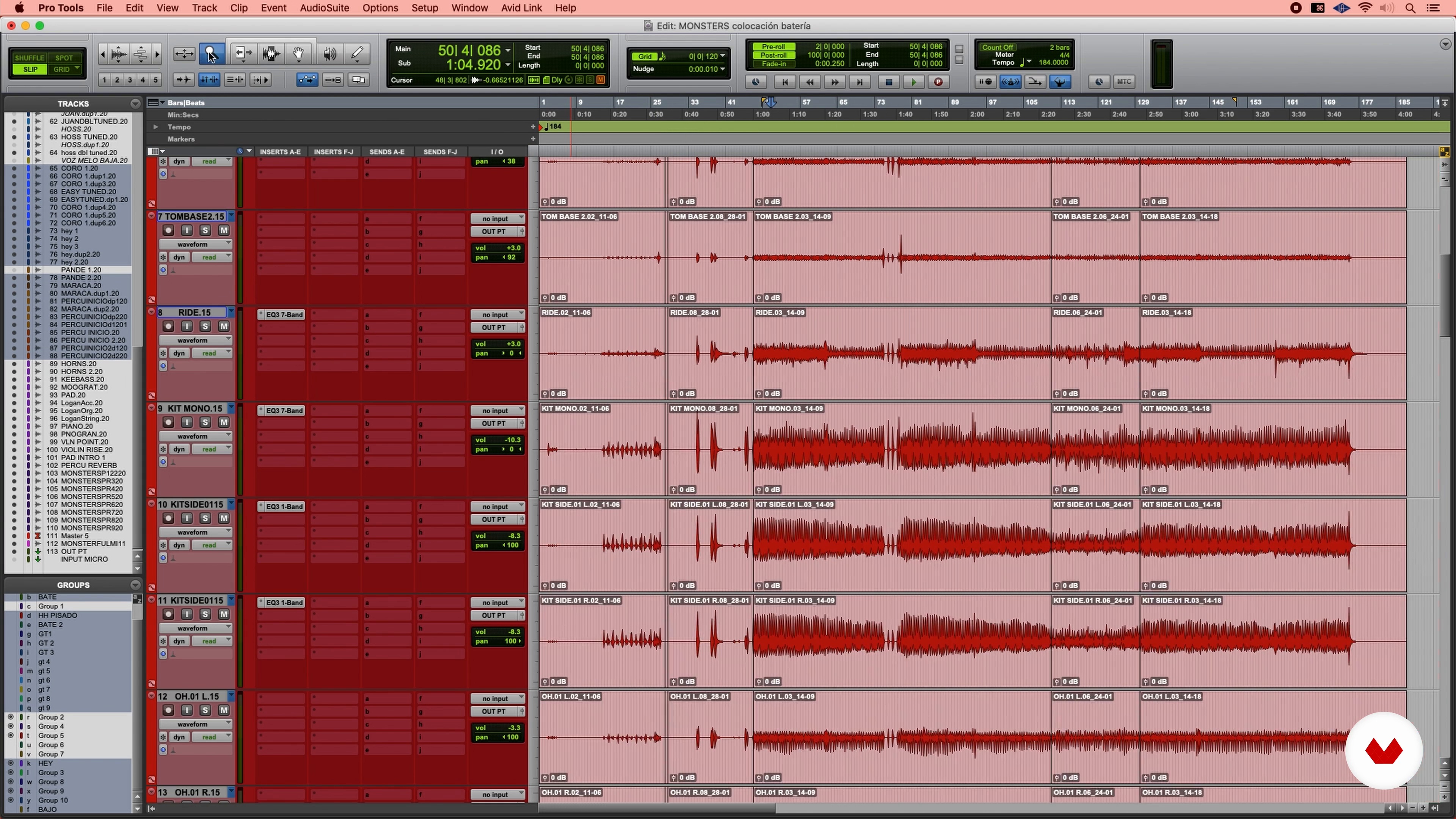
Placing Instruments in Time 1
12 minutes, 33 seconds
What's included in this course?
Start the course by getting to know Luca Petricca and his story. He shows you some of his most prominent work as a music producer and mixer and shares his biggest musical influences and favorite albums.
Get into the groove by discovering the different roles and responsibilities of a mixer in a music project. Dive into the basics of Pro Tools and learn how to prepare tracks for mixing before exploring more advanced concepts like how to keep instruments in time, tune vocals, and layer in drums.
Next, Luca shows you his mixing template, a digital recreation of the analog console and outboard he uses to mix music. Going one by one, learn how to mix each instrument and vocal track of a song until you find the perfect balance.
Finally, Luca explains how to deliver a mastered song and make any edits requested by the artist or producer. Finish up the course by listening to and comparing the unmixed and the mastered versions of the song to understand how crucial mixing is for well-produced music.
Recommended software & tools for this course
What is this course's project?
Prepare and mix a song of your choice using Pro Tools.
Projects by course students
Who is this online course for?
Anyone using Pro Tools for personal or work projects who wants to fine-tune their skills with new tricks and techniques.
Requirements and materials
A working knowledge of Pro Tools is needed to take this course.
As for materials, you need an external sound card, quality speakers and headphones, a suitable workspace for mixing and listening to audio, and a computer with Pro Tools. Luca also uses a variety of different plug-ins like UAD, Waves Audio, FabFilter, and Soundtoys, which can be substituted with other similar plug-ins.
Reviews
- 2 months ago
Es un curso muy completo MUY BIEN EXPLICADO SOBRE TODO
- 2 months ago
MUY BIEN EXPLICADO SOBRE TODO PARA LOS QUE COMENZAMOS ESTA HERMOSA CARRERA
- 3 months ago
Still learning here
- 1 year ago
Es un curso muy completo, desde principio a fin sabes que aprenderas al maximo. Lo recomeindo sin duda alguna.
- 1 year ago
Sisi, very good
When he's not running his studio or the FOH for live shows, he shares his knowledge of mixing as a professor at the United Pop school in Madrid. By teaching classes, he has found a way to help students interested in sound achieve more professional results and, ultimately, a more satisfying creative experience by showing them how to use a variety of tools and approaches in their work.
Content
- U1
Introduction
- Presentation
- Influences
- U2
Preparation for mixing
- Who's who in the mix of a song
- Zoom to Pro Tools 1
- Zoom to Pro Tools 2
- Preparing Mix 1
- Preparing Mix 2
- Placing Instruments in Time 1
- Placing Instruments in Time 2
- Placing Instruments in Time 3
- Placing Instruments in Time 4
- Placing Instruments in Time 5
- Placing Instruments in Time 6
- Placing Instruments in Time 7
- Tunings 1
- Tunings 2
- Tunings 3
- Tunings 4
- Layering: adding samples to drum kit 1
- Layering: Adding Samples to Drum 2
- Layering: adding samples to Drum 3
- U3
Song Mix
- Mixing template 1
- Mix template 2
- Mix template 3
- Mixing Drum 1
- Mixing Drum 2
- Mixing Drum 3
- Mixing Drum 4
- Mixing bass, guitars, keyboards and other instruments 1
- Mixing bass, guitars, keyboards and other instruments 2
- Mixing bass, guitars, keyboards and other instruments 3
- Mixing the voices 1
- Mixing the voices 2
- Final mix
- U4
Master delivery
- Mix delivery
- Demo and mixed song 1
- Demo and mixed song 2
- FP
Final project
- Song Mix in ProTools
What to expect from a Domestika course
Learn at your own pace
Enjoy learning from home without a set schedule and with an easy-to-follow method. You set your own pace.
Learn from the best professionals
Learn valuable methods and techniques explained by top experts in the creative sector.
Meet expert teachers
Each expert teaches what they do best, with clear guidelines, true passion, and professional insight in every lesson.
Certificates
PLUSIf you're a Plus member, get a custom certificate signed by your teacher for every course. Share it on your portfolio, social media, or wherever you like.
Get front-row seats
Videos of the highest quality, so you don't miss a single detail. With unlimited access, you can watch them as many times as you need to perfect your technique.
Share knowledge and ideas
Ask questions, request feedback, or offer solutions. Share your learning experience with other students in the community who are as passionate about creativity as you are.
Connect with a global creative community
The community is home to millions of people from around the world who are curious and passionate about exploring and expressing their creativity.
Watch professionally produced courses
Domestika curates its teacher roster and produces every course in-house to ensure a high-quality online learning experience.
FAQs
You’ll learn how to use Pro Tools to record, edit, and mix music digitally, organize sessions, apply editing techniques and effects, and manage studio projects, all focused on professional and creative production.
Yes, the course is designed for intermediate learners—perfect if you already have basic sound knowledge and want to dive deeper into advanced mixing and music production techniques.
You’ll need a computer with Pro Tools installed, an audio interface, headphones or studio monitors, and audio files to practice with. Basic experience with DAWs is recommended.
Yes, the course teaches both the technical setup and the essential organization and workflows needed to build and run a professional or home recording studio.
You’ll master techniques like in-the-box mixing, rhythmic editing, drum layering, autotune use, binaural mixing, and creative distortion applied across various music genres.
The course covers key functions, challenges, and tools to help you work as a freelance sound engineer or in studios, boosting your professional versatility.
It explains the differences between the physical processing of an analog console and digital mixing 'in the box,' so you can choose and apply either approach depending on the project.