WordPress Theme Development
A course by Ignacio Cruz MorenoWeb Developer
A course by Ignacio Cruz Moreno, Web Developer

Learn to create a complete theme from scratch using the most well-known content manager on the web
WordPress themes are the visual foundation of any website and the best way to get started in WordPress development. In this online course, learn an original and practical approach to building a theme on WordPress from scratch, working step by step until you've created your own blog.
Your guide on this journey is Ignacio Cruz Moreno, a developer specialized in WordPress who also teaches the courses Creation of a Professional Website with WordPress and Introduction to PHP Web Development.
What will you learn in this online course?
29 lessons & 22 downloads
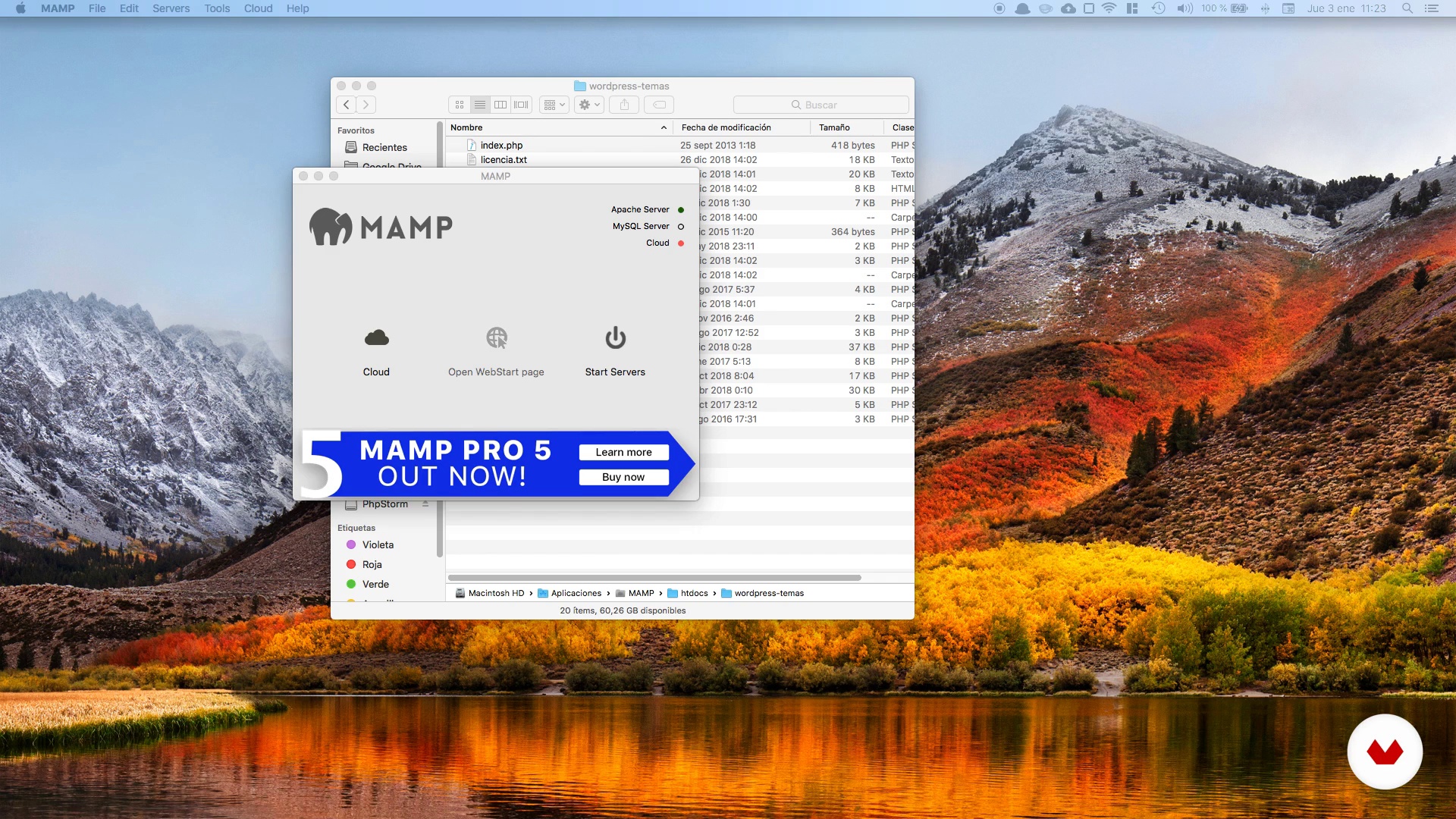
Installation and preparation of the project
10 minutes, 31 seconds
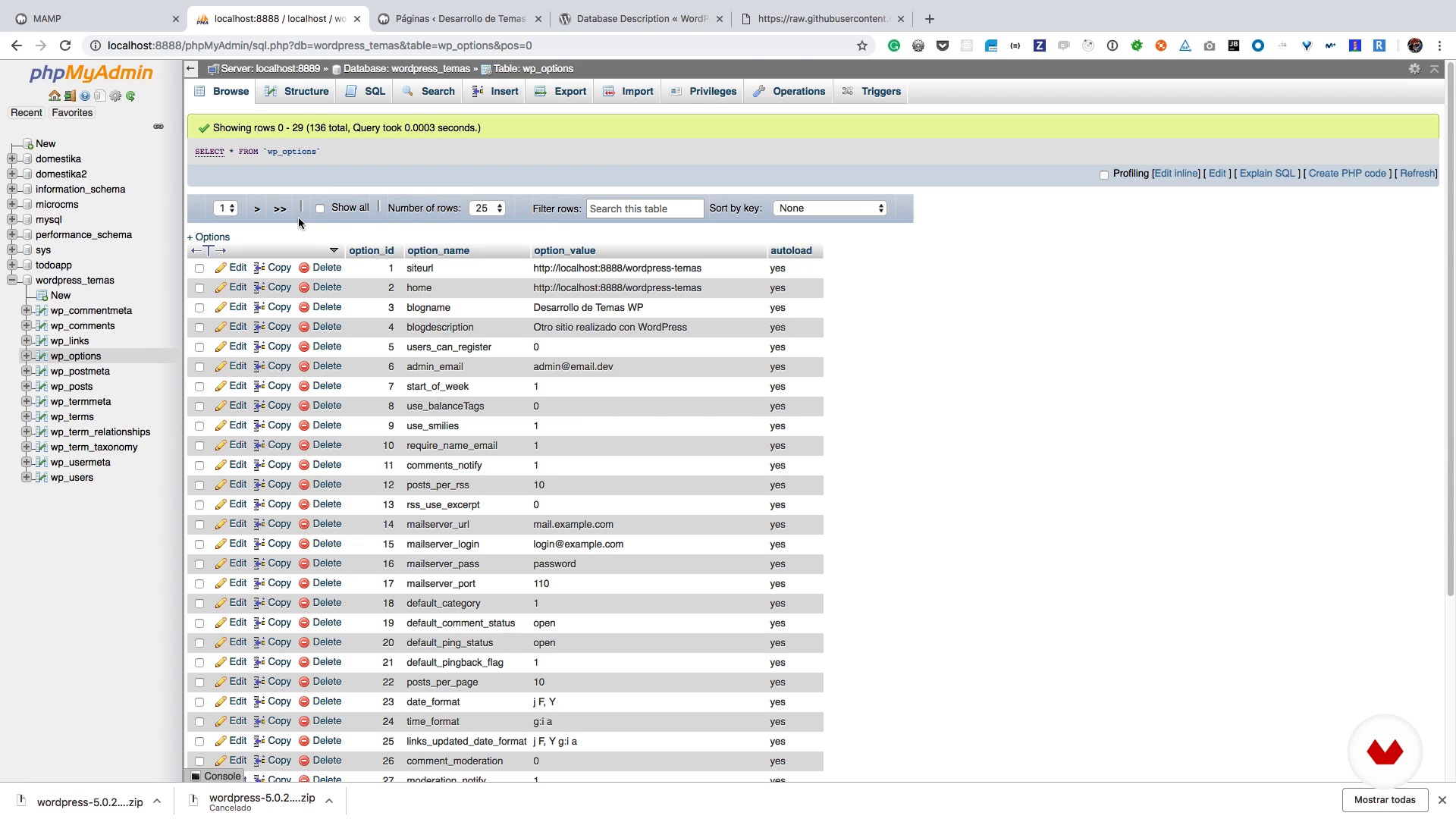
The WordPress database
5 minutes, 36 seconds
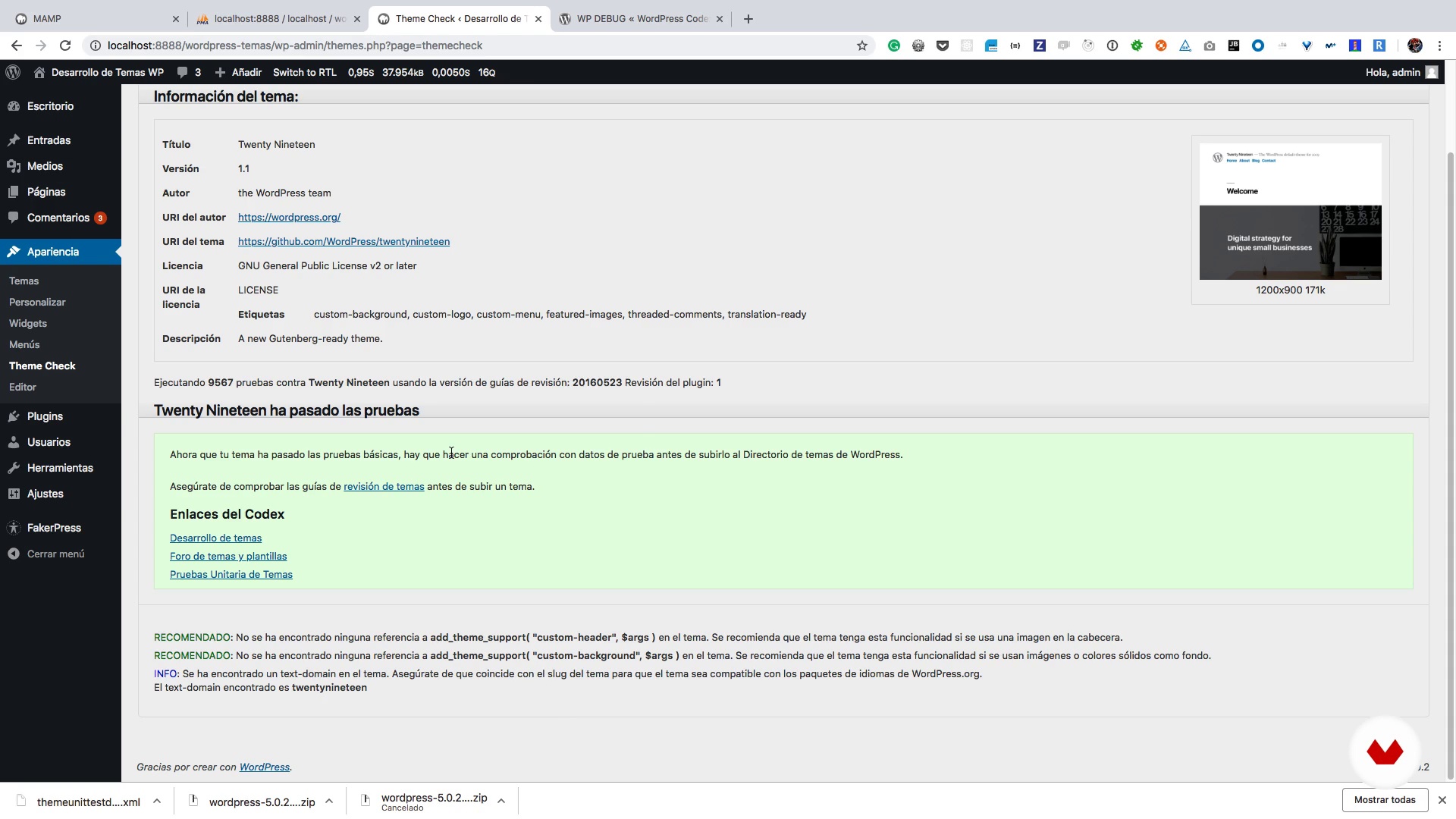
Debugging code
7 minutes, 48 seconds
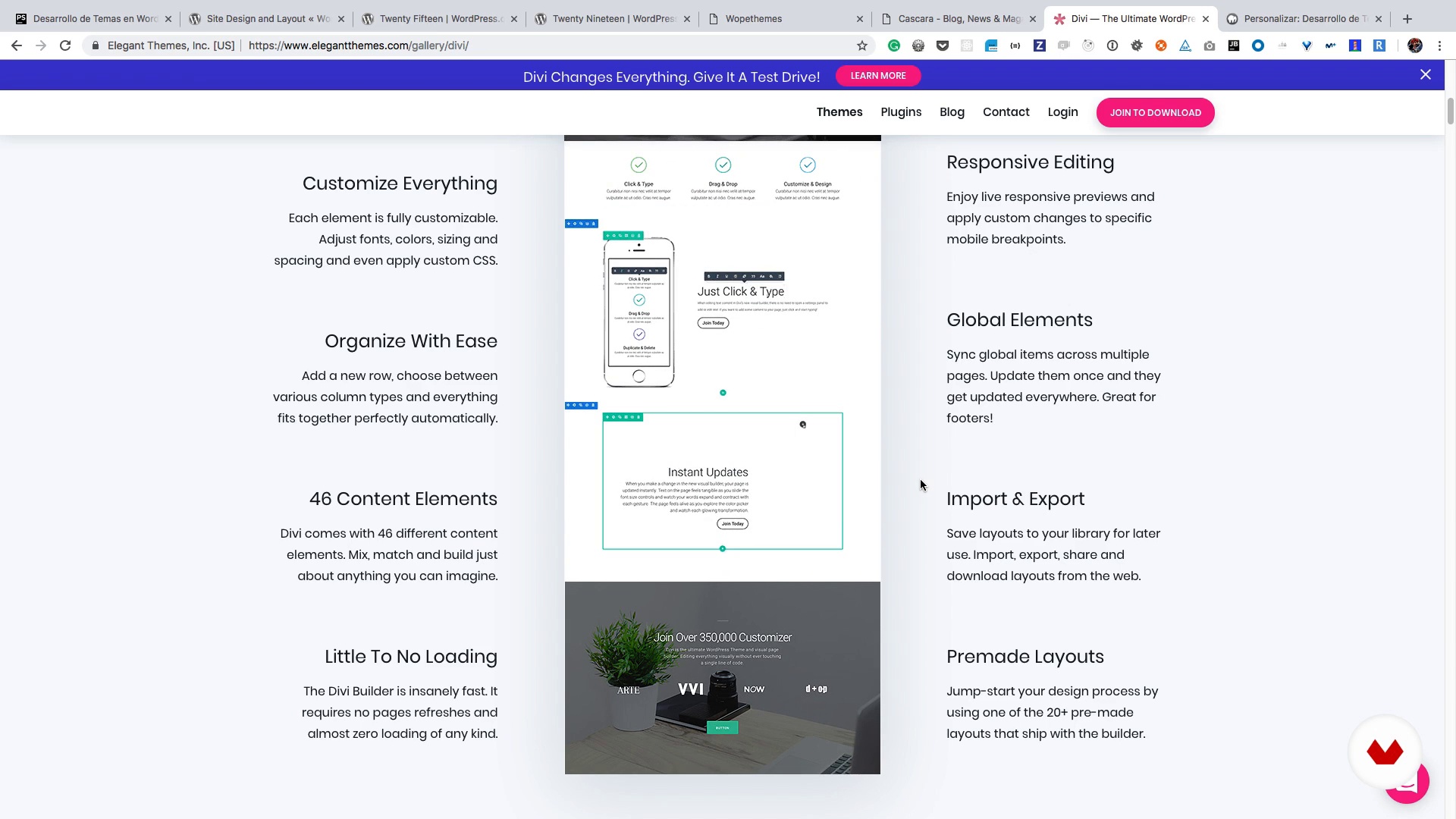
Planning based on the design
6 minutes, 57 seconds
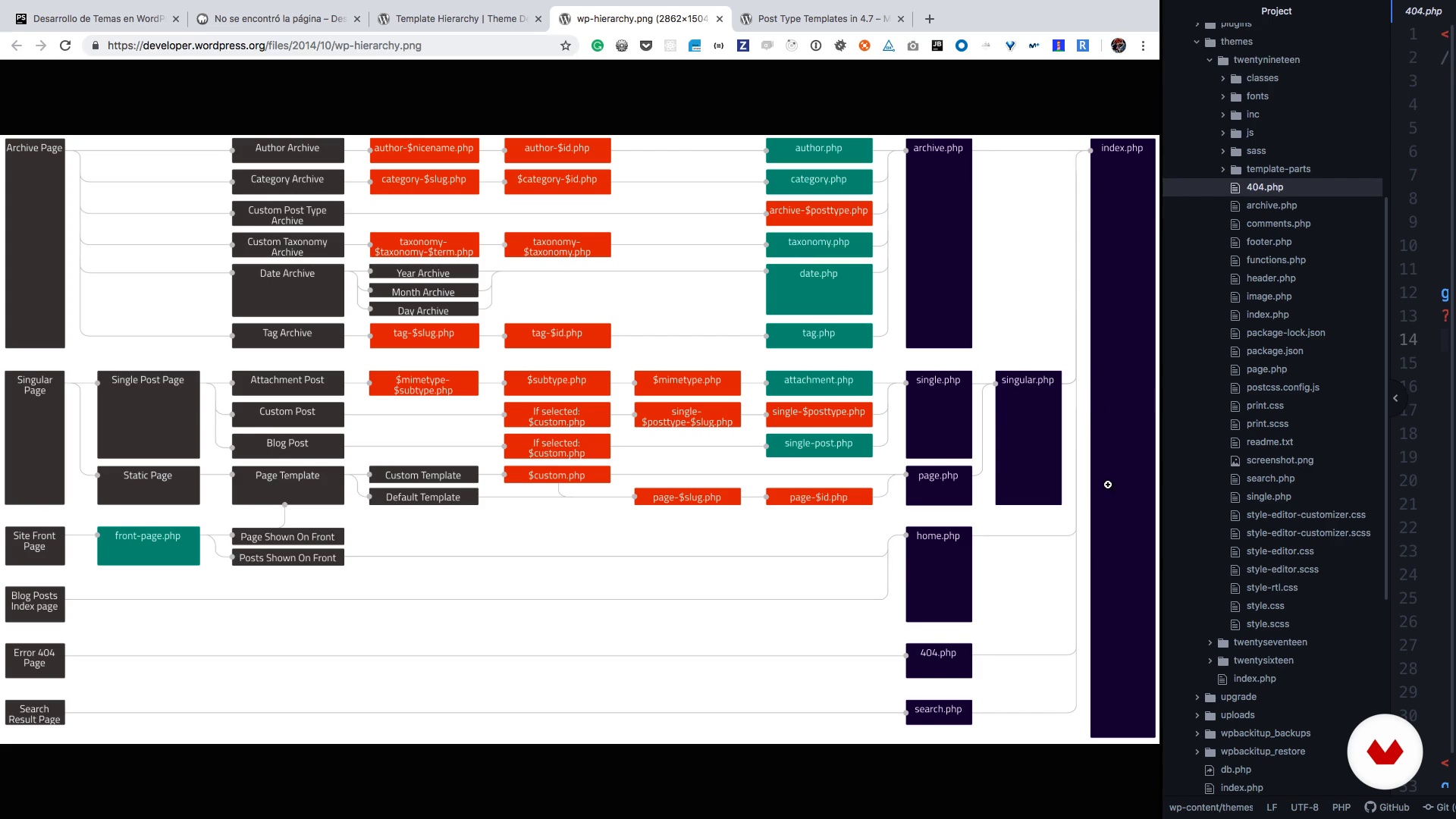
Anatomy of a subject
8 minutes, 31 seconds
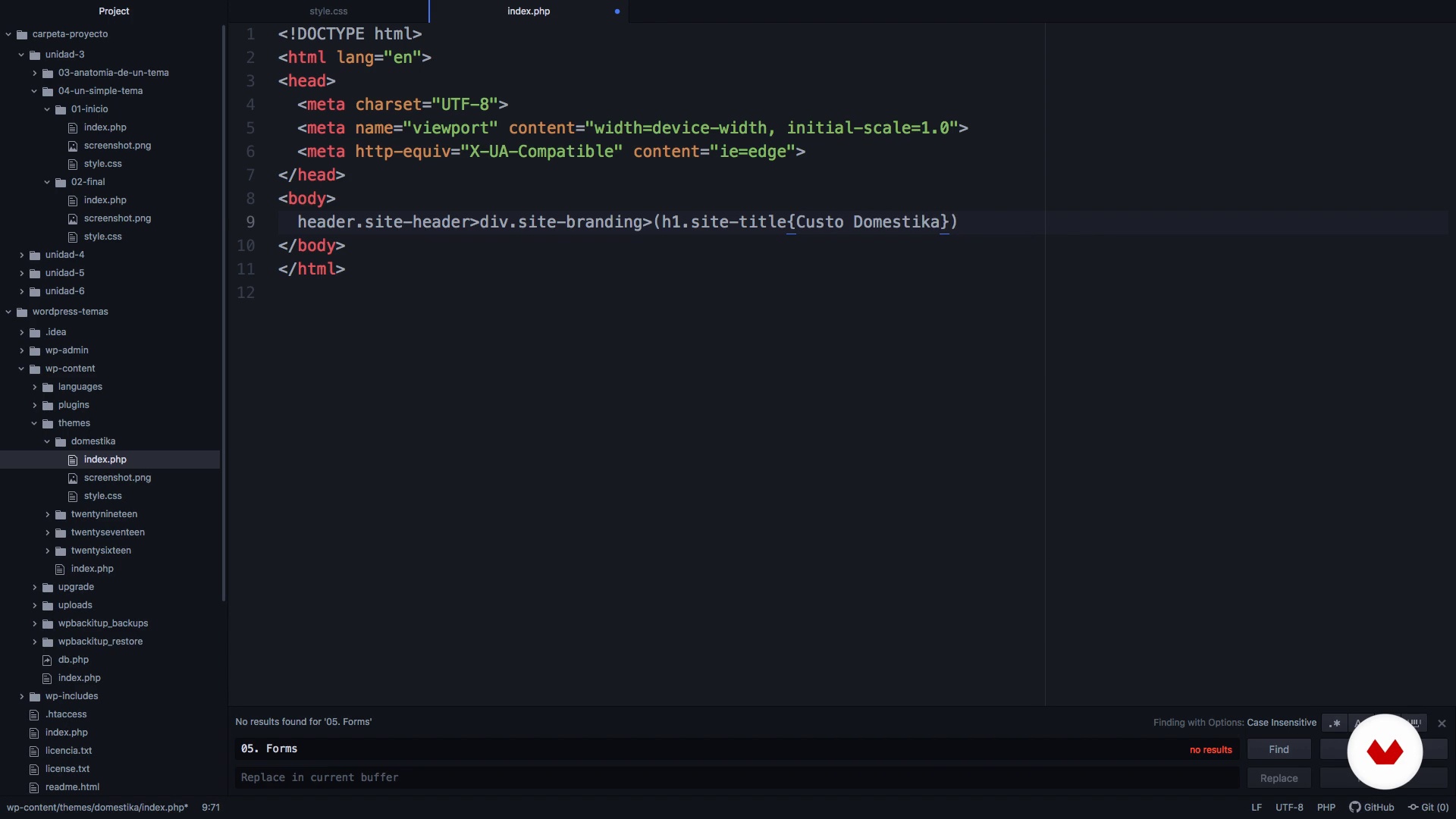
A simple and unhelpful theme: pure HTML
7 minutes, 12 seconds
What's included in this course?
As an introduction to the course, get to know Ignacio, who tells you about his career and some of his work in WordPress. He also shares a few of his influences within the world of web design.
Before getting to work, install a code editor on your computer as well as some other resources that Ignacio provides. Take a brief look at the WordPress database where all the information you write for your web is stored, and install a series of plug-ins to help you debug your code.
Next, learn to identify the key design units of a basic theme and write the code to develop them before focusing on their structure. Begin by developing the homepage's header and footer, essential parts of any website, and apply several functions to add scripts and styles.
Familiarize yourself with what hooks are—the foundations of WordPress—and how they work. Most importantly, you can use them to extend any part of WordPress without touching the base code, as well as specify what features your theme will support.
Move on to one of WordPress' most powerful tools: the Loop. Any page, post, or search result is displayed through this function. Discover how images behave within WordPress and the resizing operations that apply to each image. Next, learn how to separate the content of your theme into several templates depending on their type.
Ignacio continues by explaining what makes WordPress such a flexible platform, due in large part to its compatibility with a host of extensions. Start with CSS body and content—very important when it comes to styling your website.
Learn what they are and how you can display custom posts, taxonomies, meta boxes, post templates, and custom pages in your theme. Then see how to configure the look of your live webpage by applying a range of settings to the header and footer, as well as the logo. Although this is not a JavaScript course, Ignacio teaches you how to add a touch of interactivity to your page using this programming language.
Finish up by learning what child themes are and putting the finishing touches on your WordPress theme before packaging it for use at a later date.
Recommended software & tools for this course
What is this course's project?
Create a website with two different types of content: a blog and a portfolio.

Projects by course students


Who is this online course for?
Anyone curious about developing WordPress themes.
Requirements and materials
You need intermediate-level knowledge of HTML and CSS to take this course, as well as a basic understanding of PHP.
All you need for materials is a computer.

Reviews
- 4 months ago
Es un buen curso, muy concentrado, y se nota el nivel avanzado. Lo recomendaría.
- 6 months ago
Excelente curso, hay algunas cosas que no sabía.
- 8 months ago
This is so outdated, waste of time, and money can't even update it
- 10 months ago
Excelente curso y explicación, muy buena metodología y recomendaciones.
- 2 years ago
Cours intéressant est facile à suivre. Le professeur est clair dans ses propos. exelent pour moi.

He is very involved in the WordPress community, devoting part of his time to fixing bugs and proposing improvements, and is also a co-organizer of the WordPress Madrid Meetup.
Content
- U1
Introduction
- Presentation
- Influences
- U2
First steps
- Installation and preparation of the project
- The WordPress database
- Debugging code
- U3
Introduction to the development of topics
- Planning based on the design
- Anatomy of a subject
- A simple and unhelpful theme: pure HTML
- U4
Development of topics
- Head and foot of the site
- Hooks in WordPress
- Basic theme support
- Internationalization
- Widgets
- Navigation menus
- The Loop or how to show the content
- Images in WordPress
- U5
Separate content in templates
- Header, footer and areas of Widgets
- Files, search, author and 404
- Identification and separation of content
- Single Post, pages and comments
- U6
Extending WordPress
- CSS classes of body and content
- Creation of the Portfolio: personalized posts, taxonomies and meta boxes
- Custom post and page templates
- Options for header, background and logo
- Styles in the WordPress block editor
- Styles in the WordPress II block editor
- JavaScript and WordPress
- U7
Themes Son and last retouches
- Son themes
- RTL support and Theme packaging
- FP
Final project
- Development of themes in WordPress
What to expect from a Domestika course
Learn at your own pace
Enjoy learning from home without a set schedule and with an easy-to-follow method. You set your own pace.
Learn from the best professionals
Learn valuable methods and techniques explained by top experts in the creative sector.
Meet expert teachers
Each expert teaches what they do best, with clear guidelines, true passion, and professional insight in every lesson.
Certificates
PLUSIf you're a Plus member, get a custom certificate signed by your teacher for every course. Share it on your portfolio, social media, or wherever you like.
Get front-row seats
Videos of the highest quality, so you don't miss a single detail. With unlimited access, you can watch them as many times as you need to perfect your technique.
Share knowledge and ideas
Ask questions, request feedback, or offer solutions. Share your learning experience with other students in the community who are as passionate about creativity as you are.
Connect with a global creative community
The community is home to millions of people from around the world who are curious and passionate about exploring and expressing their creativity.
Watch professionally produced courses
Domestika curates its teacher roster and produces every course in-house to ensure a high-quality online learning experience.
FAQs
Yes, this course is designed for those with basic prior knowledge of web development and WordPress, perfect for anyone looking to deepen their skills in creating custom themes and plugins.
You should have a basic understanding of HTML, CSS, and some PHP. It’s recommended to have MAMP installed and a code editor like Atom. No advanced knowledge is required.
You’ll learn how to build and customize themes and plugins, set up local development environments, apply best practices and debugging, manage widgets, menus, and portfolios, and internationalize your WordPress projects.
The course teaches you how to install and configure WordPress locally using MAMP, create databases, and adjust key settings for secure and efficient development.
Yes, the course covers principles and techniques for designing adaptable, responsive web interfaces that optimize user experience across devices.
You’ll mainly use Atom as your code editor, setting up extensions like Emmet to speed up writing HTML and CSS within your local development environment.
Yes, the course emphasizes best practices, coding standards, and theme validation to ensure compatibility and maintainability over time.