Designing and Modeling Comic Book Characters with ZBrush
A course by Danu Navarro3D Artist
A course by Danu Navarro, 3D Artist

Bring to life comic book-style characters from your imagination by transforming them from 2D to 3D with Zbrush and Keyshot
According to artist Danu Navarro, the key to creating great 3D characters is knowing how to analyze and interpret 2D designs. In this online course, he teaches you his two favorite tools for unlocking your imagination to get incredible results.
Under his guidance, learn how to design and model comic-style characters. Danu shows you how to sculpt your protagonist step by step in ZBrush before switching to KeyShot to walk you through the two stages he enjoys most: lighting and composition.
What will you learn in this online course?
19 lessons & 27 downloads
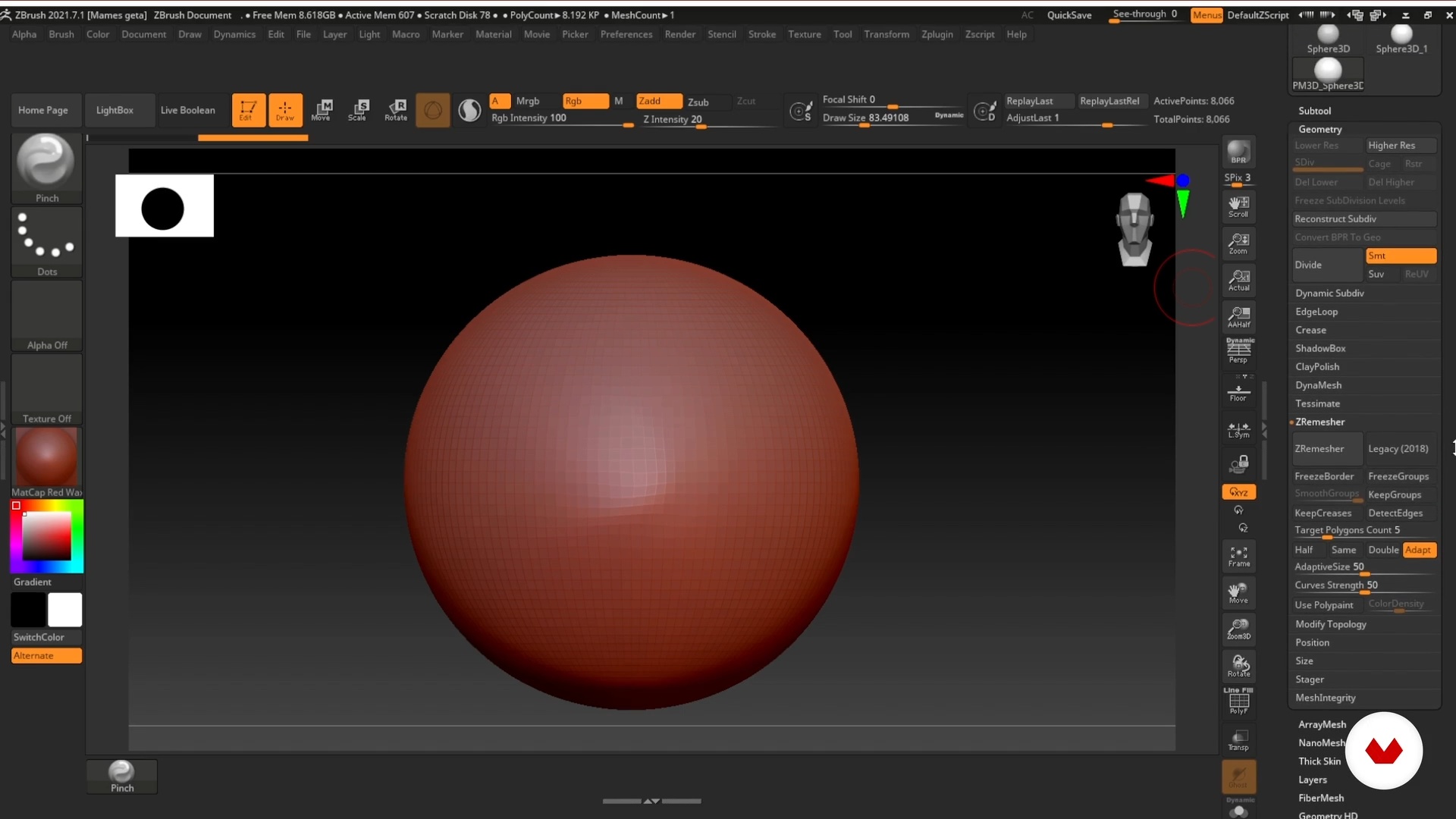
Customize the ZBrush Interface
12 minutes, 54 seconds
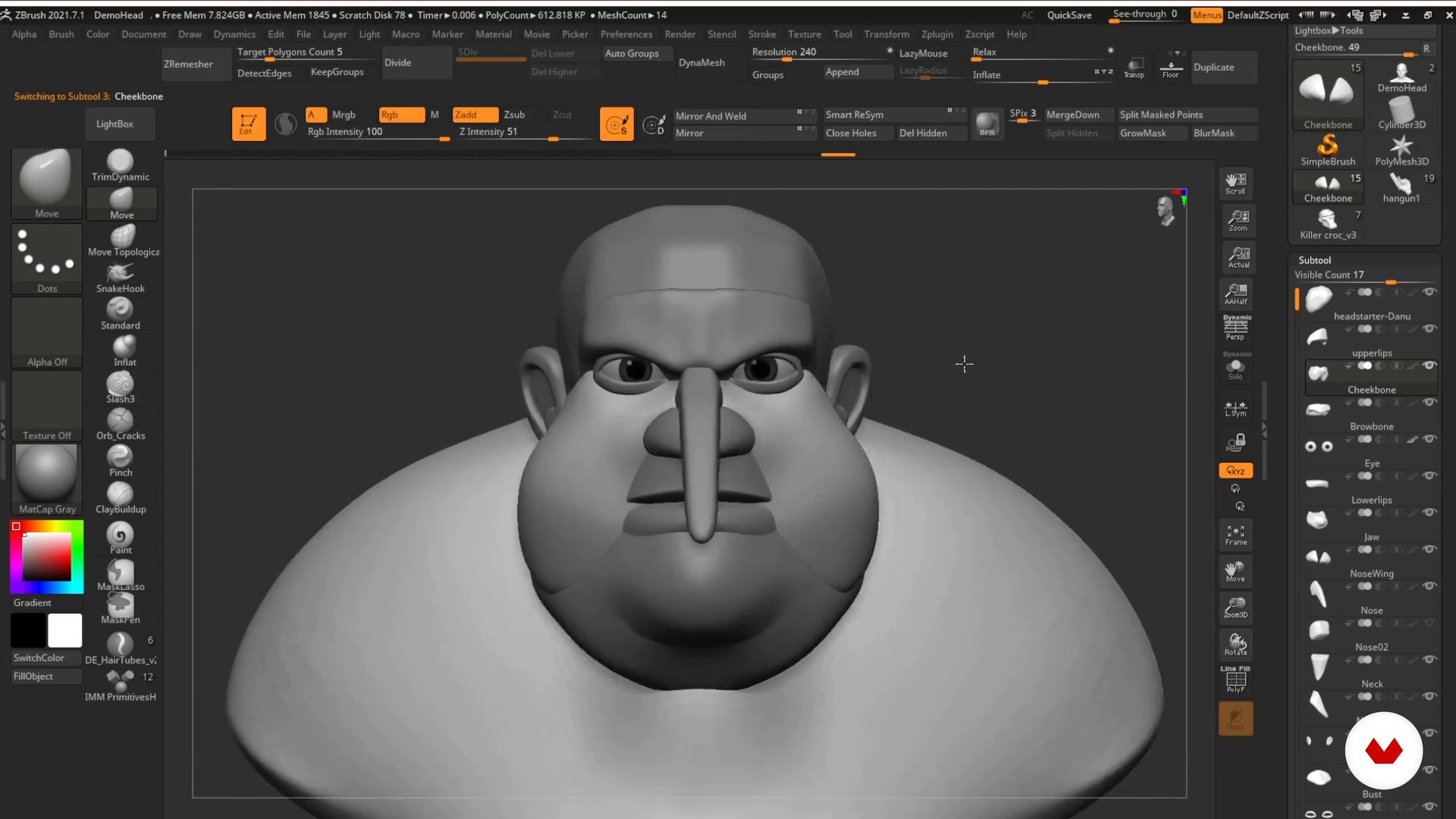
The Mesh Base: The Best Ally
16 minutes, 35 seconds
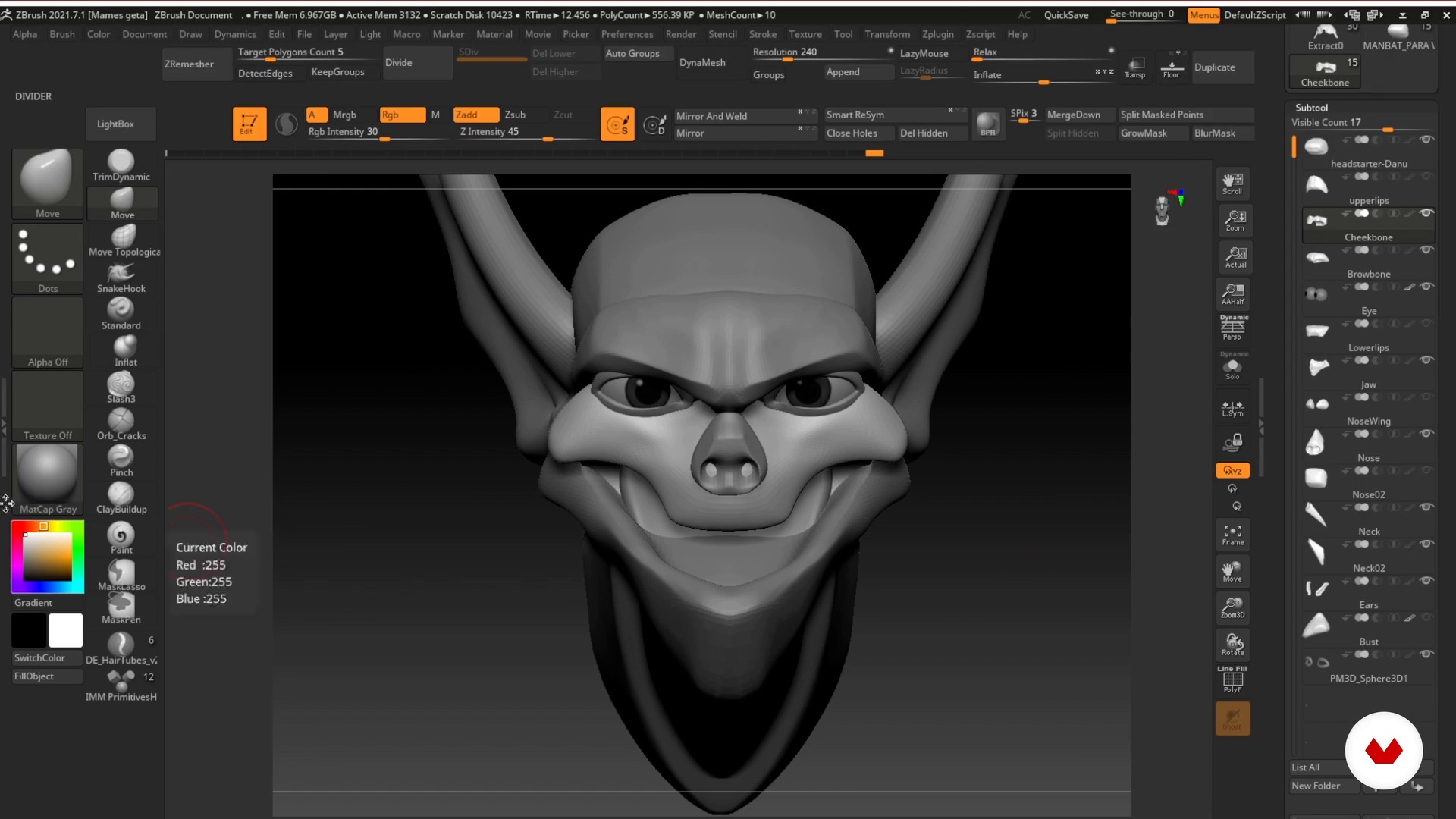
Blocking: First Phase
19 minutes, 29 seconds
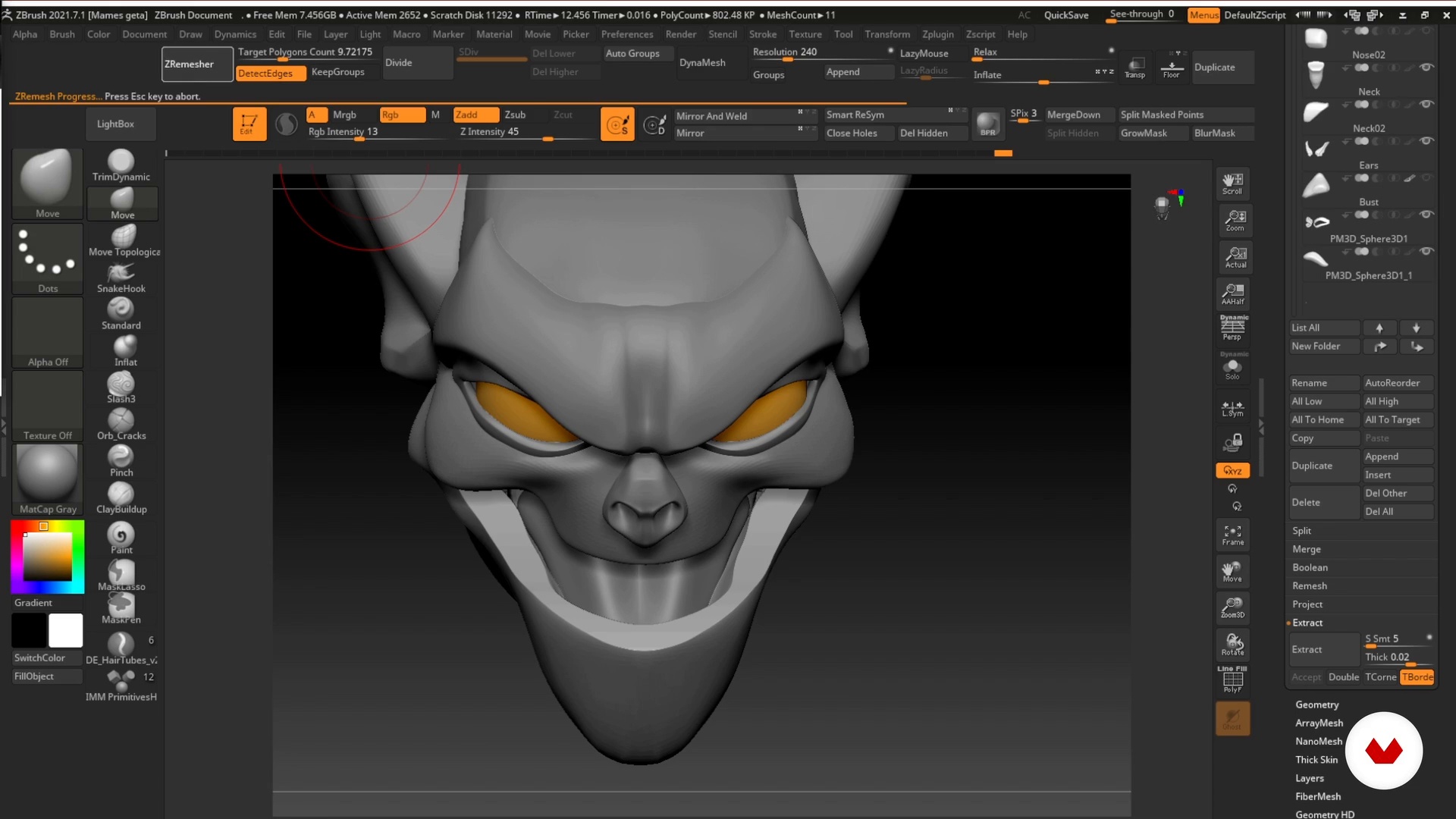
Blocking: Second Phase
16 minutes, 52 seconds
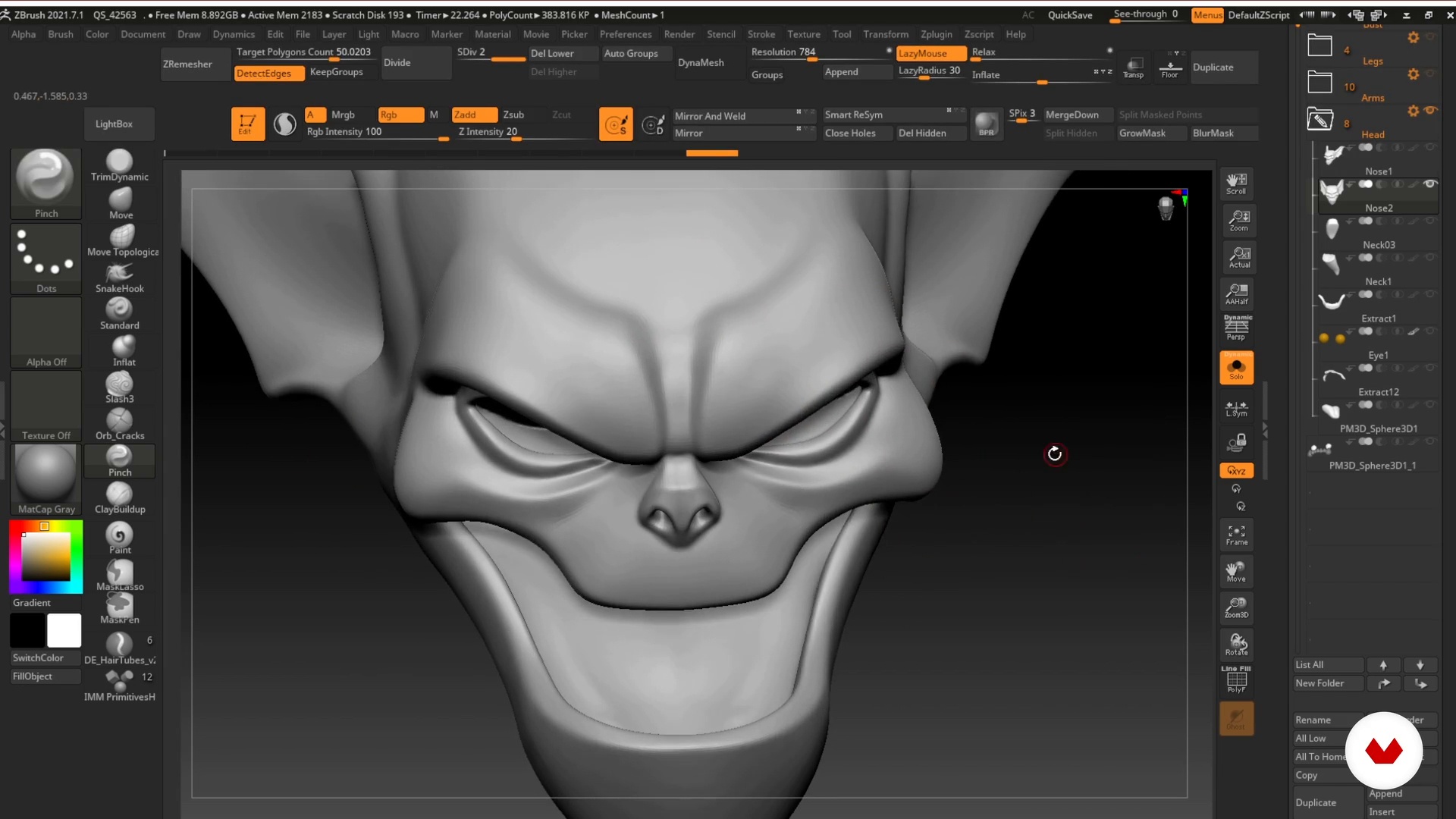
Fusion and Geometry Optimization
14 minutes, 2 seconds

The Hair
16 minutes, 24 seconds
What's included in this course?
To begin, Danu Navarro tells you about his professional background and how he got to fulfill the dream of a lifetime. He also shares his influences and some sources of inspiration.
Continue with an introduction to ZBrush and explore the interface, customizing it to speed up your workflow. Learn your teacher's modeling techniques, along with his secrets to stylizing a character, before creating your own mesh base.
Next, get to work on blocking out the 3D model for your final project. Start by sculpting the head to capture the essence of the character. Then, refine its features, stylistic elements, and extra detailing.
Danu teaches you how to make UV maps and guides you through the texturing stage, painting the skin and hair. Give your character more personality by focusing expressions and gestures to connect with the viewer on a deeper level.
Finally, create the render and design the lighting for your character. To do that, explore the KeyShot interface and discover Danu's process to get the final twist that characterizes his work.
Recommended software & tools for this course
What is this course's project?
Create a stylized 3D bust of your favorite character.
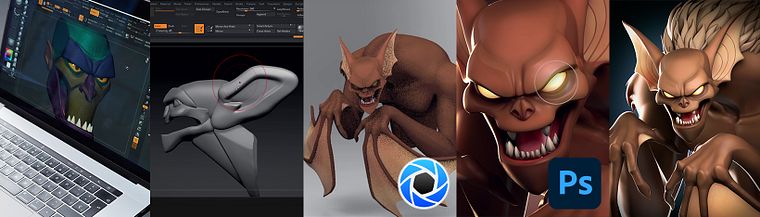
Projects by course students

Who is this online course for?
Artists and all 3D enthusiasts who want to learn techniques to work more efficiently and add more flair to their characters.
Requirements and materials
To take this course, you need to have a basic or intermediate knowledge of ZBrush and Adobe Photoshop.
Reviews
- 1 year ago
Excelente, es lo que estaba buscando, como hacer personajes estilizados con este estilo.
- 1 year ago
Danu es un Crack en lo que hace y estoy muy contento de poder aprender de el.
- 2 years ago
Aqui aprendi una nueva forma de esculpir en Z-brush usando diferentes subtools para cada parte de la anatomia de los personajes, mas ordenada y rapida, muy buen aporte, gracias Danu.
- 2 years ago
Un gran curso
- tonigraphicPLUS2 years ago
Me gustó mucho muy completo

He was also an art director at C2 Game Studio, working on the Project Monolith video game for Nintendo and PlayStation 4. He currently works as a freelance artist, focusing on 3D modeling and character design for different projects, as well as a tutor for the cartoon characters module at Animum Creativity Advanced School.
Content
- U1
Introduction
- About Me
- Influences and styles
- U2
My Work Method
- Search for References
- Customize the ZBrush Interface
- The Mesh Base: The Best Ally
- U3
3D Sculpting in ZBrush
- Blocking: First Phase
- Blocking: Second Phase
- Fusion and Geometry Optimization
- Refinement, Styling and Accessories
- The Hair
- U4
Texturing and Expression
- Generate UVs
- Basic Texturing
- The Expression
- The Pose
- U5
Rendering and Postproduction
- KeyShot: Basic Notions
- Materials
- Lighting and Rendering
- Postproduction in Photoshop 1
- Postproduction in Photoshop 2
- FP
Final project
- Designing and Modeling Comic Book Characters with ZBrush
What to expect from a Domestika course
Learn at your own pace
Enjoy learning from home without a set schedule and with an easy-to-follow method. You set your own pace.
Learn from the best professionals
Learn valuable methods and techniques explained by top experts in the creative sector.
Meet expert teachers
Each expert teaches what they do best, with clear guidelines, true passion, and professional insight in every lesson.
Certificates
PLUSIf you're a Plus member, get a custom certificate signed by your teacher for every course. Share it on your portfolio, social media, or wherever you like.
Get front-row seats
Videos of the highest quality, so you don't miss a single detail. With unlimited access, you can watch them as many times as you need to perfect your technique.
Share knowledge and ideas
Ask questions, request feedback, or offer solutions. Share your learning experience with other students in the community who are as passionate about creativity as you are.
Connect with a global creative community
The community is home to millions of people from around the world who are curious and passionate about exploring and expressing their creativity.
Watch professionally produced courses
Domestika curates its teacher roster and produces every course in-house to ensure a high-quality online learning experience.
FAQs
You’ll learn how to create stylized 3D characters starting from interpreting 2D references, through modeling, texturing, lighting, and rendering—using professional techniques and tools like ZBrush, KeyShot, and Photoshop.
This is an intermediate-level course, perfect for those who already understand basic digital drawing or 3D modeling concepts and want to dive deeper into advanced stylization techniques and professional workflows.
You’ll need ZBrush for modeling, KeyShot for rendering, and Photoshop for post-production. Having a graphics tablet and internet access to look up references and visual resources is recommended.
By the end of the course, you’ll be able to design and model cartoon-style and stylized 3D characters, interpreting 2D designs, applying anatomy and angularization techniques, and producing professional-quality models ready for animation or games.
The course covers techniques for simplifying and exaggerating shapes, angularizing facial and body features, beveling, and refining edges to create expressive characters that fit cartoon or stylized aesthetics.
You’ll learn how to find, compile, and organize references using platforms like ArtStation and Pinterest, managing image libraries in PureRef to support and guide your creative process.
You’ll learn to interpret 2D designs and translate them into 3D models while maintaining stylistic consistency and adapting proportions and details to meet professional 3D modeling standards.