Creating Innovative Web Designs
A course by Contra StudioDigital Design Studio
A course by Contra Studio, Digital Design Studio

Discover the process and tools to create informative and interactive web pages that stand out for their creativity
Want to take your graphic design knowledge to the next level? In this online course, learn to design interactive and informative websites with the designers and founders of Contra Studio, Juan Felipe Luna and Sebastián Vélez. They have collaborated with clients such as Nike, La Silla Vacía, S&Co, and Bastarda Type.
Discover how to create interactive pages that wow your users using Figma. They give you the necessary tools to develop your creativity, taking into account the client's requirements and applying basic concepts of design and interactivity to take your digital projects to a professional level.
What will you learn in this online course?
19 lessons & 25 downloads
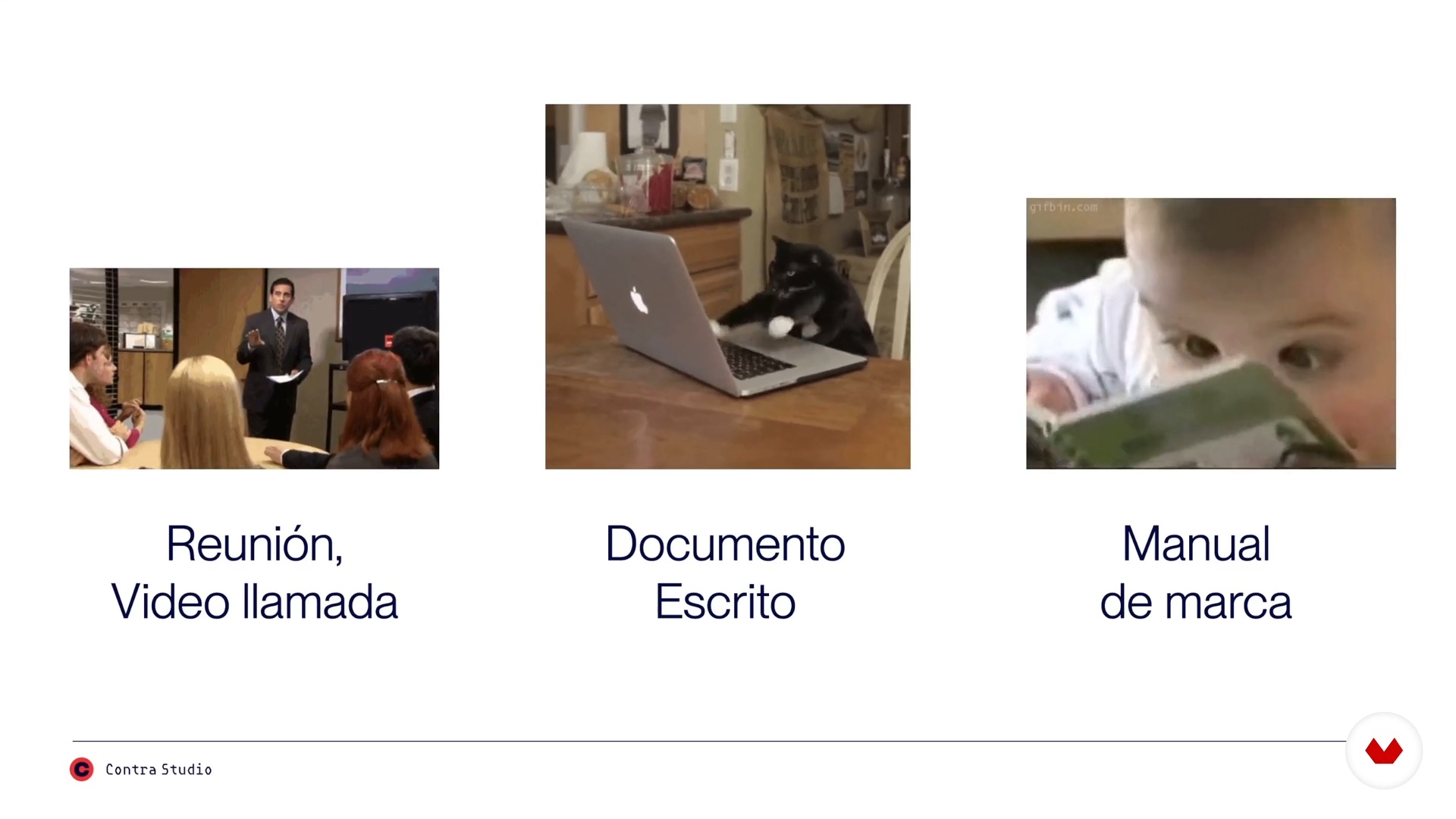
Receive the Brief
6 minutes, 27 seconds
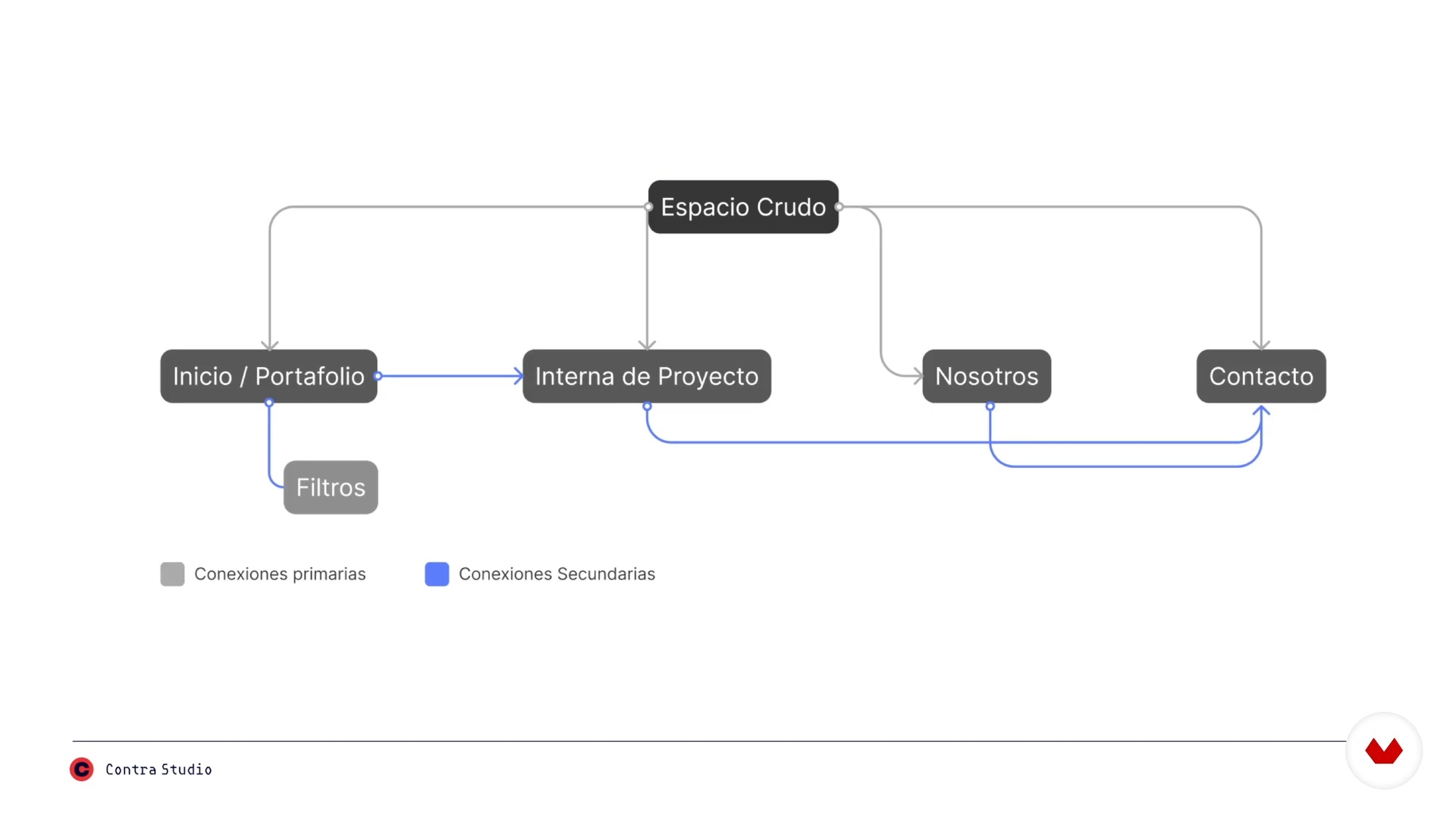
Research and Navigation Map
4 minutes, 5 seconds
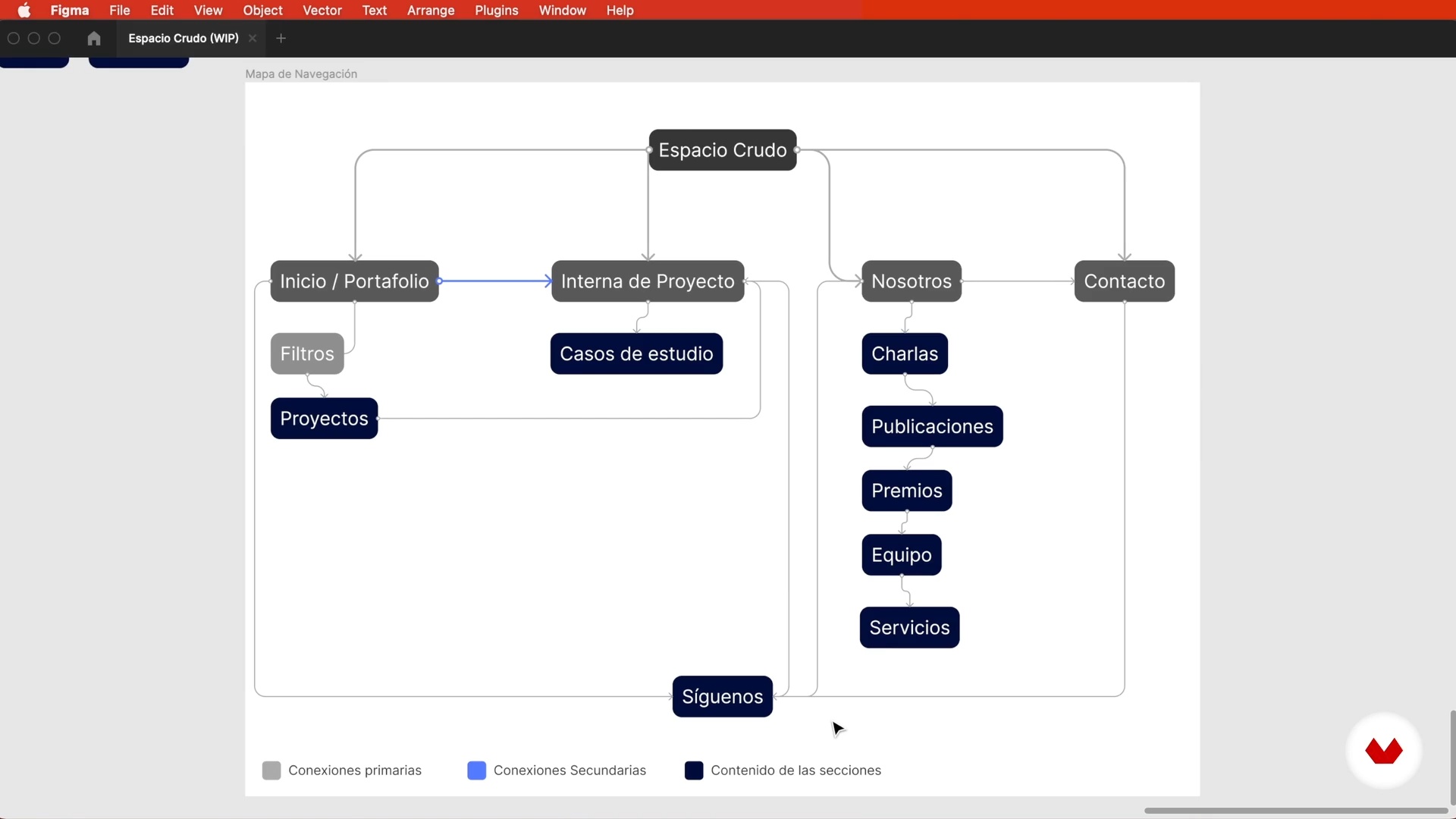
Content Strategy and Information Architecture
7 minutes, 13 seconds
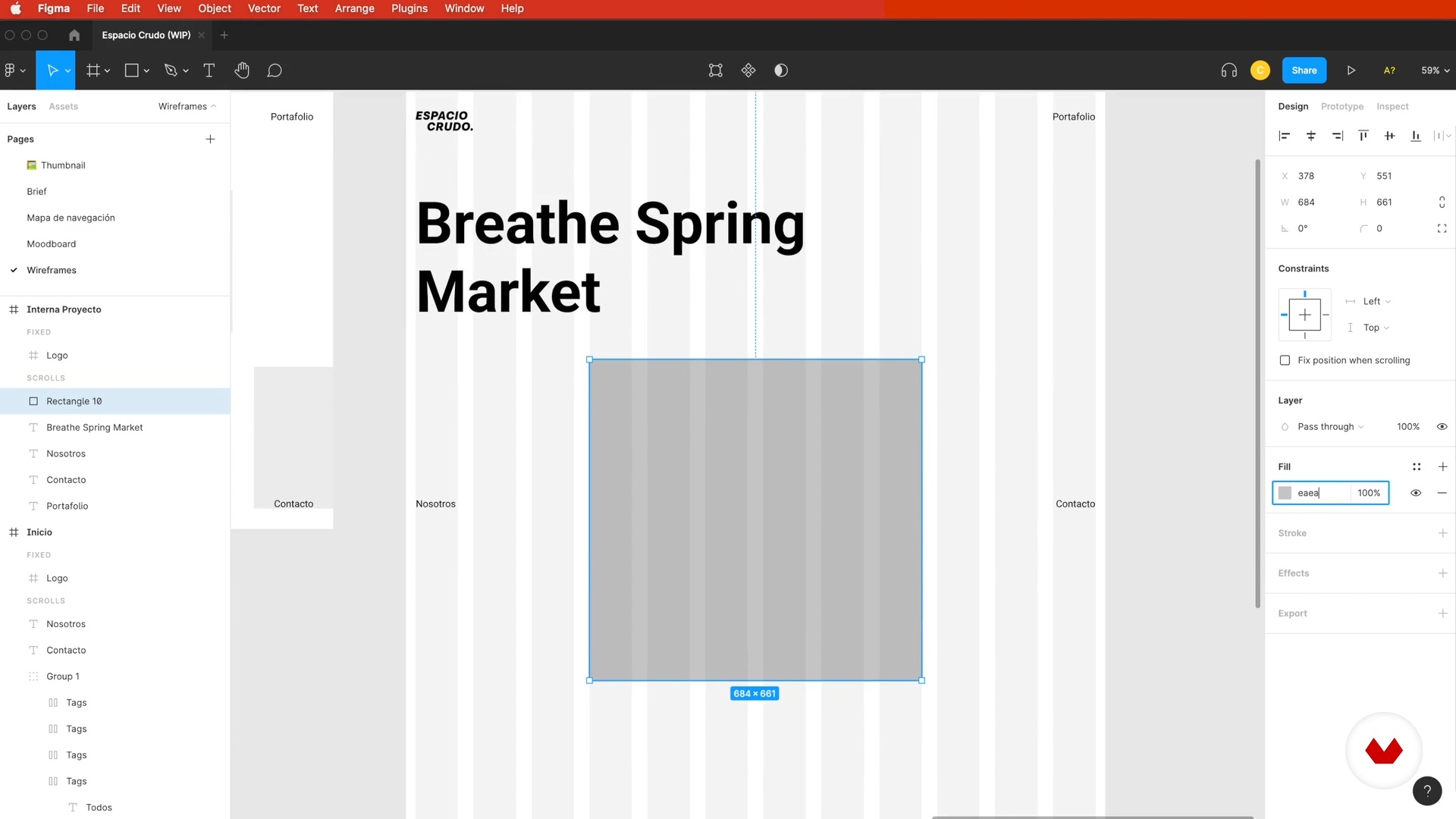
Wireframing 1
16 minutes, 25 seconds
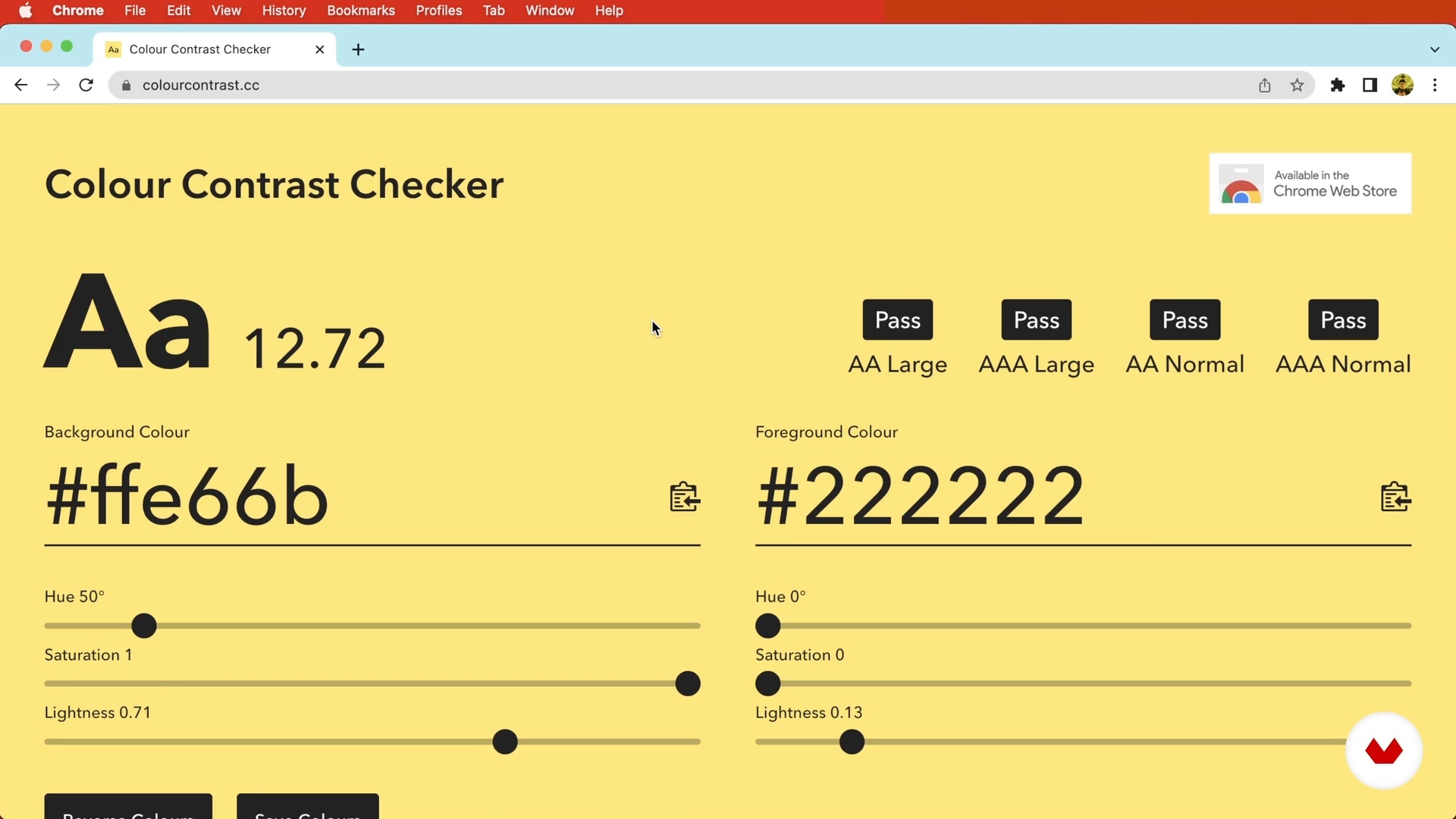
The Color
19 minutes, 29 seconds
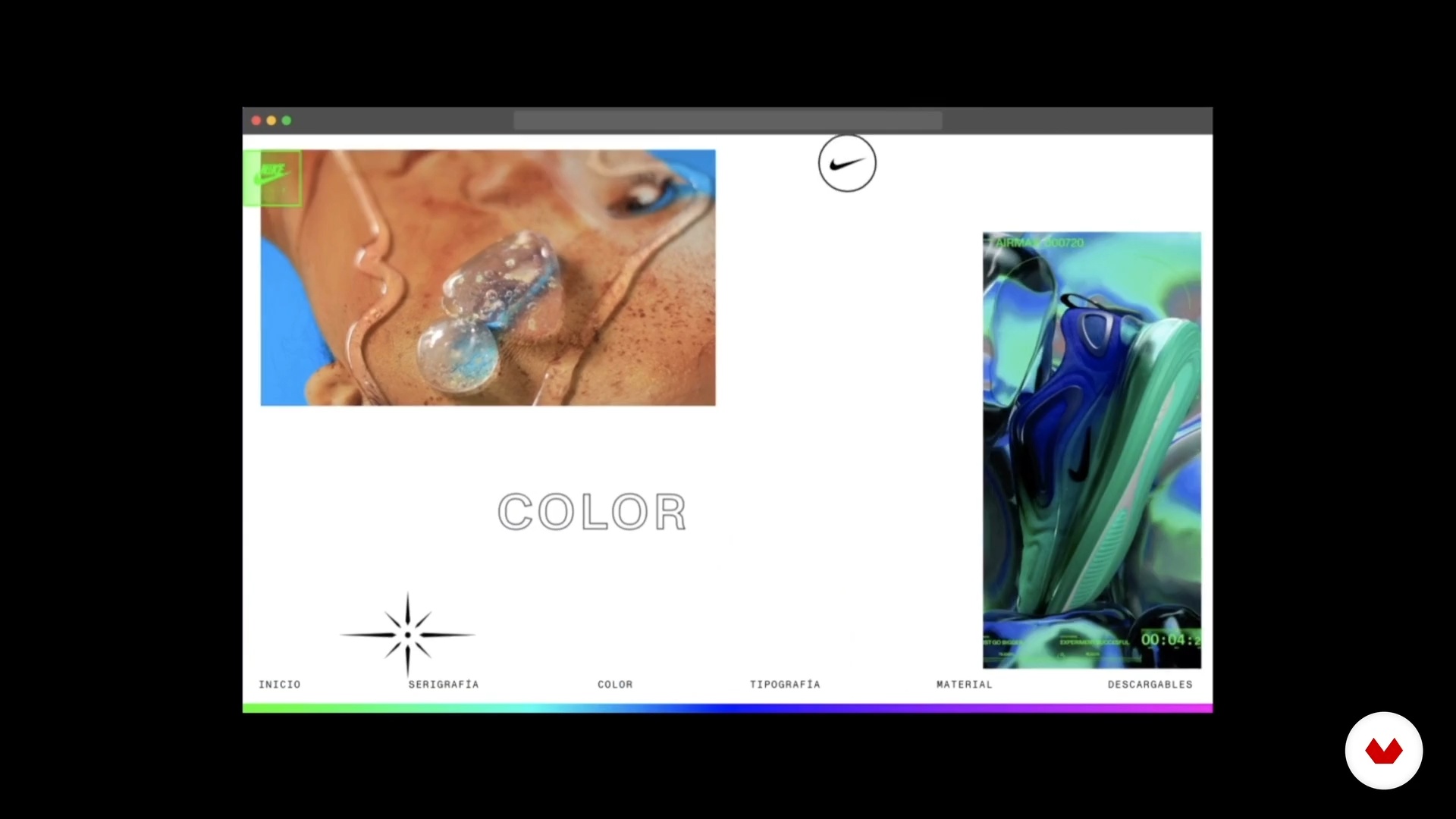
Motion Design
9 minutes, 13 seconds
What's included in this course?
Start the course by meeting your teachers, Juan Felipe Luna and Sebastián Vélez. They tell you a bit about Contra Studio, their stories, and who and what inspires them when it comes to creating.
The first step in a successful digital project is to align with the client through a brief to define the project and objectives. Then, in the research and discovery phase, analyze the opportunities and risks, competition, benchmarks for similar products, and more.
Understand what a navigation map is and create a content strategy to define and structure the content. Then, use Figma to set up the wireframes, the starting point for creating any page.
Get to know the types of layout and their uses and variations, before making typography, color, and iconography decisions. Learn to bring your website to life with motion design, interactions, transitions, gestures, and other details.
To wrap up the course, see how to present your work to the client, manage feedback, and prepare the project for developers by creating a style guide.
Recommended software & tools for this course
What is this course's project?
Design an informative website with a simple structure for a potential client, who could be a freelancer, a company, or even an ecommerce brand.
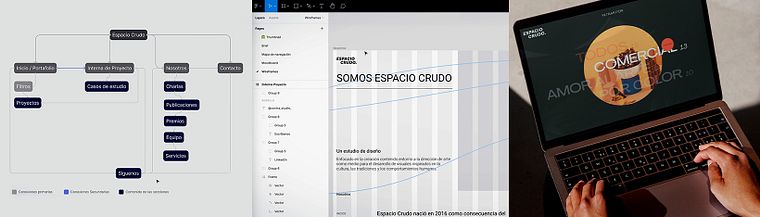
Projects by course students


Who is this online course for?
Creative and curious people who are interested in dabbling in website design to create projects that have an impact on people.
Requirements and materials
To take this course, all you need is basic knowledge of graphic design and the use of Figma.
xxx
Reviews
- 4 months ago
Practico, diferente y claro.
- 7 months ago
Excelente. MUY buen curso
- irene_schnabelPLUS1 year ago
Muy interesante. Me resultó dinámico, claro y creativo.
- claudiaayoraPLUS1 year ago
Muy buen curso, muy claro e útil como abordan el proyecto. Me esta gustando muchísimo.
- 1 year ago
¡Excelente curso! ¡Grandes diseñadores! Mi admiración y respeto para con su trabajo.

They have collaborated with clients such as Nike, La Silla Vacía, S&Co, and Bastarda Type, and their projects have been recognized in awards such as the Latin American Design Awards, as well as in portals such as Communication Arts.
Content
- U1
Introduction
- Presentation
- Influences
- U2
Research and Context
- Receive the Brief
- Research and Navigation Map
- References and Inspiration
- U3
Structure and Wireframes
- Content Strategy and Information Architecture
- Wireframing 1
- Wireframing 2
- Wireframing Recommendations
- U4
Art Direction
- Layouts and Grids
- The Typography
- The Color
- U5
The Interaction
- Motion Design
- Interactions and Microinteractions 1
- Interactions and Microinteractions 2
- Gestures and Graphic Details
- U6
After Designing
- Presentation to the Client
- Receiving Feedback
- Create a Style Guide
- FP
Final project
- Creating Innovative Web Designs
What to expect from a Domestika course
Learn at your own pace
Enjoy learning from home without a set schedule and with an easy-to-follow method. You set your own pace.
Learn from the best professionals
Learn valuable methods and techniques explained by top experts in the creative sector.
Meet expert teachers
Each expert teaches what they do best, with clear guidelines, true passion, and professional insight in every lesson.
Certificates
PLUSIf you're a Plus member, get a custom certificate signed by your teacher for every course. Share it on your portfolio, social media, or wherever you like.
Get front-row seats
Videos of the highest quality, so you don't miss a single detail. With unlimited access, you can watch them as many times as you need to perfect your technique.
Share knowledge and ideas
Ask questions, request feedback, or offer solutions. Share your learning experience with other students in the community who are as passionate about creativity as you are.
Connect with a global creative community
The community is home to millions of people from around the world who are curious and passionate about exploring and expressing their creativity.
Watch professionally produced courses
Domestika curates its teacher roster and produces every course in-house to ensure a high-quality online learning experience.
FAQs
This course is designed for people with basic to intermediate knowledge in design or web development who want to deepen their skills in creating interactive and creative digital products. It’s not for complete beginners.
You’ll need a computer and internet access. The course mainly uses Figma, so having an active account and some basic familiarity with the tool is recommended.
You’ll learn how to create interactive digital products, design wireframes and navigation maps in Figma, develop innovative solutions, manage briefs, research references, and apply animations and microinteractions for impactful web experiences.
Yes, part of the course focuses on designing websites for professional portfolios, including how to implement filters and categories to organize and showcase projects effectively.
Yes, it covers strategies and best practices for collaborating effectively with designers and professionals from different countries and fields, enriching the creative process and project outcomes.
The course teaches how to use grids and grid systems to organize content and create creative, functional, and responsive layouts that ensure visual consistency and a great user experience.
You’ll learn how to ask the right questions during the brief, gather and filter relevant information, and align the client’s goals with the web design project’s objectives.