Digital Accessibility as a Mindset
A course by Margot GabelDigital Designer
A course by Margot Gabel, Digital Designer

Learn how to prioritize digital accessibility in your design process from start to finish.
Discover the power of digital accessibility and inclusive design in this online course led by Margot Gabel. In a world where accessibility is a basic human right, it is crucial for designers to create user-friendly experiences that can be accessed by anyone, regardless of their abilities. Margot, a passionate Digital Designer and advocate for inclusive design, will guide you through the process of making your website more accessible by improving your approach to UX and UI.
In this course, you will explore the importance of digital accessibility and understand how it benefits not only inclusivity but also your website's ranking on search engines. Margot will teach you essential elements such as color contrasts, typography choices, tone of voice, buttons, and alternative text, all of which play a significant role in creating an inclusive digital experience.
You will delve into user inputs, including keyboards, touch, and voice, and learn how to adapt your design choices to enhance usability. Margot will also guide you in building a highly inclusive design system, developing wireframes, and creating interactive prototypes. Furthermore, you will discover how to extend your inclusivity practices to social media and other digital channels.
What will you learn in this online course?
16 lessons & 14 downloads
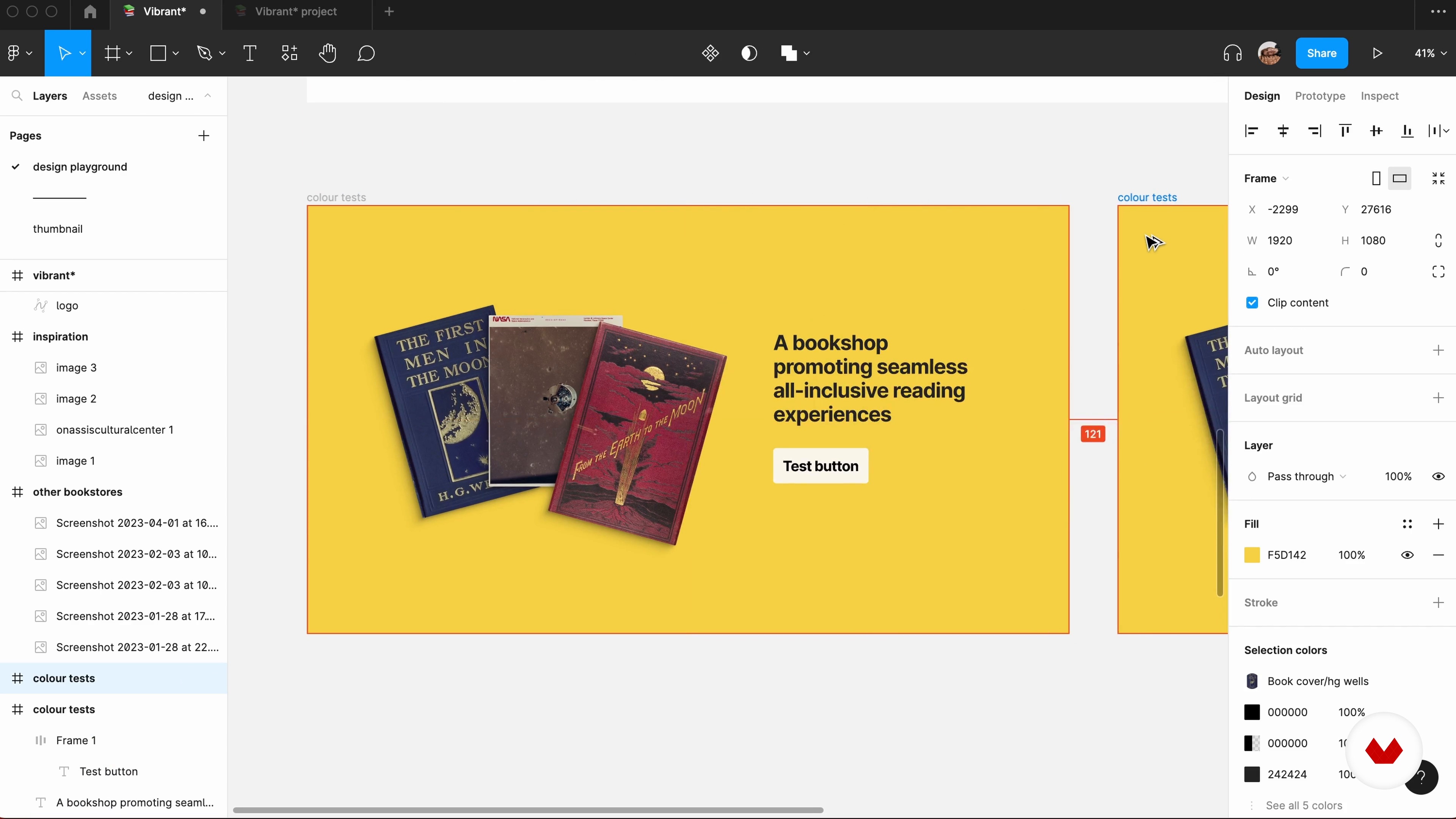
Colours and Contrast
9 minutes, 40 seconds
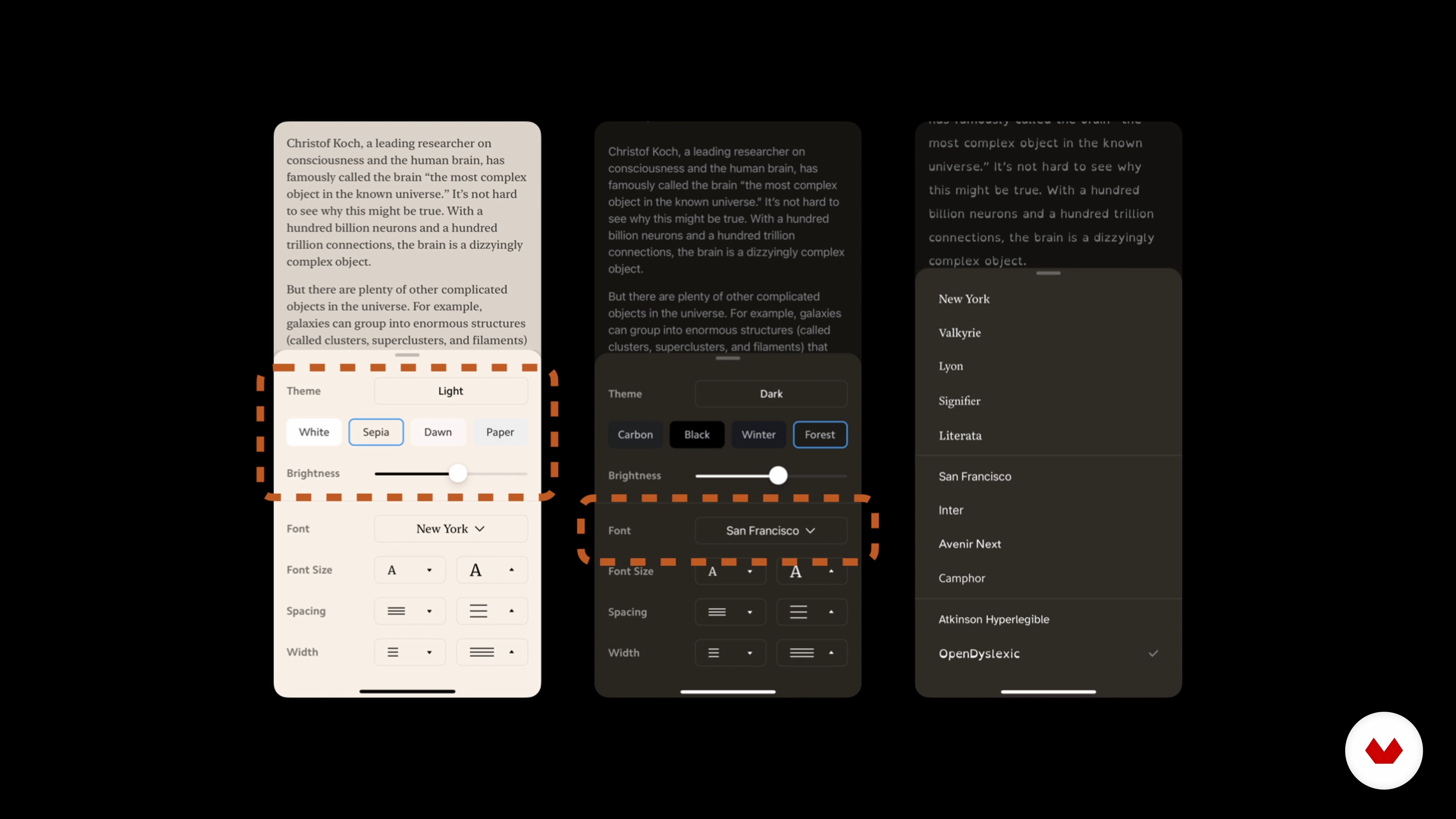
Typefaces and Hierarchy
7 minutes, 54 seconds
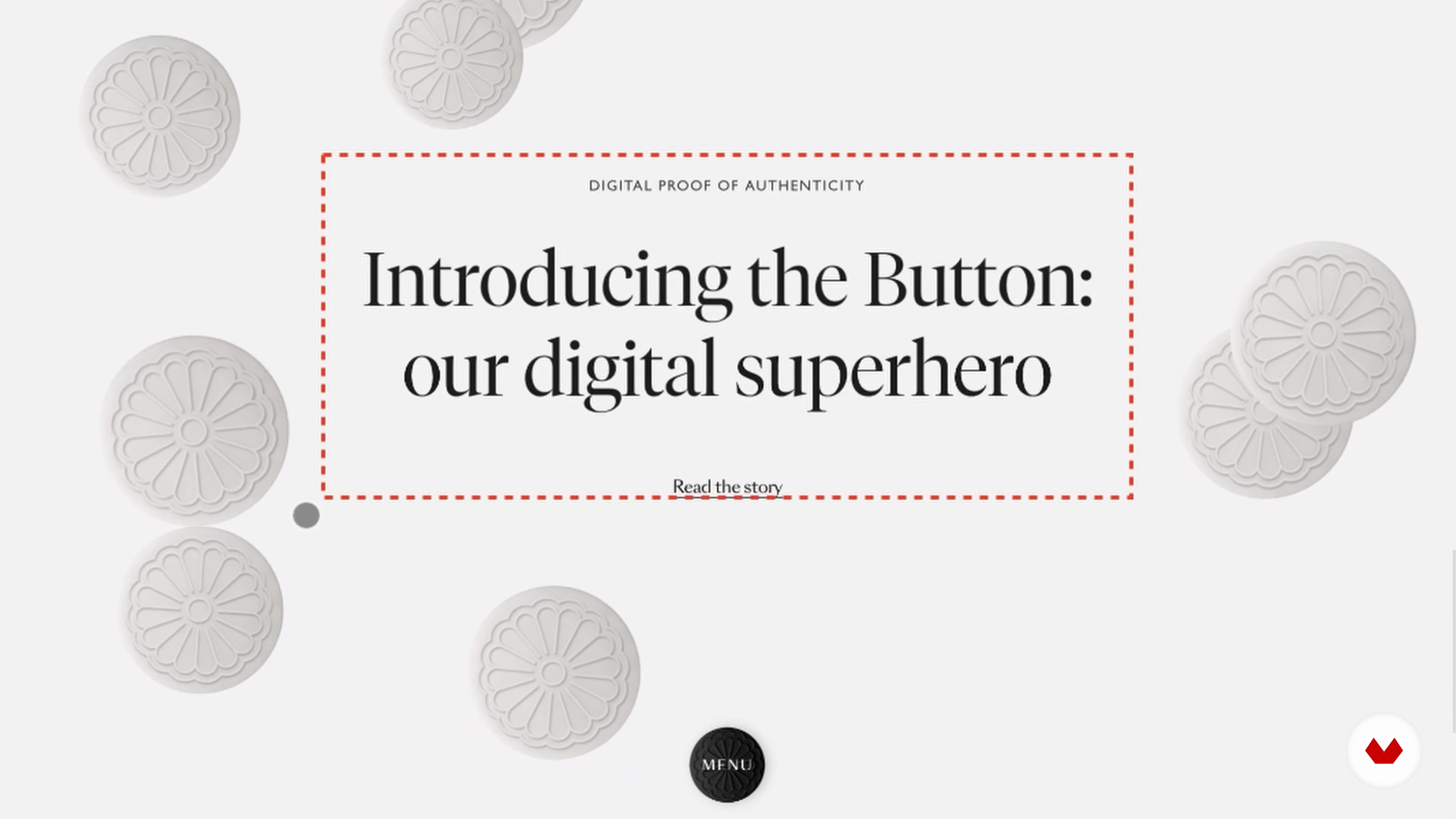
Animations and Multimedia Controls
7 minutes, 30 seconds
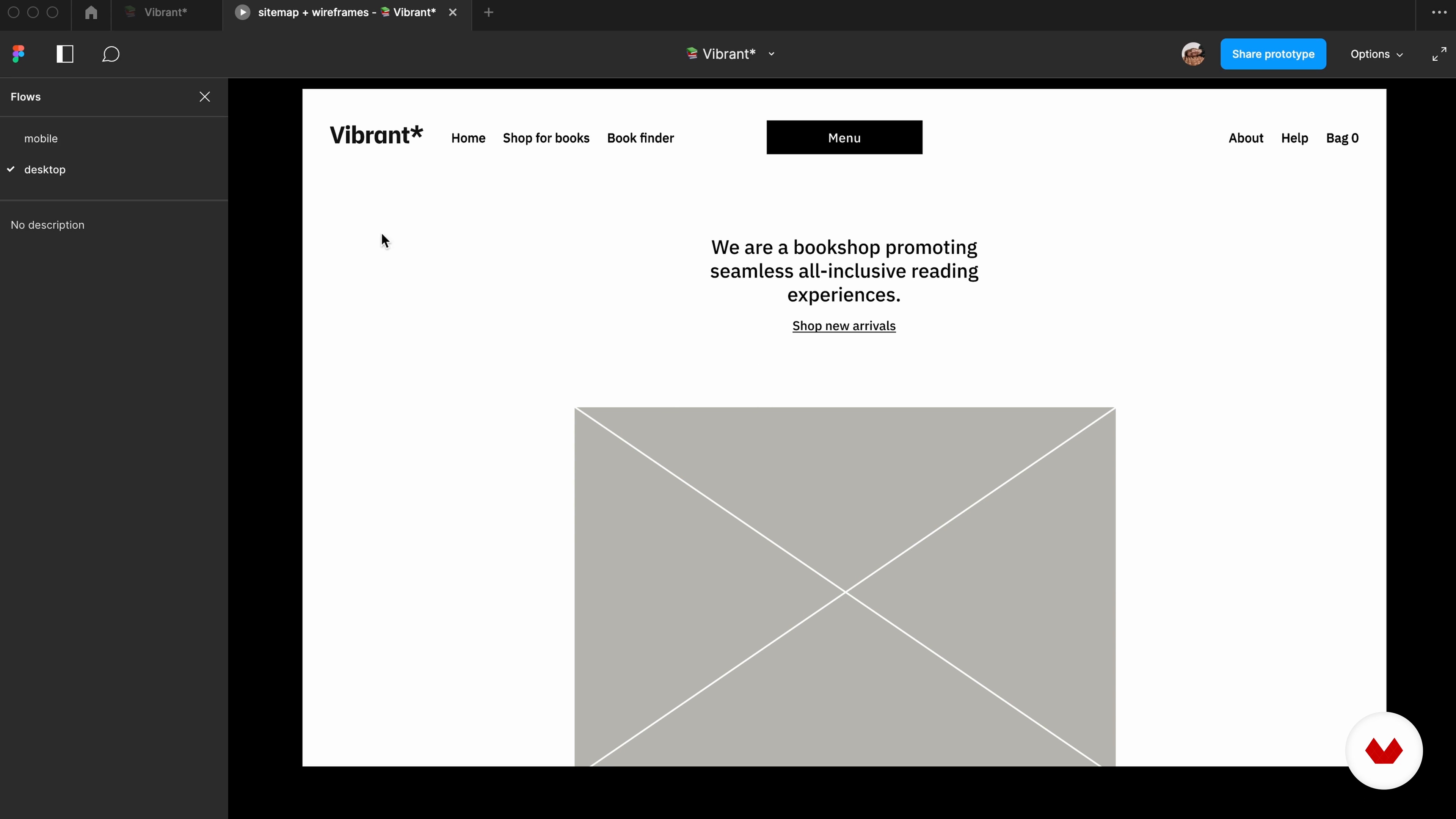
Wireframing for Accessibility
10 minutes, 21 seconds
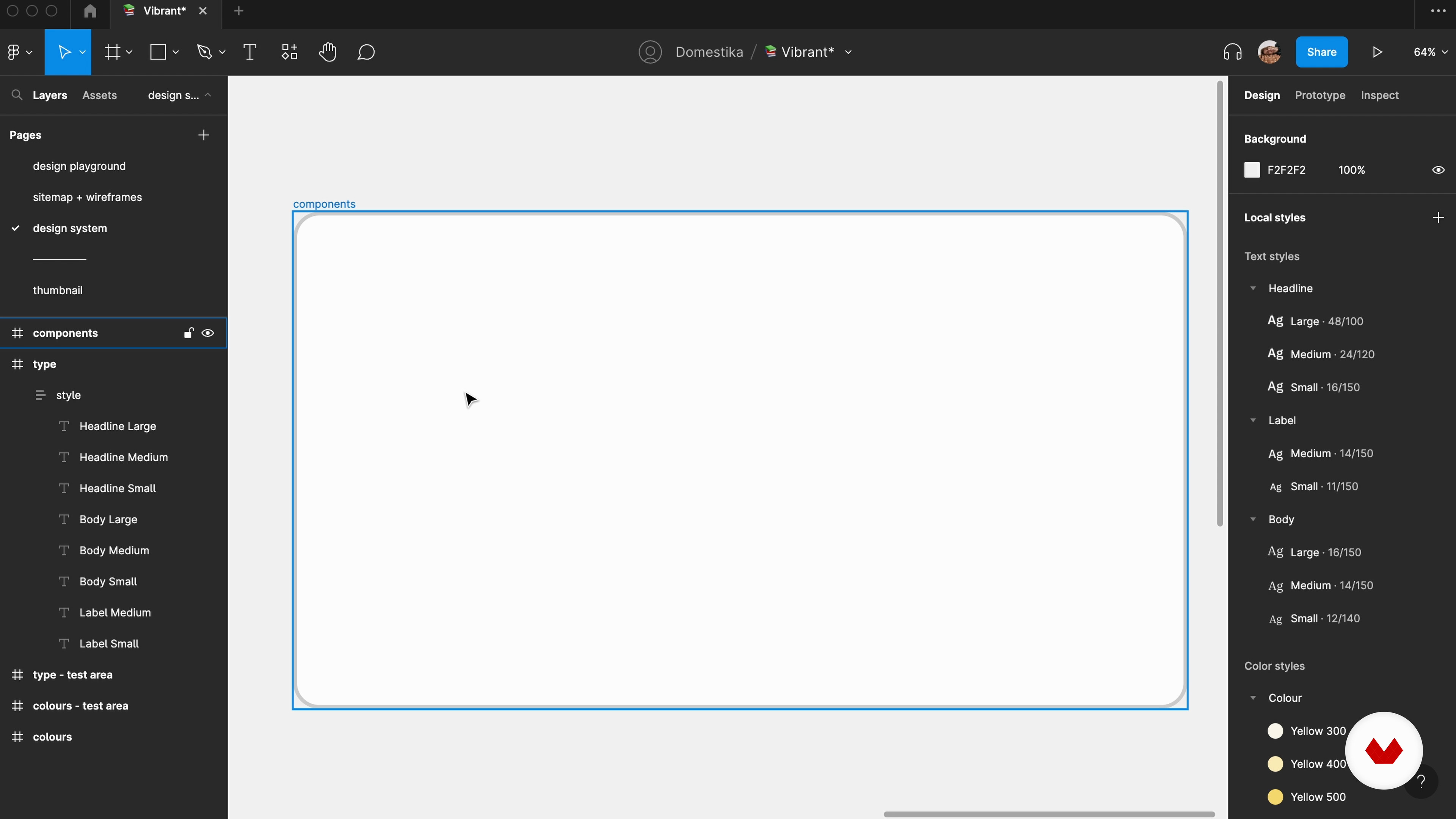
A Basic and Accessible Design System
17 minutes, 5 seconds
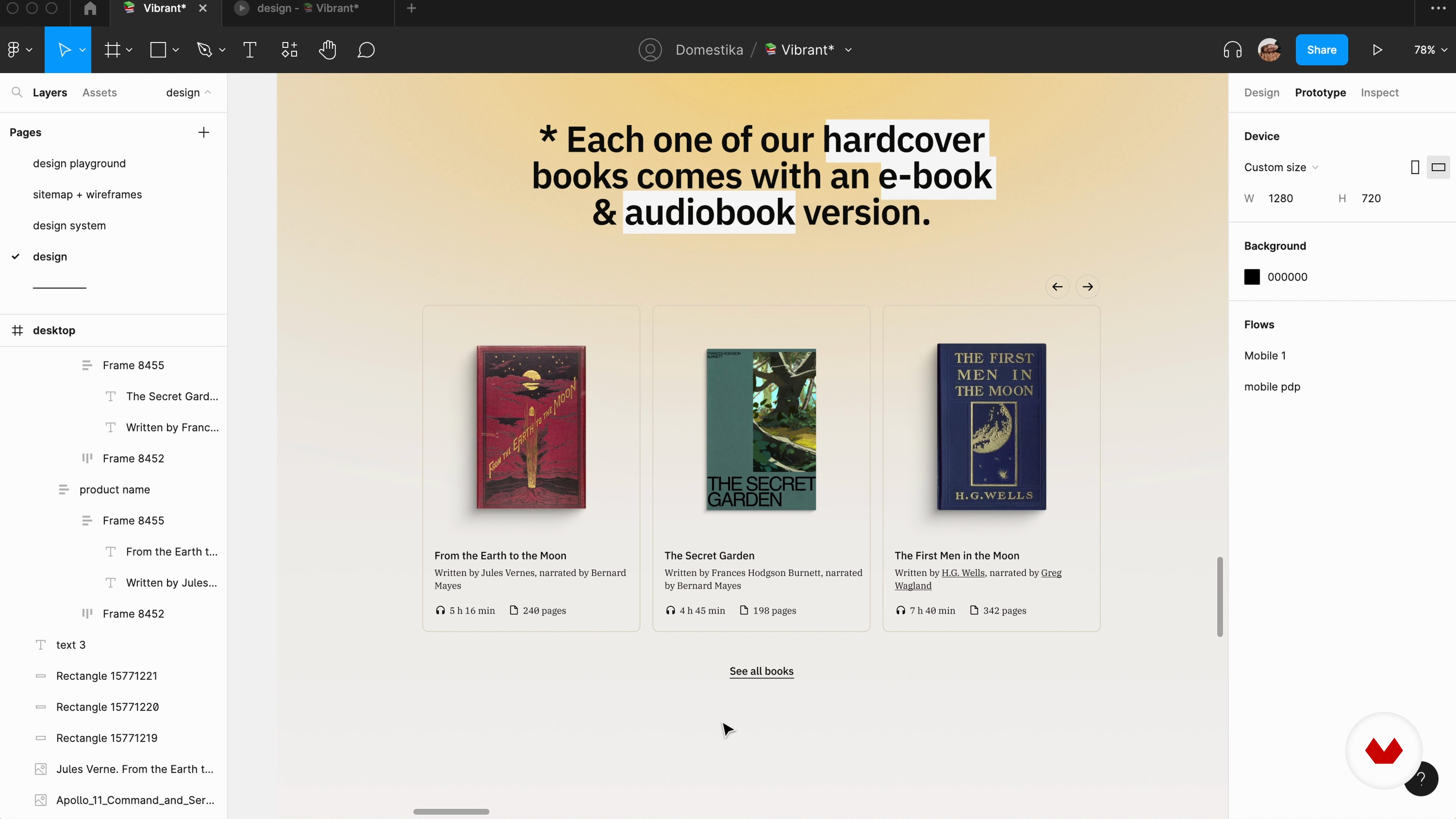
Designing
14 minutes, 12 seconds
What's included in this course?
To start, you will gain a deep understanding of digital accessibility and its significance in creating inclusive designs. Margot will guide you through the fundamentals, including the origins of digital accessibility, paper choices, and the proper use of a bistoury. You will then explore references and learn how to generate visual contrasts. Next, you will focus on practical implementation. Margot will walk you through thinking about design, utilizing patterns, and making intentional decisions in your designs. You will also learn how to mark elements for removal, an important step in refining your designs.
Afterward, you will embark on the meticulous and reflective process of cutting paper. Margot will teach you how to create figurative and geometric elements, resulting in intricate and visually captivating compositions.
Finally, you will learn about post-design considerations, including proper care for your finished works and other possibilities for applying the kiriê technique. By the end of this course, you will have the skills and knowledge to design with an accessibility mindset, making the internet a more inclusive space for all users.
Recommended software & tools for this course
What is this course's project?
You will have the opportunity to create a landing page for a product or service that is accessible to everyone, regardless of their abilities. Using the knowledge and techniques learned throughout the course, you will design a visually appealing and user-friendly landing page that embodies the principles of digital accessibility.

Projects by course students


Who is this online course for?
This course is designed for designers and creatives who are passionate about inclusive design and want to create digital experiences that can be accessed by a wide audience. Whether you are a UX/UI designer, digital artist, or aspiring designer, this course will provide you with valuable insights and practical skills to make your designs more inclusive and user-friendly. Join Margot in this transformative learning experience and contribute to a more accessible internet for all.
Requirements and materials
To take this course, you will need basic knowledge of UX/UI and familiarity with design software like Figma. Additionally, having access to a computer or laptop with an internet connection will allow you to fully engage with the course content. Prepare your creative mindset, open your favorite design software, and get ready to embark on a journey of creating inclusive digital experiences.
Reviews
- 3 months ago
Inspiring and clear!
- 6 months ago
Buen curso
- 6 months ago
This course is very useful for UX designers who care about accessibility
- 10 months ago
The course is really helpful for UX beginners. I would say it can be a starting point to learn digital accessibility (a11y). It is a vast domain, but the course is pretty good for those who want to learn a11y with practical experience. Being a UX designer, I found this course very practical for day-to-day work.
- 1 year ago
Inspiring!

Through her collaboration with a web accessibility foundation, Margot's perspective on digital design was forever changed. She realized the importance of designing digital experiences that are accessible and can be used by everyone, sparking her dedication to sharing her knowledge and raising awareness of digital accessibility.
Margot's work extends beyond her professional endeavors, as she has delivered lectures on the topic at conferences like Awwwards. She is known for her commitment to empathy-driven design and continuously challenges the status quo.
Content
- U1
Introduction
- About Me
- Influences
- U2
Why Does Digital Accessibility Matter?
- Introduction to Digital Accessibility
- The Benefits of Digital Accessibility
- Accessibility in Real Life
- U3
Building Blocks
- Colours and Contrast
- Typefaces and Hierarchy
- Alternative Text and Microcopy
- States
- Animations and Multimedia Controls
- U4
Bringing Everything Together
- Wireframing for Accessibility
- A Basic and Accessible Design System
- Designing
- U5
Prototyping and Testing
- The Interactive Prototype
- Testing, Testing, Testing
- Omnichannel Thinking
- FP
Final project
- Digital accessibility as a mindset
What to expect from a Domestika course
Learn at your own pace
Enjoy learning from home without a set schedule and with an easy-to-follow method. You set your own pace.
Learn from the best professionals
Learn valuable methods and techniques explained by top experts in the creative sector.
Meet expert teachers
Each expert teaches what they do best, with clear guidelines, true passion, and professional insight in every lesson.
Certificates
PLUSIf you're a Plus member, get a custom certificate signed by your teacher for every course. Share it on your portfolio, social media, or wherever you like.
Get front-row seats
Videos of the highest quality, so you don't miss a single detail. With unlimited access, you can watch them as many times as you need to perfect your technique.
Share knowledge and ideas
Ask questions, request feedback, or offer solutions. Share your learning experience with other students in the community who are as passionate about creativity as you are.
Connect with a global creative community
The community is home to millions of people from around the world who are curious and passionate about exploring and expressing their creativity.
Watch professionally produced courses
Domestika curates its teacher roster and produces every course in-house to ensure a high-quality online learning experience.
FAQs
Web accessibility means designing websites and digital products usable by everyone, including those with disabilities. It is important because it ensures equal access, improves usability for all users, and helps meet legal and ethical standards.
This course is designed for intermediate learners. Some prior experience with digital design or web development is recommended to fully benefit from the course content and hands-on exercises.
The course covers accessibility fundamentals, WCAG guidelines, color contrast, typography, keyboard navigation, screen reader compatibility, alt text, inclusive prototyping in Figma, and accessibility testing methods.
You’ll need access to Figma for prototyping, a web browser, and free accessibility testing tools or plugins. No advanced software is required beyond basic design and browser tools.
You’ll learn to select color combinations that meet contrast guidelines, use tools to check accessibility, choose legible typefaces, create effective type pairings, and design layouts that are readable and user-friendly for all.
The course guides you through building accessible prototypes in Figma, simulating disabilities, performing keyboard and screen reader tests, and iteratively improving designs based on accessibility feedback.
Yes, you’ll learn how to interpret and implement WCAG guidelines in your designs, perform accessibility audits, and test usability for users with different needs.