Main Title Design: Create Style Frames to Pitch Your Idea
A course by Andrea BragaMotion designer and art director
A course by Andrea Braga, Motion designer and art director

Explore design, 3D, and compositing techniques for creating style frames that showcase your pitch.
Welcome to a captivating journey into the world of motion design and art direction. Join Andrea Braga, a highly skilled motion designer and art director, as he shares his expertise in developing and presenting concepts for title sequences in film and TV.
In this online course, you'll learn how to create striking styleframes and pitch your ideas with confidence. From gathering references and organizing moodboards to building assets in Adobe Suite, Cinema 4D, and Redshift, Andrea will guide you through the entire process.
By the end of the course, you'll be able to conceive and present engaging title sequence concepts, captivating viewers and clients alike with your design pitch.
What will you learn in this online course?
26 lessons & 31 downloads
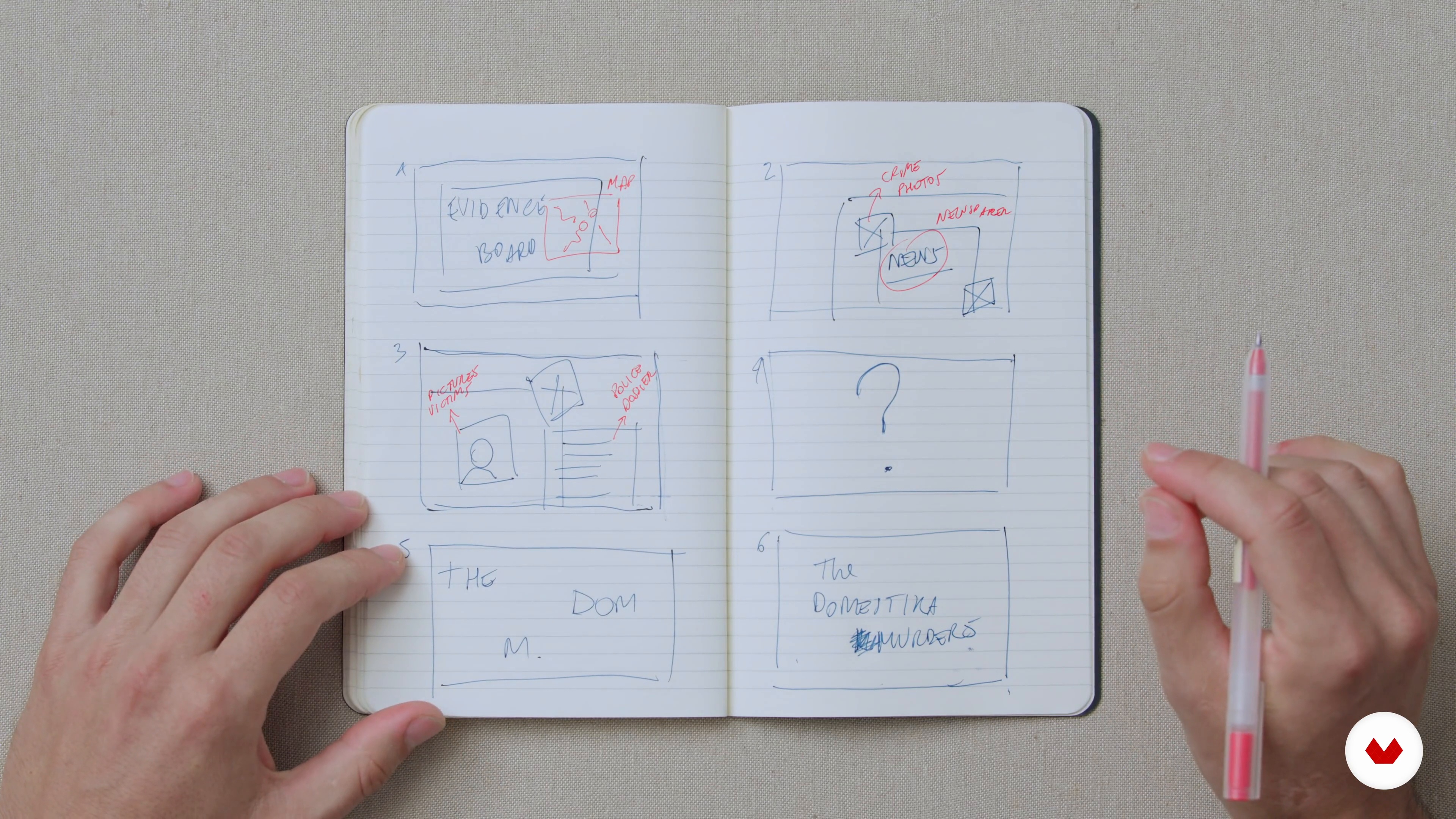
Mood Boards and Concept
15 minutes, 21 seconds
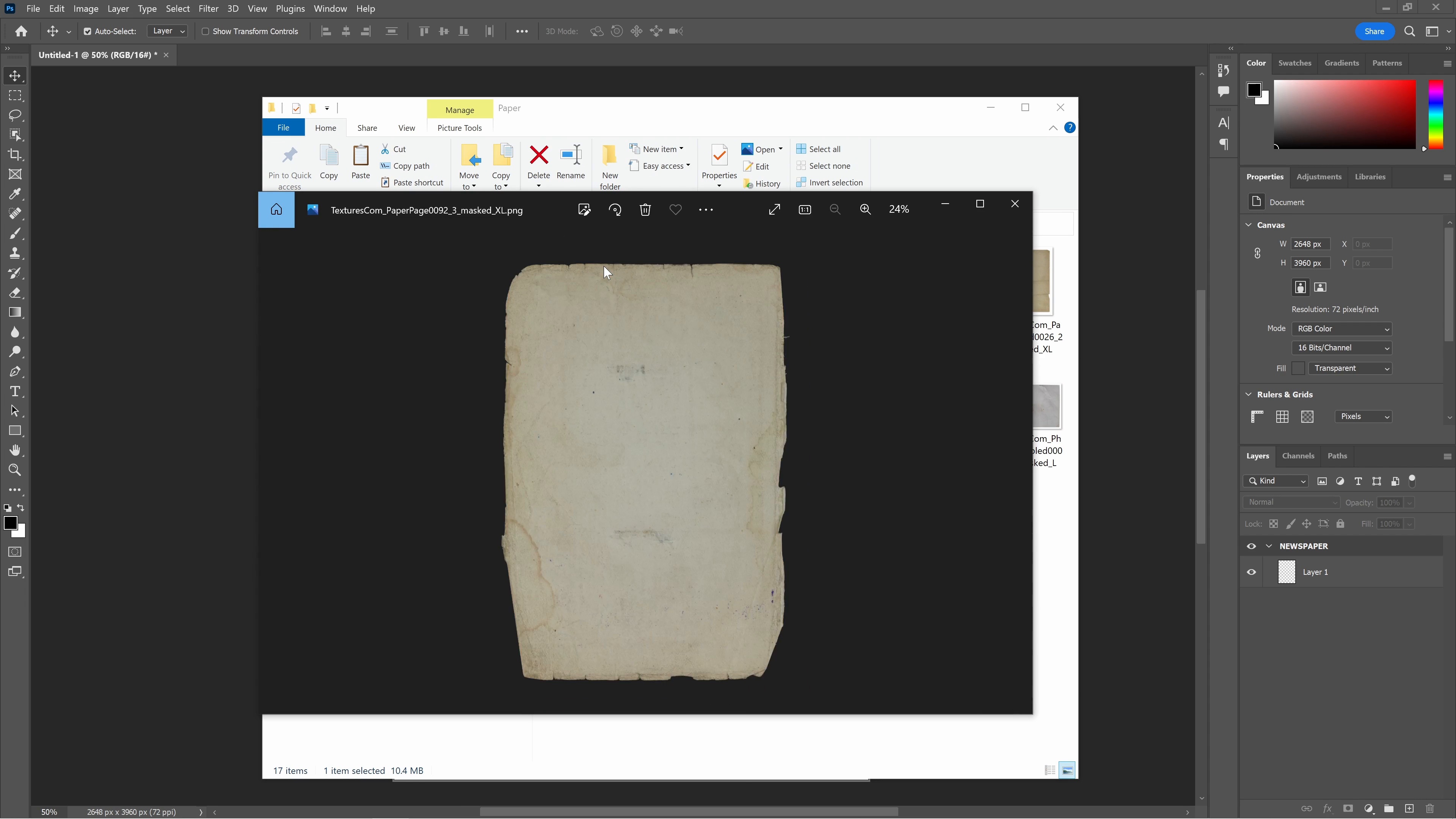
Visual Assets: A Newspaper 1
19 minutes, 11 seconds
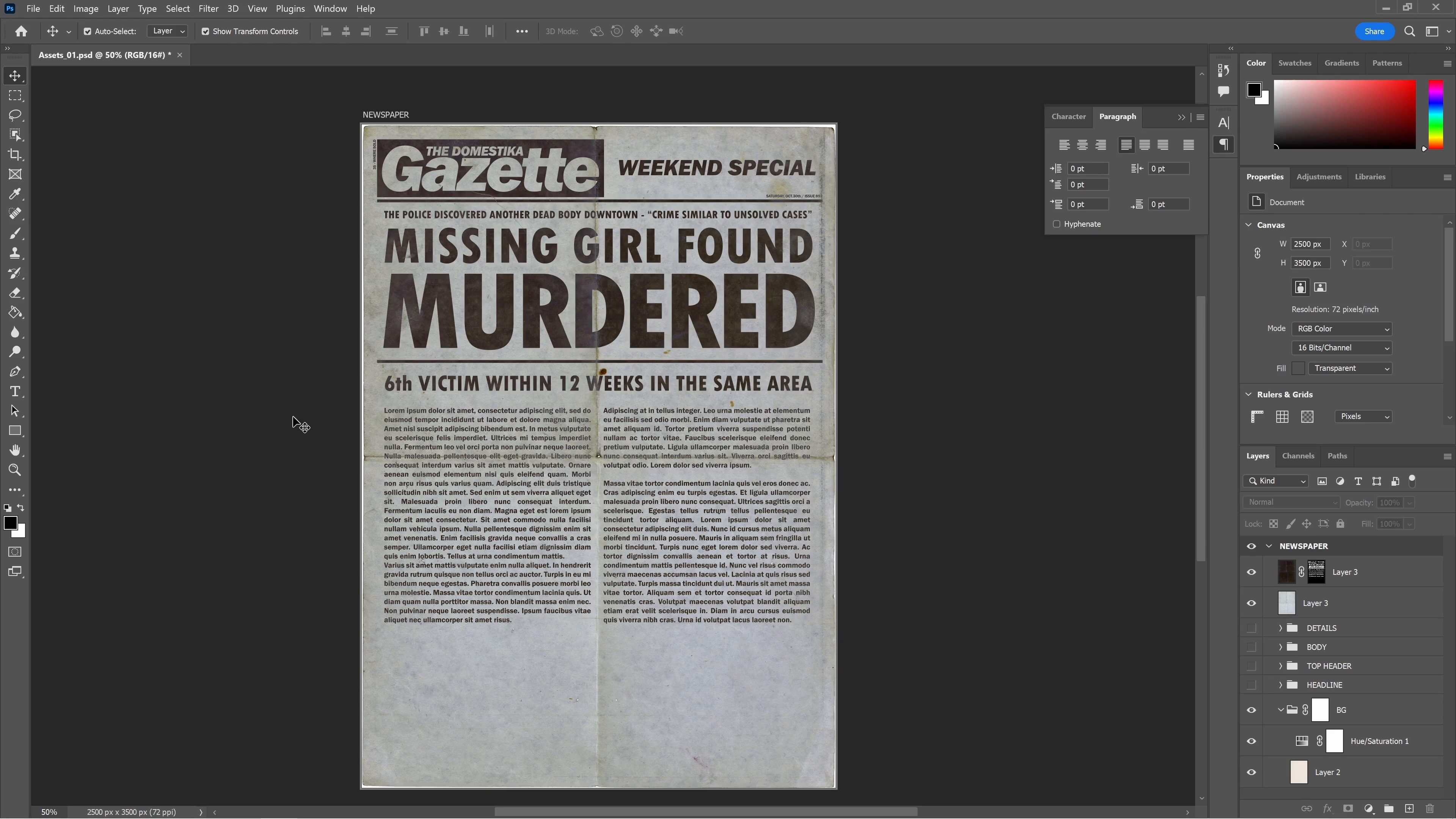
Visual Assets: A Newspaper 2
4 minutes, 57 seconds
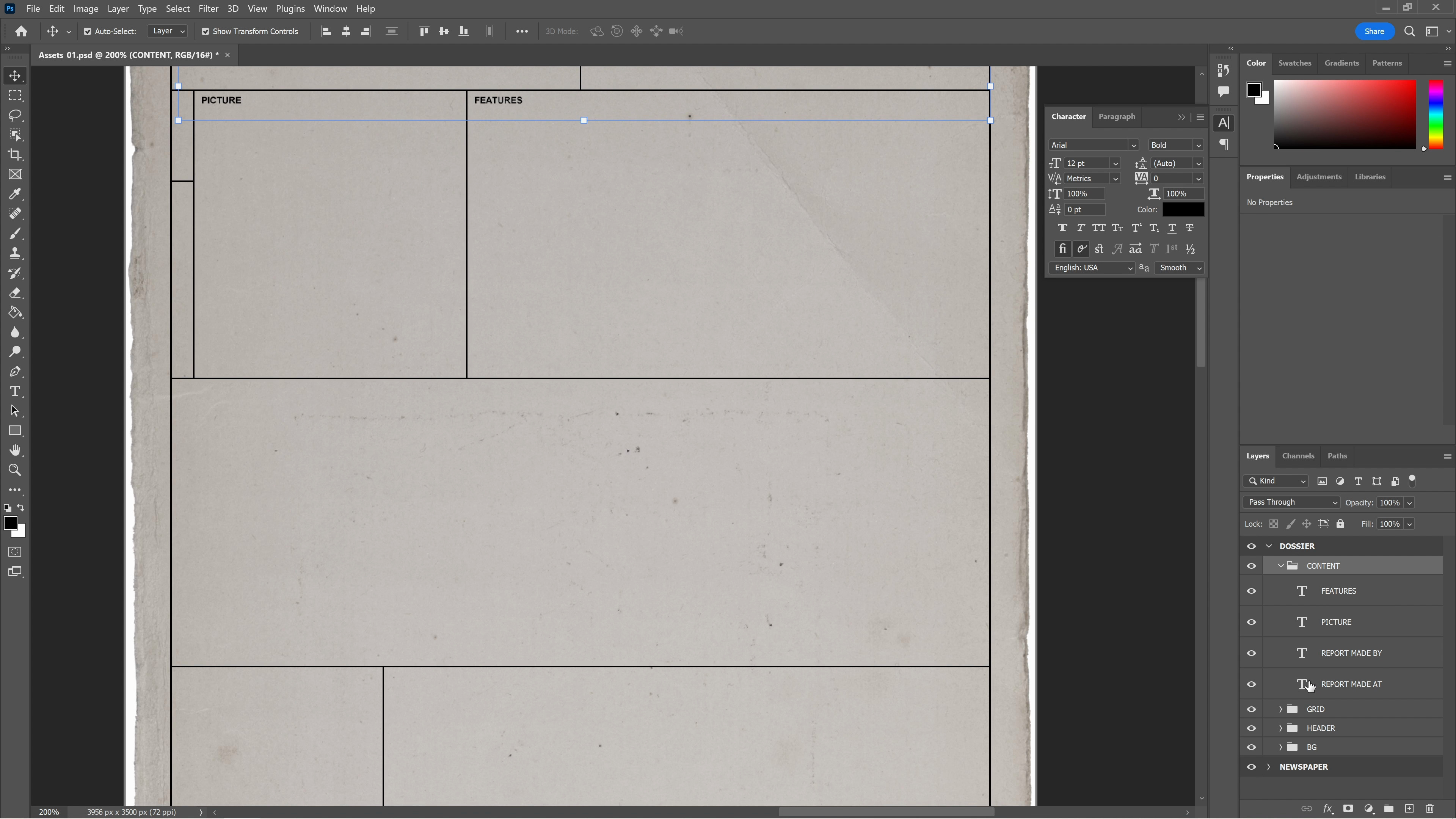
Visual Assets: A Police Dossier 1
18 minutes, 36 seconds
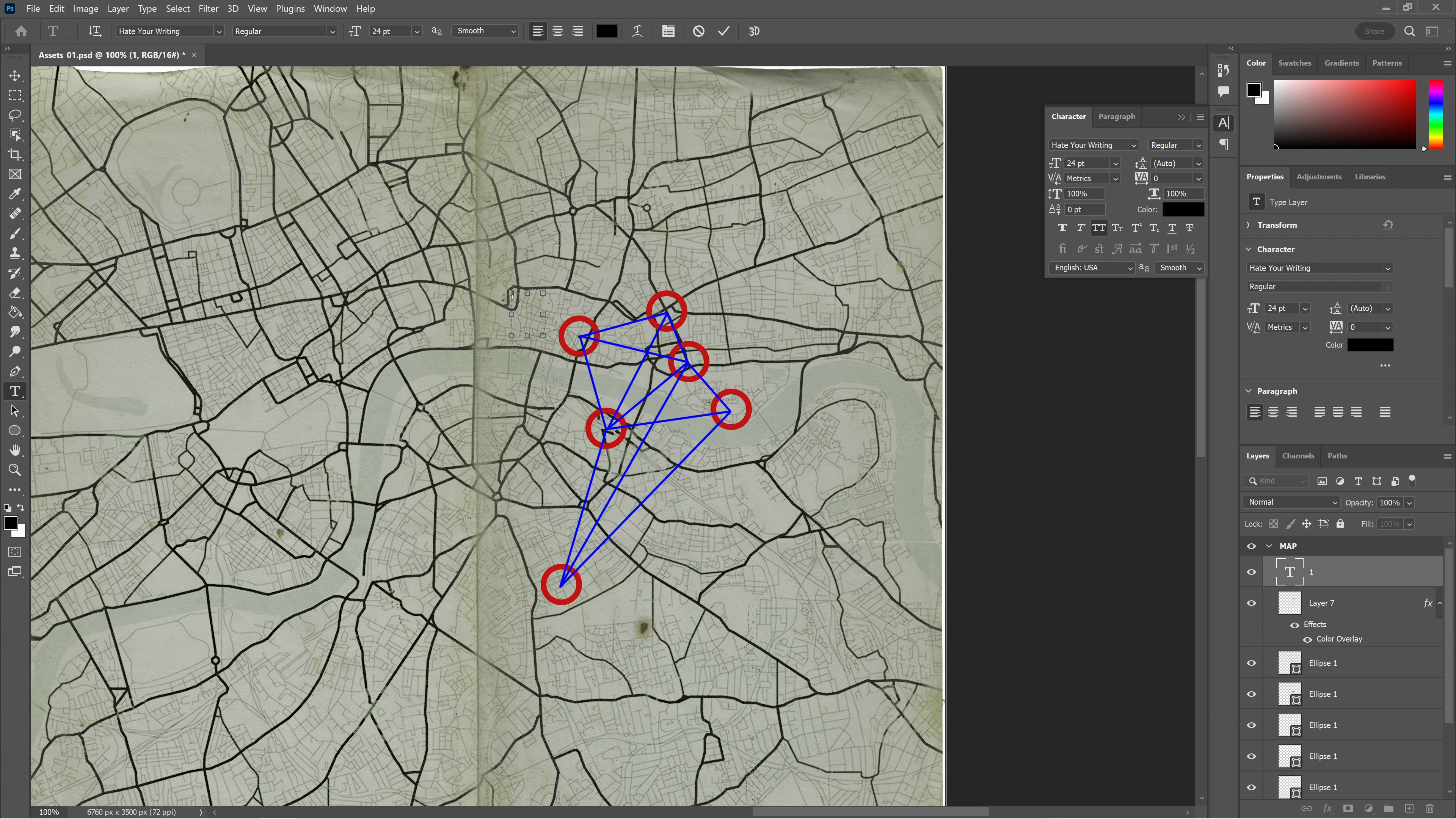
Visual Assets: A Map, Photos, and Post-it Notes
19 minutes, 21 seconds
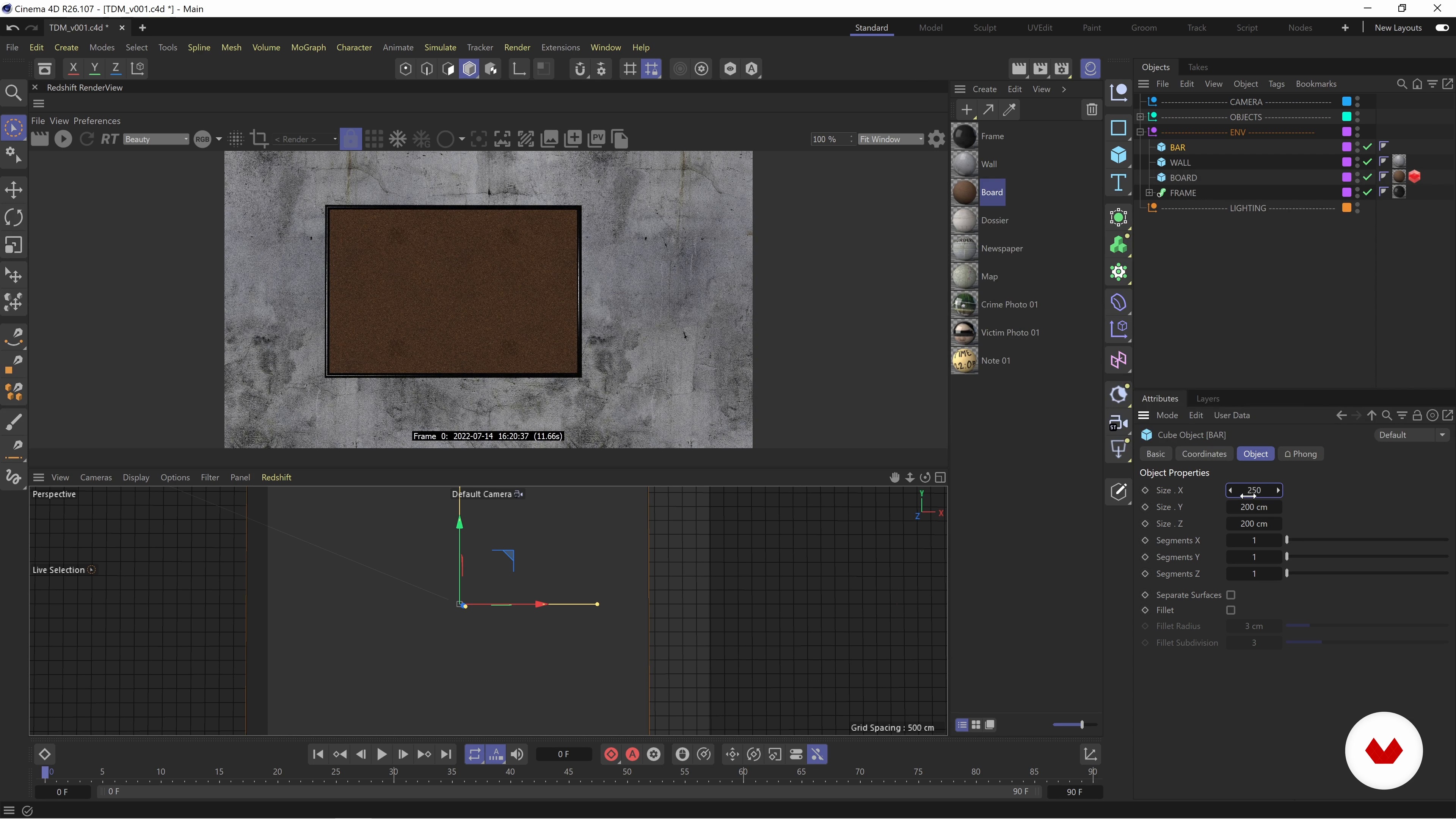
3D Environment and Lighting 1
19 minutes, 17 seconds
What's included in this course?
Andrea Braga will teach you the art of developing and presenting concepts using styleframes. You'll explore the process of gathering references, organizing moodboards, and creating assets in Photoshop.
First, Andrea will talk a bit more about himself, his background and career, and he will share some of his influences and main source of inspiration with you. You will also collect some references, organize them and come up with an idea to develop later.
Then, you'll transfer your creations to Cinema 4D, where you'll add textures, arrange elements on an evidence board, and set up shots with different layouts and compositions.
Finally, you'll bring everything together in After Effects, adding typography and other details to create stunning title sequences. By the end of the course, you'll have the skills and confidence to conceive and present captivating title sequence concepts in a clear and concise manner.
Recommended software & tools for this course
What is this course's project?
The course project invites you to showcase your creativity and pitch the main credits for a crime show. You'll create six styleframes that capture the essence and mood of the show, helping you pitch your design ideas effectively.
Through hands-on practice and guidance from Andrea Braga, you'll refine your skills in developing visually striking styleframes that bring your concepts to life.

Who is this online course for?
This course is perfect for aspiring motion designers, art directors, and anyone passionate about title sequence design. Whether you're starting to explore the world of motion design or you're an experienced professional seeking to enhance your skills.
Requirements and materials
You'll need access to Adobe Suite, including Photoshop, Cinema 4D, and Redshift. Basic experience with these tools will be beneficial in understanding and implementing the lessons.
Additionally, a creative mindset, passion for visual storytelling, and a willingness to experiment and learn are essential. Get ready to dive into the exciting world of motion design and unleash your creativity!

Reviews
- 1 year ago
Interesting course and workflow.
- 2 years ago
Very good
- 2 years ago
Es un curso bastante completo, pero lo mejor son los tips y recomendaciones que hay.
- 2 years ago
Muy bueno.
- 2 years ago
:)

His versatile skills in design and look development have made him a sought-after professional in the industry. With a focus on title sequence design for films and TV shows, Andrea has successfully pitched concepts to major studios such as Warner Bros, Marvel, and HBO. His experience and expertise have allowed him to approach design briefs with creativity and finesse.
Content
- U1
Introduction
- About Me
- Influences
- U2
Getting Started
- The Brief
- Research and Inspiration
- Mood Boards and Concept
- U3
Project Development
- Visual Assets: A Newspaper 1
- Visual Assets: A Newspaper 2
- Visual Assets: A Police Dossier 1
- Visual Assets: A Police Dossier 2
- Visual Assets: A Map, Photos, and Post-it Notes
- U4
Development inside Cinema 4D
- Materials and Textures 1
- Materials and Textures 2
- 3D Environment and Lighting 1
- 3D Environment and Lighting 2
- Scene Layout 1
- Scene Layout 2
- Cameras and Renders
- The 3D Head Scene
- U5
Compositing and Typography
- Compositing 1
- Compositing 2
- Compositing 3
- Typography and Renders 1
- Typography and Renders 2
- Typography and Renders 3
- The Final Frames
- The Presentation
- FP
Final project
- Grungy / Low Fi Style Motion Graphics
What to expect from a Domestika course
Learn at your own pace
Enjoy learning from home without a set schedule and with an easy-to-follow method. You set your own pace.
Learn from the best professionals
Learn valuable methods and techniques explained by top experts in the creative sector.
Meet expert teachers
Each expert teaches what they do best, with clear guidelines, true passion, and professional insight in every lesson.
Certificates
PLUSIf you're a Plus member, get a custom certificate signed by your teacher for every course. Share it on your portfolio, social media, or wherever you like.
Get front-row seats
Videos of the highest quality, so you don't miss a single detail. With unlimited access, you can watch them as many times as you need to perfect your technique.
Share knowledge and ideas
Ask questions, request feedback, or offer solutions. Share your learning experience with other students in the community who are as passionate about creativity as you are.
Connect with a global creative community
The community is home to millions of people from around the world who are curious and passionate about exploring and expressing their creativity.
Watch professionally produced courses
Domestika curates its teacher roster and produces every course in-house to ensure a high-quality online learning experience.
FAQs
Motion graphics combines animation and design to create dynamic visuals, often used in title sequences for film and TV to convey story, mood, and style through movement, typography, and imagery.
Yes, this course is designed for learners with intermediate experience in motion design who want to deepen their skills in title sequence creation, visual storytelling, and advanced rendering techniques.
The course covers kinetic typography, animating geometric shapes, title sequence design, storyboarding, mood boards, style frames, Photoshop and Cinema 4D workflows, portfolio building, and pitching concepts to clients.
You’ll need access to Adobe Photoshop, Cinema 4D with Redshift, and tools like Miro or Pinterest for mood boards and reference collection. Basic familiarity with these platforms is recommended.
Yes, the course teaches you how to design and animate main title sequences for film, including concept development, visual storytelling, and technical execution.
A basic working knowledge of Photoshop and Cinema 4D is beneficial, as the course builds on these skills to explore advanced design and animation workflows.
You’ll create a range of projects—including main titles, experimental renders, and dossier layouts—designed to showcase your creative and technical abilities in a professional portfolio.