Architecture Visualization for Interior Design with SketchUp and V-Ray
A course by Alexandra Proaño GonzalesArchitect
A course by Alexandra Proaño Gonzales, Architect

Create professional designs for your interior design projects.
In this online course, you will immerse yourself in the fascinating world of 3D architectural visualization with V-Ray and SketchUp. You will learn the techniques and tools necessary to develop high-quality renders and achieve realistic images of commercial interiors. With the help of Alexandra Proaño, an expert in architectural visualization projects, you will discover how to use V-Ray for SketchUp and create elements with a truly impressive aesthetic.
You'll explore the visualization process from different perspectives, starting with optimizing and organizing your files for rendering. You'll learn to frame your scenes like a professional photographer and master the V-Ray interface to create natural and artificial lighting effects. You will personalize spaces with generic, metallic materials and decorative elements, defining textures, shine and reliefs to obtain surprising results. In addition, you will acquire skills to make final size and quality adjustments, as well as keys to achieving impeccable renders.
What will you learn in this online course?
20 lessons & 25 downloads
Interior visualization with SketchUp and V-Ray 5
5 minutes, 29 seconds
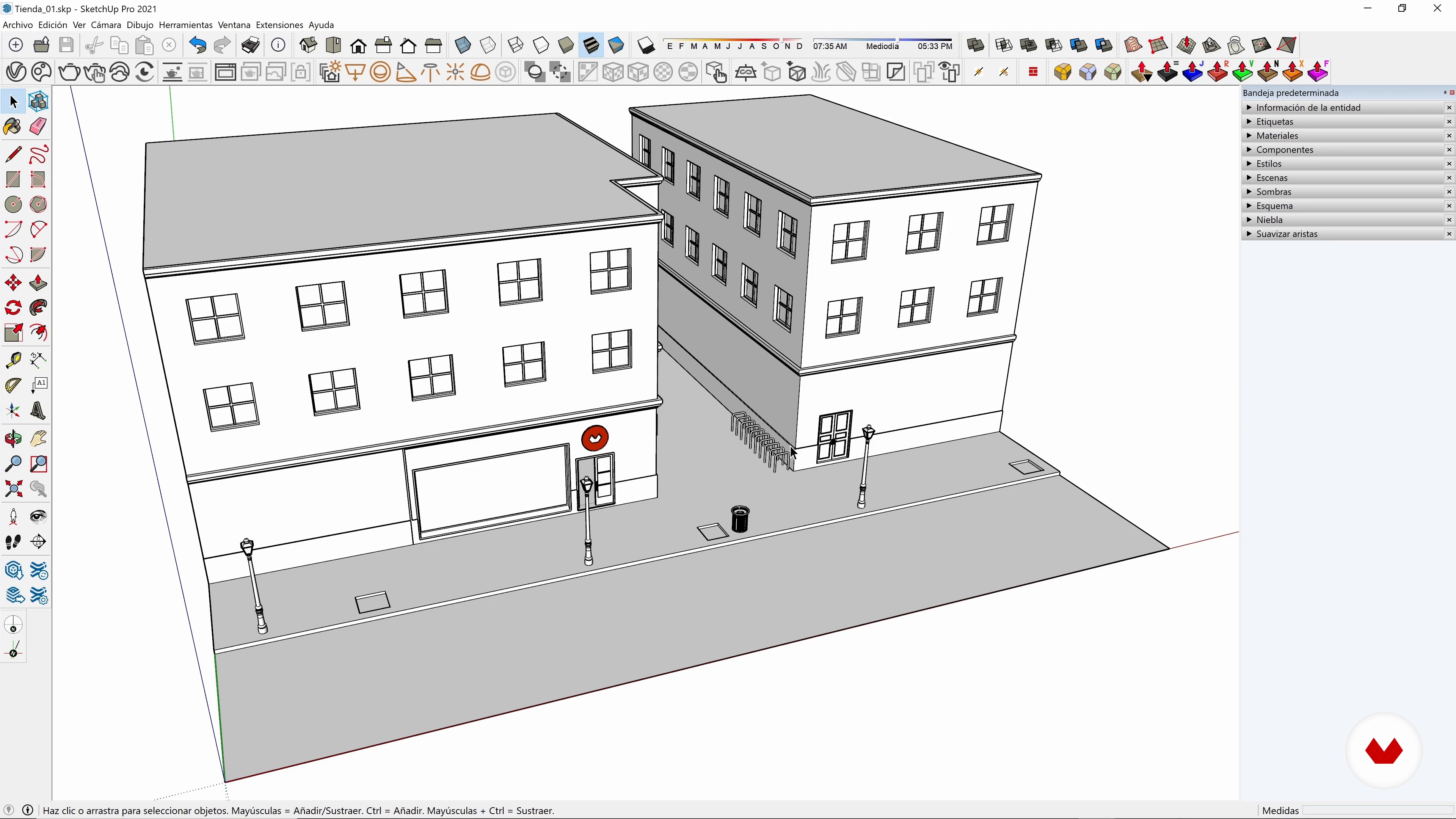
Optimize files for rendering
9 minutes, 28 seconds
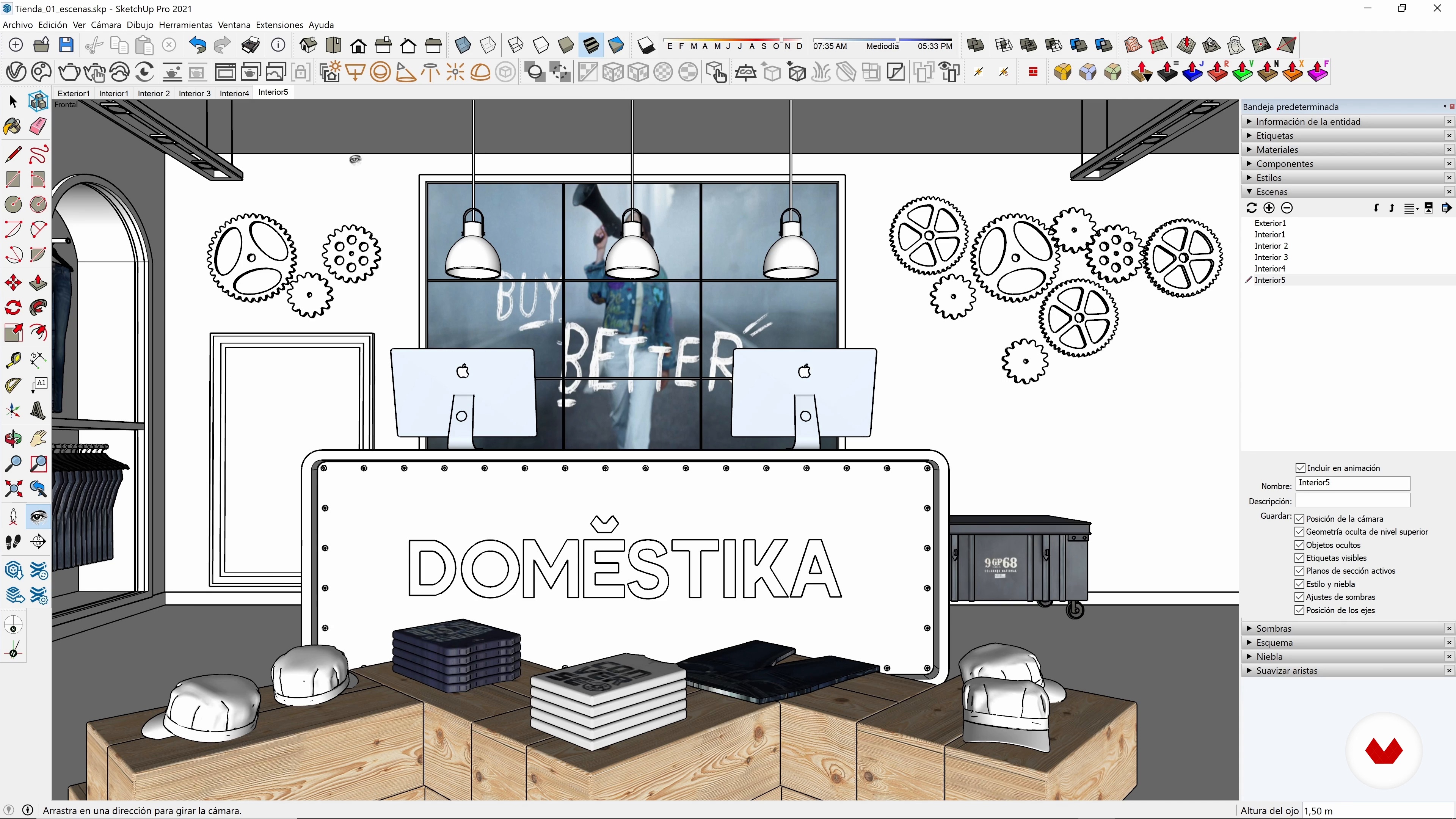
Create the coolest scenes for the project
10 minutes, 44 seconds
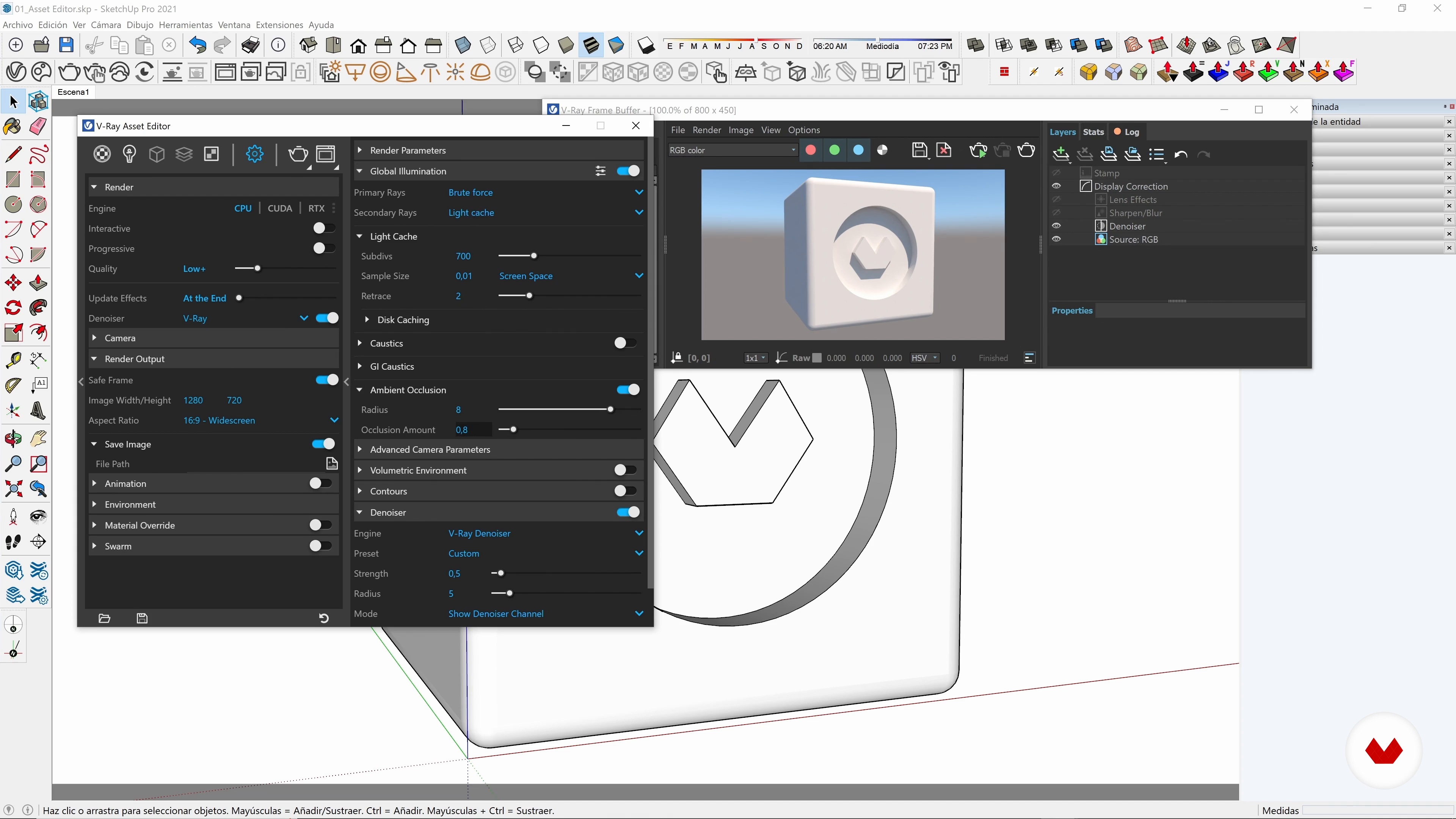
The V-Ray 5 interface
19 minutes, 9 seconds
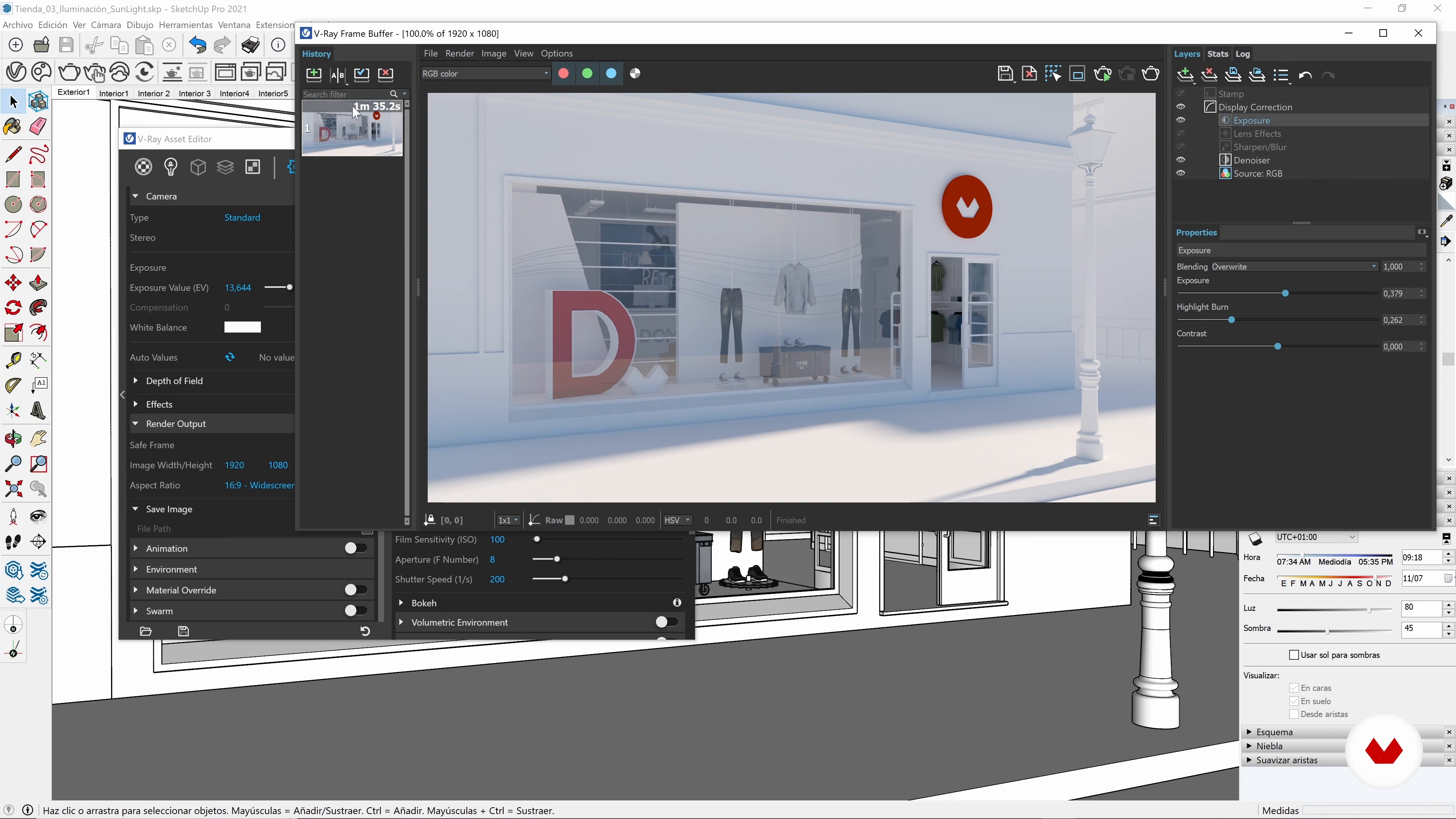
Natural lighting outdoors and indoors
17 minutes, 45 seconds
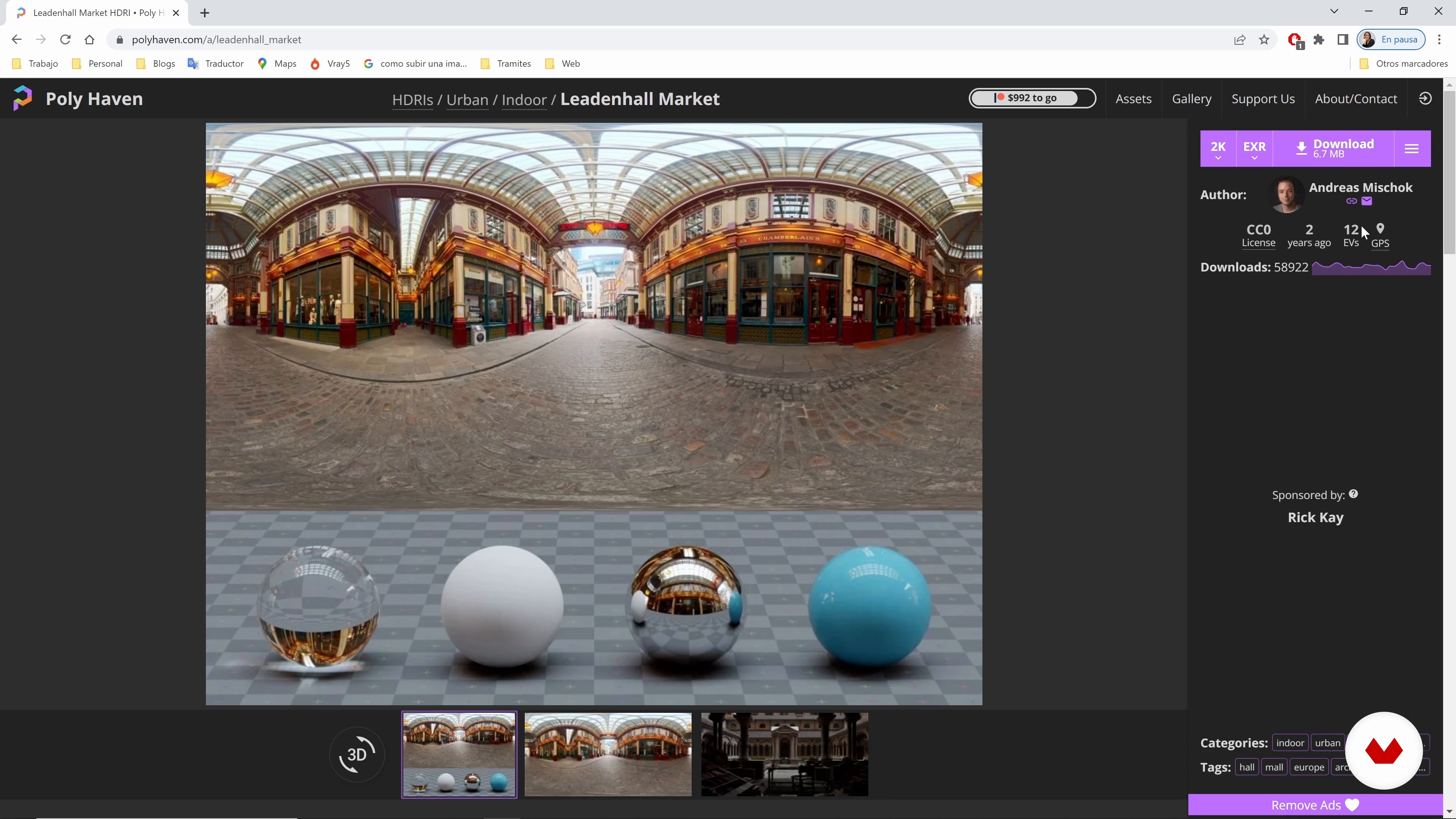
Natural lighting using HDRI images 1
11 minutes, 58 seconds
What's included in this course?
Throughout the lessons, you will learn various techniques and workflow to optimize your files and achieve impactful results. You will gain solid knowledge of using V-Ray for SketchUp and developing 3D renders.
To start, you'll discover the framing process and how to maximize lighting in your scenes. You will explore the possibilities of natural and artificial light, creating realistic and attractive environments. As you progress, you will personalize your spaces with generic materials, metals and decorative elements, controlling their textures and details to achieve a quality finish.
Next, you will learn how to make final size and quality adjustments, ensuring that your renders are impeccable. Additionally, you will receive key tips to improve your architectural visualization skills and present your projects effectively.
Finally, you will obtain the necessary tools to take your designs to the next level, attracting your clients with realistic and professional images.
Recommended software & tools for this course
What is this course's project?
The final project consists of creating a render of a commercial interior using V-Ray for SketchUp. You will put into practice all the techniques and tools learned throughout the course to achieve an impressive and professional quality result.
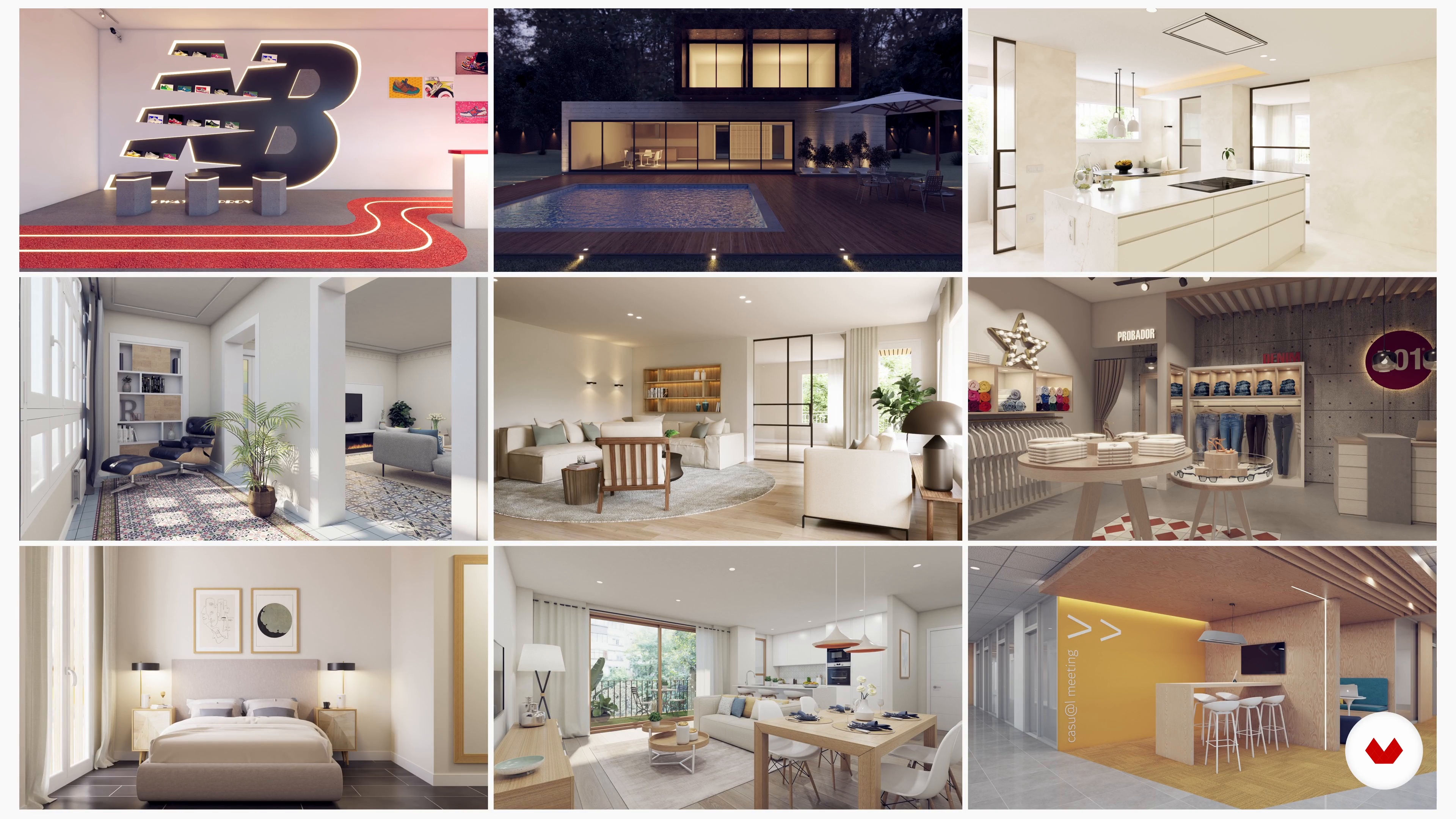
Projects by course students


Who is this online course for?
It is aimed at students and professionals of architecture, interior design, scenography, visual merchandising, window dressing and all those who are dedicated to the design of spaces and use SketchUp to model their projects. If you want to take your presentations to the next level and achieve realistic images that captivate your clients, this course is ideal for you.
Requirements and materials
To get the most out of this course, you need to have basic knowledge of 3D modeling using SketchUp. In addition, it is recommended to have a computer with SketchUp and V-Ray installed, as well as internet access to follow the lessons and download the necessary resources.
Reviews
- 1 month ago
I have no background in interior design, and doing Visualization is a crucial step in ID. This course is my first exposure to sketch up and vray. So without any basic, it is understandable and clear with these technical guidance. It is taught step by step, recommended.
- 2 months ago
¡Excelente! Alexandra explica SketchUp de forma súper clara, práctica y al grano. Lo recomiendo 100%.
- 8 months ago
Me gustó mucho y ha sido de gran ayuda. El contenido estuvo claro, práctico y bien organizado. Me permitió perfeccionar mis visualizaciones y trabajar con más precisión en mis proyectos. Lo recomiendo totalmente.
- 1 year ago
Adorei, demorei muito para usar o Vray com receio de ser muito complexo, mas o curso explica muito bem os conteúdos.
- 1 year ago
Me encantó el curso, está muy completo y lo explica de una manera tan fácil que haga que quieras seguir aprendiendo más.

Her passion for design and her mastery of tools like SketchUp and V-Ray have made her an expert at creating photorealistic images that captivate her clients. With her extensive experience and pedagogical skills, Alexandra shares her knowledge in this course, giving you the tools necessary to excel in the world of 3D architectural visualization.
Content
- U1
Introduction
- Presentation
- Influences
- U2
Start the adventure with V-Ray
- Interior visualization with SketchUp and V-Ray 5
- Optimize files for rendering
- Create the coolest scenes for the project
- The V-Ray 5 interface
- U3
The light
- Natural lighting outdoors and indoors
- Natural lighting using HDRI images 1
- Natural lighting using HDRI 2 images
- Artificial lighting 1
- Artificial lighting 2
- Artificial lighting 3
- U4
Explore and create materials
- The materials library in V-Ray 5 (part 1)
- The materials library in V-Ray 5 (part 2)
- Creating PBR Materials
- Creation of metal materials
- Emissive materials
- Decorative elements
- U5
The presentation images of the project: the final renders
- Final render adjustments
- The keys to realism in a render
- FP
Final project
- Architectural visualization for commercial interior design projects with SketchUp and V-Ray
What to expect from a Domestika course
Learn at your own pace
Enjoy learning from home without a set schedule and with an easy-to-follow method. You set your own pace.
Learn from the best professionals
Learn valuable methods and techniques explained by top experts in the creative sector.
Meet expert teachers
Each expert teaches what they do best, with clear guidelines, true passion, and professional insight in every lesson.
Certificates
PLUSIf you're a Plus member, get a custom certificate signed by your teacher for every course. Share it on your portfolio, social media, or wherever you like.
Get front-row seats
Videos of the highest quality, so you don't miss a single detail. With unlimited access, you can watch them as many times as you need to perfect your technique.
Share knowledge and ideas
Ask questions, request feedback, or offer solutions. Share your learning experience with other students in the community who are as passionate about creativity as you are.
Connect with a global creative community
The community is home to millions of people from around the world who are curious and passionate about exploring and expressing their creativity.
Watch professionally produced courses
Domestika curates its teacher roster and produces every course in-house to ensure a high-quality online learning experience.
FAQs
You’ll learn how to model, light, texture, and render interior and exterior spaces in SketchUp and V-Ray, creating photorealistic images and professional architectural presentations.
This is an intermediate-level course, perfect for those who already have basic SketchUp skills and want to deepen their knowledge of rendering and architectural visualization with V-Ray.
You should know the basics of SketchUp and have a general understanding of 3D modeling. No advanced V-Ray knowledge is required, as everything is explained from the ground up.
You’ll need a computer with SketchUp and V-Ray installed (ideally V-Ray 5), plus internet access to download textures, HDRI images, and recommended plugins.
You’ll learn how to apply natural and artificial lighting, set up HDRI, adjust sun and sky parameters, and use advanced lights like Spotlights and Mesh Lights for realistic renders.
The course teaches you how to create, tweak, and apply PBR materials, manage textures, adjust reflectivity and glossiness, and work with emissive and metallic materials in V-Ray.
Yes, you’ll learn post-production techniques using V-Ray’s frame buffer and external software to enhance visual quality and fix details in your final renders.