Create a Poster Campaign in Swiss Style
A course by Matteo CampostriniGraphic Designer
A course by Matteo Campostrini, Graphic Designer

Master the art of poster design! Create stunning campaigns for various events using Swiss Style, and animate them with After Effects.
Learn how to create a Swiss-style/geometric poster campaign, perfect for promoting a fictional event in the near future. Choose from three themes: an architecture conference, a jazz festival, or a scientific congress. Explore the use of typography and geometric shapes to express the values and messages of your chosen event, without the aid of photographs or illustrations. Starting with a historical introduction to Swiss typography, explore influences and iconic designs from the past and present.
Work through theoretical and practical modules, moving from analog to digital drawing. Use simple materials like colored paper and scissors, then move on to digital tools with software like InDesign, Photoshop, and After Effects. Create three 50x70 cm posters and adapt your creations to different formats, both physical and digital. Conclude by animating your posters to bring them to life and dynamism. Find inspiration from examples and useful channels to express your creativity in surprising and engaging ways.
What will you learn in this online course?
16 lessons & 26 downloads
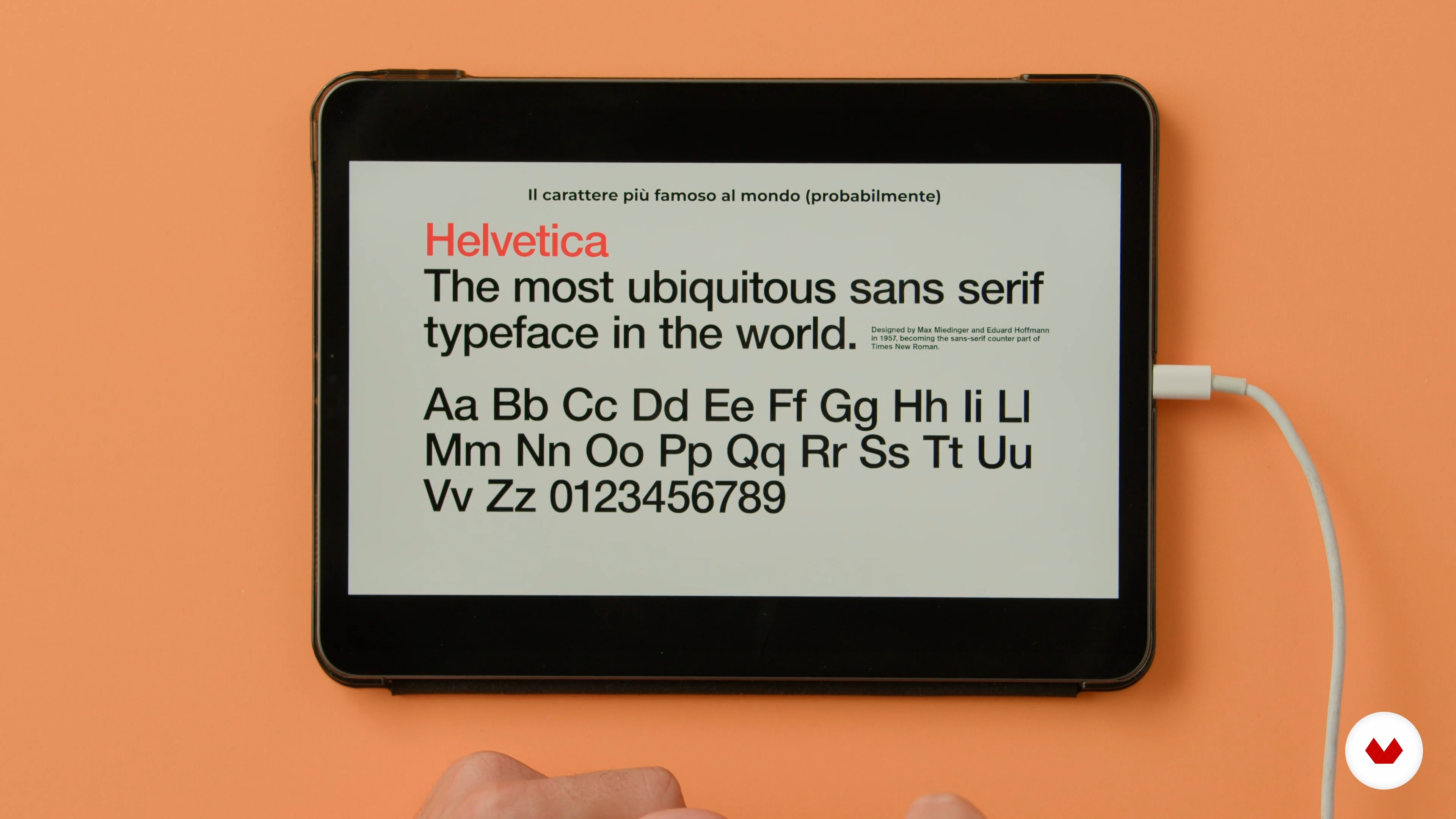
The three most important fonts in the International Typographic Style
9 minutes, 10 seconds

Swiss with a Twist, beyond the International Typographic Style
13 minutes, 23 seconds
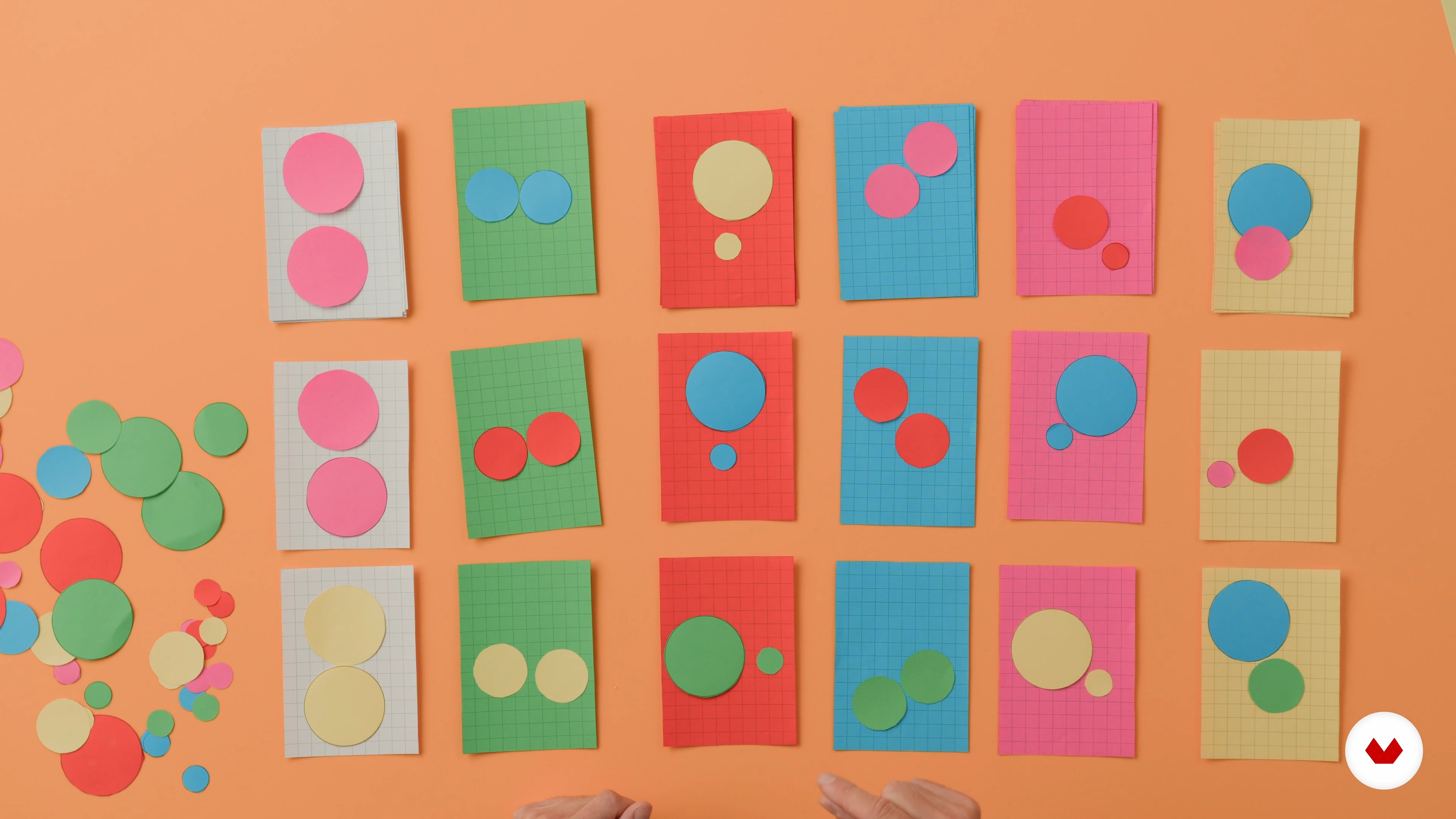
Analogue composition
11 minutes, 45 seconds
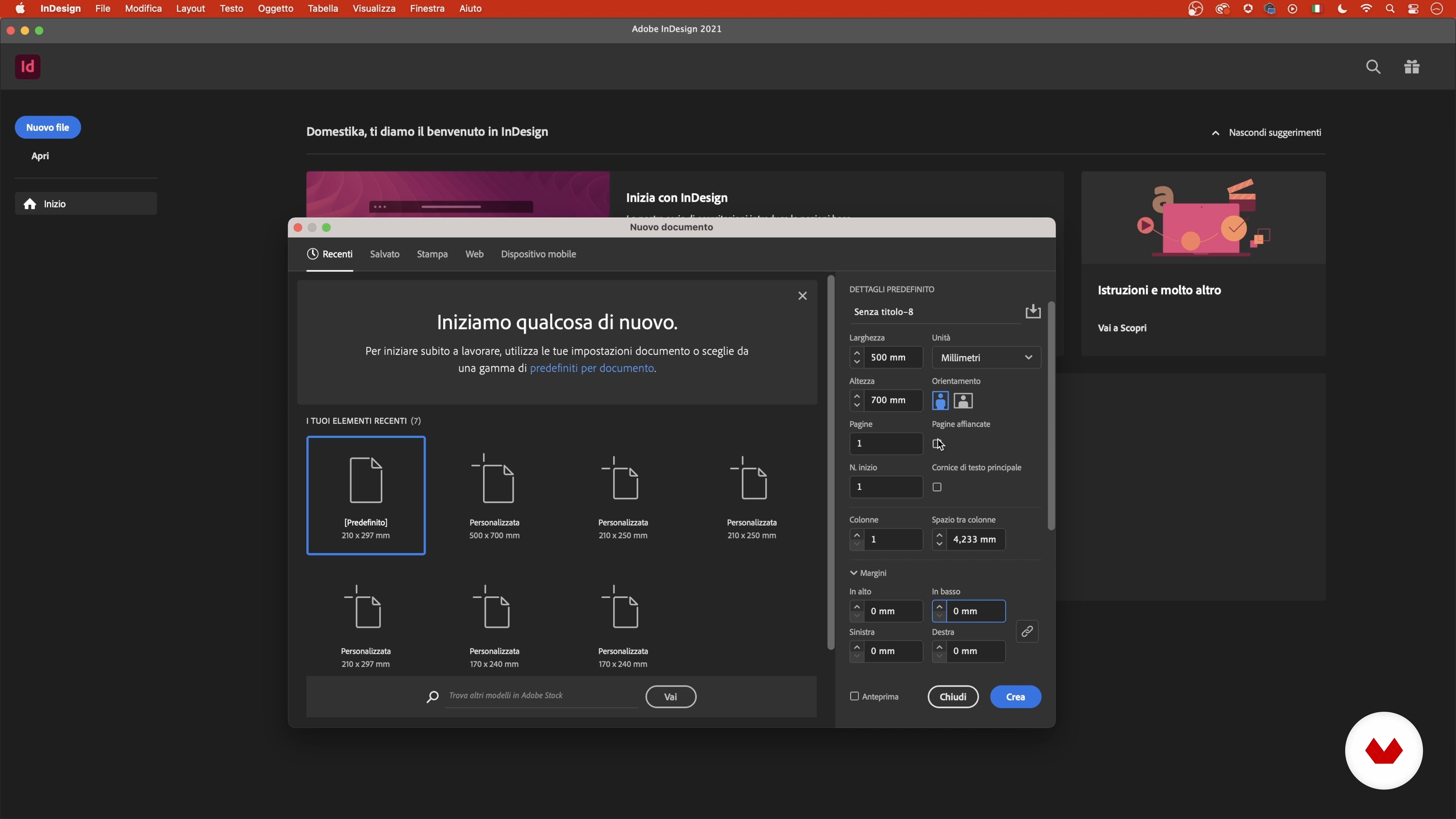
Digital Composition: Setup and Grid
8 minutes, 24 seconds
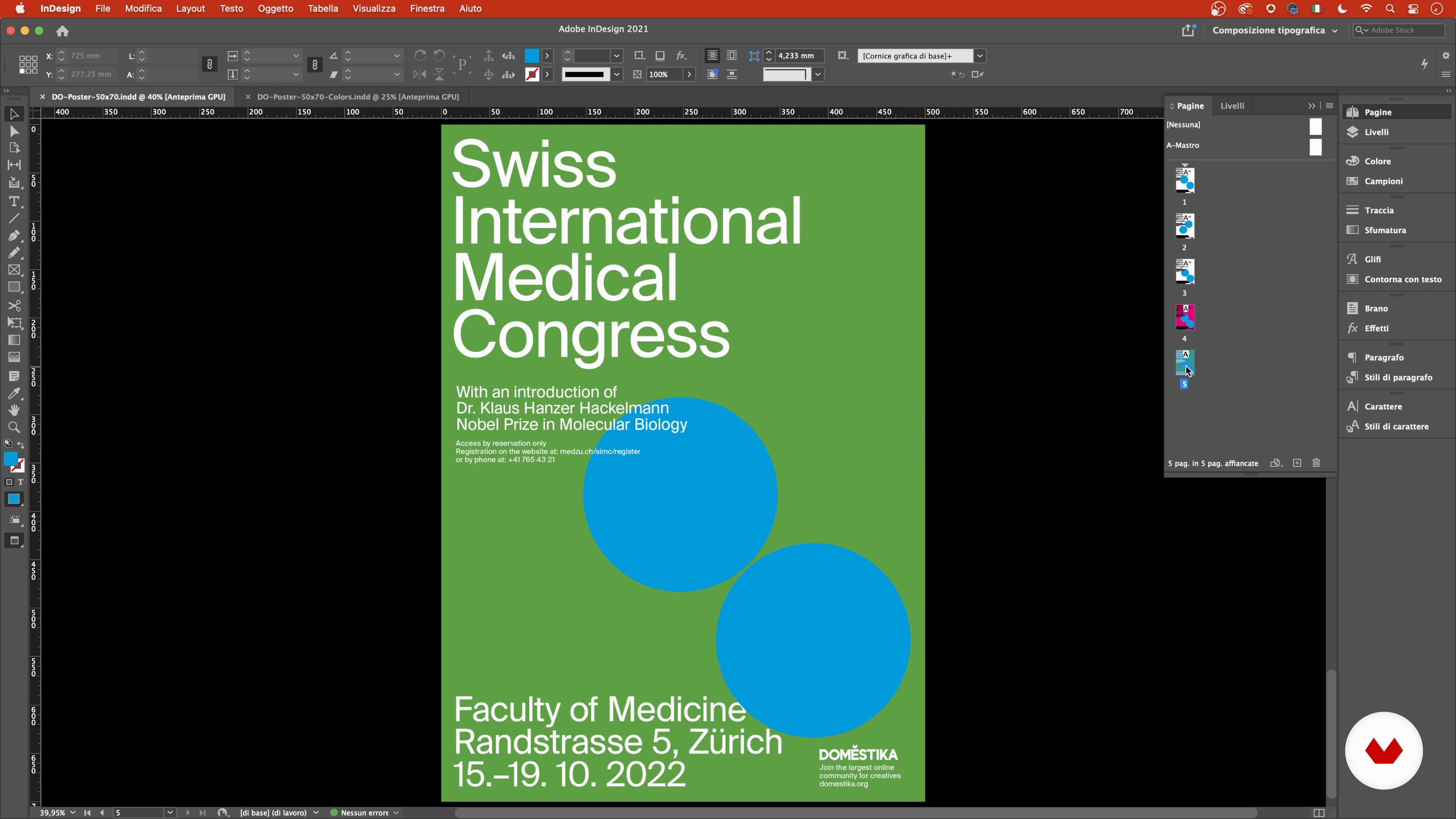
Geometries and colors
16 minutes, 28 seconds
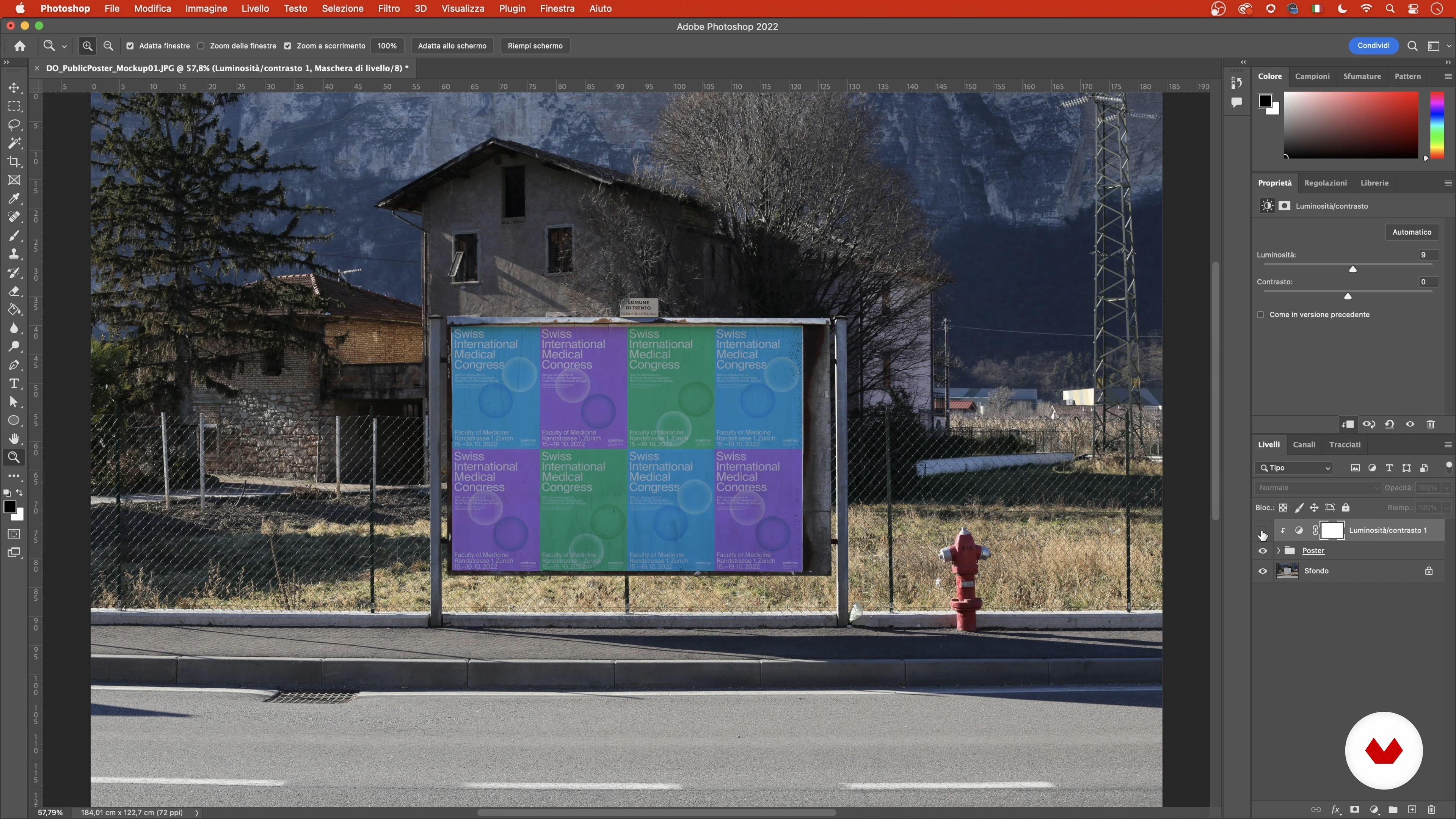
Setting through photomontage
12 minutes, 2 seconds
What's included in this course?
Discover how to design a visual campaign with a strong stylistic impact, inspired by the typographical and geometric rigor of the Swiss style. You'll learn to create unique posters for fictional events, exploring the expressive potential of shapes and typography. Through a program that combines theory and practice, you'll acquire skills in creating visually compelling layouts without using photography or illustration. Analog techniques will allow you to freely experiment with paper and manual tools, while digital sessions will guide you in the advanced use of software such as InDesign, Photoshop, and After Effects.
You'll delve into the history of Swiss typography, analyzing the work of renowned designers past and present. You'll draw inspiration from contemporary projects and participate in analog composition exercises to develop your own visual language. By the end of the course, you'll be able to adapt your projects to various formats, both digital and print, and animate your posters to bring them to life. This experience will enrich your portfolio and offer you new perspectives in the field of graphic design.
Recommended software & tools for this course
What is this course's project?
Design a visual campaign for a fictional event, choosing between an architecture conference, a jazz festival, or a scientific congress. Create three 50x70 posters, adapting them to various formats and animating them in After Effects, without using photographs or illustrations.
Who is this online course for?
The course is ideal for graphic design enthusiasts who want to explore the Swiss geometric style, professionals seeking new creative approaches, graphic design students, and anyone who wants to improve their skills in creating engaging visual campaigns.
Requirements and materials
Advanced knowledge isn't necessary, but basic knowledge of InDesign, Photoshop, AfterEffects, and Illustrator is helpful. Materials required: pencil, eraser, colored paper, scissors, glue, ruler, compass. Software required: InDesign, Photoshop, AfterEffects, or Illustrator.
Reviews
- 5 months ago
STUPENDO. Matteo spiega molto bene ed è "svizzero" nello spiegare ogni passaggio in modo chiaro :)
- 7 months ago
very nice course!
- 7 months ago
Super useful course if you want to understand the Swiss style design and practice it with a project.
- 9 months ago
Muy bueno y muy bin explicado
- 10 months ago
Realmente espectacular, muy completo. Lo recomiendo sin dudas

In addition to his professional practice, Matteo teaches Graphic Design at the Faculty of Design and Art in Bolzano and leads courses in After Effects and Cavalry at La Foresta (Accademia di Comunità Rovereto). Through his workshops and courses on Domestika, he shares his experience to help students experiment with motion, layout, and typographic expression in contemporary design.
Content
- U1
Introduction
- Presentation
- Sources of inspiration
- U2
Introduction to the Swiss Style
- Materials
- Historical Origins: The International Typographic Style
- The pioneers
- The three most important fonts in the International Typographic Style
- Swiss with a Twist, beyond the International Typographic Style
- U3
Let's bring our campaign to life
- Brief and concept development
- Analogue composition
- Digital Composition: Setup and Grid
- Inserting typographic elements
- Geometries and colors
- Adaptation to other formats
- U4
Mockup and Animation
- Setting through photomontage
- Animating a Poster: Preparation and Setup
- Animate a poster: After Effects
- FP
Final project
- Draw a Poster Campaign in Swiss Style
What to expect from a Domestika course
Learn at your own pace
Enjoy learning from home without a set schedule and with an easy-to-follow method. You set your own pace.
Learn from the best professionals
Learn valuable methods and techniques explained by top experts in the creative sector.
Meet expert teachers
Each expert teaches what they do best, with clear guidelines, true passion, and professional insight in every lesson.
Certificates
PLUSIf you're a Plus member, get a custom certificate signed by your teacher for every course. Share it on your portfolio, social media, or wherever you like.
Get front-row seats
Videos of the highest quality, so you don't miss a single detail. With unlimited access, you can watch them as many times as you need to perfect your technique.
Share knowledge and ideas
Ask questions, request feedback, or offer solutions. Share your learning experience with other students in the community who are as passionate about creativity as you are.
Connect with a global creative community
The community is home to millions of people from around the world who are curious and passionate about exploring and expressing their creativity.
Watch professionally produced courses
Domestika curates its teacher roster and produces every course in-house to ensure a high-quality online learning experience.
FAQs
Swiss style, or International Typographic Style, is based on strict grids, sans serif typography, clean layouts, and minimalism. It’s known for clarity, readability, and the use of pure geometric shapes.
The course is intermediate level: a basic understanding of graphic design is recommended, but advanced skills aren’t required.
You’ll learn to design posters, campaigns, and editorial layouts using Swiss style principles, manage typography, work with modular grids, and combine analog and digital techniques.
Basic materials for collage and sketching (paper, scissors, glue) are needed, plus a computer with Adobe InDesign and After Effects for the digital parts.
The course blends hands-on techniques like collage, paper cutting, and composition with digital tools for layout and animation.
You’ll learn to choose and use sans serif fonts like Helvetica, Universe, and Neue Haas Grotesk, exploring their differences and practical uses in projects.
Yes, the course prepares you to design album covers, art catalogs, and editorial graphics following Swiss style principles.