Instagram Feed Design with Canva
A course by Isabel Gil LoefArchitect and Graphic Designer
A course by Isabel Gil Loef, Architect and Graphic Designer

Learn how to create templates that make it easy for you to produce consistent, original, and impactful Instagram content
Want to design your Instagram feed to effectively showcase your content? Join architect, graphic designer, and teacher Isa Gil and learn how to do just that! After years working exclusively in architecture, a personal project led her to focus on her true passion as a creative. Alongside Mina Barrio, she now directs the Melon Blanc studio, creating visual identities for brands such as Lullage, G19, and Burguett.
In this online course, Isa teaches you the A to Z of Canva so you can transform your Instagram feed into a professional-quality content showcase, either for a brand or for your own personal use. See how to develop a consistent aesthetic boasting its own style, with the power to make waves and stand out on one of the world's most influential social networks.
What will you learn in this online course?
14 lessons & 37 downloads
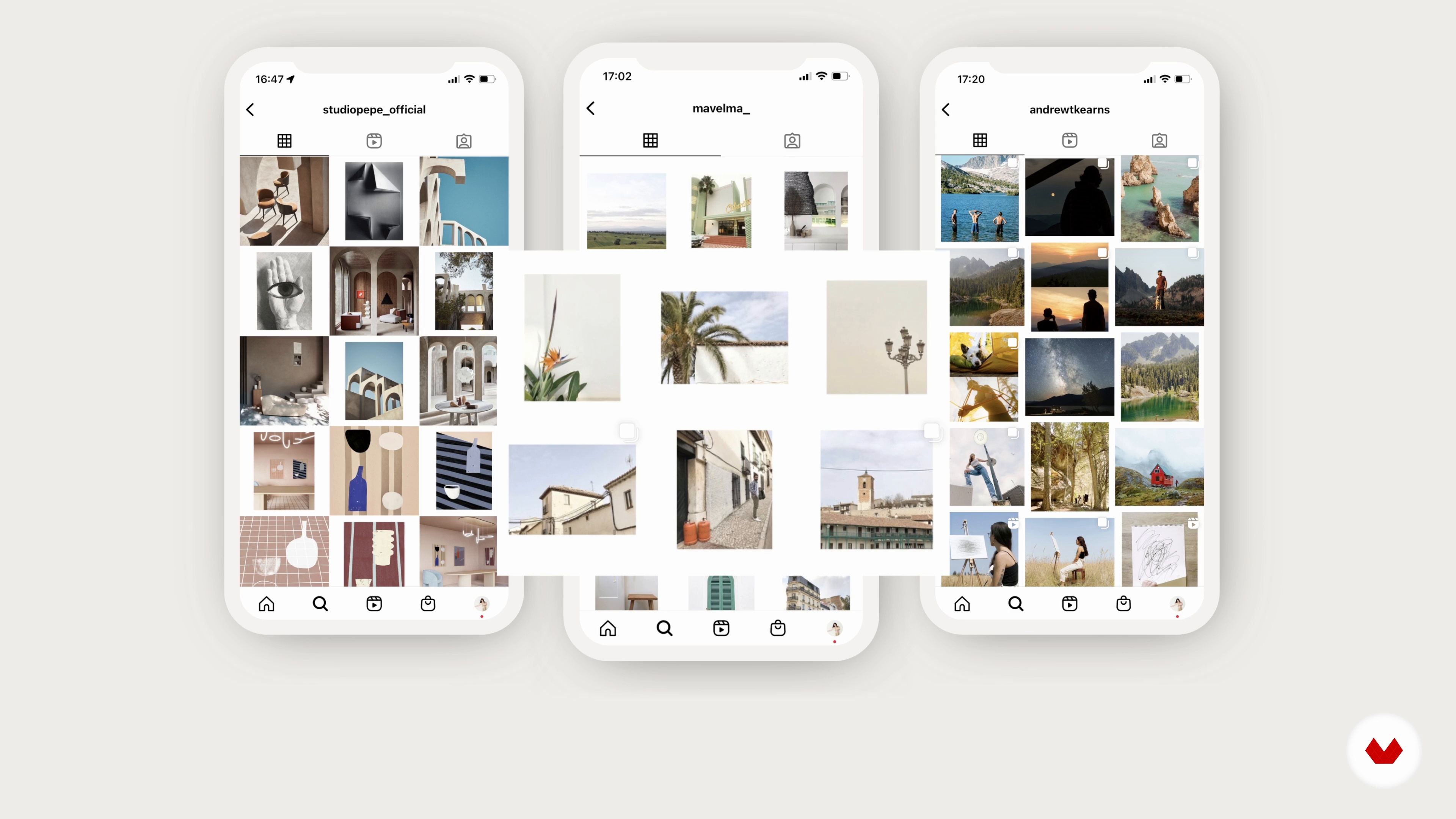
Introduction to the Instagram feed
11 minutes, 5 seconds
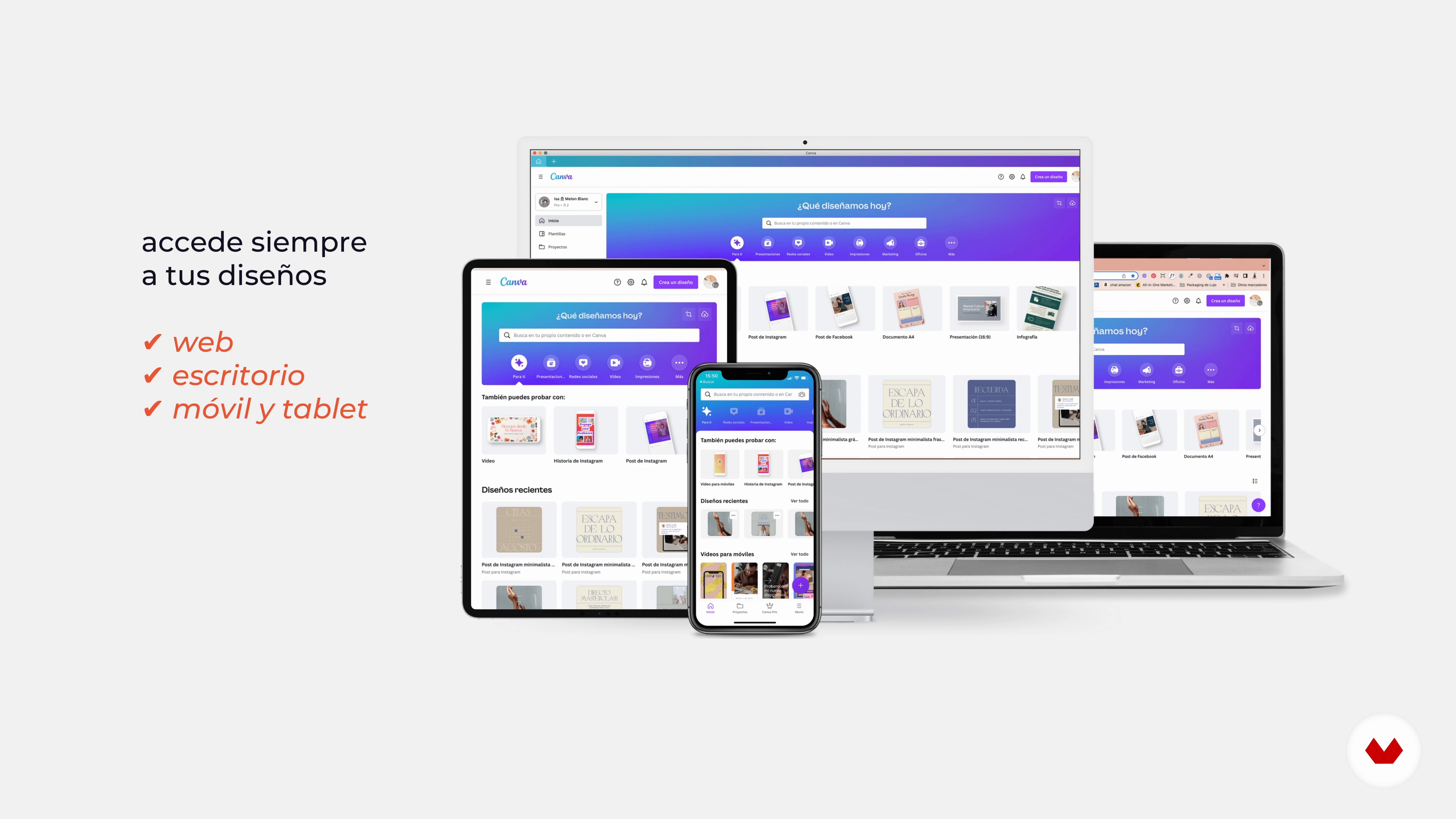
Our design tool: Canva
20 minutes, 4 seconds
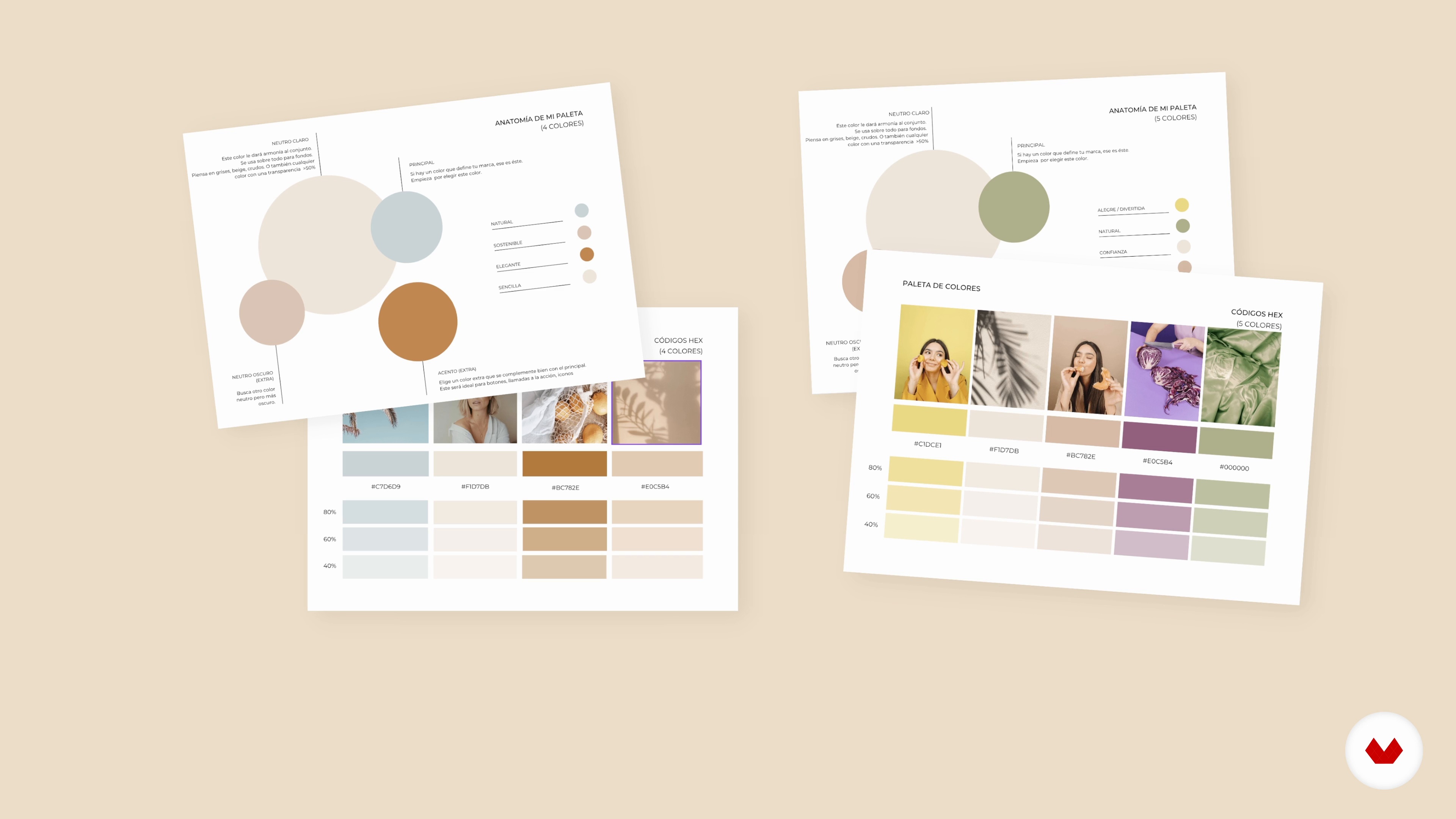
Define your style: colors and typography
15 minutes, 7 seconds
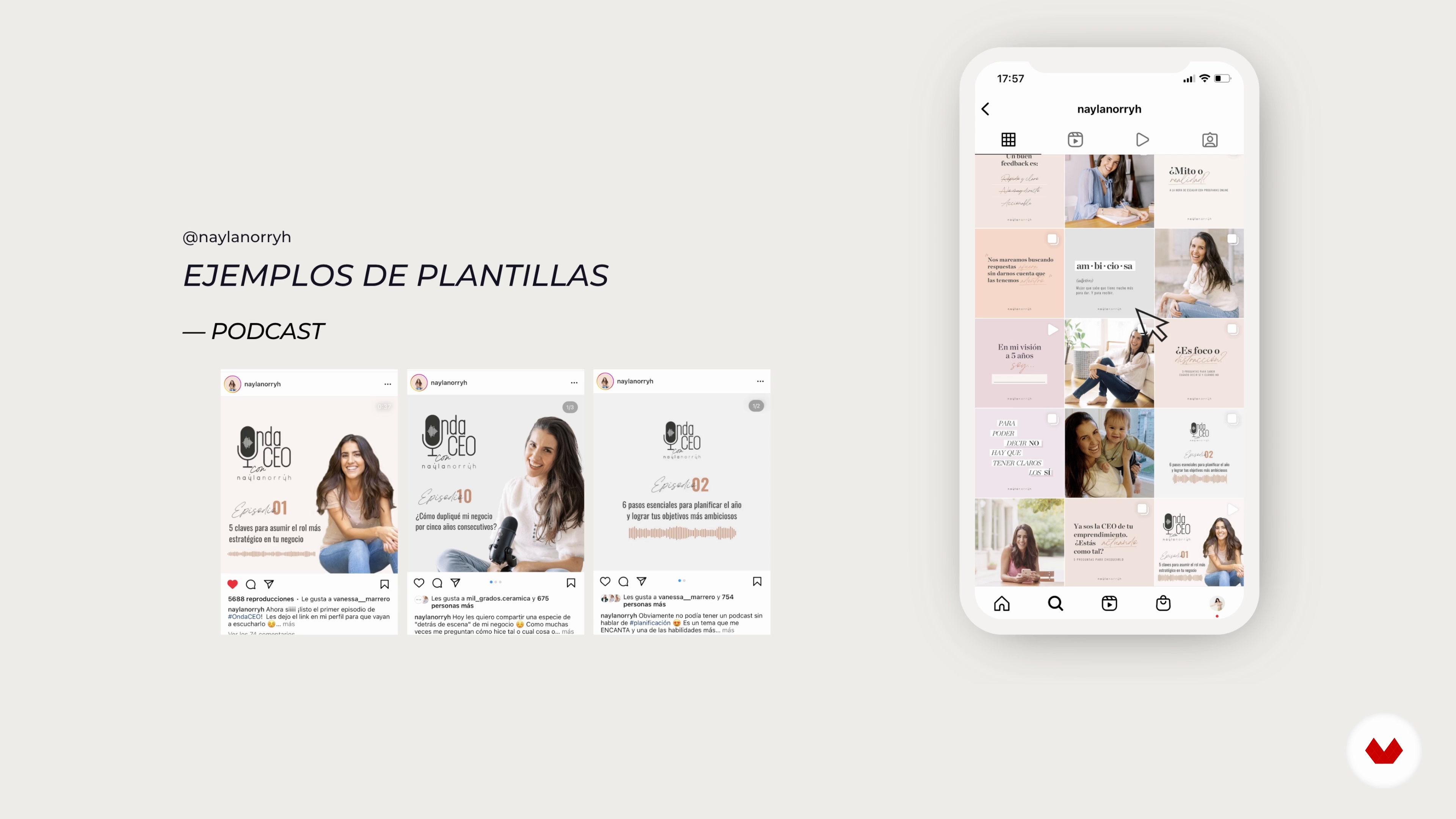
Template types
8 minutes, 2 seconds
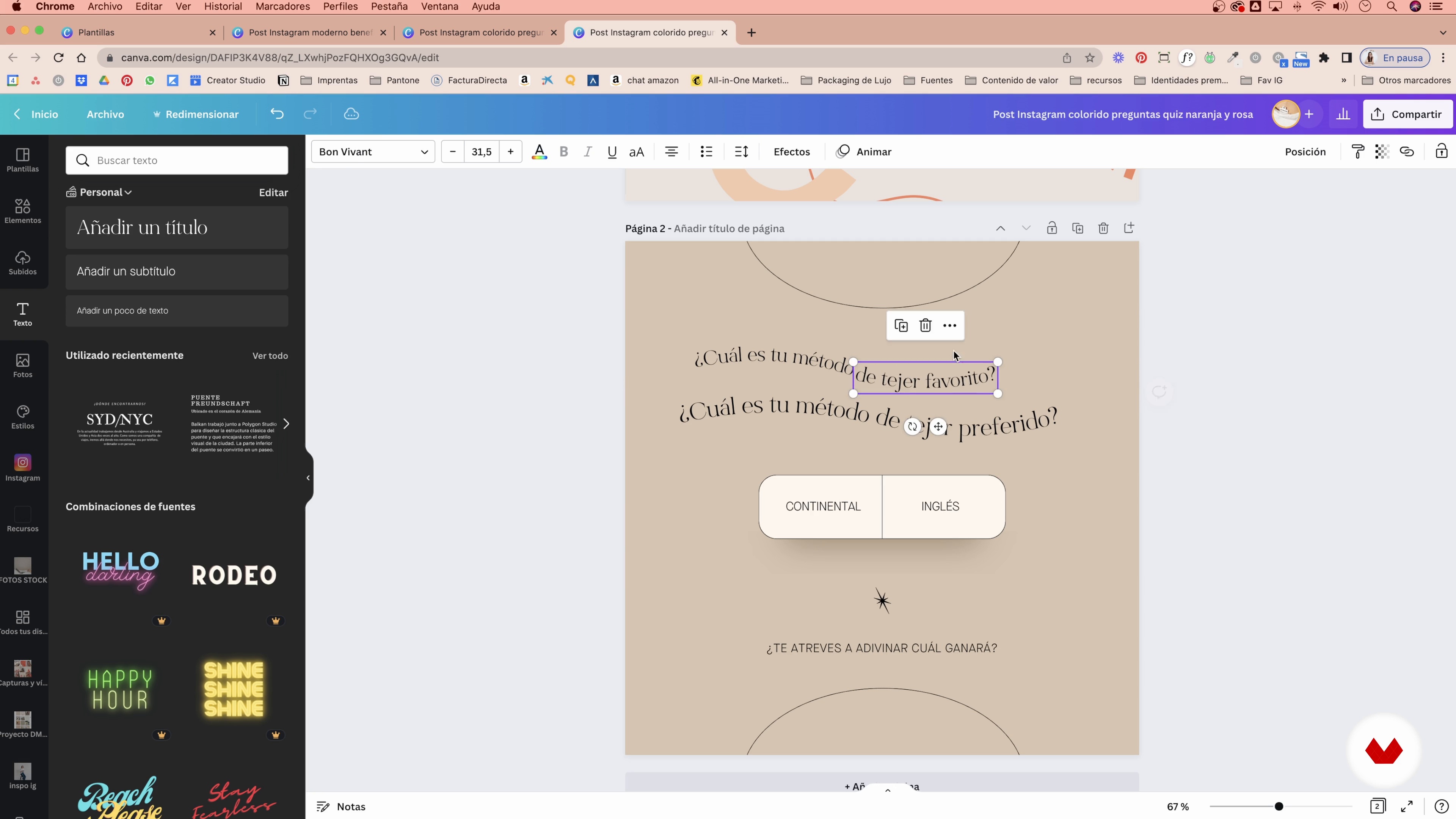
Adapt the templates to your brand
14 minutes, 52 seconds
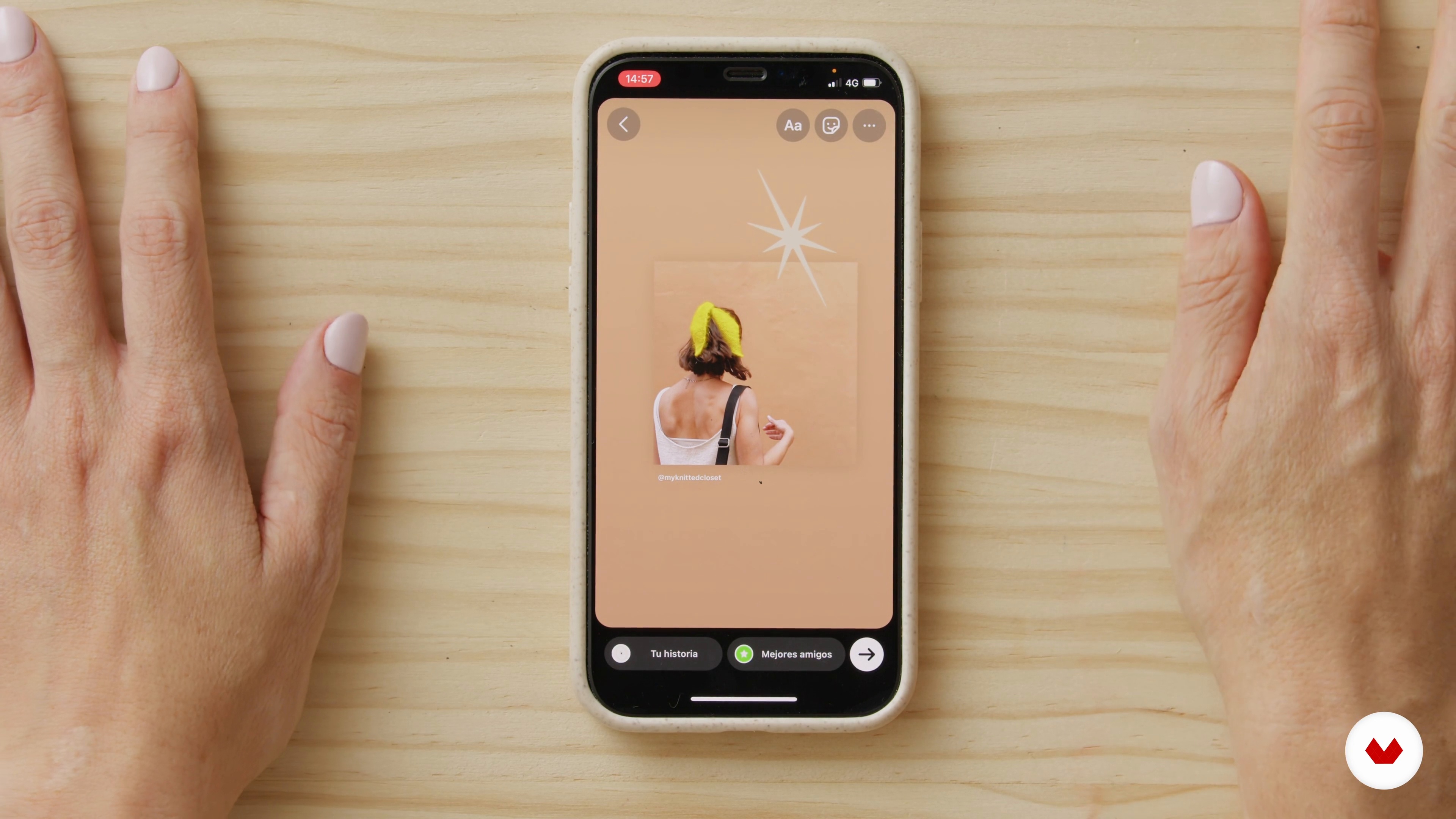
Create animated GIFs
18 minutes, 2 seconds
What's included in this course?
Start by meeting your teacher, Isa Gil. She tells you about her creative career and shares some of the Instagram accounts that inspire her the most to give you ideas and help you build your own set of references.
Continue with a course overview and find out what the final project entails. Then, dive into the world of Canva, your main tool from this point on, and decide on the colors, fonts, and avatar that make up the visual identity of your account.
Explore the key elements required to compose your feed and look at what content to create as well as how often you should publish it. Make your own templates and use everything you've learned to craft the first 12 posts of your project.
Once they're ready, Isa shares tips on setting yourself apart and making your creations more striking, along with how to save time by scheduling posts. Round out the course by learning to design the links page for your biography using the visual identity you have created.
Recommended software & tools for this course
What is this course's project?
Create the first 12 social media posts for a brand from scratch, using Canva as the main tool.
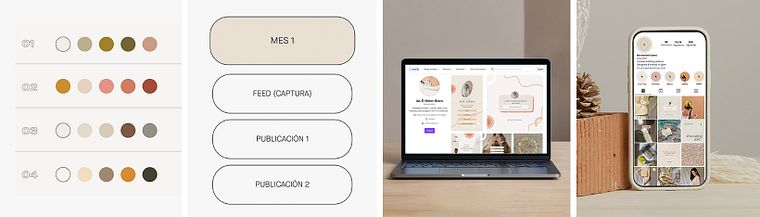
Projects by course students

Who is this online course for?
Anyone who wants to have an eye-catching and functional Instagram feed that conveys personality and values.
Requirements and materials
To take this online course, you just need a computer with internet access, an Instagram account, and a Canva account.
Reviews
- asmauaa98PLUS11 days ago
The course overall is interesting and I learned new things. The explanation on the template types using her favorite insta pages could better. Also, the course should be reviewed as some of the GIFs you can make and insta sizes are now available in Canva. Thank you for all the wonderful resources.
- gime96PLUS14 days ago
Muy bueno!!
- 27 days ago
Me parece realmente un curso excelente, muy profesional, explicaciones impecables, ejemplos claros y prácticos, muchos recursos. Y la calidez de Isabel hace que sea un curso muy ameno y con deseos de continuar con cada lección. No se usar Instagram por lo que me ha parecido perfecto. Gracias.
- 28 days ago
Excelente curso, aprendi muchisimas cosas que me han ayudado a mejorar el feed de la página de mi emprendimiento.
- 1 month ago
Me gusta mucho su forma de explicar, es muy clara, muestra ejemplos reales y está bueno el material extra para ir ejercitando de manera simultánea lo que va enseñando

She has collaborated with brands such as Lullage, G19, and Burguett, and is currently an ambassador for Canva Spain. Training is her new main passion as it is a vehicle for both professional and personal development.
Content
- U1
Introduction
- About Me
- Influences
- U2
Before designing the feed
- Introduction to the Instagram feed
- Our design tool: Canva
- Define your style: colors and typography
- Avatar and highlights
- U3
Design the feed
- Template types
- Define our communication objectives
- Adapt the templates to your brand
- Create your templates from scratch
- Include content in the feed
- U4
Raise the feed
- Create animated GIFs
- Planning in Asana
- Design your bio links page
- FP
Final project
- Instagram Feed Design with Canva
What to expect from a Domestika course
Learn at your own pace
Enjoy learning from home without a set schedule and with an easy-to-follow method. You set your own pace.
Learn from the best professionals
Learn valuable methods and techniques explained by top experts in the creative sector.
Meet expert teachers
Each expert teaches what they do best, with clear guidelines, true passion, and professional insight in every lesson.
Certificates
PLUSIf you're a Plus member, get a custom certificate signed by your teacher for every course. Share it on your portfolio, social media, or wherever you like.
Get front-row seats
Videos of the highest quality, so you don't miss a single detail. With unlimited access, you can watch them as many times as you need to perfect your technique.
Share knowledge and ideas
Ask questions, request feedback, or offer solutions. Share your learning experience with other students in the community who are as passionate about creativity as you are.
Connect with a global creative community
The community is home to millions of people from around the world who are curious and passionate about exploring and expressing their creativity.
Watch professionally produced courses
Domestika curates its teacher roster and produces every course in-house to ensure a high-quality online learning experience.
FAQs
This course is aimed at people with intermediate skills in graphic design or social media, but it explains Canva and other tools step-by-step, making it accessible for those with basic design experience.
You’ll need a Canva account (free or Pro), access to Instagram, and a willingness to learn. Advanced skills aren’t required, but basic familiarity with digital tools is recommended.
You’ll learn how to build a consistent visual identity, design a cohesive feed, pick color palettes and fonts, create custom templates, plan posts, and use tools like Canva and Later to streamline your content.
The course focuses on teaching you how to design and plan visually appealing, consistent Instagram feeds using Canva, graphic identity techniques, template customization, and posting strategies.
Yes, the course is designed to help both personal brands and businesses improve their visual presence, consistency, and professionalism on social media.
You’ll learn how to select templates, customize colors and fonts, create brand kits, and organize your Canva designs to achieve a uniform and attractive feed.
Yes, the course includes techniques for blending your own photos with graphic elements to create a balanced look that strengthens your brand identity.