Creation of an Original Logo from Scratch
A course by Tatabi StudioA Design Studio Specializing in Branding and Packaging
A course by Tatabi Studio, A Design Studio Specializing in Branding and Packaging

Learn the keys to creating brand images that tell stories
When you start a business or want to renew the image of a company, logo design is one of the most important tasks because it is the first impression customers receive. It's a key communication element. Designing a brand is a comprehensive job that defines how the brand behaves on a daily basis and how, ideally, it manages to connect with people.
So, what separates a memorable logo from the rest? Join Elena Sancho, founder of Tatabi Studio, to find out. She explains step-by-step how to create an original, recognizable, and modern logo so that your brand can generate an amazing first impression.
What will you learn in this online course?
18 lessons & 10 downloads
Typology
2 minutes, 52 seconds
Styles
6 minutes, 34 seconds
The keys to a successful logo
8 minutes, 3 seconds
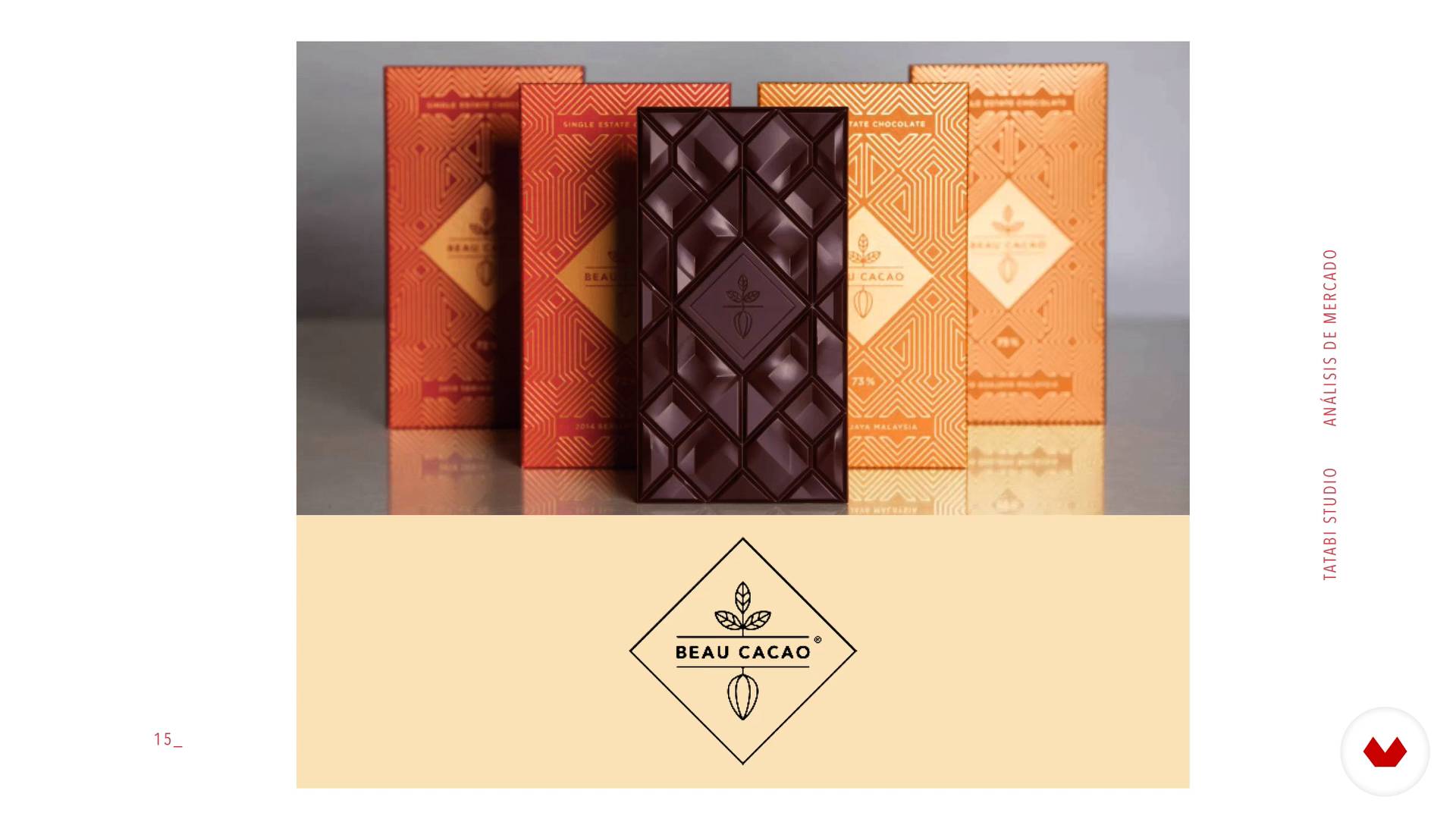
Prepare the ground before designing
8 minutes, 34 seconds
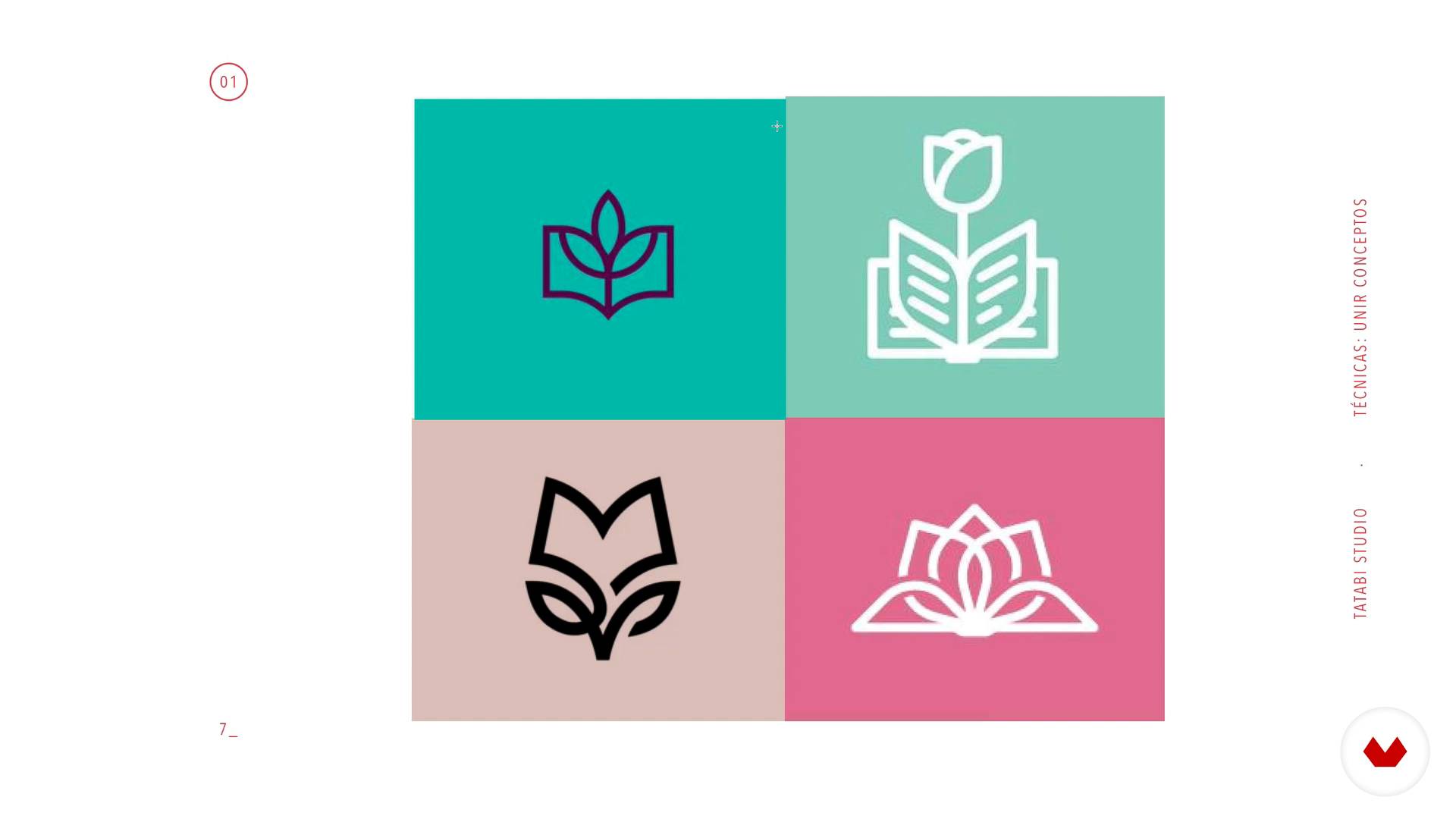
Union of concepts
5 minutes, 0 seconds
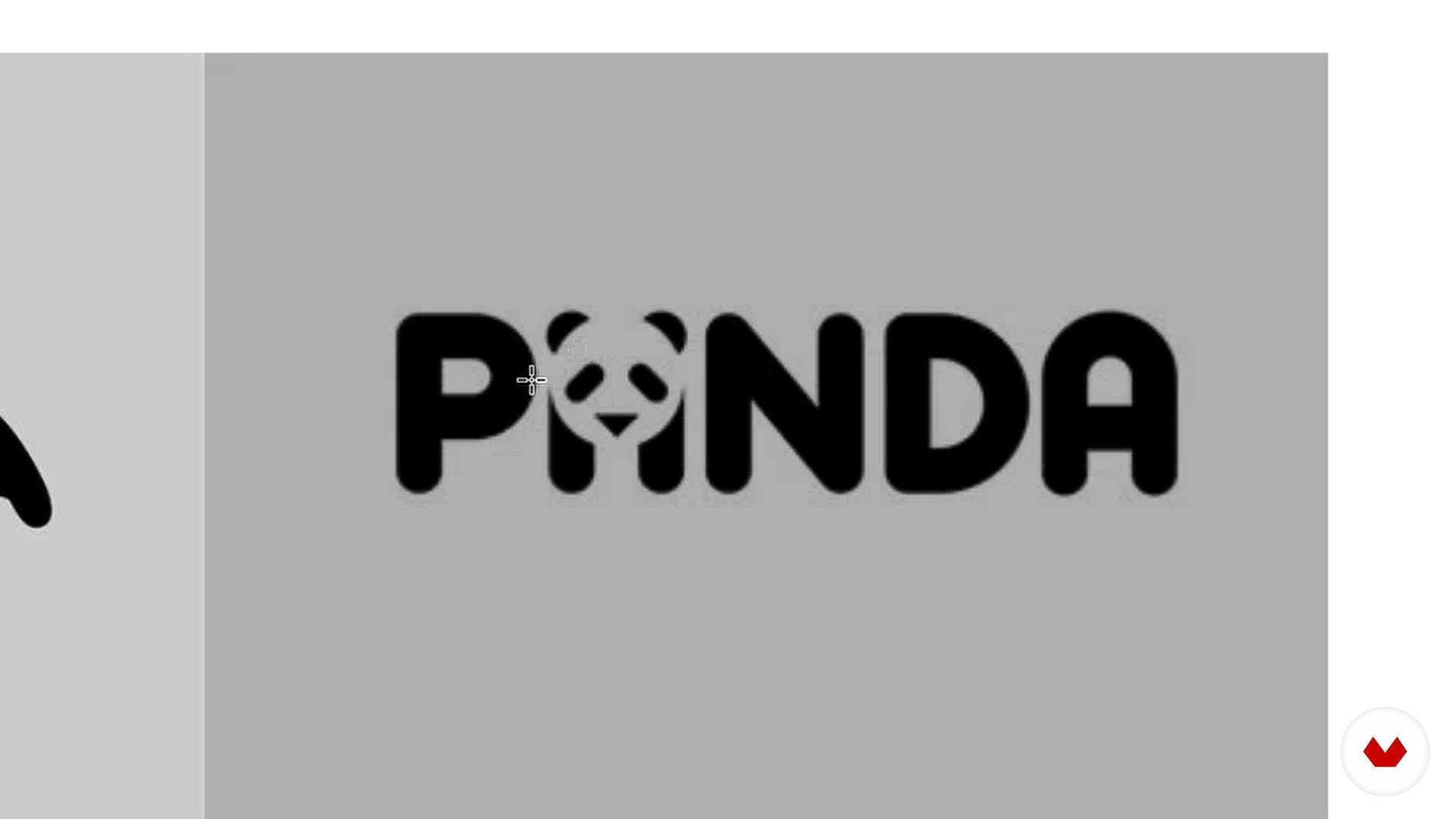
Playing with the letters
4 minutes, 28 seconds
What's included in this course?
Start by getting to know the work of Tatabi Studio—which involves creating logos for brands—and more about their work philosophy. Elena tells you about her influences in the world of branding.
By way of some examples, learn about the different types of logos: isotypes, logotypes, imagotypes, and isologos. Then, discover the keys to creating a successful one.
Continue with the process of creating your logo, with particular focus on the conceptualization phase. Do some groundwork before designing by analyzing the competition and trends, then decide on the creative path to take.
Learn how to sketch your ideas using the drawing techniques that Elena teaches you, then use them to create your design and digitize it on the computer.
Elena takes you through a basic overview of Adobe Illustrator, particularly useful for anyone who has never used a design program before. Next, take a look at the basic tools you're going to use to shape your logo.
Learn how to vectorize your logo sketch to give it its final shape in Illustrator and do several composition tests.
Wrap up by creating a basic brand manual for the application of your logo, containing information on what the logo consists of, its colors, correct applications, and misuses.
Recommended software & tools for this course
What is this course's project?
Design a brand logo.
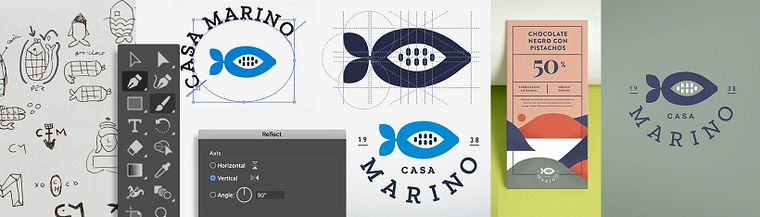
Projects by course students


Who is this online course for?
As this course is for beginners, no prior design knowledge is necessary.
Requirements and materials
You need paper, a pencil, magazines, and a computer with Adobe Illustrator. If you have never installed Illustrator before, Elena helps you install a trial version of the software.
Reviews
- 9 days ago
Excelente curso, muy didáctico para empezar y buenas herramientas para empezar a trabajar
- 2 months ago
Muy efectivo para principiantes
- 3 months ago
Excelente curso, muy didactico. Explicado con claridad y de manera muy lúdica. Lo recomiendo
- 3 months ago
Excelente curso, muy didactico. Explicado con claridad y de manera muy lúdica. Lo recomiendo
- 3 months ago
Curso super practico, fácil de entender y con grandes ejemplos. Lo recomiendo al 100%

Elena’s priority is to treat each brand like she does the environment: with great care. Therefore, she has gone to great lengths to create processes that guarantee an environmentally-friendly design with an attractive and innovative aesthetic.
Content
- U1
Introduction
- Presentation
- Influences
- U2
Analysis of a logo
- Typology
- Styles
- The keys to a successful logo
- U3
Your logo: think before designing
- Prepare the ground before designing
- Decide three creative paths
- U4
Techniques for sketching your ideas
- Union of concepts
- Playing with the letters
- Simplification
- Calligraphic logos and acronyms
- U5
Vectorize the logo
- How to use illustrator
- Vectorize the symbol
- Choose typographies
- Composition of the logo and versions
- U6
Basic brand manual
- Proposal of final logos
- How would your logo look?
- The basic brand manual
- FP
Final project
- Creation of an original logo from scratch
What to expect from a Domestika course
Learn at your own pace
Enjoy learning from home without a set schedule and with an easy-to-follow method. You set your own pace.
Learn from the best professionals
Learn valuable methods and techniques explained by top experts in the creative sector.
Meet expert teachers
Each expert teaches what they do best, with clear guidelines, true passion, and professional insight in every lesson.
Certificates
PLUSIf you're a Plus member, get a custom certificate signed by your teacher for every course. Share it on your portfolio, social media, or wherever you like.
Get front-row seats
Videos of the highest quality, so you don't miss a single detail. With unlimited access, you can watch them as many times as you need to perfect your technique.
Share knowledge and ideas
Ask questions, request feedback, or offer solutions. Share your learning experience with other students in the community who are as passionate about creativity as you are.
Connect with a global creative community
The community is home to millions of people from around the world who are curious and passionate about exploring and expressing their creativity.
Watch professionally produced courses
Domestika curates its teacher roster and produces every course in-house to ensure a high-quality online learning experience.
FAQs
You’ll learn how to create memorable, timeless logos, apply sketching techniques, vectorize in Illustrator, develop adaptable versions, and build a brand manual from scratch, including packaging and photography for branding.
Yes, this is an intermediate-level course designed for those with basic graphic design knowledge who want to specialize in branding and professional logo creation.
You need basic graphic design skills and familiarity with Illustrator. It’s also recommended to have a computer with Adobe Illustrator installed.
You’ll need access to Adobe Illustrator, paper and pencil for sketching, plus an internet connection to research references and download extra resources like fonts and mockups.
You’ll learn how to design clear, legible logos, use grids, and create alternative versions to ensure they reproduce well across various formats and sizes.
Yes, the course covers rebranding and restyling processes, showing how to analyze the current identity and update the logo while preserving the brand’s essence.
Yes, you’ll learn how to gather visual references, create mood boards and Pinterest boards, and find inspiration from blogs and designer portfolios.