Guided Course: Remote Design Sprints for Digital Prototyping
A course by Stanley VaganovDigital Product Designer and Developer
A course by Stanley Vaganov, Digital Product Designer and Developer

Master remote design sprints for digital prototyping, from mapping to testing, and analyze results effectively
Unlock the potential of remote design sprints to innovate and streamline digital product development. Dive into the core principles of design sprints and learn to manage them effectively in a virtual environment. Begin by setting up the right tools and assigning roles to ensure seamless collaboration. Embark on a transformative five-day sprint journey, starting with mapping the problem space to define clear objectives. Move on to the creative phase of sketching, where individual ideation generates diverse solutions.
Progress through the sprint with a critical evaluation of ideas, selecting the most promising ones through thoughtful voting. Transform these ideas into a tangible prototype and conduct user testing to gather valuable feedback and insights. Conclude by analyzing the results and compiling a comprehensive discovery document that will guide future product development. By mastering this process, you’ll create validated prototypes and establish a roadmap for successful digital innovation.
What will you learn in this online course?
11 lessons & 13 downloads
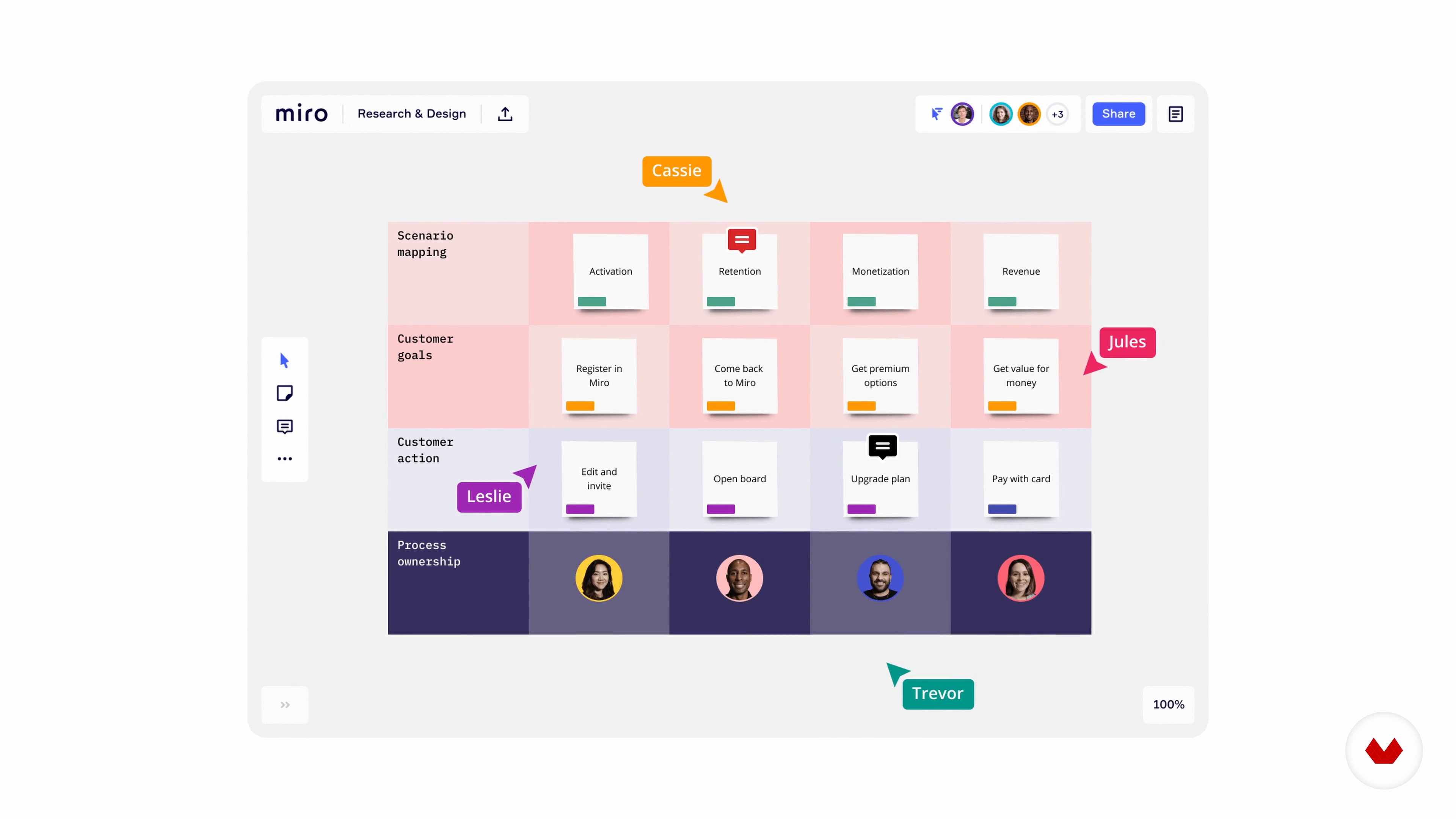
Tools and Rules
12 minutes, 25 seconds

Kicking off Your Design Sprint
9 minutes, 52 seconds
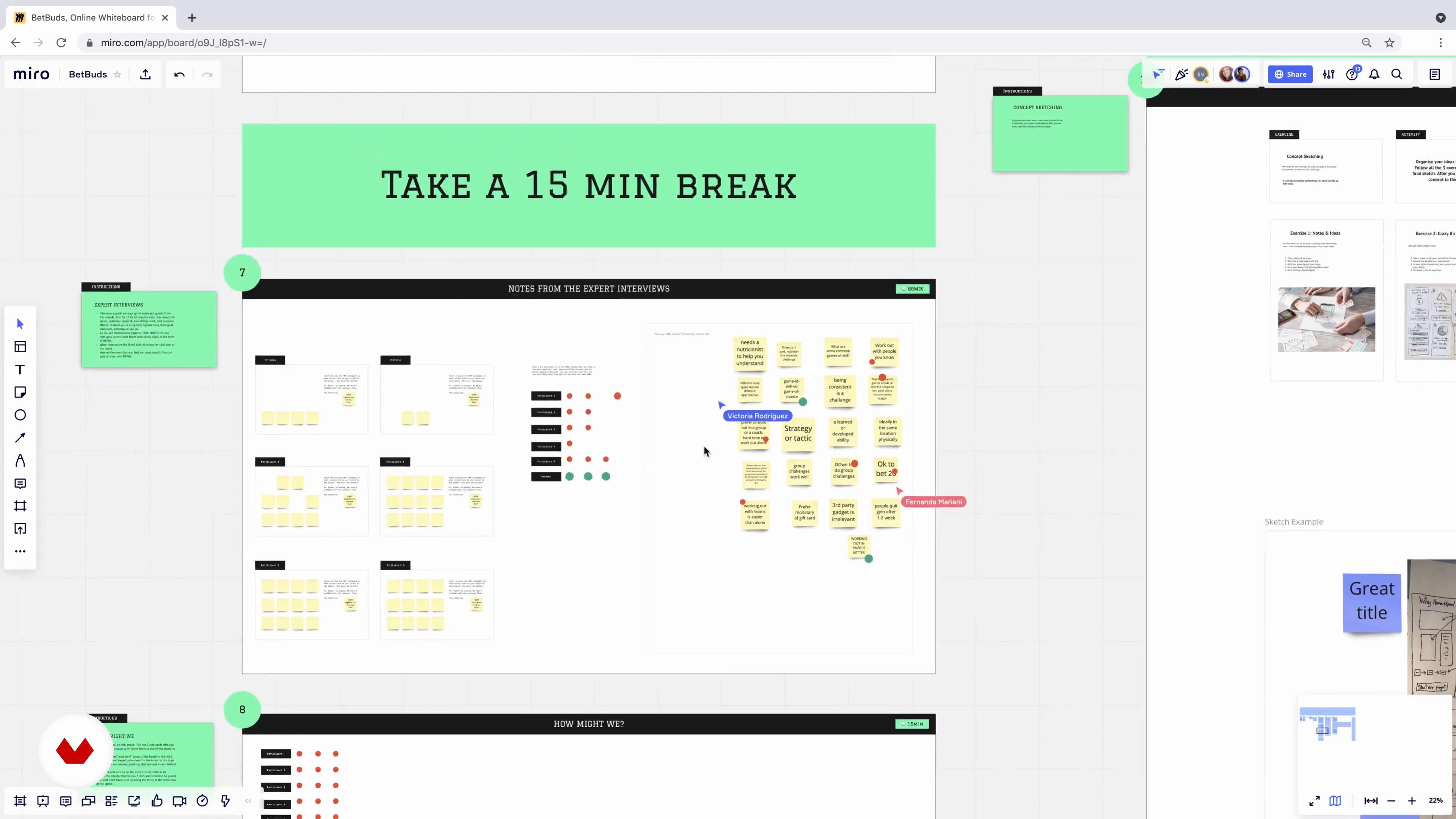
Day 1: Mapping 1
15 minutes, 8 seconds
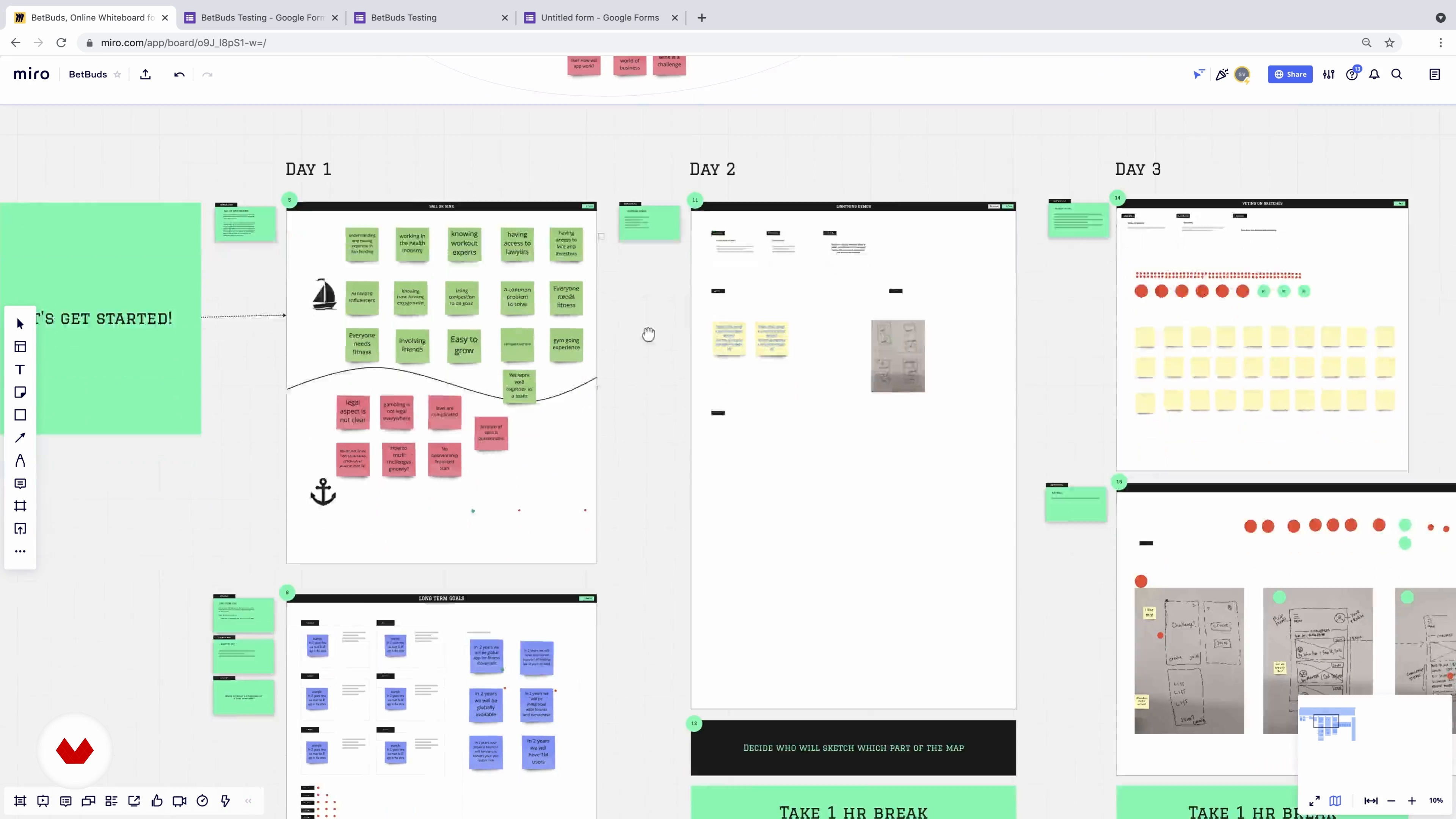
Day 1: Mapping 2
13 minutes, 3 seconds
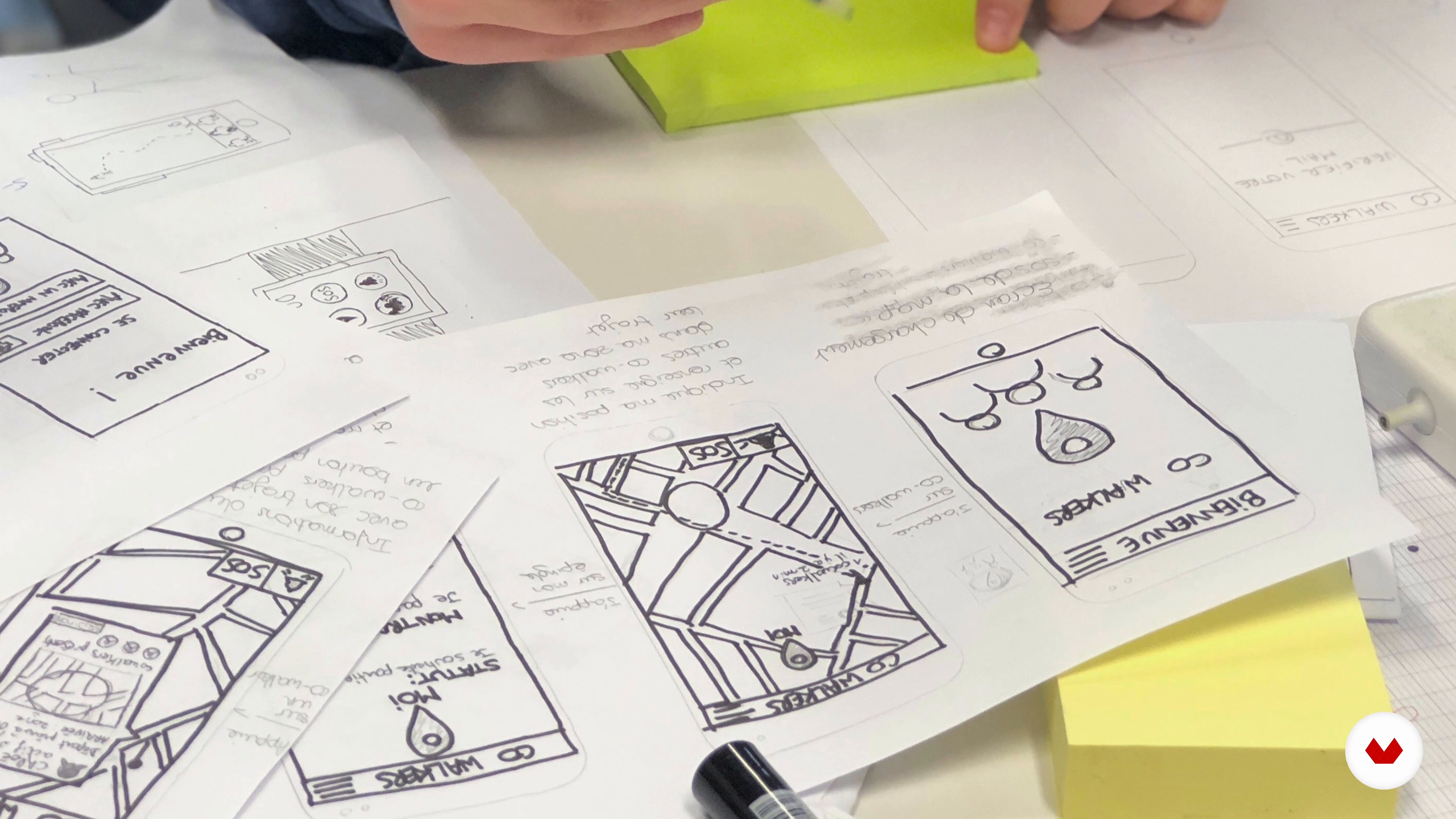
Day 2: Sketching
12 minutes, 2 seconds
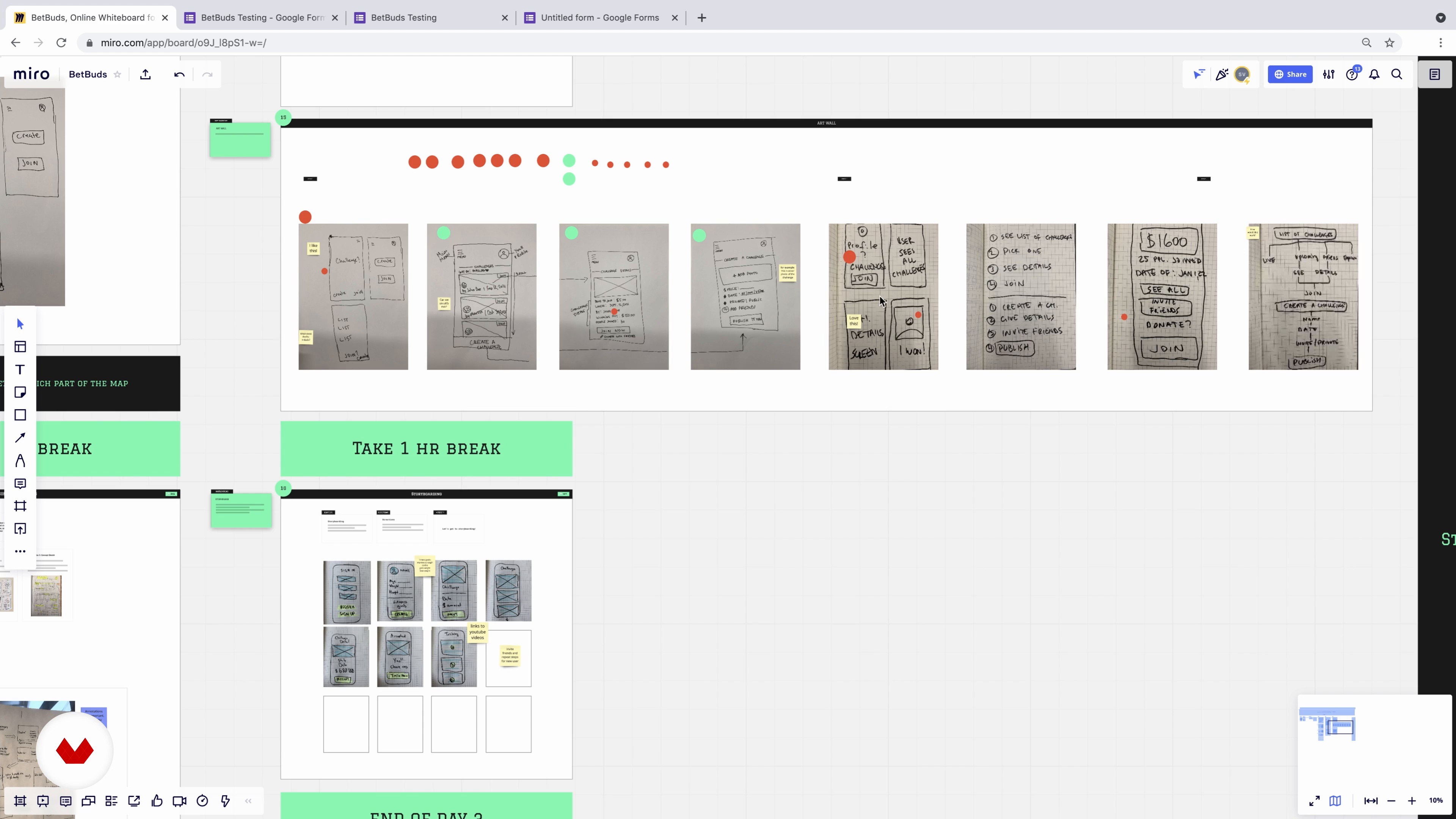
Day 3: Voting
7 minutes, 31 seconds
What's included in this course?
Explore the dynamic world of remote design sprints and elevate your digital prototyping skills. Start by delving into the essential principles of design sprints, understanding their structured format, and the collaborative tools needed for seamless remote teamwork. Gain insights into setting clear objectives by defining the problem space on Day 1 of the sprint. Progress through the creative process by generating a variety of solutions on Day 2, and then harness the power of critical evaluation on Day 3 to select the most promising ideas through group voting.
Advance to the practical stages of prototyping on Day 4, where you'll craft a realistic model of the chosen concept. Conclude the sprint by conducting user testing on Day 5, gathering invaluable feedback and insights. Finally, enhance your analytical skills by learning how to compile results into a comprehensive discovery document, paving the way for future product development. By the end of this journey, you'll have a validated prototype and a strategic roadmap that guides your digital innovation efforts, setting the stage for successful product advancement.
Recommended software & tools for this course
What is this course's project?
Master the remote design sprint process to develop and test digital product prototypes efficiently. Understand design sprint principles, prepare with necessary tools, execute a five-day sprint, and analyze results to create a validated prototype and clear roadmap for product advancement.
Who is this online course for?
Aspiring product designers, UX professionals, and digital innovators looking to enhance their skills in remote collaboration and rapid prototyping will benefit from this course. Ideal for those eager to streamline design processes and produce validated prototypes efficiently within a team setting.
Requirements and materials
No extensive prior knowledge is required. Basic necessities include a computer with internet access, a stable connection, familiarity with digital tools, and a collaborative mindset. Enthusiasm for exploring digital prototyping and a willingness to engage in teamwork are essential.

Stanley offers brand, web, and mobile design services as well as design sprint workshops, which are designed to help brands launch digital products successfully and elevate their offering. His studio has been featured in Design Rush’s Top 25 web design agencies in NYC and received CSSDA’s Best UX Design Award.
Content
Guided Course: Remote Design Sprints for Digital Prototyping
- Podcast: After the Sprint — What to Do with Everything You've Learned
- What Is a Design Sprint?
- Tools and Rules
- Kicking off Your Design Sprint
- Day 1: Mapping 1
- Day 1: Mapping 2
- Day 2: Sketching
- Day 3: Voting
- Day 4: Prototyping
- Day 5: Testing
- Gathering Feedback
- Final project
What to expect from a Domestika course
Learn at your own pace
Enjoy learning from home without a set schedule and with an easy-to-follow method. You set your own pace.
Learn from the best professionals
Learn valuable methods and techniques explained by top experts in the creative sector.
Meet expert teachers
Each expert teaches what they do best, with clear guidelines, true passion, and professional insight in every lesson.
Certificates
PLUSIf you're a Plus member, get a custom certificate signed by your teacher for every course. Share it on your portfolio, social media, or wherever you like.
Get front-row seats
Videos of the highest quality, so you don't miss a single detail. With unlimited access, you can watch them as many times as you need to perfect your technique.
Share knowledge and ideas
Ask questions, request feedback, or offer solutions. Share your learning experience with other students in the community who are as passionate about creativity as you are.
Connect with a global creative community
The community is home to millions of people from around the world who are curious and passionate about exploring and expressing their creativity.
Watch professionally produced courses
Domestika curates its teacher roster and produces every course in-house to ensure a high-quality online learning experience.
FAQs
A design sprint is a structured five-day process for solving business challenges by mapping problems, sketching solutions, prototyping, and testing with users to quickly validate ideas before full-scale development.
This course is designed for intermediate learners. Some familiarity with product design or collaborative tools like Miro is helpful but not required. Step-by-step instructions are provided for key methods and tools.
You’ll need access to Miro, a collaborative whiteboard platform, and a video conferencing tool like Zoom. Adobe XD is recommended for prototyping, but alternatives can be used.
You’ll learn how to run a full design sprint online, from mapping user journeys and facilitating team collaboration to creating prototypes, conducting user interviews, and interpreting feedback for product improvements.
You’ll learn to use Miro to organize sticky notes, map journeys, sketch solutions, invite team members, and facilitate real-time collaboration, including voting and timeboxing activities.
Miro allows you to invite team members via email links. You can collaborate using sticky notes, drawing tools, voting dots, and integrated timers for structured sprint activities.
Yes, the course covers creating wireframes and interactive prototypes using Adobe XD or similar tools, including connecting screens and generating shareable links for user testing.