Guided course: Create a Logo with Personalized Typography
A course by Quique OllervidesGraphic Designer
A course by Quique Ollervides, Graphic Designer

Create unique logos with personalized typography, learn sketch, vectorization and composition for successful branding
Immerse yourself in the fascinating world of typographic design and discover how to create unique logos that capture the essence of a fictional brand. Start by defining the concept and gathering visual references to build a mood board to guide your creativity. Learn to select catalog typefaces that align with your project's identity and explore your ideas through quick sketches. This process will help you transform abstract concepts into concrete visual proposals.
Move toward digitizing your sketches, acquiring skills in vectorization and constructing typographic elements with Adobe Illustrator. Experiment with composition and lock-up, integrating text and images harmoniously. Make iterative adjustments to perfect the design, evaluating different versions until you choose the logo that best represents the essence of your brand. Upon completion, you'll have a solid logo that effectively communicates the values of your creation.
What will you learn in this online course?
14 lessons & 11 downloads
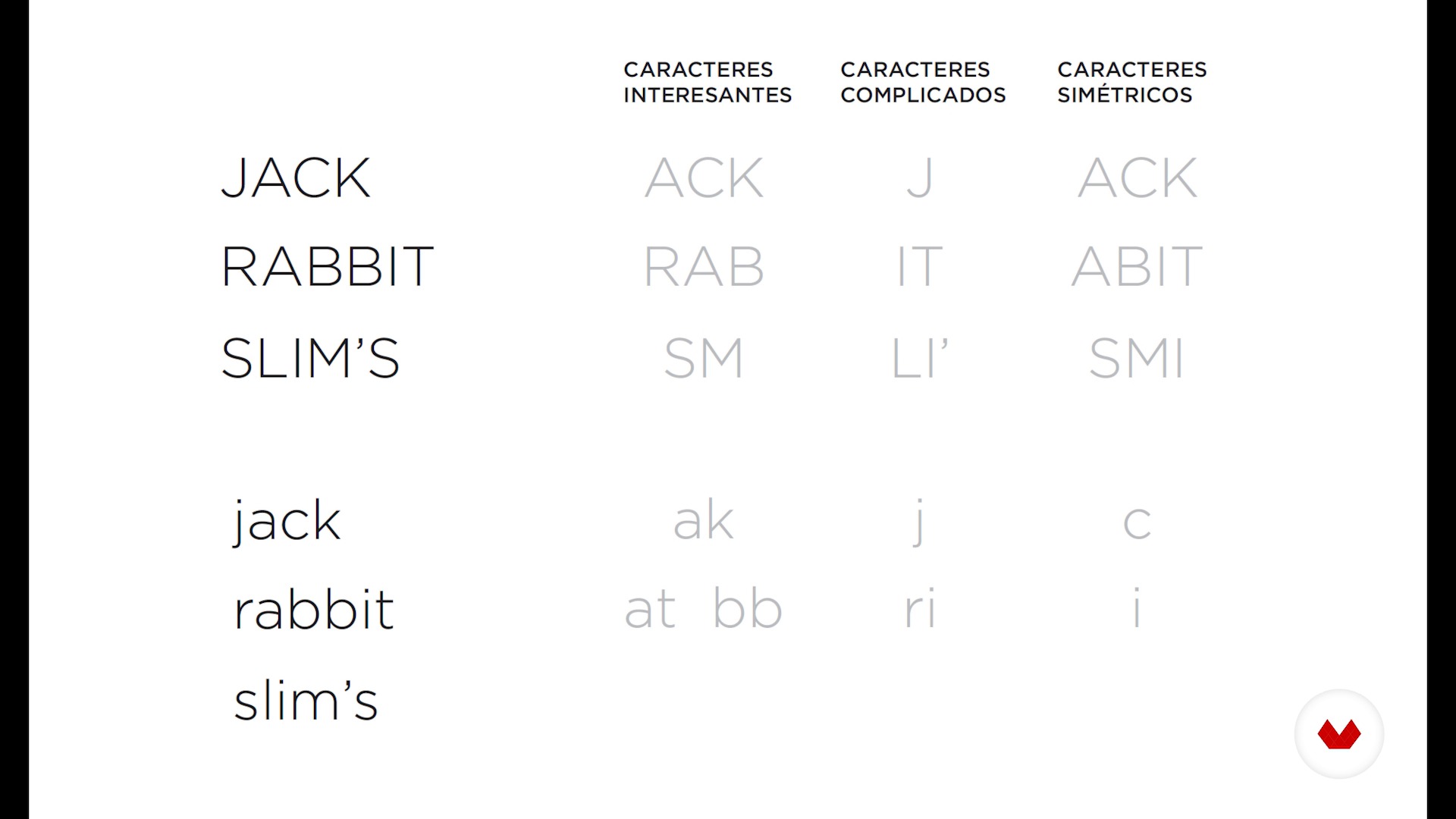
Count of letters, words or lines - Part I
15 minutes, 4 seconds
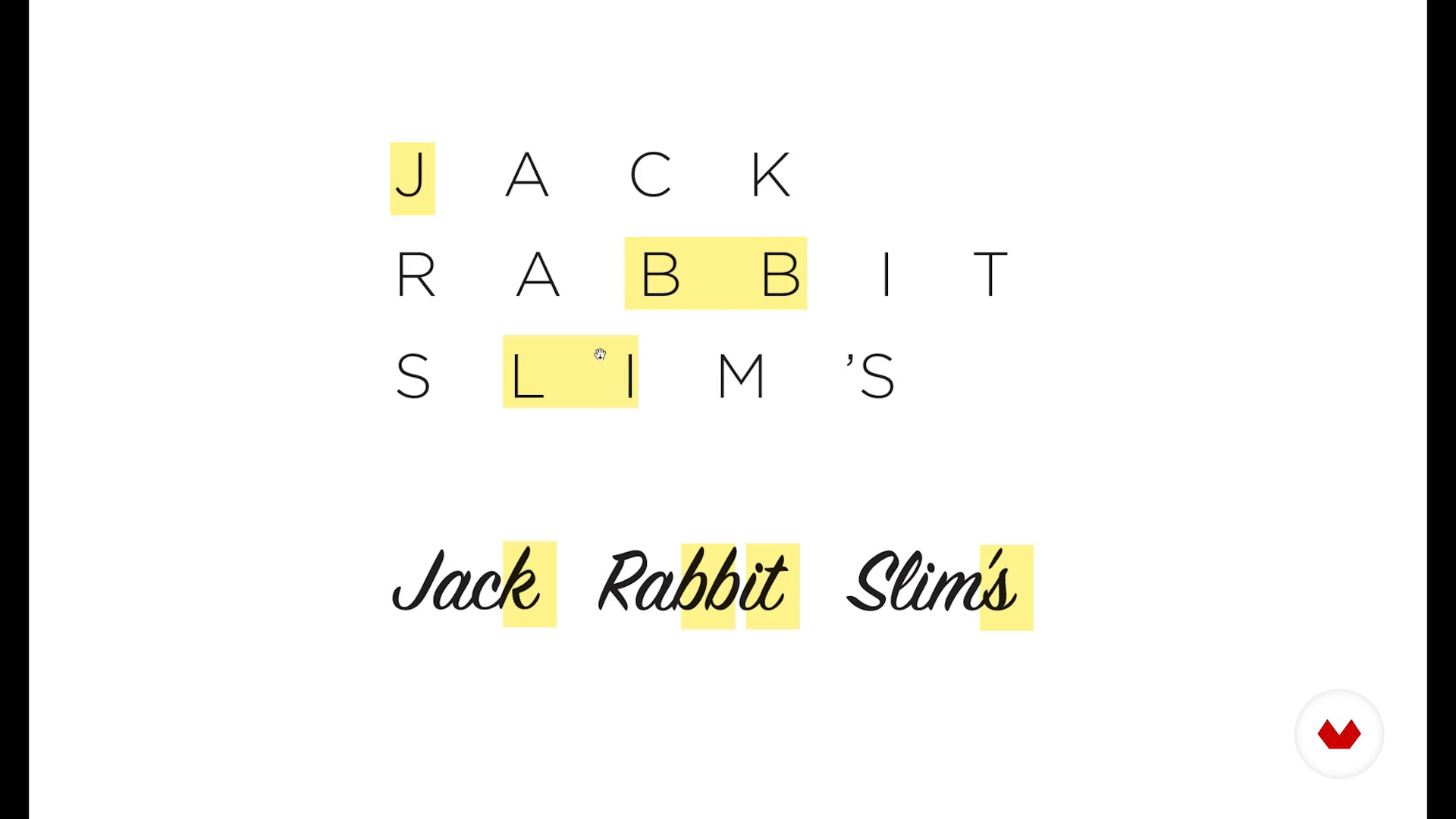
Count of letters, words or lines - Part II
11 minutes, 44 seconds
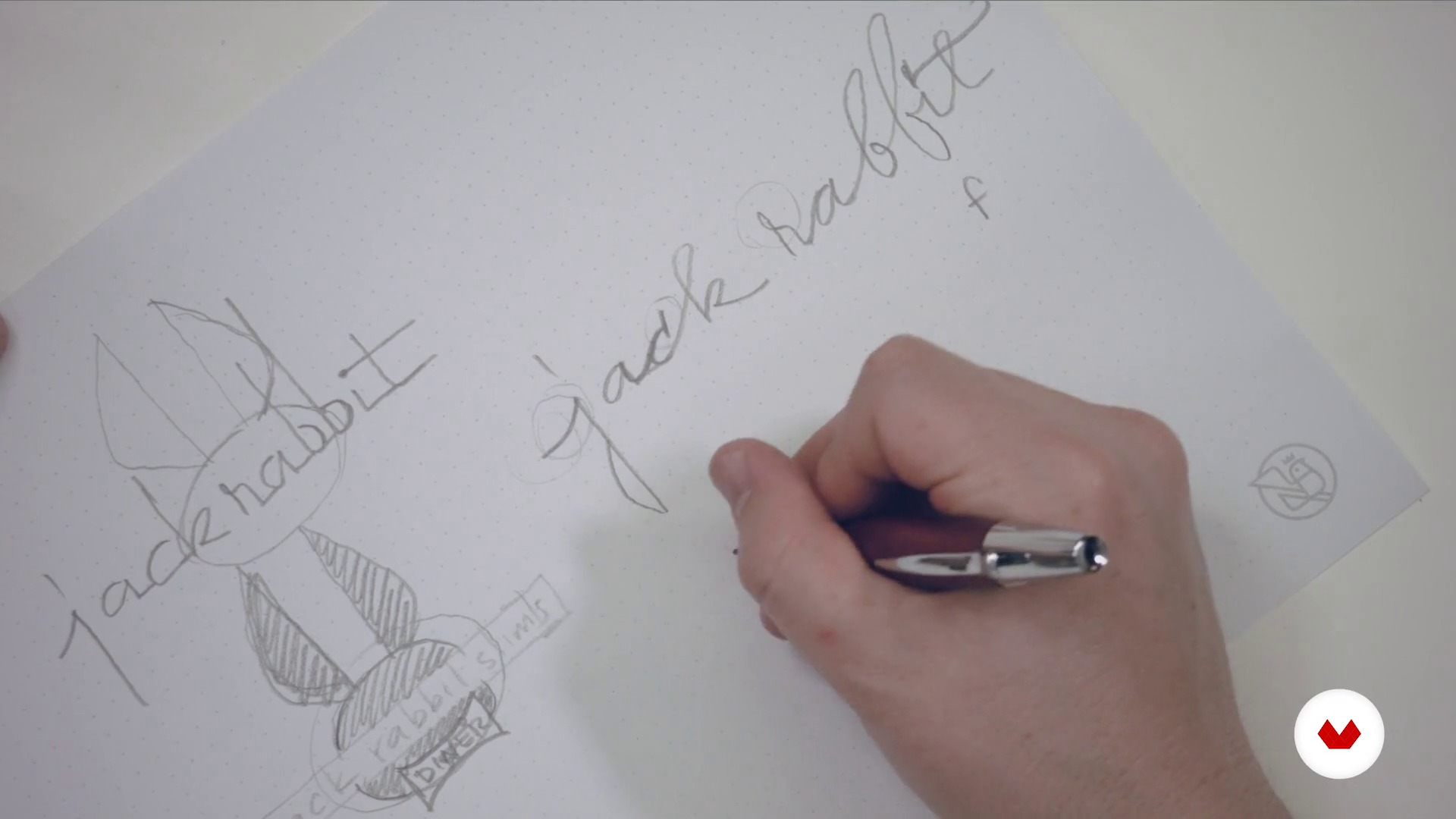
Quick sketches
11 minutes, 59 seconds
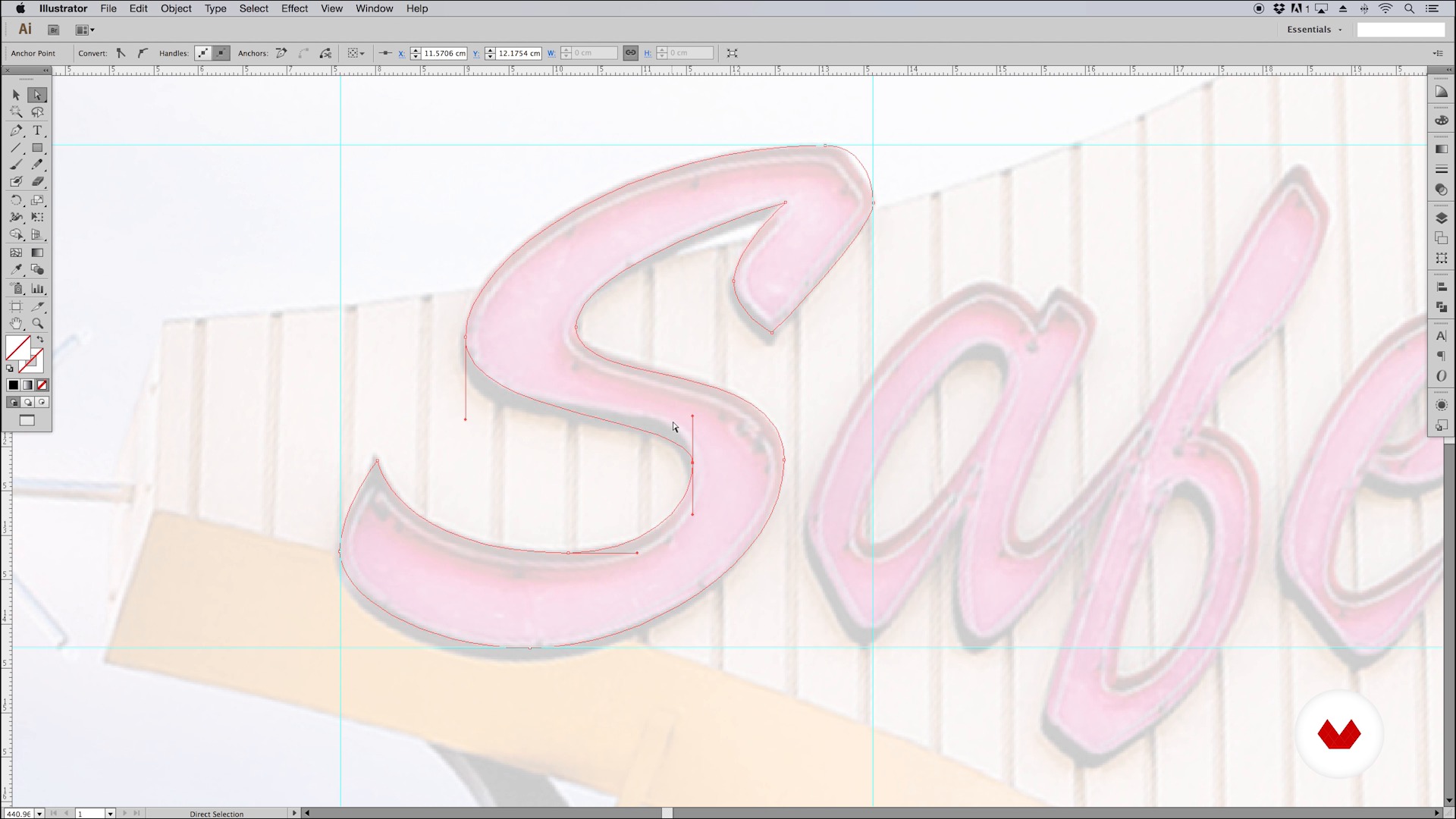
Basic principles
8 minutes, 46 seconds
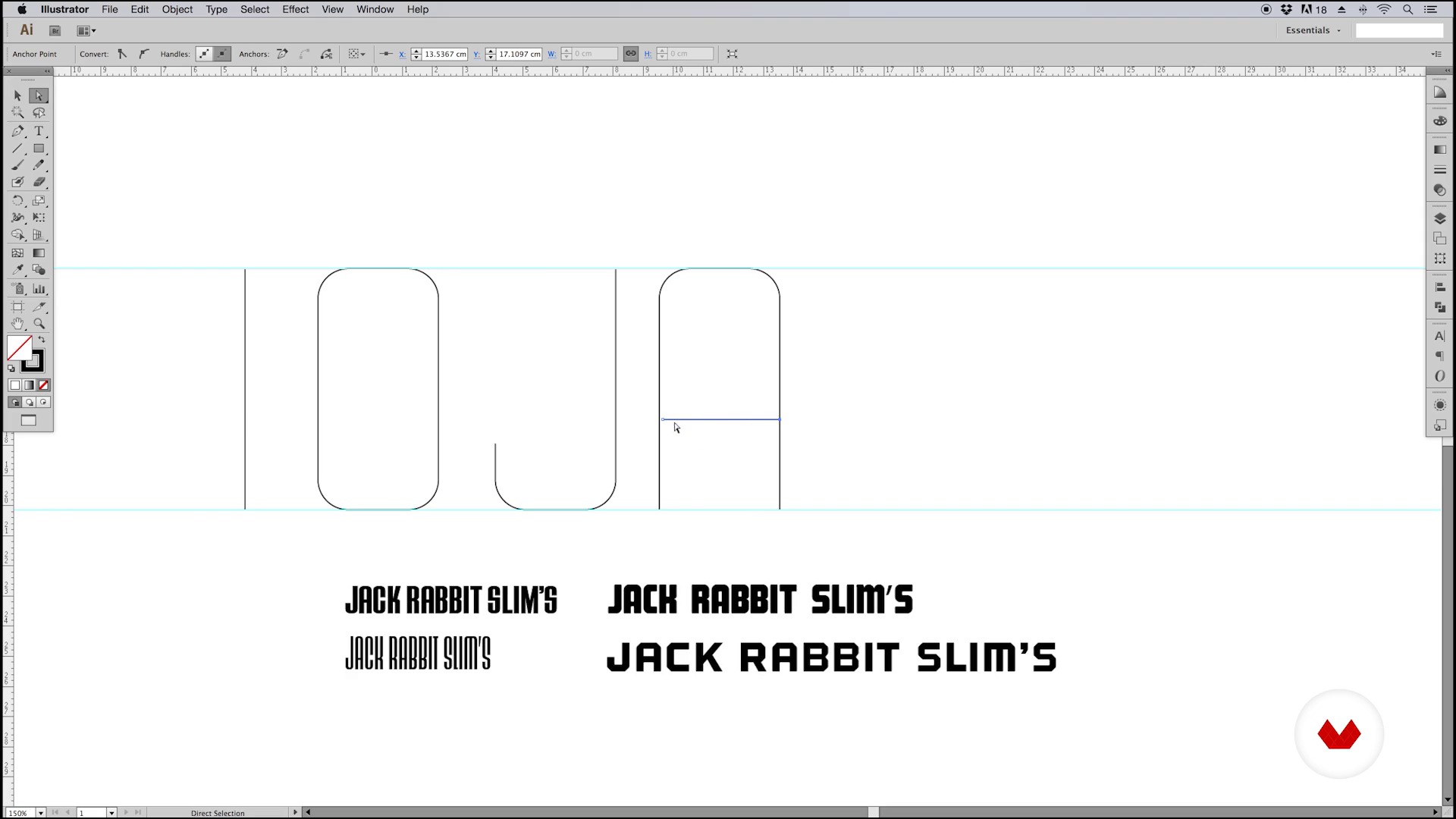
Construction of typographic elements - Part I
10 minutes, 15 seconds
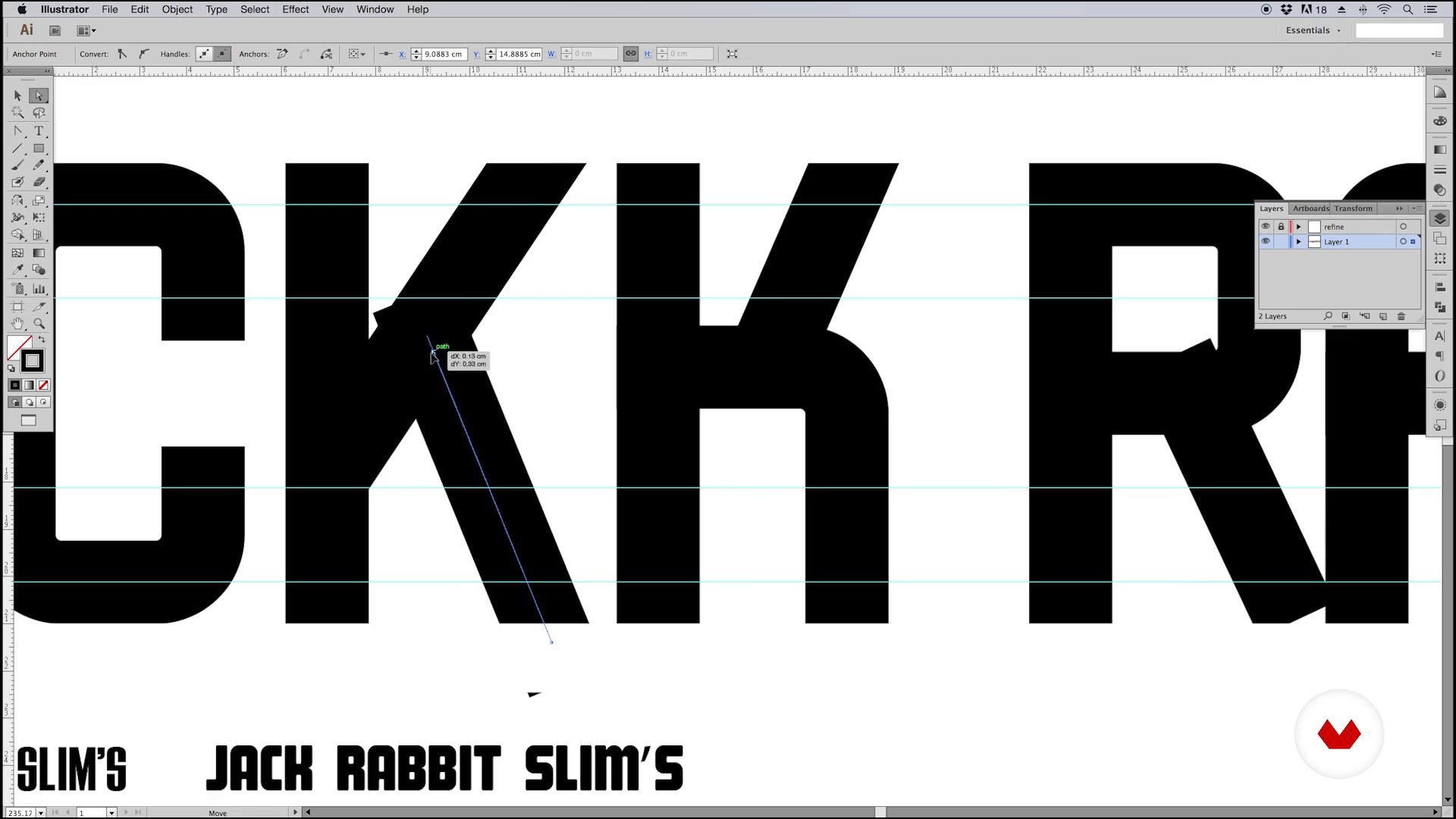
Construction of typographical elements - Part II
17 minutes, 25 seconds
What's included in this course?
You'll learn how to create memorable typographic logos that reflect the essence of any brand. The process begins with defining the concept and gathering visual references to capture the desired identity. You'll then explore a selection of catalog typefaces, choosing those that best align with your brand. Quick sketching sessions will help you visualize initial ideas that you'll later translate into the digital world.
You'll master vectorization and the precise construction of typographic elements using tools like Adobe Illustrator. You'll work on integrating text and images to achieve a harmonious and functional composition. Throughout the process, you'll make iterative adjustments that will allow you to refine your design until you achieve a final logo that faithfully represents your brand identity. This journey will give you the skills necessary to transform concepts into impactful and unique logos.
What is this course's project?
You'll develop a unique typographic logo for a fictional brand. From conceptualization to final design, you'll explore typeface selection, sketching, vectorization, and composition, integrating visual and textual elements into a harmonious and cohesive design.
Who is this online course for?
Graphic designers and creatives looking to hone their skills in typography and branding, and interested in creating custom logos using vectorization techniques. Ideal for those who want to explore the creative process from initial concept to final composition in Adobe Illustrator.
Requirements and materials
No extensive prior knowledge is required, just knowledge of Adobe Illustrator and a basic understanding of design. It's recommended to have paper, pencils, and access to a computer with the software installed to practice the vectorization and sketching exercises.

Throughout his career, he has designed a variety of brand identities, album covers, concert posters, and fonts for both personal and commercial use.
Some of his clients include Google, Apple, MTVLA, Cartoon Network, Nike, Coca-Cola, Sony Music, EMI, and Warner. He has also worked for bands such as Tame Impala, Queens of the Stone Age, Phoenix, and Molotov, in addition to festivals like Coachella, SXSW, and Cumbre Tajín.
Between 1996 and 2010, Quique cofounded and ran Hula+Hula, an internationally renowned studio known for its expertise in music, comedy, and color, as well as its passion for handcrafted artwork.
From 2006 to 2010, he cofounded and codirected KONG, one of the most important design stores in Mexico, which also doubled as an art, design, and illustration gallery. There, he organized and curated a number of artistic exhibitions both nationally and internationally.
Quique Ollervides has also taught typography and design courses at various universities, and his work has been featured in numerous books, magazines, and blogs.
Content
Guided course: Create a Logo with Personalized Typography
- Podcast: The Hidden Language of Shapes
- Definition of the logo that we are going to make
- Count of letters, words or lines - Part I
- Count of letters, words or lines - Part II
- Quick sketches
- Basic principles
- Construction of typographic elements - Part I
- Construction of typographical elements - Part II
- Construction of typographic elements - Part III
- Construction of typographical elements IV
- Creating an envelope
- Lock up Imagotype and typesetting - Part I
- Lock up Imagotype and typesetting - Part II
- Variations and choice of the final logo
- Final project
What to expect from a Domestika course
Learn at your own pace
Enjoy learning from home without a set schedule and with an easy-to-follow method. You set your own pace.
Learn from the best professionals
Learn valuable methods and techniques explained by top experts in the creative sector.
Meet expert teachers
Each expert teaches what they do best, with clear guidelines, true passion, and professional insight in every lesson.
Certificates
PLUSIf you're a Plus member, get a custom certificate signed by your teacher for every course. Share it on your portfolio, social media, or wherever you like.
Get front-row seats
Videos of the highest quality, so you don't miss a single detail. With unlimited access, you can watch them as many times as you need to perfect your technique.
Share knowledge and ideas
Ask questions, request feedback, or offer solutions. Share your learning experience with other students in the community who are as passionate about creativity as you are.
Connect with a global creative community
The community is home to millions of people from around the world who are curious and passionate about exploring and expressing their creativity.
Watch professionally produced courses
Domestika curates its teacher roster and produces every course in-house to ensure a high-quality online learning experience.
FAQs
Yes, this course is aimed at people with basic prior knowledge of graphic design or Illustrator who want to sharpen their branding and visual identity skills for themed restaurants.
Basic knowledge of Illustrator and a general understanding of graphic design are recommended. You don’t need to be an expert, but you should be familiar with the main vectorizing and digital sketching tools.
You’ll learn how to conceptualize, sketch, and vectorize logos for themed restaurants, applying 1950s aesthetic references, advanced typography and composition techniques, and creating cohesive, memorable visual identities.
You’ll need access to Adobe Illustrator, paper and pencil for initial sketches, and a computer capable of handling vector graphic design.
The course teaches how to incorporate neon signs, geometric shapes, retro fonts, and vibrant colors to capture the lively, upbeat 1950s vibe in the restaurant’s visual identity.
Yes, you’ll learn how to position and adjust nodes, manipulate Bézier curve handles, use Pathfinder, and optimize vector paths for professional-quality logos and typography.
Yes, the course covers building and editing typographic characters, creating geometric fonts, adjusting weight and spacing, and applying ornaments and stylistic variants.