Guided Course: Start on Blender creating a fun 3D scene
A course by Marina Pais3D artist
A course by Marina Pais, 3D artist

Explore Blender Fundamentals Creating a Fun 3D Scene with Modeling, Texture and Lighting for Beginners
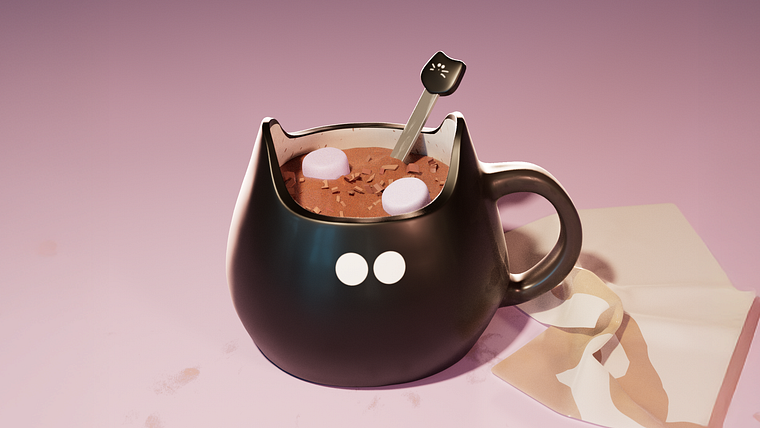
Explore the fundamentals of Blender to create a stylized and playful 3D scene. Start by modeling simple objects like a cup, cereal, and marshmallows using subdivision and low-poly techniques. Apply colors and textures to enhance the cartoonish look, with dynamic shapes and vibrant colors. Learn how to light your scene to add depth and personality, resulting in a unique and visually appealing composition.
At the end, you'll have a 3D scene ready to share on social media, ideal for those looking to venture into the world of 3D modeling and rendering with Blender. This guided project offers a practical and fun introduction to the software, allowing you to develop your creative and technical skills.
What will you learn in this online course?
13 lessons & 14 downloads
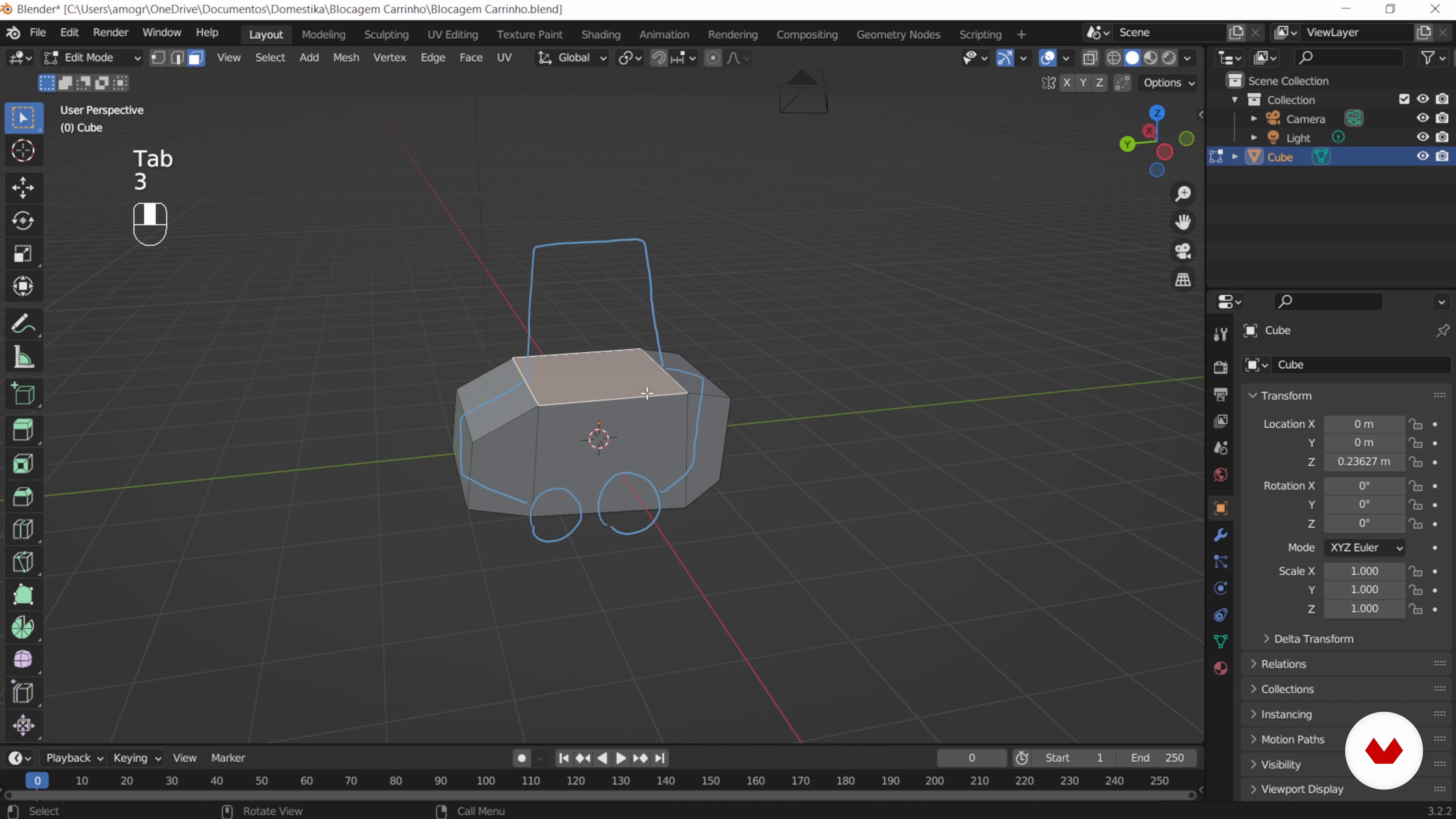
Train with simple shapes
8 minutes, 24 seconds
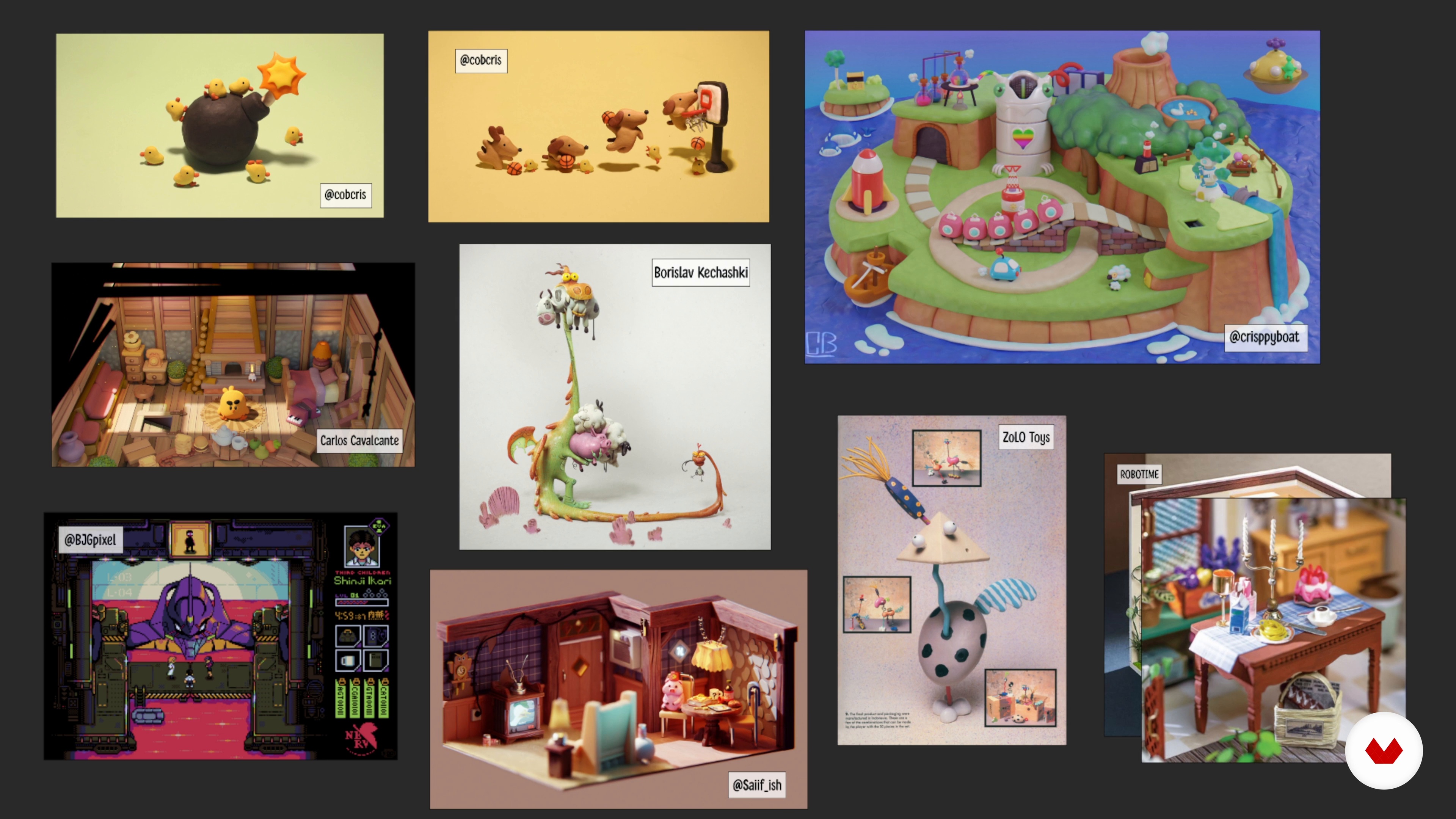
Project planning
7 minutes, 20 seconds
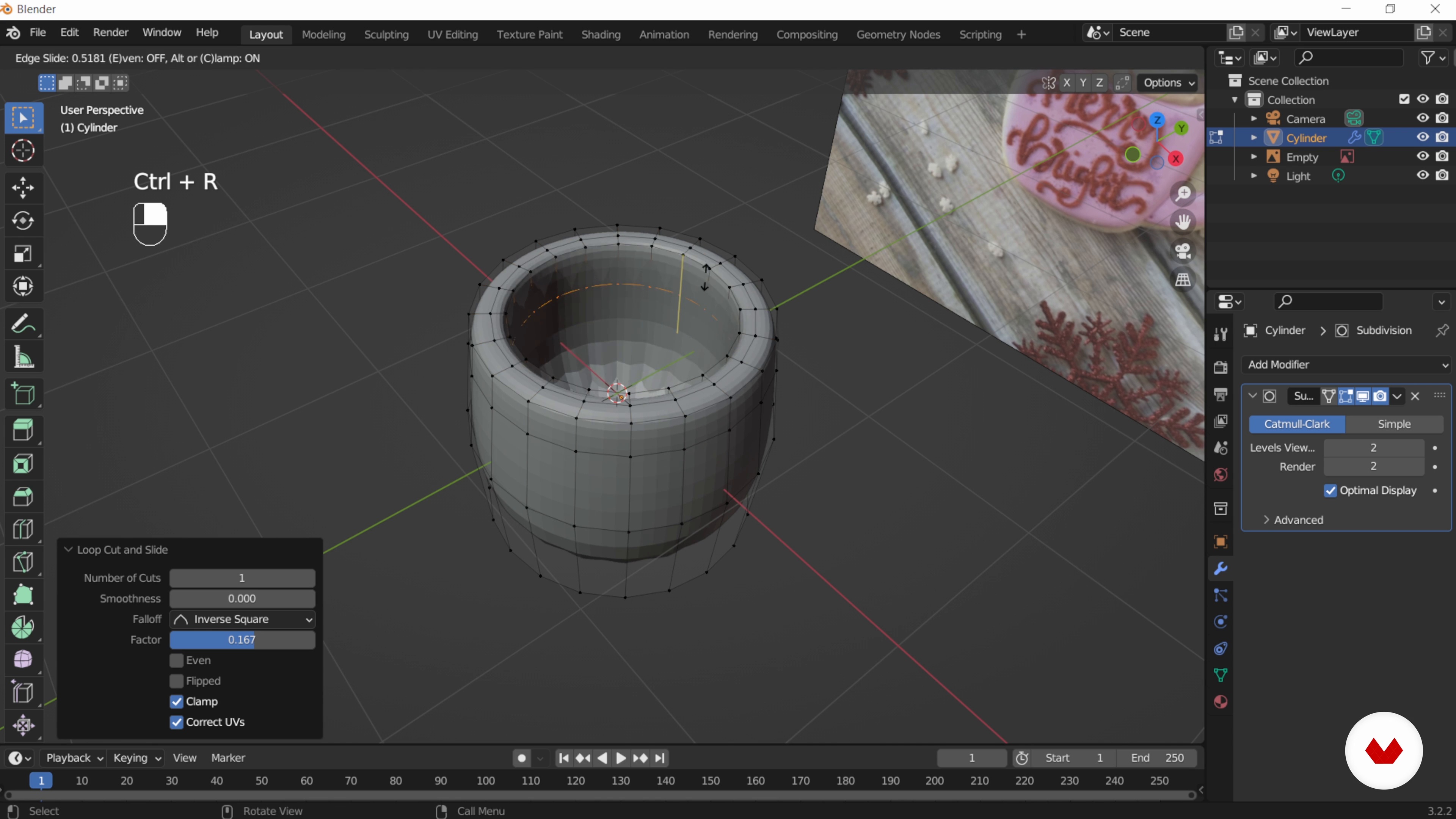
Subdivision modeling: the mug
16 minutes, 40 seconds
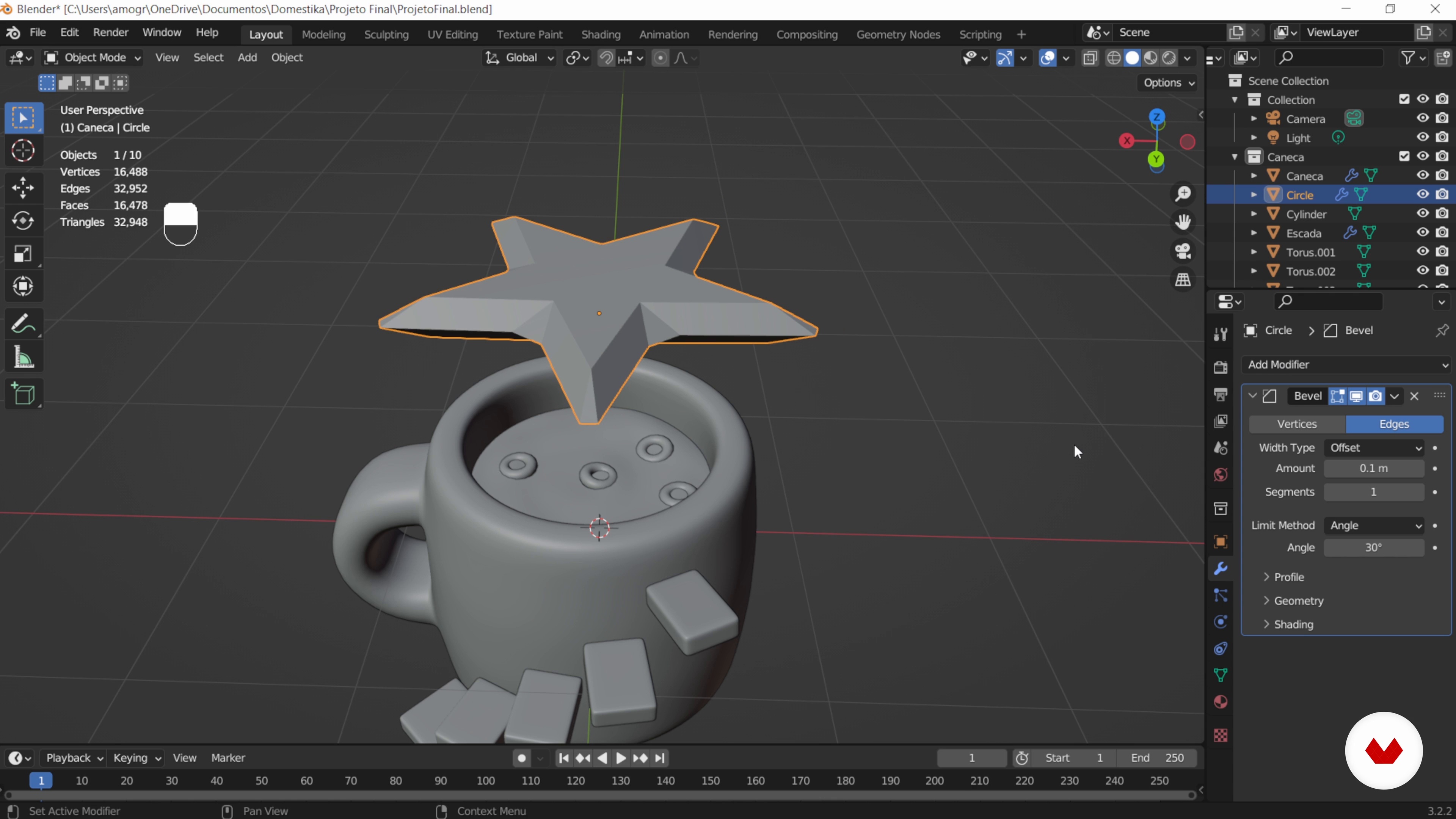
Modeling by sculpture and Low Poly: milk and cereal
15 minutes, 45 seconds
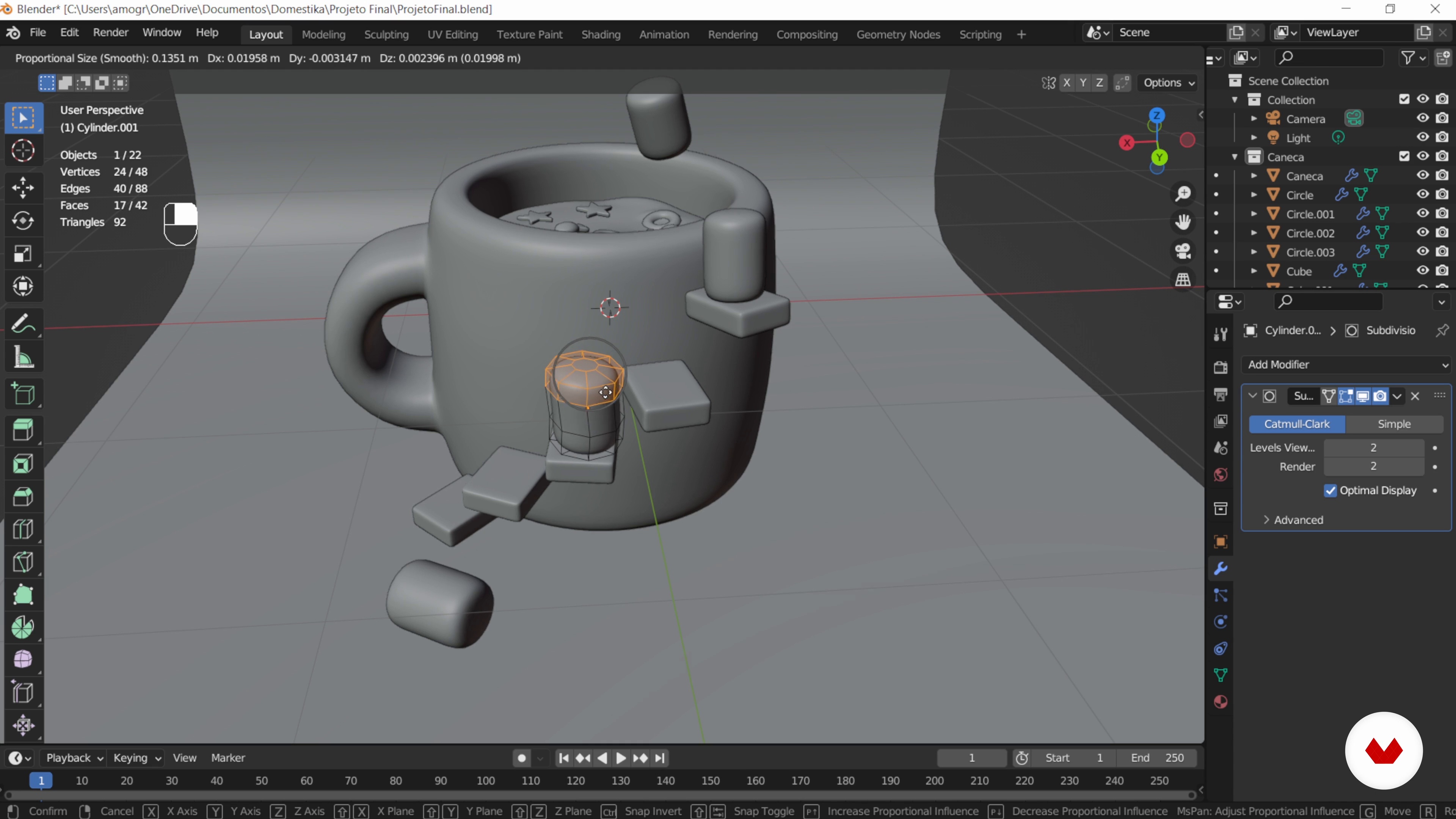
Modifiers: the marshmallows and the eyes
10 minutes, 0 seconds
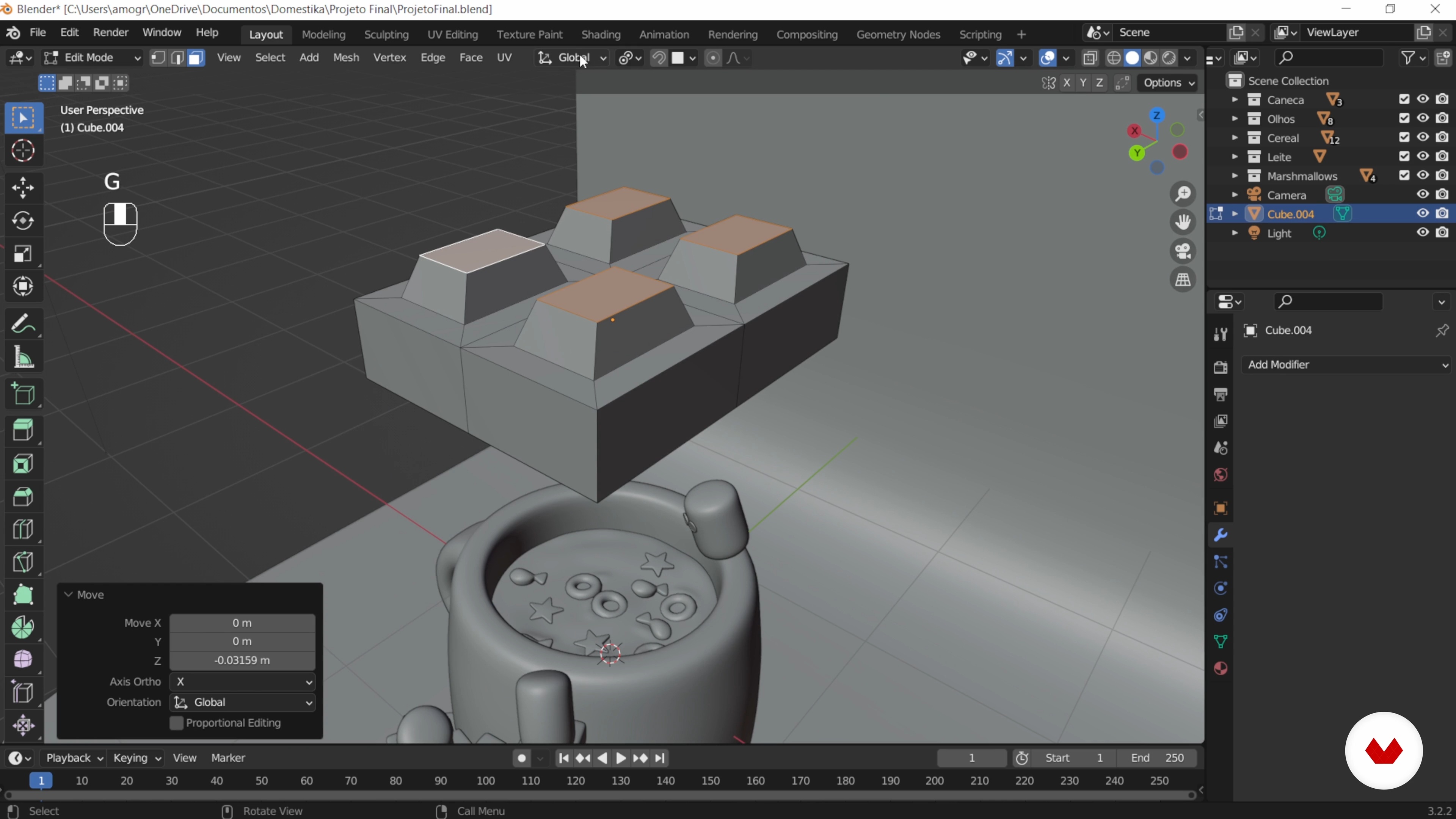
Transformation points: chocolate
11 minutes, 53 seconds
What's included in this course?
Learn how to create a stylized and fun 3D scene with Blender, starting by modeling simple objects like a mug, cereal, and marshmallows. Discover how to use subdivision and low-poly techniques to bring your models to life, developing essential skills for 3D design. Explore the application of vibrant colors and textures that highlight the cartoonish visual style, giving your creations a dynamic and unique touch.
Delve into scene lighting, which is crucial for adding depth and character to your composition. Understand how to set up lights properly, creating visual effects that emphasize important details. Finalize the process with a render, ensuring a complete and professional image, ready to share on social media. Upon completion, you'll have a solid foundation to begin your journey into the world of 3D modeling and rendering, bringing your creative ideas to life.
Recommended software & tools for this course
What is this course's project?
Explore the fundamentals of Blender by creating a stylized and fun 3D scene. Model objects like a cup and cereal, apply vibrant colors and textures, and adjust lights to add depth, resulting in a composition ready to share on social media.
Who is this online course for?
Aimed at beginners curious about the world of 3D, digital design enthusiasts wanting to explore Blender, and creatives looking to bring stylized scenes to life. Ideal for those who want to develop modeling, texturing, and rendering skills in a practical and fun way.
Requirements and materials
Extensive prior knowledge isn't required, just basic computer skills and familiarity with design software. A computer capable of running Blender and internet access are essential. Motivation and creativity complete the ideal package.
Reviews
- 11 months ago
Excelente curso

Along the way, Marina has made a name for herself as a freelancer, creating backgrounds for animation and video games. Her main influences include artists such as Tim Schafer, Don Rosa and Louie Zong, who inspire her to inject humor and meticulous details into her work. Curiosity and versatility are hallmarks of her work, reflected in her dynamic and exciting creations. Through Blender, she has found a powerful tool to bring complex ideas to life, always with an eye towards experimentation and innovation. Marina shares her knowledge and passion for art with those who want to explore the world of 3D.
Content
Guided Course: Start on Blender creating a fun 3D scene
- Podcast: Beyond the Basics: 3D Storytelling
- Get to know Blender
- Train with simple shapes
- Project planning
- Subdivision modeling: the mug
- Modeling by sculpture and Low Poly: milk and cereal
- Modifiers: the marshmallows and the eyes
- Transformation points: chocolate
- Light, camera and rendering
- Apply colors and textures: mug, scenery, cereal and marshmallows
- Apply colors and textures: eyes, float, chocolate and milk
- Lighting
- Final rendering
- Final project
What to expect from a Domestika course
Learn at your own pace
Enjoy learning from home without a set schedule and with an easy-to-follow method. You set your own pace.
Learn from the best professionals
Learn valuable methods and techniques explained by top experts in the creative sector.
Meet expert teachers
Each expert teaches what they do best, with clear guidelines, true passion, and professional insight in every lesson.
Certificates
PLUSIf you're a Plus member, get a custom certificate signed by your teacher for every course. Share it on your portfolio, social media, or wherever you like.
Get front-row seats
Videos of the highest quality, so you don't miss a single detail. With unlimited access, you can watch them as many times as you need to perfect your technique.
Share knowledge and ideas
Ask questions, request feedback, or offer solutions. Share your learning experience with other students in the community who are as passionate about creativity as you are.
Connect with a global creative community
The community is home to millions of people from around the world who are curious and passionate about exploring and expressing their creativity.
Watch professionally produced courses
Domestika curates its teacher roster and produces every course in-house to ensure a high-quality online learning experience.
FAQs
This is an intermediate-level course. It's recommended to have basic knowledge of Blender and 3D modeling to follow the content more easily.
You need to have Blender installed on your computer and basic navigation skills within the program's interface. Advanced 3D modeling experience is not required.
You will learn to create 3D cartoon scenes, model both simple and complex objects, apply blocking, extrusion, subdivision techniques, use modifiers, work with vibrant colors, and compose scenes for final rendering.
The course focuses on both modeling and rendering, covering everything from creating cartoon objects to setting up materials, lights, cameras, and rendering complete scenes.
No drawing skills are needed. The course uses visual references and modeling techniques based on simple shapes, making it accessible even if you’re not confident in drawing.
The course covers tools like Loop Cut, Extrude, Inset, Bevel, modifiers (Subdivision, Mirror), proportional editing, snapping, plus editing shortcuts, object management, and materials.
Yes, the course teaches how to model cartoon-style objects and characters using techniques like shape simplification, curves, saturated colors, and expressive scene composition.