Guided Course: 3D Animation with Practical Exercises
A course by Hugo García3D Animator
A course by Hugo García, 3D Animator

Learn 3D animation with practical timing exercises, weight, squash & stretch, pendulum and ball with tail.
Learn to bring your 3D projects to life with a practical and dynamic approach. Start by animating a ball moving across the floor, exploring the principles of motion and timing. As you progress, you'll work through exercises that will help you understand weight and how it influences animation. Through comparisons of heavy and light objects, you'll adjust timing and spacing to achieve a more realistic result.
The magic of squash & stretch will be your ally in infusing your creations with elasticity. Increase the complexity by adding a tail to the ball, which will help you understand lag and tracking in movements. Finally, hone your skills with pendulum animation, where you'll master the arcs and dynamics of oscillation. By the end, you'll have a fluid, organized animation on the timeline, ready to impress.
What will you learn in this online course?
8 lessons & 14 downloads
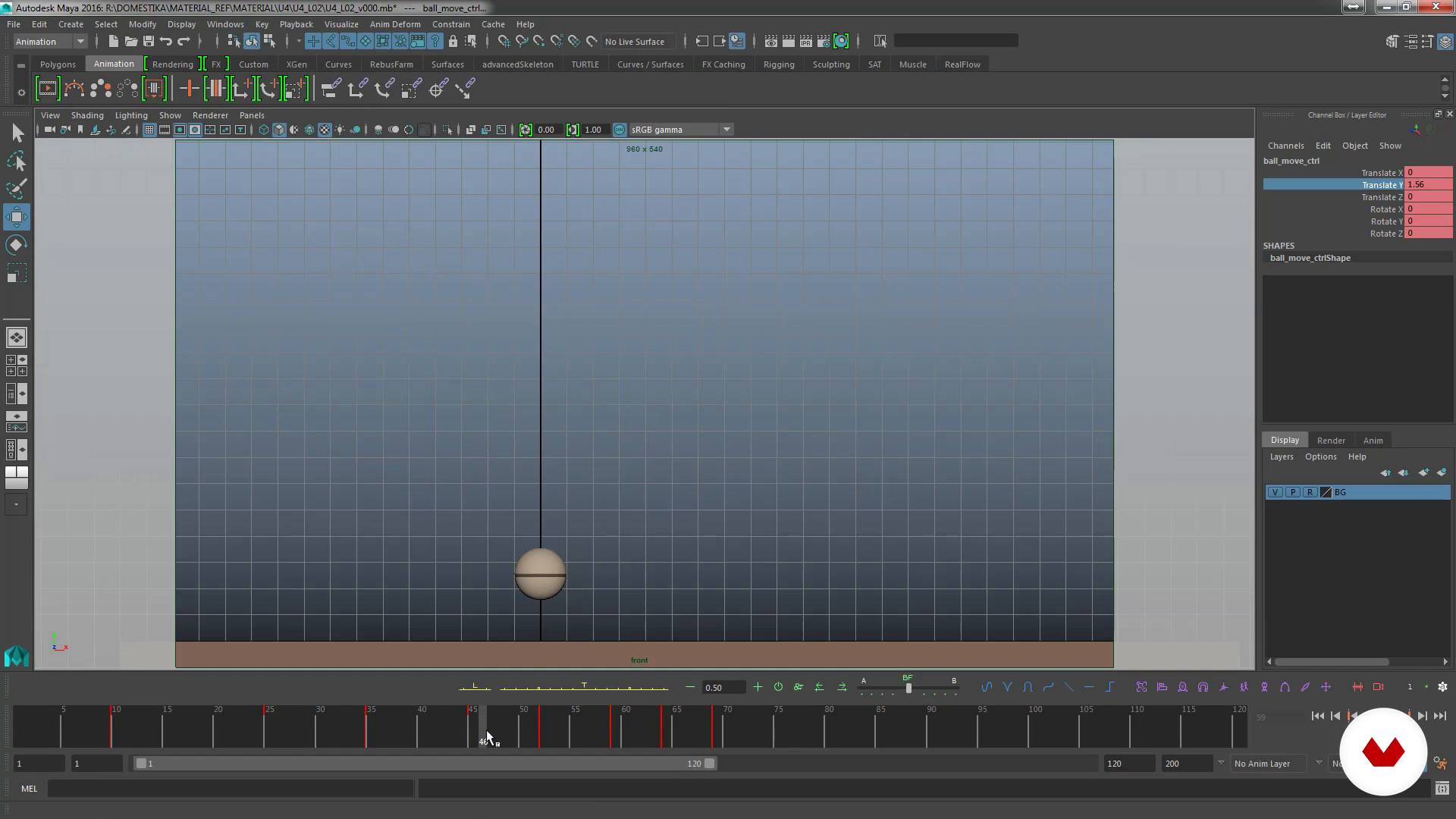
Animate ball bouncing and moving
12 minutes, 8 seconds
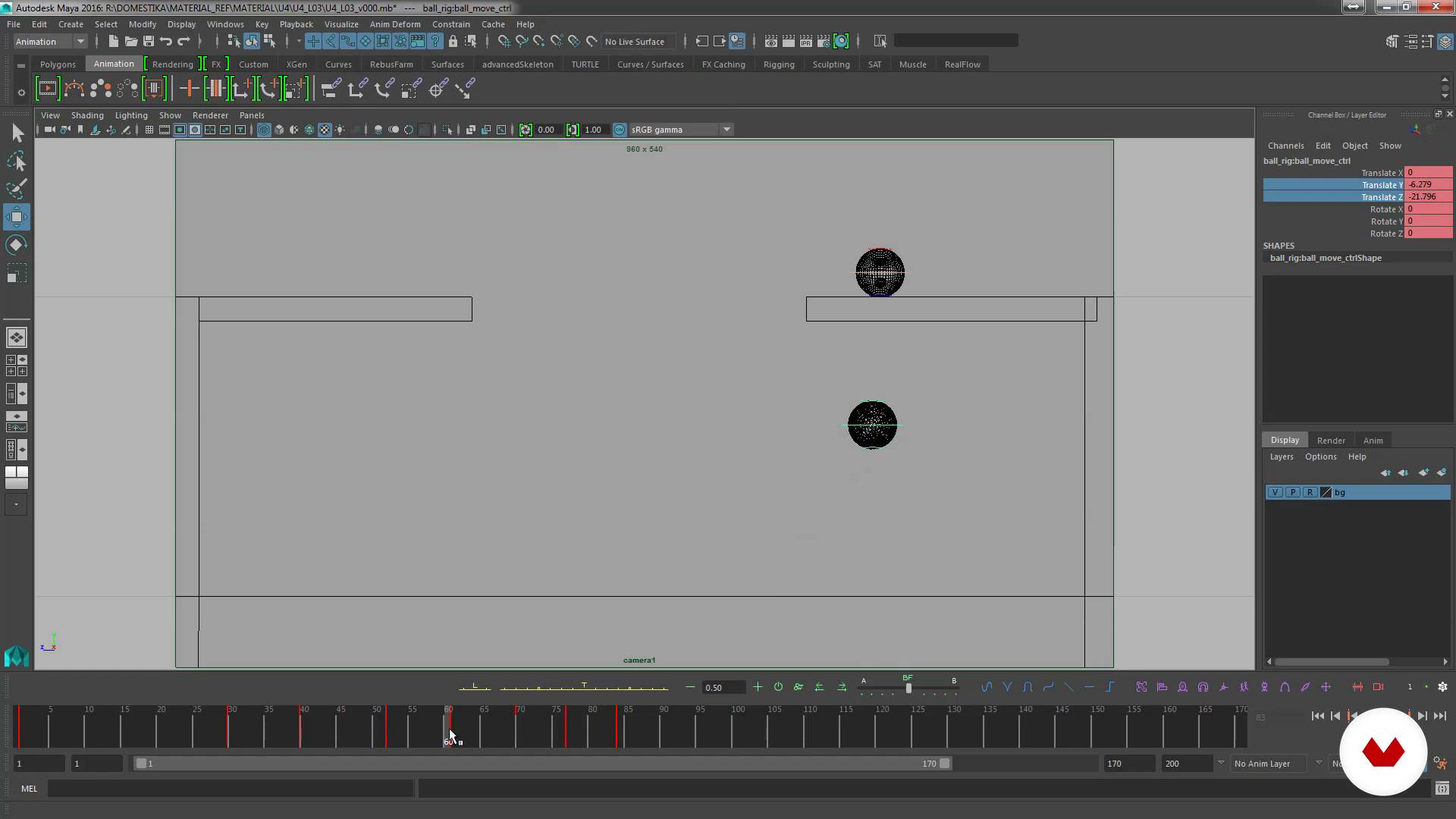
Weight comparison I
11 minutes, 41 seconds
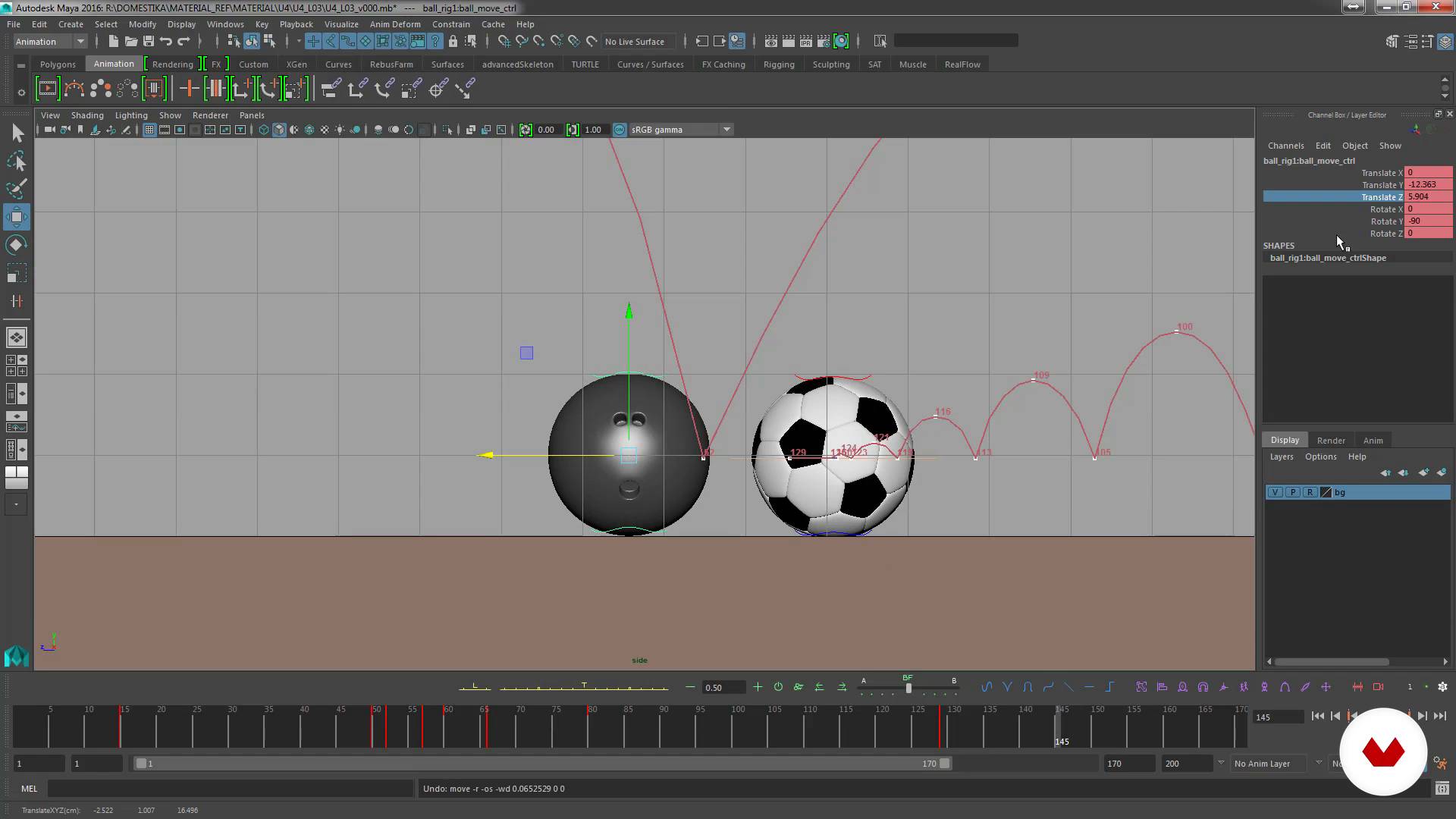
Comparison of weights II
15 minutes, 51 seconds
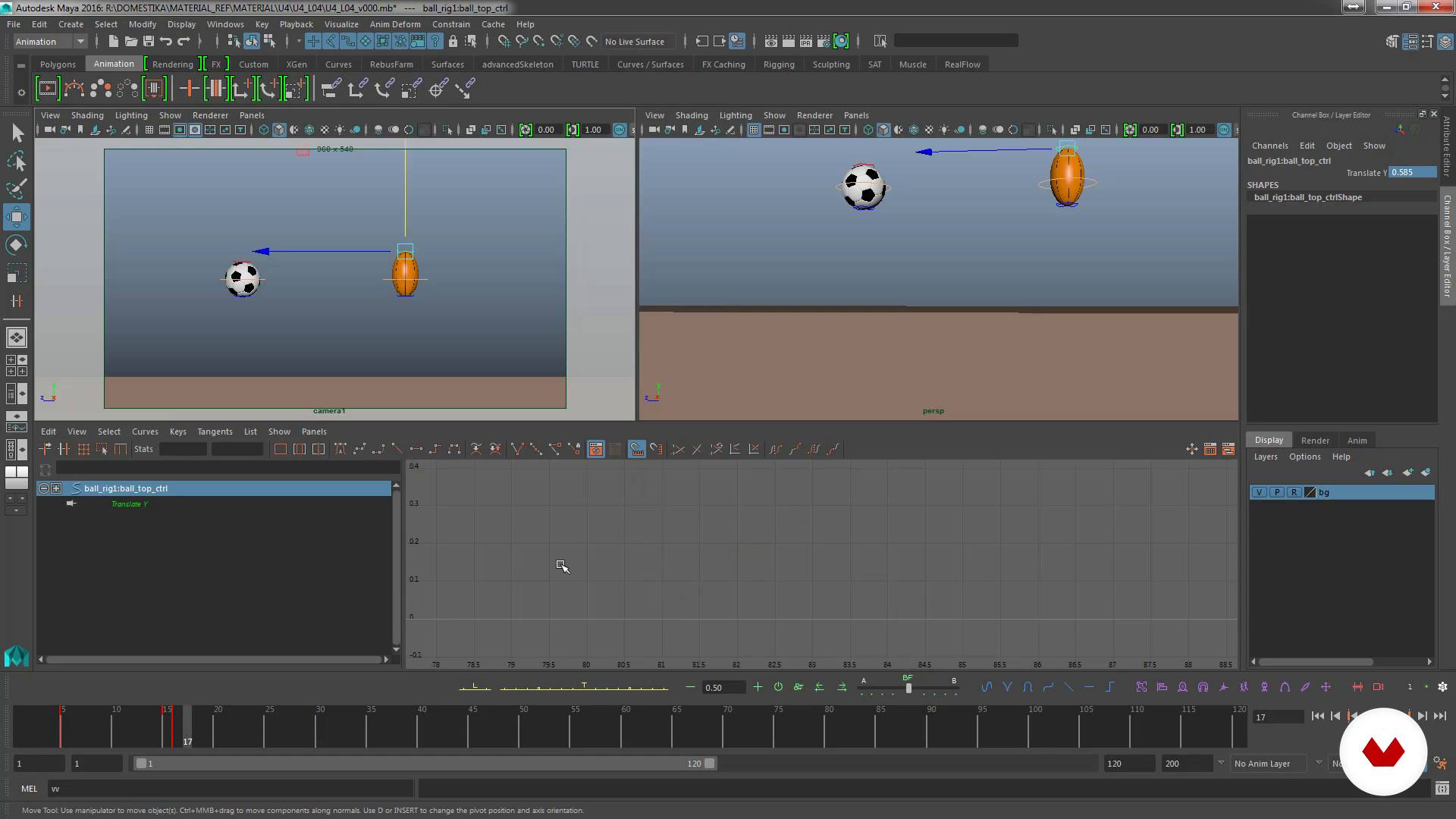
Animate with Squash & Strech
15 minutes, 42 seconds
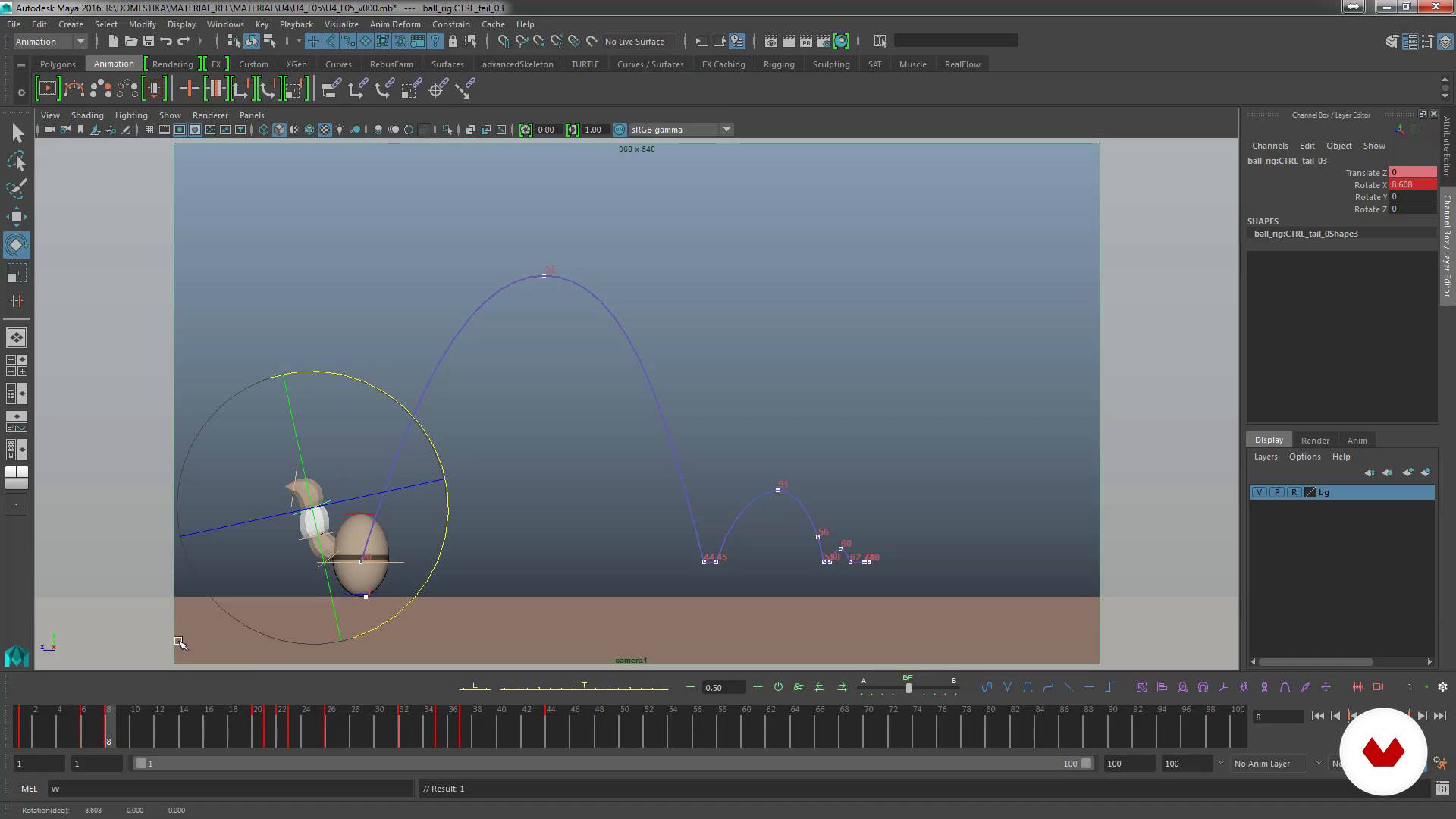
Animate ball with tail
20 minutes, 13 seconds
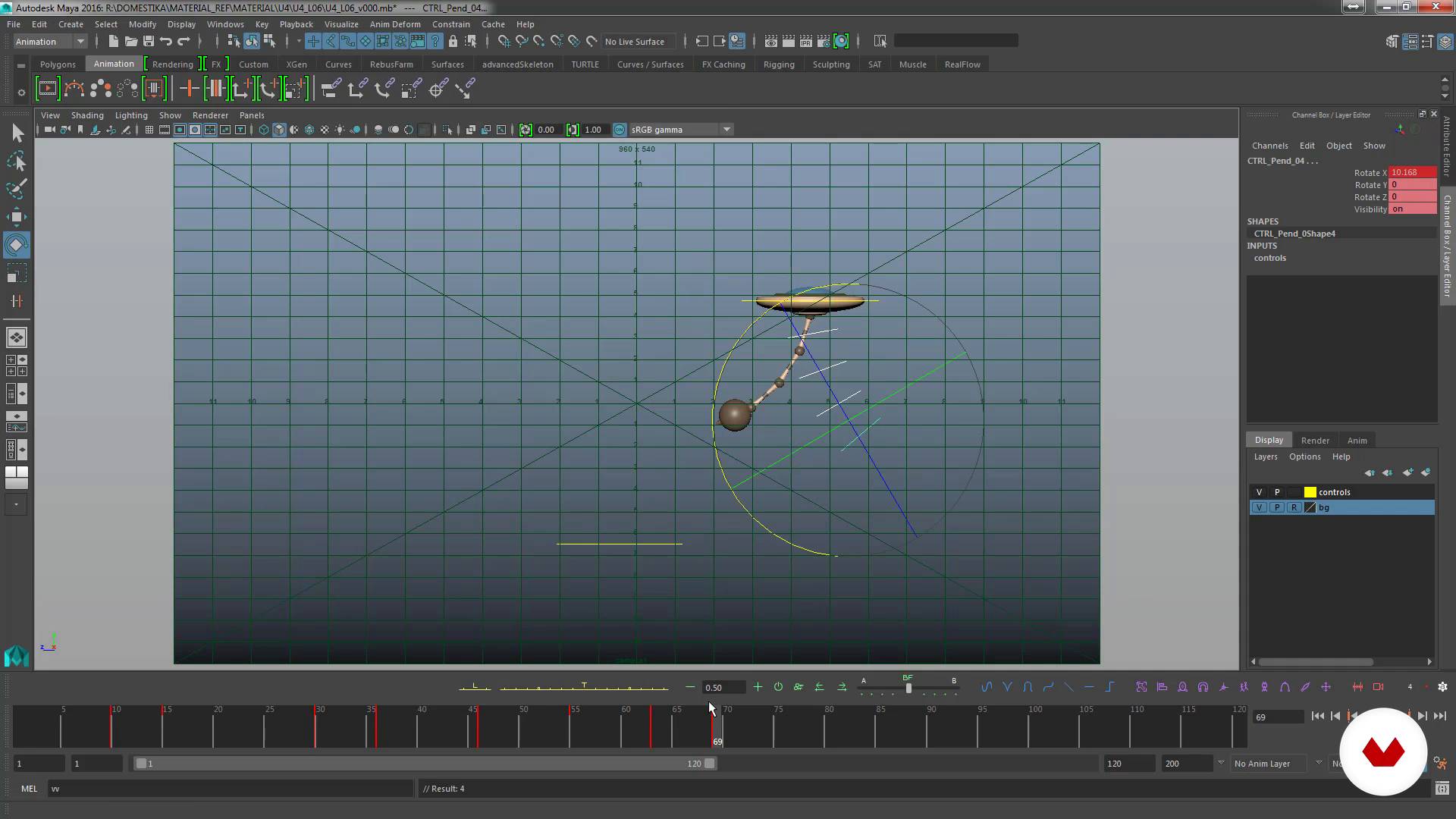
Animate pendulum
11 minutes, 27 seconds
What's included in this course?
You'll learn to master 3D animation by working with a ball, exploring key concepts such as timing, weight, and squash & stretch. You'll begin by animating a bouncing ball moving across the floor, giving you an understanding of how to establish key poses and proper timing. You'll then work through weight comparison exercises, adjusting timing and spacing to differentiate between a heavy and light object. This hands-on approach will help you understand how to convey different sensations of weight and movement in your animations.
You'll progress by applying squash & stretch to give life and elasticity to your animations, a fundamental principle in animation that gives dynamism and realism to movements. You'll also learn how to animate a ball with a tail to study motion delay and tracking, which will enrich your skills in creating animated characters. Finally, you'll work with a pendulum to perfect arcs and understand oscillation dynamics, achieving fluid and organized animation on the timeline. Each step of the process will equip you with the tools necessary to create striking and professional 3D animations.
Recommended software & tools for this course
What is this course's project?
The project involves animating a 3D ball, exploring timing, weight, and the principles of squash and stretch. The bouncing ball will be animated, weight comparisons will be performed, elasticity will be applied, and a tail will be added to study the movement.
Who is this online course for?
Digital artists, aspiring animators, and 3D enthusiasts will find this guided project an opportunity to develop essential animation skills. Art and design students, as well as professionals looking to perfect their techniques, will enjoy exploring movement and visual dynamics.
Requirements and materials
No extensive prior knowledge is required, but a basic understanding of 3D animation is essential. You'll need access to 3D animation software and a computer with sufficient capacity to run it smoothly. A comfortable work environment is recommended.

He has worked with studios such as Furia Digital, Circus and El Ranchito, with which he has done advertising projects for brands such as Coca-Cola, Nokia, Saturn or MTV, among others. In the film field he has worked in films such as Mortadelo and Filemón 2 , Camino , Las brujas de Zugarramurdi and A monster comes to see me .
Content
Guided Course: 3D Animation with Practical Exercises
- Podcast: Animating is understanding the world in motion
- Exercise: moving ball
- Animate ball bouncing and moving
- Weight comparison I
- Comparison of weights II
- Animate with Squash & Strech
- Animate ball with tail
- Animate pendulum
- Final project
What to expect from a Domestika course
Learn at your own pace
Enjoy learning from home without a set schedule and with an easy-to-follow method. You set your own pace.
Learn from the best professionals
Learn valuable methods and techniques explained by top experts in the creative sector.
Meet expert teachers
Each expert teaches what they do best, with clear guidelines, true passion, and professional insight in every lesson.
Certificates
PLUSIf you're a Plus member, get a custom certificate signed by your teacher for every course. Share it on your portfolio, social media, or wherever you like.
Get front-row seats
Videos of the highest quality, so you don't miss a single detail. With unlimited access, you can watch them as many times as you need to perfect your technique.
Share knowledge and ideas
Ask questions, request feedback, or offer solutions. Share your learning experience with other students in the community who are as passionate about creativity as you are.
Connect with a global creative community
The community is home to millions of people from around the world who are curious and passionate about exploring and expressing their creativity.
Watch professionally produced courses
Domestika curates its teacher roster and produces every course in-house to ensure a high-quality online learning experience.
FAQs
You’ll learn how to plan, animate, and polish realistic movements of balls and pendulums in Maya, applying principles like spacing, timing, squash and stretch, and arcs to create smooth, believable animations.
This course is aimed at those with basic knowledge of animation or Maya, as it covers intermediate concepts like spacing, timing, and Graph Editor editing.
You’ll need a computer with Maya installed and basic software knowledge. Prior 3D animation experience is recommended to get the most out of the course.
We start by defining the bounce path and timing, first planning the vertical axis, then the horizontal movement, ensuring physical accuracy and natural motion.
Spacing is the distance between successive positions of an animated object. Controlling it lets you create acceleration, deceleration, and coherent movement, adding realism to your animations.
Timing is adjusted by distributing keyframes and using the Graph Editor to tweak tangents, allowing you to control smoothness, acceleration, and slowing down of motion.
We compare the distance the ball travels with its rotation and adjust this in the Graph Editor to sync them, preventing unrealistic sliding.