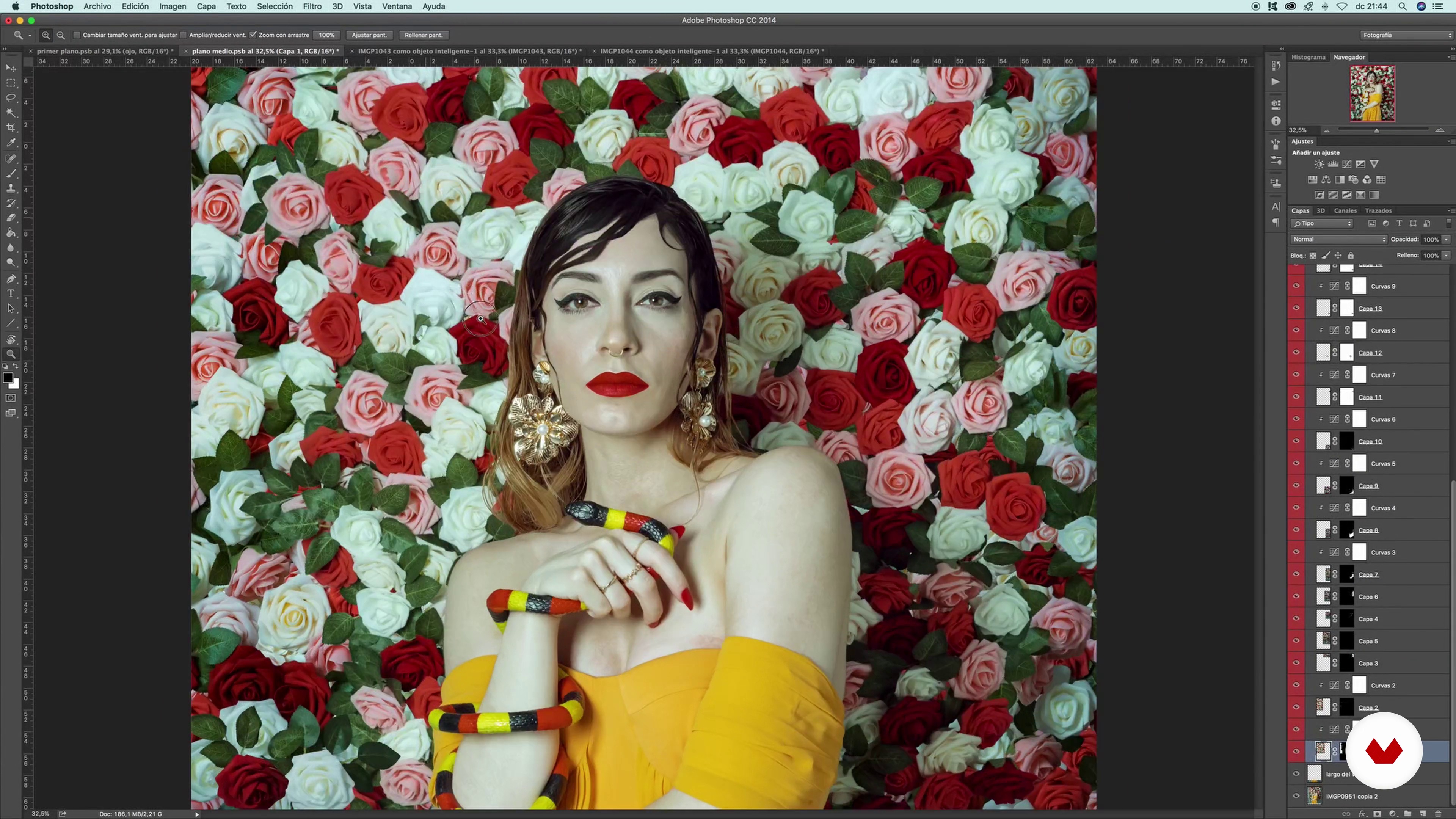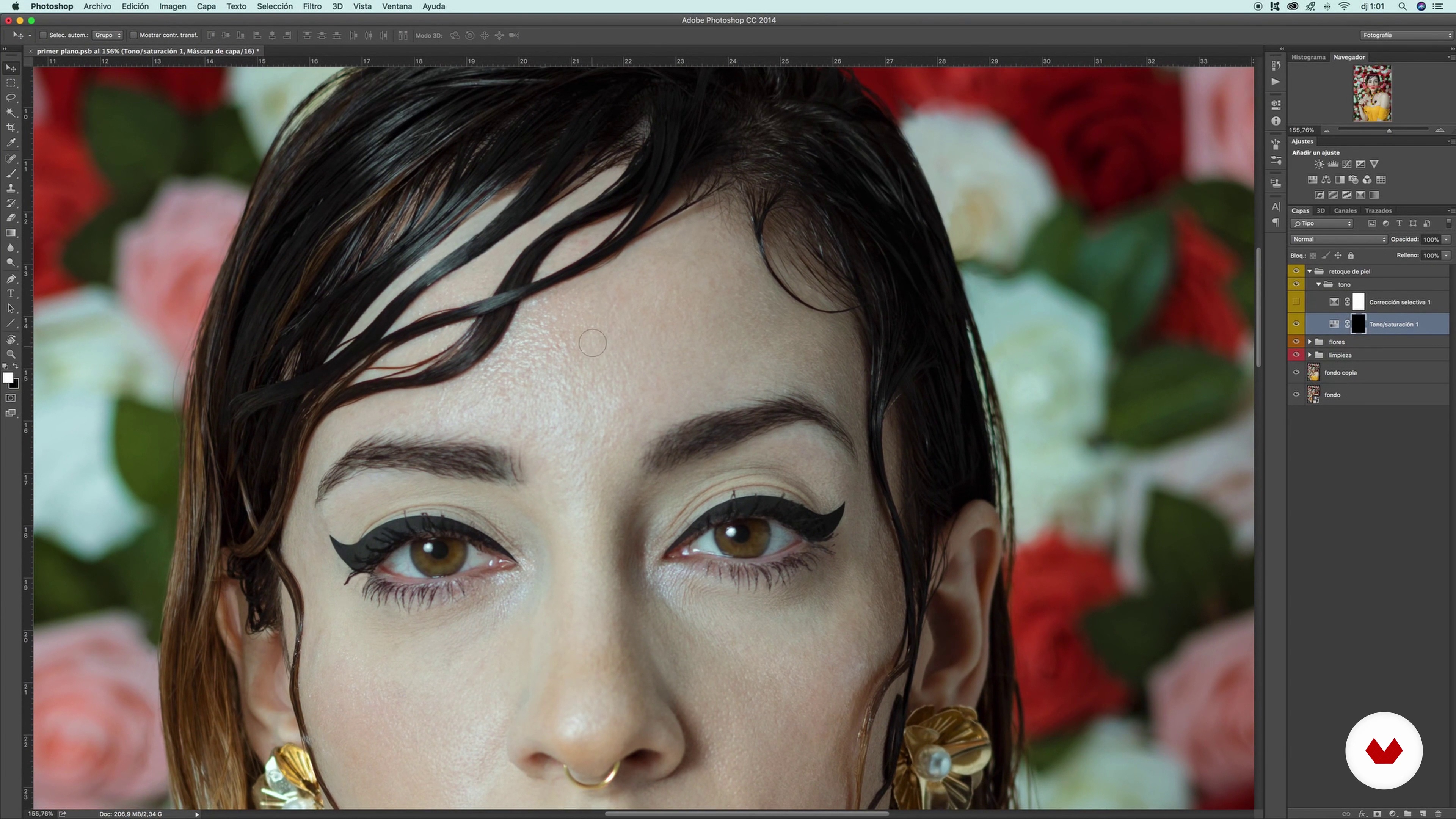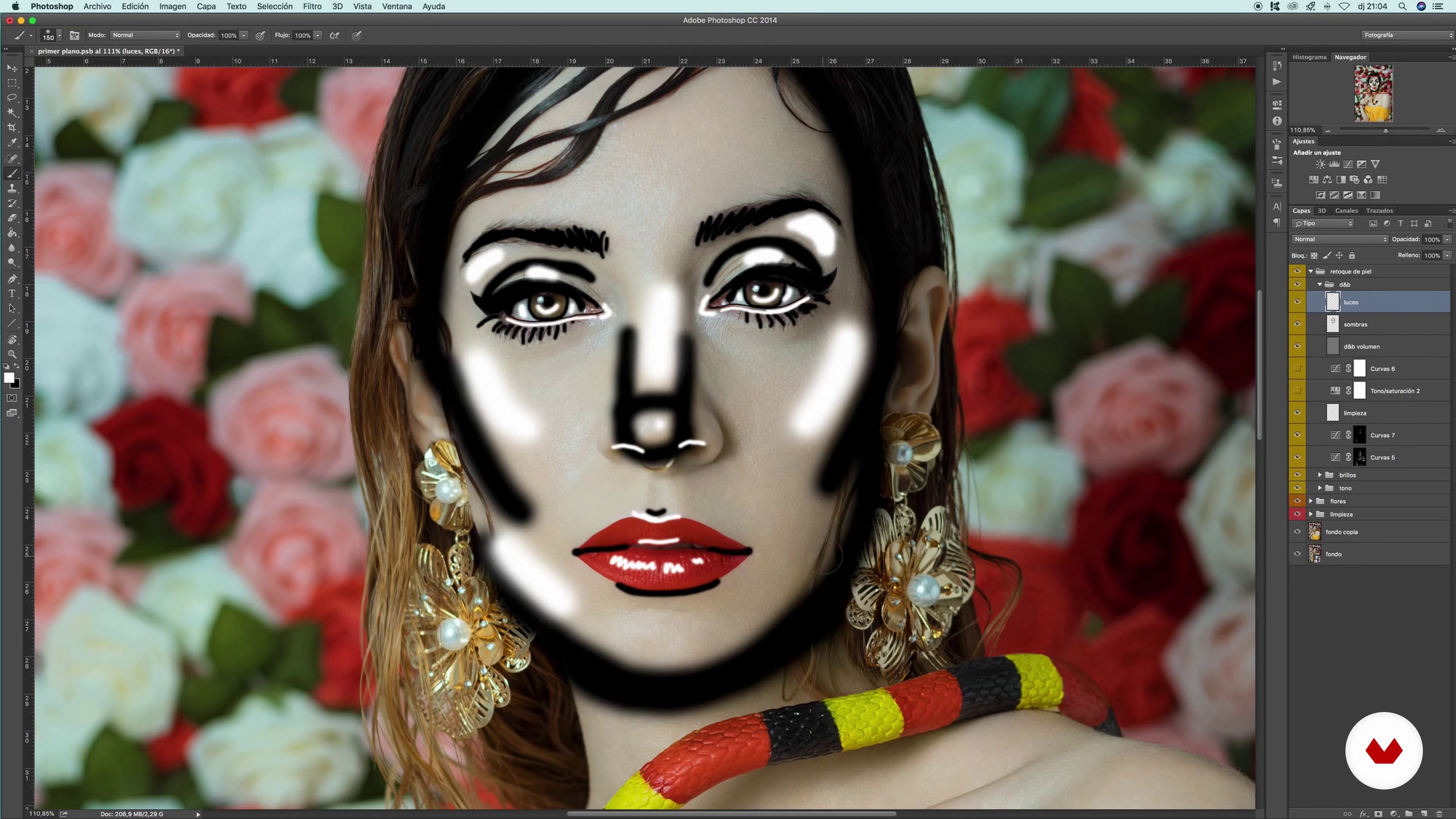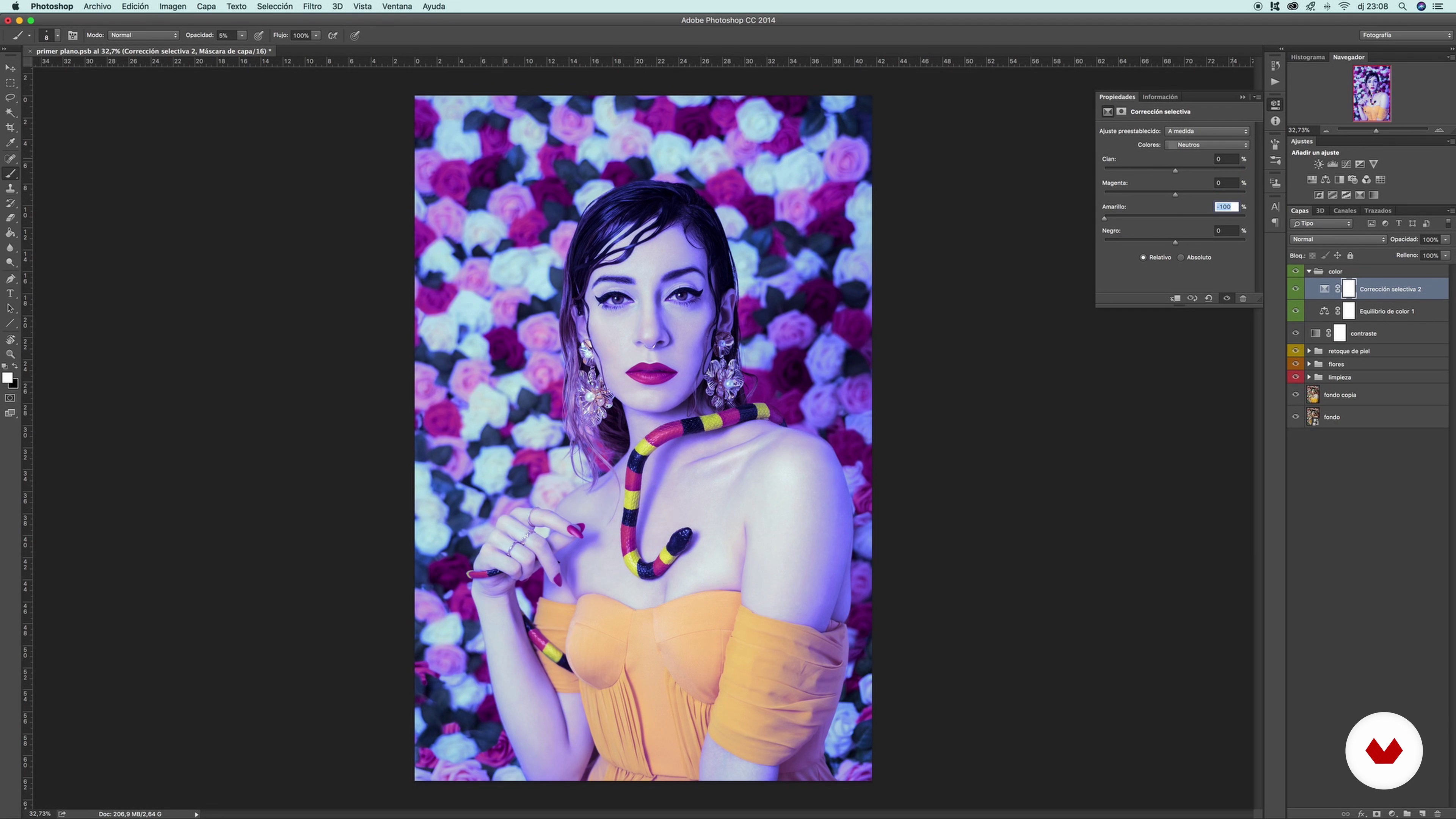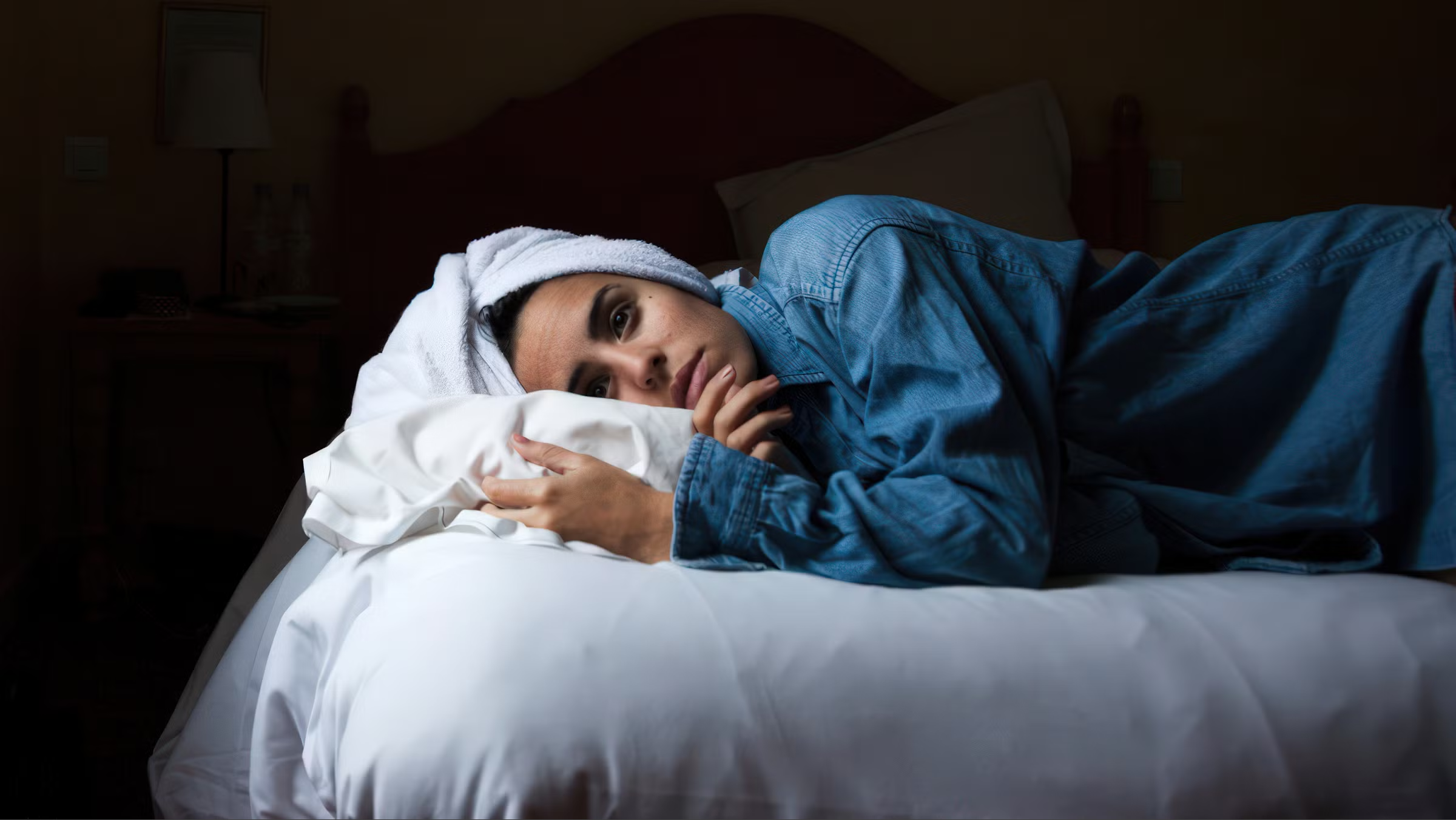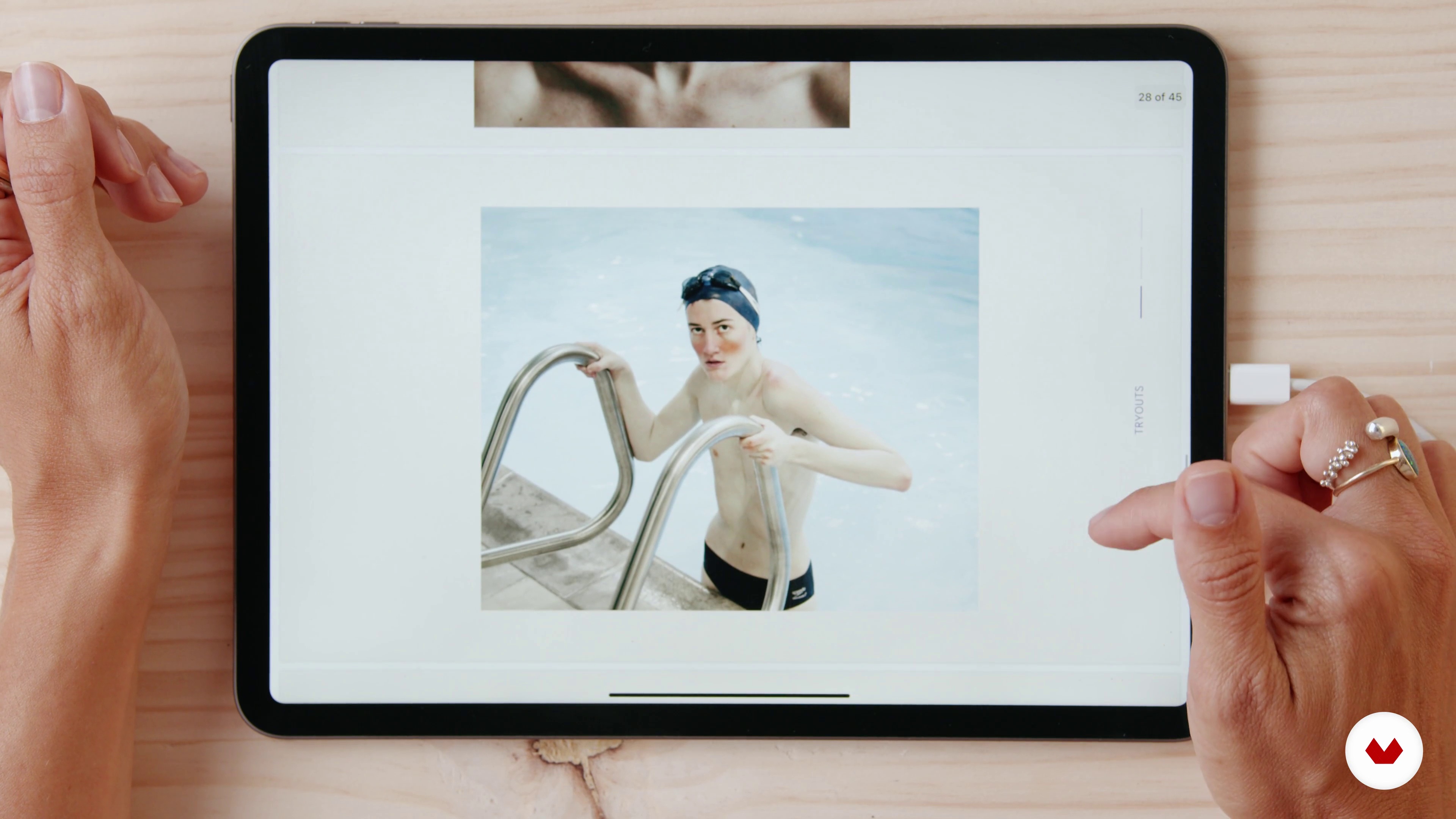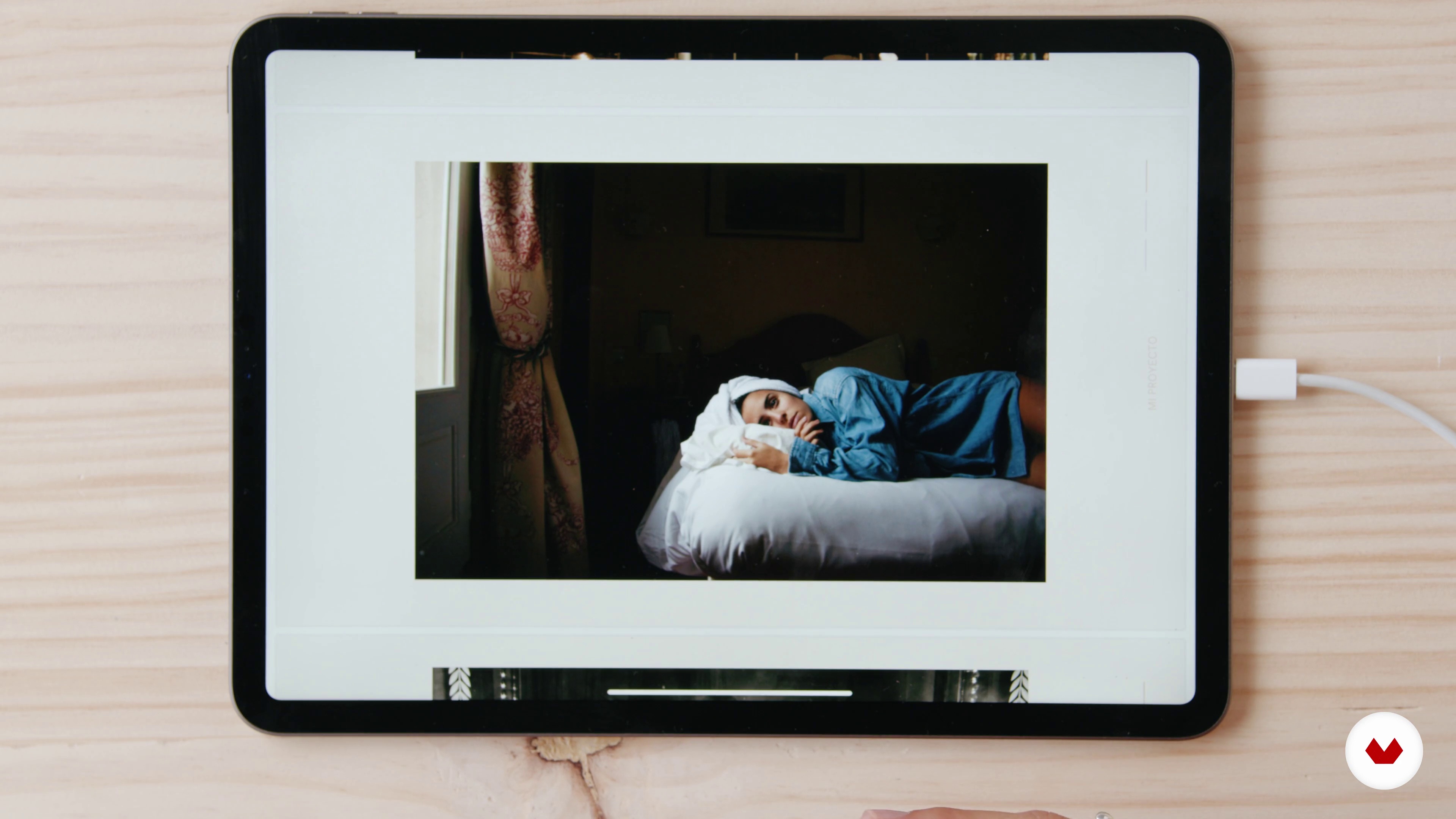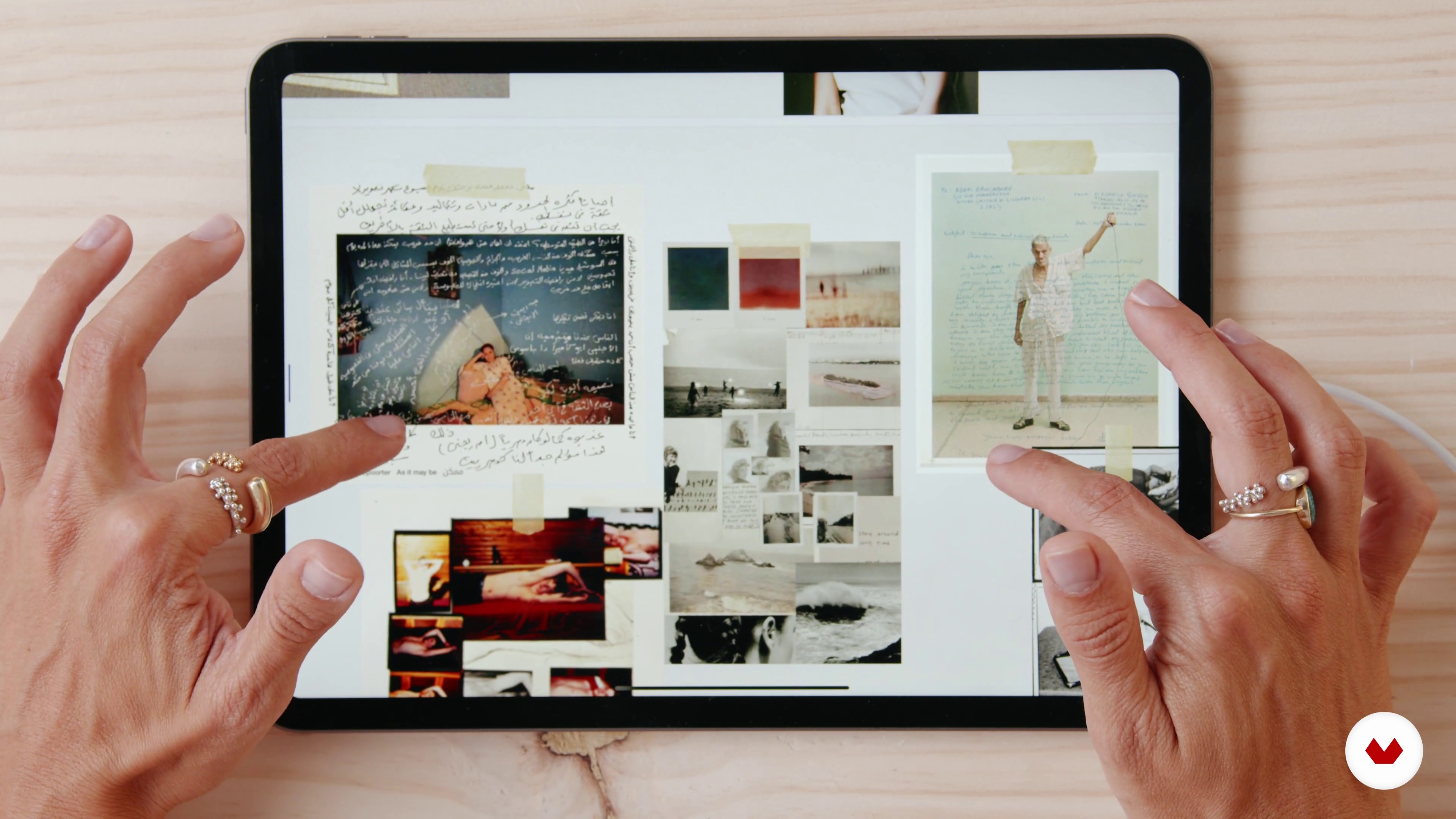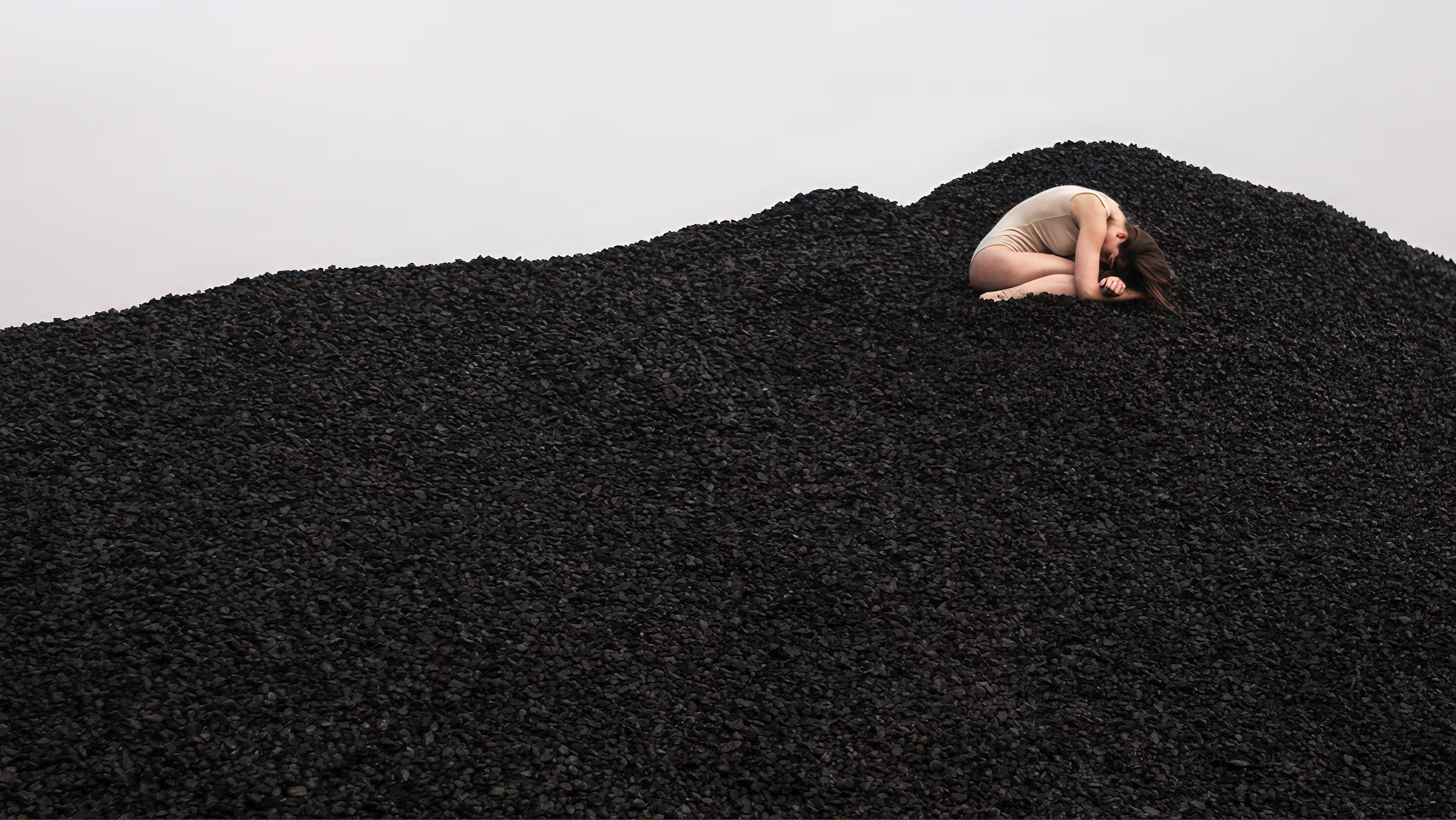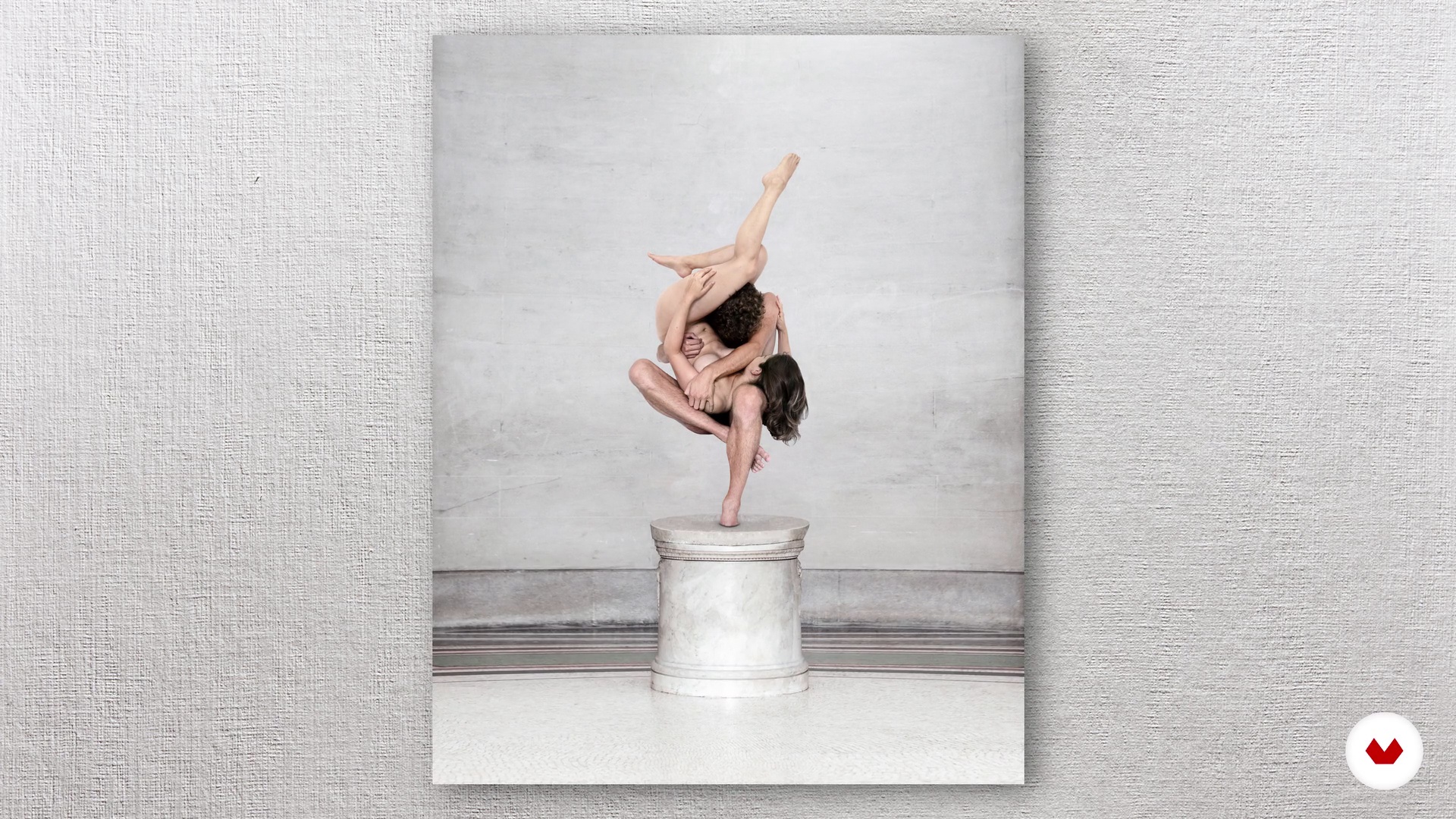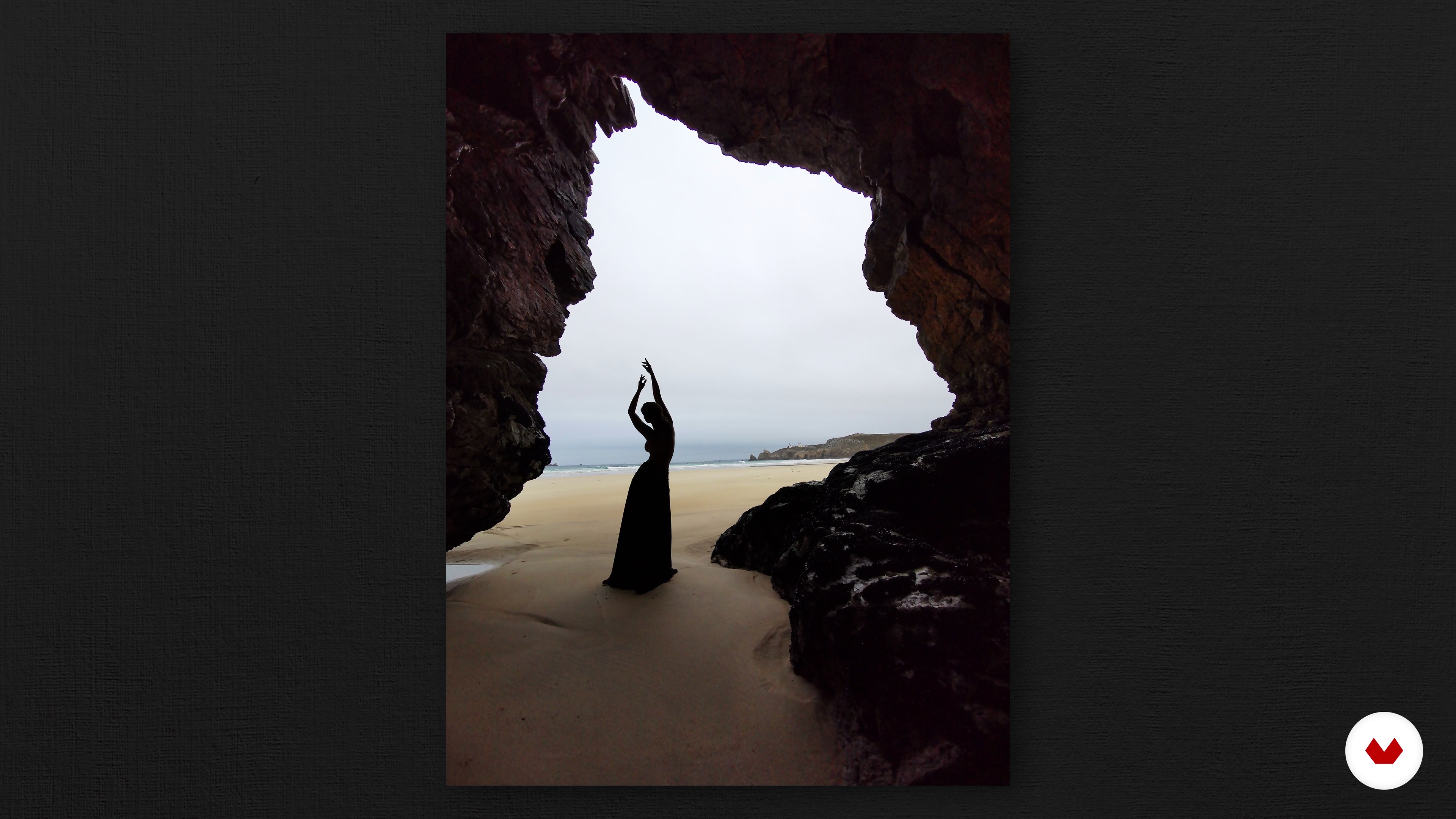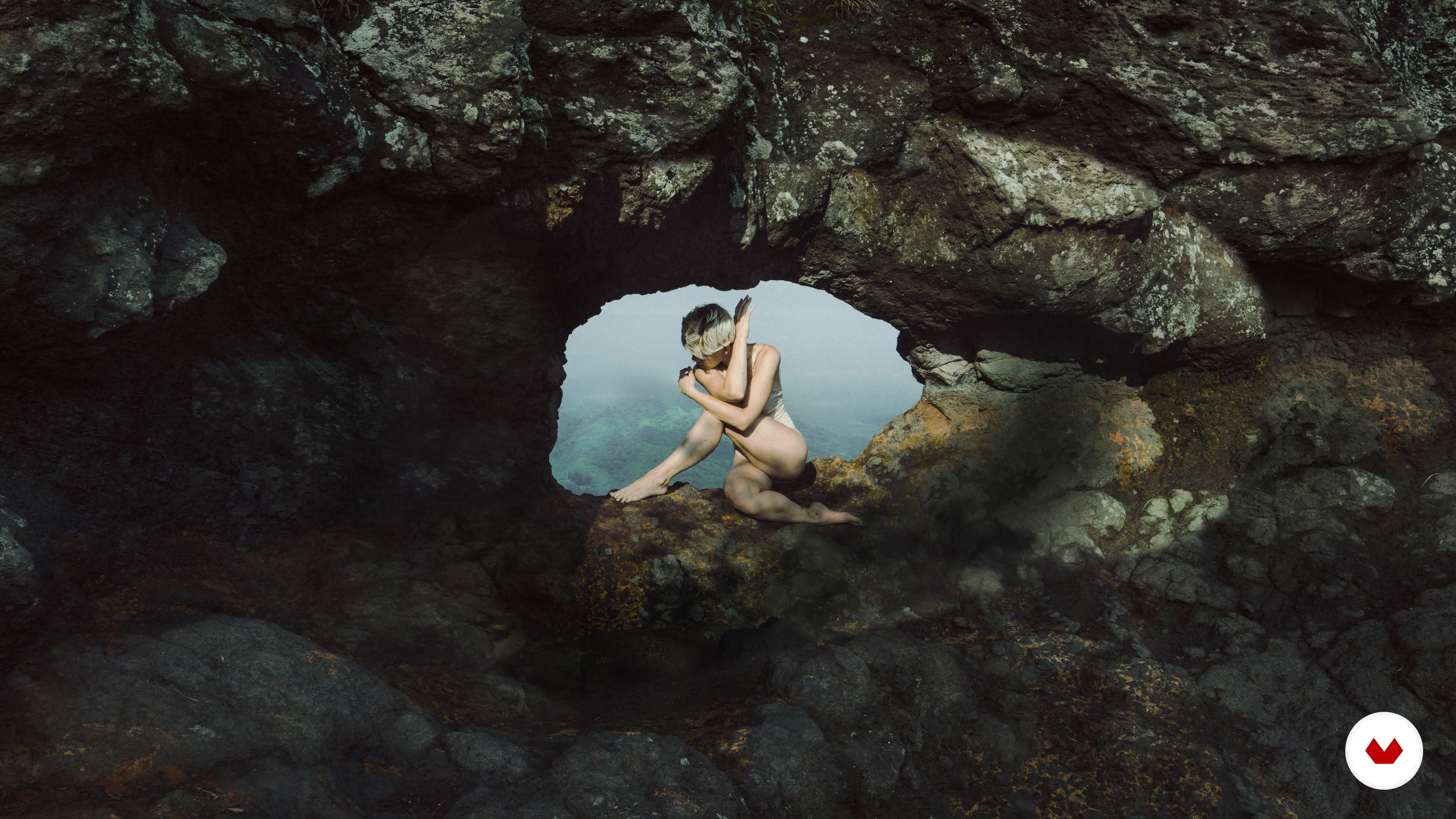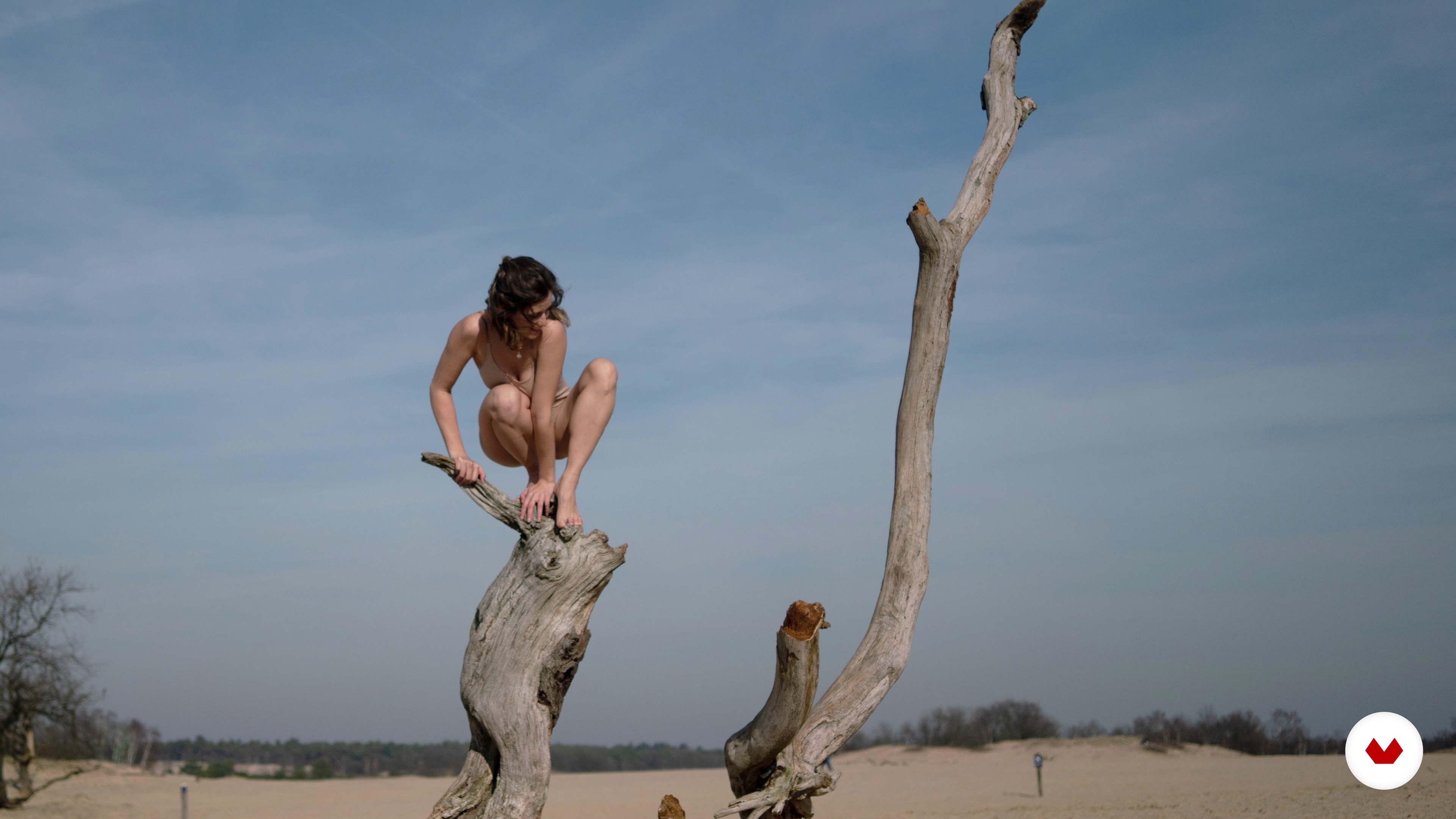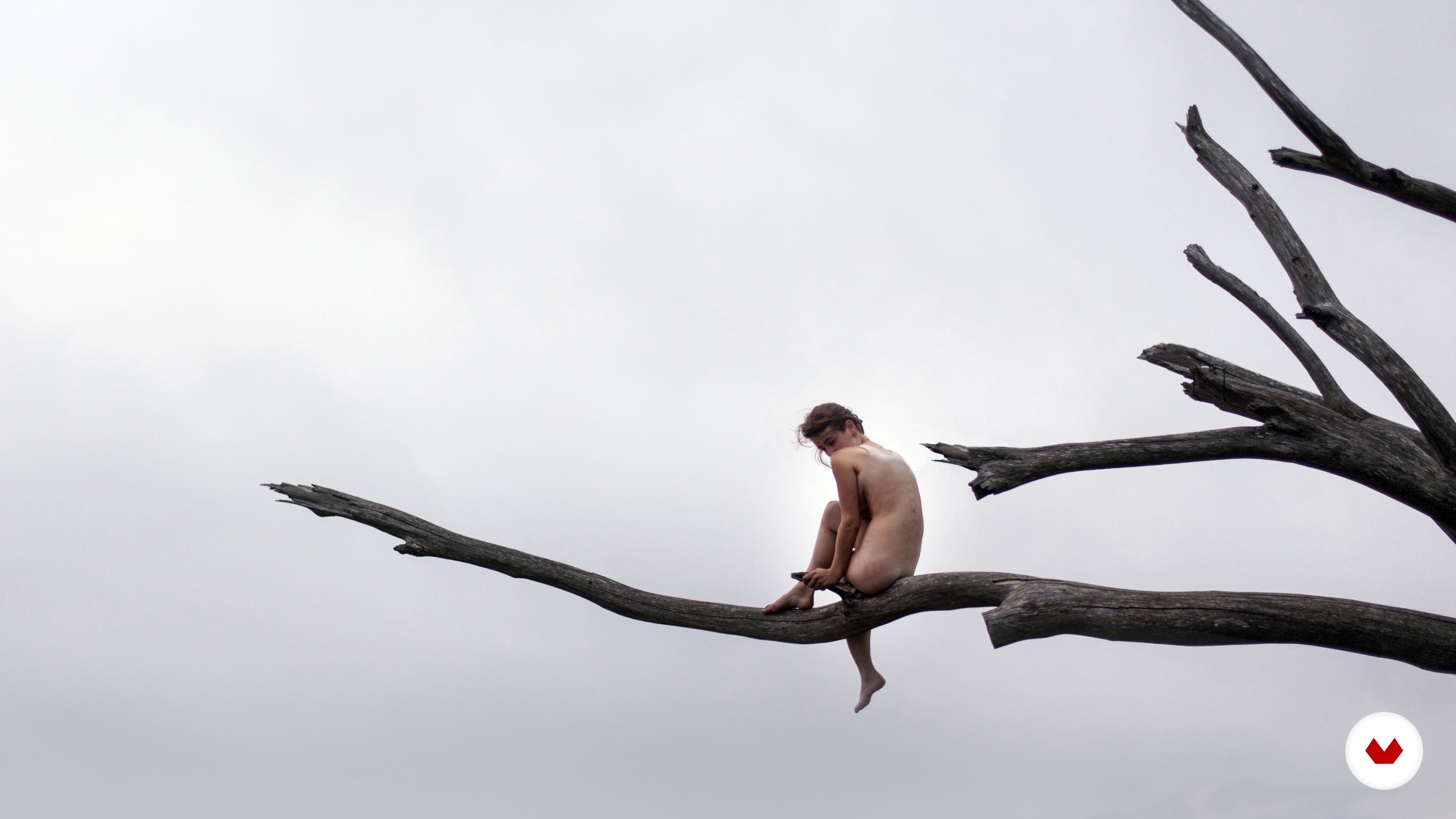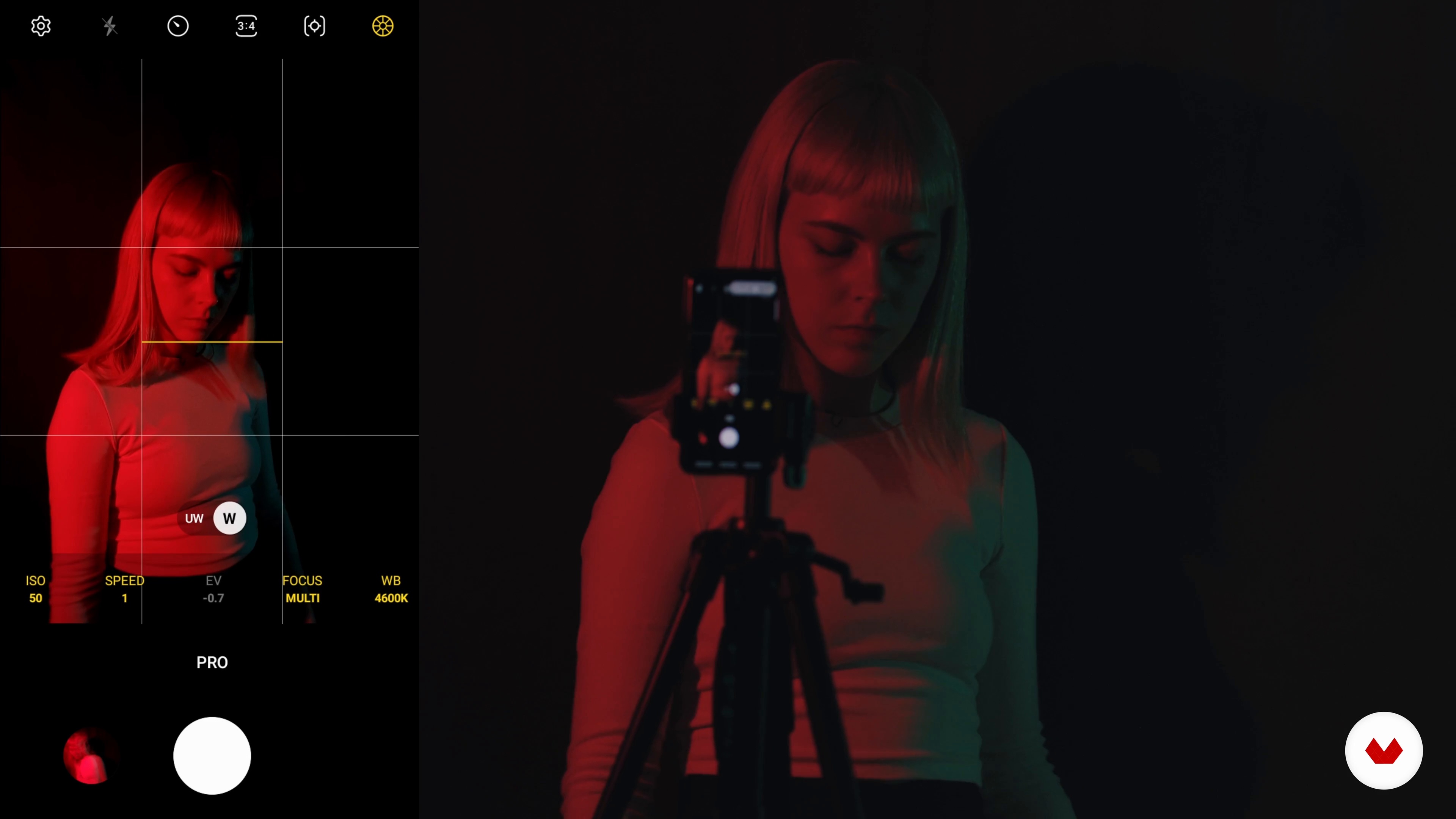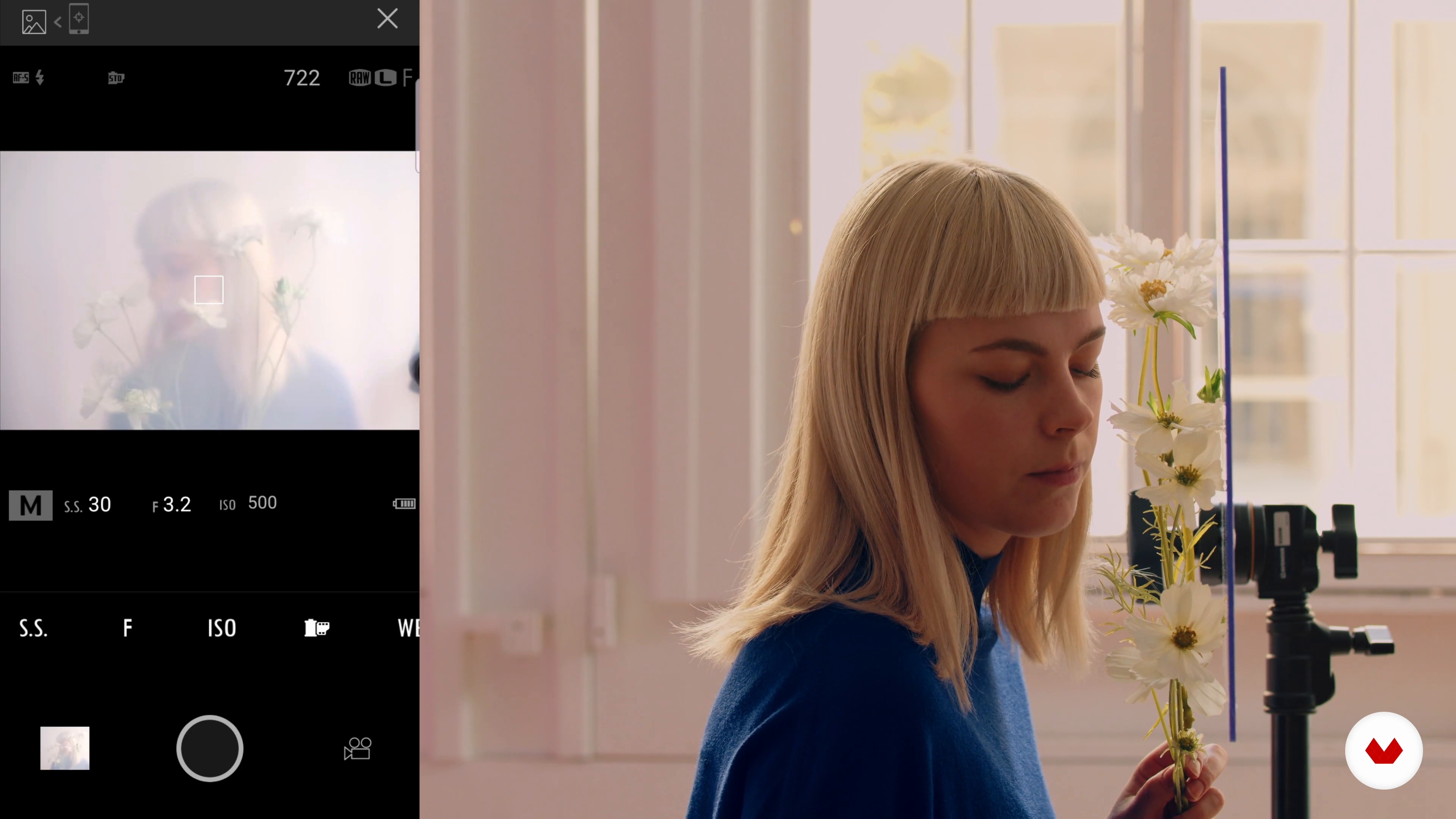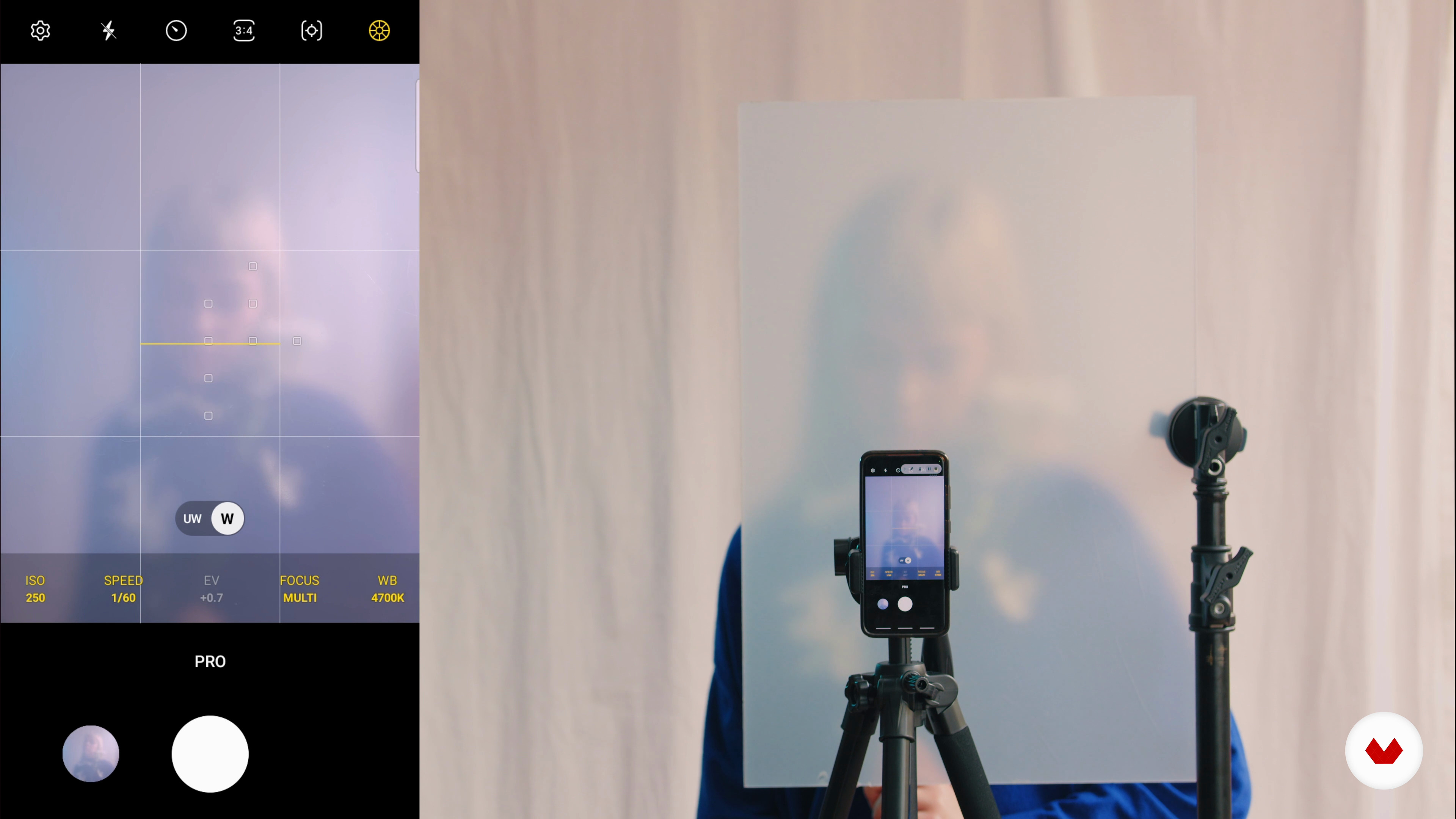
Discover the art of self-portraiture as a powerful medium for personal expression and artistic exploration. This specialization guides you through diverse styles and techniques, from fine art to fashion photography. Dive into the world of symbolism, where images convey deep emotions and concepts. Learn how to create a visual diary that documents your personal journey. Uncover the secrets of lighting and color to craft striking atmospheres and effects. Each course provides unique insights and practical skills, helping you develop a distinct visual language.
The journey is enriched by the expertise of renowned photographers: Lídia Vives, Daniella Benedetti, Laura Zalenga, Sofie Sund, and Angela Garcia. Their diverse backgrounds and styles offer a comprehensive approach to self-portraiture. Whether you're capturing raw emotions, exploring identity, or merging artistic and commercial elements, this series of courses empowers you to express yourself authentically. By the end, you'll have a multidisciplinary portfolio that reflects your artistic vision and technical prowess, ready to be showcased in exhibitions or used as a professional tool.
1Introduction
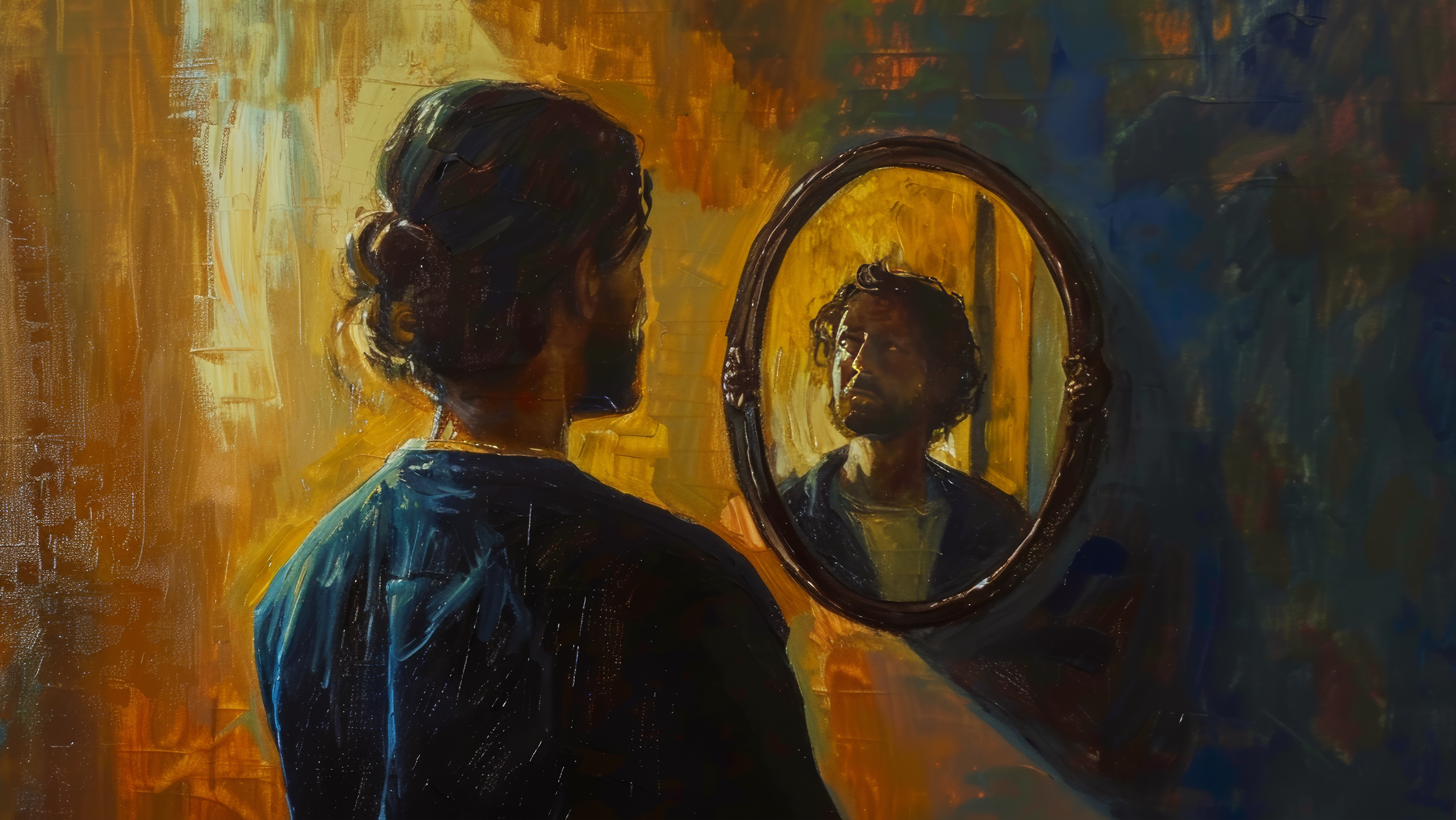
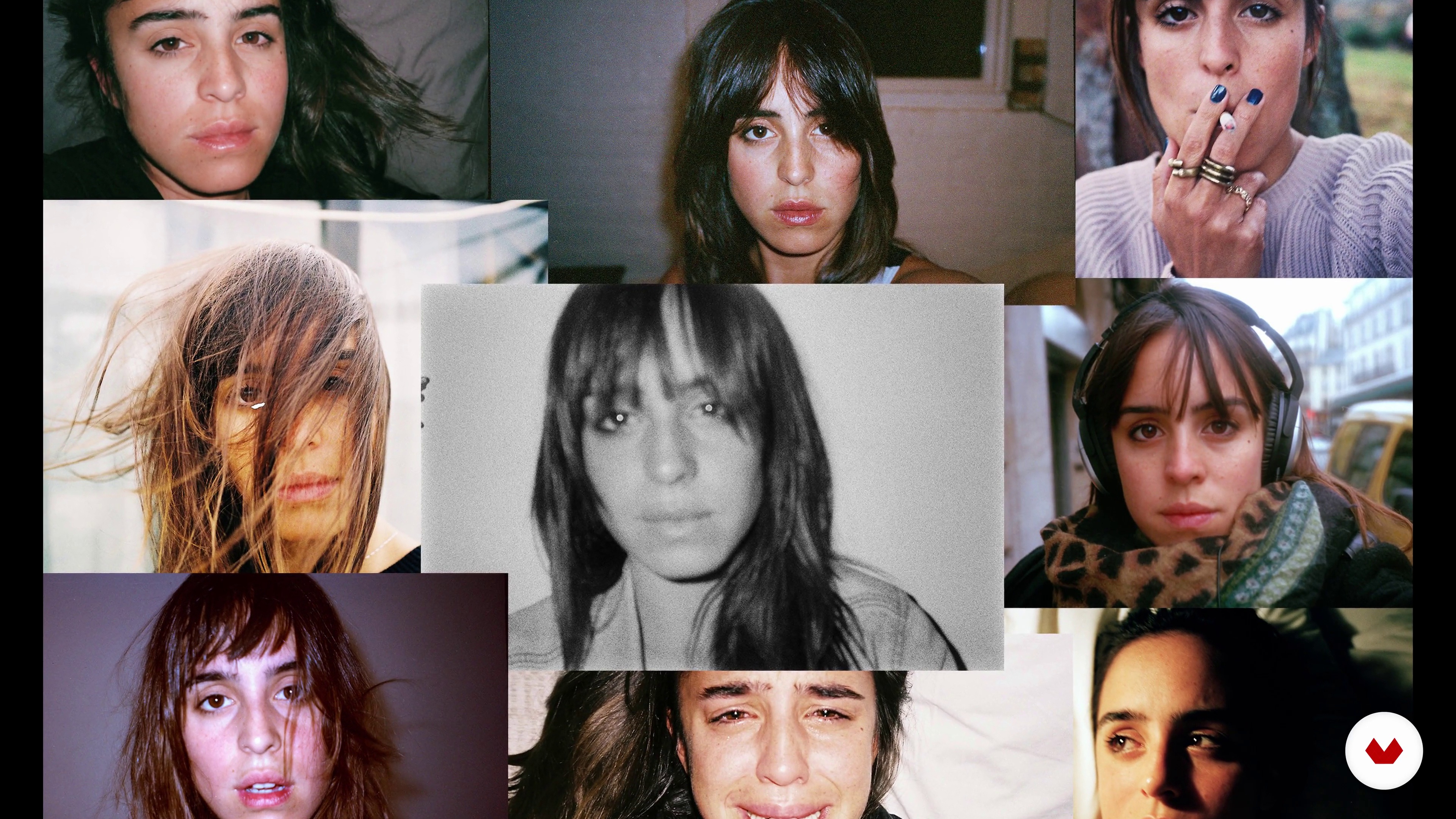
Turning the camera on yourself is both an act of courage and creativity. Self portraiture invites you to explore your identity, play with new roles, and express inner thoughts through imagery. More than a reflection, it becomes a personal narrative — a space where honesty, imagination, and emotion meet. Step into your own frame and take control of the story you want to share.
1m
2Influences | Lídia Vives
In this lesson I will show you artists or works that inspired me to create some of my photographs.
7m
3Influences | Daniella Benedetti
Next, I'll show you the greats of intimate life and self-portrait photography, as well as other artists who have worked on personal issues. I will tell you what I have learned from each of them, I am sure you will find some of them fascinating.
14m
4Influences | Laura Zalenga
In this lesson, I want to share my main influences.
5m
5Influences | Sofie Sund
If you'd like to explore the artists that have molded my style, in this lesson, I will show you some of my favorite artists and tell you why I find them inspiring.
8m
6Influences | Angela Garcia
There are many references that inspire me when thinking about photography, but now I will show you some of the artists that have influenced my self-portrait work.
2m
4Referents of the Self-Portrait
In this lesson you will see some artists of the self portrait that I like and that I think could serve as inspiration.
6m
5Style Guide for Self-Portrait
In this lesson I will teach you some tricks to have your own style and I will explain what mine is like and why it is like that.
6m
6Finding Inspiration and Making the Mood Board
In this lesson I will explain how you can find inspiration and how you could make your mood board.
8m
7Finding Props
In this lesson, I will teach you some tricks to get the props you will need for your self portrait.
7m
8Materials
In this lesson I will show you what materials I am going to work with for my photo session. You will see what possible materials we have, how they work, when you should use them and when not.
2m
9Learning to pose
In this lesson, you will learn the most important things in a self portrait; how to pose so that your image works and looks good on camera.
2m
10Prepare the set: props and lighting
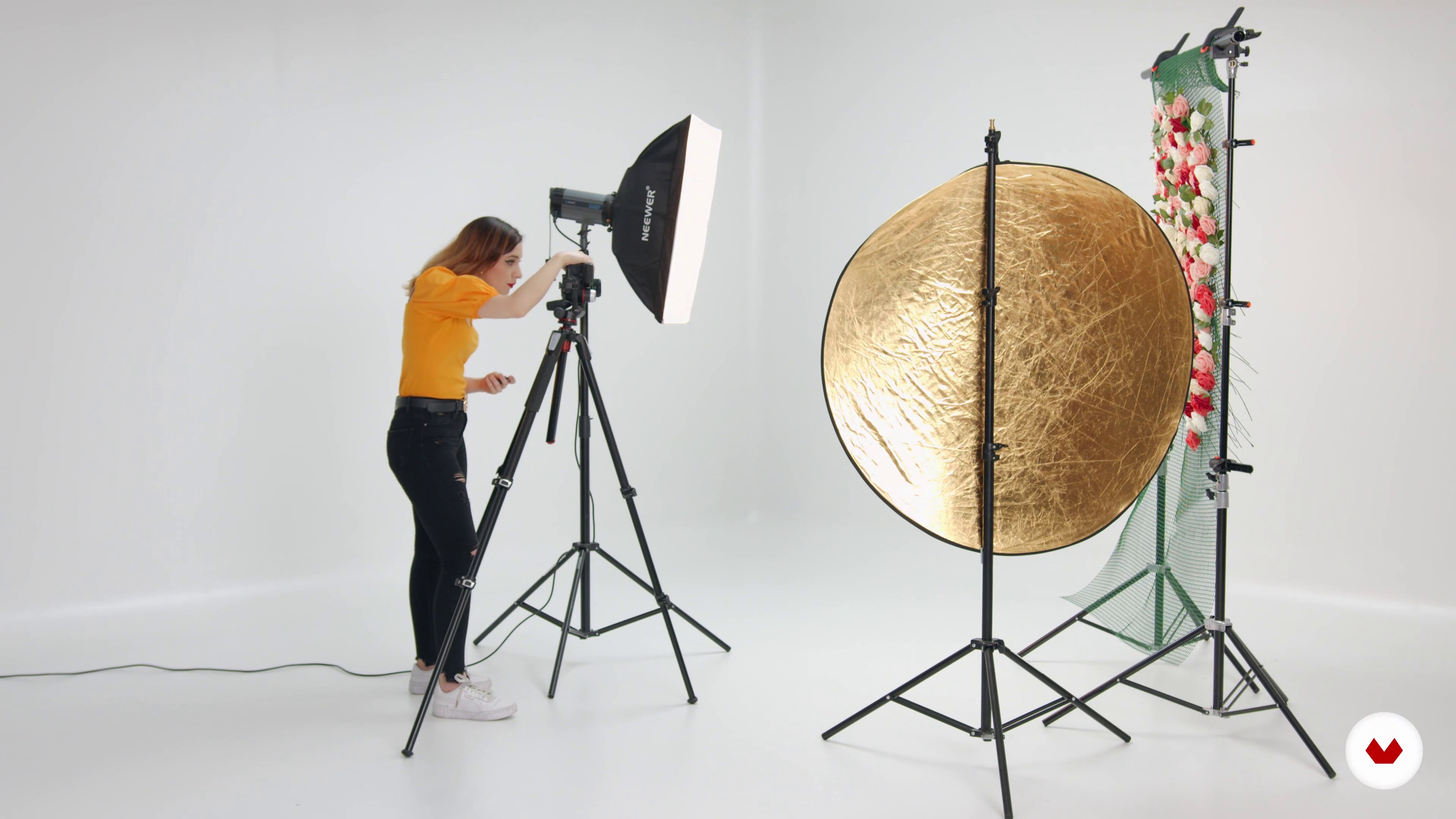
We started with the photo session. You will see how we prepare the set with all the material that we are going to use (both props and lighting) and do the art direction.
4m
11Shooting: close-up
We started with the photo session. You will see how we apply what was previously learned and I will teach you to focus and frame well. We start with a close-up photo.
8m
12Shooting: medium shot
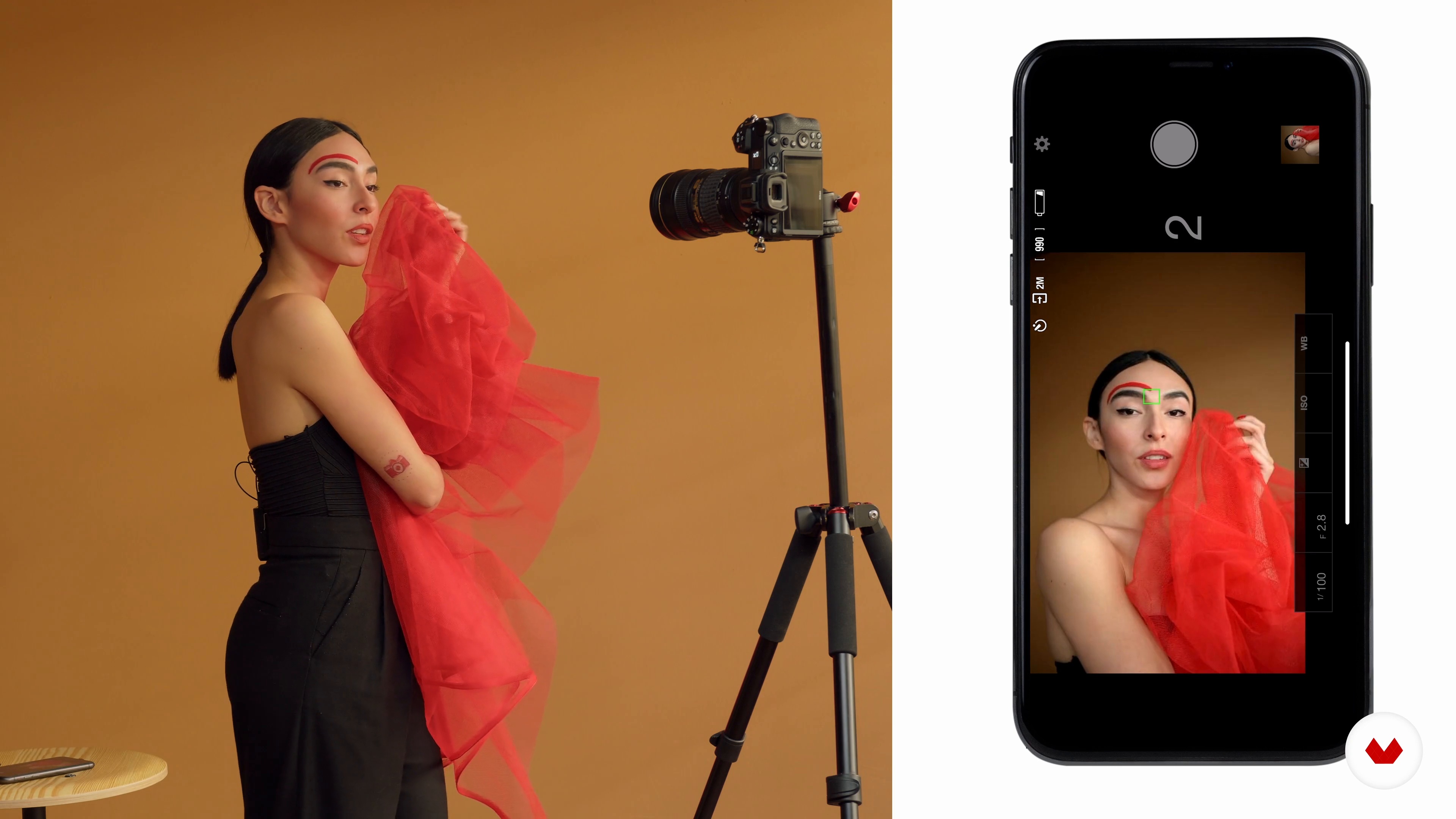
Now we are going to take a photograph of a medium shot. We will review how to change camera settings, how to position the tripod, and how to modify lighting accessories.
6m
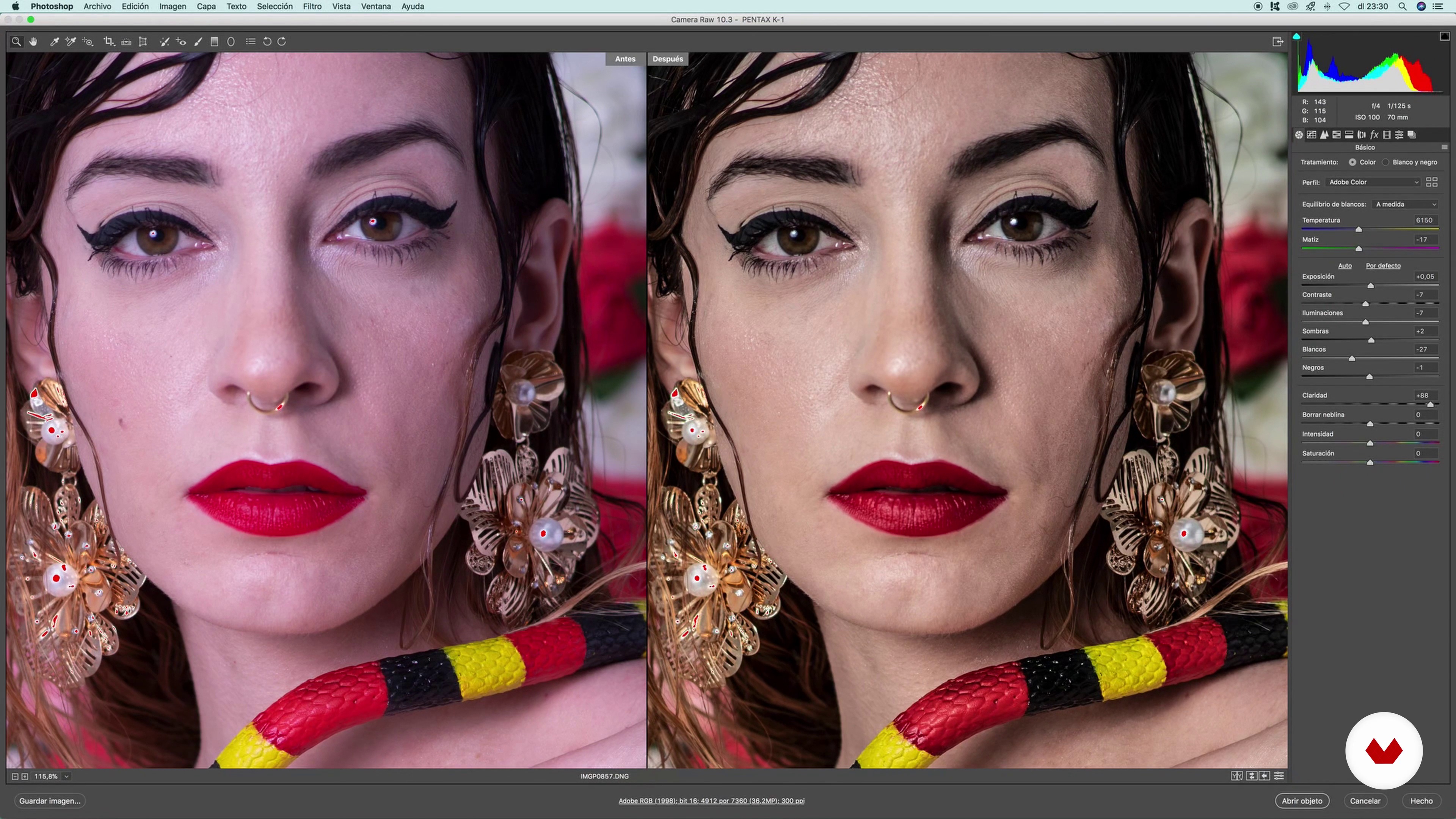
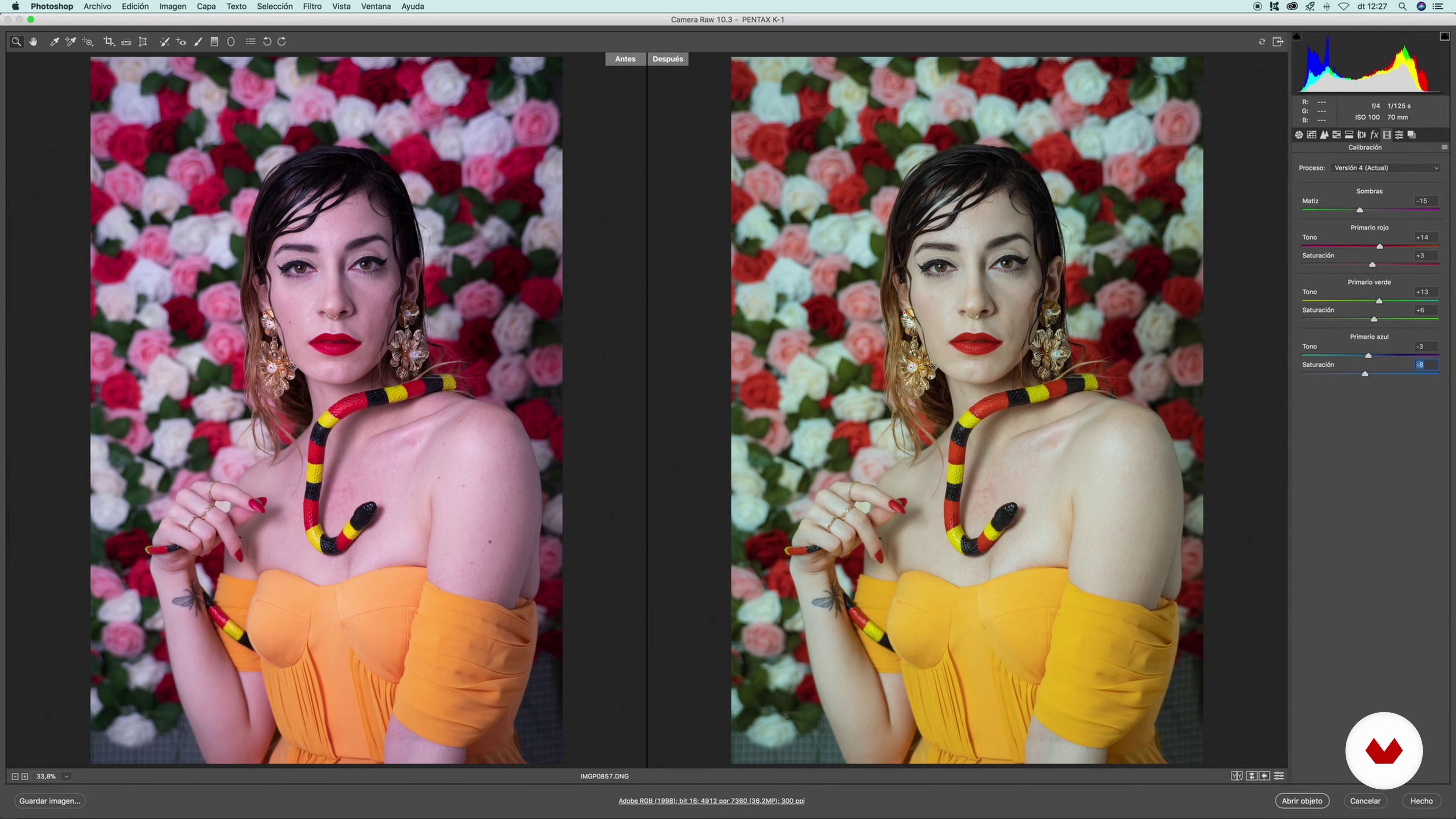
13Development in Camera Raw 1
We will start with the development. In this lesson I will teach you how to prepare your image so that you can later retouch it with Photoshop.
10m
14Development in Camera Raw 2
We continue learning how to prepare our photography in Camera Raw.
15m
15Development in Camera Raw 3
We work on the last details of our photo in Camera Raw, before moving on to Photoshop.
16m
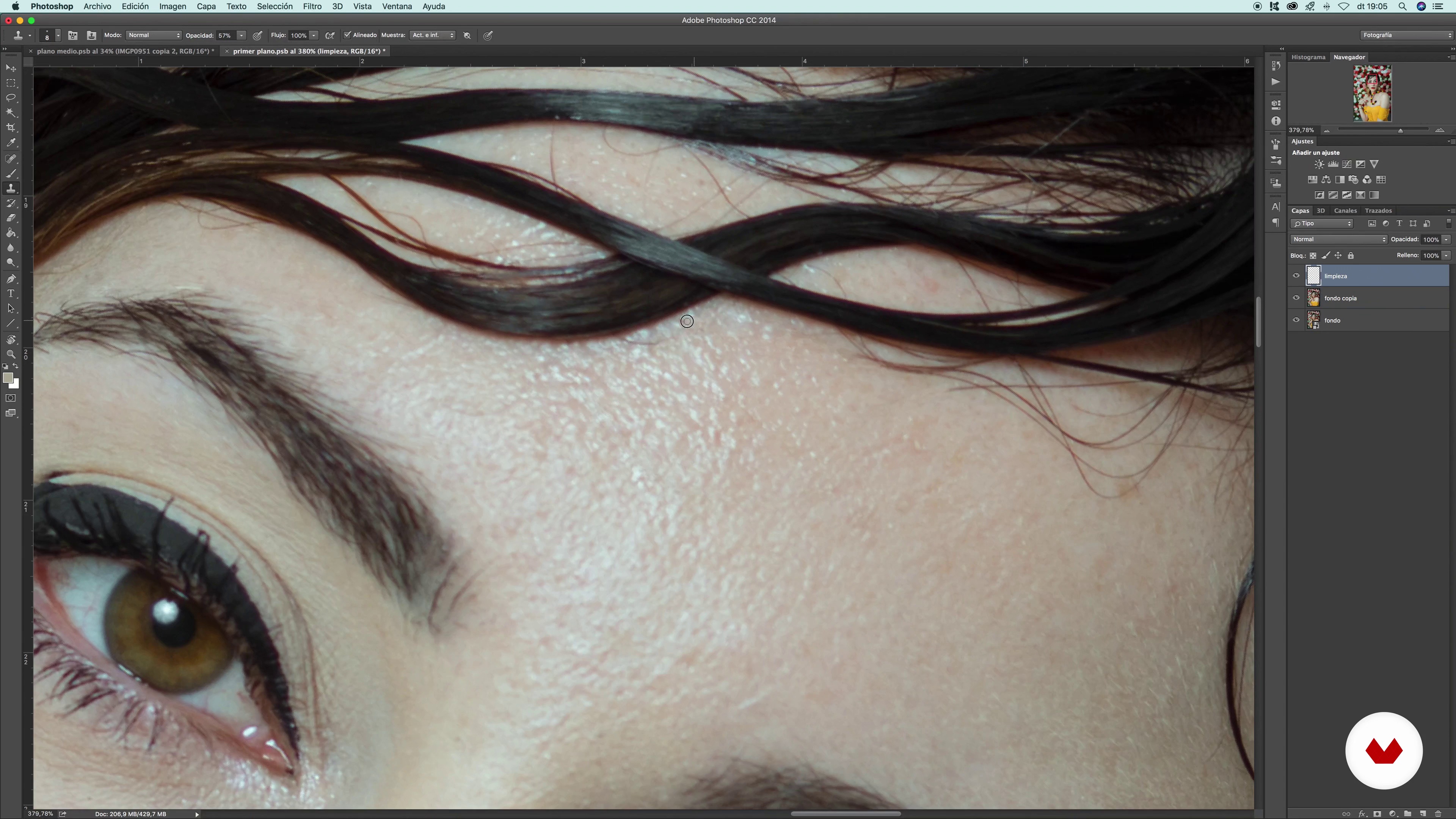
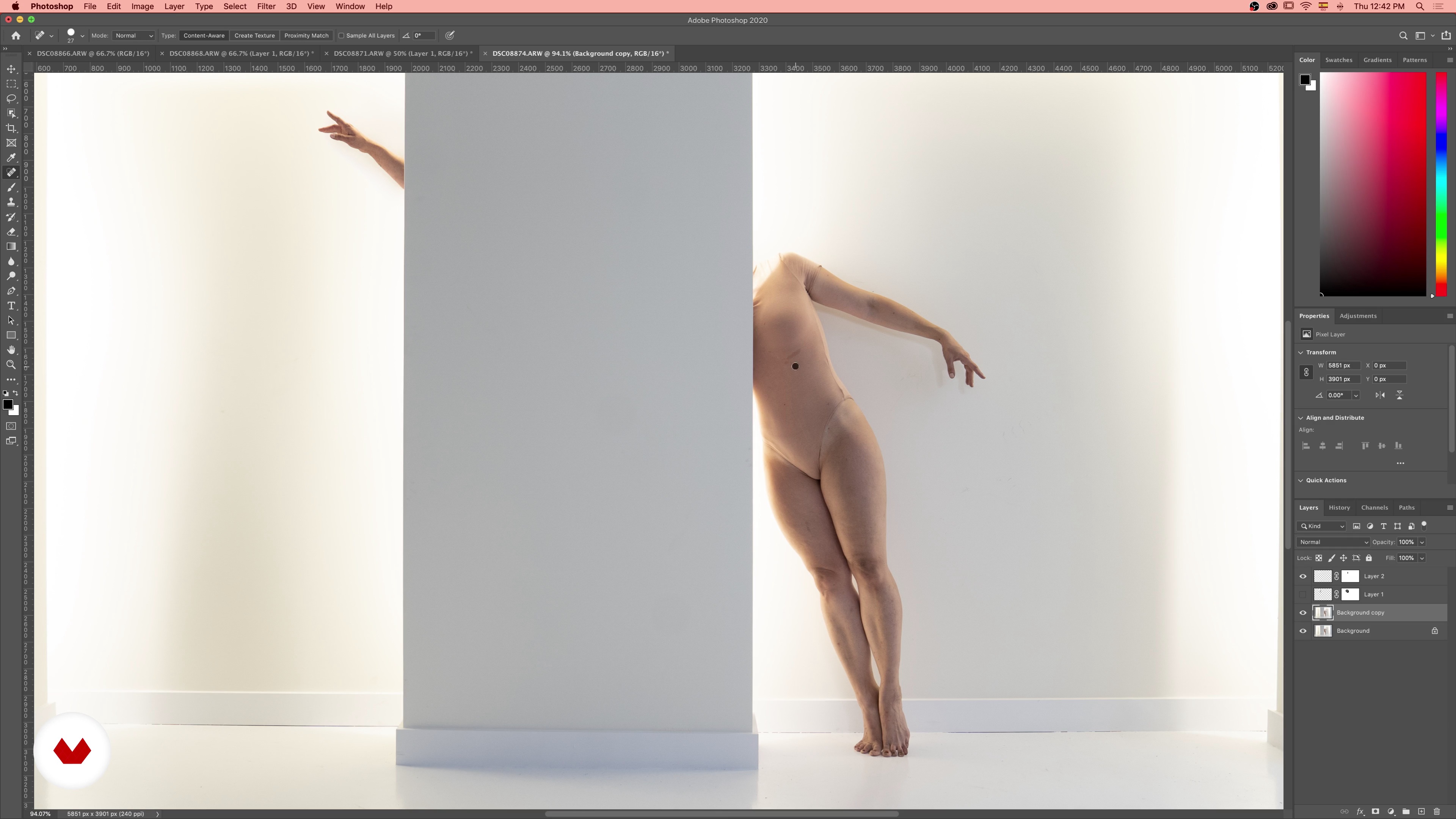
16Cleaning the image 1
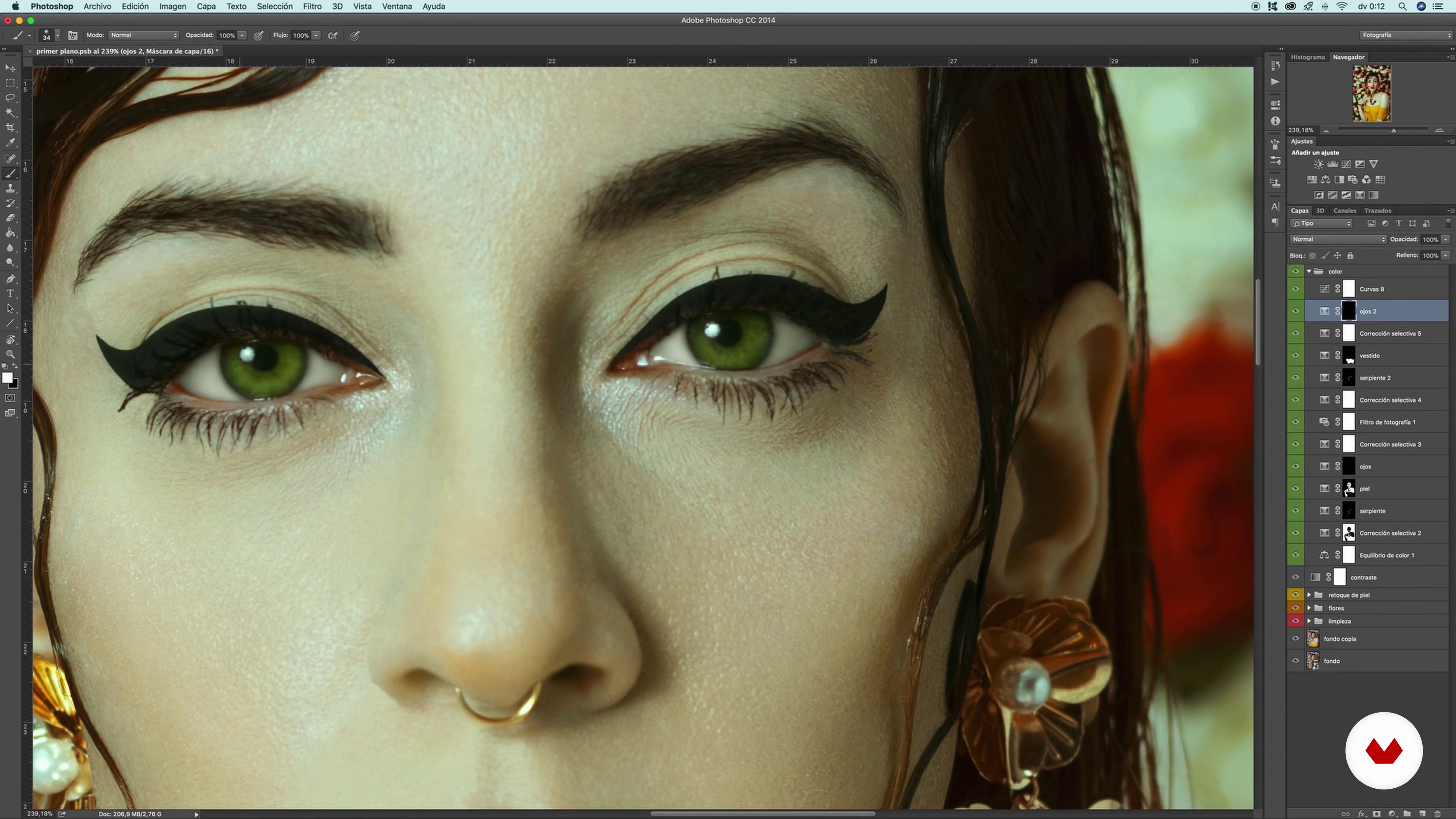
Now that you've developed your image, I'll show you how to clean it using the plaster and clone pad in Photoshop. I will also show you how I make the photomontage.
10m
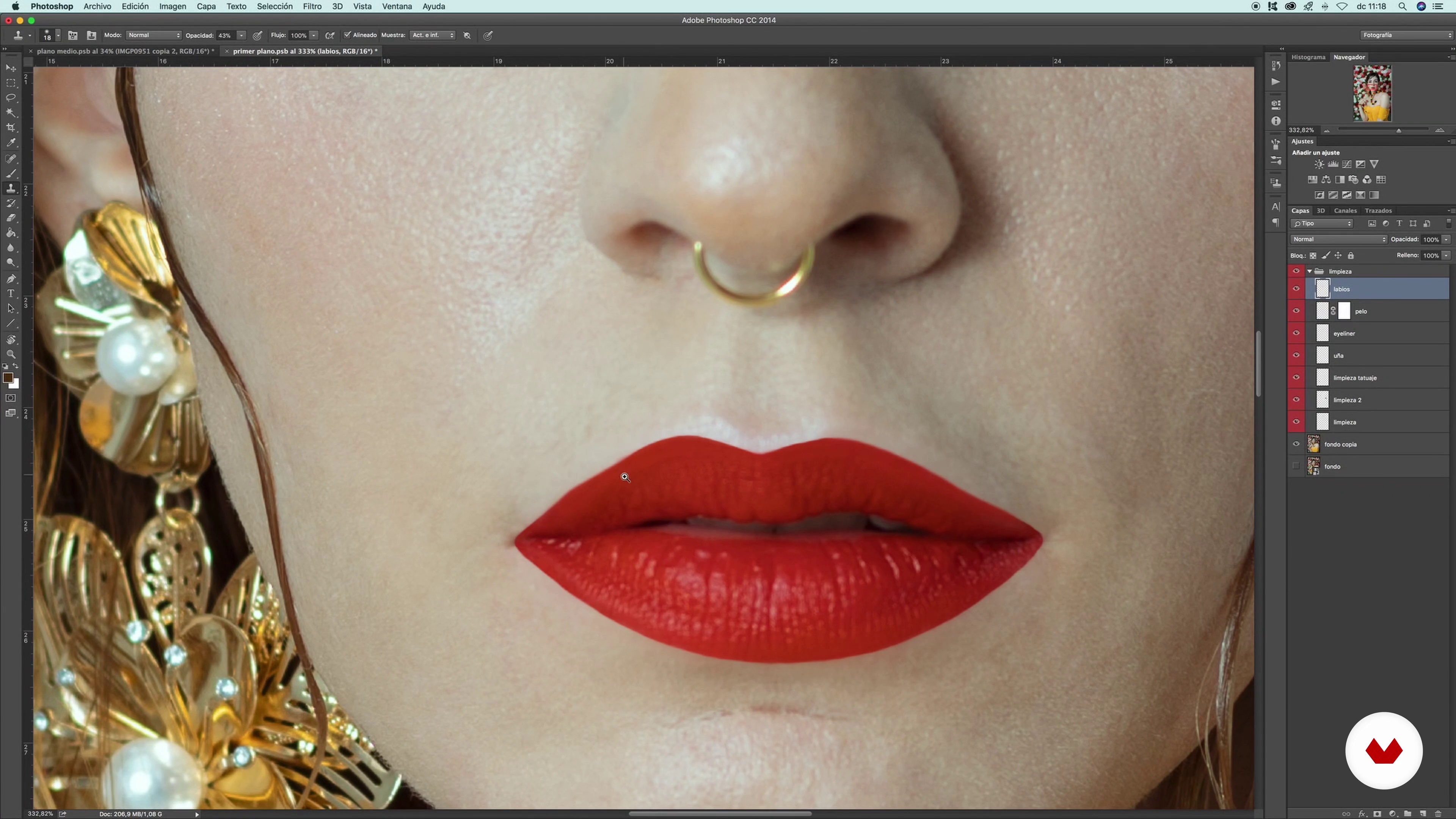
17Cleaning the image 2
We continue cleaning the different elements of our image. In this case we will pay special attention to the retouching of a part of the hair and lips.
16m
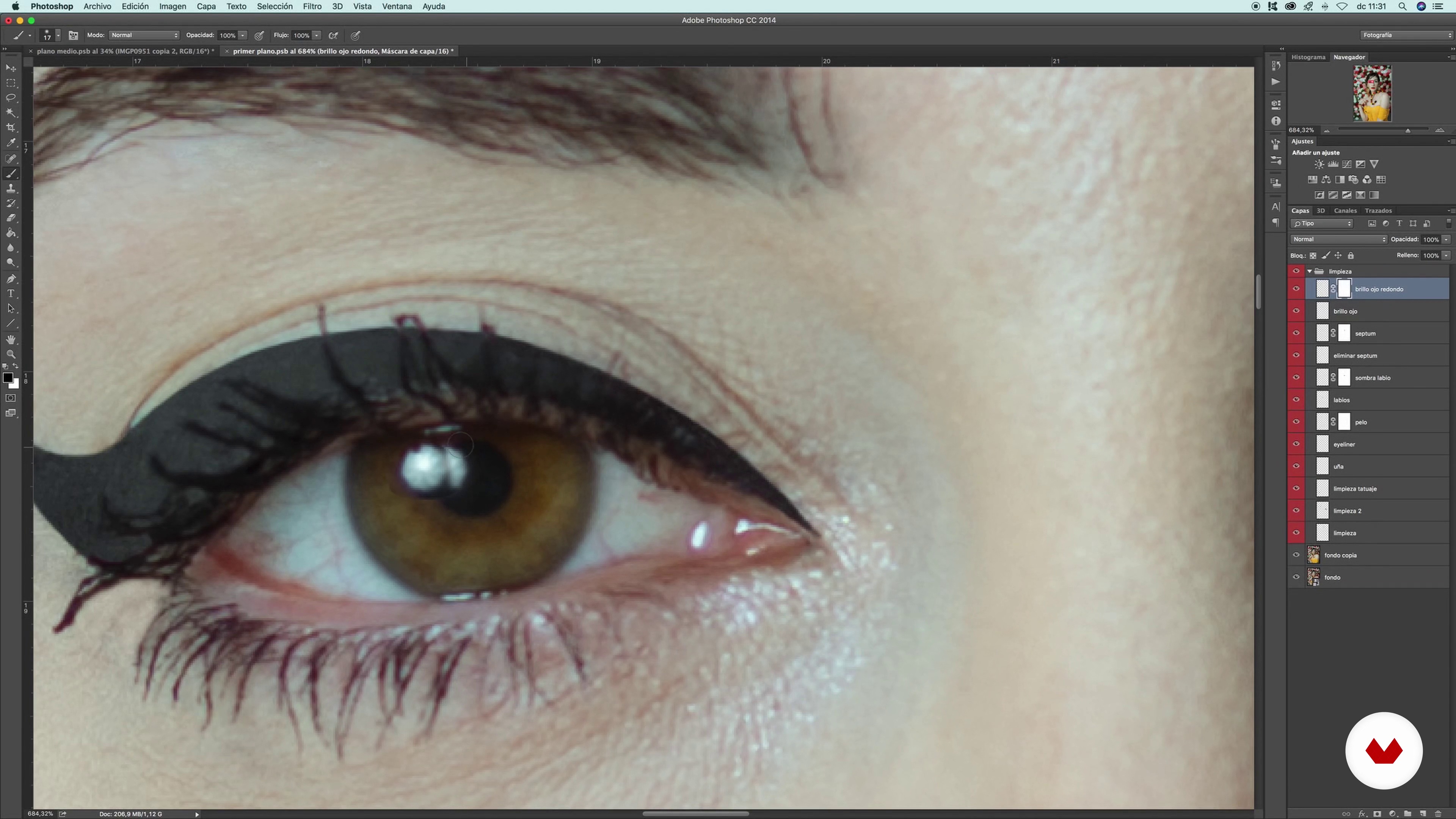
18Cleaning the image 3
We continue with the cleaning of our image working with elements such as the septum, the eyes or the flowers in the background.
19m
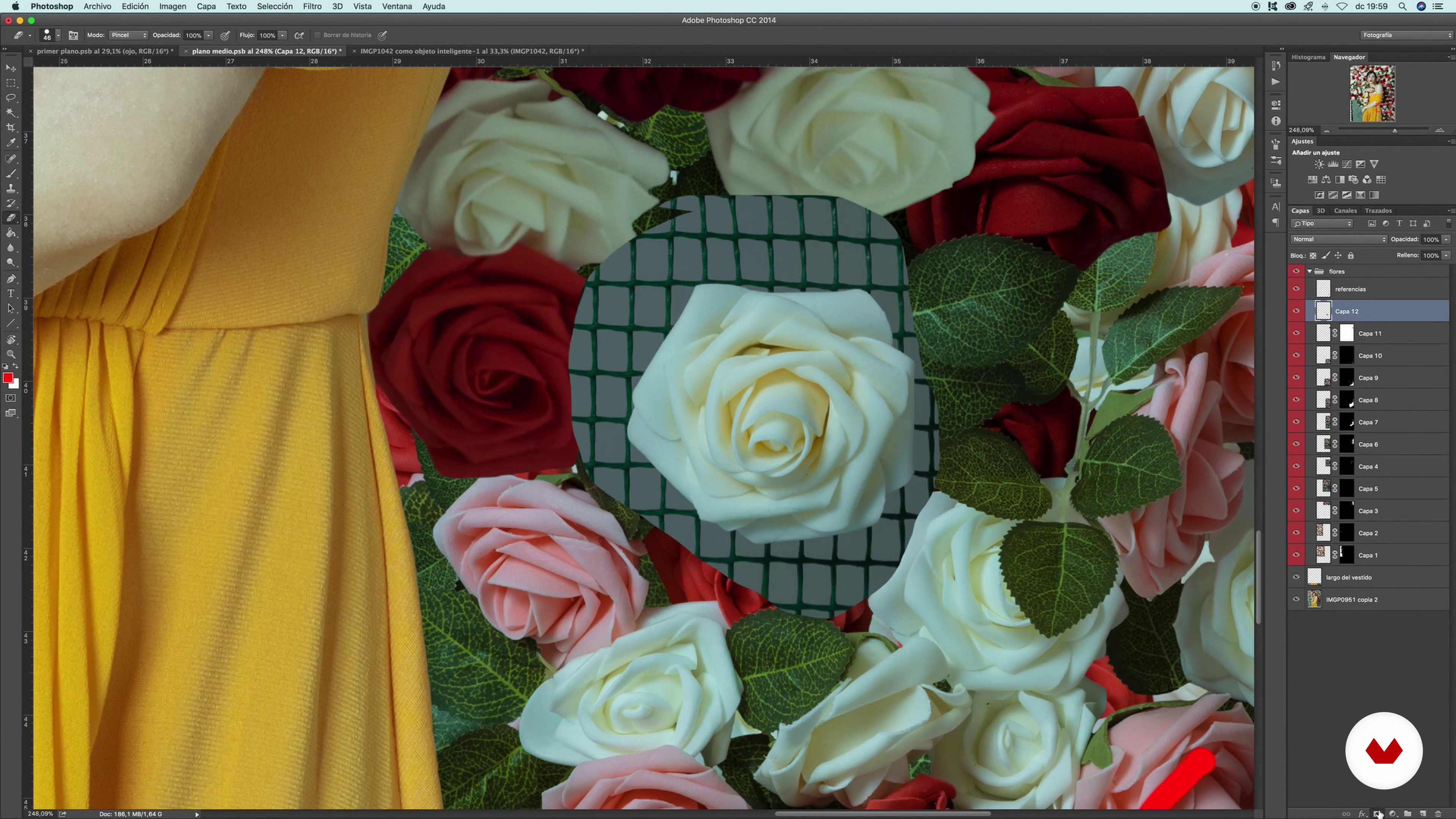
19Cleaning the image 4
We continue cleaning. We continue working on adding and retouching the flowers in the background of our photograph.
13m
20Cleaning the image 5
Before starting to retouch the elements of the photo, we have just cleaned with the integration of the background flowers.
10m
21Skin retouching 1
In this lesson, you will see various methods to do a good skin retouch.
14m
22Skin retouching 2
We continue to learn how to retouch the skin in our image, paying special attention to the face in this case.
18m
23Contrast and color 1
In this lesson, you will learn how to apply contrast and color to your photo.
15m
24Contrast and color 2
We continue to learn how to configure the color and contrast of our photography.
20m
25Liquify filter, focus and texture
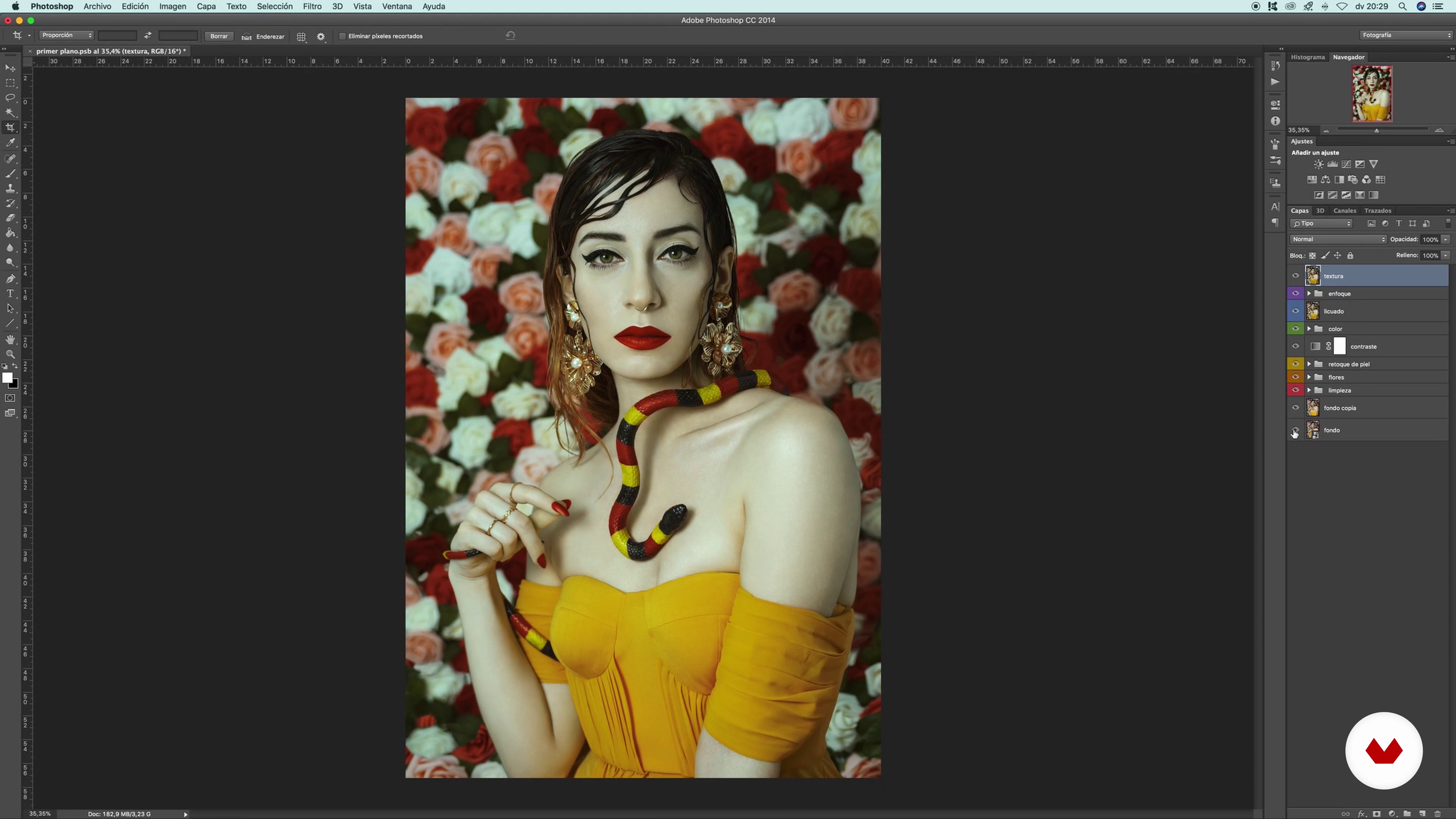
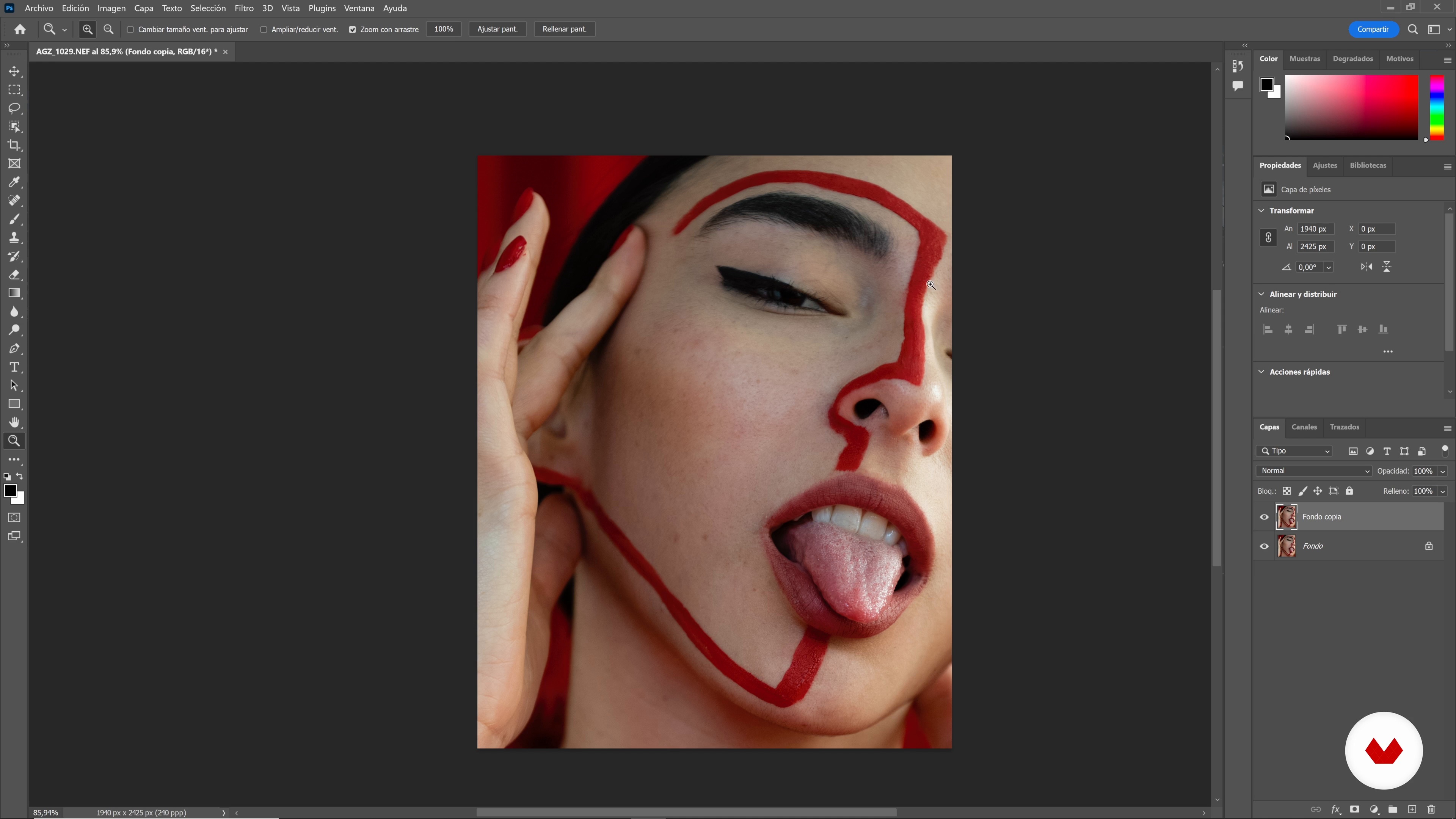
We can now put the finishing touch. Here I will teach you how to model with the smoothie and refocus and add texture.
19m
26Saving your Photo
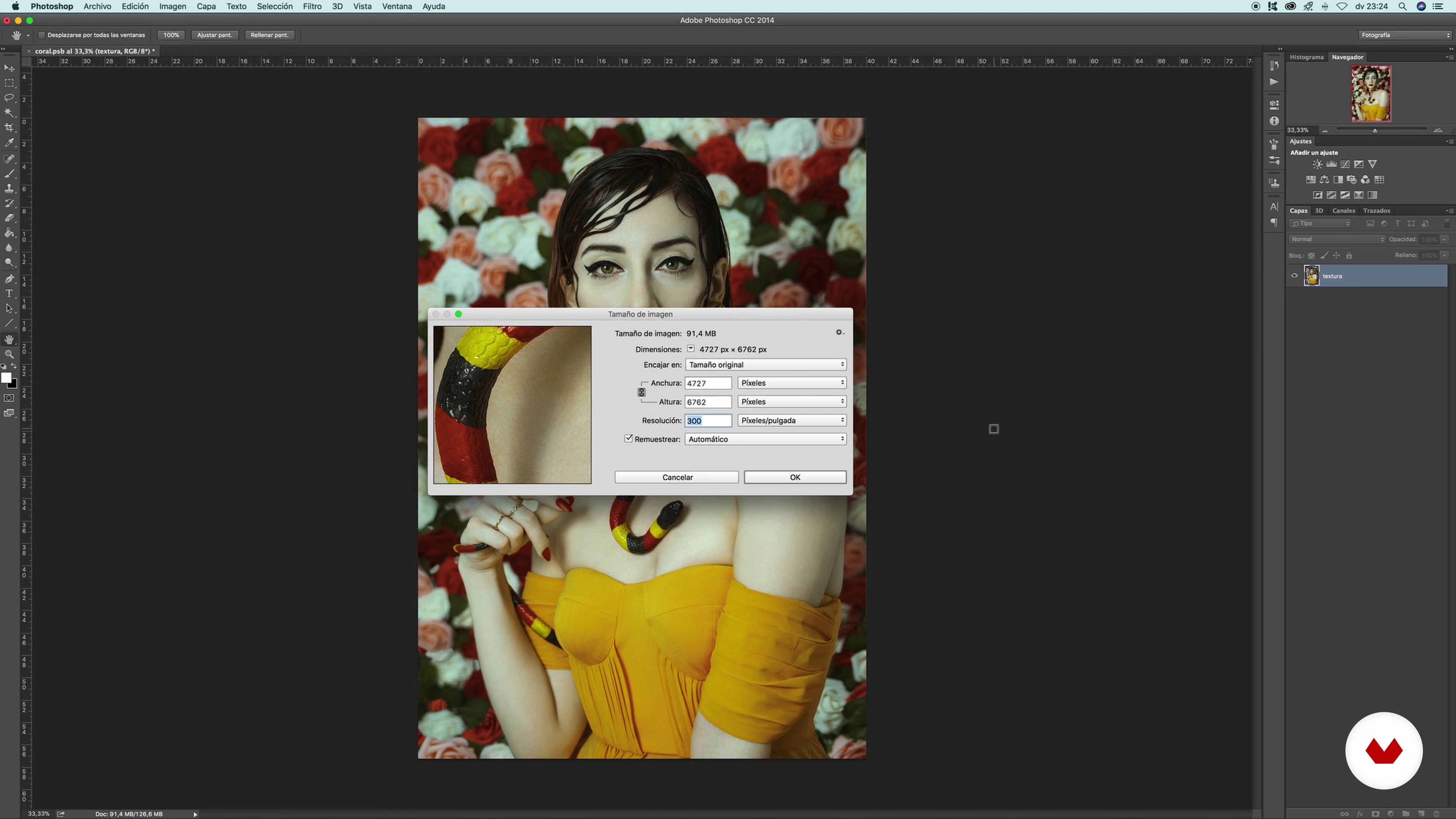
In this lesson you will see the different ways to save your final photograph.
9m
27Submit your photograph
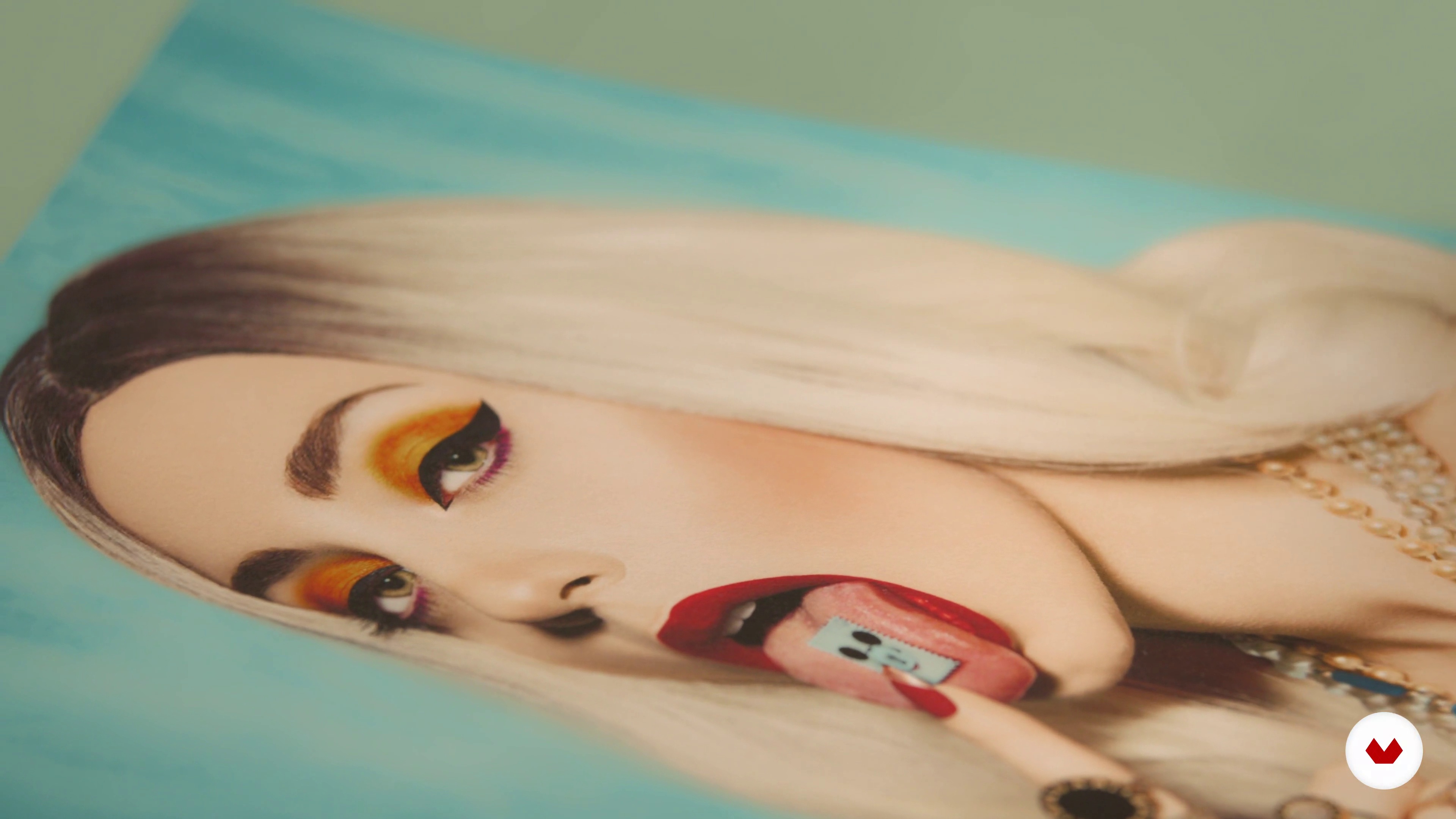
Now that you have your photograph ready, you just have to print it! Here I will show you different supports and why do I recommend each of them.
3m
3Different paths for a project
In this lesson we will see different photographers around the world working with self-portraits and intimate life storytelling. We will see how each of them addresses different styles and photographic solutions.
12m
4Five key questions to think about your project
Next, I'll help you find your personal inspiration. I will show you what my internal processes were and, finally, I will leave you some questions so that you begin to understand what part of you you want to portray.
12m
5How to create a mood board for the project
Now we are going to organize our favorite references and then create a detailed mood board with these images. This is a very useful process that will later serve as a guide for taking our photographs.
4m
6Materials
In this lesson I am going to talk to you about some of the different materials that we can use when taking our photographs. These materials will be our allies and will help us to obtain our final results. I will give you different options to work with.
2m
7From praise to trial and error: recursion
In this lesson we are going to learn to be resourceful with the materials and equipment that we have at our disposal, since many times when we are doing our projects, inspiration or the perfect moment for a photo catches us off guard and with few elements at hand. Here we will learn that we can do a lot with very little.
6m
8Self-portrait shooting: keys
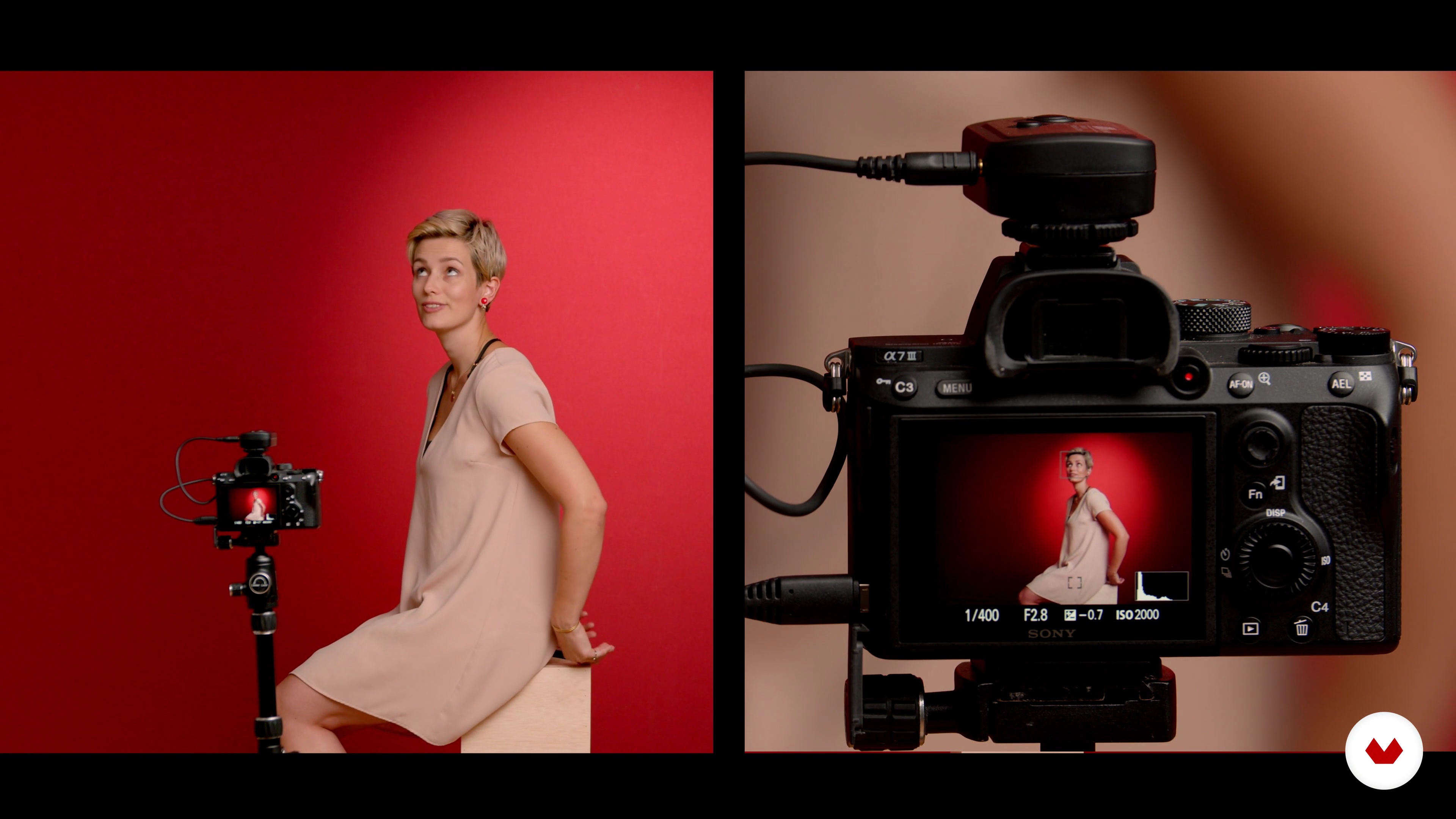
In this lesson you will be able to accompany me, see my way of working closely and you will accompany me in the construction of my final self-portrait. I will show you how I set my camera according to the light I have available, you will see how I build the frame of my image and how I prepare for my performance in front of the camera.
11m
9Self portrait shooting: how to include another person in your photo
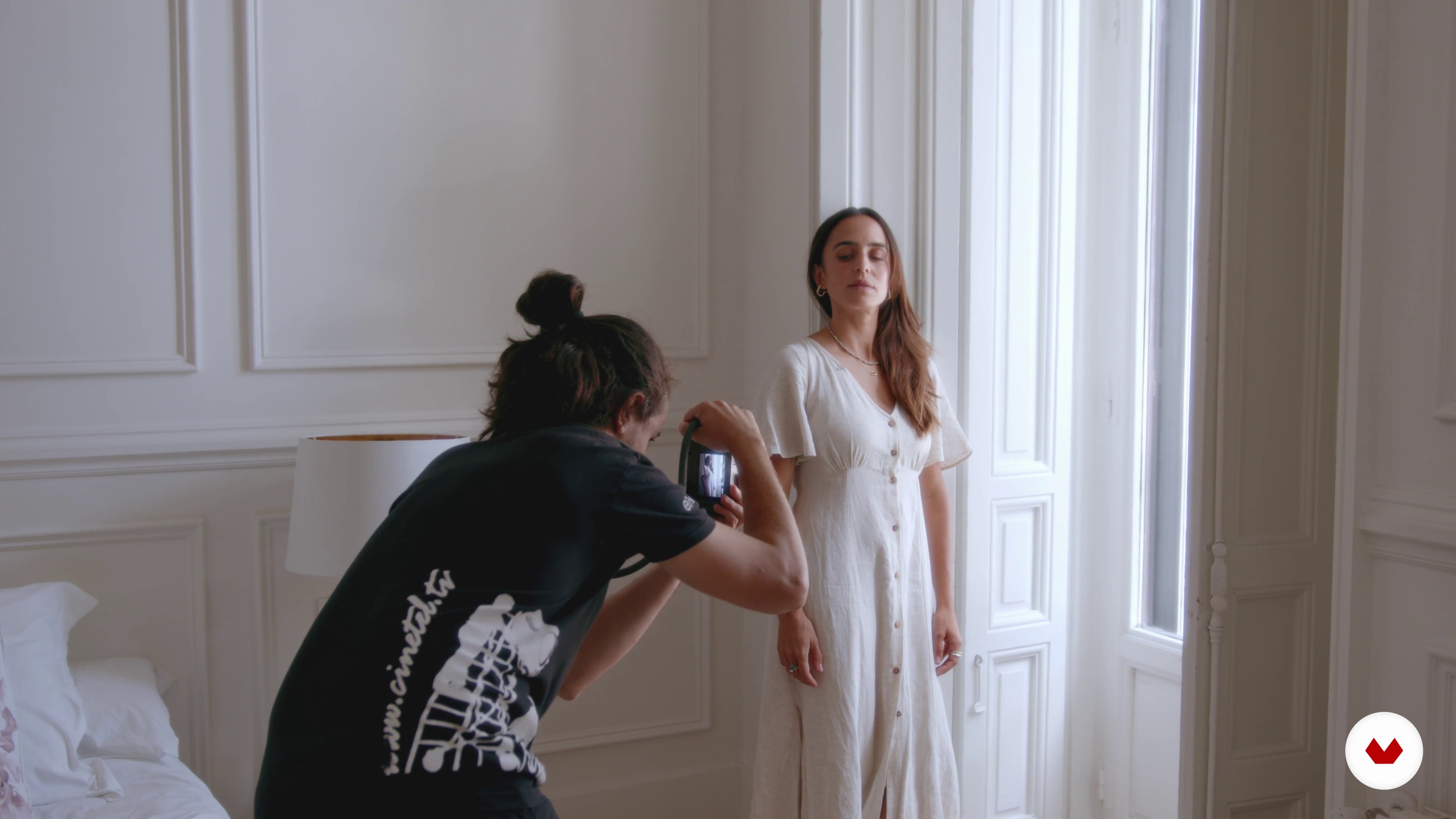
Sometimes to take these types of photographs we need the help of some extra hands. That is why in this lesson we will see how we can guide third parties to help us create our photography. We must learn to direct and control the situation.
9m
10Image selection 1
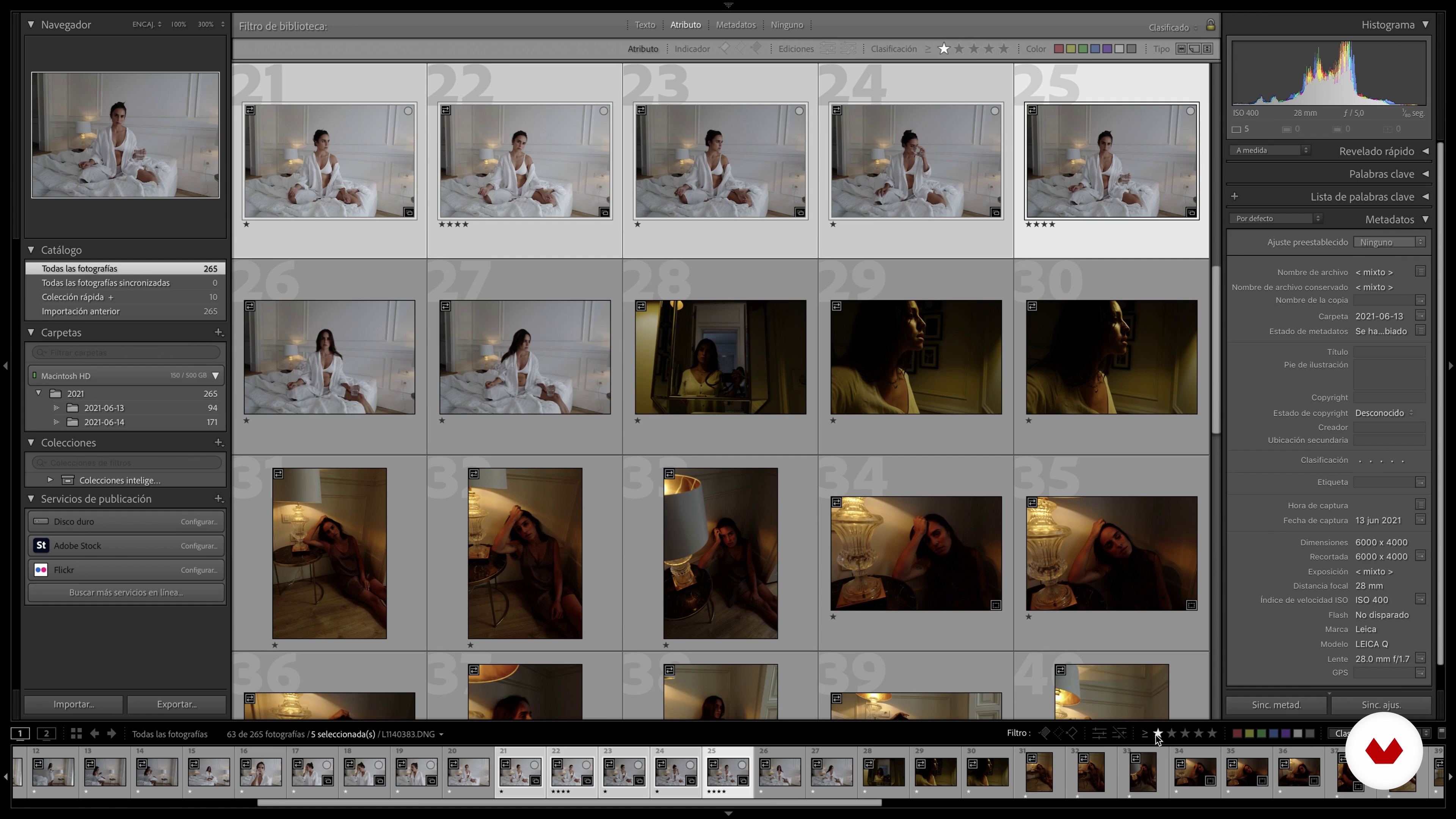
In this lesson I will guide you through the process of selecting the final photograph. We will see why some images work better than others and you will accompany me in my own discarding and selection process towards my ideal final photo.
11m
11Image selection 2
We continue with the process of selecting the images that we have taken during the shooting.
11m
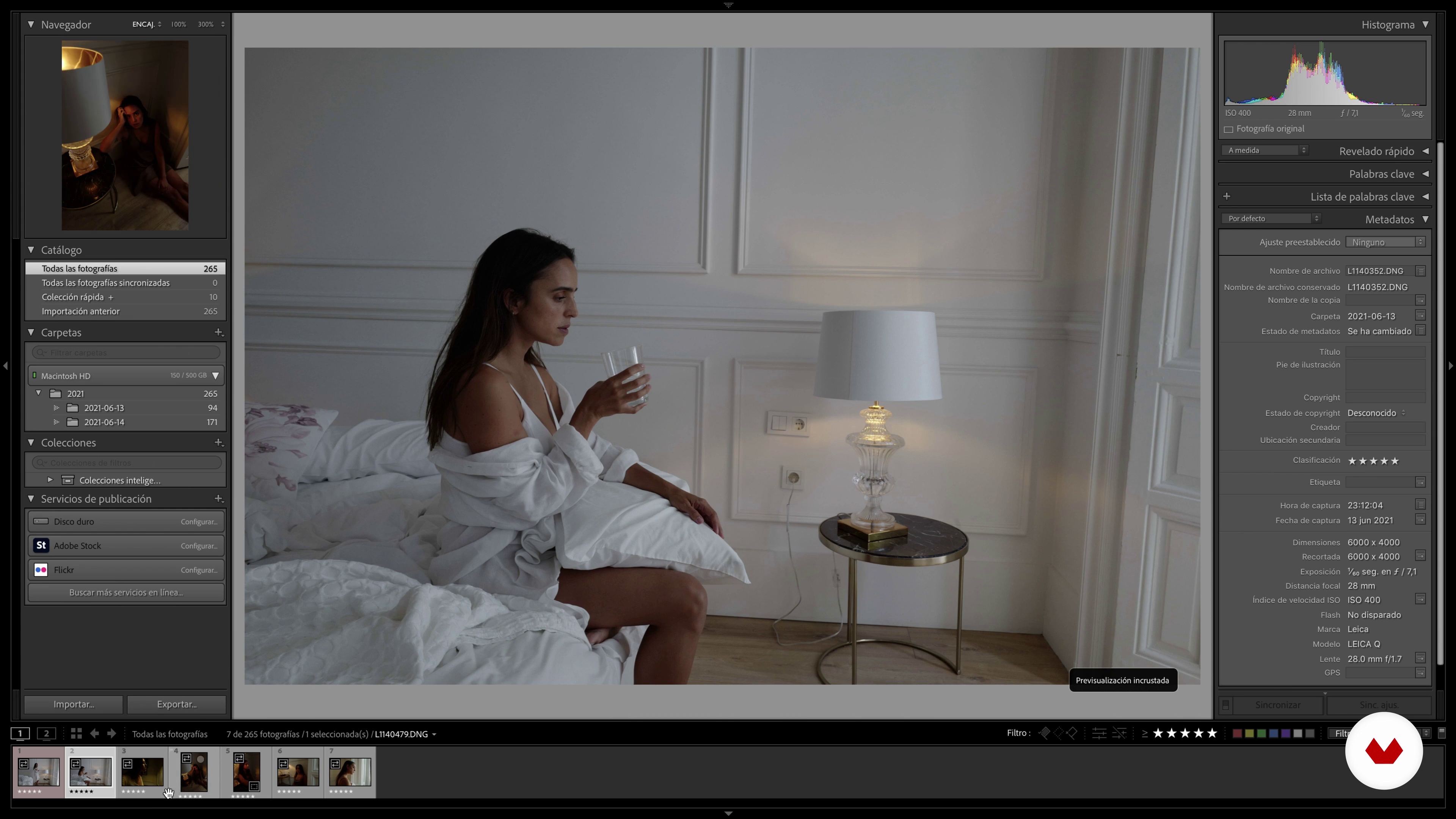
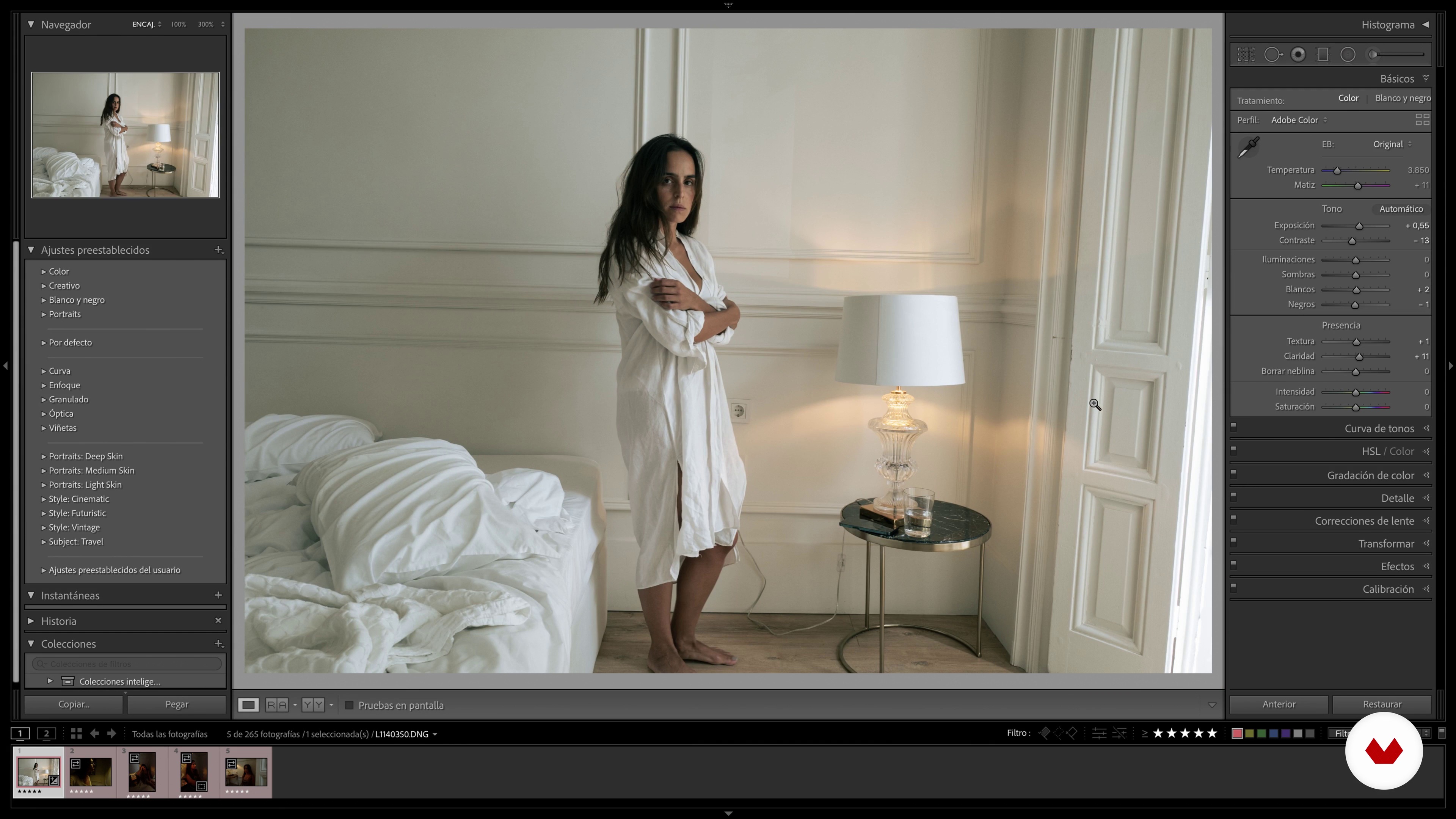
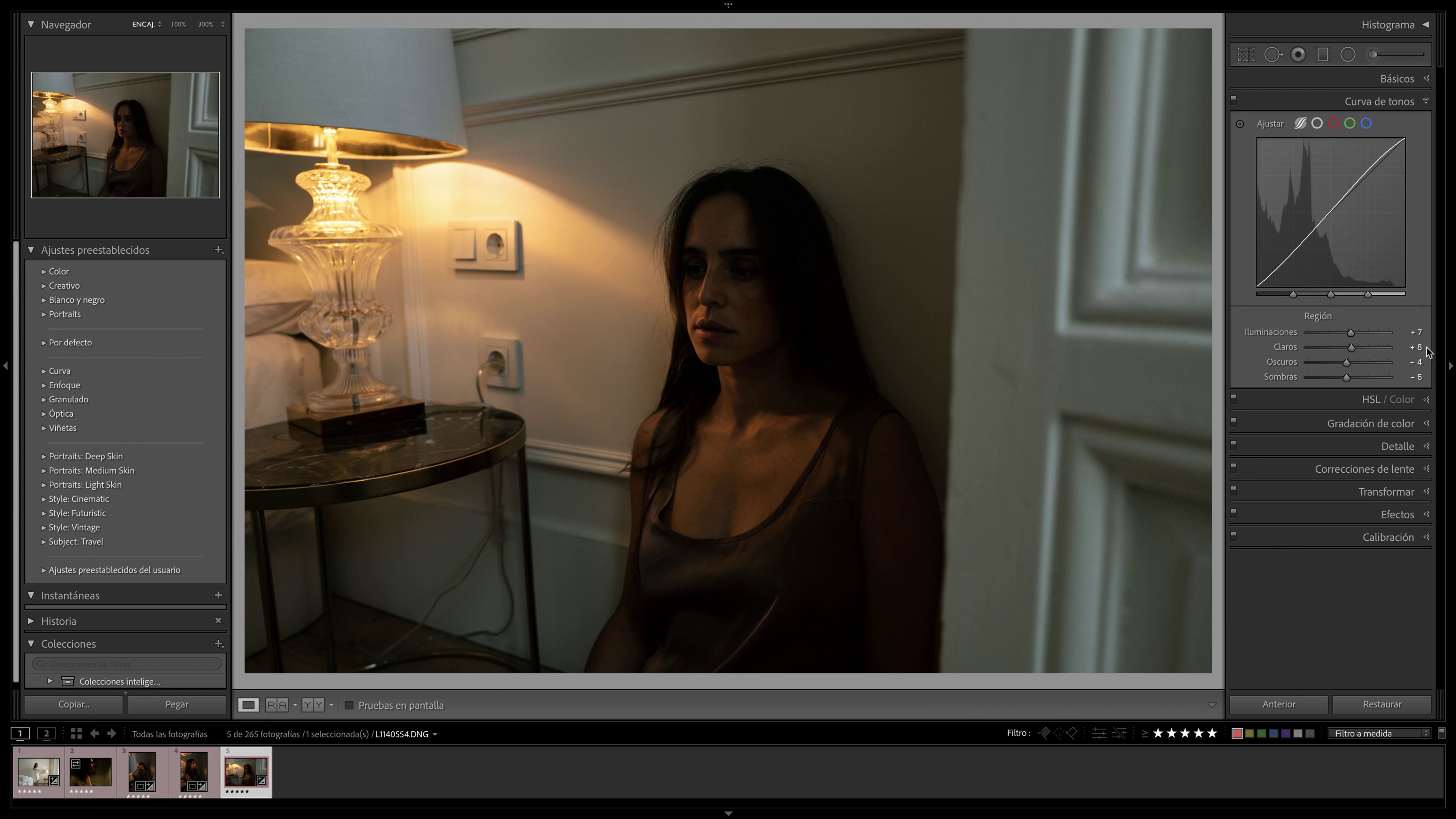
12Basic development in Lightroom 1
Next, we will do a basic development of our photo in Lightroom Classic. We will see the main tools to give a special touch to our photographs and, in addition, I will explain how some filters work and we will see how we can handle them to give a special touch to our photo.
13m
13Basic development in Lightroom 2
We continue to review the step by step process of editing the photos we have taken.
10m
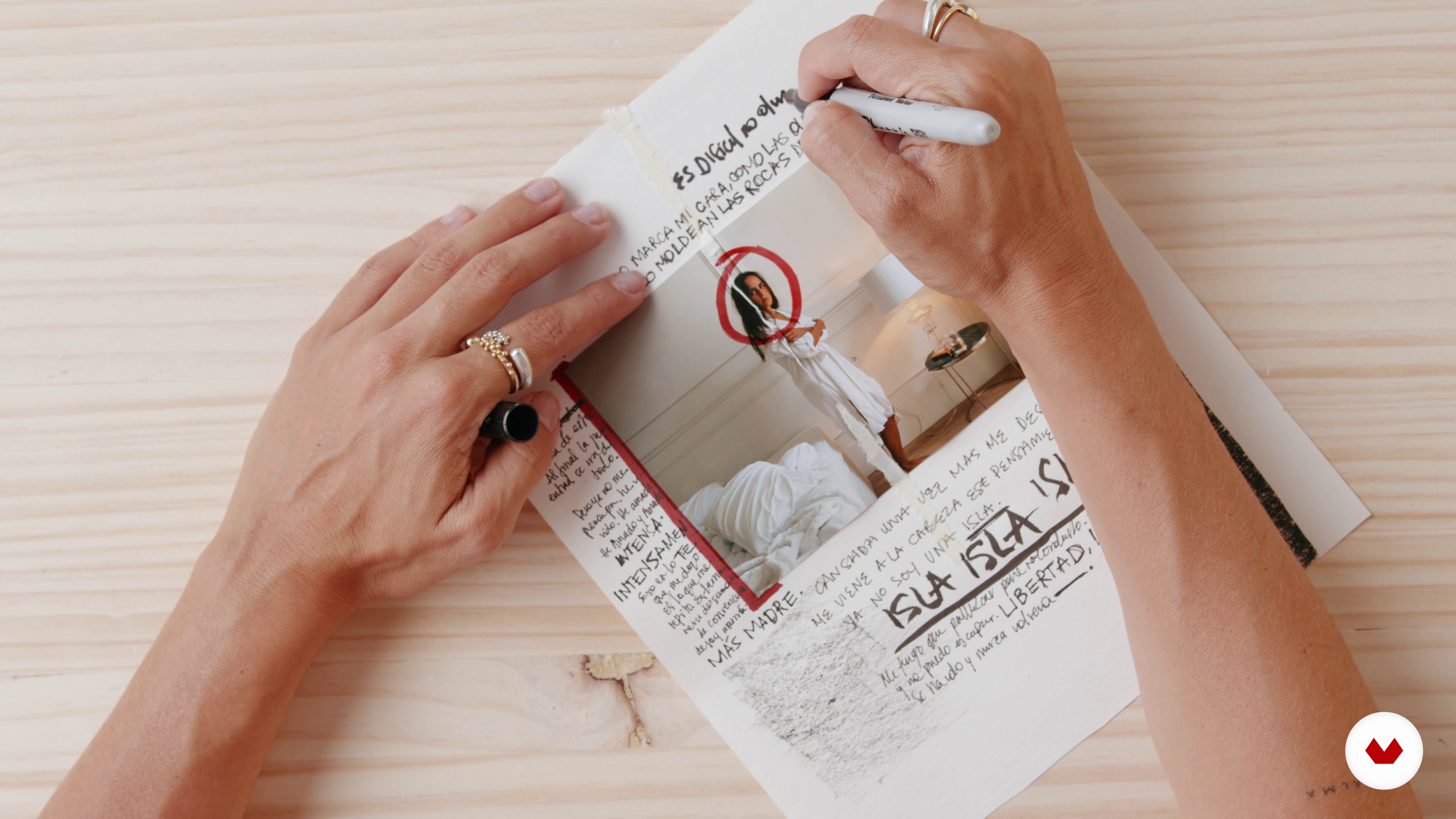
14Manual intervention of the image
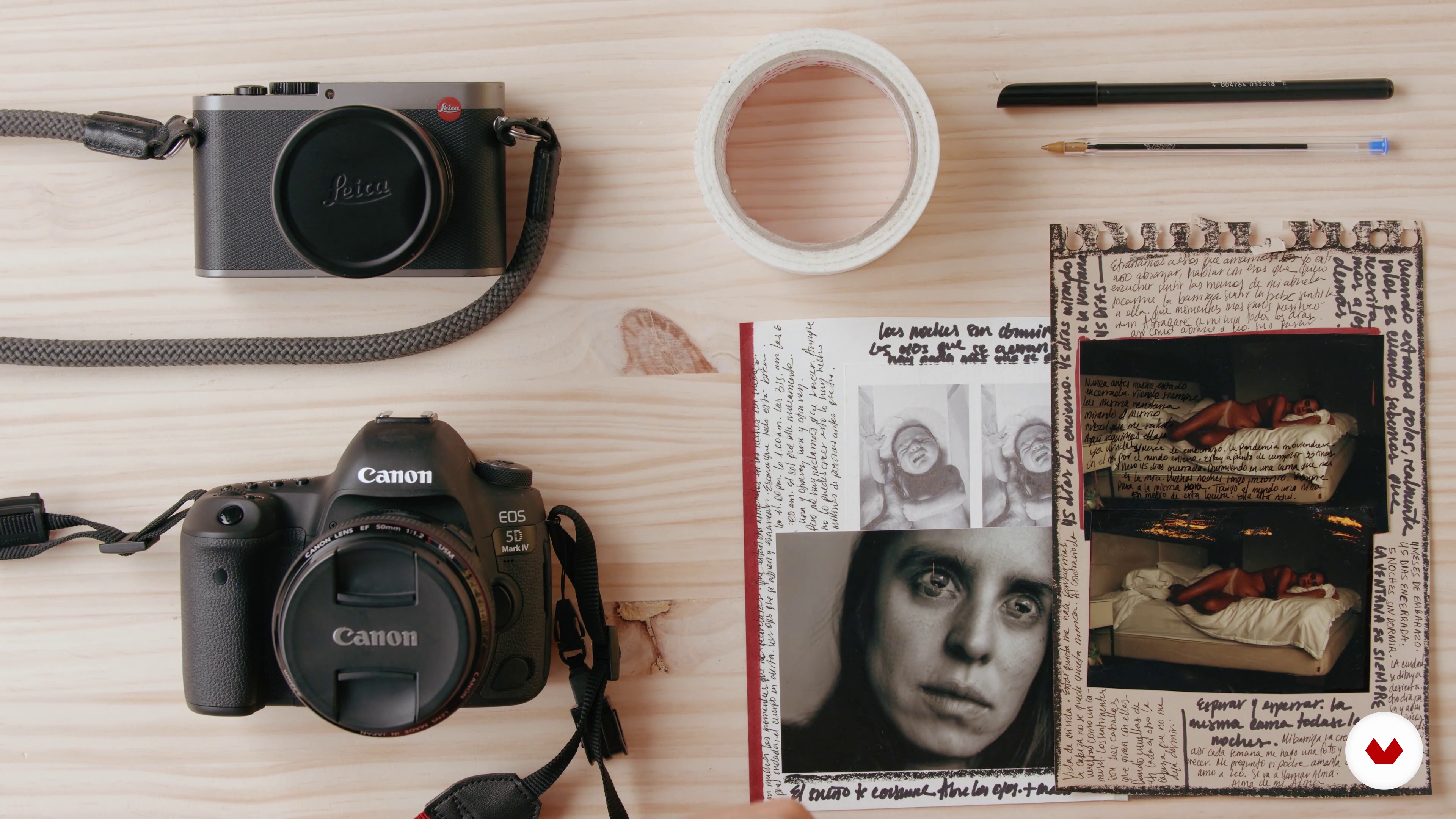
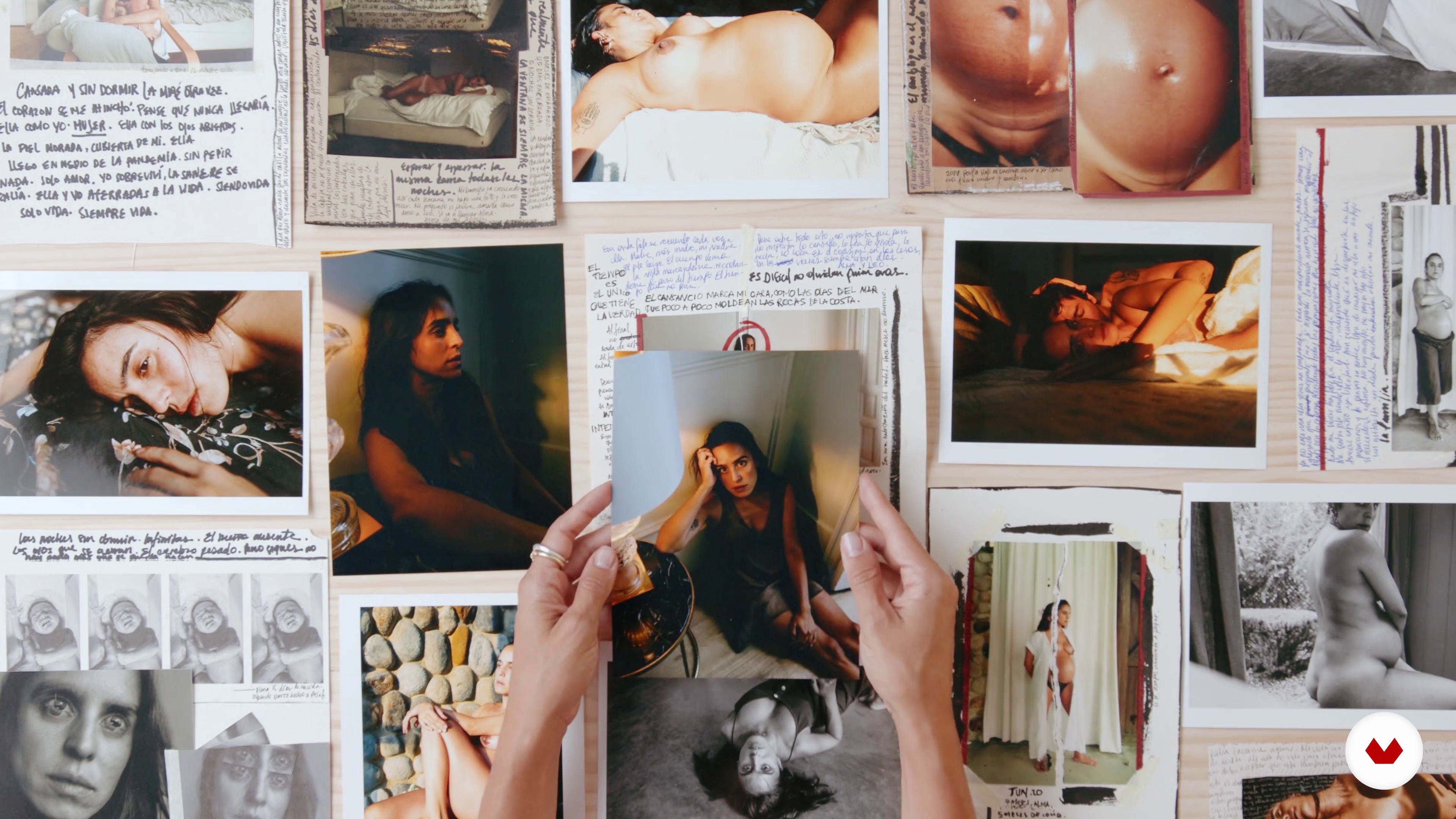
In this lesson I will show you how, on some occasions, I manually intervene my images in the form of a diary. This is a new part of my work that I have been exploring for a few months, so together we will explore the manual and digital intervention of our images with text and drawing.
20m
15Storytelling and personal life
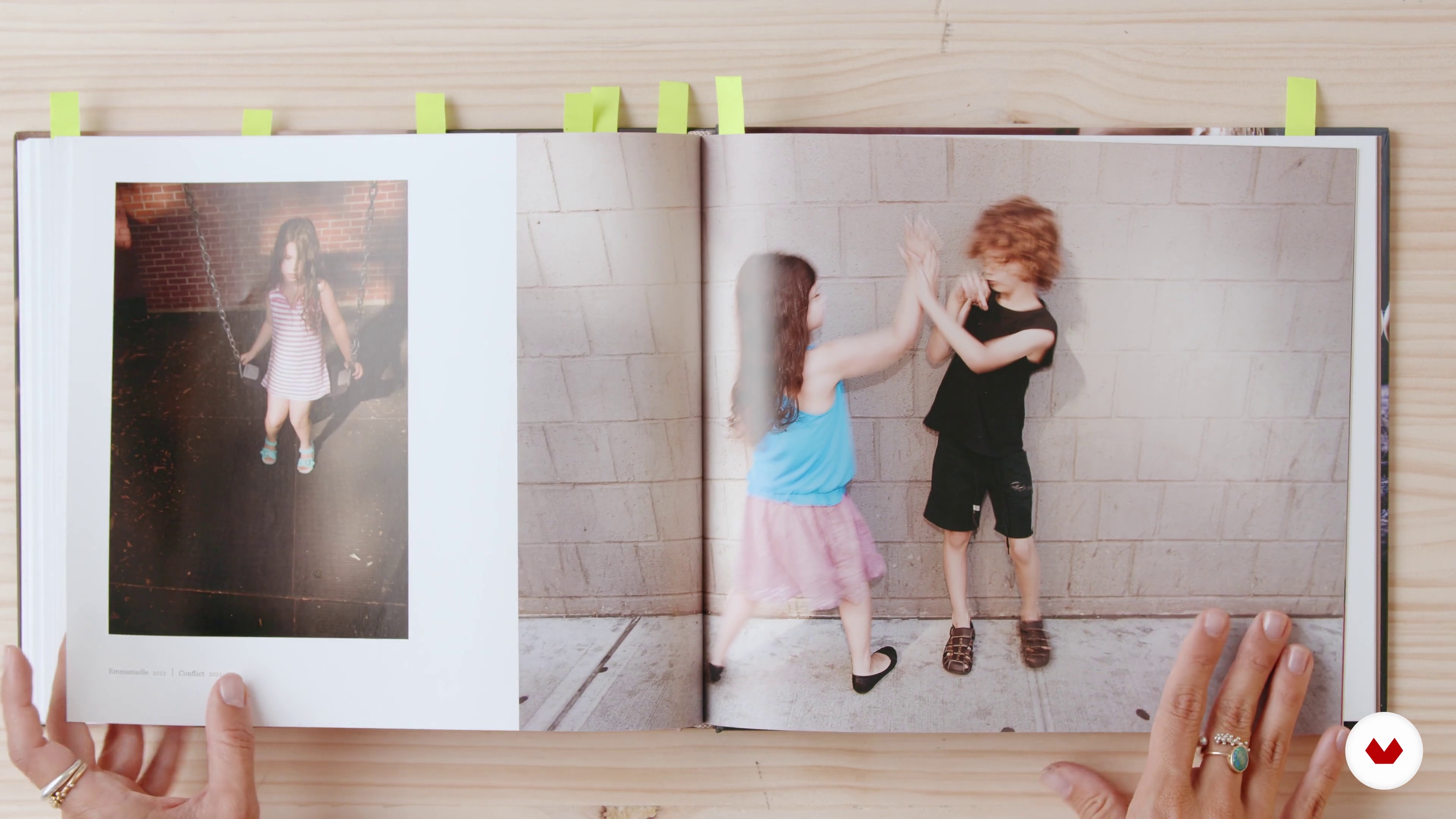
Now we are going to create a visual story with the photographs taken during the course and with other photographs from our archives. The idea is to add a context to our images, so we will create a story behind our images with the goal of creating a photographic project or series.
13m
4Where to Find Inspiration
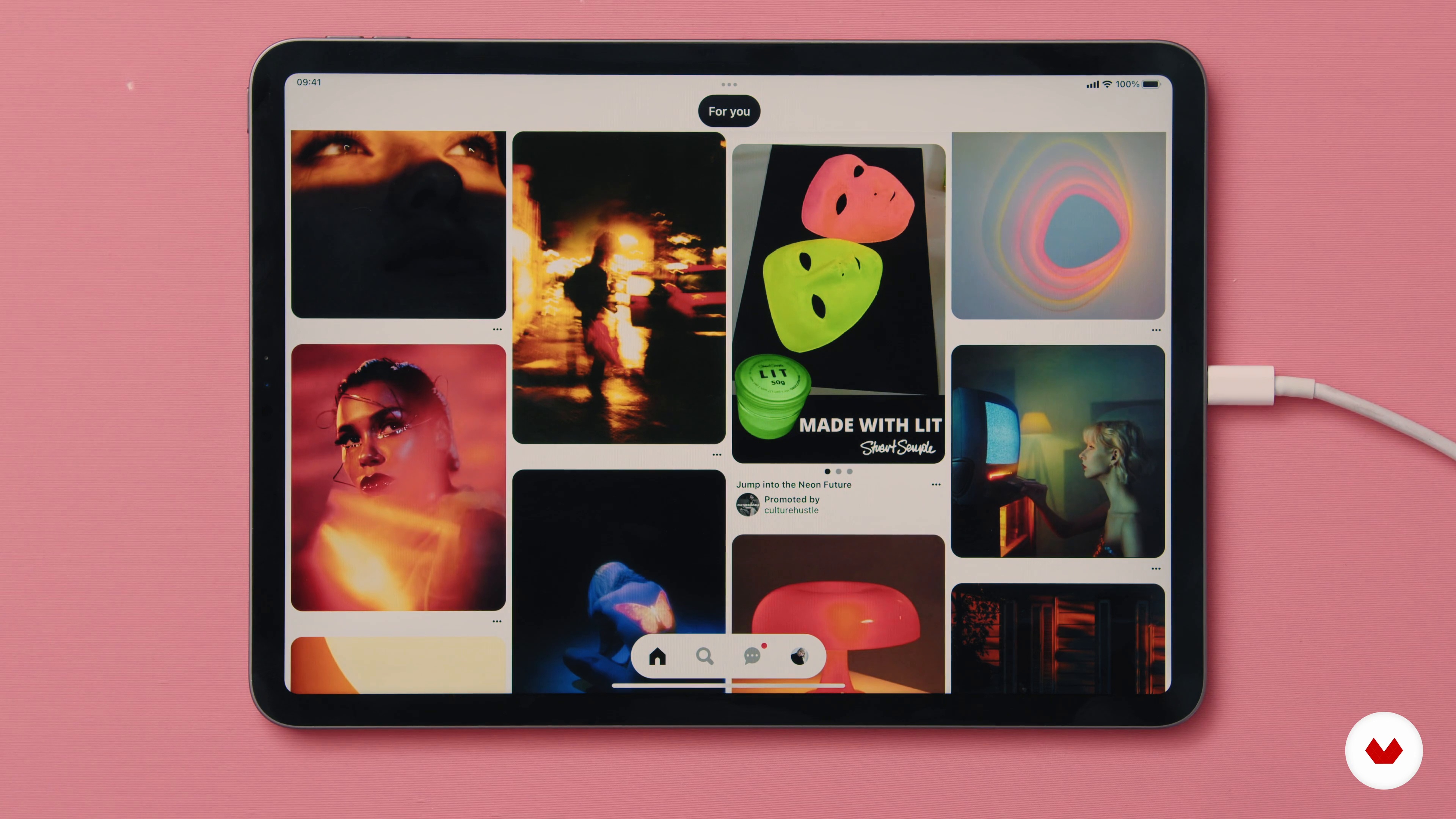
In this lesson, I will show you how I search for inspiration on different online platforms (such as Pinterest and Instagram - which are free) and how I collect them on boards with different topics or themes. We will look into which keywords work best depending on each concept. This is important to find and define your style and to create an image-pool you can browse for future concepts.
11m
5Two Ways of Finding Your Concept or How I Found the Concept for 6 of My Portfolio Images
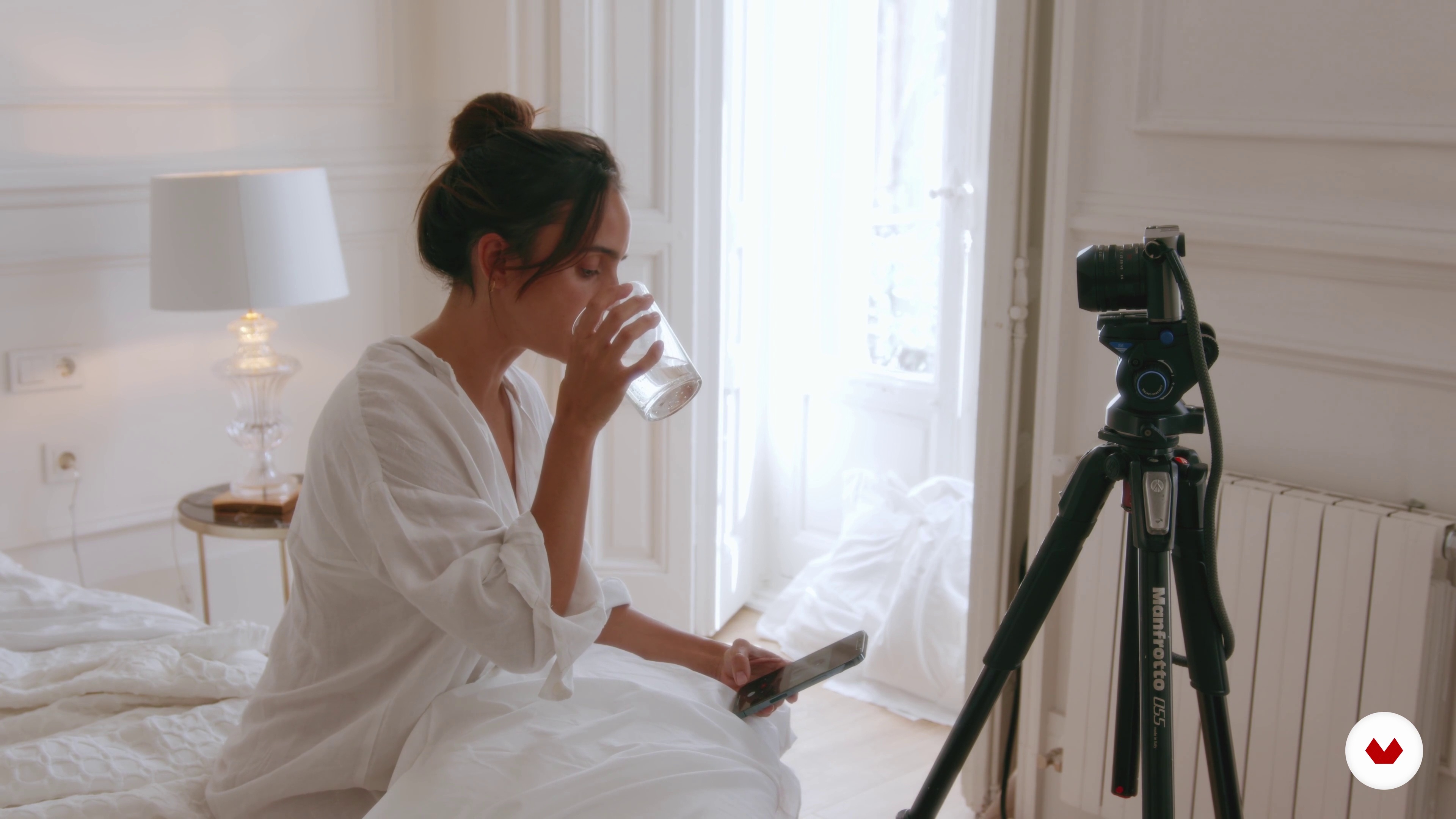
The most important thing to say here is there is no guaranteed step-by-step plan to find a concept. Because there is no right or wrong. A concept is an idea. And an idea is a very abstract thing as we all know. When an idea becomes an idea? This is the difficulty and the beauty of it. In this lesson, I will show 6 of the most popular of my photographs and explain where the inspiration for them originates, how the concept came together, and how I executed them. And some fun stories around them.
13m
6Scouting Locations
In this lesson, I will share some photos from locations I found directly around the house to show that it is possible. You will be to doing the same in your surroundings, as a practice task. Also, I will provide you with examples from my neighborhood that aim to inspire you to do the same in your neighborhood and look for the corners that have potential but are normally overlooked, like facades, plants, stairs, or special light situations.
14m
7My Equipment
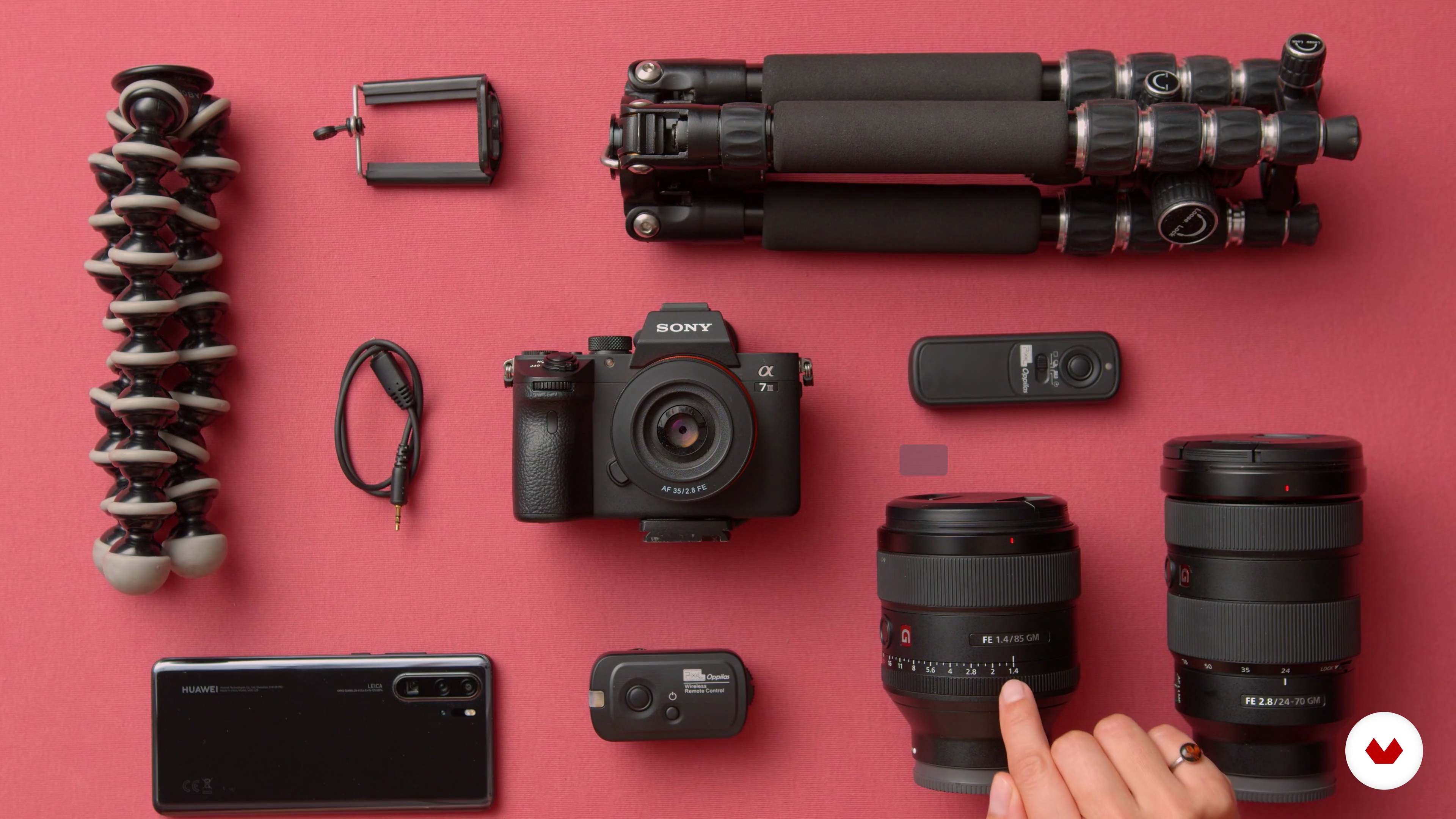
In this lesson, you will see what’s in my bag - cameras (Sony A7rii + Sony A7iii), lenses (35mm 1.4 + 85mm 1.4 + 24-70mm 2.8), and accessories (various objects not related to photography; and how I use them). We will also go over my standard settings and technical details such as connecting the camera to a phone.
6m
8Practice Self-Portrait Technique
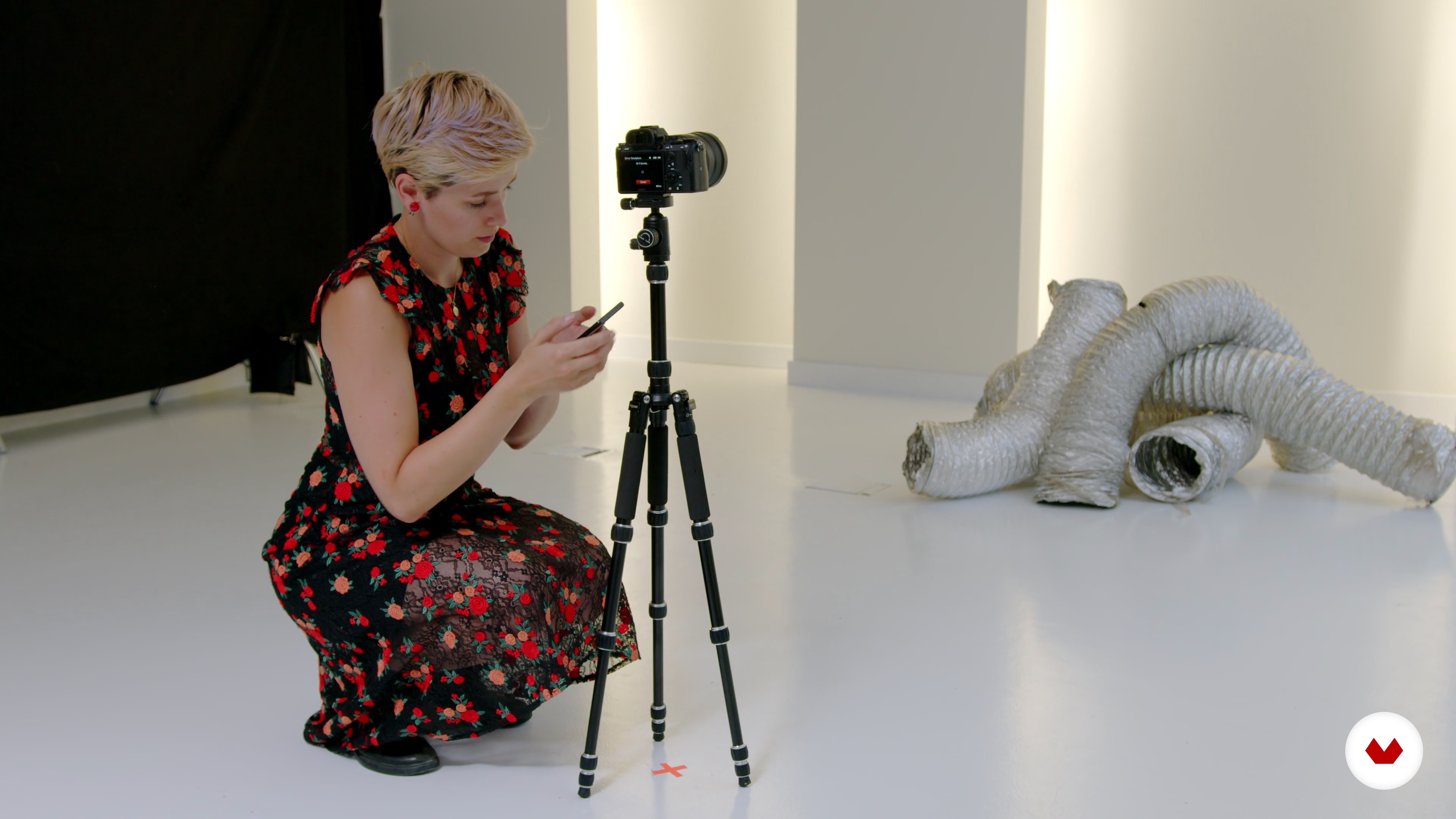
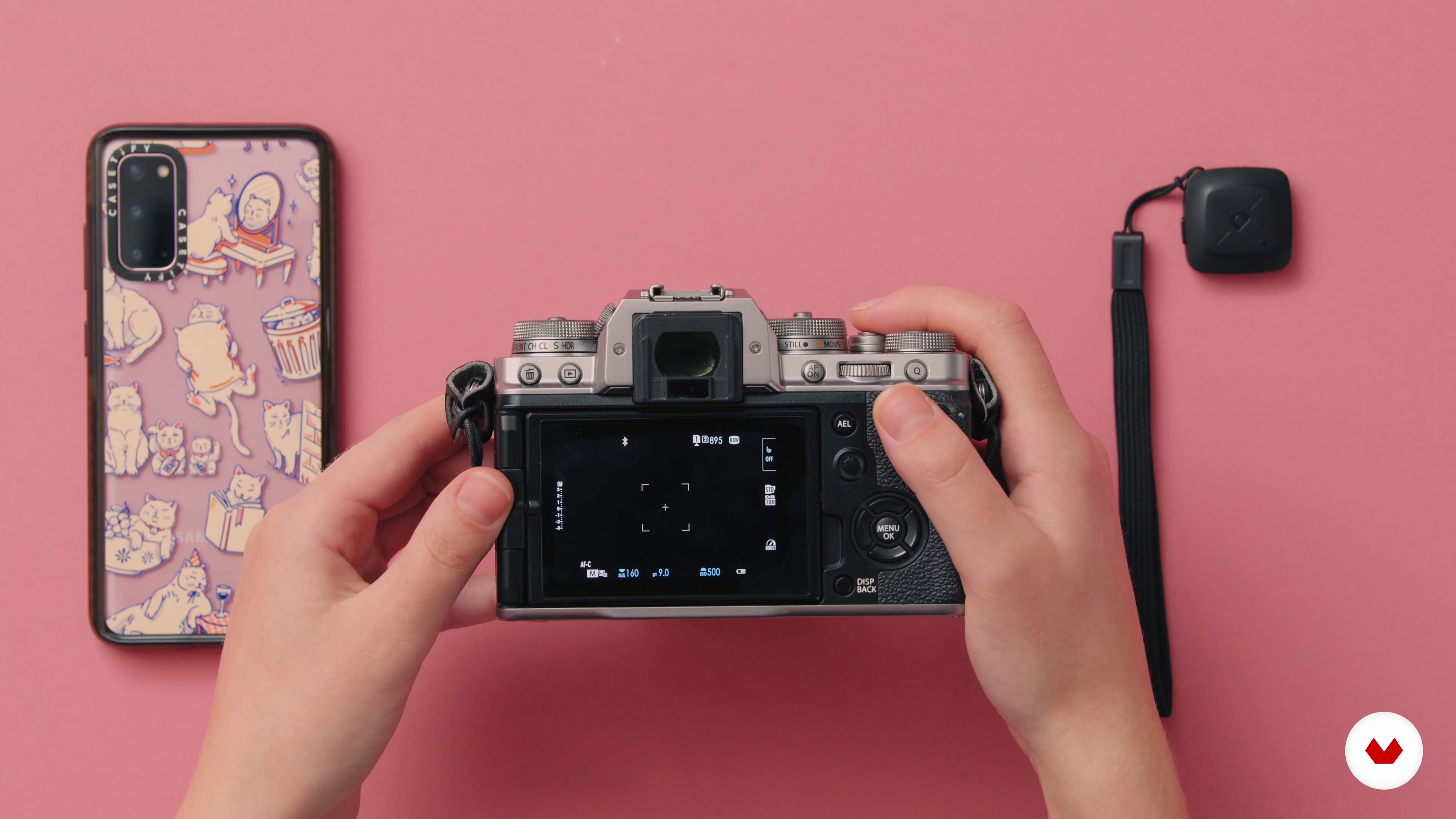
In this lesson, I will show you the different technical set-ups to take a self-portrait. From just having a phone with a timer to having an advanced camera that uses a phone as a remote control to take the photo. You will see that any camera with a self-timer gives you the possibility to take a self-portrait.
7m
9Practice Posing
In this lesson, I will show you how to practice and experiment posing by showing you how I experiment with posing. We do that because posing is the language of the body and even subtle changes make a big difference.
12m
10Examine Lighting
In this lesson, we will learn how different natural light situations affect the object we are looking at. We will learn which form of natural light to use best for what expected result. This will help you later on when you have to define which time of the day/ which weather to shoot your final project with to have the result you hope for.
15m
11Examine Composition, Crop, and Ratio
In this lesson, we will look at different compositions and crops of images and how they change the balance and the effect of an image. We will compare different crops and compositions using the same sample image to see what difference these make to the given image.
8m
12Setting Up the Location
In this lesson, I will be covering all the things related to the location: an exploration of the venue, preparation, and equipment set up. In this case, I will be using a camera connected to a phone, which in turn will pose as the remote control to shoot with. Generally speaking, the chosen location is usually fine but sometimes it needs some work to be done to minimize the work we later have to do in editing.
3m
13Test Photos - “Trial and Error”
Here, I will start shooting the first photos to test the light, the composition, the poses, and how the location works in-camera. Test shoots are important in order to get the basics right without ruining the outfit already, or become cold before the actual photos are done.
4m
14The Final Photos
In this lesson, I will use the feedback gained in the previous lessons to shoot the final image. This time I will use the actual outfit and the practiced poses, paying attention to the light, the angle of the shot, and even experimenting with different views on the location.
8m
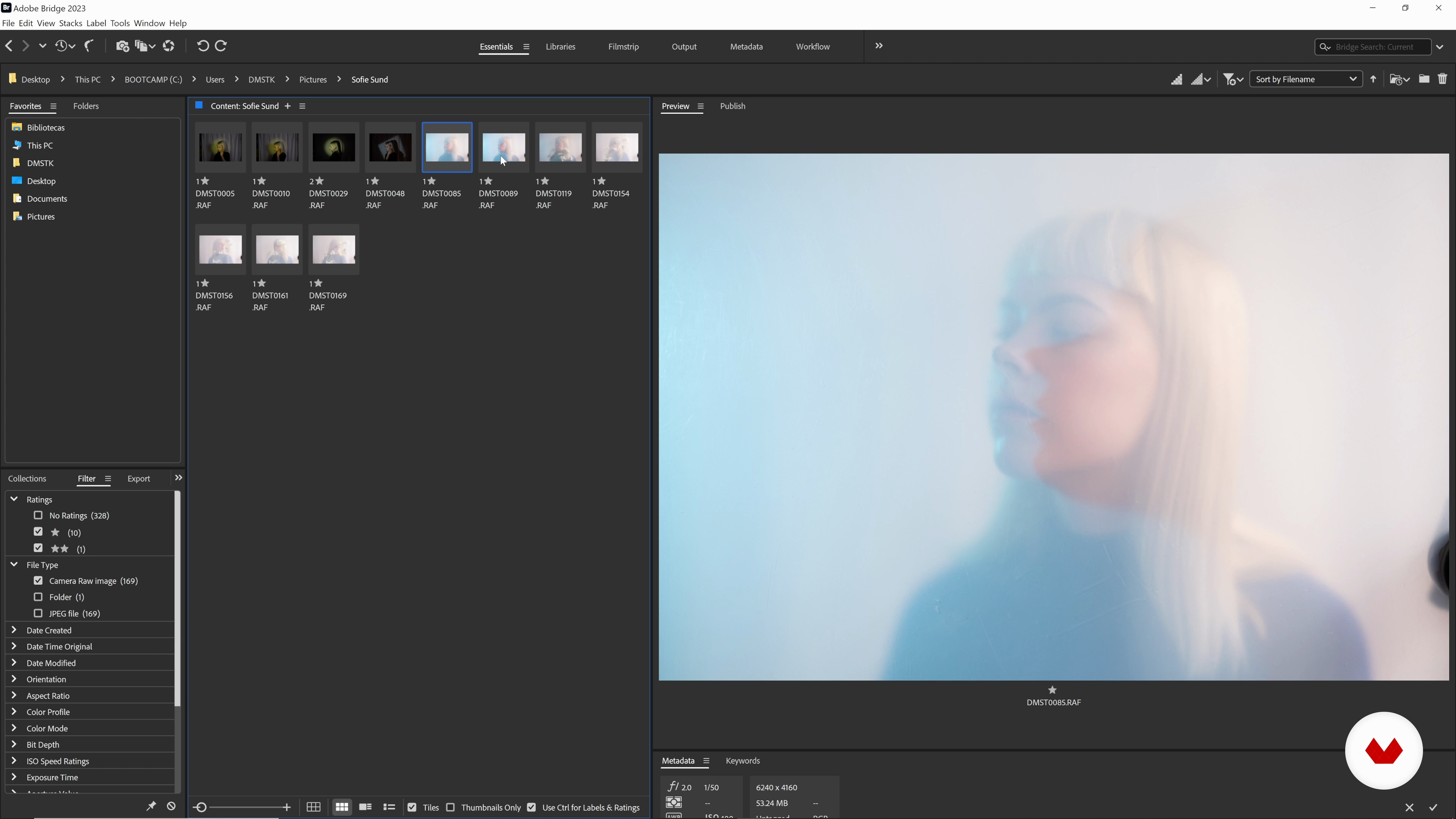
15Lightroom - Selecting Images
In this lesson, I will show you how I review my images in Lightroom. We will select the best photos from the shoot by making the selection smaller and smaller and we talk about what makes them "the best".
13m
16Lightroom - Basic Editing: Game of Trial and Error
In this lesson, we will look at the basic edit in Lightroom. We will look at the composition and potential of other crops. We will look at the contrast, the overall color, and the individual color tones. Lastly, we will export the image to Photoshop.
15m
17Photoshop - Final Touches 1
In this lesson, divided into two parts, we will use Photoshop to give the final touches.
20m
18Photoshop - Final Touches 2
It is all about details and visually ‘cleaning’ the image to make it more clear.
21m
3Feeling Inspired
To start with, I will talk about how you can draw inspiration from your own feelings and memories, and what you can do to get yourself feeling inspired.
4m
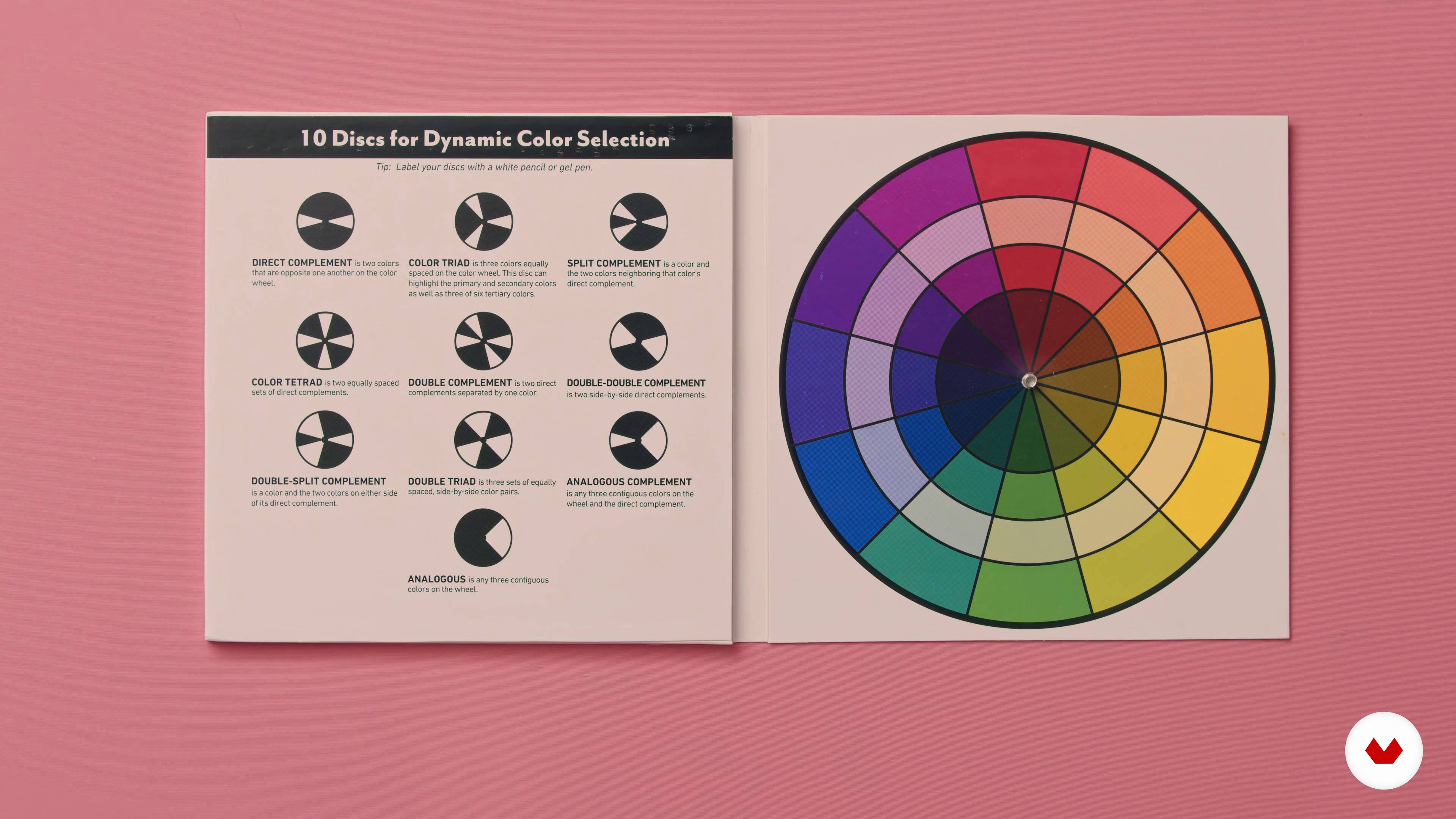
4Experimenting with Colors
How can colors be used to express feelings? In this lesson, I will teach you about basic color theory, like the color wheel, color schemes and what different colors can symbolize in photographs. I will also define the three colors I will be focusing on for the course project.
6m
5Without Light, There Is No Photo
In this lesson, I will talk about how you can experiment with lighting in your photographs and you will learn some basic theories of light.
3m
6The Equipment
What materials will you need for this course? In this lesson, I'll show you what equipment I usually use when shooting self-portraits, and other materials that can be fun to experiment with for your photos.
6m
7Brainstorming and the Mood Board
I will now demonstrate how to create a mood board to prepare and plan your photos. This is an important step in defining the direction of your piece.
6m
8Setting up the Scene
Next, I will provide an example of how to set up your equipment and get ready to shoot your photos. I will also give you some tips and tricks to keep in mind while preparing your set.
6m
9The First Photo: Shaping the Light
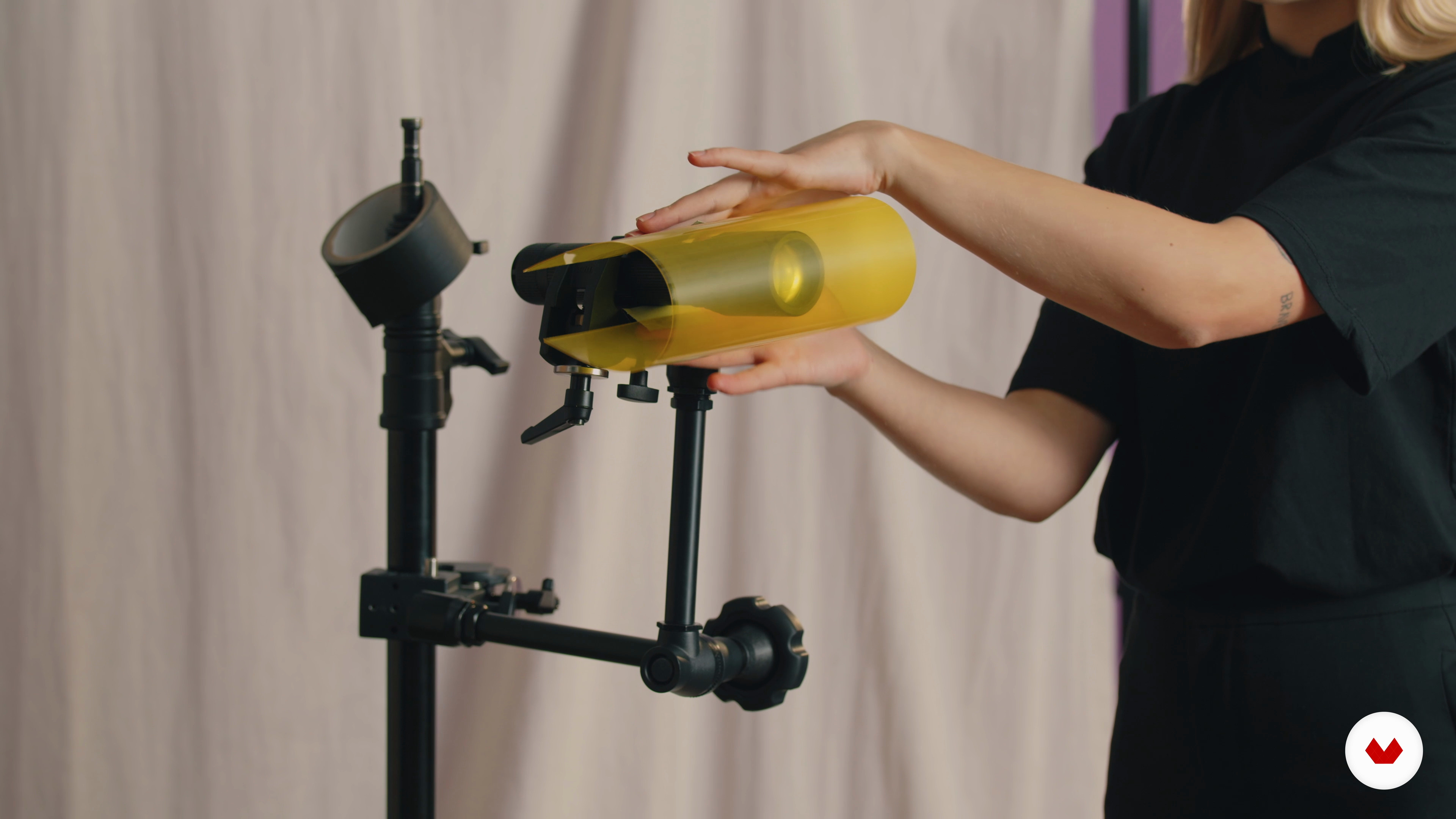
How can you manipulate light to create interesting effects? In this lesson, I will show you what's possible by experimenting with the shapes and shades of my lighting.
12m
10The Second Photo: Experimenting with Long Exposure
In this lesson, I will capture a second image. You will learn how to use long exposure to achieve a different and interesting effect in your photo.
18m
11The Third Photo: Working with Natural Light 1
Let's shoot the last image! In this lesson, I will work with natural light using both my camera and phone to show you the difference between the two.
15m
12The Third Photo: Working with Natural Light 2
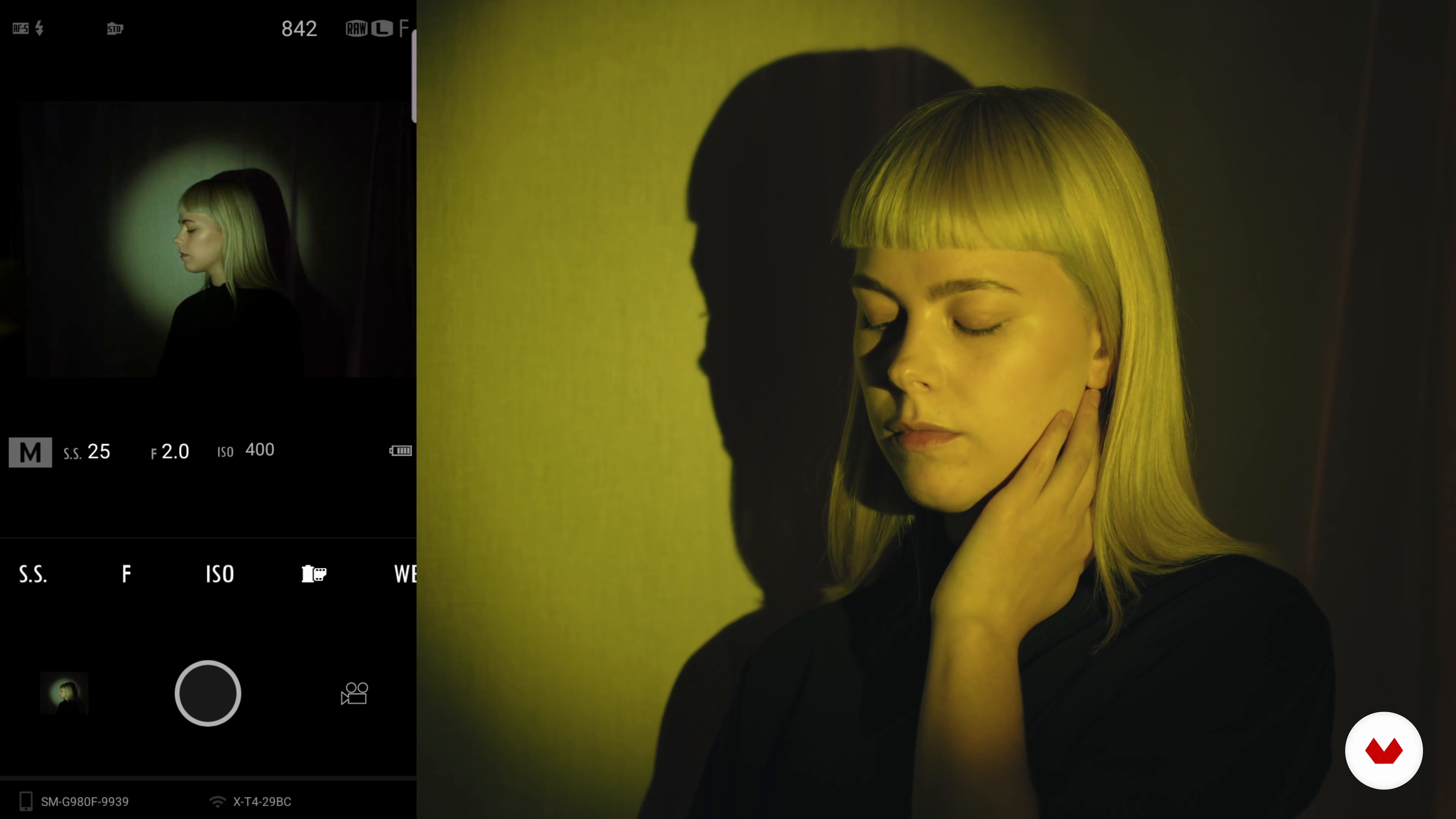
I will now move to my phone to introduce you to an alternative way to capture your photos. You will learn how to set up your phone—including the placement and internal settings—to achieve the maximum effect.
9m
13Selecting and Editing on a Phone 1
I will now look through all the photos I captured with my phone and bookmark the ones that stand out to me, ready to make a final selection of those that I will take forward.
13m
14Selecting and Editing on a Phone 2
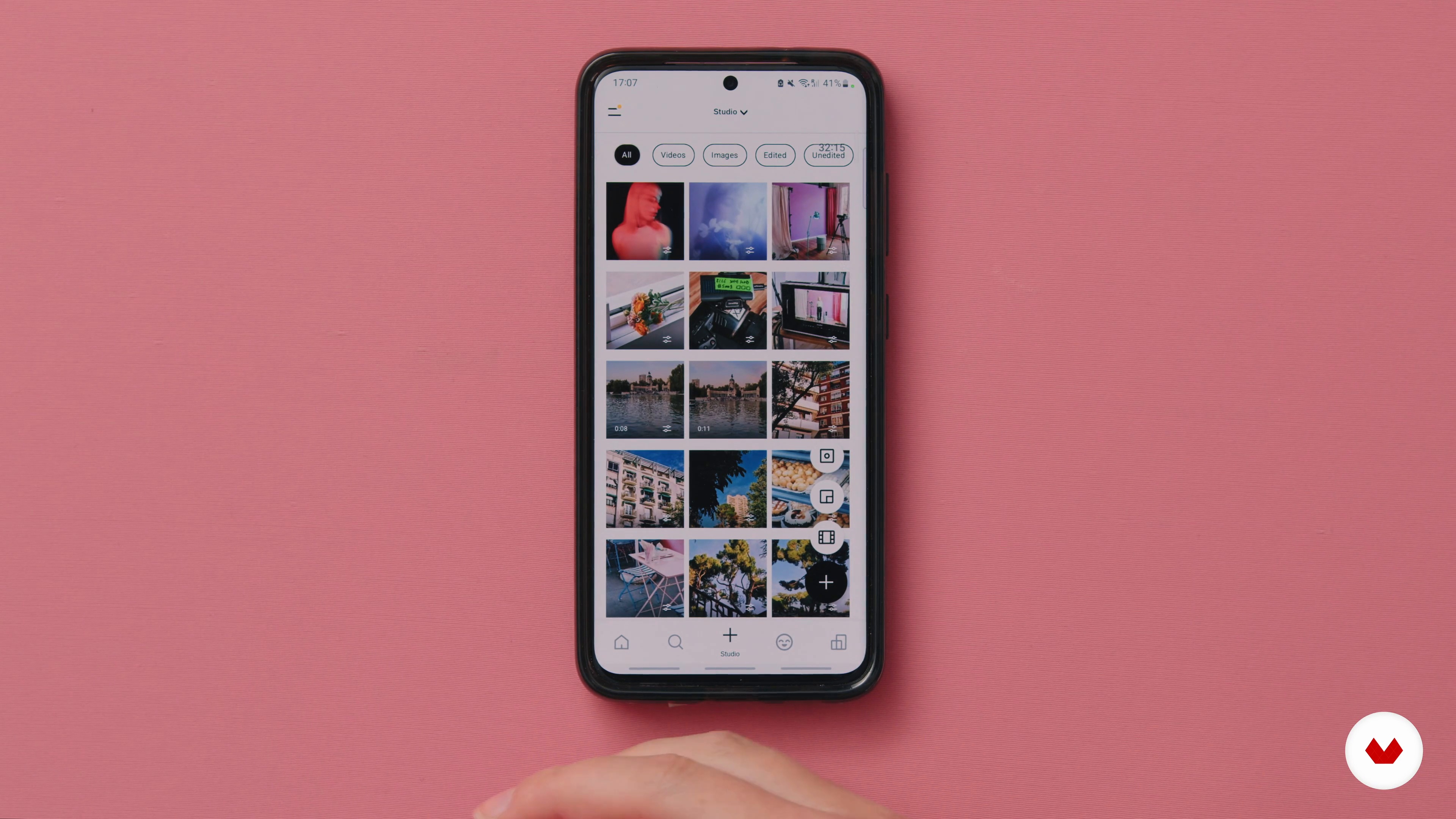
In the second part of this lesson, I will continue to show you my editing process. I will walk you through two different apps that I like to use.
10m
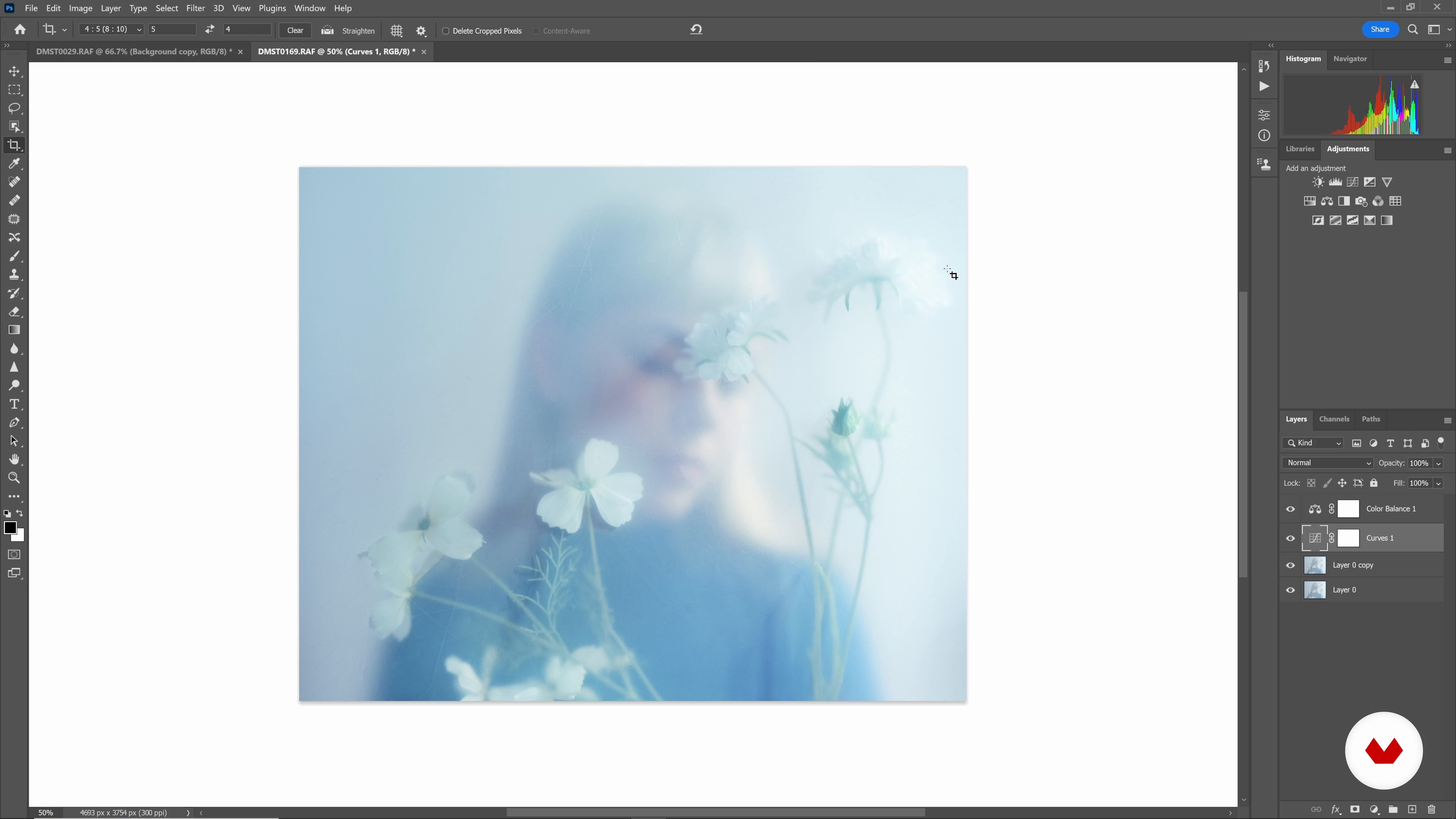
15Selecting and Editing with Adobe Camera Raw and Photoshop 1
It's time to edit the photos I took with my camera! I will show you my editing process on a computer. First, I will do some basic editing in Camera Raw, and then move on to Photoshop.
20m
16Selecting and Editing with Adobe Camera Raw and Photoshop 2
I will now work with the remaining photo, tweaking elements such as exposure, color, contrast, size, and so on to optimize the result.
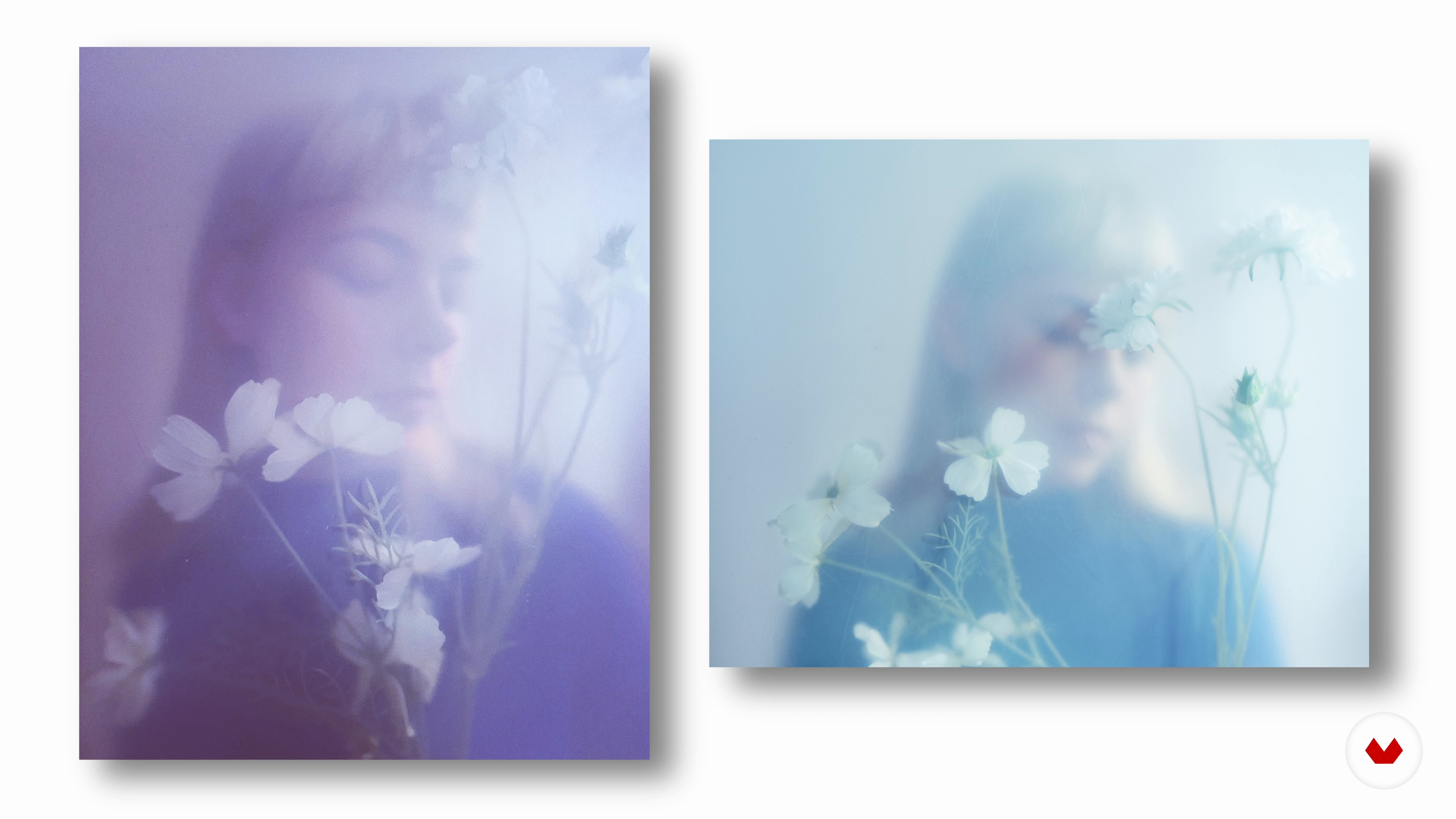
12m
17The Final Result and Sharing Your Work
I'm happy with the edits I've made. Let's look at the final results! I will talk about what you can do with your photos, and how to share them with others once you've finished them.
13m
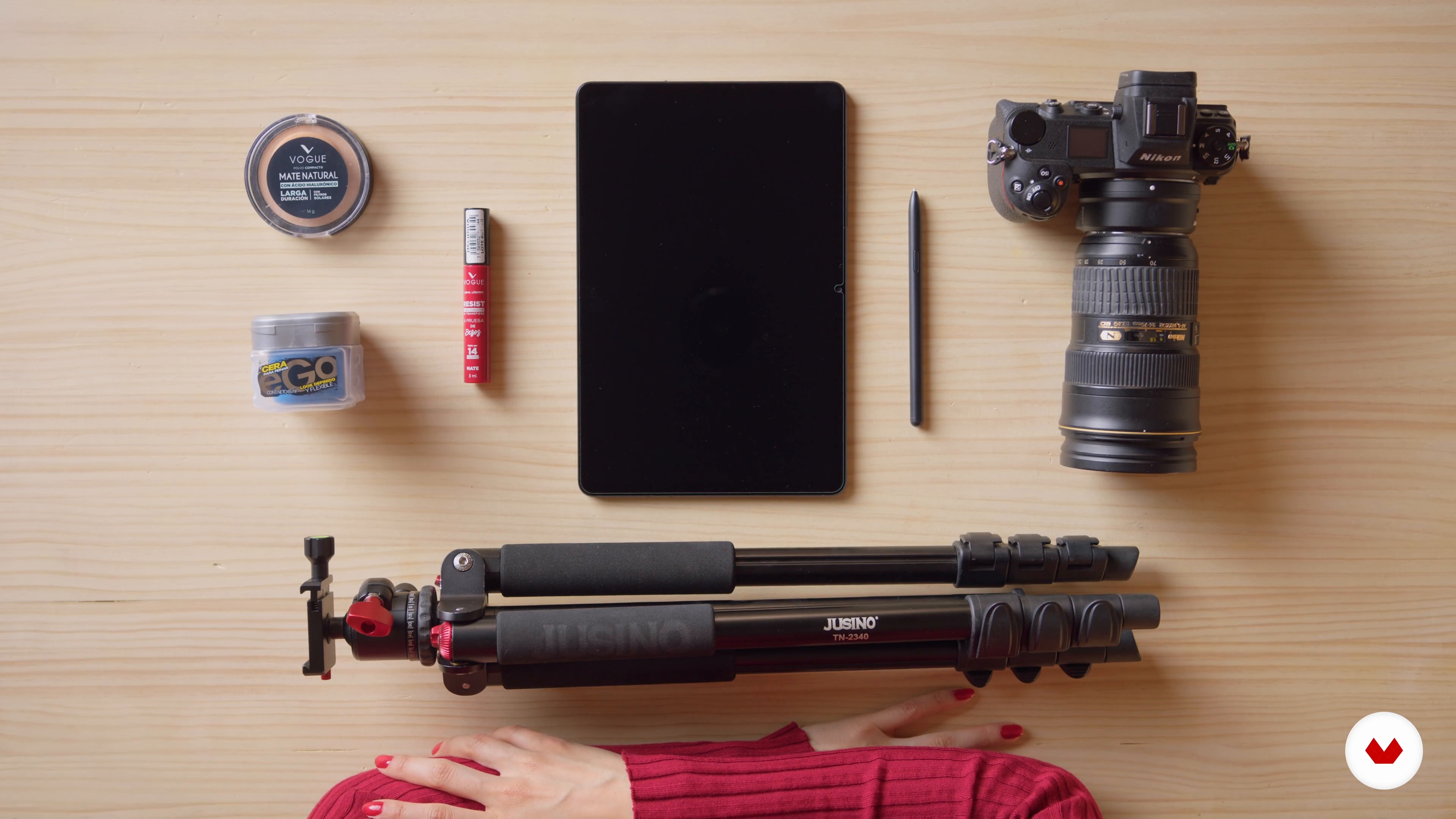
3equipment and tools
Do you want to know everything you will need to take this course and take self-portraits? In this lesson, I will show you the possible tools and materials that you will use, from the most basic things like the camera to the editing programs once you have already taken your photos.
1m
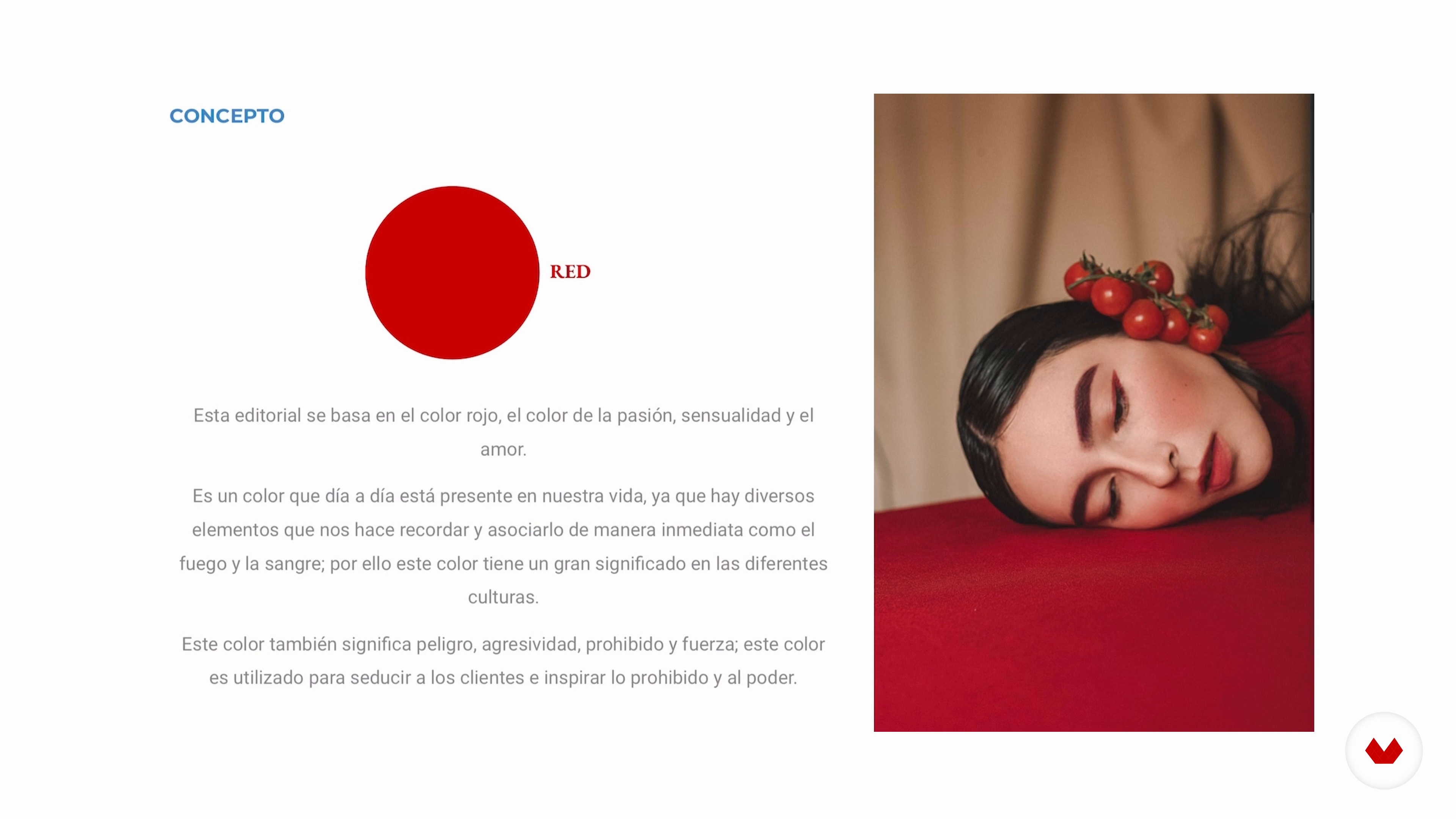
4The mood board and the concept
Now I will show you how I choose the concept of my photo session and, from there, I will show you how to create a mood board that will serve as a reference.
4m
5Self-knowledge and posed
As you already know, your project will consist of taking self-portraits. For this reason, it is very important that you experiment in front of the mirror to get to know yourself in more detail: your gaze, your hands, your arms and, ultimately, everything you are going to photograph. I'll show you how to do some self-awareness exercises, and then I'll teach you some key portrait posing tips.
6m
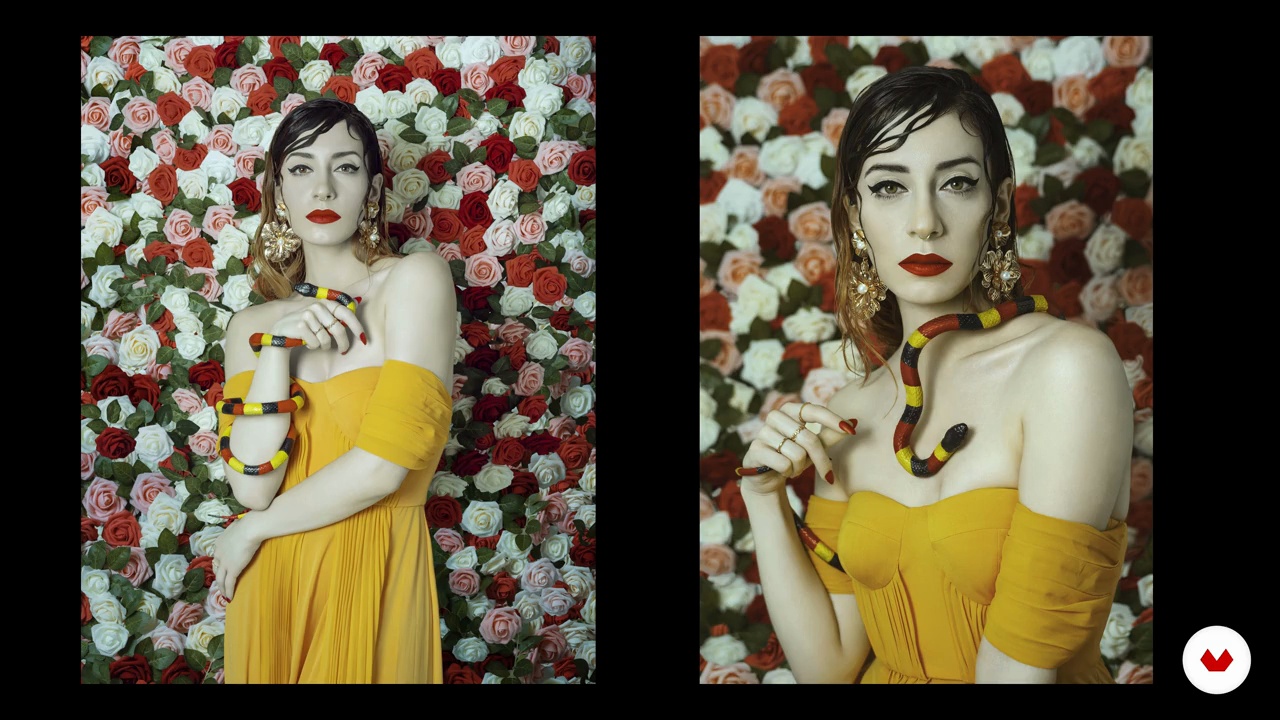
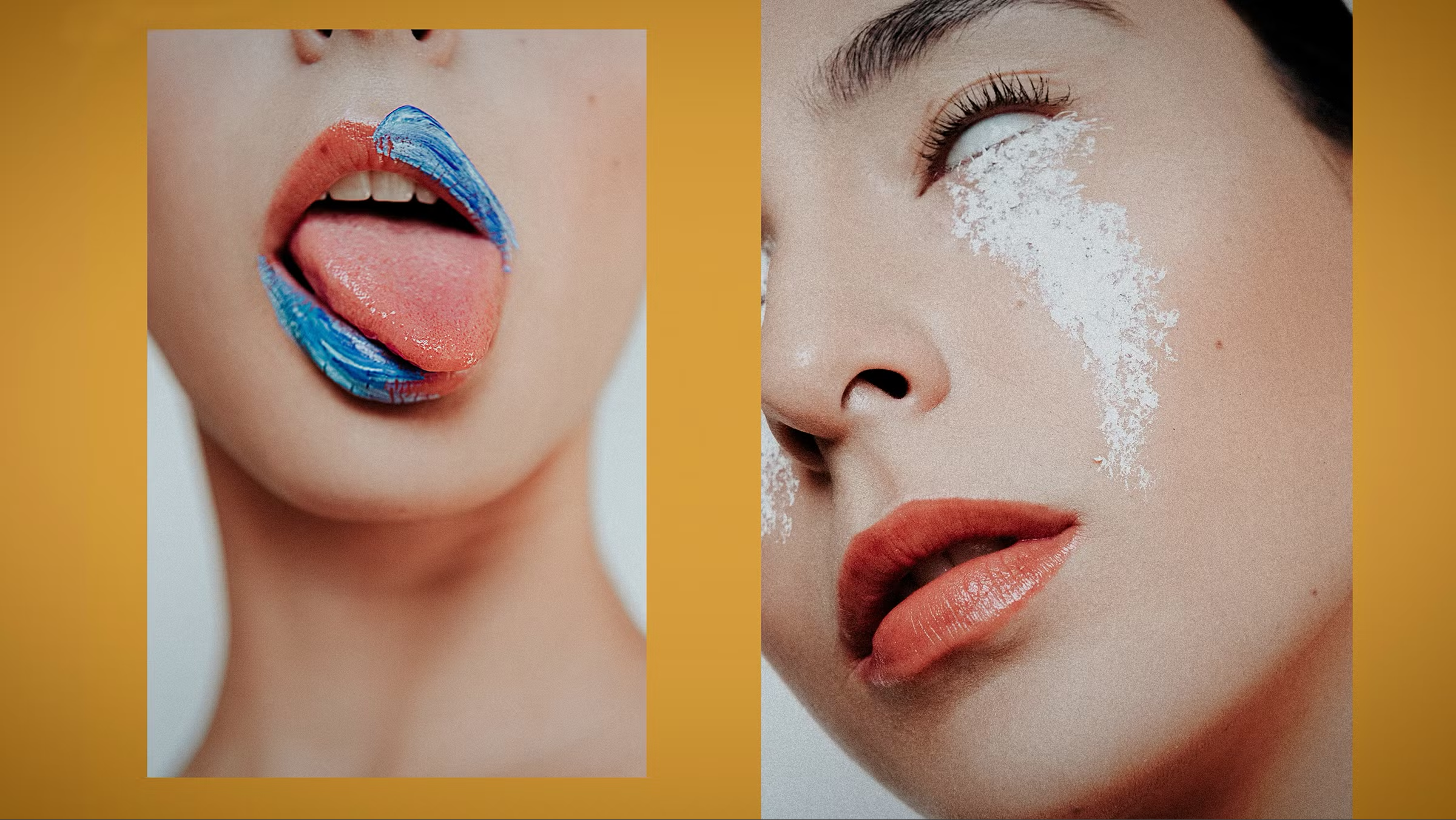
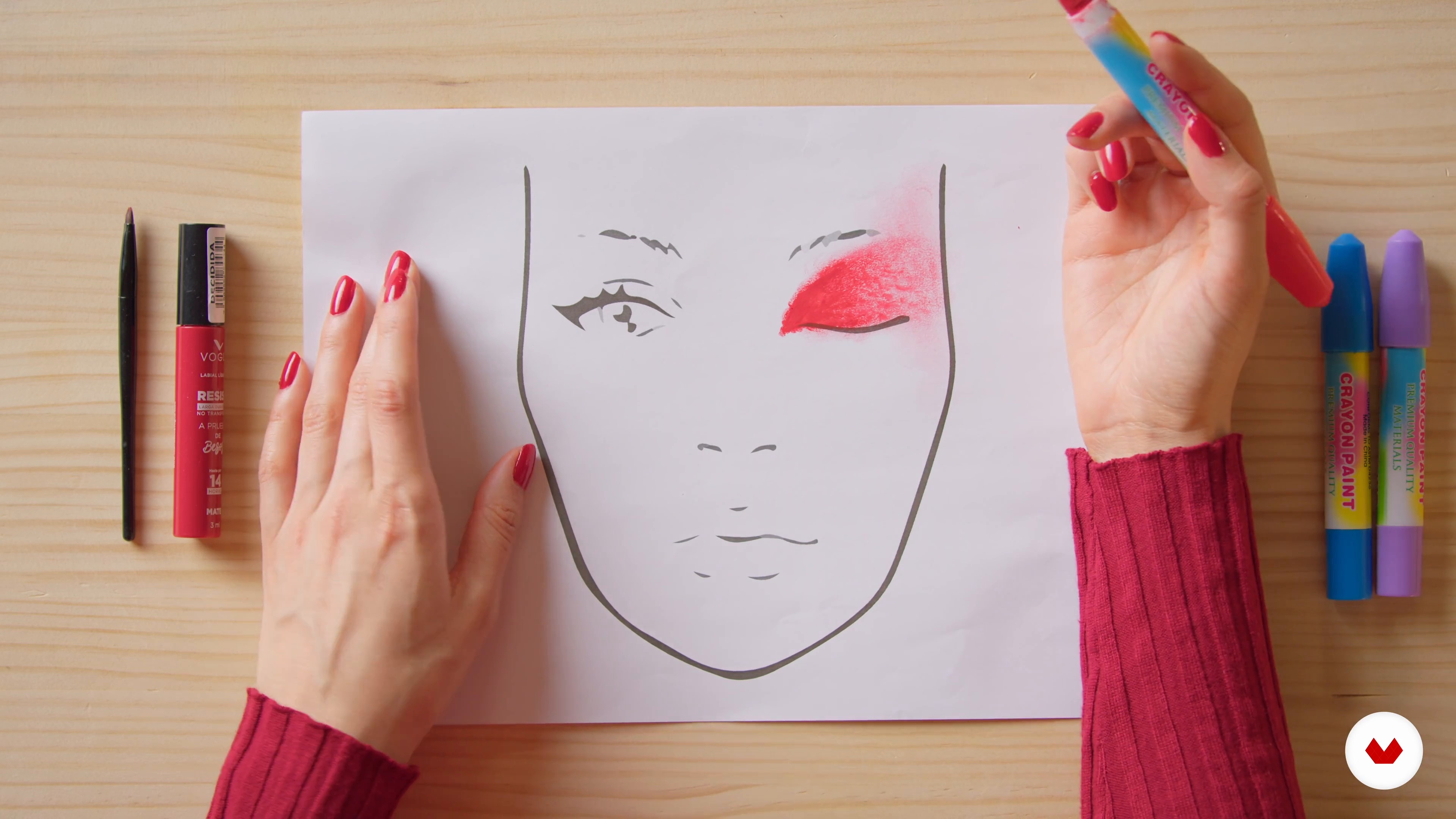
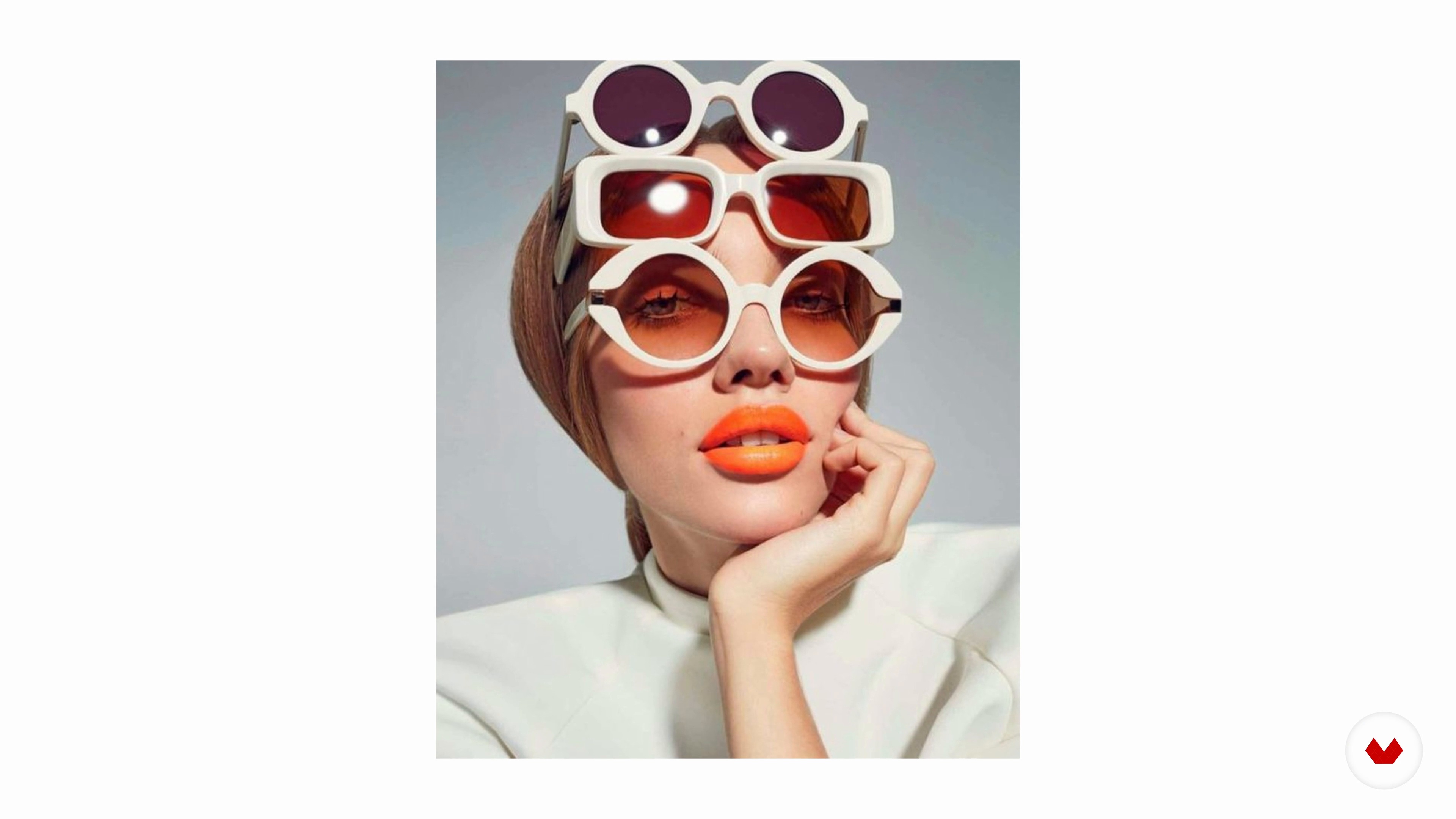
6Fashion editorial makeup
Now you will learn about fashion makeup, from its definition to why it is so important in the artist's discourse. I will also teach you simple and practical techniques that you can perform.
6m
7Styling for the session
It's time for you to become your own stylist for your self-portraits! In this lesson, I will teach you how to take as a reference what you have proposed in your mood board and how to apply it in a simple way in your photo shoot.
2m
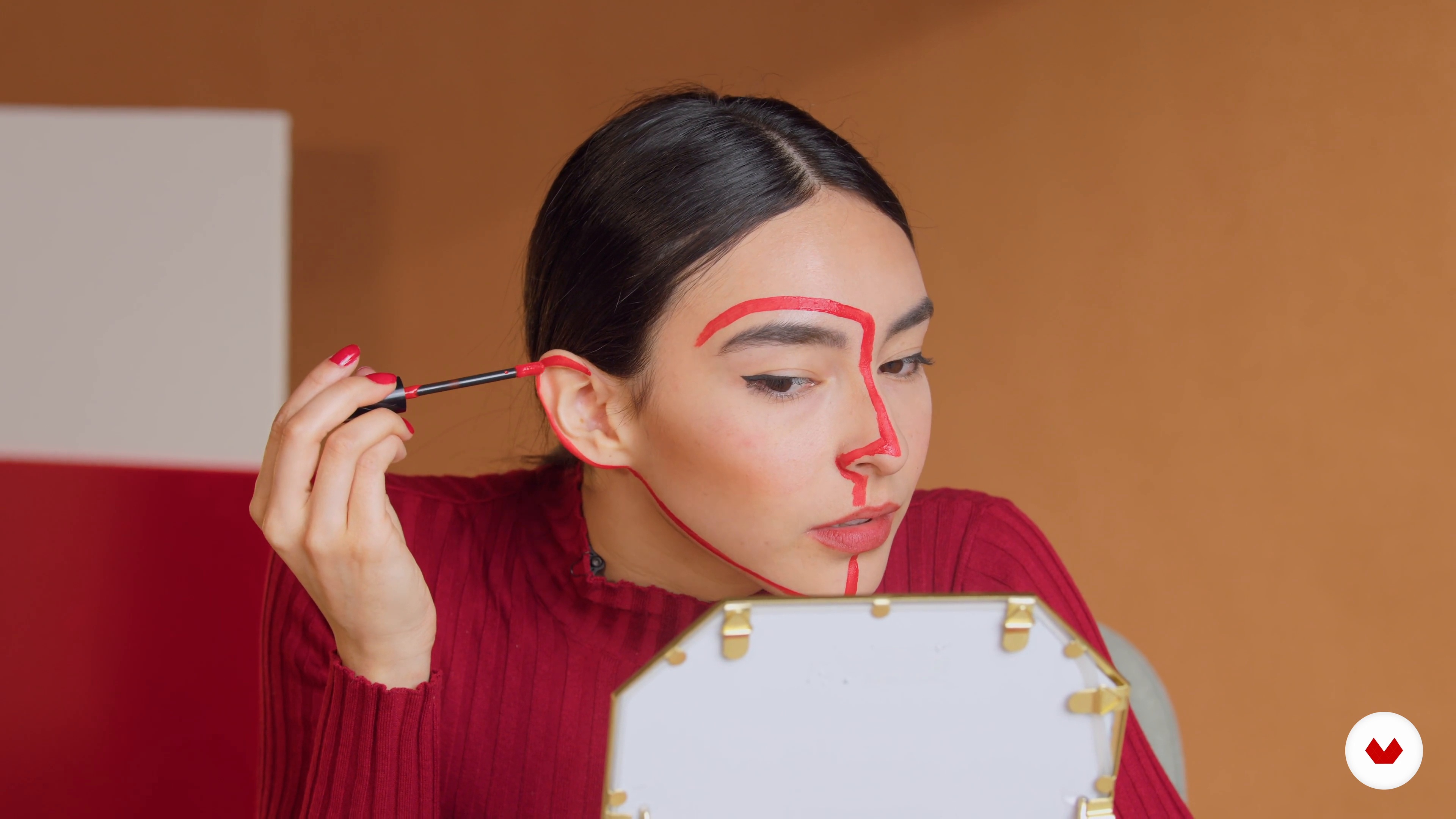
8The makeup
Now I will do the makeup for my photo session. First, I'll show you the products I'll be using, and then I'll show you step by step how I do my makeup in front of the mirror and some simple strokes that work great in fashion photography.
3m
9Stage
Although the settings for fashion portraits can be complex and elaborate at times, they are usually simple, since the focus is on the model, her makeup and styling. In this lesson, I'll teach you simple ways to create the background and scenery for your photo shoot and small details that will elevate your results.
2m
10the photo session
It's time to pose in front of the camera and take the pictures! In this lesson, you will carry out your photo session and apply everything you have learned so far.
14m
11Edit the photos
Now you will start by processing the photographs in Adobe Lightroom and make a selection of the ones you like the most and the ones you think best convey your concept. Then, you will proceed to retouch them in Adobe Photoshop and in Lightroom as well.
11m
12Graphic work on photographs
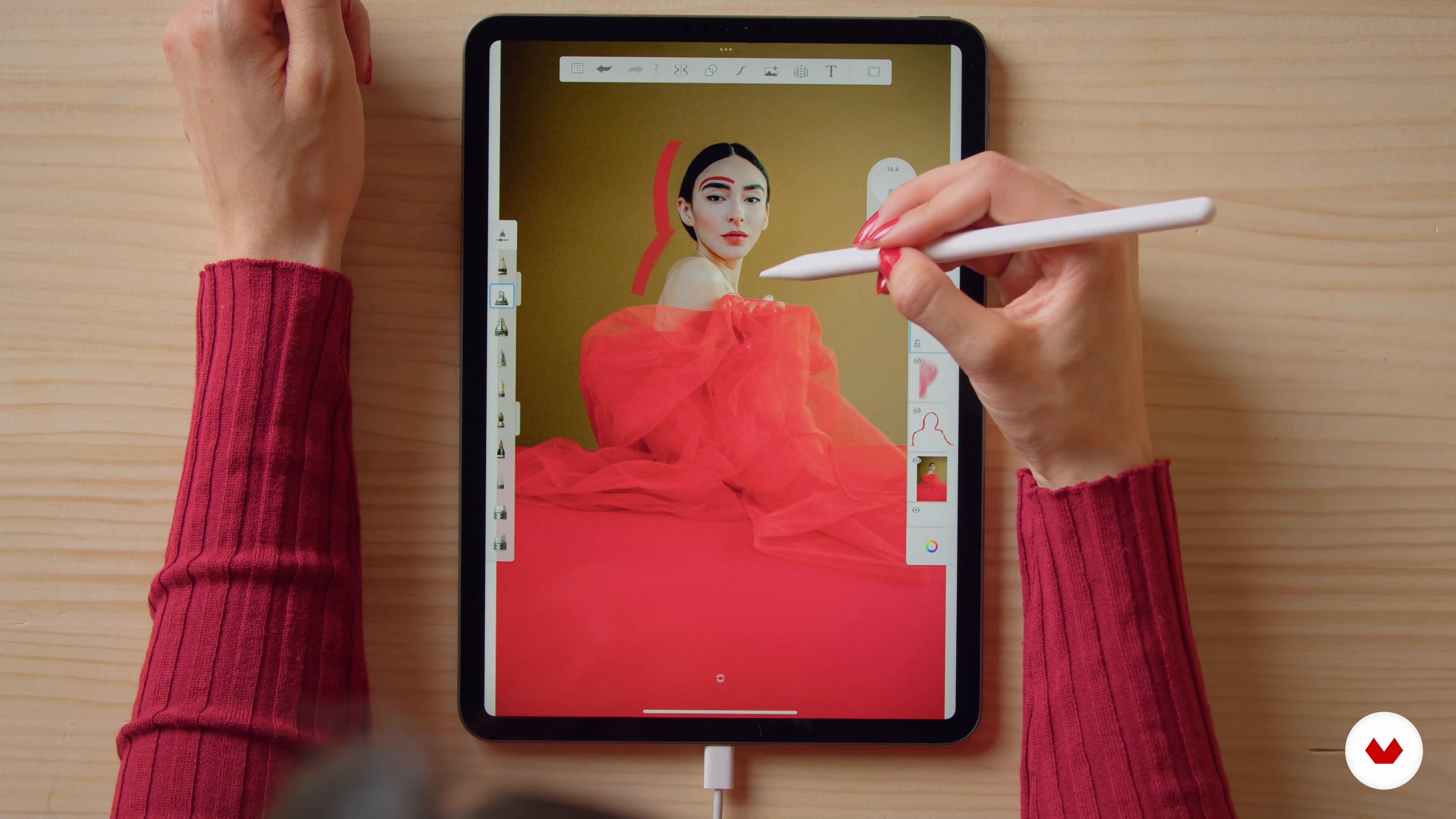
Once you're done with your editing work in Photoshop and Lightroom, in this lesson I'll show you how to do a graphic intervention on some of your photos using the Sketchbook app. I will also tell you about how graphic design impacts fashion photography and takes it to another level.
8m
13Share the photos
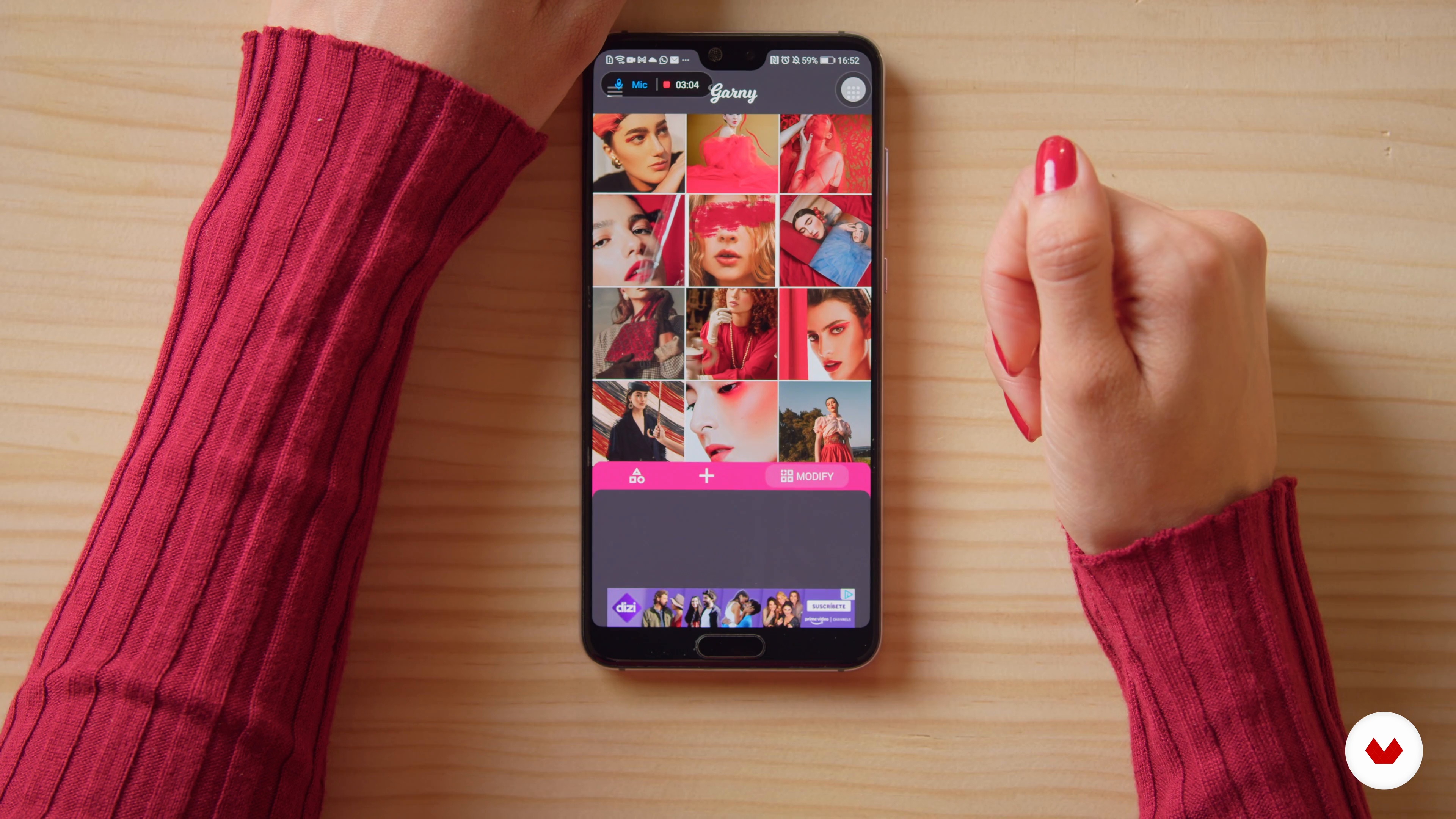
I congratulate you because, by now, you already have your photographs edited and intervened. You are one step away from sharing your work with the rest of the community and on social networks. In this lesson, I'll give you tips for sharing your work on Instagram and talk about how you can organize your posts ahead of time to preview how they'll look on your feed.
2m
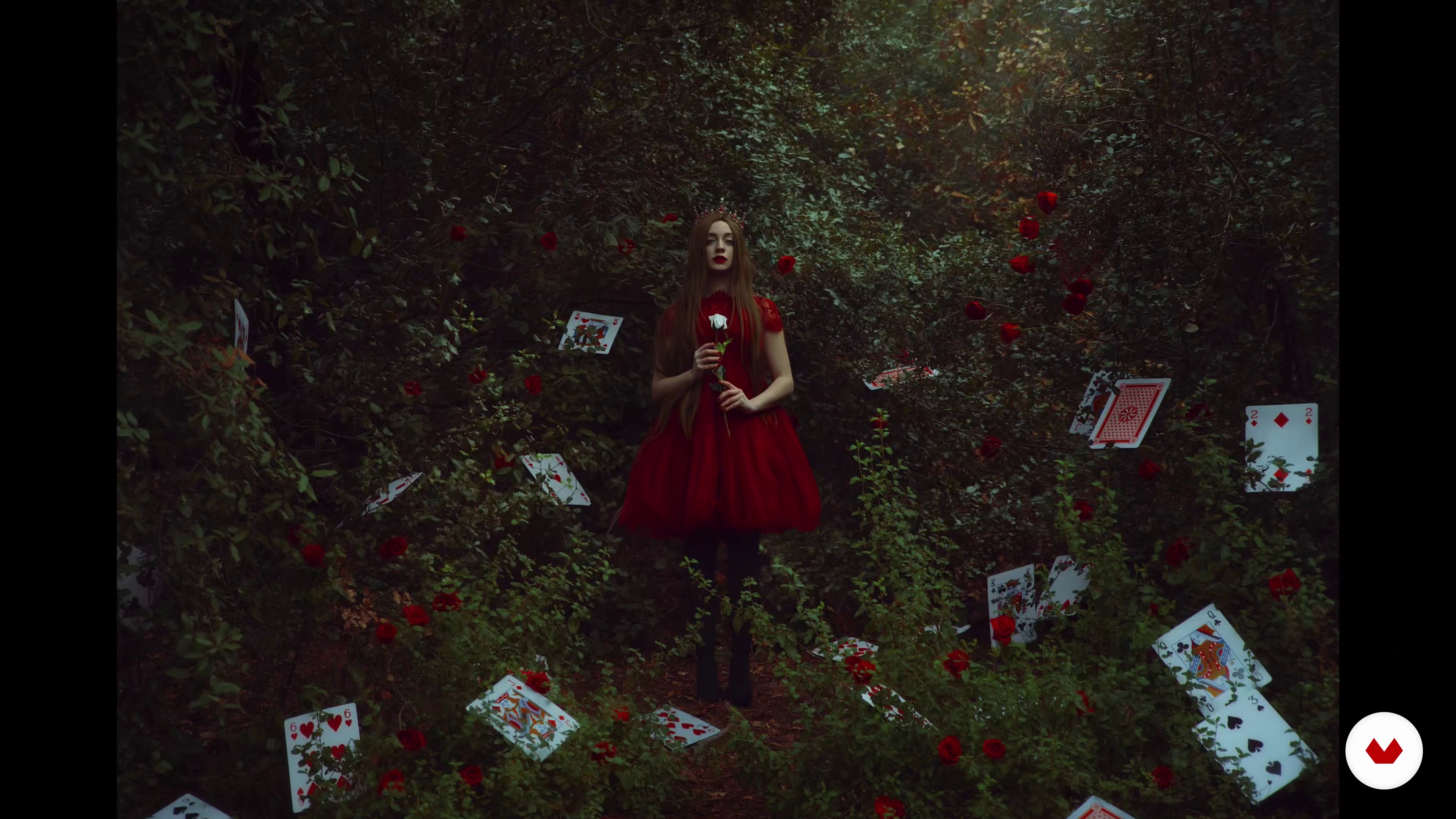
Create a cohesive self-portrait portfolio showcasing mastery in artistic and personal expression. Develop a fine art series with symbolic depth, a visual diary reflecting personal growth, technically advanced lighting and color portraits, and a complete professional fashion session.
Aspiring photographers and creative individuals eager to explore self-expression through self-portrait photography will find this course ideal. It caters to those interested in mastering various techniques, from fine art to fashion, while developing a unique visual language.
A basic camera and tripod are helpful for capturing self-portraits, while props like fabrics and color gels enhance creativity. No extensive prior knowledge is required, but a willingness to explore personal expression through photography is recommended, alongside a computer for editing.

Enjoy learning from home without a set schedule and with an easy-to-follow method. You set your own pace.
Learn valuable methods and techniques explained by top experts in the creative sector.
Each expert teaches what they do best, with clear guidelines, true passion, and professional insight in every lesson.
If you're a Plus member, get a custom certificate for every specialization course. Share it on your portfolio, social media, or wherever you like.
Videos of the highest quality, so you don't miss a single detail. With unlimited access, you can watch them as many times as you need to perfect your technique.
Ask questions, request feedback, or offer solutions. Share your learning experience with other students in the community who are as passionate about creativity as you are.
The community is home to millions of people from around the world who are curious and passionate about exploring and expressing their creativity.
Domestika curates its teacher roster and produces every course in-house to ensure a high-quality online learning experience.
Yes, this course is designed for beginners and guides you through self-portraiture concepts, inspiration, and practical techniques step by step.
You can start with a smartphone or a camera, and basic items like a tripod, remote control, or everyday objects found at home. No specialized gear is required.
You'll learn how to find inspiration, document emotions, use everyday objects and locations, master posing and lighting, and edit and share conceptual self-portraits.
The course teaches you to creatively incorporate household and found objects as props or backgrounds, adding unique visual interest and storytelling to your portraits.
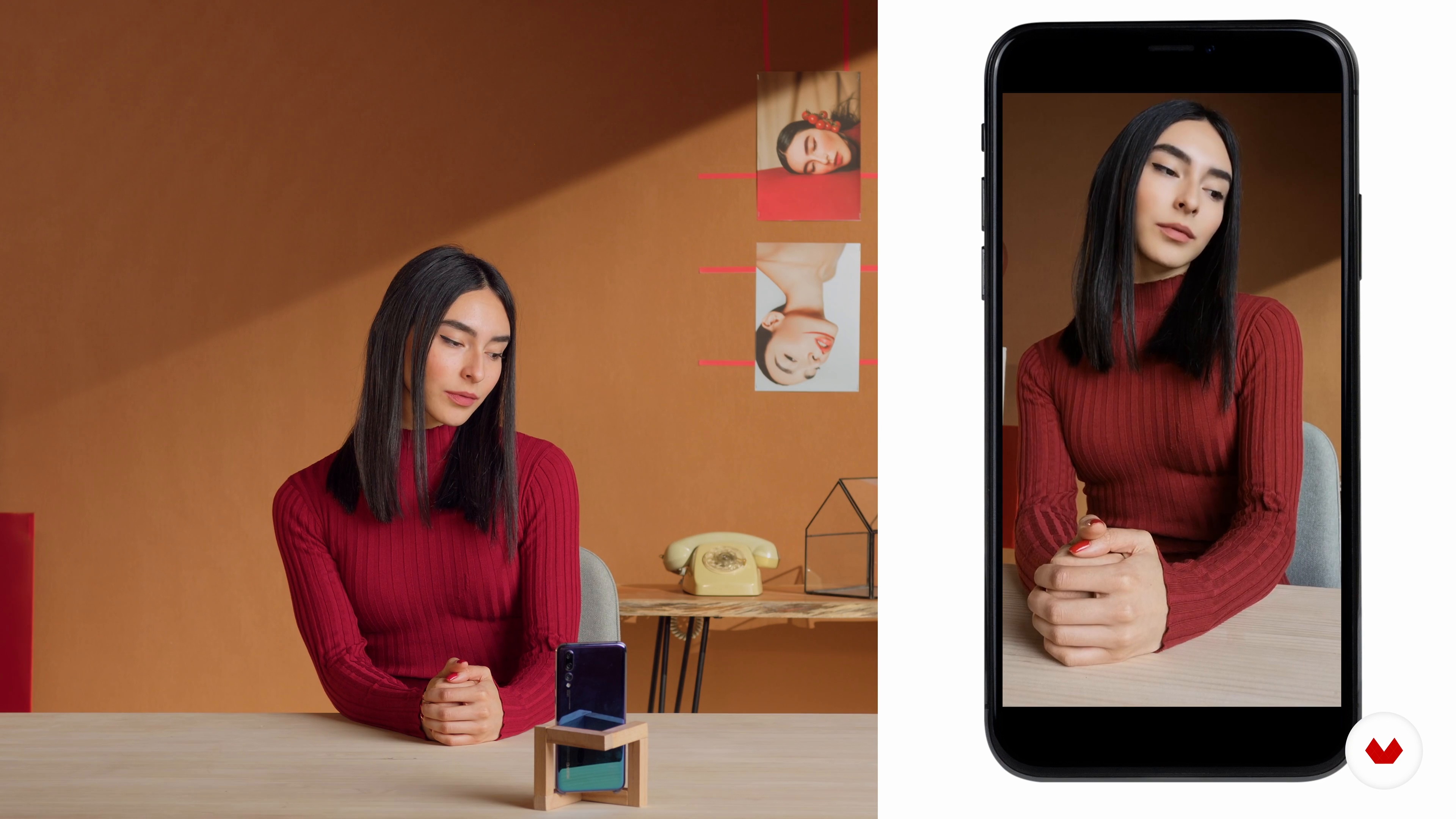
You can use either a smartphone or a camera for this course. Lessons include tips for both, so you can achieve great results with any device.
The course covers methods for finding inspiration from illustrators, Pinterest, Instagram, art prompts, and your own emotions and experiences.
Yes, the course includes editing techniques for refining images, compositing with stock photos, and using tools like Lightroom for creative effects.