Creating AI-Powered Quizzes for Effective Lead Generation
A course by Luke Wilcoxson2D Motion Designer & Creative Director
A course by Luke Wilcoxson, 2D Motion Designer & Creative Director

Create an AI quiz to attract clients, automate insights, and enhance engagement effortlessly with scorecard marketing
Unlock the potential of AI-driven marketing with a course designed to revolutionize your client engagement strategy. Discover how to create an intelligent quiz that works as a 24-7 client magnet, attracting and nurturing leads while showcasing your expertise. Quizzes are a powerful tool, tapping into people's curiosity and desire for feedback. Learn to design engaging quizzes using Google Forms, and connect them with AI Studio to automate answer analysis, scoring, and personalized feedback generation. This approach, Scorecard Marketing, positions you as an expert, builds trust, and provides value before a purchase.
Dive into an interactive learning experience where technical skills are not a prerequisite. By leveraging language models, simply describe your desired system functions and let AI handle the complexity. This course guides you through the process of defining client transformations, crafting questions, and delivering tailored insights—all without writing a single line of code. Gain the skills to automate your marketing efforts, freeing up time to focus on the creative aspects of your business. Transform your client acquisition strategy and enjoy the benefits of an always-on, intelligent marketing tool.
What will you learn in this online course?
5 lessons & 4 downloads
Write Your Quiz Questions
13 minutes, 42 seconds
Build Your Quiz in Google Forms
19 minutes, 58 seconds
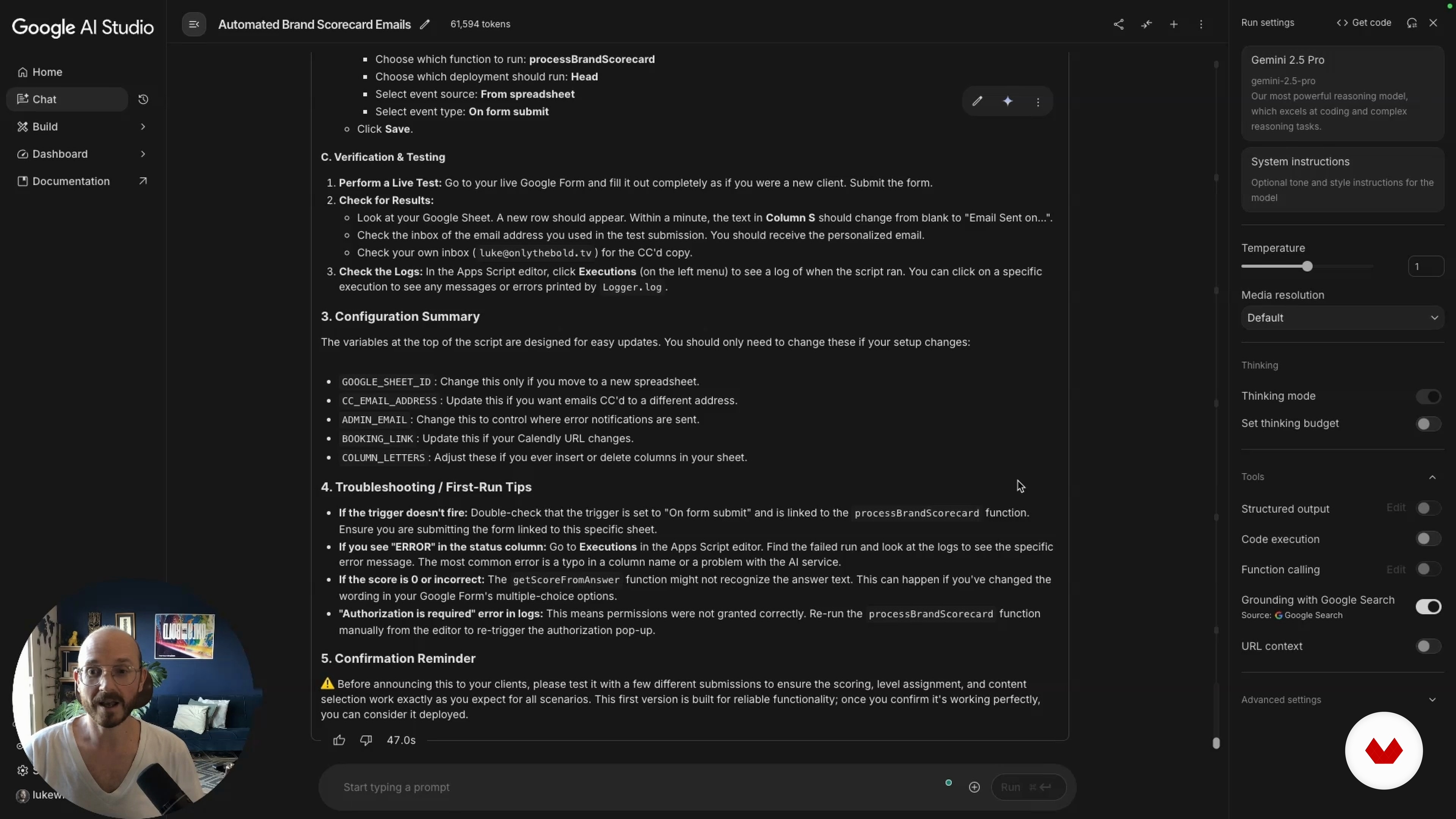
Blueprint Your AI Automation
23 minutes, 49 seconds
Vibe Code and Launch Your Automation
9 minutes, 48 seconds
What's included in this course?
Discover the art of creating an AI-powered quiz that acts as a 24-7 client magnet. This course will guide you through the process of designing a captivating quiz that not only engages your audience but also analyzes their responses to generate personalized feedback automatically. By leveraging Google Forms and AI Studio, you'll learn to automate the complex tasks of interpreting answers and scoring results without the need for any coding skills. The course introduces the concept of Scorecard Marketing, helping you understand how quizzes can build trust and showcase your expertise effortlessly.
Engage in an interactive learning experience that focuses on understanding the psychological principles behind why people buy. You'll explore how to craft questions that reveal customer needs and awaken desires, driving them towards your service or product. The course emphasizes the importance of emotional resonance and logical reasoning, teaching you to design questions that captivate and motivate your audience. Ultimately, you'll develop a comprehensive understanding of how to position yourself as an expert, offering value before any purchase, and creating a seamless path for potential clients to connect with your business.
Recommended software & tools for this course
What is this course's project?
Create an AI-powered quiz that automatically attracts clients, analyzes responses, scores results, and sends personalized reports. This allows you to focus on your creative business side while the quiz works as a 24-7 client magnet.
Who is this online course for?
Entrepreneurs and business owners seeking to automate lead generation and enhance client interaction through engaging quizzes will find this course ideal. It's perfect for those looking to leverage AI tools without needing technical expertise, focusing on creativity and business growth.
Requirements and materials
No extensive prior knowledge is needed, just a basic understanding of quizzes and access to Google Forms. A computer with internet is essential. Enthusiasm for learning and a willingness to explore new tools will enhance your experience.

As the founder and creative director of Only The Bold, Luke leads a team dedicated to video strategies that drive behavioral change and social impact. He also founded Motion Design Mexico, a community initiative that connects designers and animators through talks, events, and creative exchange within the Latin American motion design scene.
Content
Creating AI-Powered Quizzes for Effective Lead Generation
- Design the Transformation
- Write Your Quiz Questions
- Build Your Quiz in Google Forms
- Blueprint Your AI Automation
- Vibe Code and Launch Your Automation
- Final project
What to expect from a Domestika course
Learn at your own pace
Enjoy learning from home without a set schedule and with an easy-to-follow method. You set your own pace.
Learn from the best professionals
Learn valuable methods and techniques explained by top experts in the creative sector.
Meet expert teachers
Each expert teaches what they do best, with clear guidelines, true passion, and professional insight in every lesson.
Certificates
PLUSIf you're a Plus member, get a custom certificate signed by your teacher for every course. Share it on your portfolio, social media, or wherever you like.
Get front-row seats
Videos of the highest quality, so you don't miss a single detail. With unlimited access, you can watch them as many times as you need to perfect your technique.
Share knowledge and ideas
Ask questions, request feedback, or offer solutions. Share your learning experience with other students in the community who are as passionate about creativity as you are.
Connect with a global creative community
The community is home to millions of people from around the world who are curious and passionate about exploring and expressing their creativity.
Watch professionally produced courses
Domestika curates its teacher roster and produces every course in-house to ensure a high-quality online learning experience.
FAQs
You can create an AI-powered quiz by designing questions in Google Forms, connecting responses to Google Sheets, and using AI tools or Apps Script to automate scoring and feedback, enabling instant personalized results for each user.
This course is designed for intermediate users, but it uses no-code platforms and step-by-step instructions, making it accessible even if you have limited technical experience.
You’ll need a Google account for Google Forms and Sheets, access to Google AI Studio, and optionally an API key for integrating AI features. No coding software is required.
You'll learn how to design engaging quizzes, automate scoring and personalized feedback, segment leads, and implement workflows that capture and nurture potential clients using AI.
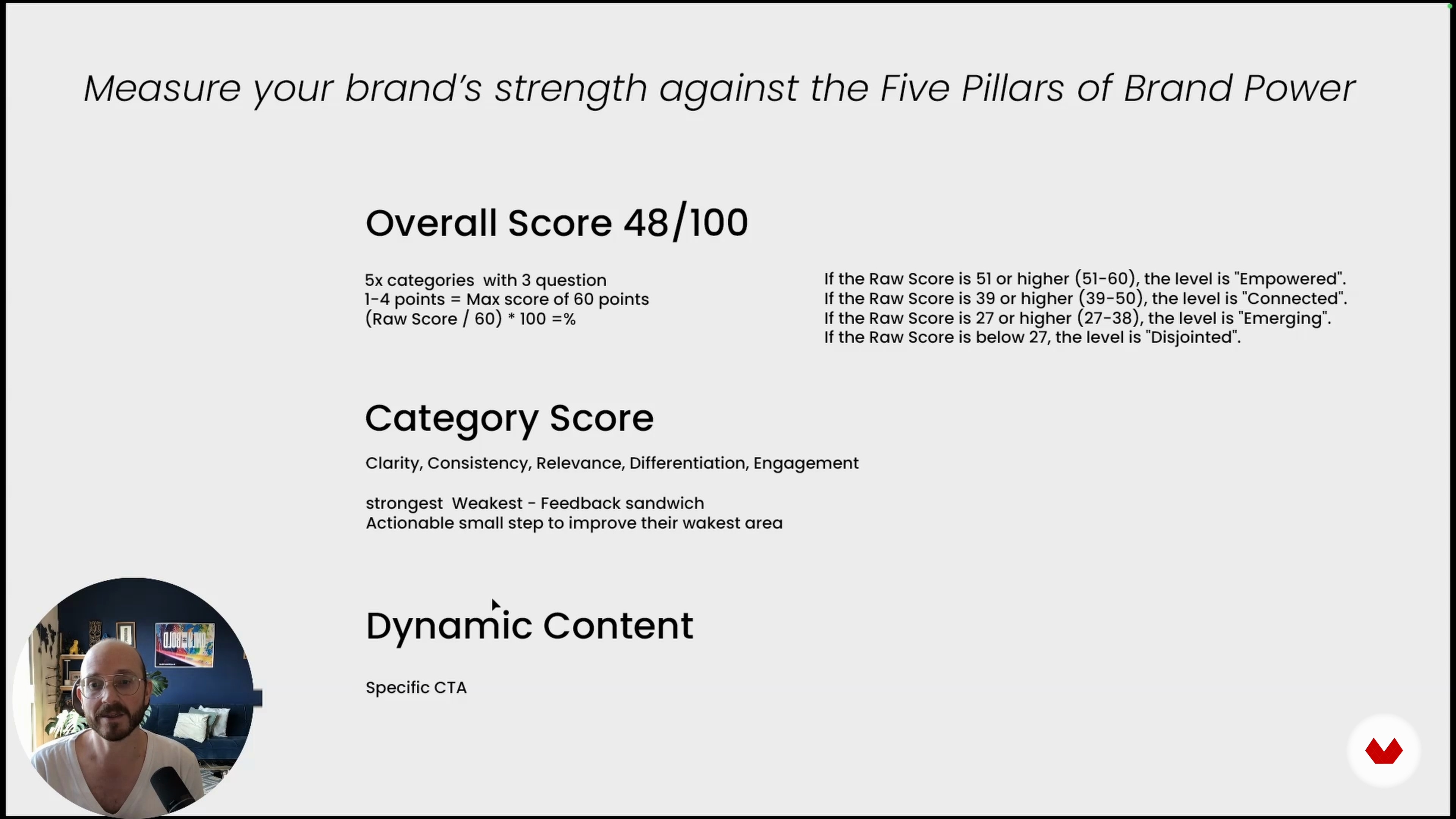
Scorecard marketing uses quizzes to assess users, provide personalized scores, and deliver tailored feedback, positioning your brand as an expert and encouraging engagement and lead capture.
Yes, this course teaches you how to set up workflows that generate and email instant, personalized reports to quiz takers using Google Sheets and AI-powered automation.
You’ll learn to link Google Forms responses to Google Sheets, then connect those sheets to AI Studio, which processes answers and generates automated, personalized feedback for each participant.