Advanced Vizcom: Integrate Your 3D Models and Generate CMF Variants
A course by Gerry SolerIndustrial Designer
A course by Gerry Soler, Industrial Designer

Advanced Vizcom workflow for 3D product design, CAD model integration, AI-assisted CMF exploration, AR‑ready exports
Learn how to take your industrial design workflow beyond 2D sketching by integrating precise 3D models into Vizcom and leveraging AI for faster, higher quality product visuals. In this advanced Vizcom course you will use a 3D wireless speaker as your base to build professional concept sheets, refine geometry, and generate CMF variations ready for portfolio, clients, or AR presentations.
You will see how to prepare and import CAD files in OBJ or FBX from tools like Fusion 360 into Vizcom, control camera angles and focal length for realistic product renderings, and combine sketching with the Live Render engine to add organic details such as straps, buttons, and joints directly on top of your 3D model. Through the Modify and Variate tools you will sculpt forms, fix artifacts, and iterate CMF with brand inspired directions like Bang & Olufsen, Teenage Engineering, and Sony.
By the end of the course you will have a clean master render, three clearly differentiated CMF proposals, and several high resolution images suitable for a professional portfolio or client deck. You will also learn how to export 3D models with projected textures in GLB and USDZ for web and augmented reality, as well as OBJ and STL files to continue working in Blender or other 3D software and prepare prototypes for 3D printing or digital validation.
What will you learn in this online course?
6 lessons & 3 downloads
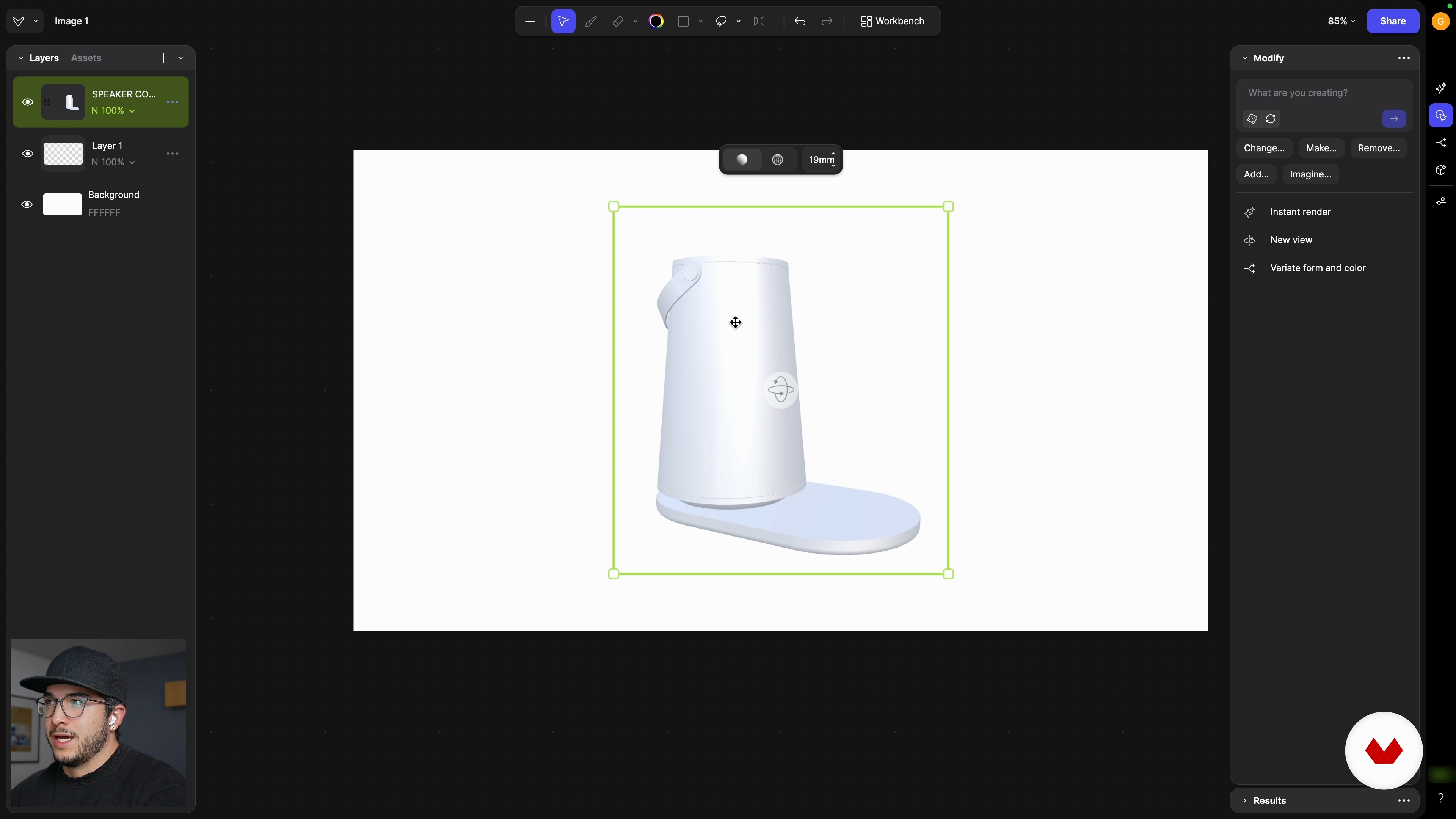
From CAD to Vizcom: Import, Control, and Focal Length
9 minutes, 34 seconds
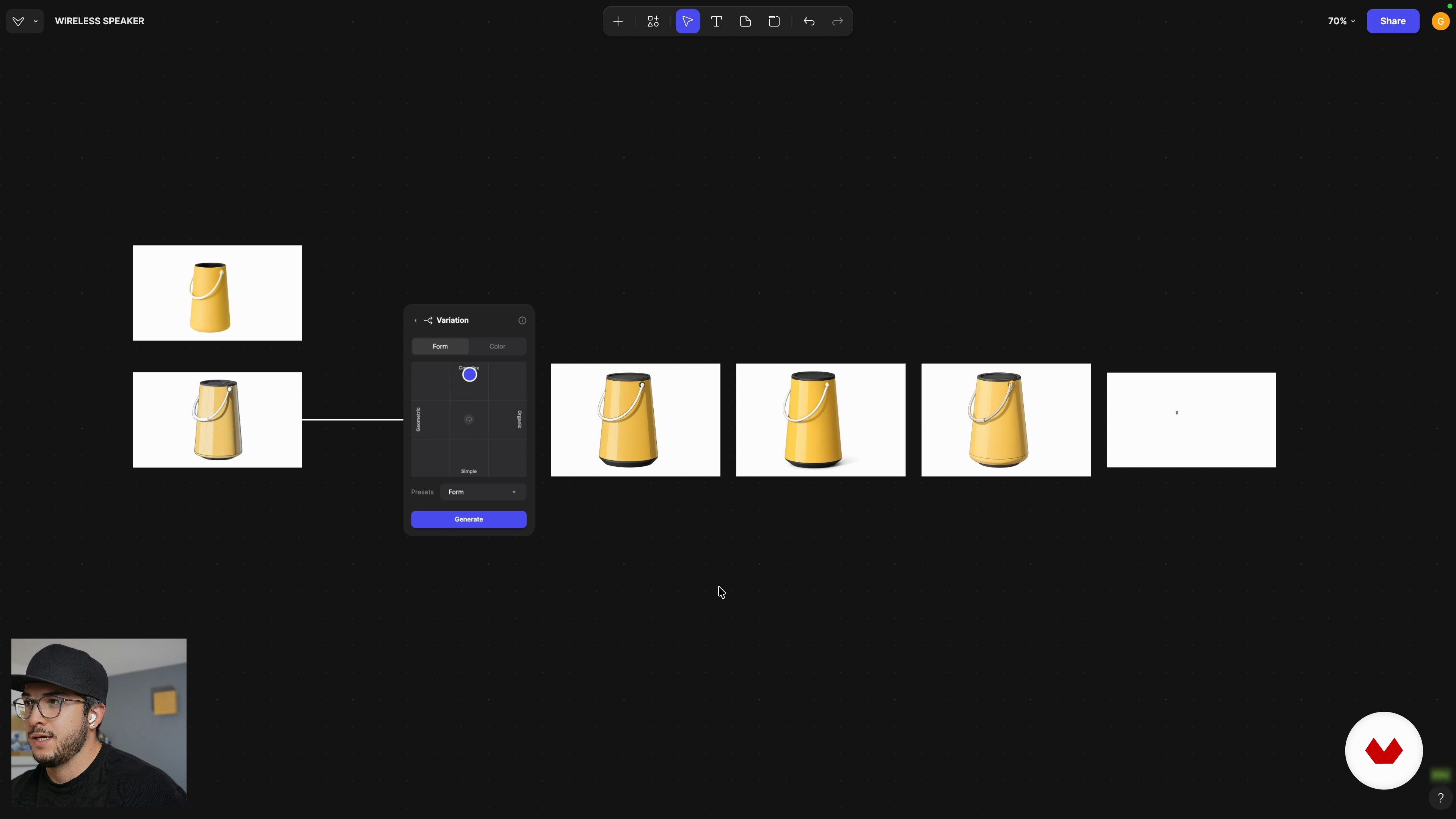
Defined Geometry: Sculpt the Details with the Modify Tool
23 minutes, 18 seconds
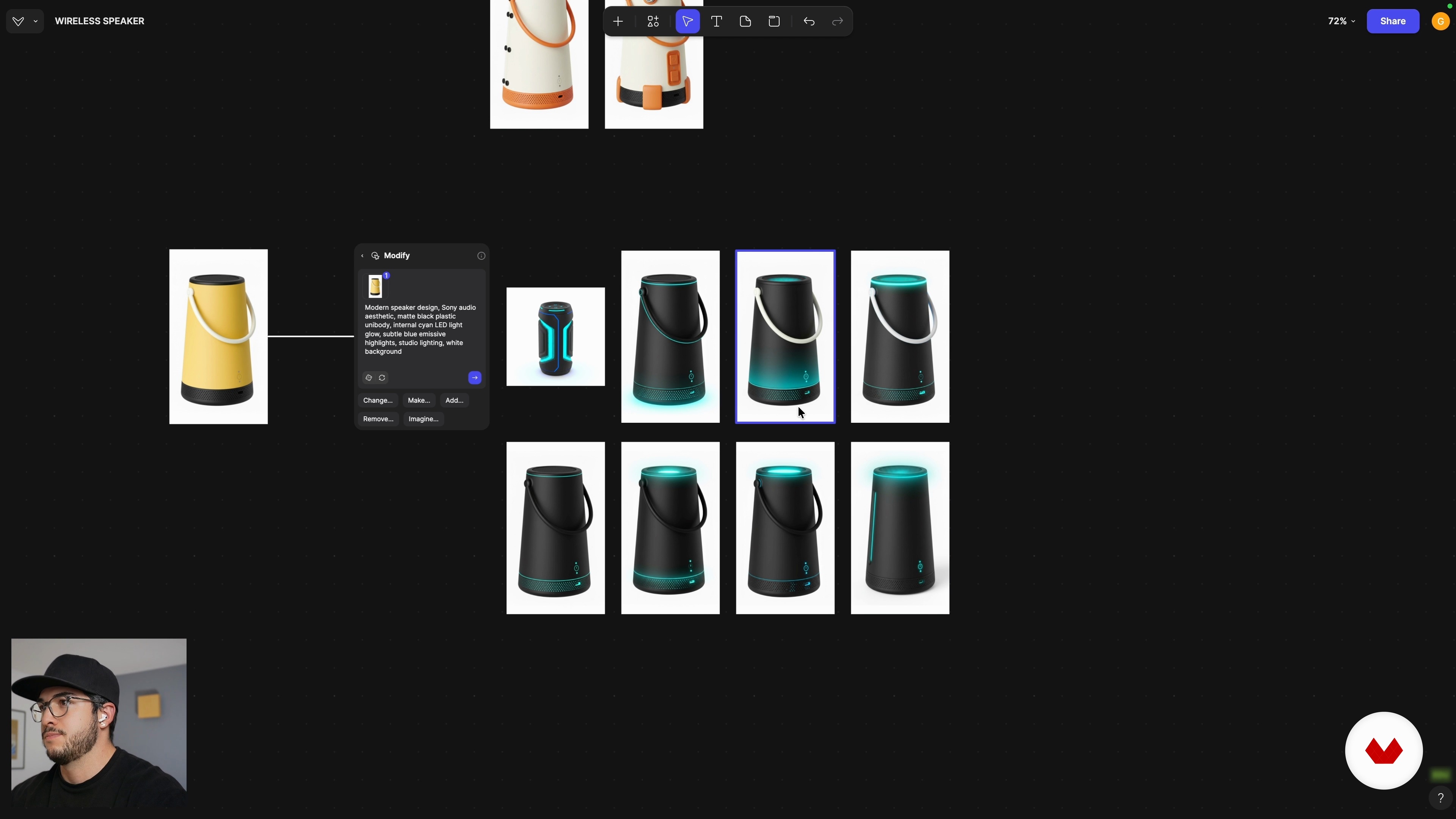
CMF Advanced: Rapid Iteration with 3 Product Styles
16 minutes, 40 seconds
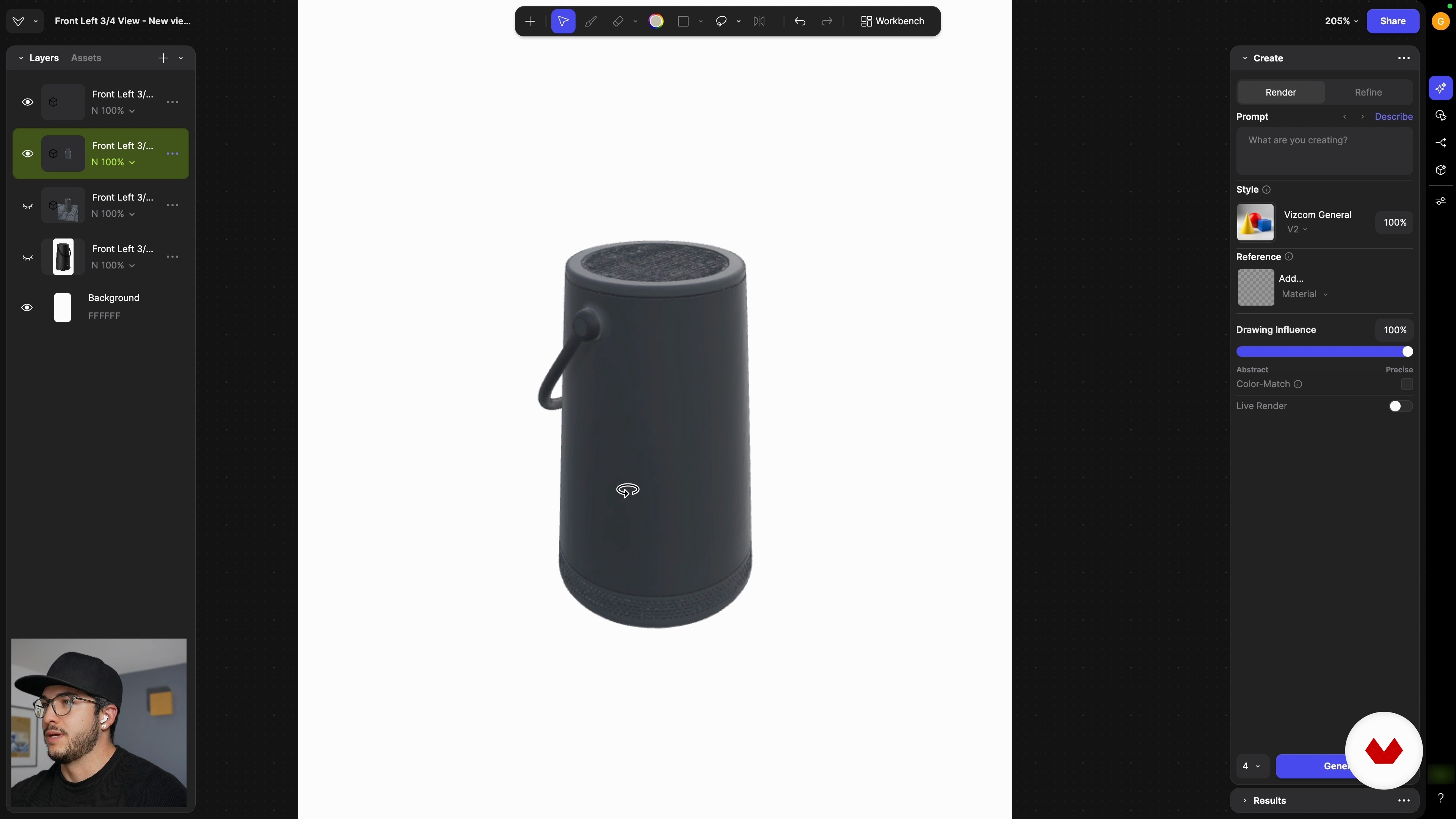
Professional Delivery: High-Resolution Export and 3D Assets
23 minutes, 7 seconds
What's included in this course?
You will learn how to integrate CAD models into Vizcom, prepare OBJ/FBX files from tools such as Fusion 360, adjust scale, orientation and focal length, and set up convincing hero views for product shots.
You will practice a hybrid 2D/3D workflow, sketching straps, buttons or joints over the 3D base, using Live Render for fast previews. You will refine geometry with Modify, define a clean master render, explore three contrasting CMF directions inspired by B&O, Teenage Engineering and Sony, then upscale your final images. You will also understand GLB, USDZ, OBJ and STL formats, export textured 3D models for AR, portfolio or printing, and reuse the included wireless speaker model as a template for future projects.
Recommended software & tools for this course
Who is this online course for?
Industrial designers seeking to merge CAD workflows with AI in Vizcom, product visualization professionals refining renders from precise 3D geometry, advanced design students, 3D artists accelerating CMF explorations, people building product portfolios or AR-ready visual prototypes
Requirements and materials
No extensive prior knowledge required, only basic familiarity with Vizcom’s interface, fundamental product design concepts, and handling simple 3D/CAD files like OBJ or FBX plus access to any CAD tool such as Fusion 360 or similar software and a computer.

His work integrates research, storytelling, and emerging technologies, including artificial intelligence, to build processes that are both efficient and deeply human. He also shares this approach on Designfulness, his educational YouTube channel, where he helps designers think better, work smarter, and design with purpose.
Gerry is a Mexican–Spanish industrial designer with experience in Mexico, Japan, Denmark, and Sweden, and a graduate of the Master’s in Advanced Product Design at Umeå Institute of Design. His work spans consumer electronics, wearables, robotic systems, and sports-related projects. He currently develops projects from Mexico, creating products and experiences that blend design, technology, and a critical lens that challenges taboos and pushes boundaries.
Content
Advanced Vizcom: Integrate Your 3D Models and Generate CMF Variants
- Introduction: Close the Professional Loop with the 3D–AI Workflow
- From CAD to Vizcom: Import, Control, and Focal Length
- Hybrid Technique: 2D Intervention and the Power of Live Render
- Defined Geometry: Sculpt the Details with the Modify Tool
- CMF Advanced: Rapid Iteration with 3 Product Styles
- Professional Delivery: High-Resolution Export and 3D Assets
- Final project
What to expect from a Domestika course
Learn at your own pace
Enjoy learning from home without a set schedule and with an easy-to-follow method. You set your own pace.
Learn from the best professionals
Learn valuable methods and techniques explained by top experts in the creative sector.
Meet expert teachers
Each expert teaches what they do best, with clear guidelines, true passion, and professional insight in every lesson.
Certificates
PLUSIf you're a Plus member, get a custom certificate signed by your teacher for every course. Share it on your portfolio, social media, or wherever you like.
Get front-row seats
Videos of the highest quality, so you don't miss a single detail. With unlimited access, you can watch them as many times as you need to perfect your technique.
Share knowledge and ideas
Ask questions, request feedback, or offer solutions. Share your learning experience with other students in the community who are as passionate about creativity as you are.
Connect with a global creative community
The community is home to millions of people from around the world who are curious and passionate about exploring and expressing their creativity.
Watch professionally produced courses
Domestika curates its teacher roster and produces every course in-house to ensure a high-quality online learning experience.
FAQs
Viscom is a platform for designing, editing, and rendering 3D models, especially useful for conceptualizing and developing electronic products. It lets you import, modify, and visualize high-quality models within industrial design workflows.
You don’t need to be an expert, but basic knowledge of 3D modeling and industrial design is recommended since the course is intermediate level and covers advanced workflows with Viscom and compatible software.
You’ll need access to Viscom and 3D modeling software like Blender, Fusion, or SolidWorks. Having 3D files in OBJ, STL, or other compatible formats is helpful for importing and working on your projects.
You’ll learn how to import models from Blender, Fusion, and SolidWorks, adjust axes, control scale, and export optimized files in compatible formats for efficient use in Viscom.
The course teaches you how to create, modify, and compare variations of 3D models using tools like Modify and Variation, as well as explore CMF (Color, Material, Finish) styles to develop visual and functional alternatives.
Yes, you’ll learn how to use AI prompts to generate renders, create CMF variants, and explore product styles, leveraging tools like Live Render and Enhance for high-quality visuals.
Yes, the course shows how to use preloaded 3D model libraries in Viscom to speed up composition, references, and enrich your design projects.