Abstract Compositions with Cinema 4D
A course by Jeison BarbaGraphic designer
A course by Jeison Barba, Graphic designer

Learn how to design and light up 3D compositions in an intuitive and effective way
Designing in three dimensions implies a series of challenges and peculiarities that must be taken into account when addressing a project. In this Domestika course you will learn one of the easiest ways to learn to master this world: creating abstract compositions with basic shapes.
Jeison Barba, Colombian designer specialized in 3D and motion graphics will be your 3D guide. With a portfolio of clients of the likes of Netflix, Cinemax and Hatsu, Jeison is already an expert in Cinema 4D, and throughout this course it will help you create high-level abstract pieces ready to show in your portfolio.
What will you learn in this online course?
12 lessons & 11 downloads

What will we do in the course?
50 seconds
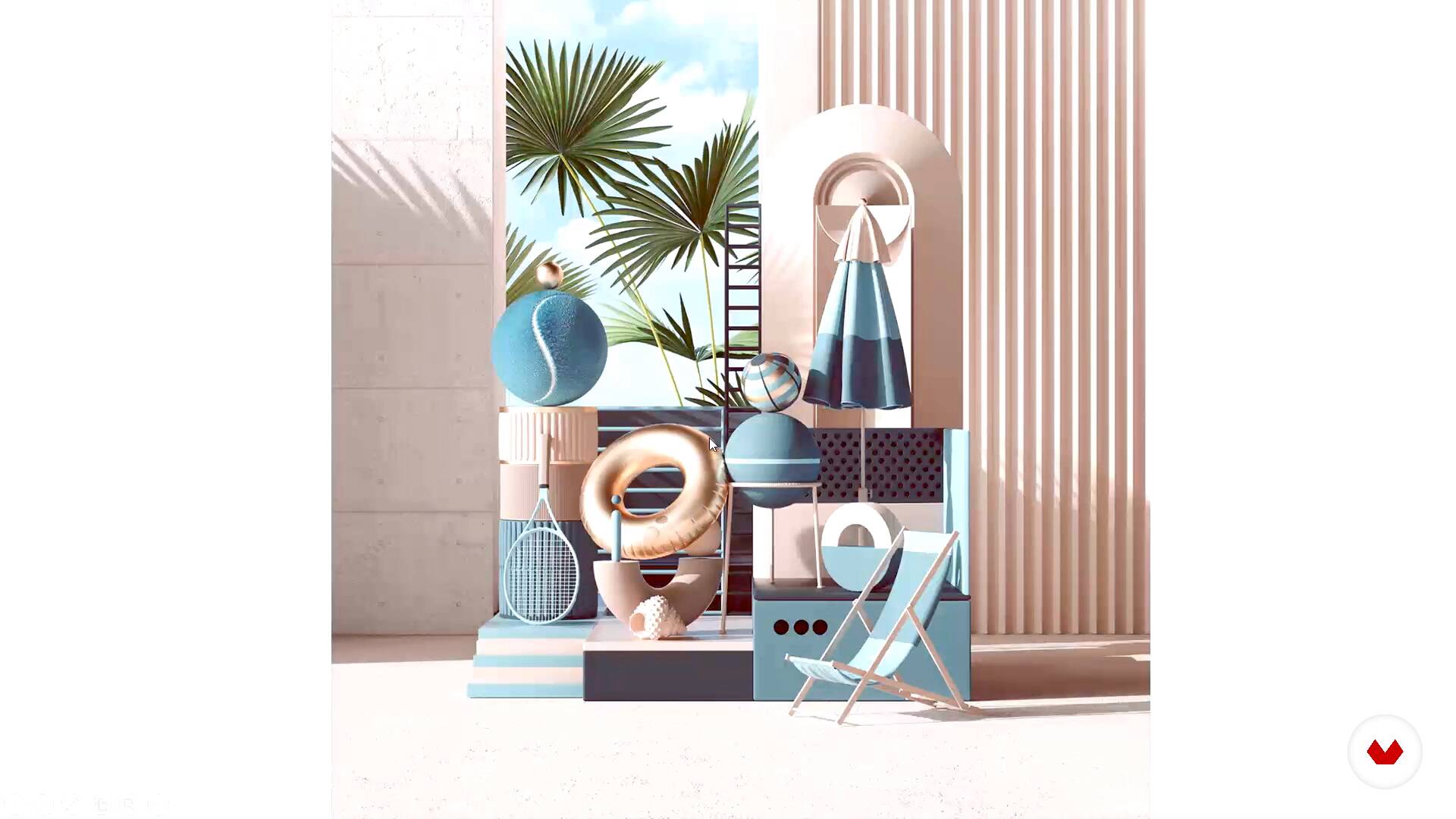
Referents and style
5 minutes, 38 seconds
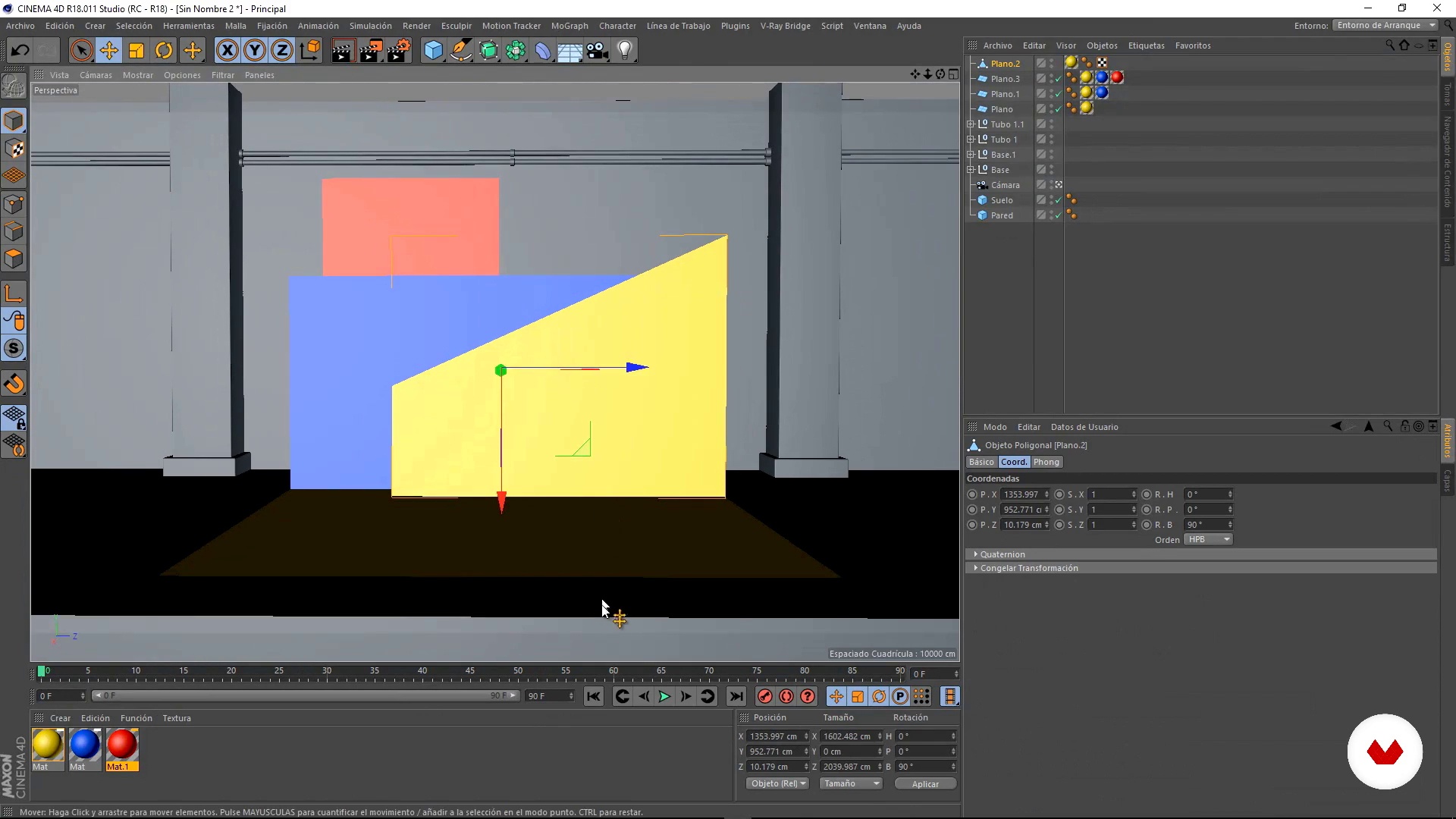
Initial composition
9 minutes, 48 seconds
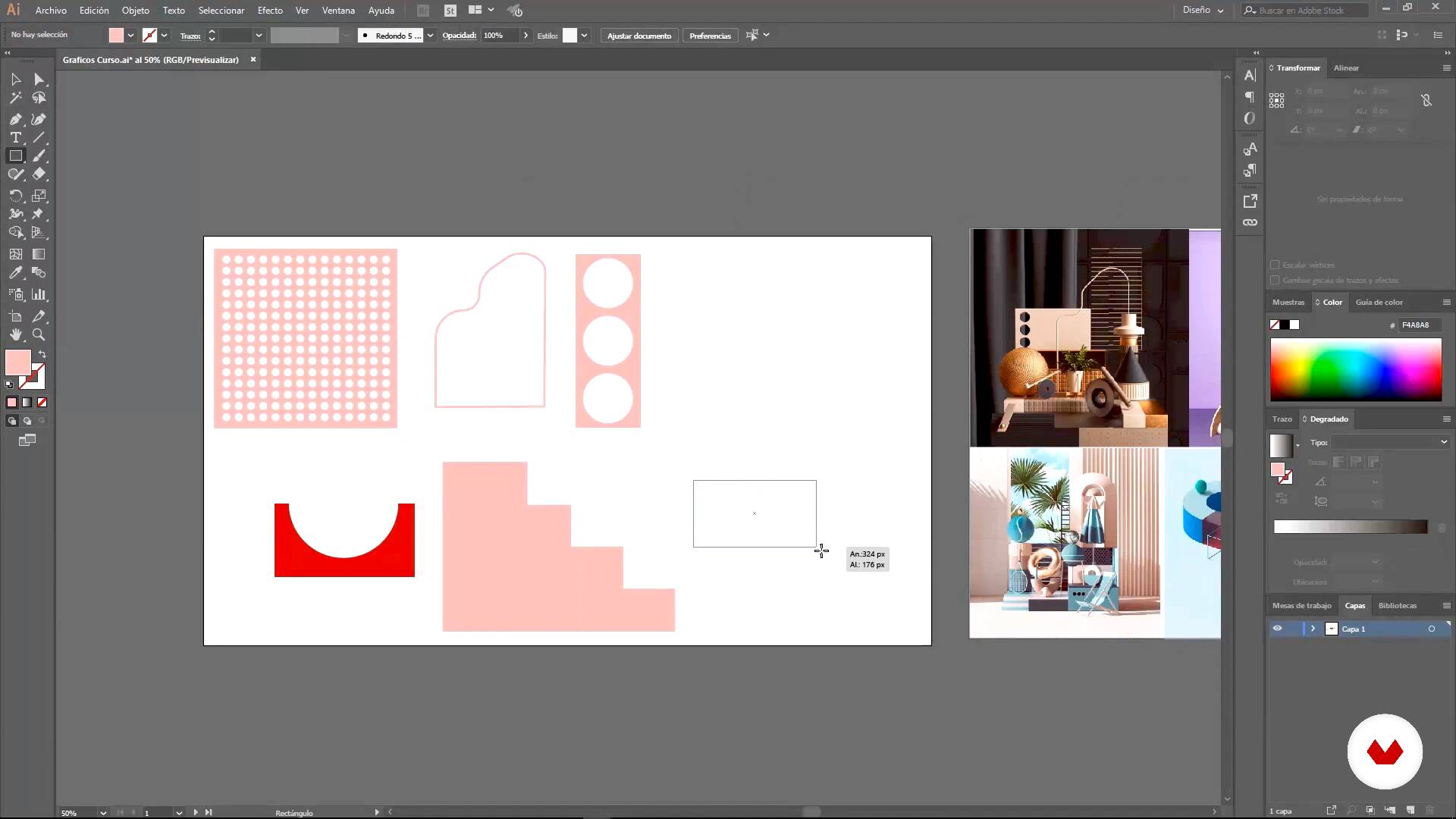
Asset Preparation
10 minutes, 50 seconds
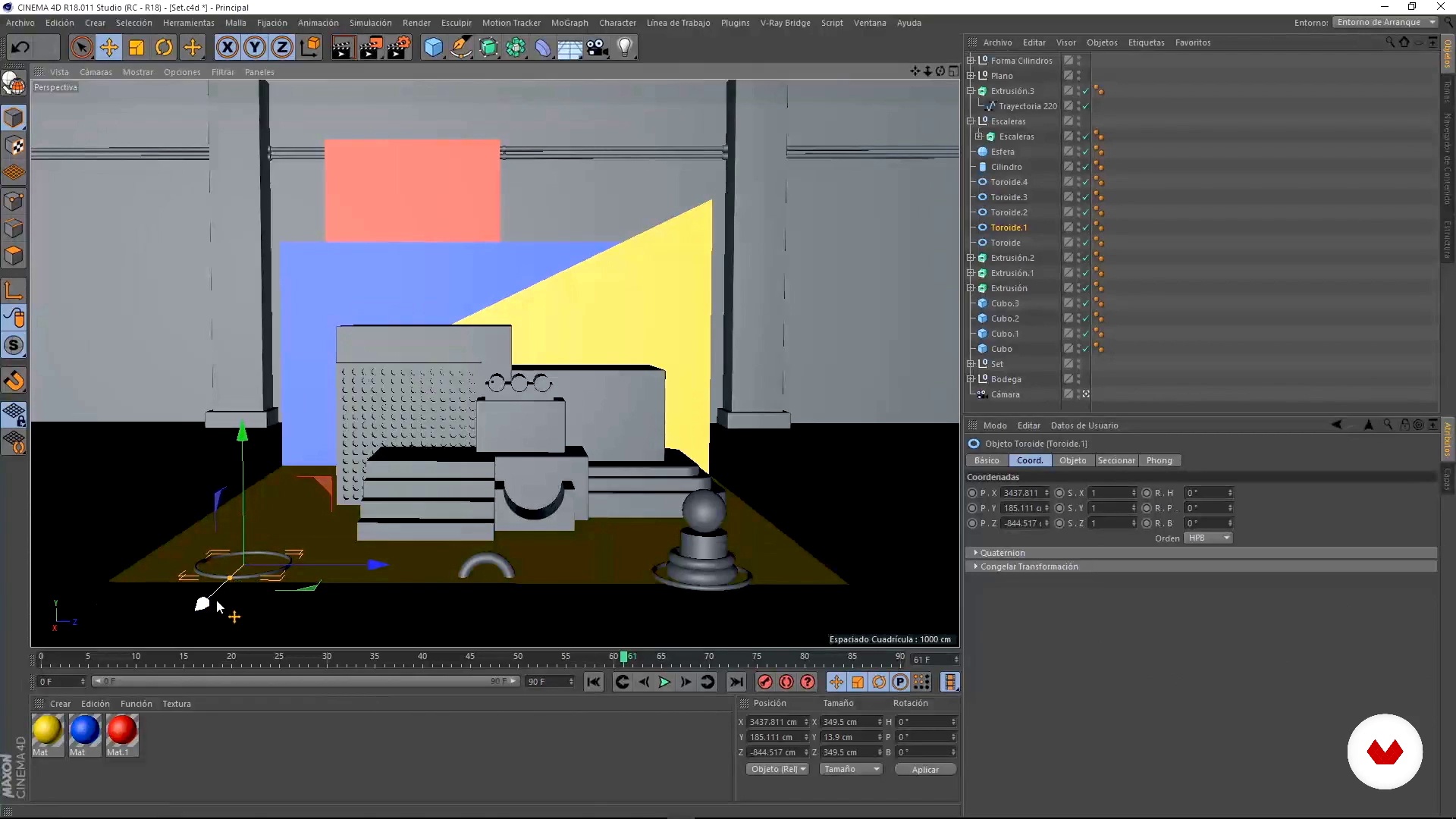
Modeling and layout of space
16 minutes, 53 seconds
Illumination
7 minutes, 5 seconds
What's included in this course?
You will start by knowing Jeison, who will tell you a little about how he started in the world of 3D and animation, and then show you some of the designers that have influenced his style.
Before creating your 3D compositions, you will start looking for graphic references to develop the style of your creations. From there you will start to create your initial composition, a still life or set environment. Jeison will teach you several basic resources and tools of Cinema 4D.
You will prepare the resources in Adobe Illustrator to create shapes from vectors, before taking them to Cinema 4D. This way you can work with lighter files.
Now, get to work. You will start modeling all the necessary objects for your scene using the modeling tools that Jeison will teach you. You will build structures with basic shapes and you will also learn to incorporate models downloaded from the internet into your composition.
You'll discover how to create your own materials for V-Ray, Jeison's preferred render engine. Then, you will see how to retouch the materials to create new patterns and effects from them.
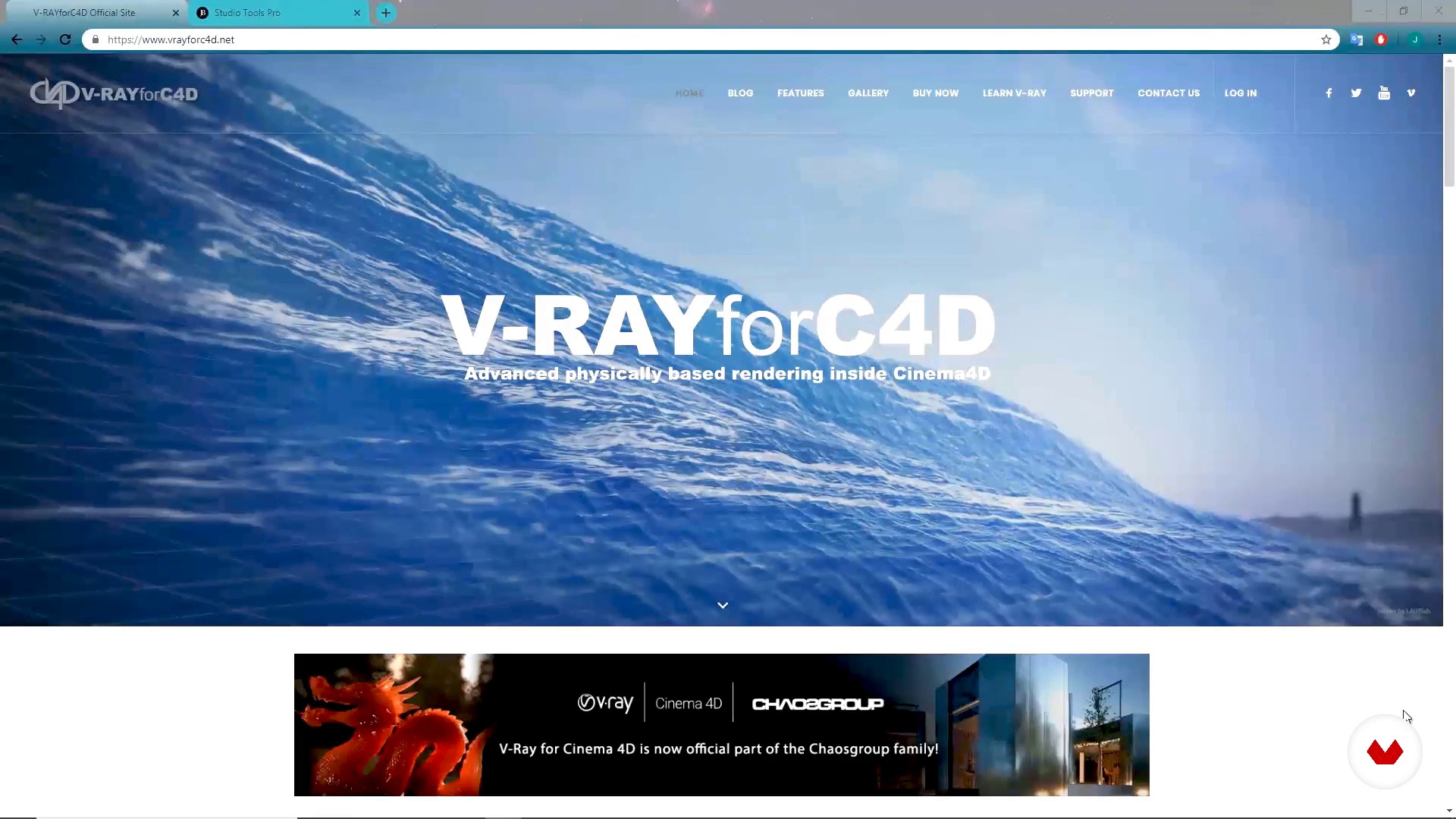
The lighting gives any 3D project a higher level of realism and, in the next lesson, you will learn to incorporate it into your composition to achieve a professional finish. You will learn to create a lighting set with three studio lights and ambient light.
Before moving on to render , you will give the finishing touches to your project, perfecting modeling, textures, lighting and layout.
Finally, you will learn the parameters to render your composition optimally, to finally touch up its appearance in Adobe Photoshop.
Recommended software & tools for this course
What is this course's project?
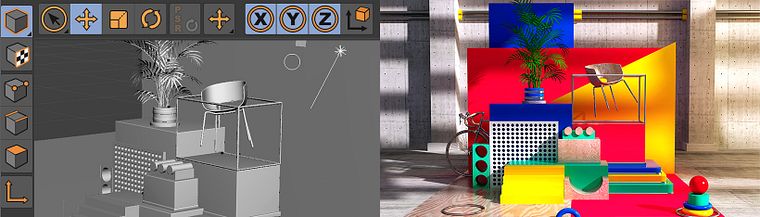
You will create a 3D set in which you will diagram objects and shapes, apply materials and textures, and implement a special lighting technique to achieve a professional end result.
Projects by course students


Who is this online course for?
To designers and fans of the 3D world who want to learn a new technique to bring their ideas to life.
Requirements and materials
You will need a computer with Cinema 4D, V-Ray, Adobe Photoshop and Illustrator and a basic level in the use of such programs.
Reviews
- 2 months ago
Muy buen curso, da muy buenos tips!!!
- 2 years ago
Muy buen curso para iniciar en 3D
- 3 years ago
Muy bien curso para principiantes. Si vas iniciandote en la composición 3D, esta clase es un excelente punto de inicio.
- 4 years ago
Bom curso básico! A parte de iluminação porém é extremamente raza e v-ray ja nao se usa tanto pra render em c4d, tendo a industria preferindo redshift e octane.
- 4 years ago
Lo he disfrutado mucho, muy creativo!!!

He has more than eight years of experience in the world of design, having worked for advertising agencies such as McCann Erickson, TBWA, DDB and Ogily, and clients such as Cinemax, Netflix and Hatsu, among others.
Content
- U1
Introduction
- Presentation
- Influences
- What will we do in the course?
- U2
Work flow
- Referents and style
- Initial composition
- Asset Preparation
- U3
Let's do it
- Modeling and layout of space
- Illumination
- Materials and textures
- Final finishes
- U4
On fire
- Render
- Post
- FP
Final project
- Abstract compositions with Cinema 4D
What to expect from a Domestika course
Learn at your own pace
Enjoy learning from home without a set schedule and with an easy-to-follow method. You set your own pace.
Learn from the best professionals
Learn valuable methods and techniques explained by top experts in the creative sector.
Meet expert teachers
Each expert teaches what they do best, with clear guidelines, true passion, and professional insight in every lesson.
Certificates
PLUSIf you're a Plus member, get a custom certificate signed by your teacher for every course. Share it on your portfolio, social media, or wherever you like.
Get front-row seats
Videos of the highest quality, so you don't miss a single detail. With unlimited access, you can watch them as many times as you need to perfect your technique.
Share knowledge and ideas
Ask questions, request feedback, or offer solutions. Share your learning experience with other students in the community who are as passionate about creativity as you are.
Connect with a global creative community
The community is home to millions of people from around the world who are curious and passionate about exploring and expressing their creativity.
Watch professionally produced courses
Domestika curates its teacher roster and produces every course in-house to ensure a high-quality online learning experience.
FAQs
You’ll learn how to create 3D compositions, model basic shapes, apply realistic texturing and lighting techniques with V-Ray, integrate vector illustrations, and develop visually striking graphic pieces from concept all the way to final rendering.
This course is designed for people with intermediate skills in graphic design or digital illustration. Basic experience with tools like Illustrator and some knowledge of 3D modeling is recommended.
You’ll need access to Adobe Illustrator and Cinema 4D, plus V-Ray for realistic rendering. Photoshop is also recommended for image post-processing.
The course covers modeling with primitive shapes, vector extrusion, node manipulation, grouping and hierarchy of objects, and building complex structures in Cinema 4D.
Yes, the course teaches how to set up realistic lighting in Cinema 4D using V-Ray, including area lights, soft shadow creation, and tweaks to achieve professional-quality renders.
Yes, you’ll learn how to create shapes in Illustrator, export them properly, and import them into Cinema 4D for 3D modeling and integration.
The course includes applying and adjusting realistic materials and textures in Cinema 4D with V-Ray, including simulating reliefs, metallics, and detailed finishes.