
Master retail design, create immersive commercial spaces, enhance brand identity, and engage customers with innovative storytelling
Unlock the artistry of retail spaces with an all-encompassing specialization designed to transform your creative skills. Delve into the world of retail design, from vibrant window displays to sophisticated luxury spaces. Explore the fundamentals of vitrinism, learning to craft compelling narratives that captivate customers at first glance. As you progress, expand your expertise to encompass entire commercial environments, harnessing the psychology of color and brand DNA to create immersive shopping experiences.
Join the journey with industry experts Kiosco Creativo, JoAnn Tan, Anna Broeng, Clap Studio, and Ciszak Dalmas Ferrari, as they guide you through a comprehensive curriculum. Master the art of visual storytelling, develop strategic material selections, and perfect the balance between aesthetics and functionality. By the end of the program, you will be equipped with the skills to design memorable retail environments that not only attract but also retain loyal customers. Embrace the opportunity to elevate your portfolio and make a lasting impact in the world of retail design.
What will you learn in this specialization?
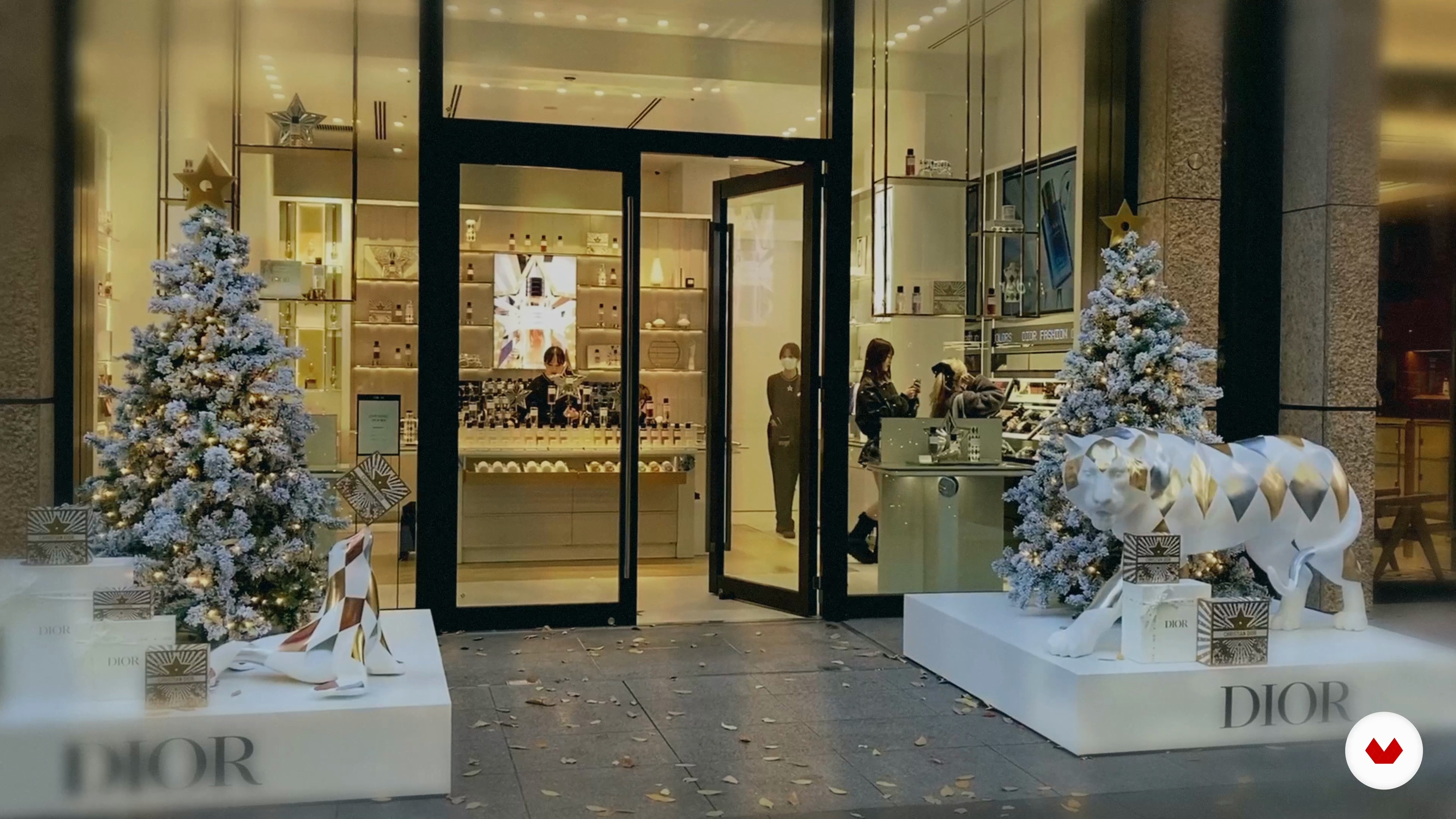 1
1Introduction
Step into the world of retail design and begin to see stores as more than just places to buy. This introduction opens up a new perspective on how space, atmosphere, and experience come together to communicate ideas, generate emotions, and influence behavior, showing why design plays such a powerful role in our everyday relationship with brands.
1m
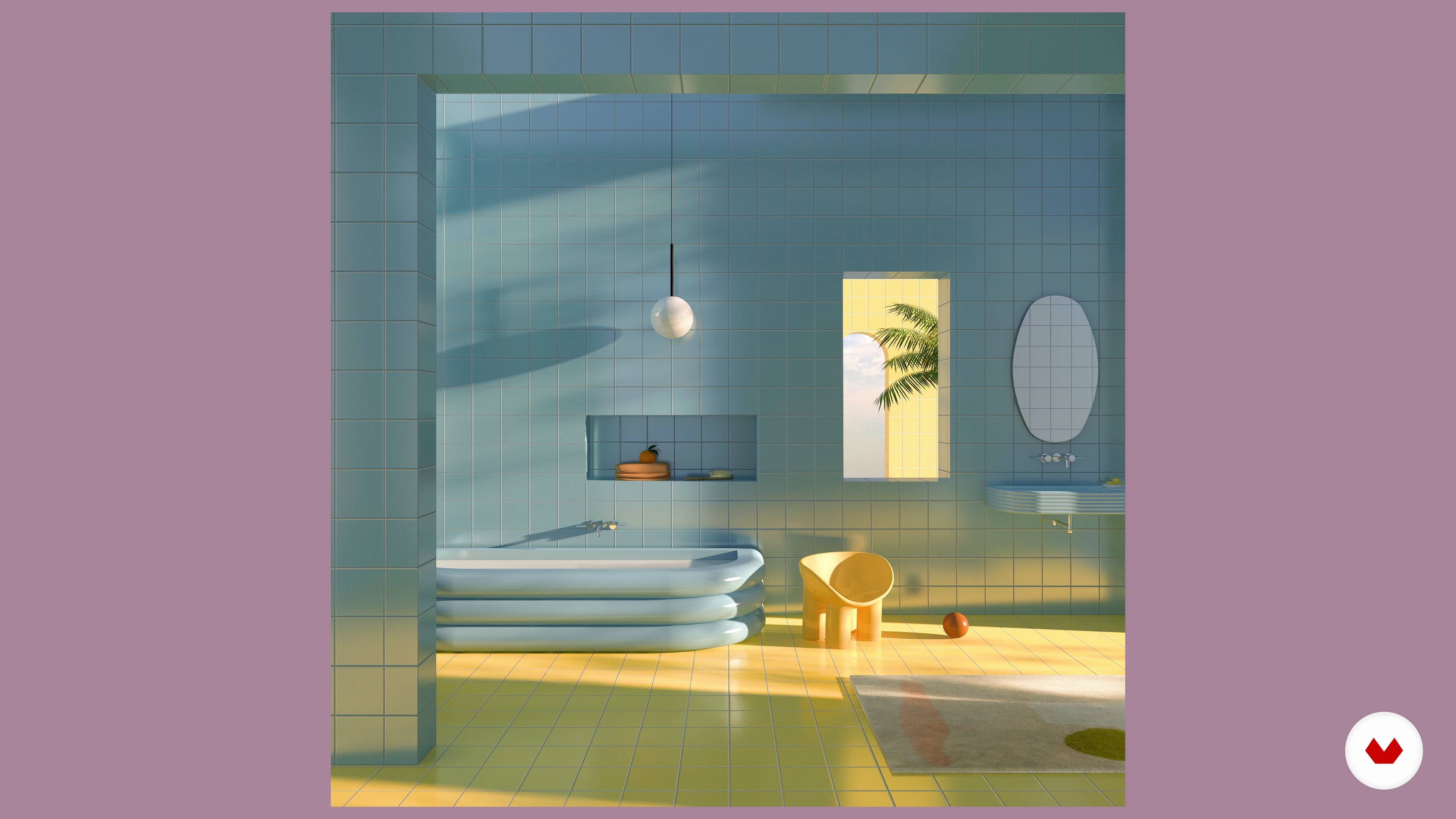 2
2Influences | Anna Broeng
In this lesson, I will talk about my influences and where I get my inspiration from.
6m
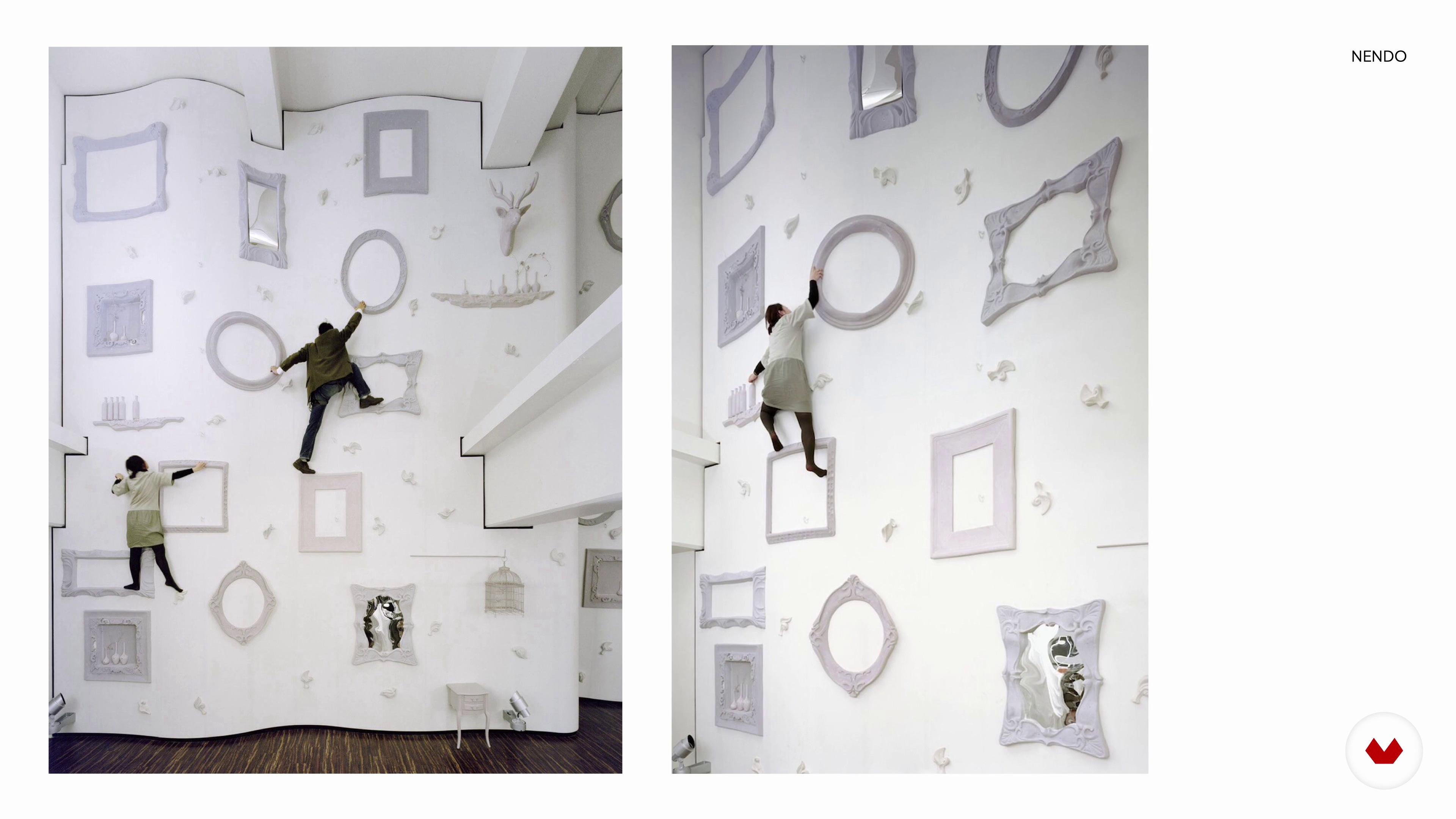 3
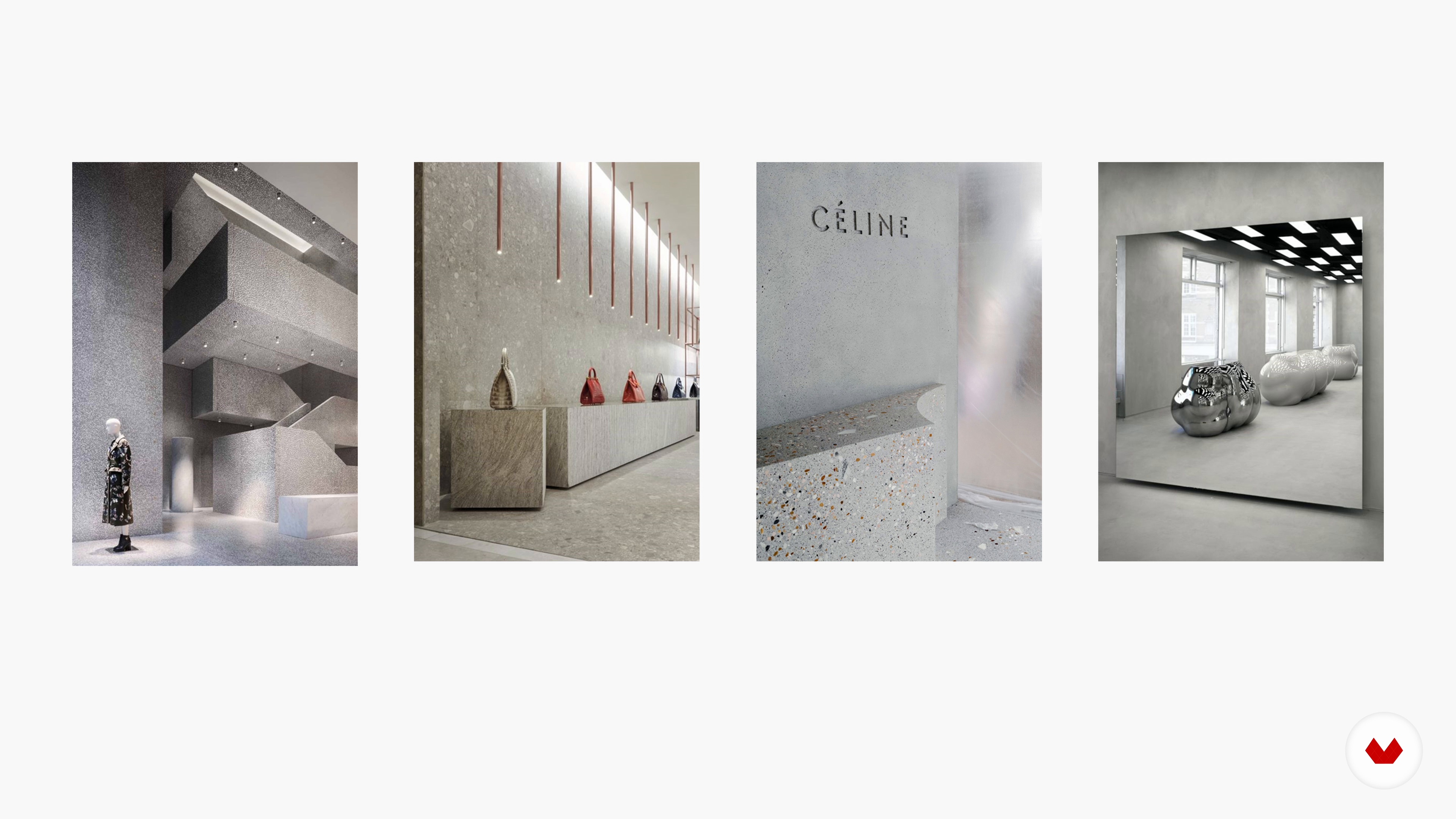
3Influences | Clap Studio
In this lesson we want to show you which are our greatest references in our career. We will show you the projects of our references that inspire us the most and make us dream and we will explain how they are reflected in our work.
8m
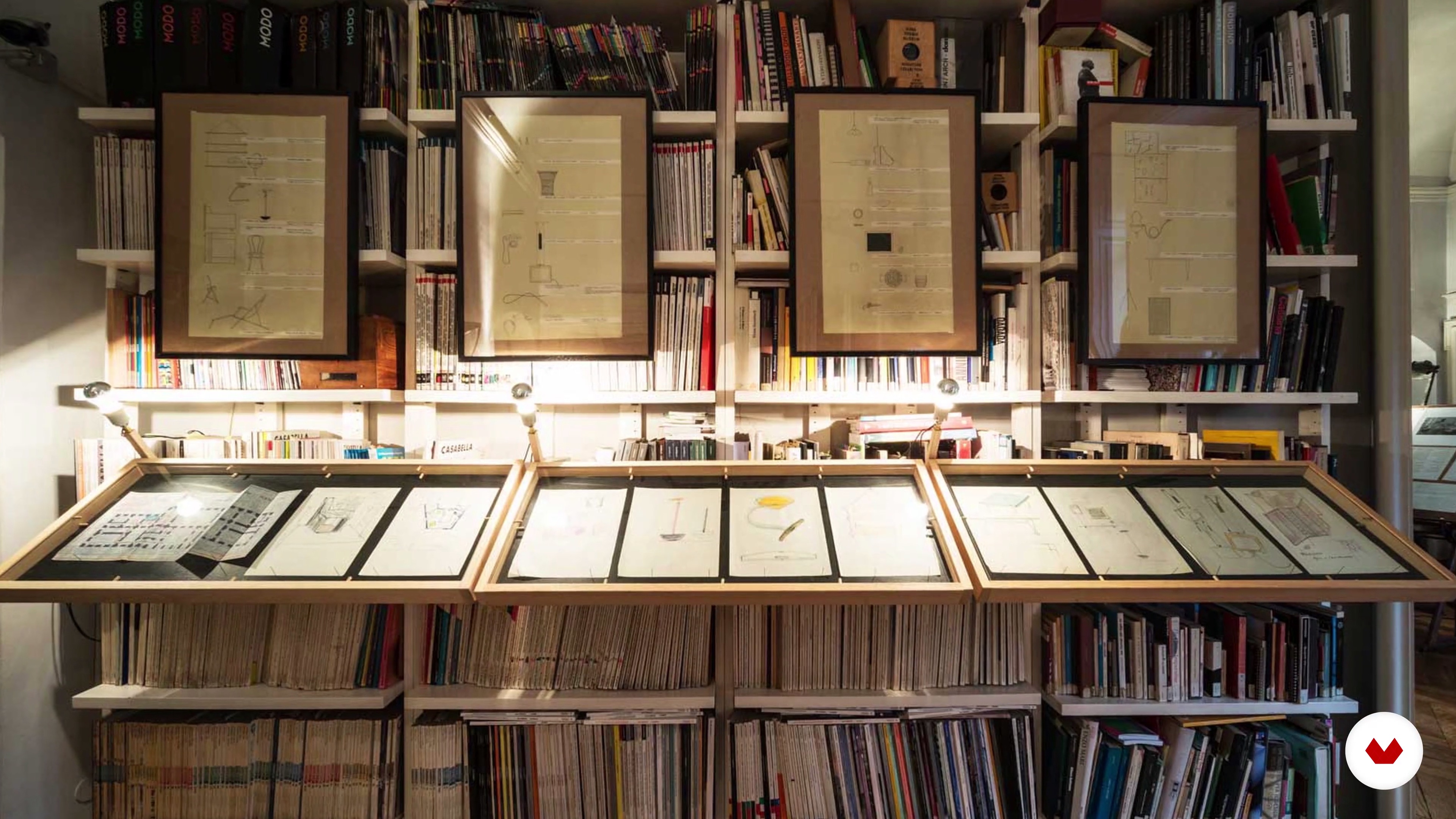 4
4Influences | Ciszak Dalmas Ferrari
In this lesson, we’ll share with you our greatest influences, the authors, and the works that most inspired us over these years. We hope you can get an idea of the impact they have had on our work. To us, it is very important to know the masters and what has been done in the past, because design should never repeat itself, in fact is all about the future. We will go over the work of some Italian authors that, in a way, maintain us connected to our roots, and some incredible contemporary architects that really made us understand the power of design to generate a positive impact on people’s life.
14m
 5
5Influences | Kiosco Creativo
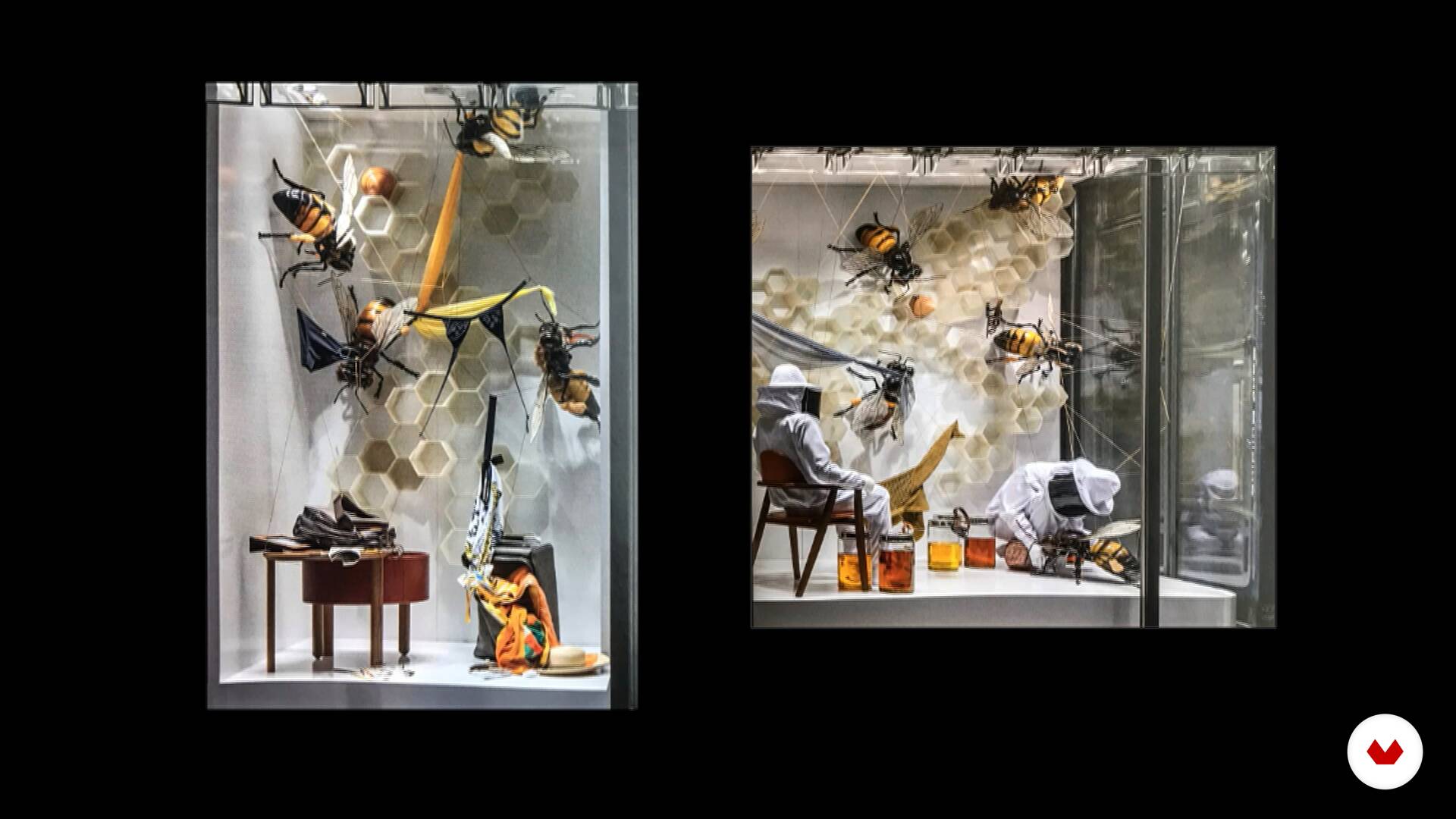
In this lesson we are going to show you some of the influences that have inspired us in our work. You will see the work of incredible and talented people, such as fashion designer Iris Van Herpen, artist / sculptor Jean-François Fourtou, miniature photographer Tatsuya Tanaka, 3D illustrator Peter Tarka and fashion photographer Tim Walker. We hope these influences inspire you as much as we do.
8m
 6
6Reference Models | JoAnn Tan
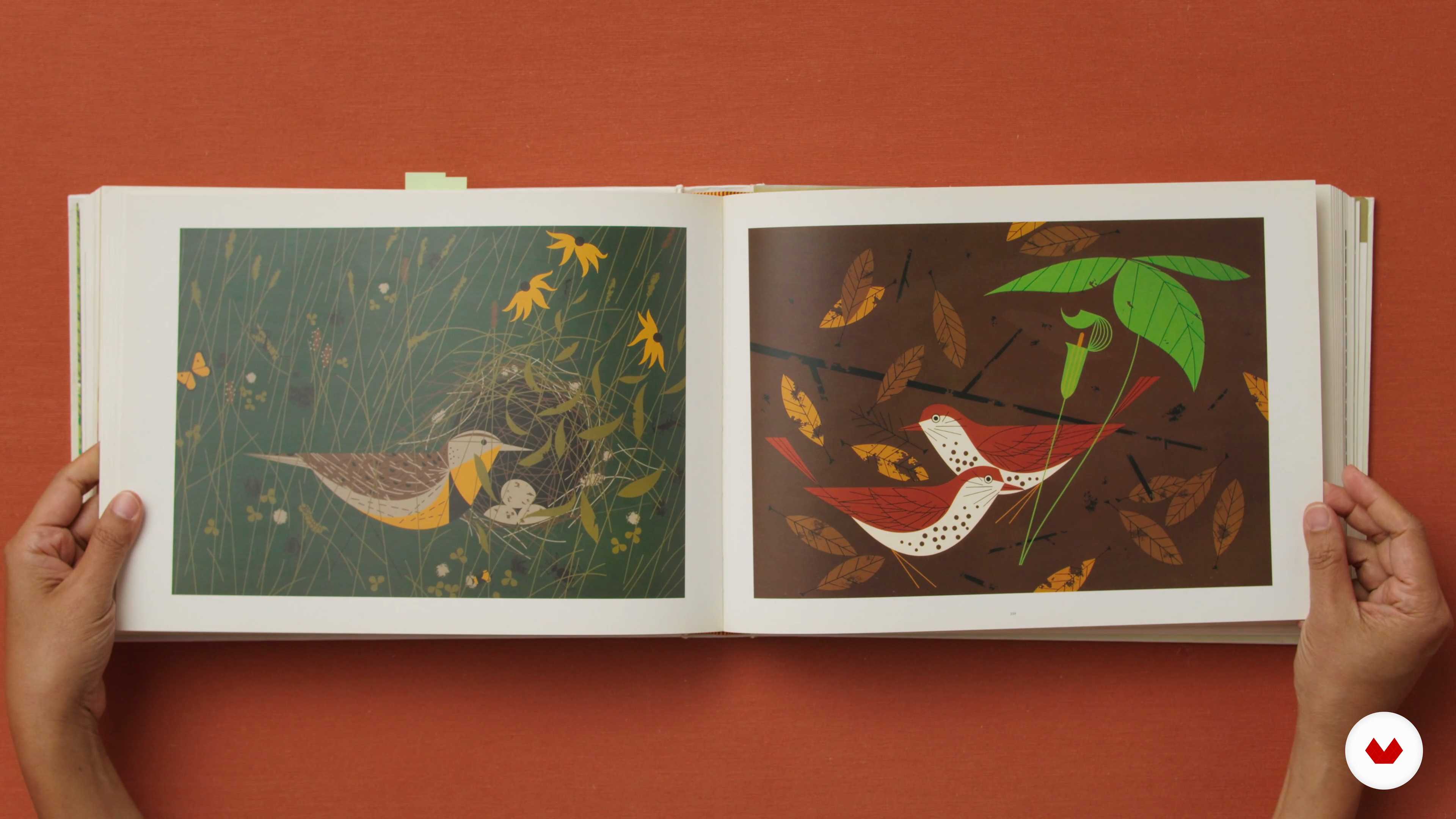
These are the figures that continually inspire me, I start almost every project by picking up and looking at these references again. Sometimes by the end of the project the references to them have completely disappeared, but other times they remain quite evident.
6m
 1
1What Is Retail Design?
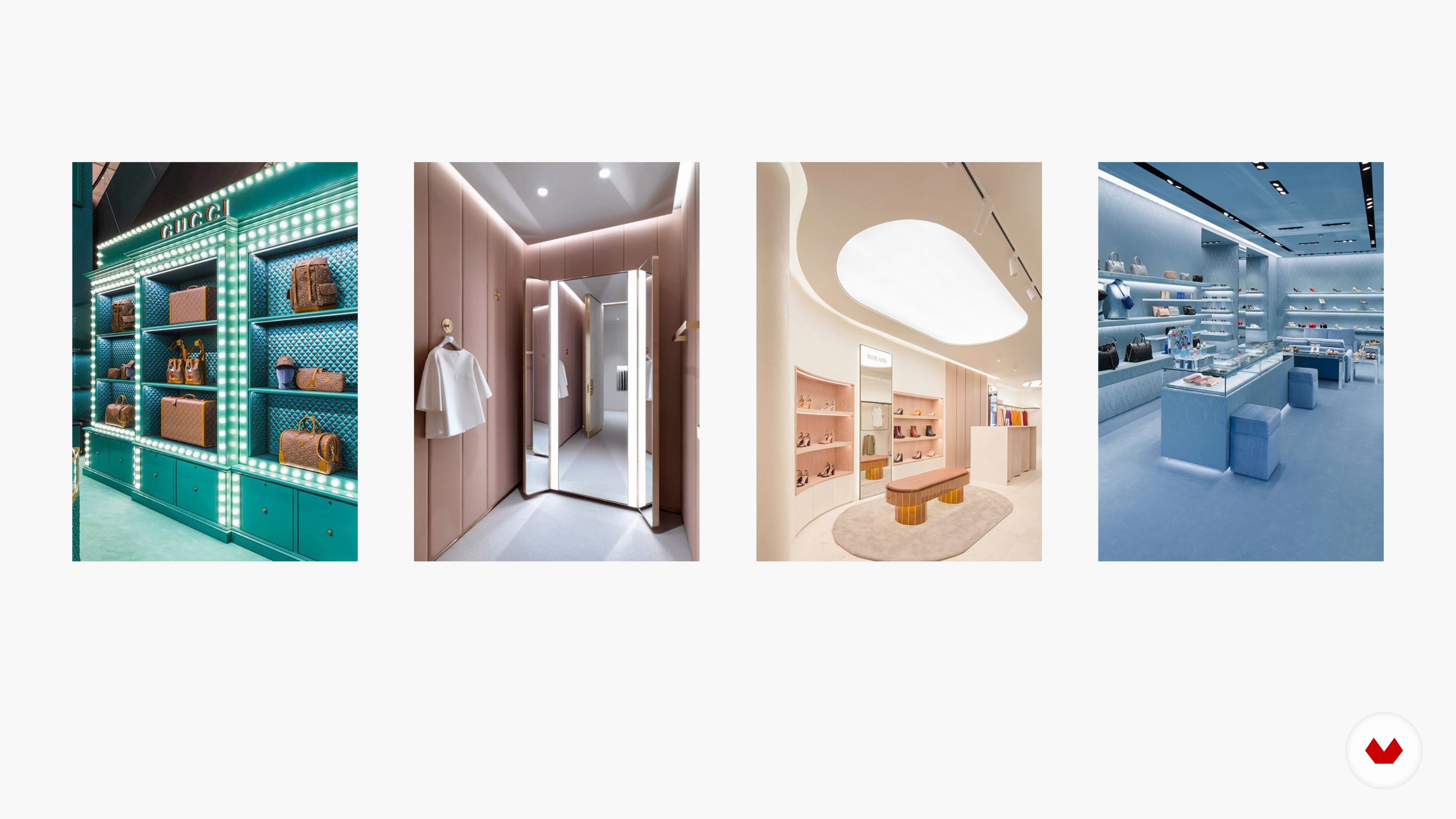
Retail design is designing commercial spaces for customers to shop in. In other words, it means designing concepts to attract target groups and drive sales. You will find out more about this in this lesson!
15m
 2
2Colour Psychology for Retail Spaces 1
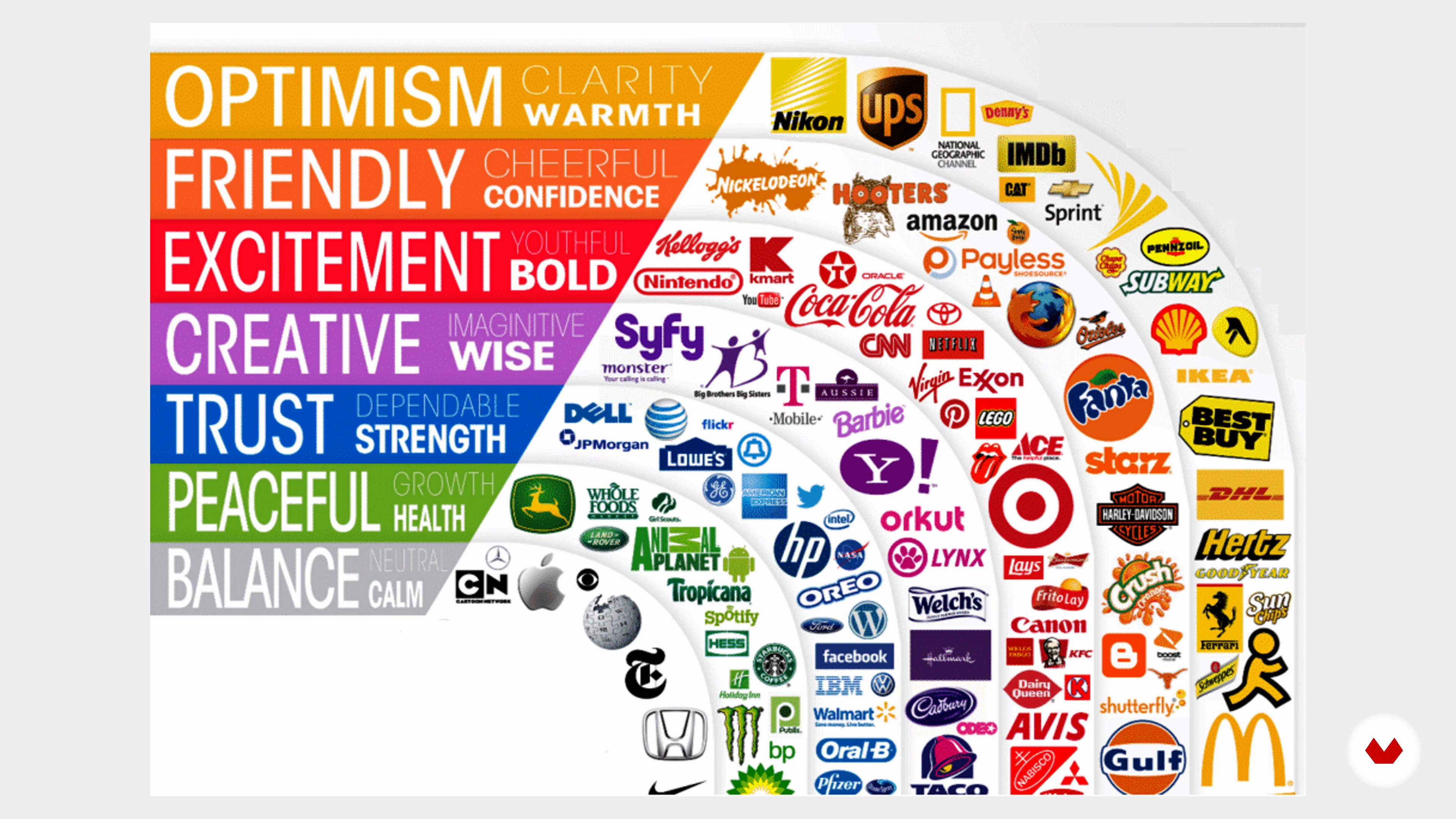
In this lesson, you will learn how you can attract and influence customers in the retail space by using colour psychology.
13m
 3
3Colour Psychology for Retail Spaces 2
Let's see some other colours! It is also important to know how to use colours together, and I will show you a great tool for that.
11m
 4
4Customer Experiences
In this lesson, I will explain how to achieve knowledge and tools to enhance the shopping experience and attract more customers.
11m
 5
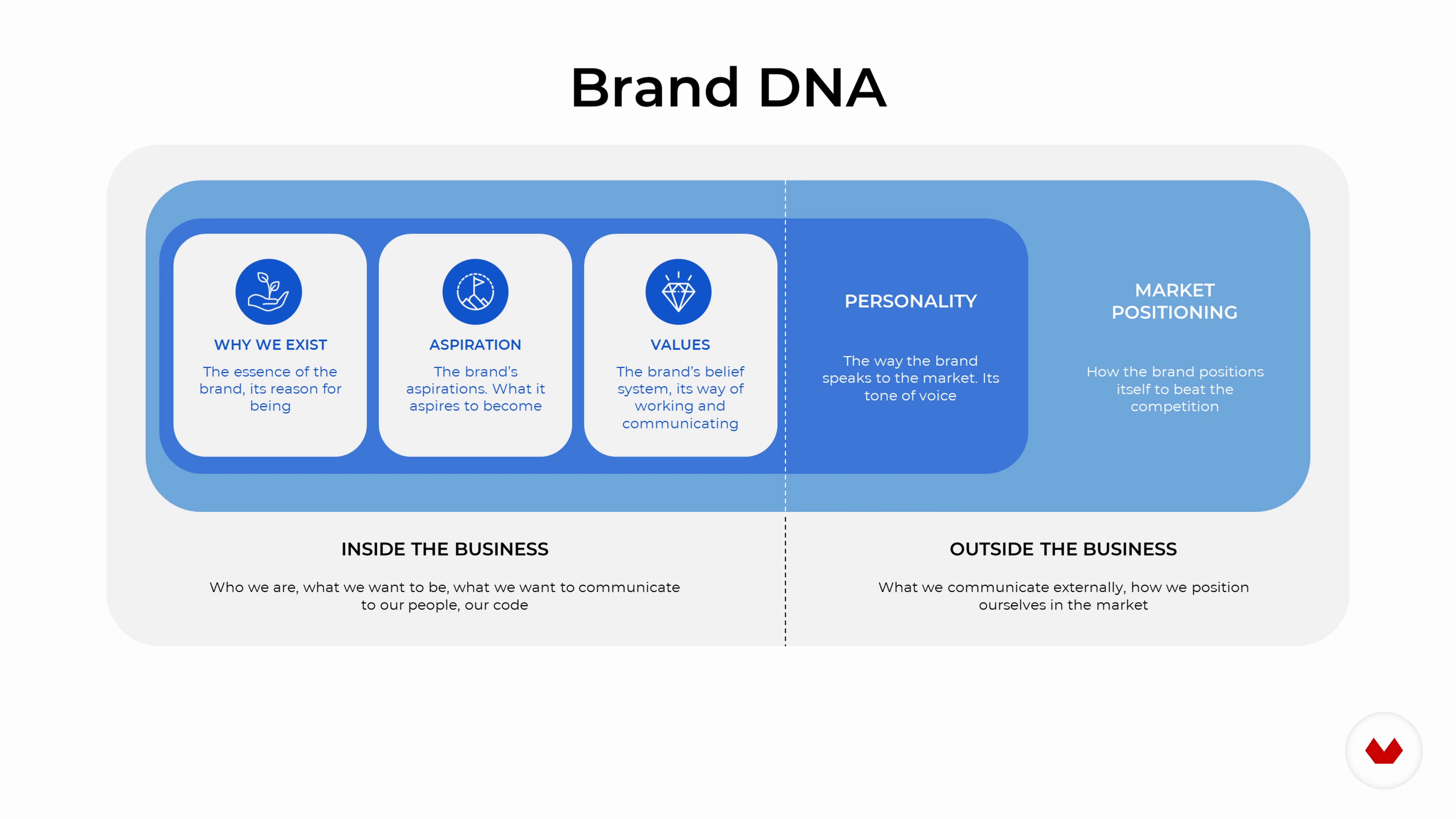
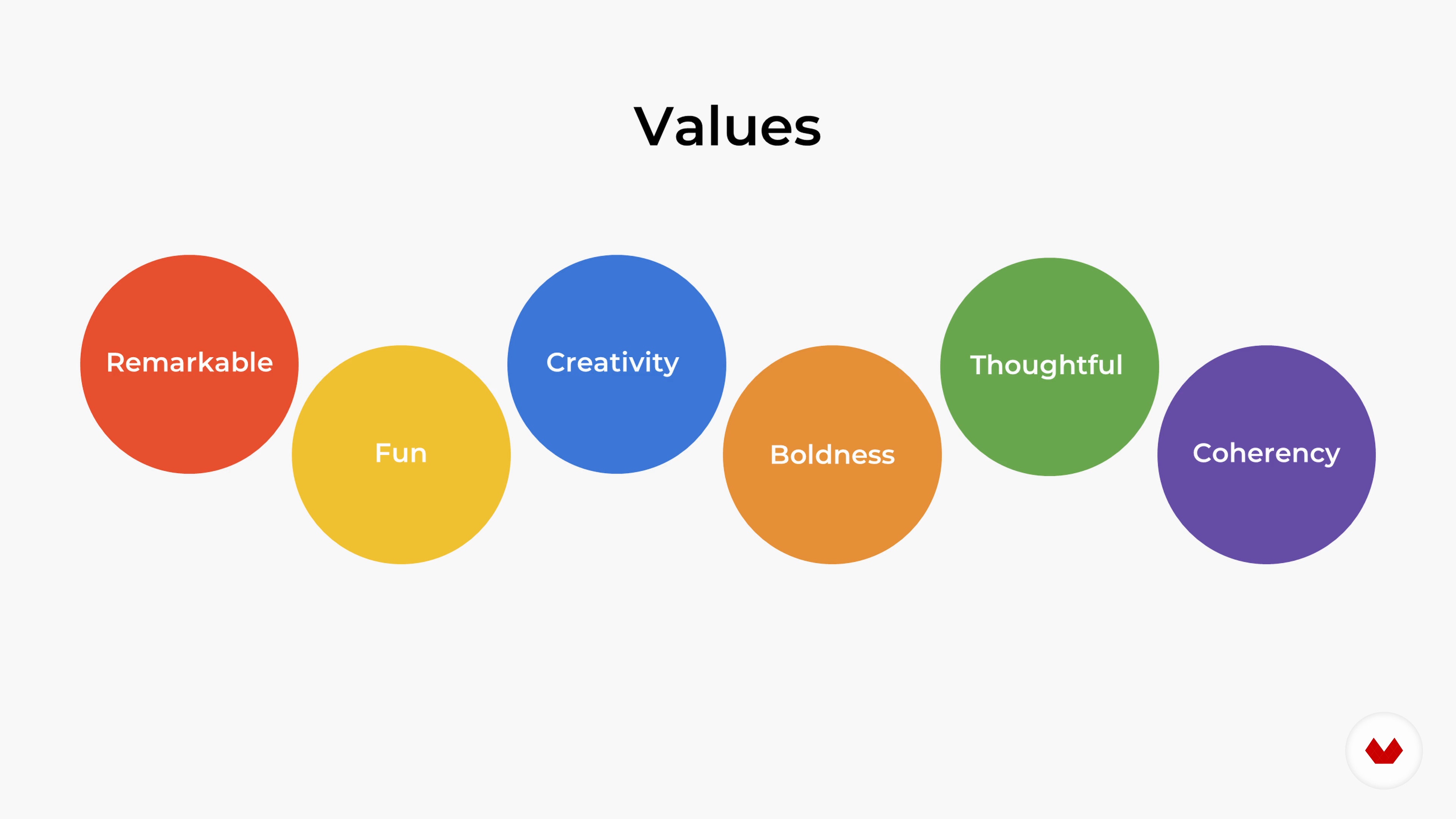
5The Brand DNA 1
In this lesson, you will learn how to create a brand DNA analysis and translate the DNA into a store design concept.
11m
 6
6The Brand DNA 2
After gathering together a lot of information about the brand, Matter Matters, I will go through it in detail and figure out its needs for a new store design concept.
10m
 7
7Research and Inspiration for Your Project
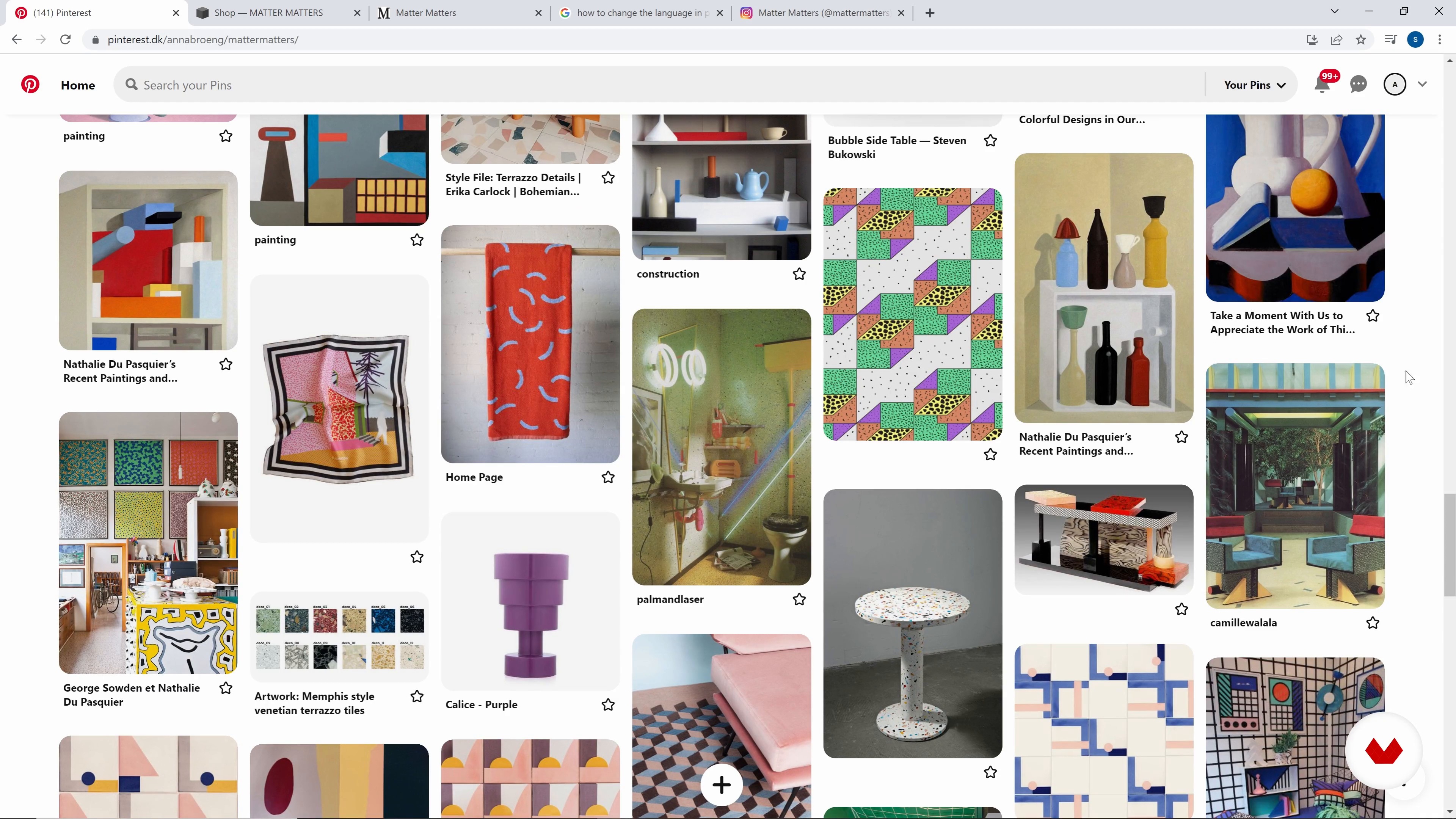
In this lesson, you will learn to conduct trend research within the retail industry. I will also show you how to find inspiration for your project.
17m
 8
8Mood Boards and Materials
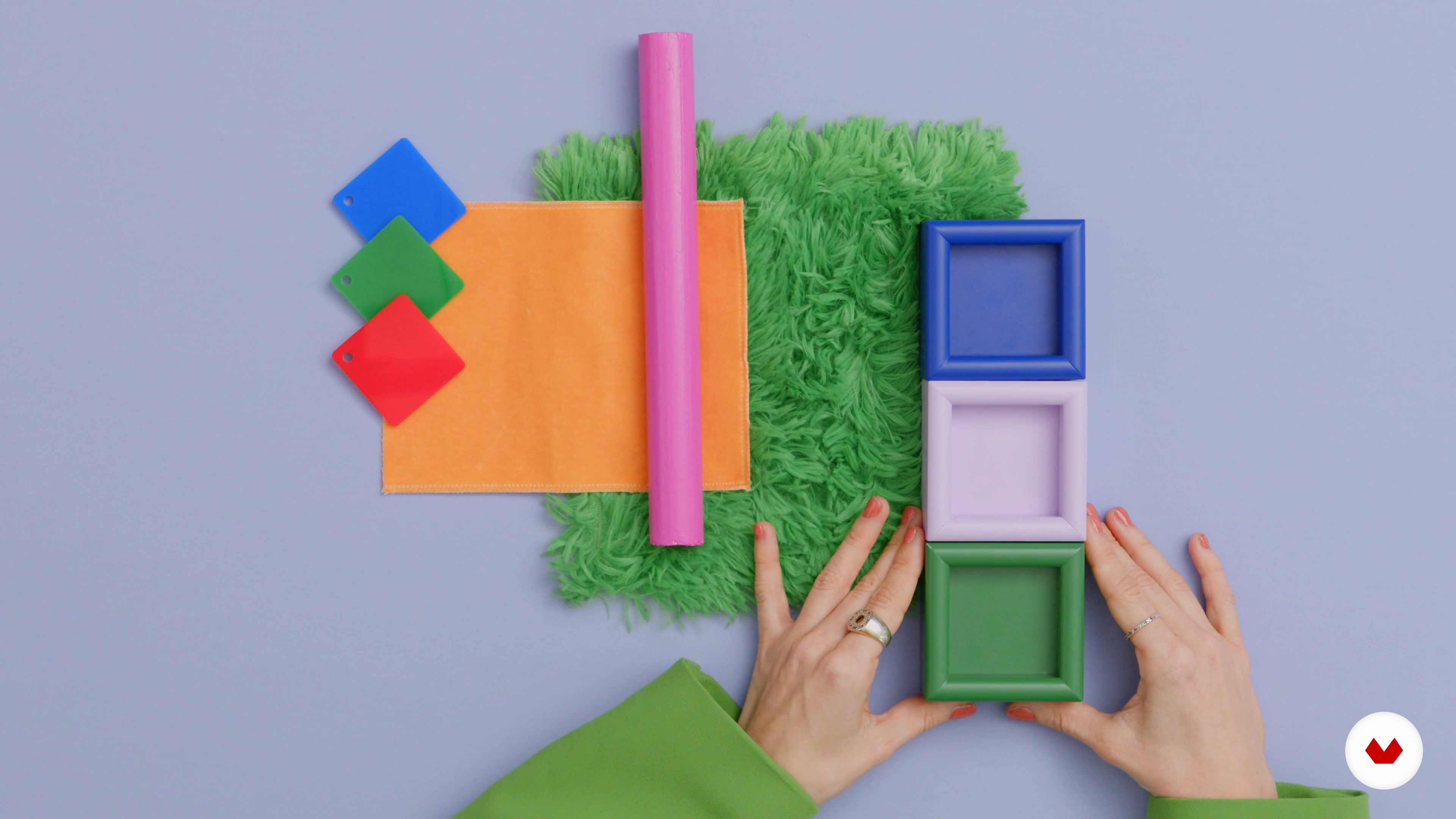
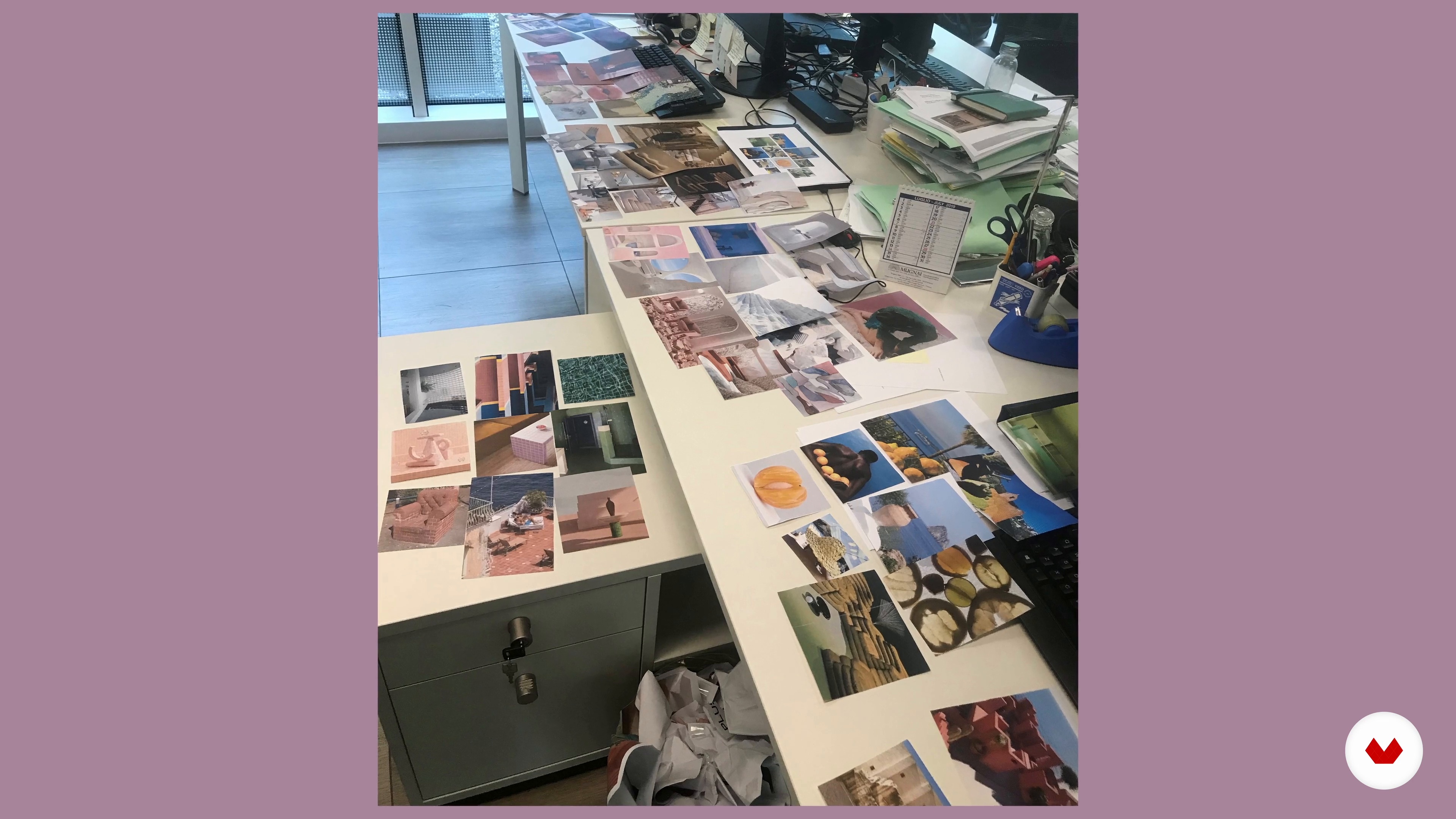
Now I will show you how to create your own mood boards and choose the materials for your store design.
20m
 9
9Spatial Planning
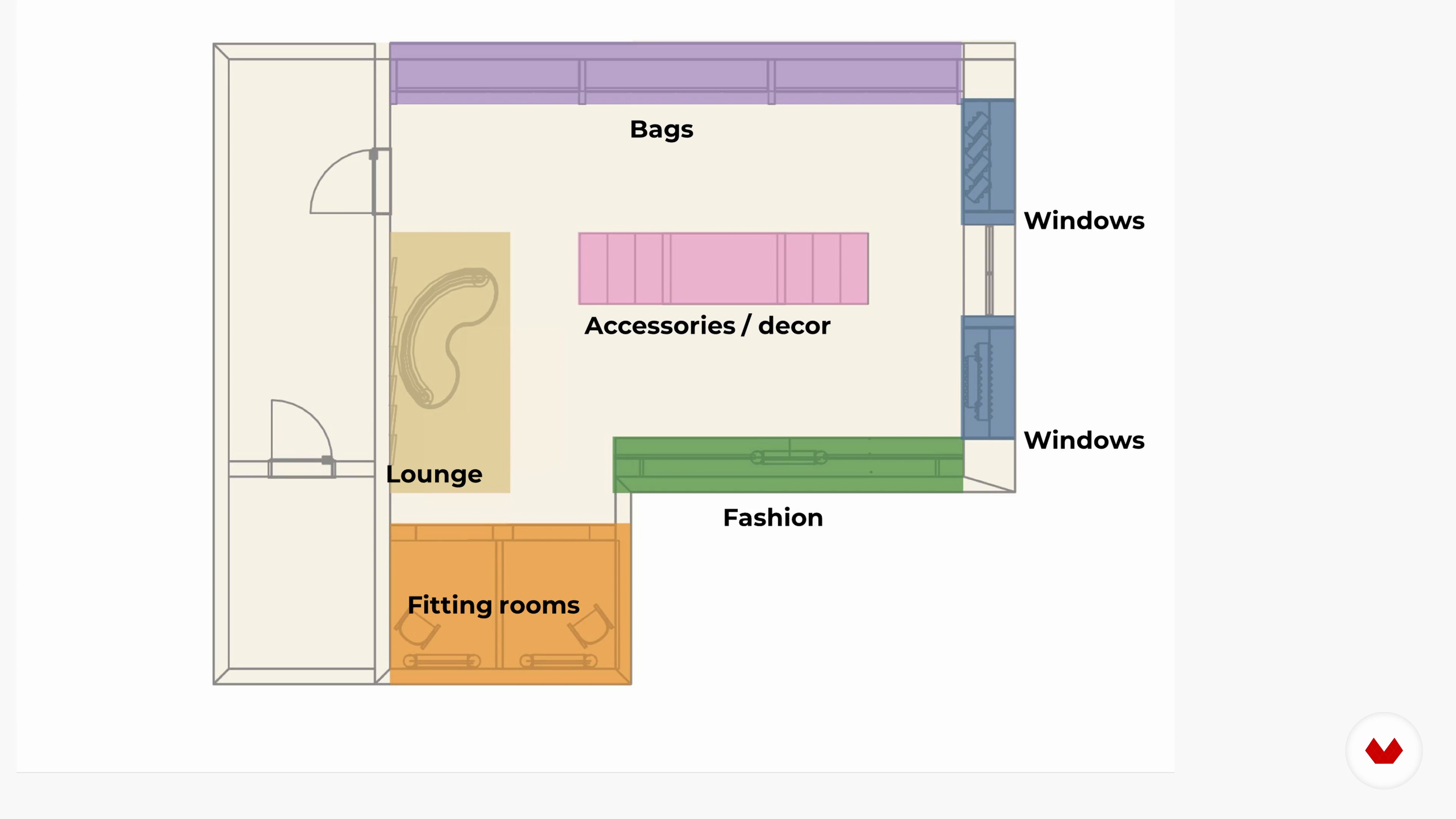
In this lesson, you will learn the importance of creating different zones within a store. I will talk about focal points and the customer journey map.
13m
 10
10Final Visualisations 1
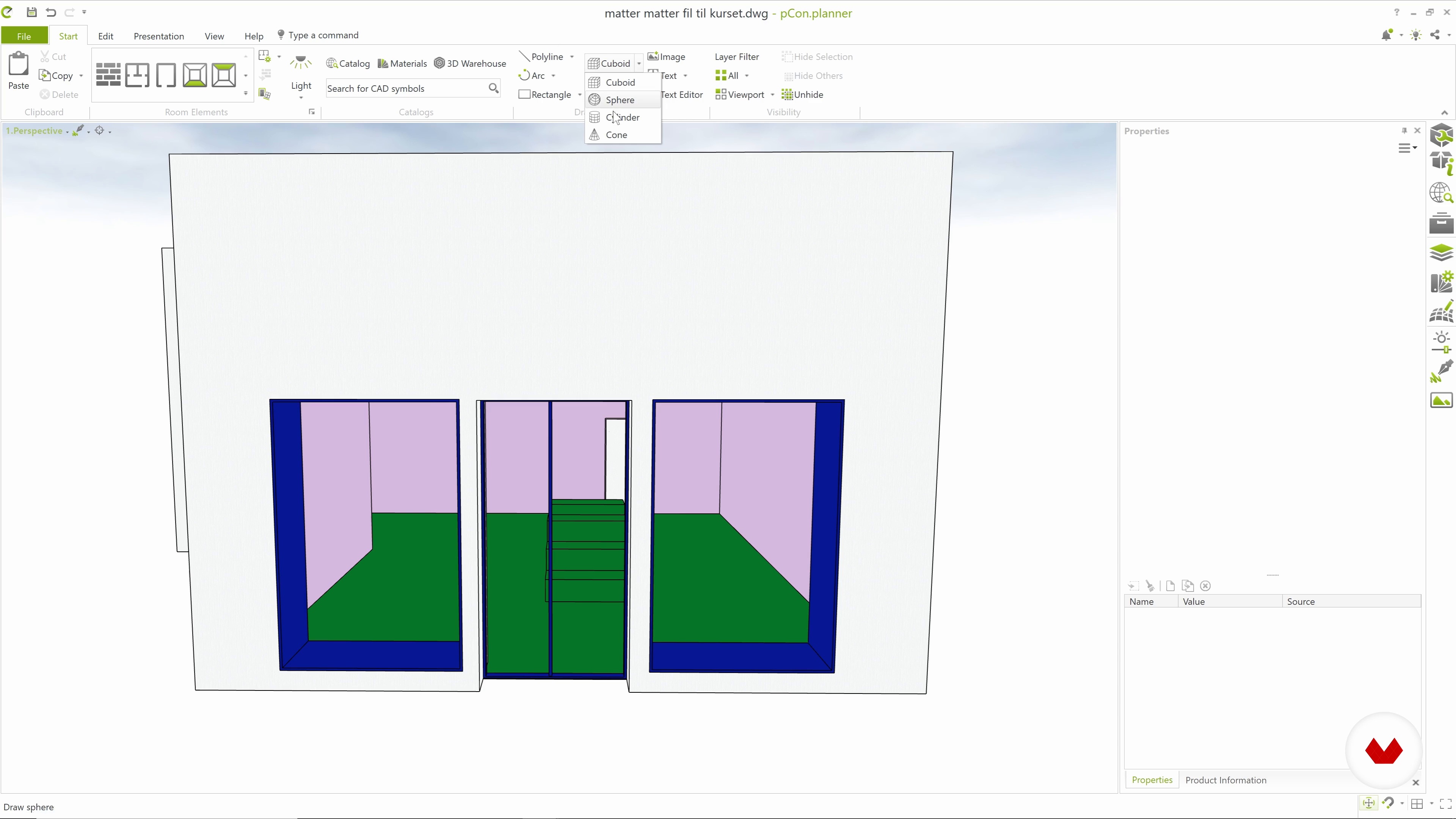
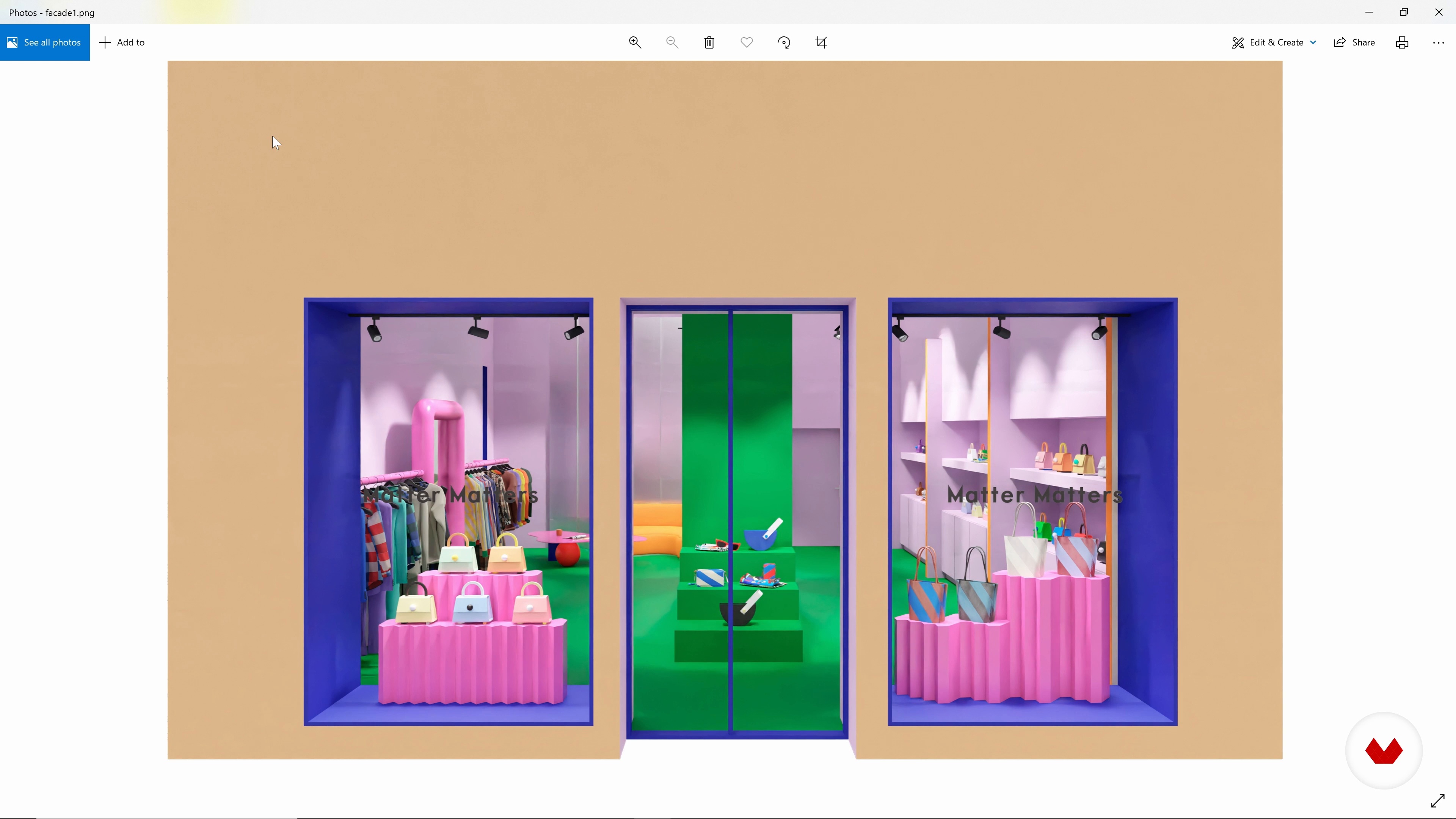
In this lesson, I will first show you how to draw in 2D and 3D and create a quick store design concept with the use of pCon.planner.
20m
 11
11Final Visualisations 2
Then, I will give you a brief introduction to rendering in pCon.planner and, finally, I will do the image editing in Adobe Photoshop.
18m
 12
12Presenting Your Projects to Clients
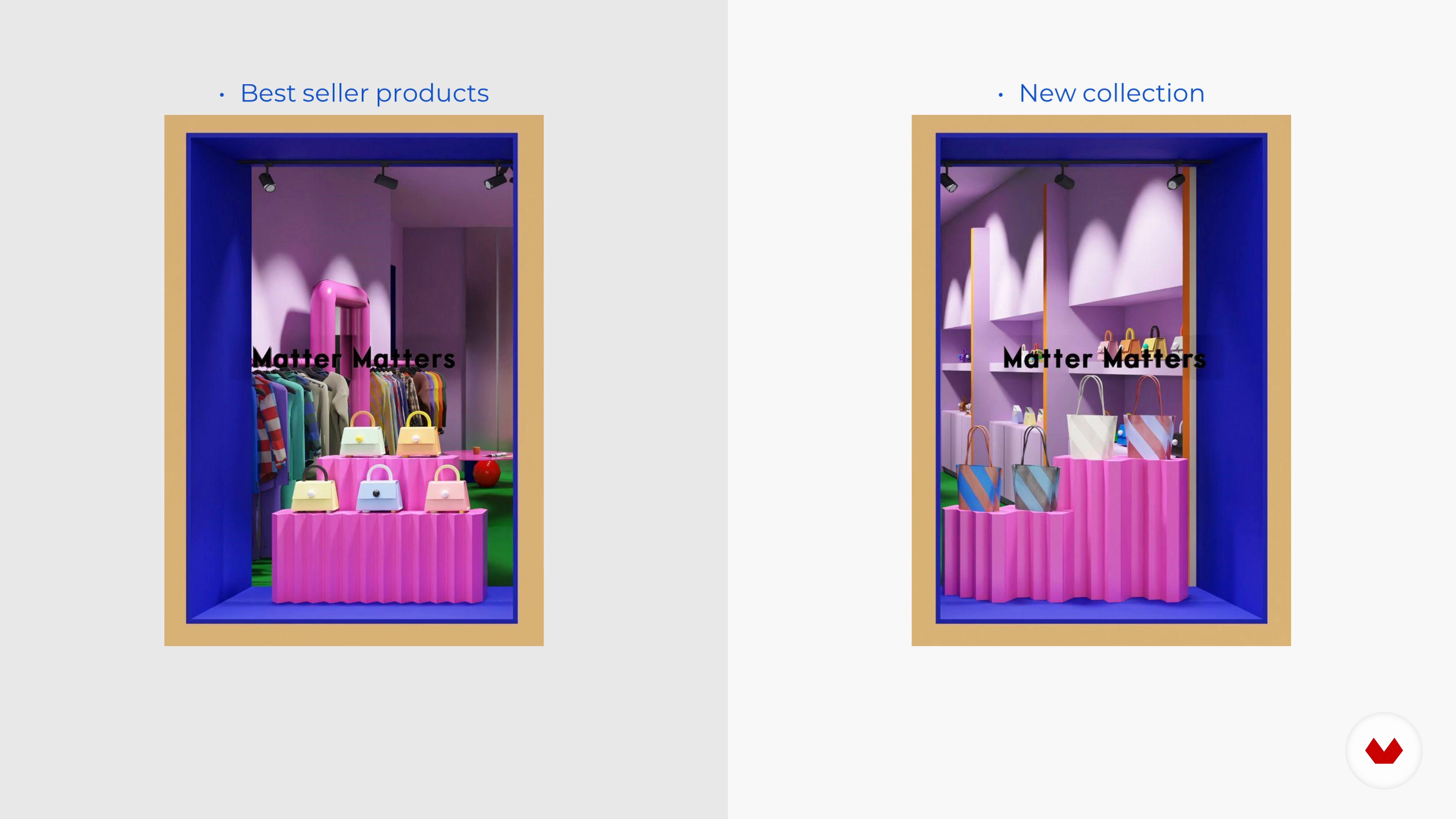
In this lesson, you will learn to put a quick but efficient project presentation together for your client.
13m
 13
13Tips I Wish I Had Known
Finally, I want to share some tips and do’s and don'ts I wish I would have known earlier as a retail designer.
7m
 3
3What will we do in the course?
We are going to talk about HER, the project on which we will carry out the final project of the course. We will explain the details and what you are going to learn in this course. We will explain the importance of creating a unique concept that will serve as a common thread in the creation of an innovative space.
1m
 4
4What is retail design?
In this lesson we will explain what commercial space design is and what disciplines it encompasses. In addition, we will teach you how we can create unforgettable shopping experiences.
10m
 5
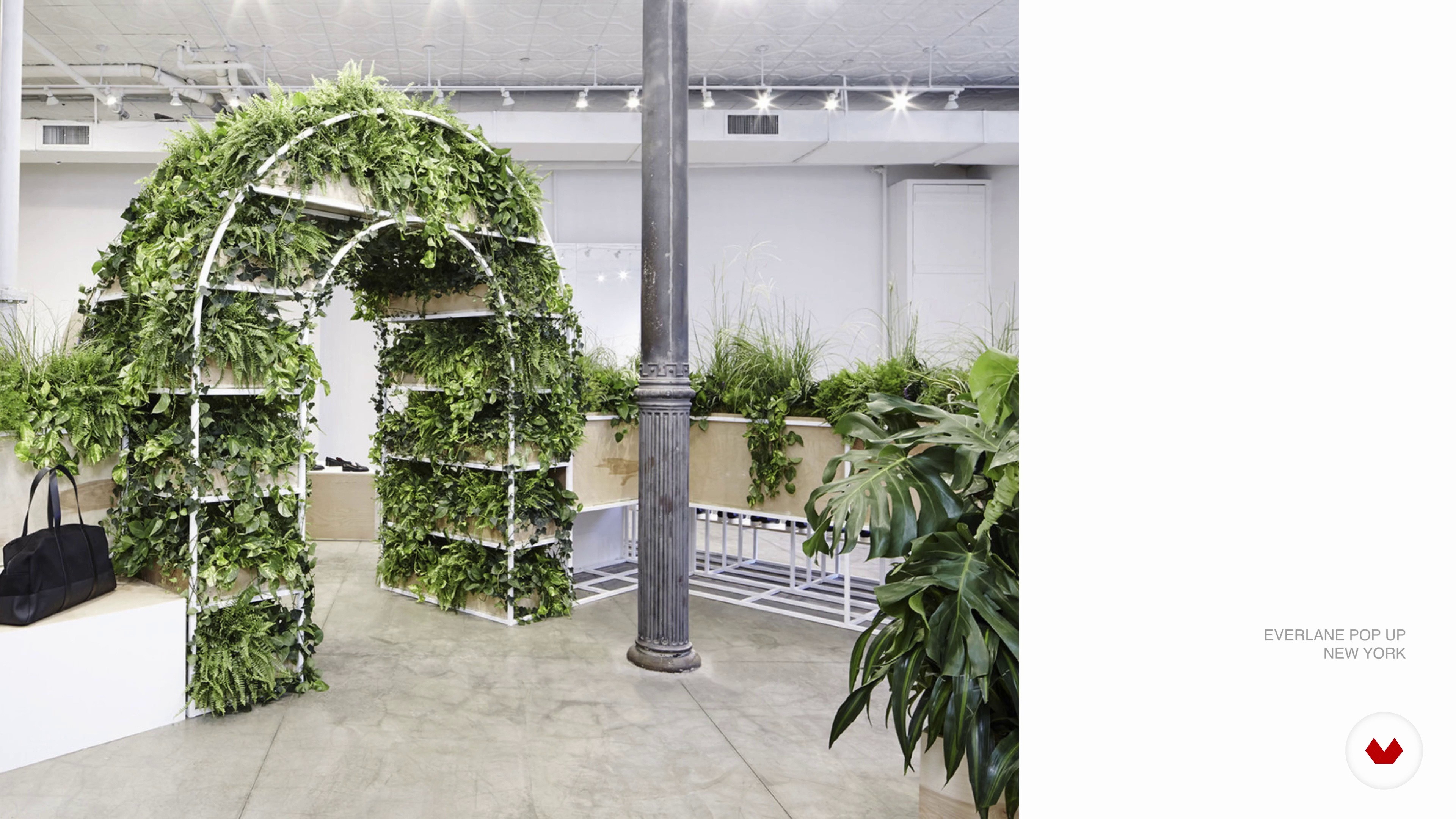
5Brands and shopping experience
We will show you examples of commercial spaces with an excellent unique shopping experience. We will talk about how brands apply a shopping experience in their stores that takes the user to their own world.
9m
 6
6Know the customer
In this lesson we will show you what the first contact with our client is like. We will define through workshops with the client what the values of the brand are, we will know what its target audience is and all the details of the project. In short, we will teach you to get to know your client, their project and needs better.
8m
 7
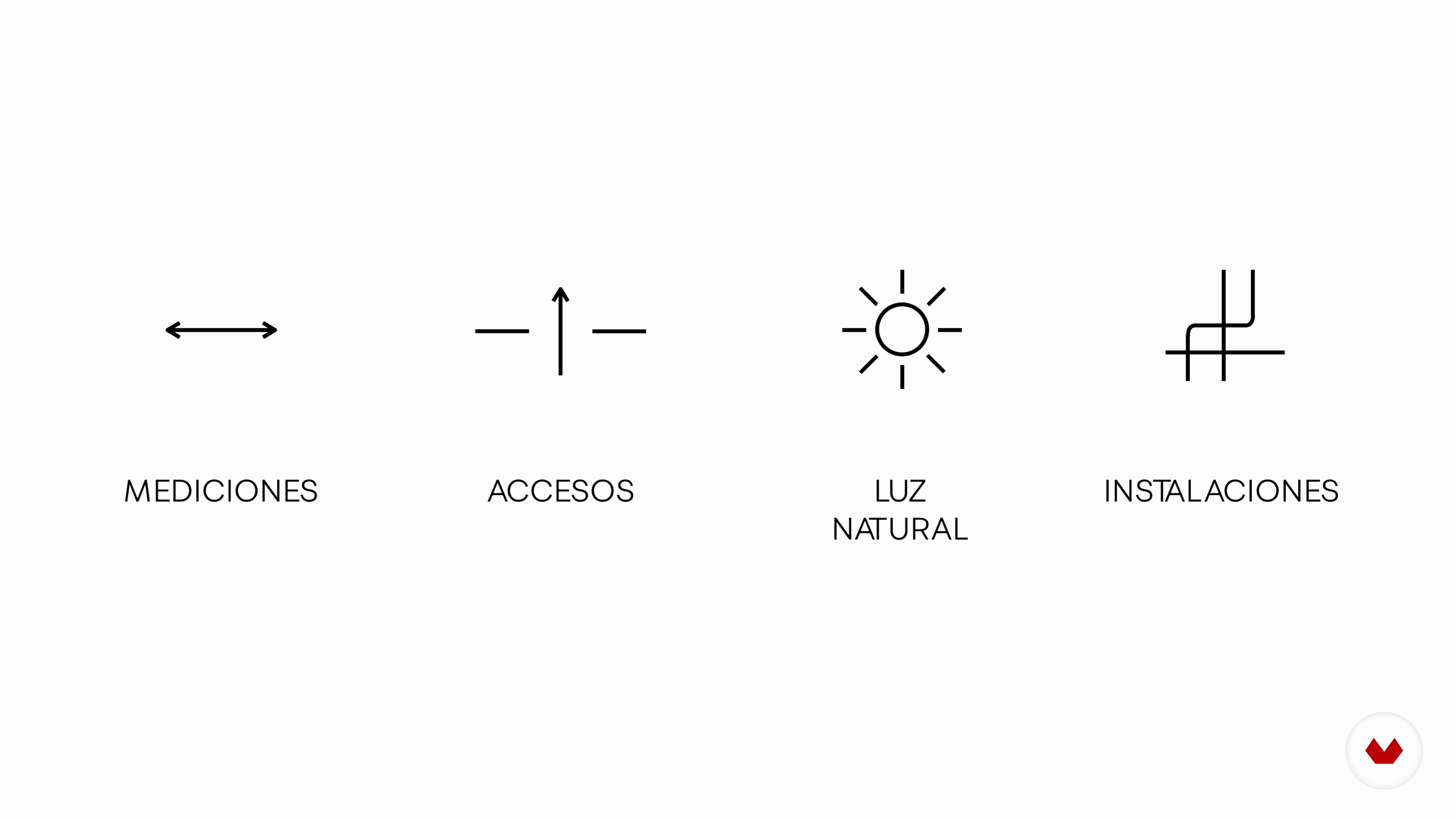
7Know the space
After knowing the client's needs, the first step is to go to the space to find out its characteristics, take measurements, notes and photographs. So we will take you to Hong Kong, specifically inside the HER premises before its renovation.
10m
 8
8Know the environment
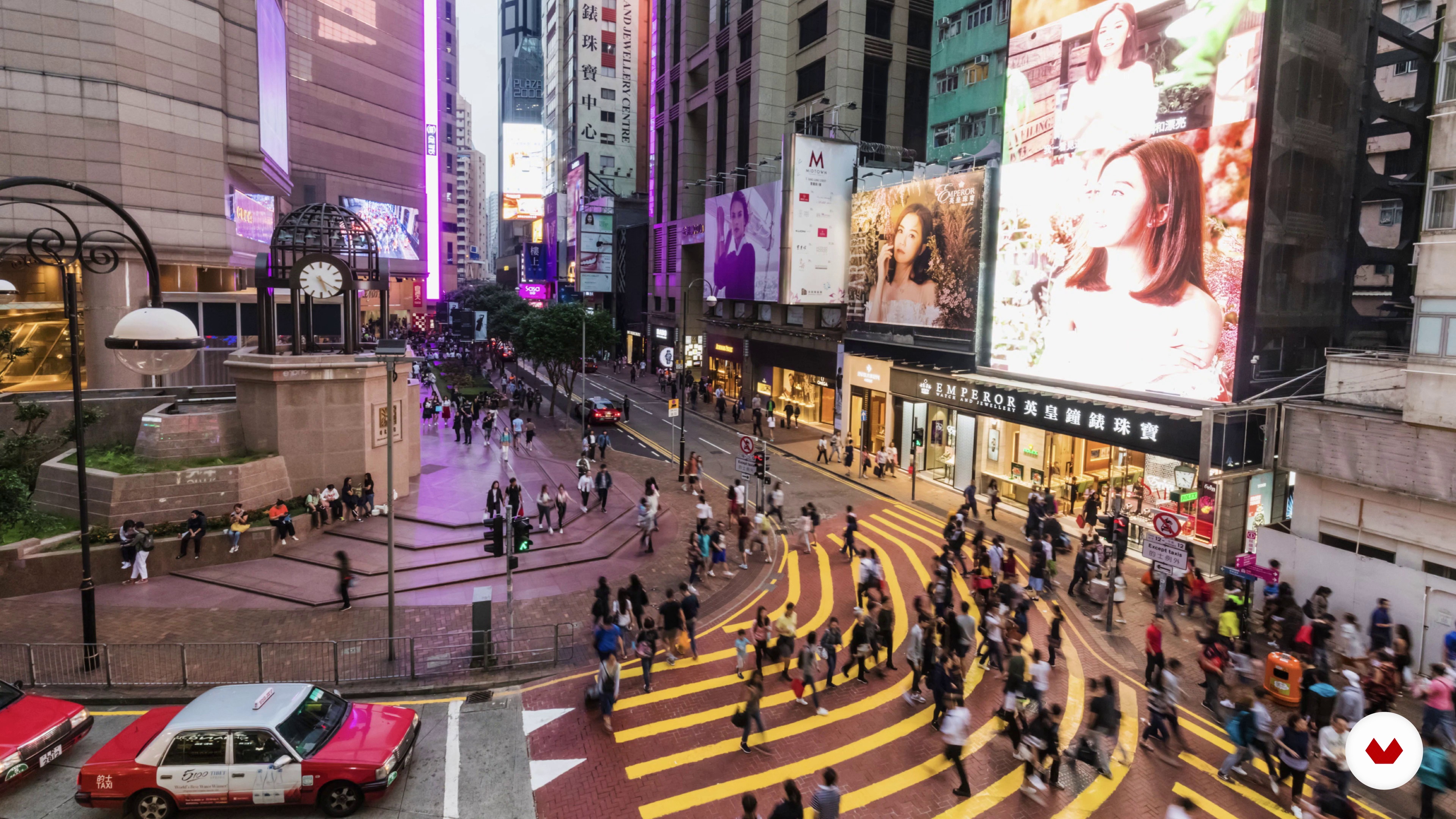
Once we know the project and the space, it is time to walk through the streets of Hong Kong to see the businesses that are in the same neighborhood as ours. We will know the surroundings of our premises. Where it is located? How is the neighbourhood? What are the surrounding stores like? What would our local competition be? Finally, we will look for references in the global field and all this will help us to design a unique space.
13m
 9
9Method to create a unique concept
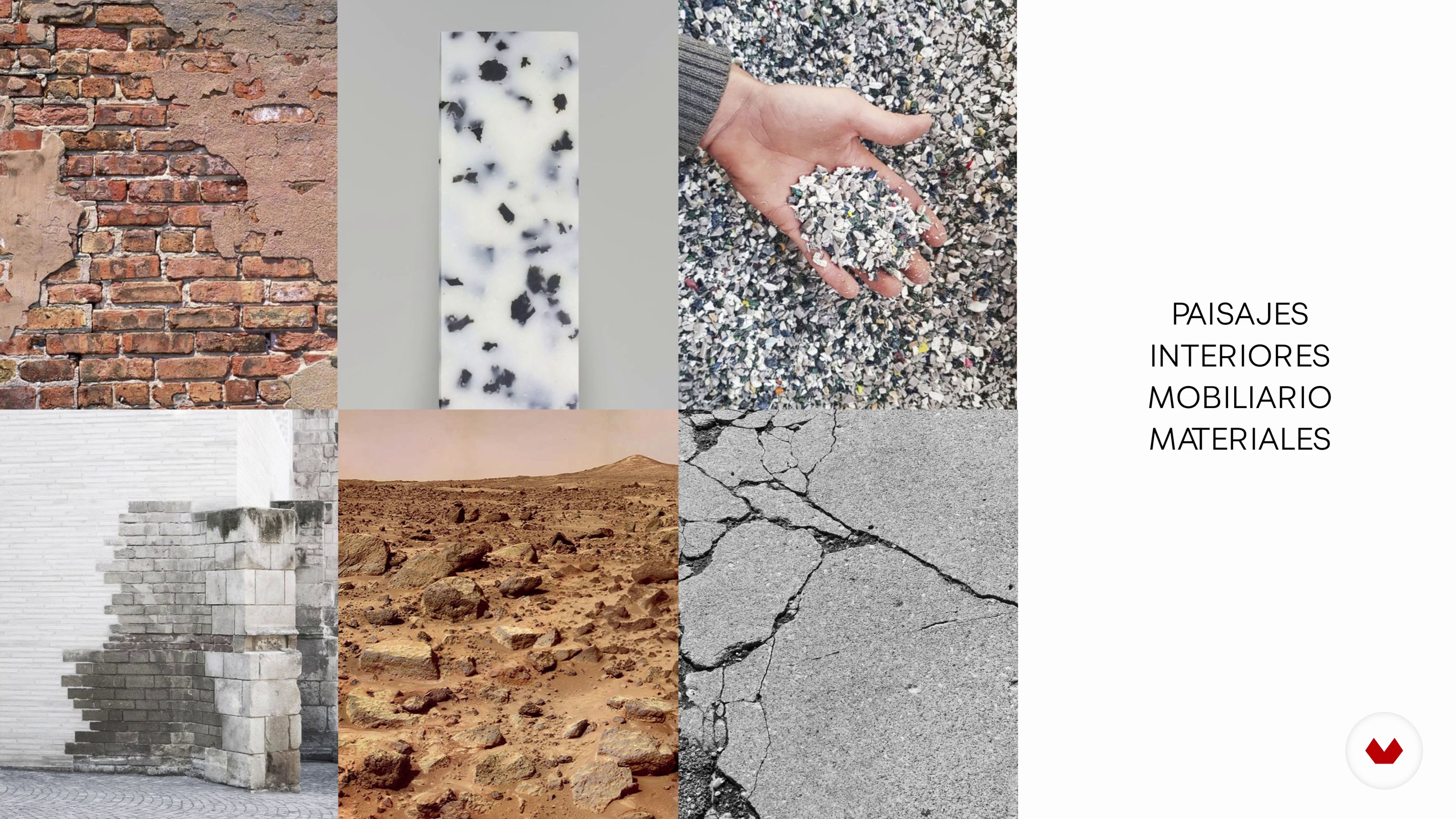
In this lesson we are going to explain what a concept is and how to create one for our project. We will show you examples of projects and their concepts so that you can visually understand how it works. Then we will show you the process we follow to extract the concept of our project.
7m
 10
10The inspiration
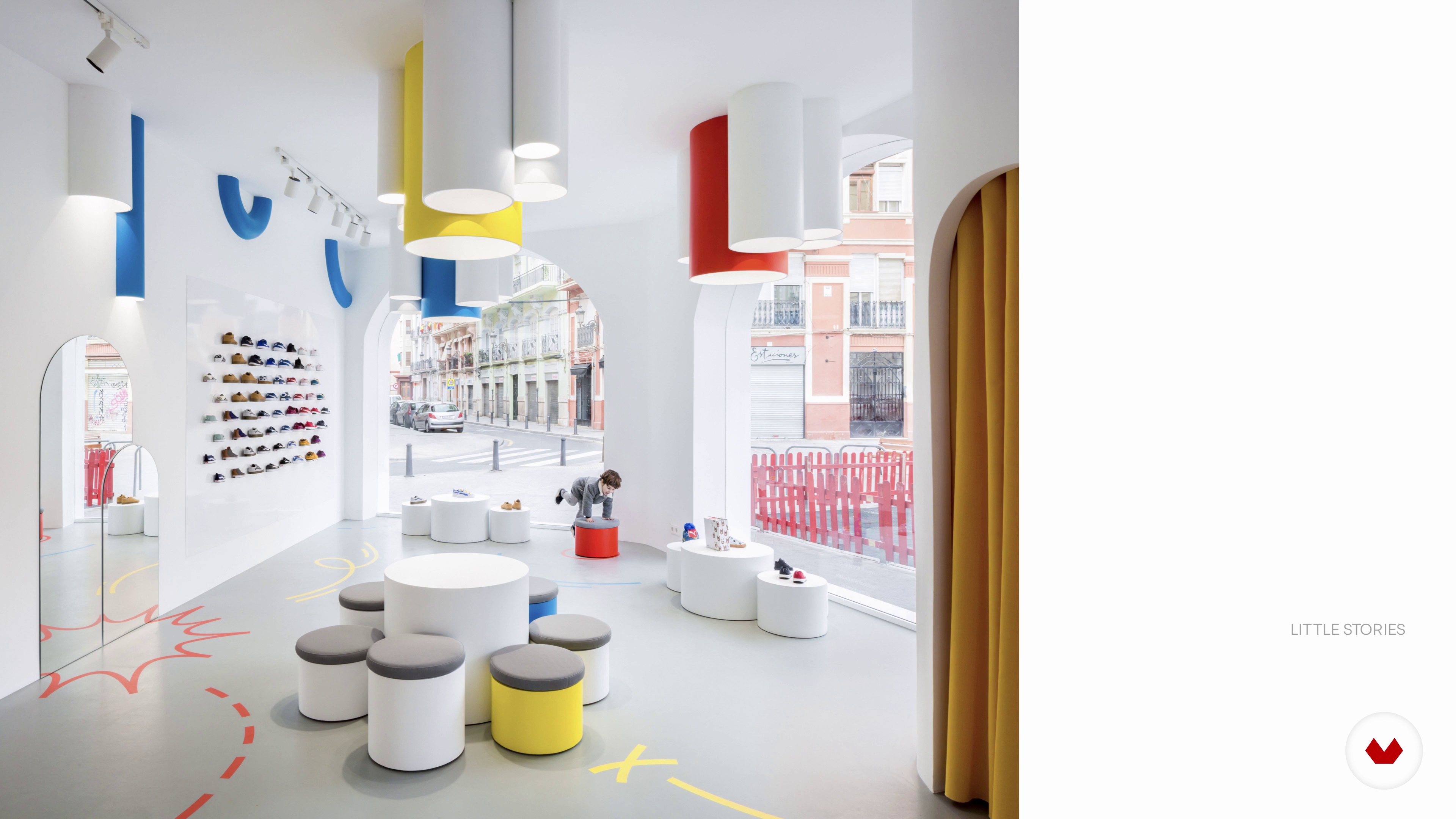
We will start by showing what our method of finding inspiration is and where we usually find it. We will teach you the creative process we follow to make a mood board of ideas and visual references always linked to our concept. At this point we have already begun to generate ideas for the creation of our concept and the common thread of the project.
6m
 11
11Distribution
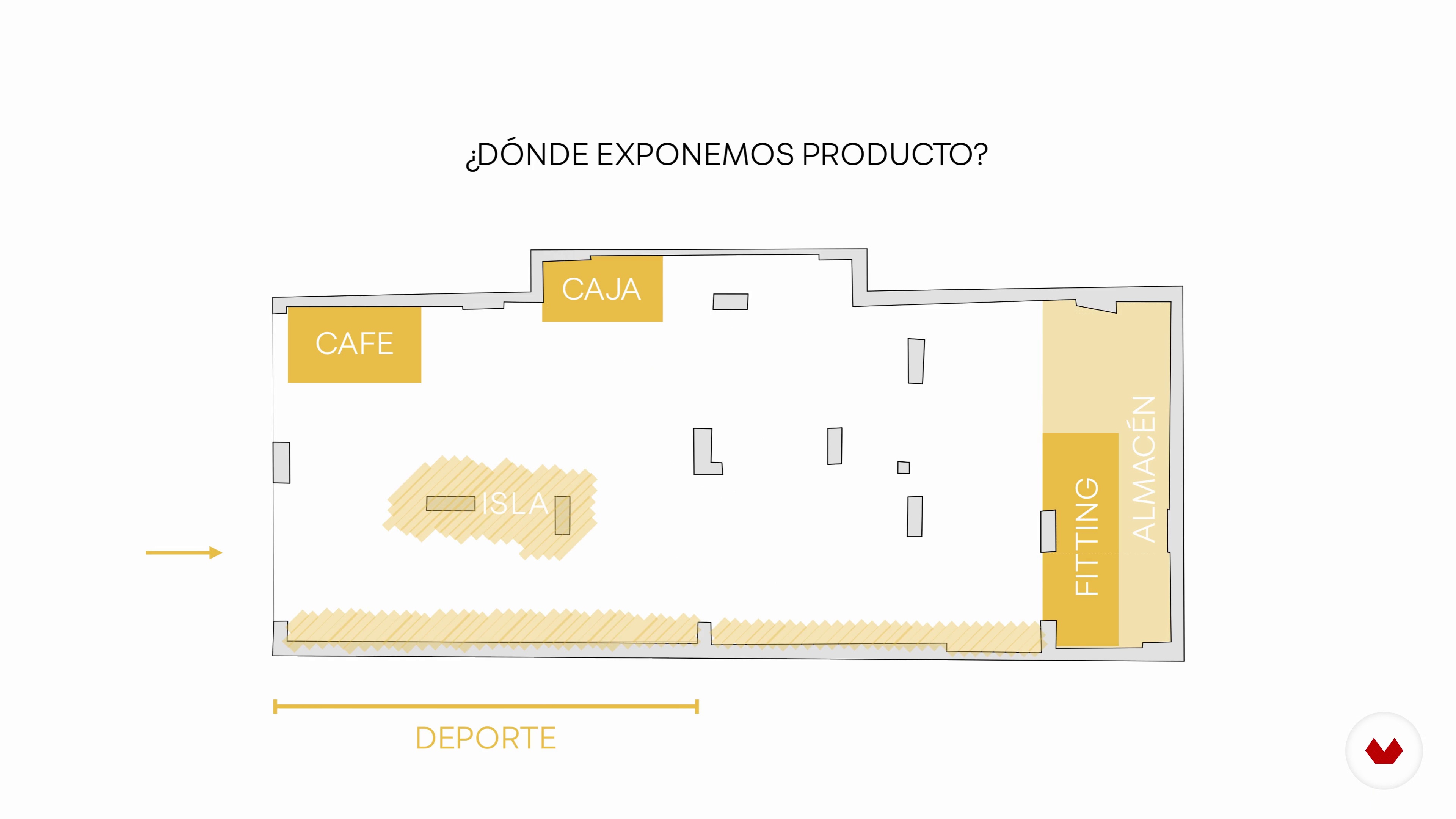
Before we start drawing, we have to work on the plant of our project. We will explain how to design a quality distribution in a commercial space and the aspects that we must take into account and that you must know for your project. We will create our distribution and show you what hot spots and where they will be within our space.
19m
 12
12Application of the concept indoors
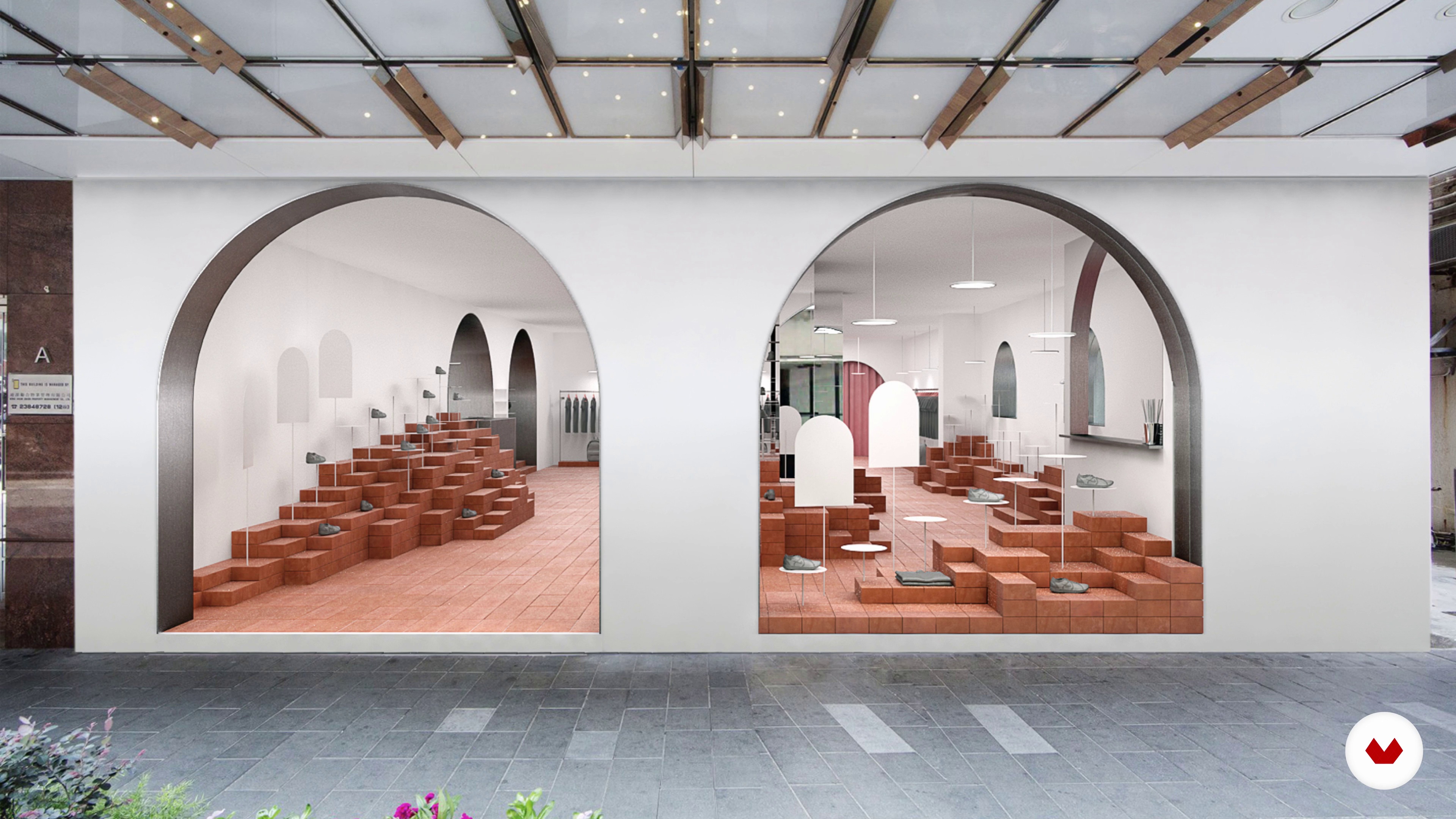
It's time to draw! Once we have a defined concept and our hot spots , we will show how we begin to apply our concept indoors. In this lesson we will show you which tools we use. We will start with the sketching passed through 3D and end with the 3D visualizations of our design.
5m
 13
13Choice of final materials
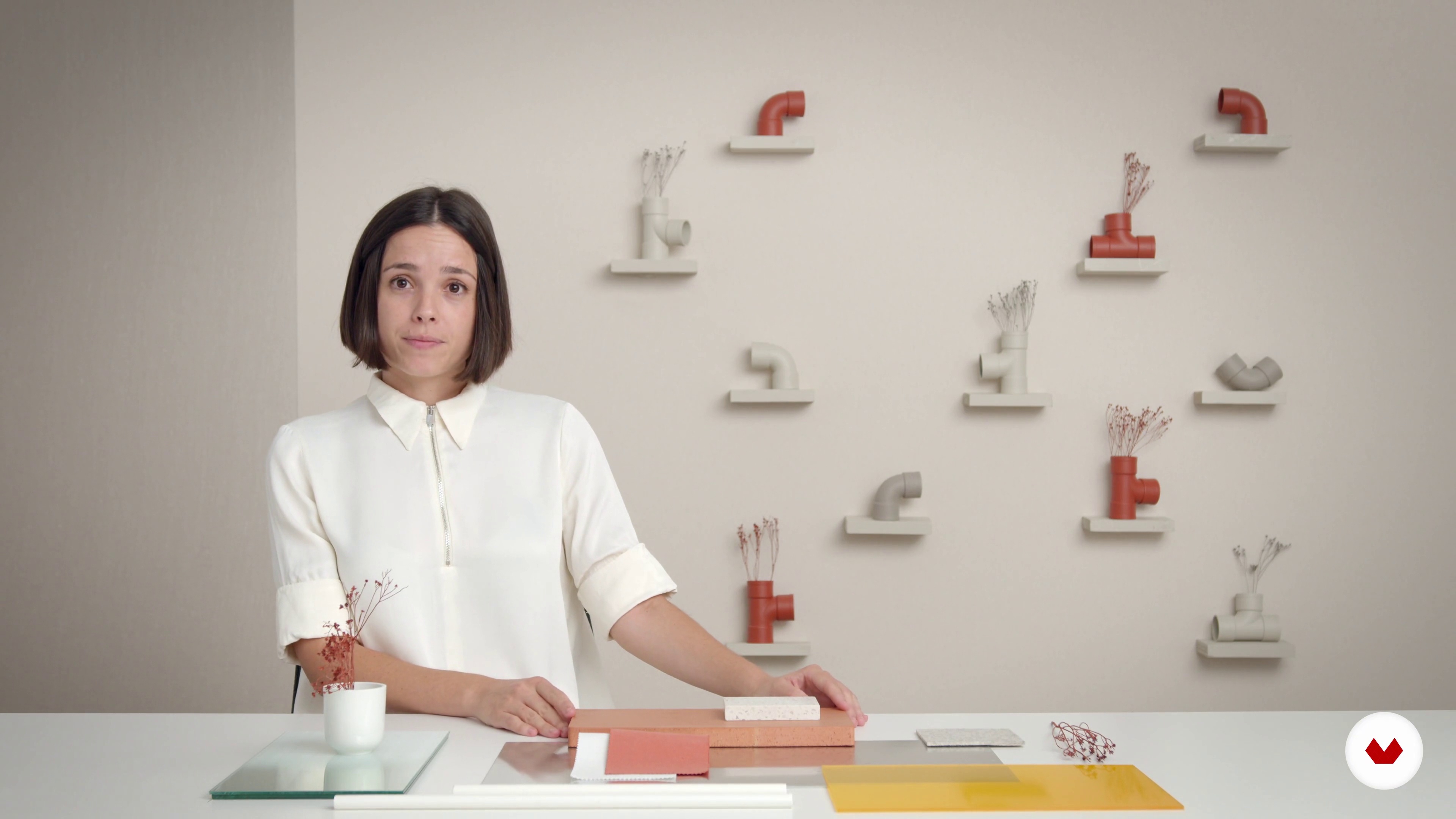
In this lesson we will give you some tips to choose your final materials. We will show you all the materials that we proposed for HER, what were our first options and what were the final materials. Finally we will make the final mood board of materials.
8m
 14
14Final planimetry 1
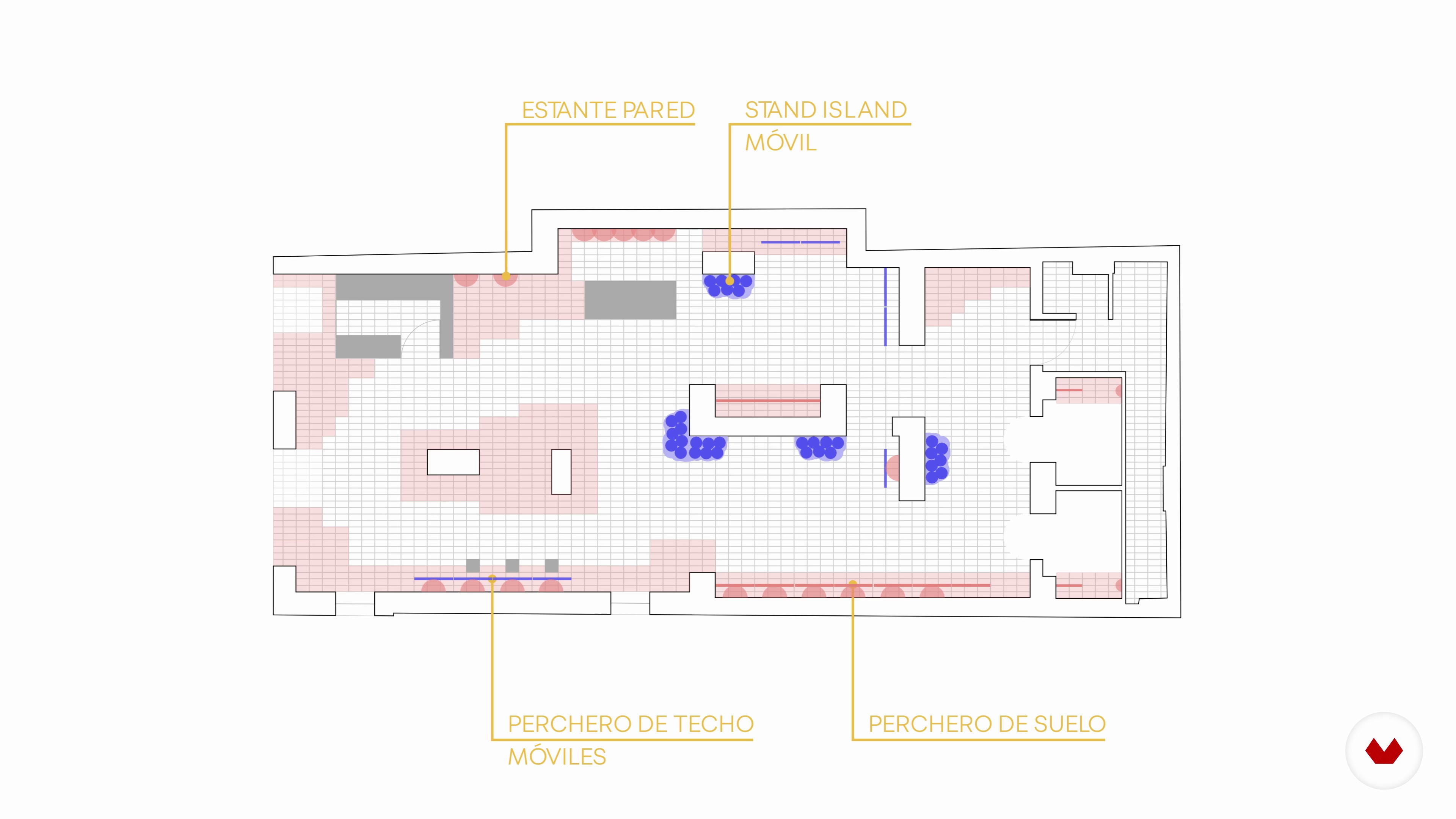
Once we know how the interior will be and what the final materials will be, it is time to develop our final interior plan. We must apply the final dimensions to our interior and we must create flexible interiors. In this lesson we will show you how we made HER a versatile and flexible space. We will show you our final plans and we will give you some tips to make yours.
11m
 15
15Final planimetry 2
In this lesson we will continue with the creation of the interior of our space and we will conclude the final planimetry of our project.
10m
 16
16Graphic representation
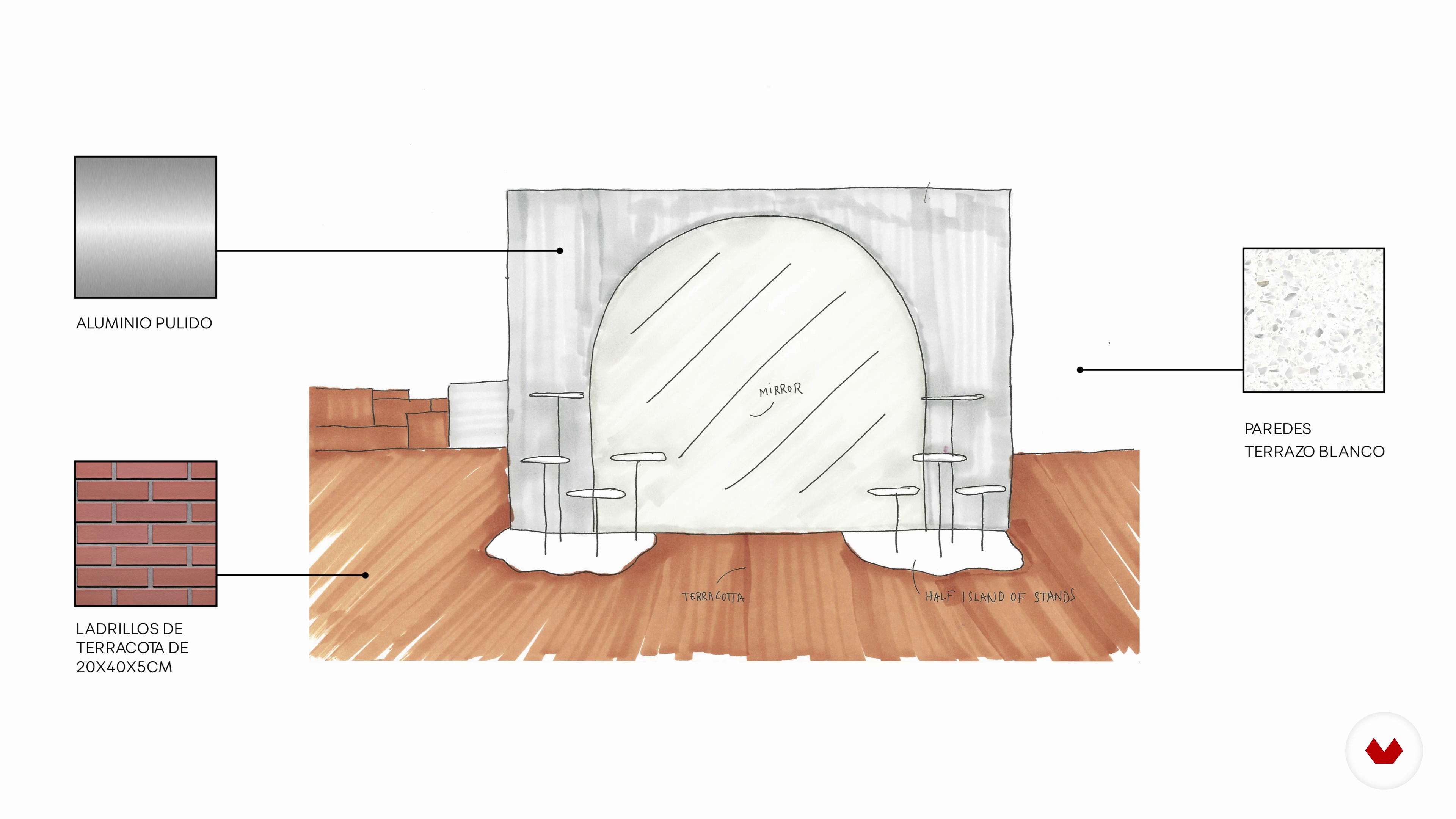
In this lesson we will show you different techniques to make the graphic representation of your project. We will talk about the advantages of each technique and we will show you which one is ours.
11m
 17
17The presentation of the project
In this lesson we are going to show you how we make our presentations to the client. For us it is very important that the client is part of the creative process and that is why we make several presentations. In the case of HER we made two presentations, one of the concept and the other with the final design.
19m
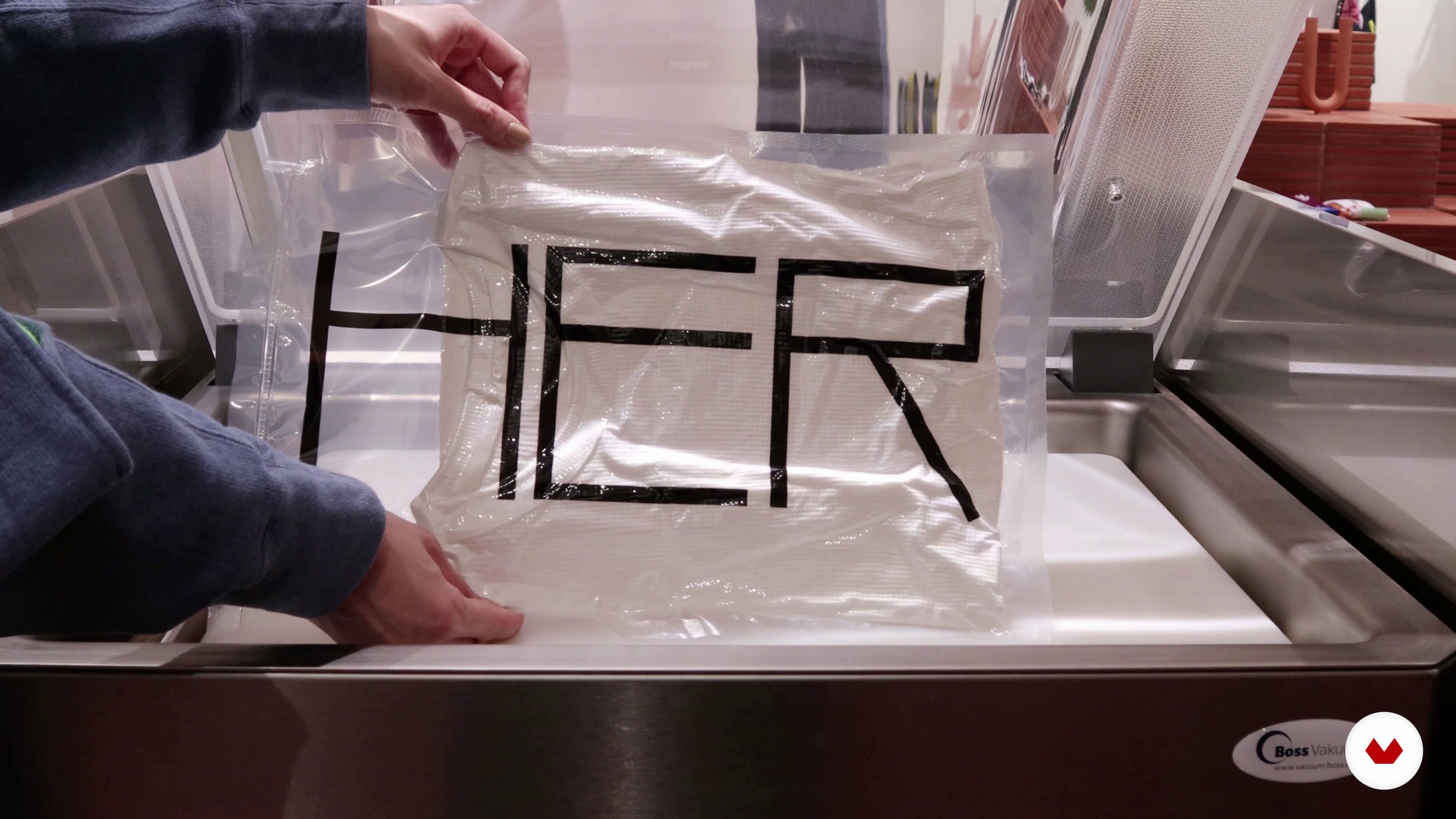 18
18The press kit
We will explain the importance of creating a press kit for each of our projects. We will tell you how to develop one professionally for magazines and other media to communicate your projects.
12m
 3
3What We Will Do in the Course?
The aim of this course is that you design an interior space. To provide you with the tools needed, we will dissect one of our projects, a flagship store for the Madrid store of a fashion brand. If you follow the methodology step by step, you’ll have a strong base to address any project, tiny or big.
6m
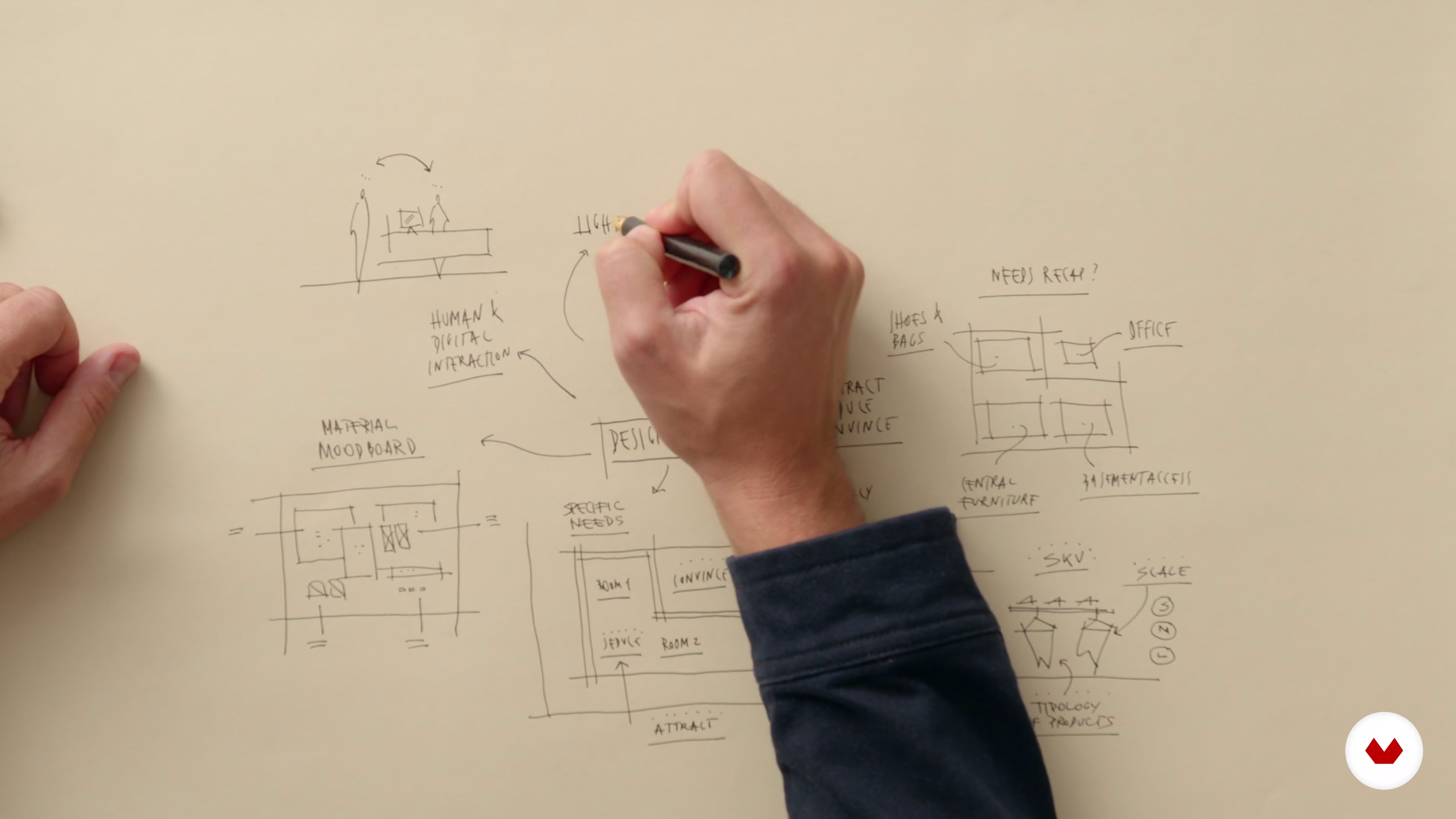 4
4What is a Design Brief?
What is an interior design project brief? It is generally a document that resumes both functional and emotional requirements that we want to solve in the interior space. Let's look at it in detail in this video lesson.
13m
 5
5Client DNA, How to Get to Know Your Client
The best way to address a brief is to get to know the client in depth. The aim is to define together the pillars for the design and this is what we are going to talk about in detail in this lesson.
11m
 6
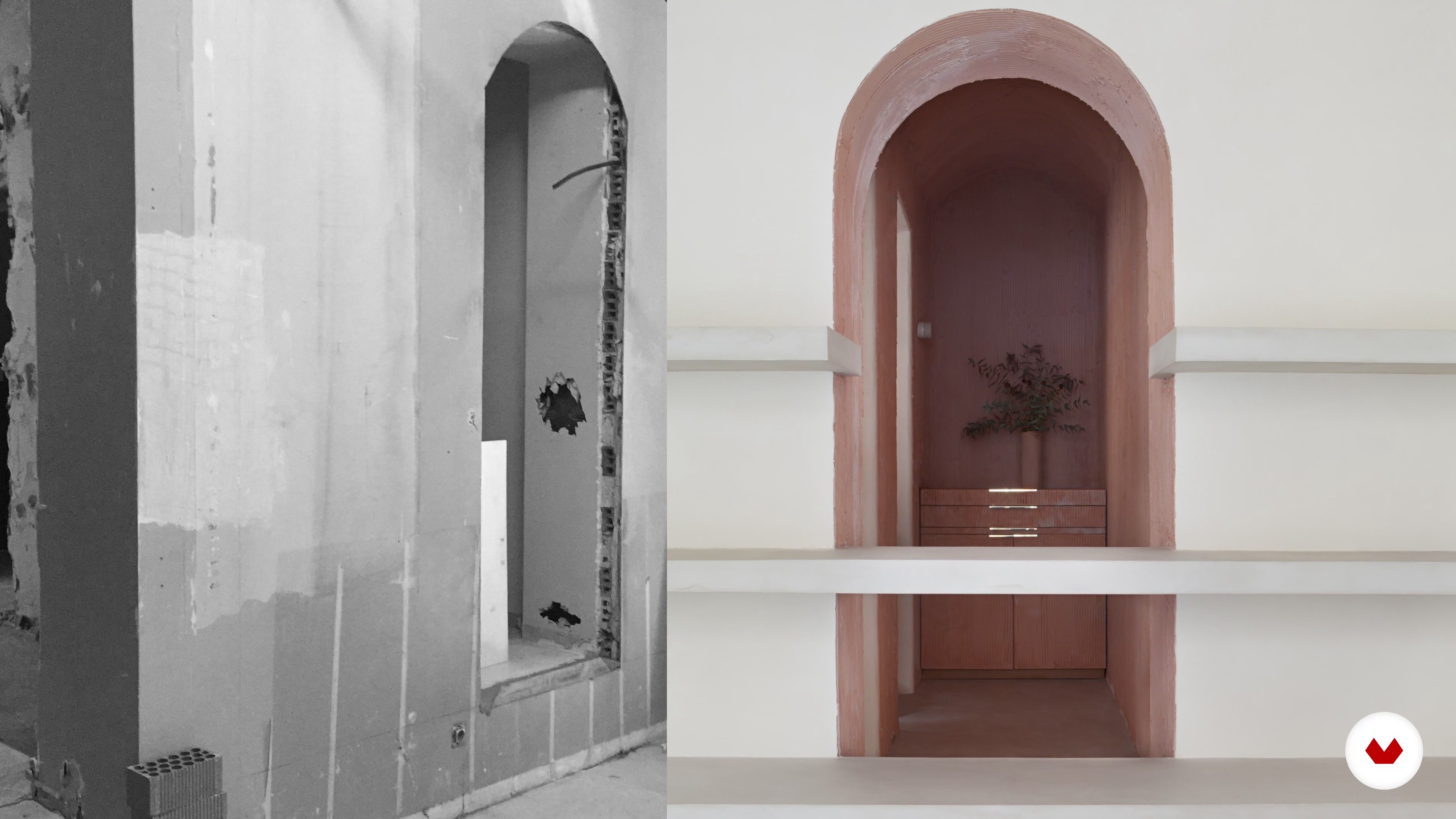
6Getting to Know the Space
Now it is time to analyse the space and its possibilities. In this lesson, we will show you our method to do it so.
13m
 7
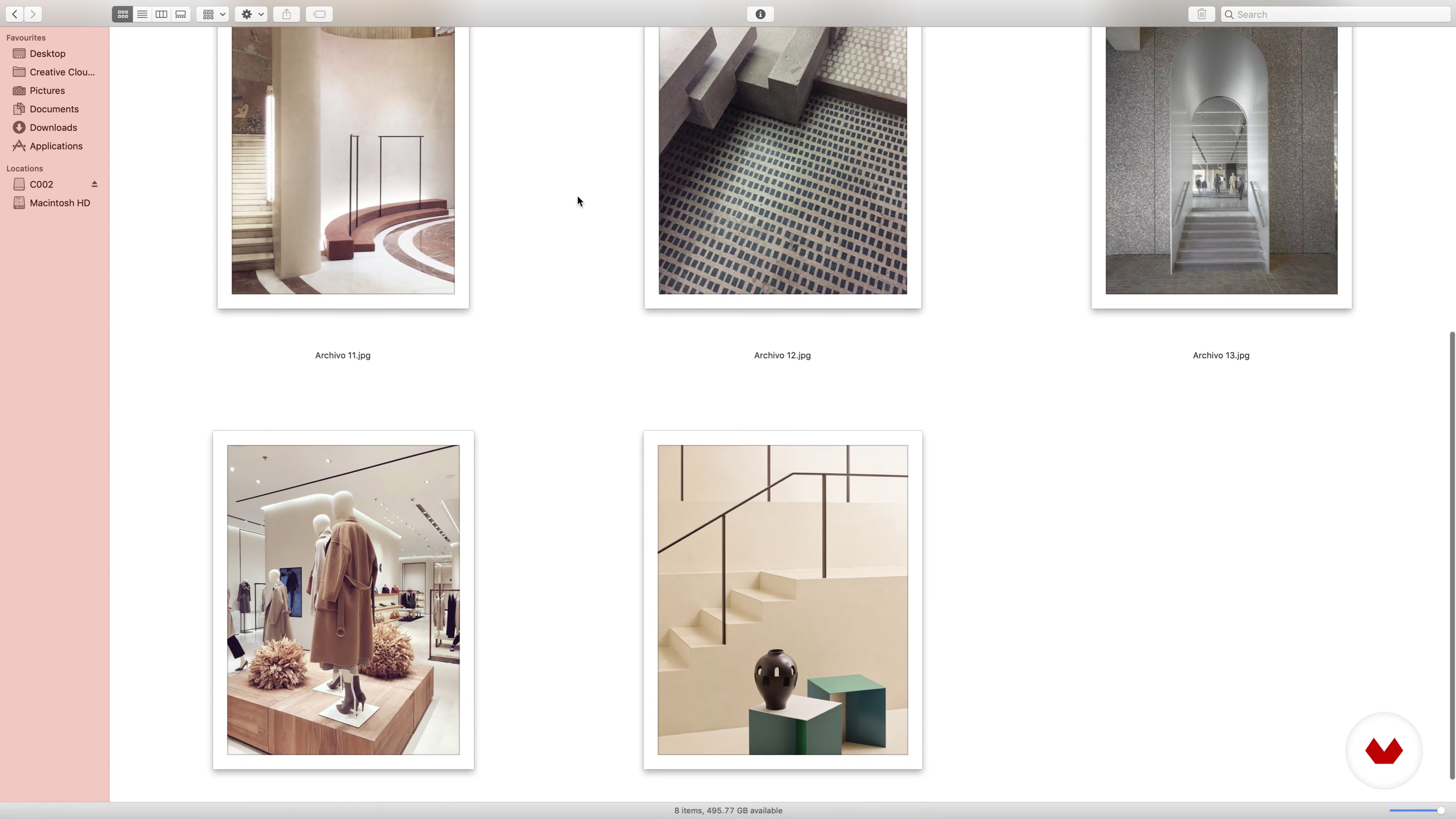
7References
In this lesson we’ll show you how to search and organize the images that are going to inspire you.
8m
 8
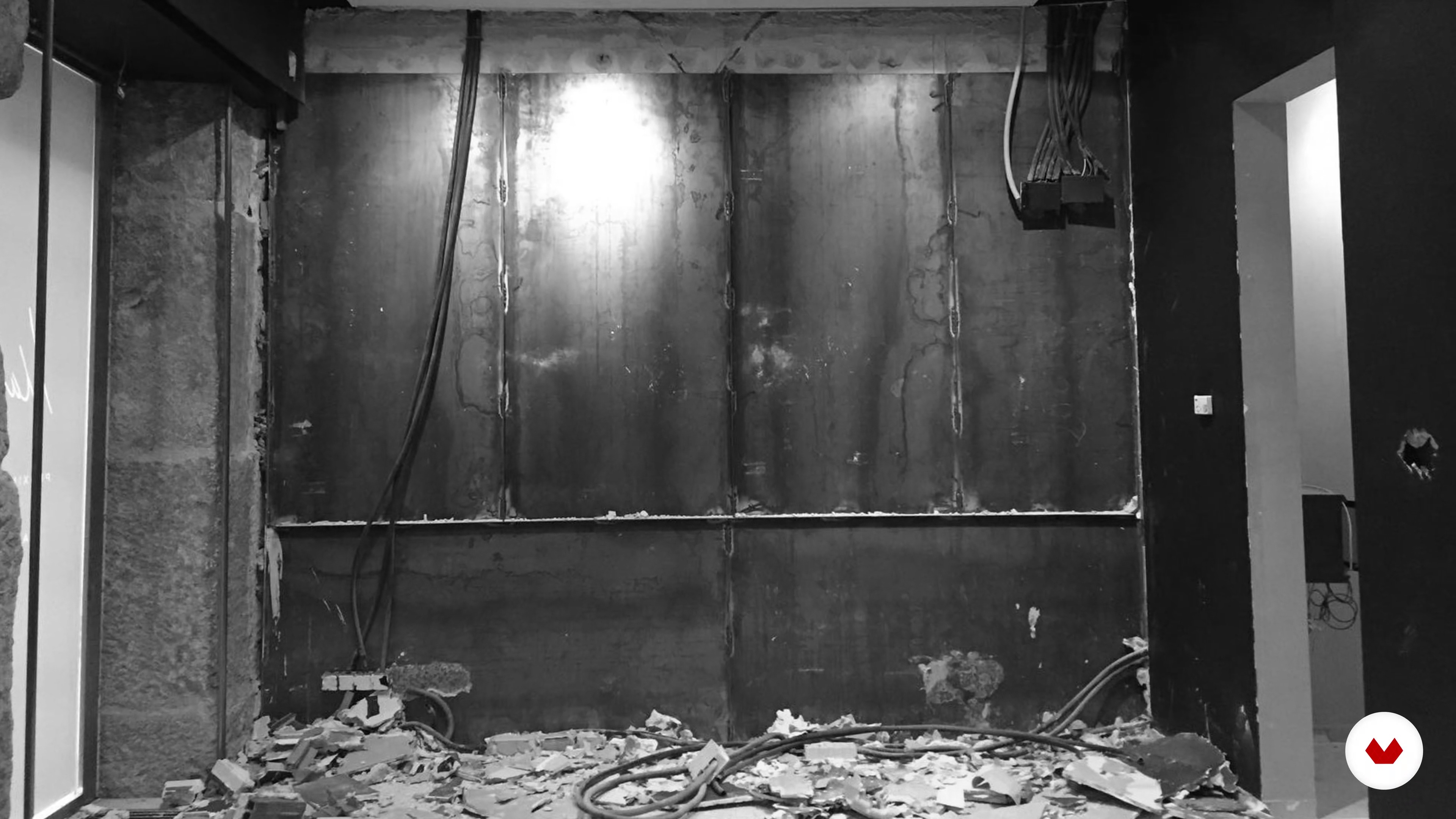
8The Concept
Once the references are identified and you are familiar with your client’s needs and space requirements, you are finally ready to explore the concept behind the whole project.
4m
 9
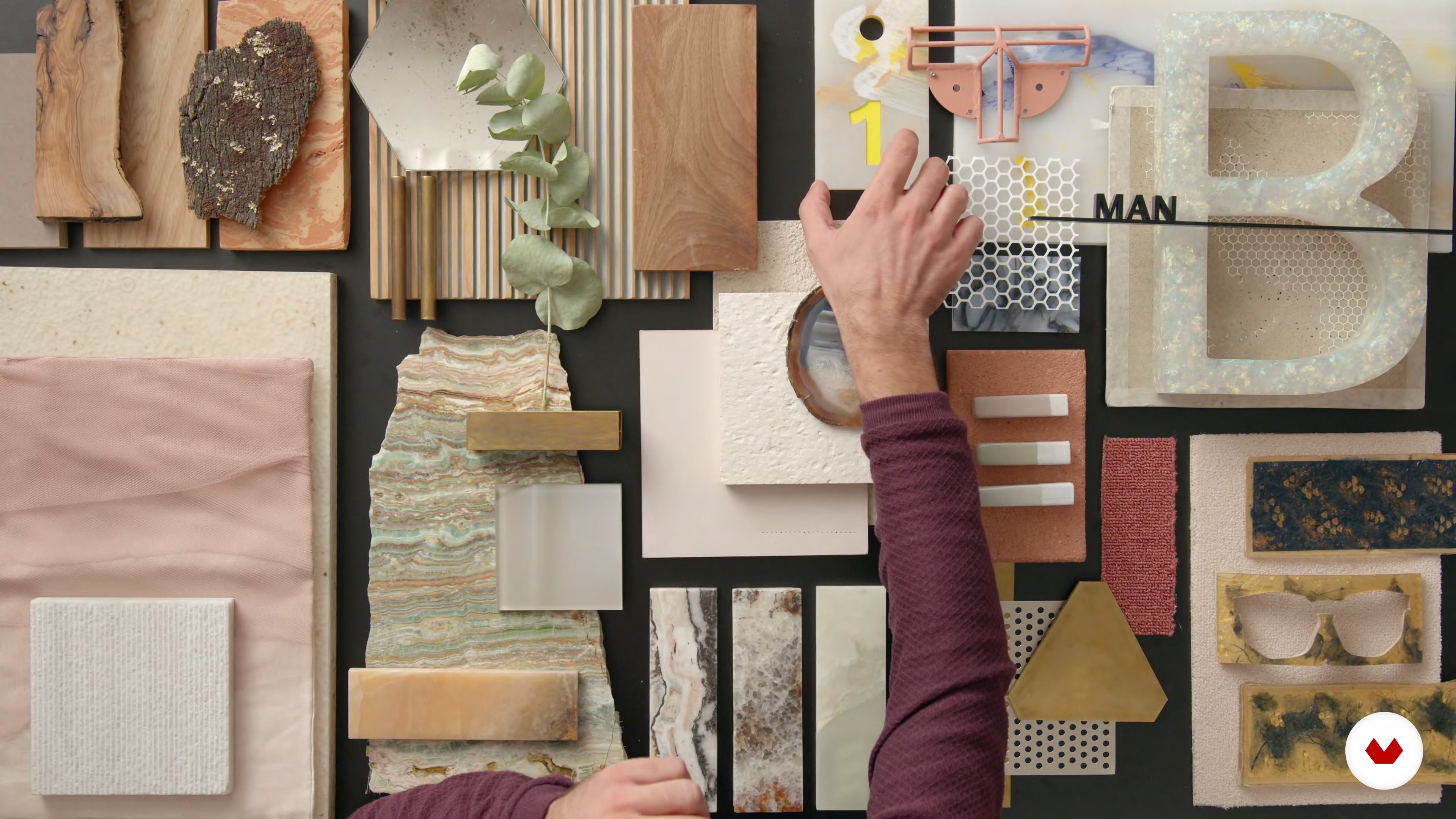
9Unique Materials and Bespoke Solutions
In this lesson, we will talk about the materials that can work both separately and together throughout the space. Also, we will discuss how bespoke materials can be produced with the help of artisans and companies willing to modify some of the materials in their catalog.
7m
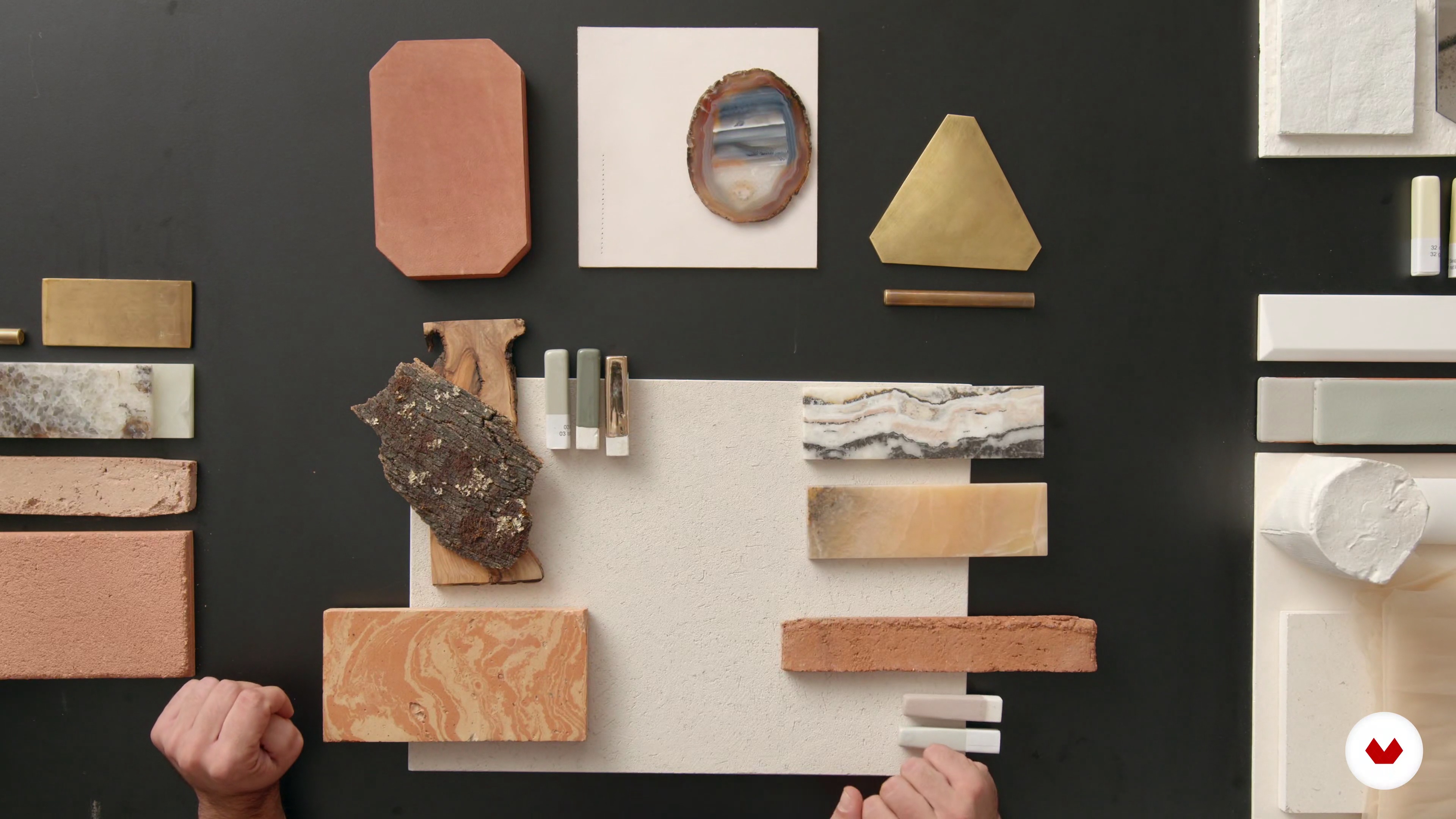 10
10The Final Mood Board
With this lesson, we finish off the unit, and we are going to discuss how to create a final impactful mood board.
7m
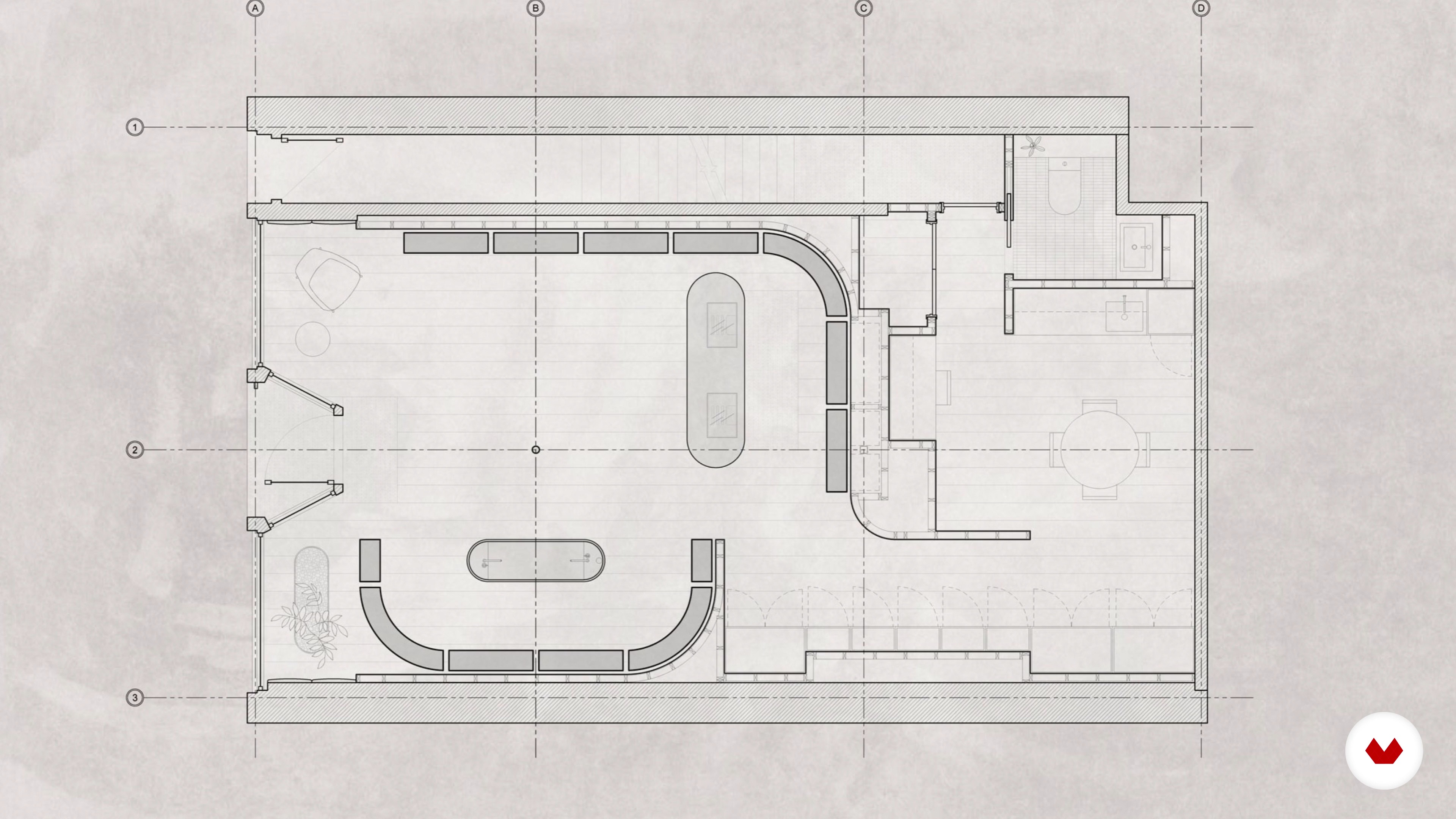 11
11The Experience
In this video lesson, we are going to show you how to create a user journey experience of the space.
9m
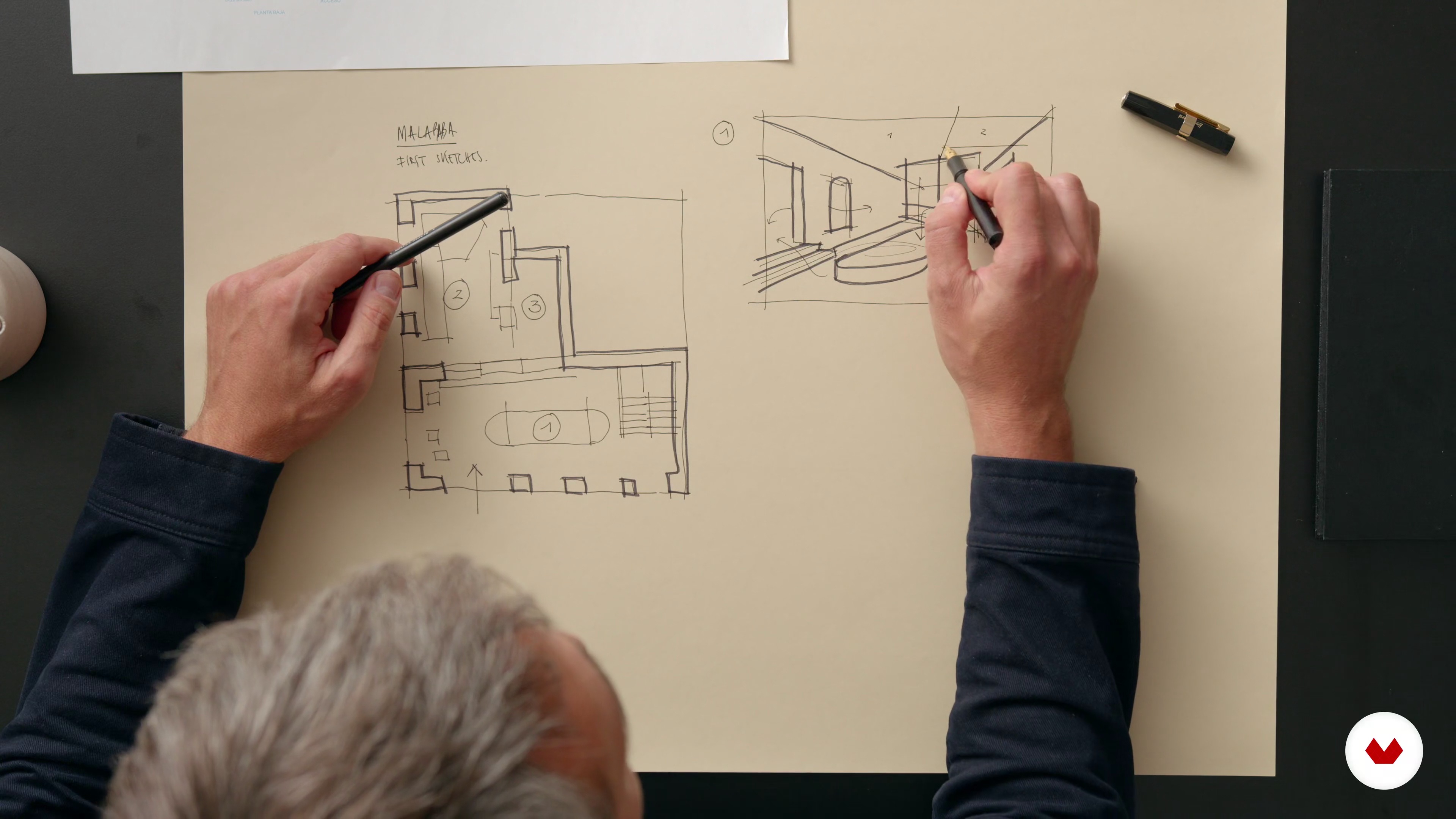 12
12Visual Representation
Now, we will focus on how to make the visuals of the project attractive enough for your client.
18m
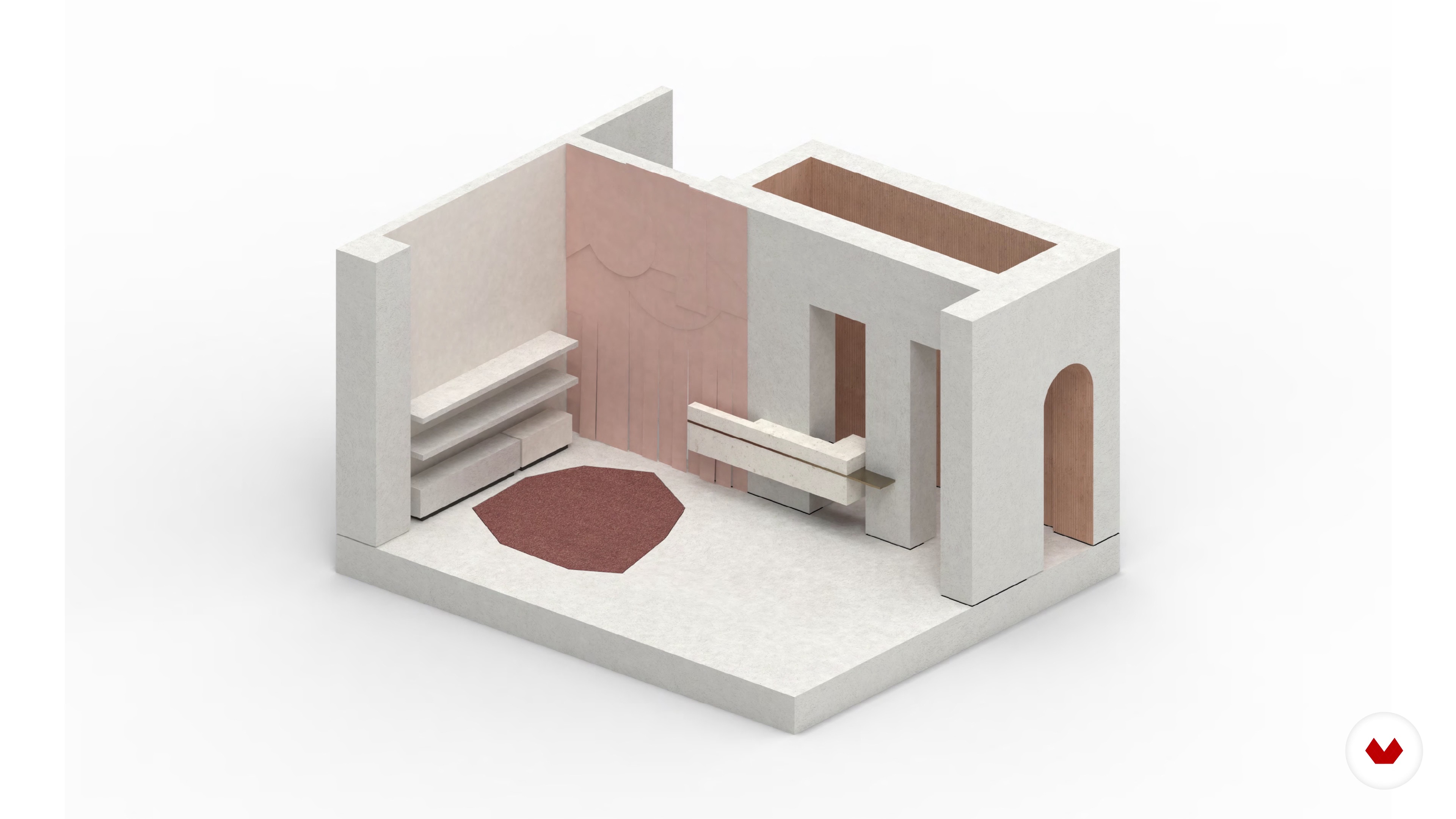 13
13Creative Development and Execution
We finish things off with the lesson on how to bring your project to life.
9m
 14
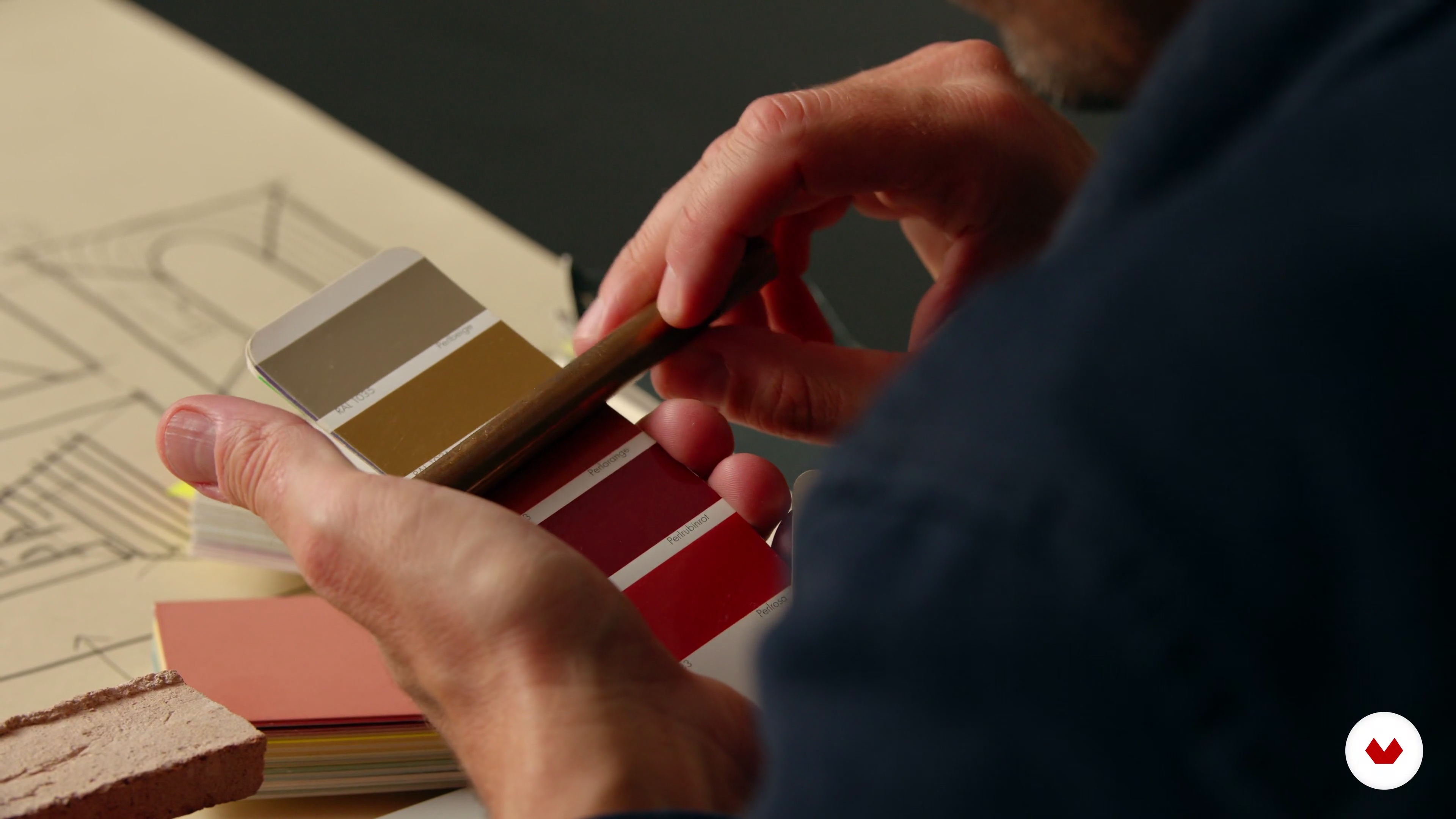
14Handling the Project to Your Client
The first step is knowing how to properly deliver the project to your client. On top of highlighting the quality of the project itself, we would like to use this lesson to stress the skills you need to have to effectively present your work.
5m
 15
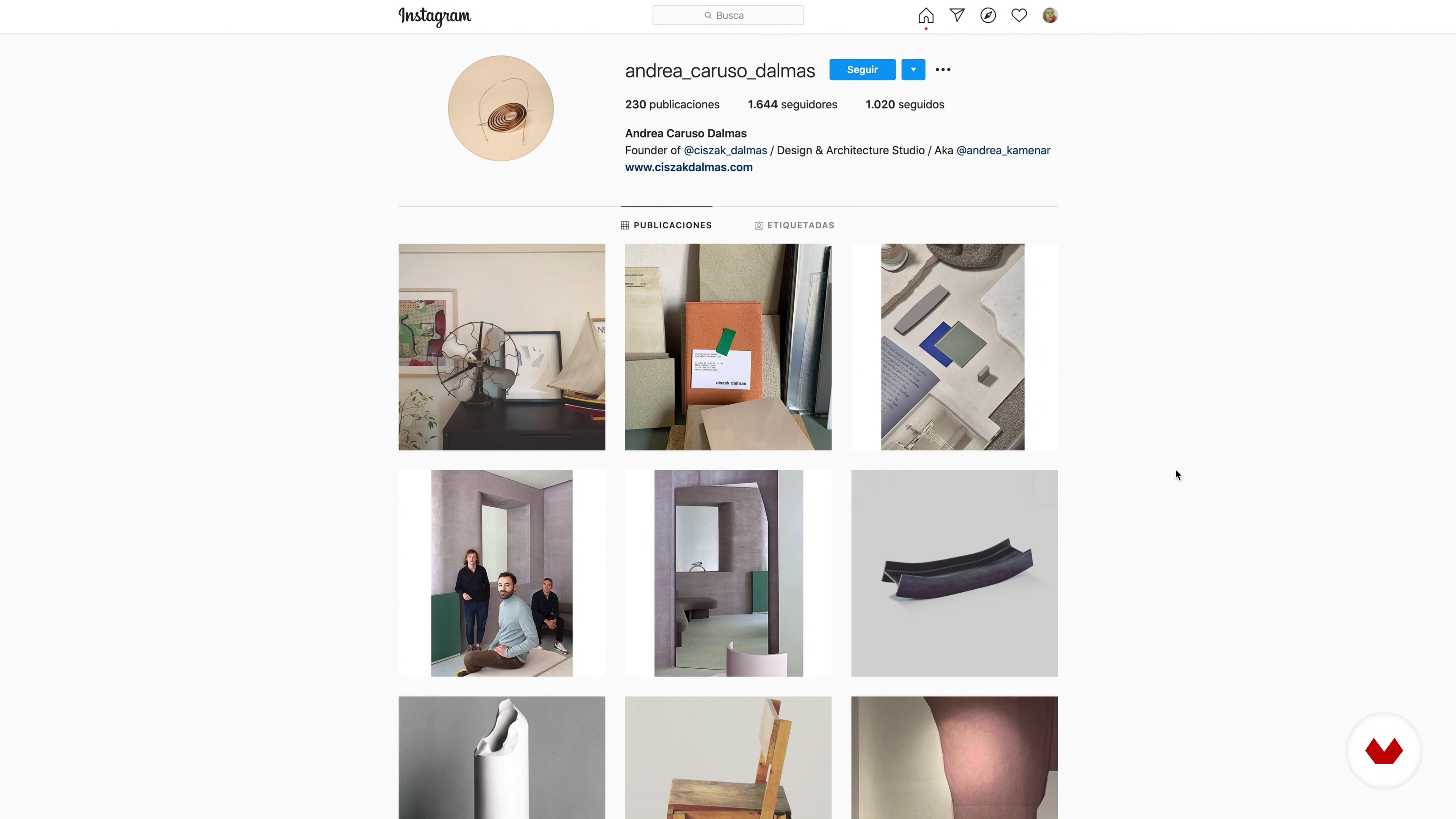
15Share Your Work
Congrats! The project is finally done and the client's space is about to be open for the public. At this stage, we would like to share with you the strategies you can follow to promote your work.
8m
 3
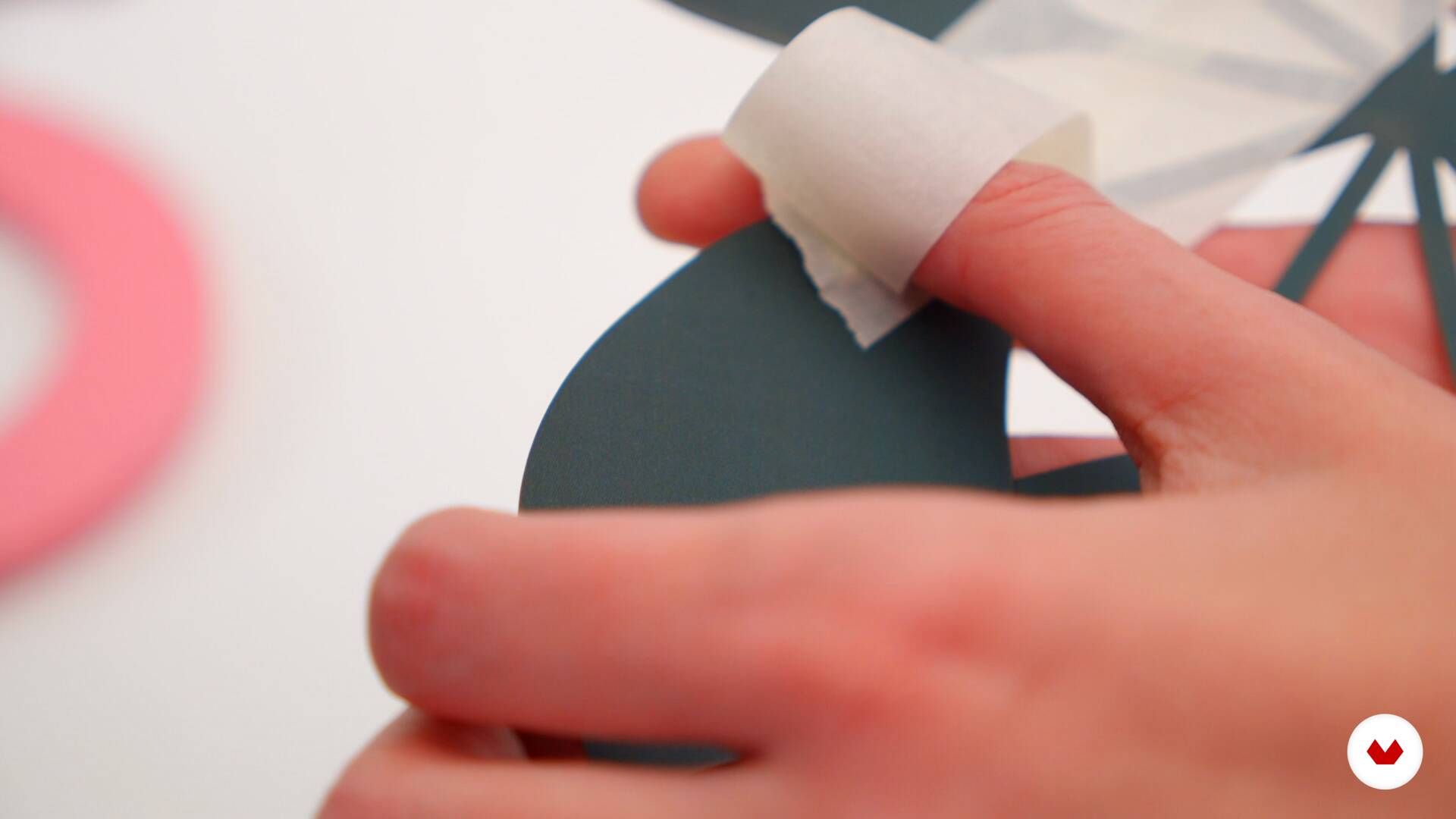
3What will we do during the course?
In this lesson we will tell you what we will do in the course, where we will introduce you to the universe of vitrinism, from the technical and creative part of the process, to its execution. We will use a real case, with one of our clients, to show you the whole process of creating a showcase.
 4
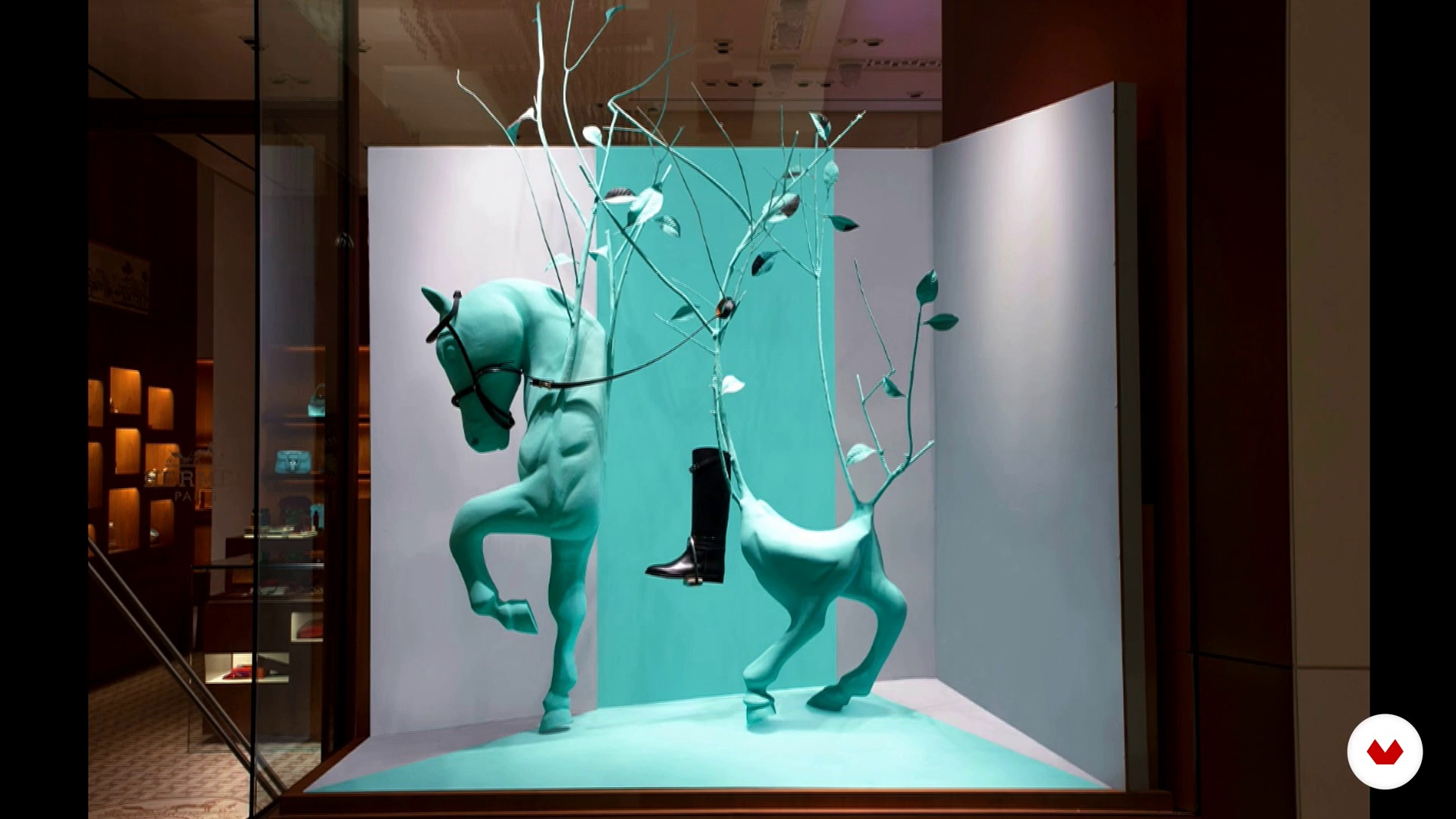
4Showcase
In this lesson we will tell you about the showcase, from its history, the impact they have on the point of sale and the connection they create with the audience. We will talk about the importance of creating tangible experiences that awaken the senses of the consumer and that produces an affinity with the brand.
4m
 5
5Storytelling
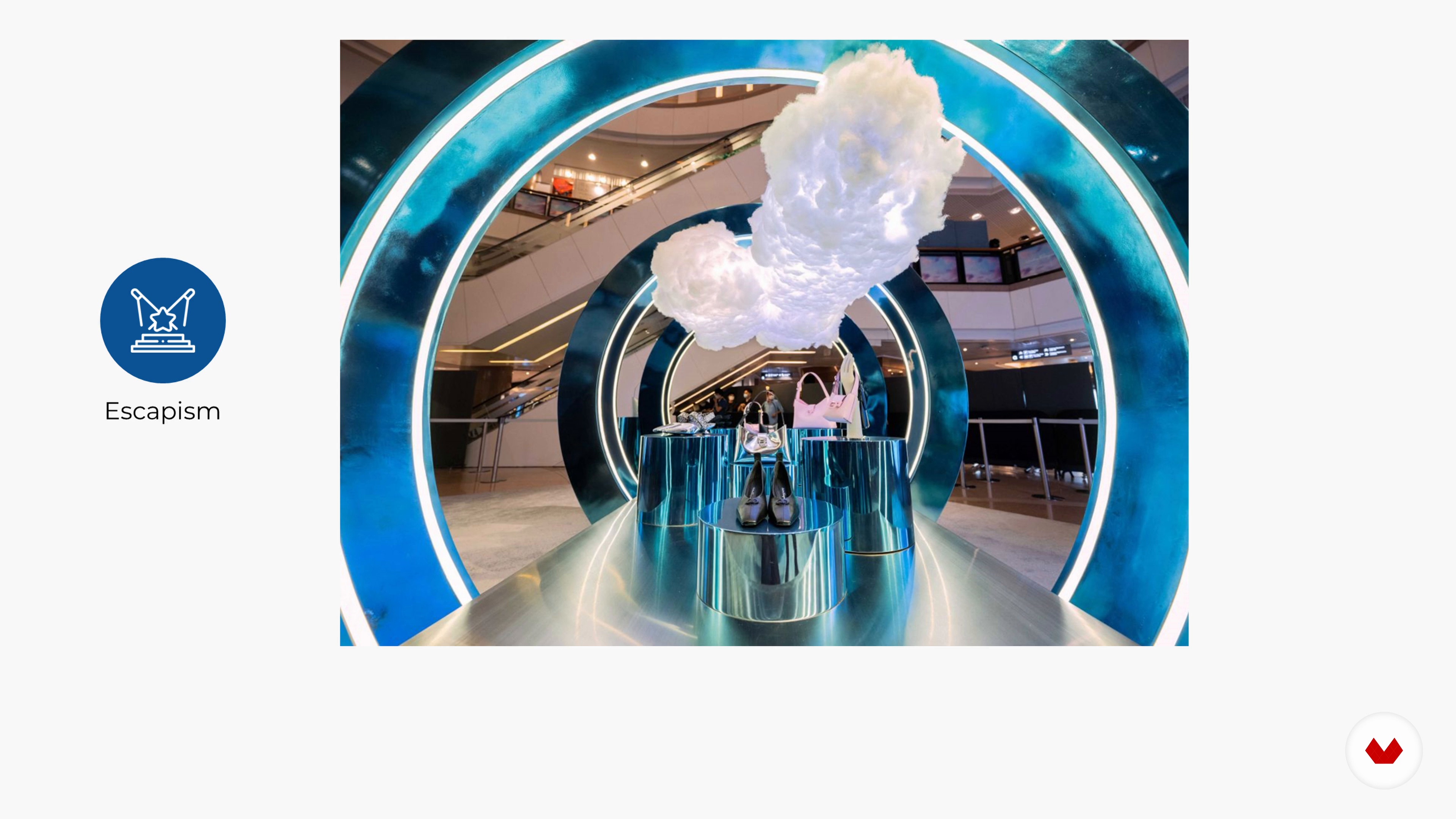
In this lesson we will talk about the strength of storytelling. We will see cases of brands that apply it as a strategy to produce emotions and create a connection with the audience. We will also see how storytelling is applied in showcases and how the narrative should be aligned with the brand, reflecting its essence and personality.
3m
 6
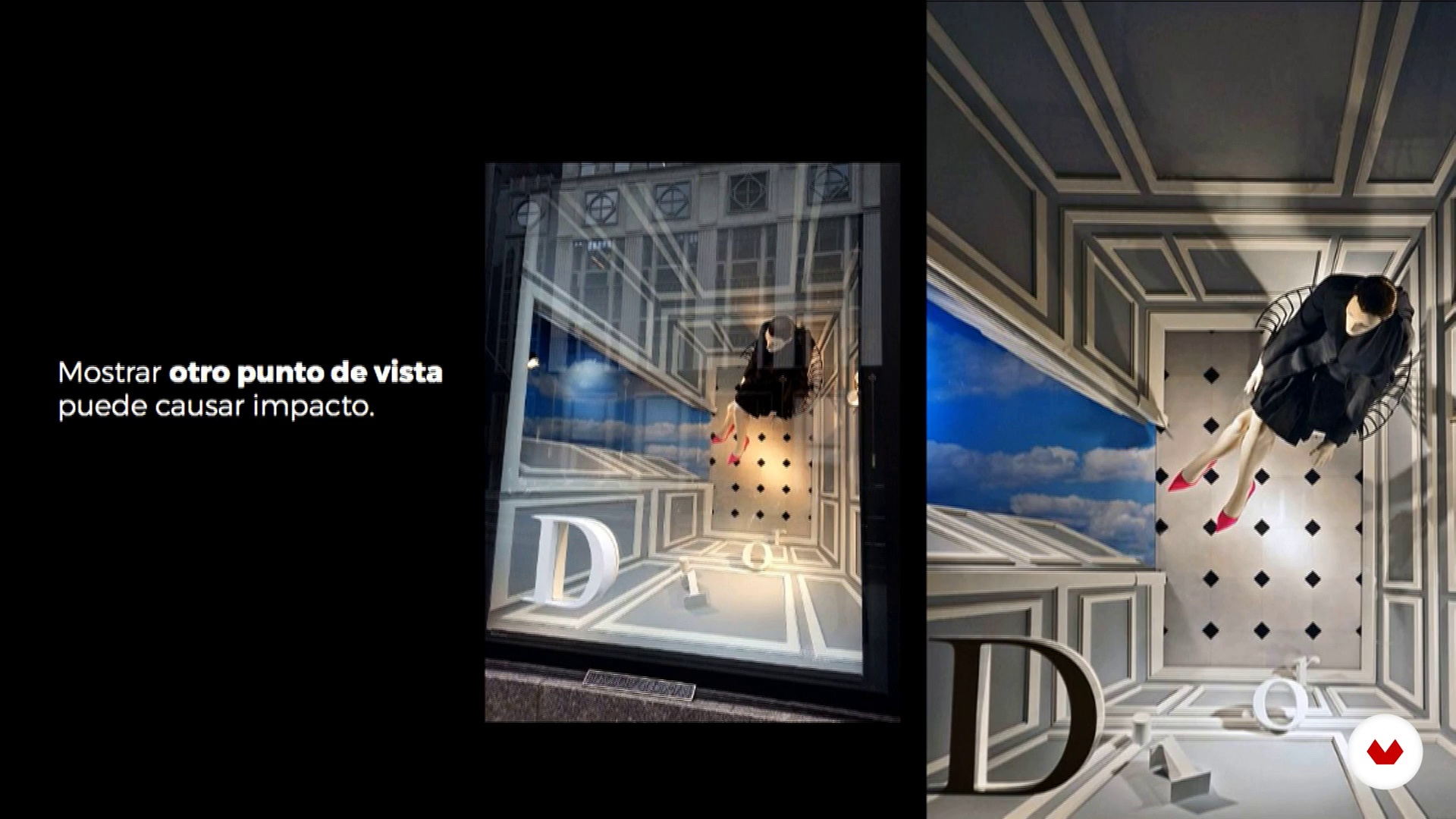
6Product integration and enhancement
In this lesson we will talk about how to integrate the product into the design and history of the showcase, always looking to accentuate it. We will see examples of brands that have integrated and enhanced the product perfectly.
2m
 7
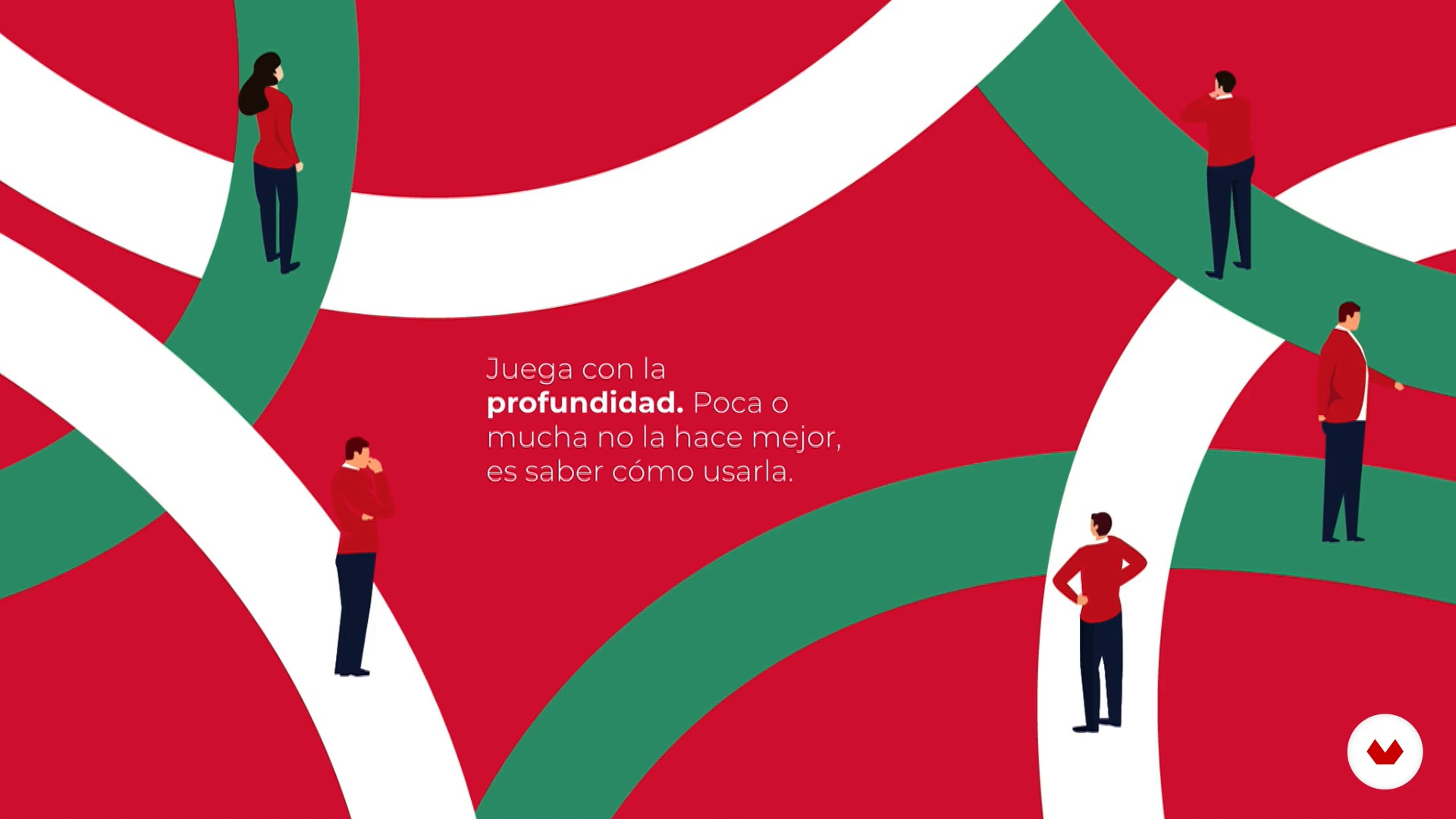
7Surprise the viewer
In this lesson we will give you techniques to create creative and eye-catching showcases that capture the viewer's attention. We will show examples of showcases that do very well and that apply solutions such as playing with perspective, scale, color, among other things.
6m
 8
8Space
In this lesson we will show you different showcase spaces and how to get the most out of it. We will talk about depth, proportion, types of fund, product display, among other factors that must be taken into account when designing.
6m
 9
9Focal point, composition and balance
In this lesson we will show you how to create a focal point in the showcase and how to play with heights and depths to highlight the product. We will also see how to use composition and balance to create harmony, movement and visual hierarchy.
2m
 10
10materials
In this lesson we will show you different materials and talk about their characteristics, advantages and disadvantages. We will also share examples of creative solutions worldwide.
4m
 11
11illumination
In this lesson we will talk about the effect that lighting has on showcases and how it allows us to create environments, depths and highlight products.
1m
 12
12Order and brand analysis
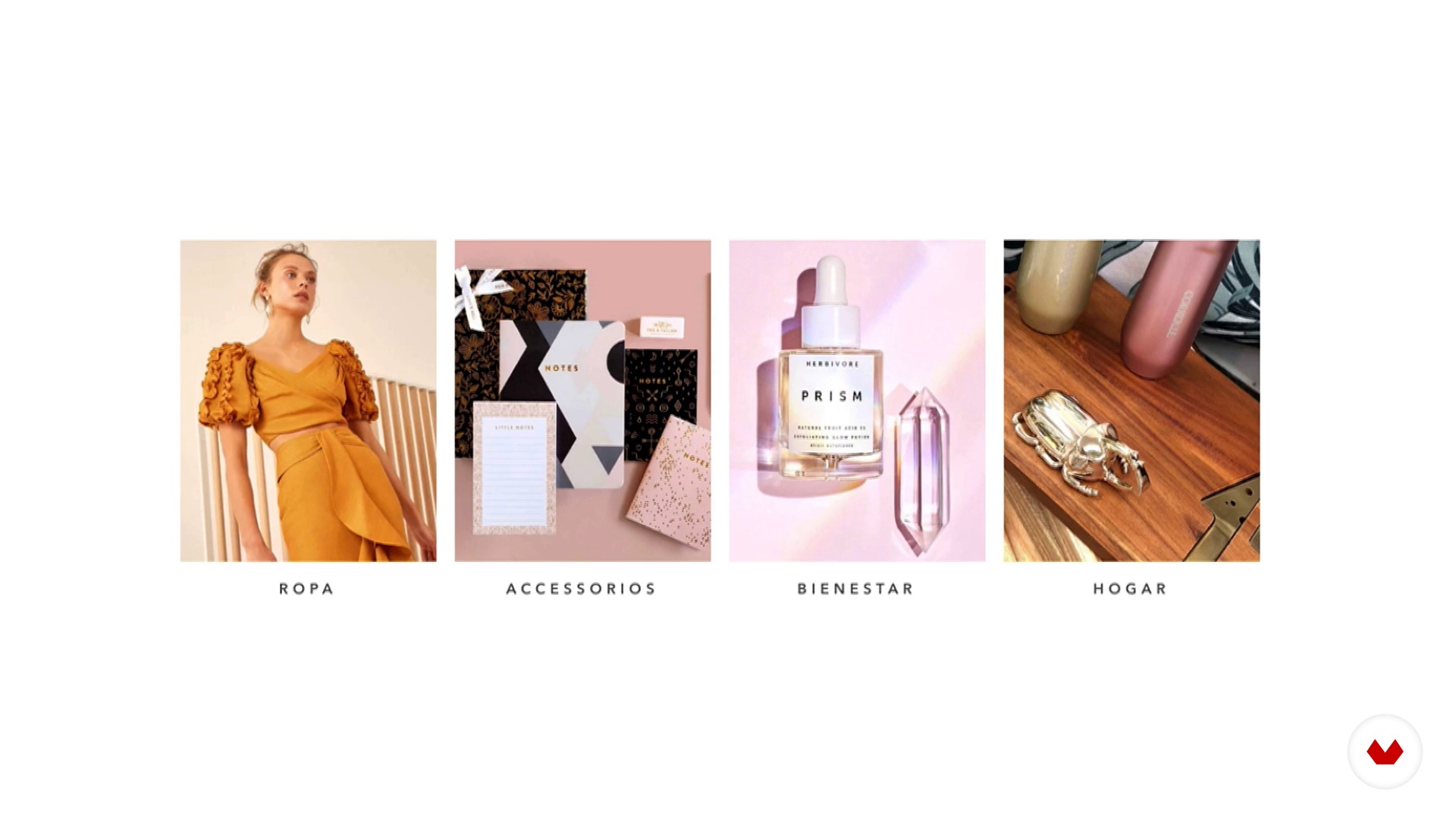
In this lesson you will know the assignment and we will teach you the importance of knowing in depth the brand with which you are going to work. You will see all the questions we asked our client to know their DNA and their needs. Only knowing the brand well can we create a showcase that goes according to its essence.
4m
 13
13Budget, space and duration
In this lesson we will know the budget, space and duration of our showcase. We will also give you some ideas to get more out of your production budget.
4m
 14
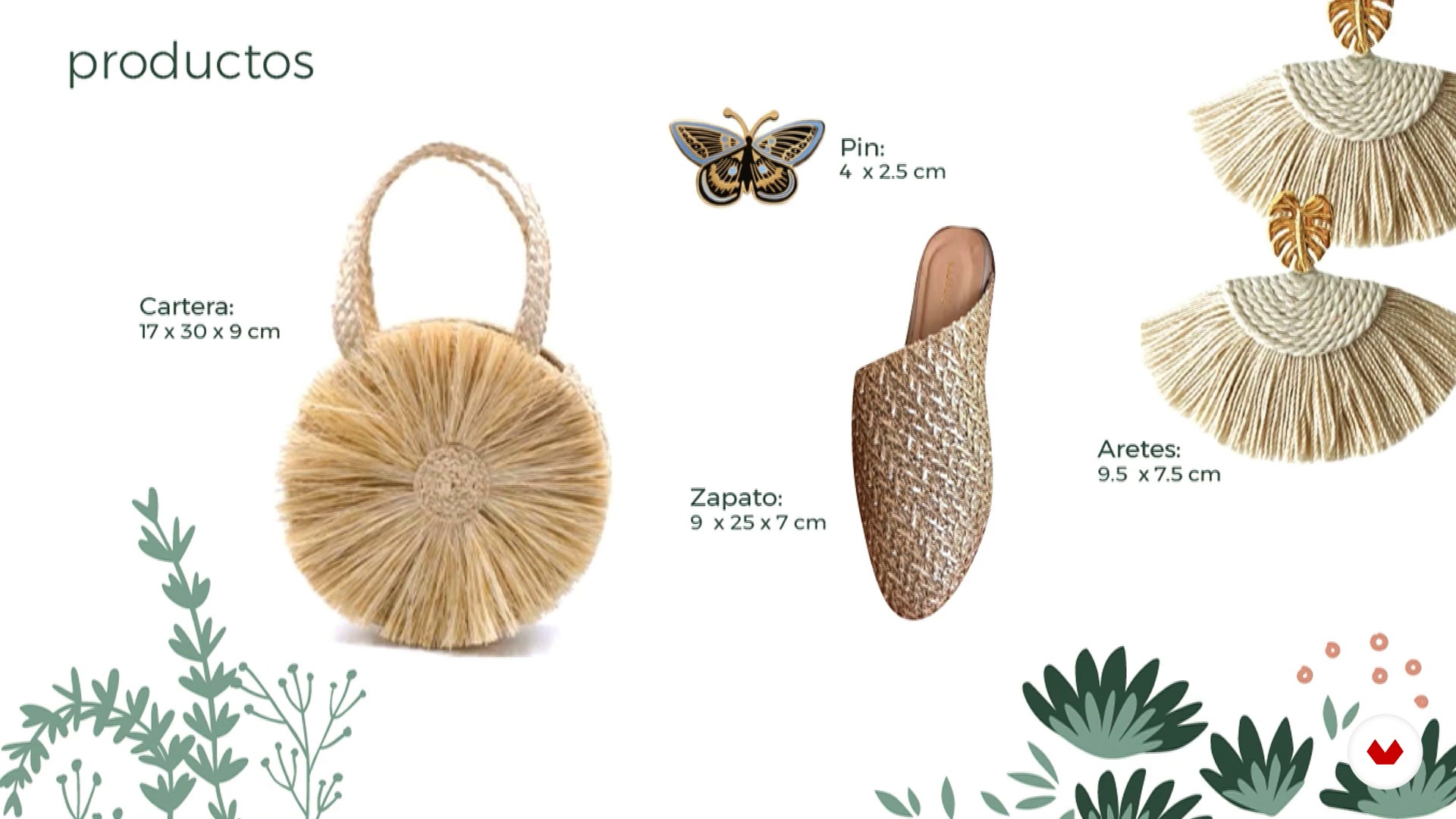
14Brief
In this lesson we are going to show you how we created our client's brief by unifying all the valuable information that would help us when making our showcase.
3m
 15
15Brainstorm and concepts
In this lesson we will talk about the creative process: from research and search for inspiration, to the conceptualization and creation of a moodboard. The Brainstorm will be based on our showcase.
2m
 16
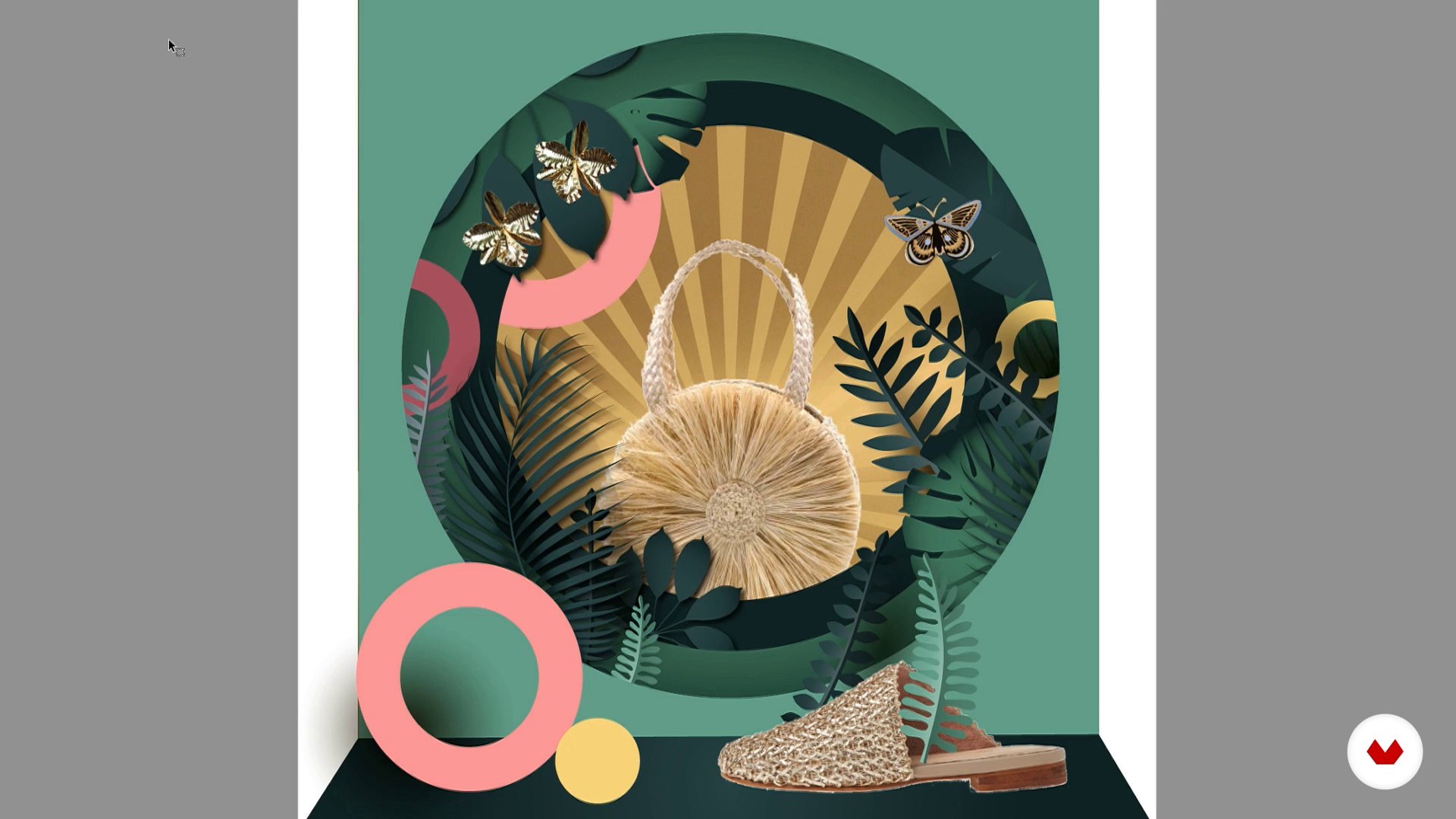
16Sketches
In this lesson we will be seeing how to create a sketch or model of the showcase to be developed through different platforms, depending on your knowledge. You can rely on drawing, design programs such as Illustrator, Photoshop, Sketchup, etc. In what you feel most comfortable.
3m
 17
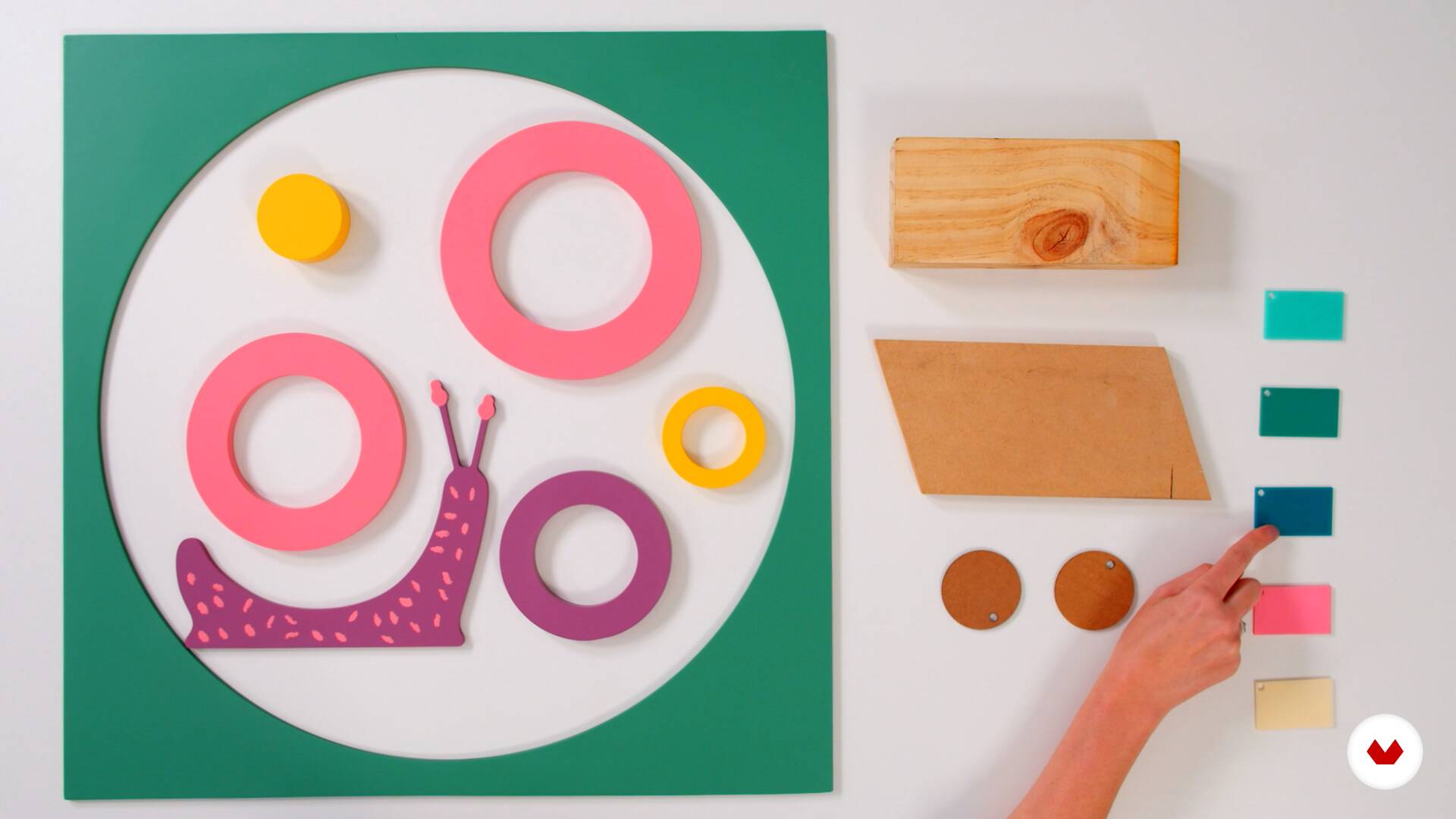
17Materials and lighting
In this lesson we will see the materials selected for our showcase. You will know the cons and pros of them. We will also see the type of lighting we will have to highlight the product and achieve a depth effect on the showcase.
2m
 18
18Presentation to the client
In this lesson we will show you the presentation we developed for our client where we show you our proposal and the reason for all the decisions made.
2m
 19
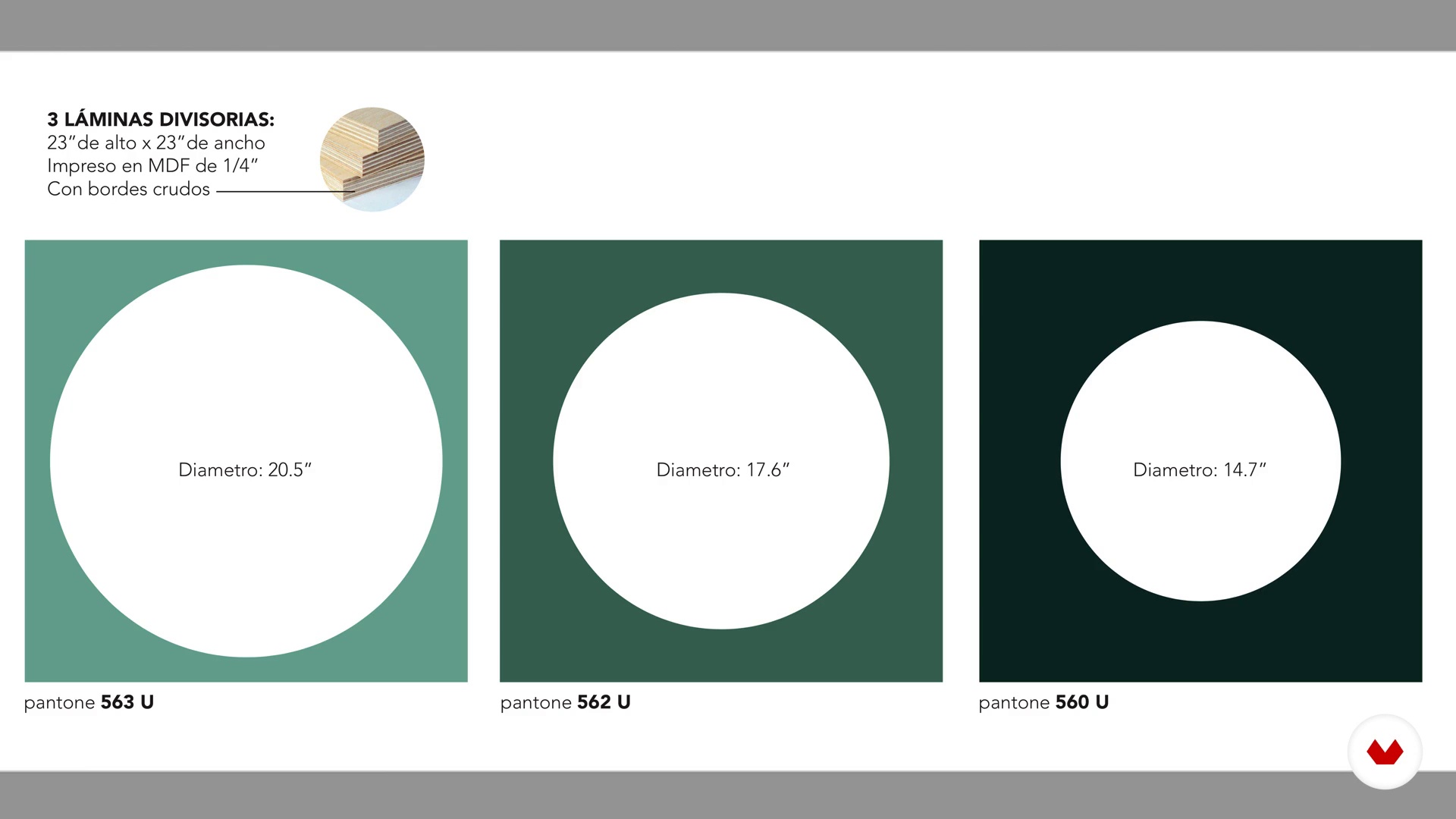
19Final art and suppliers
In this unit we will see the creation of the final art that we prepare our supplier with all the technical details. Finally we will assemble our showcase and place the products so you can see the final result.
3m
 20
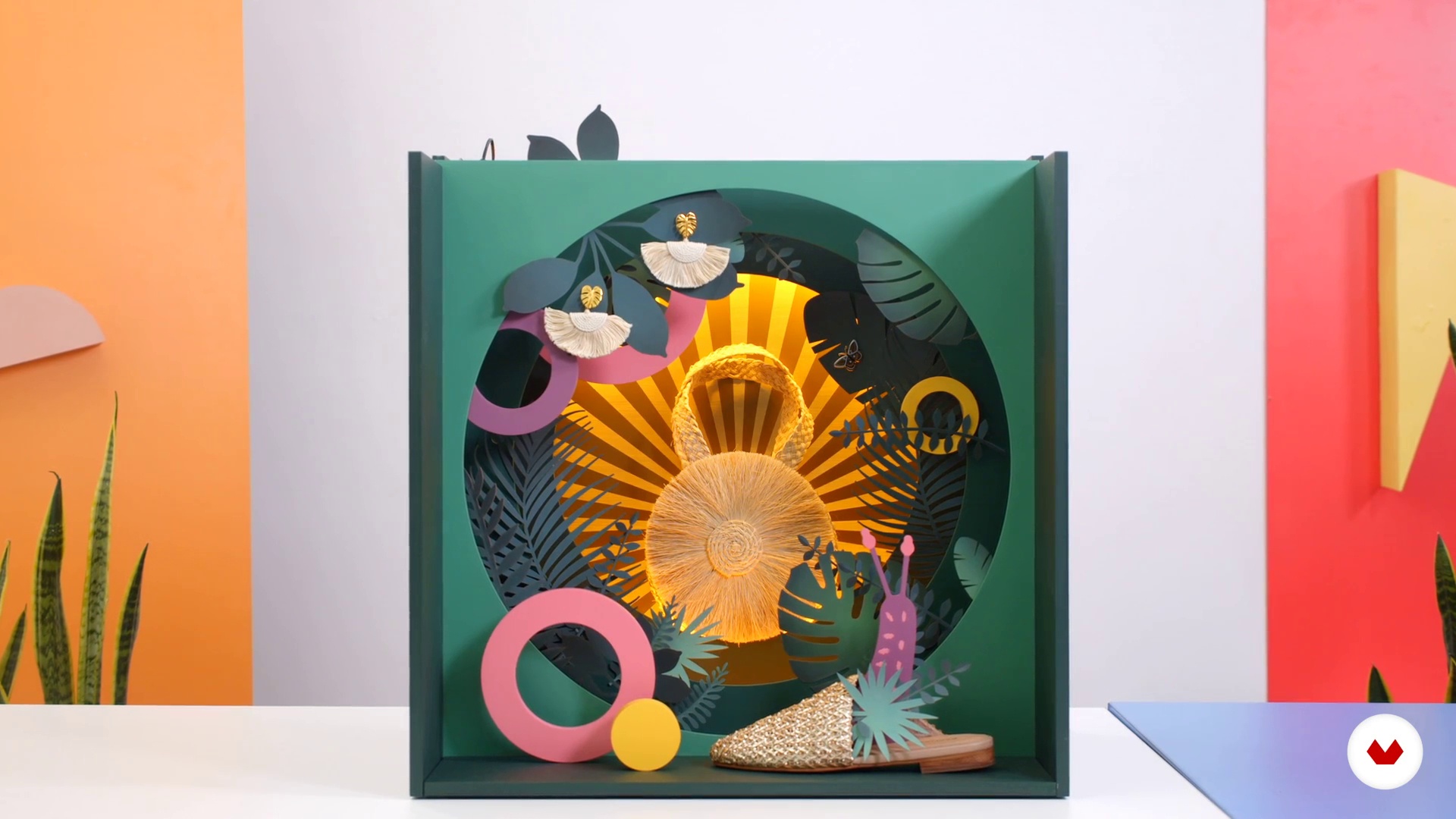
20Mounting
In this lesson we will make the assembly of our showcase and the placement of the products.
6m
 3
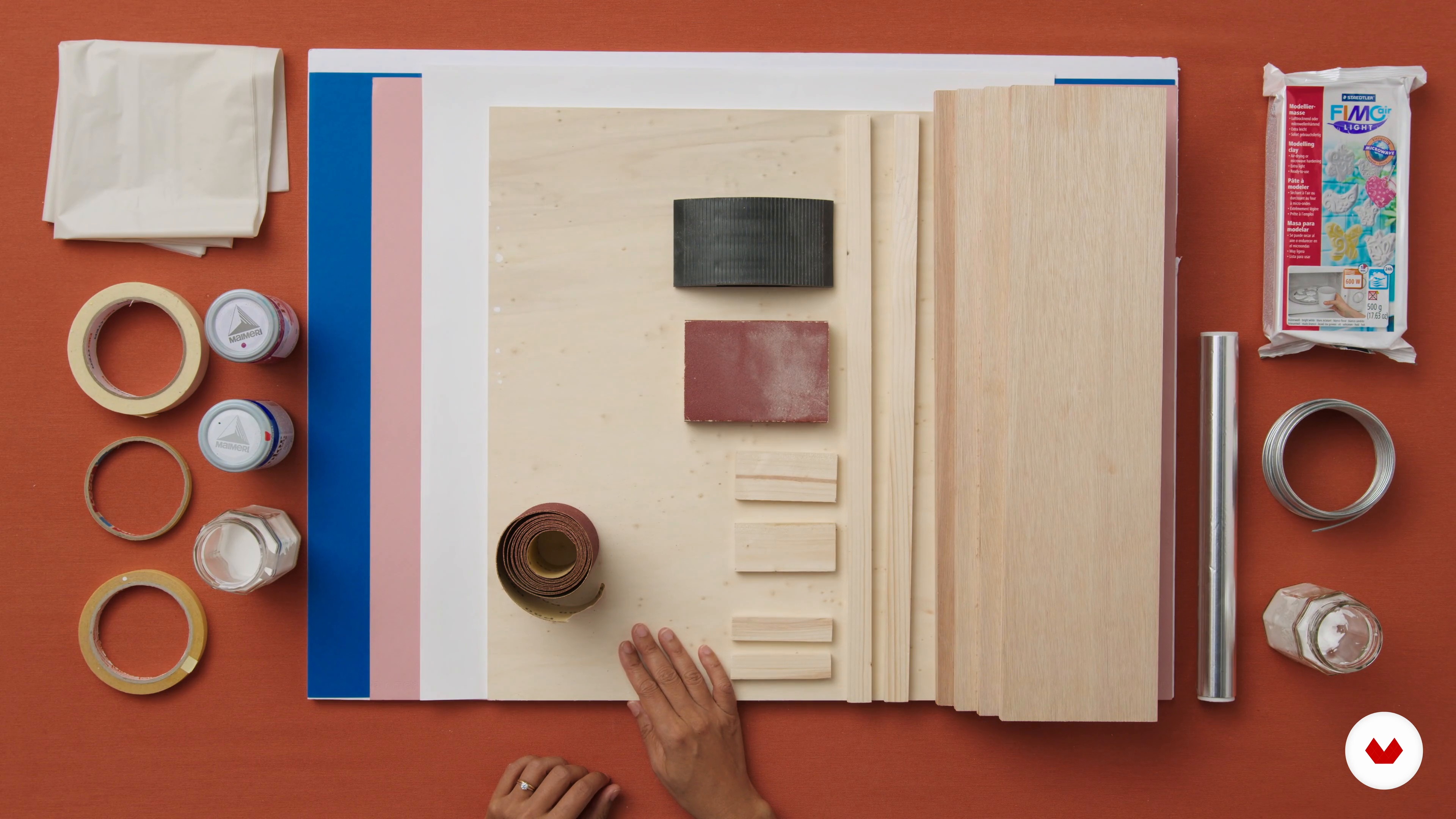
3My Toolbox
The window dresser's work is 50% fantasy and 50% craftsmanship. In this lesson, I will give you a trip to your favorite paint shop to show you the tools needed for the course.
5m
 4
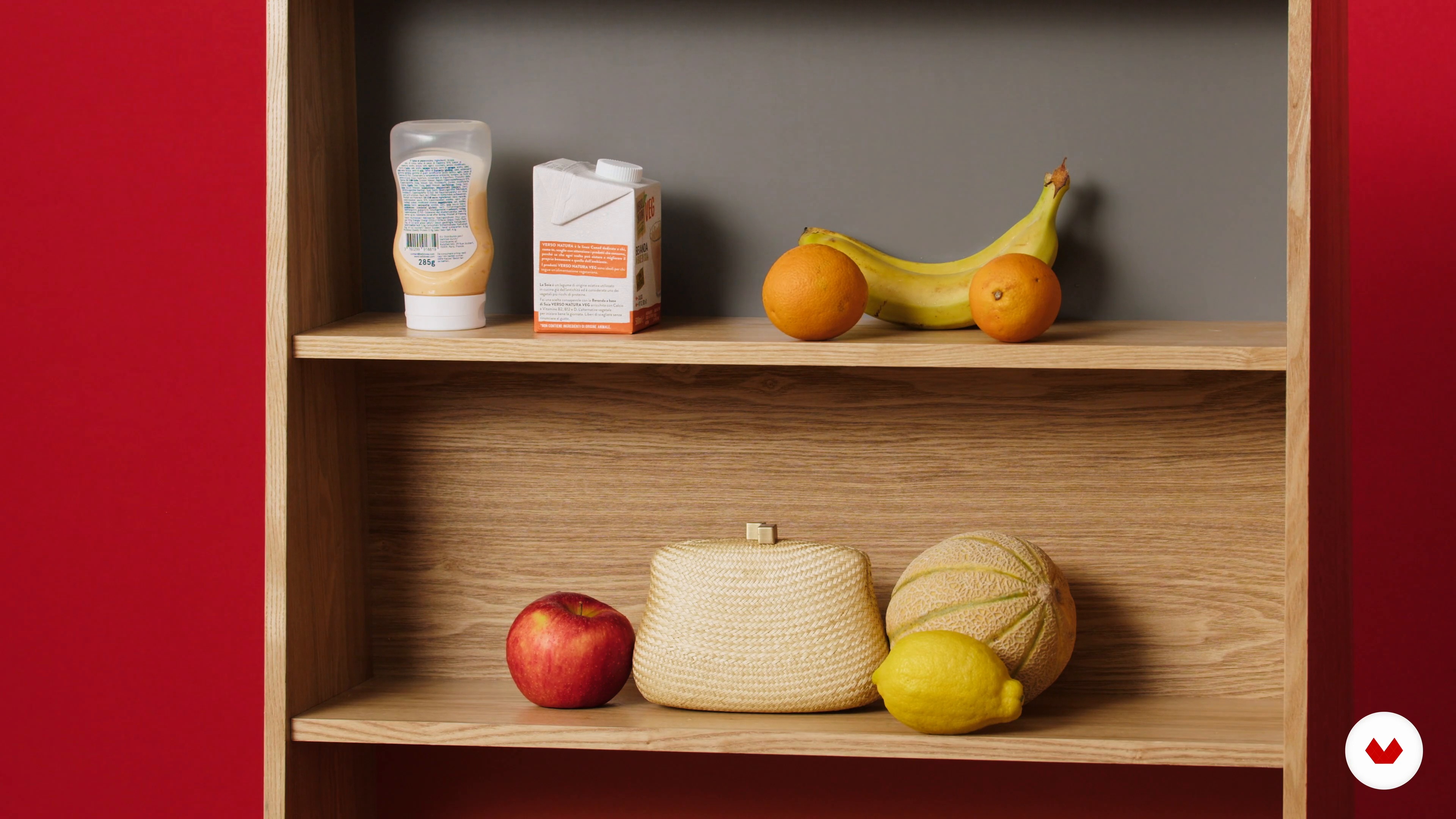
4Creativity Exercise
Let's brainstorm together! AKA, a trip to your fridge. I'll show you how to turn this scene into a window display.
4m
 5
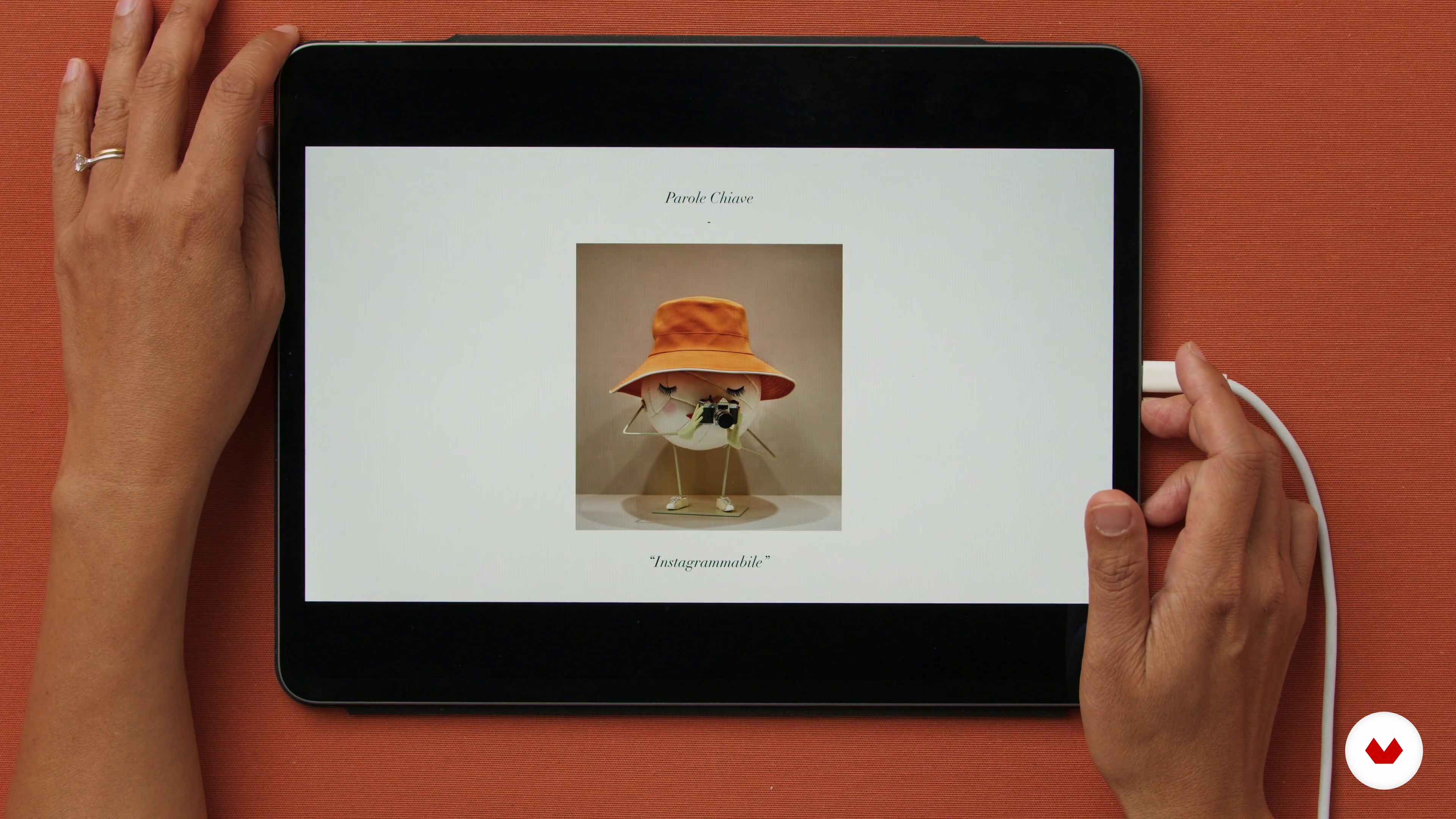
5Knowing How to Read between the Lines of a Brief
Remember that window design is a service and as such involves responding to a customer. For this, I will talk about the importance of listening to the customer.
3m
 6
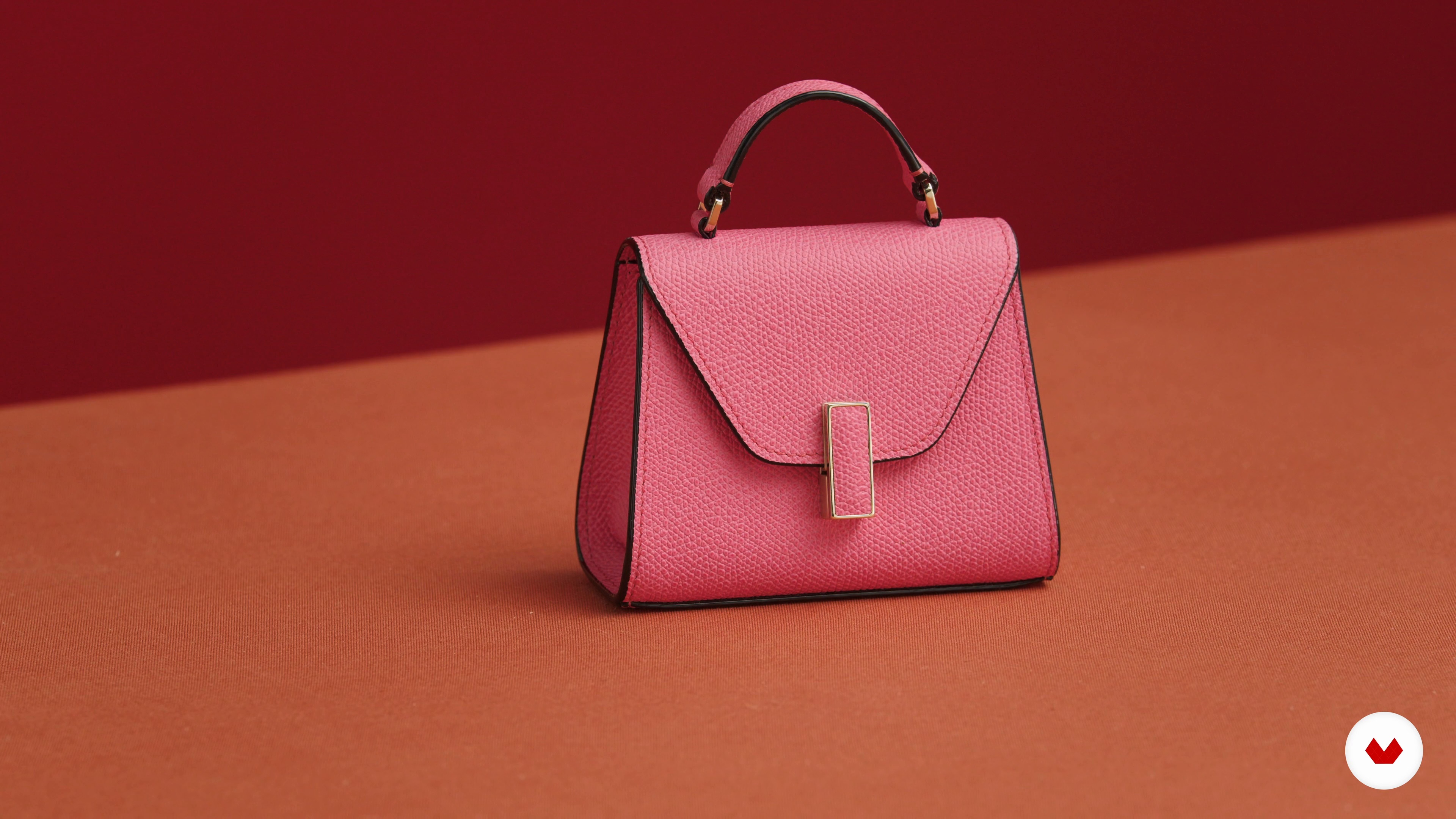
6The Main Character: The Product
Knowing the product is very important for a successful showcase because the product is the protagonist. Let's connect the dots!
3m
 7
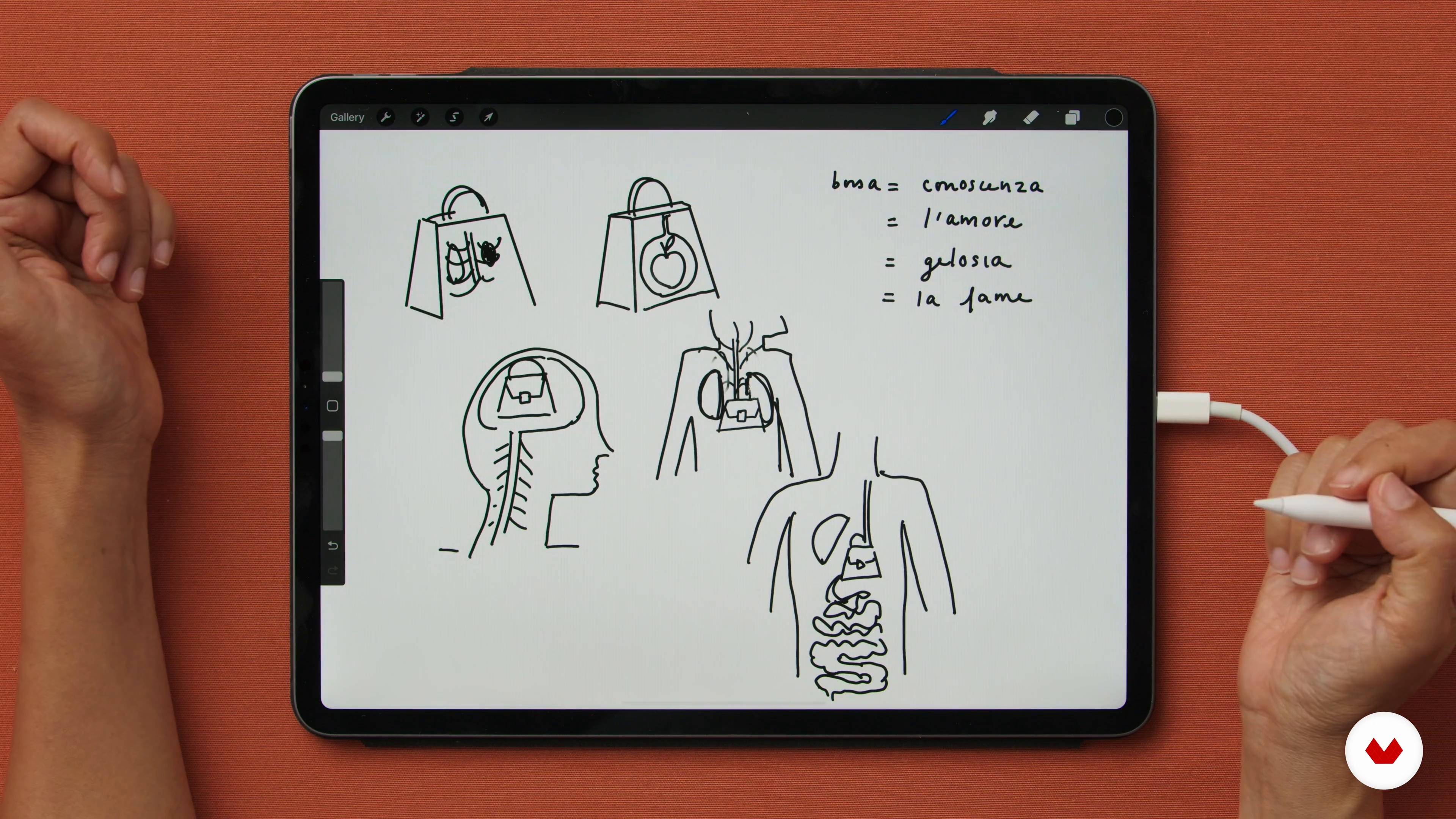
7Sorting Your Thoughts: What’s the Story?
The beginning of the process should be very open and free. I never start immediately with a detailed drawing.
8m
 8
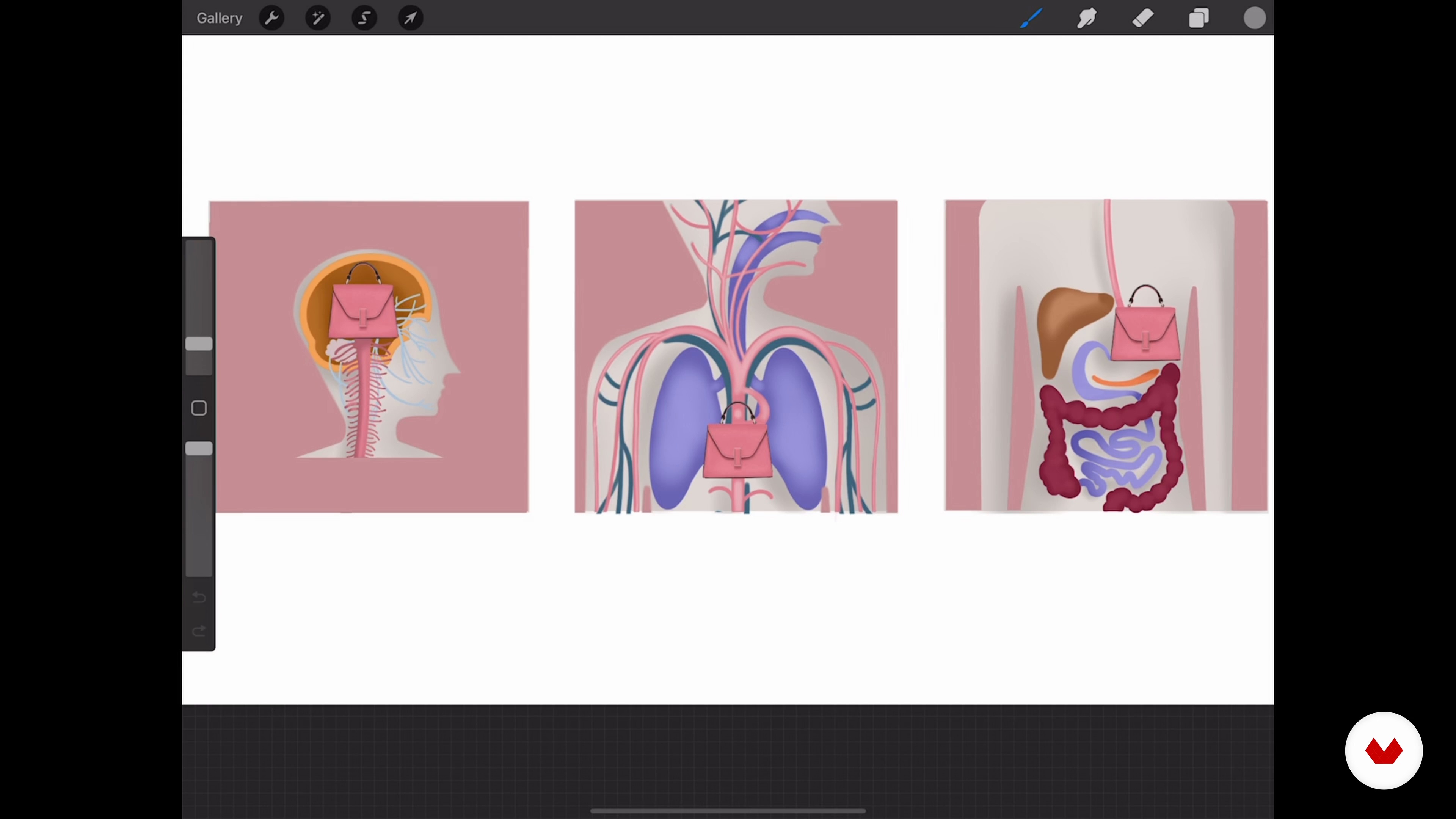
8Tell Your Story
This is how I create a drawing that communicates my idea and serves as a model for production.
10m
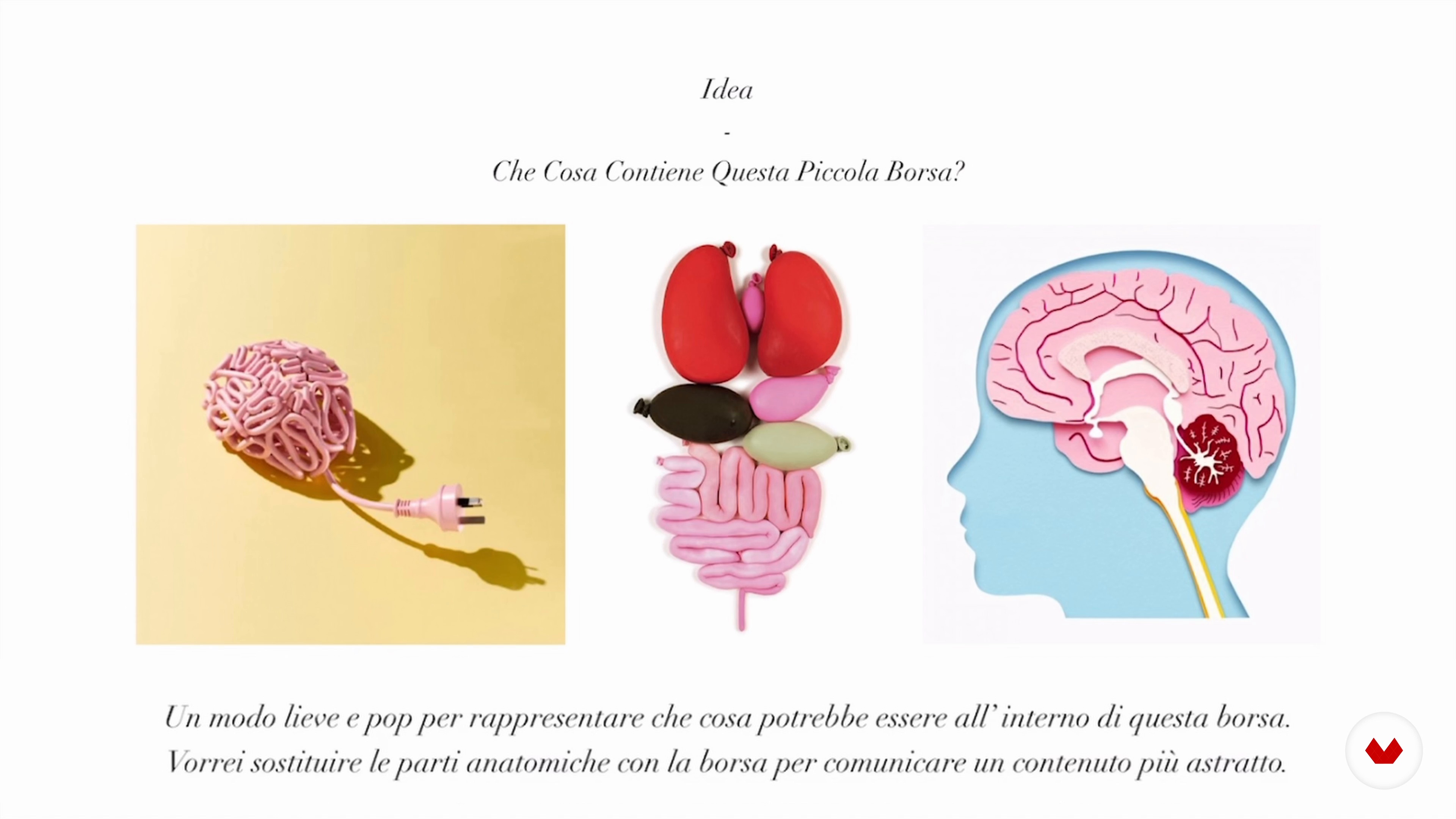 9
9The Verdict: The Presentation to the Customer
Finally, I'll talk to you about what you need to tell your idea to someone else.
4m
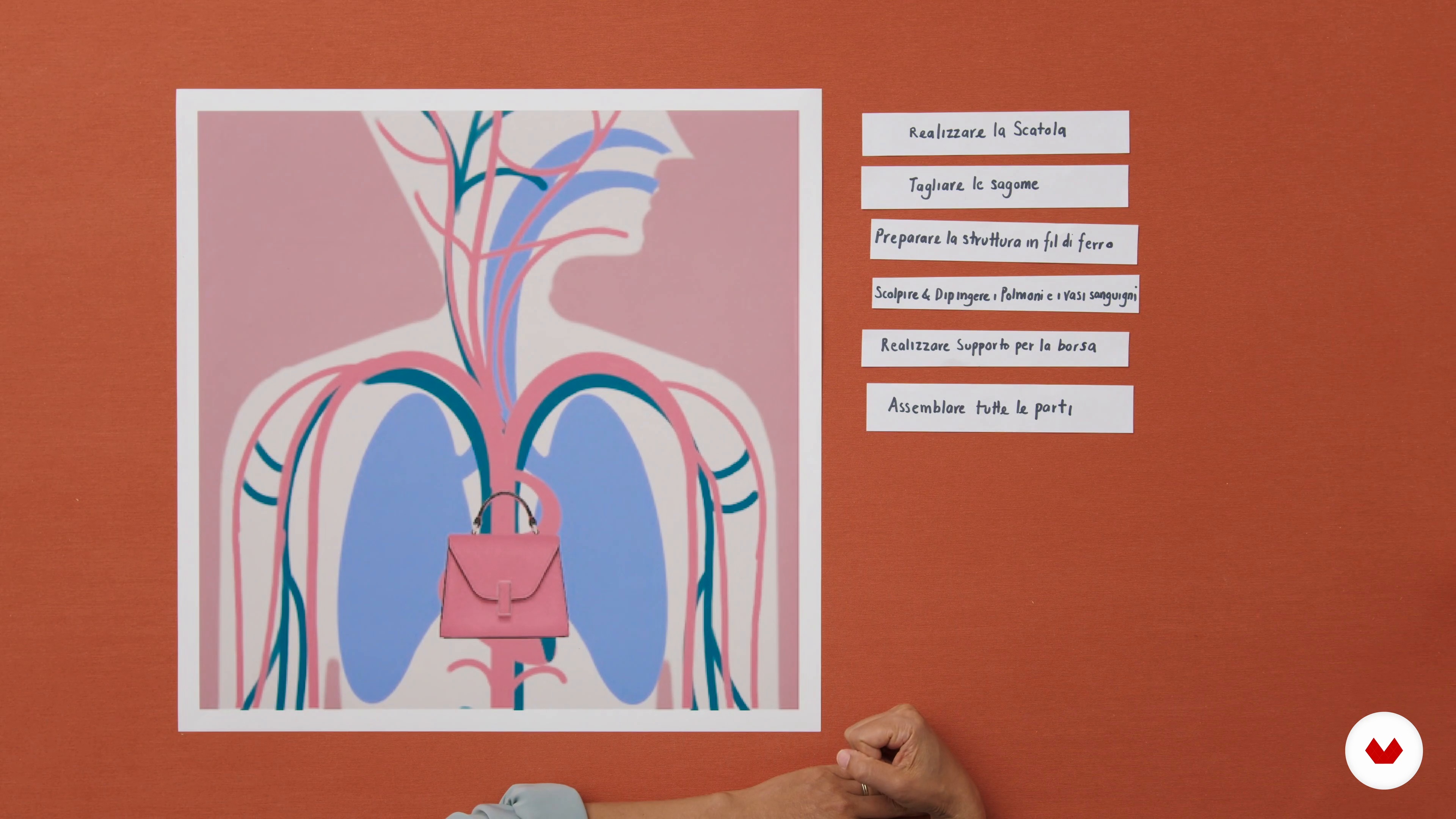 10
10Production Plan
Before you start, you need to outline your production so you do things in the right sequence and spot problems early, here's how to do it.
3m
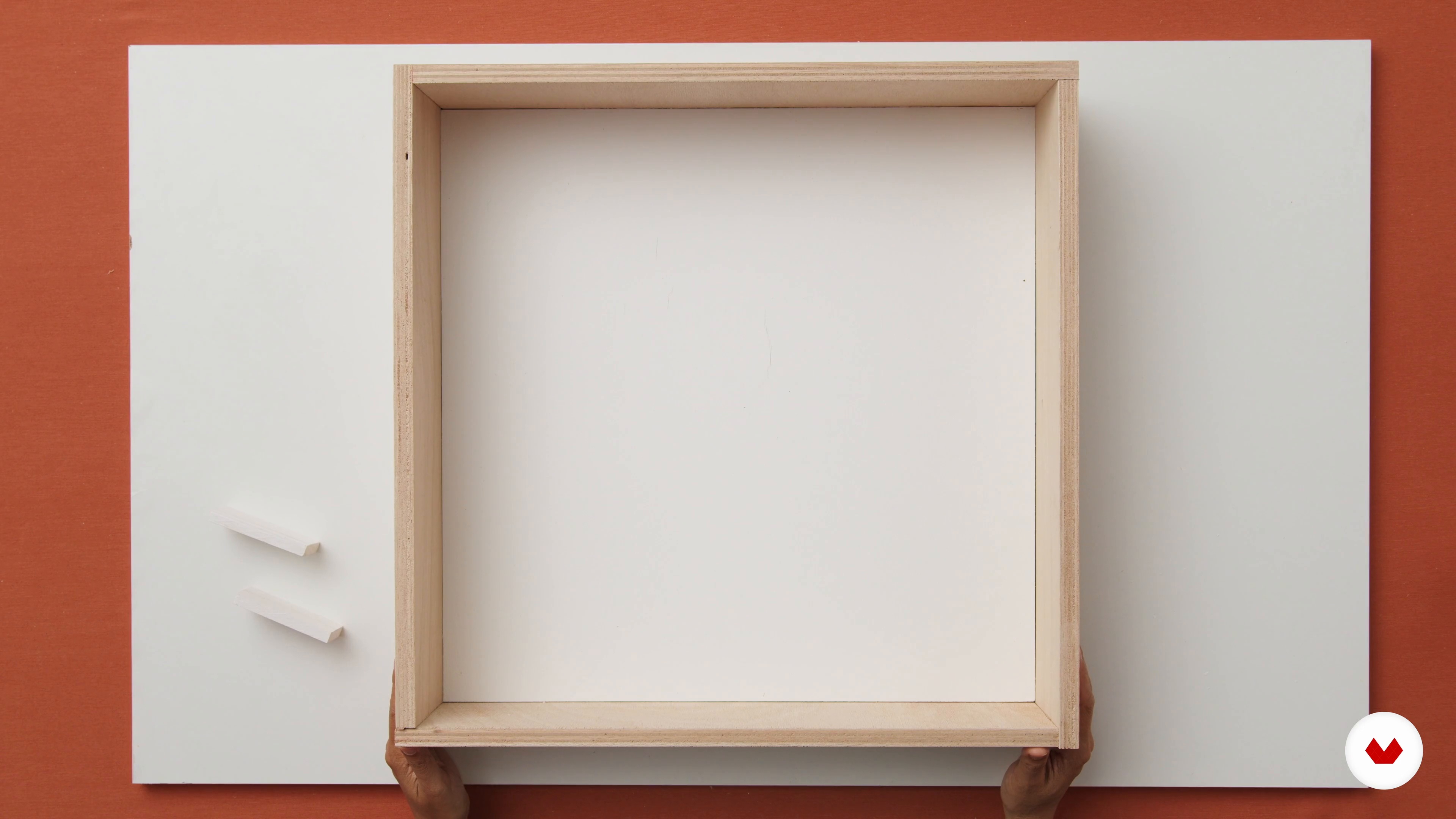 11
11Box Construction
In this lesson we will build the box and backdrop. I will share with you my best tricks to do it quickly and easily.
7m
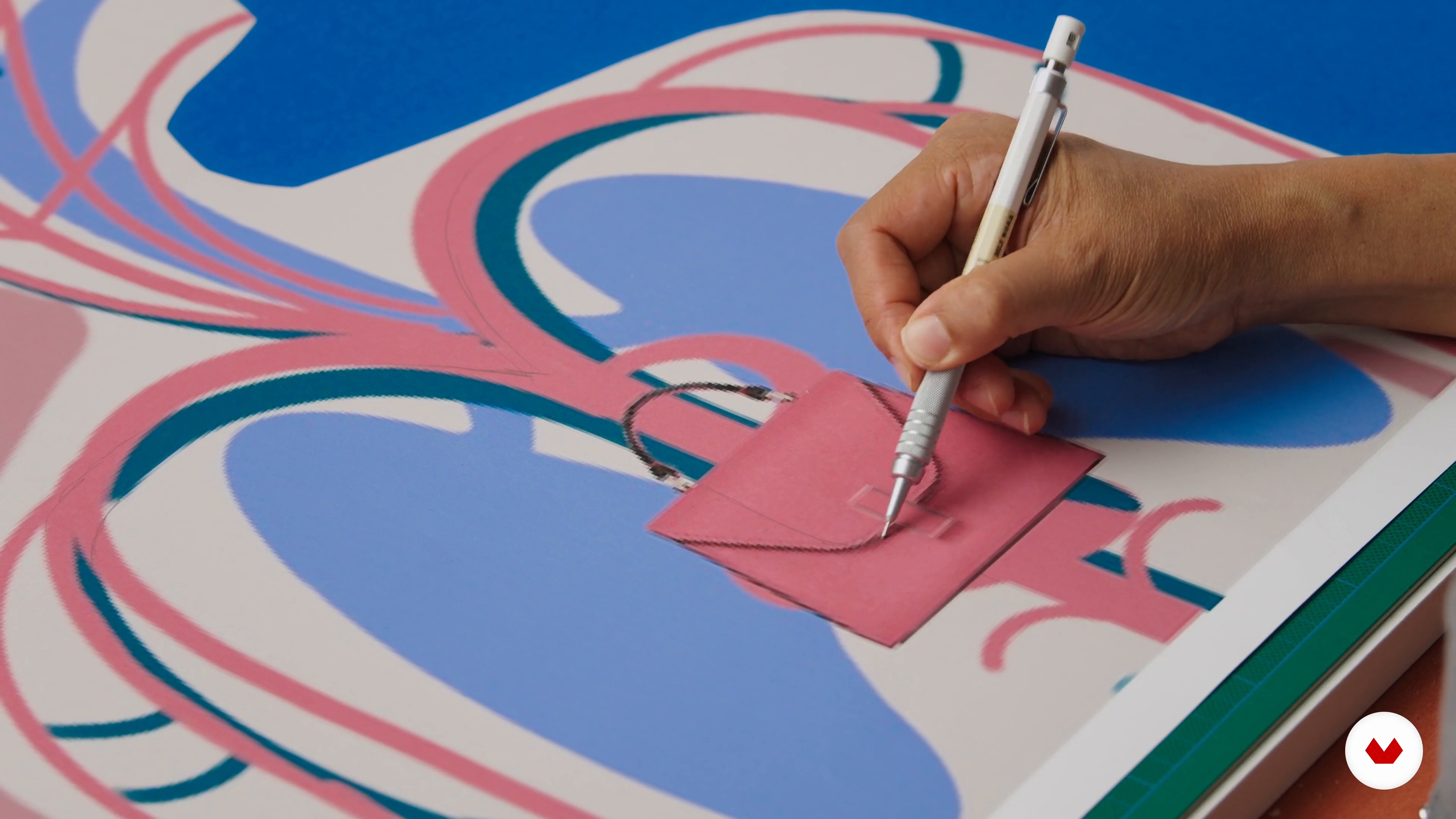 12
12Silhouettes
It's time to prepare the material you will use for the window display. Then, I'll show you how we'll cut out the project shapes.
19m
 13
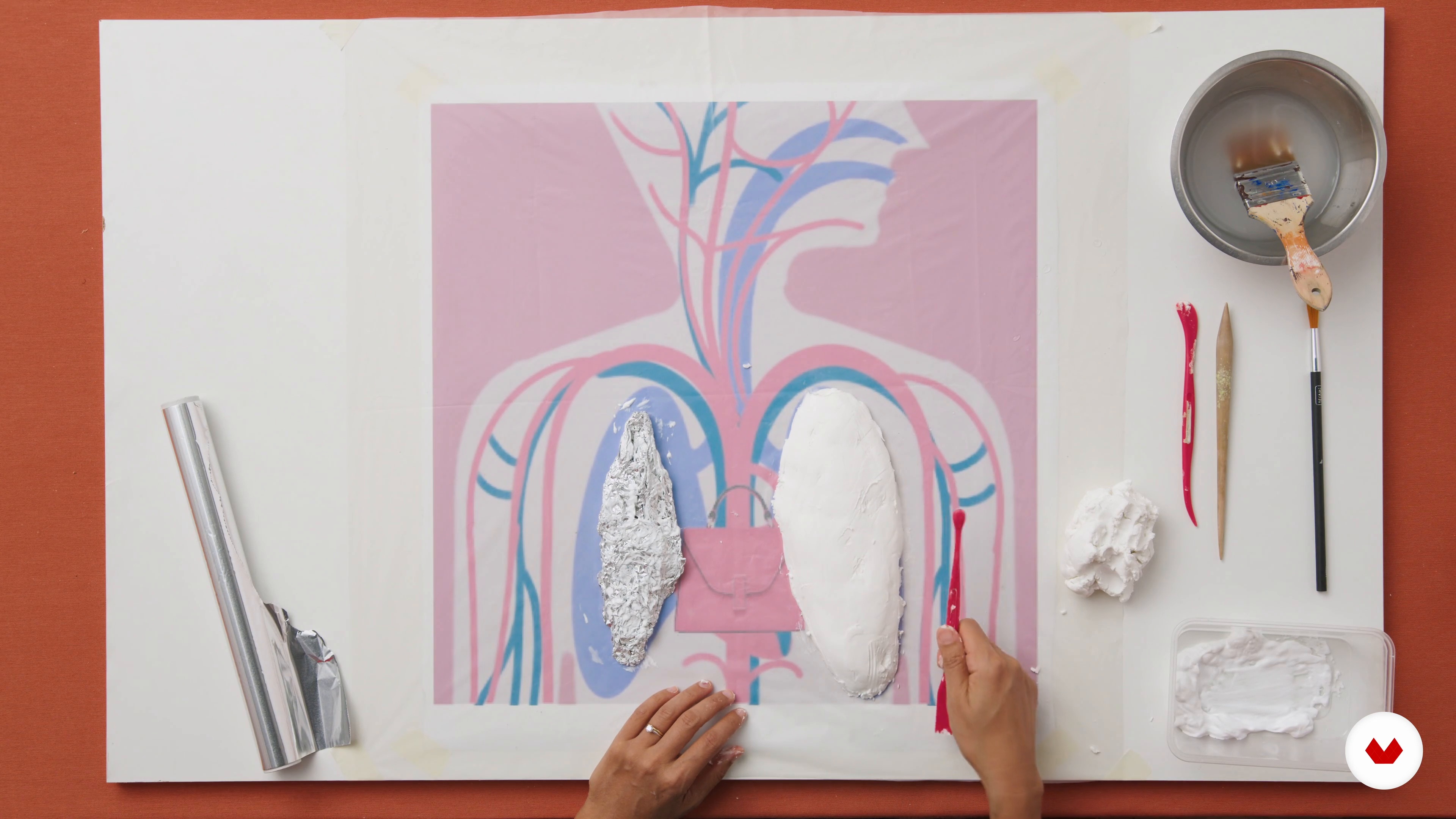
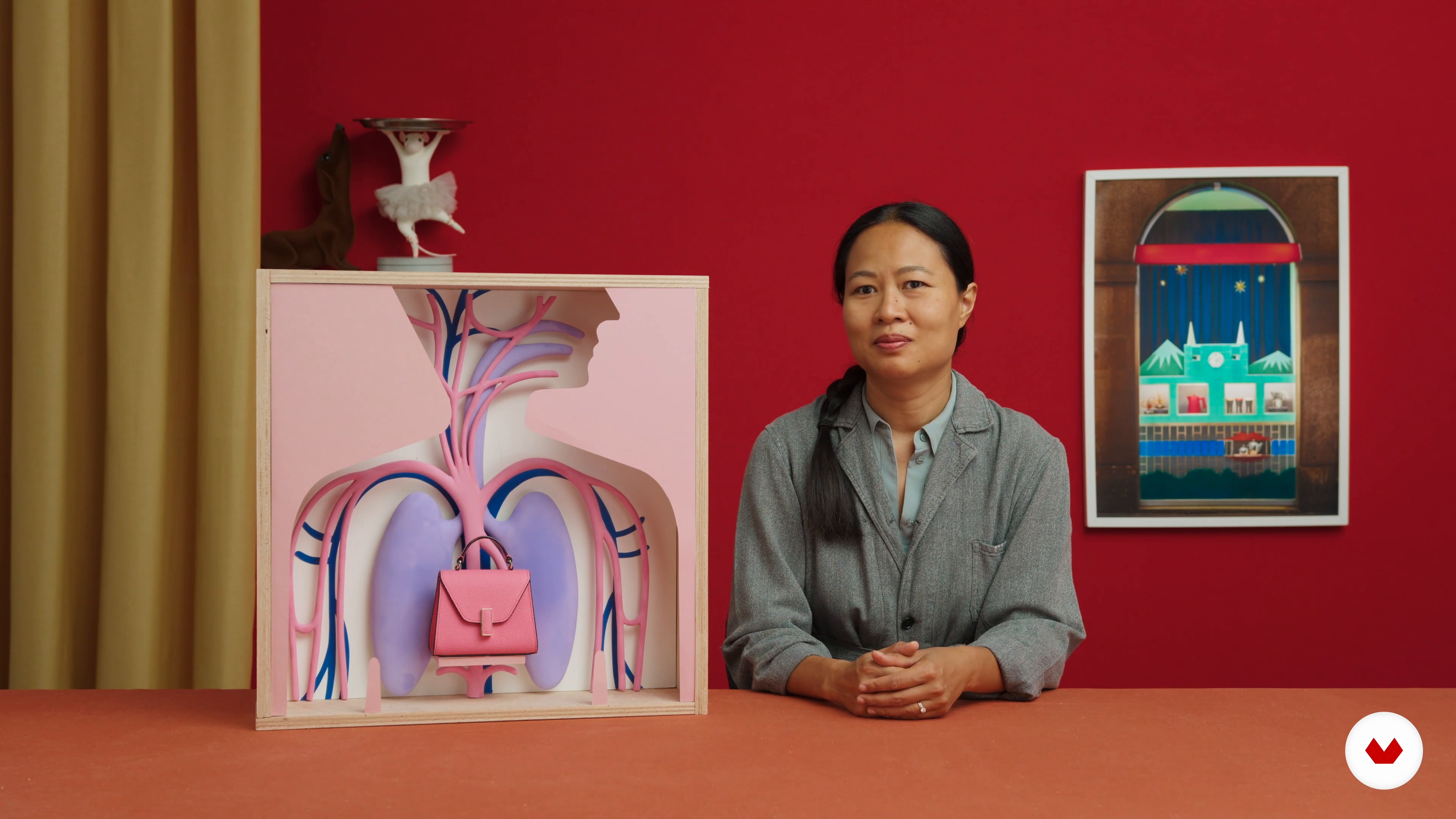
13Sculpt Your Lungs
In this lesson, I will explain in detail how to sculpt a simple shape.
13m
 14
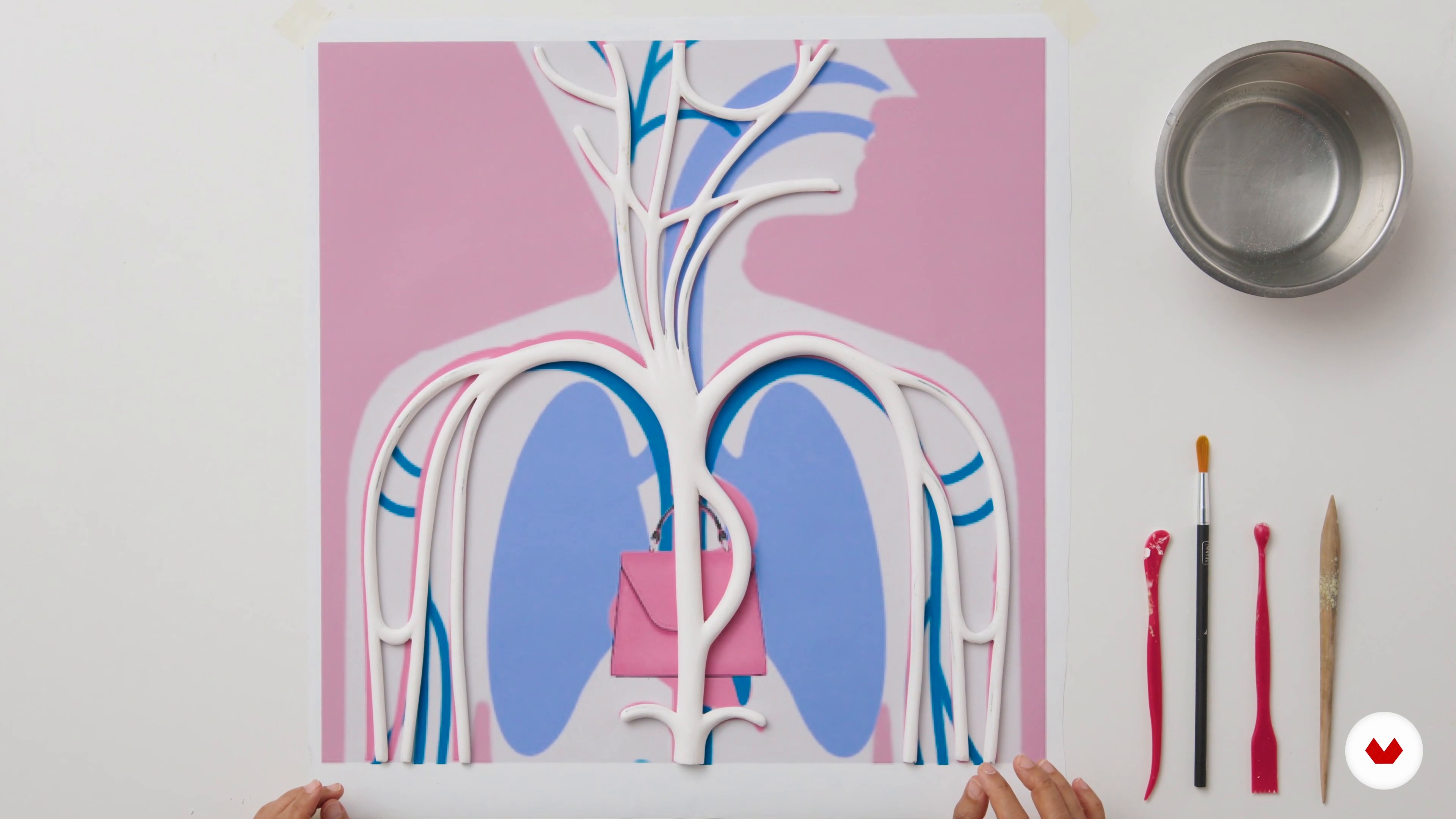
14Arterial System
You will see how to give a structure to the creation: I will create a wire core for the arterial system and then I will cover it with polymer clay.
14m
 15
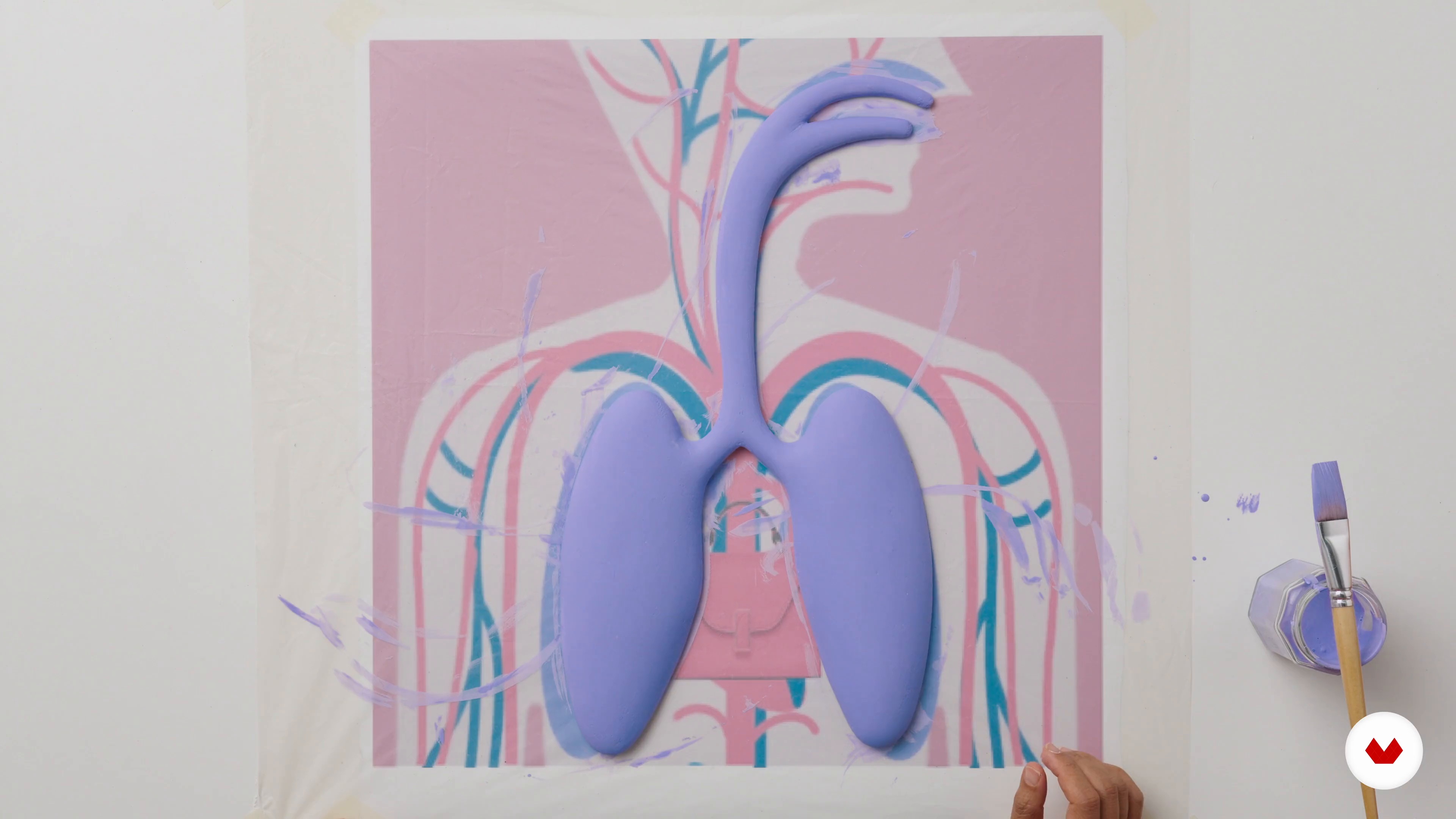
15Paint the Sculptures
To bring the elements that will be part of the window display to life, you will learn how to apply paint to the sculptures!
6m
 16
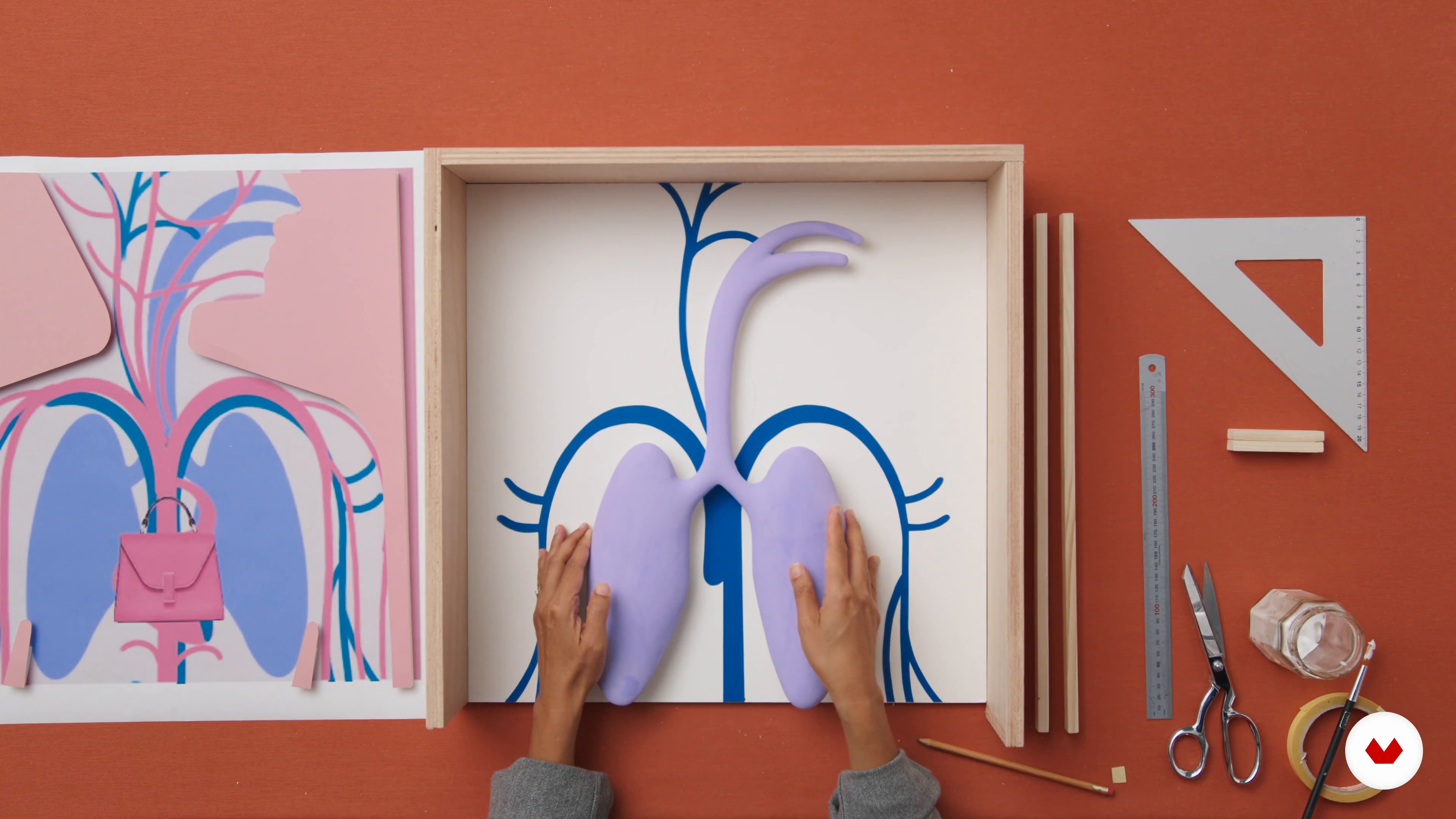
16Assembly 1
Let's put everything together to create the window display! To start with, I'll explain how to place all the layers in the box in the right position to make sure everything matches.
15m
 17
17Assembly 2
Finally I will show you what details you need to take care of and you will see the finished window display.
12m
What is this course's project?
Create an innovative retail design concept applied to a 160m² commercial space. Develop planimetry, graphical representation, and a professional presentation, integrating unique shopping experiences that align with brand identity, customer journey, and strategic use of materials.
Who is this specialization for?
Creatives and designers eager to master retail design will find this course ideal. It's tailor-made for interior designers, architects, visual merchandisers, art directors, entrepreneurs, and marketing professionals aiming to craft memorable commercial spaces that captivate and engage audiences.
Requirements and materials
No extensive prior knowledge is needed, just a creative mindset and basic understanding of design tools like Photoshop. Gather materials such as mood boards, color palettes, and design sketches. Bring curiosity for exploring retail design and storytelling through visual displays.
Reviews
- shouniaPLUS4 months ago
Wonderful and great structured course
Select to get to know your teachers in this specialization course


What to expect from this specialization course
Learn at your own pace
Enjoy learning from home without a set schedule and with an easy-to-follow method. You set your own pace.
Learn from the best professionals
Learn valuable methods and techniques explained by top experts in the creative sector.
Meet expert teachers
Each expert teaches what they do best, with clear guidelines, true passion, and professional insight in every lesson.
Certificates
PLUSIf you're a Plus member, get a custom certificate for every specialization course. Share it on your portfolio, social media, or wherever you like.
Get front-row seats
Videos of the highest quality, so you don't miss a single detail. With unlimited access, you can watch them as many times as you need to perfect your technique.
Share knowledge and ideas
Ask questions, request feedback, or offer solutions. Share your learning experience with other students in the community who are as passionate about creativity as you are.
Connect with a global creative community
The community is home to millions of people from around the world who are curious and passionate about exploring and expressing their creativity.
Watch professionally produced courses
Domestika curates its teacher roster and produces every course in-house to ensure a high-quality online learning experience.
FAQs
Yes, this course is designed for learners with intermediate experience in design, offering advanced concepts in interior and retail design, spatial analysis, and brand integration.
You'll need sketching tools, a laser measure, access to digital software like SketchUp, materials for creating mood boards, and a device for online research and reference organization.
You’ll learn to analyze client needs, develop spatial layouts, select materials, integrate brand identity, optimize store layouts, and create compelling presentations using both analog and digital tools.
Yes, the course includes training in hand sketching, volume exploration, and creating both physical and digital prototypes to develop and communicate design concepts.
Absolutely. The course teaches how to evaluate and select materials that express brand identity, enhance user experience, and create distinctive retail environments.
Yes, lighting strategies and inspiration for interiors and retail spaces are a core part of the curriculum, covering both functional and experiential aspects.
Basic familiarity with SketchUp and similar digital modeling tools is helpful but not strictly required, as foundational guidance will be provided.