Specialization

Specialization in Documentary Photography

Master documentary photography and storytelling techniques to capture compelling images using smartphones and professional equipment

Specialization · 6 modules

Embark on a journey into the world of documentary photography, where authentic stories come to life through powerful imagery. This immersive program guides photographers from the foundational aspects of documentary projects to their professional and commercial applications. Gain insights into identifying compelling themes, crafting visual narratives with a critical eye, and mastering the art of storytelling through images. From understanding the potential of smartphone photography to capturing the essence of human subjects and their environments, this program offers a comprehensive approach to documentary photography.

Learn from industry experts Cris Burmester, Marcos Zegers, Hugo Santarem Rodrigues, Liz Seabrook, and the team at Contra Fotografía & Video. Each brings unique perspectives and techniques, from creating impactful photo essays with smartphones to delivering polished professional projects. Discover how to connect with your subjects, develop emotional narratives, and organize large volumes of material with a professional workflow. Whether working with smartphones or professional equipment, this specialization allows you to create stories that resonate, inspire, and open new commercial opportunities.

Read more ↓

What will you learn in this specialization?
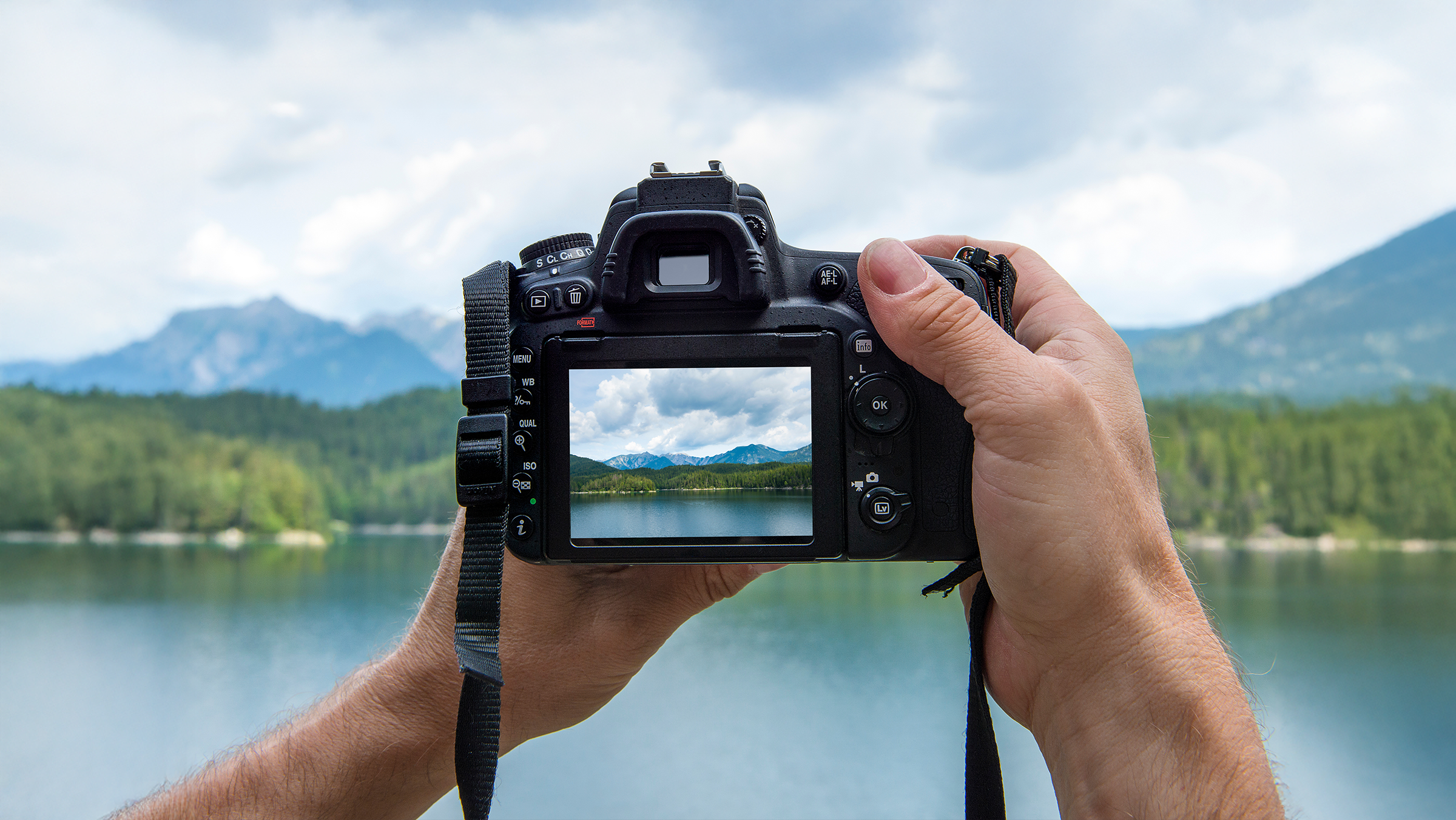
A total of 6 modules and 68 lessons
A total of 9h 32m of vídeo lessons
Taught by 5 selected expert teachers
image
3
Potential of Communication through Photography
In this class, I will present examples of projects in which I was able to use photographic narrative to increase the visibility of some social and environmental issues. I will also propose that you go out into the field and carry out your own project as the final work of this course.
9m
image
4
Equipment and Visual Language
In this lesson, we will explore the potential of the cell phone as a camera. We will see some photography concepts being applied with the use of this light and portable device.
8m
image
5
Photography: Synthesis, Series and Essays
Now I will talk about the specific aspects of communication through photography. We will also look at the differences between a single image and a series of them in approaching a theme.
8m
image
6
Theme, Plot and Story
Here you will start thinking about your project. First, you will evaluate and choose a topic of interest. Then, you will define your argument or the reason that led you to choose the topic. Finally, you will outline the structure of your story so that it has clarity and objectivity.
6m
image
7
Research, Sources and References
In this class, I will propose that you research the topic of your project. I will present some methods and references from research sources so that the argument and topics of your narrative are clear and well-founded.
8m
image
8
The Environment Record
In this class, we will actually start our photographic project, recording the environment and general context of the theme we chose in the previous unit.
9m
image
9
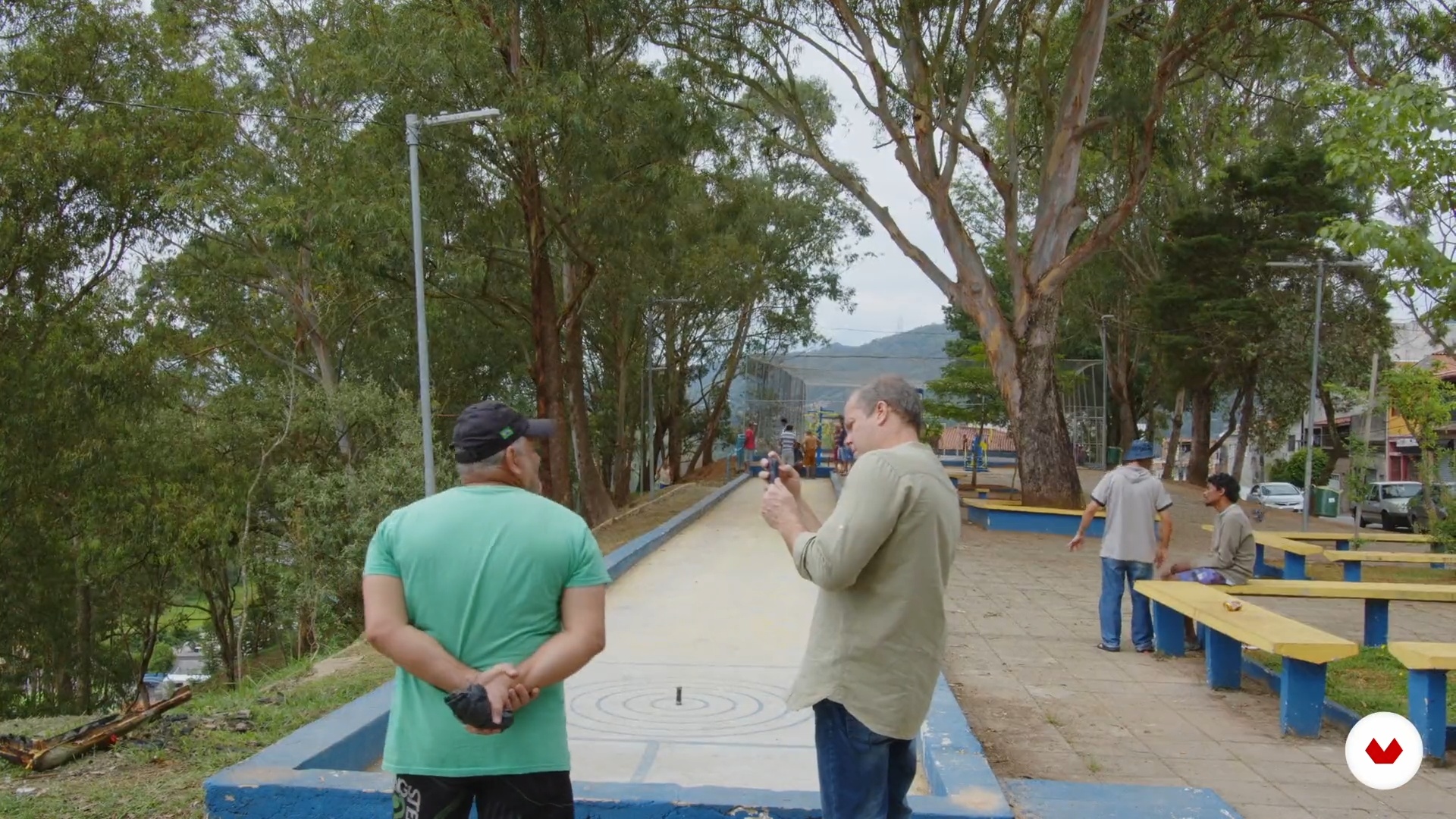
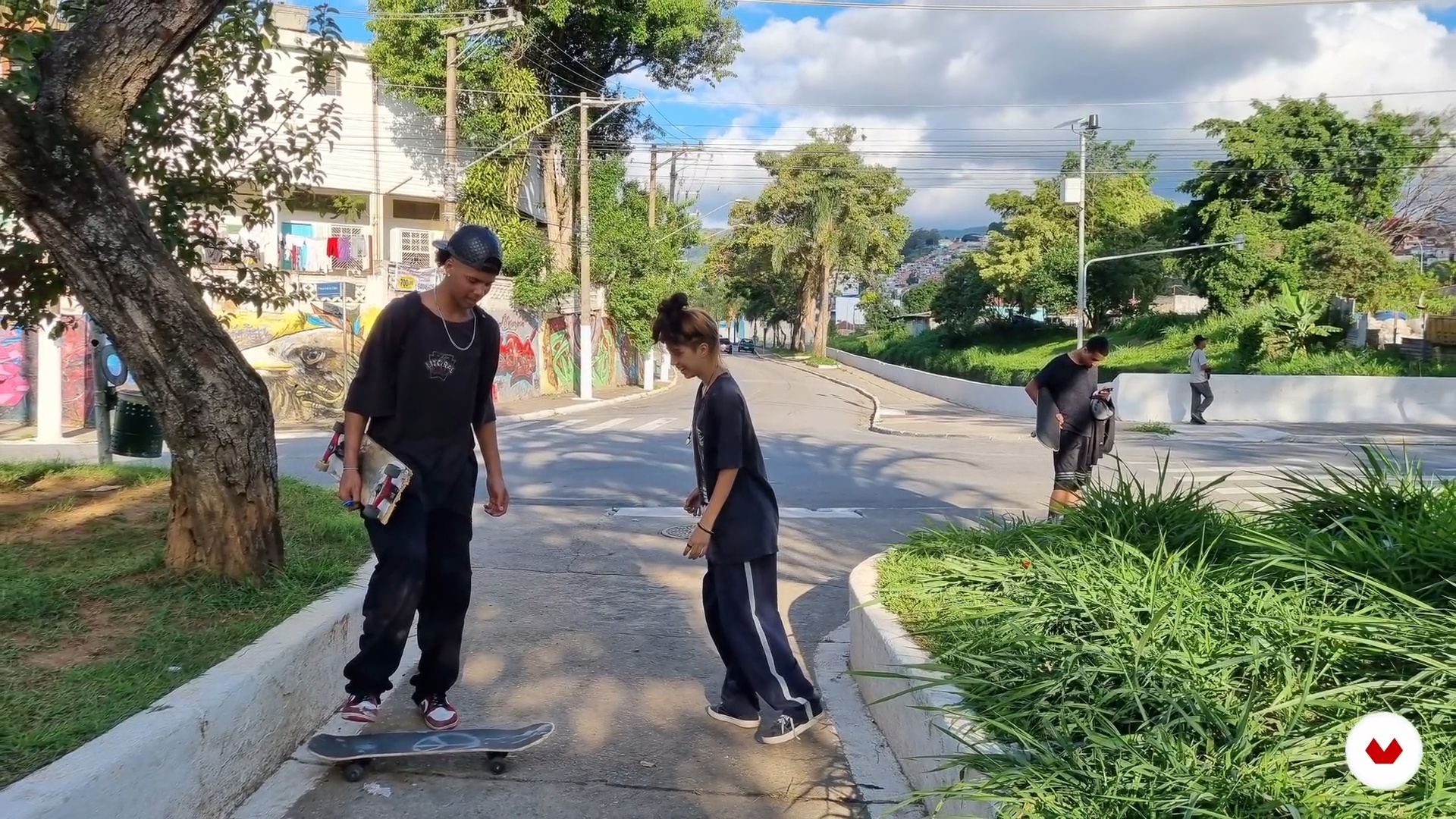
Photographing People
Now let's develop our ability to photograph people. Not only the technique of framing and direction, but also dialogue and empathy are important elements for this work.
7m
image
10
Nuances and the Contradictory
In this class, I will talk about the importance of photographic recording of details, nuances and contradictory for the structure of your story.
3m
image
11
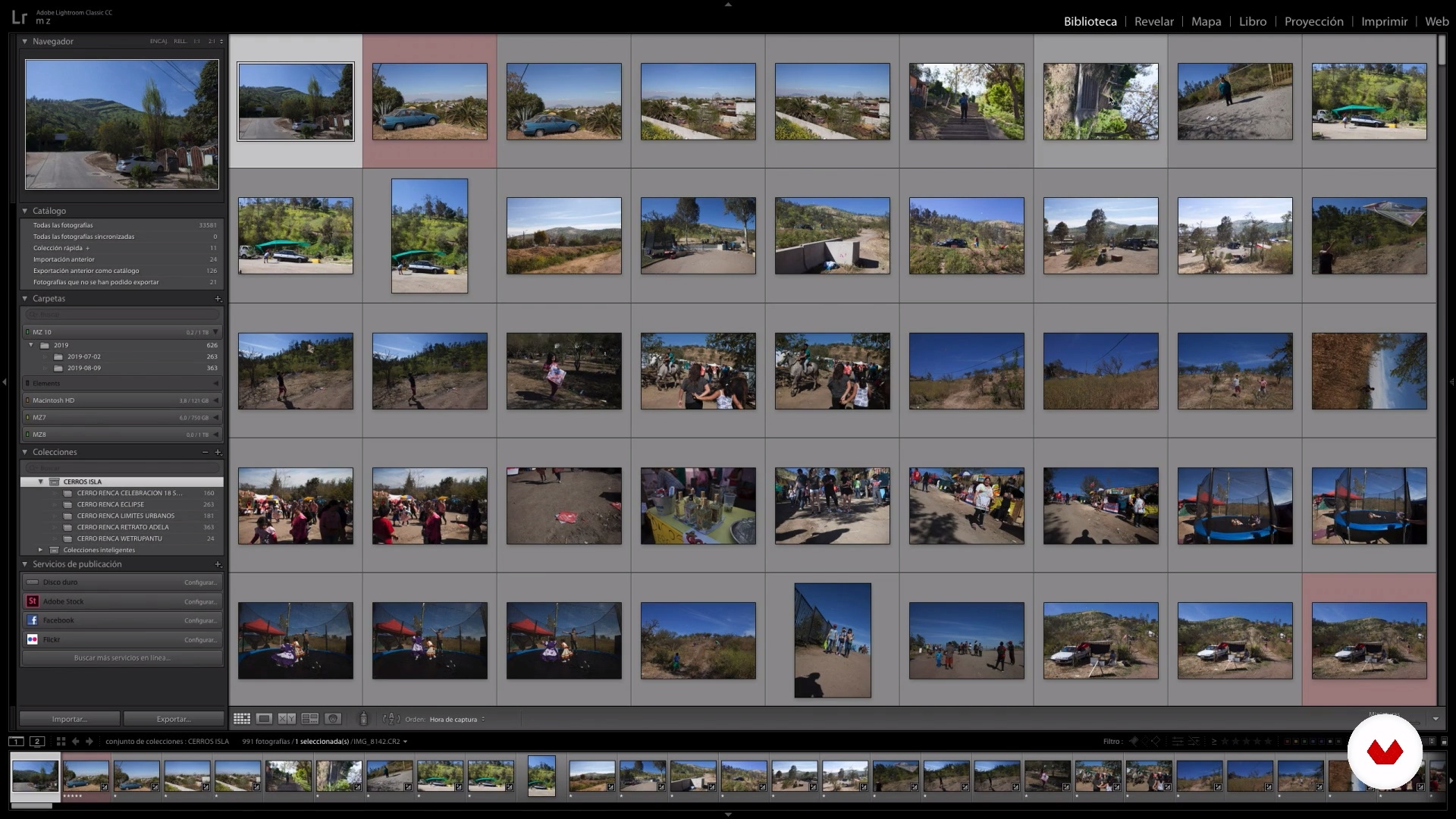
Material Organization
Now we are going to use image editing software to organize and catalog the photographic material so that you can use it efficiently and creatively.
6m
image
12
Digital and Narrative Editing
In this class, we will experiment with some digital editing processes to build a photographic narrative. We will also improve the visuality of the photos: contrast, brightness, color and black and white.
8m
image
13
Personal Vision and Visual Narratives
Here we are going to experiment with analog and digital editing processes to definitely build a photographic narrative efficiently.
12m
image
14
Social Networks
In this class, we will use some social media platforms to promote visibility and give relevance to the project we develop in this course.
9m
image
15
Publications
Now we will see some alternatives to structure our project in a more permanent dissemination and communication format, such as books, websites and exhibitions.
12m
image
16
Partnerships
Here we will address some complementary actions to strengthen your project's communication strategy, such as establishing partnerships to make it viable.
4m
image
4
Why is something interesting?
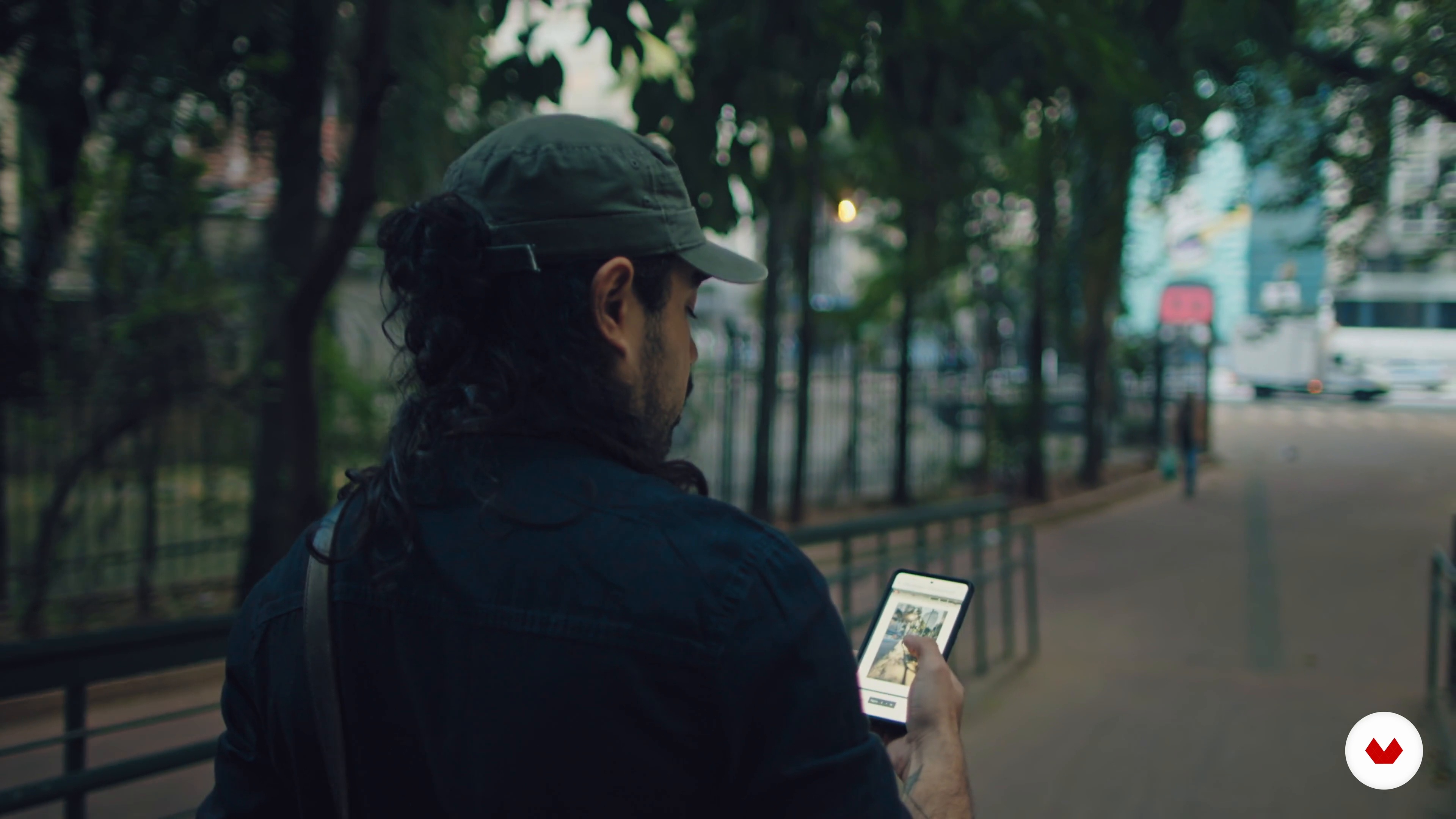
Through some of the documentary series that I have made, I am going to talk to you in this lesson about the importance of choosing a topic that is interesting and interesting, and that allows us to find case studies to photograph.
14m
image
5
What do we photograph?
A subject has many cases; and in this lesson, I will explain how to define a case, the first fundamental step in establishing the way to approach the story.
5m
image
6
Planning
In this lesson, I will show you the considerations that I think are relevant for the field trip, I will share with you my previous planning method, and I will show you the equipment I will use to photograph.
8m
image
7
Photographing the case
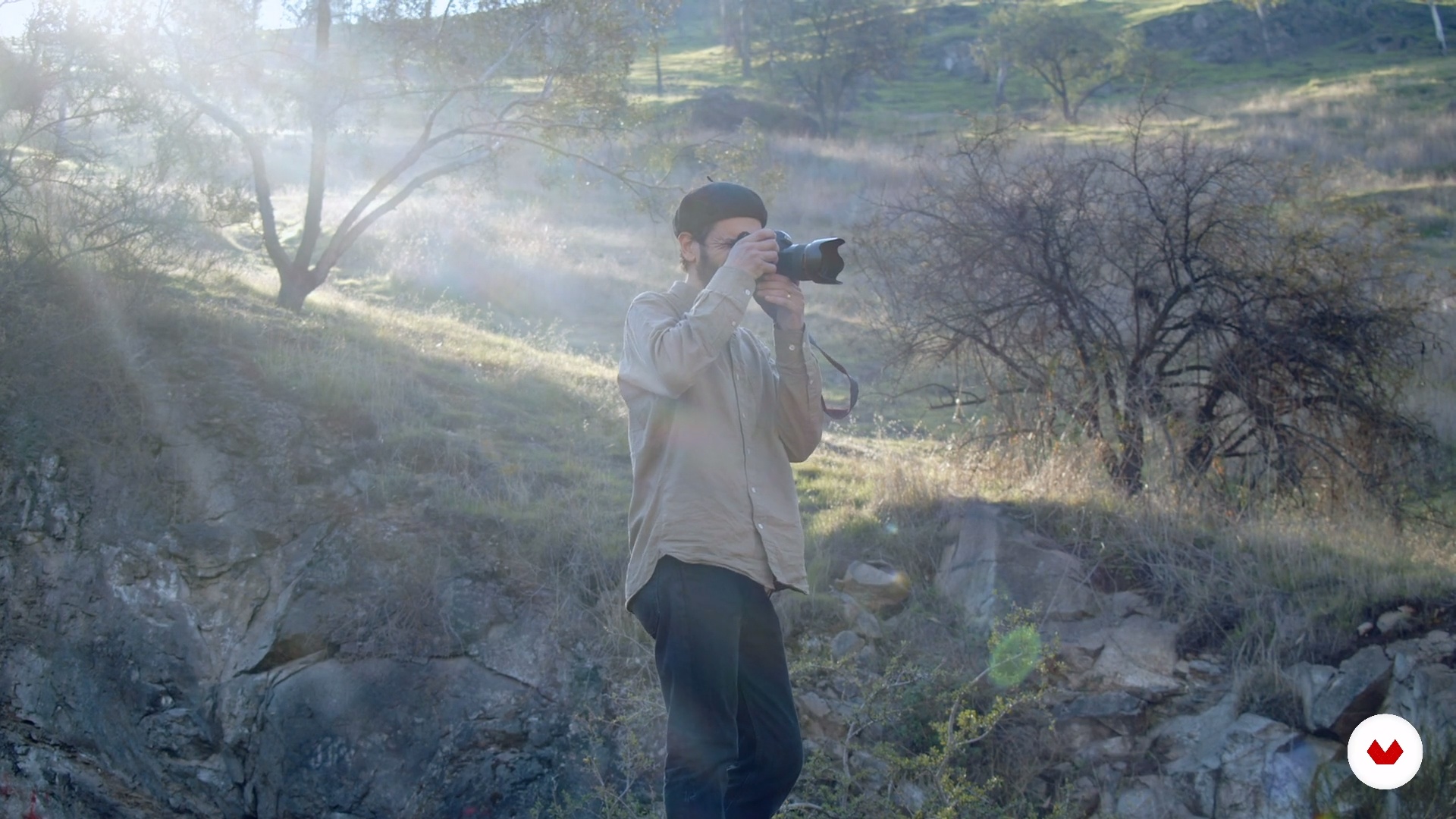
In this lesson we will go to the field, and I will show you my working method to obtain a good documentary portrait.
14m
image
8
Selecting the images
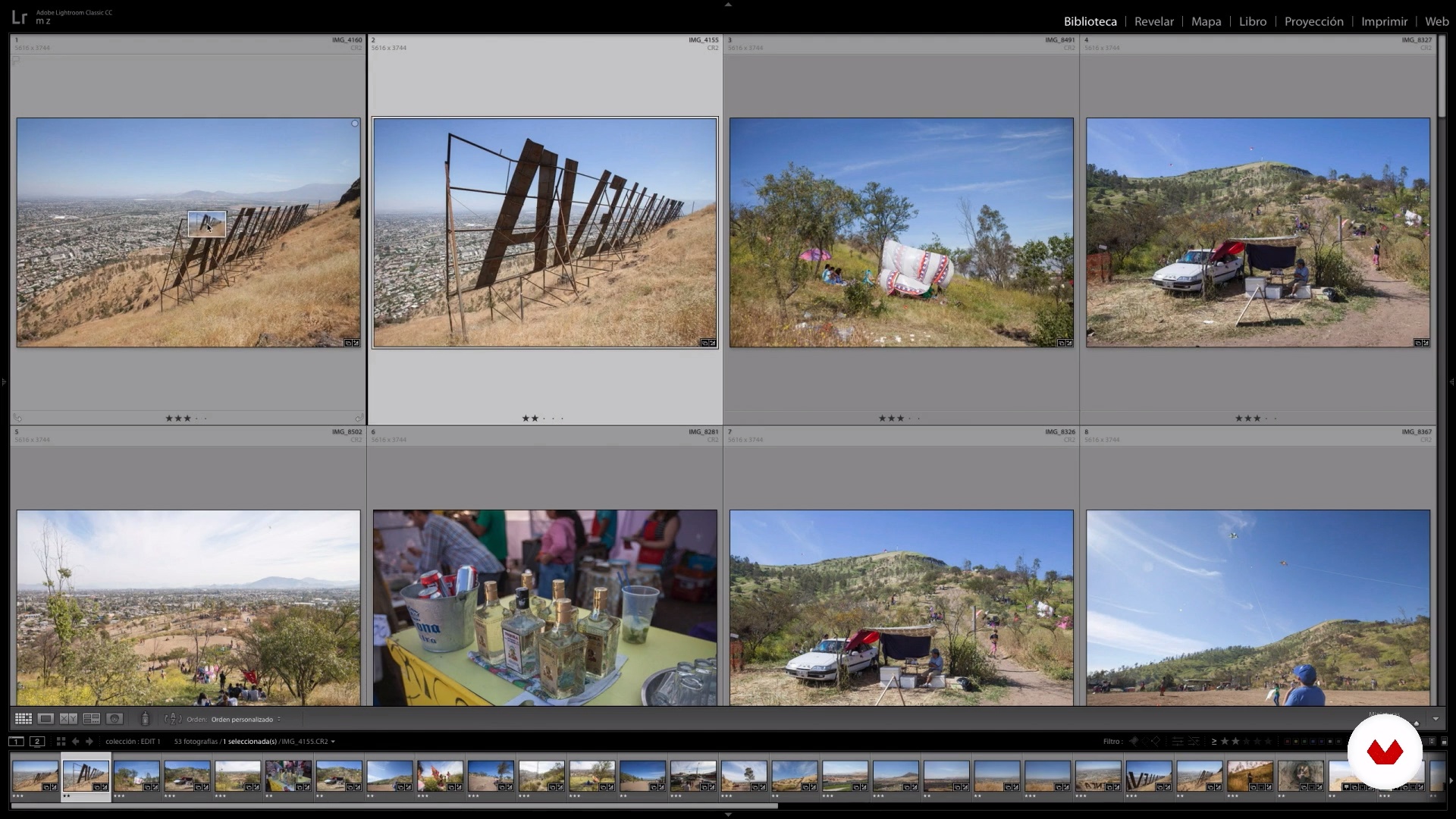
In this lesson, I will show you my methodology and criteria to select the photographs obtained.
16m
image
9
Assembling the photo series
In this lesson, I will show you my method of putting together the documentary series and shaping the story.
16m
image
10
Finding the retouching of the series
In this lesson, I will show you my image retouching process to generate a visual unity among all the images in the series.
14m
image
11
Finding the retouching of the series (part 2)
In this lesson, I will continue to show you my image retouching process, and thus generate a visual unity among all the images in the series.
10m
image
12
Revealed in LR and export for publication
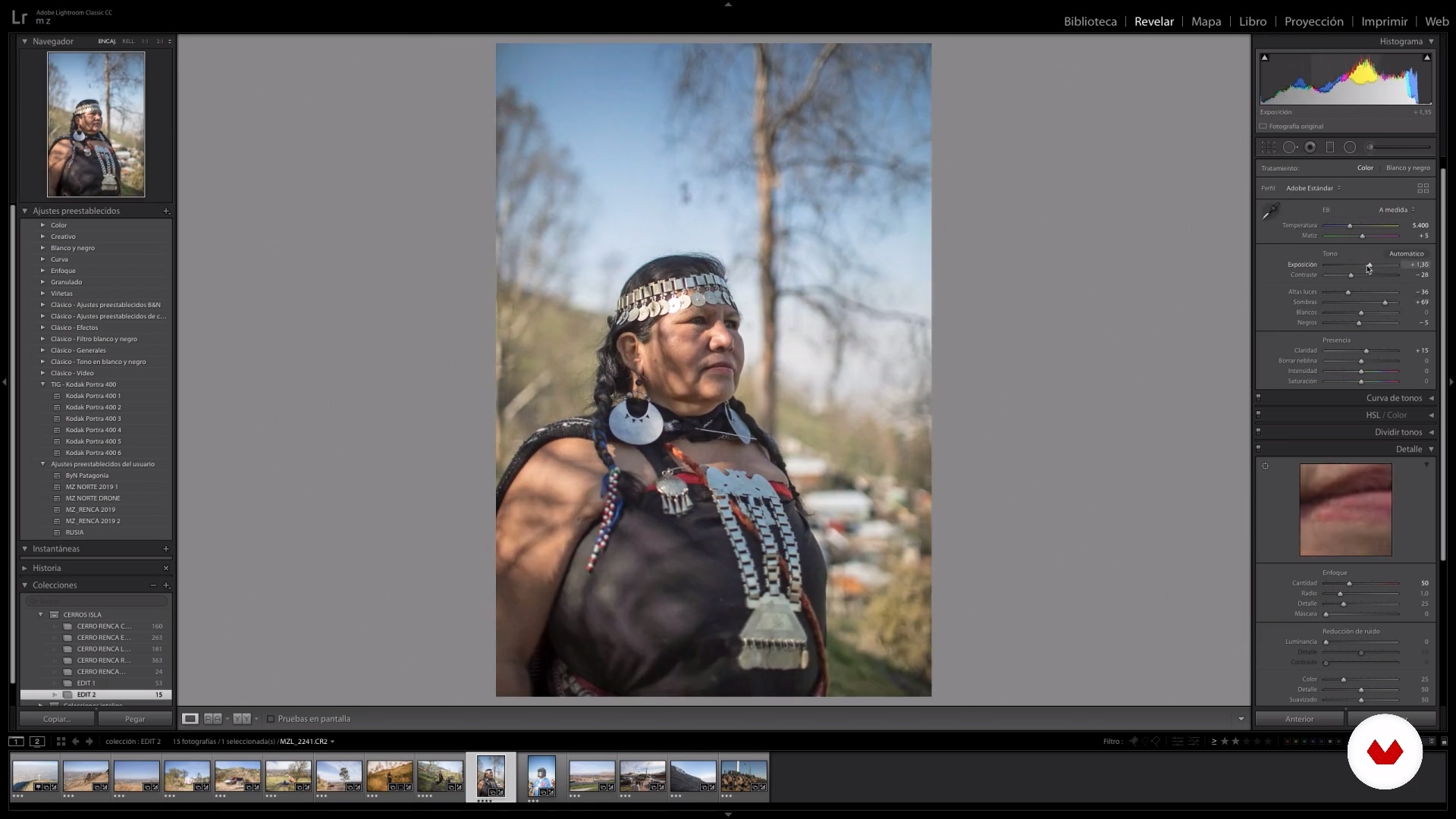
In this lesson, I will teach you how to reveal in Lightroom and show you how to export your series to have it in a publishable format.
12m
image
3
Introduction to portraiture and photographic language
In this class, I'll explain portrait concepts and techniques and how you can use them to tell stories.
5m
image
4
The documentary photography
In this lesson, I'll talk about documentary photography and how to start crafting your own project.
4m
image
5
Cameras and lenses
Understanding your gear is an important part of photography, but don't despair, you can do a lot with a little.
4m
image
6
Types of lights
Light is the basis of photography. In this class, you will begin to understand it in a broader way.
3m
image
7
Project pre-production
In this class, you will learn about my project preparation process based on my personal motivations (inspiration) and my specific topic.
3m
image
8
Photo shoot planning
In this lesson, I'll show you how to prepare for the photo shoot.
3m
image
9
Getting to know the person photographed
Knowing who you are going to photograph is important to get the best out of the person. In this class, I'll show you some ways to do this process.
8m
image
10
The test
The time for rehearsal has arrived. Now, everything that was planned will be put into practice. Also, I will show you how you can adapt to situations.
7m
image
11
How to organize files
After performing the test it is always good to make a backup. In this class, I'll show you how I organize my files thinking about the future.
7m
image
12
Editing and choosing the image
Selecting the best photos can be a very difficult letting go process. In this class, I'm going to talk about what motivates me to choose one image over another.
11m
image
13
Image treatment
This is the moment where we give the final look to the photo. In this class, I will give tips on how you can find your language.
8m
image
14
Photography awards and where to present your work
In this class, I'm going to talk about the formats for presenting the work and some photography awards that I recommend keeping in mind.
4m
image
3
Telling Stories with Images
In this first lesson, you'll have a look at some stories that I've shot and I'll talk you through how I captured them. Alongside these, I'll share how a typical brief might look and how it influences my decision-making on the day.
10m
image
4
The Equipment
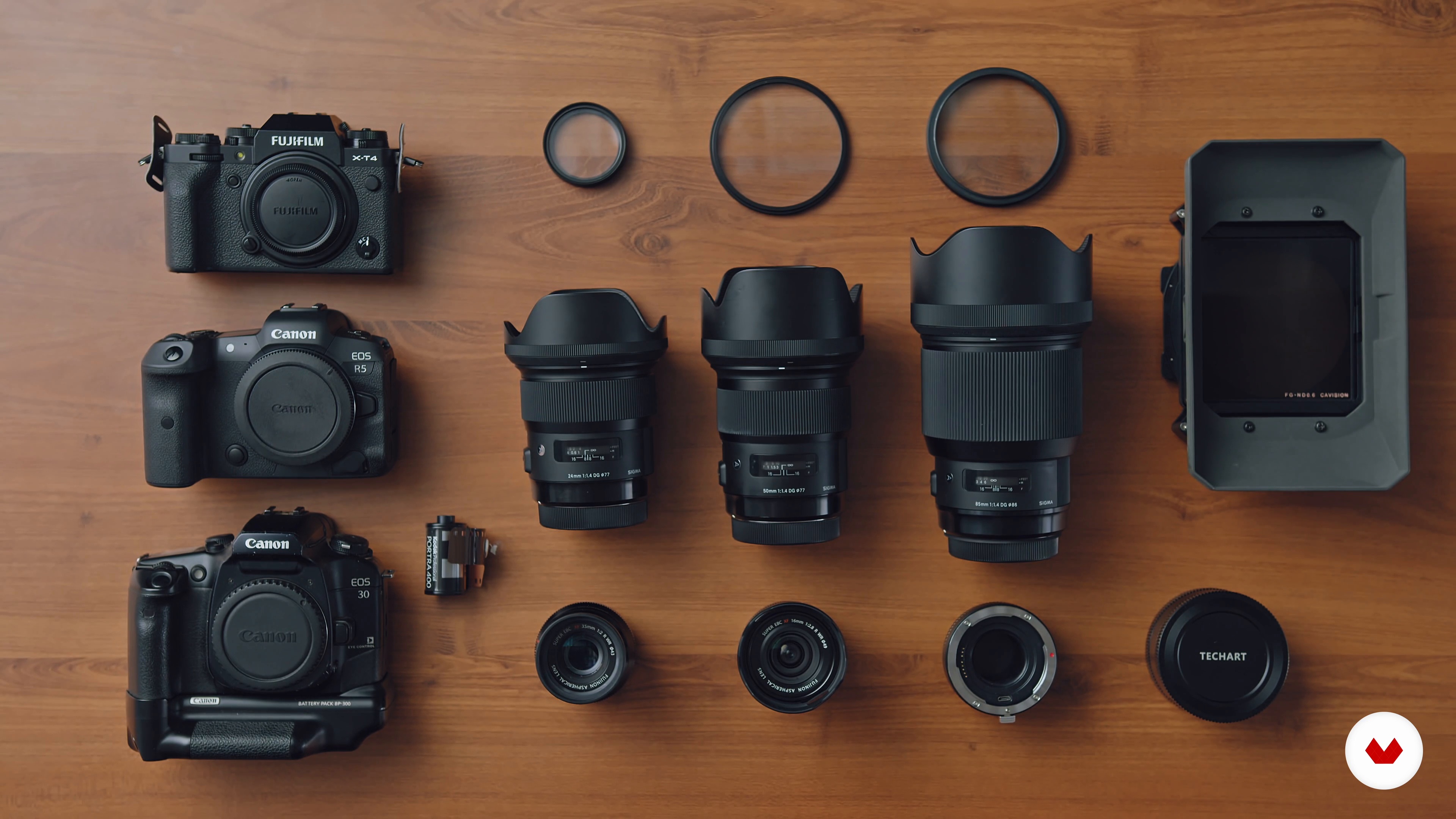
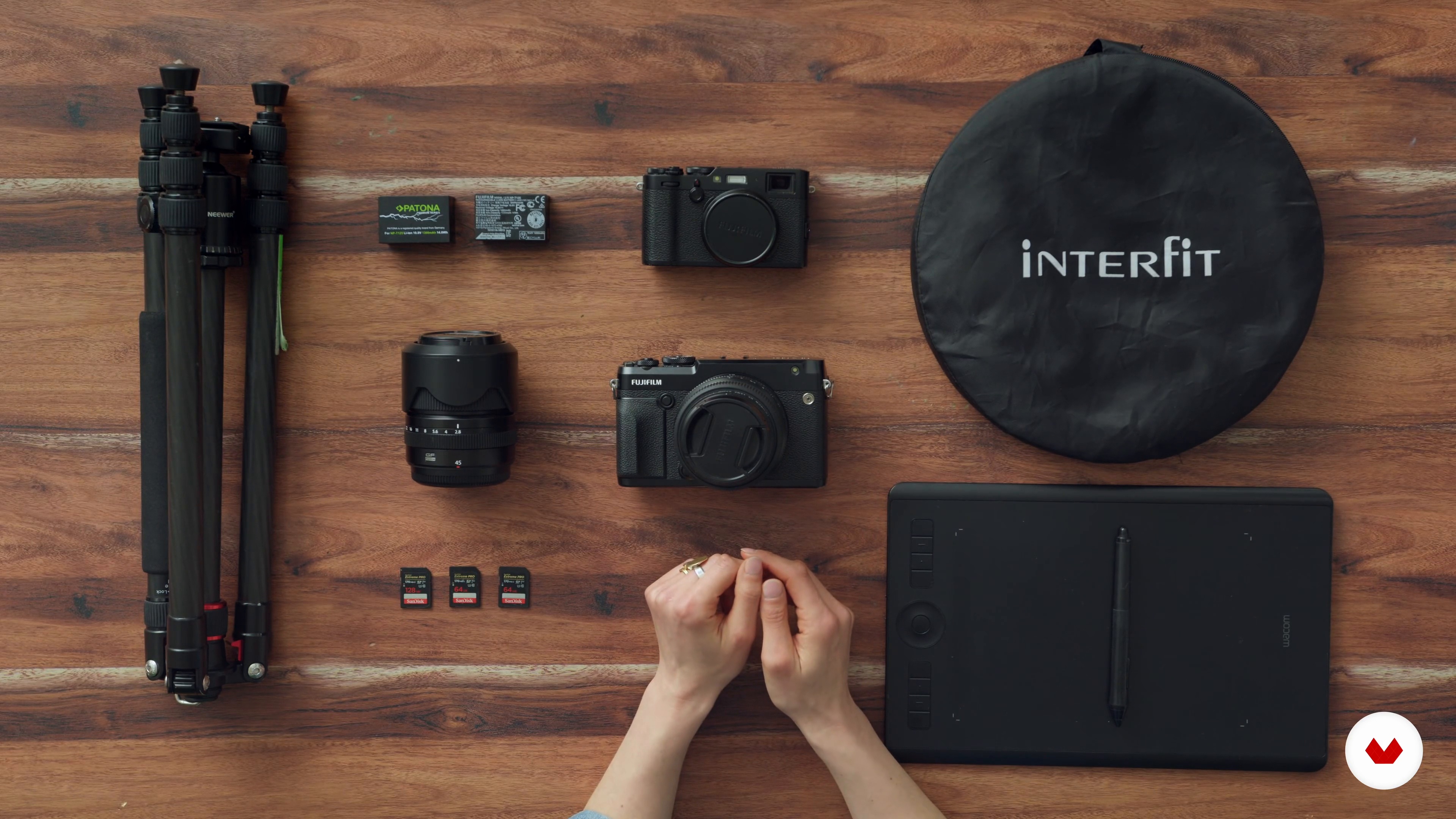
In this lesson, you'll see what I keep in my camera bag. I'll walk you through my basic kit to show you that you don't need a lot to start working and taking pictures.
5m
image
5
Finding a Style
In this lesson, I'll delve into my style, why I like it, and how I achieve the aesthetic through camera settings and editing. I'll also talk about lighting styles and how they can sit in contrast with or in line with naturally lit work.
10m
image
6
Planning the Photo Session
Before the photoshoot day, I'm going to run you through how to plan the day so that both you and your subject are ready for the photo session.
11m
image
7
Working with a Subject
In this lesson, I'll show you how to communicate with your subject creating a safe and relaxed space for you both to work in.
6m
image
8
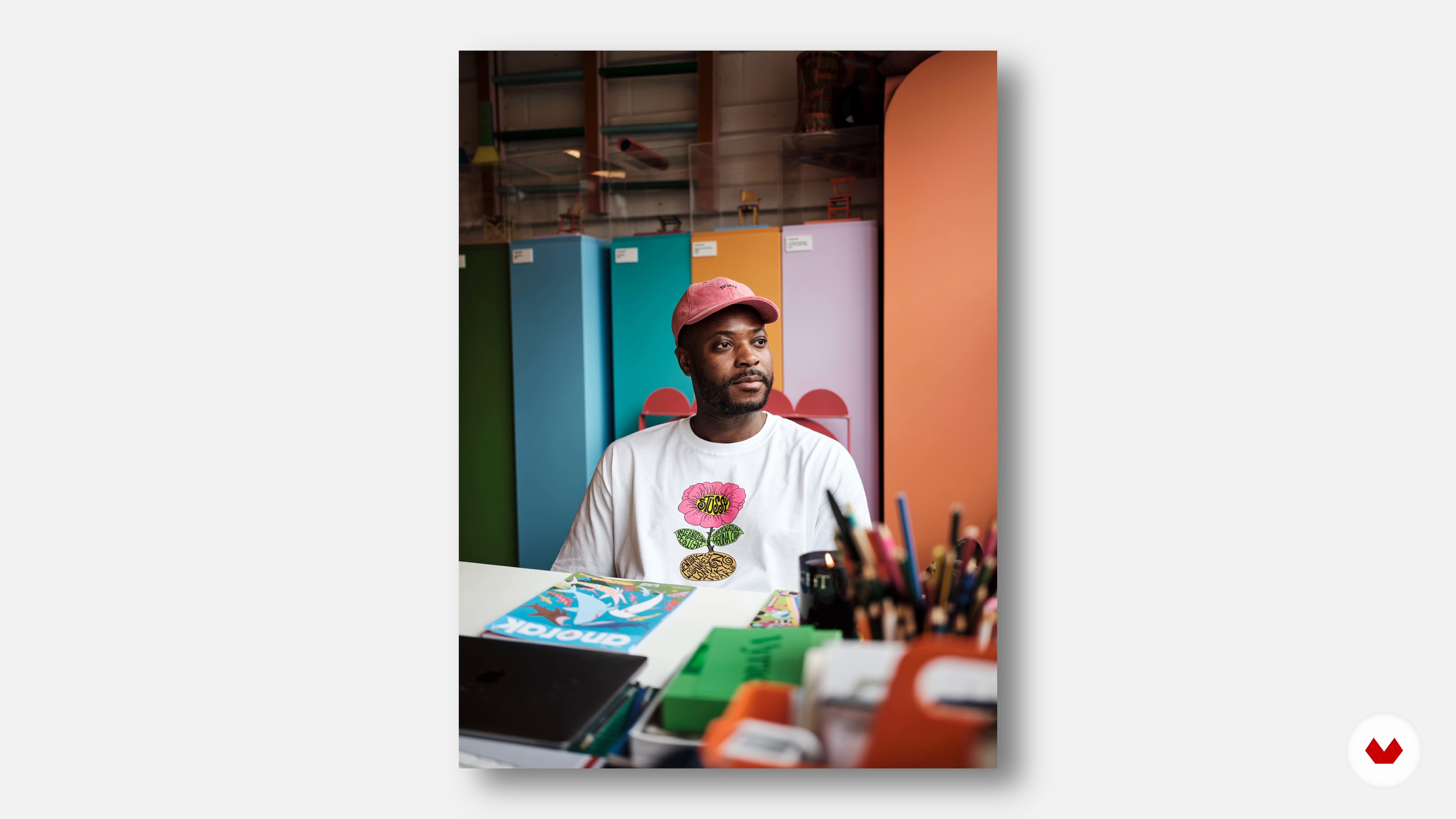
Action Portrait
Next, I'll shoot the first image for the project starting with the subject in action, doing what they love. I'll show you how to read a room, the light, and the subject to get the best image.
7m
image
9
The Portrait
Now that the subject has warmed up to the camera, I'm going to shoot the portrait. I'll share with you some tips to choose the spot and position, and I'll show you a few strategies to make the subject look natural and feel comfortable.
8m
image
10
Sense of Place
It's the last image of the photoshoot already! In this lesson, I'll walk you through intuitively capturing a sense of place. This is the third image in the series and will round off the story about the subject.
5m
image
11
The Style: Choosing and Editing
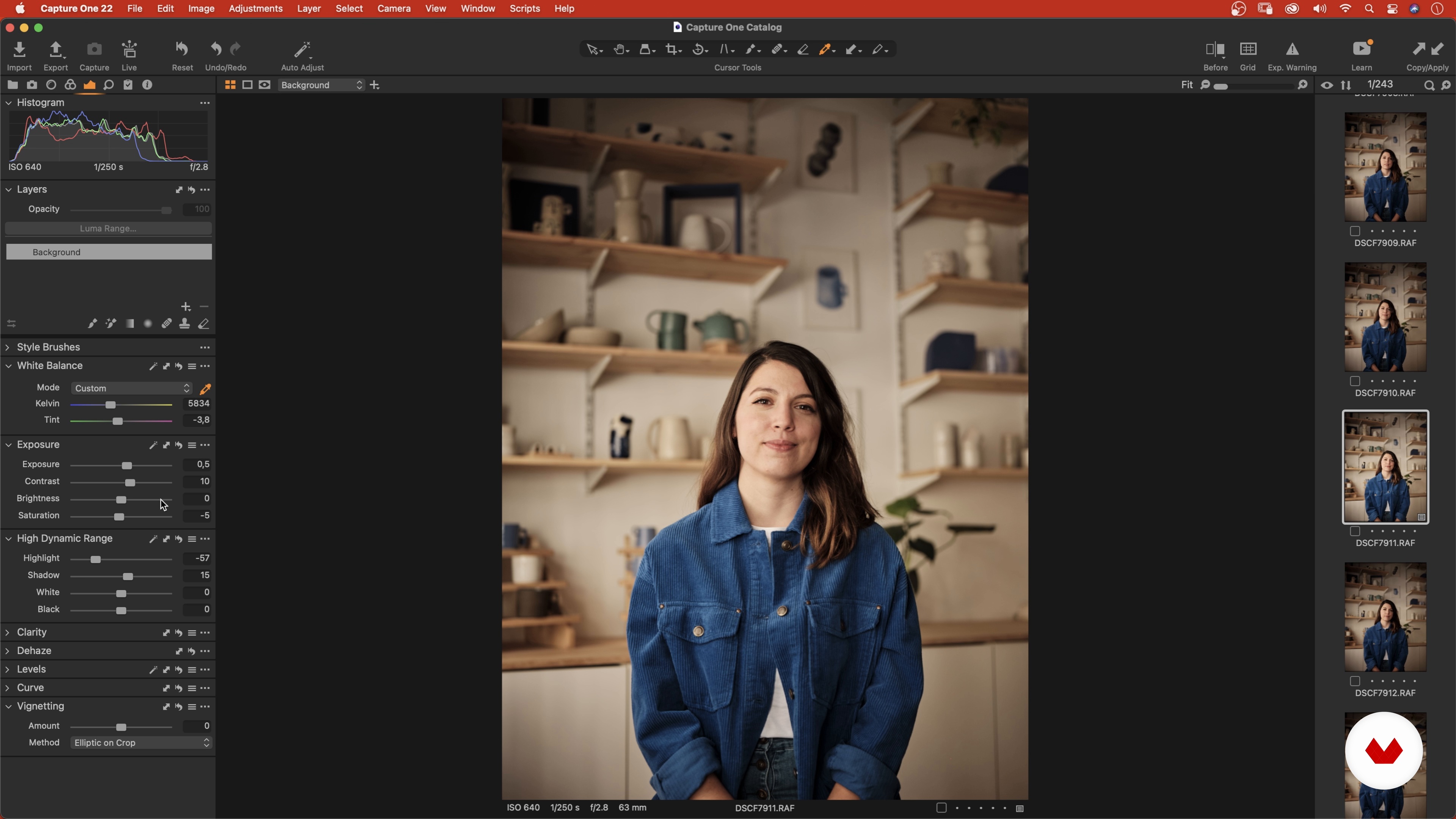
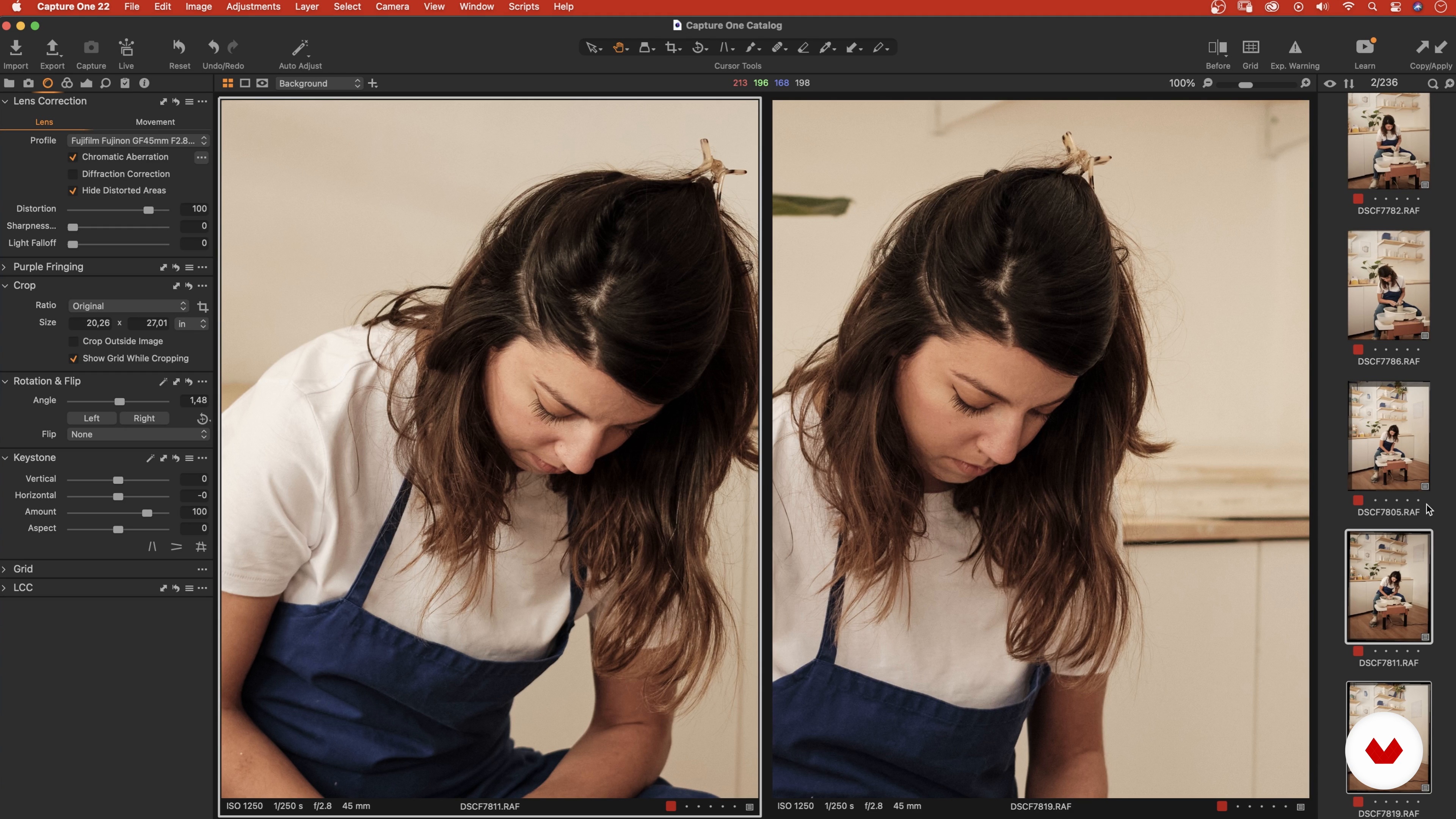
In this first lesson of the unit, I'll show you how I like to colour edit my images in Capture One. I'll also talk about finding an editing style. Let's get down to business!
13m
image
12
Choosing the Set of Images 1
Next, I'll walk you through the agonising task of whittling down a photoshoot's worth of images to just three. Buckle up!
13m
image
13
Choosing the Set of Images 2
I'll continue looking at my images and narrowing them down. I'll talk more about my selection process and why I chose those three images in the end.
12m
image
14
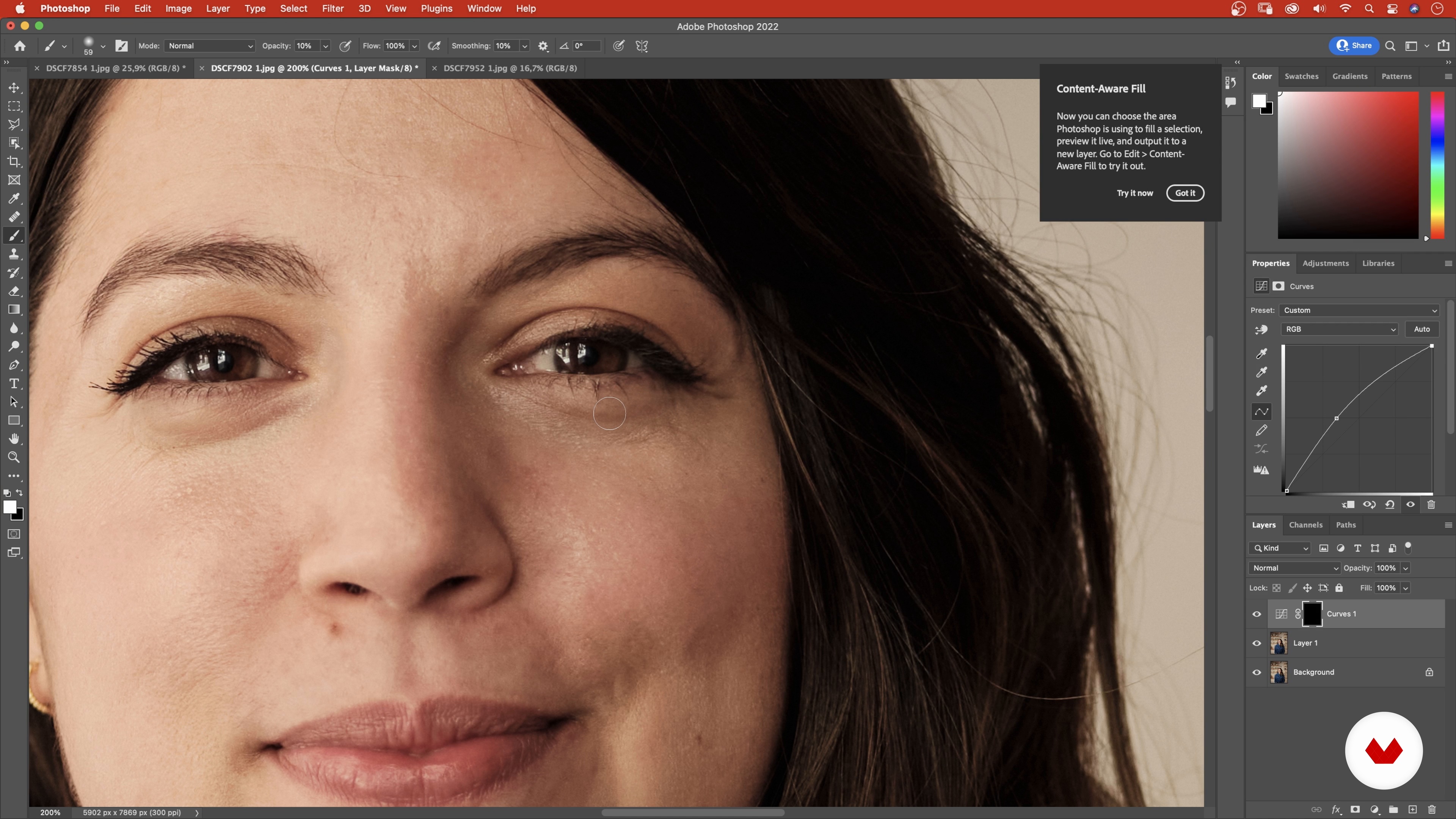
Basic Skin and Environmental Retouch 1
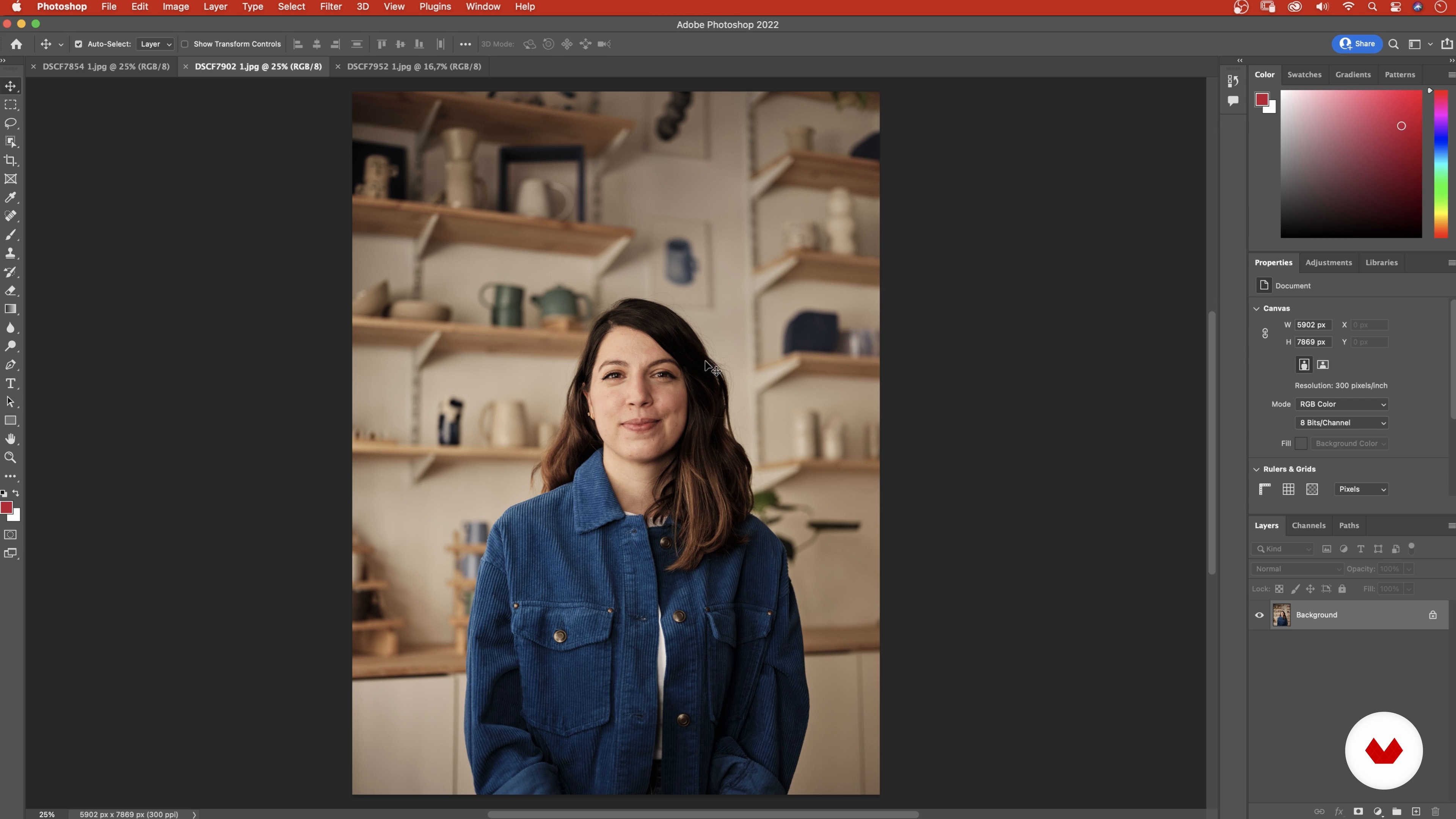
Now that I have my selection, I'm going to export the images into Photoshop to neaten them up to finish them off.
10m
image
15
Basic Skin and Environmental Retouch 2
In Photoshop, I'll work on the portrait in terms of skin retouching and I'll fix a few details to finish my three images!
12m
image
16
Additional Tips
In this lesson, I'm going to share with you some things I have learned in my ten years working as a photographer.
5m
image
4
Introduction and pillars
Within the different areas of commercial photography, CONTRA has specialized in advertising photography, which we combine with documentary aspects, thus achieving images that tell stories (photographic storytelling), and that aesthetically meet the standards of advertising agencies or designers They work with our material.
9m
image
5
Planning and budget
When preparing a photographic project, you will need to consider the cost of the project and its earnings, if applicable. Once a client has been contacted, we must plan, together, what is the specific need of the photo session. This will allow us to define the amount of photographic conferences, the topics to be worked on, the different “pillars” that we will develop, the best time of the year to make the material, among others. With this information you can present different values to the client, or also dimension the value of your own projects. When working on request, we usually present more than one option in the same budget - depending on the type of project - so that the client knows the differences between each one when deciding what type of project he is interested in hiring.
3m
image
6
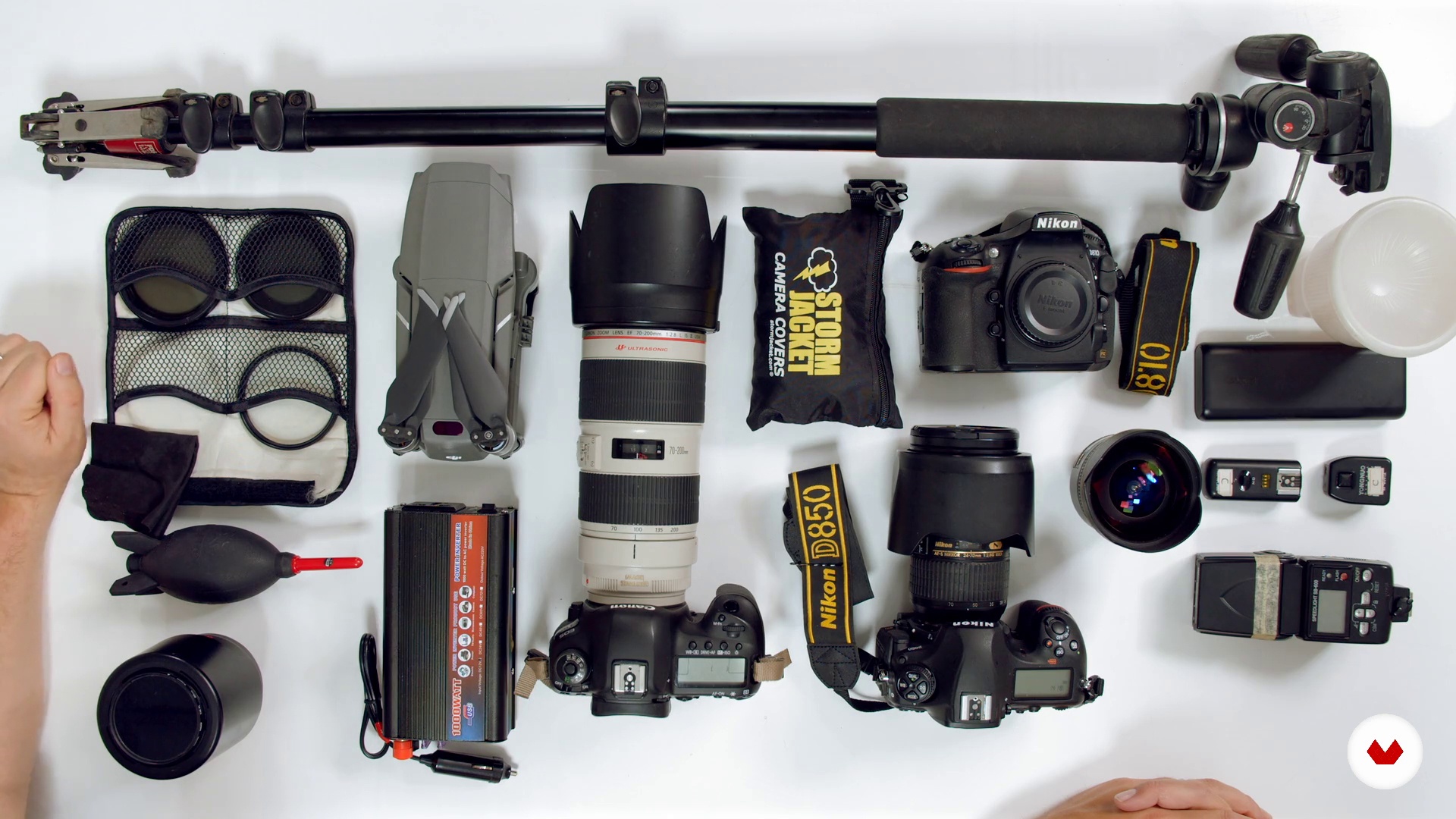
Equipment and materials
Photographic projects on the ground can be faced in different ways and with different teams. Next we will detail the essentials to begin, in addition to showing you the professional kit that we use when going out to photograph.
11m
image
7
Expectations vs. reality (Tips)
In this lesson we will show you how a project is covered according to its characteristics and requirements. For this, anticipation and projection is key. In addition, we will see the importance of having a Plan B in case your previous forecast changes, or how to solve the lack of material in extreme situations. For now we anticipate that it is very important for this, resilience and teamwork. Always remember the importance of controlling the uncontrollable.
7m
image
8
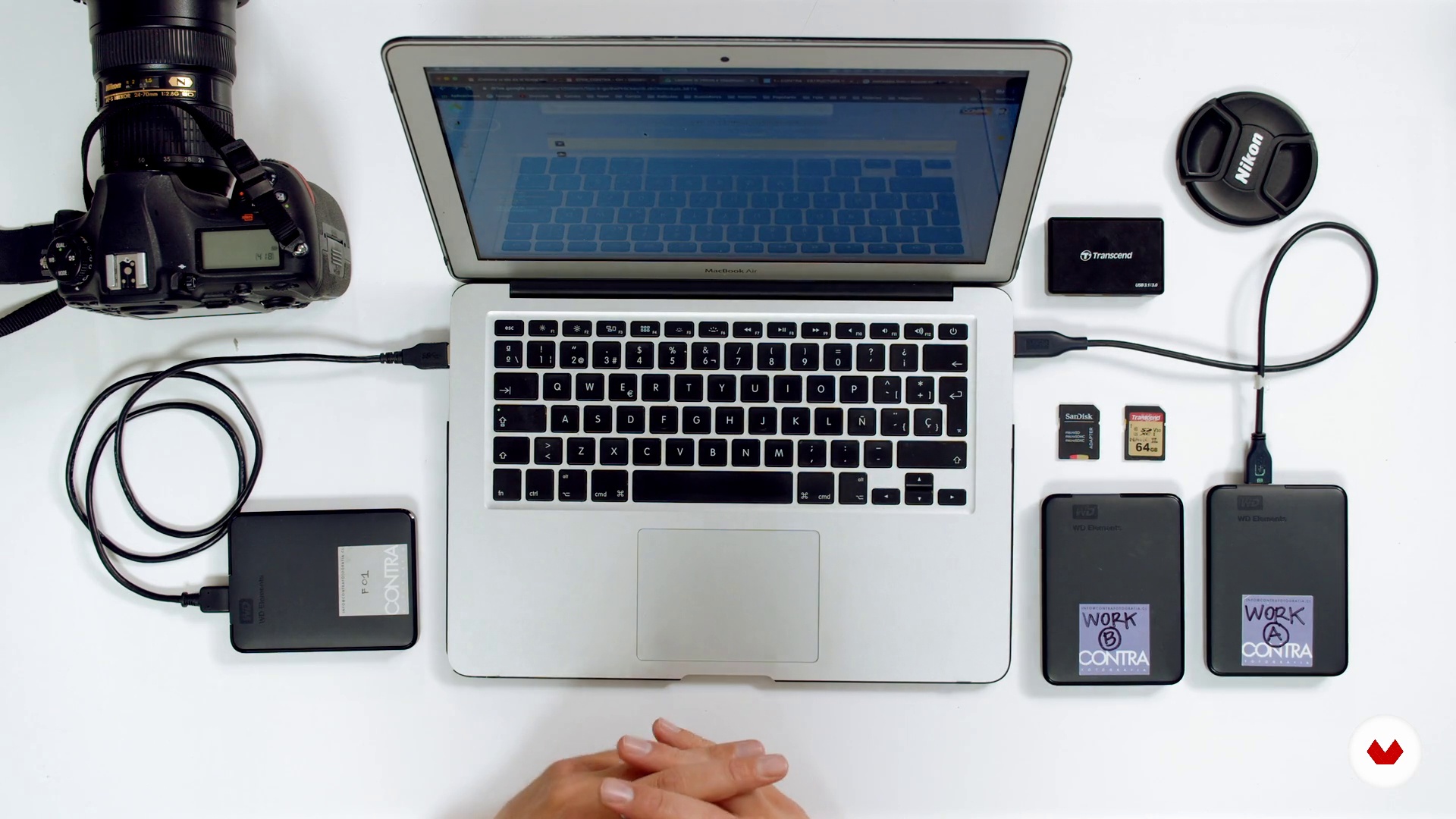
File import and backup (raw material)
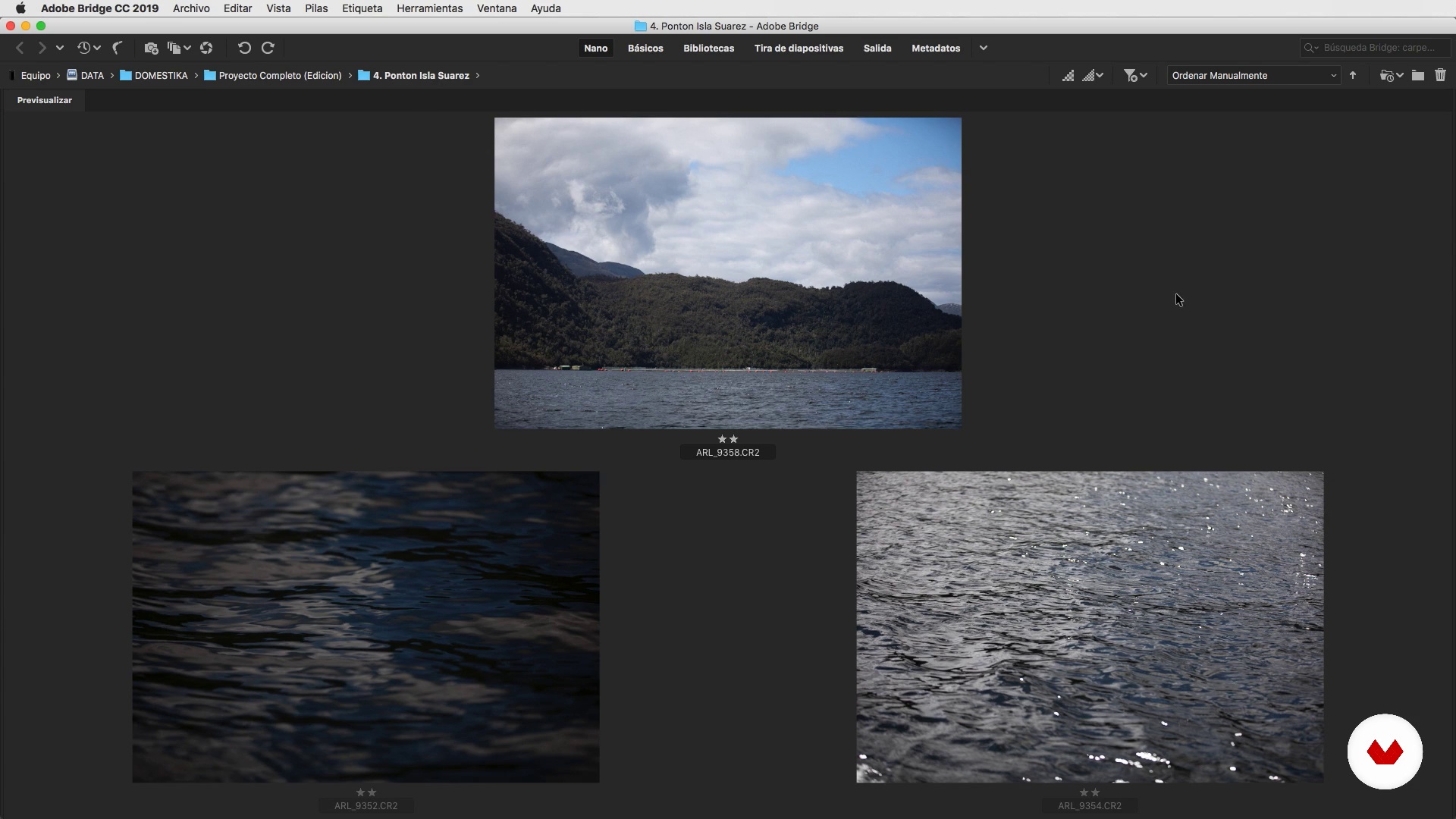
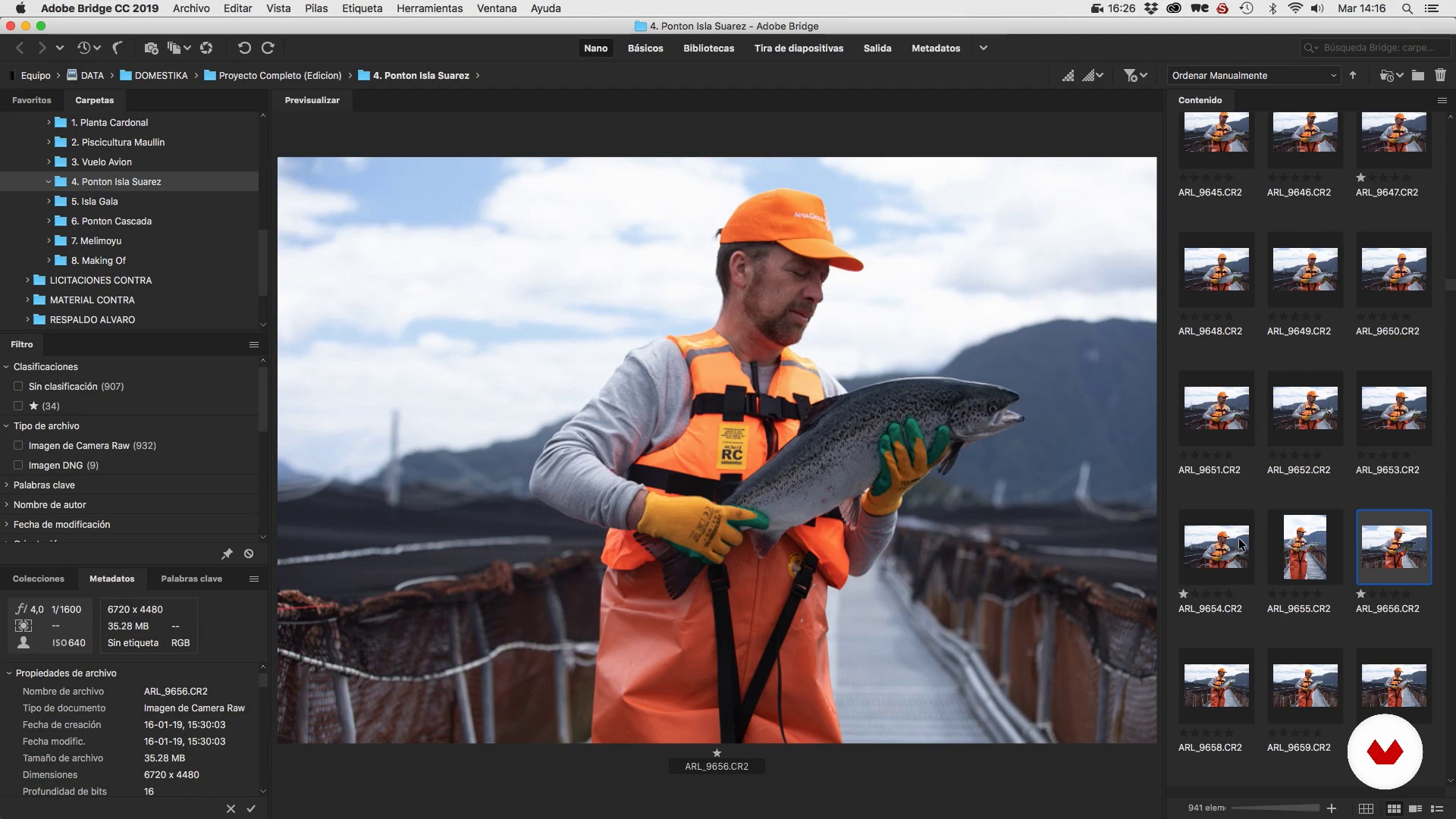
In this lesson you can learn tools such as downloading material from the device (camera and drone in this case), creating folders in Bridge and their storage, as well as how to manage the different external hard drives that contain the material.
5m
image
9
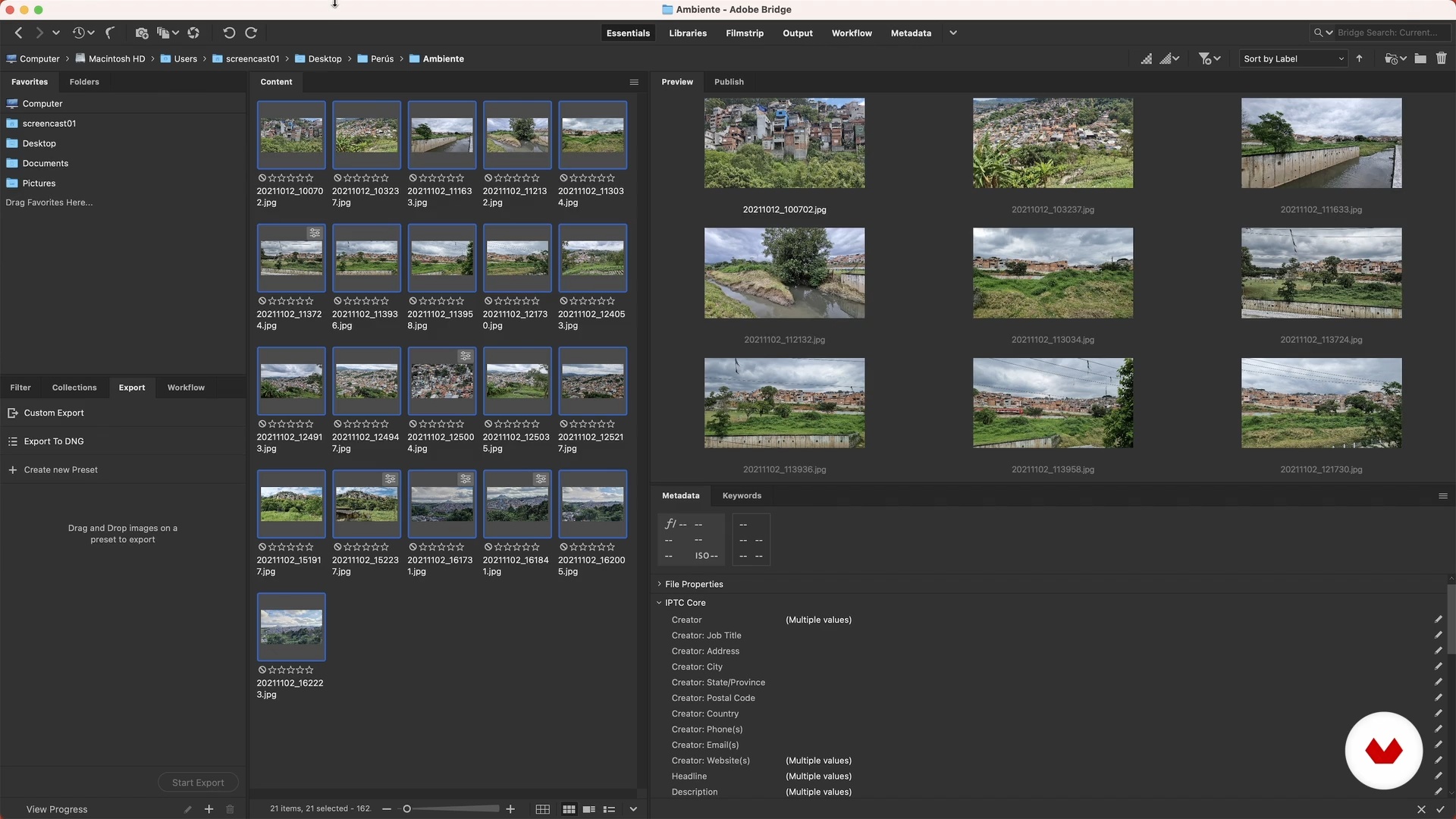
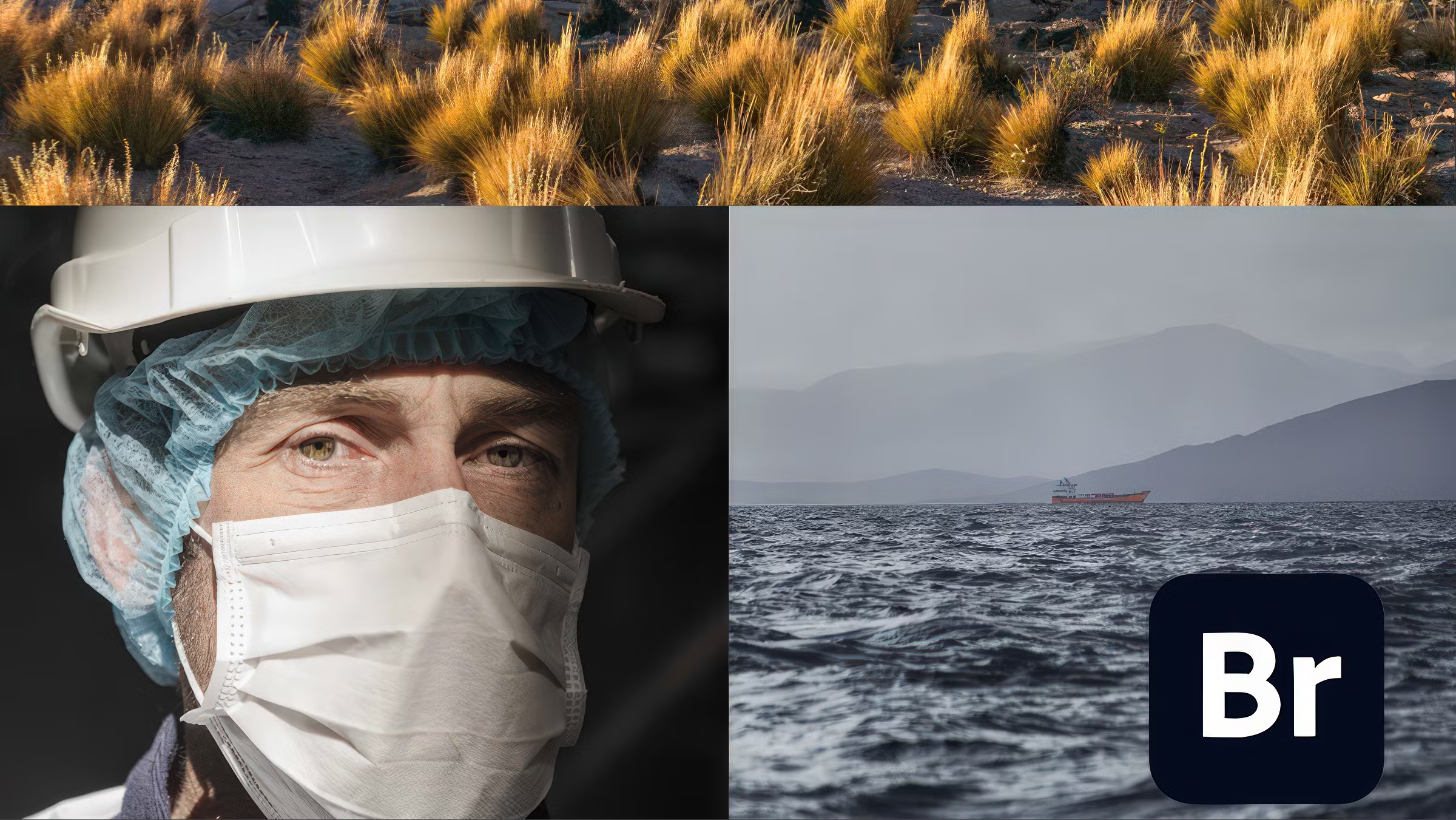
Adobe Bridge and use filters
On this occasion you will learn important aspects to have an effective and continuous workflow. We will show you the advantages of using Adobe Bridge and, we will see how to classify and filter files in this software.
5m
image
10
Filters and classification of photographs and themes in Adobe Bridge.
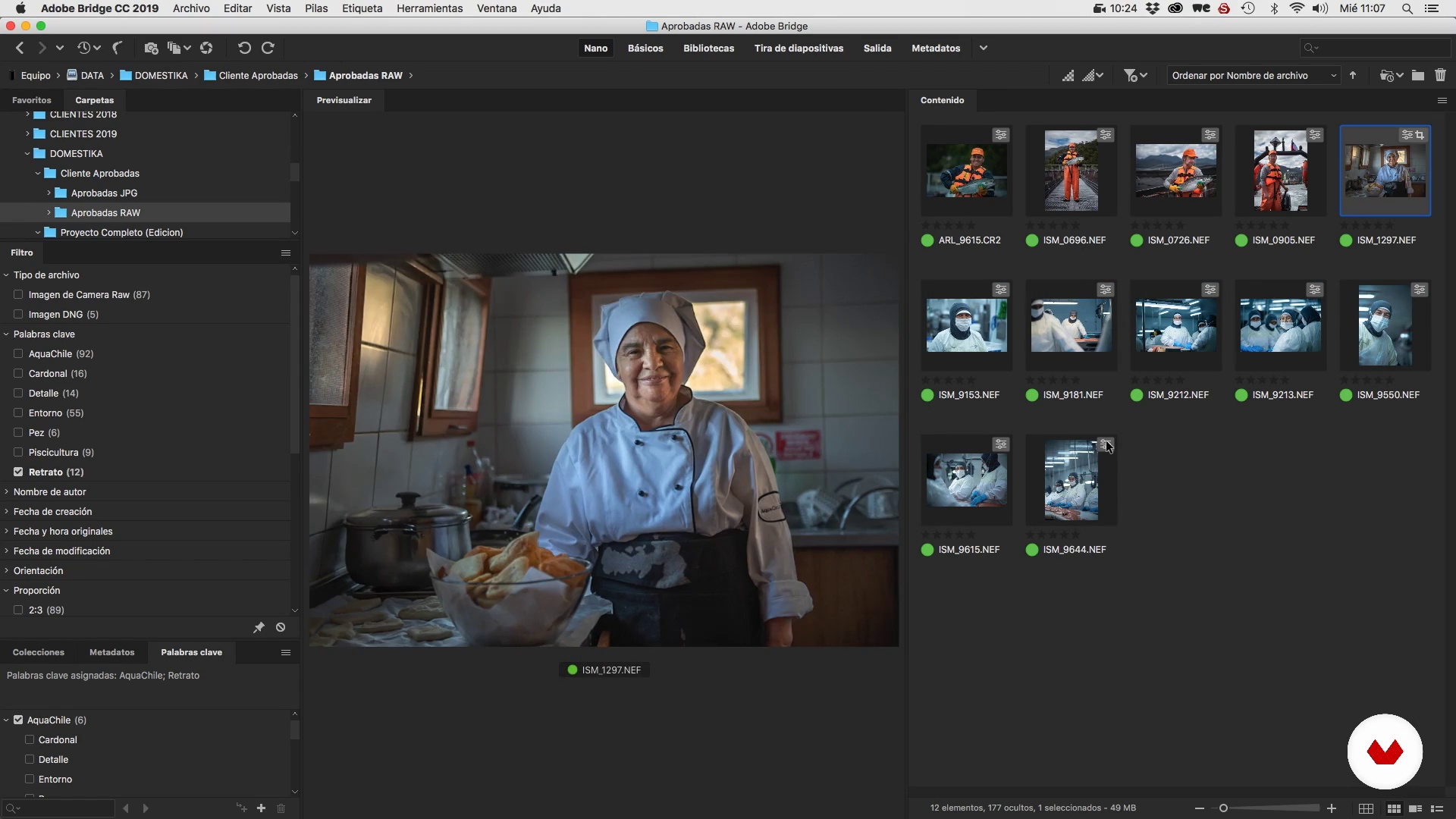
In this lesson we will show you how to effectively organize and organize the material made, in order to work with it. We will select and filter the images, through certain editing techniques and criteria, that we would like to show you. We identify the subject of the project and how to apply it the five pillars .
16m
image
11
Low quality photo conversion
It is important to know how to handle large image streams and make low resolution versions correctly, to preview the material for a client. We will show you how to export the photographs in low quality and use a digital contact sheet.
10m
image
12
Using keywords and metadata in Adobe Bridge
Here we will create keywords that will help you have an order in your material, using search tags. We will modify the one of metadata of the images in RAW, so that you can leave your stamp inscribed in the information of the images that you will send to the client or that you will upload to the web.
5m
image
13
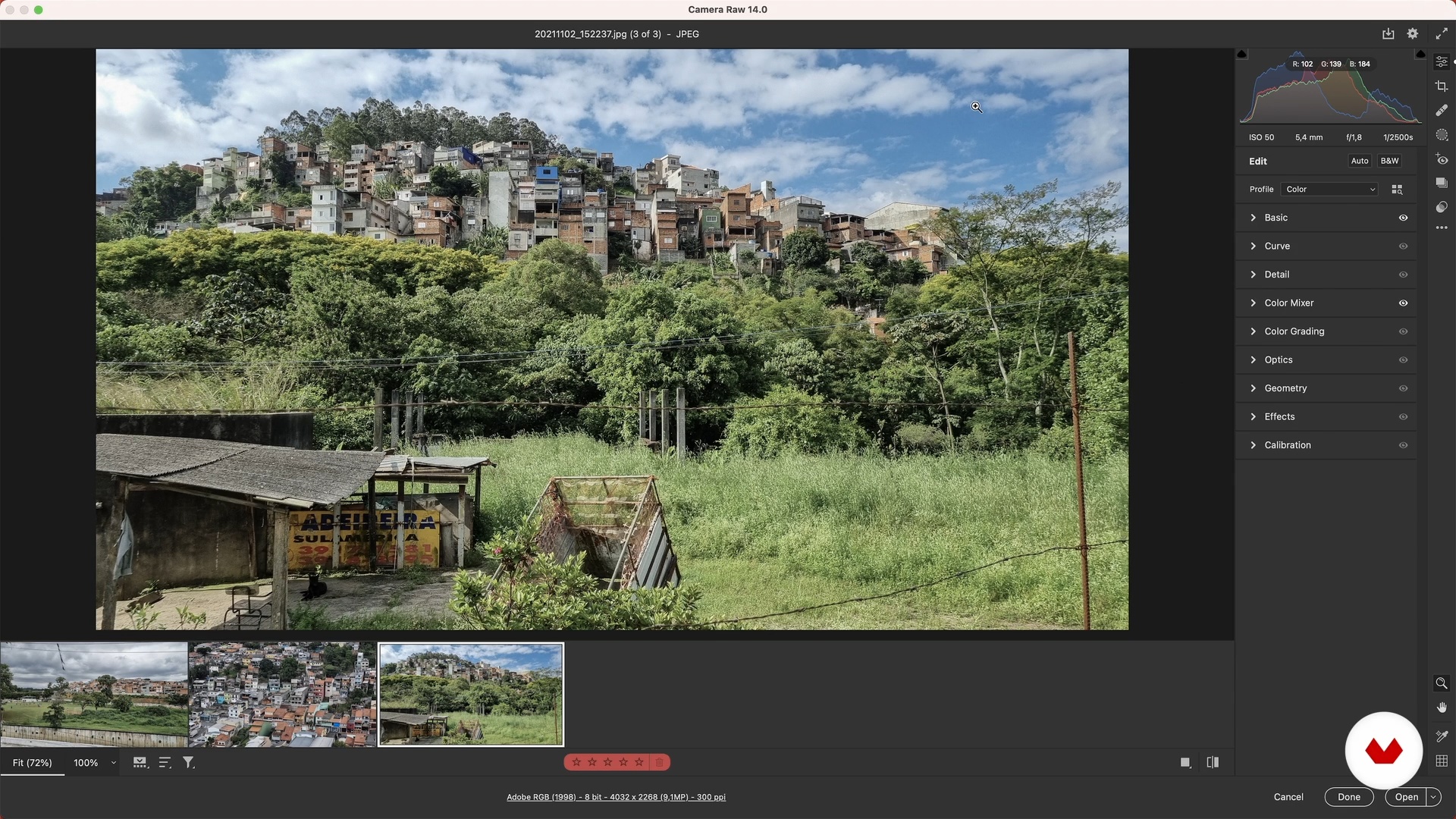
Basic development settings (camera RAW)
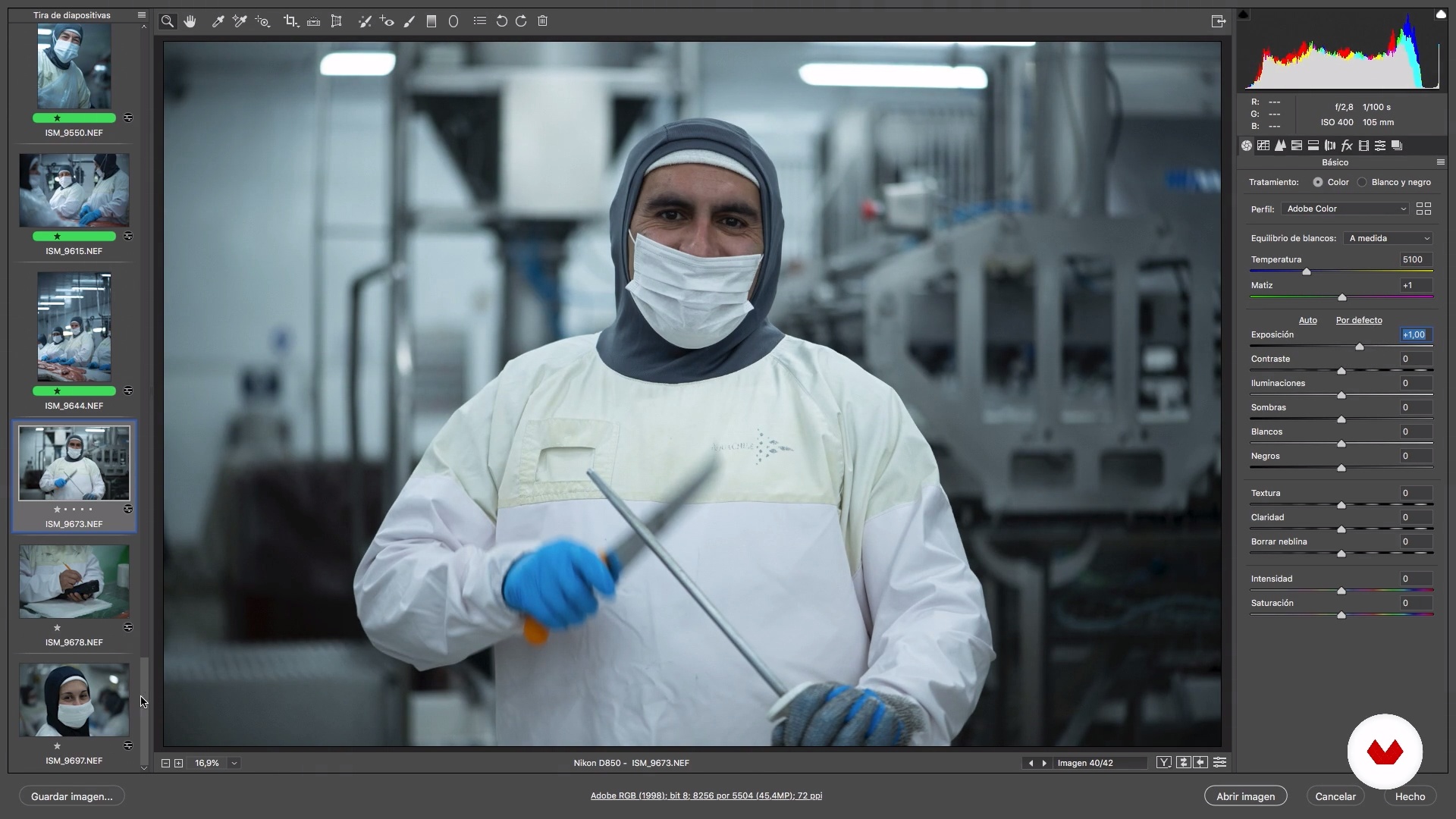
I will show you some basic techniques and settings of digital development in RAW camera, so you can give more strength to your image bank.
7m
image
14
Spot lighting corrections
I will show you how to correct specific lighting details that will allow you to enhance the photographs. The intention is to improve the visuality of the images, always taking care of the identity of each person or place you portrayed.
10m
image
15
Retouching and calibration in Adobe Photoshop
Based on the editorial line that has been granted to the photo shoot, we will see tools, such as the patch , for imperfections, layer calibration, export options and administration of low and high folders. In addition, we will show you how to finish the creation of your photographic body.
5m
image
16
Final material and its potential
Our work ends with the delivery or storage of the material on the hard disk, however, in this lesson we will show you the potential of our work, both in physical and digital material.
3m
  • 29 students
  • 68 lessons (9h 32m)
  • 71 additional resources (23 files)
  • Online and at your own pace
  • Audio: English, German, Spanish, Italian, Portuguese
  • Spanish · English · Portuguese · German · French · Italian · Polish · Dutch · Turkish · Romanian · Indonesian
  • Level: Beginner
  • Unlimited access forever

What is this course's project?

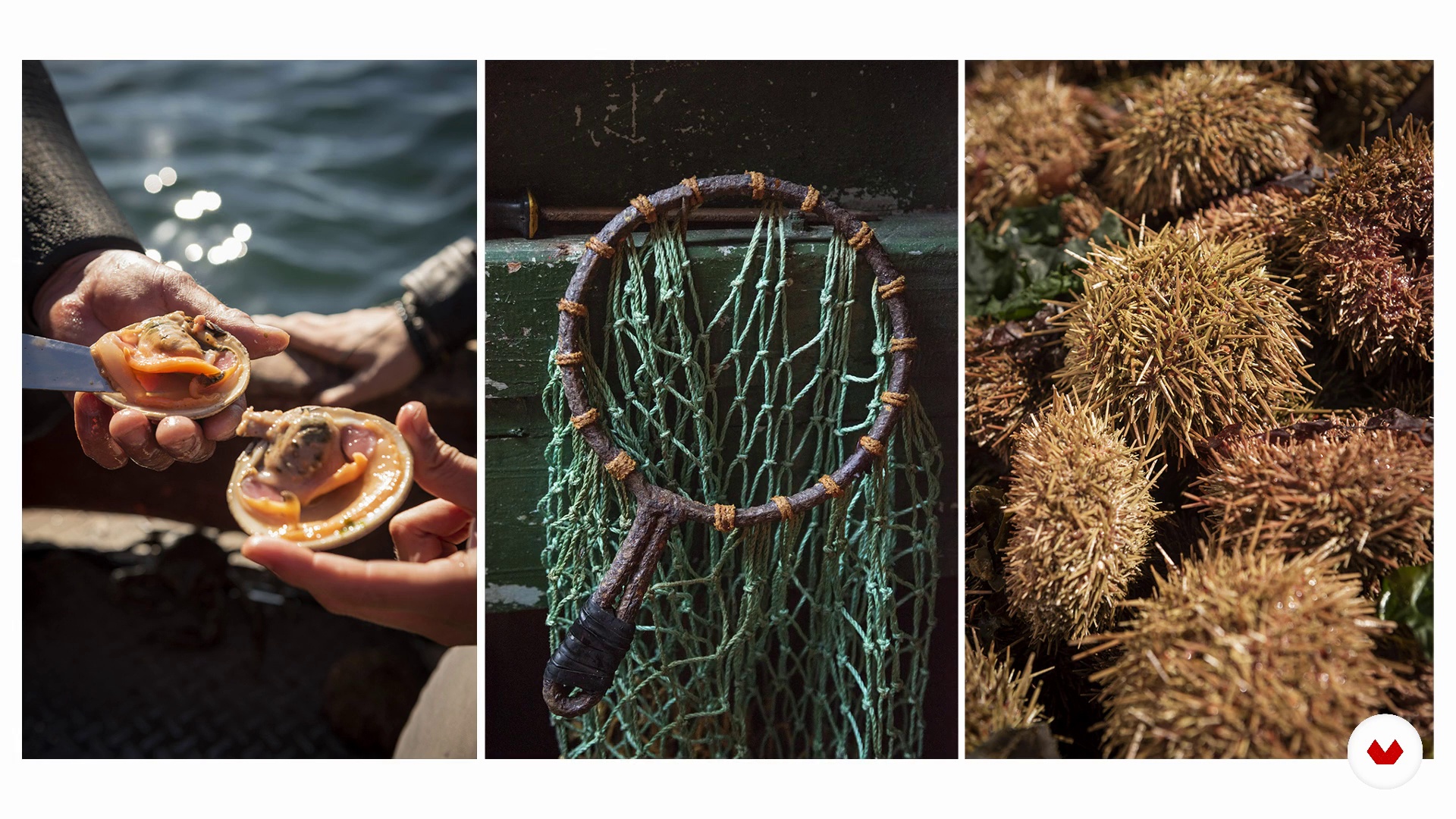
Create a comprehensive documentary photography project demonstrating mastery in visual storytelling, connecting with protagonists, and adapting work for commercial or editorial purposes through a series of images, smartphone mini-series, humanist portrait, environmental triptych, and organized image bank.

Who is this specialization for?

This course targets amateur photographers eager to develop documentary projects, visual communicators deepening narrative skills, creatives using photography for social change, commercial photographers incorporating documentary elements, and anyone passionate about telling genuine stories through impactful images.

Requirements and materials

No extensive prior knowledge is needed. A smartphone or camera, basic understanding of photography, and access to Adobe Photoshop or Lightroom are essential. Enthusiasm for storytelling through images and an eagerness to explore human connections will enhance your journey.

Select to get to know your teachers in this specialization course
Read more ↓

What to expect from this specialization course

  • Learn at your own pace

    Enjoy learning from home without a set schedule and with an easy-to-follow method. You set your own pace.

  • Learn from the best professionals

    Learn valuable methods and techniques explained by top experts in the creative sector.

  • Meet expert teachers

    Each expert teaches what they do best, with clear guidelines, true passion, and professional insight in every lesson.

  • Certificates
    Plus

    If you're a Plus member, get a custom certificate for every specialization course. Share it on your portfolio, social media, or wherever you like.

  • Get front-row seats

    Videos of the highest quality, so you don't miss a single detail. With unlimited access, you can watch them as many times as you need to perfect your technique.

  • Share knowledge and ideas

    Ask questions, request feedback, or offer solutions. Share your learning experience with other students in the community who are as passionate about creativity as you are.

  • Connect with a global creative community

    The community is home to millions of people from around the world who are curious and passionate about exploring and expressing their creativity.

  • Watch professionally produced courses

    Domestika curates its teacher roster and produces every course in-house to ensure a high-quality online learning experience.


FAQs

Domestika courses are online classes that allow you to learn new skills and create incredible projects. All our courses include the opportunity to share your work with other students and/or teachers, creating an active learning community. We offer different formats:
Original Courses: Complete classes that combine videos, texts, and educational materials to complete a specific project from start to finish.
Basics Courses: Specialized training where you master specific software tools step by step.
Specialization Courses: Learning paths with various expert teachers on the same topic, perfect for becoming a specialist by learning from different approaches.
Guided Courses: Practical experiences ideal for directly acquiring specific skills.
Intensive Courses (Deep Dives): New creative processes based on artificial intelligence tools in an accessible format for in-depth and dynamic understanding.

All specialization courses are 100% online, so once they're published, specialization courses start and finish whenever you want. You set the pace of the class. You can go back to review what interests you most and skip what you already know, ask questions, answer questions, share your projects, and more.

The specialization courses are divided into different modules. Each one includes lessons, informational text, tasks, and practice exercises to help you carry out your project step by step, with additional complementary resources and downloads. You'll also have access to an exclusive forum where you can interact with other students, as well as share your work and your final project, creating a community around the specialization courses.

You can redeem the specialization courses you received by accessing the redeeming page and entering your gift code.

If you're a Plus member, when you complete a course you've purchased, you'll instantly get your personalized certificate. You can see all your certificates in the Certificates section of your profile. You can download your certificates as PDFs and share the link online. Learn more about certificates.
Specialization in Documentary Photography. Photography, and Video course by Domestika

Specialization in Documentary Photography

A specialization by multiple teachers
Berkeley, United States.
Joined April 2002
  • 29 students