Social Media Content with ComfyUI
A course by Carlos DordellyGraphic designer
A course by Carlos Dordelly, Graphic designer

Create social media campaigns with ComfyUI transforming product photos into AI‑generated images, talent shots, dynamic video content
Learn how to design complete social media campaigns using ComfyUI as your central AI design tool. In this course you will create professional content for product marketing, combining image generation, photo enhancement and video creation in a single workflow.
You will discover how to work with ComfyUI in the cloud using Comfy Cloud, avoiding hardware limitations while accessing powerful AI models such as NanoBanana Pro, Seedream, Kling, ByteDance and GPT Image. You will optimize smartphone product photos, improve lighting and sharpness, and generate consistent variations by changing color, angle, framing and background.
You will also integrate AI-generated talent into your layouts, placing realistic models wearing or using your products for editorial, fashion or street-style visuals. Using references, templates and node-based automation, you will build grids, posters and dynamic layouts adapted to Instagram, TikTok and other social platforms.
Finally, you will transform still images into promotional video clips with image-to-video and first–last frame workflows, controlling movement, duration and aspect ratio while managing your credits efficiently.
By the end, you will master modular workflows in ComfyUI to produce scalable visual content in image and video, ready for social media advertising and brand storytelling.
What will you learn in this online course?
9 lessons & 4 downloads
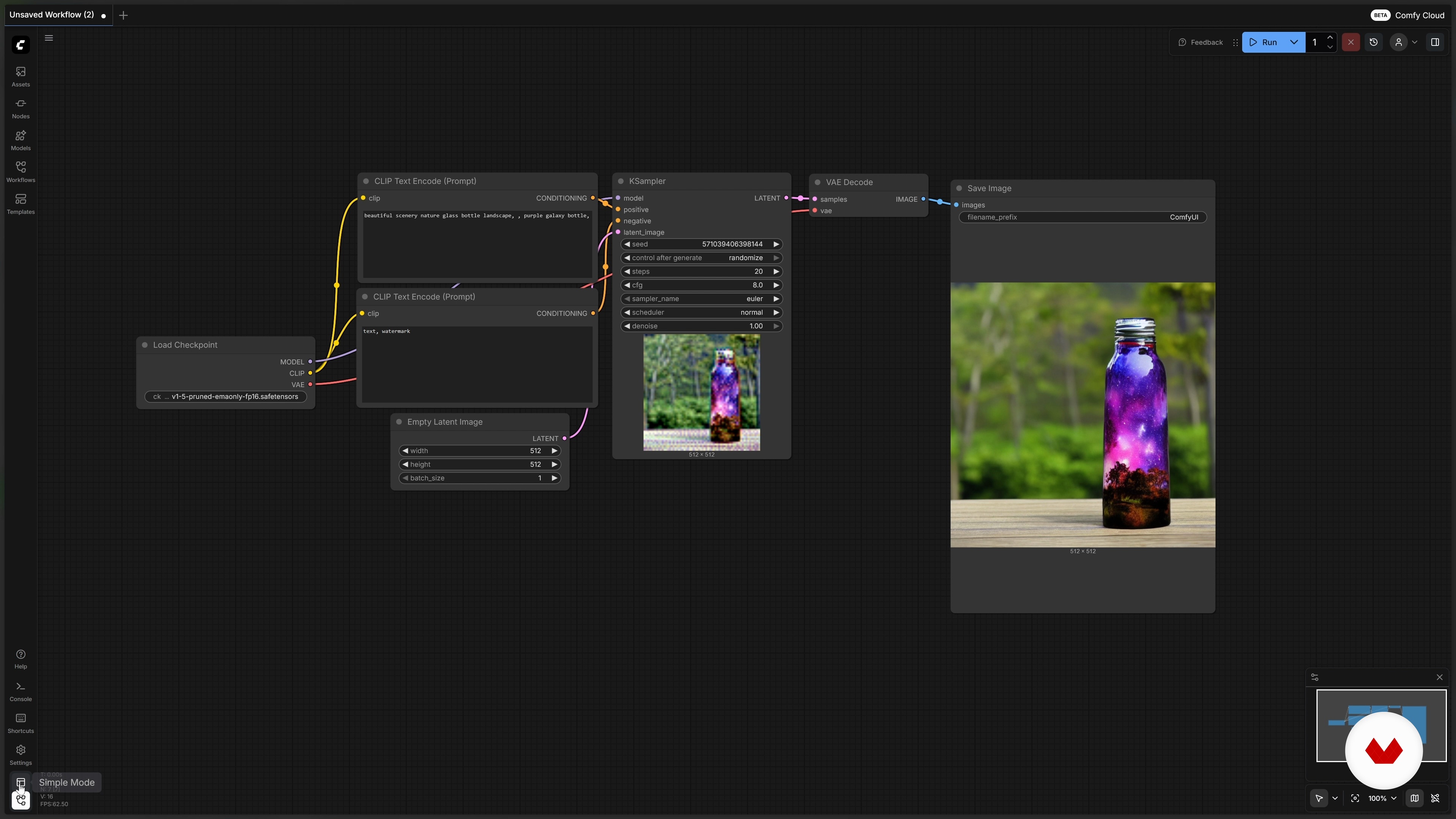
Exploring ComfyUI in the Cloud with ComfyCloud
12 minutes, 53 seconds
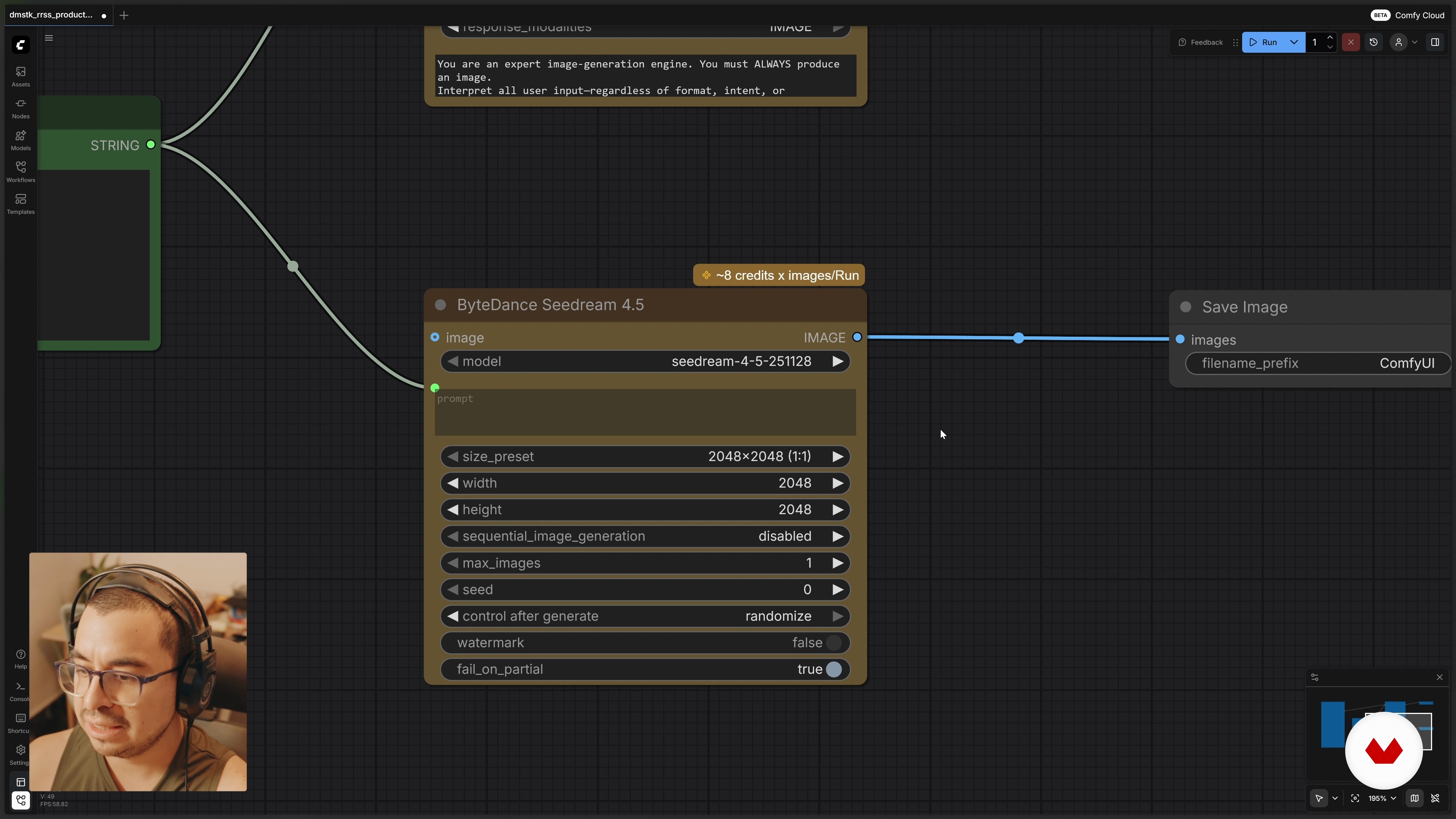
Improving the Product Photo
5 minutes, 24 seconds
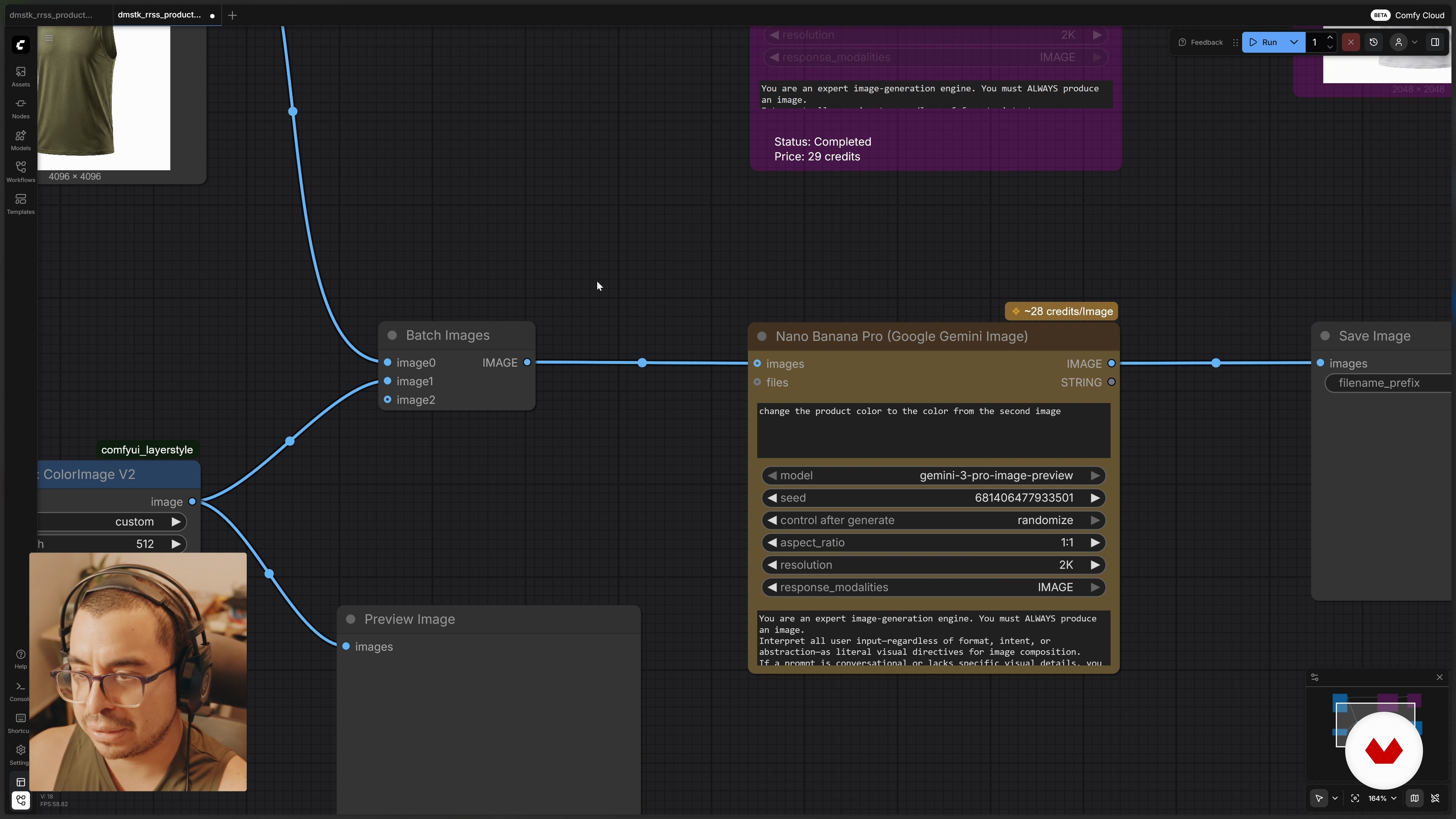
Creating Product Variations
8 minutes, 1 second
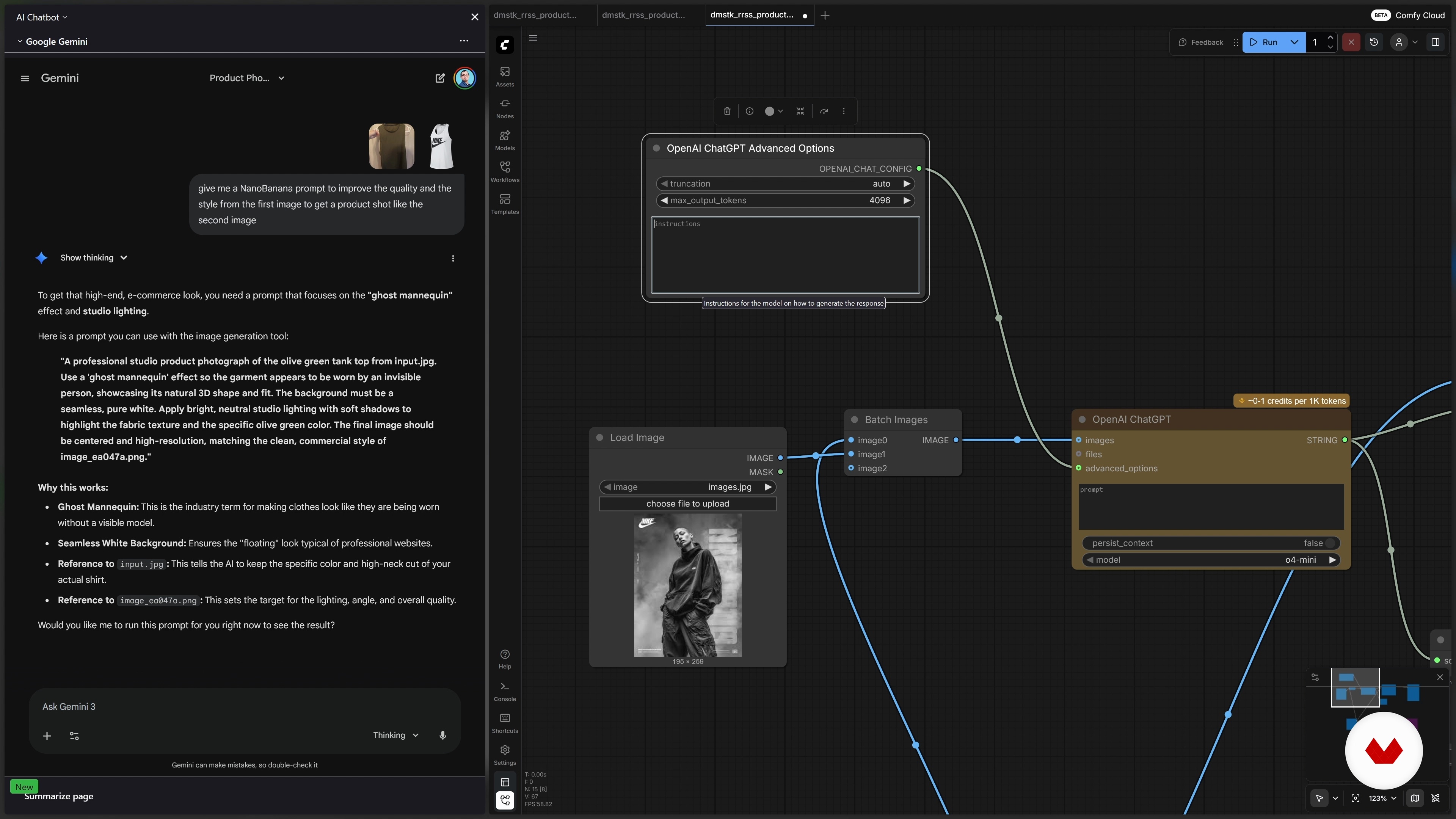
Integrating Talent with Your Product
10 minutes, 7 seconds
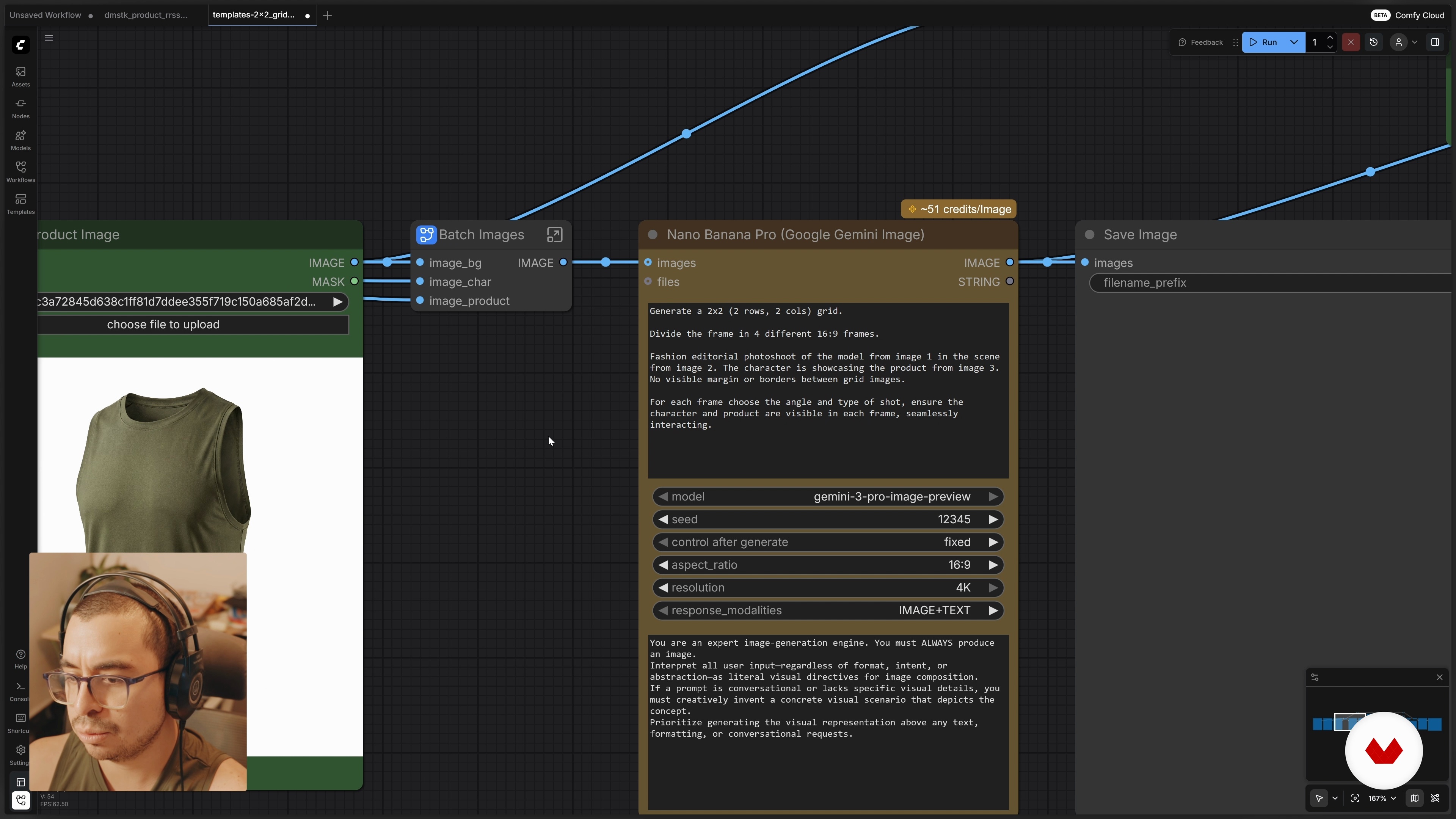
Templates for Content Grids
8 minutes, 38 seconds
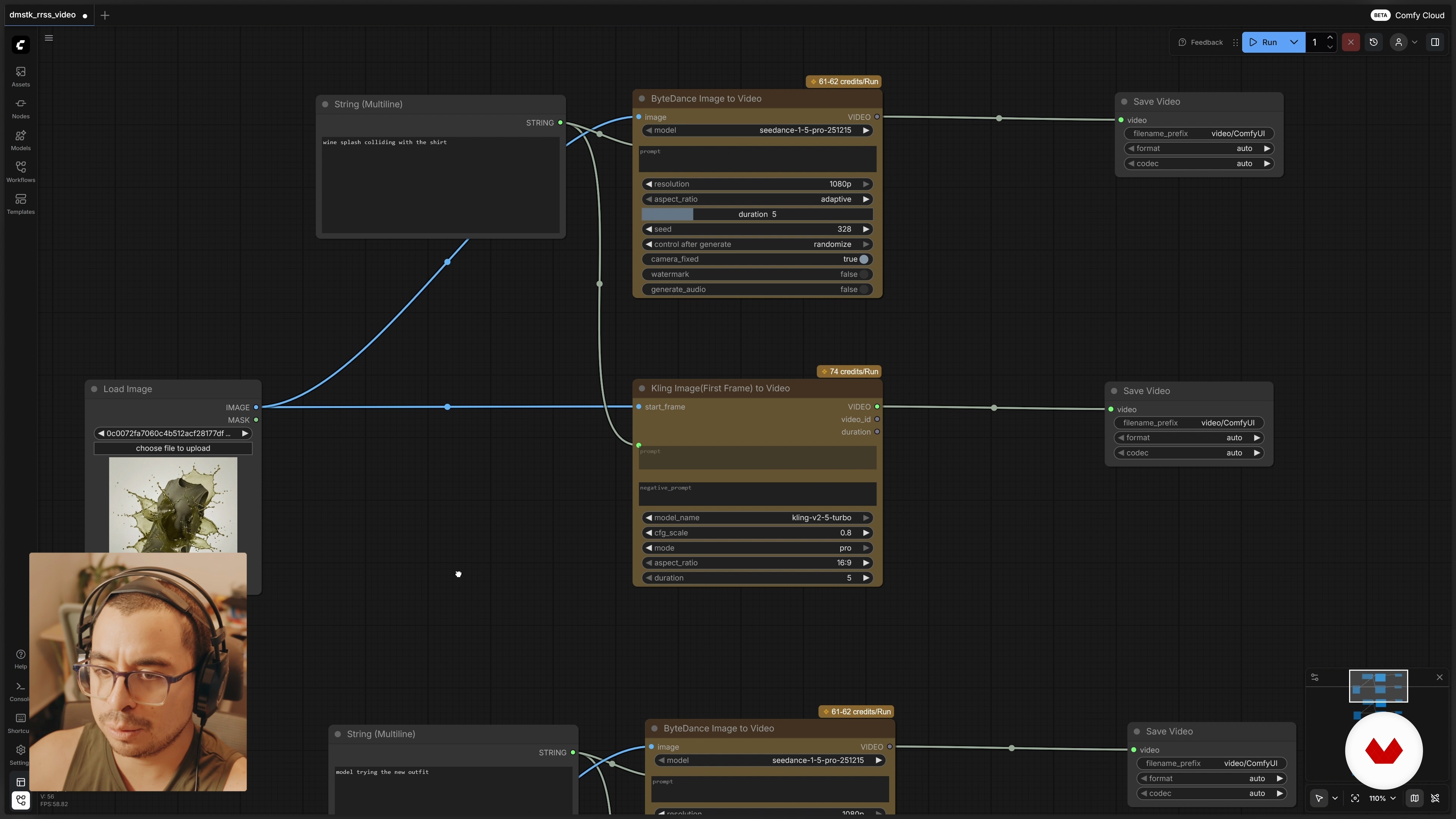
Generating Video for Our Product
9 minutes, 24 seconds
What's included in this course?
Learn how ComfyUI fits into the AI tools landscape, its node-based logic, main advantages, and ways to run it locally or in the cloud through ComfyCloud without hardware limitations. Understand credits, models, templates, and how different providers such as NanoBanana, Seedream, Kling, or Sora integrate into one workflow.
Develop a complete production flow for social campaigns. Enhance low-quality product photos, create color and angle variations, generate close-ups and editorial shots, integrate AI-generated talent interacting with your product, and automate grids and layouts with templates. Turn static images into short promotional videos using image-to-video and start–end frame methods, gaining practical workflows ready for social media.
Recommended software & tools for this course
Who is this online course for?
For content creators, designers, advertisers, social media managers, marketing teams seeking scalable visuals for campaigns using generative AI in ComfyUI, whether with previous AI experience or starting from scratch focused on products and ads for social networks.
Requirements and materials
No extensive experience required, just basic familiarity with digital tools, simple notions of social media content and access to ComfyUI locally or through ComfyCloud under an active plan with enough credits.

Content
Social Media Content with ComfyUI
- Introduction
- What ComfyUI Is and Why to Use It
- Exploring ComfyUI in the Cloud with ComfyCloud
- Improving the Product Photo
- Creating Product Variations
- Integrating Talent with Your Product
- Templates for Content Grids
- Generating Video for Our Product
- Course Wrap-Up
- Final project
What to expect from a Domestika course
Learn at your own pace
Enjoy learning from home without a set schedule and with an easy-to-follow method. You set your own pace.
Learn from the best professionals
Learn valuable methods and techniques explained by top experts in the creative sector.
Meet expert teachers
Each expert teaches what they do best, with clear guidelines, true passion, and professional insight in every lesson.
Certificates
PLUSIf you're a Plus member, get a custom certificate signed by your teacher for every course. Share it on your portfolio, social media, or wherever you like.
Get front-row seats
Videos of the highest quality, so you don't miss a single detail. With unlimited access, you can watch them as many times as you need to perfect your technique.
Share knowledge and ideas
Ask questions, request feedback, or offer solutions. Share your learning experience with other students in the community who are as passionate about creativity as you are.
Connect with a global creative community
The community is home to millions of people from around the world who are curious and passionate about exploring and expressing their creativity.
Watch professionally produced courses
Domestika curates its teacher roster and produces every course in-house to ensure a high-quality online learning experience.
FAQs
ConfiUI is a tool that lets you create and edit images, videos, and posters using AI—perfect for crafting personalized visual content for social media and digital marketing.
You don’t need advanced AI knowledge, but having basic digital editing skills and understanding visual workflows will help you get the most out of the course.
You’ll learn to use tools like ConfiUI, Config Cloud, and ComfyUI to create, edit, and automate product images and videos, customize colors, apply templates, and compare AI models.
To install ComfyUI locally, you’ll need a computer with a strong graphics processor (GPU), enough memory, and storage space. Alternatively, you can use the cloud version (Config Cloud) with no installation required.
You can customize colors and create variations by using specific nodes and prompts, uploading visual references or hex color codes, and applying generative models that adapt your product to different styles and settings.
Config Cloud requires no installation, offers instant access to AI models, and operates on a subscription or credit system, while local installation is free with open-source models but demands more technical skill and hardware.
You’ll learn to generate posters and advertising content using templates, commercial prompts, image editing with custom nodes, and automated workflows for social media campaigns.