Character Rigging and Animation with Moho
A course by Mauricio Esparza Santa MariaDirector, Animator, and Art director
A course by Mauricio Esparza Santa Maria, Director, Animator, and Art director

Learn to create and animate characters and get professional results with this simple software
Bringing inanimate characters to life with natural movements and smooth animation is easy if you have the right tools. For Mauricio Esparza, professional animator with more than 20 years of experience, Moho is his go-to software. In this online course, he teaches you the secrets to rigging and character animation in this easy-to-use program.
Discover how to use the intuitive system of bones and dials to rig and animate characters, and see how to integrate them into a background scene.
What will you learn in this online course?
18 lessons & 33 downloads
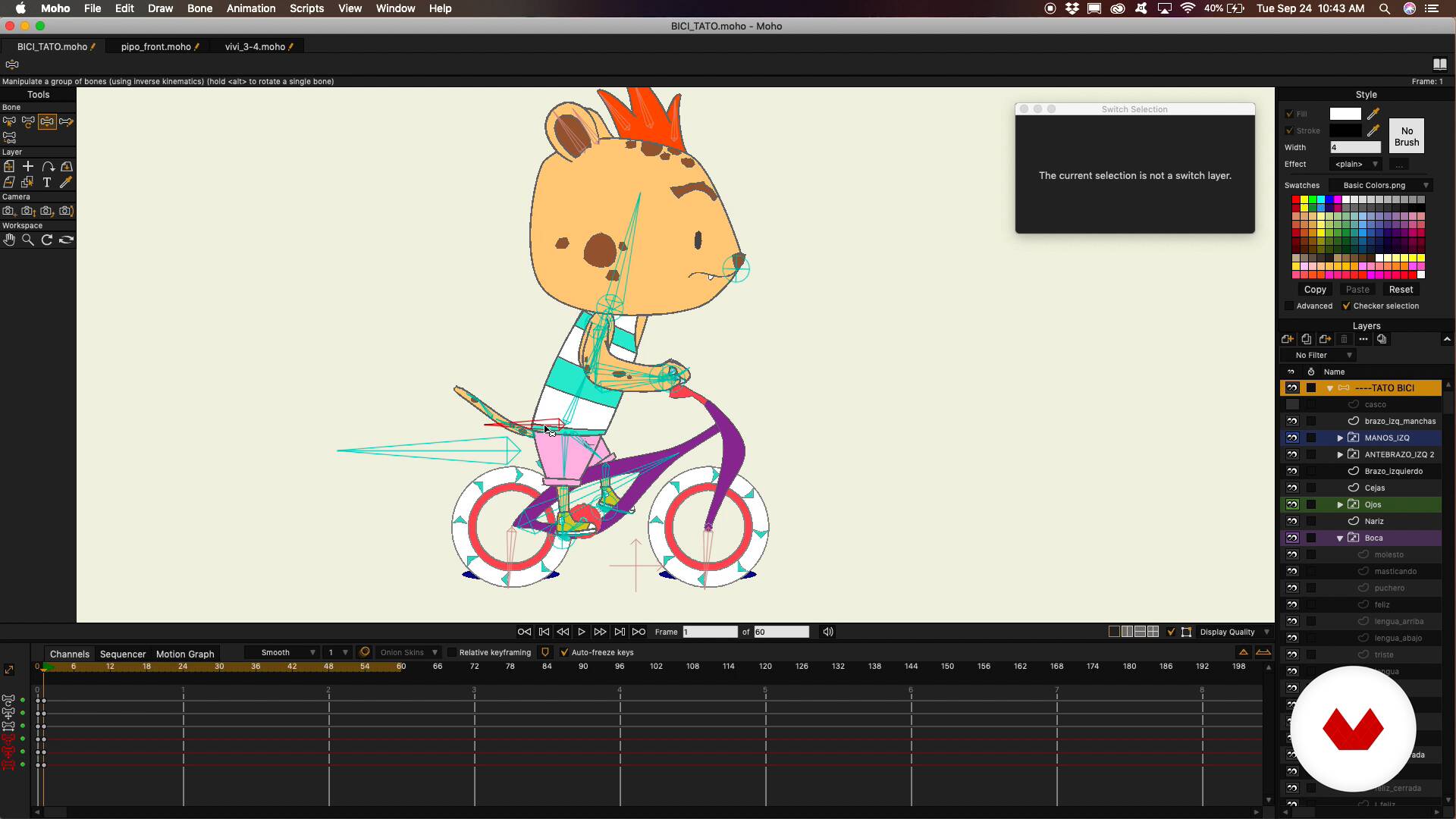
What will we do during the course?
1 minute, 14 seconds
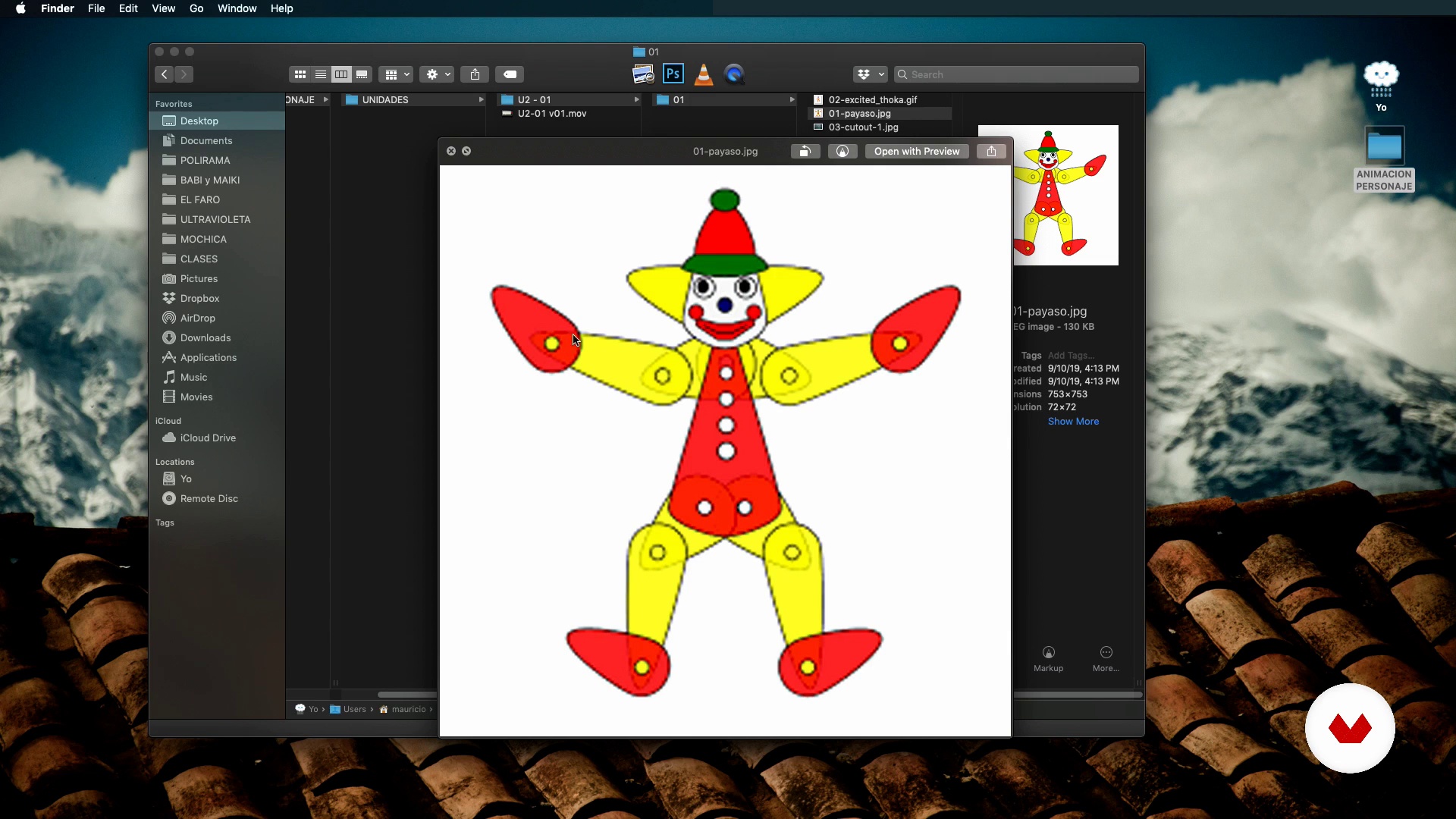
Cut out animation / MOHO basic environment
4 minutes, 14 seconds
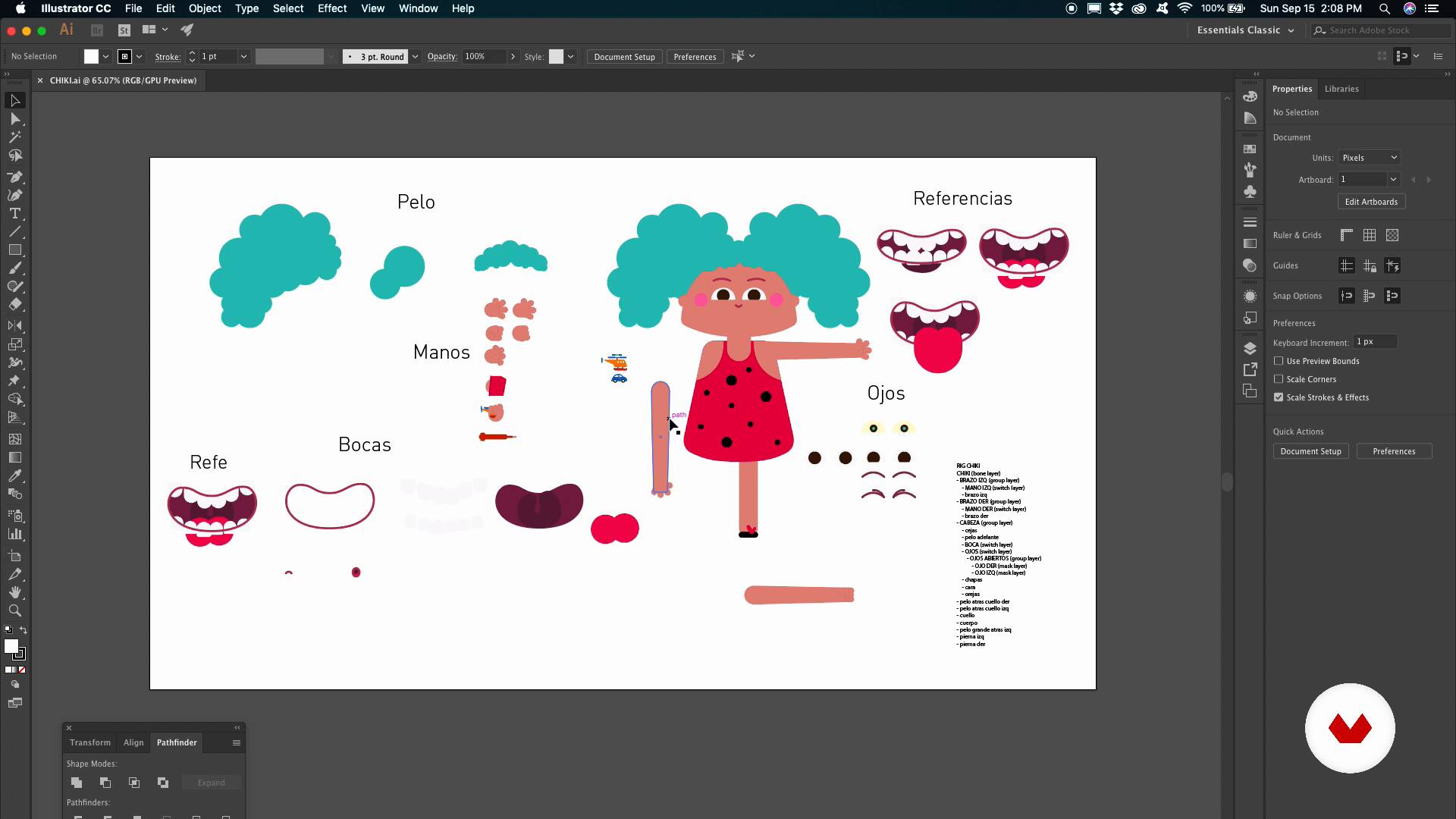
Draw and edit in MOHO / Import files
6 minutes, 5 seconds
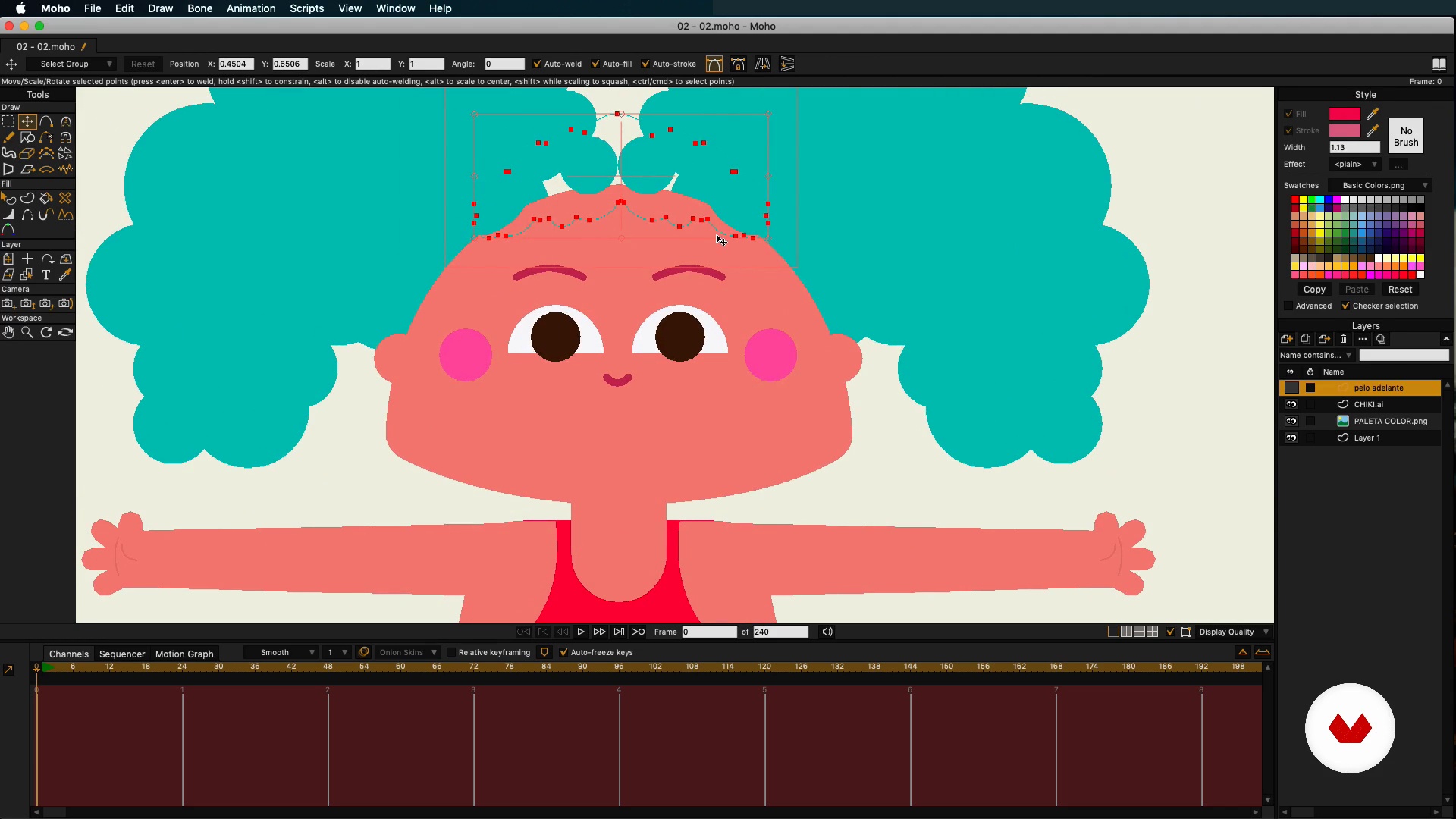
Character preparation for rigging
2 minutes, 26 seconds
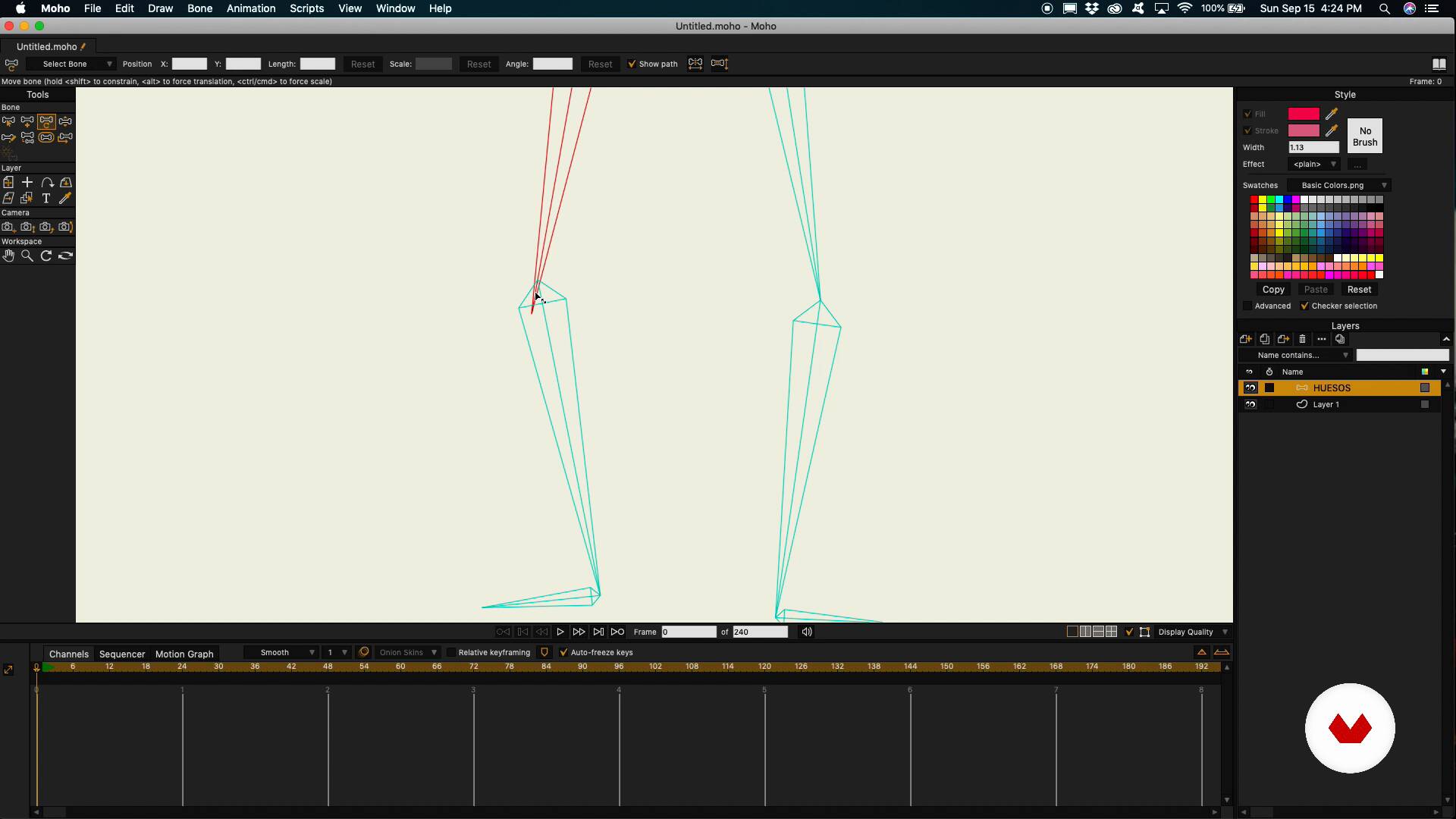
Bones in Mold and its tools
8 minutes, 46 seconds
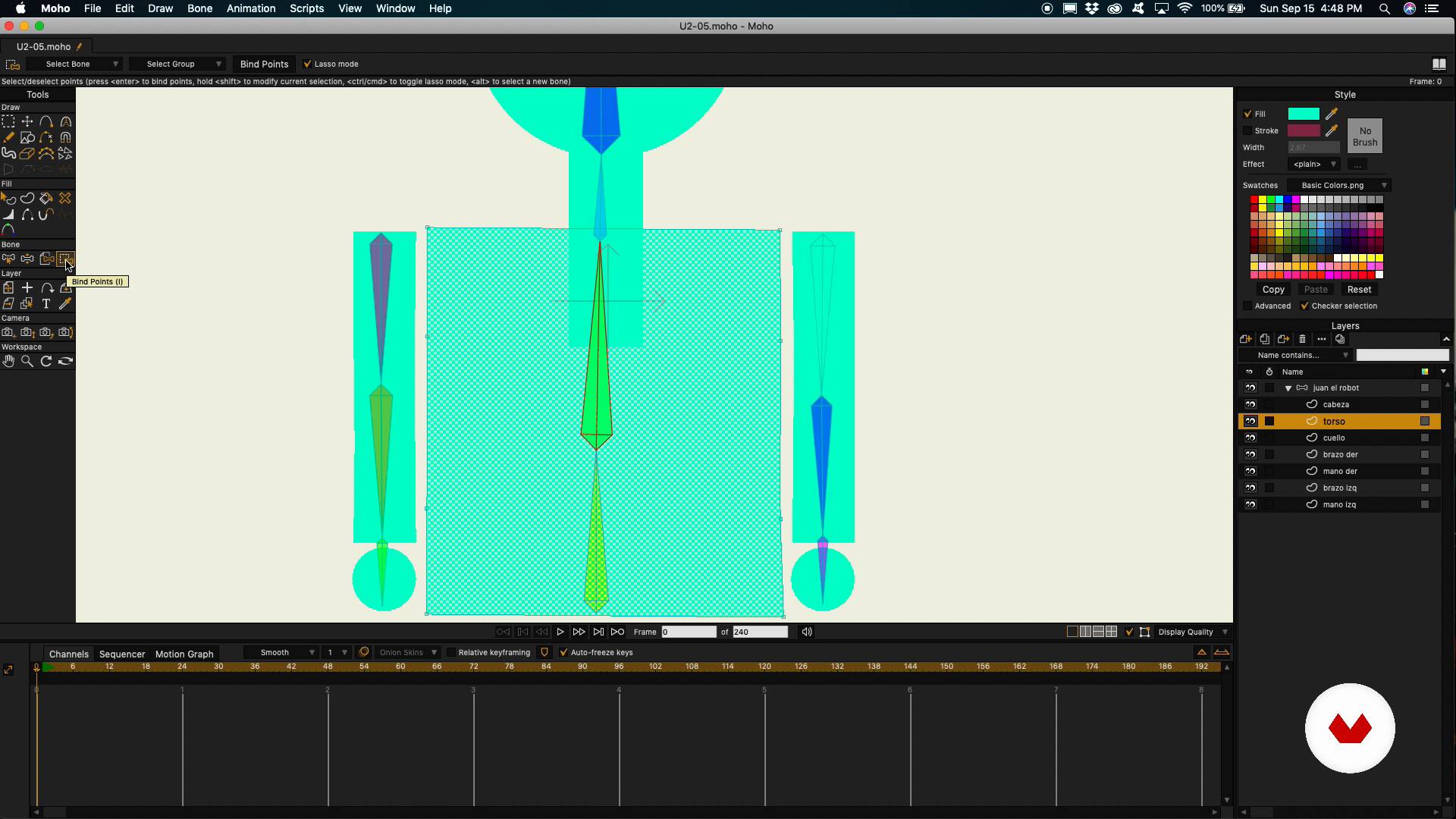
Bone union by layers and drawings
4 minutes, 9 seconds
What's included in this course?
Get to know Mauricio as he tells you about his career in the animation industry and his own studio, Polirama. He also shares his biggest influences and how they've shaped his style.
First, discover what cutout animation is before diving into Moho, exploring its interface and main features.
Find out how to import files and "redraw" your character to start the rigging process. Arrange the individual parts of your character in layers and prepare them for the next step of incorporating bones.
Mauricio introduces you to a standard rigging structure and explains how it works, as well as the hierarchy between the bones and their connection points. Then see how to attach them to your character.
Move on to some more advanced concepts and learn about switching layers, constraints, bone dynamics, and smart bones, as well as how to make preset dials.
Time to get rigging! Start with your character's body, followed by their head and facial features, using masks for more precision.
Next, see how to work in animation channels. Use drawn thumbnails to place key character poses and create action in your story. Add intervals to make the animation smoother and nodes to give your character more natural movements.
Once you've finished rigging, build a scene, position the camera, and render everything in the format you need. To wrap up, import your animation into After Effects to add a background and the finishing touches before converting your short clip into a video.
Recommended software & tools for this course
What is this course's project?
Create a short animated scene using Moho to rig and animate the main character and After Effects for the composition.
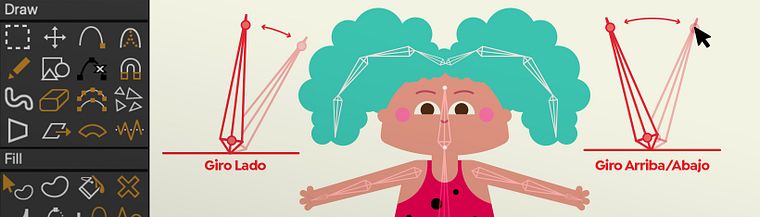
Projects by course students


Who is this online course for?
Animation enthusiasts who want to learn how to enrich their stories with professional-looking character animation.
Requirements and materials
Basic notions of animation are required for this course.
For materials, you need a computer with access to Moho, Adobe Illustrator, Photoshop, and After Effects.

Reviews
- 26 days ago
Es un buen curso, pero creo que está desactualizado y se pretende que se conozca información previa sobre animación
- gorgoPLUS7 months ago
Muy formativo Mauricio Esparza, y la aplicación Moho te resulta más sencilla con este curso.
- 7 months ago
Simples e prático. Curso extremamente esclarecedor.
- 8 months ago
تعلمت الكثير. دورة رائعة.
- 8 months ago
el curso es muy completo, explica de manera general las capacidades del programa como para uno iniciar en la animación. yo uso Harmony de Toom Boom y este curso lo compre para poder trabajar en un proyecto animado en Moho y pues me sirvió mucho para entender su lógica gracias

Mauricio also runs his own animation studio, Polirama, together with his business partner and brother Luigi. They've made feature films, such as Mochica, as well as the preschool series Ciudad Jardín, the first made 100% in Peru. They are currently working on two other major animation projects: Babi y Maiki and Ultravioleta.
Content
- U1
Introduction
- Presentation
- Influences
- What will we do during the course?
- U2
This is Moho!
- Cut out animation / MOHO basic environment
- Draw and edit in MOHO / Import files
- Character preparation for rigging
- Bones in Mold and its tools
- Bone union by layers and drawings
- Switch layers, constrains and dynamic bones
- Smart bones and dial system
- U3
Rig and easy animation
- Character body rigging
- Facial Rigging / Default Dials
- How to animate in Mold
- Thumbnails and key poses
- Intermediates to give life
- Node Animation / Final Settings
- U4
Almost ready!
- Camera and render in alpha
- Background composition in After Effects
- FP
Final project
- Rigging and character animation in Moho
What to expect from a Domestika course
Learn at your own pace
Enjoy learning from home without a set schedule and with an easy-to-follow method. You set your own pace.
Learn from the best professionals
Learn valuable methods and techniques explained by top experts in the creative sector.
Meet expert teachers
Each expert teaches what they do best, with clear guidelines, true passion, and professional insight in every lesson.
Certificates
PLUSIf you're a Plus member, get a custom certificate signed by your teacher for every course. Share it on your portfolio, social media, or wherever you like.
Get front-row seats
Videos of the highest quality, so you don't miss a single detail. With unlimited access, you can watch them as many times as you need to perfect your technique.
Share knowledge and ideas
Ask questions, request feedback, or offer solutions. Share your learning experience with other students in the community who are as passionate about creativity as you are.
Connect with a global creative community
The community is home to millions of people from around the world who are curious and passionate about exploring and expressing their creativity.
Watch professionally produced courses
Domestika curates its teacher roster and produces every course in-house to ensure a high-quality online learning experience.
FAQs
You’ll learn how to create and animate 2D characters using Moho, apply body and facial rigging techniques, organize layers, animate expressive movements, and export professional compositions integrating After Effects.
The course is designed for users with basic digital animation knowledge, ideal for intermediate learners wanting to deepen their skills in rigging, cutout animation, and advanced workflows with Moho and After Effects.
You’ll need basic animation or digital design knowledge, access to installed Moho and After Effects software, and a strong desire to learn advanced animation and rigging techniques.
The course mainly uses Moho for 2D animation and rigging, plus After Effects for post-production, background integration, effects, and professional rendering.
Yes, the course covers the full workflow from character design, rigging, and animation to integration, editing, and professional export for short films and animated series.
You’ll learn how to import vector files from Illustrator into Moho, adjust nodes and layers, and prepare characters for animation and rigging.
Yes, the course covers cutout animation techniques, body and facial rigging, creating smart bones, preset dials, and advanced layer organization.