Clothing Design with Marvelous Designer
A course by Bernat Casasnovas Torres3D Art Director
A course by Bernat Casasnovas Torres, 3D Art Director

Learn to design, animate, and render stylish 3D clothing with Marvelous Designer
The intricate folds, textures, and fine details of fabrics make them one of the biggest challenges for any 3D artist, but with Marvelous Designer, that's a problem of the past. This simple and intuitive tool gives designers the power to create incredibly realistic 3D clothing without breaking a sweat.
In this online course, learn to design, animate, and render a full outfit for a character alongside 3D designer Bernat Casasnovas, who has over a decade of experience in the field and has collaborated with big names like Google, Nickelodeon, YouTube, and Snapchat.
What will you learn in this online course?
18 lessons & 15 downloads
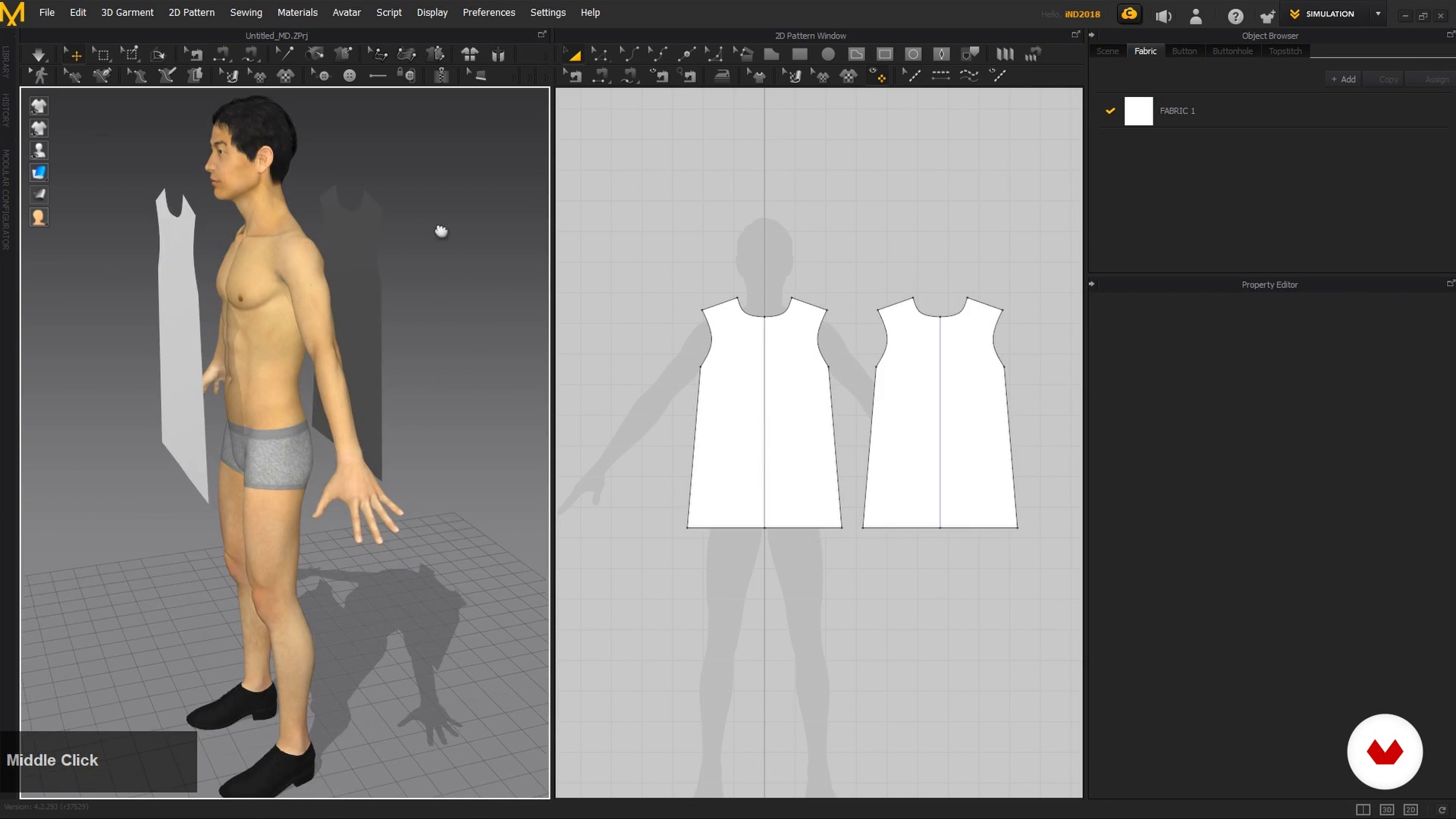
Basic tools
11 minutes, 30 seconds
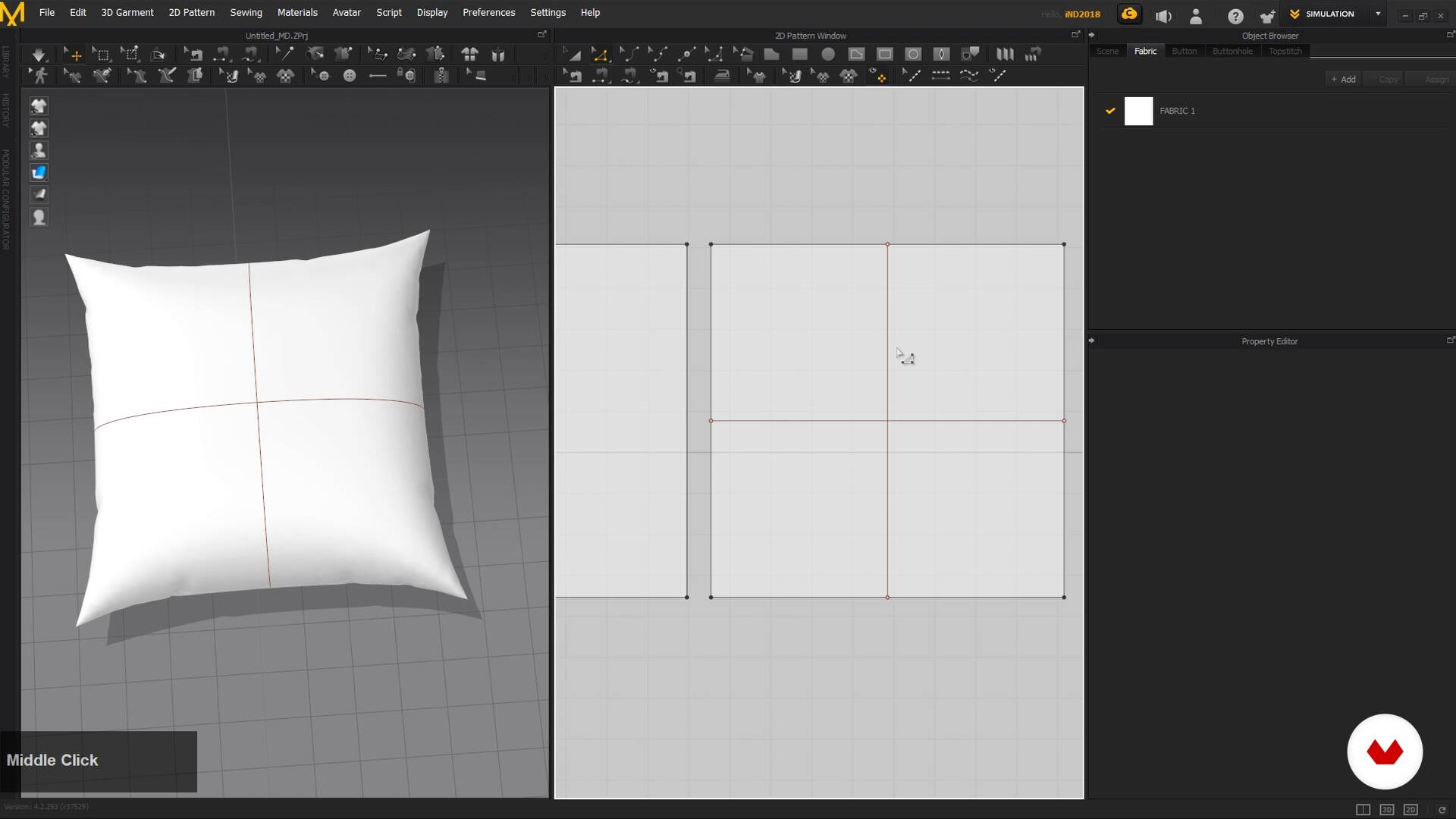
Basic forms and contact with physicists
8 minutes, 51 seconds
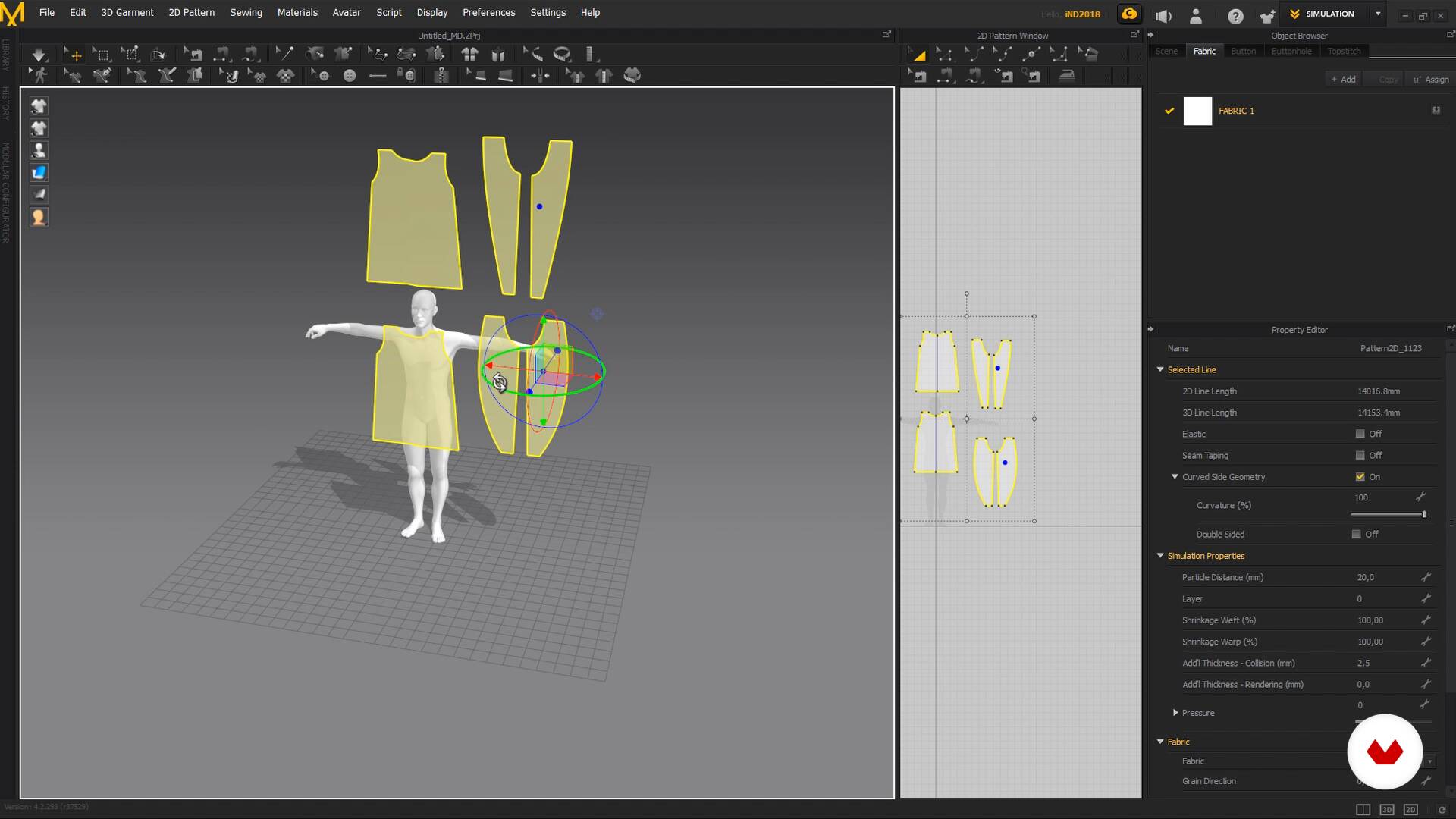
Trace and sew clothes: pants and inner shirt
7 minutes, 9 seconds

Trace and sew clothes: jacket and handkerchief
14 minutes, 37 seconds
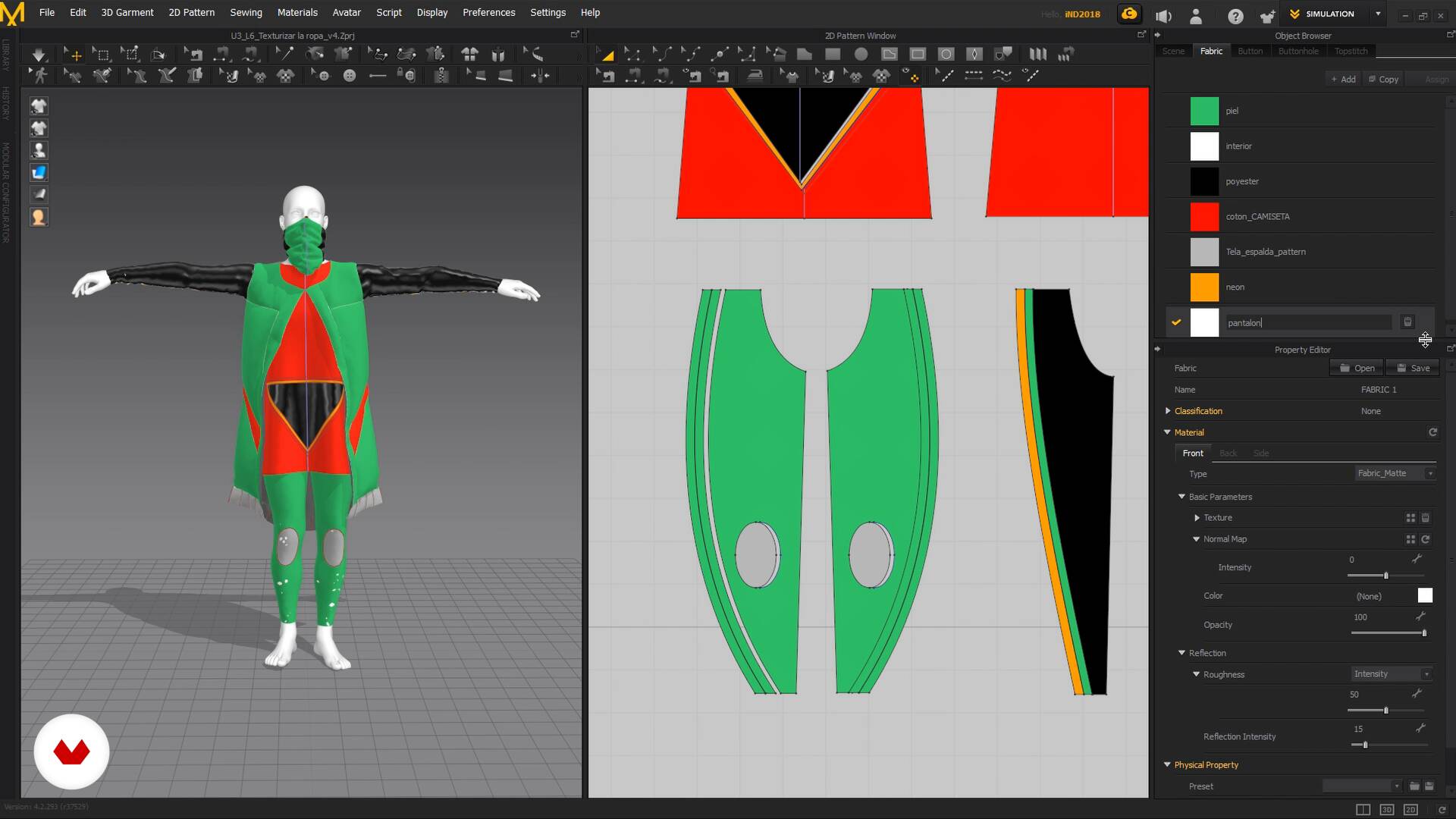
Texturing clothes: selection and placement of textures
7 minutes, 7 seconds
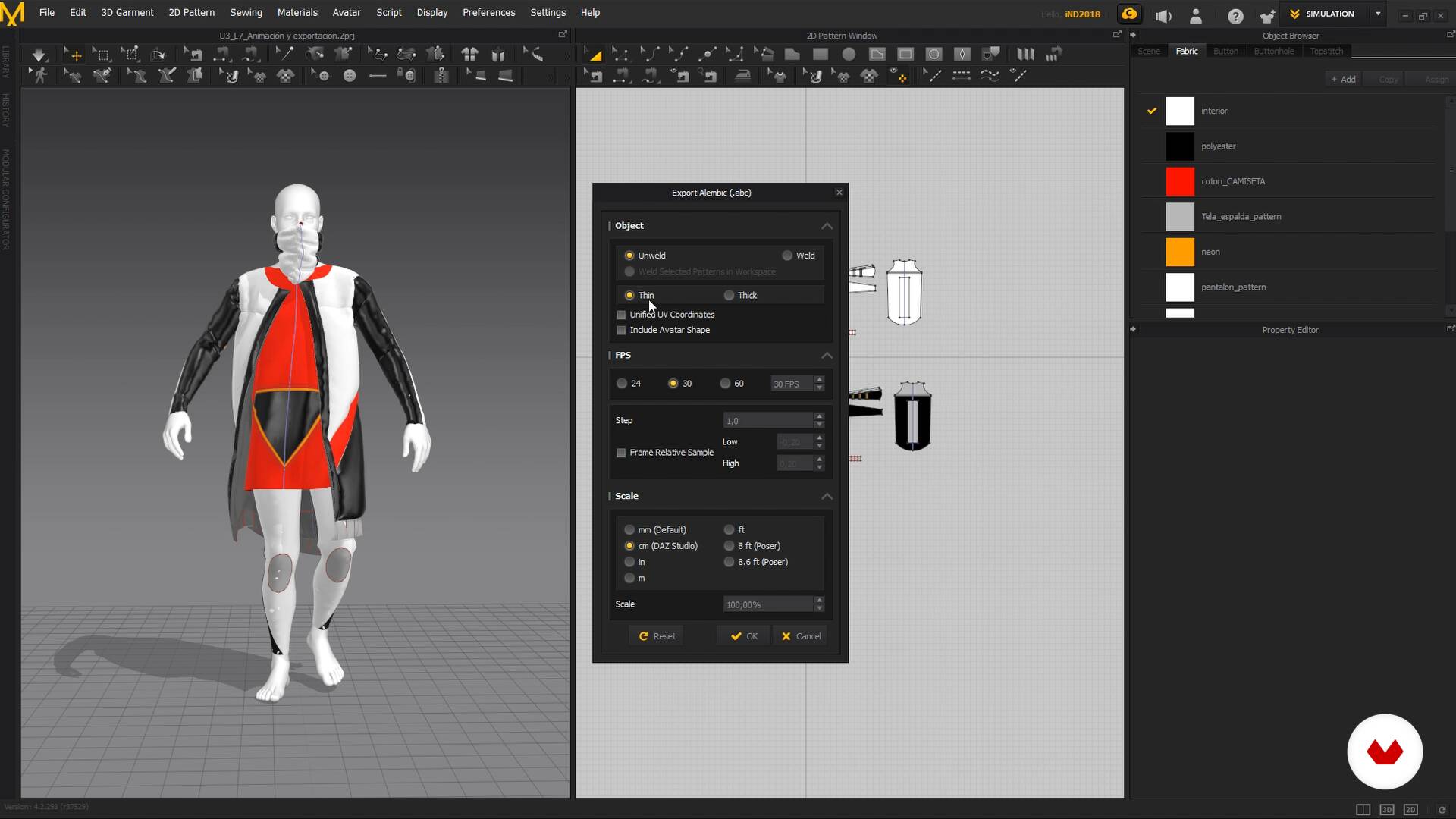
Animation and export
10 minutes, 16 seconds
What's included in this course?
Get to know Bernat as he tells you about his creative journey as a 3D artist and where he draws inspiration from to design characters and clothing.
Begin with an introduction to Marvelous Designer, explore the interface, and learn to use its main tools. Then see how to import and export your 3D models to Marvelous Designer and Cinema 4D.
Search for references and compile them into a mood board before tracing clothing patterns in Marvelous Designer to create a range of garments in your chosen style.
Once your character is dressed, Bernat shows you how to export them and their clothing to Cinema 4D to add realistic details like textures, lighting, and hair.
Wrap up the course by creating a render with OctaneRender, or the engine of your choice, and retouch it in Adobe After Effects.
Recommended software & tools for this course
What is this course's project?
Dress an animated character from head to toe with Marvelous Designer, using Cinema 4D for lighting, textures, and the render, and Adobe After Effects for color retouching.
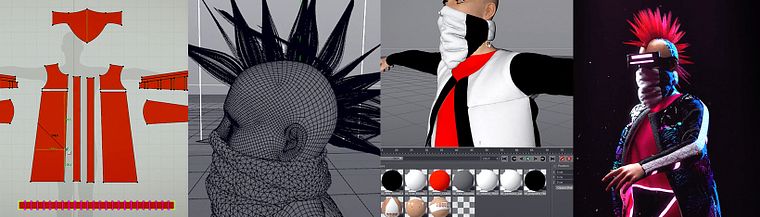
Projects by course students


Who is this online course for?
Designers, illustrators, animators, fashion designers, and anyone who wants to learn how to model clothing for their characters with Marvelous Designer.
Requirements and materials
No previous knowledge is required to take this course, but experience working with Cinema 4D and Adobe After Effects will be helpful.
As for materials, you need a computer with Marvelous Designer, Cinema 4D, and Adobe After Effects, as well as a render engine. Bernat uses OctaneRender, but you can use whichever one you prefer.
Reviews
- 1 month ago
el curso es muy completo y se enteinde facil gracias al profesor, para mi que soy principiante ma ha parecido una maravilla
- 5 months ago
para empezar el curso esta muy bueno , toca profundizar mas por cuenta propia
- 5 months ago
El curso como para iniciación esta bien, pero me falta que me explique errores que te puede llegar a dar, overlaping de telas, optimizacion de la maya, entre otras cosas
- 8 months ago
me ha gustado bastante , es my bueno
- 1 year ago
el curso va rapido lo que me parece bien. pero no explica de dónde saca la herramienta de repente la tiene y ya. se gasta mucho tiempo pausando el video intentando descifrar el que acaba de hacer

Bernat is passionate about the sea, surfing, and fashion, which he always tries to incorporate into his designs. His creations have been featured in ad campaigns and content for big-name companies like Google, Nickelodeon, YouTube, and Snapchat.
Content
- U1
Introduction
- Presentation
- Influences
- What will we do in the course
- U2
Learn to navigate in Marvelous Designer
- Marvelous Designer interface
- Basic tools
- Basic forms and contact with physicists
- U3
Clothing design for animated character
- Reference search: Cyber clothing
- Import animation from Cinema 4D into Marvelous Designer.
- Trace and sew clothes: pants and inner shirt
- Trace and sew clothes: jacket and handkerchief
- Details: cuts and seams
- Texturing clothes: selection and placement of textures
- Animation and export
- U4
Cinema 4D and After Effects
- Materials, lights and hair with Cinema 4D_1
- Materials, lights and hair with Cinema 4D_2
- Cameras and Render
- Final retouching in After Effects_1
- Final retouching in After Effects_2
- FP
Final project
- x Model your clothes with Marvelous Designer
What to expect from a Domestika course
Learn at your own pace
Enjoy learning from home without a set schedule and with an easy-to-follow method. You set your own pace.
Learn from the best professionals
Learn valuable methods and techniques explained by top experts in the creative sector.
Meet expert teachers
Each expert teaches what they do best, with clear guidelines, true passion, and professional insight in every lesson.
Certificates
PLUSIf you're a Plus member, get a custom certificate signed by your teacher for every course. Share it on your portfolio, social media, or wherever you like.
Get front-row seats
Videos of the highest quality, so you don't miss a single detail. With unlimited access, you can watch them as many times as you need to perfect your technique.
Share knowledge and ideas
Ask questions, request feedback, or offer solutions. Share your learning experience with other students in the community who are as passionate about creativity as you are.
Connect with a global creative community
The community is home to millions of people from around the world who are curious and passionate about exploring and expressing their creativity.
Watch professionally produced courses
Domestika curates its teacher roster and produces every course in-house to ensure a high-quality online learning experience.
FAQs
You’ll learn how to design, simulate, and texture digital clothing in Marvelous Designer, create animations in Cinema 4D, and enhance renders with After Effects—all while incorporating fashion references and visual promotion techniques.
This is an intermediate-level course; having basic knowledge of 3D design or similar software is recommended to fully benefit from the tools and content presented.
You’ll need Marvelous Designer, Cinema 4D, and After Effects installed on your computer. Access to render engines like Octane and tools for managing visual references will also be helpful.
By the end, you’ll be able to create 3D digital clothing, simulate realistic fabrics, animate characters, apply advanced textures, fine-tune lighting and rendering, and prepare materials for social media promotion like Instagram.
Marvelous Designer lets you create digital patterns, sew pieces together, adjust physical parameters, and simulate fabrics realistically—making it easier to design detailed garments for 3D characters.
Yes, you’ll learn how to spot and fix simulation, sewing, and fitting issues in digital garments using specific tools and techniques within the software.
Yes, the course covers the workflow for exporting models and animations between Marvelous Designer and Cinema 4D, ensuring compatibility and optimal results for your projects.