Platform Game Creation with Unity
A course by Steve DuránVideo Game Developer
A course by Steve Durán, Video Game Developer

Learn how to create a complete 2D video game from scratch with professional tips and tricks
Video game development allows you to create and offer a unique and exciting experience to the user. Steve Durán, director and developer of the studio Ogre Pixel, is passionate about technology, art, and video games, and his work allows him to develop and combine each of his passions to give rise to a bigger one: creating stories in the form of video games. Currently, his projects at Ogre have players from all parts and regions of the world.
In this course, Durán teaches you how to develop a platform video game from scratch. Learn the tips and tricks needed to create a complete and high-quality platform game, which can then serve as a basis for future projects.
What will you learn in this online course?
21 lessons & 14 downloads
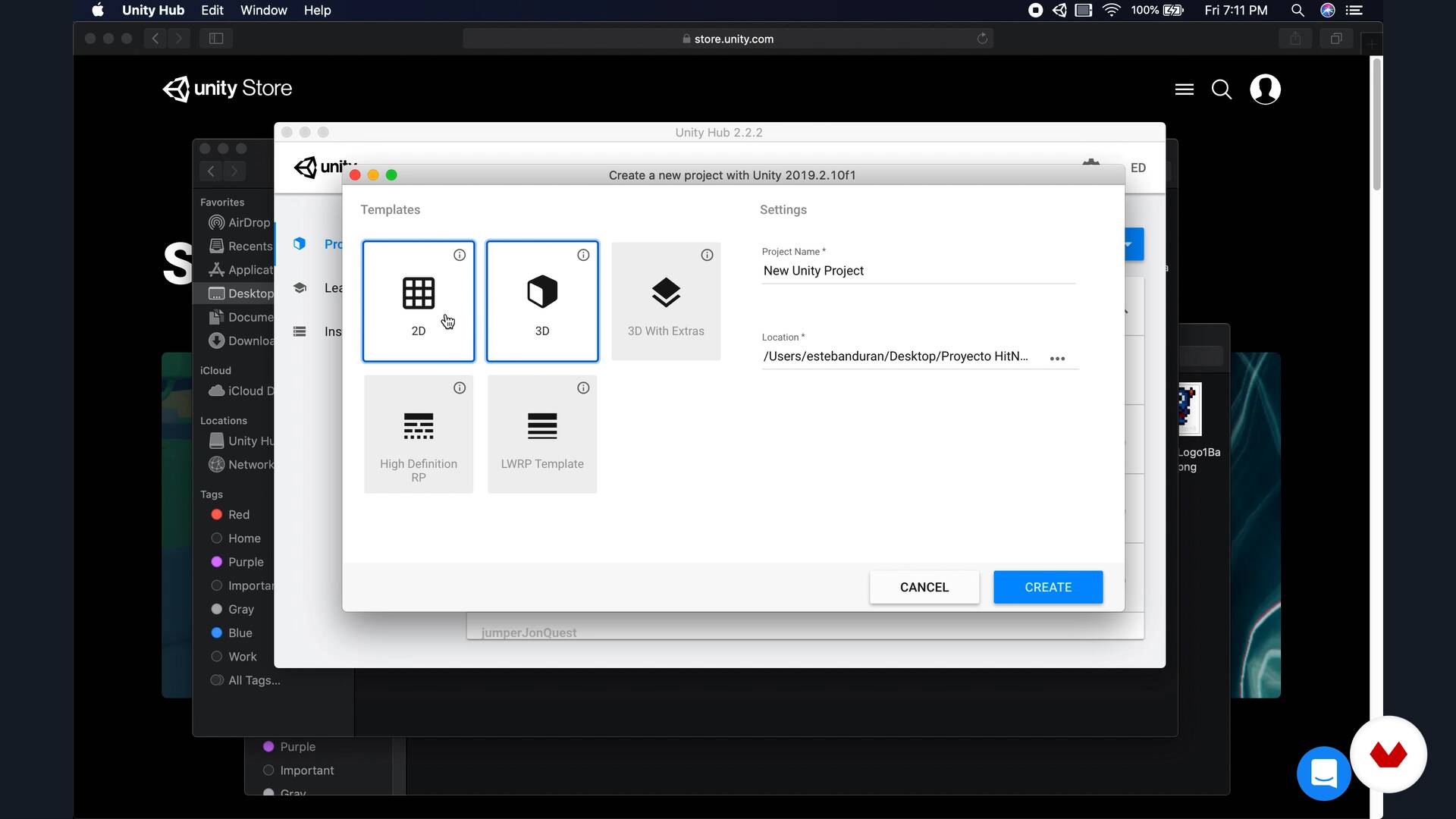
Installing Unity
9 minutes, 57 seconds
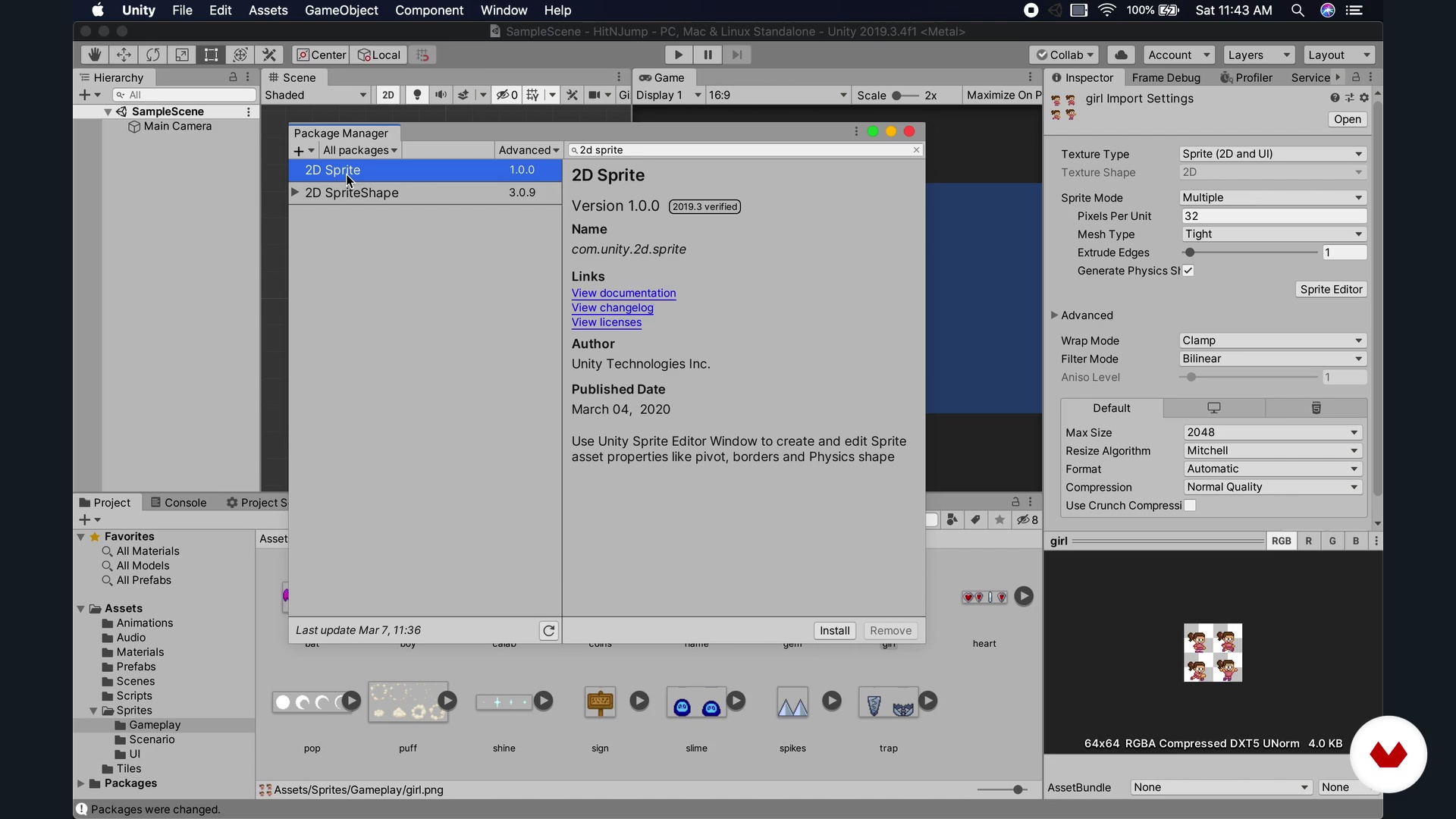
Character creation - animations
10 minutes, 39 seconds
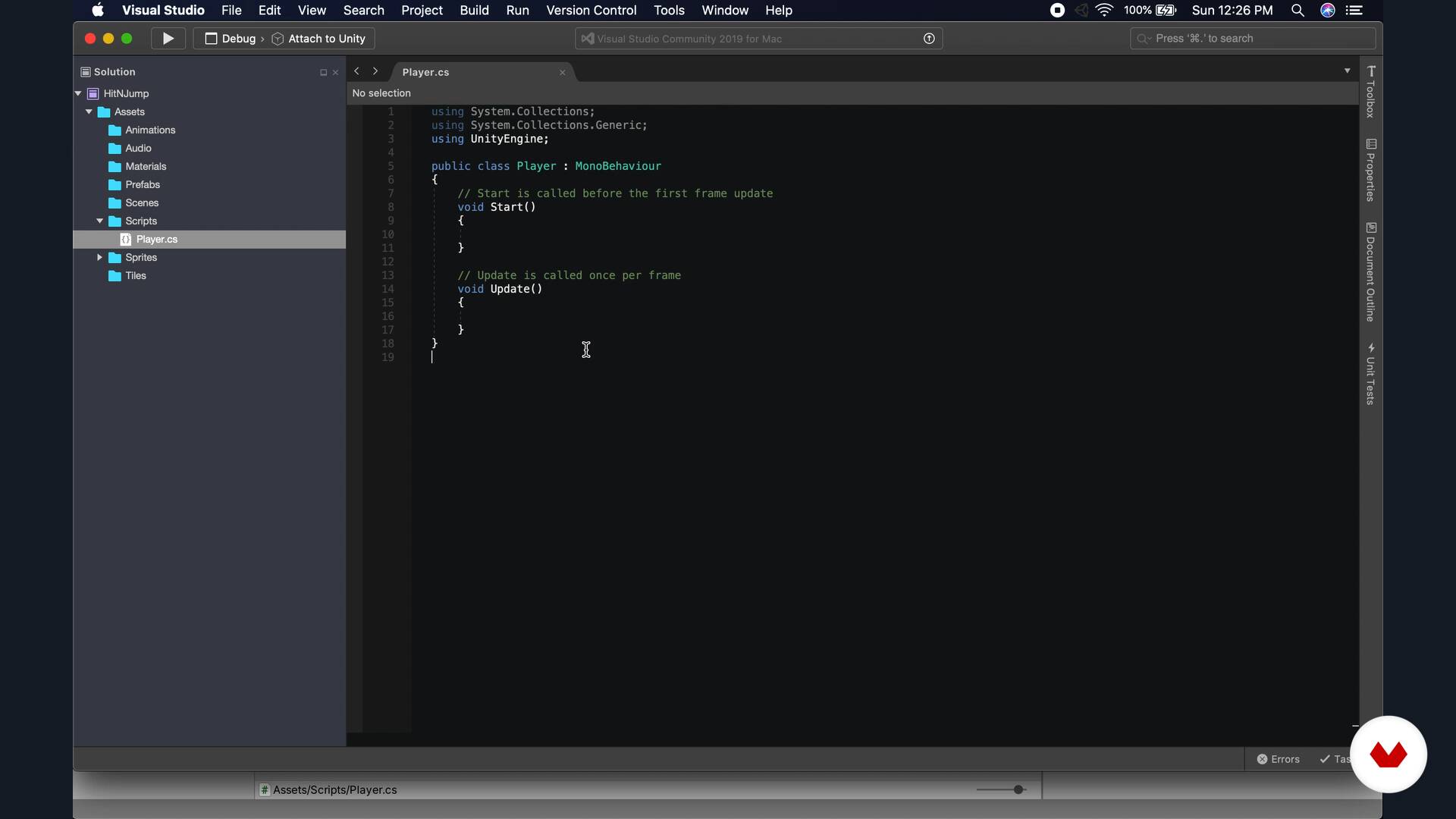
Character creation - controls
20 minutes, 34 seconds
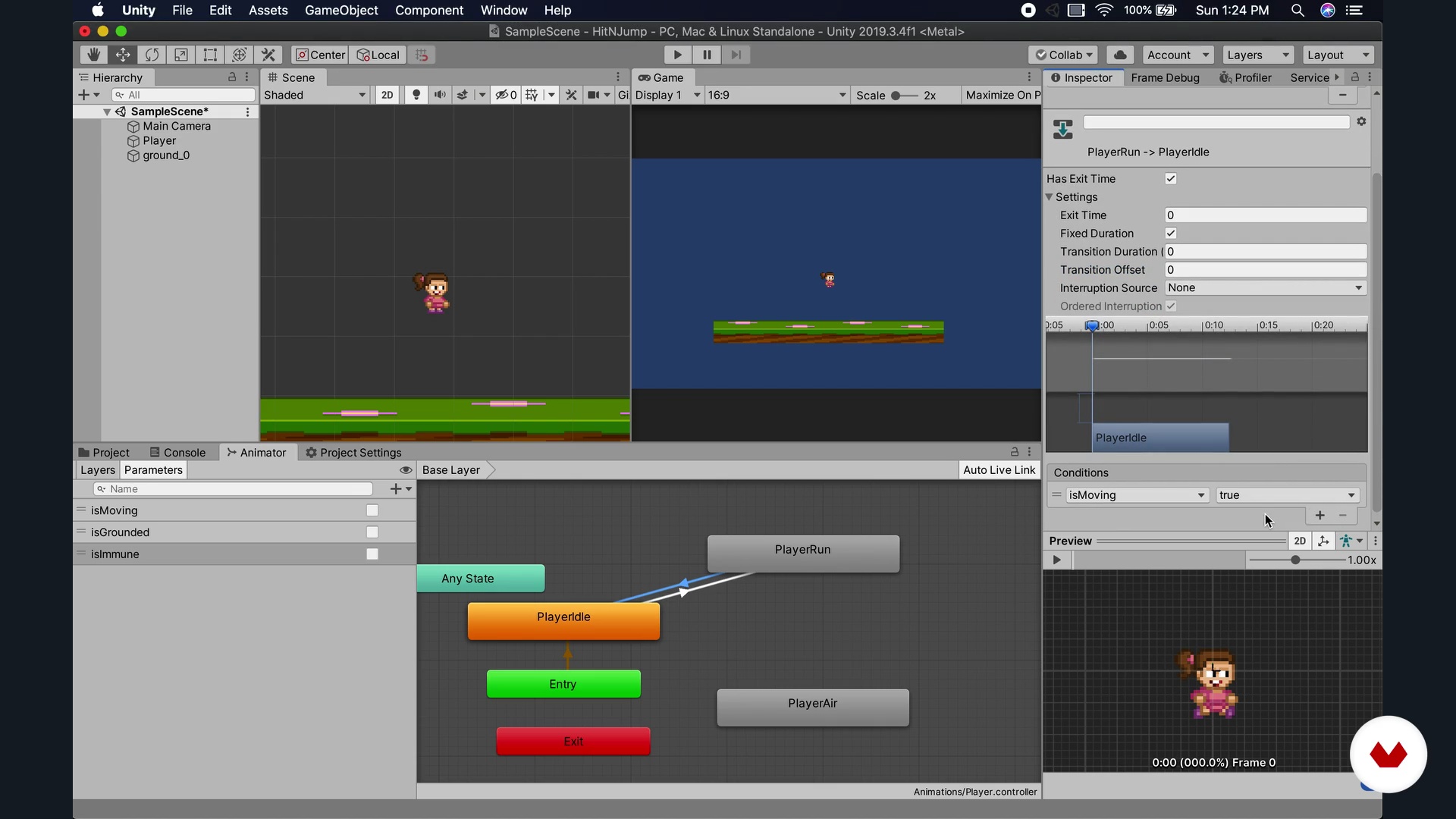
Character creation - P2 controls
18 minutes, 44 seconds
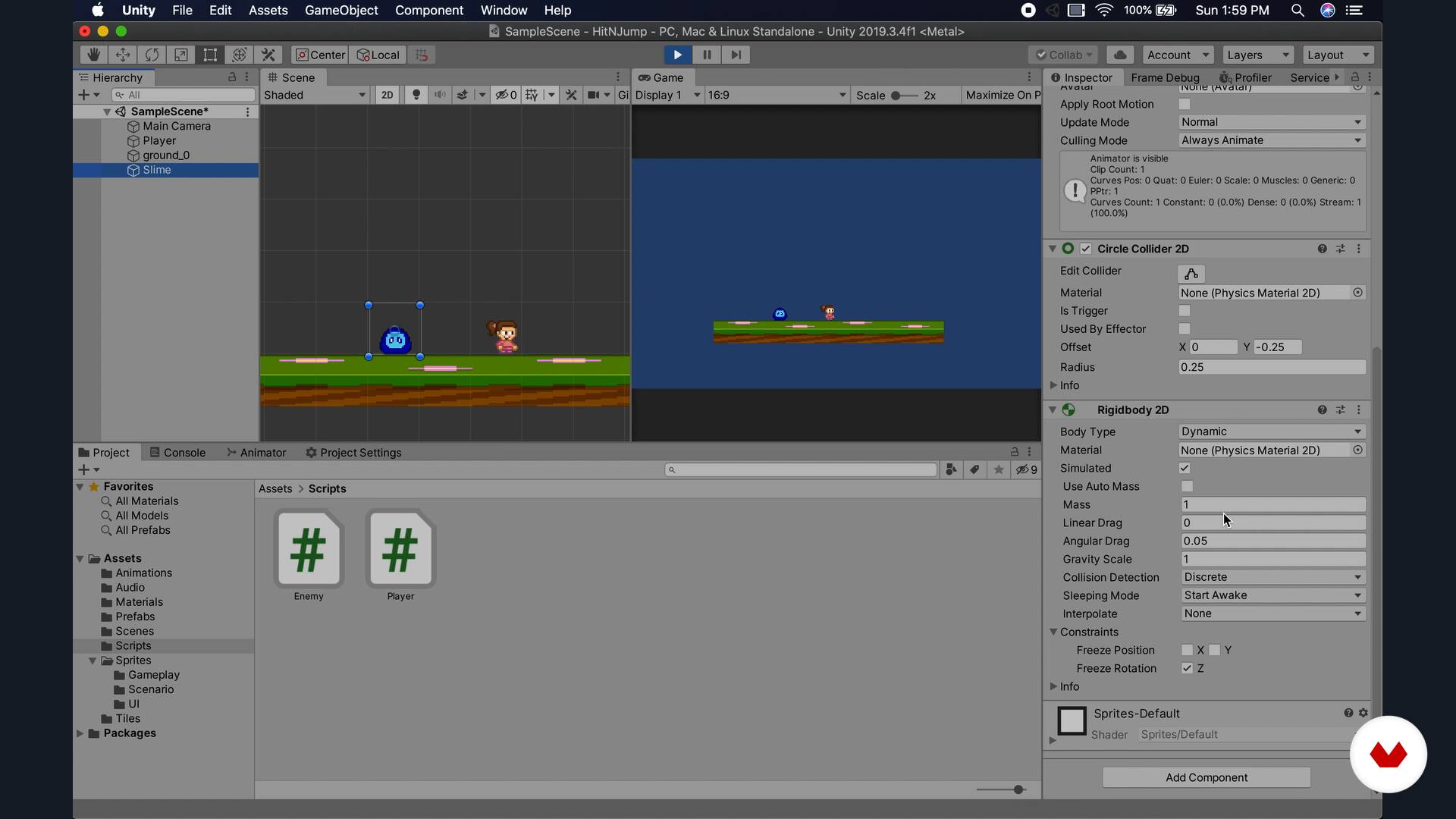
Creation of enemies
10 minutes, 4 seconds
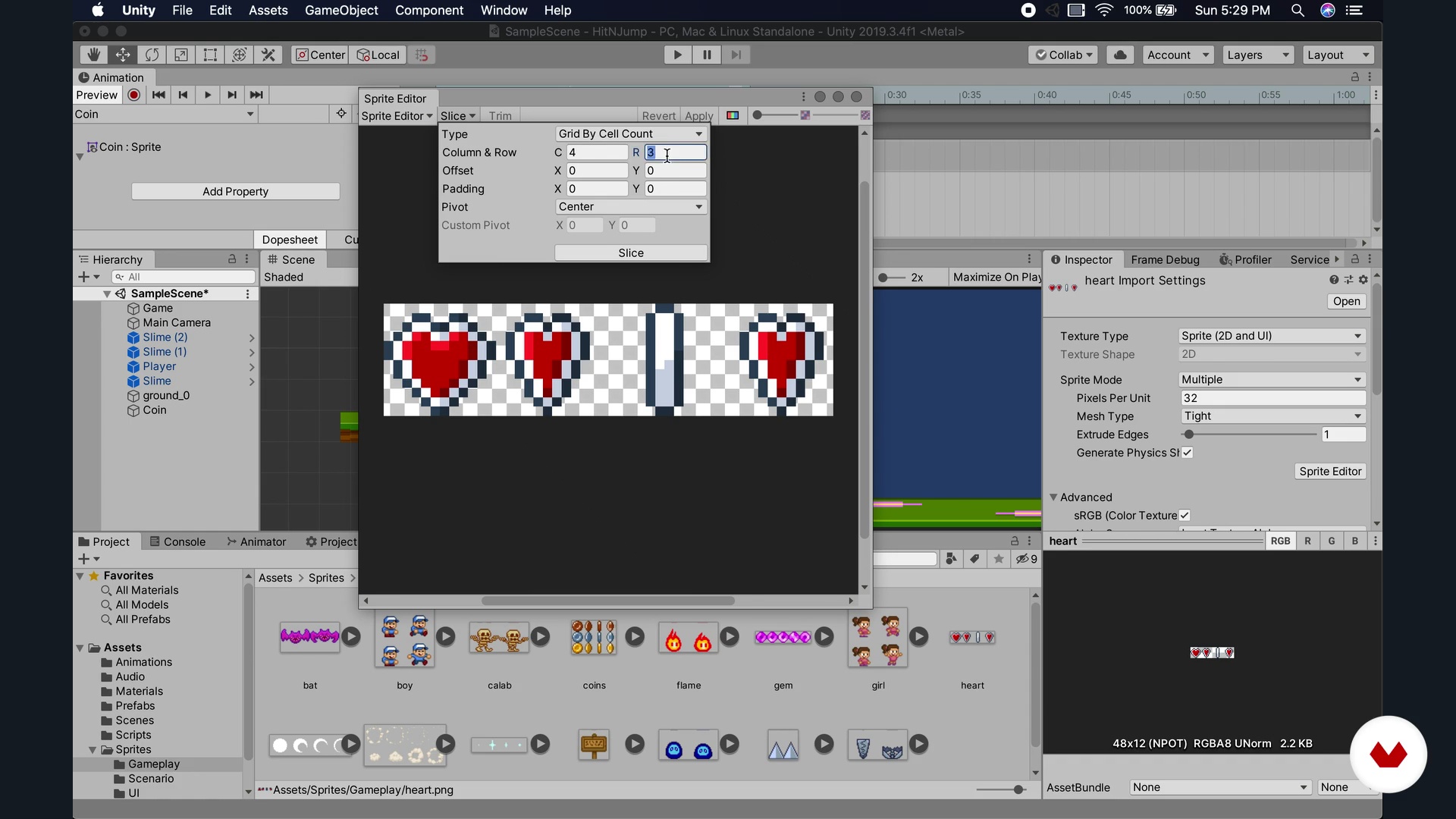
Creation of items
10 minutes, 25 seconds
What's included in this course?
Start by meeting Steve Durán who tells you the story of his career, what inspires him in his work, and how he started and has evolved his Ogre Pixel studio.
Prepare the course by installing Unity, going over its interface and basic elements, and learning some key theoretical and ambient setting facts in platform game design.
Then, enter the creation phase of the first part of the video game: the main character, enemies, coins, power-ups, platforms, and traps. Using illustrations, create the scene, character, and animations; you will also program the controls and behaviors. Create the character's supporting objects, as well as the obstacles.
In the second part of the game creation, work on the basic structure of the levels with Unity's Tilemap and the background, creating layers and adding Parallax to give rhythm and depth; you will also create elements such as effects and particles, menus, and the integration of sounds and music.
Once you have the game finished, see how to post-produce it. Learn how to compile and export it to different platforms, see specific improvements you can make to your game, and learn some more advanced techniques for your projects that Steve suggests.
Recommended software & tools for this course
What is this course's project?
Create a complete platform game that you can use as a basis for larger projects.
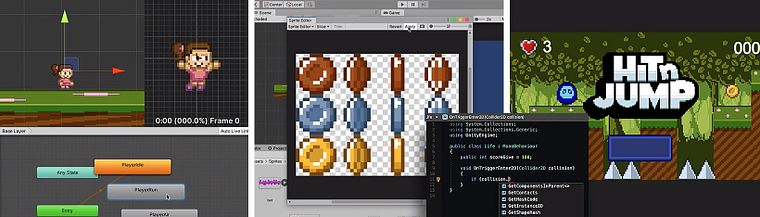
Projects by course students


Who is this online course for?
For video game development enthusiasts who want to learn how to make video games both professionally and as a hobby.
Requirements and materials
For this course, you will need basic programming skills. Regarding materials, you will need a computer with the minimum requirements to be able to install and run Unity.
Reviews
- 3 months ago
Esta bueno como base pero hace falta actualizar ya que la version de unity que utiliza es algo antigua y cambio bastante. Pero en general muy bueno.
- 5 months ago
This was a good course, but outdated. Using the 2019 version of Unity and not providing the "new" ways go do everything. Some additional research was needed as some of the elements/options within Unity are not the same anymore.
Also, one key feature which the video for this course showed was platforms where player can stand but jump onto them from below (which many platformer games have this mechanic), but was not covered during this video. Bummer.
- 6 months ago
hasta ahora me esta gustando el curso, explica a nivel básico y simple las bases de creación de un videojuego de plataformas. aunque seria bueno que también se enseñen aspectos de diseño de niveles o mecánicas para hacer los proyectos mas divertidos para el publico objetivo
- 10 months ago
Compte-tenu que depuis ce cours, la création est de A à Z, je pense que ce cours est idéal bien assimilé.
- 11 months ago
Me esta gustando mucho este curso, me gusta como explica, rápido y dinámico.

He is the founder and director of Ogre Pixel, a professional video game development studio where they create fantasy stories in the form of video games with their own brand aimed at the general public. In Ogre, they have players from all over the world.
Content
- U1
Introduction
- Who I am
- Influences
- What will we do in the course
- U2
Preparation
- Previous knowledge
- Installing Unity
- Theory and setting
- U3
Creation of the video game: elements
- Character creation - animations
- Character creation - controls
- Character creation - P2 controls
- Creation of enemies
- Creation of P2 enemies
- Creation of items
- Creating obstacles
- U4
Creation of the video game: stage and others
- Level creation
- Background creation and parallax
- Effects and particles
- Sounds and music
- Menu creation
- U5
Improvements and subsequent steps
- Compilation and exported
- Publishing platforms
- General improvements
- FP
Final project
- Platform videogame creation with Unity
What to expect from a Domestika course
Learn at your own pace
Enjoy learning from home without a set schedule and with an easy-to-follow method. You set your own pace.
Learn from the best professionals
Learn valuable methods and techniques explained by top experts in the creative sector.
Meet expert teachers
Each expert teaches what they do best, with clear guidelines, true passion, and professional insight in every lesson.
Certificates
PLUSIf you're a Plus member, get a custom certificate signed by your teacher for every course. Share it on your portfolio, social media, or wherever you like.
Get front-row seats
Videos of the highest quality, so you don't miss a single detail. With unlimited access, you can watch them as many times as you need to perfect your technique.
Share knowledge and ideas
Ask questions, request feedback, or offer solutions. Share your learning experience with other students in the community who are as passionate about creativity as you are.
Connect with a global creative community
The community is home to millions of people from around the world who are curious and passionate about exploring and expressing their creativity.
Watch professionally produced courses
Domestika curates its teacher roster and produces every course in-house to ensure a high-quality online learning experience.
FAQs
You’ll learn how to create 2D platformer games with Unity—from installation and setup to programming characters, enemies, items, and environments—as well as how to publish and monetize your games across various platforms.
This is an intermediate-level course, perfect for those with basic programming skills or some development experience who want to deepen their knowledge of Unity and 2D game creation.
You’ll need a computer that can run Unity, internet access, and basic programming knowledge. It’s recommended to have Unity Hub and the Unity version specified in the course installed.
The course covers character and environment design, C# programming, physics and collisions, animations, audio integration, camera control, level creation, visual effects, exporting, and publishing on multiple platforms.
You’ll learn how to install Unity via Unity Hub, choose the right version, create your project, organize folders, and configure export platforms from scratch.
Yes, you’ll learn how to create and program playable characters and enemies, including their animations, movements, collisions, and behaviors using C# in Unity.
Yes, the course includes exporting processes, requirements, and best practices for publishing and selling your games on platforms like the App Store, Google Play, Steam, and more.