Introduction to 3D Design and Modeling with Blender
A course by Luis Arizaga3D Character Artist
A course by Luis Arizaga, 3D Character Artist

Learn to use basic sculpting, modeling, and rendering tools in Blender
So you've dreamed up a character and sketched out your idea, but it's not brimming with life the way you envisioned. How can you make your character leap off the page with unimaginable depth and realism? In this course, 3D character artist Luis Arizaga—director of the film Holymonks and collaborator for the Goya-winning short Alike—teaches you how to use Blender to model, animate, light, and render characters as lively as the ones running through your mind.
Learn to use essential features like modeling and sculpting tools, node systems, light sources, rendering engines, and cameras to create foundational structures with basic objects and build your own character down to the final details.
What will you learn in this online course?
14 lessons & 19 downloads
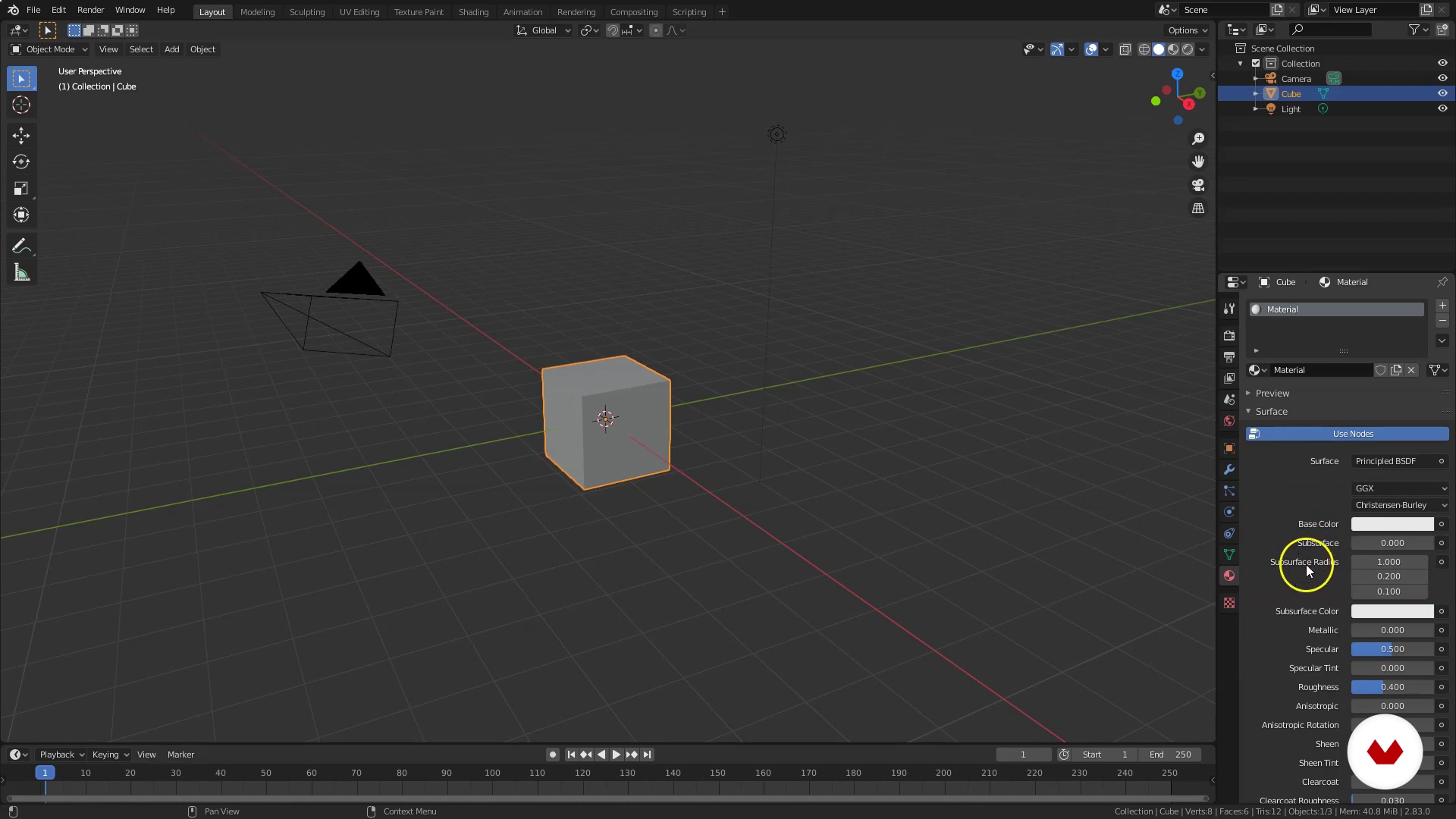
Interface and 3D viewer
8 minutes, 11 seconds
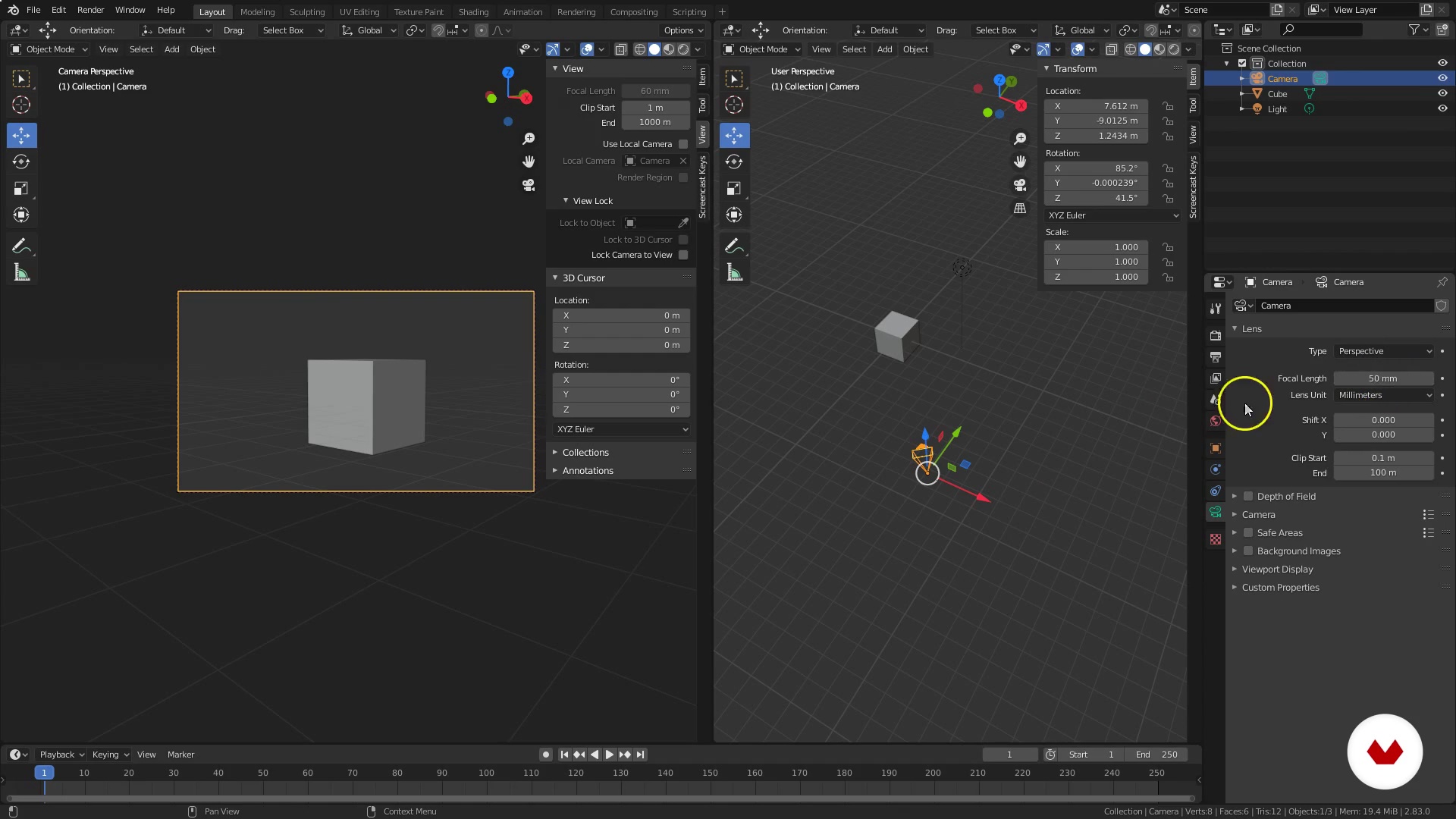
Interface and navigation of the 3D environment
11 minutes, 47 seconds
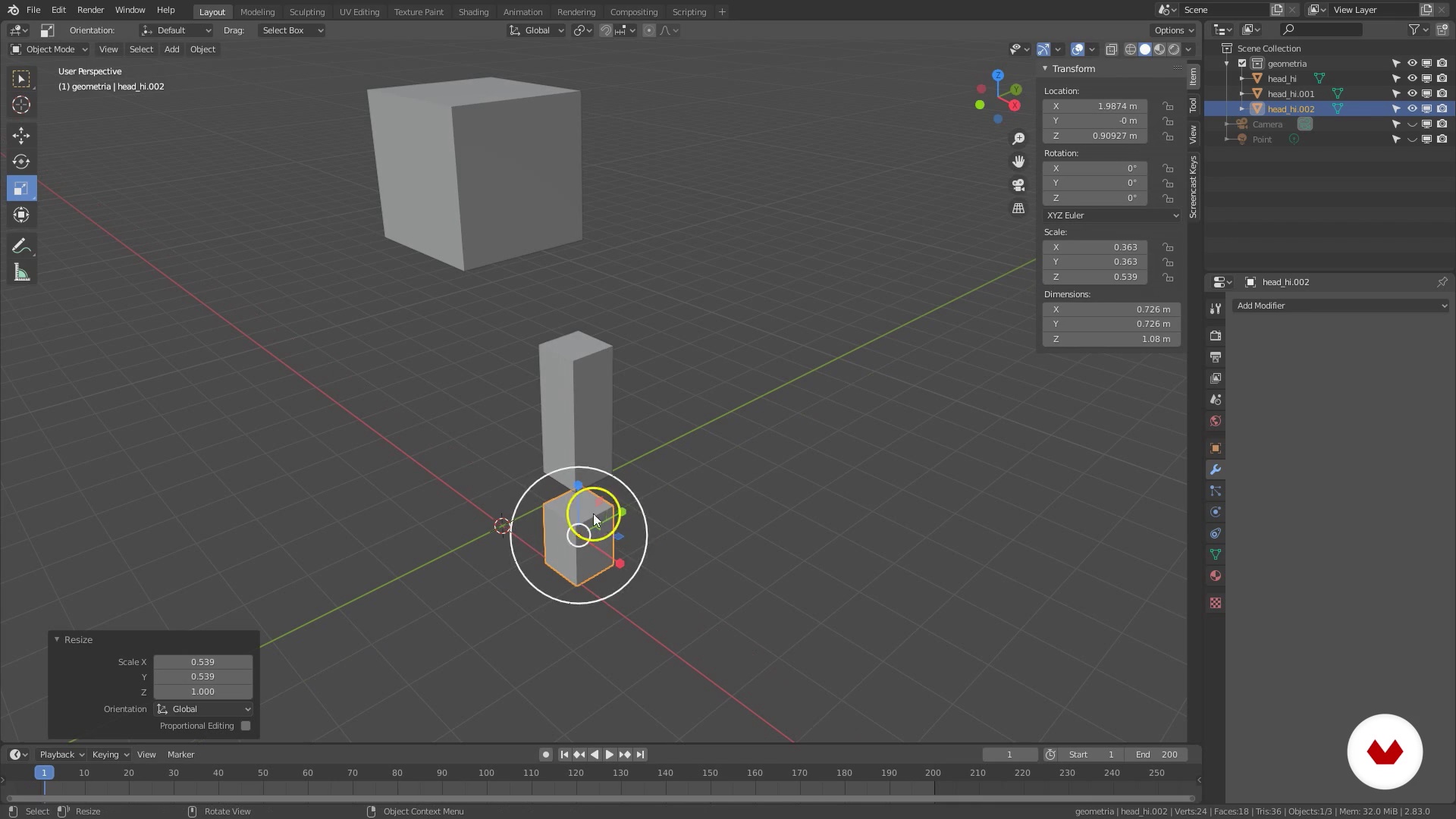
Create and manipulate objects
14 minutes, 56 seconds
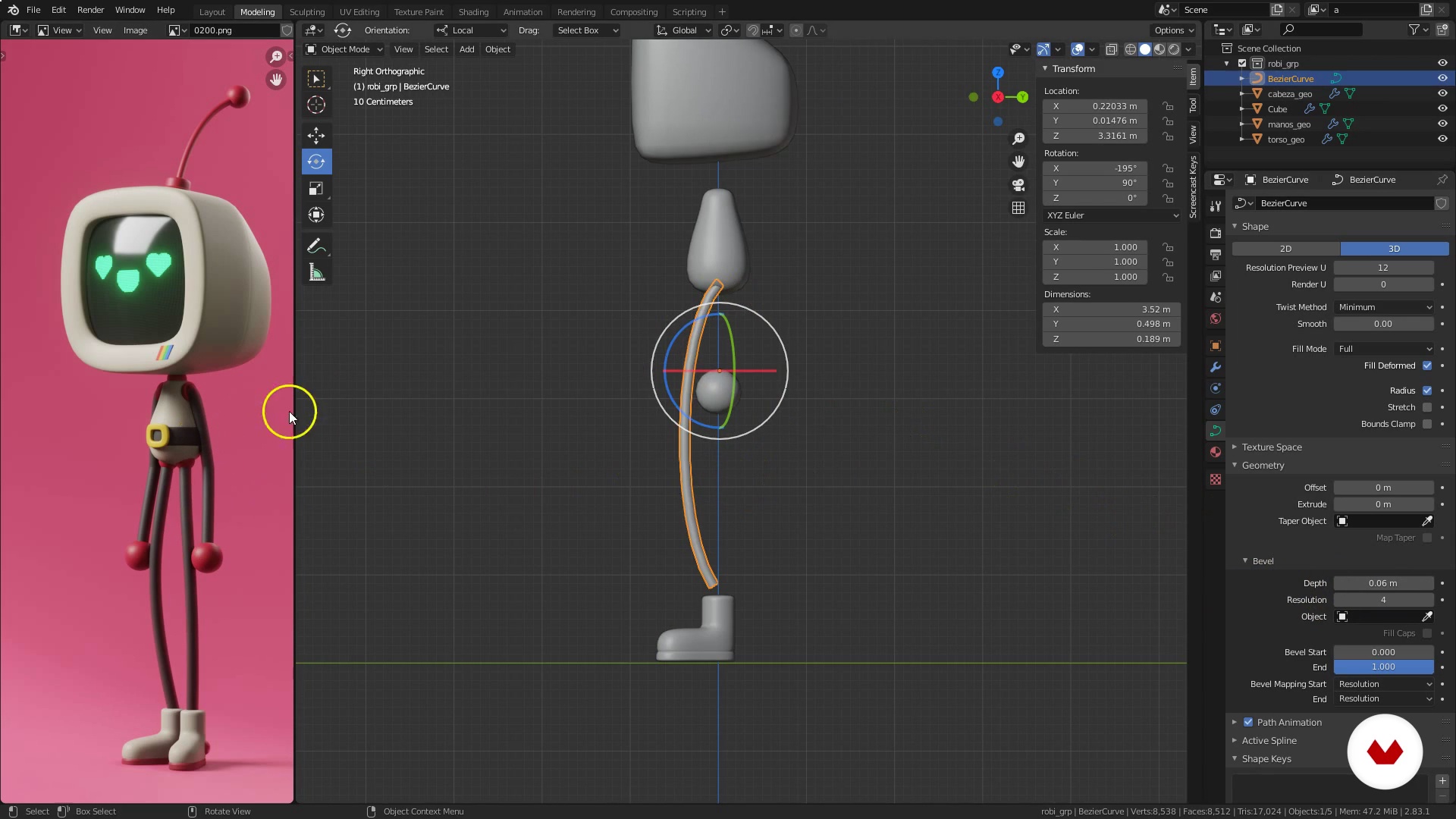
Basic modeling techniques
19 minutes, 54 seconds

Create a basic light set
8 minutes, 58 seconds
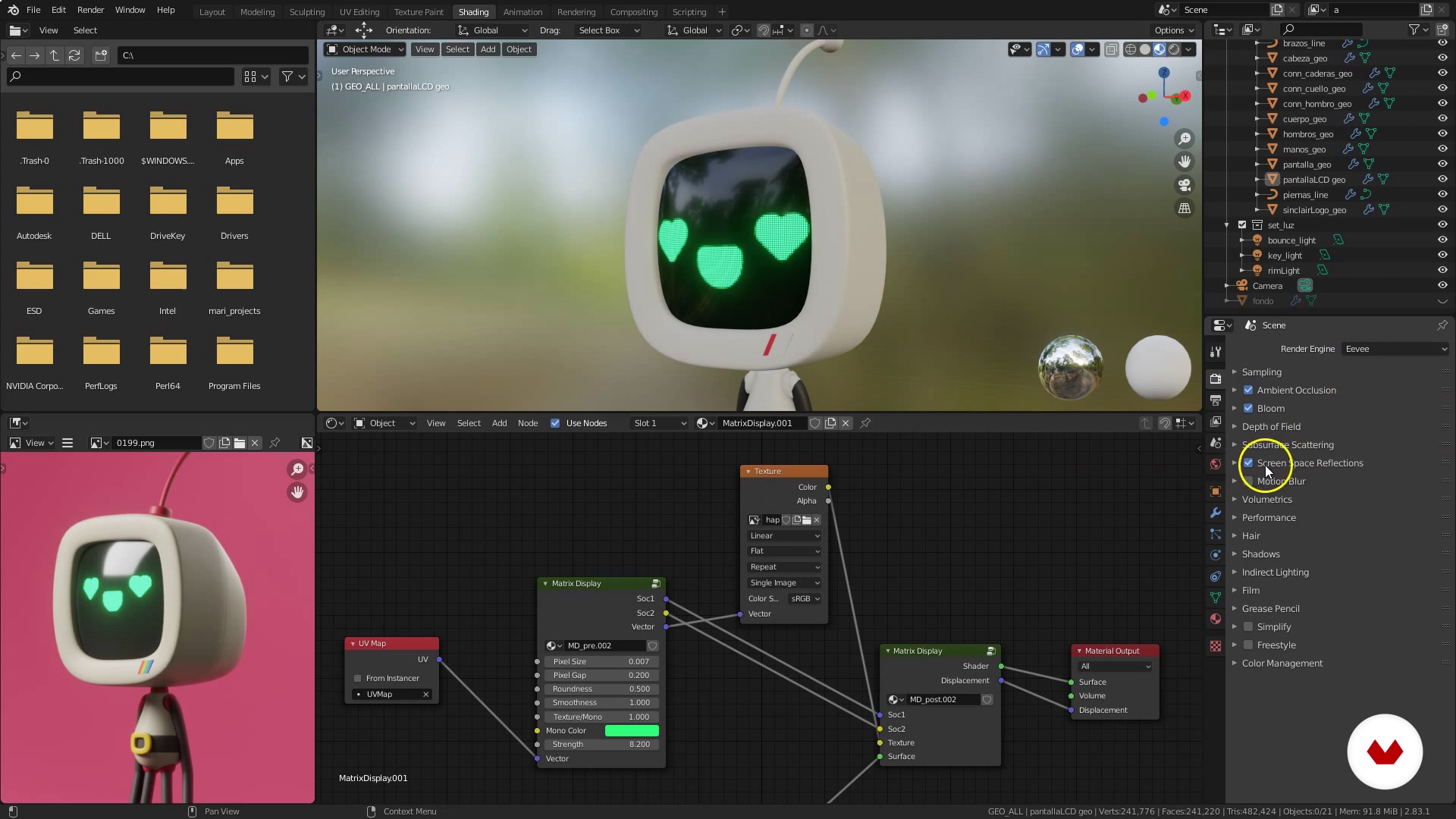
Basic material in Blender by nodes
19 minutes, 32 seconds
What's included in this course?
Kick things off by exploring Luis Arizaga's work and his influences from the world of 2D and 3D art, comics, video games, and toy design.
Luis then gives you a brief introduction to Blender, showing you how to install it and revealing some interesting resources like add-ons, models, and production materials. Set up your interface, configure your viewer, and start navigating through 3D environments to put together your scene.
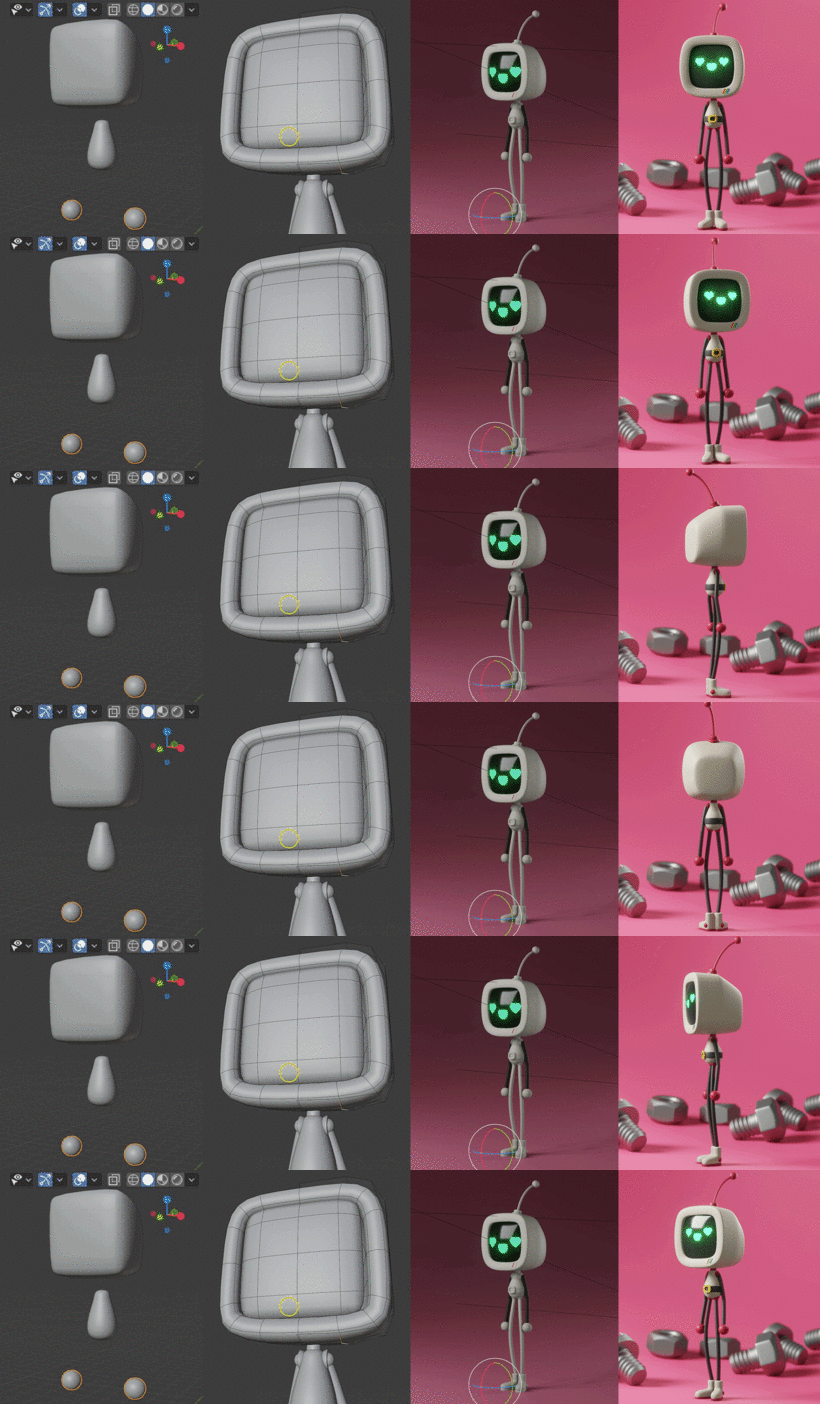
Discover ways to create, manipulate, and edit objects, and then explore different modeling techniques, always keeping the character's silhouette in mind as you apply the blocking method.
Next, explore different light sources in Blender and assemble a basic lighting setup. Continue building your scene by working with materials as Luis guides you through the node system as well as the rendering process.
Apply everything you've learned to finish modeling and rendering your very own 3D character and bring your vision to life.
Recommended software & tools for this course
What is this course's project?
Use Blender to model a 3D cartoon character inspired by the video games of the '90s.
Projects by course students


Who is this online course for?
Animators, illustrators, designers, and anyone who wants to learn 3D modeling with Blender.
Requirements and materials
You don't need any prior knowledge of 3D modeling to take this course; Luis walks you through the basics of Blender from scratch.
As for materials, you need a computer (either a PC or a Mac). While not absolutely necessary, a Wacom graphics tablet—even the most affordable model—would be helpful.

Reviews
- 2 months ago
Esta bien , puedes ver un video de cosas básicas de blender en youtube y luego arrancar aca
- yessi_marreroPLUS3 months ago
Si conces algo de blender este es tu curso, te ayuda a fortalecer los cimientos del programa
- 3 months ago
esta excelente
- 4 months ago
El curso es muy bueno, recomendado.
- 6 months ago
es un curso muy completo, intuitivo y profesional

He has created 3D characters for advertising, games, and animations; collaborated on magazine articles for 3D World, 3D Artist, and 3DCreative; and contributed to the book Exotique.
Luis has also brought his talent and skill into the world of animation, directing the film Holymonks, which was selected at the Annecy International Animation Film Festival, and collaborating on the Goya-winning short Alike, created entirely in Blender.
Content
- U1
Let's get to know each other a little
- Presentation
- Influences
- U2
Preparing to work
- Introduction to Blender
- Interface and 3D viewer
- Interface and navigation of the 3D environment
- Create and manipulate objects
- U3
Let's do it
- Edit objects
- Basic modeling techniques
- Basic modeling techniques 2
- Basic modeling techniques 3
- U4
The last touches
- Introduction to lighting in Blender
- Create a basic light set
- Basic material in Blender by nodes
- Render
- FP
Final project
- Introduction to 3D Design and Modeling with Blender
What to expect from a Domestika course
Learn at your own pace
Enjoy learning from home without a set schedule and with an easy-to-follow method. You set your own pace.
Learn from the best professionals
Learn valuable methods and techniques explained by top experts in the creative sector.
Meet expert teachers
Each expert teaches what they do best, with clear guidelines, true passion, and professional insight in every lesson.
Certificates
PLUSIf you're a Plus member, get a custom certificate signed by your teacher for every course. Share it on your portfolio, social media, or wherever you like.
Get front-row seats
Videos of the highest quality, so you don't miss a single detail. With unlimited access, you can watch them as many times as you need to perfect your technique.
Share knowledge and ideas
Ask questions, request feedback, or offer solutions. Share your learning experience with other students in the community who are as passionate about creativity as you are.
Connect with a global creative community
The community is home to millions of people from around the world who are curious and passionate about exploring and expressing their creativity.
Watch professionally produced courses
Domestika curates its teacher roster and produces every course in-house to ensure a high-quality online learning experience.
FAQs
You’ll learn how to design, model, sculpt, light, and showcase stylized 3D characters using Blender—from initial concept all the way to final presentation and professional rendering.
This course is aimed at those with basic Blender or 3D modeling knowledge, perfect for intermediate learners looking to improve their character design and creation skills.
You’ll need a Windows, Mac, or Linux computer capable of running Blender, internet access for downloads and materials, and ideally a three-button mouse.
You can download Blender for free from its official website. The course includes step-by-step instructions for installing it on Windows and setting up the initial interface.
Yes, the course covers modeling techniques, digital sculpting, and shape simplification to create animated, stylized characters starting from references and sketches.
Yes, you’ll learn how to add different types of lighting, create soft shadows, set up ambient light, and render scenes using Blender’s Eevee engine.
The course explains how to import external objects, organize assets, and export 3D models for use in other platforms or professional presentations.