Techniques for Web Development with HTML5 and CSS3
A course by Marta ArmadaWeb Designer
A course by Marta Armada, Web Designer

Optimize your websites with new techniques for programming and layout
Marta Armada, a web designer specializing in UX as well as responsive and front-end design, and cofounder of the Swwweet studio together with Javier Usobiaga, teaches you how to improve your web development skills by analyzing different HTML5 and CSS3 techniques.
Learn about semantics, gradients, shadows, forms, animations, and Flexbox, among other things, to improve and optimize your web pages.
This course is complementary to Javier Usobiaga's course Introduction to Responsive Web Development with HTML and CSS.
What will you learn in this online course?
29 lessons & 17 downloads
Introduction to HTML5
2 minutes, 8 seconds
Introduction to CSS3
1 minute, 55 seconds
Browsers and support
2 minutes, 13 seconds
HTML5 tags and semantics
1 minute, 53 seconds
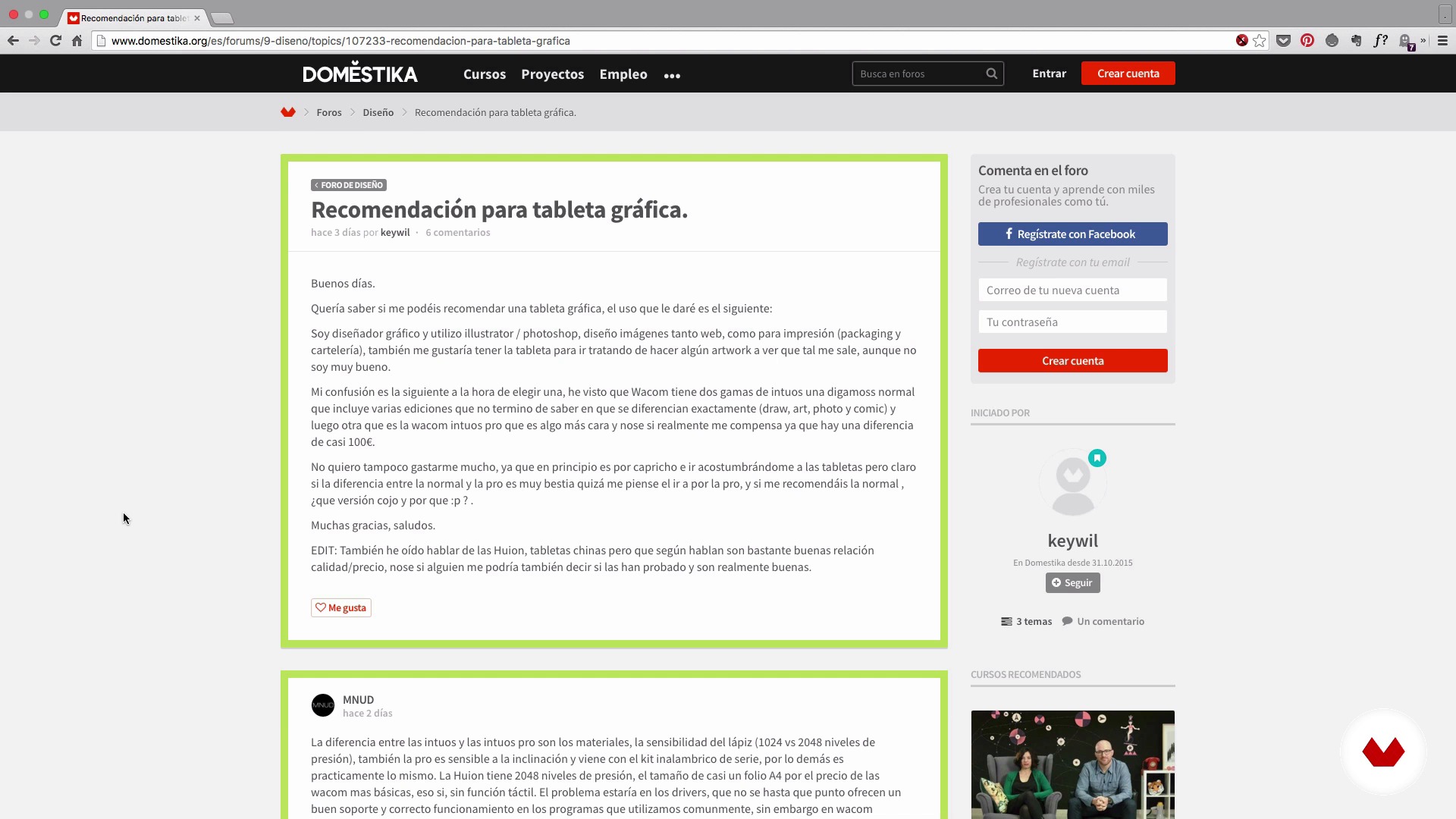
Block labels
5 minutes, 53 seconds
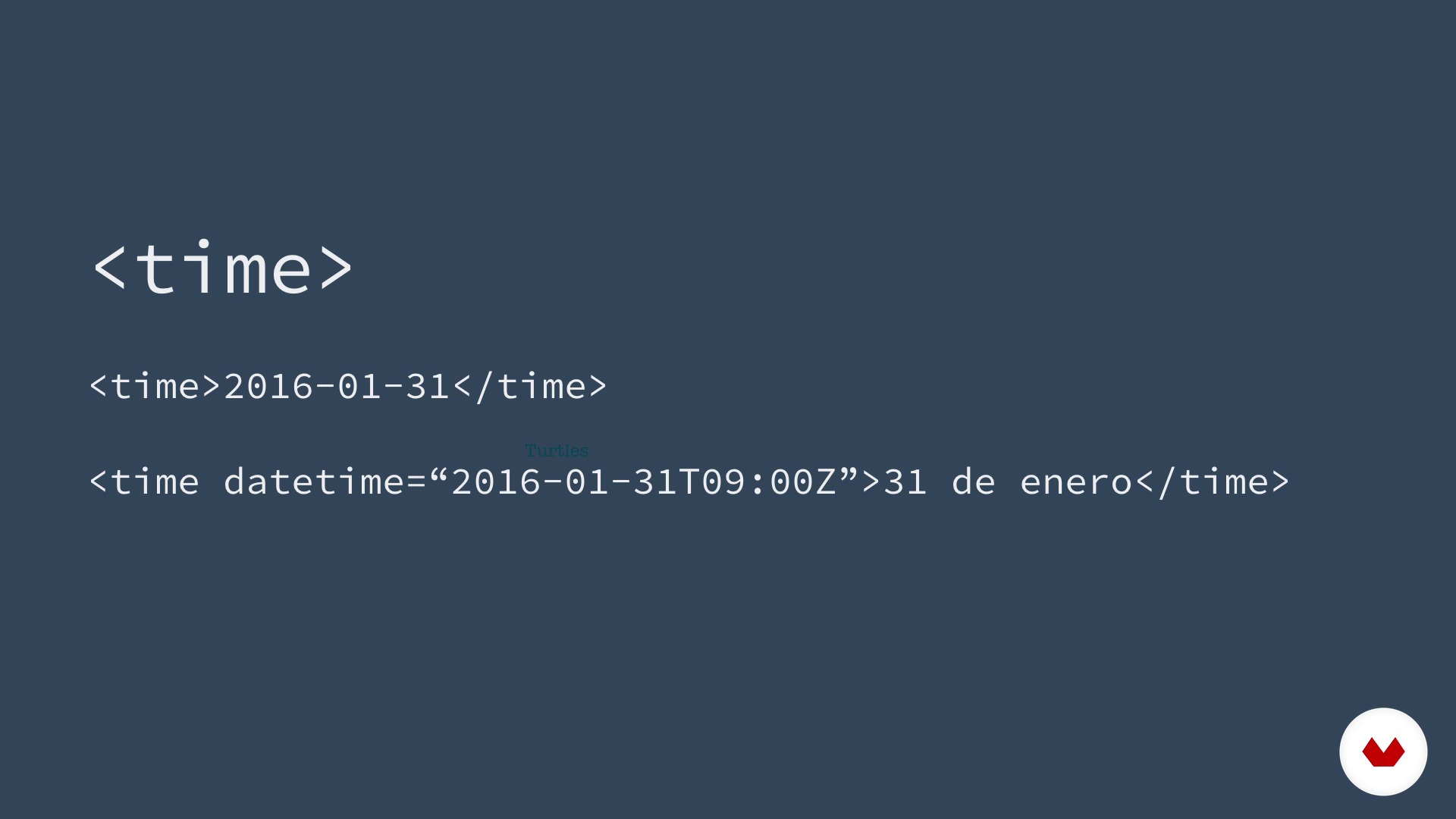
Line labels
3 minutes, 20 seconds
What's included in this course?
Begin by learning about the work and influences of Marta Armada and her co-owned web design studio, Swwweet.
Next, get a brief introduction to HTML, CSS, browsers, and supports that will be the starting point to exploring everything the new web techniques offer thanks to HTML5 and CSS3.
Now learn HTML5 semantics and forms, before delving into decoration tools like rounded edges, gradients, and shadows.
Discover responsive video, audio and image tools, along with transitions, transformations, and animations, new selectors, and layout tools like Flexbox and Calc.
What is this course's project?
Create a free design web page, as a synthesis of the different subjects that you will see throughout the course.

Projects by course students


Who is this online course for?
This course is aimed at web designers, programmers, graphic designers, and all those who feel comfortable writing HTML and CSS, but want to improve their skills. Neither a high level of programming nor any design knowledge is necessary to take the course.
Anyone who's taken Javier Usobiaga's course Introduction to Responsive Web Development with HTML and CSS and wants to delve into the subject alongside Marta Armada.
Requirements and materials
For this course, you need basic knowledge that allows you to comfortably write HTML and CSS.
For materials, all you need is a computer and your favorite code editor.

Reviews
- 4 months ago
Muy buen curso intuitivo, las explicaciones son muy claras
- 1 year ago
Elcurso tiene buena informacion que es importante para la creacion de una pajina web pero eso solo eso informacion. una persona que apenas empieze no entenderia como hacer los codes or como o donde poner cada code. creo que se tiene que obtener otro curso de como empezar una pajina web y luego pasar a este curso como segundo para mas informacion.
- 1 year ago
Es bueno, pero si ya tienes fundamentos algo avanzados, ya que explica las nuevas actualizaciones, no los lenguajes en sí y si no sabes utilizar los anteriores, te falta mucho para poder comprender bien esto.
- 1 year ago
muy buen curso facil de entender y con buenos recursos
- 1 year ago
Muy bueno!

Marta has given numerous talks and workshops, both at local events and at international conferences, and is a web design professor at ELISAVA Escuela Superior de Diseño.
Content
- U1
Introduction
- Introduction
- Influences
- U2
Introduction to HTML5 and CSS3
- Introduction to HTML5
- Introduction to CSS3
- Browsers and support
- U3
Semantics
- HTML5 tags and semantics
- Block labels
- Line labels
- U4
Decor
- Color and opacity
- Rounded edges
- Shades
- Gradients and funds
- U5
Video, audio and responsive images
- Video and audio
- Video attributes
- Responsive images
- U6
Selectors
- Child and type selectors
- Attribute selectors
- Other useful selectors
- Pseudo elements :: before and :: after
- U7
Forms
- New types of inputs
- Attributes in the forms
- Give styles to forms
- U8
Transitions and animations
- Transformations
- Transitions
- Animations
- U9
Layout tools
- Box-sizing and media queries
- Calc () and viewport units
- Introduction to flexbox
- Solutions with flexbox
- FP
Final project
- Web Development Techniques with HTML5 and CSS3
What to expect from a Domestika course
Learn at your own pace
Enjoy learning from home without a set schedule and with an easy-to-follow method. You set your own pace.
Learn from the best professionals
Learn valuable methods and techniques explained by top experts in the creative sector.
Meet expert teachers
Each expert teaches what they do best, with clear guidelines, true passion, and professional insight in every lesson.
Certificates
PLUSIf you're a Plus member, get a custom certificate signed by your teacher for every course. Share it on your portfolio, social media, or wherever you like.
Get front-row seats
Videos of the highest quality, so you don't miss a single detail. With unlimited access, you can watch them as many times as you need to perfect your technique.
Share knowledge and ideas
Ask questions, request feedback, or offer solutions. Share your learning experience with other students in the community who are as passionate about creativity as you are.
Connect with a global creative community
The community is home to millions of people from around the world who are curious and passionate about exploring and expressing their creativity.
Watch professionally produced courses
Domestika curates its teacher roster and produces every course in-house to ensure a high-quality online learning experience.
FAQs
You’ll learn how to build modern, adaptable websites using HTML5 and CSS3, applying semantic tags, advanced layout techniques, visual effects, and resources to enhance user experience on any device.
This course is designed for those with basic HTML and CSS knowledge who want to dive deeper into advanced techniques and responsive design. It’s not for absolute beginners, but accessible if you already know the basics.
You’ll need basic HTML and CSS skills, plus access to a code editor and a modern web browser. Some prior experience creating simple pages is recommended.
You’ll learn to apply responsive design principles, optimize performance, and improve accessibility, making your sites functional and attractive on any device, enhancing user experience.
HTML5 semantic tags like header, nav, article, and section structure and give meaning to content, improving accessibility, SEO, and code maintainability.
Yes, you’ll learn to create animations, transitions, gradients, shadows, and custom patterns using advanced CSS3 features.
Yes, the course covers integrating video, audio, and graphics using native HTML5 tags and the Canvas element for drawings and visualizations.