3D Interior Architecture with Unreal Engine 4
A course by Miguel AlboArchitect and Infographic Designer
A course by Miguel Albo, Architect and Infographic Designer

Learn how to create hyper-realistic renders in real-time from scratch
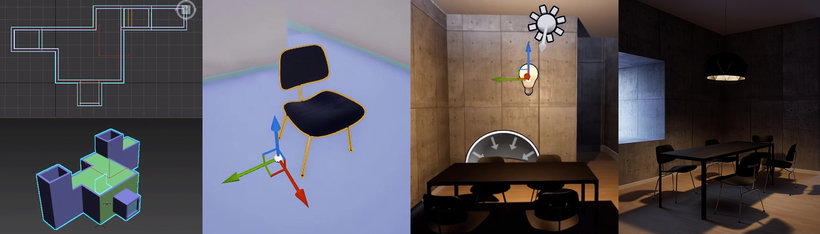
The process of creating and representing an architectural project doesn’t stray too far off that of a videogame: you import the models to be used, prepare a library of 3D elements, and place your objects and characters in a scene to see the results immediately.
Miguel Albo is an architect that specializes in the creation of 3D architecture renders with Unreal Engine 4, creating all types of virtual reality experiences. In this course, he teaches how to create 3D interior architecture renders with Unreal Engine 4. Learn how to work in 3D starting with the importing and management of models, illumination, and materials, to the creation of a character that enables the viewer to virtually visit each space.
This course is complementary to Miguel’s Domestika Basics course: Introduction to Unreal Engine 4 for Architectural Rendering, where he teaches you how to master the software from scratch.
What will you learn in this online course?
20 lessons & 12 downloads
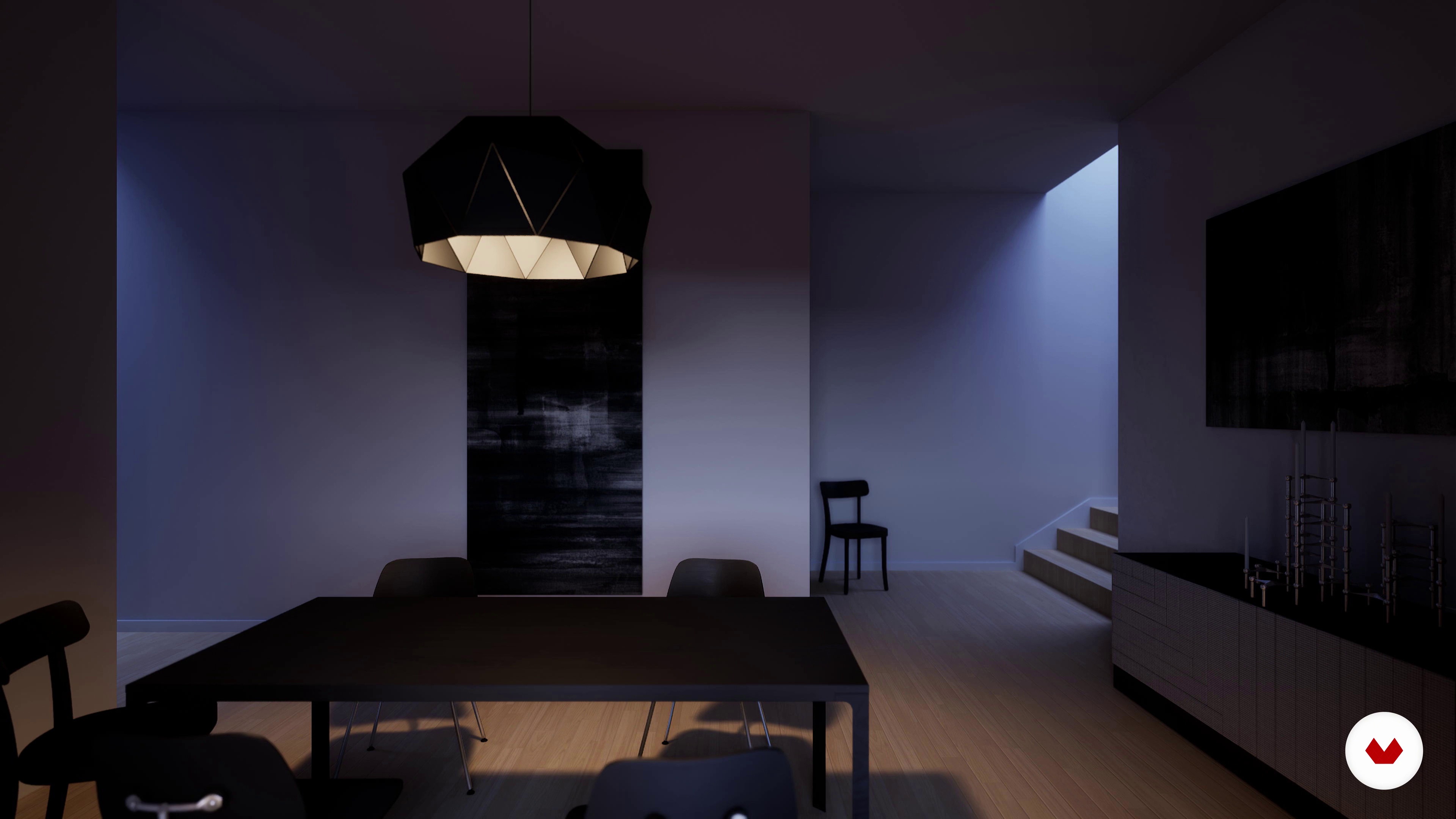
What will we do in the course?
2 minutes, 45 seconds

Search for references
6 minutes, 10 seconds
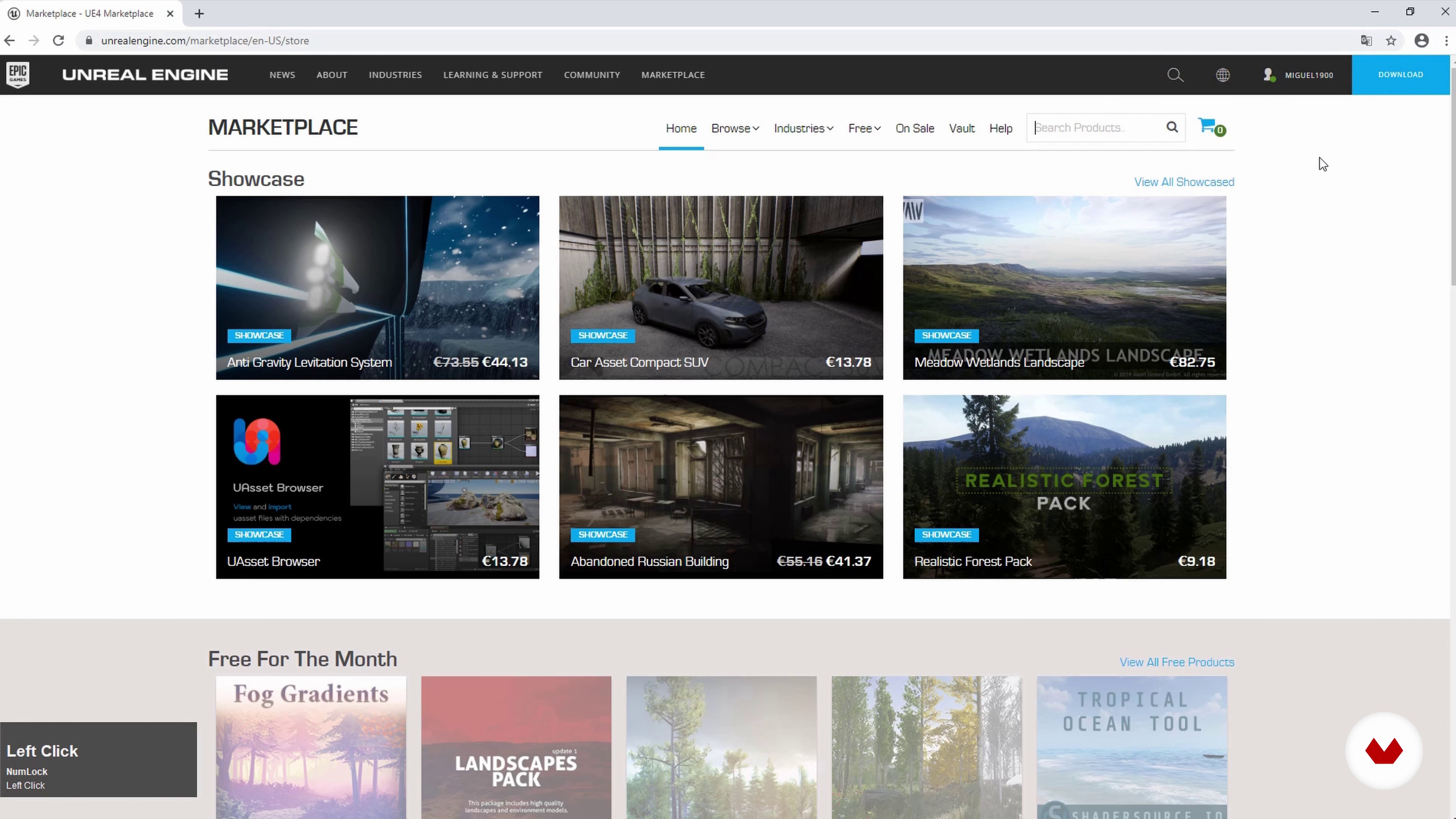
Search for prefabs
4 minutes, 37 seconds
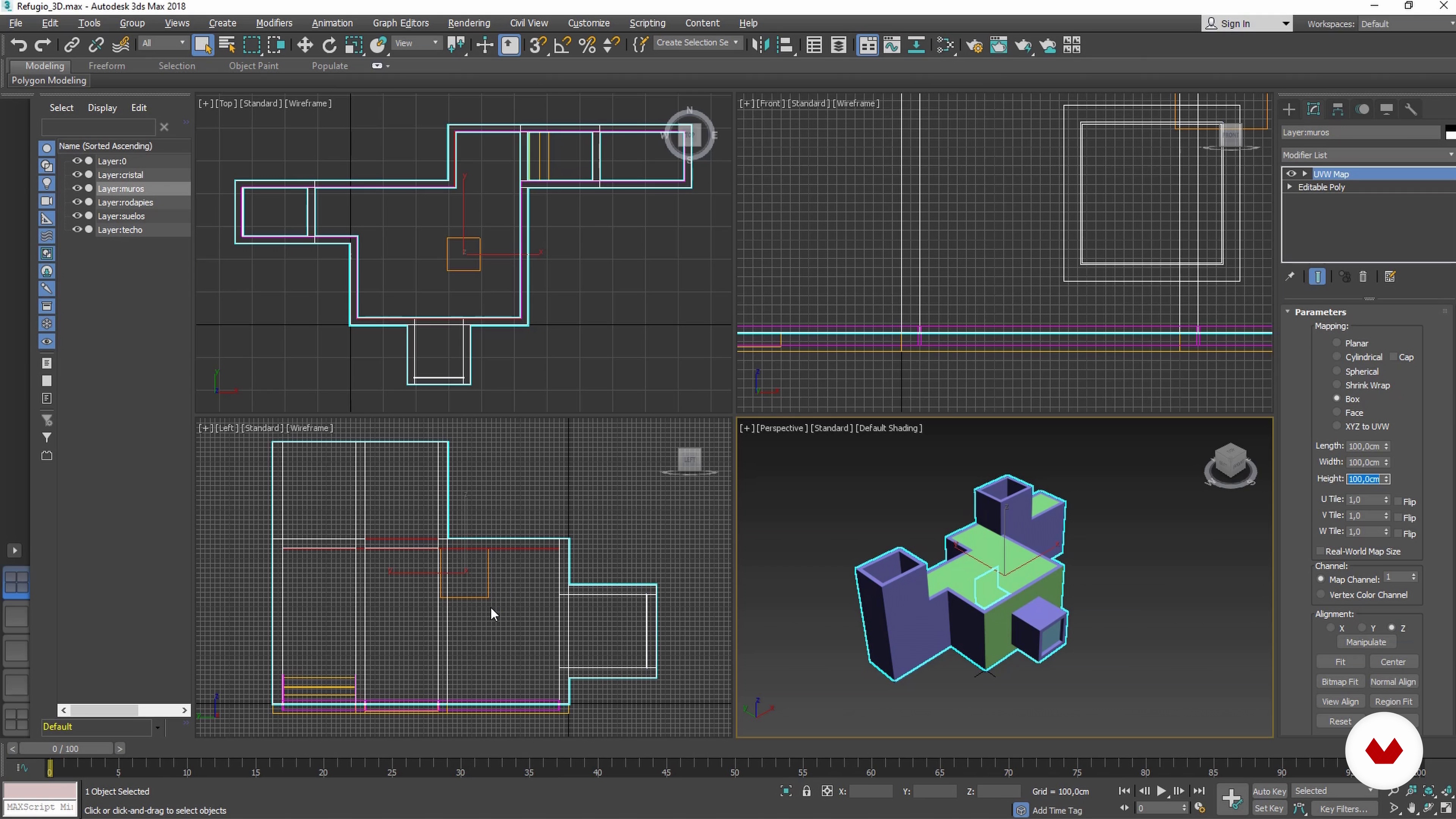
Preparation of our models
9 minutes, 19 seconds
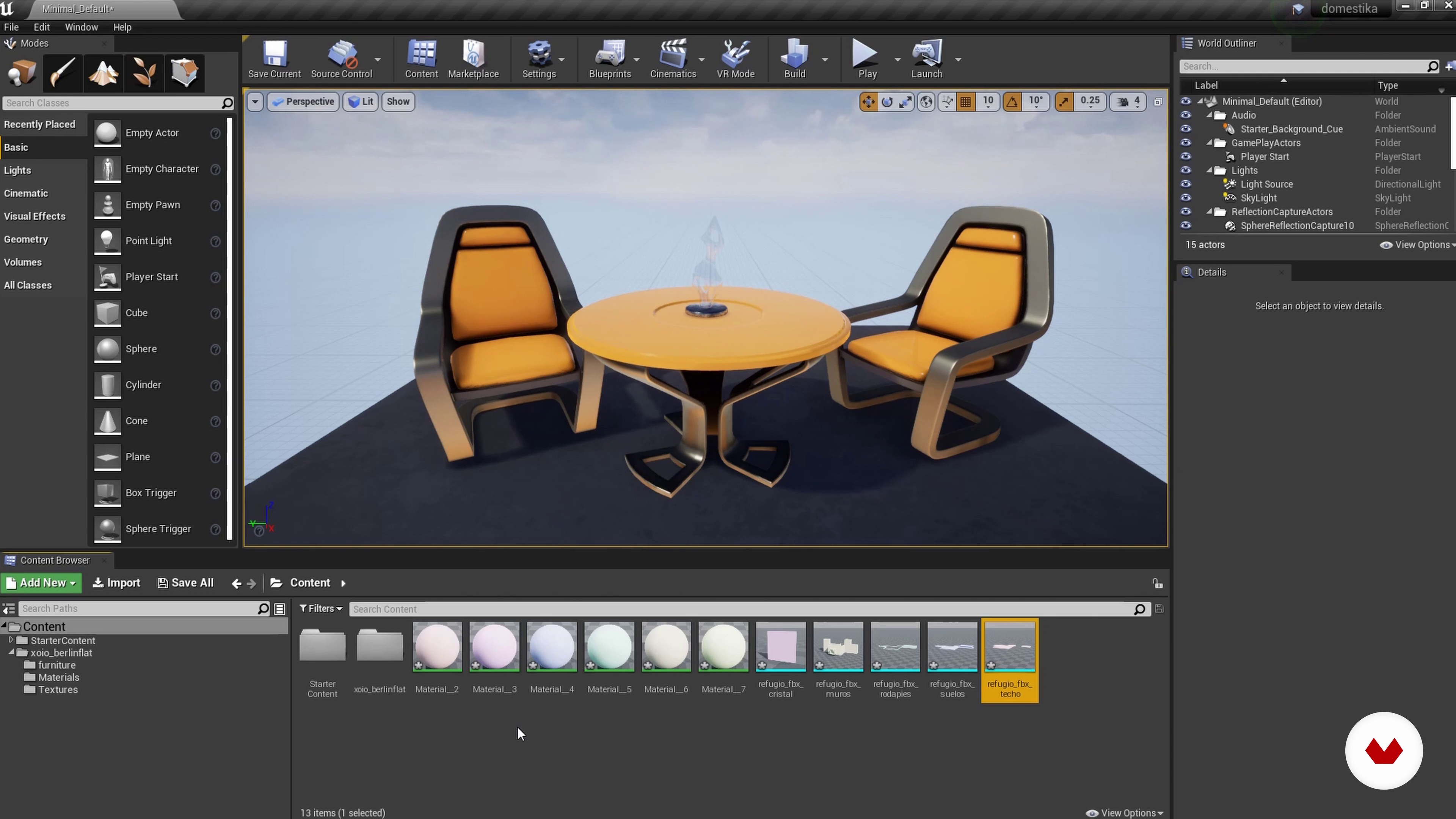
Creation of prefabs project
10 minutes, 54 seconds

Assembling the 3D scene
11 minutes, 15 seconds
What's included in this course?
Start the course by getting to know Miguel Albo, his professional achievements and where he draws his inspiration from.
Next, he shows you how to look for references for 3D visualizations and prefabs to use in your scenes, as well as preparing your own 3D models and importing them to Unreal to create new projects with your new resources.
Learn how to build your 3D scene efficiently, creating realistic PBR materials with formulas, as well as how to create high quality lighting.
Miguel then shows you how to apply post-processing effects in Unreal to achieve a variety of visual finishes and how to render images, both aesthetically and for video sequences.
In the final unit, learn how to customize the user experience by creating a menu to visit the scene freely or to leave the software; adjust the character (or Pawn) to embellish the virtual visit. Then, add music or ambient sound, retouch the images, and create the presentation of your IA.
Recommended software & tools for this course
What is this course's project?
Create a small 3D interior project, with specific lighting qualities to adequately show the majority of the Unreal Engine 4 software functions for 3D architectural visualization.
Projects by course students


Who is this online course for?
For architects, interior designers, engineers, or product designers that want to learn new visualization techniques, with an interest in rendering it in real-time.
Requirements and materials
You will need basic knowledge of how to use a architectural visualization software, and know the basics of 3D modeling if you want to import your own models, which is common practice.
As for materials, you’ll need a relatively recent PC or Mac with Unreal Engine 4 installed, and an adequate graphics card (GTX 1050 or more is recommended, and a CPU with Intel i5 or more).

Reviews
- ross3digitalPLUS8 days ago
El curso muy bien explicado paso a paso.
- 7 months ago
muy bueno
- 1 year ago
Excelente curso. Muy recomendable. Obtienes acabos muy buenos y realistas!!
- rosario78PLUS2 years ago
Corso molto interessante. Spiegato chiaramente passo passo su ogni argomento. Complimenti.
- 2 years ago
curso demasiado bueno

He is interested in architectural design in basic projects and implementation, in infographic visualization of architecture using photorealistic images created in AutoCAD, 3ds Max, and V-Ray, and in real-time information architecture that is both realistic and interactive, using virtual reality from Unreal Engine 4.
Content
- U1
Introduction
- Presentation
- Influences
- What will we do in the course?
- U2
Previous steps
- Search for references
- Search for prefabs
- Preparation of our models
- Creation of prefabs project
- U3
Assembly and production of the scene
- Assembling the 3D scene
- Creation and application of PBR 1 materials
- Creation and application of PBR 2 materials
- Creation and application of PBR 3 materials
- Lighting and reflections 1
- Illumination and reflections 2
- U4
Render generation and application
- Post-processed
- Generation of static renders
- Generation of video sequences
- U5
Packaging and distribution of the application
- Menu and free movement through scene 1
- Menu and free movement through scene 2
- Sound
- Customization and compilation of the program
- FP
Final project
- 3D Interior Architecture with Unreal Engine 4
What to expect from a Domestika course
Learn at your own pace
Enjoy learning from home without a set schedule and with an easy-to-follow method. You set your own pace.
Learn from the best professionals
Learn valuable methods and techniques explained by top experts in the creative sector.
Meet expert teachers
Each expert teaches what they do best, with clear guidelines, true passion, and professional insight in every lesson.
Certificates
PLUSIf you're a Plus member, get a custom certificate signed by your teacher for every course. Share it on your portfolio, social media, or wherever you like.
Get front-row seats
Videos of the highest quality, so you don't miss a single detail. With unlimited access, you can watch them as many times as you need to perfect your technique.
Share knowledge and ideas
Ask questions, request feedback, or offer solutions. Share your learning experience with other students in the community who are as passionate about creativity as you are.
Connect with a global creative community
The community is home to millions of people from around the world who are curious and passionate about exploring and expressing their creativity.
Watch professionally produced courses
Domestika curates its teacher roster and produces every course in-house to ensure a high-quality online learning experience.
FAQs
Info-architecture is the digital representation of architectural projects. In Unreal Engine, it enables creating interactive, realistic visualizations of spaces, making it easier to present and explore designs in real time.
This course is aimed at people with basic 3D modeling skills, ideal for intermediate learners looking to deepen their knowledge of interactive architectural visualization with Unreal Engine.
It’s recommended to have prior experience in 3D modeling and basic knowledge of architecture or design. You don’t need to be an Unreal Engine expert, but familiarity with software like 3ds Max or SketchUp is helpful.
You’ll learn how to import 3D models, create realistic materials and textures, light scenes, build interactive walkthroughs, develop serious games, and export renders and presentations using Unreal Engine.
The course includes modules on Blueprints and interactivity, guiding you step-by-step on programming actions like opening doors, turning lights on and off, or changing materials in real time.
You’ll be able to create complex PBR materials, translucent surfaces, hyper-realistic textures for vegetation, and apply special effects like smoke particles or volumetric lighting for visual realism.
Yes, the course covers importing 3D models, including formats like FBX, unit setup, pivot adjustments, UV mapping, and migrating materials and textures from other software.