Illustrated Digital Lettering
A course by Birgit PalmaIllustrator and Lettering Artist
A course by Birgit Palma, Illustrator and Lettering Artist

Learn how to add depth and meaning to words using shapes, color, and volume
Illustrated lettering designs have the power to engulf the viewer into an imaginative rollercoaster, awakening their emotions through the multiple layers of meaning within each letter. Behind this imaginative artwork lies a structured methodology, research, and lots of playfulness, all of which can be learned in this course.
Birgit Palma—renowned artist specializing in type illustration—takes you to her own designer’s playground and shows you all the steps to creating unique illustrated lettering art.
Using her vast experience from working with major clients such as Adidas, Adobe US, Diesel, Hyundai, Coca-Cola, more, she shows you how to go from the initial ideation, to designing on Adobe Illustrator and Photoshop, right up to the best way to share it with clients and peers.
What will you learn in this online course?
19 lessons & 24 downloads
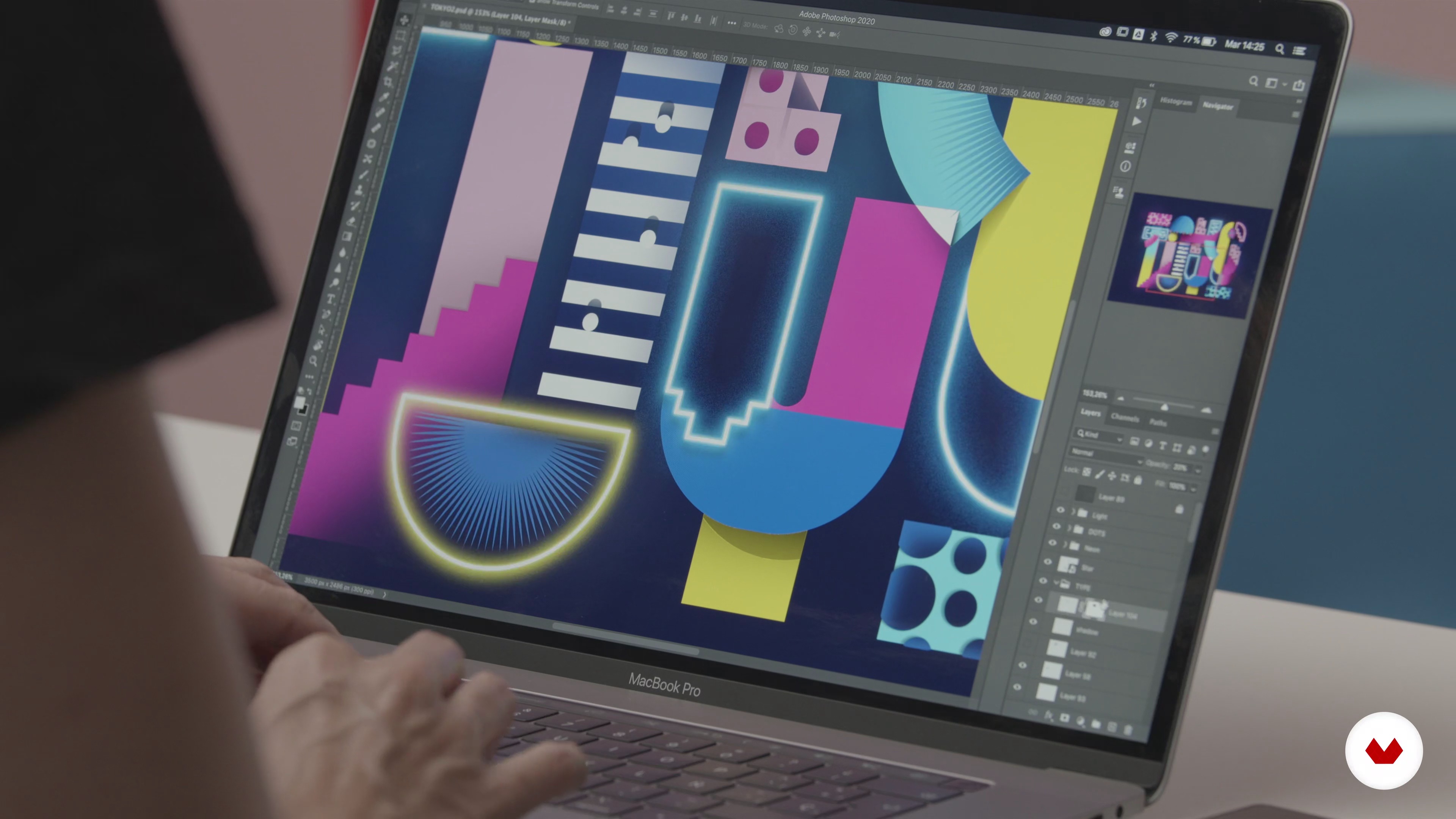
What We Will Do in the Course?
4 minutes, 51 seconds
The Design Principles
7 minutes, 18 seconds
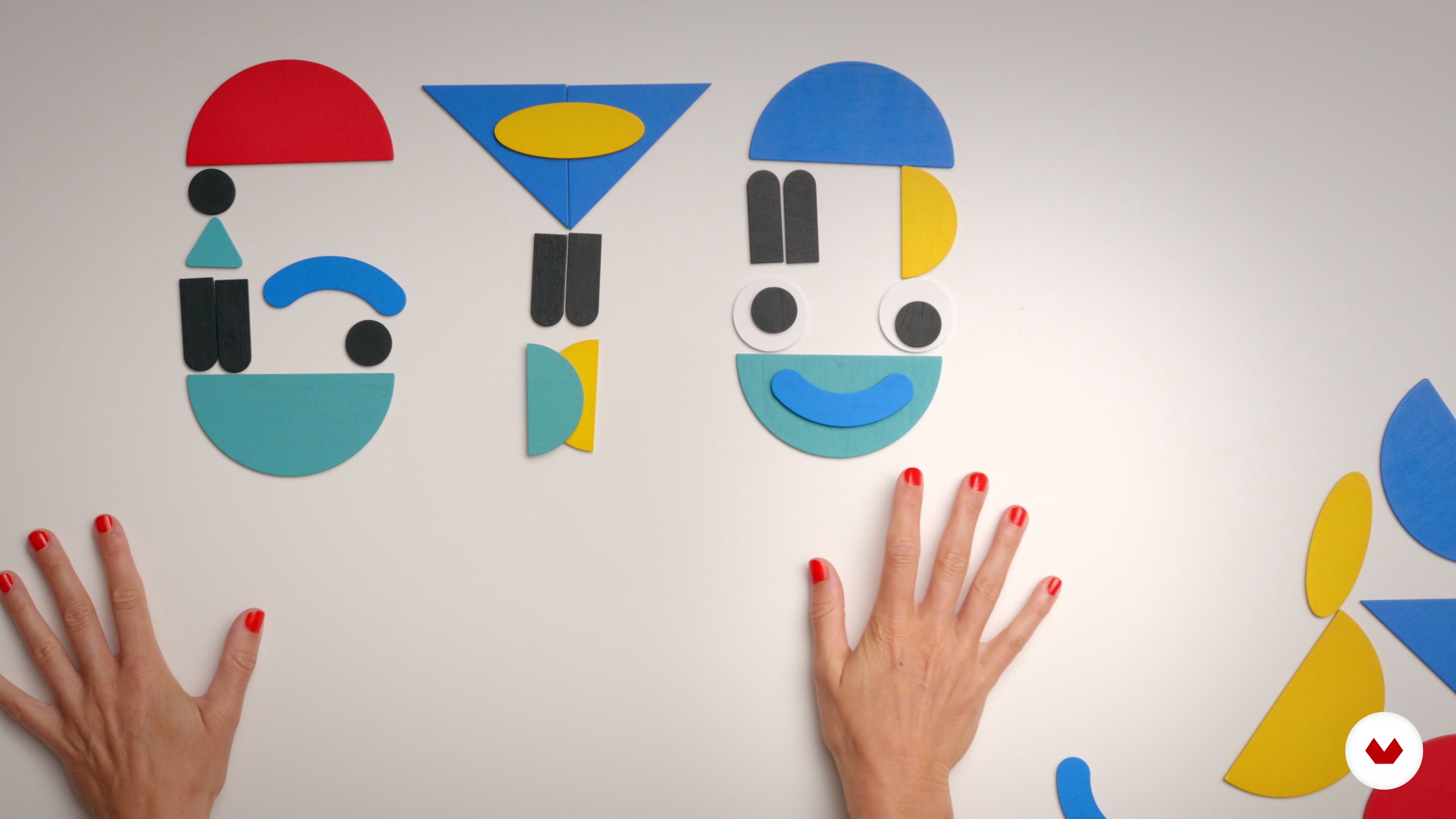
What Is a Modular Type?
4 minutes, 35 seconds
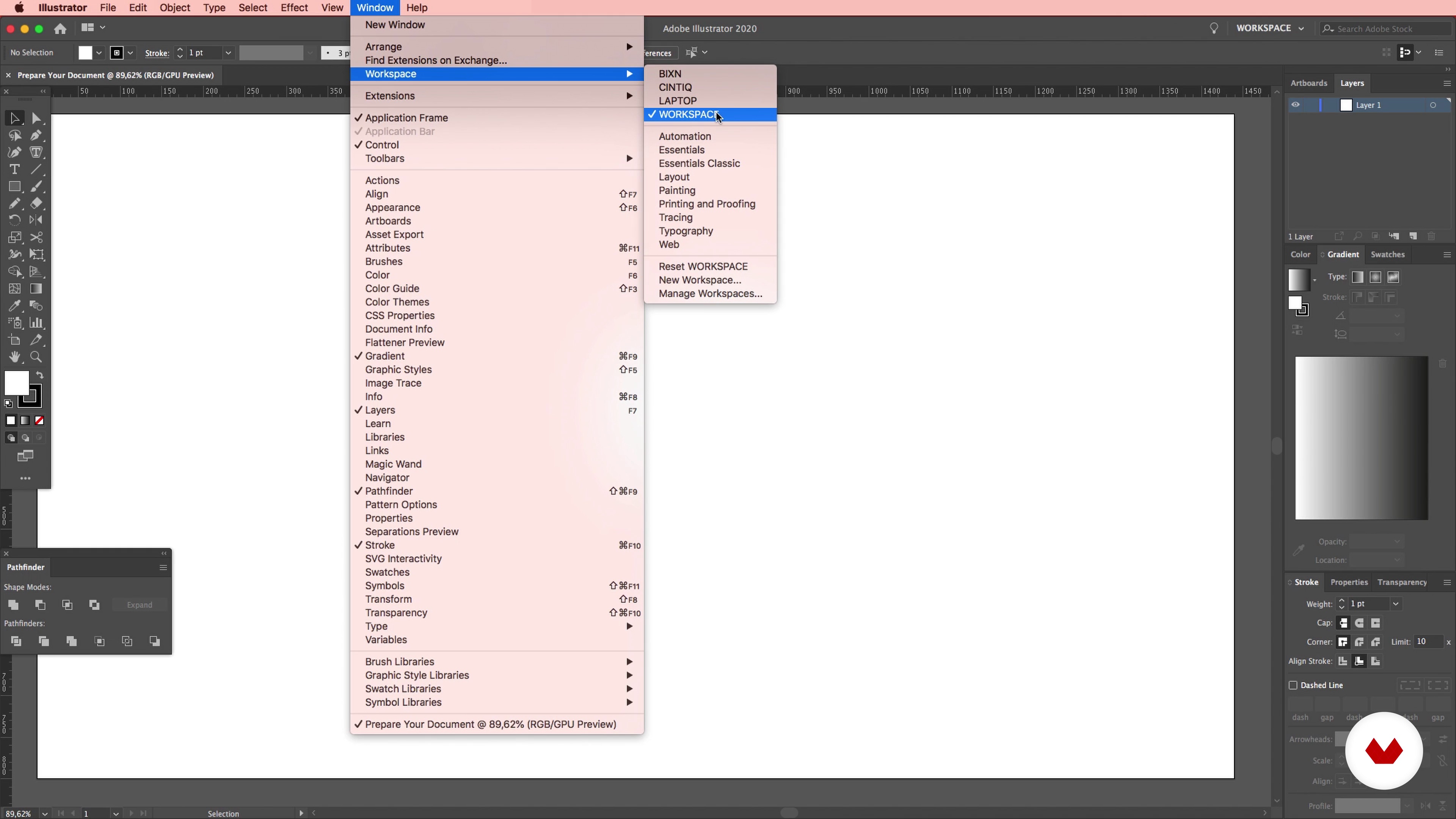
Prepare Your Workspace in Illustrator
5 minutes, 28 seconds
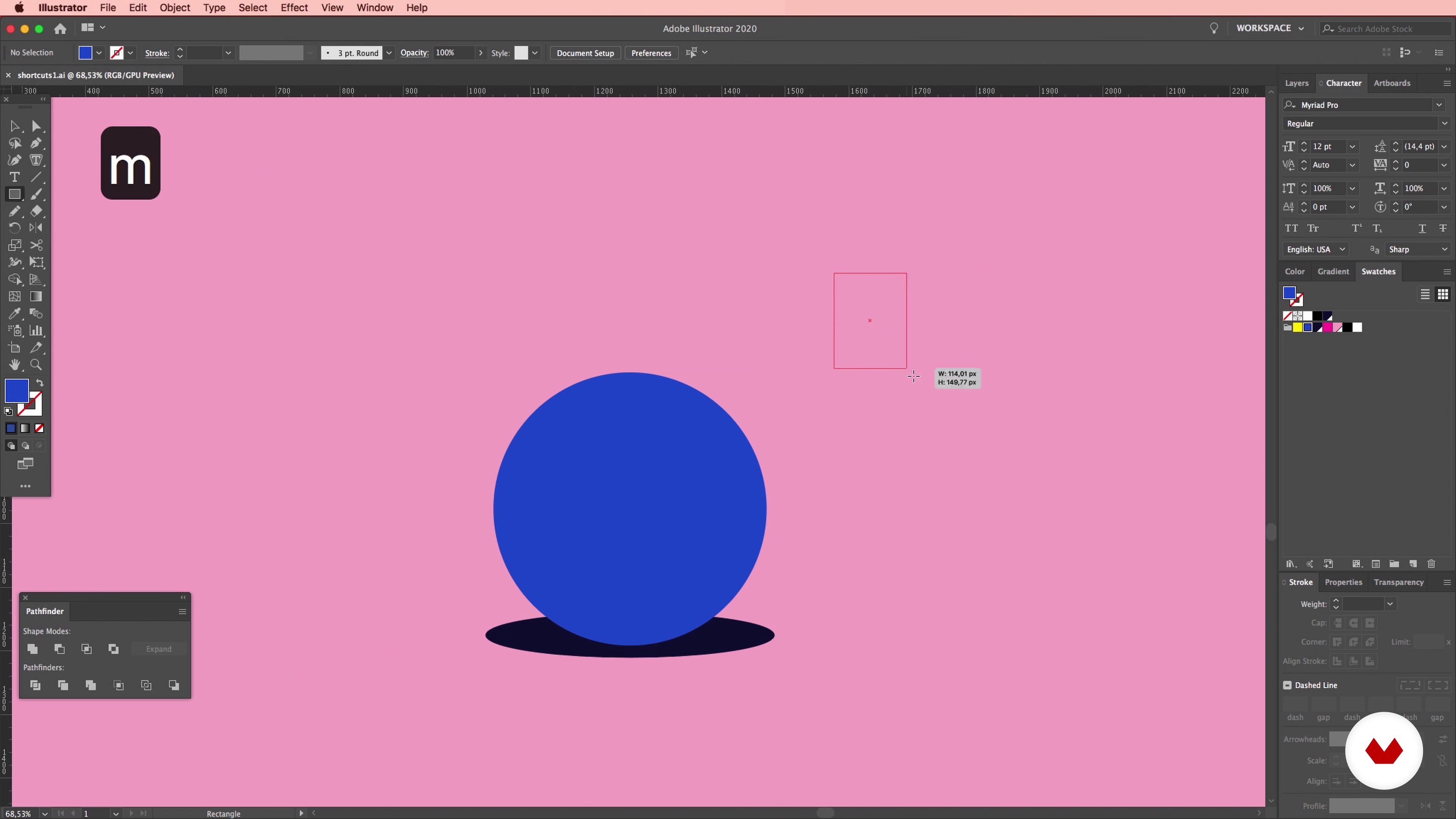
Helpful Shortcuts in Illustrator
6 minutes, 15 seconds
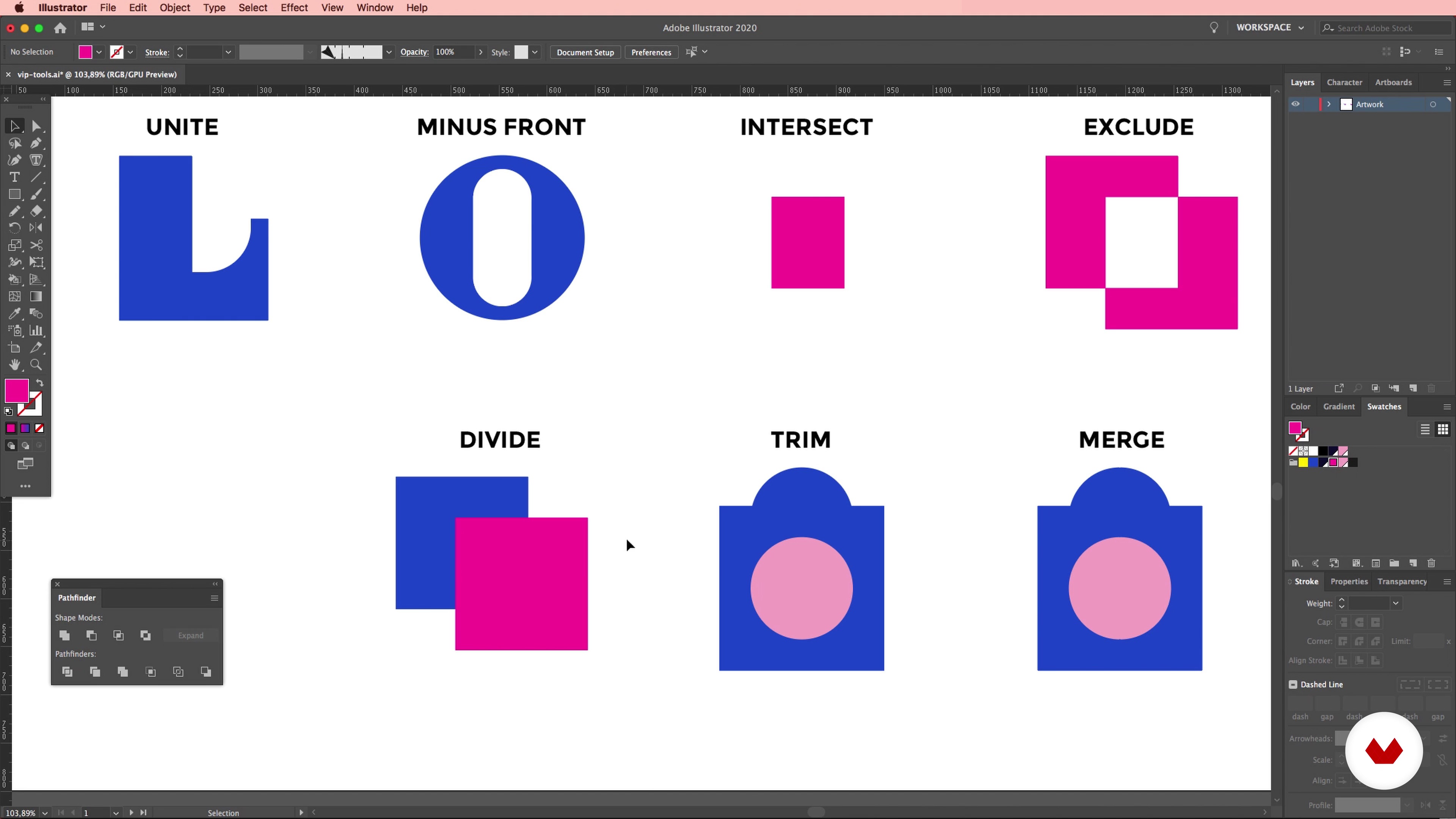
VIP Illustrator Tools: Pathfinder & Blend Tools
8 minutes, 4 seconds
What's included in this course?
Get to know Birgit, about her career so far, and how her flaws helped her shape her style, as well as the mentors and influences that inspire her work.
Start off by going over some basic design principles along with some references for each one. Get a deeper understanding of what modular type is, seeing how everything begins with simple geometric shapes. Birgit then shows you how to organize your workspace on Illustrator to work more efficiently, seeing some of her favorite tools along the way.
Choose the city you want to use for your project and do some research using Birgit’s insightful cues to collect the colors, shapes, and details that reflect your vision of the city. Turn your findings into inspiration with Birgit’s creative technique and begin working on the typeface design once you have your modular grid ready.
Play with dimensions until you decide on the one that works best for you and see how to generate abstraction using the reference images from your research, simplifying the elements to their essence. Once you have your elements ready, start to merge them with your type, finding a balance between playfulness and readability.
Add volume and details to your piece on Photoshop with some advanced tips to refine your work before applying your artwork to different mock-ups to showcase your work online and present it to clients. Finally, Birgit gives you some final suggestions on how to further your ideas and make the most out of your artwork.
Recommended software & tools for this course
What is this course's project?
Create a digital lettering illustration of a city of your choice for an editorial piece by learning how to merge typography and illustration, and learn how to prepare the files for your clients, as well as for your own portfolio.
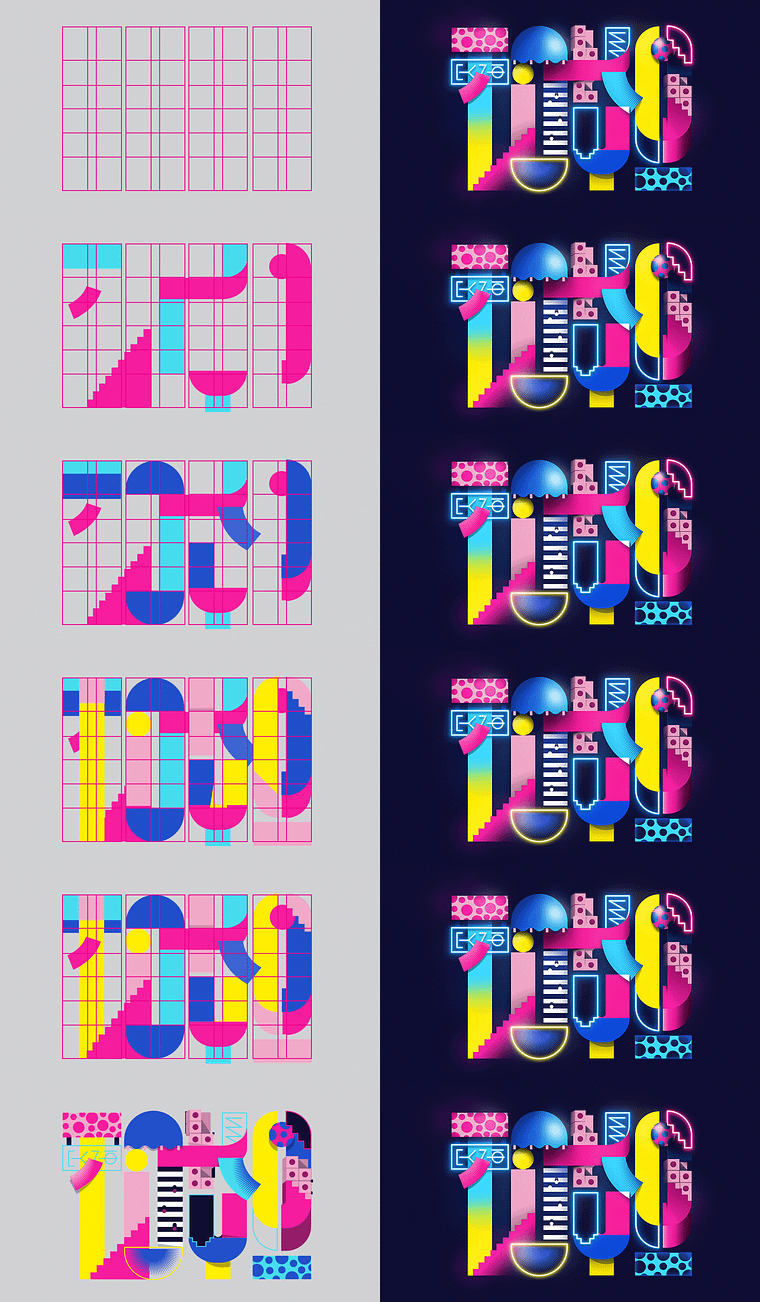
Projects by course students


Who is this online course for?
This course is for graphic designers and illustrators both professionals and students, who want to learn how to combine both digital lettering and illustration.
Requirements and materials
To take this course, you need basic graphic design skills, notions in Adobe Illustrator, and Photoshop, as well as your creative spirit.
As for materials, you need loose paper and a pencil, a computer with Adobe Illustrator and Photoshop, and ideally a graphics tablet, although not mandatory.
Reviews
- judogui2002PLUS1 month ago
estupendo
- 2 years ago
Fabulous Cources! Mentor Birgit Palma explains in a effortless way that anyone can understand! I strongly reccommend it!
- 2 years ago
Top! Birgit mi ha aperto un mondo su Illustrator e come reinterpretare in modo creativo e moderno la scrittura!
- 2 years ago
Muy lindo curso, divertido y bien explicado Los recursos adicionales son muy interesantes también.
- 2 years ago
Bueno!

Today, Birgit works as a freelance illustrator and graphic designer, working for clients such as Nike, Coca-Cola, Adidas, Hyundai, Red Bull, Adobe, and many more.
When she’s not busy designing in her studio in Barcelona, she travels the world to teach workshops in type illustration in places like Guatemala, Germany, or Austria and has been lecturing at FH Salzburg and EINA Barcelona since 2016. Her work has been featured in Digital Design, DigitalArts, and Adobe Favs, among many more.
Content
- U1
Introduction
- About Me
- Influences
- What We Will Do in the Course?
- U2
Preparation and Research
- The Design Principles
- What Is a Modular Type?
- Prepare Your Workspace in Illustrator
- Helpful Shortcuts in Illustrator
- VIP Illustrator Tools: Pathfinder & Blend Tools
- Starting the Research
- U3
Working With Type
- Turning Your Research Into Original Ideas
- What Type Style Is Your City?
- Create a Modular Grid
- Color, Composition & Balance Your Artwork
- U4
Illustration: Transform Your Inspiration
- Transform Your Inspiration
- Start to Create Elements
- Combine Illustration, Typography & Color
- Dress up Your Modular Type: Attention to Detail
- U5
Sharing the Story
- Final Recommendations
- Round Up
- FP
Final project
- Illustrated Digital Lettering
What to expect from a Domestika course
Learn at your own pace
Enjoy learning from home without a set schedule and with an easy-to-follow method. You set your own pace.
Learn from the best professionals
Learn valuable methods and techniques explained by top experts in the creative sector.
Meet expert teachers
Each expert teaches what they do best, with clear guidelines, true passion, and professional insight in every lesson.
Certificates
PLUSIf you're a Plus member, get a custom certificate signed by your teacher for every course. Share it on your portfolio, social media, or wherever you like.
Get front-row seats
Videos of the highest quality, so you don't miss a single detail. With unlimited access, you can watch them as many times as you need to perfect your technique.
Share knowledge and ideas
Ask questions, request feedback, or offer solutions. Share your learning experience with other students in the community who are as passionate about creativity as you are.
Connect with a global creative community
The community is home to millions of people from around the world who are curious and passionate about exploring and expressing their creativity.
Watch professionally produced courses
Domestika curates its teacher roster and produces every course in-house to ensure a high-quality online learning experience.
FAQs
Yes, this course is designed for intermediate designers who already have basic experience with vector graphics and Adobe Illustrator, aiming to deepen their skills in modular typography and illustrative workflows.
You’ll need access to Adobe Illustrator for vector design and optionally Photoshop for final touches. A graphics tablet like a Wacom is recommended for sketching, but not required.
You’ll learn to construct modular letterforms, merge illustration with typography, use city research for inspiration, add volume and effects, and prepare your artwork for various platforms.
Basic drawing skills are helpful but not required. The course emphasizes geometric construction and modular design, making it accessible for those with a graphic design background.
You’ll follow step-by-step workflows to build modular grids, transform sketches, and integrate illustrative elements into letterforms using Illustrator’s vector tools.
Yes, the course covers techniques like gradients, shadows, and optical illusions to add dimension and visual interest to your modular type illustrations.
Yes, you’ll explore how to research city features, gather references, and translate architectural and cultural motifs into unique typographic compositions.