Introduction to UI Design
A course by Christian VizcarraSenior Product Designer
A course by Christian Vizcarra, Senior Product Designer

Learn the principles of interface design to start your career as a UI Designer
Do you want to learn the mindset and skillset you need to start a career in UI design? Meet Christian Vizcarra, the ideal professional to guide you through your next professional upgrade. With over nine years of experience in creating digital products and a collection of awards from Awwwards, Behance, and CSS Design, Christian shares all his UI design knowledge for you to start creating your own UI interface.
This is Christian’s third course on Domestika. You can learn how to design a mobile app from scratch in his first course. In his other course, he shows you how to create an app style guide, step by step.
Once you complete this course, you will be equipped with the knowledge you need to start a career in UI design. Are you ready to get started?
What will you learn in this online course?
21 lessons & 51 downloads
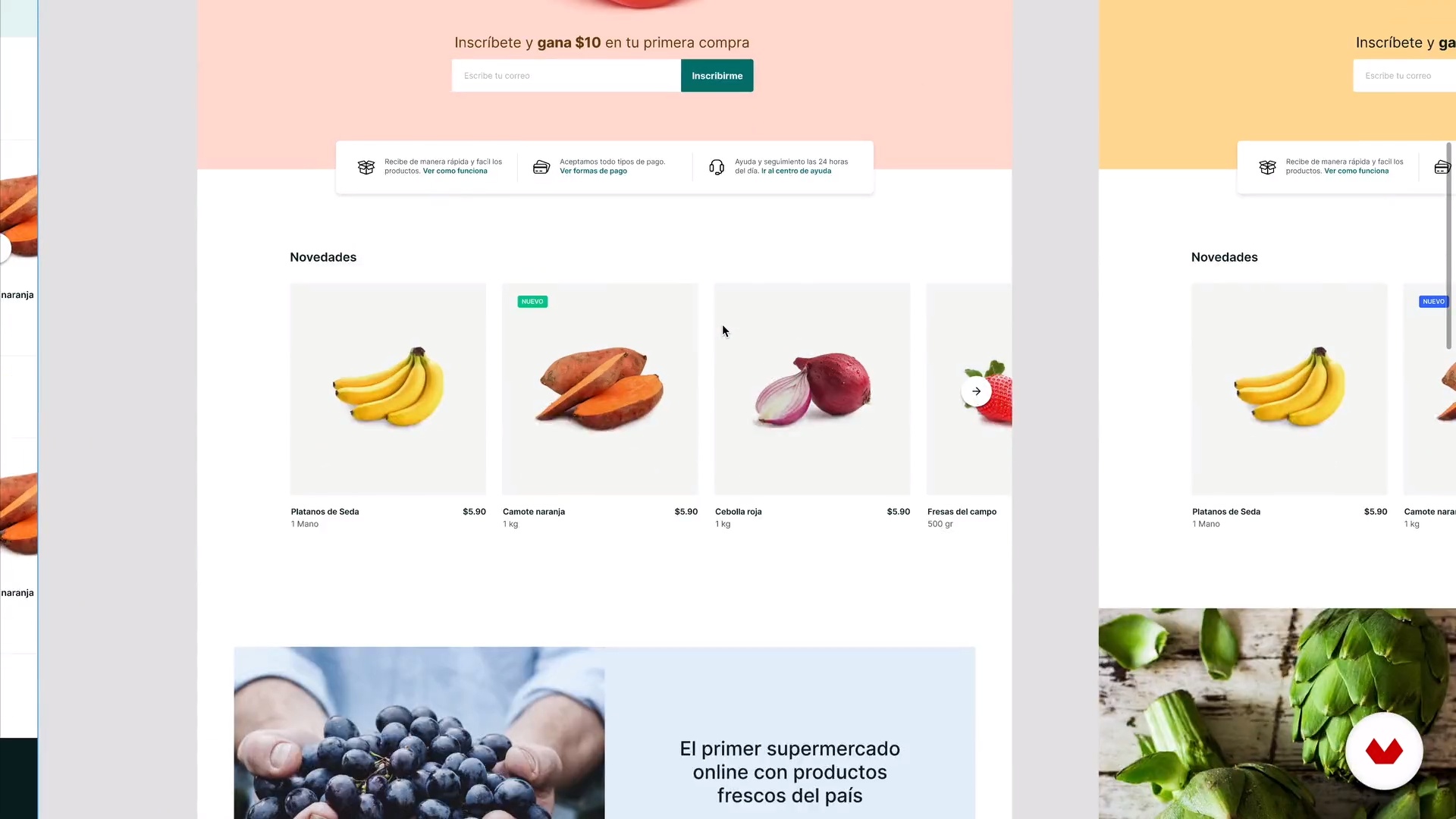
What will we do in the course?
51 seconds
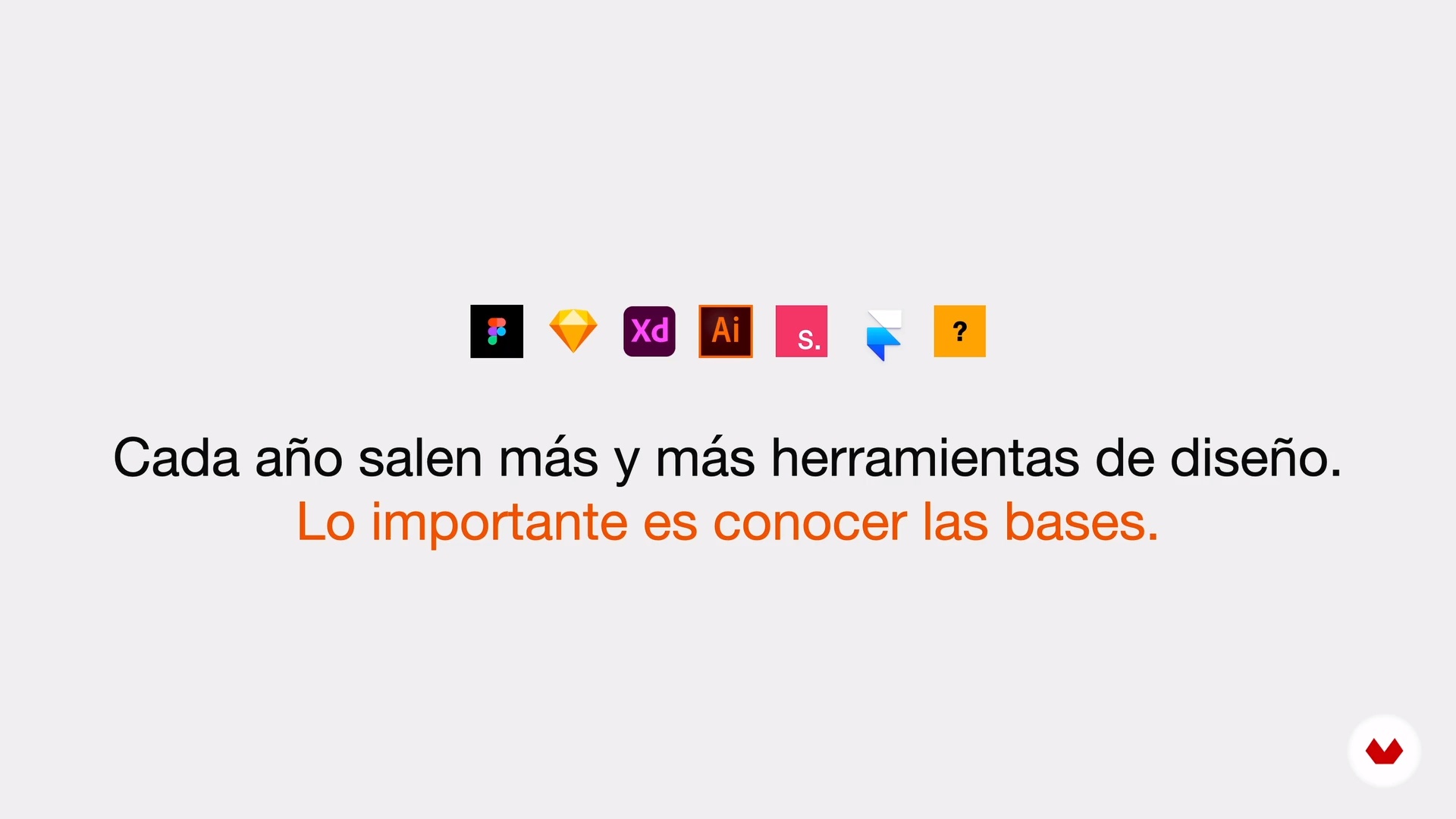
Choosing the design tool
3 minutes, 6 seconds
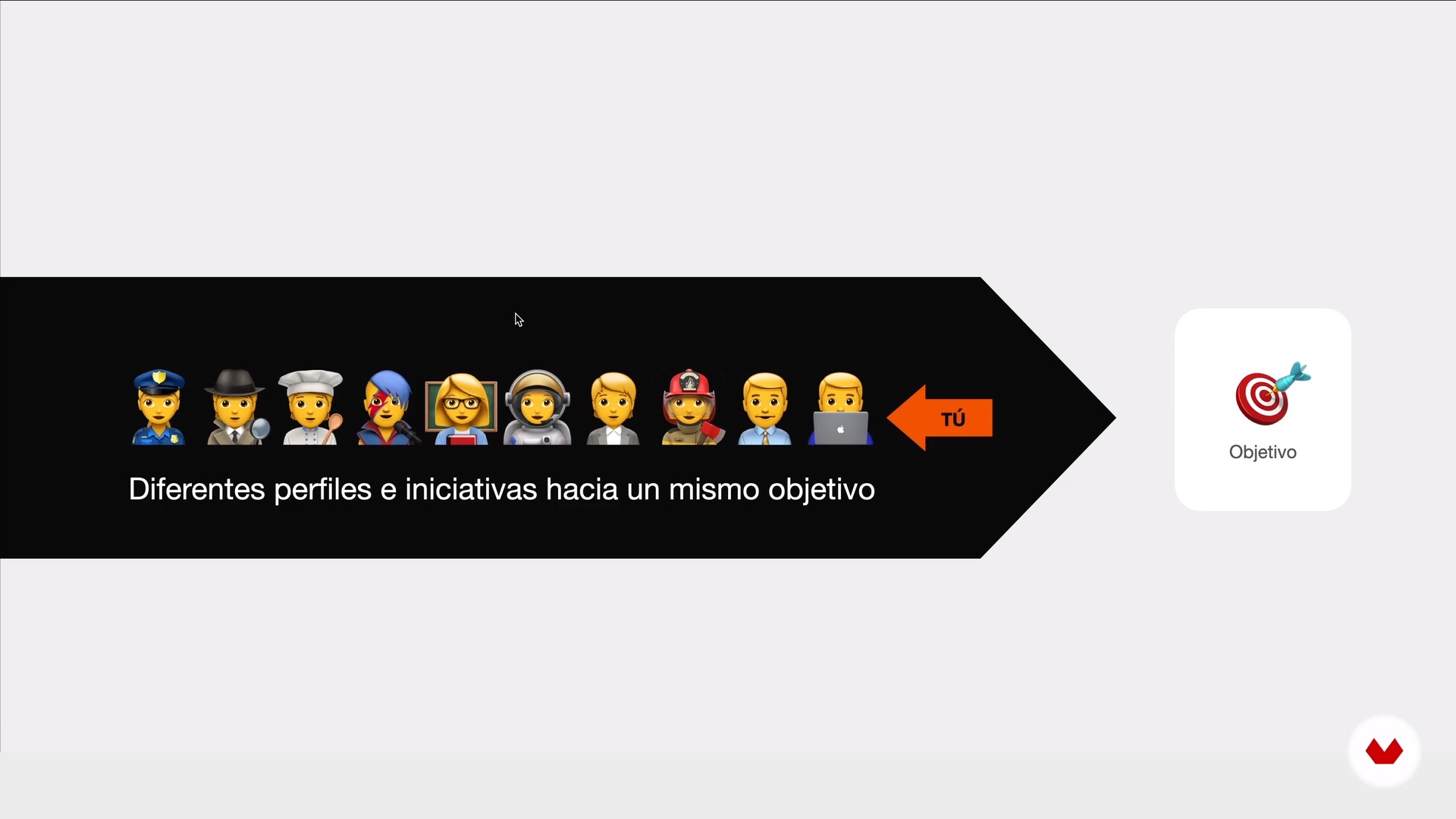
The design process
3 minutes, 53 seconds
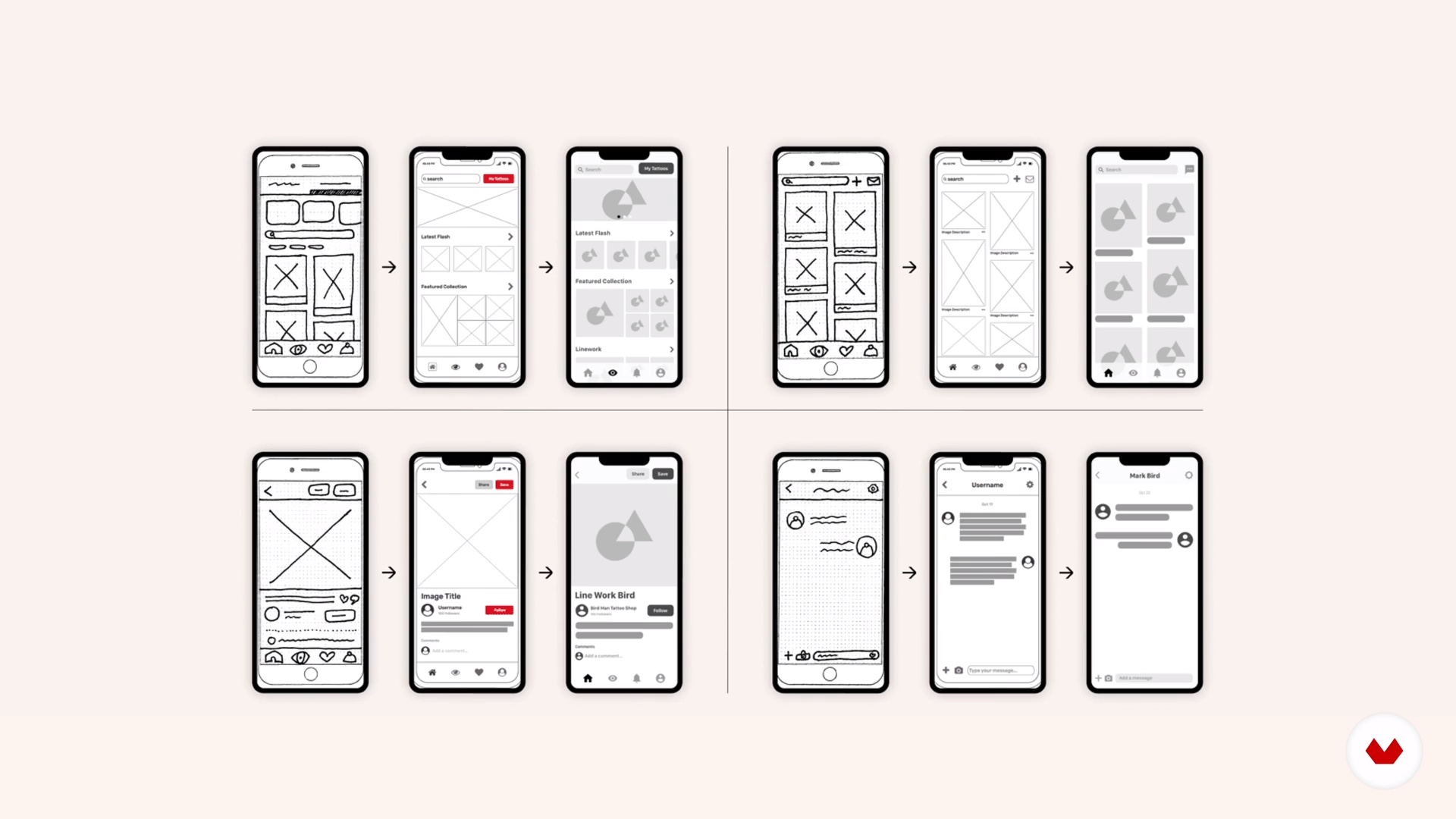
Wireframes
4 minutes, 14 seconds
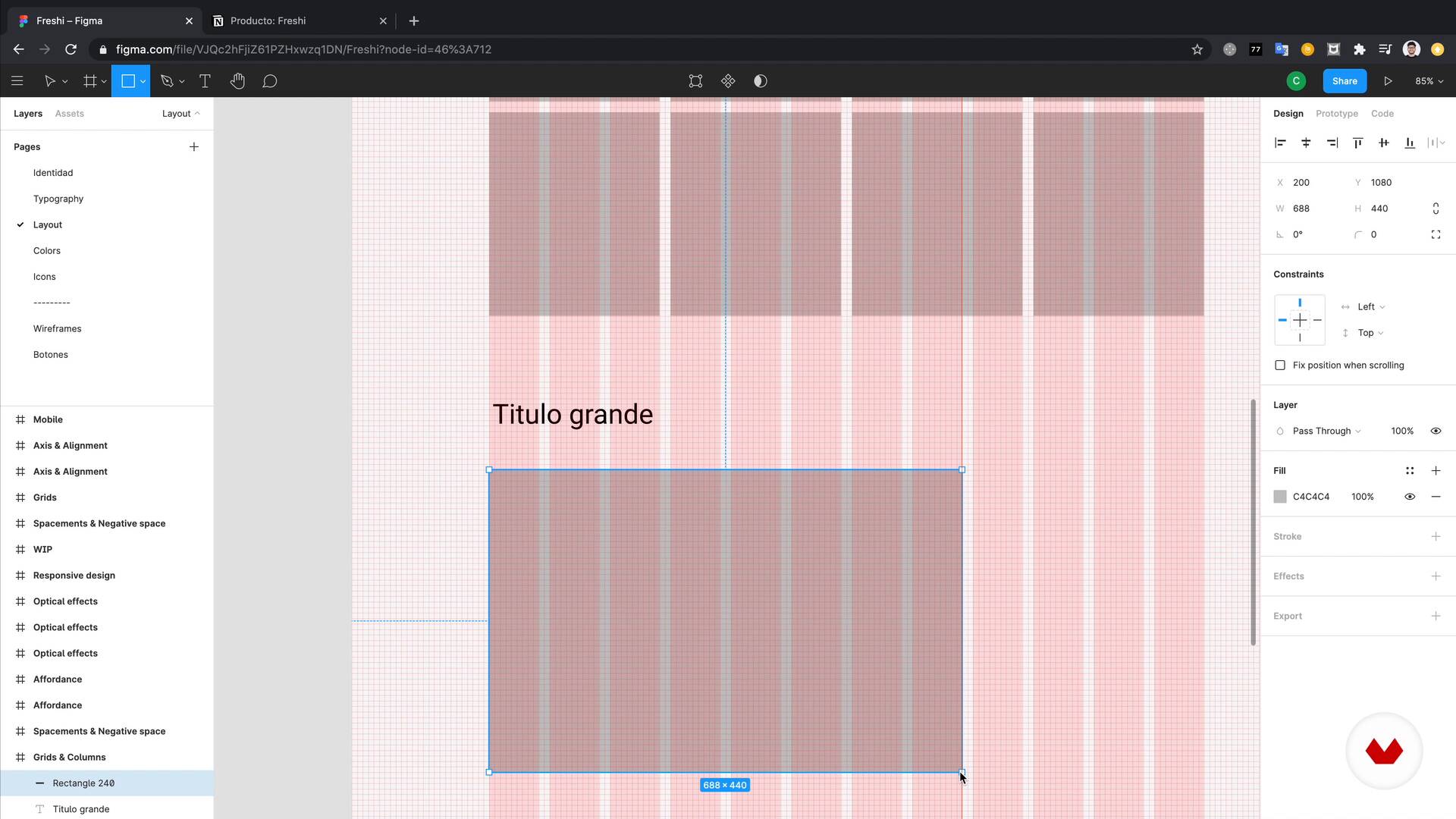
Layout 1
13 minutes, 29 seconds
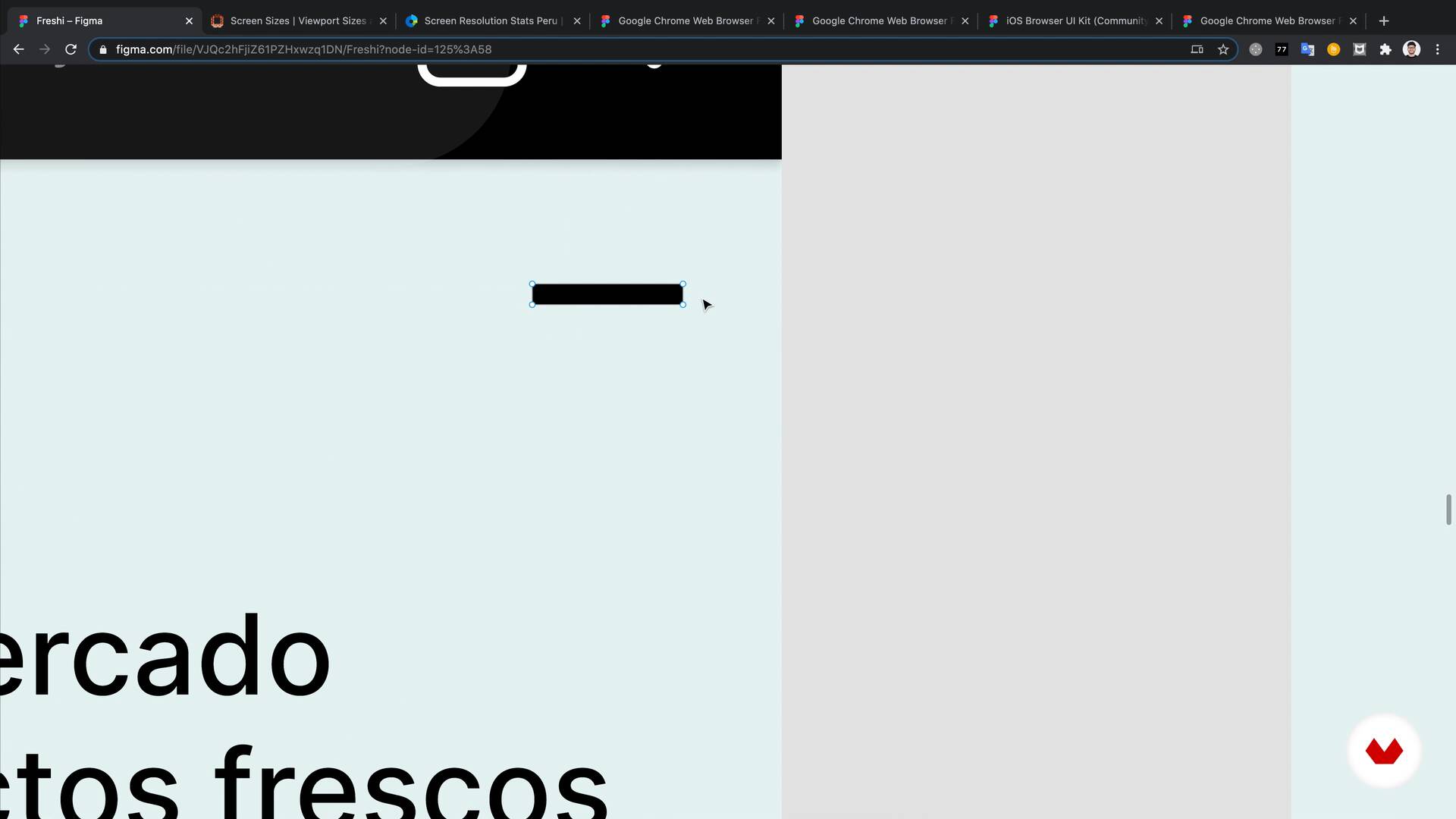
Layout 2
10 minutes, 22 seconds
What's included in this course?
Start the course by getting to know Christian, about how he got into UI design, and see where he finds inspiration.
In the second unit, learn all about the user interface. Discover the theory and learn about the similarities and differences with UX when creating digital products. Understand the right mindset to adopt when working on a UI, see how to choose the right design software for your project, and get to grips with the design process involved when creating a digital product.
Next, learn about the elements that constitute your user interface, such as color, typography, icons, and more. See how Christian stays connected to the trends of the industry and see why it is important to stay up to date. Create a benchmark and search for references to inspire your project.
Get started on the post-production project by going through the use of buttons, forms, lists, and cards. Create a variety of options for each element and try out different functionalities.
In the final unit, see the tools Christian recommends to work with a team to get feedback and co-create, as well as some advice on how to communicate with your team members effectively.
What is this course's project?
Create the UI design for an online store for an e-commerce brand.
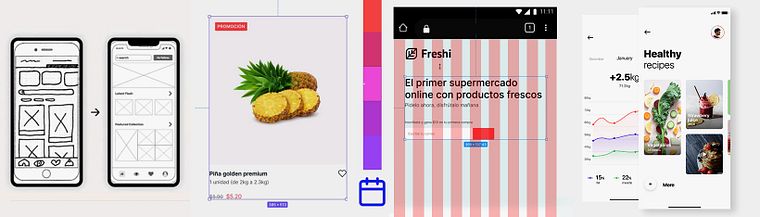
Projects by course students


Who is this online course for?
This course is for anyone interested in starting a career as UI Designers.
Requirements and materials
No previous experience is required, all you need is dedication, patience, and curiosity.
As for materials, all you need is a computer.

Reviews
- 3 months ago
Great course! Everything was clear and easy to understand.
- 3 months ago
Gostei do curso, um pouco rápido para quem não é da área e iniciante. Gostei muito do material complementar
- 4 months ago
Great course!
- 5 months ago
Excelente curso.
- 7 months ago
Buen curso para iniciar en este sector!

As passionate about ideas as he is about product design, he always explores new ways to learn new skills and techniques to evolve as a designer, hence his personal project called The Design Project, a 60-day nonstop design challenge. His work has been recognized by Awwwards, Behance, and CSS Design Awards.
Content
- U1
Introduction
- Presentation
- Influences
- What will we do in the course?
- U2
Welcome to the UI world!
- Mindset that we should take
- Choosing the design tool
- The design process
- U3
UI Fundamentals
- Setup Figma
- Daily inspiration
- Benchmark
- Wireframes
- U4
UI components
- Typography
- Layout 1
- Layout 2
- Colors
- Icons
- U5
Talking about development
- Buttons
- Forms
- Lists & Cards 1
- Lists & Cards 2
- U6
Effective communication
- Communication tools for designers
- Communicating with your team
- FP
Final project
- Introduction to UI Design
What to expect from a Domestika course
Learn at your own pace
Enjoy learning from home without a set schedule and with an easy-to-follow method. You set your own pace.
Learn from the best professionals
Learn valuable methods and techniques explained by top experts in the creative sector.
Meet expert teachers
Each expert teaches what they do best, with clear guidelines, true passion, and professional insight in every lesson.
Certificates
PLUSIf you're a Plus member, get a custom certificate signed by your teacher for every course. Share it on your portfolio, social media, or wherever you like.
Get front-row seats
Videos of the highest quality, so you don't miss a single detail. With unlimited access, you can watch them as many times as you need to perfect your technique.
Share knowledge and ideas
Ask questions, request feedback, or offer solutions. Share your learning experience with other students in the community who are as passionate about creativity as you are.
Connect with a global creative community
The community is home to millions of people from around the world who are curious and passionate about exploring and expressing their creativity.
Watch professionally produced courses
Domestika curates its teacher roster and produces every course in-house to ensure a high-quality online learning experience.
FAQs
UI design focuses on crafting visually appealing and functional digital interfaces that enhance user experience in apps, websites, or digital products.
This course is aimed at those with intermediate knowledge but also covers essential fundamentals and tools for beginners wanting to get started in UI Design.
You’ll learn UI design principles, how to use tools like Figma, creating responsive layouts, typography, color theory, prototyping, remote collaboration, and best practices for designing effective digital experiences.
You’ll need a computer with internet access and preferably software like Figma, Sketch, or Adobe XD to practice interface design exercises.
Yes, the course includes hands-on practice and comparisons between Figma, Sketch, and Adobe XD, focusing on prototyping, animations, plugins, and real-time collaboration.
Yes, you’ll learn to design interfaces tailored for mobile devices, applying mobile-first principles and techniques to optimize experiences on smartphones and tablets.
Yes, the course covers strategic use of typography, color, contrast, accessibility, and creating color palettes for digital interfaces.