Typography and Branding: Design an Iconic Logo
A course by Quique OllervidesGraphic Designer
A course by Quique Ollervides, Graphic Designer

Learn to conceptualize and design a logo from scratch
Quique Ollervides—designer, illustrator, and typographer for brands such as Google, Microsoft, MTV Latinoamérica, Cartoon Network, and Nike—walks you through the process of designing a logo, from brainstorming and sketching to vector drawing, paying special attention to font development and layout.
What will you learn in this online course?
26 lessons & 15 downloads
Definition of the logo that we are going to make
6 minutes, 20 seconds
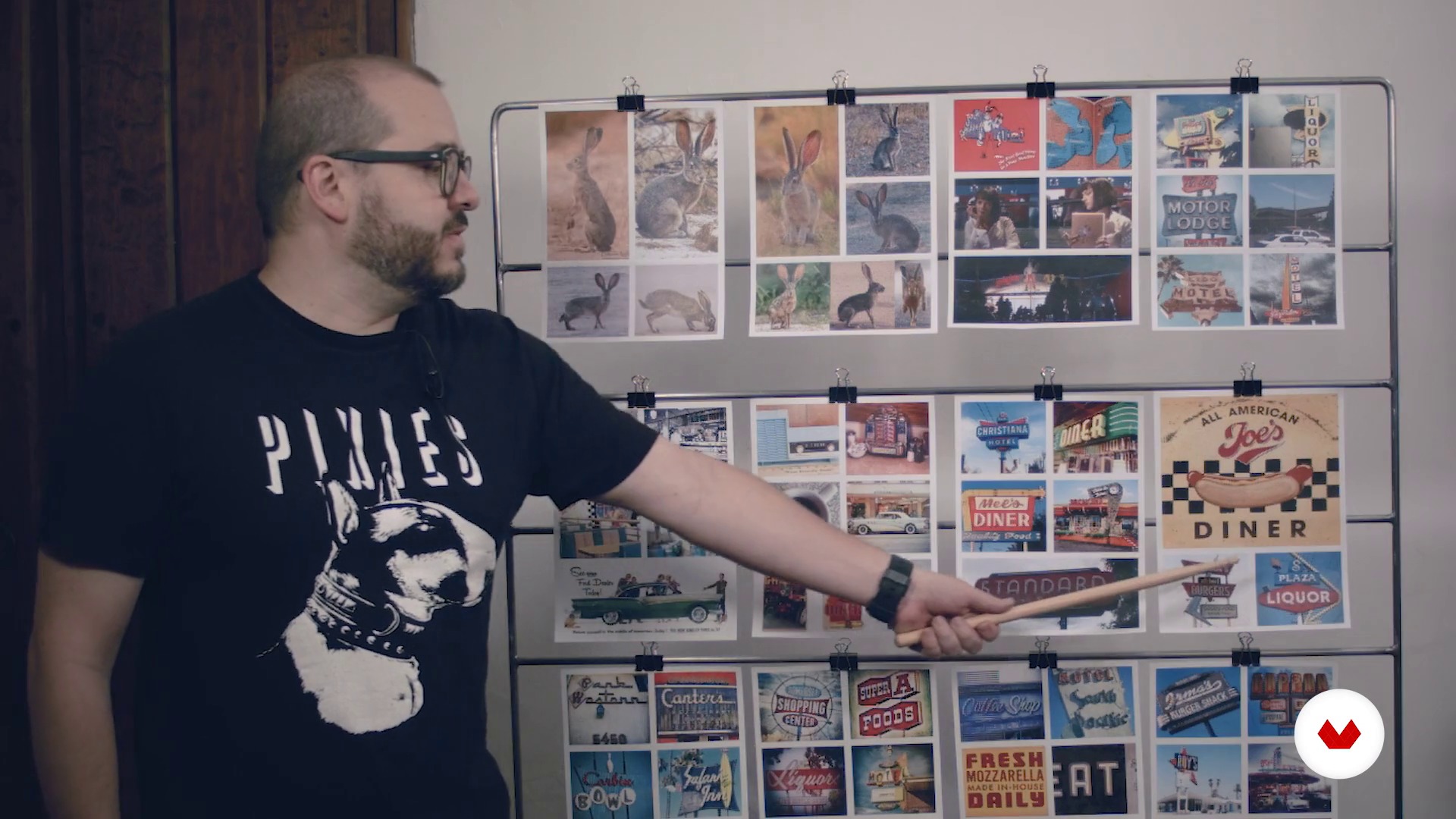
Graphic references and mood board
17 minutes, 23 seconds
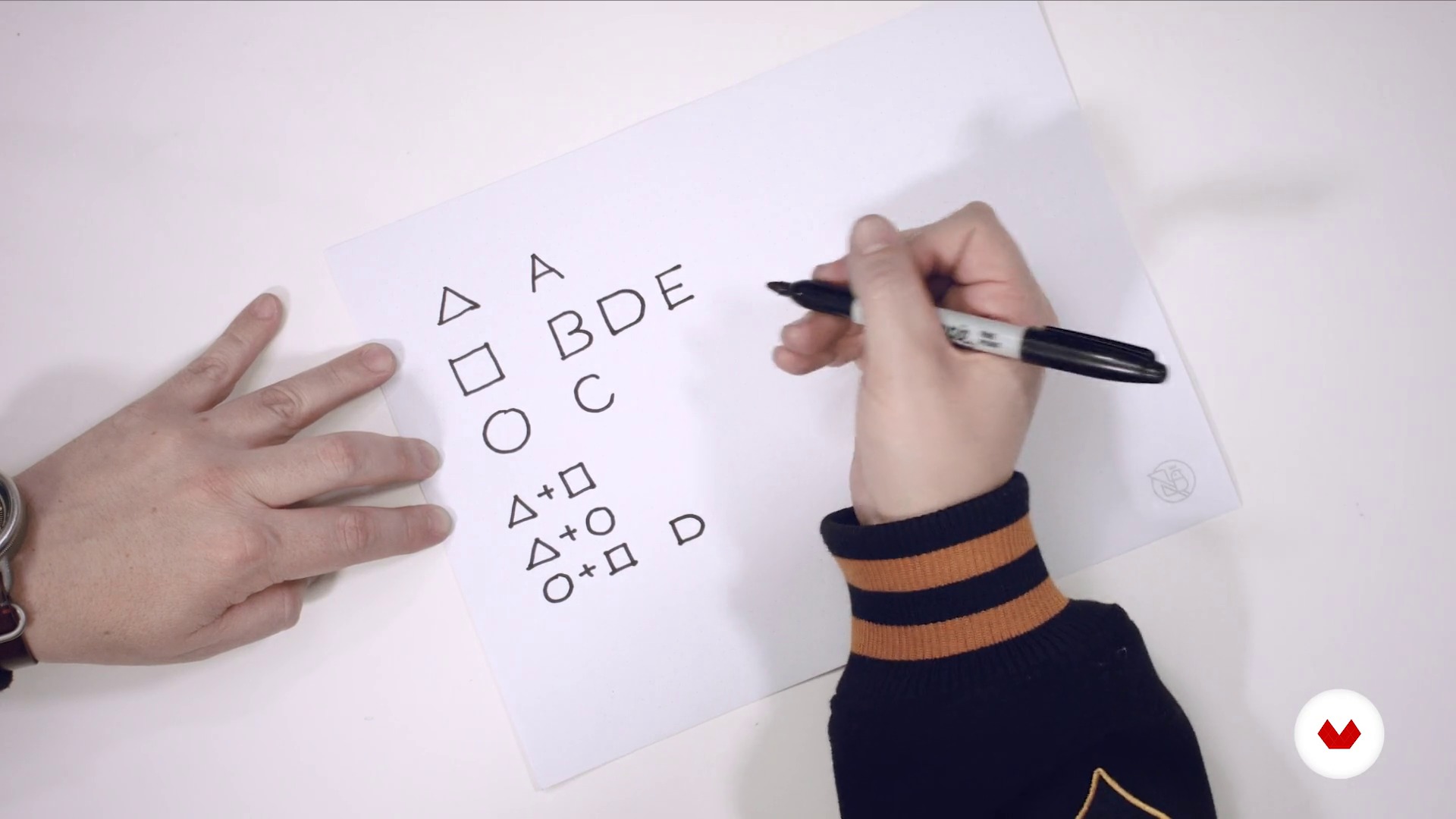
Identify the virtues of typographic forms
10 minutes, 32 seconds
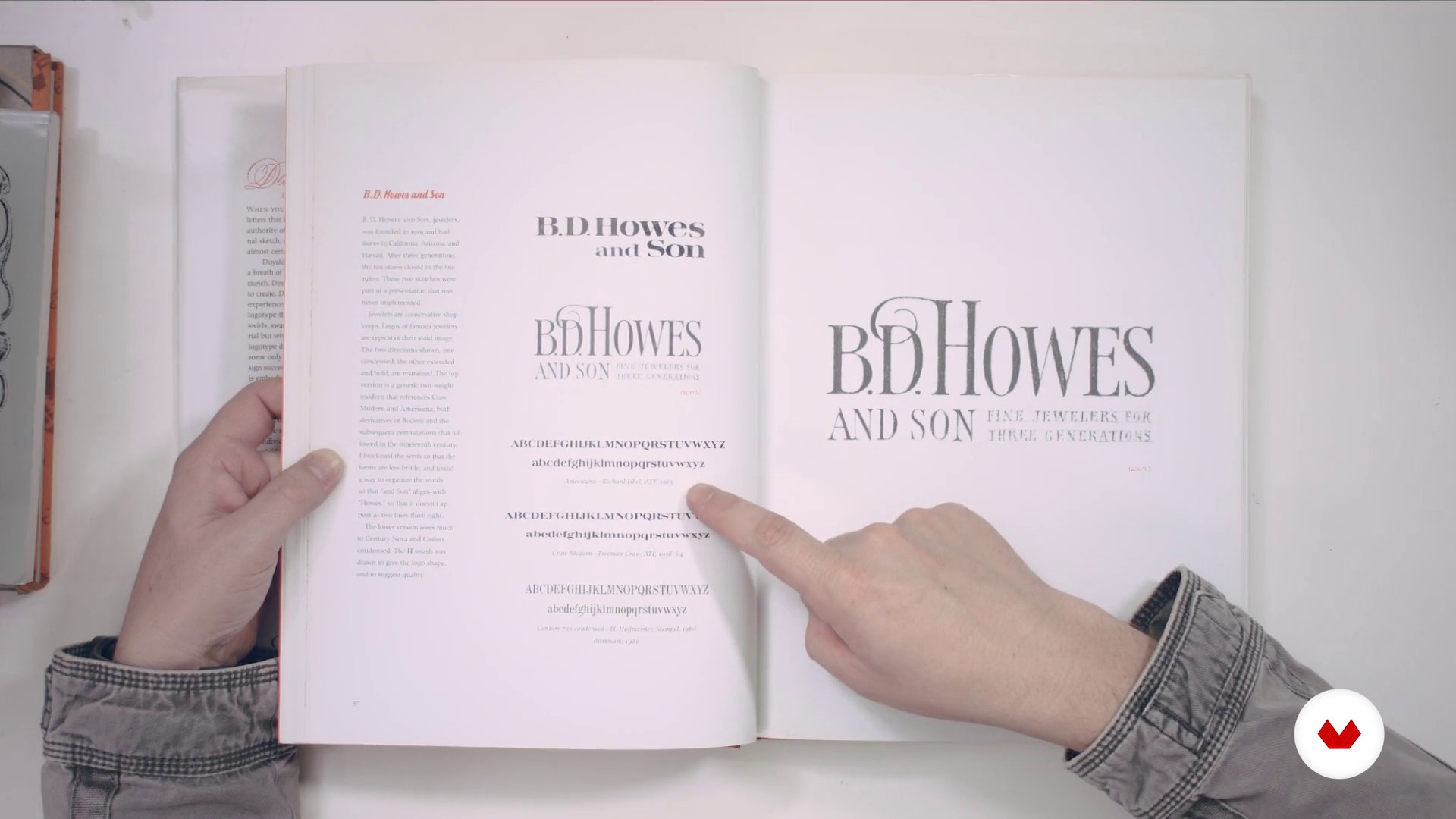
Things I've learned from the greats - Part I
11 minutes, 3 seconds
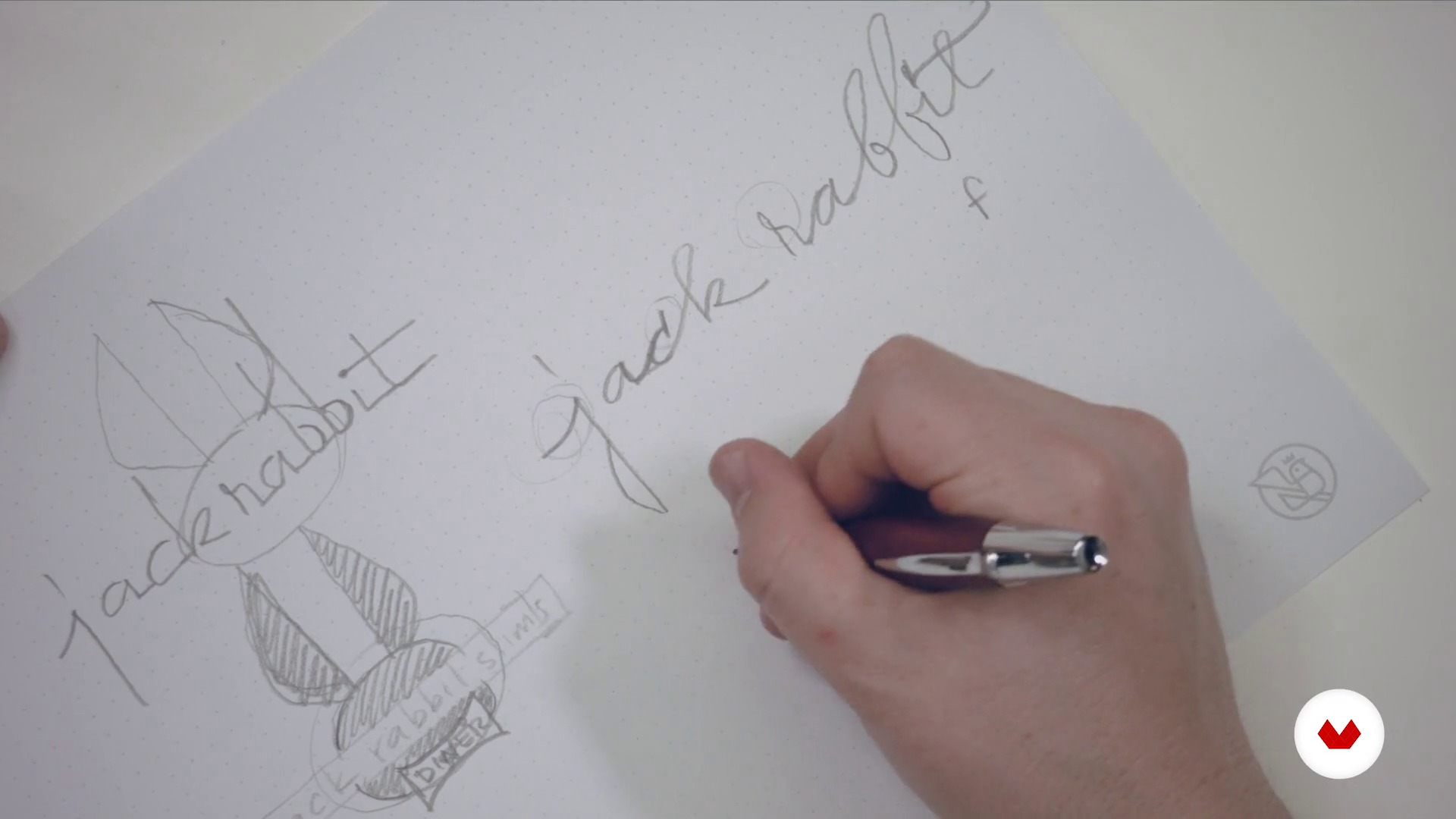
Quick sketches
11 minutes, 59 seconds
What's included in this course?
Start by getting to know Quique Ollervides, his work, and his influences.
Next, learn how to look for references to help you hand draw and vectorize your own logo, either designing a font from scratch or modifying an existing one to achieve the look you want.
Then, discover different ways to arrange the elements in your logo, creating horizontal, vertical, and square layouts suitable for the most popular formats today.
Finish by learning how to choose a font and a color palette to design a captivating imagotype that can either stand alone or complement your logo.
Recommended software & tools for this course
What is this course's project?
Design or reinvent an iconic logo inspired by an image, the name of a fictional restaurant, a TV series, a movie, or a book.

Projects by course students


Who is this online course for?
Designers, illustrators, and artists of any kind who are interested in better understanding the process involved in developing a logo.
Requirements and materials
To take this course, you need basic knowledge of design, typography, and drawing.
You also need pencils, bond paper, tracing paper, a scanner, and a computer with Adobe Illustrator and Photoshop installed.

Reviews
- ssspacemmshipppPLUS19 days ago
The course was excellent and very informative.
- waywardvision001PLUS2 months ago
I would definetely recommend this course! very easy to understand
- 2 months ago
Super recomendado!!!!
- 4 months ago
Muy bueno
- 7 months ago
Very poor English voice-over. The audio constantly cuts out and disappears, which seriously affects the overall experience of the course.

Throughout his career, he has designed a variety of brand identities, album covers, concert posters, and fonts for both personal and commercial use.
Some of his clients include Google, Apple, MTVLA, Cartoon Network, Nike, Coca-Cola, Sony Music, EMI, and Warner. He has also worked for bands such as Tame Impala, Queens of the Stone Age, Phoenix, and Molotov, in addition to festivals like Coachella, SXSW, and Cumbre Tajín.
Between 1996 and 2010, Quique cofounded and ran Hula+Hula, an internationally renowned studio known for its expertise in music, comedy, and color, as well as its passion for handcrafted artwork.
From 2006 to 2010, he cofounded and codirected KONG, one of the most important design stores in Mexico, which also doubled as an art, design, and illustration gallery. There, he organized and curated a number of artistic exhibitions both nationally and internationally.
Quique Ollervides has also taught typography and design courses at various universities, and his work has been featured in numerous books, magazines, and blogs.
Content
- U1
Introduction
- Presentation
- Influences
- U2
Project, basic concepts and references
- Definition of the logo that we are going to make
- Graphic references and mood board
- U3
Knowing your brand
- Identify the virtues of typographic forms
- Count of letters, words or lines - Part I
- Count of letters, words or lines - Part II
- U4
Typography and layout
- Things I've learned from the greats - Part I
- Things I've learned from the greats - Part II
- How to choose catalog fonts from the mood board - Part I
- How to choose catalog fonts from the mood board - Part II
- Quick sketches
- U5
Vectorization
- Basic principles
- Construction of typographic elements - Part I
- Construction of typographical elements - Part II
- Construction of typographic elements - Part III
- Construction of typographical elements IV
- U6
Isotype
- Search for references
- Abstraction
- U7
Composition
- Creating an envelope
- Lock up Imagotype and typesetting - Part I
- Lock up Imagotype and typesetting - Part II
- Variations and choice of the final logo
- U8
Final adjustments
- Alignment and layout
- Colour
- Applications
- FP
Final project
- Typography and Branding: Design of an iconic logo
What to expect from a Domestika course
Learn at your own pace
Enjoy learning from home without a set schedule and with an easy-to-follow method. You set your own pace.
Learn from the best professionals
Learn valuable methods and techniques explained by top experts in the creative sector.
Meet expert teachers
Each expert teaches what they do best, with clear guidelines, true passion, and professional insight in every lesson.
Certificates
PLUSIf you're a Plus member, get a custom certificate signed by your teacher for every course. Share it on your portfolio, social media, or wherever you like.
Get front-row seats
Videos of the highest quality, so you don't miss a single detail. With unlimited access, you can watch them as many times as you need to perfect your technique.
Share knowledge and ideas
Ask questions, request feedback, or offer solutions. Share your learning experience with other students in the community who are as passionate about creativity as you are.
Connect with a global creative community
The community is home to millions of people from around the world who are curious and passionate about exploring and expressing their creativity.
Watch professionally produced courses
Domestika curates its teacher roster and produces every course in-house to ensure a high-quality online learning experience.
FAQs
You’ll learn to create logos, graphic identities for festivals and restaurants, album covers, promotional posters, and music merchandise by applying typography techniques, sketching, and digital vectorization.
Yes, the course is designed for people with basic graphic design knowledge who want to deepen their skills in typography, lettering, and visual identity development.
You’ll need basic graphic design skills and familiarity with software like Adobe Illustrator. Having a computer, a graphics tablet, and access to digital fonts is also recommended.
You’ll develop sketching techniques, vectorization, node editing, building geometric characters, mixing typographic styles, and modifying digital fonts.
The process involves analyzing historical and cultural references, creating sketches, selecting typography, developing imagotypes, and applying visual identity principles to craft coherent and appealing logos.
Yes, you’ll do practical exercises designing album covers, event posters, and music merchandise, experimenting with typography and graphic composition.
Yes, the course covers creating, modifying, and fine-tuning digital fonts, allowing you to experiment and develop your own typographic style.