Workflow and Bulk Editing in Lightroom
A course by Diego Figueroa GonzálezPhotographer, Documentary Maker, Teacher, and Cultural Manager
A course by Diego Figueroa González, Photographer, Documentary Maker, Teacher, and Cultural Manager

Learn to manage and process photo collections efficiently and professionally for high-volume assignments
If a picture is worth a thousand words, then a photo collection is capable of telling an entire narrative. “Narrating the un-narrated” is how photographer, filmmaker, teacher, and cultural consultant, Diego Figueroa, describes his work. Adobe Lightroom has become his ally along the way, allowing him to create an efficient professional workflow.
In this course, learn how to use Lightroom to reduce your production time for high demand photo projects. Discover the different steps and processes needed for documentary and commercial photography—from development, to editing, to final publication.
What will you learn in this online course?
14 lessons & 15 downloads
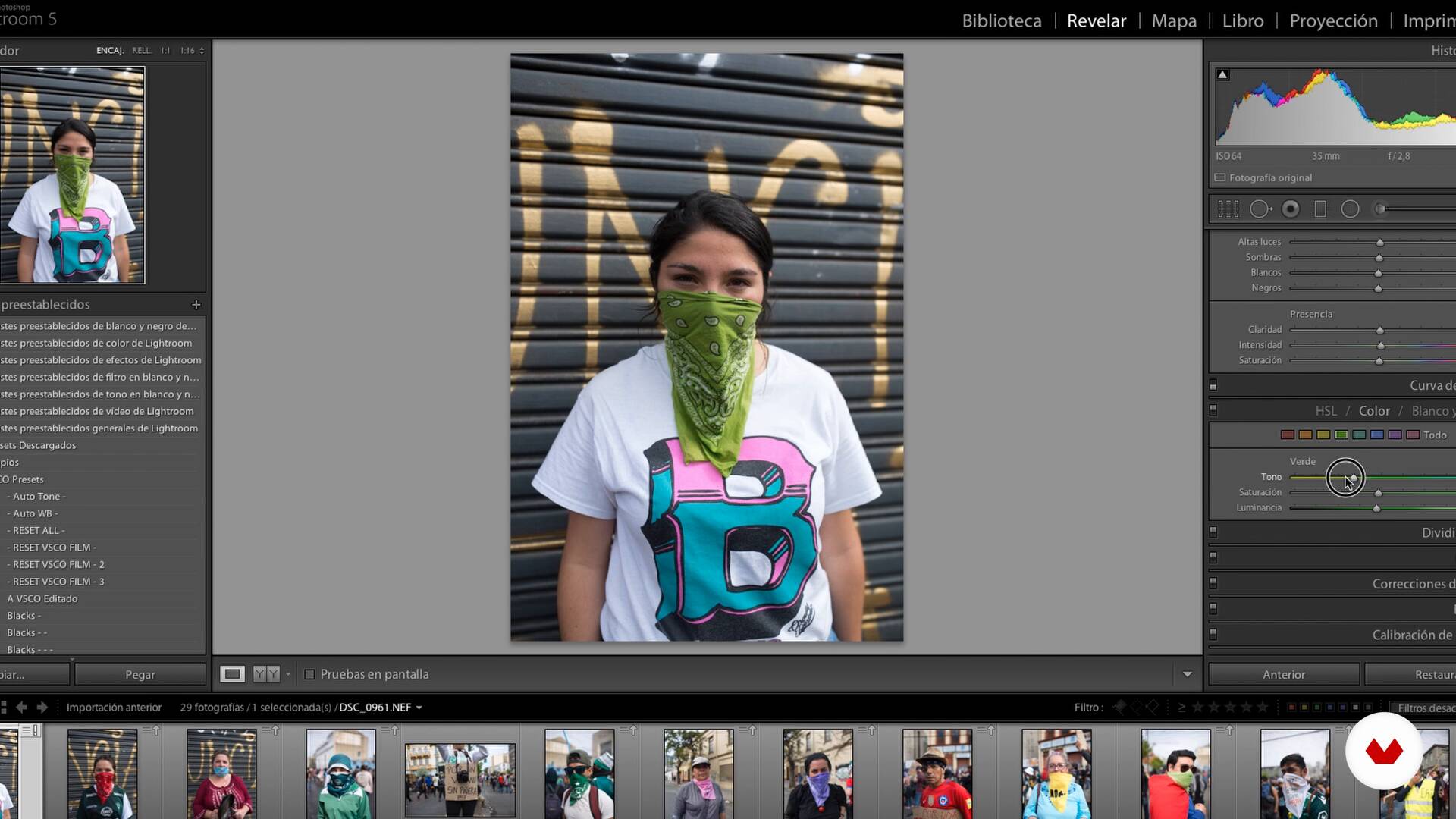
What will we do in the course?
2 minutes, 28 seconds
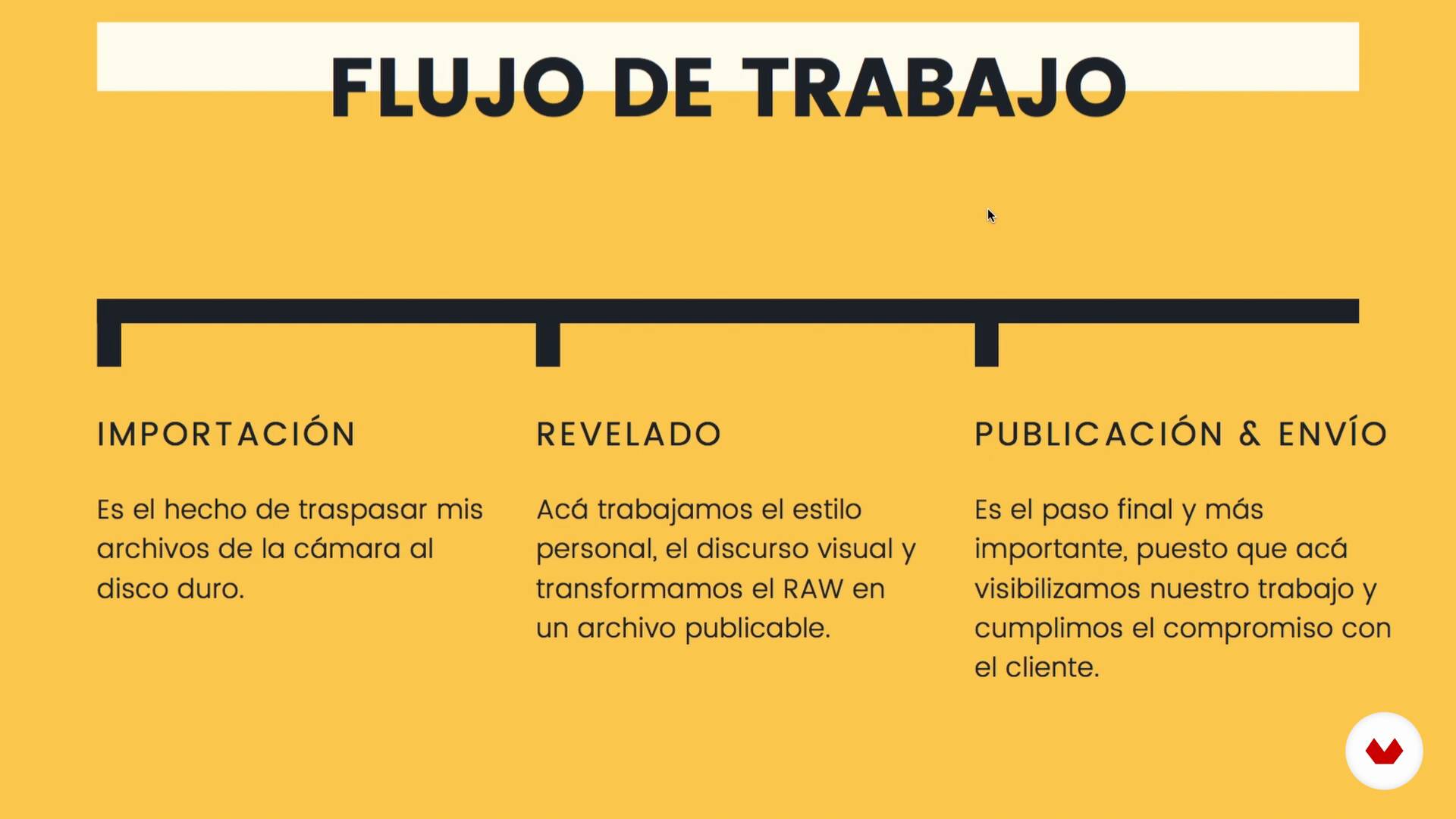
Mass development and photographic cataloging
8 minutes, 40 seconds
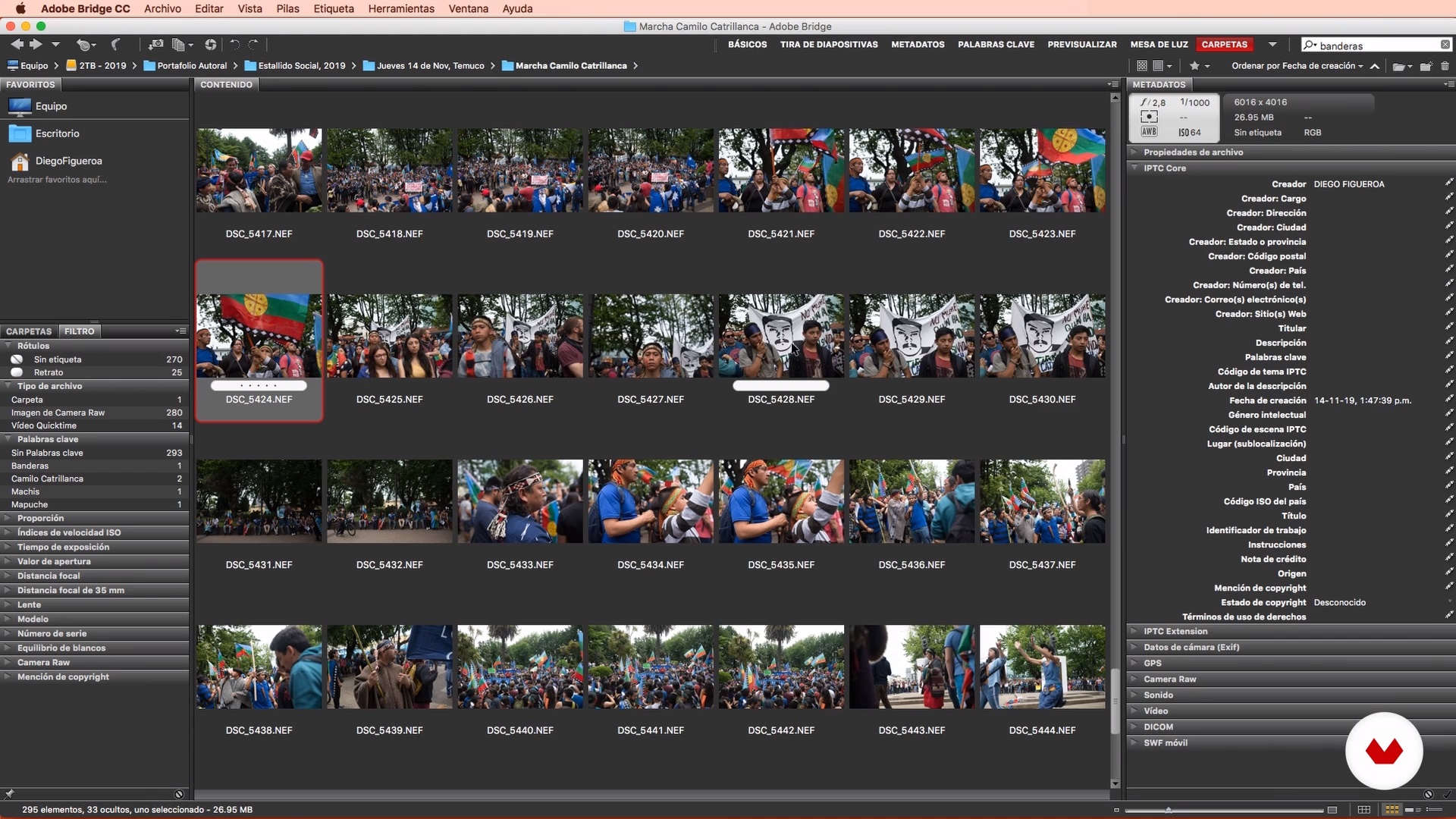
Introduction to Adobe Bridge
11 minutes, 35 seconds
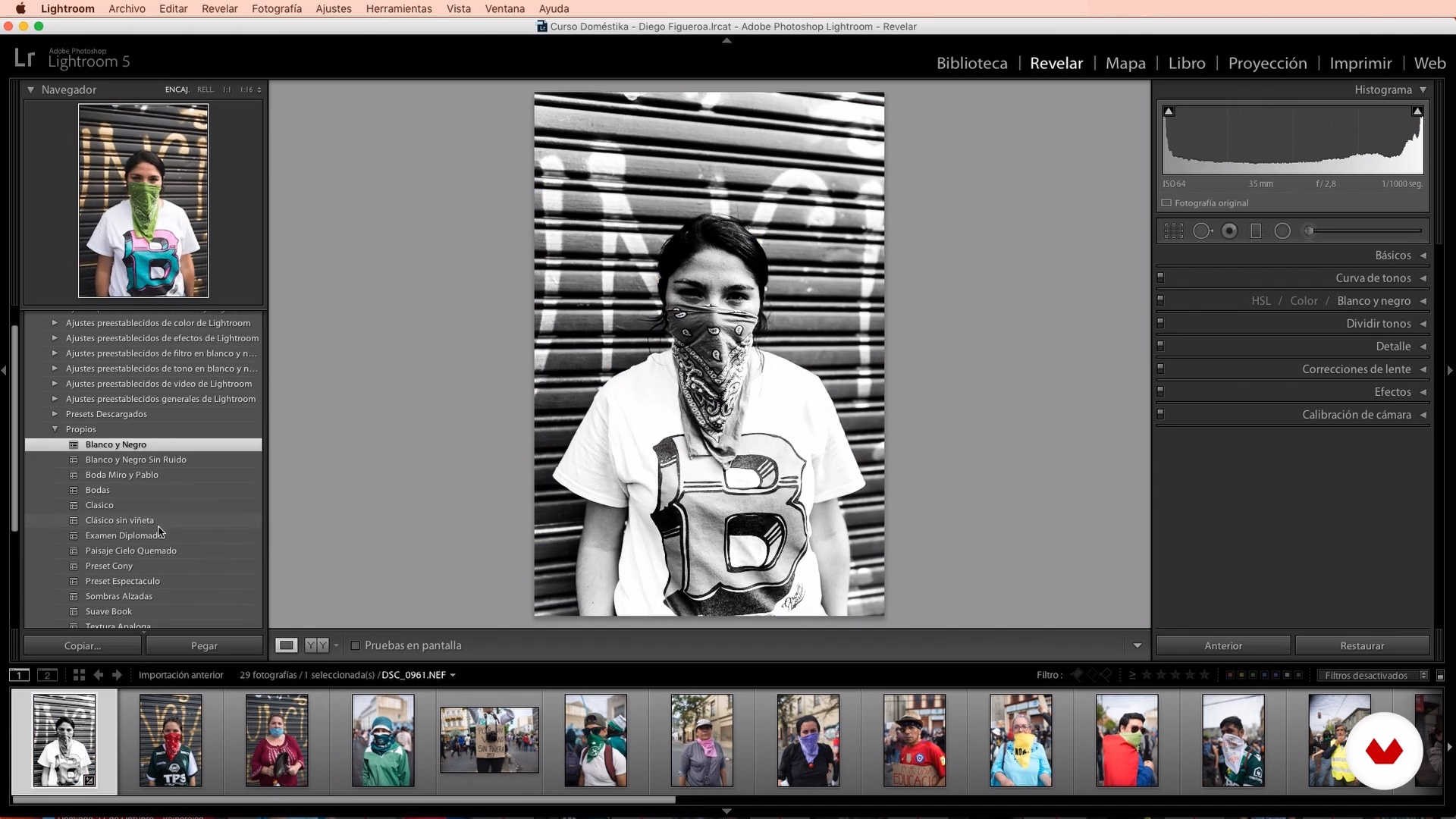
Introduction to Adobe Lightroom
14 minutes, 51 seconds
Selection of the photographic record of the event
19 minutes, 55 seconds
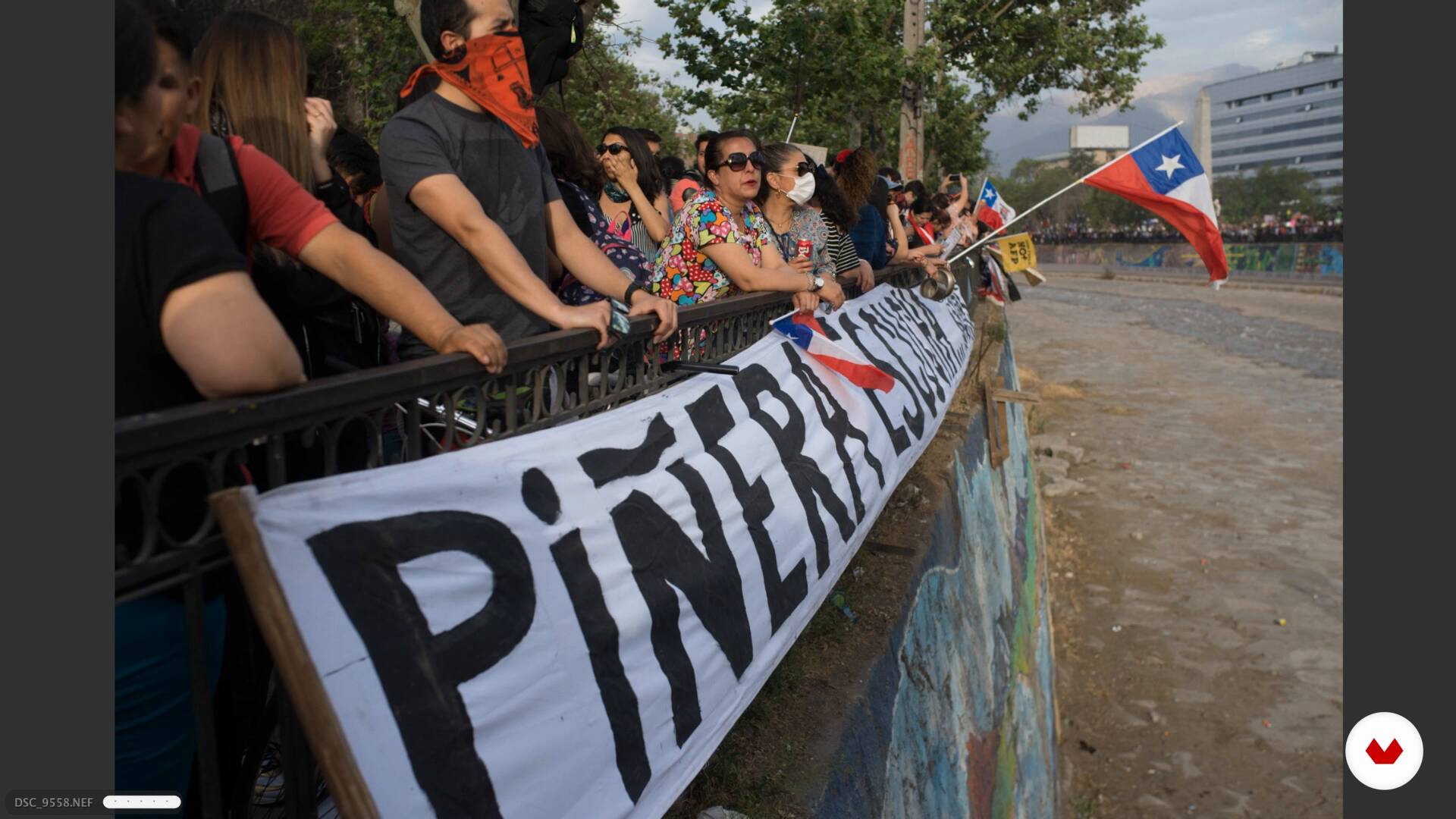
Documentary photographic selection
19 minutes, 56 seconds
What's included in this course?
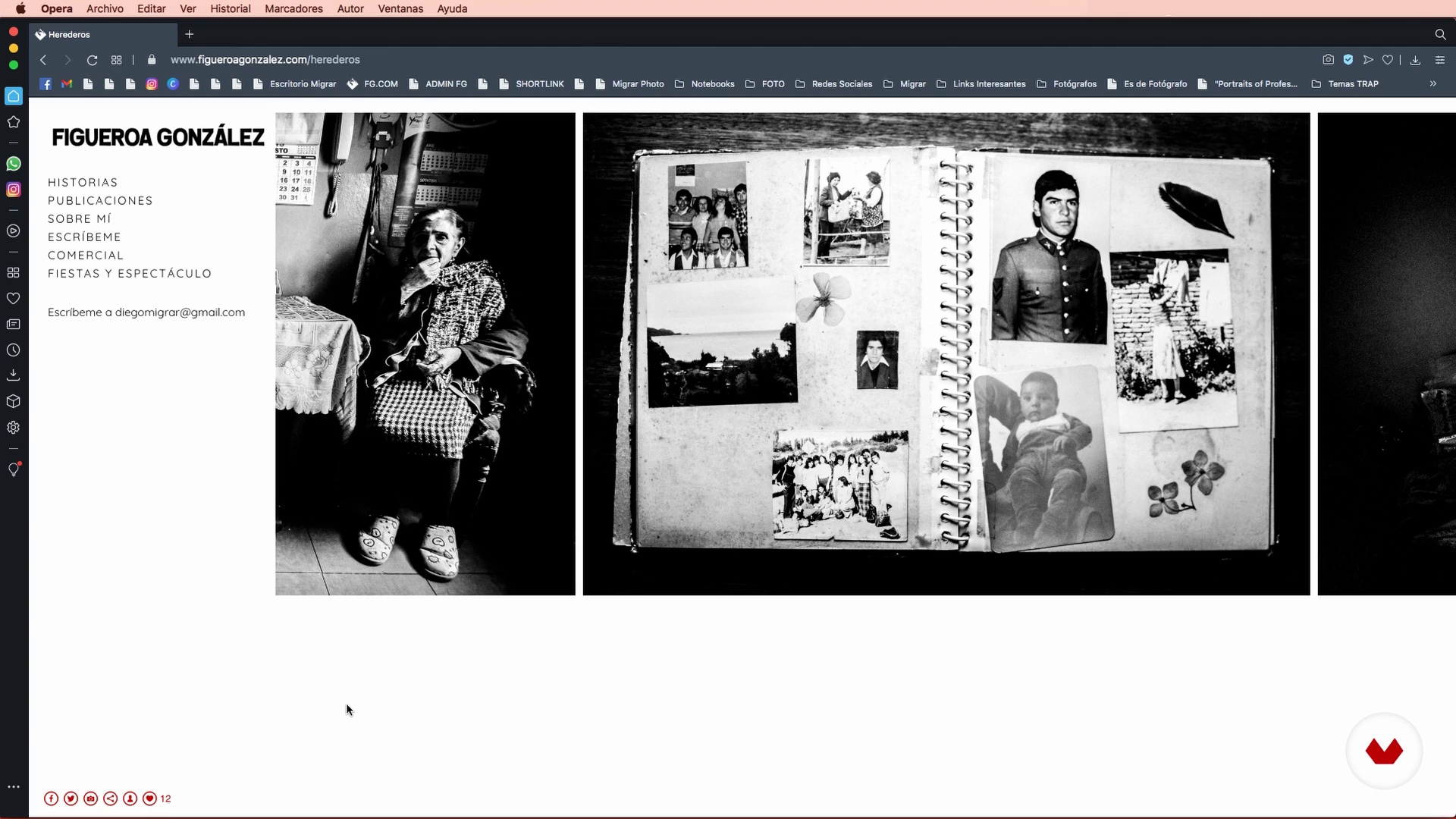
Get started by getting to know your teacher, Diego Figueroa. Learn about who he is, his dedication to photography, how he got started. Diego shows you his main influences and explains the final project that you’ll be working on throughout the course.
Next, dive into the world of organizing, tagging, and editing your photos. Learn how to use the main tools in Adobe Bridge and see how to prepare your files for development in Lightroom.
Explore some practical tools for importing and developing your files. See how to create your own presets and learn how to apply them depending on the type of project. See how to differentiate between quick development techniques for commissions and those that allow you to spend extra time to give them a more polished look.
Finally, export your images in the right formats, maintaining color and quality standards for publications, web, and print. Finish the course by reviewing the most popular ways to send files and see how to publish them independently.
Recommended software & tools for this course
What is this course's project?
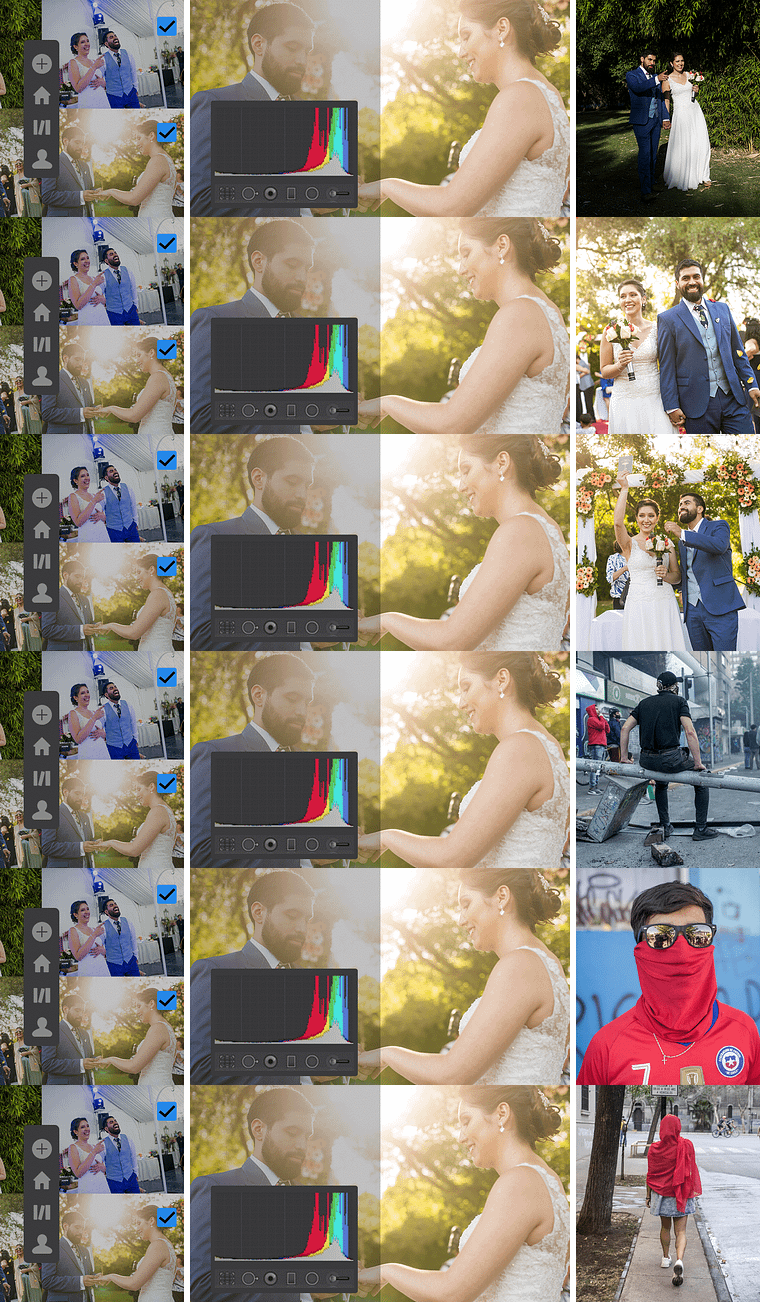
Fulfill the entire post-production process of two high-demand photo collections, including a commercial event and a documentary series. Learn to select, catalog, and edit using an optimized workflow.
Who is this online course for?
For professional photographers or photography enthusiasts who use Adobe Lightroom as their main photo editor.
Requirements and materials
To complete this course, basic knowledge of Lightroom is required.
Regarding the material, you will need a computer with Adobe Lightroom and Adobe Bridge, as well as an unedited, personal or commercial photo collection (ideally in RAW format) which, due to the amount of photographs, must be edited using a high-demand workflow.
Reviews
- 9 months ago
Detallado, completo, claro.
- 1 year ago
bien
- 2 years ago
Los consejos sobre el flujo de trabajo son muy prácticos.
- 2 years ago
Gracias Diego por tu valioso conocimiento. Recomiendo este curso!
- 3 years ago
Muito bom!

His work has been published in important Latin American and international publications, including El País, El Mundo, El Universal, Le Monde Magazine, Vice, CIPER, Footer, JOIA, Red Bull, Agencia EFE, Interferencia, and more. In recent years, he has started teaching, giving workshops commissioned by Migrar Photo throughout Mexico, Colombia, Argentina and Chile.
Content
- U1
Introduction
- Introduction
- Influences
- What will we do in the course?
- U2
Organizing and preparing your files
- Mass development and photographic cataloging
- Introduction to Adobe Bridge
- Introduction to Adobe Lightroom
- U3
Batch editing, cataloging and development
- Selection of the photographic record of the event
- Documentary photographic selection
- Catalog import and creation
- Reveal of the photographic record of event 1
- Reveal of the photographic record of event 2
- Reveal of the documentary series
- U4
Export, send and publish
- Publishing media
- Massive export
- FP
Final project
- Workflow and Bulk Editing in Lightroom
What to expect from a Domestika course
Learn at your own pace
Enjoy learning from home without a set schedule and with an easy-to-follow method. You set your own pace.
Learn from the best professionals
Learn valuable methods and techniques explained by top experts in the creative sector.
Meet expert teachers
Each expert teaches what they do best, with clear guidelines, true passion, and professional insight in every lesson.
Certificates
PLUSIf you're a Plus member, get a custom certificate signed by your teacher for every course. Share it on your portfolio, social media, or wherever you like.
Get front-row seats
Videos of the highest quality, so you don't miss a single detail. With unlimited access, you can watch them as many times as you need to perfect your technique.
Share knowledge and ideas
Ask questions, request feedback, or offer solutions. Share your learning experience with other students in the community who are as passionate about creativity as you are.
Connect with a global creative community
The community is home to millions of people from around the world who are curious and passionate about exploring and expressing their creativity.
Watch professionally produced courses
Domestika curates its teacher roster and produces every course in-house to ensure a high-quality online learning experience.
FAQs
You’ll learn how to organize, edit, and develop large batches of photos, create efficient catalogs, apply presets, manage metadata, and export images professionally for various media, whether for documentary or commercial projects.
This is an intermediate-level course, perfect for those who already have basic digital photography knowledge and want to professionalize their workflow using Lightroom and Bridge.
You’ll need prior knowledge of digital photography, access to a computer with Adobe Lightroom and Bridge installed, and a personal photo collection to practice with.
You’ll learn how to create catalogs and collections, use tags, keywords, and metadata to organize and quickly find your images, streamlining your workflow and making it easier to manage large files.
Batch editing means applying adjustments and presets to many photos at once, allowing you to efficiently edit large volumes of images while maintaining visual consistency across your projects.
You’ll learn how to select images with a narrative eye, combining technical and symbolic elements to build coherent and powerful visual collections, perfect for photo books or digital publications.
You’ll learn how to import, organize, tag, and sort photos into catalogs, as well as apply presets and manage metadata to speed up searching and editing your images.