Beginner’s Photography: Basic Camera Use and Theory
A course by Giulia CandussiPhotojournalist and Documentary Filmmaker
A course by Giulia Candussi, Photojournalist and Documentary Filmmaker

Learn how to use a digital camera and its settings to start taking high-quality photos
According to photojournalist and documentary filmmaker Giulia Candussi, there are two fundamental aspects to capturing a great shot; First, the passion you have for the story you want to tell; And a close second, mastering your equipment and its functions. With over a decade of experience in capturing photo reportages about human rights, international events, and cultural identity, Giulia will guide you through the ins and outs of your equipment and show you how to capture professional-looking images.
Discover how to take high-quality photos that convey your unique vision. Master your digital camera’s functions and see how to use each one effectively. Learn the fundamentals of photography and develop the essential skills you need to capture the perfect shot.
What will you learn in this online course?
18 lessons & 37 downloads
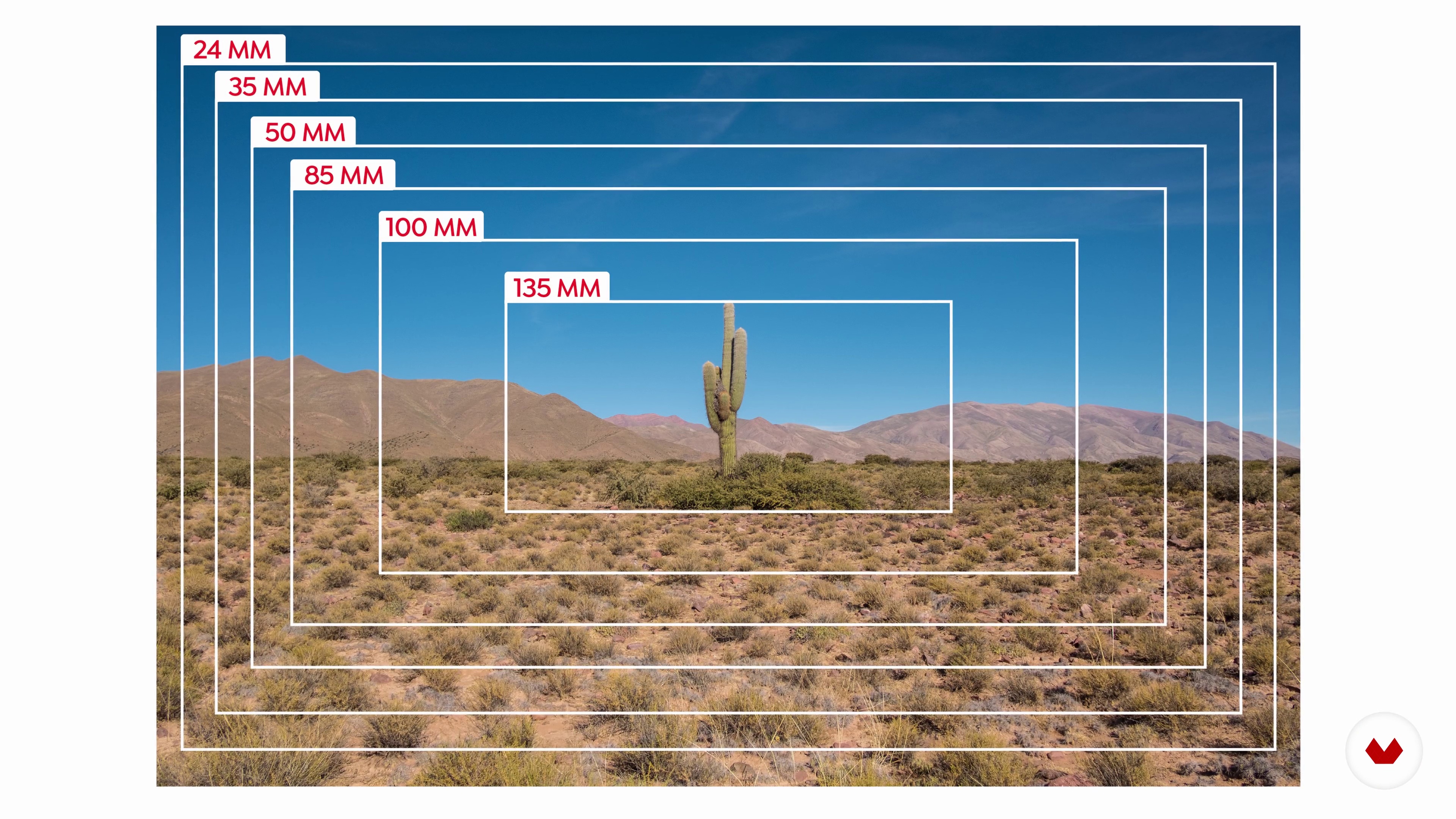
Sensors, Pixels and Resolution
4 minutes, 4 seconds
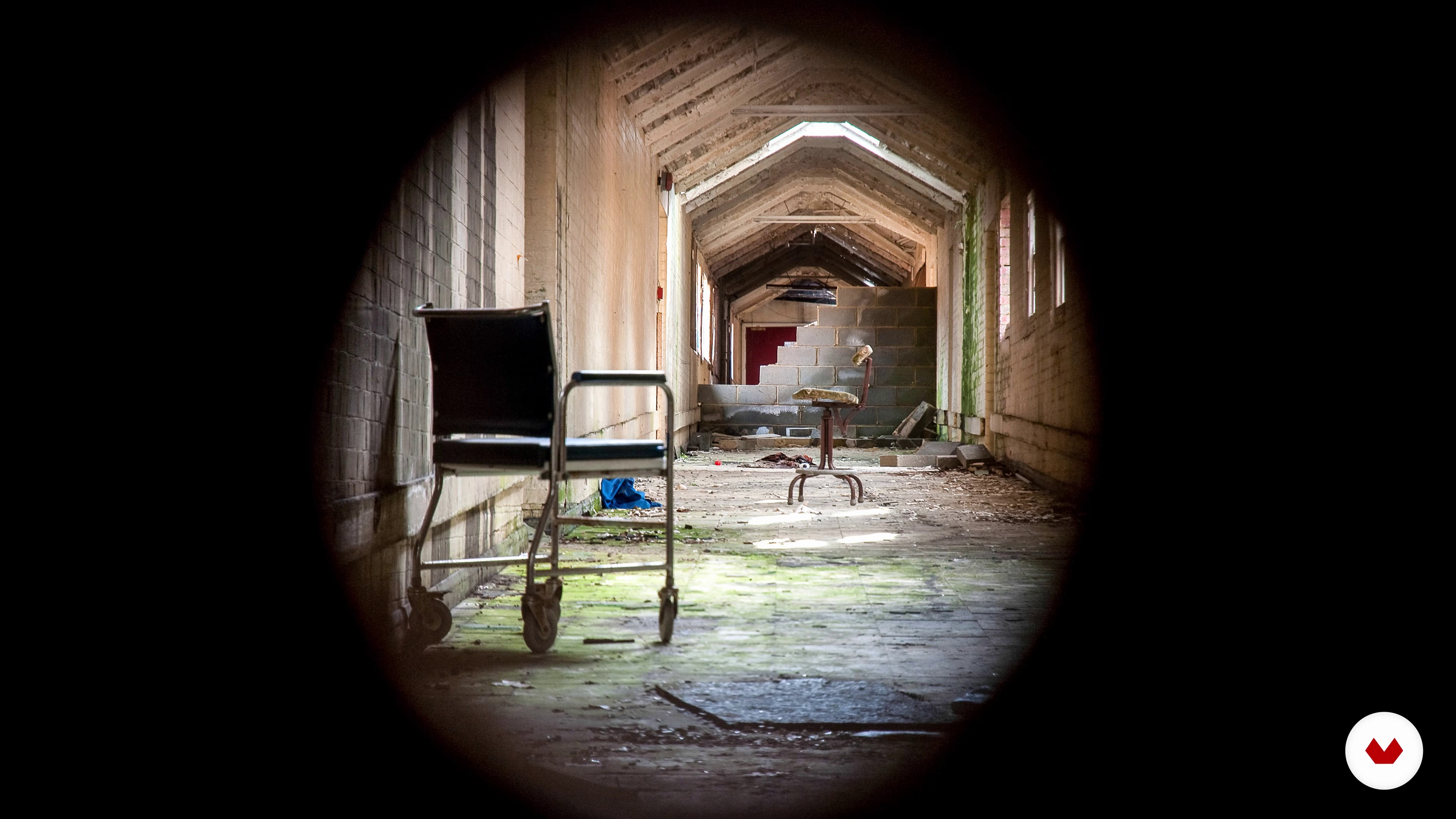
Composition
6 minutes, 50 seconds
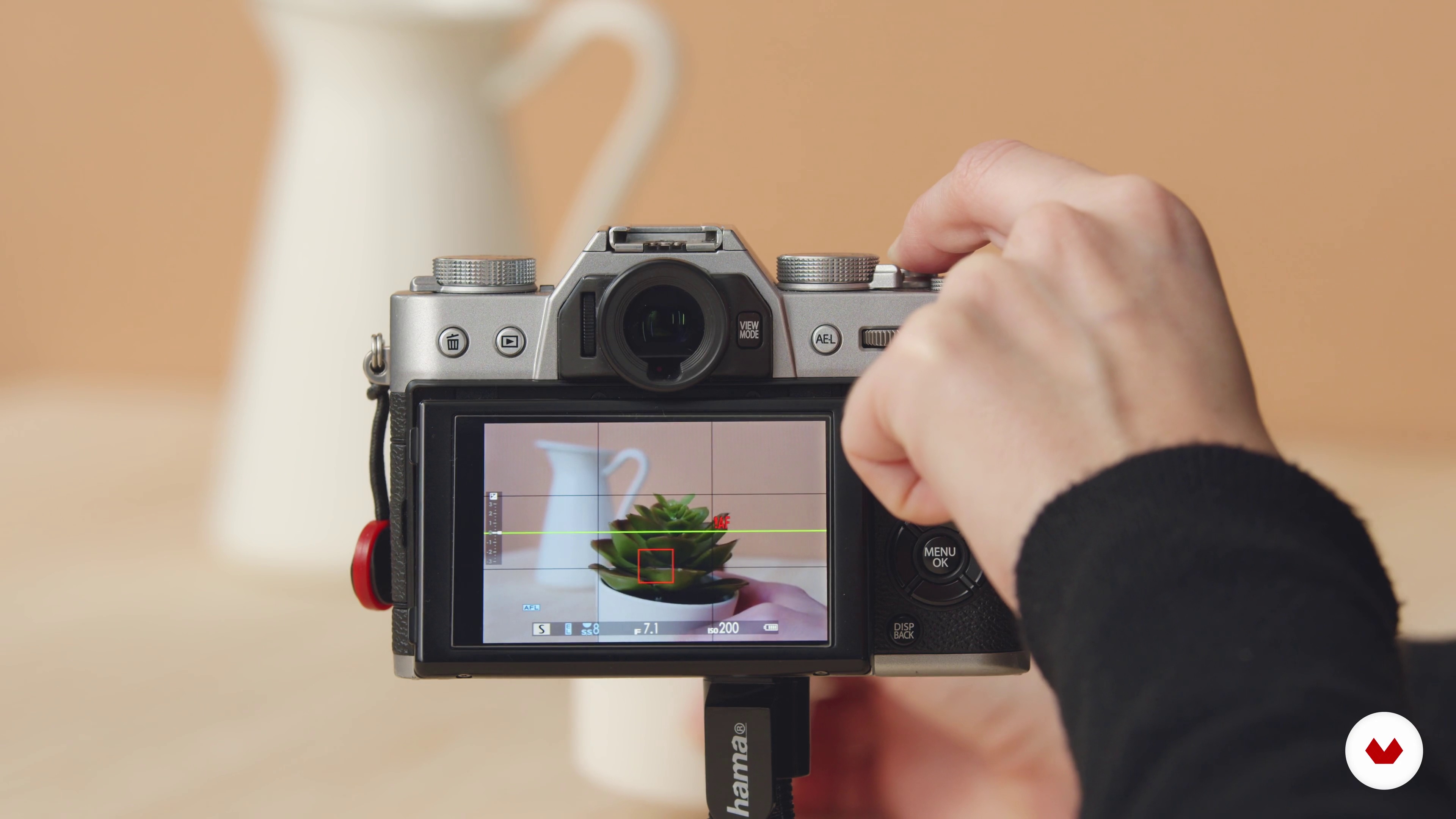
Aperture, Shutter Speed
7 minutes, 38 seconds
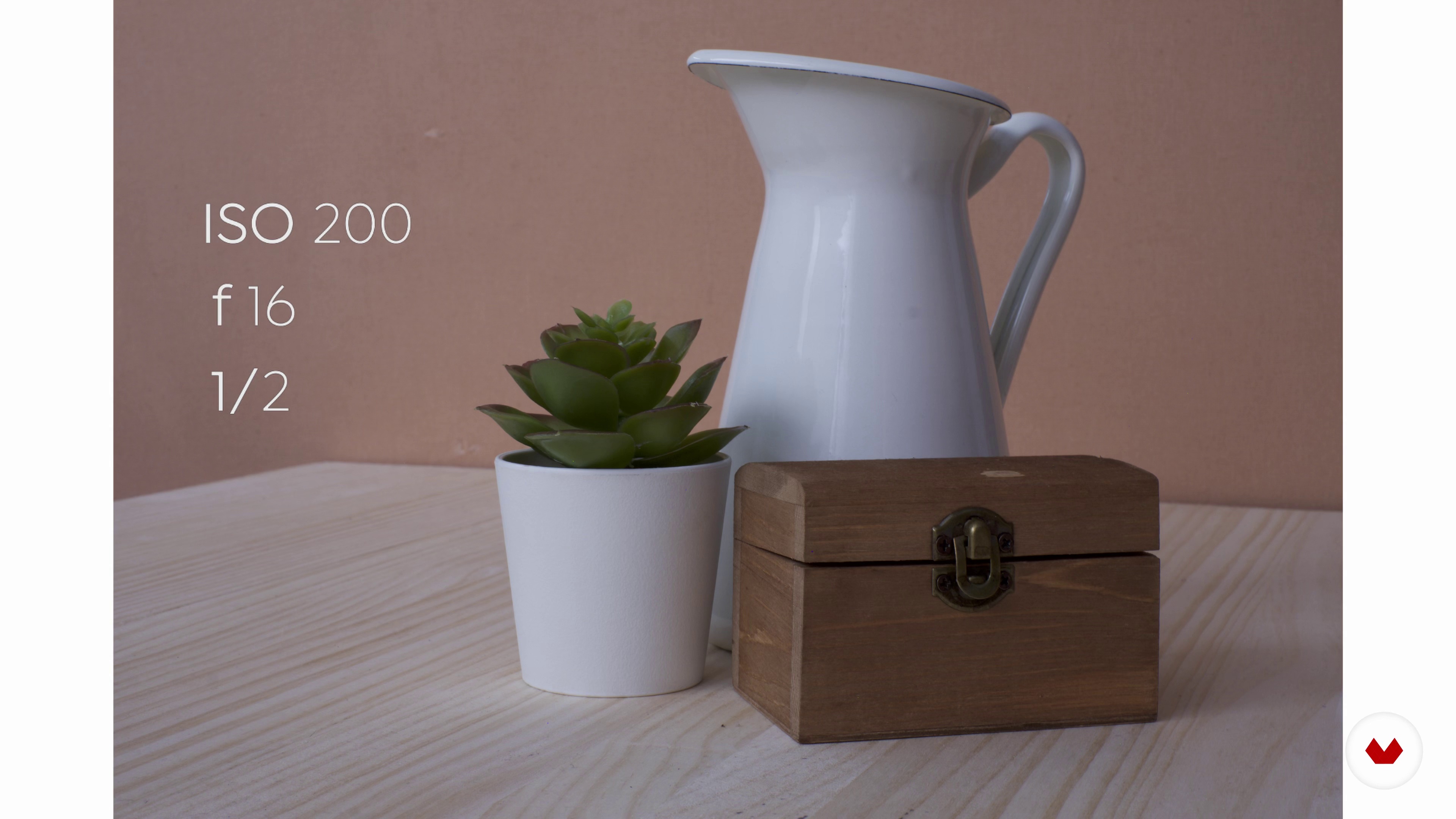
ISO and the Exposure Triangle
9 minutes, 32 seconds
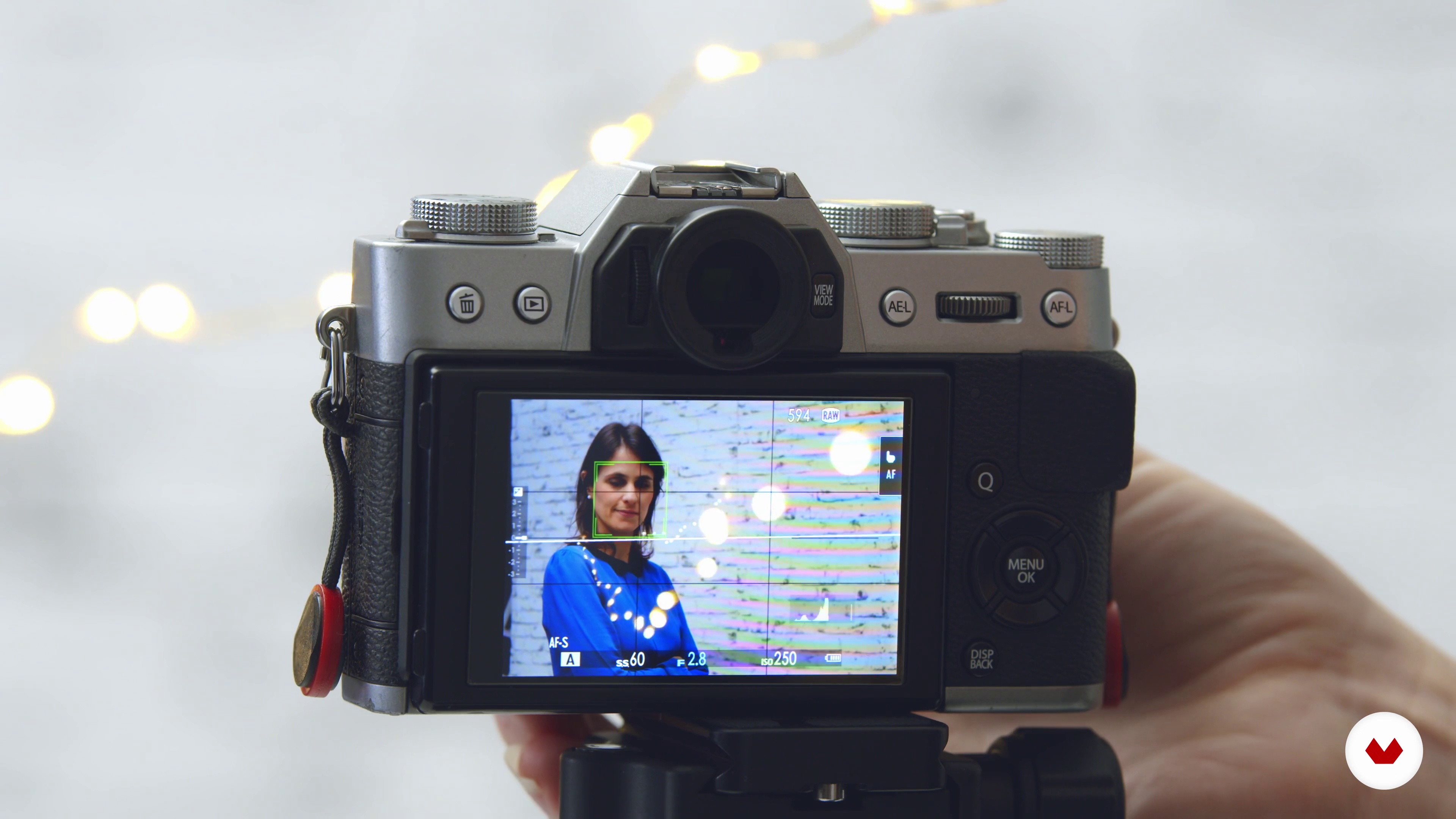
Portrait - Focus: Subject and Sharp Background
12 minutes, 29 seconds
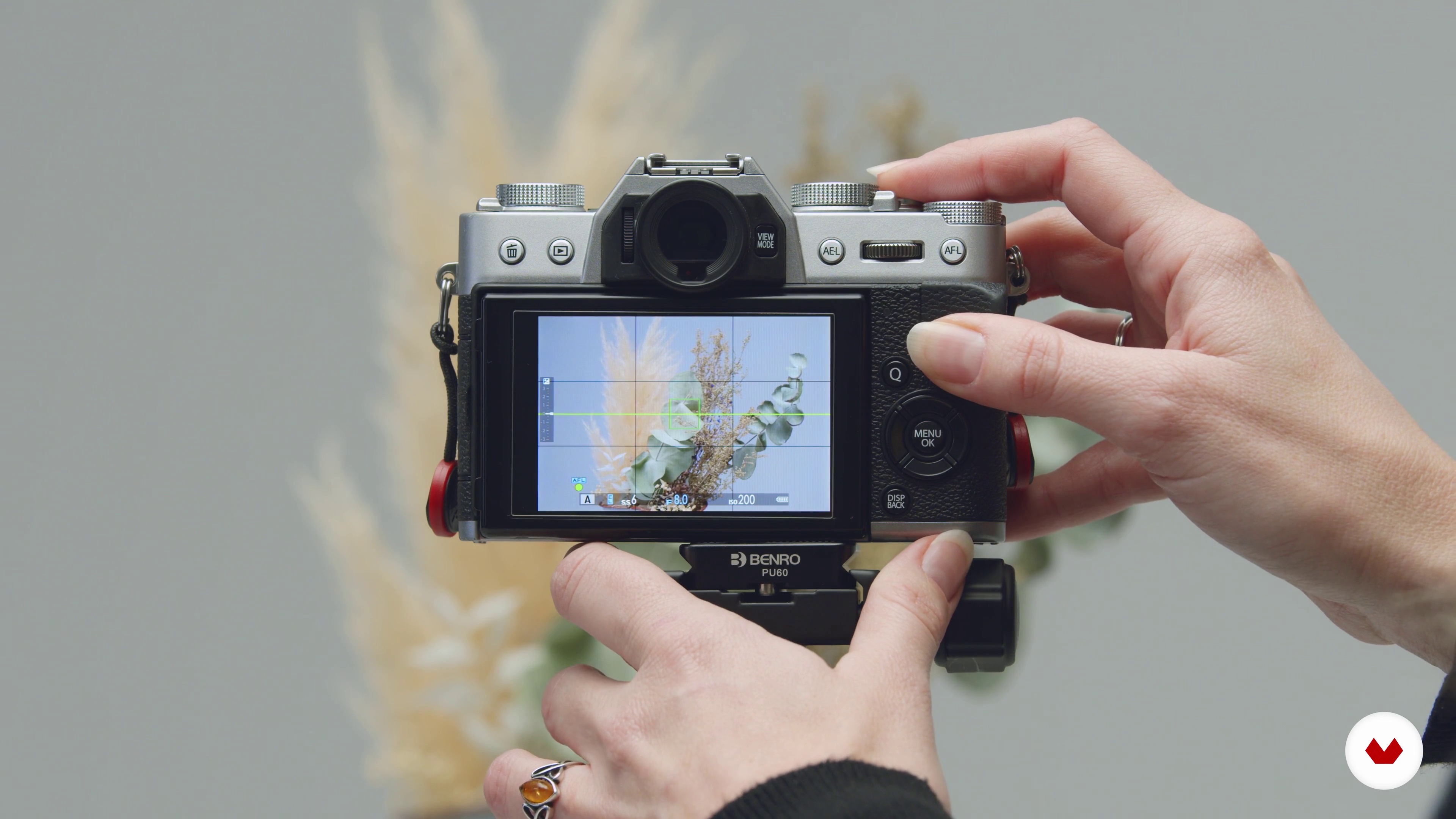
Textures
6 minutes, 56 seconds
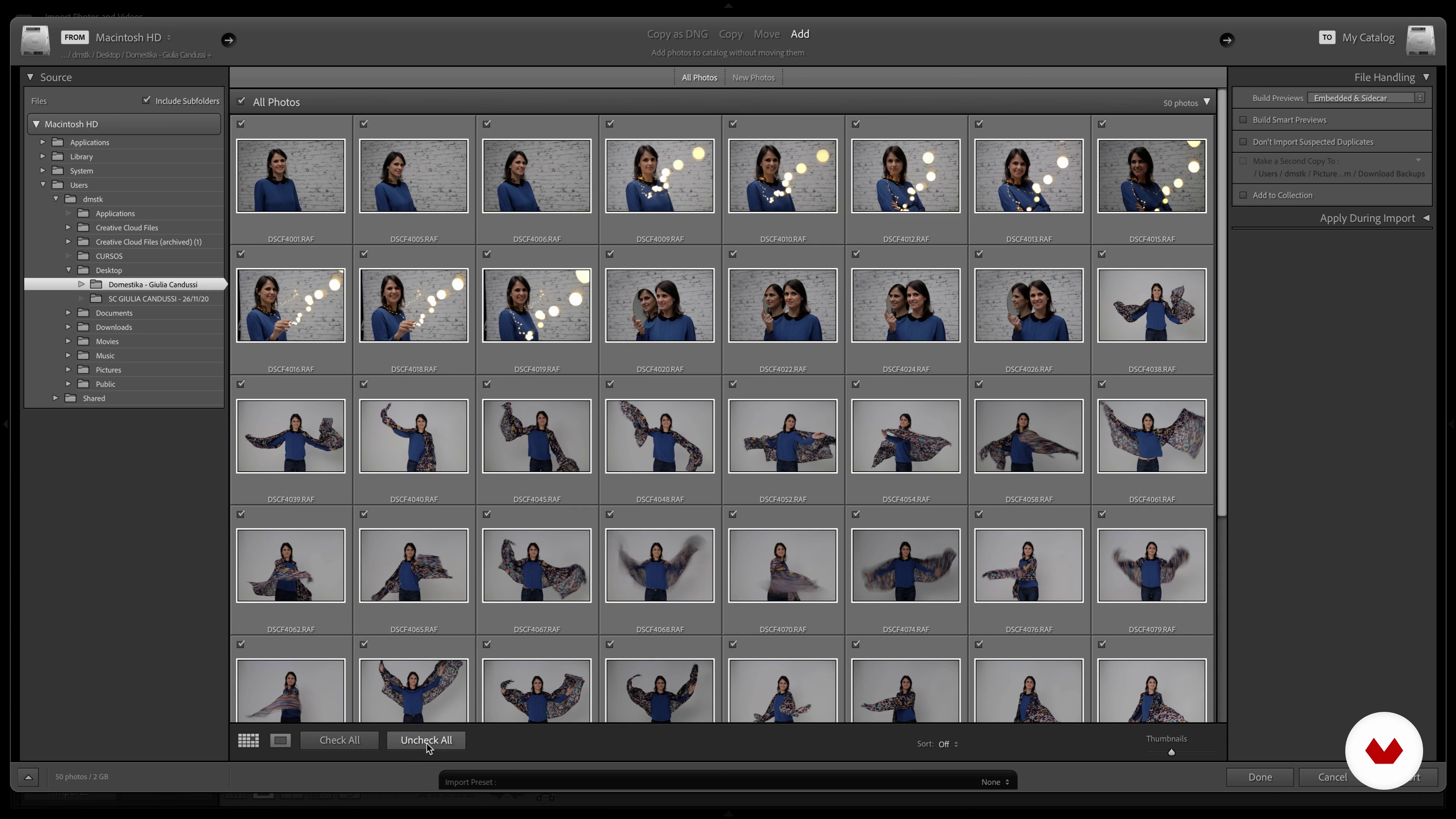
Editing Software and Importing Your Photos
8 minutes, 3 seconds
What's included in this course?
Start the course with a warm welcome from Giulia and learn about her ongoing journey as a photojournalist and documentary filmmaker. Discover her passion for telling compelling stories through a lens and see those she considers to be the great masters of photography.
Discover the different types of cameras and lenses available. Discover their pros and cons and learn about how they differ according to what you need in your photography. Then, learn about what’s inside your camera: the sensor and pixel count. Complete the unit by learning how to take care of your material.
Study the basic composition principles by analyzing Giulia’s photos, learn about aperture and shutter speed, then move onto ISO and the exposure triangle.
In the fourth unit, learn all about light. Start with white balance, look at how different shooting modes affect the light in your photos, and see how to work with exposure compensation and light metering.
In the fifth unit, grab your camera and put to work what you’ve learned with Guilia’s practical exercises. Then get ready to start shooting your final project.
In the final unit, learn how to edit your images. See the differences between the software available and learn how to import, organize, and retouch your images in Adobe Lightroom. Finally, discover the best way to export your images depending on their end-use and see how to share them with the world!
Recommended software & tools for this course
What is this course's project?
Create a photo reportage about a theme you deeply care about using the theories learned in the course to capture your story.

Projects by course students


Who is this online course for?
This course is for aspiring photographers who have a passion for photography and want to learn how to make the most of their digital camera, even a smartphone camera.
Requirements and materials
To take this course, you need lots of enthusiasm and any type of digital camera: a DSLR, a mirrorless, a bridge, a compact, or a smartphone (although your options will be limited with this tool).
For the post-production of your images, you will need a computer with Adobe Lightroom (you can download the free trial version on the Adobe website).

Reviews
- 19 days ago
Muy bueno para iniciar sin conocimientos, explica lo básico, va rápido y se entiende todo perfectamente.
- daniel_e3PLUS21 days ago
practico claro basico
- 28 days ago
Muy útil para comenzar, práctico y claro.
- 3 months ago
Ótimo curso, bem completo e democrático. Professora/Instrutora com uma boa didática.
- 4 months ago
Realmente muy básico. Puede serle útil al que no sabe nada como iniciación pero es necesario complementarlo después

Giulia has collaborated with local media and international news agencies such as Getty Images and her work was published on La Repubblica, L’Espresso, The Guardian, Huffington Post, US Weekly, and more. She has traveled extensively in Europe and the Americas, also working with non-governmental organizations. As a documentary filmmaker, she has produced “Upstream” and “Hogar”. Currently, she produces “Van Life”, a documentary series for BBC Scotland’s “The Social”. Her work has been exhibited in èStoria, international history festival (Gorizia, 2011) and Photomonth, international photography festival (London, 2010), Centro Culturale Candiani (Venice Mestre, 2015), at the art gallery Storie Contemporanee (Rome, Italy 2017), and more.
Content
- U1
Introduction
- Introduction
- Inspiration
- What Will We Do on This Course
- U2
The Photo Camera
- Types of Photo Cameras
- Sensors, Pixels and Resolution
- Types of Lenses
- U3
The Basics
- Composition
- Aperture, Shutter Speed
- ISO and the Exposure Triangle
- U4
The Light
- White Balance
- Shooting Modes
- Exposure Compensation and Light Metering
- U5
Practical Scenarios
- Portrait - Focus: Subject and Sharp Background
- Moving Subjects
- Textures
- U6
Giving Your Work the Finishing Touches
- Editing Software and Importing Your Photos
- Selecting the Best Photos, Basic Retouching
- Exporting Your Images
- FP
Final project
- Beginner’s Photography: Basic Camera Use and Theory
What to expect from a Domestika course
Learn at your own pace
Enjoy learning from home without a set schedule and with an easy-to-follow method. You set your own pace.
Learn from the best professionals
Learn valuable methods and techniques explained by top experts in the creative sector.
Meet expert teachers
Each expert teaches what they do best, with clear guidelines, true passion, and professional insight in every lesson.
Certificates
PLUSIf you're a Plus member, get a custom certificate signed by your teacher for every course. Share it on your portfolio, social media, or wherever you like.
Get front-row seats
Videos of the highest quality, so you don't miss a single detail. With unlimited access, you can watch them as many times as you need to perfect your technique.
Share knowledge and ideas
Ask questions, request feedback, or offer solutions. Share your learning experience with other students in the community who are as passionate about creativity as you are.
Connect with a global creative community
The community is home to millions of people from around the world who are curious and passionate about exploring and expressing their creativity.
Watch professionally produced courses
Domestika curates its teacher roster and produces every course in-house to ensure a high-quality online learning experience.
FAQs
Yes, this course is designed for beginners and covers fundamental concepts and techniques in photography, including camera operation, composition, and storytelling, making it accessible to those with little or no prior experience.
You can start with any digital camera, including compact, mirrorless, or DSLR models. A basic kit lens is sufficient, and no advanced equipment is required. The course also shares tips on choosing and using different types of cameras and lenses.
You’ll learn essential photography skills such as composition, exposure, camera settings, storytelling through images, working with light, basic post-processing, and ethical considerations in photojournalism. The course also covers portrait, travel, and environmental photography techniques.
The course covers photojournalism fundamentals, composition rules, camera and lens selection, exposure triangle, storytelling techniques, ethical photography, working with agencies, post-processing, and creative inspiration drawn from master photographers.
The course teaches practical techniques for expressing emotion, such as focusing on facial expressions, using composition to highlight feelings, and capturing decisive moments to convey authentic stories and emotional impact in your images.
Yes, the course explains how to maximize results with any camera, including smartphones and compact cameras. It emphasizes creative techniques and storytelling over technical limitations, making it accessible regardless of your gear.
Yes, basic post-processing and digital editing skills are included, with step-by-step guidance on using tools like Lightroom to enhance, organize, and export your images for print or web.