Basic Principles of 3D Animation
A course by Hugo García3D Animator
A course by Hugo García, 3D Animator

Learn to bring your ideas to life in a 3D environment
Hugo García -animador 3D with more than 15 years of experience in the field of cinema and advertising, who has participated in multi-award-winning films such as A monster comes to see me and Las brujas de Zugarramurdi - will teach you the keys and the essential principles to get you started in the world of 3D animation.
With it you will learn the 12 basic principles of traditional animation, which will serve as the basis to give life to your ideas and turn them into animation projects in a three-dimensional environment.
What will you learn in this online course?
20 lessons & 25 downloads
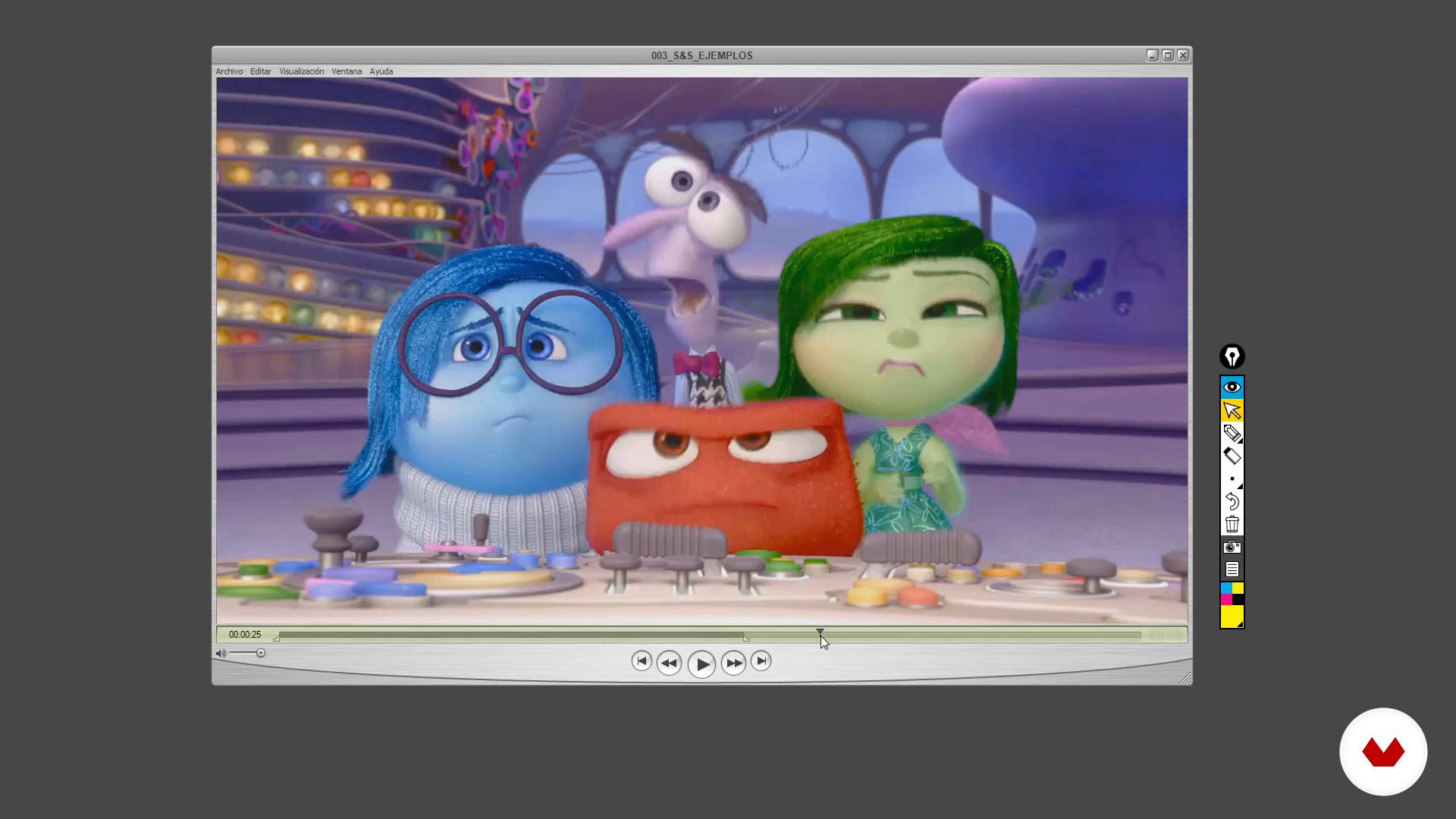
The 12 basic principles II
14 minutes, 19 seconds
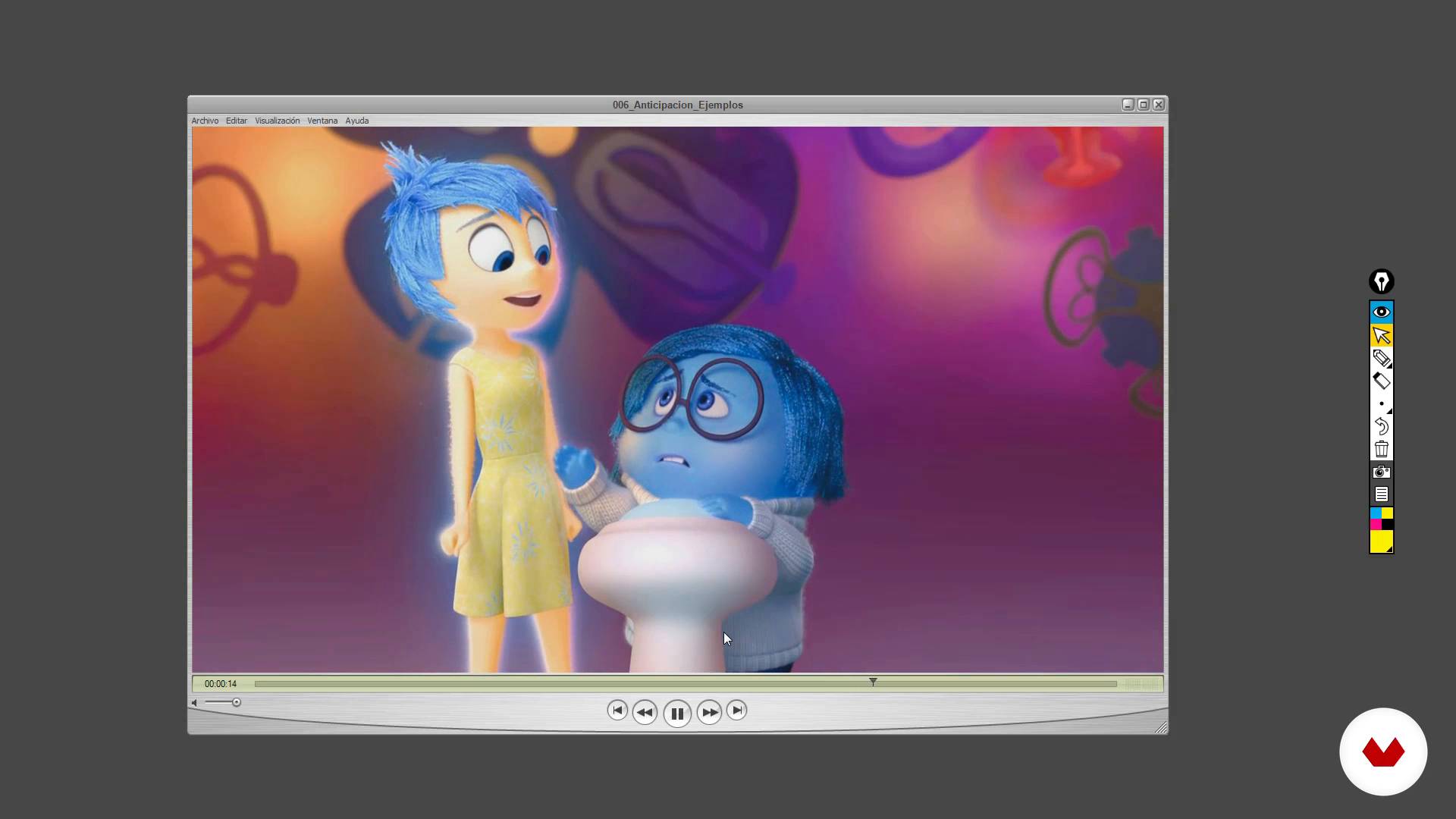
The 12 basic principles I.II
15 minutes, 42 seconds
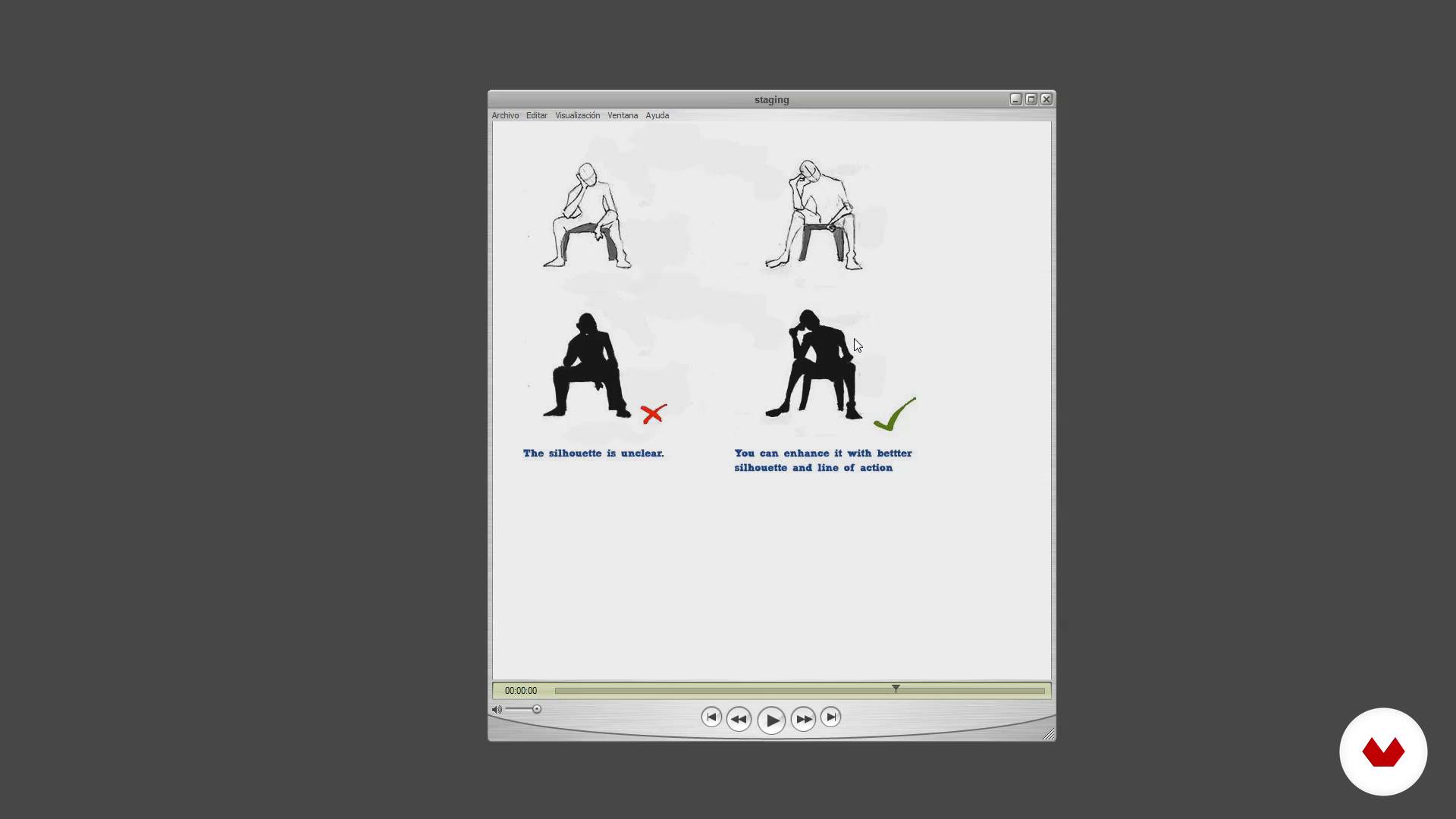
The 12 basic principles II.I
20 minutes, 36 seconds
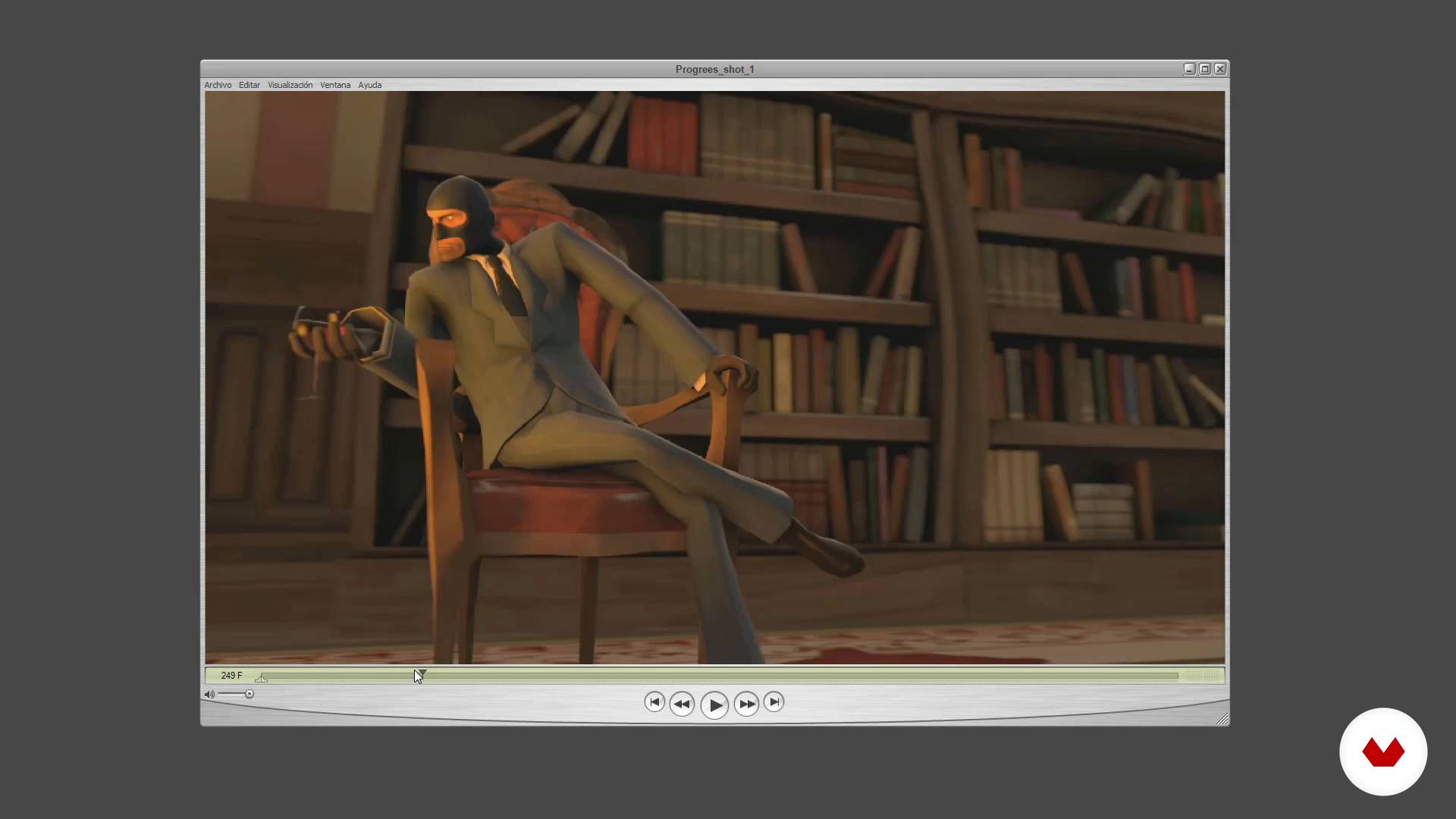
The 12 basic principles II.II
6 minutes, 16 seconds
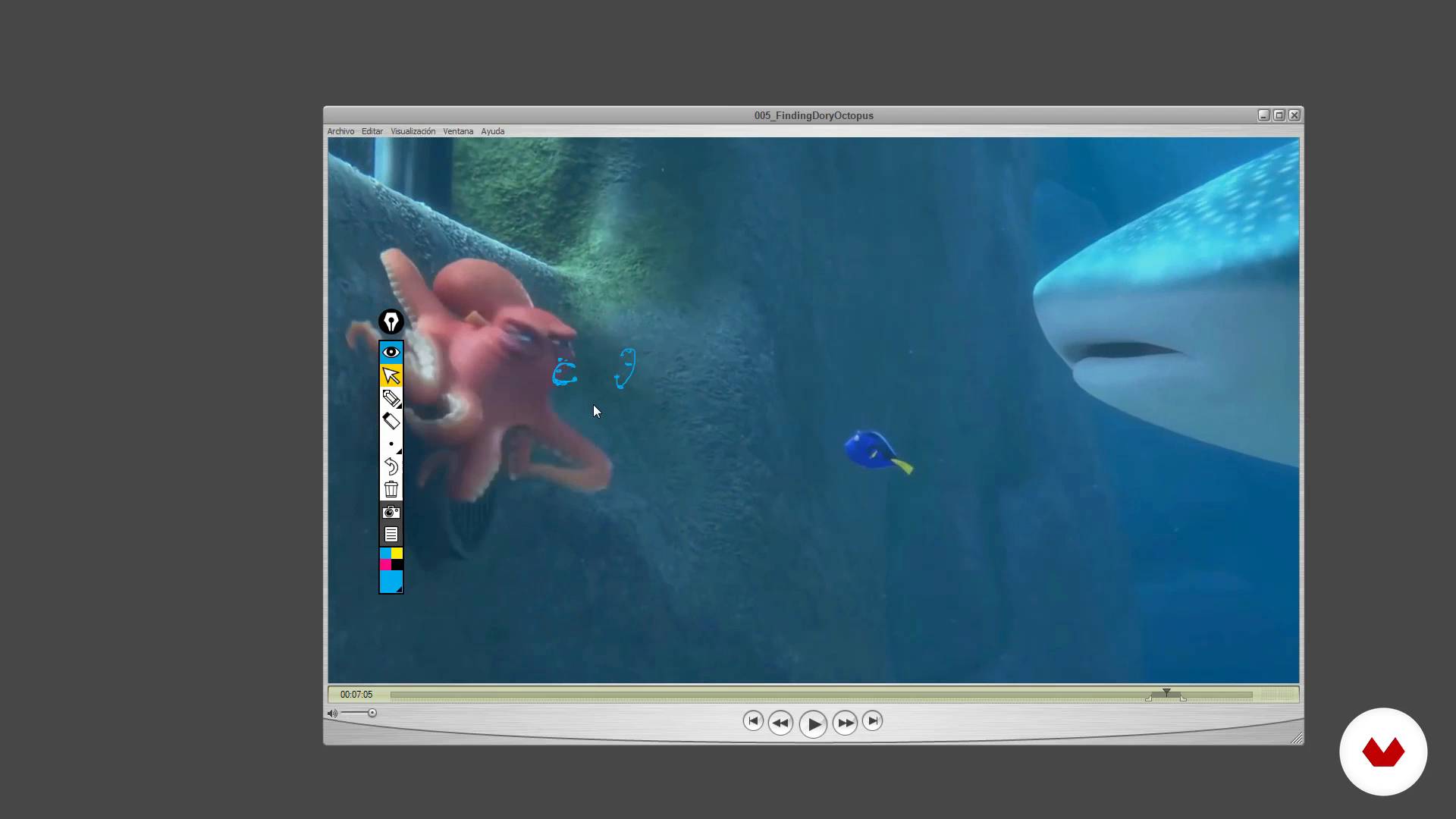
The 12 basic principles III
21 minutes, 55 seconds
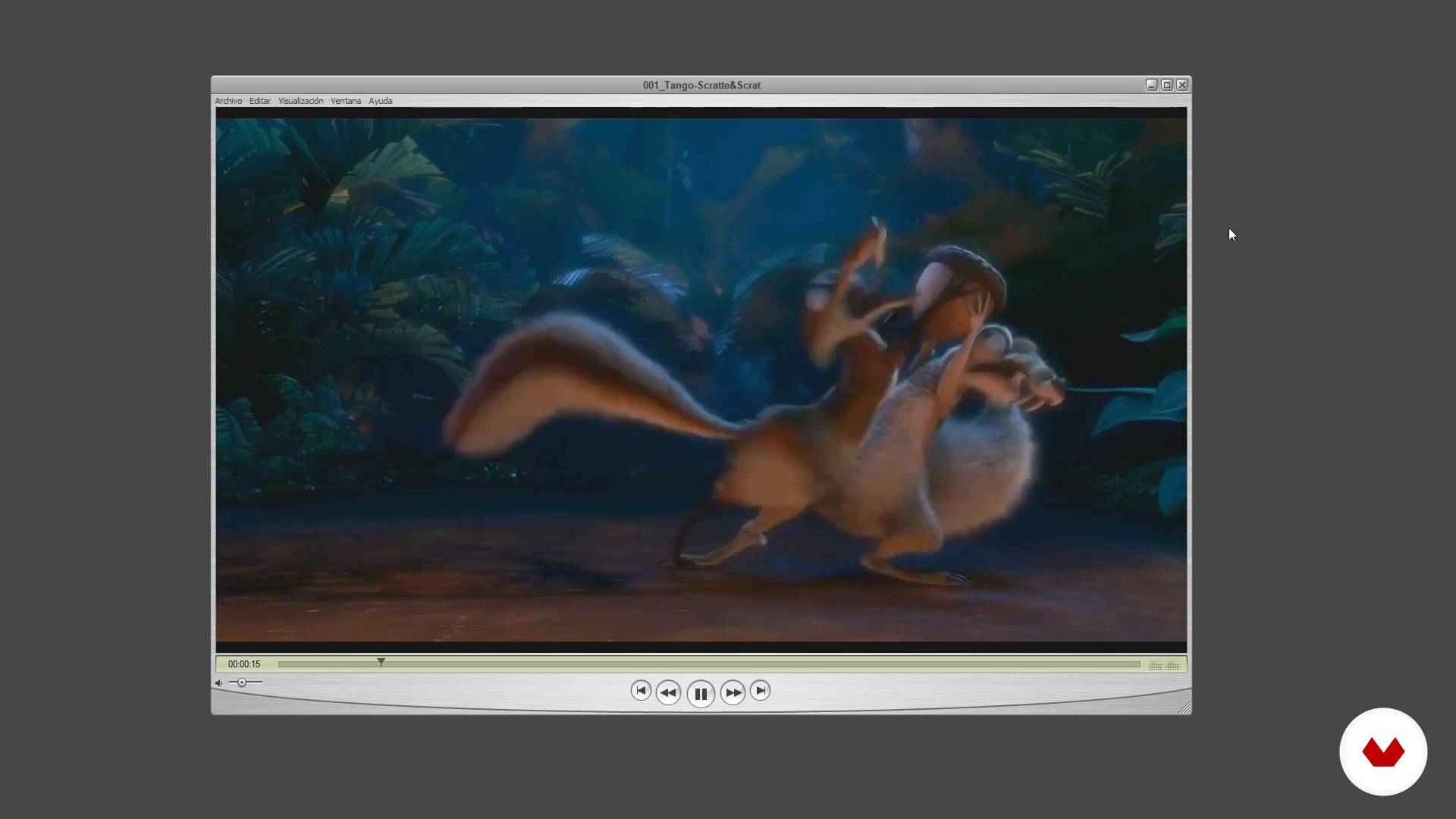
The 12 basic principles IV
10 minutes, 45 seconds
What's included in this course?
You will start knowing the basics of traditional animation and you will learn to obtain references from the real world, through observation, in order to apply them to your animations.
Hugo will teach you how to differentiate the key poses from the breakdowns -to define the trajectory and morphology of the animation- and the inbetweens -objects and intermediate movements generated between the initial position and the final position of the animated element.
You will also learn to use the curve editor, an indispensable tool that will greatly facilitate the process when it comes to giving movement to your projects.
Then, you will get fully into the animation. The first exercise will consist of rotating and moving a ball.
Afterwards, you will add vertical movements and make it bounce, playing with the arcs. You will also learn to give different weights to balls of equal size; and you will play with squash and stretch.
Finally, you will perform an exercise in which you will discover how to play with the dynamics.
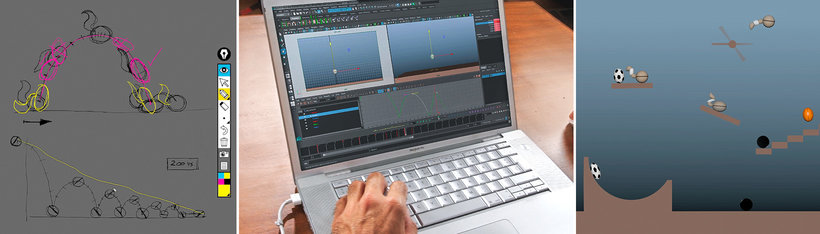
Recommended software & tools for this course
What is this course's project?
You will animate an object in a platform scenario applying the basic principles of animation and the knowledge acquired during the course.
At the end of this course you will have learned the basic principles of animation and will be able to carry out your own projects in a three-dimensional environment.
Projects by course students


Who is this online course for?
This course provides the fundamental basis to start in the world of 3D animation, therefore it is ideal for anyone who is interested in the world of 3D animation and does not know where to start.
Requirements and materials
Basic knowledge of any 3D software is necessary, although it is not essential to have previous knowledge of animation.
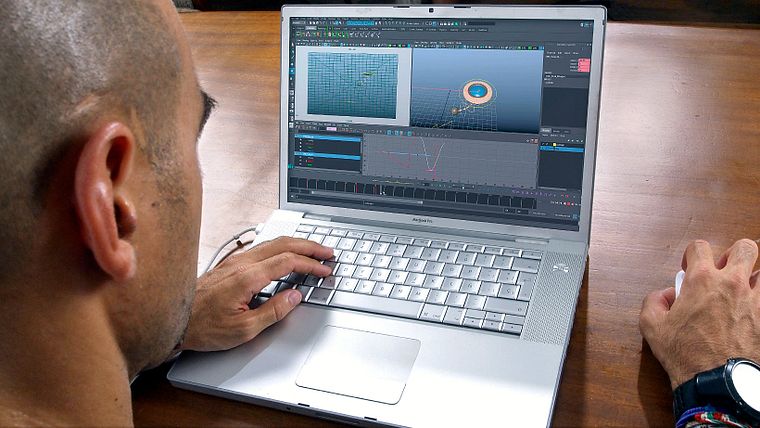
With regard to the materials, you will need a computer in which you must have installed a 3D software (Maya, Max or Cinema4D).
Reviews
- leovalencianinjaPLUS8 days ago
chevere
- franjaresmPLUS1 month ago
Curso excelente, el profesor explica muy bien.
- 9 months ago
¡Amé el curso! Gracias a él pude entender mejor la materia de mi clase
- 11 months ago
Course is really good & I learned the basics really well. I was really fun.
- 2 years ago
Era o curso que me faltava pra aplicar no meu game.

He has worked with studios such as Furia Digital, Circus and El Ranchito, with which he has done advertising projects for brands such as Coca-Cola, Nokia, Saturn or MTV, among others. In the film field he has worked in films such as Mortadelo and Filemón 2 , Camino , Las brujas de Zugarramurdi and A monster comes to see me .
Content
- U1
Introduction
- Presentation
- Influences
- U2
Review of the principles of animation
- The 12 basic principles II
- The 12 basic principles I.II
- The 12 basic principles II.I
- The 12 basic principles II.II
- The 12 basic principles III
- The 12 basic principles IV
- U3
Learn to analyze
- Observation and references
- Planning and thumbnails
- Planning Action: Keys, Breakdowns and Inbetweens
- U4
We turn to the computer
- Curves editor
- Tips
- U5
We started cheering!
- Exercise: moving ball
- Animate ball bouncing and moving
- Weight comparison I
- Comparison of weights II
- Animate with Squash & Strech
- Animate ball with tail
- Animate pendulum
- FP
Final project
- Basic principles of 3D animation
What to expect from a Domestika course
Learn at your own pace
Enjoy learning from home without a set schedule and with an easy-to-follow method. You set your own pace.
Learn from the best professionals
Learn valuable methods and techniques explained by top experts in the creative sector.
Meet expert teachers
Each expert teaches what they do best, with clear guidelines, true passion, and professional insight in every lesson.
Certificates
PLUSIf you're a Plus member, get a custom certificate signed by your teacher for every course. Share it on your portfolio, social media, or wherever you like.
Get front-row seats
Videos of the highest quality, so you don't miss a single detail. With unlimited access, you can watch them as many times as you need to perfect your technique.
Share knowledge and ideas
Ask questions, request feedback, or offer solutions. Share your learning experience with other students in the community who are as passionate about creativity as you are.
Connect with a global creative community
The community is home to millions of people from around the world who are curious and passionate about exploring and expressing their creativity.
Watch professionally produced courses
Domestika curates its teacher roster and produces every course in-house to ensure a high-quality online learning experience.
FAQs
You’ll learn the 12 Disney principles, techniques like squash and stretch, timing and spacing, anticipation, staging, animation cycles, and how to create animated 3D characters, along with practical tools to enhance your animations and achieve believable, expressive movement.
This is an intermediate-level course, perfect for those with basic animation knowledge who want to refine their skills and dive deeper into classic principles applied to 3D.
You’ll need a computer with 3D animation software installed, such as Maya or a similar program. A graphics tablet and basic 3D software skills are recommended to get the most out of the course.
You’ll be able to create more realistic and expressive animations, master advanced movement and timing techniques, and be ready to take on professional projects in animation studios, video games, or advertising.
The course teaches you how to analyze and animate quadruped cycles in both 2D and 3D, understanding animal structure and natural movement to create convincing, coherent animations.
Yes, it covers essential rigging fundamentals for animators, enabling you to efficiently and creatively manipulate characters and objects during animation.
The 12 principles form the foundation of the course; you’ll learn to apply them to boost realism, expressiveness, and storytelling in your animations through practical examples and targeted exercises.