Portfolio Animation with After Effects
A course by Holke 79Graphic Designer
A course by Holke 79, Graphic Designer

Learn basic animation techniques to give life and dynamism to your design portfolio
As a designer, what can you do to stand out in a world full, sometimes even saturated, with images? Your portfolio is your business card. Motion graphics designer Borja Holke, known in the industry and on social media as Holke 79, is here to show you how you can make your work shine through animation.
In this course, learn the basic techniques of After Effects to animate your graphic design content and make your portfolio more dynamic and attractive. Discover how to add organic movement to lettering, fonts, and illustrations, and get some tips for standing out from the crowd.
After introducing you to motion graphics and animation curves in After Effects, animation for typesetting, and advanced animation techniques for typesetting, Borja shows you the tricks for applying your new knowledge to a design portfolio.
What will you learn in this online course?
17 lessons & 23 downloads
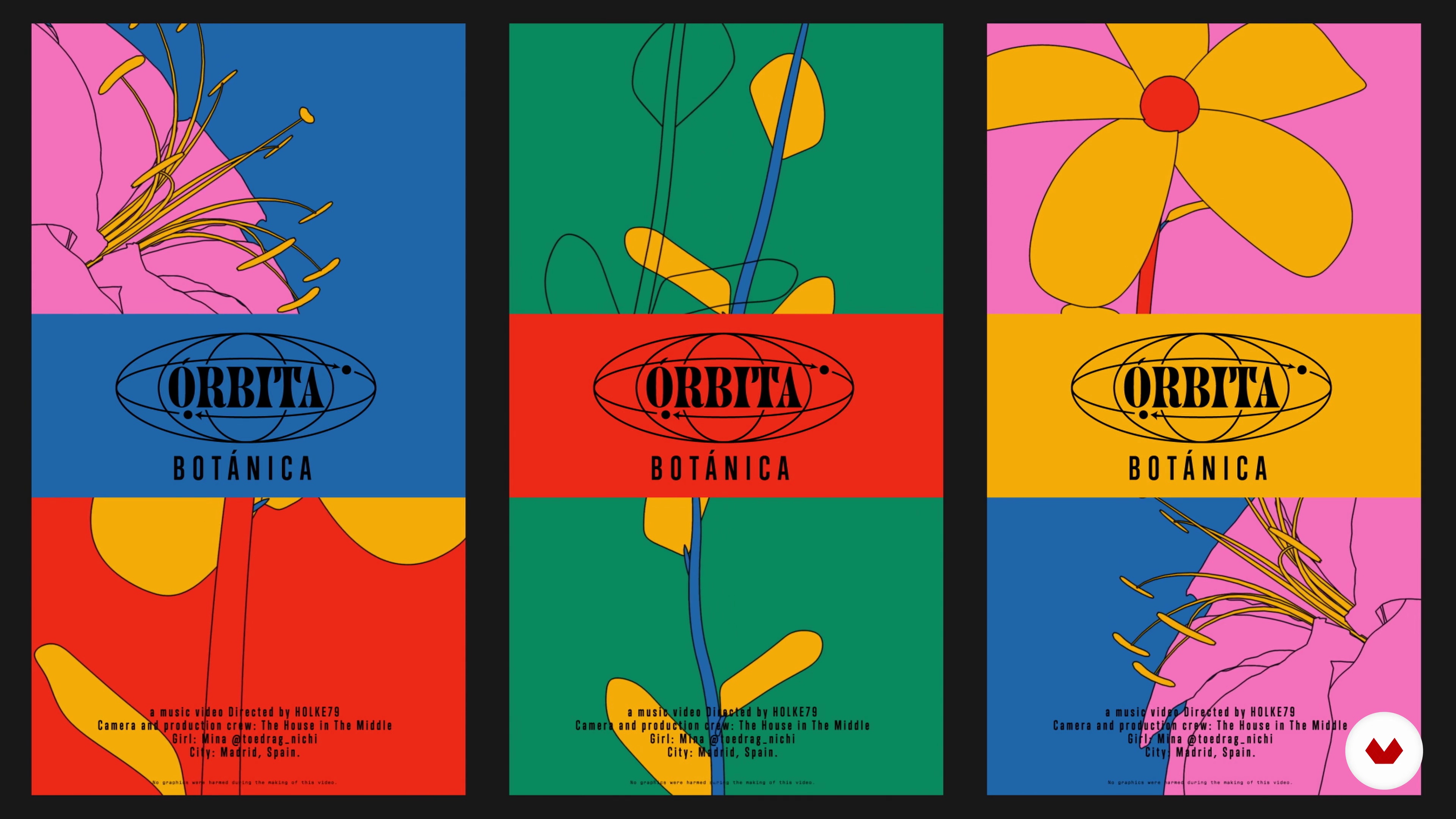
What will we do in the course?
1 minute, 36 seconds
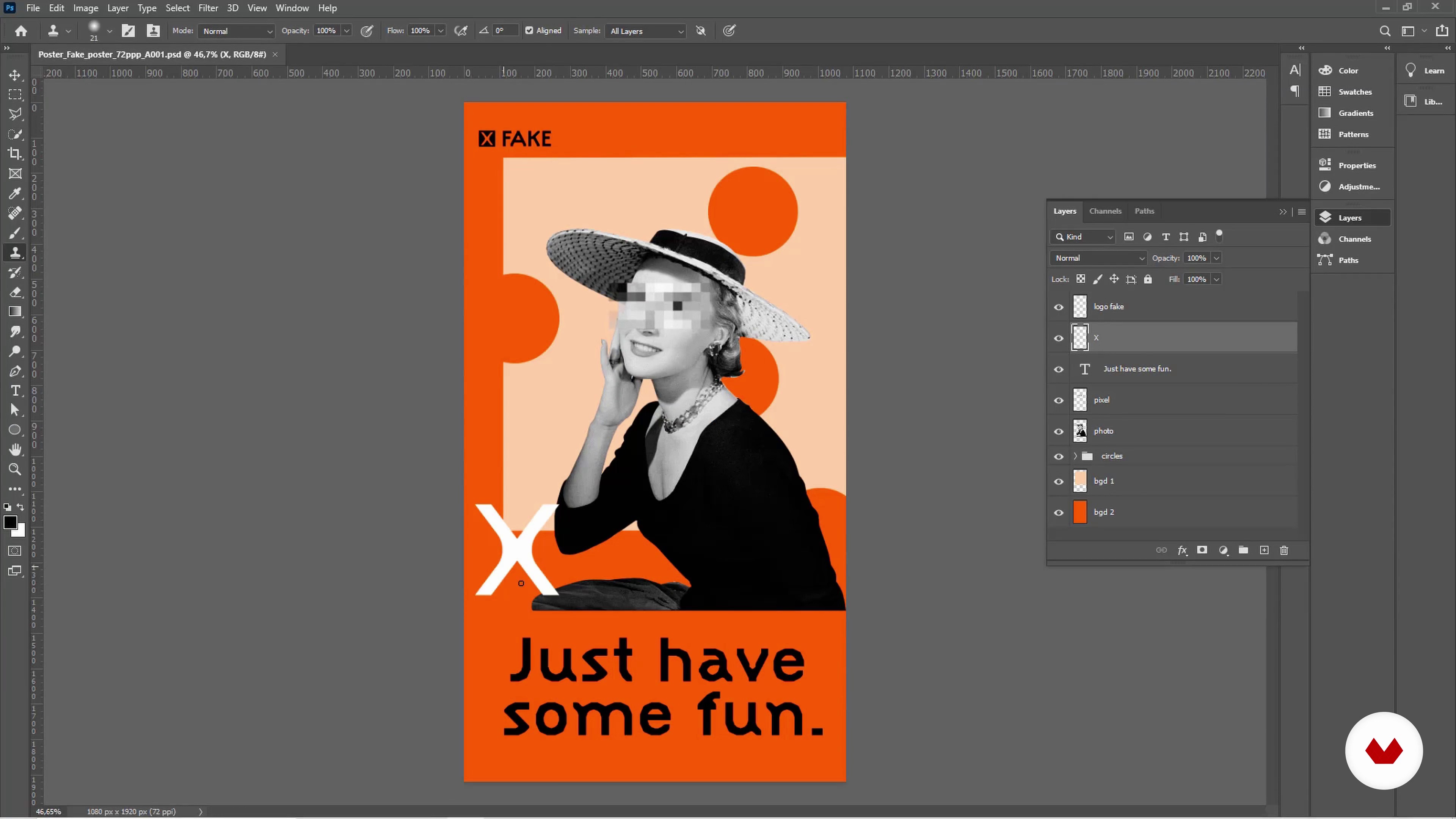
Introduction to the Adobe suite to generate your animations
3 minutes, 52 seconds
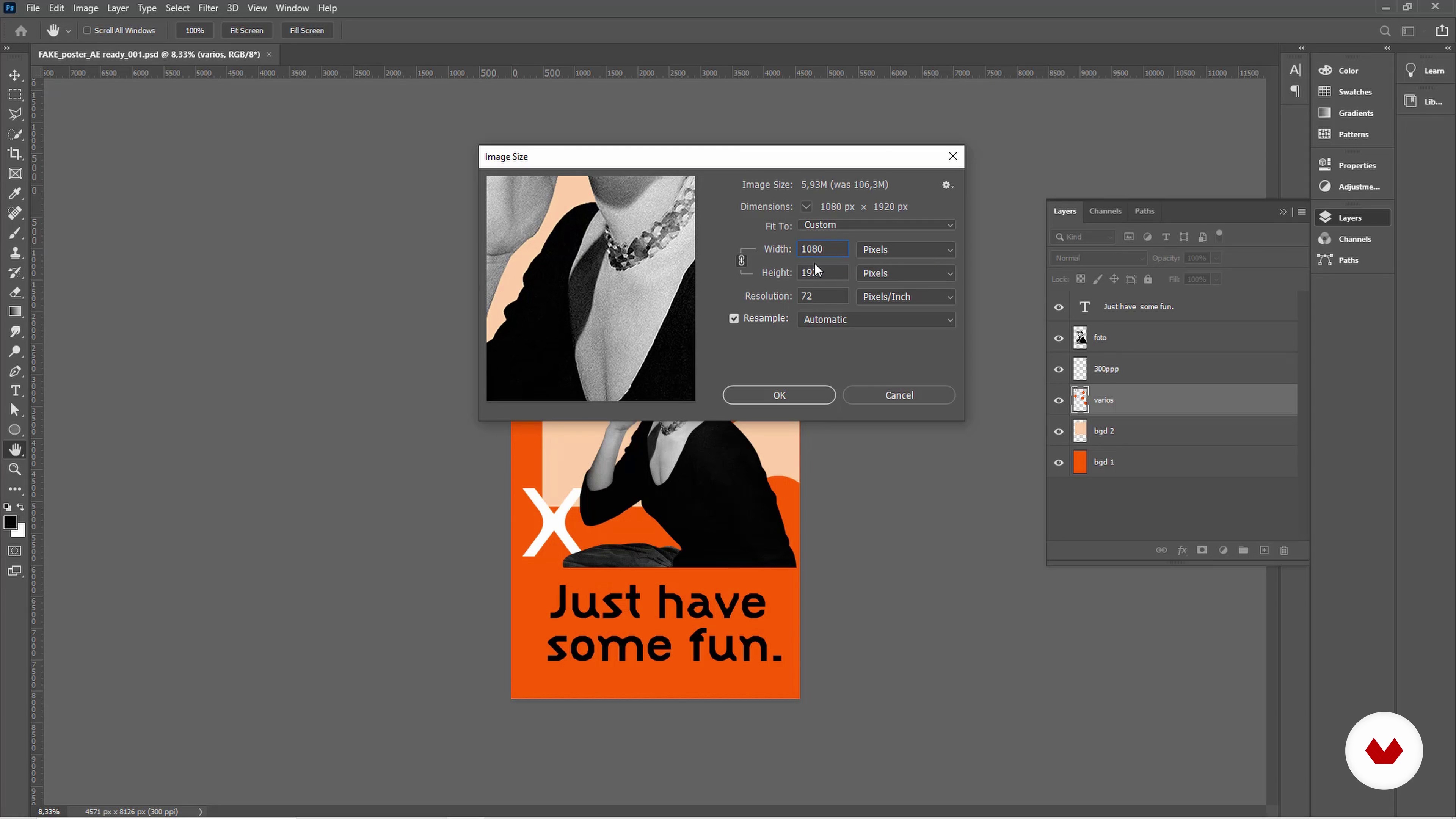
Preparation of your graphic works to animate them in After Effects
5 minutes, 39 seconds
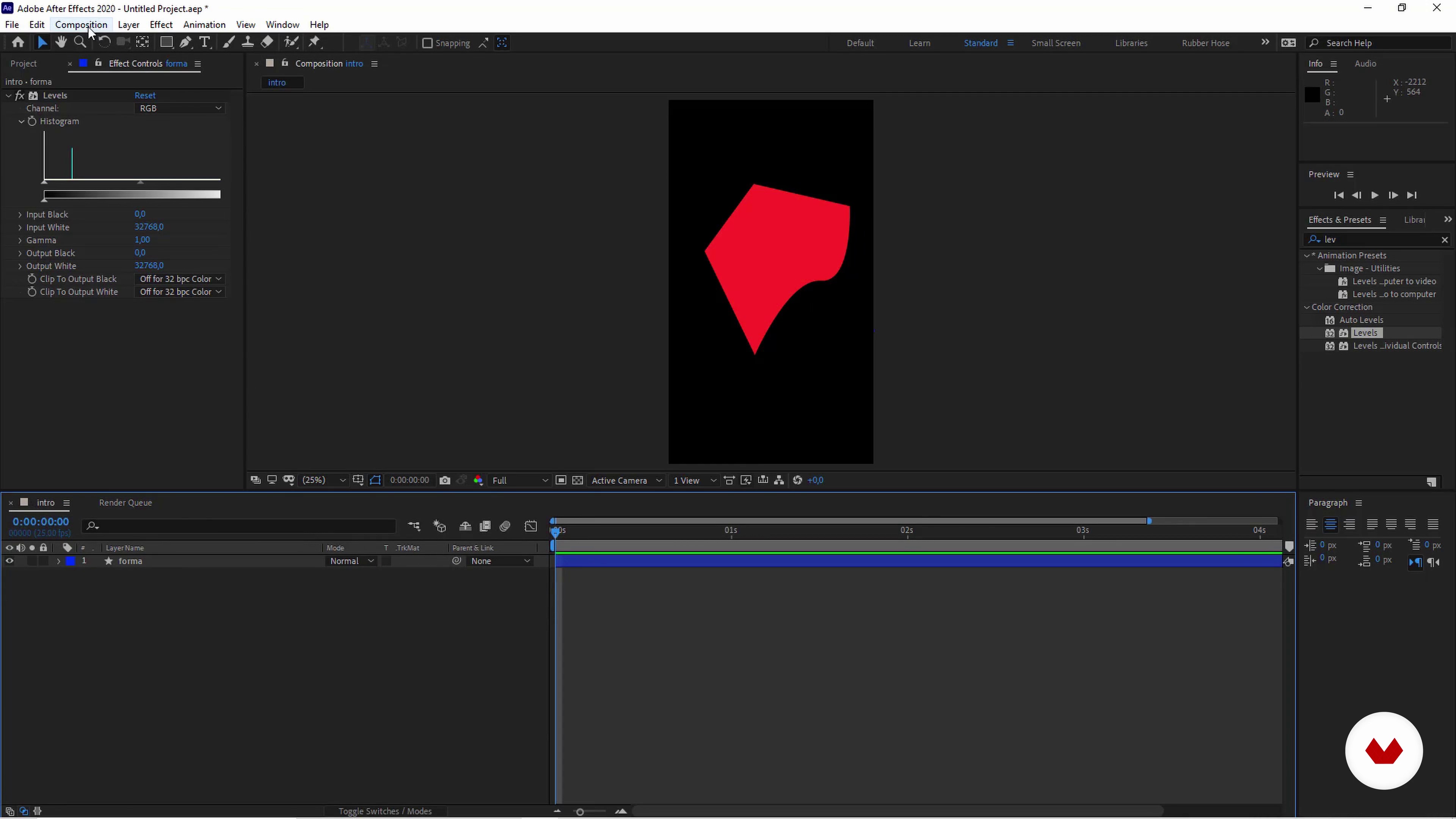
Workflow and basic skills in After Effects
10 minutes, 36 seconds
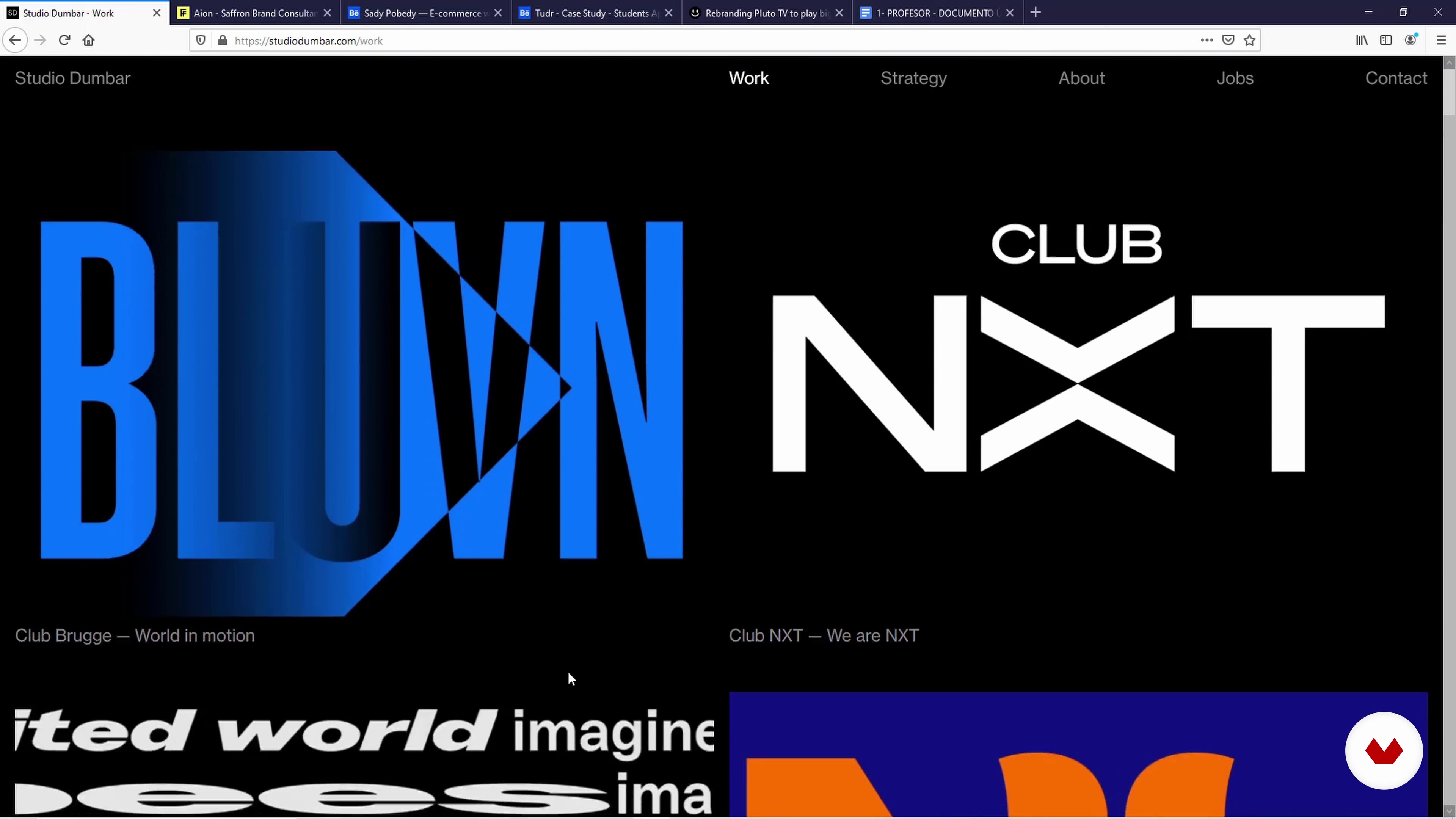
The movement applied in great portfolios
7 minutes, 18 seconds
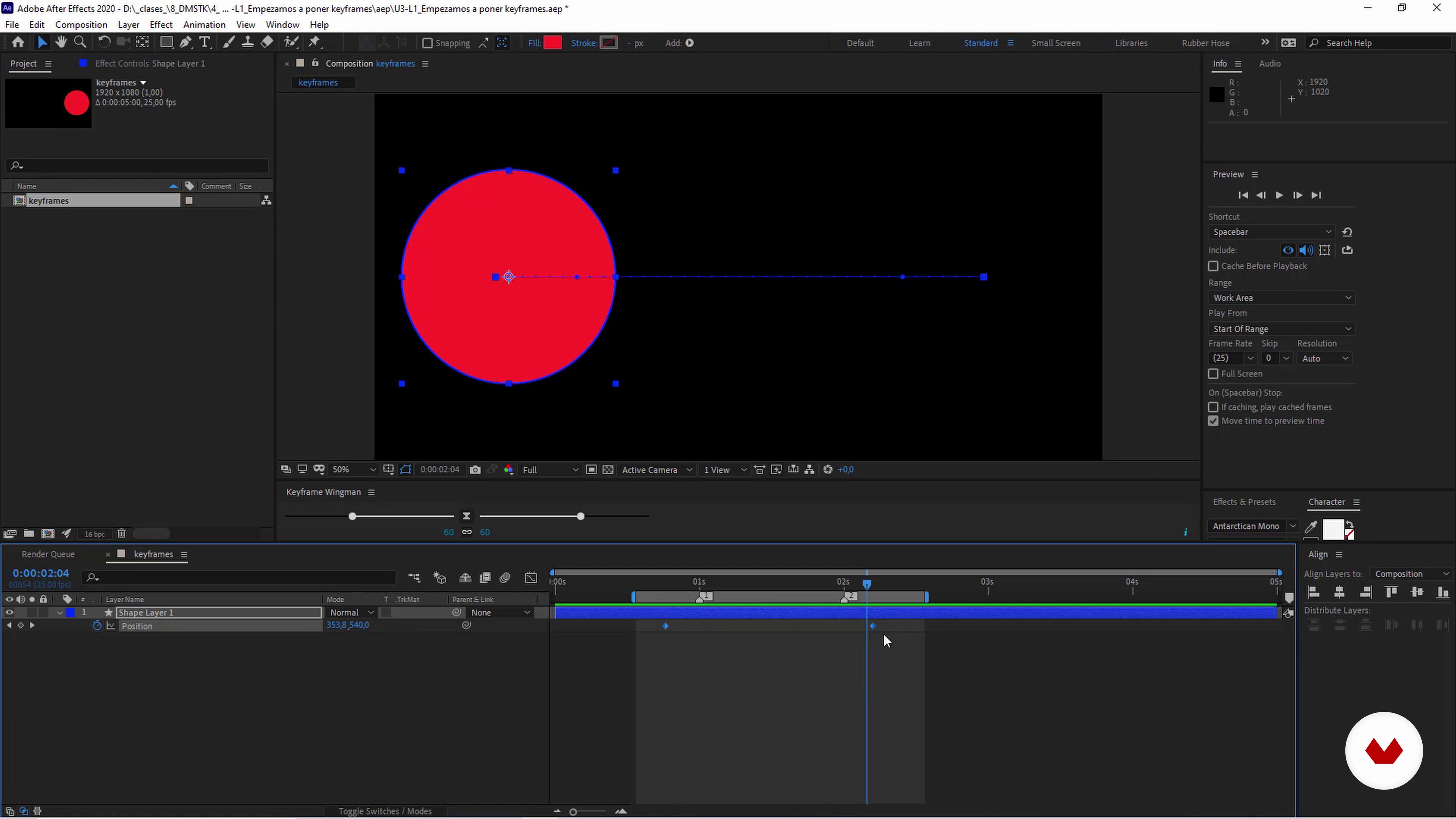
We start to put keyframes to generate our first animation
6 minutes, 16 seconds
What's included in this course?
First, learn about Borja's experience as a motion designer and listen to him explain the importance of having a good portfolio as a way to stand out in a world of images. Then, he shows you the work and artists who have most influenced his professional career.
Next, learn about how the Adobe suite works and prepare your graphics in Photoshop and Illustrator so they can be animated in After Effects. Next, see the basic AE tools and take a look at some examples of animated portfolios to get inspired.
Now, start animating in After Effect with keyframes. Go through some different practical exercises, including animating the menu button or hamburger button, a website, logos, and a poster made up of several design elements.
In the next unit, learn how to integrate your animations into mockups to achieve that unique touch. Discover how to integrate the sign you created previously into an urban environment. Then, do the same with the animated website.
Finally, discover the key steps to exporting your animated work for sharing online. See how to optimize the quality of your GIF and MP4 files. Once finished, you will know how to use movement to present a professional-looking memorable portfolio.
Recommended software & tools for this course
What is this course's project?
Create an animation of your portfolio using simple techniques that will make your work and your unique style shine through.
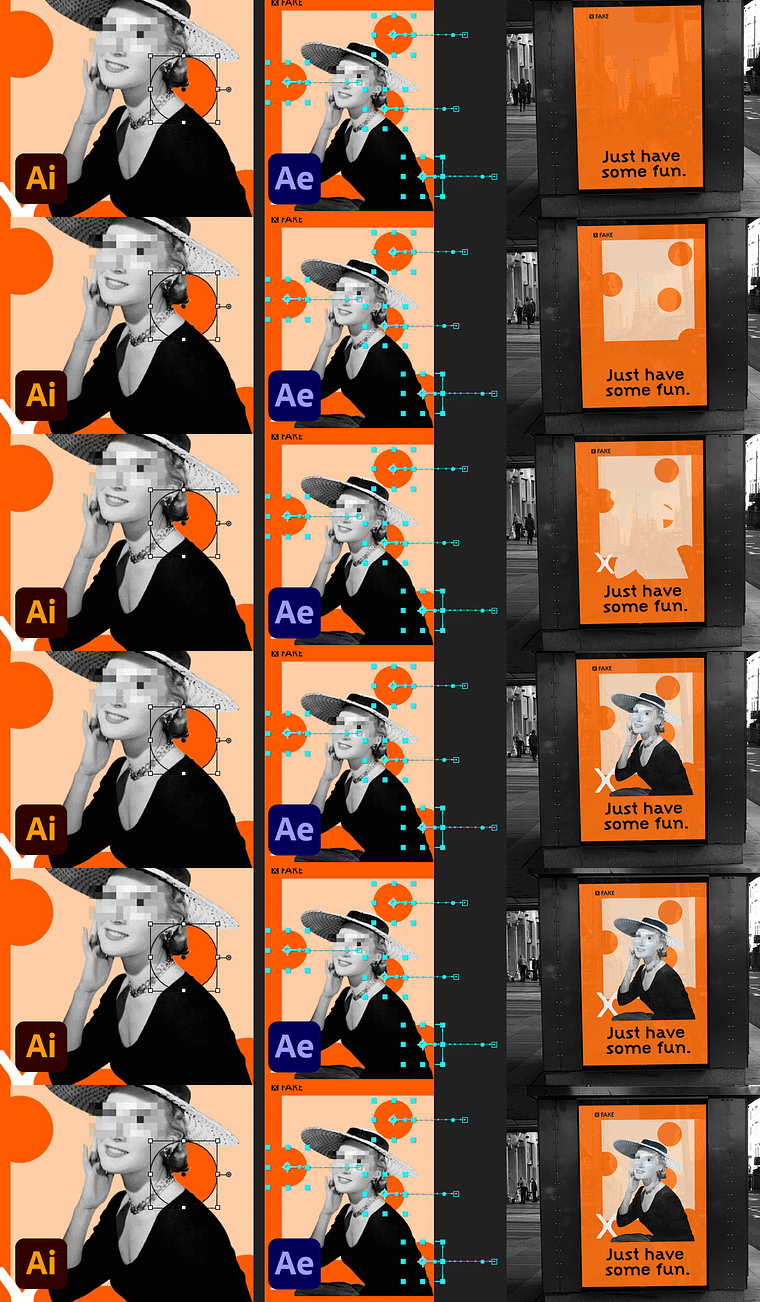
Projects by course students


Who is this online course for?
This course is for graphic designers who would like to create an animated portfolio but are unfamiliar with Adobe After Effects.
Requirements and materials
To take this course, you need some knowledge of Adobe Photoshop and Illustrator. Borja will explain the essential processes and tools of After Effects.
Regarding materials, you will need a computer with the previously mentioned software installed.
Reviews
- 19 days ago
Very good!
- 8 months ago
Buen curso. Recomiendo!
- 10 months ago
Per un'infarinatura lo trovo giusto. Per poter eseguire una creatività senza mai aver utilizzato after effect non è sufficiente a mio parere. Grazie
- 1 year ago
Buen curso para animar portafolios
- 1 year ago
Super bien hecho el curso

He worked as a senior motion designer for Saffron Brand Consultants in Madrid, where he helped brands build their visual identity through animation. In 2019, after over a decade of working in motion design, Borja started his own motion graphic design company, Holke 79. Some of his projects include online campaigns for Converse, Aerosmith’s Last Vegas residency, an official lyrics video for Green Day, and a number of animated graphics for TV shows.
Content
- U1
Introduction
- Presentation
- Influences
- What will we do in the course?
- U2
Laying the foundations
- Introduction to the Adobe suite to generate your animations
- Preparation of your graphic works to animate them in After Effects
- Workflow and basic skills in After Effects
- The movement applied in great portfolios
- U3
We get to animate in After Effects!
- We start to put keyframes to generate our first animation
- UI: animating the typical hamburger menu or button
- UI: let's bring our website design to life
- Basic Logo Animation Steps
- Adding movement to a poster
- U4
Integration of our animations in mock-ups
- Online resources and ideas and tips to generate your own mock-ups
- Integrate your poster into the urban environment!
- Integration of a website on a computer
- U5
Extra content!
- Everything you need to know about the GIF format
- Everything you need to know about the .mp4 format
- FP
Final project
- Portfolio Animation with After Effects
What to expect from a Domestika course
Learn at your own pace
Enjoy learning from home without a set schedule and with an easy-to-follow method. You set your own pace.
Learn from the best professionals
Learn valuable methods and techniques explained by top experts in the creative sector.
Meet expert teachers
Each expert teaches what they do best, with clear guidelines, true passion, and professional insight in every lesson.
Certificates
PLUSIf you're a Plus member, get a custom certificate signed by your teacher for every course. Share it on your portfolio, social media, or wherever you like.
Get front-row seats
Videos of the highest quality, so you don't miss a single detail. With unlimited access, you can watch them as many times as you need to perfect your technique.
Share knowledge and ideas
Ask questions, request feedback, or offer solutions. Share your learning experience with other students in the community who are as passionate about creativity as you are.
Connect with a global creative community
The community is home to millions of people from around the world who are curious and passionate about exploring and expressing their creativity.
Watch professionally produced courses
Domestika curates its teacher roster and produces every course in-house to ensure a high-quality online learning experience.
FAQs
You’ll learn how to animate graphic elements, typography, logos, and posters using Adobe After Effects, adding motion to your portfolio and creative projects to help you shine in today’s graphic design world.
No prior experience with After Effects is required, but having basic graphic design knowledge and familiarity with Photoshop or Illustrator is recommended.
You’ll need a computer with Adobe After Effects installed, along with Photoshop and Illustrator to take full advantage of the integrated workflow. It’s best to have your own files to practice with.
The course guides you step-by-step to animate pieces and export them in compatible formats (GIF, MP4), ready to include in your digital portfolio or web presentations.
You’ll practice animating logos, posters, typography, interactive menus, and mockups using your own files or provided examples, so you can apply what you learn directly to real projects.
Yes, you’ll learn how to export animations as GIFs and MP4s, optimizing quality, file size, and compatibility for various uses on the web, portfolios, and social media.
Motion design applies graphic design principles to movement, enriching visual communication and making portfolios and graphic pieces more eye-catching and modern.