Professional Photography for Instagram
A course by Mina BarrioProduct Photographer
A course by Mina Barrio, Product Photographer

Learn tricks to take and edit photographs for social media on your phone
Instagram has become a virtual showcase where everyone wants to stand out. Mina Barrio is the product photographer at Melon Blanc, creating visual content for all kinds of brands. In this online course, she gives you insider tips on how to best present your Instagram projects using just your smartphone.
Mina teaches you far more than how to take a beautiful photo: learn how to communicate your values and create a personal photographic style for every project. Discover both the creative element of photography as well as the technical, using the tools available on your smartphone and editing your images like a pro Instagrammer.
If you want to go one step further with your publications, in Mina's other course Content Creation and Editing for Instagram Stories you can discover the secrets of photography and video to succeed on Instagram.
Featured review
I really enjoyed this course! Mina explained things in a clear and easy to understand way. I really liked learning about new apps and I found the additional resources interesting.
What will you learn in this online course?
16 lessons & 11 downloads
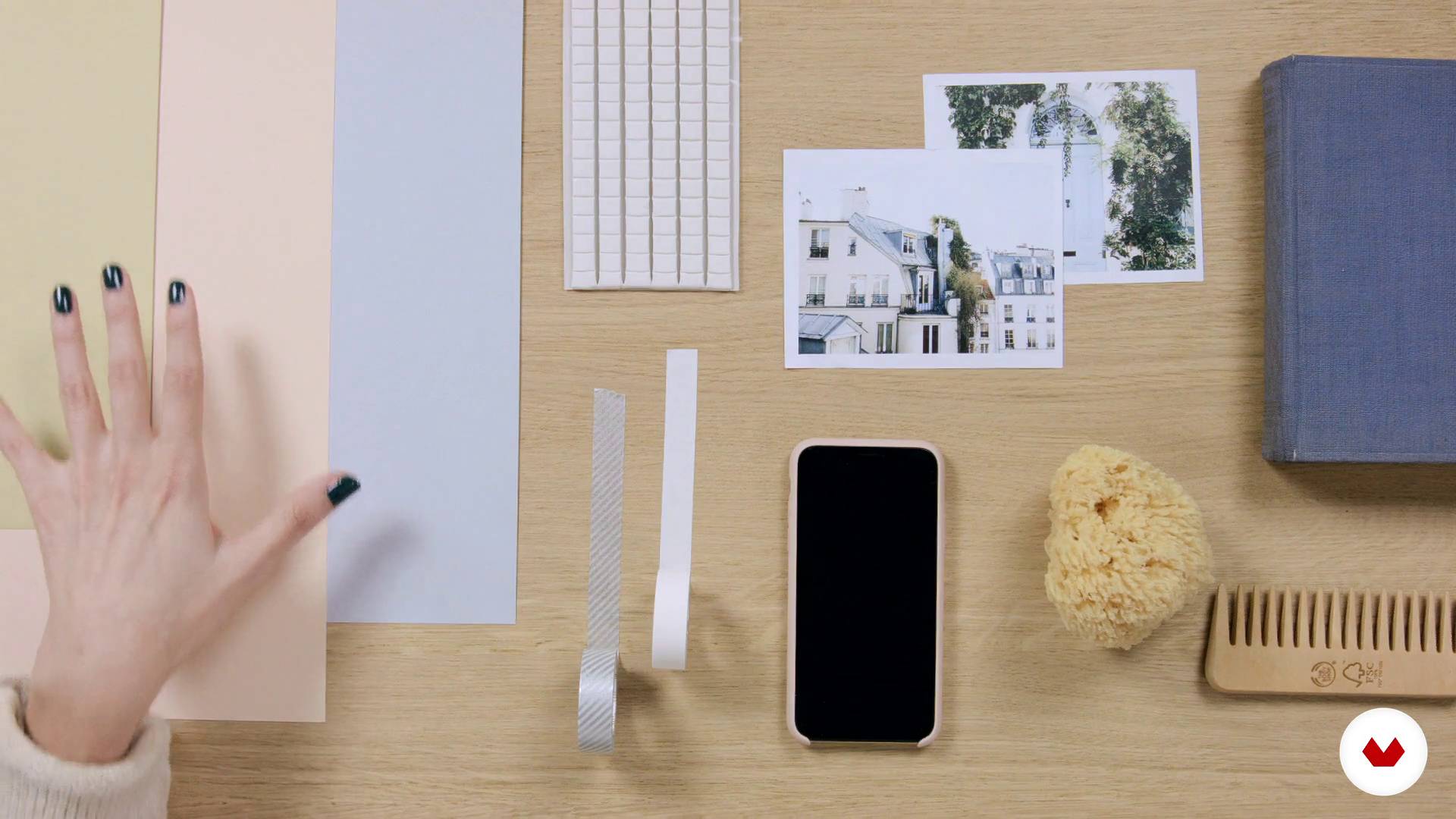
materials
5 minutes, 35 seconds
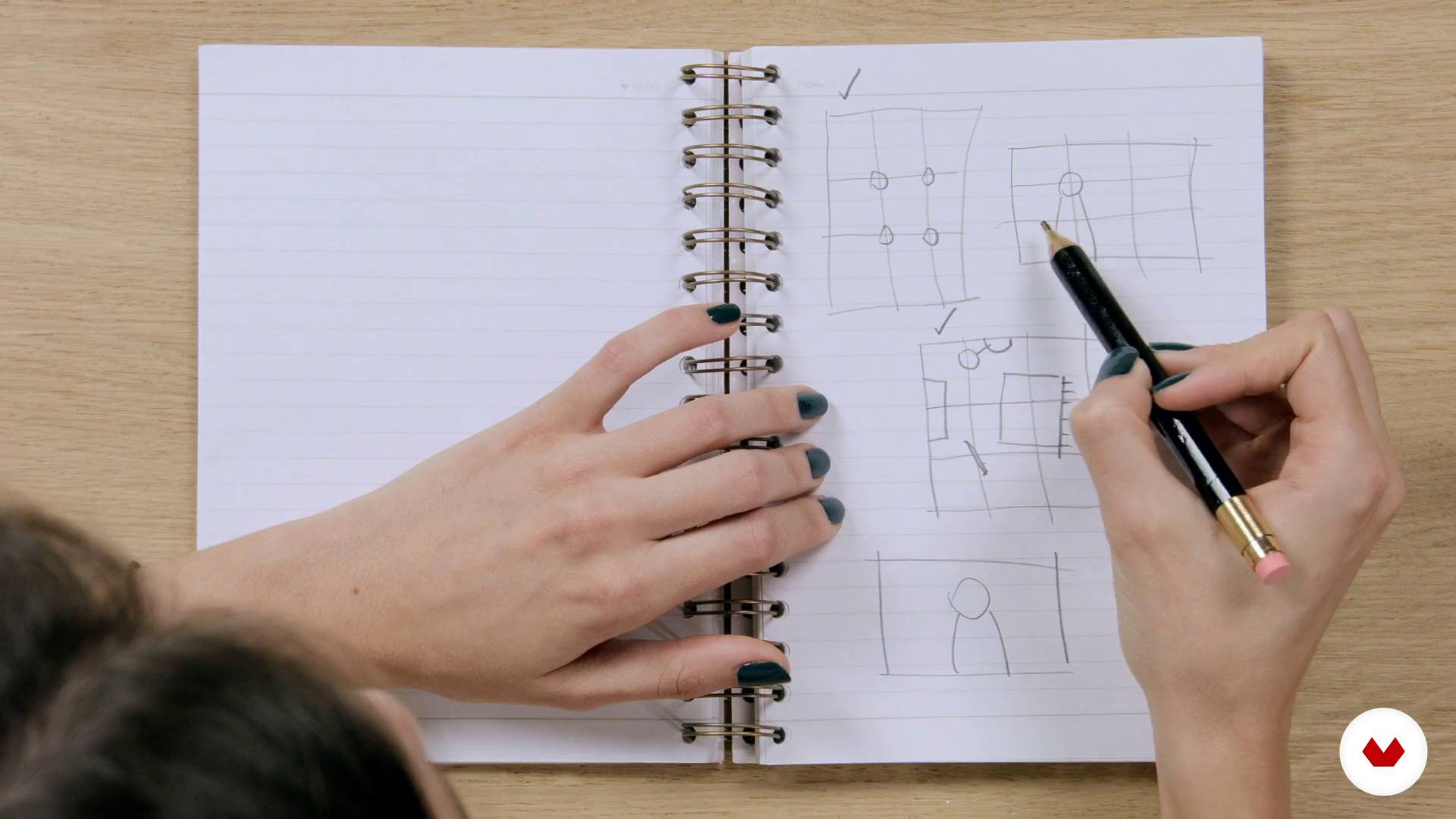
Composition
8 minutes, 25 seconds
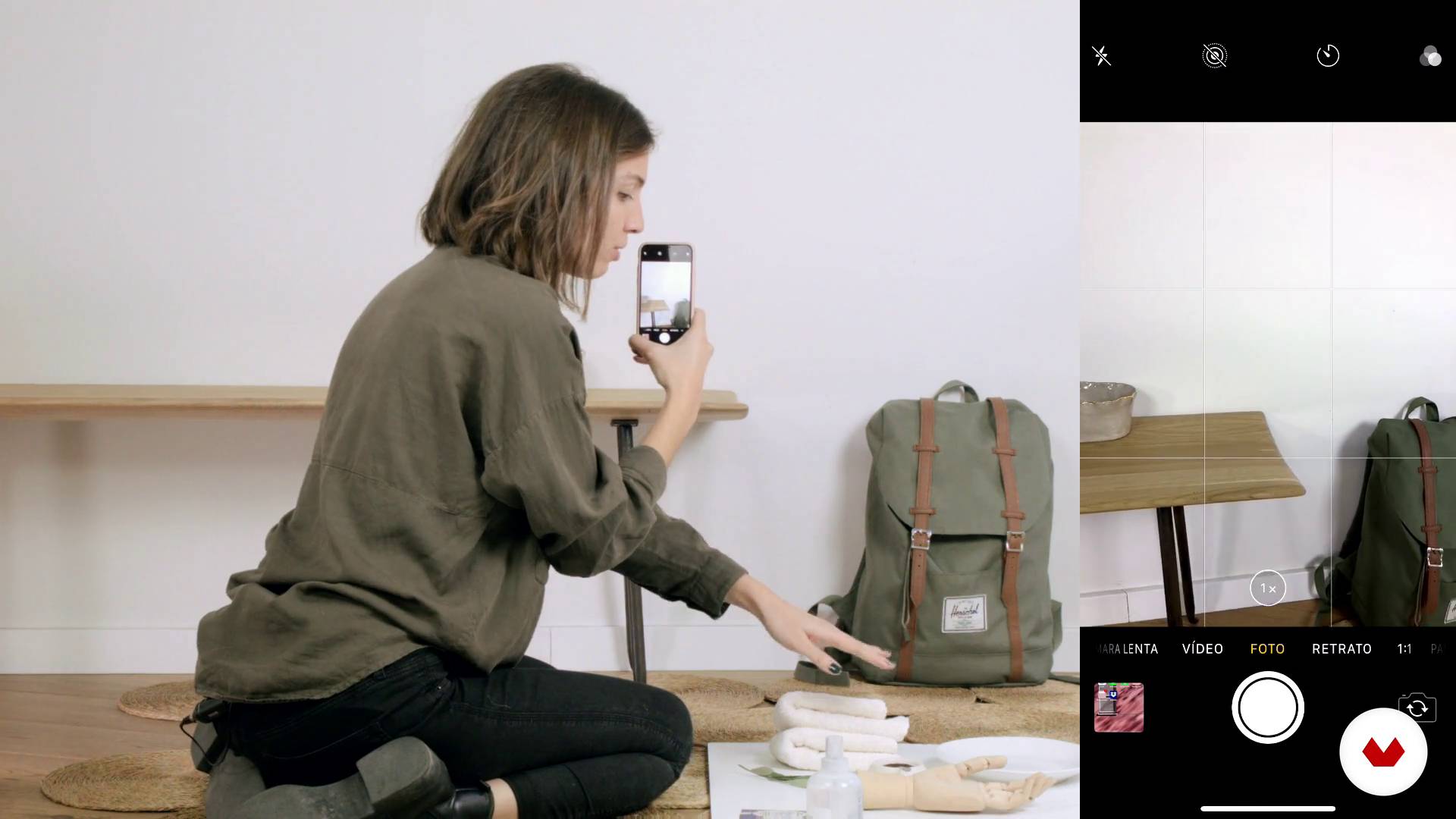
Create an environment
8 minutes, 32 seconds
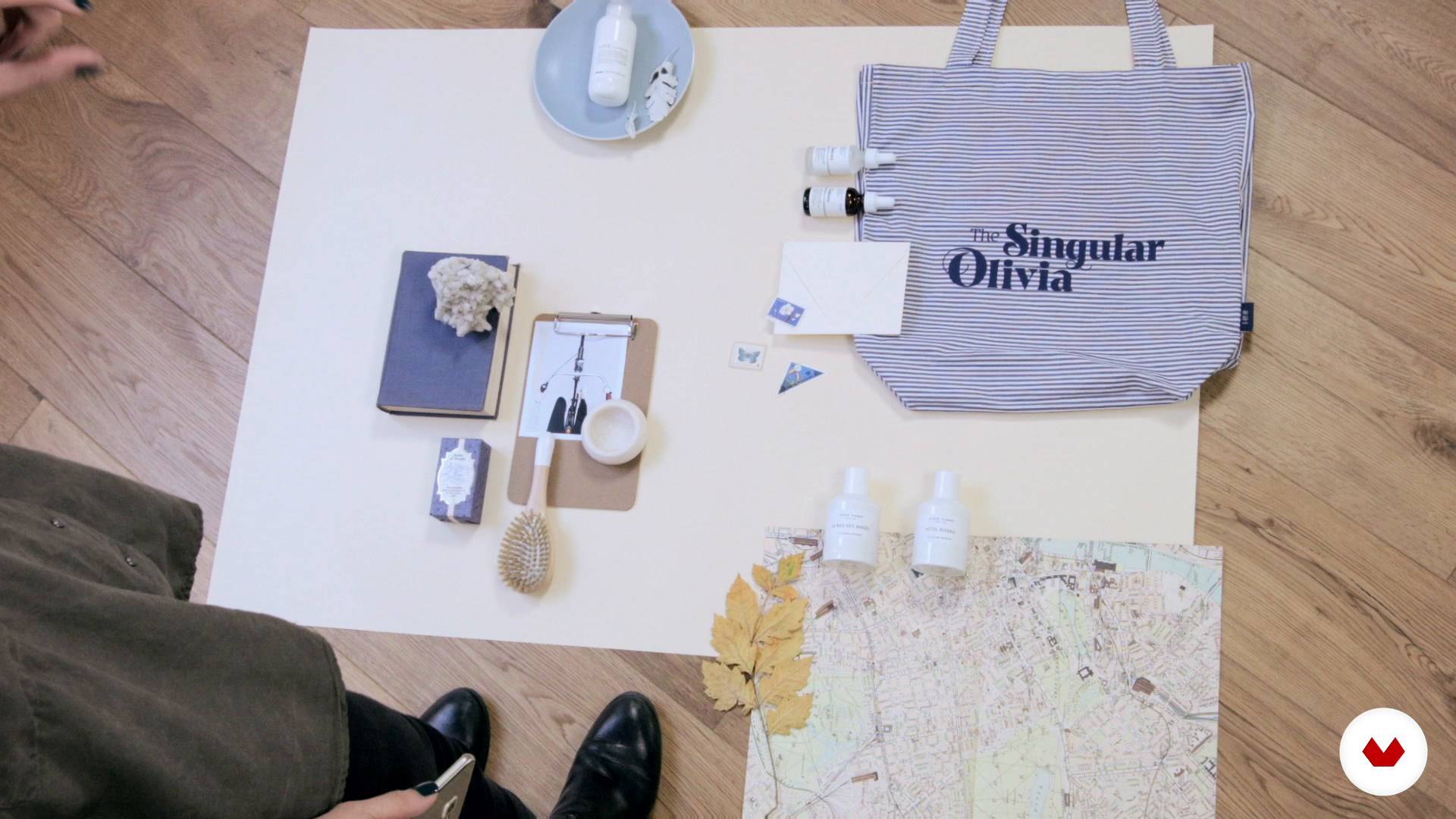
Compose a Flatlay
6 minutes, 18 seconds
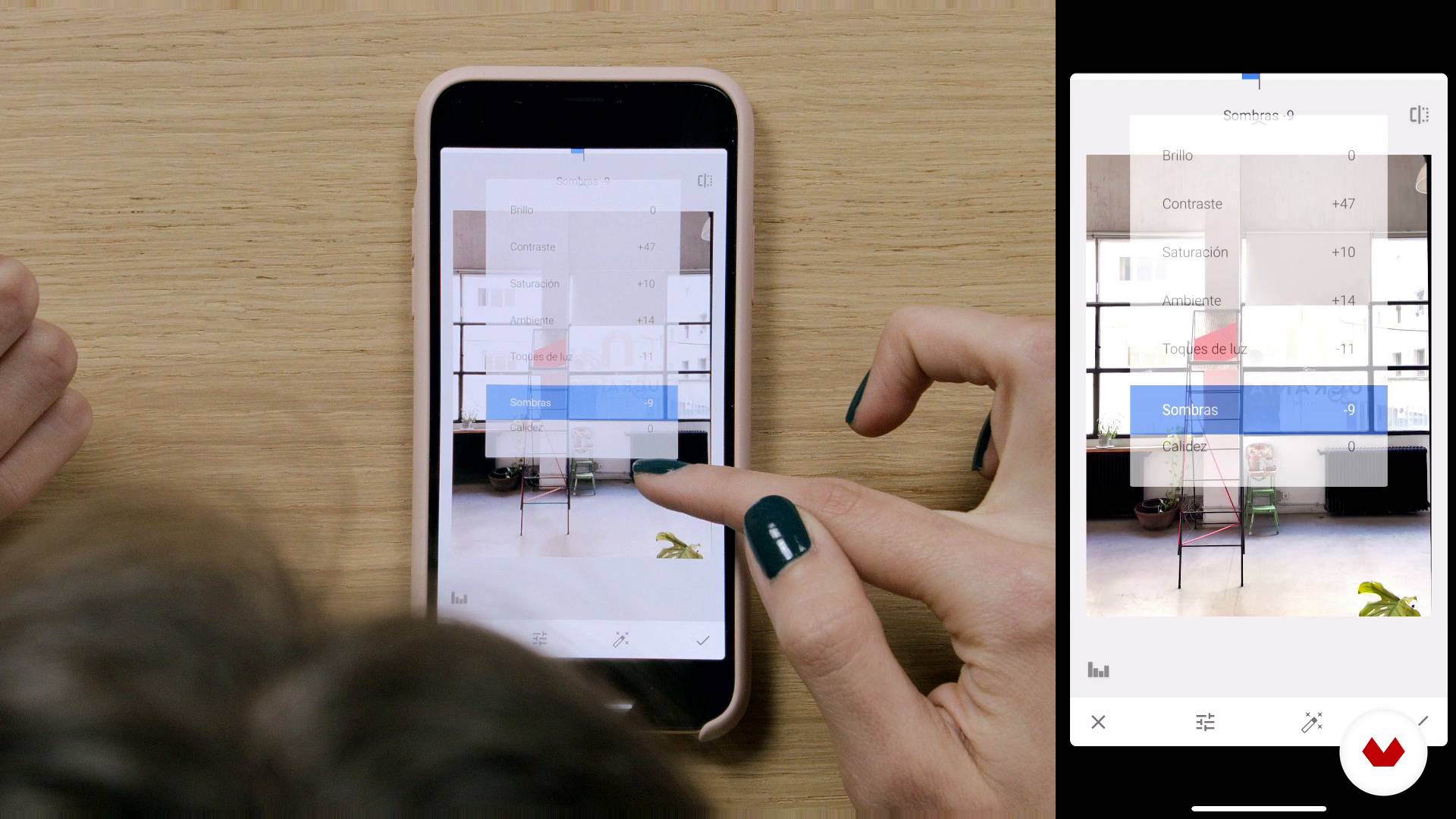
Editing photos with Snapseed
18 minutes, 6 seconds
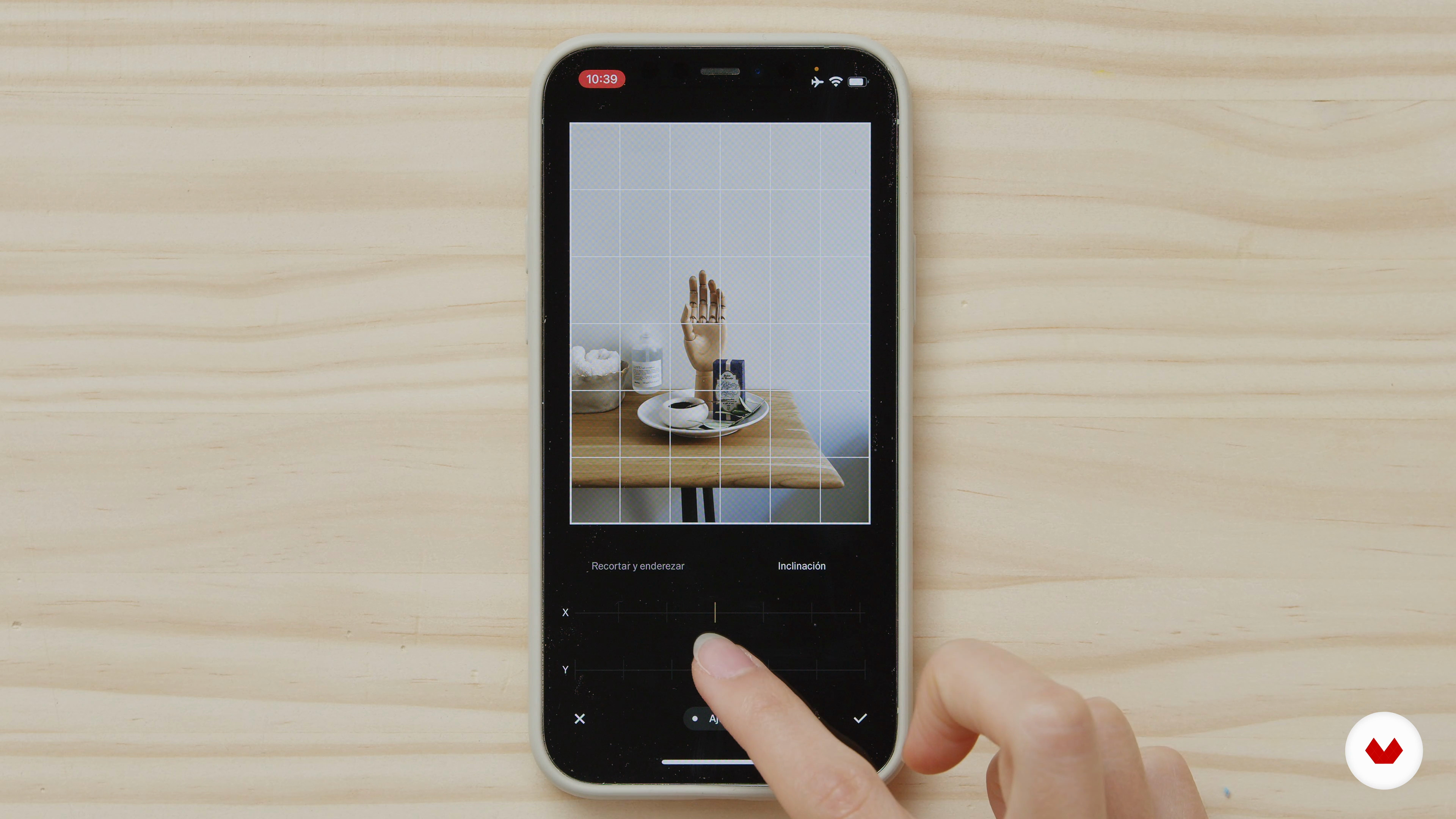
Photo editing with VSCO
20 minutes, 6 seconds
What's included in this course?
Start by checking out the Instagram accounts that inspire Mina Barrio and help her stay up to speed with visual trends on social media.
Next, see what kind of materials you can use for your photos, then learn the basic principles of composition as well as how to define your own style for your project.
With that style in mind, take different types of photos: realistic environments, the famous flat lay, colorful backgrounds, or simply places you visit. Mina also gives you some ideas for taking unique photos that can open the doors to a world of visual creativity.
Once you have taken your photographs, it's time to edit them. Mina tells you about the apps she normally uses: Snapseed, VSCO, and even Instagram itself. Once they are ready, learn to organize your social media well, planning when to publish each photo and scheduling your posts.
Finally, Mina explains how to get the most out of Instagram Stories, the feature that allows you to share short videos that disappear from your profile, which is all the more useful since they are practically the same tools you can find in reels.
What is this course's project?
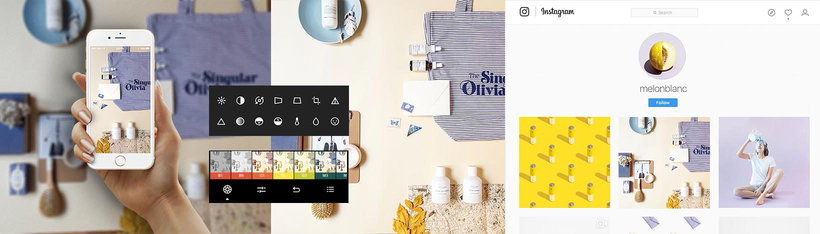
Photograph and edit your own images following the style that you have established for your project.
Projects by course students


Who is this online course for?
Designers, illustrators, small business owners, and anyone who wants to learn how to showcase a project on Instagram, taking and editing their photos using just their smartphone.
Requirements and materials
No previous experience is needed to take this course. All you need is a smartphone with the Instagram app and internet access.
Reviews
- 2 days ago
me gustó mucho este curso porque aborda cosas básicas y de forma sencilla. se hace muy fácil seguir el ritmo
- 4 days ago
Excelente !!!
- 13 days ago
Me ha encantado este curso. Enseña conceptos que aunque pueden parecer básicos, con practicas son claves para aprende un buen manejo de fotografia de producto. La forma de enseñar es bastante intuitiva para que cualquier persona pueda iniciar con sus propias fotos. Recomiento 100%
- 15 days ago
Es un curso muy bonito y las explicaciones ayudan mucho.
- 1 month ago
Excelente, muy buenas herramientas y la maestra excelente también, explicación sencilla pero profunda, te anima a seguir explorando y creando.

Mina’s mission is to create visual content for a range of successful brands including Charuca, Lucia Be, The Singular Olivia, and La Compañía Fantástica. Taking and editing photos for Instagram means taking every single detail into account, right down to the elements that might look out of place.
Content
- U1
Introduction
- Presentation
- Great Instagrammers
- U2
Before the photo
- materials
- Achieve the best quality
- Composition
- U3
The shot
- The brand,
- Create an environment
- Compose a Flatlay
- Interior photography
- Creative ideas
- U4
Editing a photo
- Editing photos with Snapseed
- Photo editing with VSCO
- Photo editing with Instagram
- How to manage Instagram and schedule posts
- U5
Instagram Stories
- Taking photos
- Stories Tools
- FP
Final project
- Professional photography for Instagram
What to expect from a Domestika course
Learn at your own pace
Enjoy learning from home without a set schedule and with an easy-to-follow method. You set your own pace.
Learn from the best professionals
Learn valuable methods and techniques explained by top experts in the creative sector.
Meet expert teachers
Each expert teaches what they do best, with clear guidelines, true passion, and professional insight in every lesson.
Certificates
PLUSIf you're a Plus member, get a custom certificate signed by your teacher for every course. Share it on your portfolio, social media, or wherever you like.
Get front-row seats
Videos of the highest quality, so you don't miss a single detail. With unlimited access, you can watch them as many times as you need to perfect your technique.
Share knowledge and ideas
Ask questions, request feedback, or offer solutions. Share your learning experience with other students in the community who are as passionate about creativity as you are.
Connect with a global creative community
The community is home to millions of people from around the world who are curious and passionate about exploring and expressing their creativity.
Watch professionally produced courses
Domestika curates its teacher roster and produces every course in-house to ensure a high-quality online learning experience.
FAQs
You’ll learn how to create and edit professional photos with your phone, define a consistent photographic style, use composition and lighting techniques, and develop eye-catching visual content for brands and personal profiles on social media like Instagram.
This course is designed for those who already have basic photography knowledge and want to refine their social media skills. It’s not for absolute beginners, but anyone comfortable with their phone can follow along.
All you need is a phone with a camera, access to editing apps like Snapseed or VSCO, some cardstock, washi tape, a DIY reflector, and objects to create backgrounds and props. Everything is accessible without expensive gear.
Yes, the course includes tips and tricks for editing photos on your phone using apps like Snapseed and VSCO, covering everything from basic adjustments to advanced selective edits and blemish removal.
Yes, you’ll learn how to define a photographic style that aligns with your brand’s values by choosing color palettes, composition, props, and visual storytelling to stand out on social media.
You’ll learn composition rules like the rule of thirds, symmetry, negative space, color use, and object arrangement to create more attractive and visually consistent images for your feed.
Yes, practical techniques for photographing products with your phone are covered, using natural light, homemade backgrounds, reflectors, and creative composition—perfect for brands and entrepreneurs.