Creative Web Design: Planning and Coding from Scratch
A course by DXR ZoneArt Direction and Creative Programming Agency
A course by DXR Zone, Art Direction and Creative Programming Agency

Learn how to design and build an engaging website using HTML, CSS and JavaScript
Nowadays, just about everyone needs a website. Whether it’s to showcase your portfolio, or for a business to reach their customers. Knowing how to code is a useful skill to have overall. Rifke Sadleir and Dan Baragwanath, the founders of the creative programming agency DXR Zone, are here to teach you the fundamentals of coding from scratch, and how to launch a visually-striking website.
In this course, get a complete walkthrough of planning, designing, formatting, and launching your very own website. Learn how to code in HTML, CSS, and JavaScript and learn how to use the free programs that facilitate coding.
What will you learn in this online course?
18 lessons & 17 downloads

What Will We Do in This Course?
4 minutes, 7 seconds

Building the Concept
3 minutes, 21 seconds
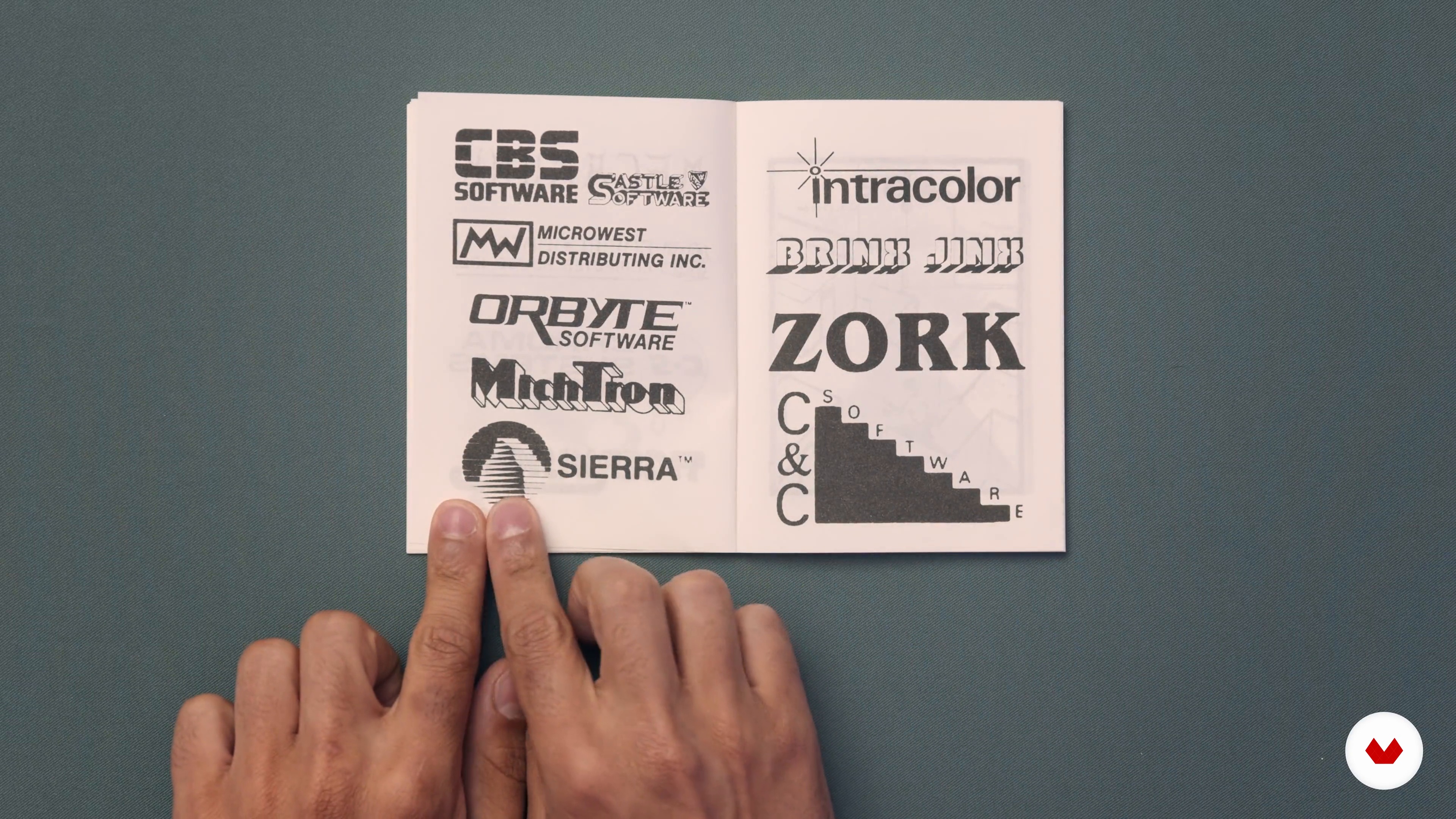
Gathering References
11 minutes, 33 seconds
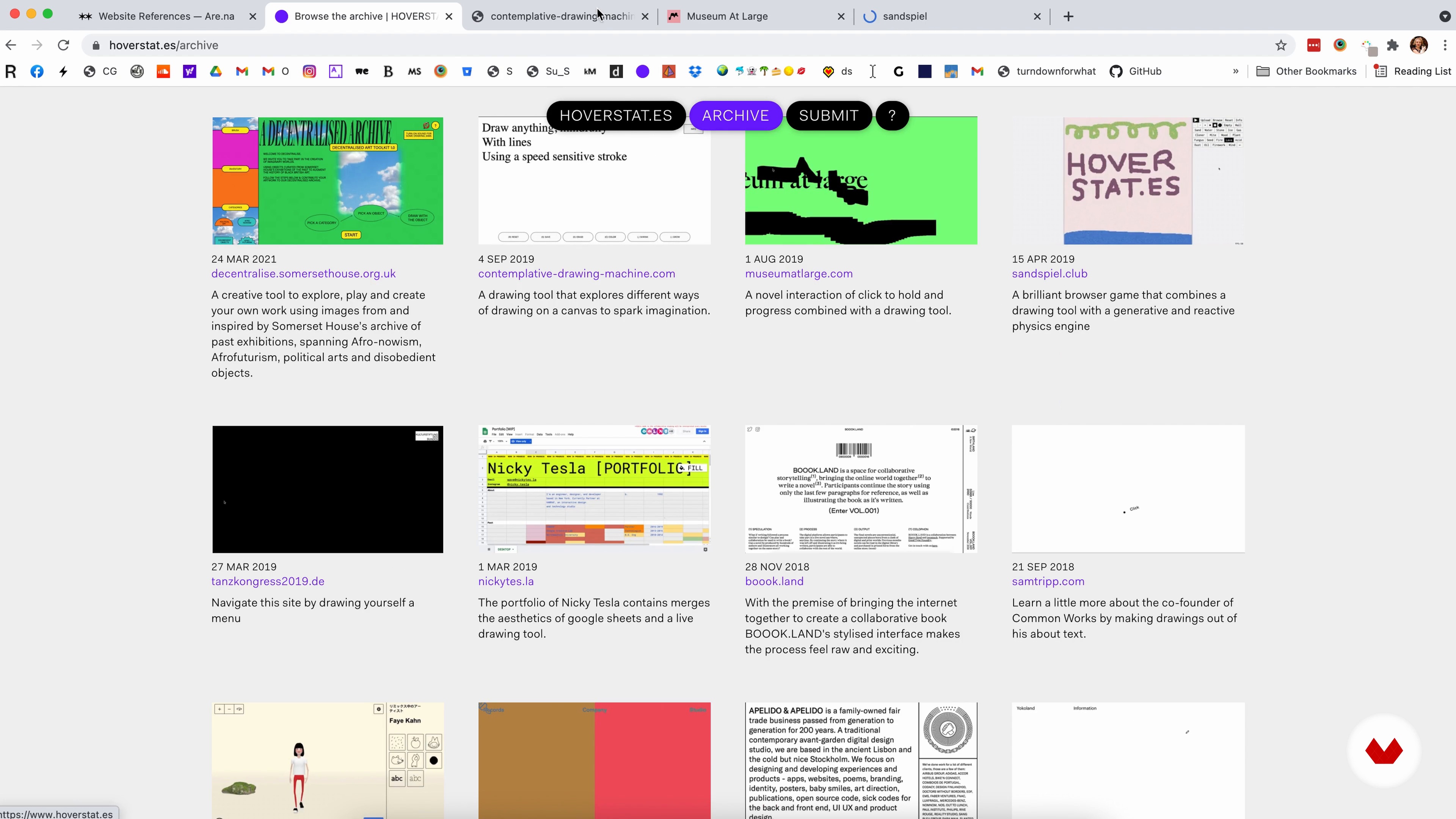
Creating a Mood Board
6 minutes, 53 seconds
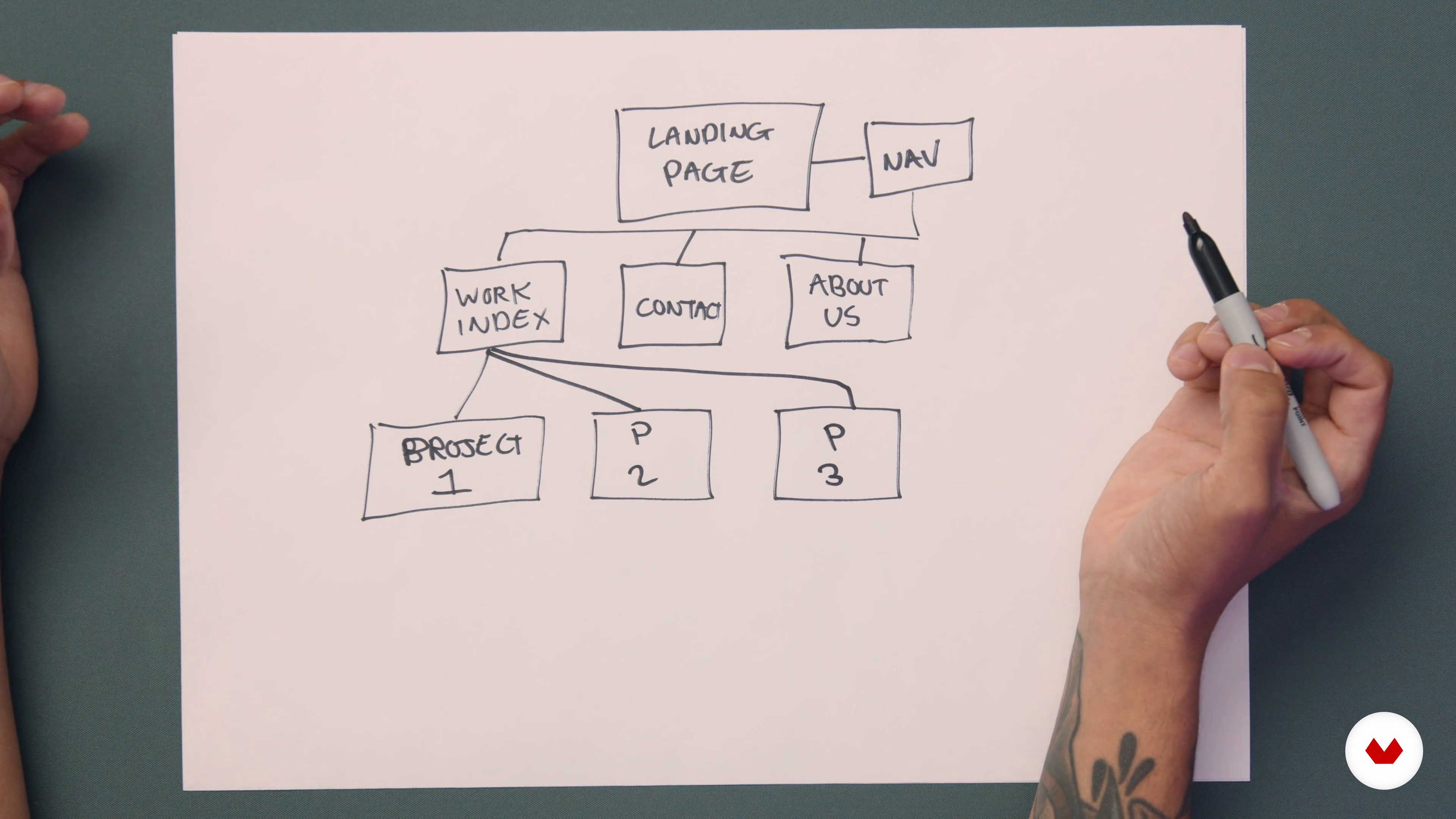
Making a Sitemap
4 minutes, 28 seconds
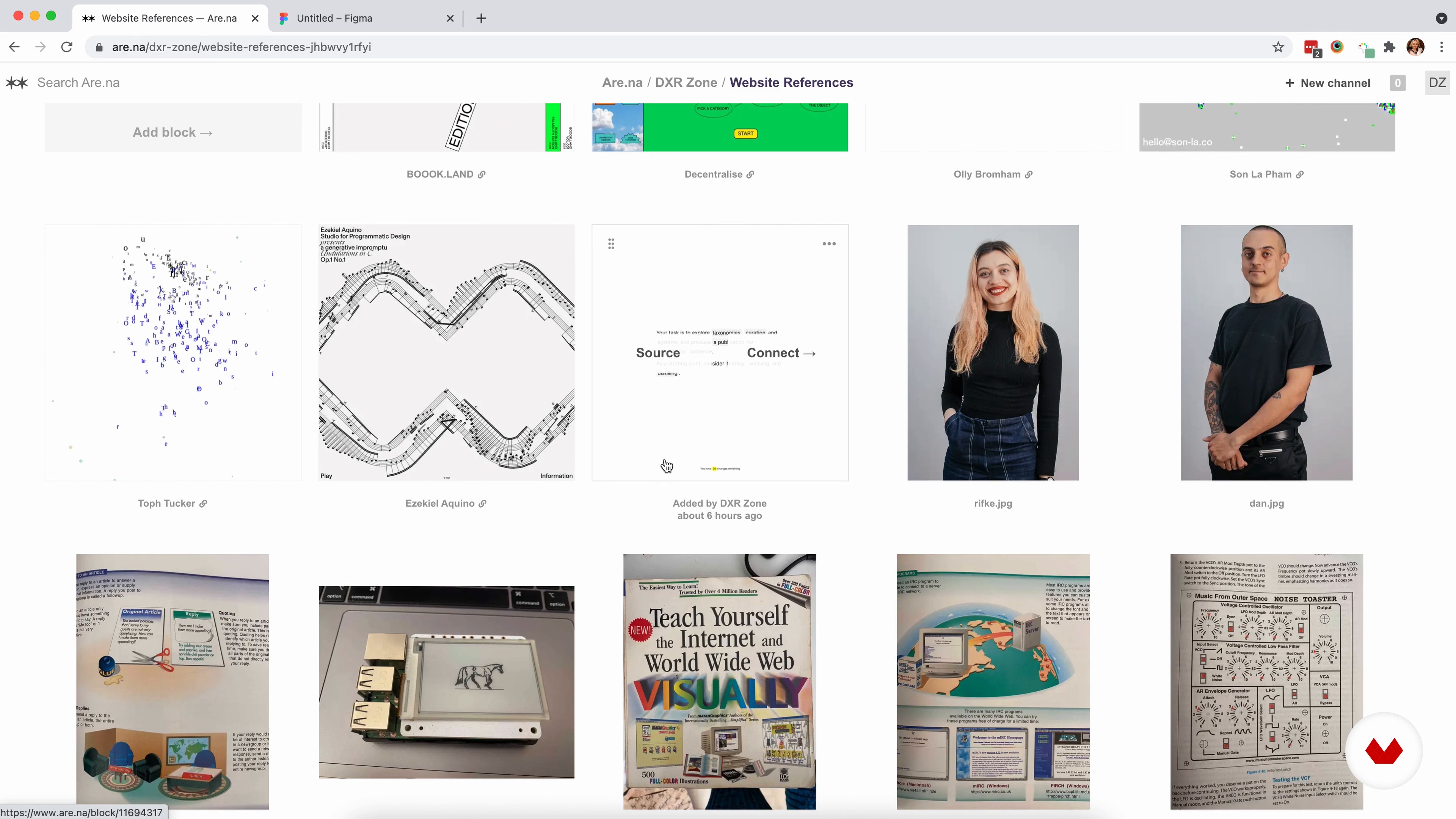
Coming up with Design Proposals
17 minutes, 20 seconds
What's included in this course?
Meet Rifke and Dan, the graphic designers and programmers behind DXR Zone, and your teachers for this course. They share their unconventional journey that led them to start their creative web development and art direction agency. See some of their recent work, and hear about the artists and designers who influence it.
Discover the preparation that goes into building a website before writing code. Learn how to build a concept by deciding on the purpose and target audience of your website. Get inspired by references to visualize a design and create a mood board. Then, start planning the user’s journey through your website by making a sitemap and coming up with a design proposal using Figma.
Next, get an overview of how to use Atom, a software to code, before learning how to code step by step. First, learn how to code in HTML to create the basic webpage. Then, see how to code in CSS to add style elements and formatting to your website. Tie it all together by learning how to code in JavaScript to add fun and interactive components to your web design.
Time to go live! Rifke and Dan teach you how to put your website live on the internet. Explore how to test your website for bugs or other common problems, and learn some useful troubleshooting and debugging solutions. Once your website is user tested and good to go, you’ll be ready to share it with the world!
What is this course's project?
Plan and code a creative website from scratch using HTML, CSS, and JavaScript.

Projects by course students


Who is this online course for?
Anyone and everyone interested in designing and creating a website.
Requirements and materials
No previous experience is required, although any coding experience will give you a head start!
To take this course, all you need is access to Atom and Figma, which are both free apps, and of course, access to the internet.

Reviews
- 5 months ago
um cruso bom
- 6 months ago
Quiero expresar que el curso de programación es excelente y cuenta con información muy valiosa. La calidad del contenido y la forma en que se presenta son muy útiles para el aprendizaje. Estoy muy satisfecha
- 8 months ago
A very hands-on and useful course, even though it is from 2021 and I am writing this review in '25. The instructors guide you through all the steps, from collecting inspiration, over writing HTML, CSS and JavaScript, to actually publishing your website. Atom, the code editor used by the instructors, isn't around anymore, but that is not an issue at all, just use VS Code, it has awesome features anyway that weren't available back in '21. Browser console for debugging etc. all are still the same.
- 8 months ago
muy buen curso !!!
- 10 months ago
I have tried several web design courses, each with different aims and approaches, but with this course I found an approach that is not too deep into programming but it just gives you resources to get inspired as well as shape your ideas and implement your projects. For me this course is very valuable. Thank you.

DXR Zone offers services spanning from art direction, digital design, to full-stack development. Their client list includes Google, Selfridges, Burberry, The Face, Dazed, adidas, Universal Music, Nike, Somerset House, Converse, Hypebeast, The Magnet Agency, Anyways, Institute of Coding, Depop, Dropbox, University of the Arts London, ICA, The Future Laboratory, Warp Records, and Beirut Re—Store.
Content
- U1
Introduction
- About Us
- Influences
- What Will We Do in This Course?
- U2
Planning and Designing
- Building the Concept
- Gathering References
- Creating a Mood Board
- Making a Sitemap
- Coming up with Design Proposals
- U3
Building and Coding
- Setting the Foundations
- Making the Basic Structure in HTML 1
- Making the Basic Structure in HTML 2
- Style Elements in CSS 1
- Style Elements in CSS 2
- Adding Interactions in Javascript 1
- Adding Interactions in Javascript 2
- U4
Going Live
- Launching the Website
- Testing the Site with Users
- Amendments Based on User Testing
- FP
Final project
- Creative Web Design: Planning and Coding from Scratch
What to expect from a Domestika course
Learn at your own pace
Enjoy learning from home without a set schedule and with an easy-to-follow method. You set your own pace.
Learn from the best professionals
Learn valuable methods and techniques explained by top experts in the creative sector.
Meet expert teachers
Each expert teaches what they do best, with clear guidelines, true passion, and professional insight in every lesson.
Certificates
PLUSIf you're a Plus member, get a custom certificate signed by your teacher for every course. Share it on your portfolio, social media, or wherever you like.
Get front-row seats
Videos of the highest quality, so you don't miss a single detail. With unlimited access, you can watch them as many times as you need to perfect your technique.
Share knowledge and ideas
Ask questions, request feedback, or offer solutions. Share your learning experience with other students in the community who are as passionate about creativity as you are.
Connect with a global creative community
The community is home to millions of people from around the world who are curious and passionate about exploring and expressing their creativity.
Watch professionally produced courses
Domestika curates its teacher roster and produces every course in-house to ensure a high-quality online learning experience.
FAQs
Yes, this course is designed for beginners and teaches foundational web development skills from scratch using HTML, CSS, and JavaScript. No prior coding experience is required.
You’ll need a code editor like Atom or VS Code, a web browser for testing, and optional design tools such as Figma or Arena for planning and mood boards. All recommended tools are free or have free versions.
You’ll learn website concept development, sitemaps, mood boards, HTML/CSS/JavaScript coding, responsive layouts, user testing, launching with Netlify, and creative techniques like experimental coding and nostalgic UI design.
No design background is required. The course covers key design concepts and provides step-by-step guidance for planning, prototyping, and building visually engaging websites.
You’ll learn to plan, design, and code your own portfolio website, including sitemap creation, mood board development, and implementing interactive features tailored to showcase your projects or creative work.
Yes, you’ll learn responsive design principles and how to adapt layouts for different screen sizes, ensuring your websites work well on both mobile and desktop devices.
A sitemap visually organizes your website’s structure and navigation, helping you plan content, user flow, and ensure all necessary pages are included before coding begins.