2D Animation with Photoshop: Draw, Camera, Action!
A course by NumecaniqGraphic Designer
A course by Numecaniq, Graphic Designer

Learn to master camera framing and movement to take your animations to the next level
Rodrigo Miguel, better known as Numecaniq, is an animator specializing in frame-by-frame 2D animation. He has experimented with every kind of animation out there and is passionate about drawing in motion. Although he's found success working with world-renowned brands like Adobe, MTV, Amazon, and Spotify, Numecaniq never abandoned his personal projects or collaborations with other artists and studios.
In this course, learn frame-by-frame animation and develop an efficient workflow in Photoshop for your traditional animation projects with a contemporary, creative approach.
This is a follow-up to Numecaniq's first course, Introduction to Traditional Animation with Photoshop, where he teaches you the 12 principles of frame-by-frame animation to bring your stories to life.
What will you learn in this online course?
20 lessons & 19 downloads
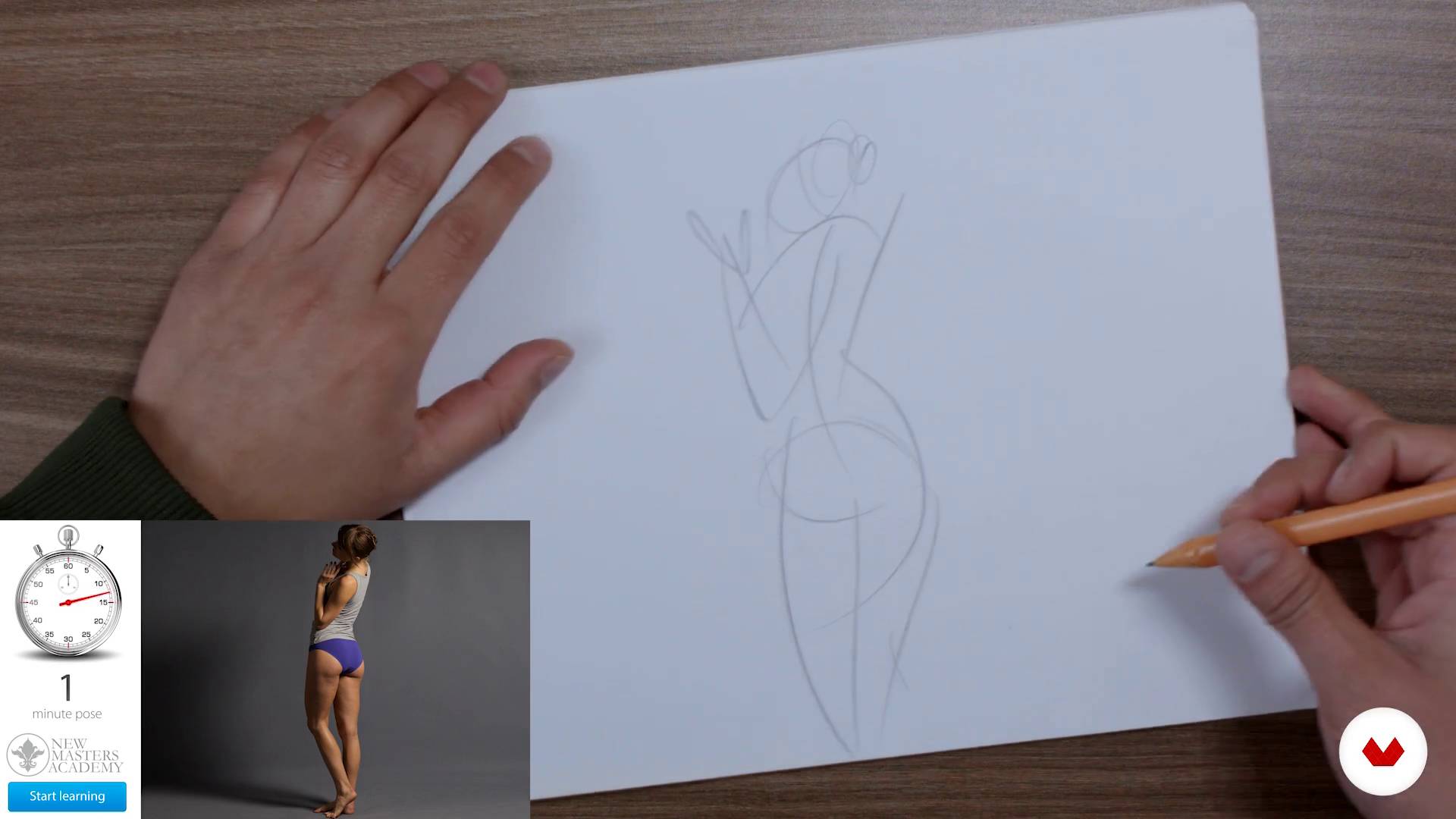
Formation of learning habits and human figure drawing
14 minutes, 7 seconds
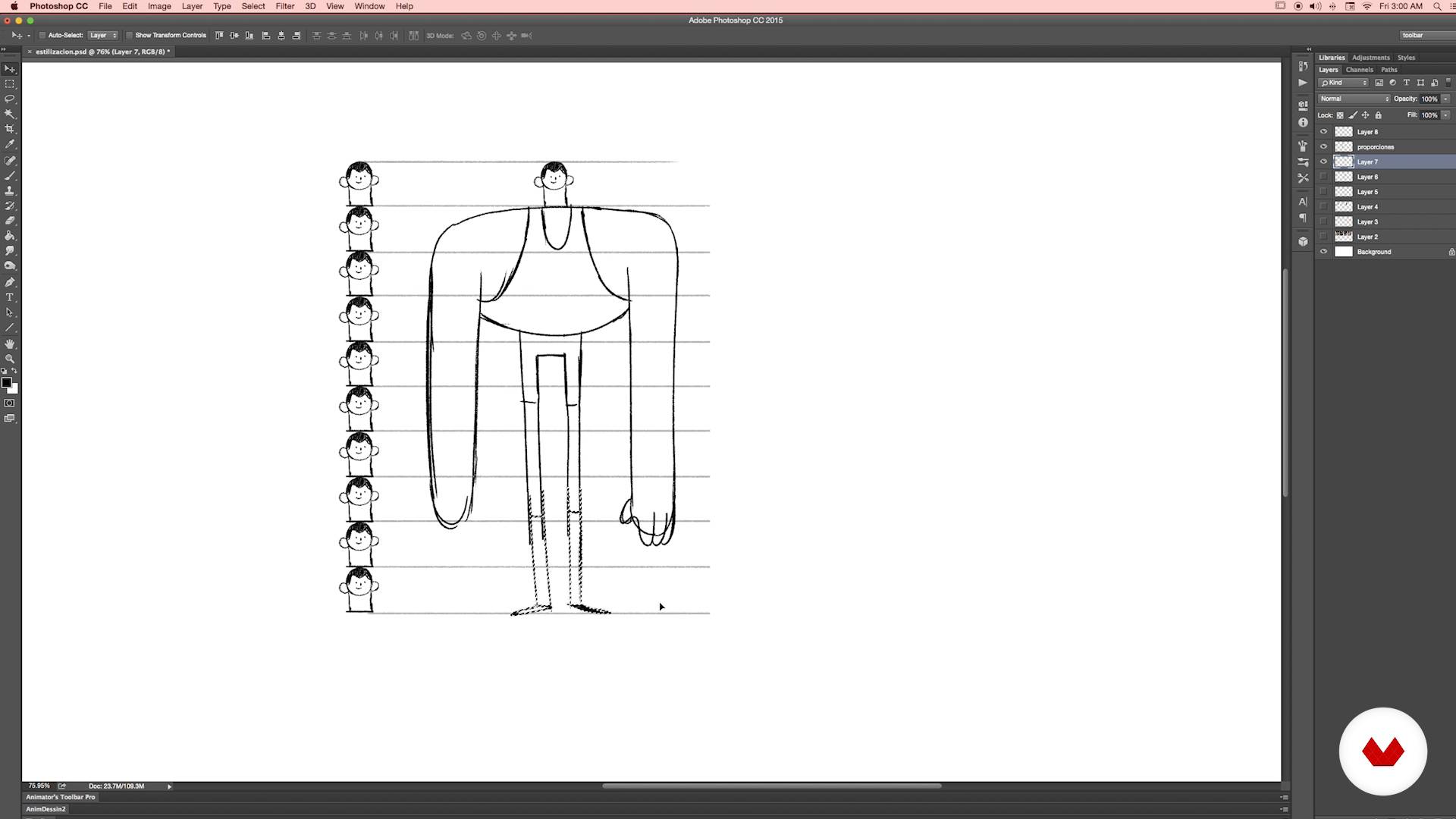
Stylization and simplification
23 minutes, 44 seconds
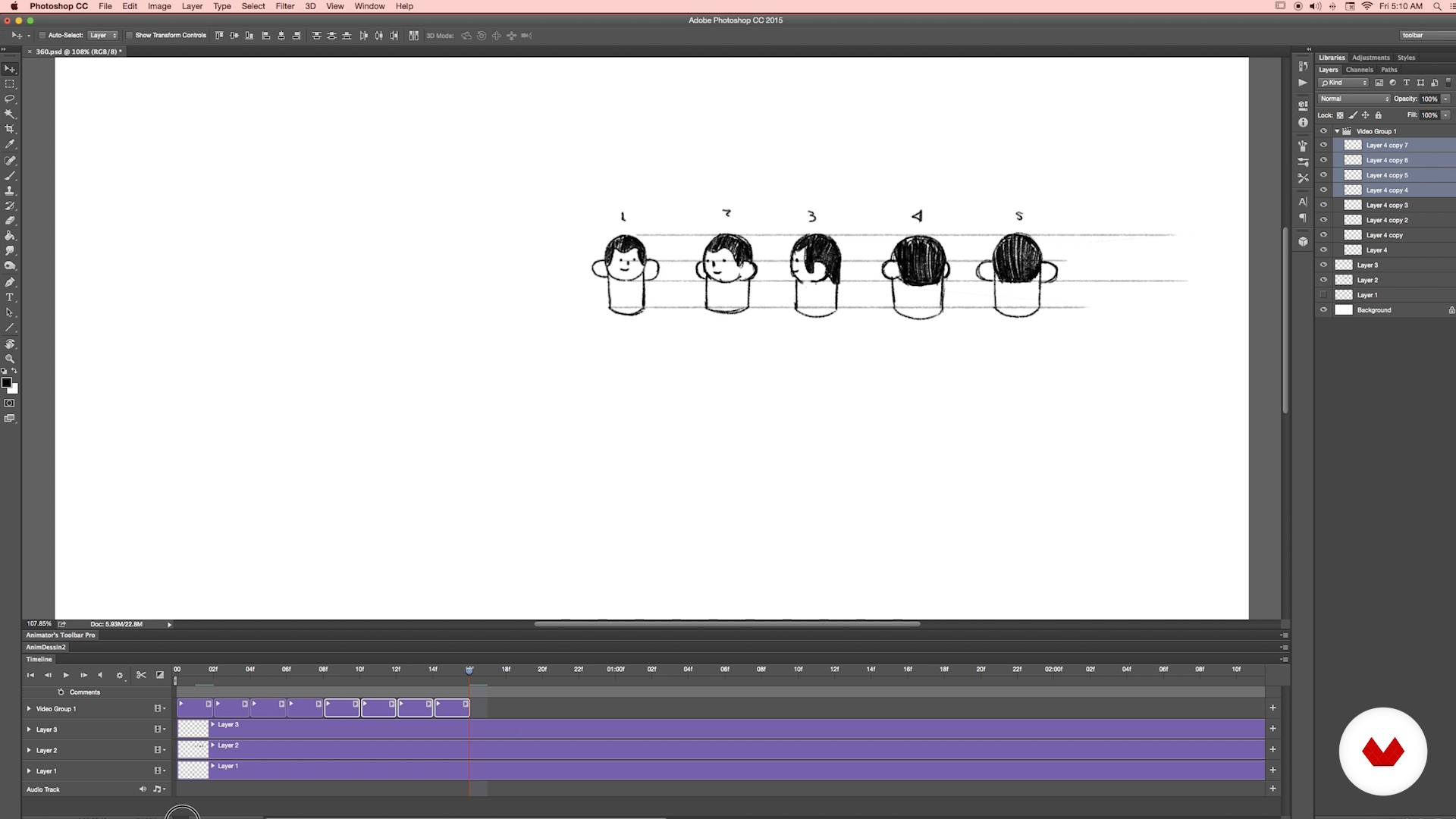
360
17 minutes, 15 seconds
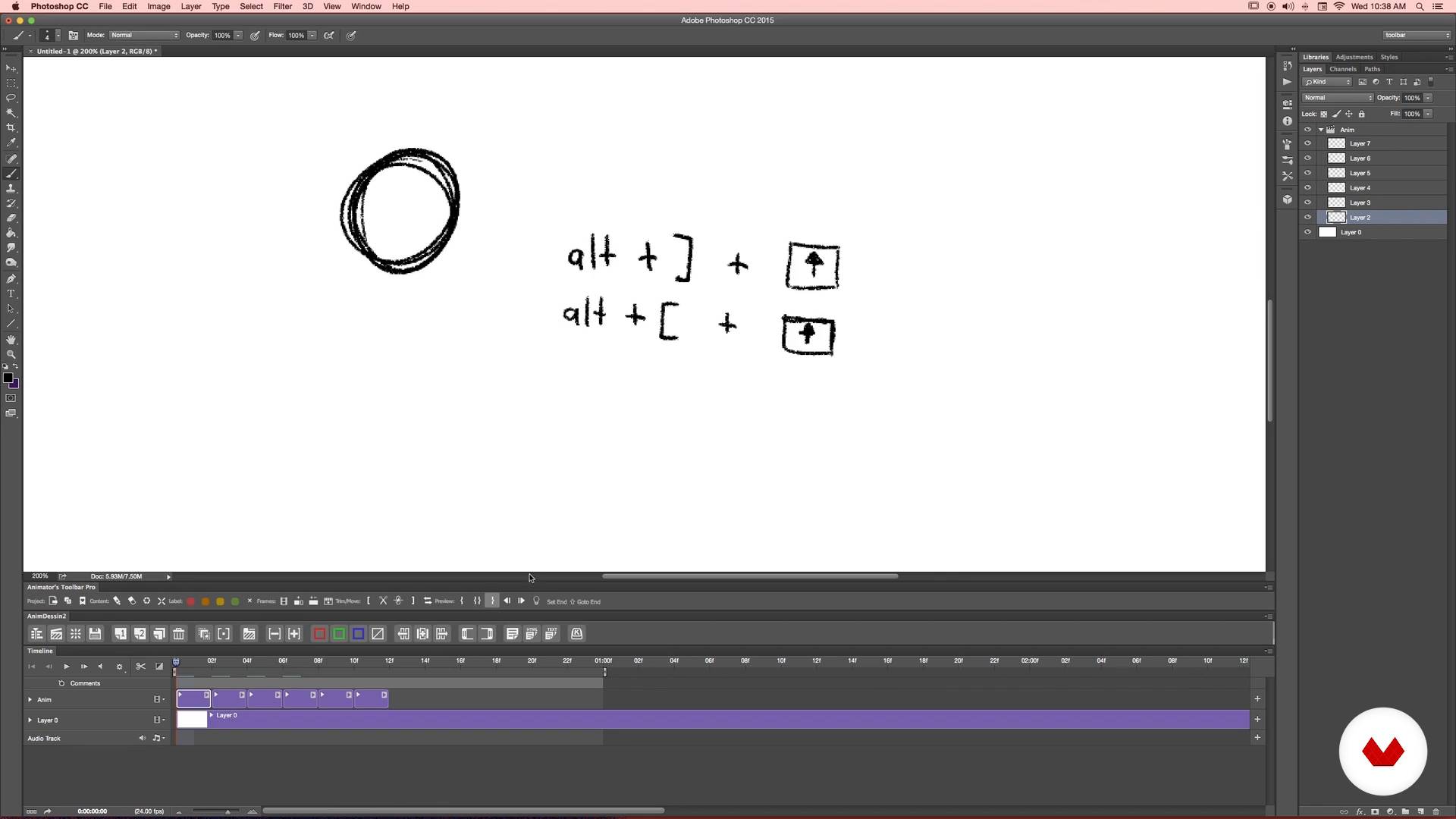
Preparing Photoshop
20 minutes, 21 seconds
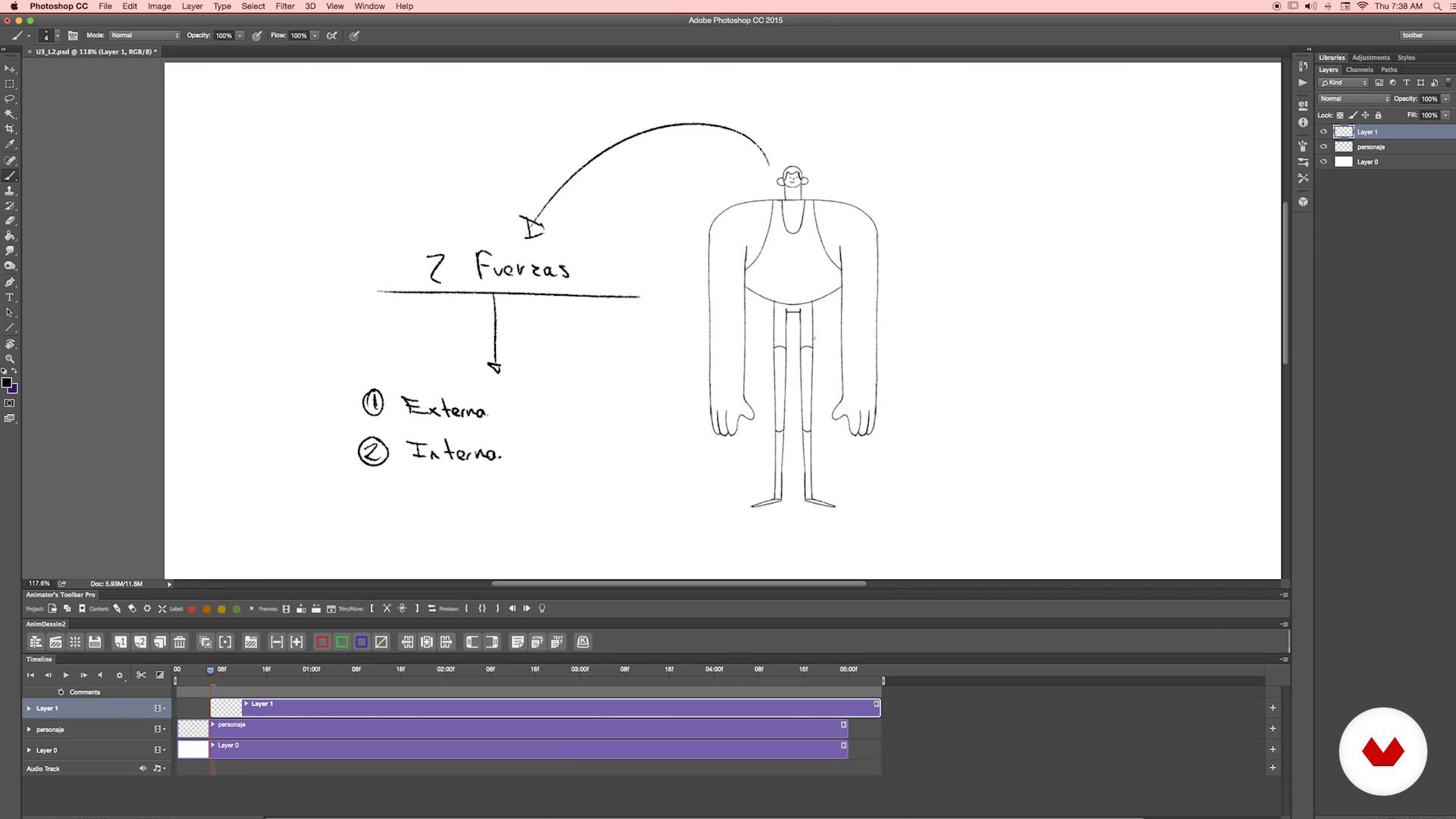
Analysis of the action
12 minutes, 21 seconds
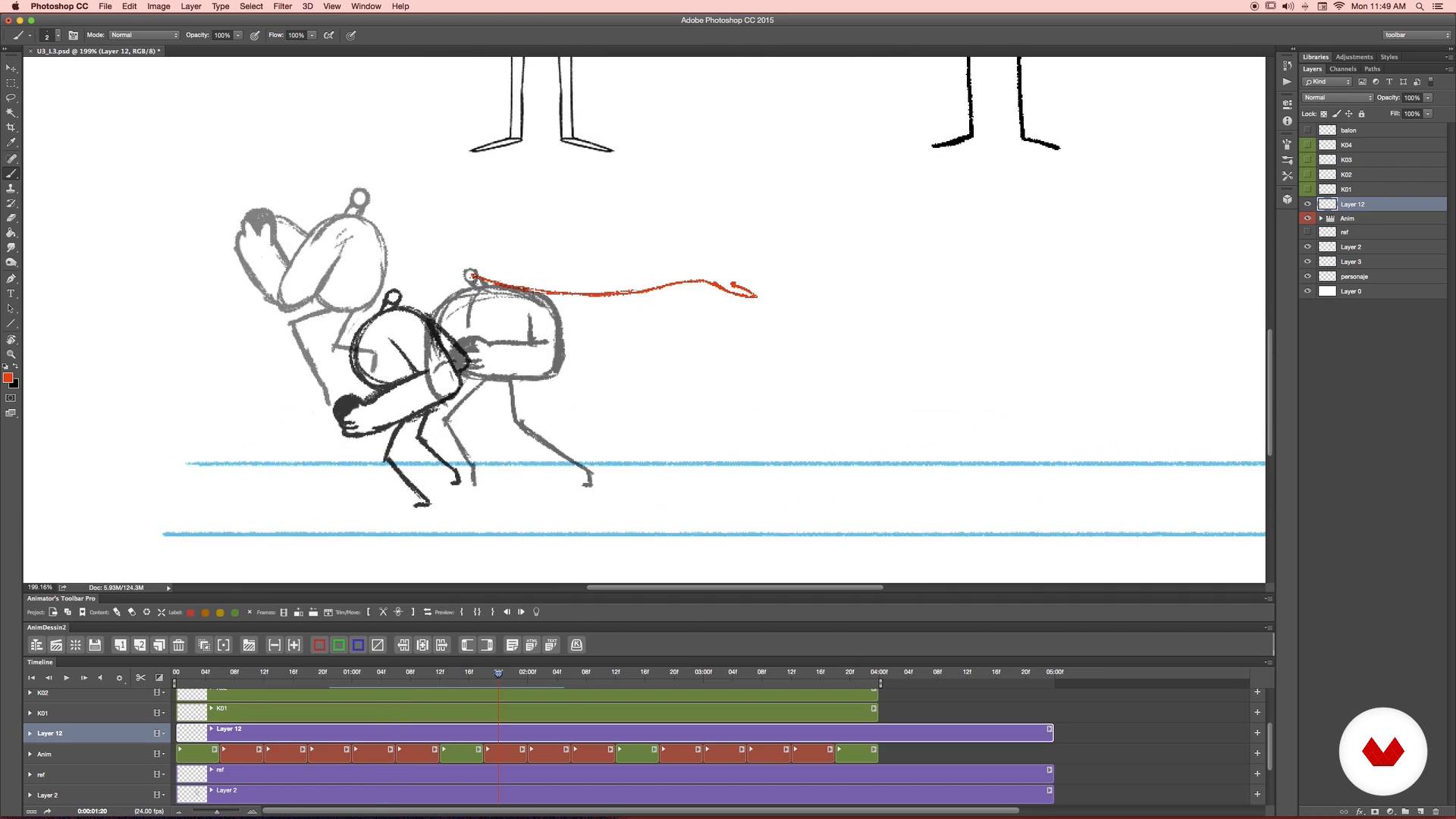
Cheering up
19 minutes, 43 seconds
What's included in this course?
Kick off the course by learning how to optimize your drawings for animation. Your teacher shares some valuable tips to get you started and shows you how to quickly and efficiently tackle any project.
Create your own character using real-life references and find out how to break down their figure to design poses for the different stages of motion. Numecaniq teaches you the process in Photoshop and how to make it easier using certain plug-ins.
Continue with a practical exercise that involves drawing different views of your character's head, then use them to create a short 360° animation.
Next, outline your main animation sequence by creating thumbnails and learn about several key concepts like trial-and-error lines, keyframes, and arcs.
Once you've got a rough animation, apply basic principles like anticipation, acceleration, and exaggeration to make it smoother and more dynamic before diving into key aspects like timing and spacing.
Play around with camera movement and framing to add variety to your animation and give viewers an unexpected twist. Then, learn how to apply several types of distortion.
Round out your piece with color and texture and discover some top-secret techniques for using brushes, masks, and filters like a pro.
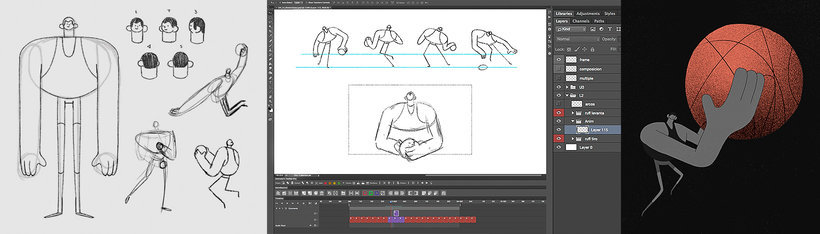
Recommended software & tools for this course
What is this course's project?
Create an animated sequence that combines different camera movements and framing.
Projects by course students


Who is this online course for?
Designers, illustrators, animators, and anyone interested in broadening their skills in frame-by-frame animation.
Requirements and materials
Drawing expertise isn't required for this course, but you do need basic notions of Photoshop.
As for materials, you need paper, a pencil, a scanner or camera, and a computer with Adobe Photoshop CC (or later). A quality graphics tablet is also recommended.

Reviews
- 4 months ago
Me gustó el curso y la manera de enseñar el profesor.
- 7 months ago
good course
- 8 months ago
Es un buen curso para iniciar y entender la animación en photoshop c:
- 8 months ago
Great course! Numecaniq is a very talented artist and an amazing teacher.
- 8 months ago
10/10, las animaciones que he logrado me sorprendieron hasta a mi jajaj, gracias por este curso. Valio completamente la pena

His work has been seen around the world thanks to collaborations with major brands and companies like Adobe, MTV, Amazon, and Spotify. He has also participated in international events like Pictoplasma in Berlin and the BDA Awards in New York.
Content
- U1
Hello!
- Who is Numecaniq?
- Influences
- U2
Balls and sticks
- Formation of learning habits and human figure drawing
- Stylization and simplification
- 360
- U3
Balls and animated sticks
- Preparing Photoshop
- Analysis of the action
- Cheering up
- …Cheering up
- Time and space
- U4
Balls and crazy sticks
- Cameras
- Chambers II
- Distortions
- Finishes and textures I
- Finishes and textures II
- Ultra secret techniques
- Ultra secret techniques II
- That's all folks
- U5
BONUS - Extensiones y herramientas
- Extensiones
- Herramientas
- FP
Final project
- Balls and animated sticks
What to expect from a Domestika course
Learn at your own pace
Enjoy learning from home without a set schedule and with an easy-to-follow method. You set your own pace.
Learn from the best professionals
Learn valuable methods and techniques explained by top experts in the creative sector.
Meet expert teachers
Each expert teaches what they do best, with clear guidelines, true passion, and professional insight in every lesson.
Certificates
PLUSIf you're a Plus member, get a custom certificate signed by your teacher for every course. Share it on your portfolio, social media, or wherever you like.
Get front-row seats
Videos of the highest quality, so you don't miss a single detail. With unlimited access, you can watch them as many times as you need to perfect your technique.
Share knowledge and ideas
Ask questions, request feedback, or offer solutions. Share your learning experience with other students in the community who are as passionate about creativity as you are.
Connect with a global creative community
The community is home to millions of people from around the world who are curious and passionate about exploring and expressing their creativity.
Watch professionally produced courses
Domestika curates its teacher roster and produces every course in-house to ensure a high-quality online learning experience.
FAQs
To install extensions, download the file from the creator’s official website, use a compatible installer (like Anastasis), close Photoshop, run the installation, and check under 'Window > Extensions' to make sure it appears correctly.
If the extension doesn’t show up, uninstall it, download the latest version from the official site, and reinstall using the recommended installer. Make sure Photoshop is closed during the process and verify compatibility with your version.
Yes, this course is designed for intermediate Photoshop users who want to dive deeper into frame-by-frame animation, workflow optimization, and advanced extension use.
You’ll learn how to install and use extensions, create frame-by-frame animations, optimize GIFs, work with the timeline, color layers, design characters, apply animation principles, and export animations for web and professional projects.
It’s recommended to have basic Photoshop skills and a general understanding of traditional animation to get the most out of the course.
Onion skinning lets you see previous and next frames on the timeline, helping maintain smooth motion and visual consistency in frame-by-frame animations.
The Pro version supports the latest Photoshop releases and offers advanced animation features, while the free version only works up to Photoshop 2017 and has fewer tools.