Mobile Photography and Visual Identity for Instagram
A course by Mina BarrioProduct Photographer
A course by Mina Barrio, Product Photographer

Give your feed a professional look by developing a coherent and stylish communication strategy
Having a dreamy feed is not as simple as it might look. First off, you need to master your smartphone's functions to get the most out of it. It's also essential that you develop a style and communication strategy in line with the brand image or project you're going to share.
In her third course, Mina Barrio, photographer and founder of the multidisciplinary studio Melon Blanc, shows you how to unlock your imagination to achieve a coherent visual identity and really up your Instagram game. Learn more about mobile photography with Mina's other Domestika courses: Professional Photography for Instagram and Content Creation and Editing for Instagram Stories.
What will you learn in this online course?
20 lessons & 25 downloads

Why Will This Course Help You?
3 minutes, 12 seconds

Managing Soft Light
11 minutes, 5 seconds

Photos with Defined Shadows
12 minutes, 2 seconds
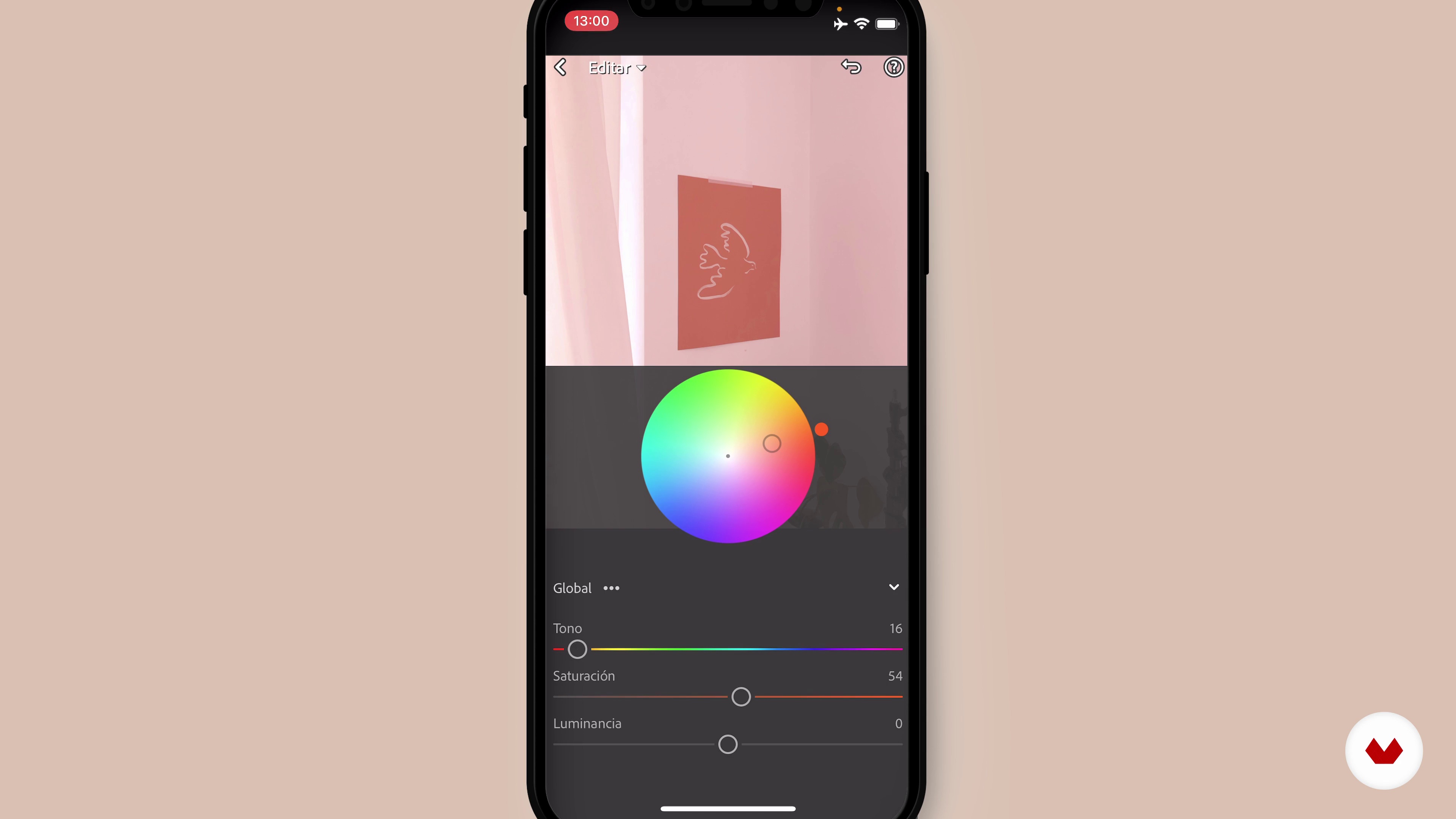
Have a Style Editing
14 minutes, 16 seconds
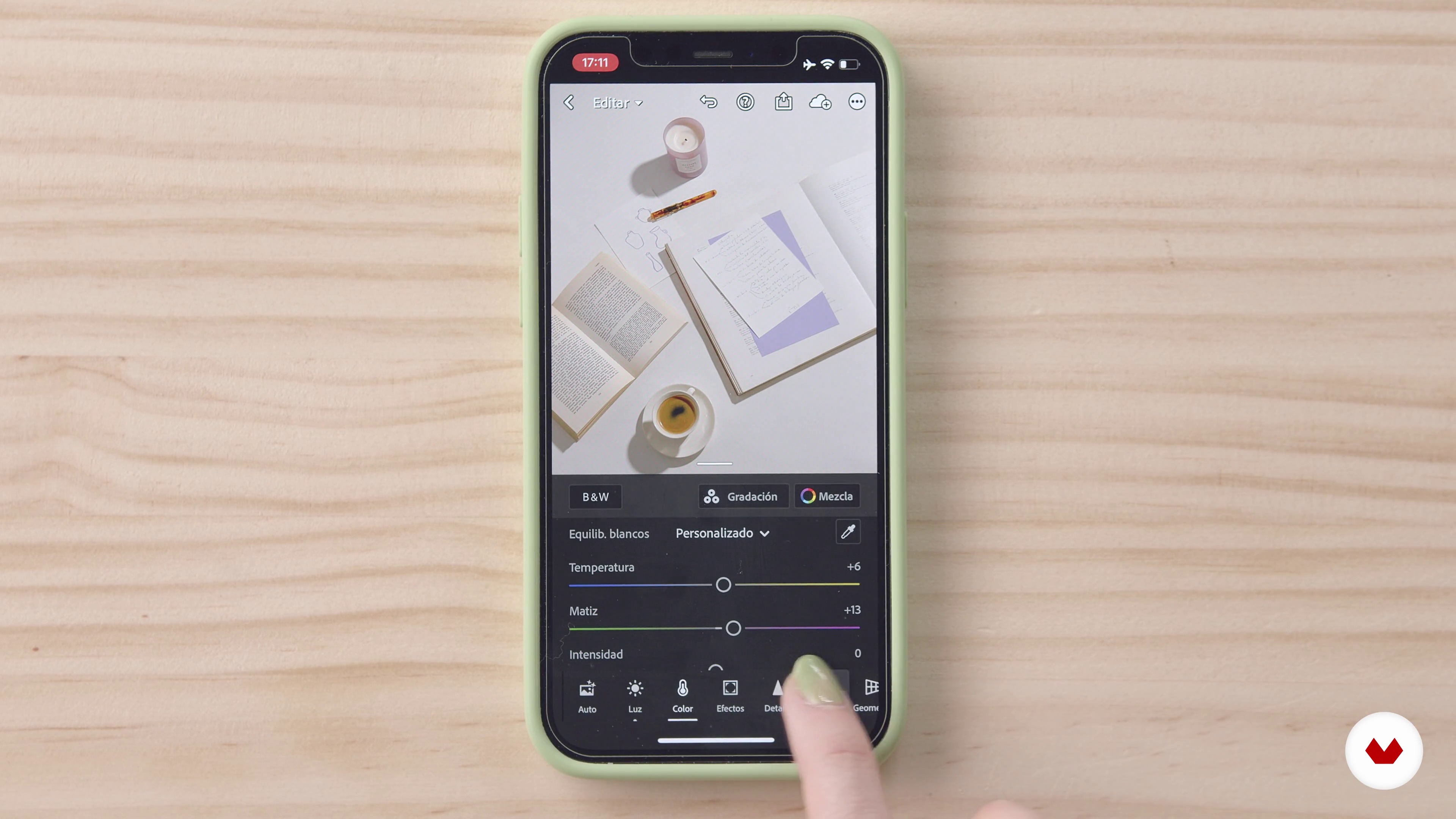
Edit as Your Favorite Instagrammers 1
18 minutes, 14 seconds
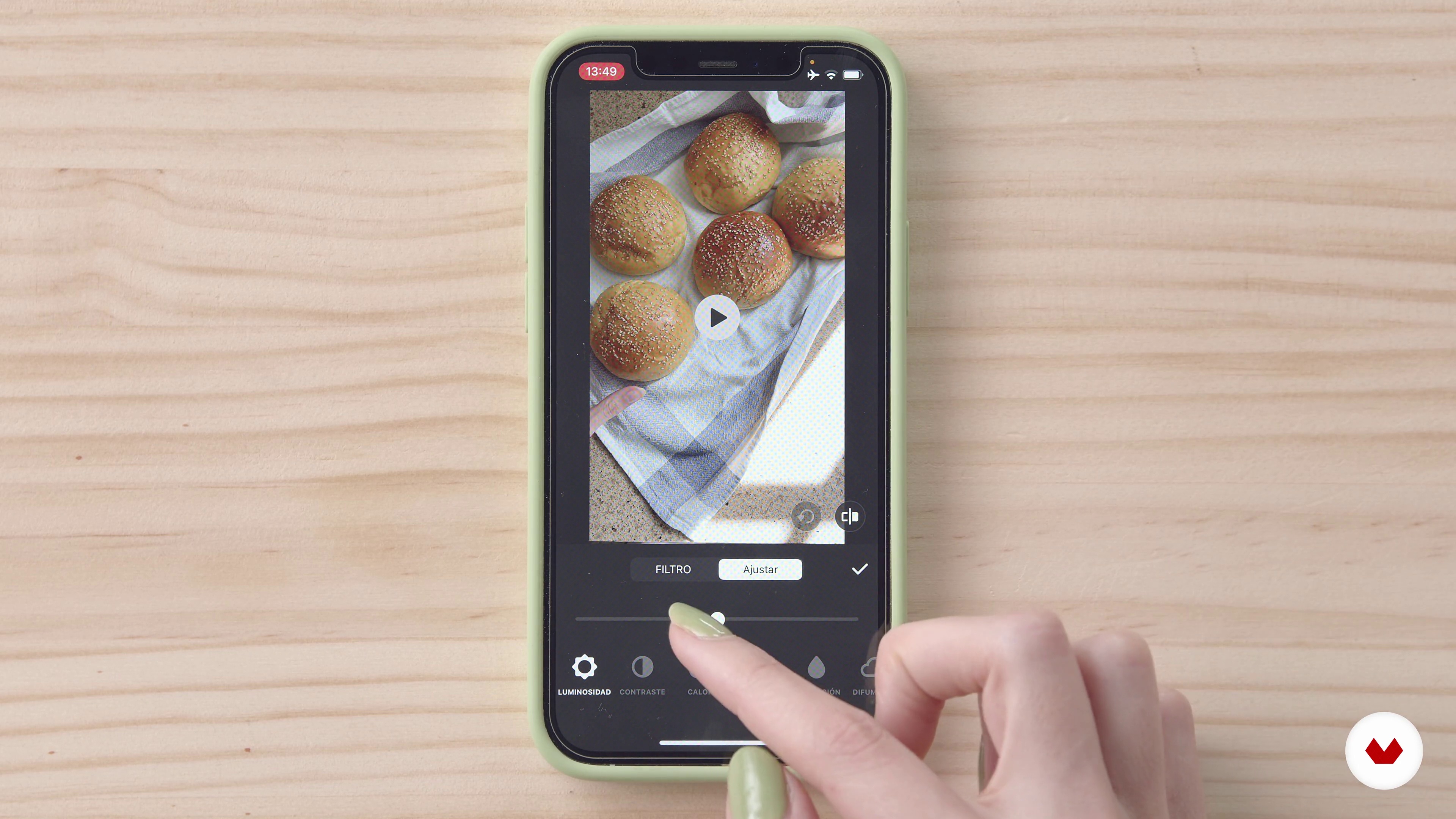
Edit with Filters, but Fine
13 minutes, 59 seconds
What's included in this course?
To start off, Mina Barrio introduces herself, what she does, and how she and her colleagues came to open Melon Blanc. She also talks about some of her favorite Instagramers, some with very tidy feeds and others who like to mix things up.
Learn how important it is to have a uniform online aesthetic and define your style using a questionnaire to help you identify brand values and what types of photos you should be taking. Look for inspiration and analyze each reference material in detail.
Now get ready to start composing shots! Discover some of Mina's tricks for taking her photos to the next level. She shows you all about lighting and some exercises for unlocking creativity.
Discover two different ways to edit your photos: one with Lightroom, retouching each photo individually according to your chosen style and even creating your own filters, and the other combining quick develop photography and the use of preset filters.
What is this course's project?
Do a photoshoot for your Instagram account to improve its style and communication. Also create one reel as an introduction to this feature.
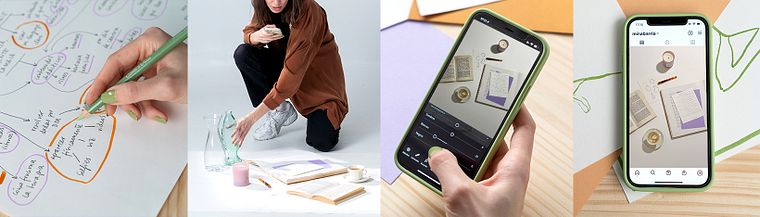
Projects by course students


Who is this online course for?
Anyone with a project to publish on Instagram but doesn’t know where to start to make it stand out.
Requirements and materials
No previous experience is required for this course, just bring your smartphone and be raring to go.

Reviews
- 30 days ago
El curso me encanta, la forma de explicar de la profe es estupenda. 1.000 de 10 , estoy muy satisfecha
- 1 month ago
SIEMPRE LOS CURSOS DE MINA SON UNA JOYA!!! ME AYUDO A GENERAR MAS VENTAS DE MIS PRODUCTOS FISICOS, IDEALES SI NO PUEDES PAGAR UN FOTOGRAFO O FOTOGRAFIA DE ESTUDIO
- 3 months ago
muy bueno hasta ahora ! espero lograr mi proyecto :)
- 5 months ago
Excelente!
- feromodeoPLUS7 months ago
Muy cálido y gran contenido!

Mina’s mission is to create visual content for a range of successful brands including Charuca, Lucia Be, The Singular Olivia, and La Compañía Fantástica. Taking and editing photos for Instagram means taking every single detail into account, right down to the elements that might look out of place.
Content
- U1
Introduction
- Presentation
- My Favorite Instagrammers
- U2
How to Create a Homogeneous Feed
- Why Will This Course Help You?
- What to Take Photos To
- Find Inspiration
- Define Your Style
- U3
Professional Photos with Your Mobile
- Hacks to Improve Your Photos
- Managing Soft Light
- Photos with Defined Shadows
- U4
Advanced Editing with Cellphone
- Have a Style Editing
- Edit as Your Favorite Instagrammers 1
- Edit as Your Favorite Instagrammers 2
- Edit with Filters, but Fine
- U5
Strategy and Productivity
- Content Map
- Calendar Template
- Optimizing Our Efforts
- Understand and Hack the Algorithm
- Schedule Your Posts 1
- Schedule Your Posts 2
- Introduction to Reels
- FP
Final project
- Mobile Photography and Visual Identity for Instagram
What to expect from a Domestika course
Learn at your own pace
Enjoy learning from home without a set schedule and with an easy-to-follow method. You set your own pace.
Learn from the best professionals
Learn valuable methods and techniques explained by top experts in the creative sector.
Meet expert teachers
Each expert teaches what they do best, with clear guidelines, true passion, and professional insight in every lesson.
Certificates
PLUSIf you're a Plus member, get a custom certificate signed by your teacher for every course. Share it on your portfolio, social media, or wherever you like.
Get front-row seats
Videos of the highest quality, so you don't miss a single detail. With unlimited access, you can watch them as many times as you need to perfect your technique.
Share knowledge and ideas
Ask questions, request feedback, or offer solutions. Share your learning experience with other students in the community who are as passionate about creativity as you are.
Connect with a global creative community
The community is home to millions of people from around the world who are curious and passionate about exploring and expressing their creativity.
Watch professionally produced courses
Domestika curates its teacher roster and produces every course in-house to ensure a high-quality online learning experience.
FAQs
You’ll learn how to craft a visually cohesive feed by applying composition, editing, and color selection techniques—all using just your smartphone and mobile apps.
Yes, the course is designed for users with intermediate skills but explains accessible techniques for those wanting to improve without any professional photography background.
All you need is a smartphone with a camera and access to basic editing apps like Lightroom or Pixar. No professional gear or advanced experience required.
You’ll learn how to shoot and edit professional-quality photos, create budget-friendly sets, plan your content, schedule posts, and define your visual identity to stand out on Instagram.
The course teaches how to apply custom filters, adjust exposure, and use progressive editing to achieve a uniform aesthetic across your entire feed.
Yes, you’ll learn how to identify and use natural and artificial light, create soft lighting, and control shadows for eye-catching photos indoors and outdoors.
The course covers tools like Facebook Creator Studio and Later to schedule posts, organize editorial calendars, and boost productivity.