Professional Magazine Design with Adobe InDesign
A course by Wil HuertasDesigner and Art Director
A course by Wil Huertas, Designer and Art Director

Learn to create an editorial project filled with personality, character, and unique graphics from scratch
According to designer Wil Huertas, great art direction captures the personality of a product and has the power to turn something transient into something truly memorable. Adobe InDesign can lend a huge hand in this process, since it allows you to go beyond the conventional and let creativity take over.
In this course, he teaches you all the skills to develop your editorial magazine project using Adobe InDesign, from the initial concept to final print. Look at how to organize the contents and work with typography, color, and photography to create a feast for the eyes of your readers.
What will you learn in this online course?
16 lessons & 11 downloads
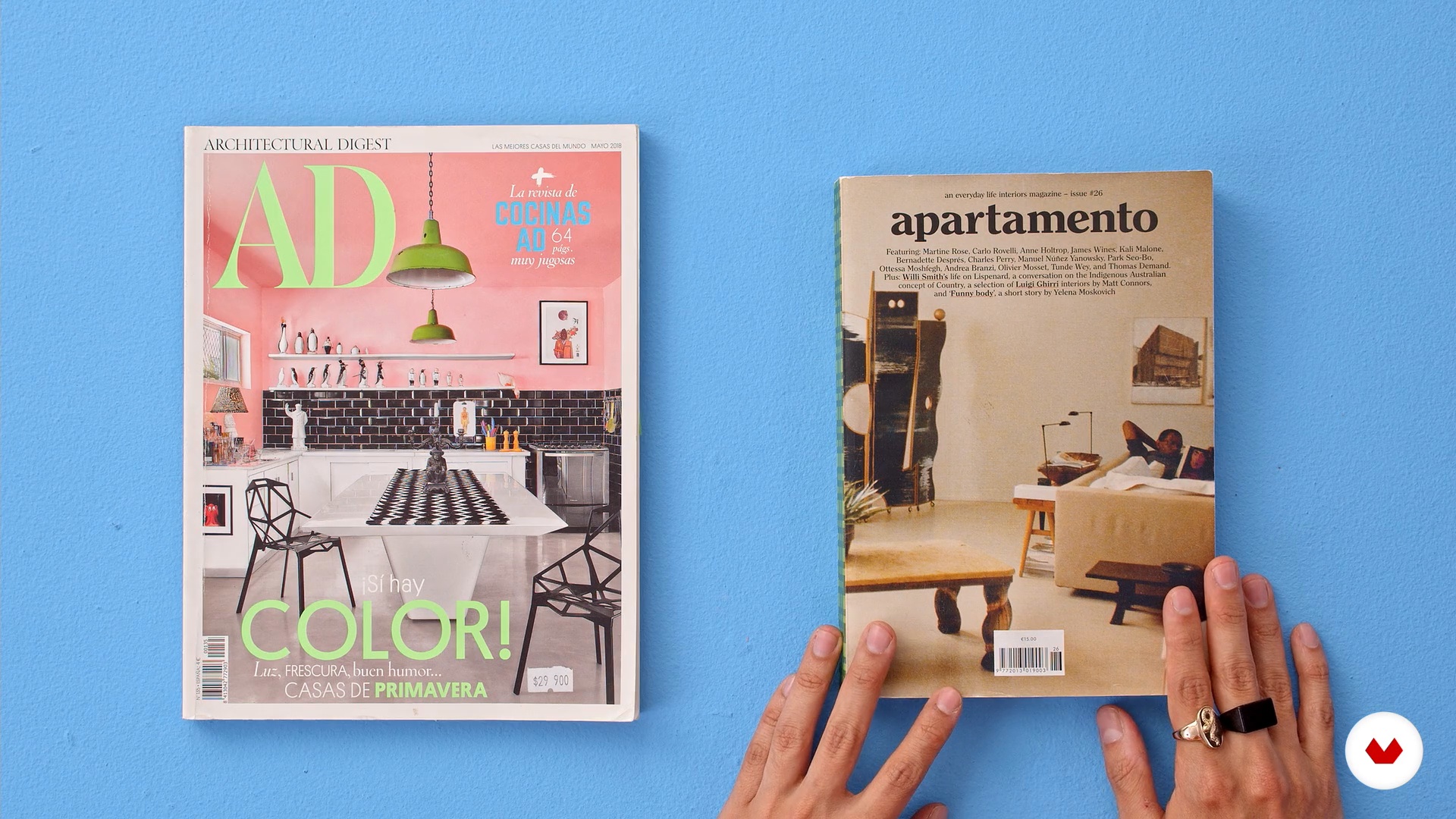
Magazines as a source of design and inspiration
12 minutes, 22 seconds
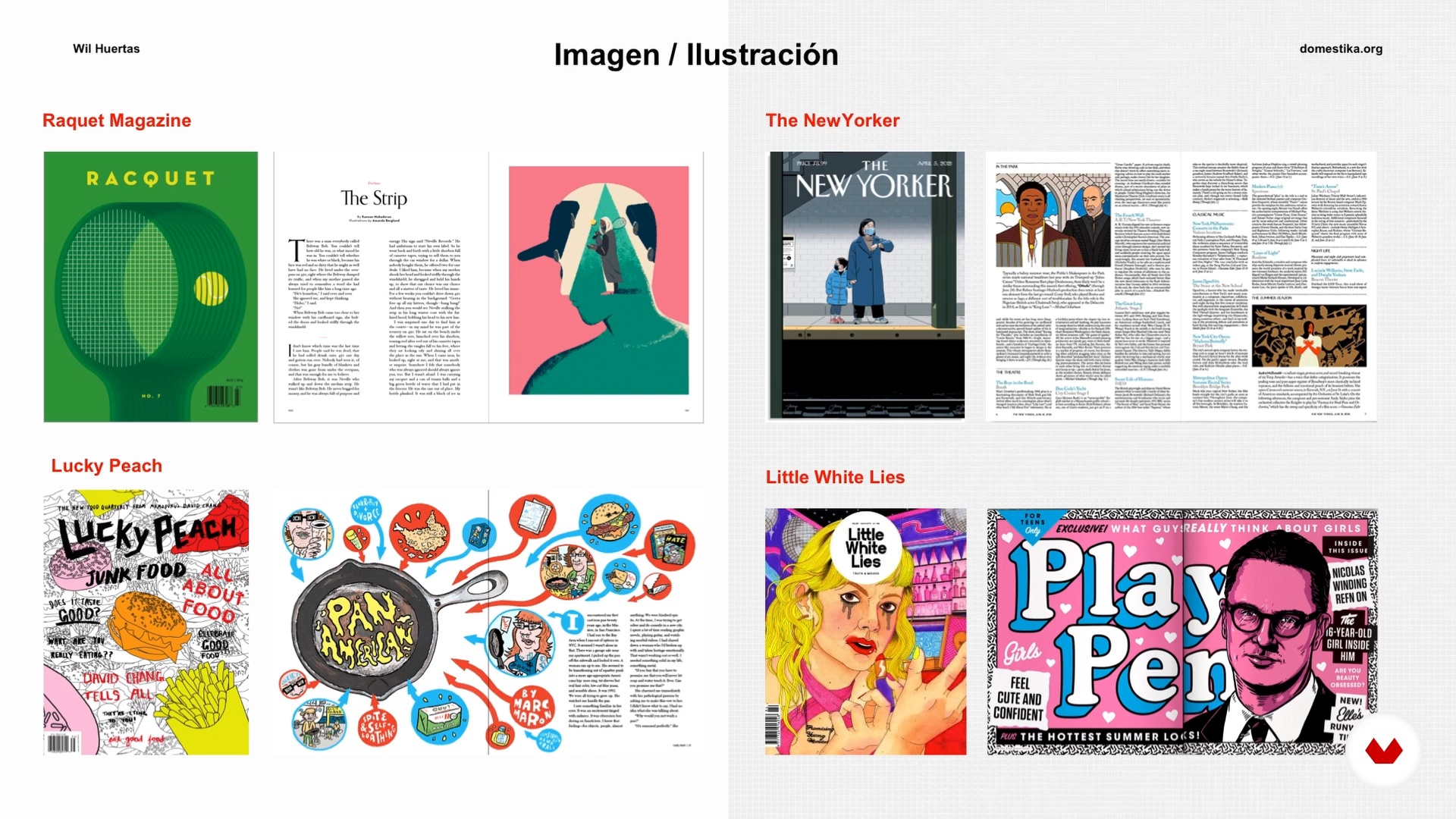
Understand and conceptualize a magazine
16 minutes, 28 seconds
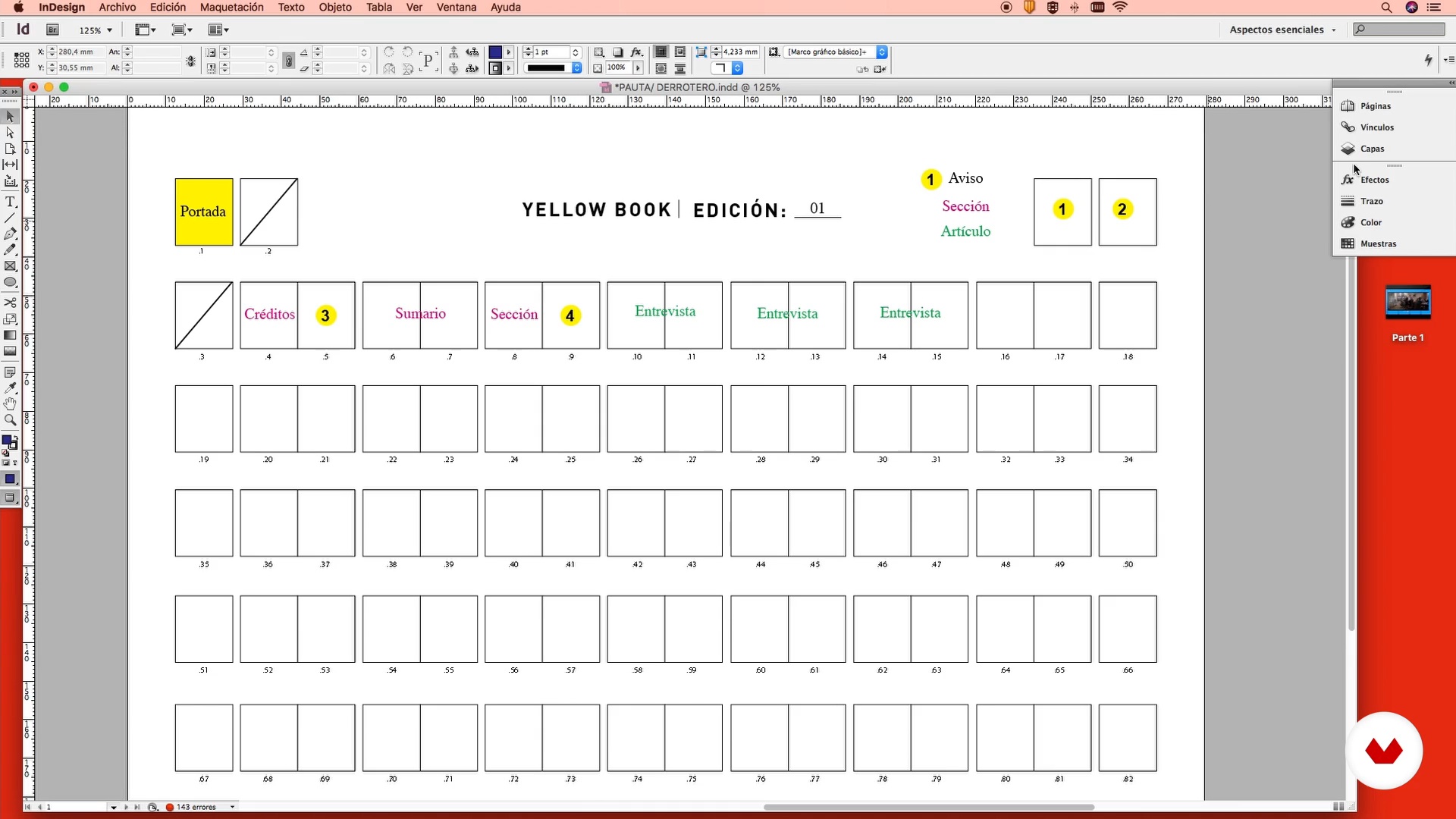
Define and organize content
10 minutes, 1 second
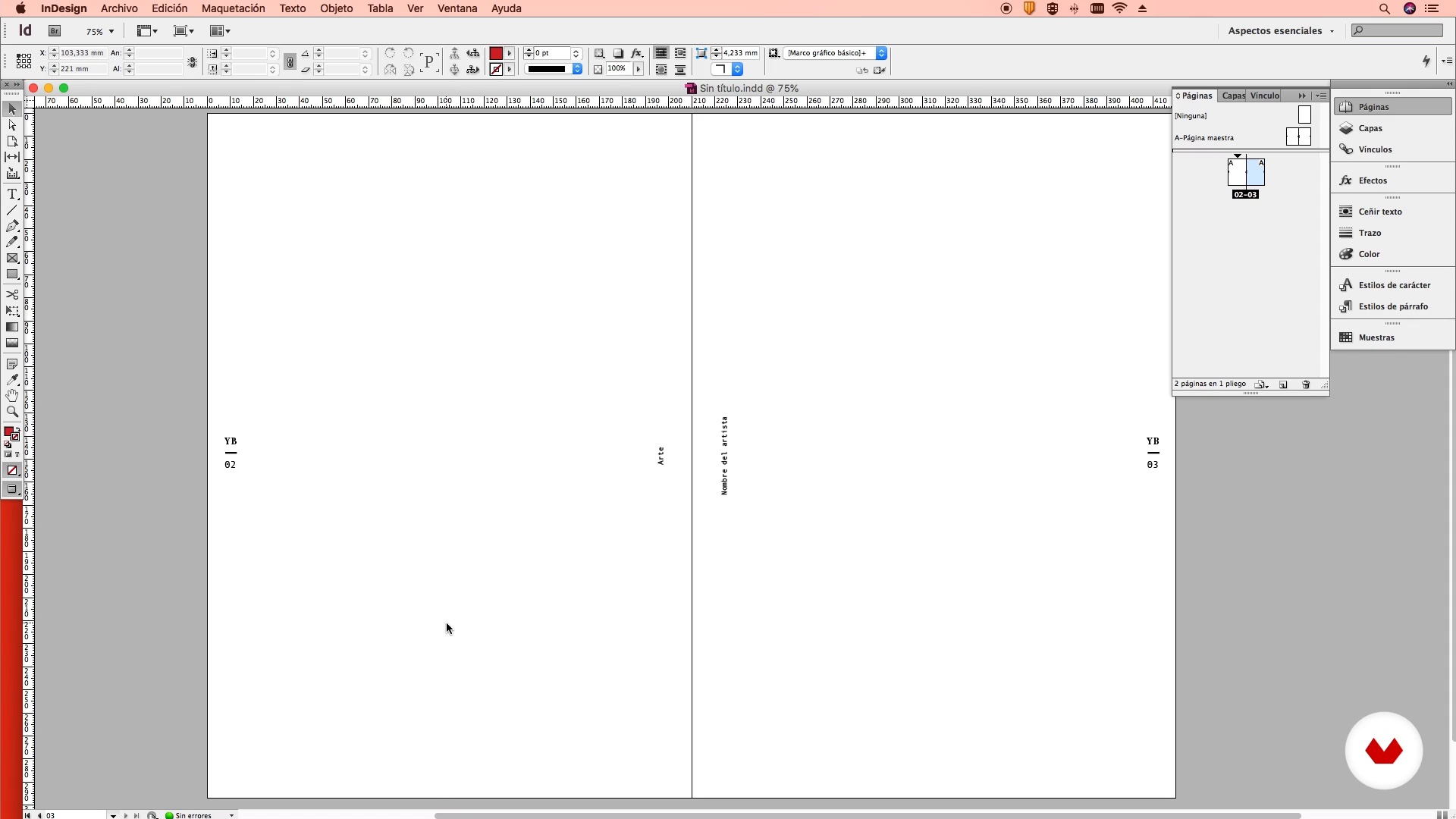
The master page: file creation
14 minutes, 18 seconds
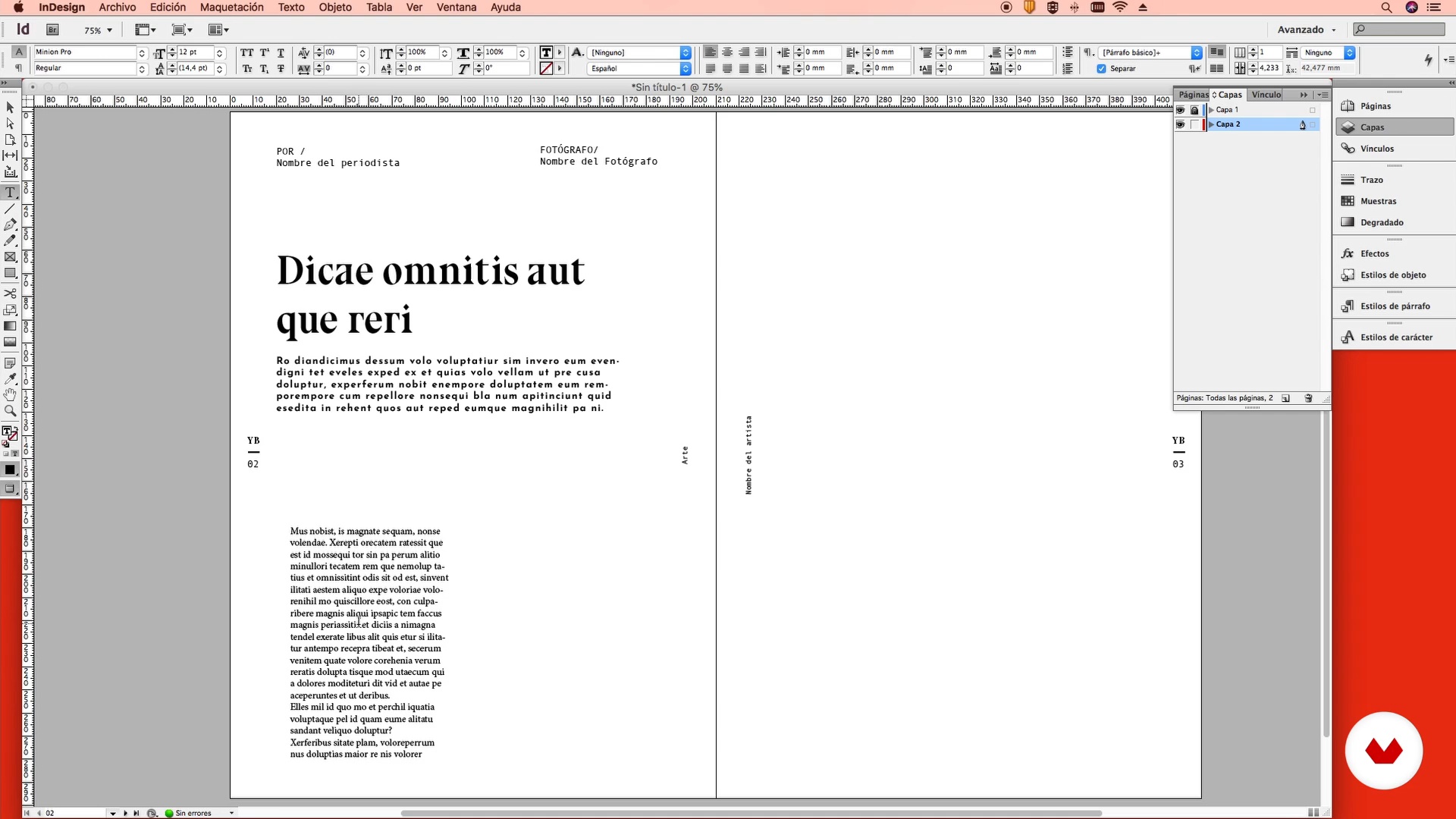
The Master Page: Magazine Styles 1
10 minutes, 30 seconds
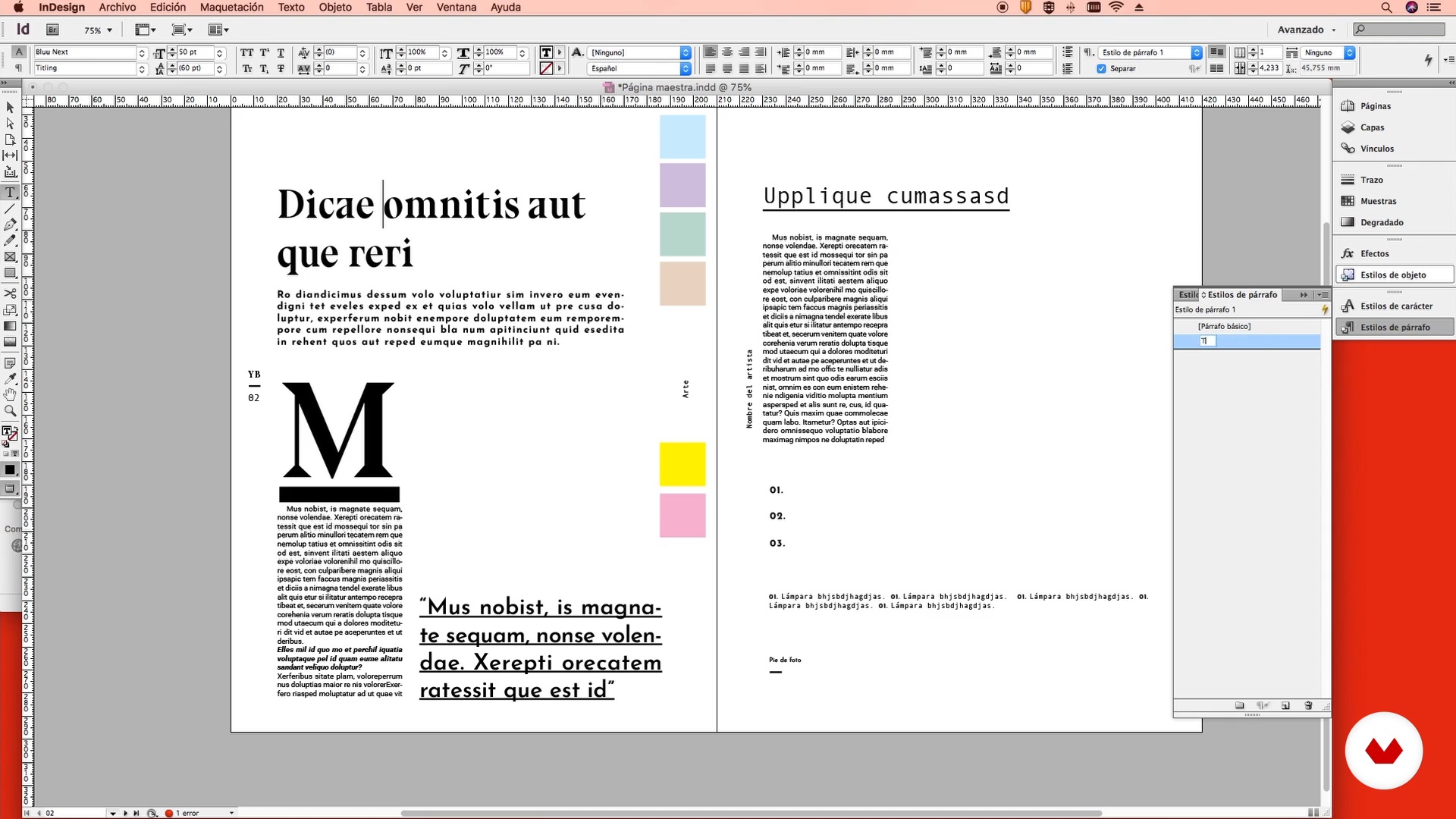
The Master Page: Magazine Styles 2
15 minutes, 55 seconds
What's included in this course?
To kick things off, Wil Huertas tells you more about himself and his career as a designer and art publisher. He also takes you through some of the greatest influences that ignited his passion for magazines as well as some that continue to inspire him today.
Dive into the world of magazines, explore all the different types and look at some references to help you establish the personality of your own. Then review and sort your project material so that everything can run smoothly and efficiently.
Start designing your magazine by creating the master page and pick the typography and styles that will form the rest of the publication. From there, develop your magazine's first section and article.
Then, focus your attention on the credits page and the contents, which act as a kind of introduction for the reader and assert the graphic style of your project. To wrap things up, design the cover and learn how to export the file to print it or share it via social media.
Recommended software & tools for this course
What is this course's project?
Create your own magazine from initial concept and structure right through to your print-ready final product.
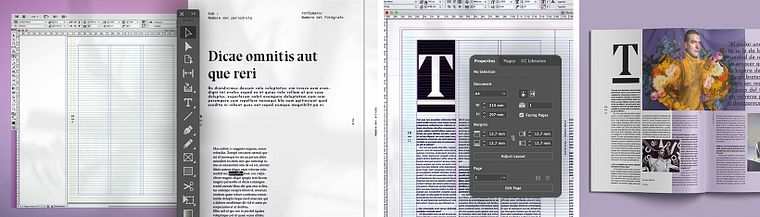
Projects by course students


Who is this online course for?
Graphic designers, editorial design lovers, and anyone interested in diving into the world of magazines and creating their own projects.
Requirements and materials
For this course, you need basic knowledge of design and Adobe InDesign, as well as a computer with this software installed.
Reviews
- 28 days ago
Excelente curso, es un buen profesor, no deja lagunas.
- 2 months ago
El curso fue bien explicado por el intructor, la verdad es que siempre me ha interesado el tema y haber tomado este curso fue una muy buena decision
- 3 months ago
La verdad lo explica todo muy bien...
- 5 months ago
gostei
- 7 months ago
Muy buen curso, afina los conocimientos en InDesign. ¡Recomendado!

He is currently art director of BOCAS, a Sunday interview magazine in El Tiempo, one of the most influential newspapers in Colombia, for which he received the 2013 Ibero-American CLAP design award from Foroalfa for best newspaper or magazine. He also redesigned HABITAR, an architecture and design magazine with a 35-year history in the Colombian market, of which he is also art director. In 2020, his work was published in the book Portfolio Domestika, Talento joven Colombia 2020, where he received a special mention in the editorial design category.
Content
- U1
Introduction
- Presentation
- Influences
- U2
Discover the magazine you want to make
- Magazines as a source of design and inspiration
- Understand and conceptualize a magazine
- Define and organize content
- U3
Designing your own magazine
- The master page: file creation
- The Master Page: Magazine Styles 1
- The Master Page: Magazine Styles 2
- Designing the first section 1
- Designing the first section 2
- Main article 1
- Main article 2
- U4
Closing the magazine
- Preliminary Pages 1
- Preliminary Pages 2
- The cover or the jewel in the crown
- Finished!
- FP
Final project
- Professional Magazine Design with Adobe InDesign
What to expect from a Domestika course
Learn at your own pace
Enjoy learning from home without a set schedule and with an easy-to-follow method. You set your own pace.
Learn from the best professionals
Learn valuable methods and techniques explained by top experts in the creative sector.
Meet expert teachers
Each expert teaches what they do best, with clear guidelines, true passion, and professional insight in every lesson.
Certificates
PLUSIf you're a Plus member, get a custom certificate signed by your teacher for every course. Share it on your portfolio, social media, or wherever you like.
Get front-row seats
Videos of the highest quality, so you don't miss a single detail. With unlimited access, you can watch them as many times as you need to perfect your technique.
Share knowledge and ideas
Ask questions, request feedback, or offer solutions. Share your learning experience with other students in the community who are as passionate about creativity as you are.
Connect with a global creative community
The community is home to millions of people from around the world who are curious and passionate about exploring and expressing their creativity.
Watch professionally produced courses
Domestika curates its teacher roster and produces every course in-house to ensure a high-quality online learning experience.
FAQs
You’ll learn how to conceptualize, design, and lay out both print and digital magazines using tools like InDesign and PowerPoint. You’ll master typography, grids, styles, image handling, cover creation, and techniques to achieve visual consistency in editorial publications.
This is an intermediate-level course, so having basic graphic design knowledge and familiarity with programs like InDesign or PowerPoint is recommended to get the most out of it.
You’ll need access to Adobe InDesign and PowerPoint, along with basic skills in using them. Photoshop is also recommended for image editing, plus access to typefaces.
The course covers magazine conceptualization, cover design, section organization, layout, typography selection, style usage, image handling, infographics, editorial redesign, and exporting files for print and digital.
Yes, the course covers editorial design processes and techniques for both print and digital magazines, including exporting files and preparing them for various publishing platforms.
You’ll learn how to structure sections, create content roadmaps, organize articles, and distribute content based on relevance and purpose, ensuring coherence and logical flow throughout the publication.
Yes, you’ll learn to design original, functional covers and double-page tables of contents that strengthen visual identity and make navigation easier for readers.