Stop Motion: Create Animations with Your Smartphone
A course by Coke Riobóo y Lourdes VillagómezEntertainers
A course by Coke Riobóo y Lourdes Villagómez, Entertainers

Animate your ideas with everyday objects and record videos for social media by experimenting with stop motion techniques
Stop motion is a great way to get started with manual animation and achieve original and entertaining results. Breathe life into your ideas with just a smartphone and a few everyday objects like modeling clay, paper, food, clothes, and a large dose of imagination. Learn to create the illusion of movement and share your stories with the world on social media.
After showing you how to make your own movie in their course Stop Motion: Frame by Frame Animation, animators Coke Riobóo and Lourdes Villagómez are back with the secrets to shooting and editing a stop motion video with your smartphone. Thanks to the applications Stop Motion Studio and YouCut, you have everything you need to create animations with objects found around your own home.
What will you learn in this online course?
16 lessons & 19 downloads
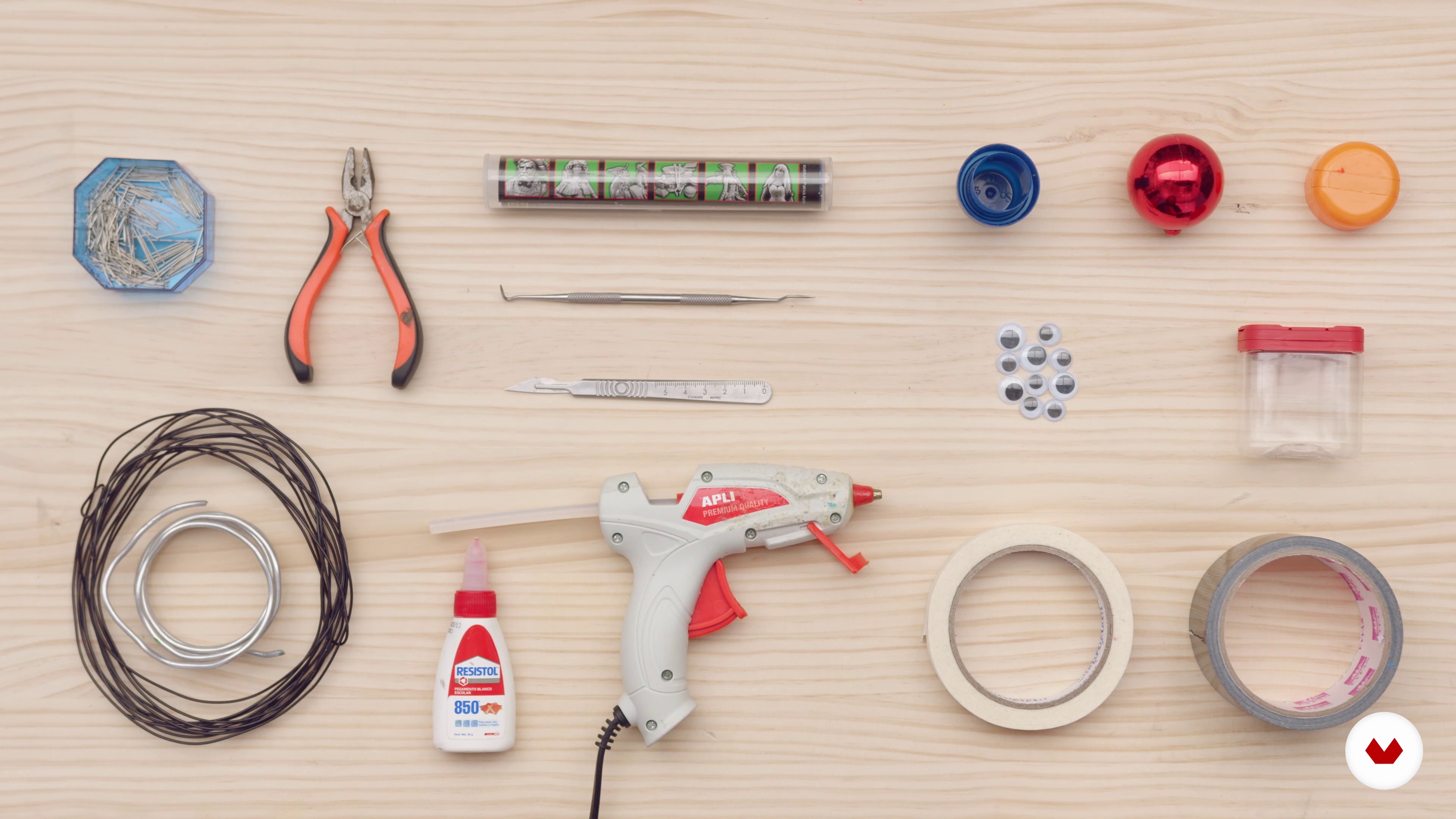
Materials
5 minutes, 26 seconds
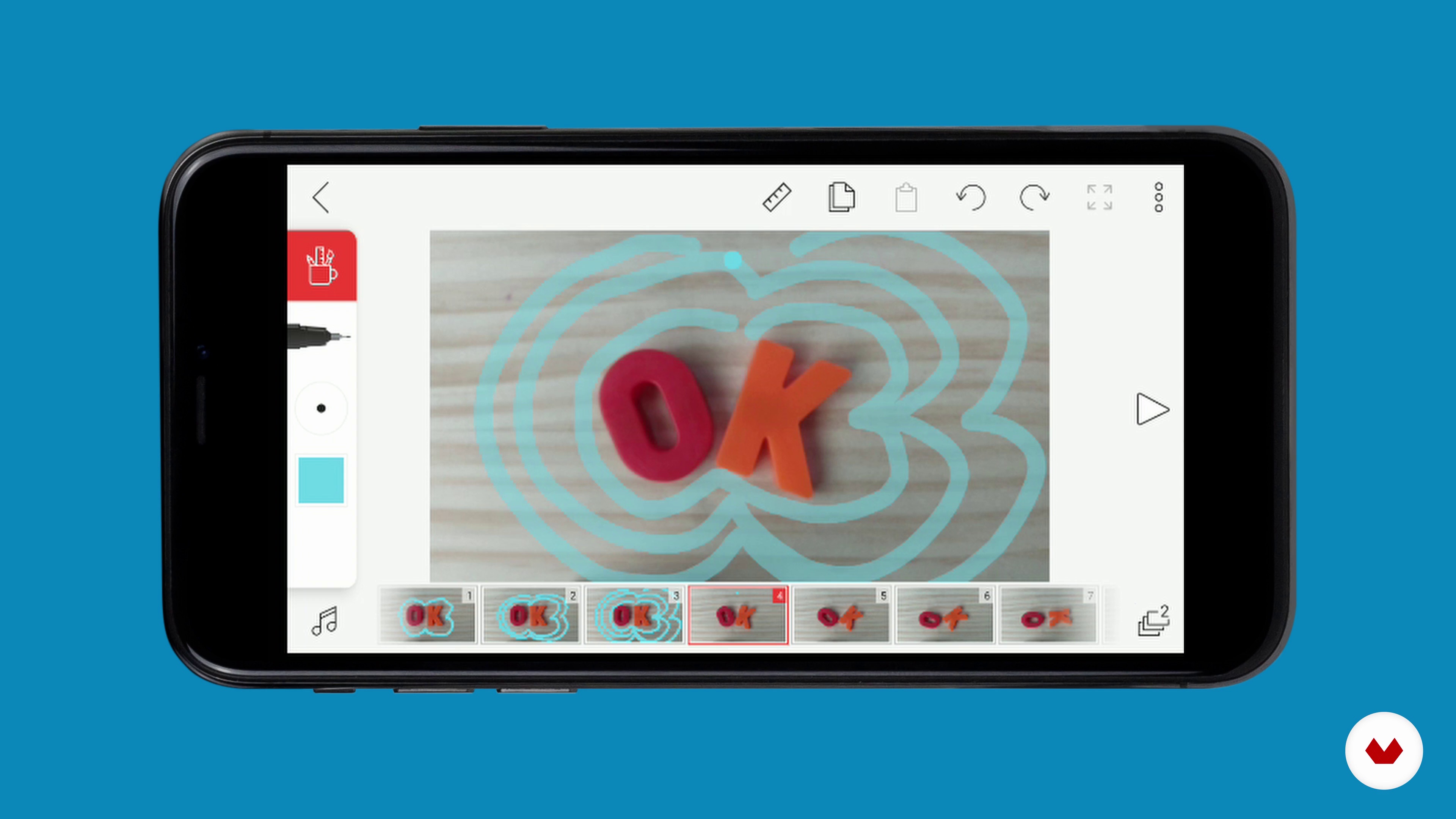
Configuration and software
18 minutes, 47 seconds
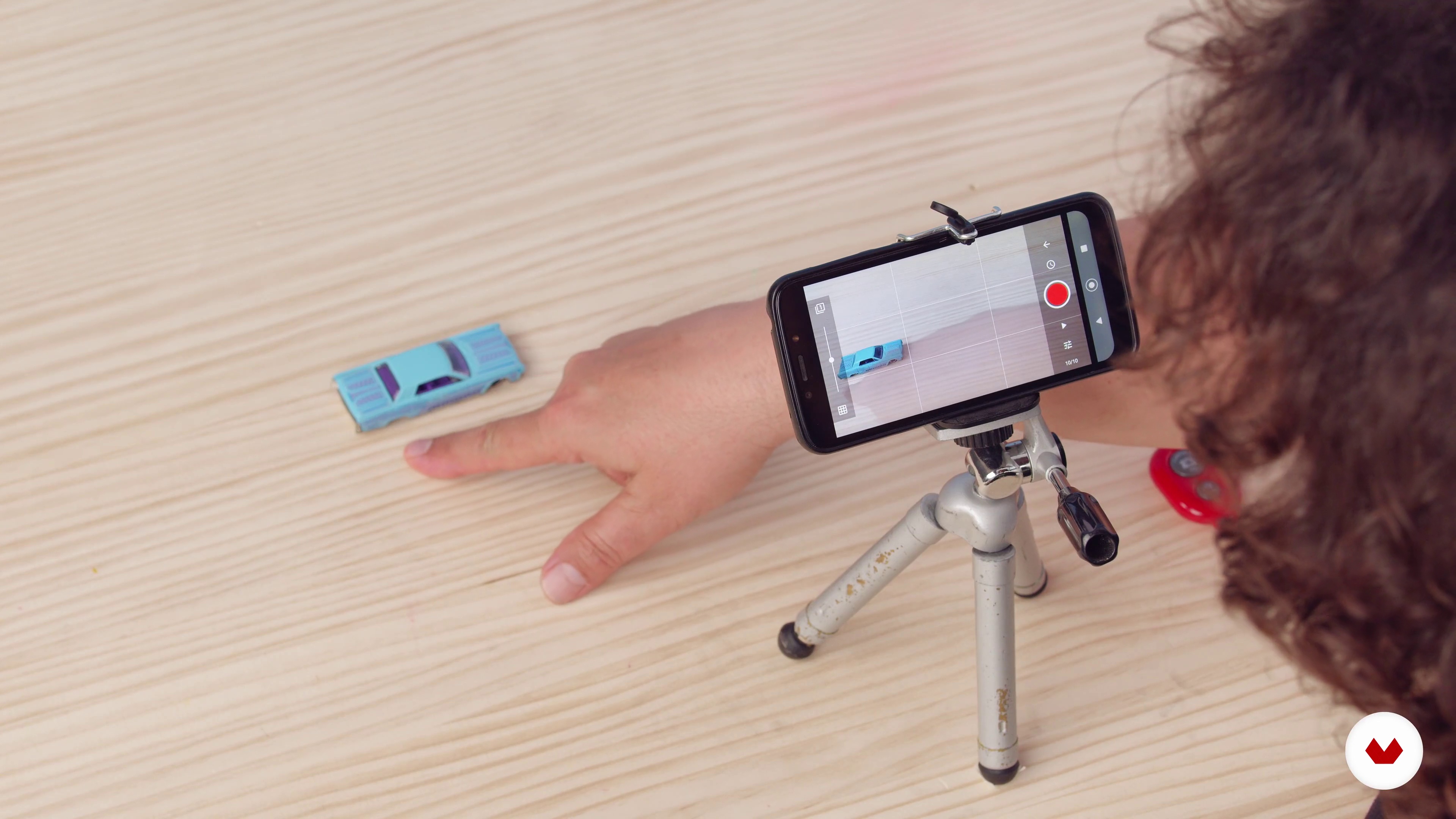
Stop motion basics 1
19 minutes, 41 seconds
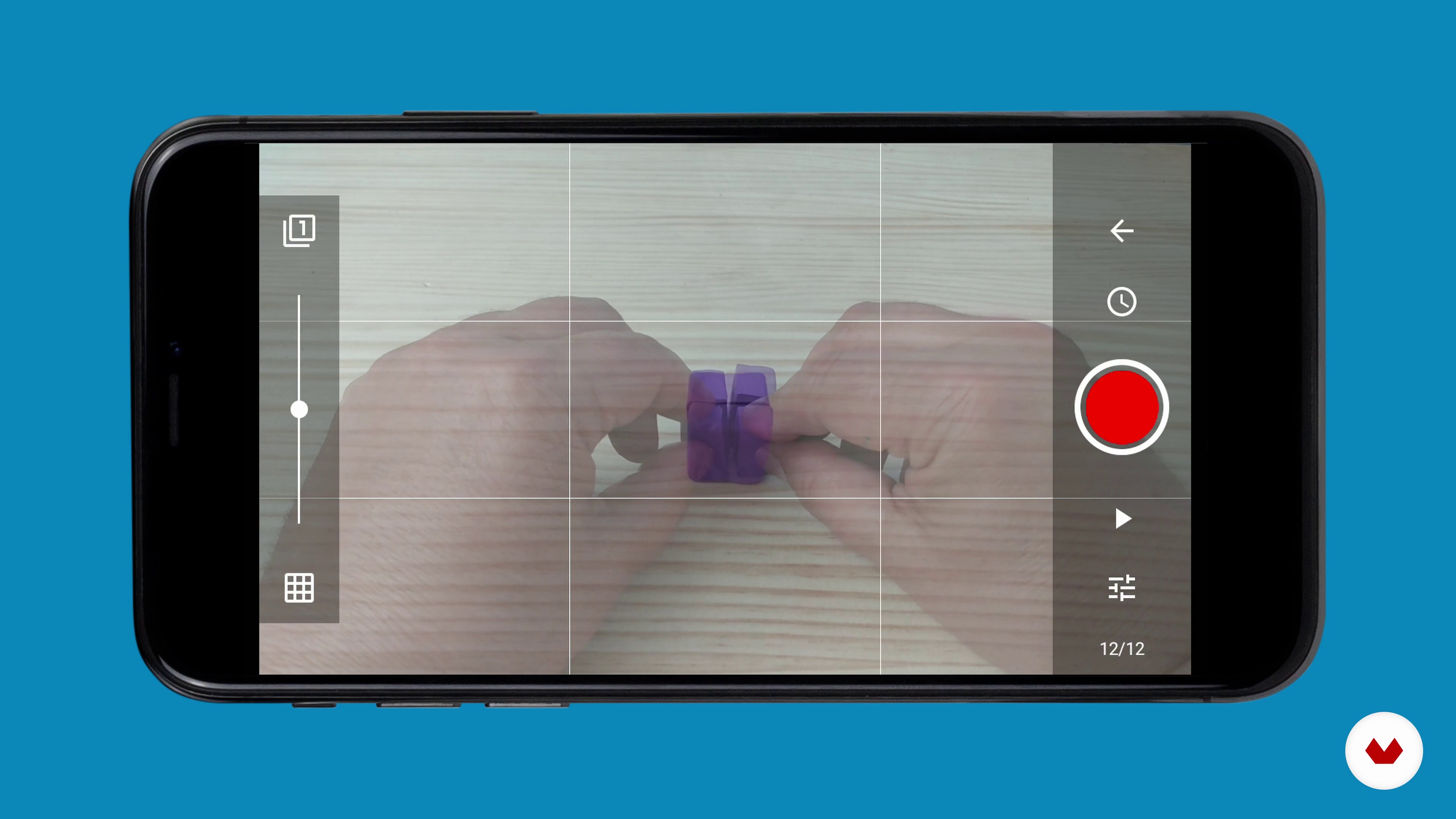
Stop motion basics 2
8 minutes, 49 seconds
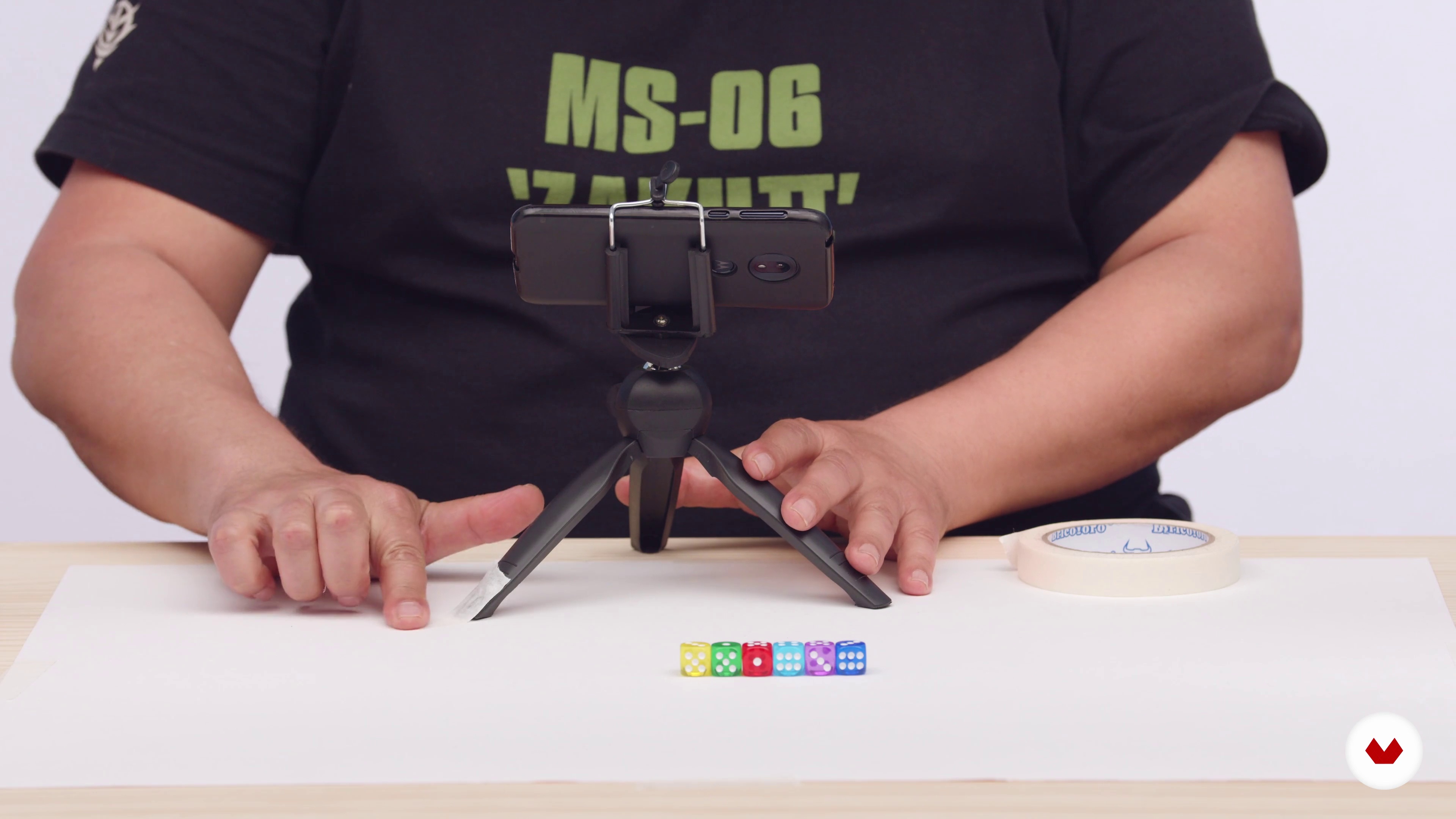
Preparing our set
7 minutes, 0 seconds
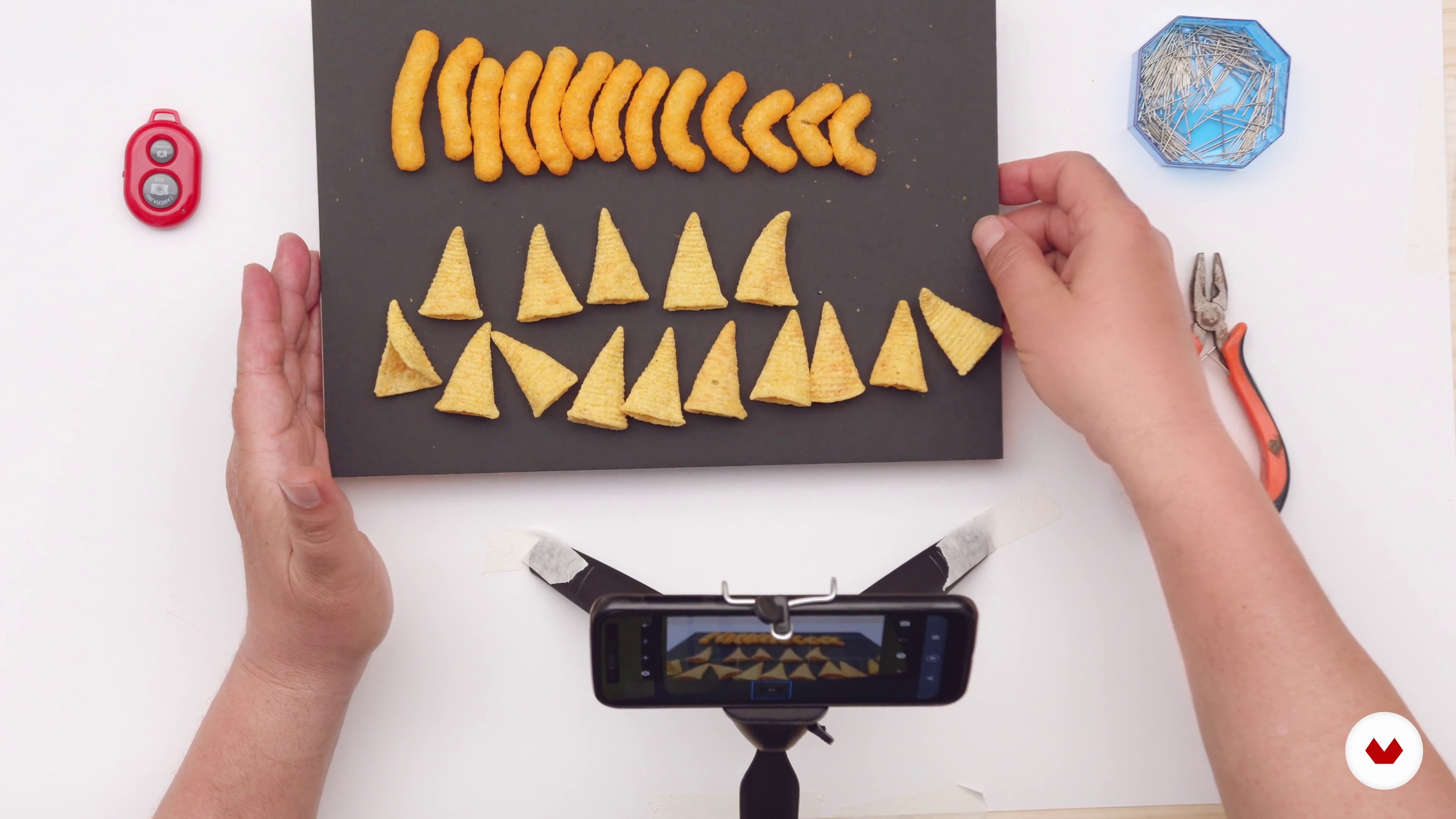
Animate with objects
19 minutes, 58 seconds
What's included in this course?
Start by getting to know Coke Riobóo and Lourdes Villagómez a little better. They welcome you to the course by talking about their professional careers so far. They also share their biggest influences and explain their personal understanding of animation as a form of personal expression and social critique.
Take a brief look at the history of stop motion and explore the work of some of your teachers' favorite artists. Coke and Lourdes go through the essential tools and materials, from household objects to recycled items.
Now it's time to get to work on your project! Learn to prepare your film set paying close attention to light and the surroundings. Animate your characters using the ""pixelation"" technique and give regular objects a new lease of life by turning them into your protagonists. Also discover how to use your camera's timer to your advantage.
Your teachers help you find inspiration and start to see the world around you through the eyes of a true animator. They guide you through the organization of your project, the animation itself, and the editing of each scene. They leave you with some final tips for sharing your piece with the world on social media.
What is this course's project?
Create a short animation using stop motion and everyday objects with just a smartphone and the Stop Motion Studio app.
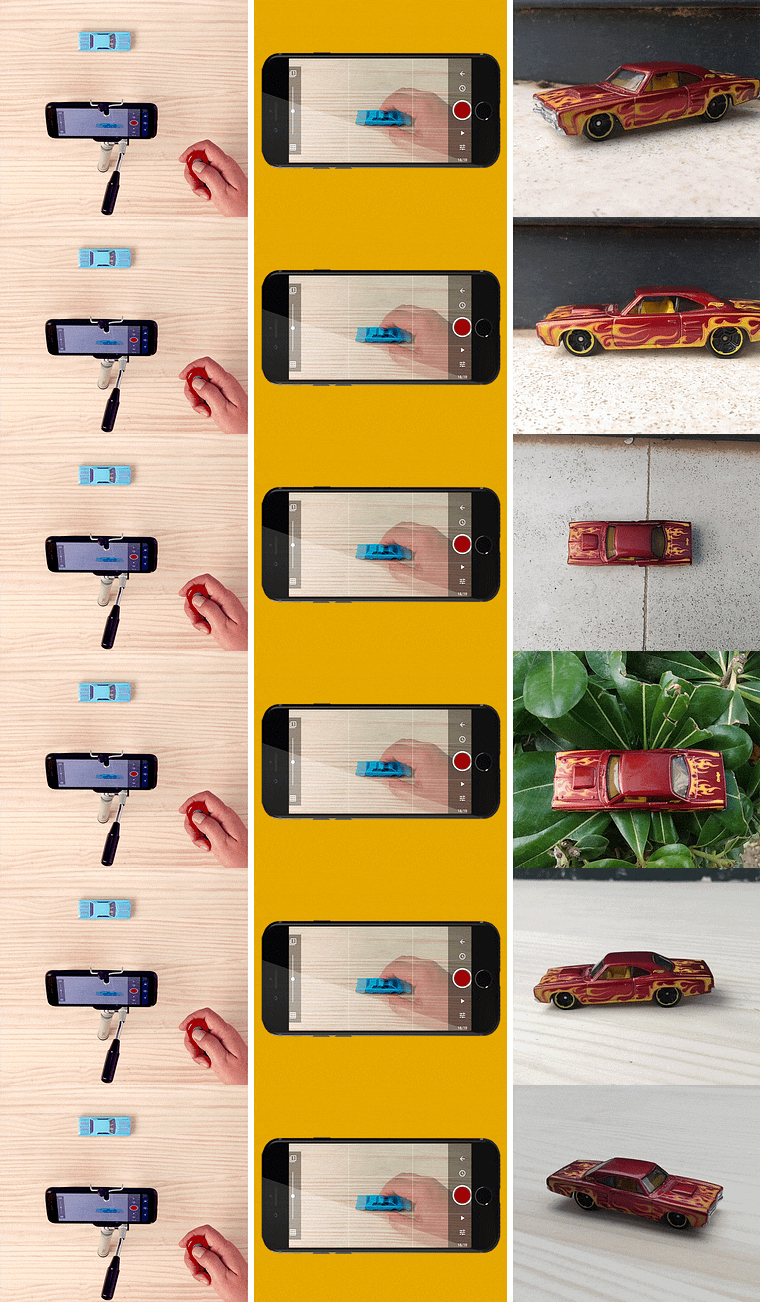
Projects by course students

Who is this online course for?
Anyone interested in stop motion as well as those wanting to learn to make uniquely entertaining videos to share on social media.
Requirements and materials
No previous knowledge is necessary for this course.
In terms of materials, all you need is a smartphone with the applications Stop Motion for animating and YouCut for editing.
Reviews
- 10 days ago
10/10
- 4 months ago
¡Un curso genial para principiantes!
- 5 months ago
o curso é excelente, de fácil compreensão e da pra seguir fazendo os exemplos juntos, para melhor aprendizagem. As recomendações e conteúdo são ótimos para ver depois de cada módulo. recomendo
- 6 months ago
muy interesante curso!
- 6 months ago
Explican con calma y argumentación. Me ha gustado hasta el momento. Recomendado.

He has composed the soundtracks to numerous shorts and three feature films. In 2007, he won the Goya Award for El Viaje de Saïd (2007), and in 2017 he was once again nominated for the award for the film Made in Spain (2016).
Lourdes Villagómez is an independent animation director and producer. She studied Experimental Animation at CalArts in LA and her work has been showcased at various festivals, and in museums and galleries around the world.
She has worked on projects for clients like Fundación Telefónica and the Reina Sofía museum, and was nominated for the 2008 Ariel award for her short Síndrome de Línea Blanca (2003).
In 2008, Lourdes Villagómez and Coke Riobóo founded the L.I.A (Laboratorio de Imagen Animada), a touring workshop teaching animation around the world.
Content
- U1
Introduction
- Presentation
- Influences
- U2
How animation works
- History of stop motion
- Materials
- Configuration and software
- Stop motion basics 1
- Stop motion basics 2
- U3
Stop motion animation techniques
- Preparing our set
- Animate with objects
- Animate people
- Timelapse
- U4
The final touch
- Search for inspiration
- Scene planning
- Scene animation
- Editing and audio
- Share our work
- FP
Final project
- Stop motion: create animations with your smartphone
What to expect from a Domestika course
Learn at your own pace
Enjoy learning from home without a set schedule and with an easy-to-follow method. You set your own pace.
Learn from the best professionals
Learn valuable methods and techniques explained by top experts in the creative sector.
Meet expert teachers
Each expert teaches what they do best, with clear guidelines, true passion, and professional insight in every lesson.
Certificates
PLUSIf you're a Plus member, get a custom certificate signed by your teacher for every course. Share it on your portfolio, social media, or wherever you like.
Get front-row seats
Videos of the highest quality, so you don't miss a single detail. With unlimited access, you can watch them as many times as you need to perfect your technique.
Share knowledge and ideas
Ask questions, request feedback, or offer solutions. Share your learning experience with other students in the community who are as passionate about creativity as you are.
Connect with a global creative community
The community is home to millions of people from around the world who are curious and passionate about exploring and expressing their creativity.
Watch professionally produced courses
Domestika curates its teacher roster and produces every course in-house to ensure a high-quality online learning experience.
FAQs
You’ll learn how to create stop motion animations using your smartphone—from planning scenes, modeling characters and objects, lighting techniques, to editing and sharing your projects on social media.
The course is aimed at those with intermediate animation knowledge, but it also explains basic concepts for beginners with little stop motion experience.
You’ll need a smartphone with a camera, animation and editing apps, clay, wire, scissors, adhesives, recycled materials, and a stable surface to set up your animation workspace.
The course teaches you how to capture frame-by-frame images, stabilize your phone, and use apps like Stop Motion Studio to edit, add effects, and export your animation directly from your smartphone.
You’ll learn how to use natural and artificial lighting to avoid unwanted shadows, create mood, and boost the visual quality of your stop motion animations.
Yes, the course includes hands-on practice animating everyday objects, clay figures, and characters made from recycled materials, along with techniques to bring them to life and give them personality.
The course recommends and teaches how to use apps like Stop Motion Studio, FlipaClip for editing, and BandLab for mixing audio in your animations.